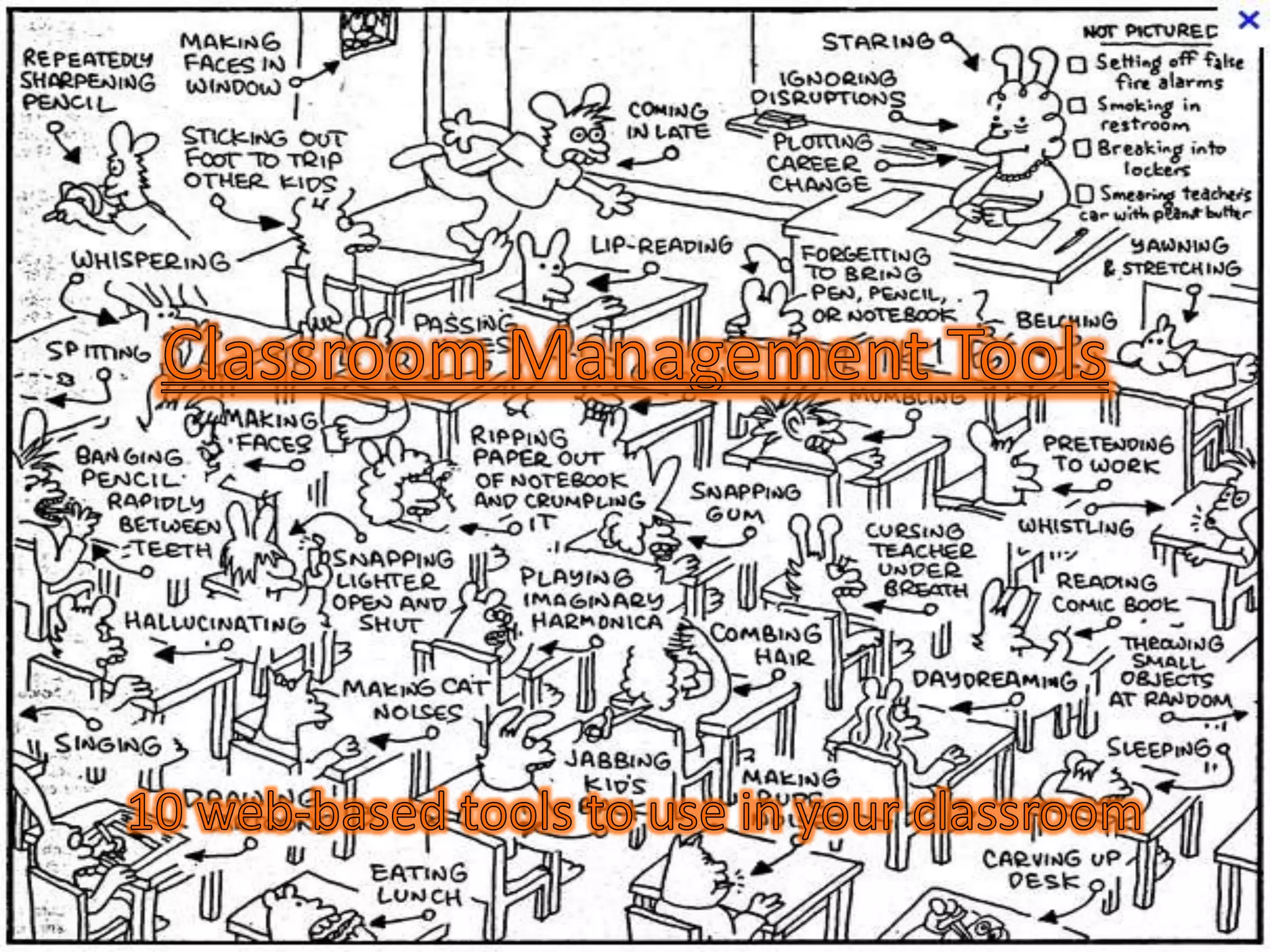
What is classroom management?

Classroom management is all of the things that a teacher
does to organize students, space, time, and materials so
that instruction in content and learning can take place
(Wong, 1991).


The First Days of School : How to Be an Effective Teacher by Rosemary T. Wong and
Harry K. Wong
1) Class Dojo
        http://www.classdojo.com/
• Class Dojo is a behavior management program that is
  offered online and it is free.
• Teachers can easily award positive (and negative)
  points for behavior in class in real-time.
• The program gives teachers a behavior-tracking system
  that provides reports that can be shared with parent
  and administrators.


Directions for how to use:
http://itbabble.com/2011/10/23/class-dojo-a-review/
2) Timers

• Timers are great for giving extra structure to a
  lesson. Whether for transition time, classwork
  time, or even a provided break, timers keep the
  teacher and students on track.

• Timers with Music       Classtools.net
• Various Timers          online-stopwatch.com
3) Student Selector (Name Generator)
• Put away the old popsicle stick technique.
  These sites provide an easy way to randomly
  select a student from your class.
• Some setup is required, but once students
  have been entered sit back and watch the
  computer do the work.
www.barryfunenglish.com/tools.php
Random Student Selector
Dartboard Student Selector
4) Google Forms
• Easy way to get data or keep records in a convenient
  format.
drive.google.com

1) Keep track of logs and contacts
Discipline Form
Parent Contact

2) Create a spreadsheet with student/parent
  information
Student Information Form
5) Seating Chart
• Great program to help create a seating chart.
  You can move students manually or can have
  the program randomly seat the students.

Instant Classroom at superteacher.com
                  (also has other great tools)
6) Awards and Certificates
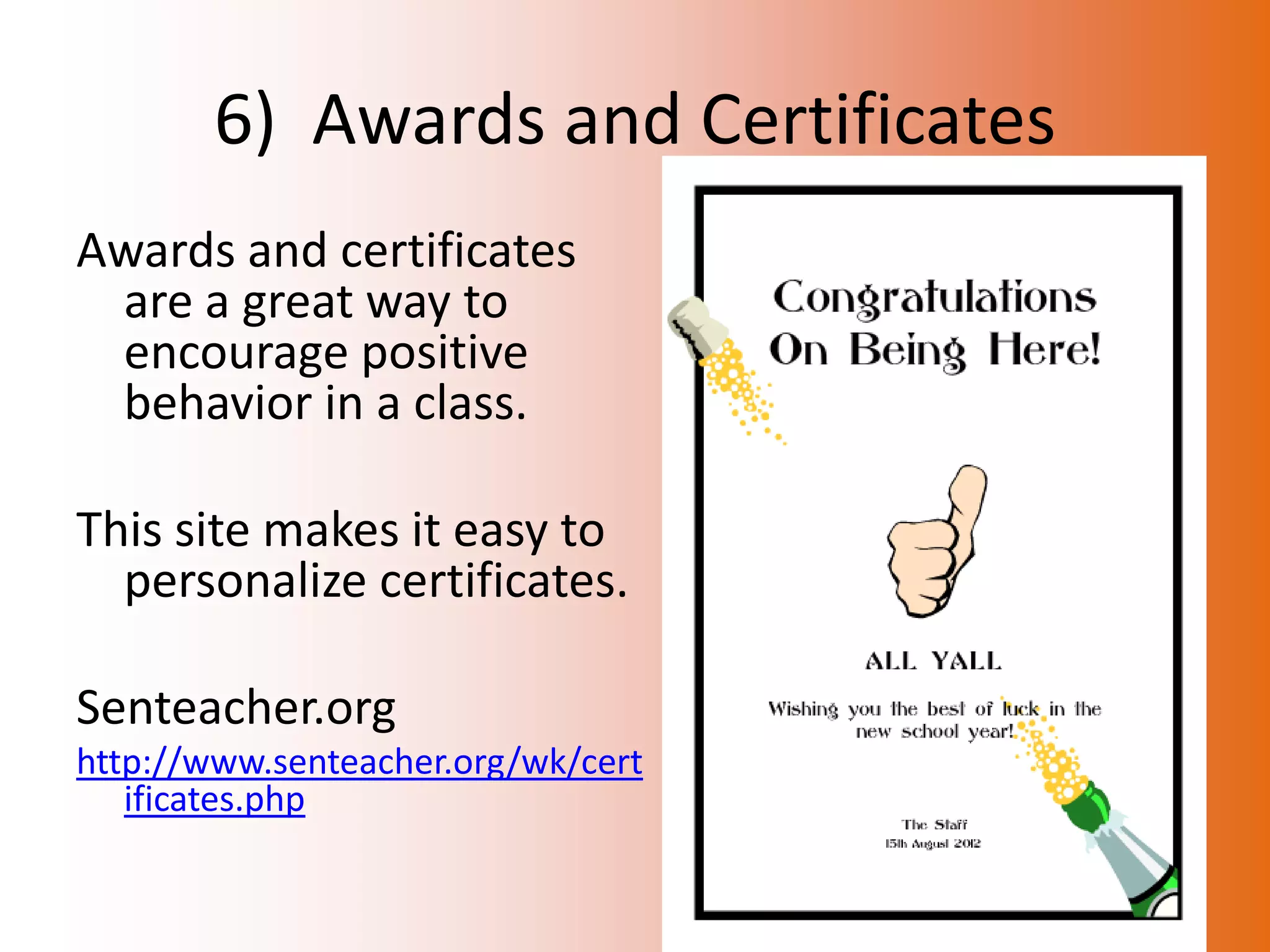
Awards and certificates
 are a great way to
 encourage positive
 behavior in a class.

This site makes it easy to
  personalize certificates.

Senteacher.org
http://www.senteacher.org/wk/cert
   ificates.php
7) Screenleap.com
• Share your screen with others so that they can
  feel more involved with the class.
• Students can also be asked to share the screen
  so that you can look into what they are doing.

(Not recommended for video since it is very jumpy.)


www.screenleap.com
8) Drop it to me
• Forget those jump drives being passed around
  the room in a hurry at the end of a project.
  Using dropittome, students can instantly send
  work to your dropbox account. No email or
  login is necessary for students.

http://www.dropitto.me/jonesa2
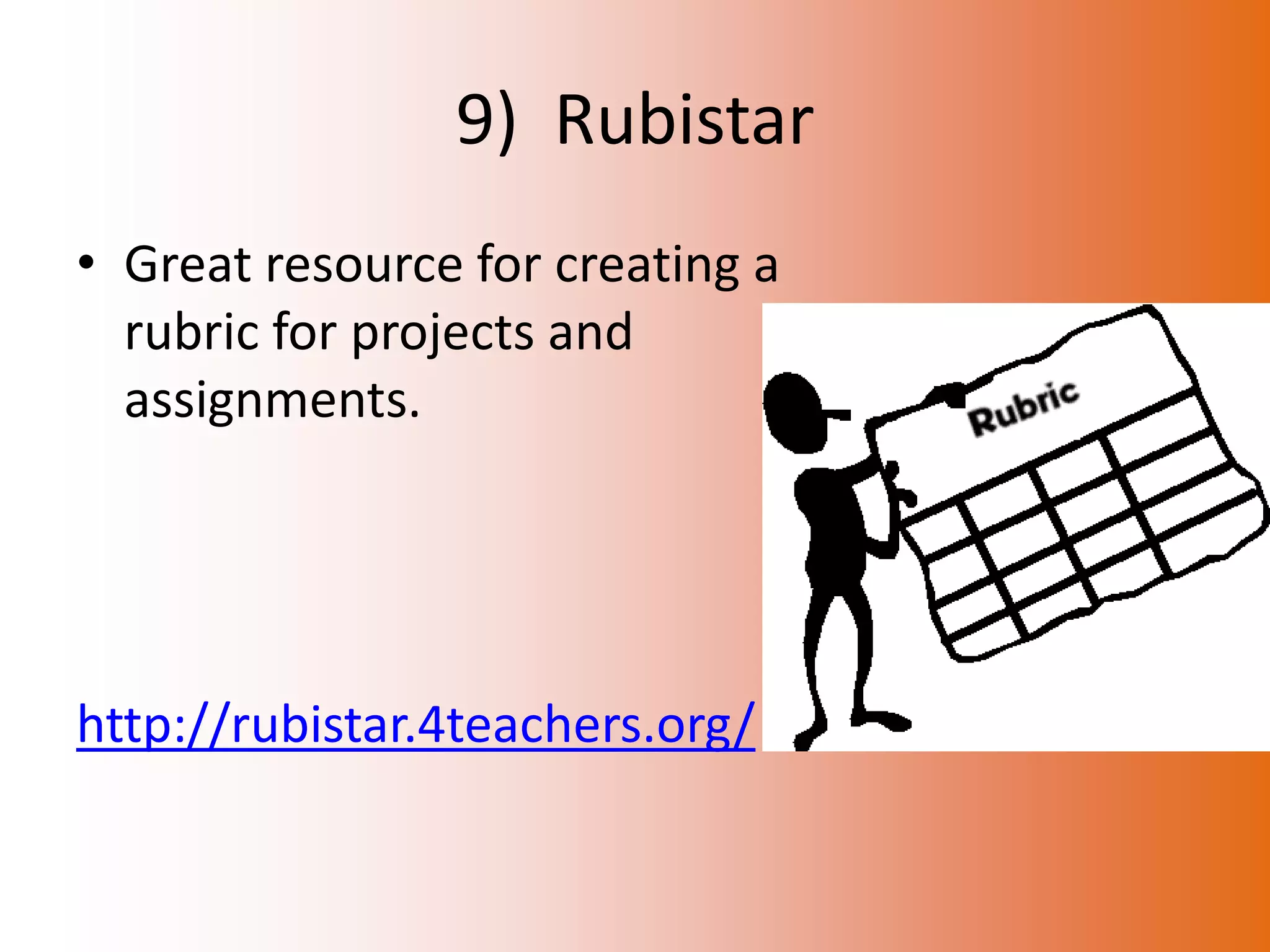
9) Rubistar
• Great resource for creating a
  rubric for projects and
  assignments.


http://rubistar.4teachers.org/
10) Noise Meter
• Tired of telling your students that they are
  being to loud. Let this program show them
  when they are getting to “excited” about your
  lesson.


http://www.ictgames.com/calmCounter.html
QUESTIONS?

Classroom management tools public

  • 2.
    What is classroommanagement? Classroom management is all of the things that a teacher does to organize students, space, time, and materials so that instruction in content and learning can take place (Wong, 1991). The First Days of School : How to Be an Effective Teacher by Rosemary T. Wong and Harry K. Wong
  • 3.
    1) Class Dojo http://www.classdojo.com/ • Class Dojo is a behavior management program that is offered online and it is free. • Teachers can easily award positive (and negative) points for behavior in class in real-time. • The program gives teachers a behavior-tracking system that provides reports that can be shared with parent and administrators. Directions for how to use: http://itbabble.com/2011/10/23/class-dojo-a-review/
  • 4.
    2) Timers • Timersare great for giving extra structure to a lesson. Whether for transition time, classwork time, or even a provided break, timers keep the teacher and students on track. • Timers with Music Classtools.net • Various Timers online-stopwatch.com
  • 5.
    3) Student Selector(Name Generator) • Put away the old popsicle stick technique. These sites provide an easy way to randomly select a student from your class. • Some setup is required, but once students have been entered sit back and watch the computer do the work. www.barryfunenglish.com/tools.php Random Student Selector Dartboard Student Selector
  • 6.
    4) Google Forms •Easy way to get data or keep records in a convenient format. drive.google.com 1) Keep track of logs and contacts Discipline Form Parent Contact 2) Create a spreadsheet with student/parent information Student Information Form
  • 7.
    5) Seating Chart •Great program to help create a seating chart. You can move students manually or can have the program randomly seat the students. Instant Classroom at superteacher.com (also has other great tools)
  • 8.
    6) Awards andCertificates Awards and certificates are a great way to encourage positive behavior in a class. This site makes it easy to personalize certificates. Senteacher.org http://www.senteacher.org/wk/cert ificates.php
  • 9.
    7) Screenleap.com • Shareyour screen with others so that they can feel more involved with the class. • Students can also be asked to share the screen so that you can look into what they are doing. (Not recommended for video since it is very jumpy.) www.screenleap.com
  • 10.
    8) Drop itto me • Forget those jump drives being passed around the room in a hurry at the end of a project. Using dropittome, students can instantly send work to your dropbox account. No email or login is necessary for students. http://www.dropitto.me/jonesa2
  • 11.
    9) Rubistar • Greatresource for creating a rubric for projects and assignments. http://rubistar.4teachers.org/
  • 12.
    10) Noise Meter •Tired of telling your students that they are being to loud. Let this program show them when they are getting to “excited” about your lesson. http://www.ictgames.com/calmCounter.html
  • 13.