CIS222-2
  Introduction to UNIX/Linux

#2 - Virtualization, BIOS, Linux install

            Russ Ferriday
          russf@topia.com
           (805) 910 7877
Class outline

1. Complete Wednesday’s lab
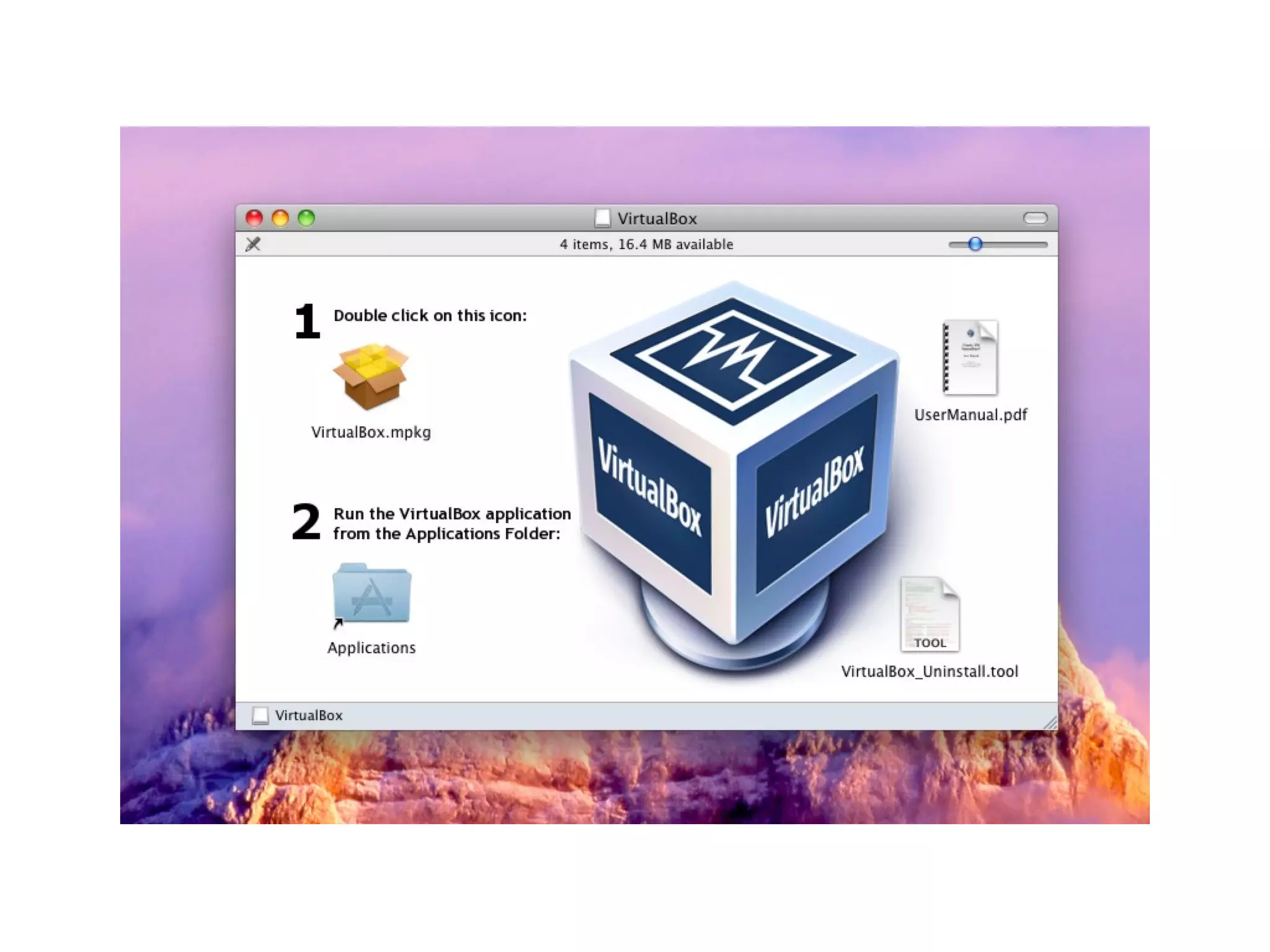
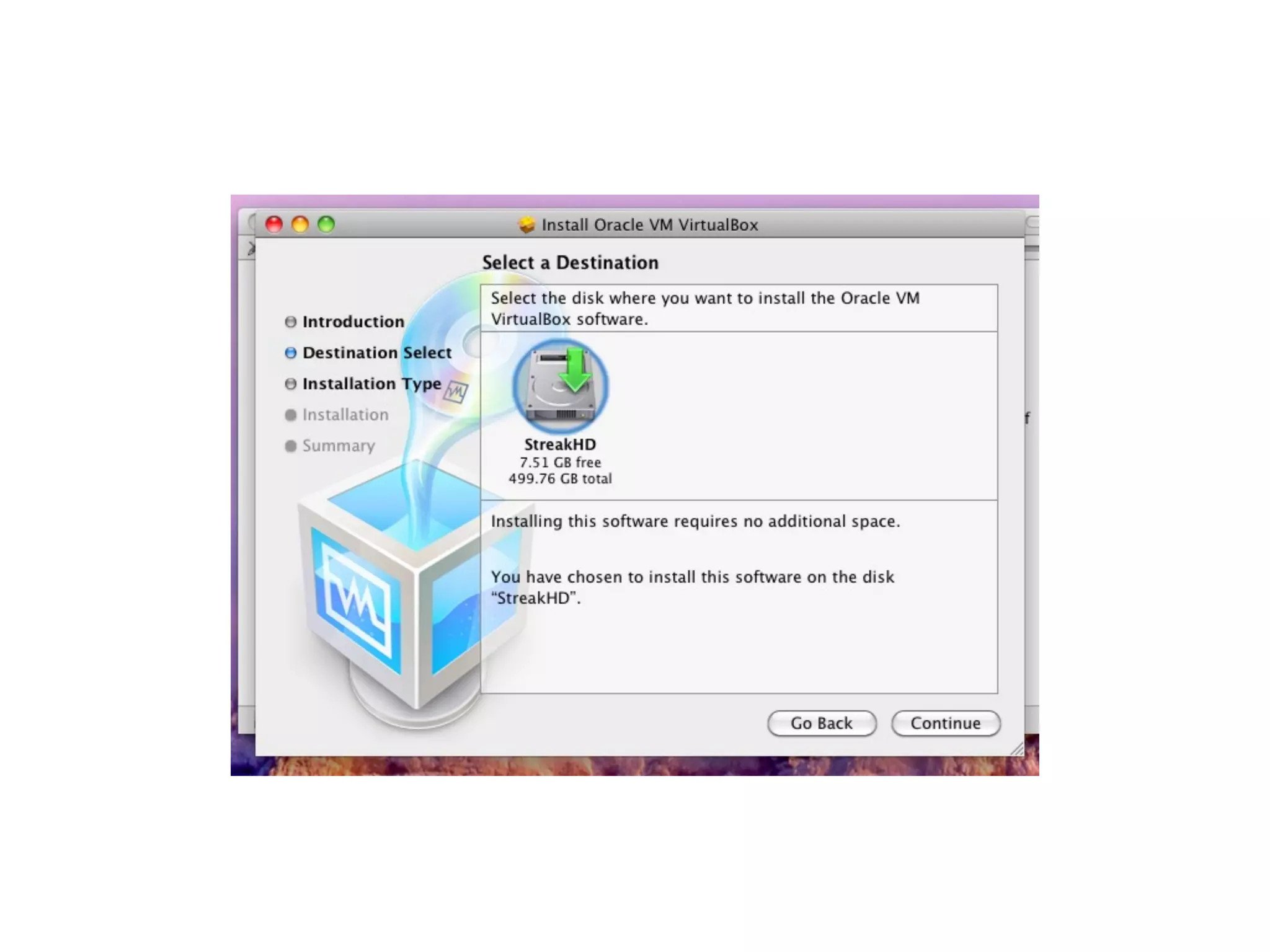
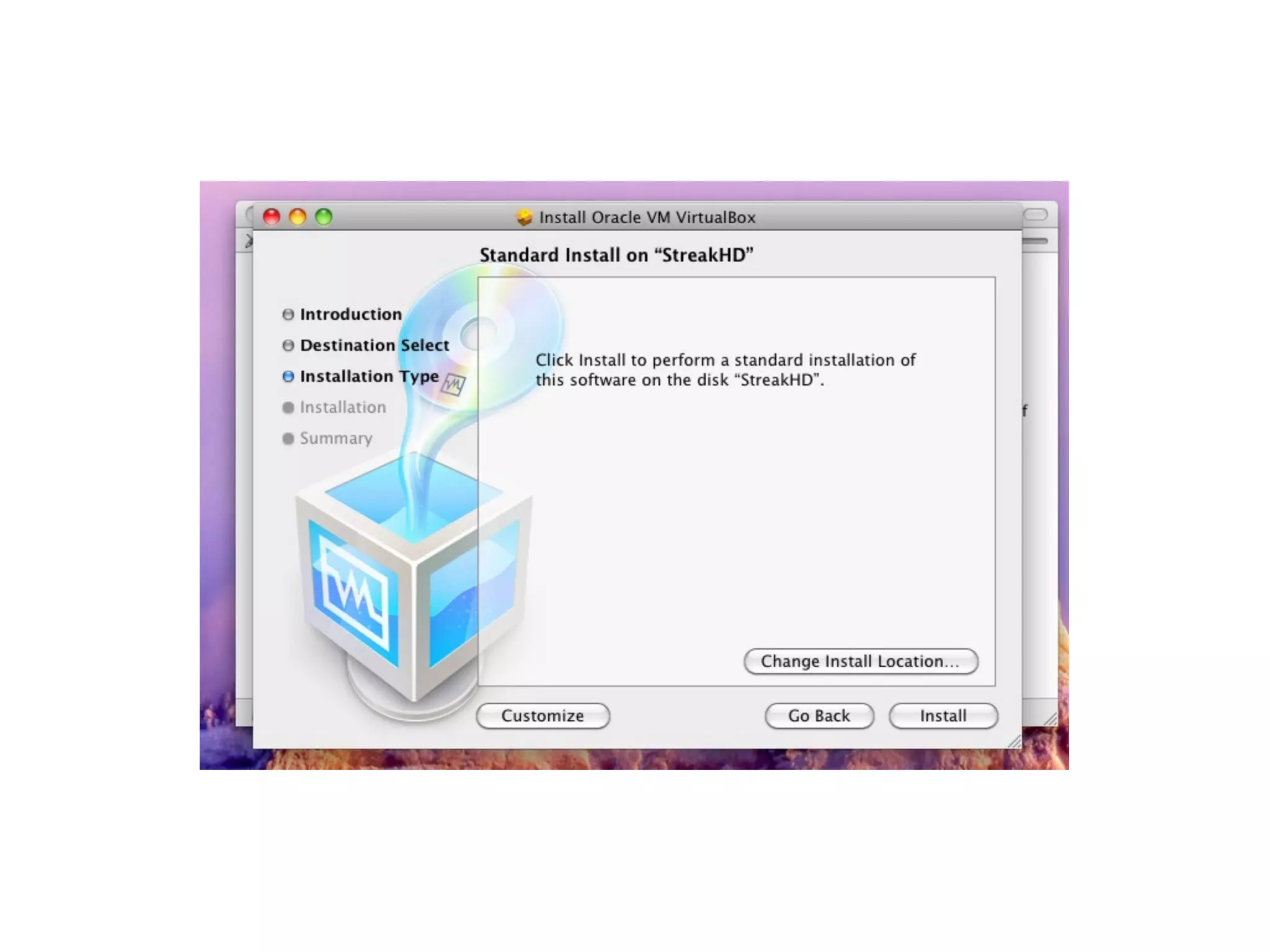
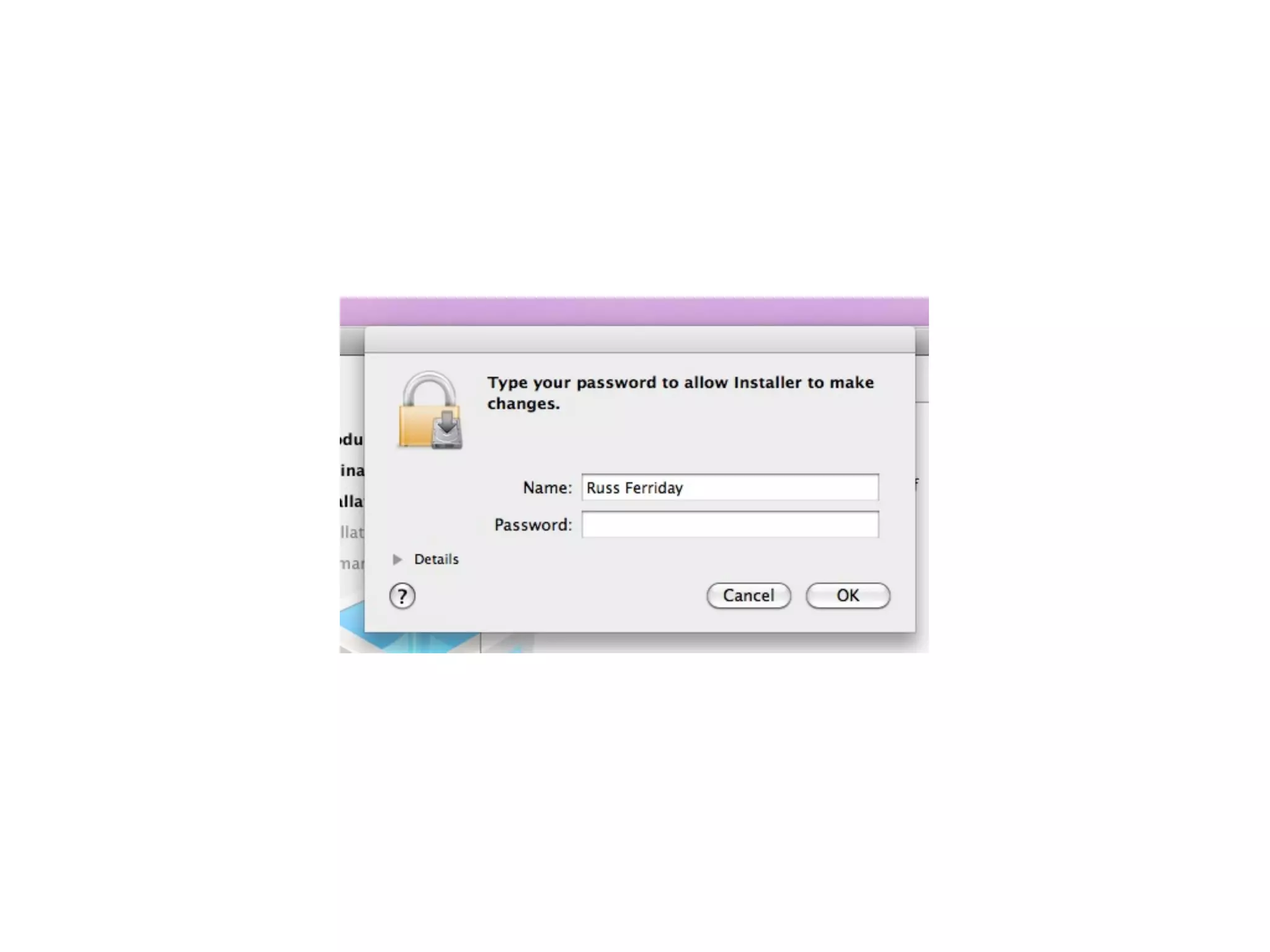
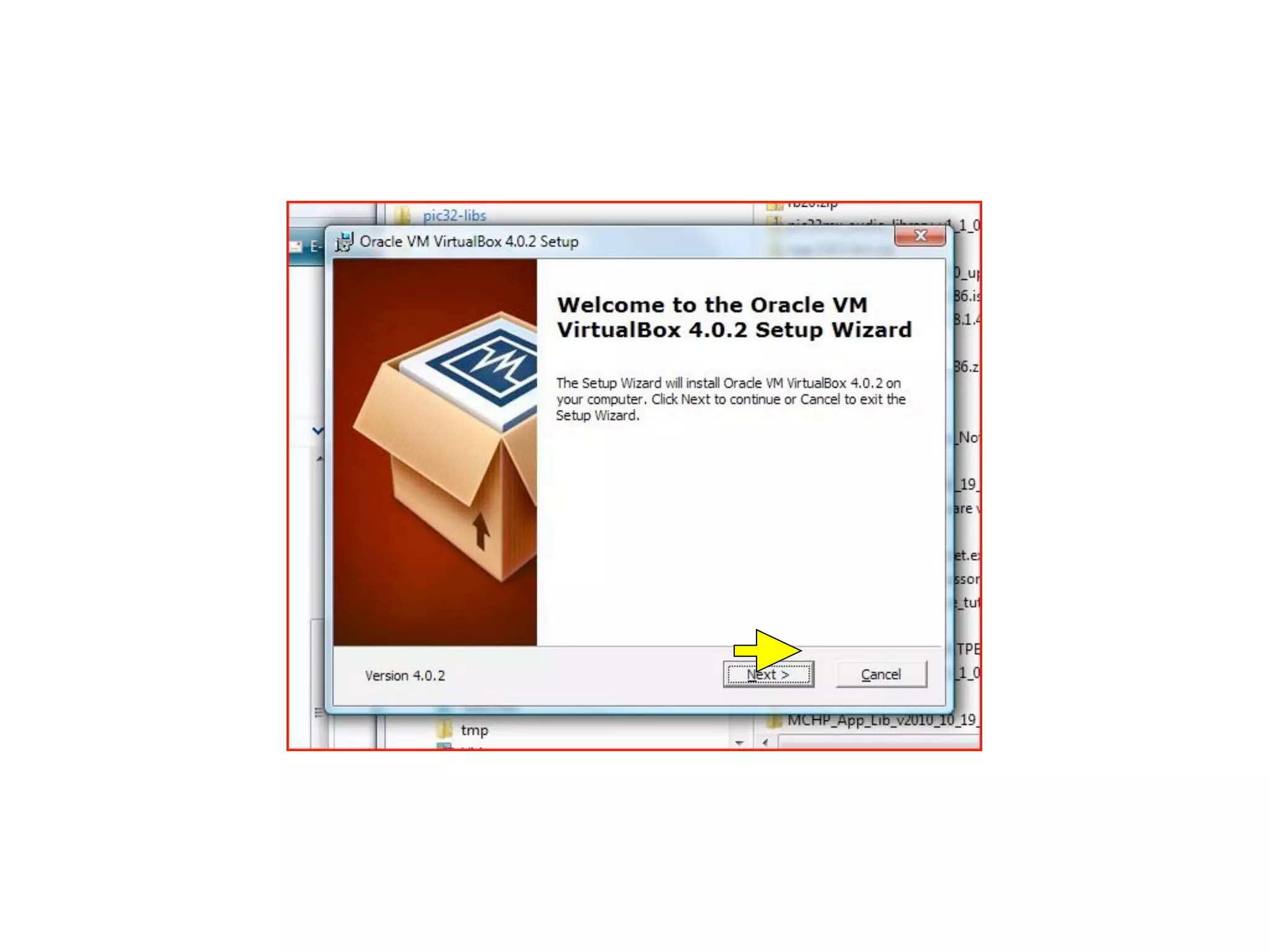
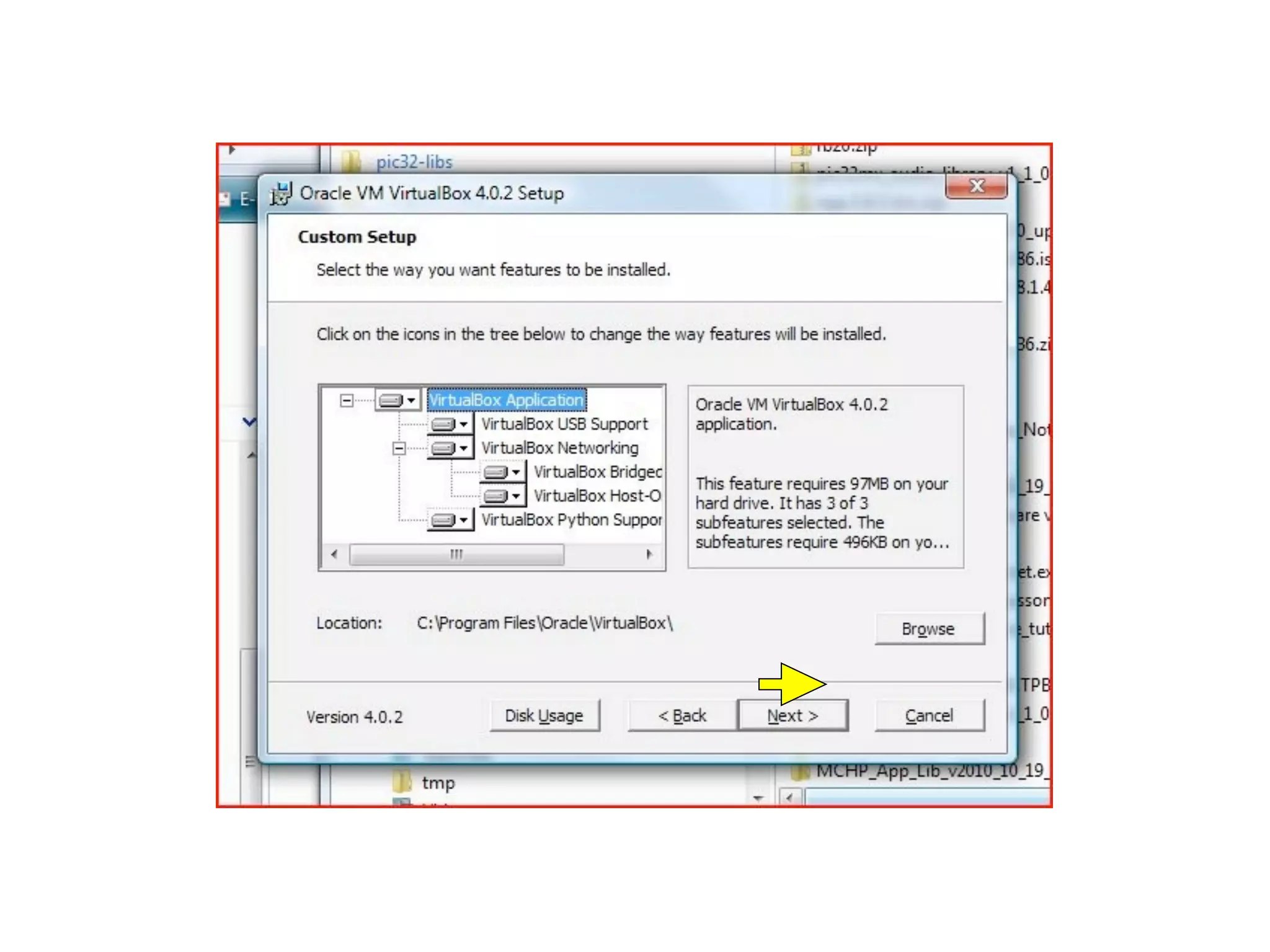
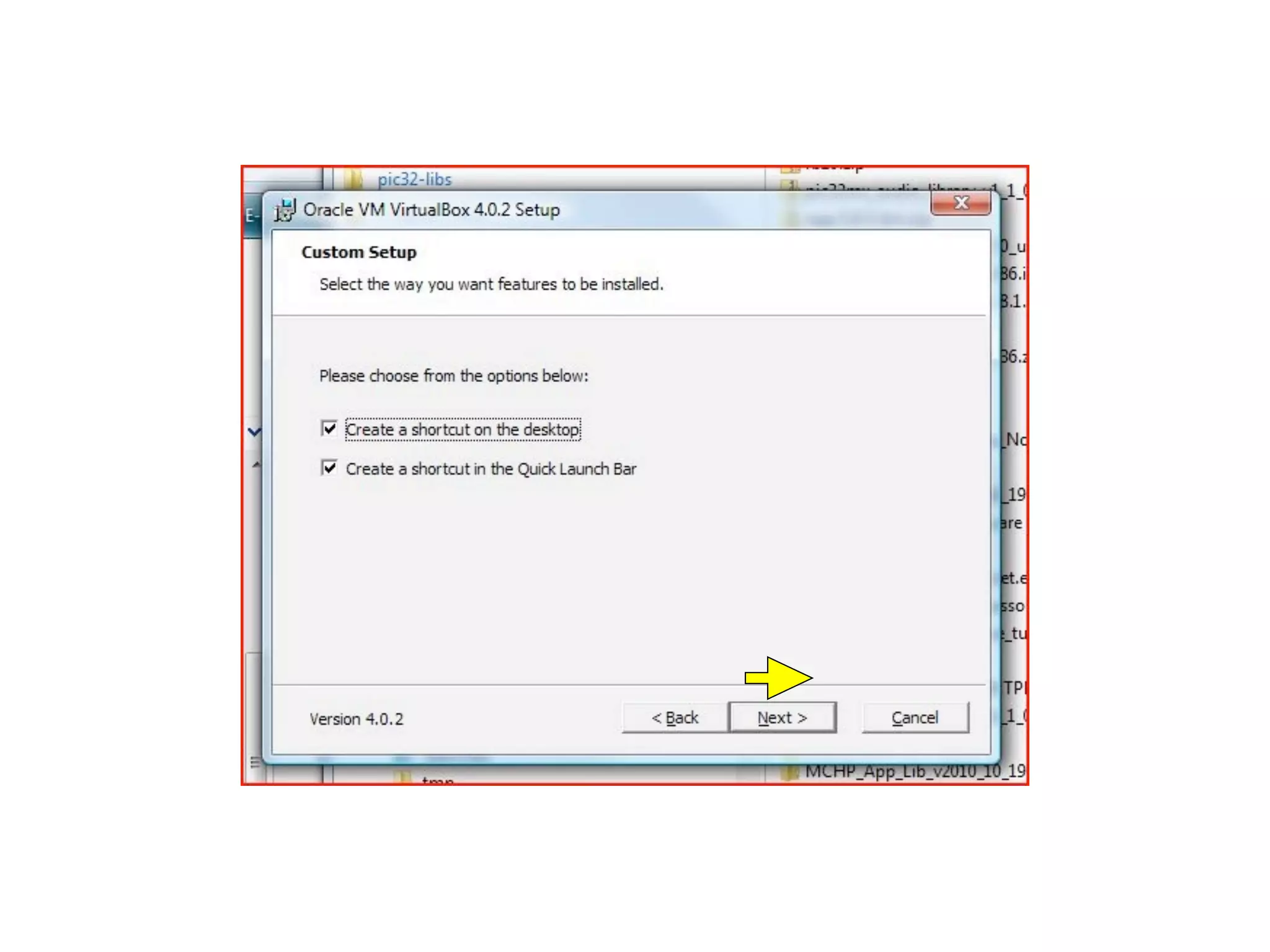
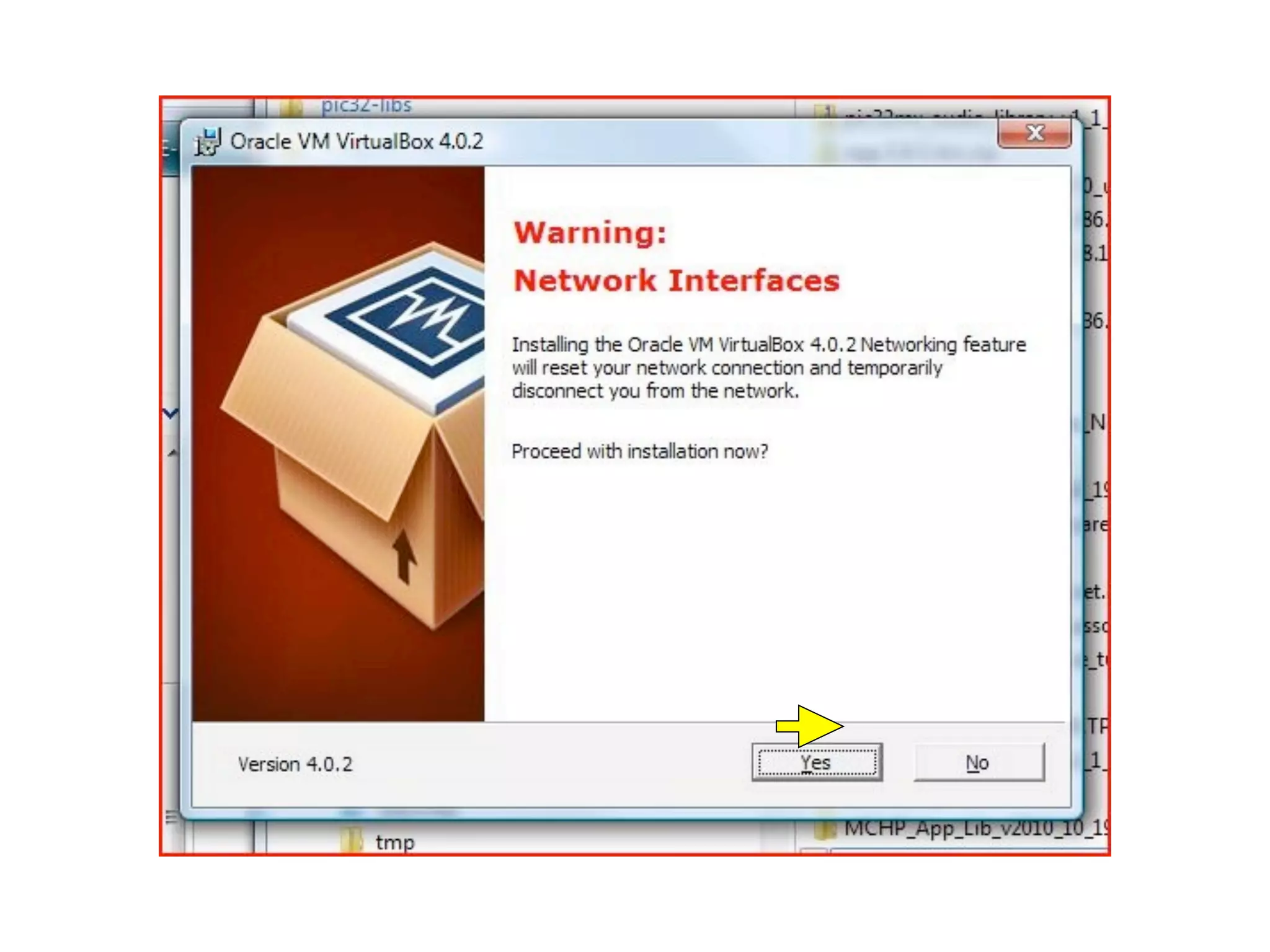
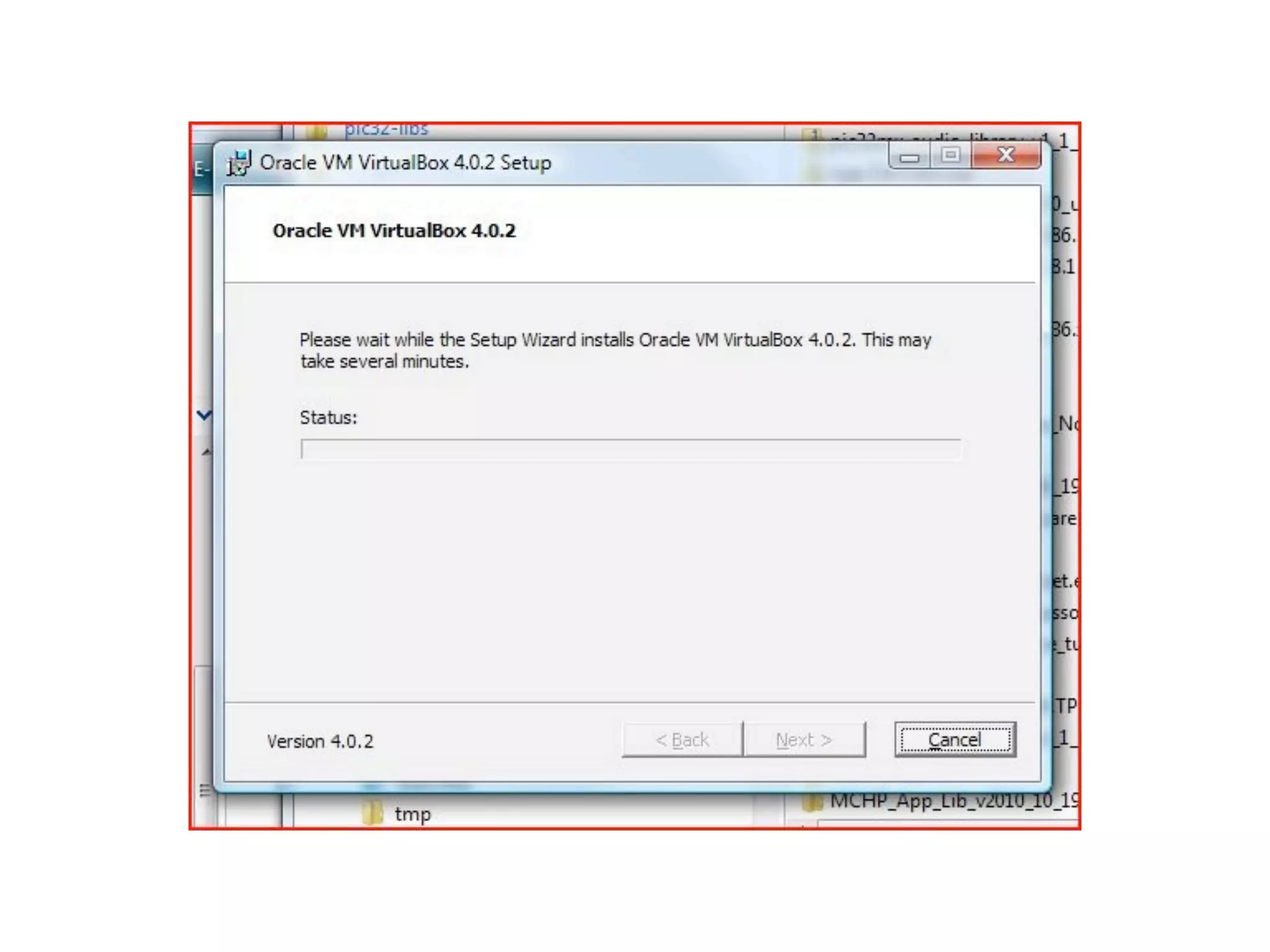
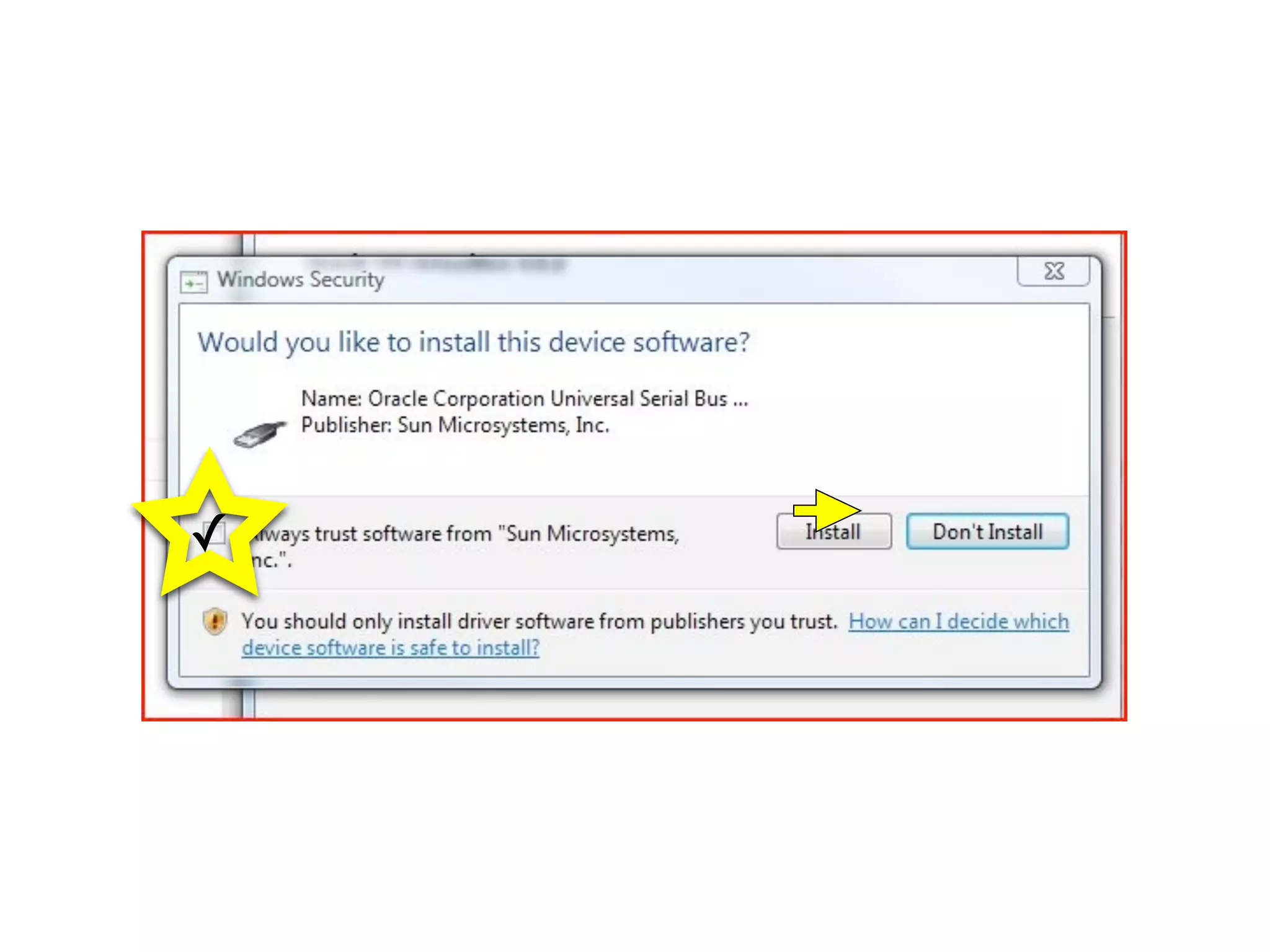
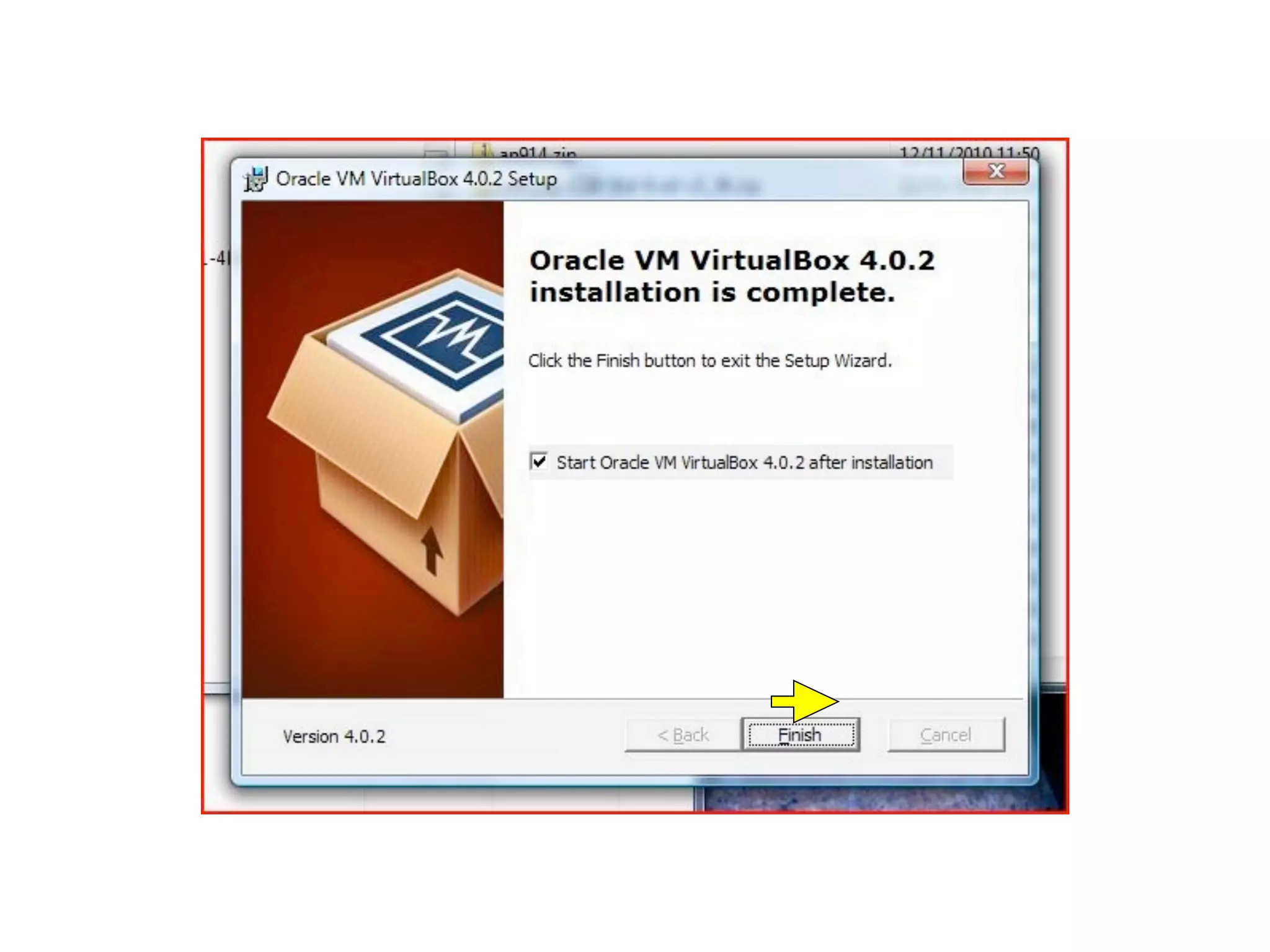
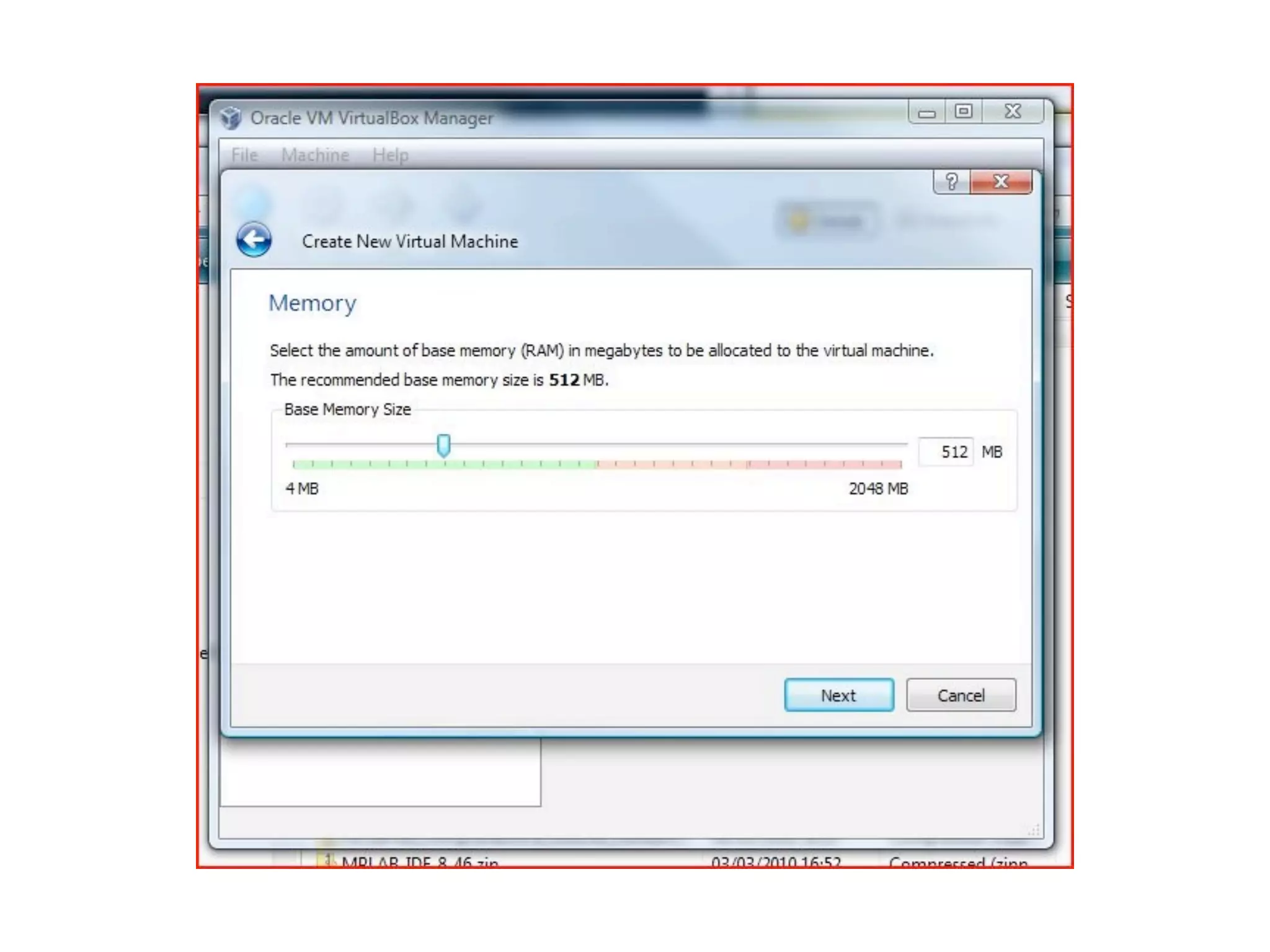
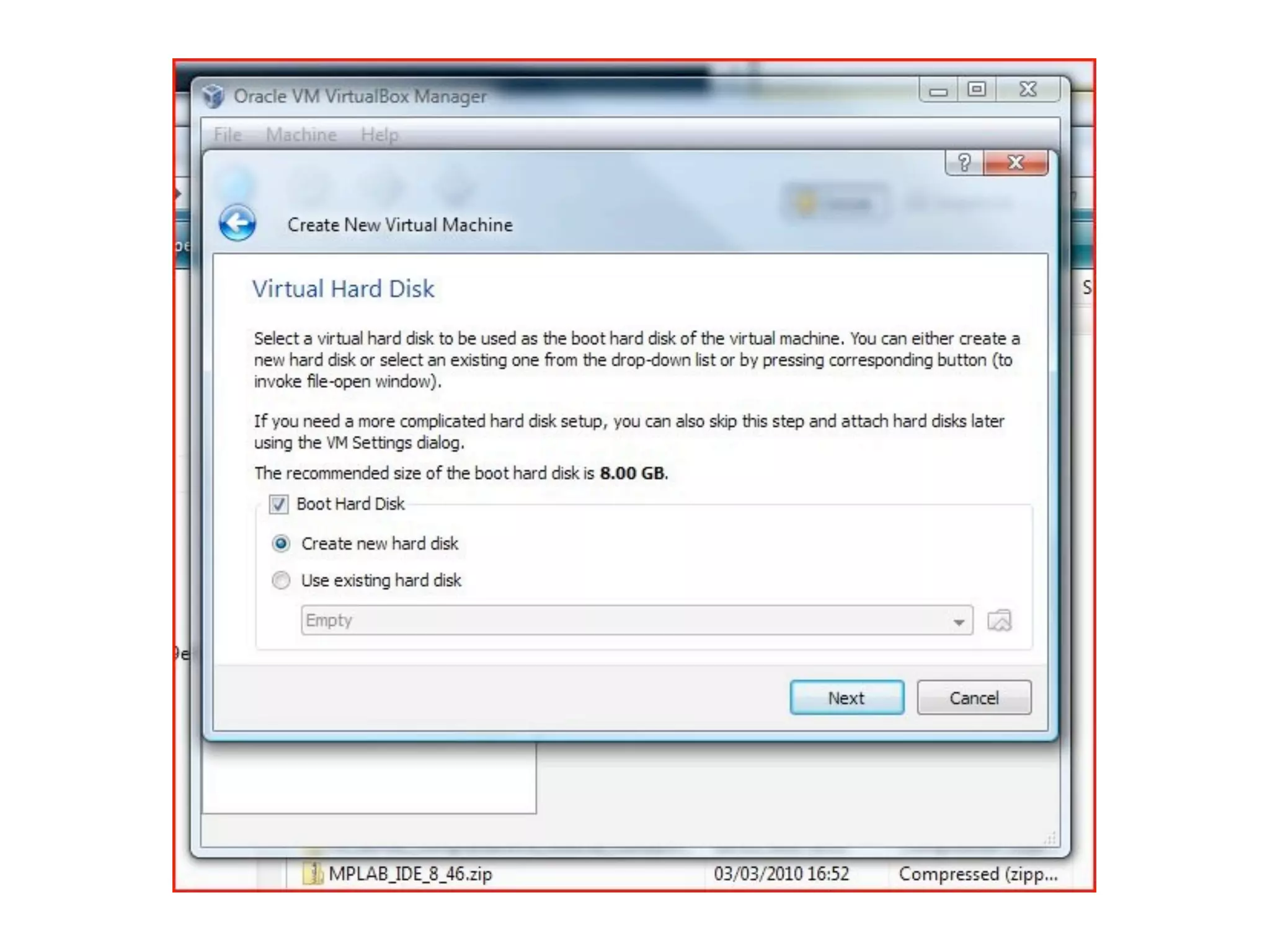
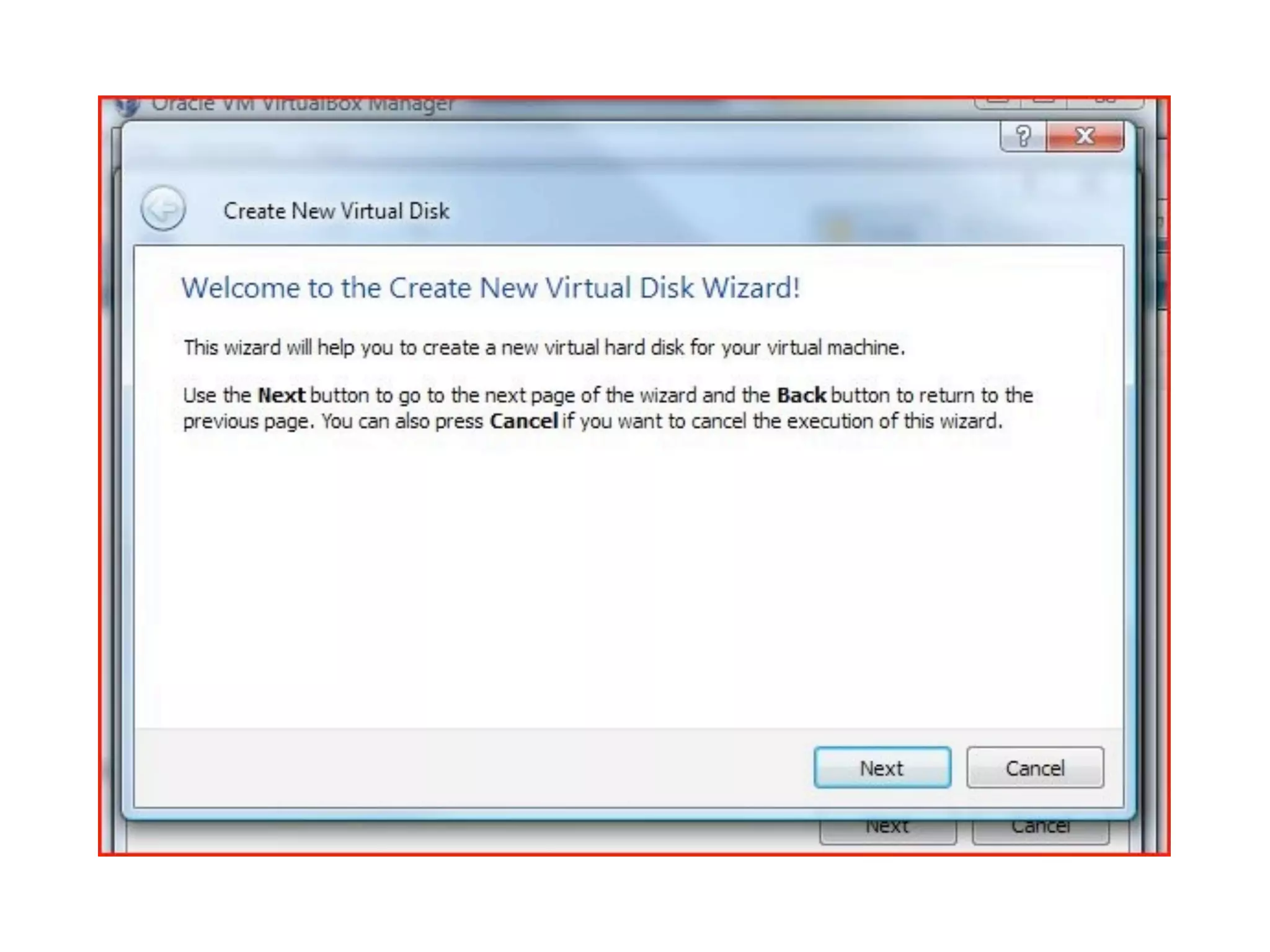
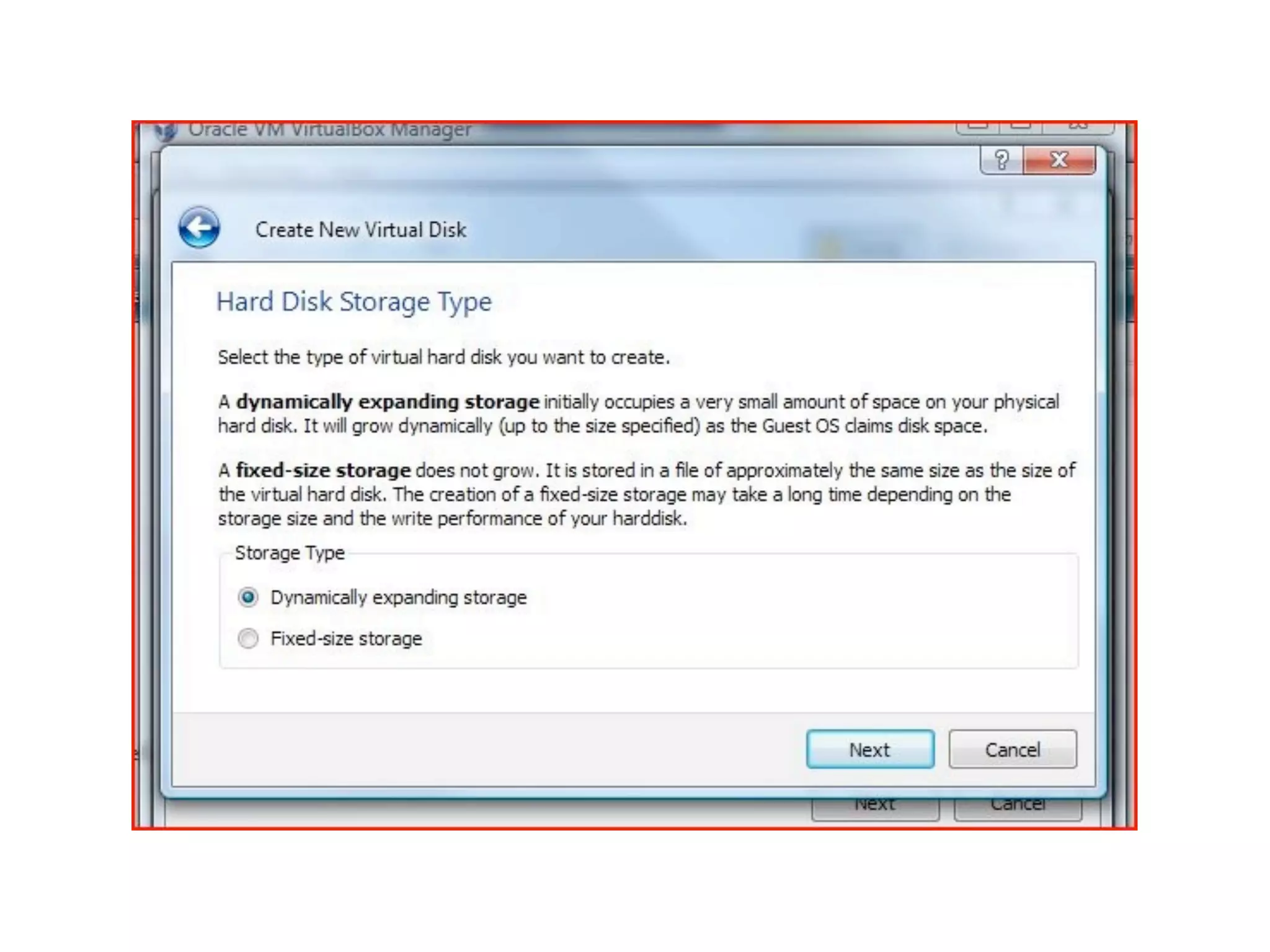
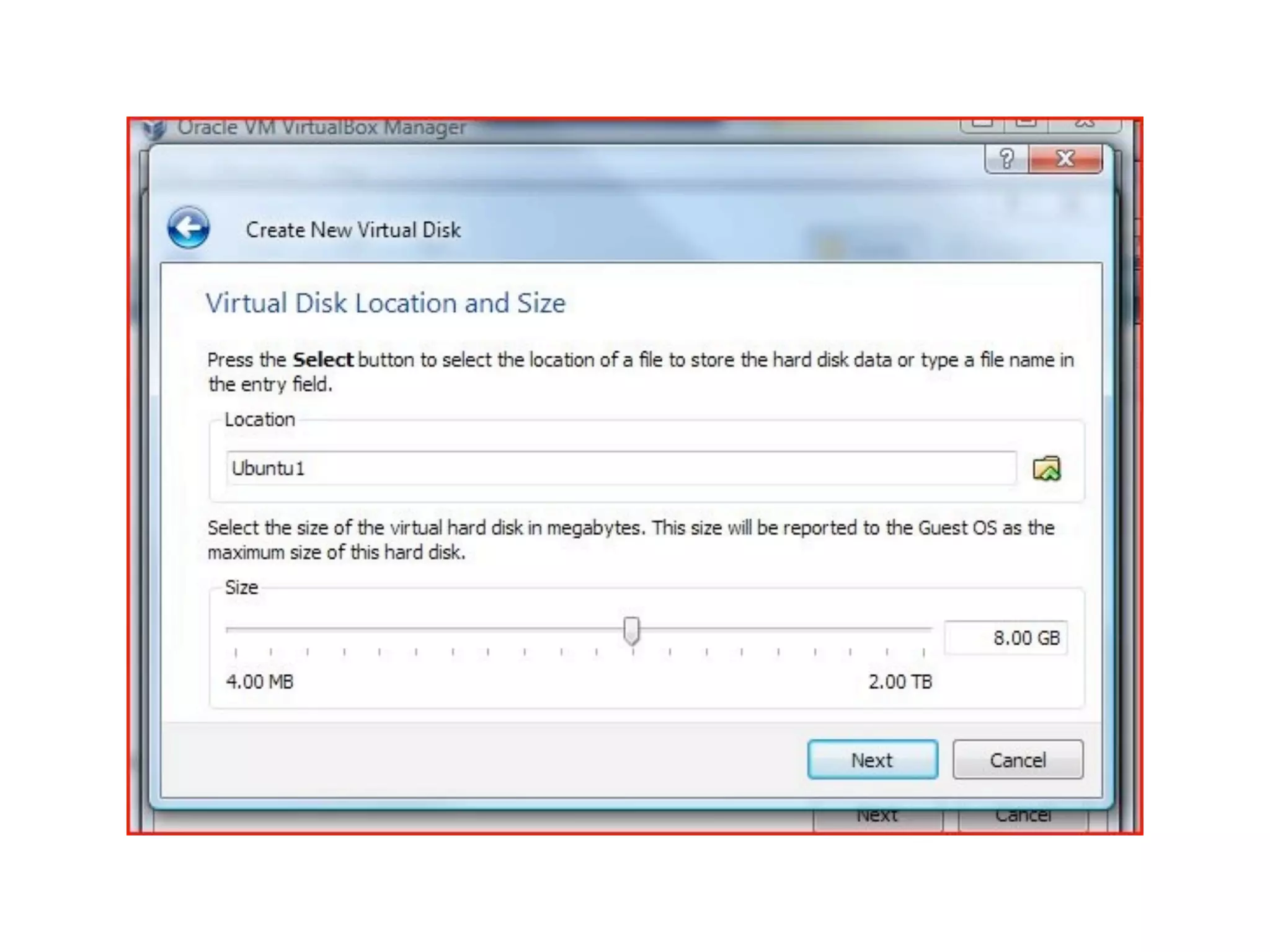
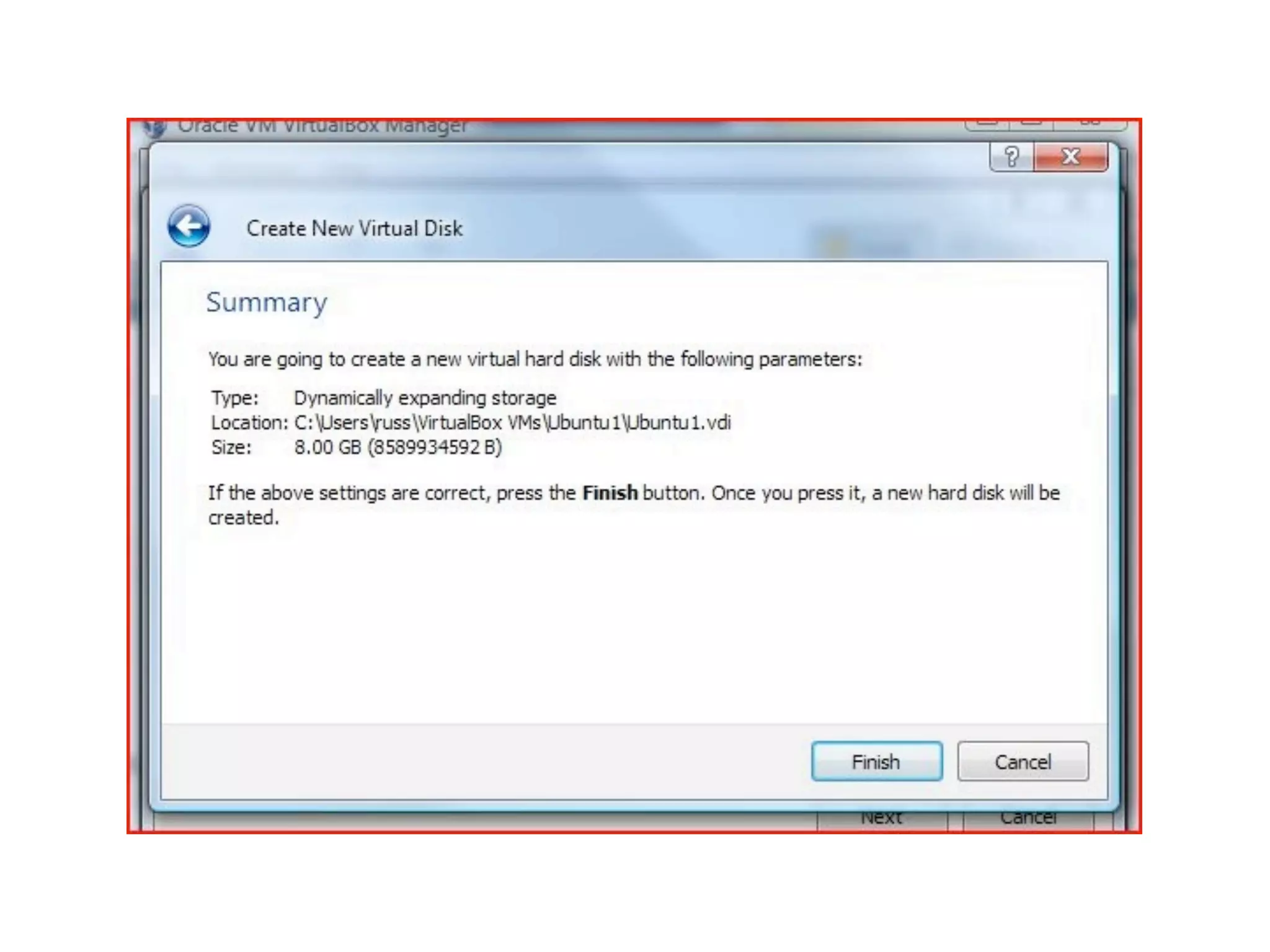
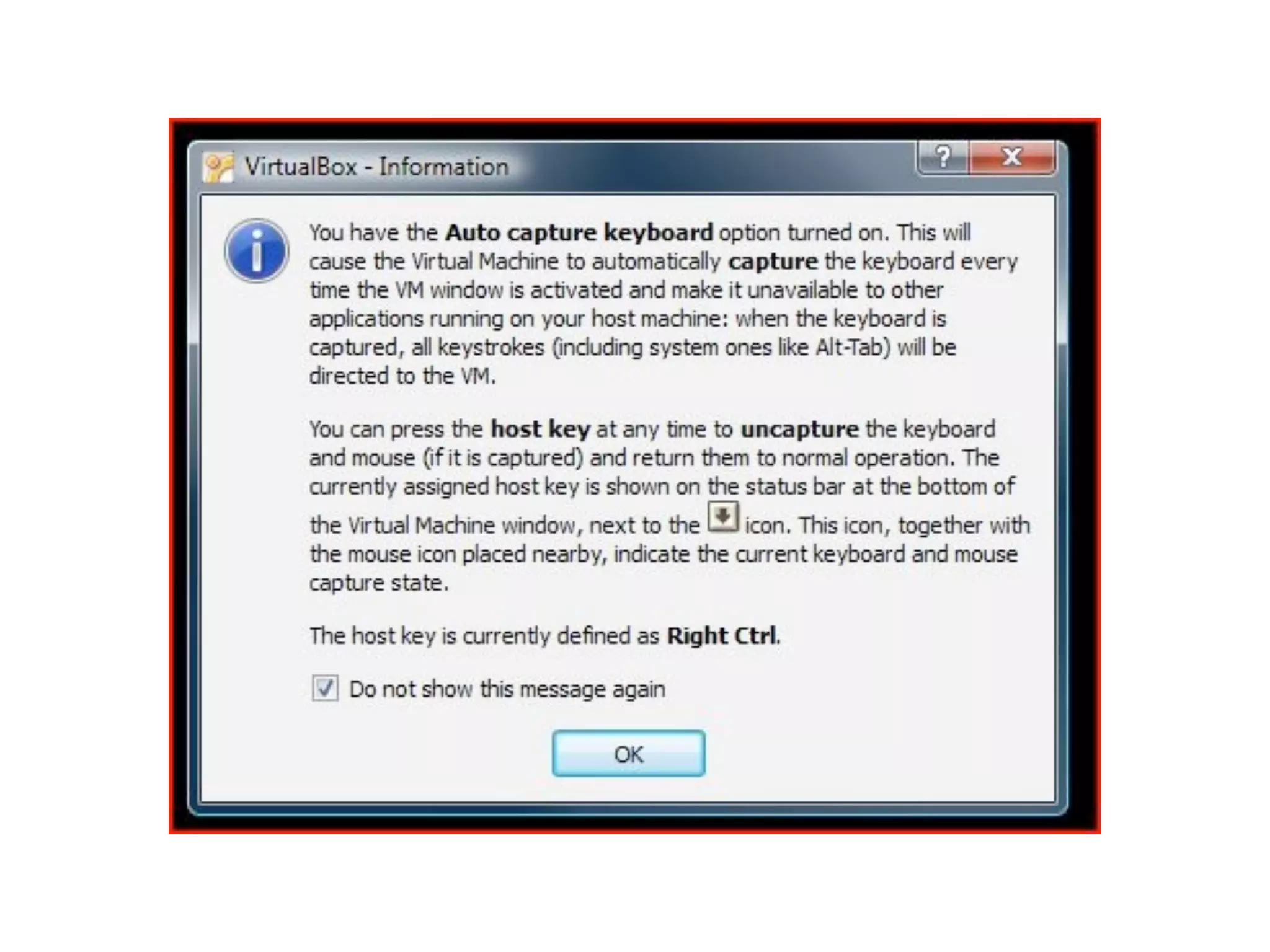
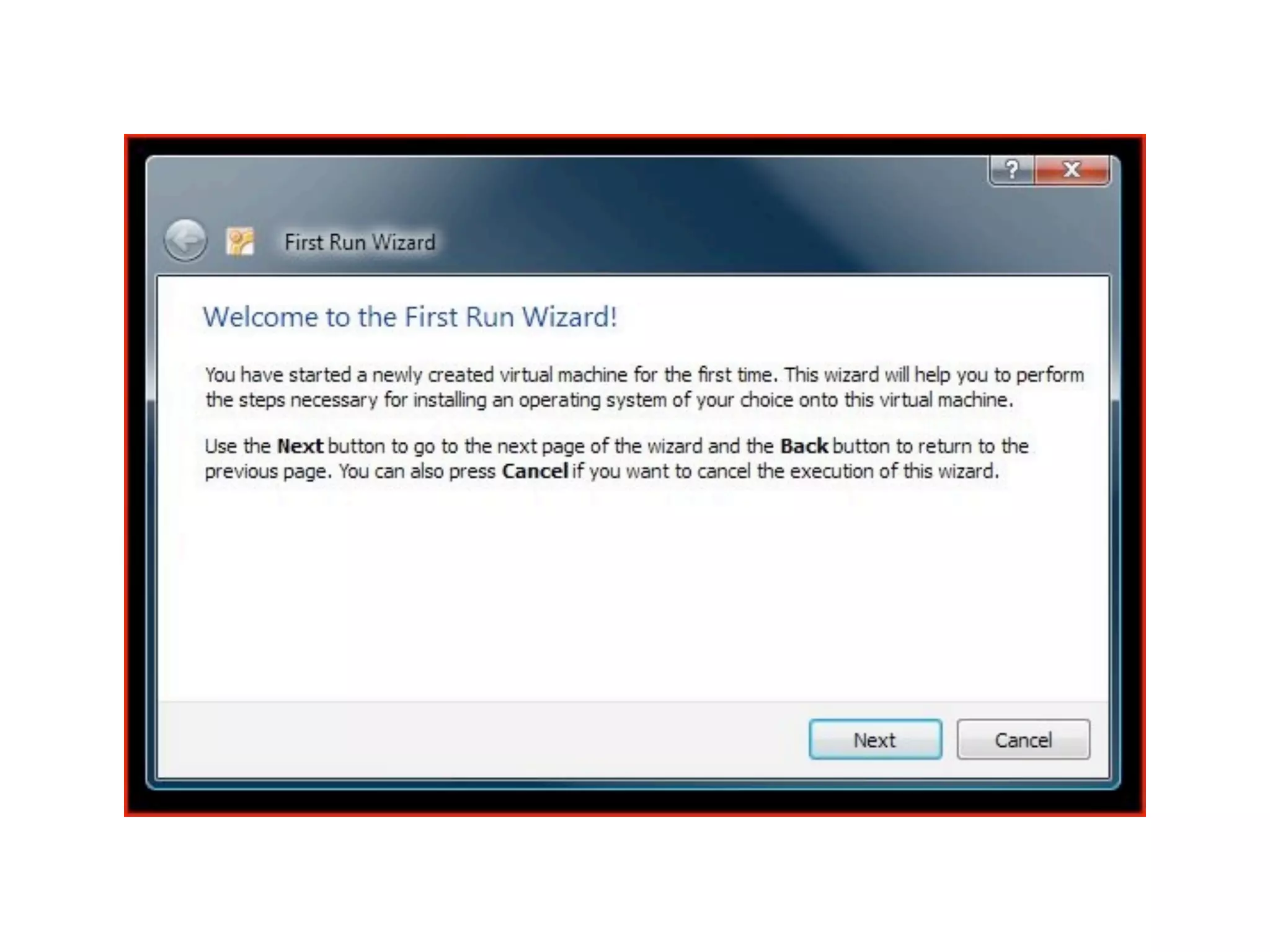
2. Install Virtualbox
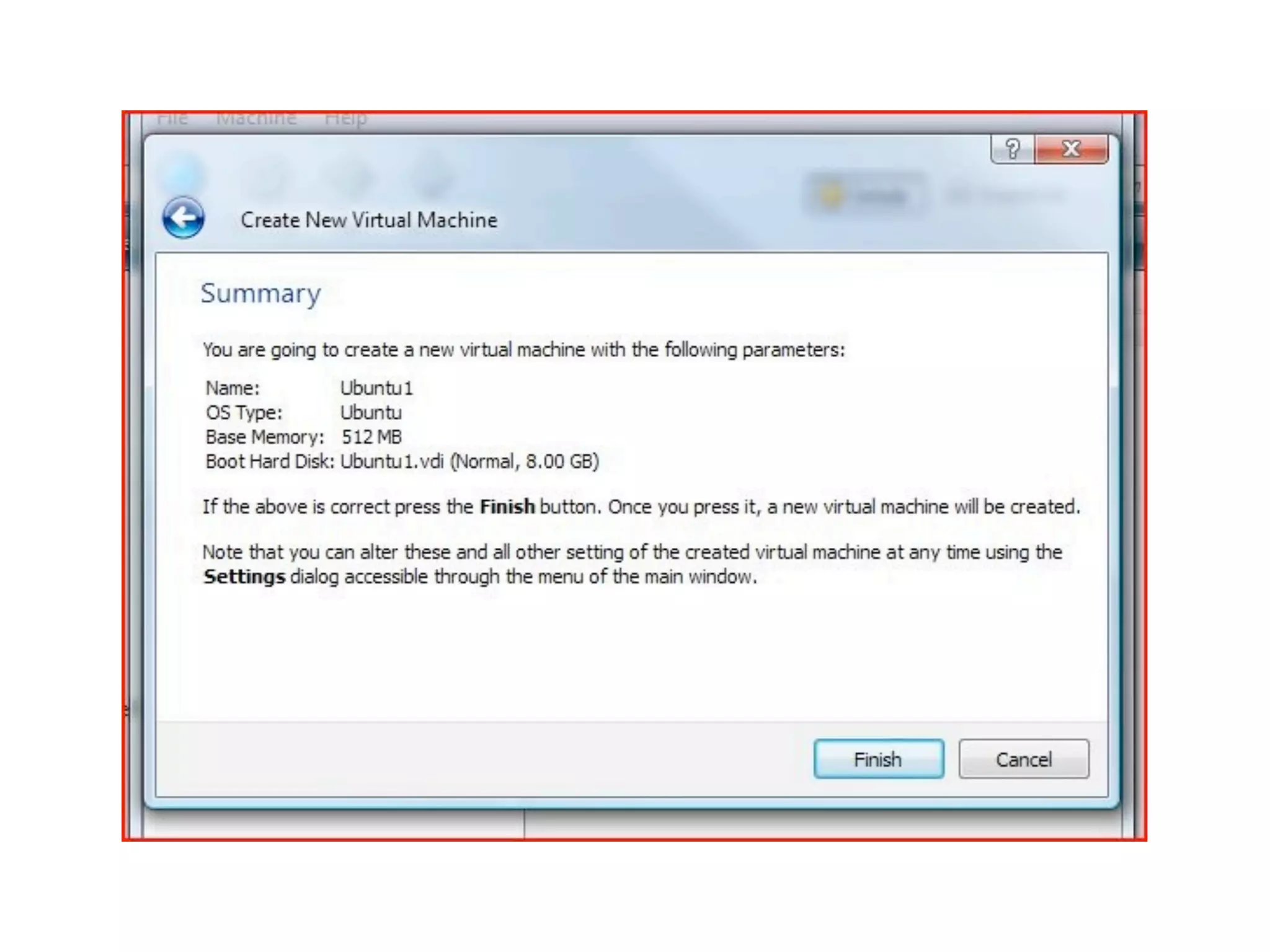
3. Install Ubuntu 10.10 as a Guest OS
VBox Installation
A quick overview
OSX
Windows
✓
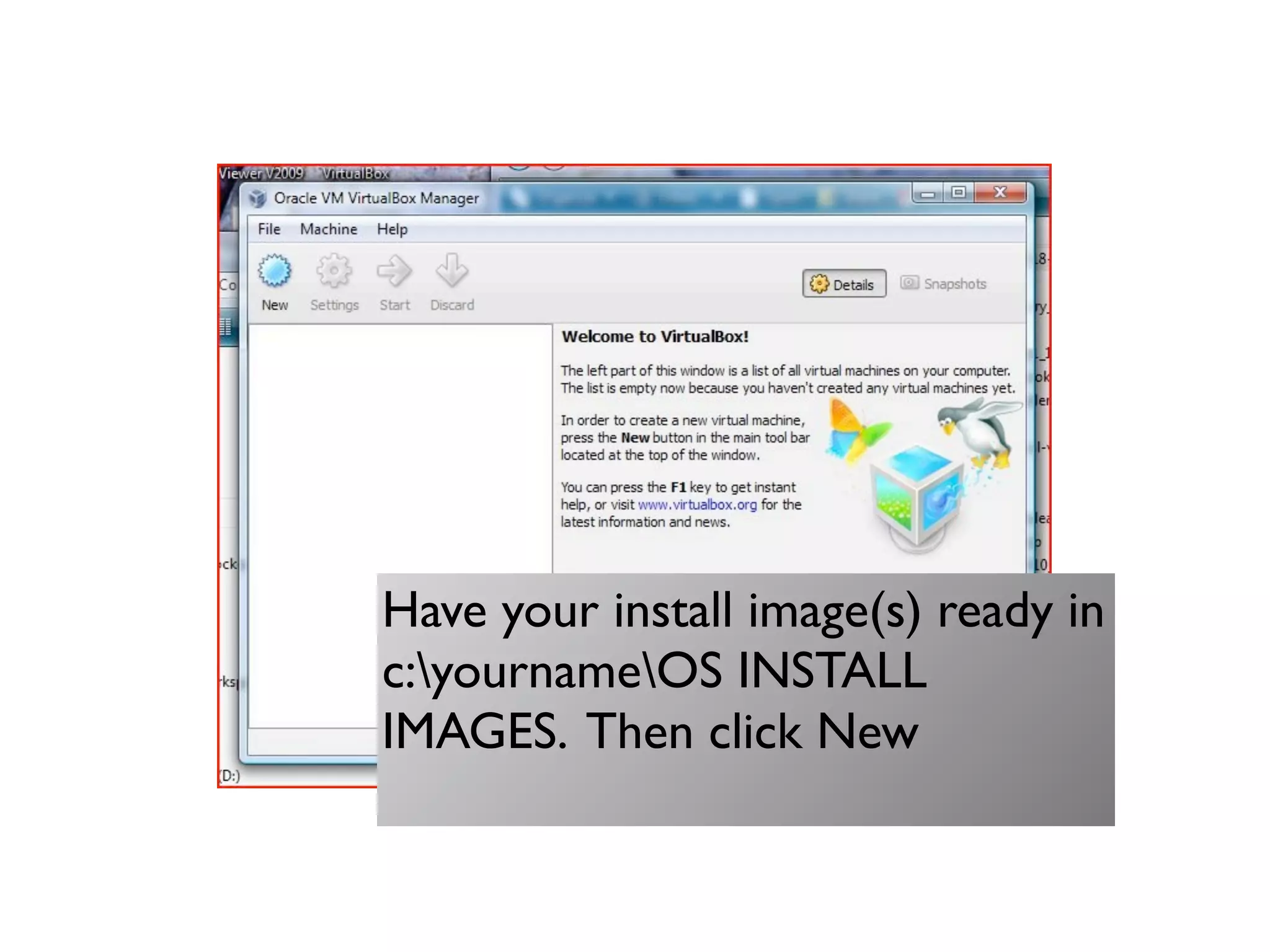
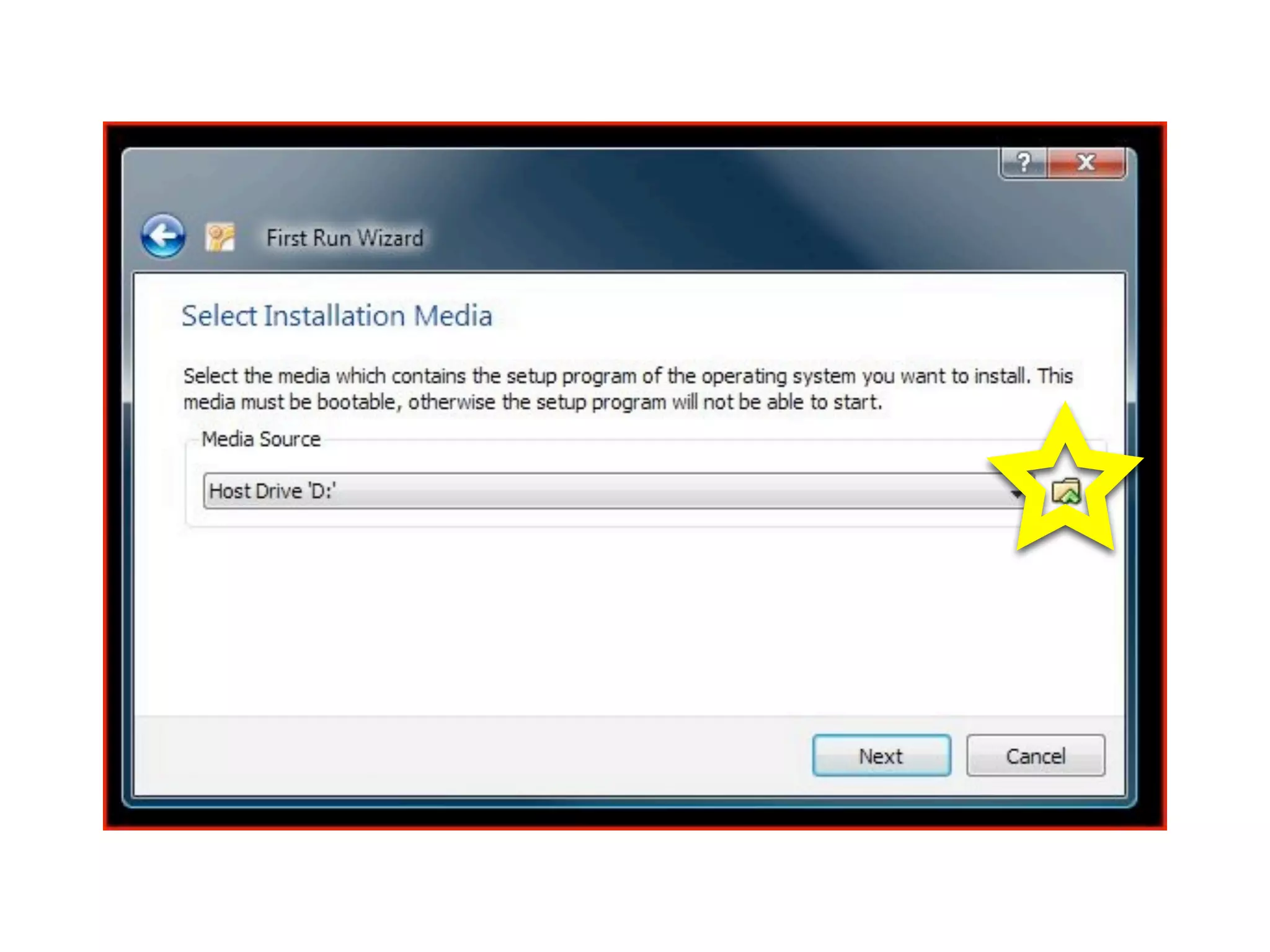
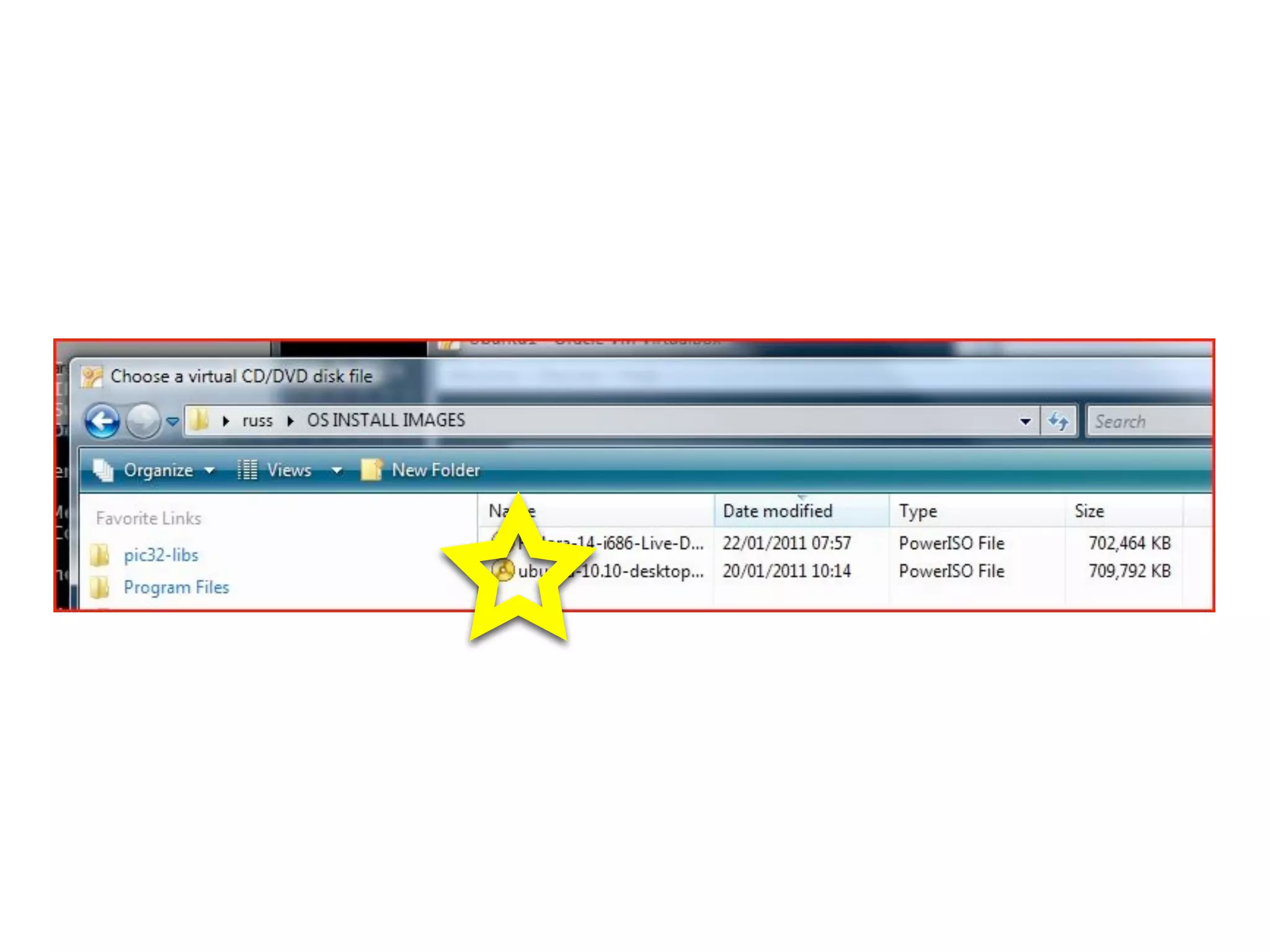
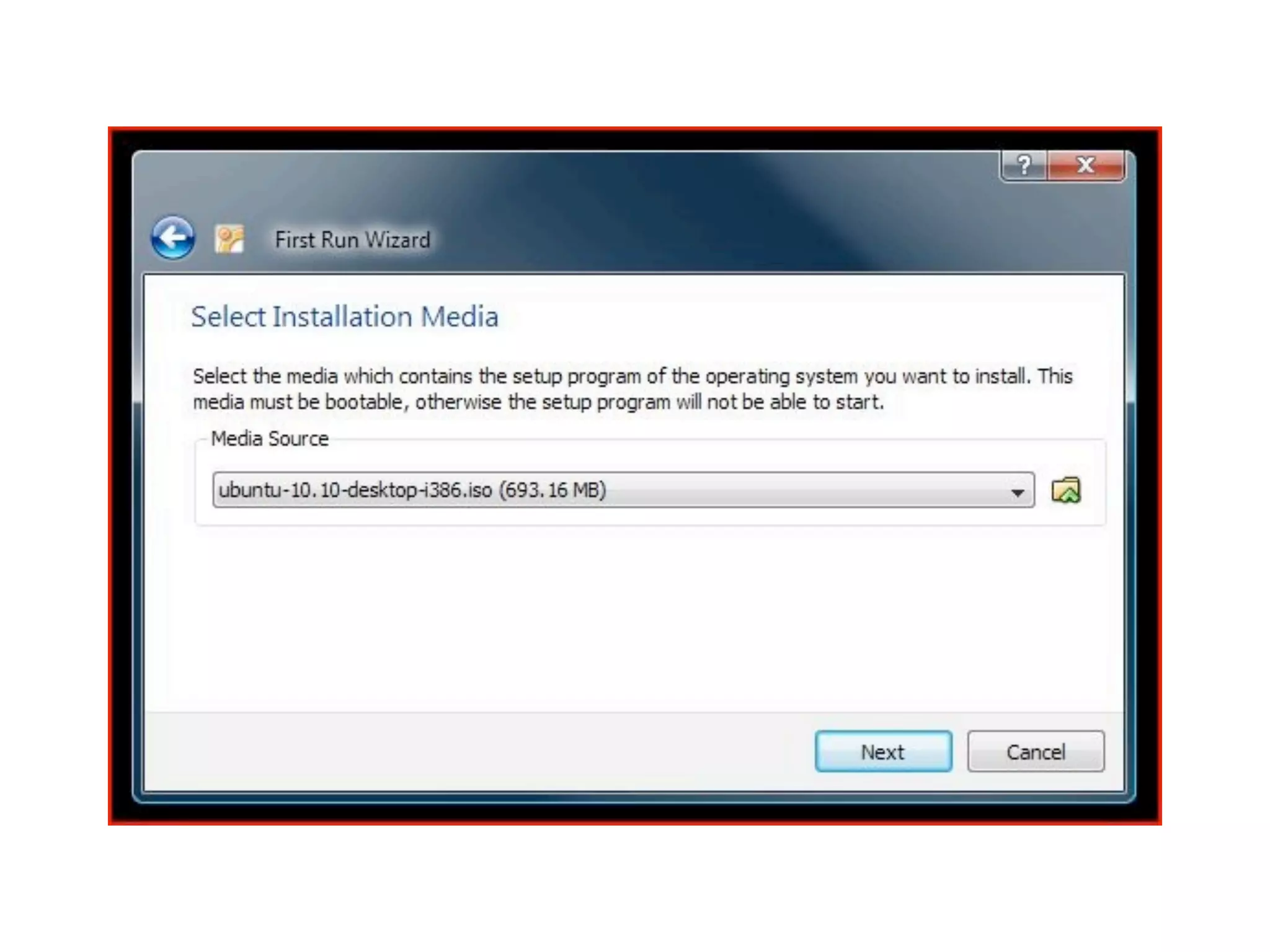
Have your install image(s) ready in
c:yournameOS INSTALL
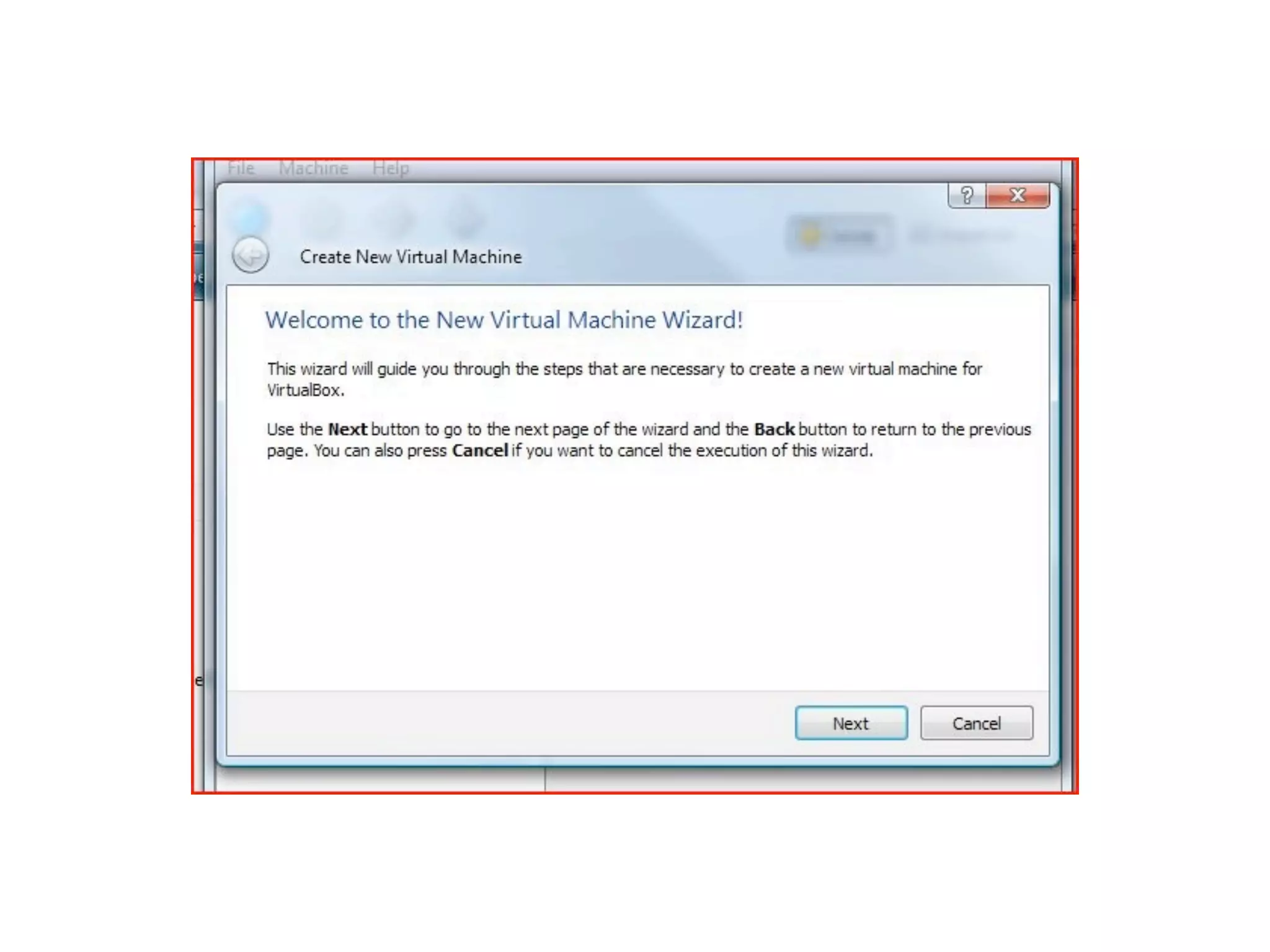
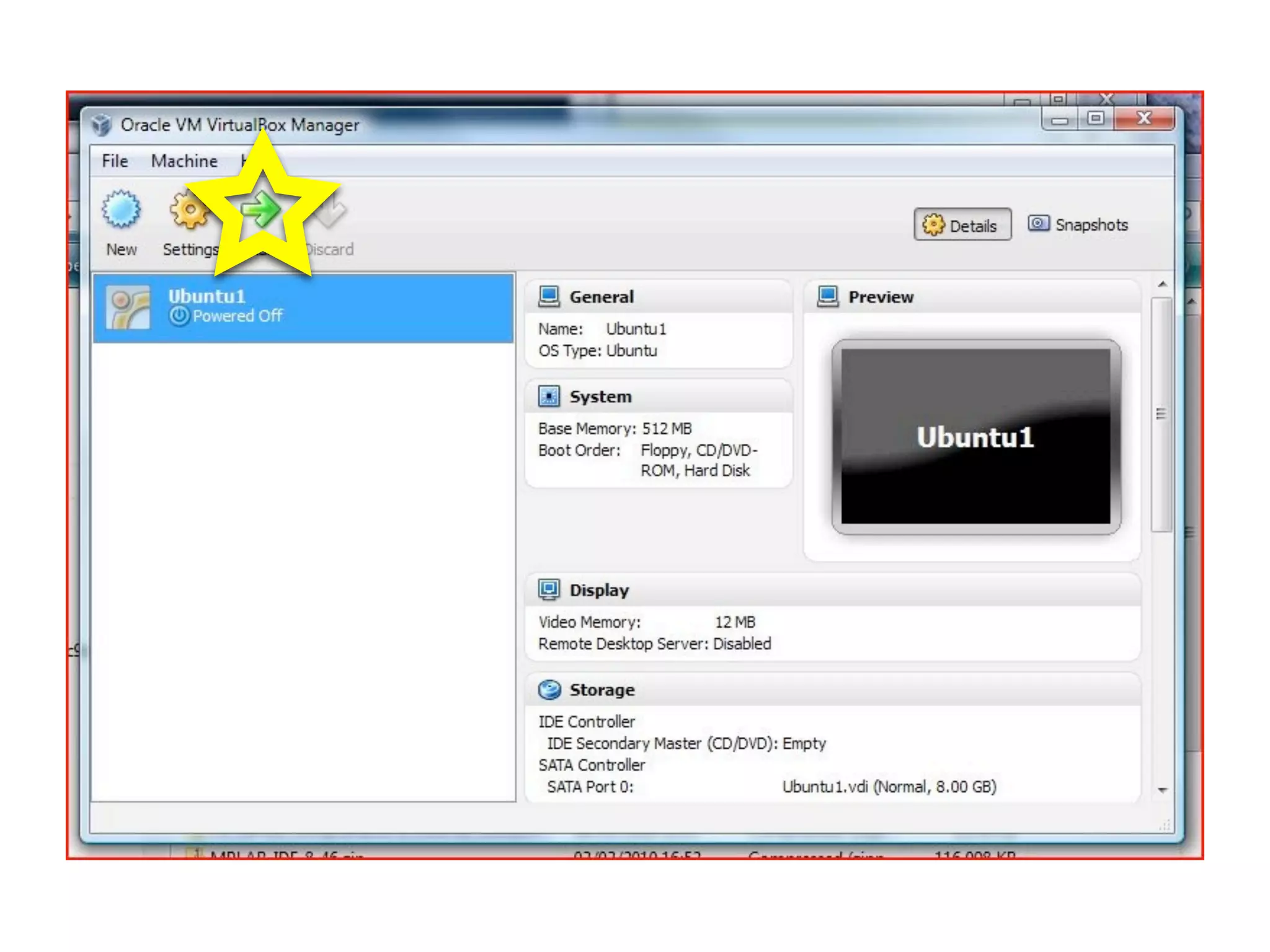
IMAGES. Then click New
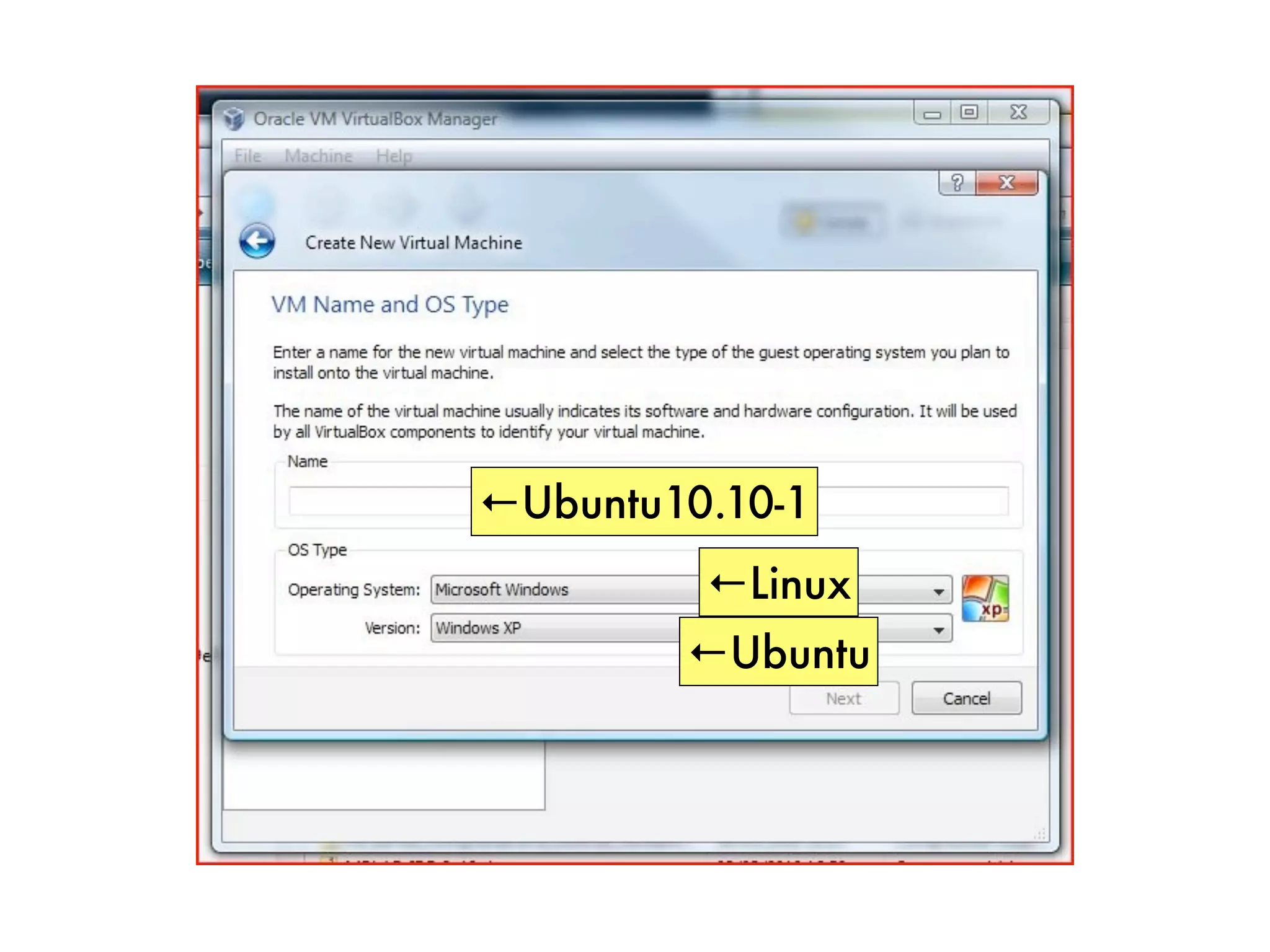
←Ubuntu10.10-1
         ←Linux
        ←Ubuntu
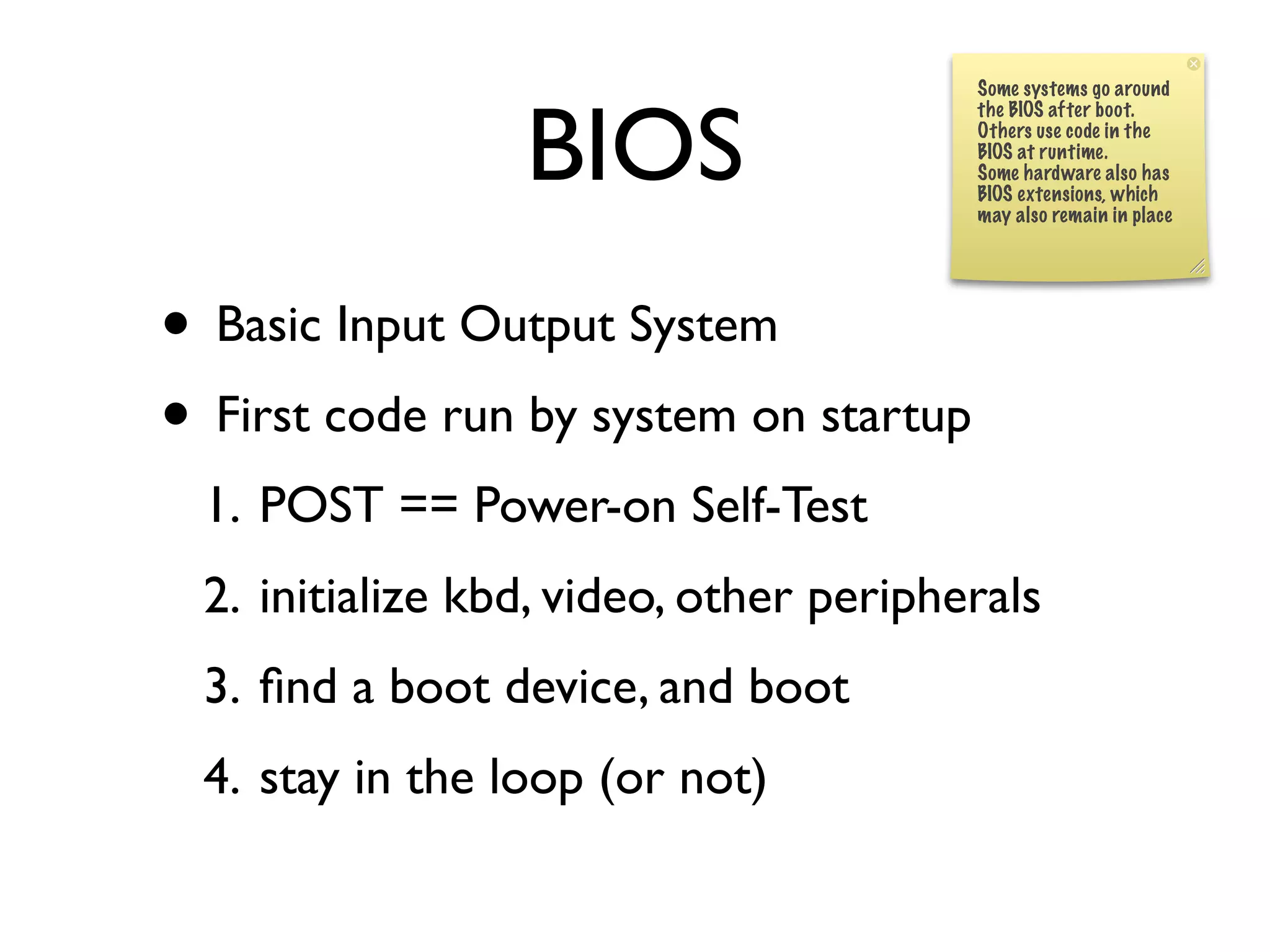
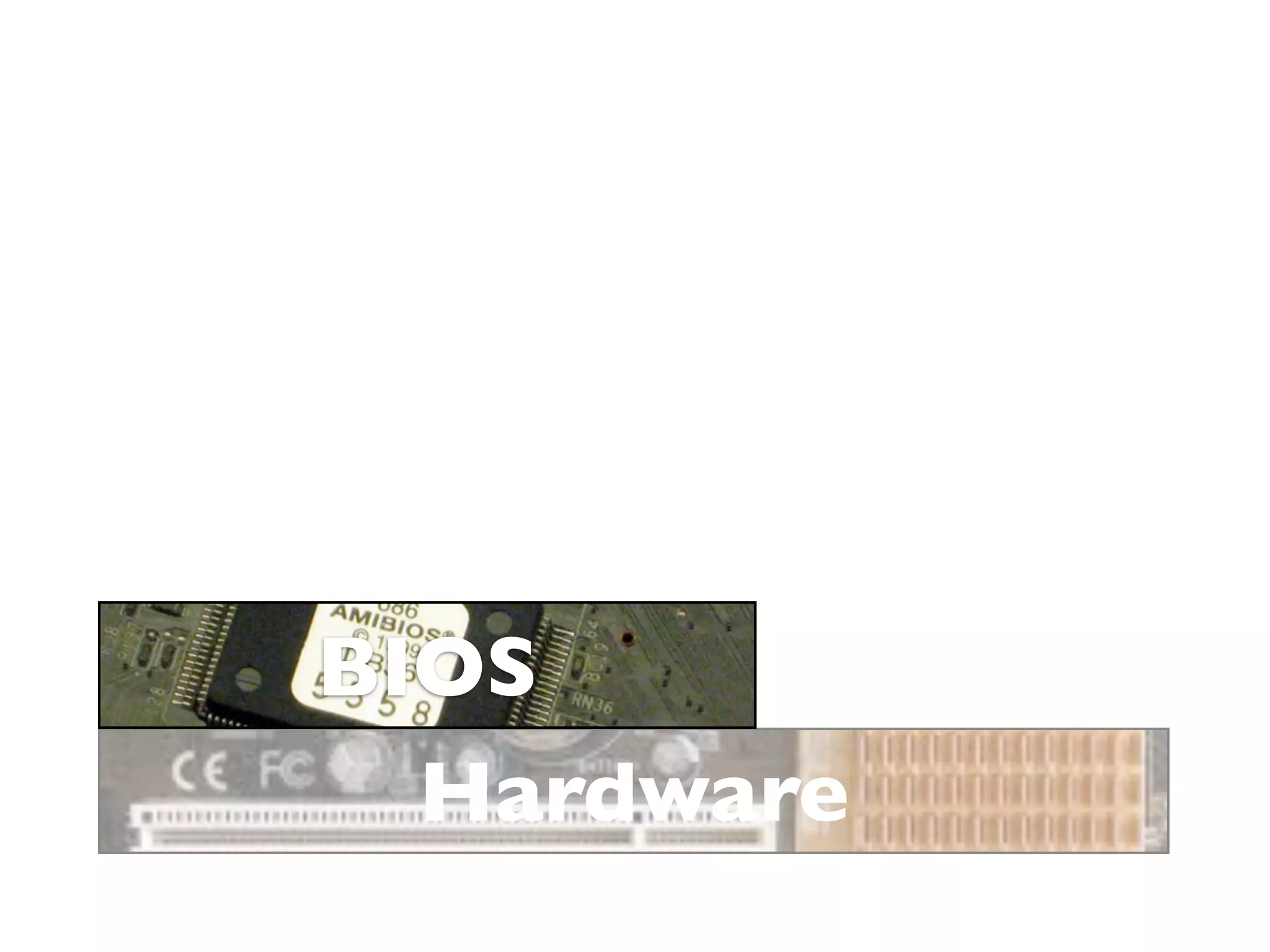
BIOS
Some systems go around


                 BIOS
                                        the BIOS after boot.
                                        Others use code in the
                                        BIOS at runtime.
                                        Some hardware also has
                                        BIOS extensions, which
                                        may also remain in place


• Basic Input Output System
• First code run by system on startup
 1. POST == Power-on Self-Test
 2. initialize kbd, video, other peripherals
 3. find a boot device, and boot
 4. stay in the loop (or not)
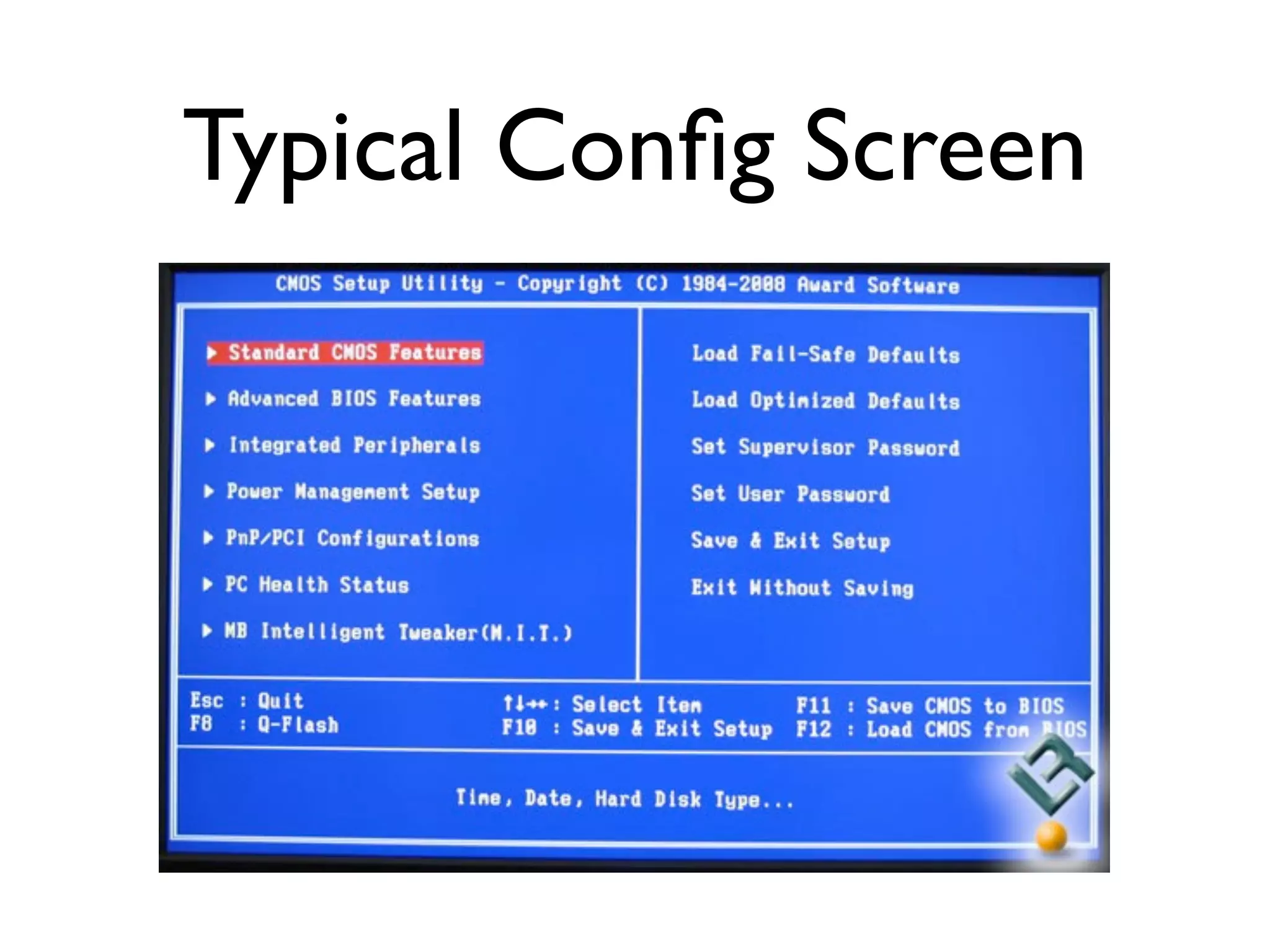
Typical Config Screen
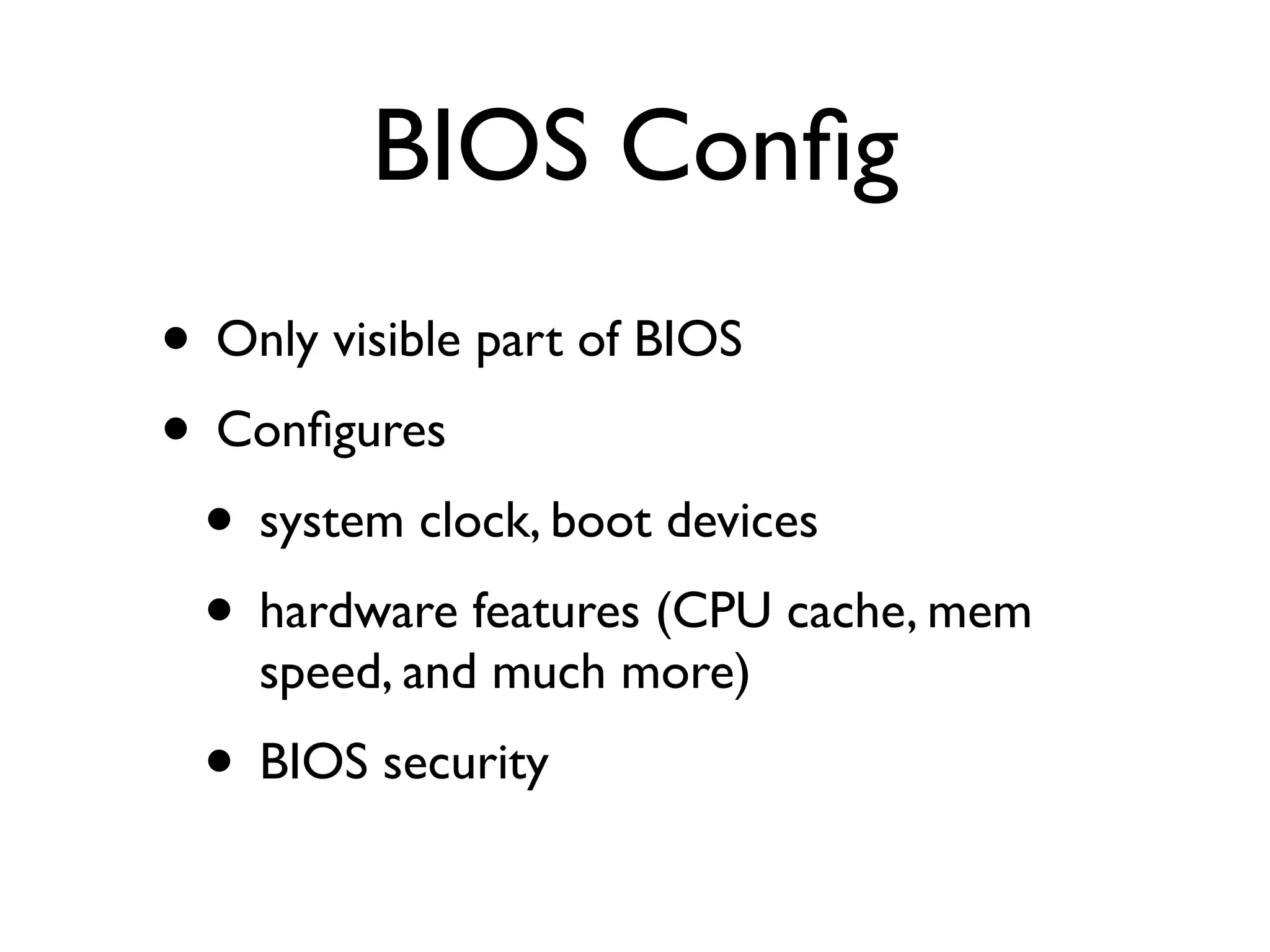
BIOS Config
• Only visible part of BIOS
• Configures
 • system clock, boot devices
 • hardware features (CPU cache, mem
    speed, and much more)
 • BIOS security
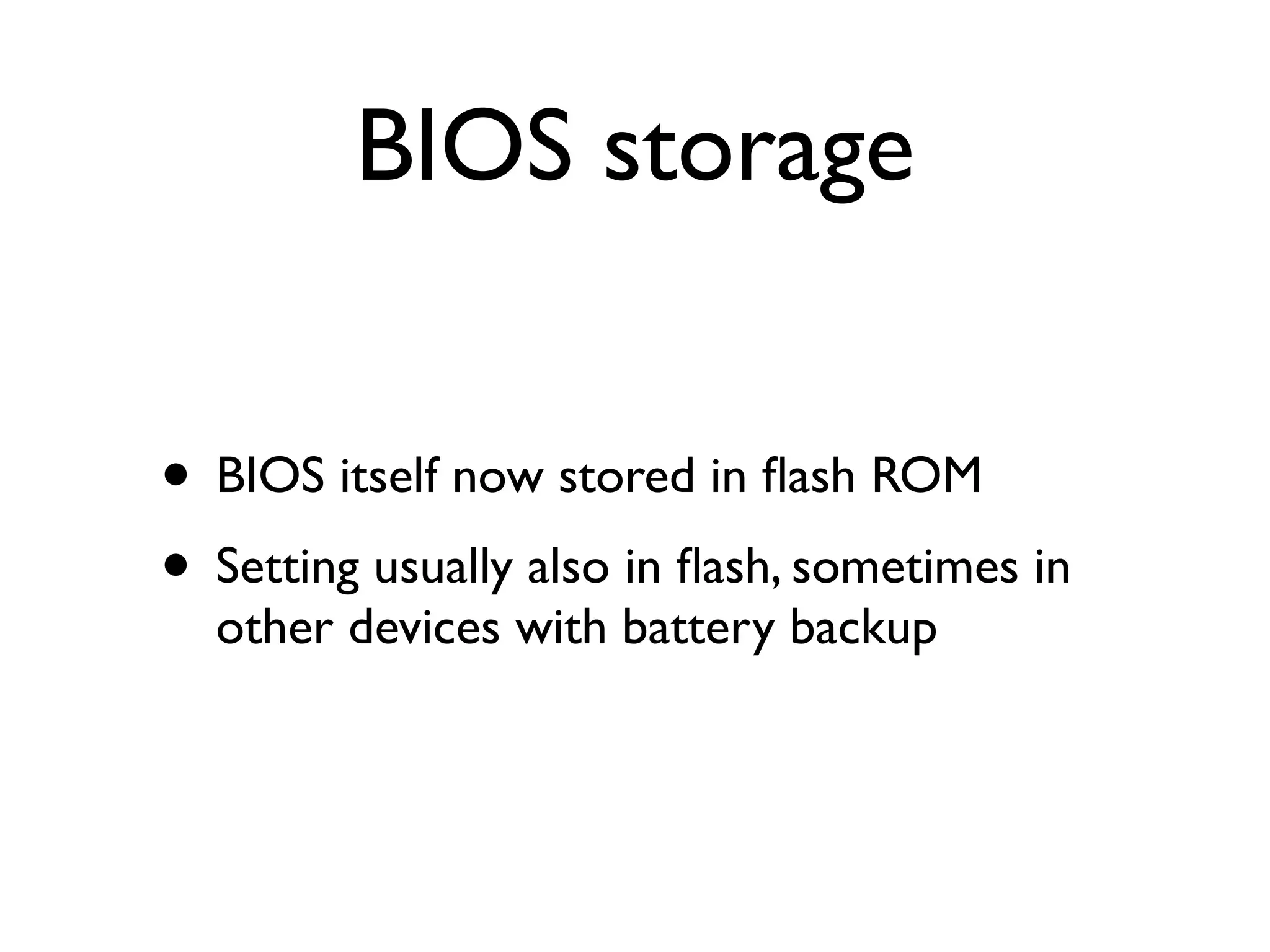
BIOS storage


• BIOS itself now stored in flash ROM
• Setting usually also in flash, sometimes in
  other devices with battery backup
“BIOS” misleading

• UEFI is more correct, but the word BIOS
  has stuck with us
• UEFI ==
     Unified Extensible Firmware Interface
BIOS issues

• Two drivers - one for boot, one for run
• Closed source components -- $ for IP
• Network boot questions
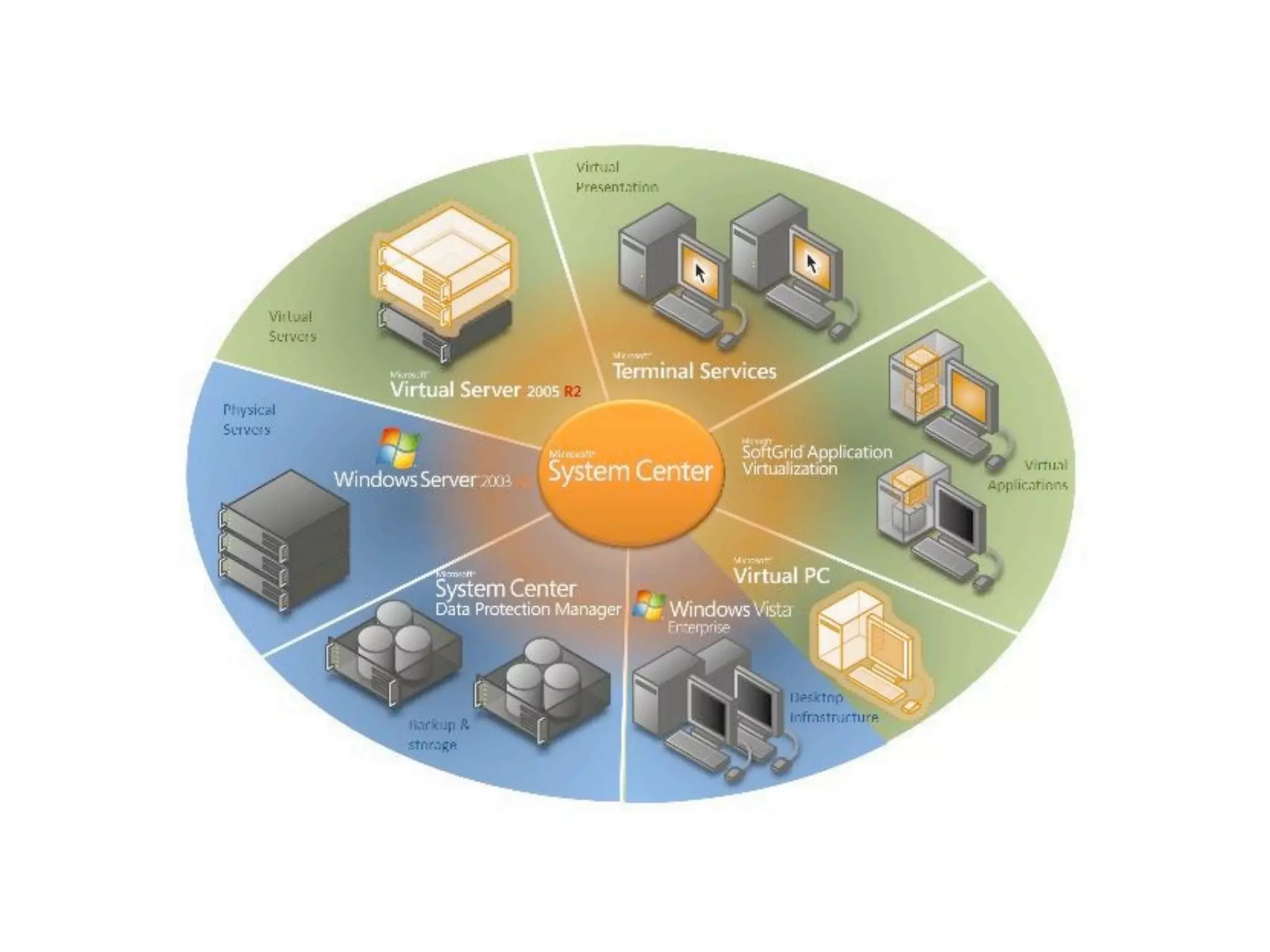
Virtualization
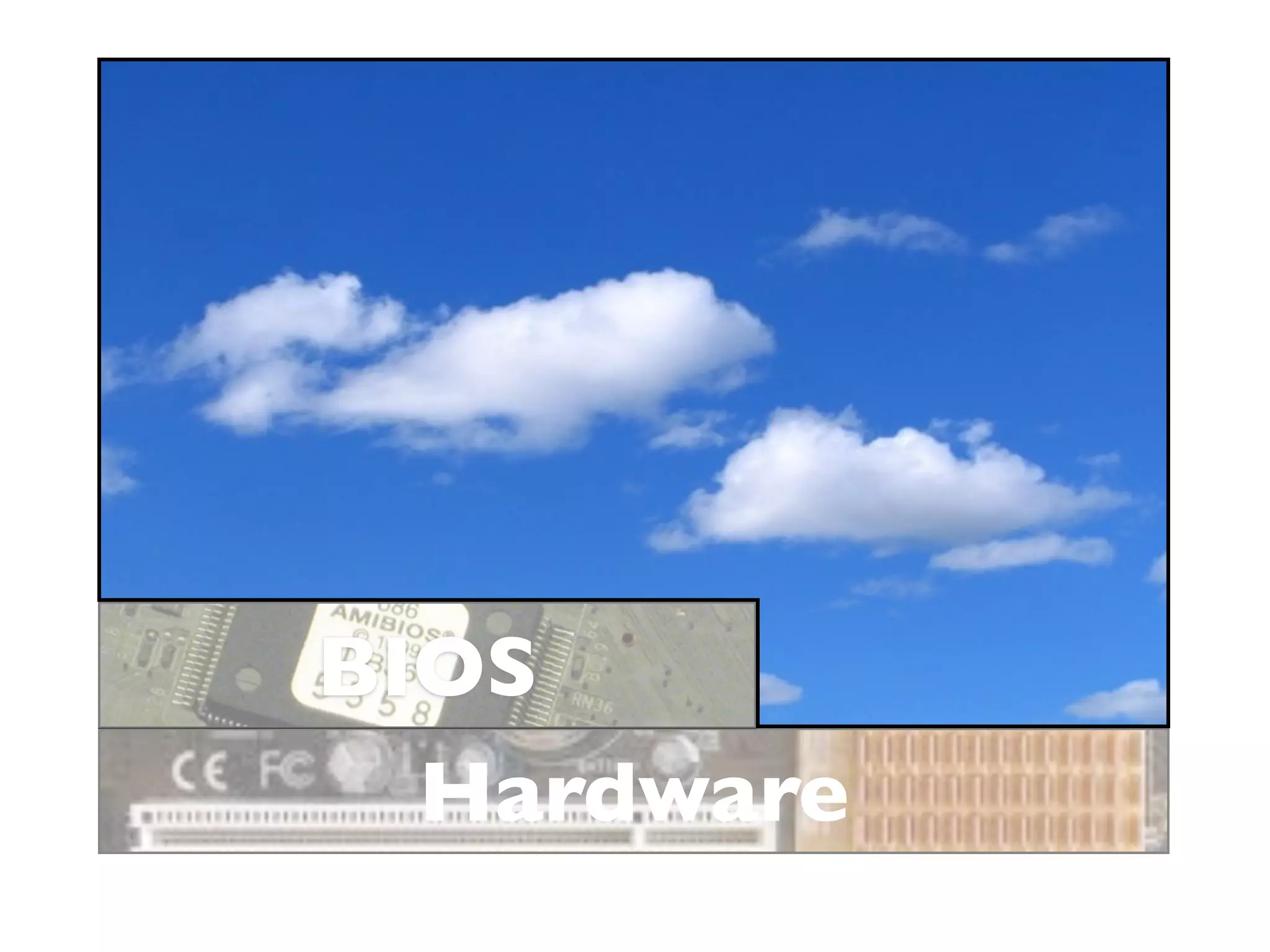
Hardware
Hardware
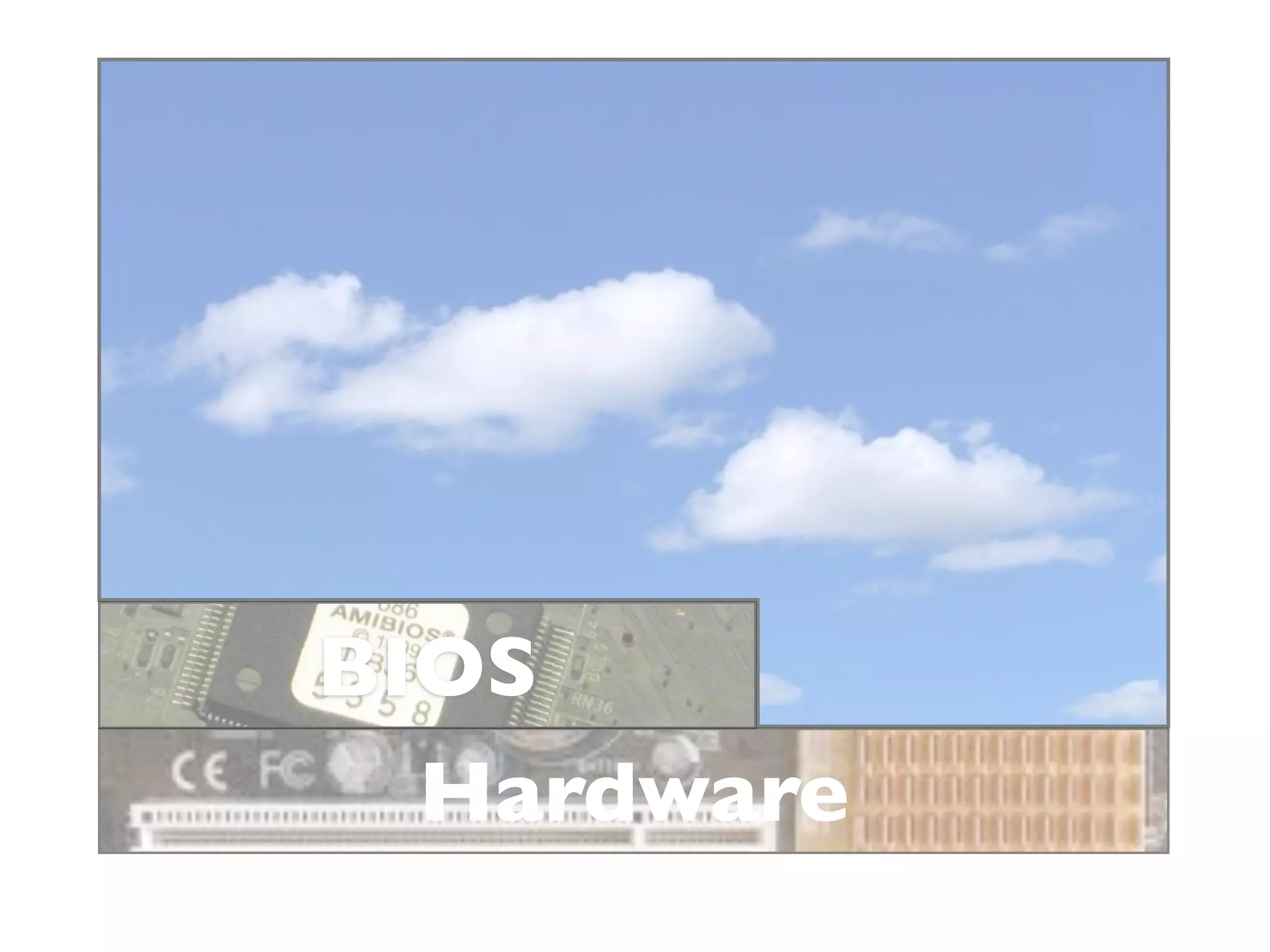
BIOS
  Hardware
BIOS
  Hardware
BIOS
  Hardware
BIOS
  Hardware
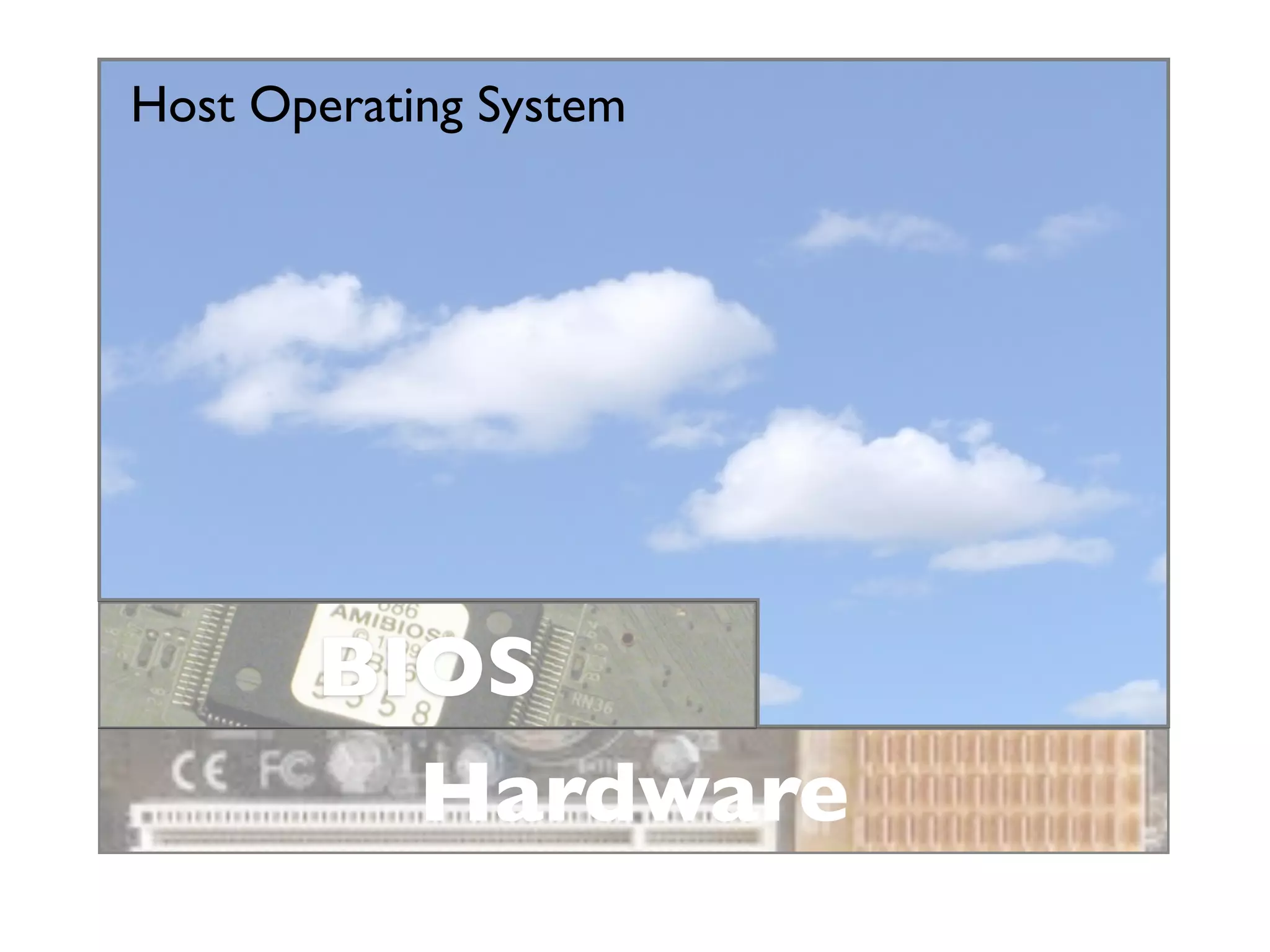
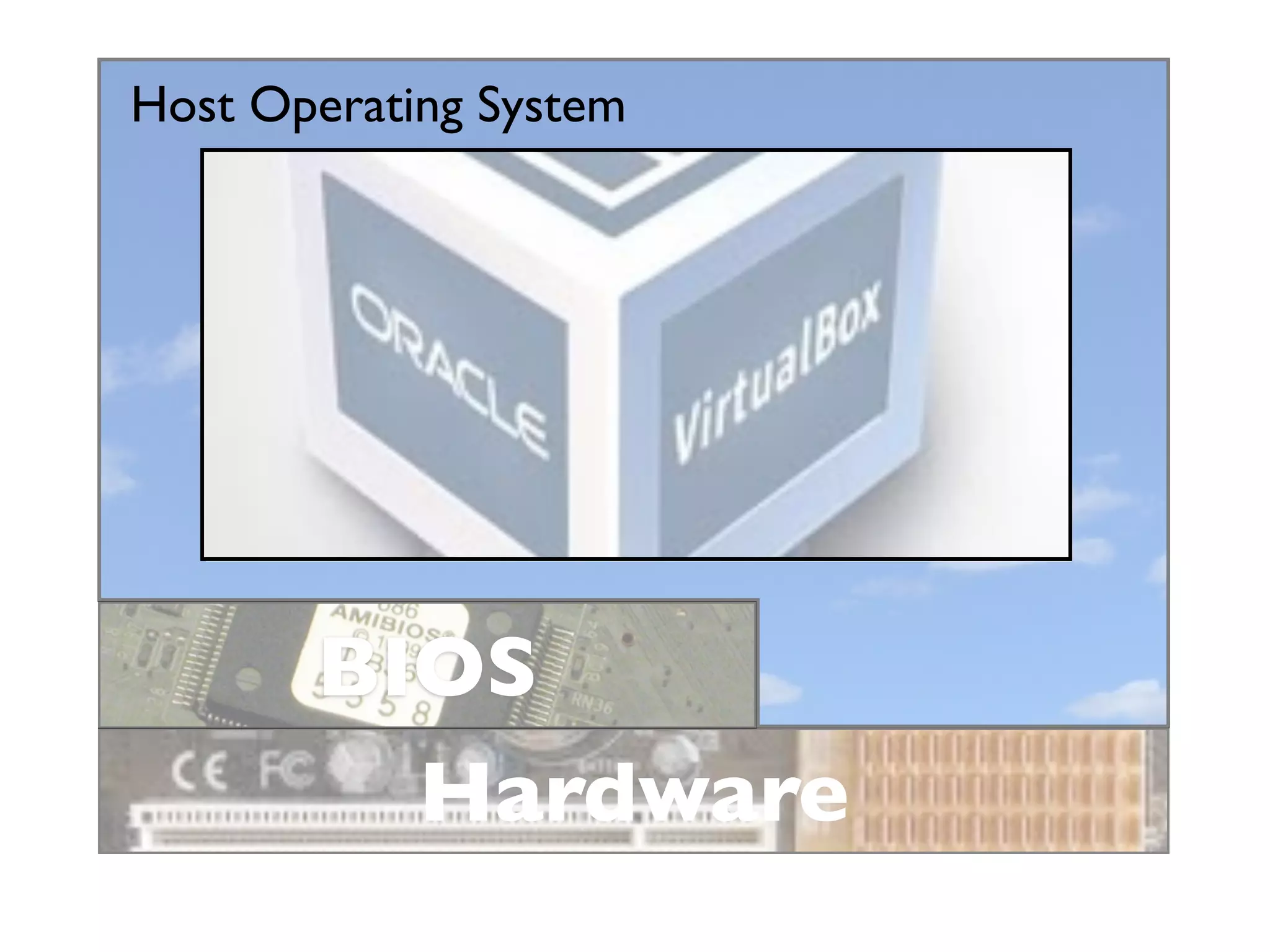
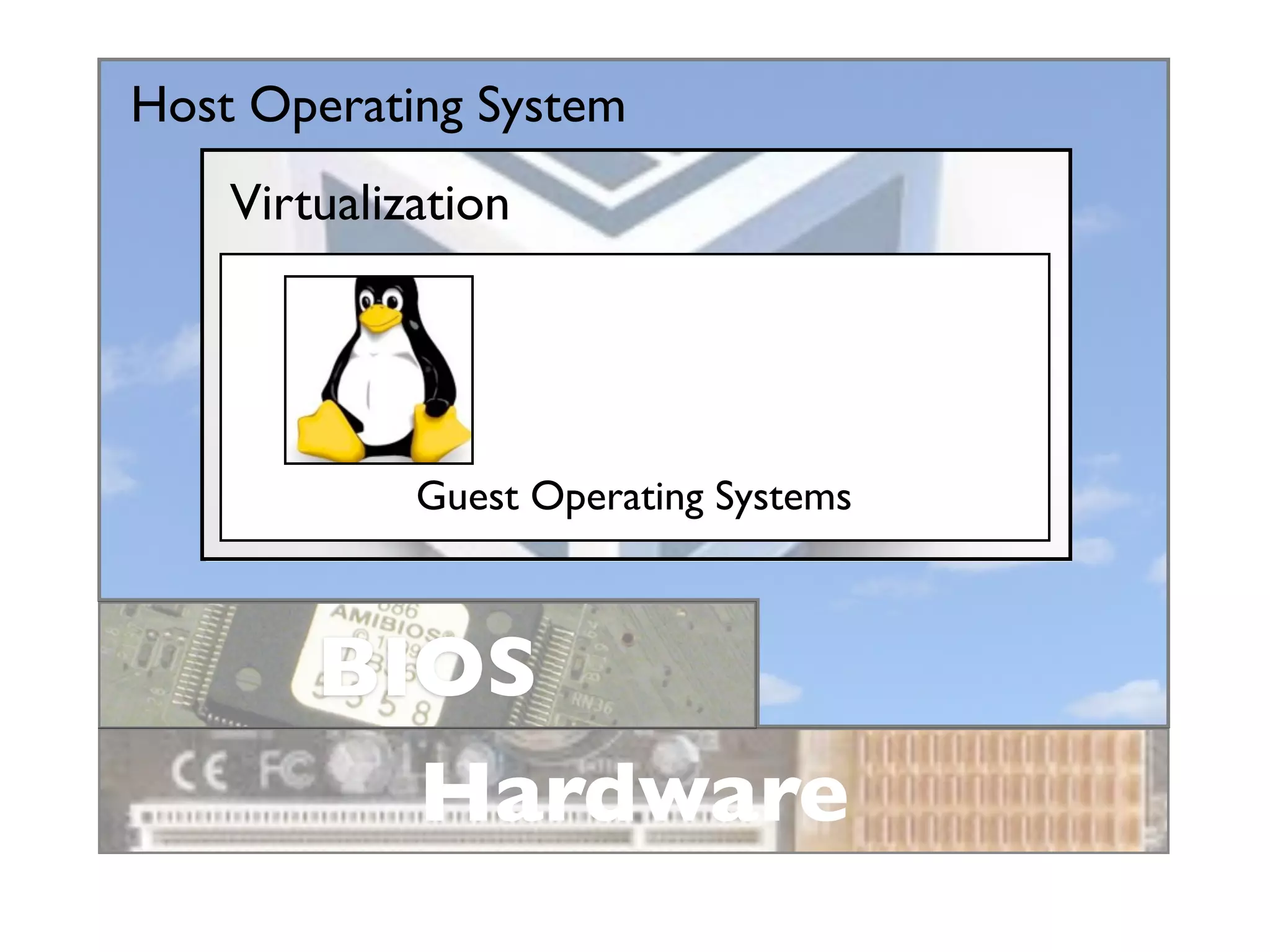
Host Operating System


       BIOS
         Hardware
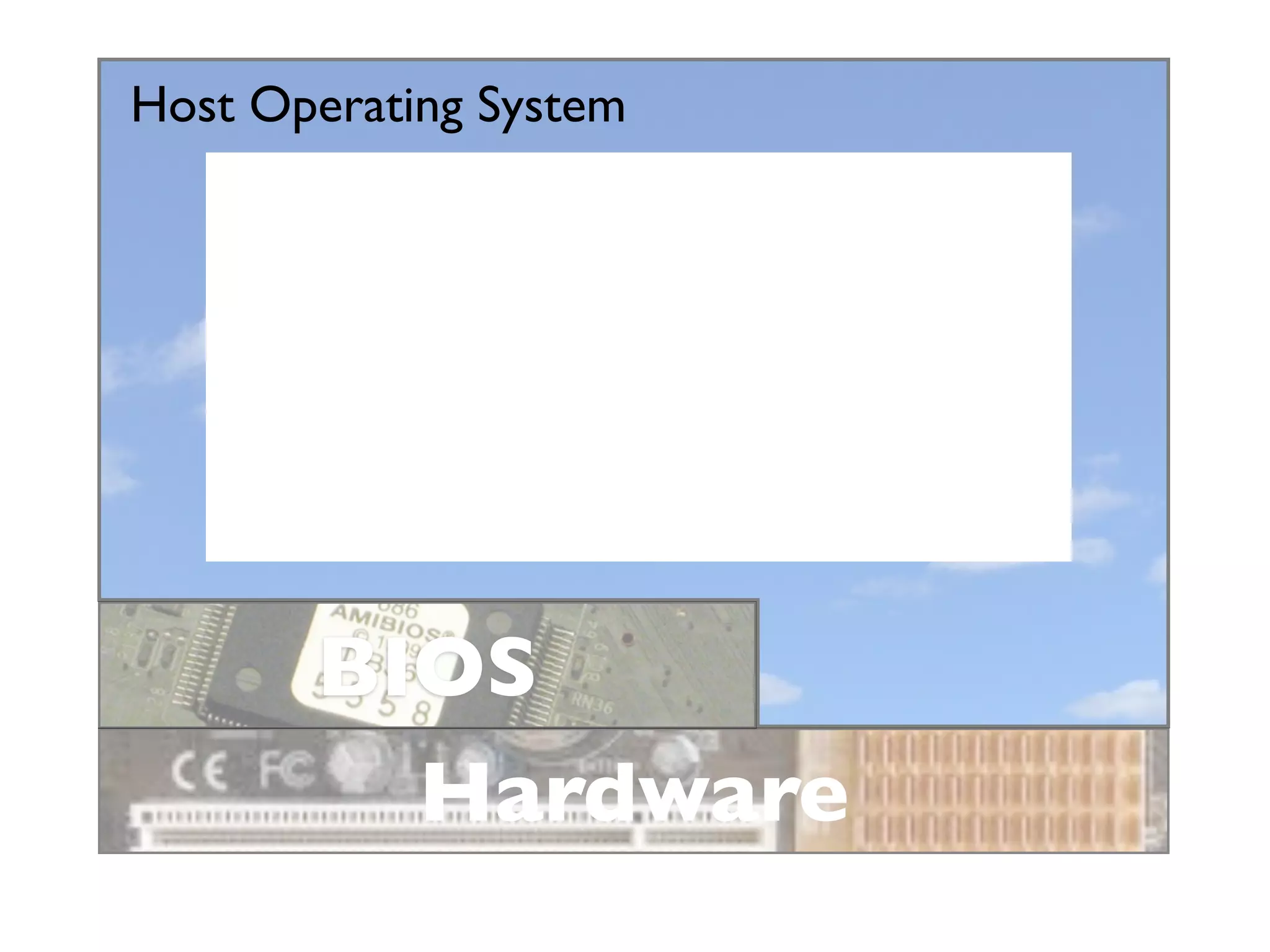
Host Operating System


       BIOS
         Hardware
Host Operating System


       BIOS
         Hardware
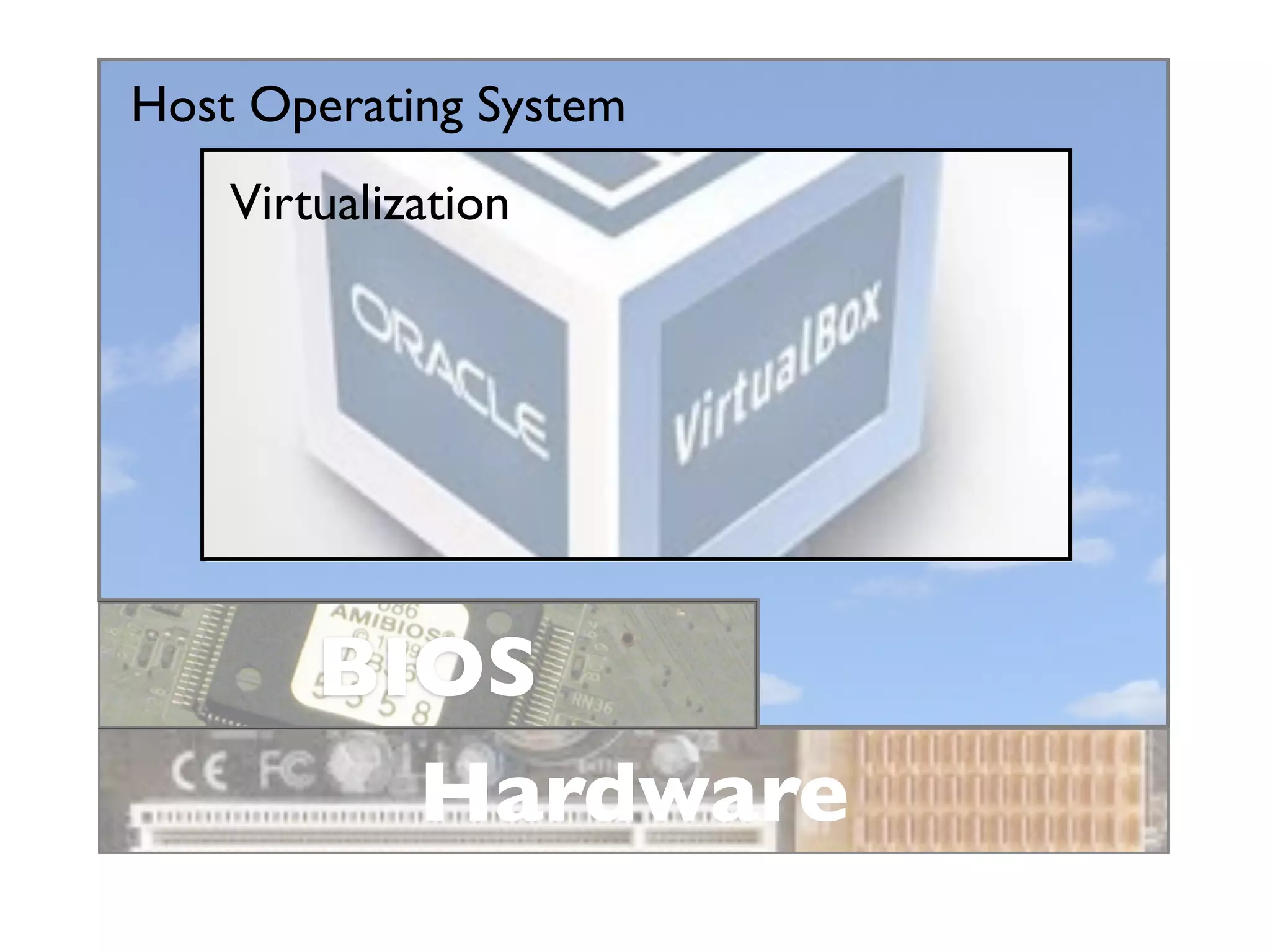
Host Operating System
    Virtualization


        BIOS
          Hardware
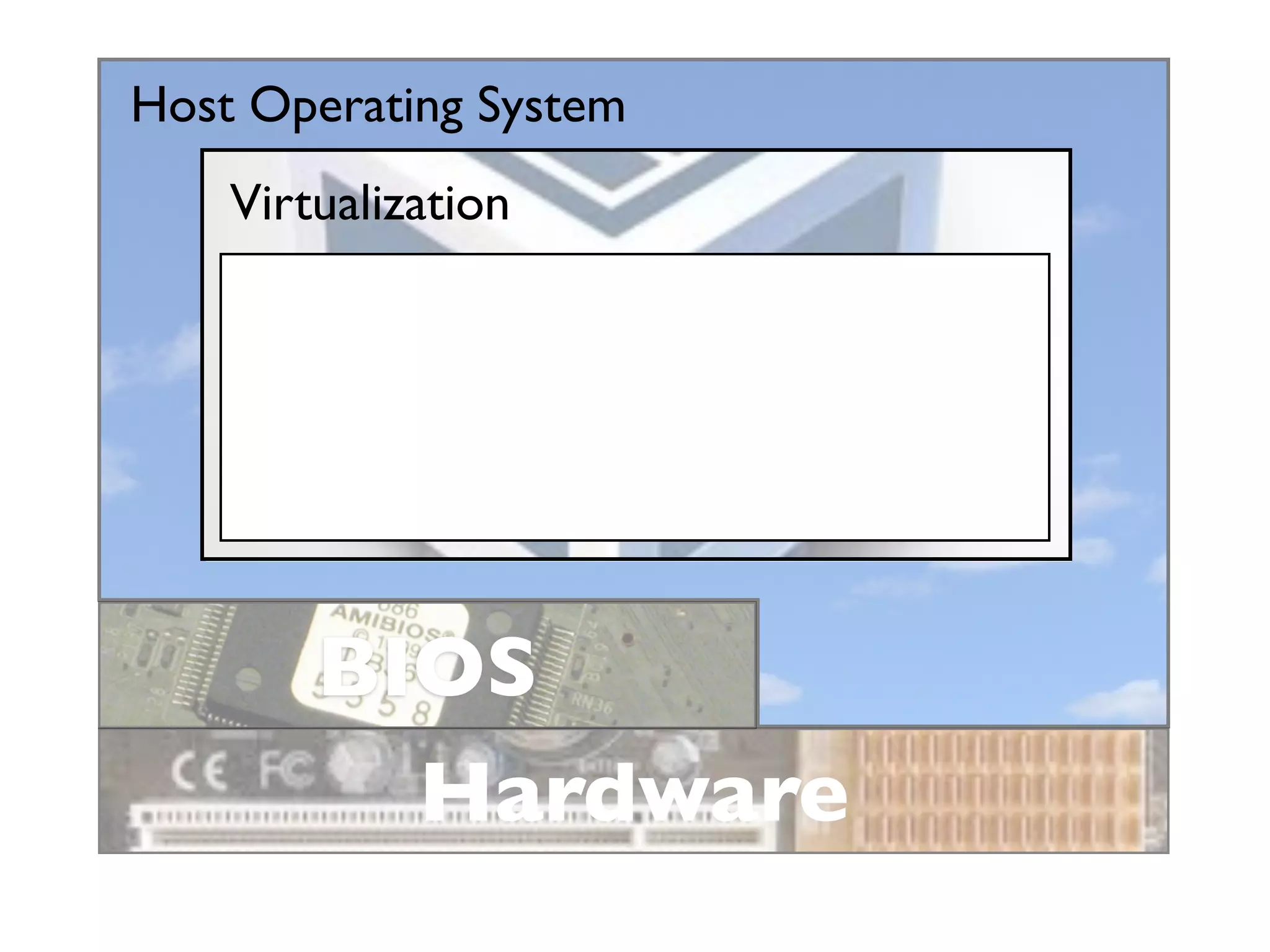
Host Operating System
    Virtualization


        BIOS
          Hardware
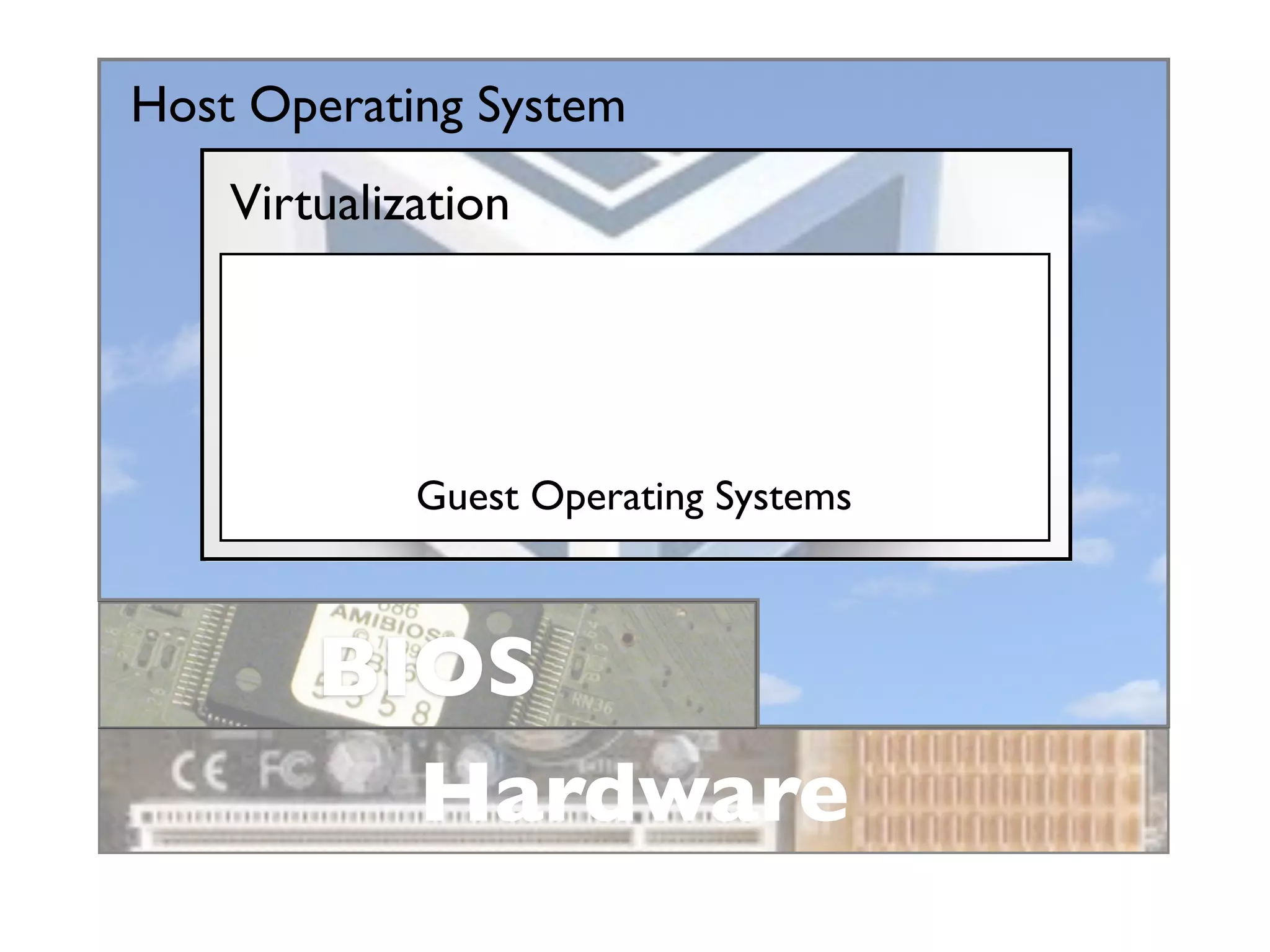
Host Operating System
    Virtualization


             Guest Operating Systems


        BIOS
          Hardware
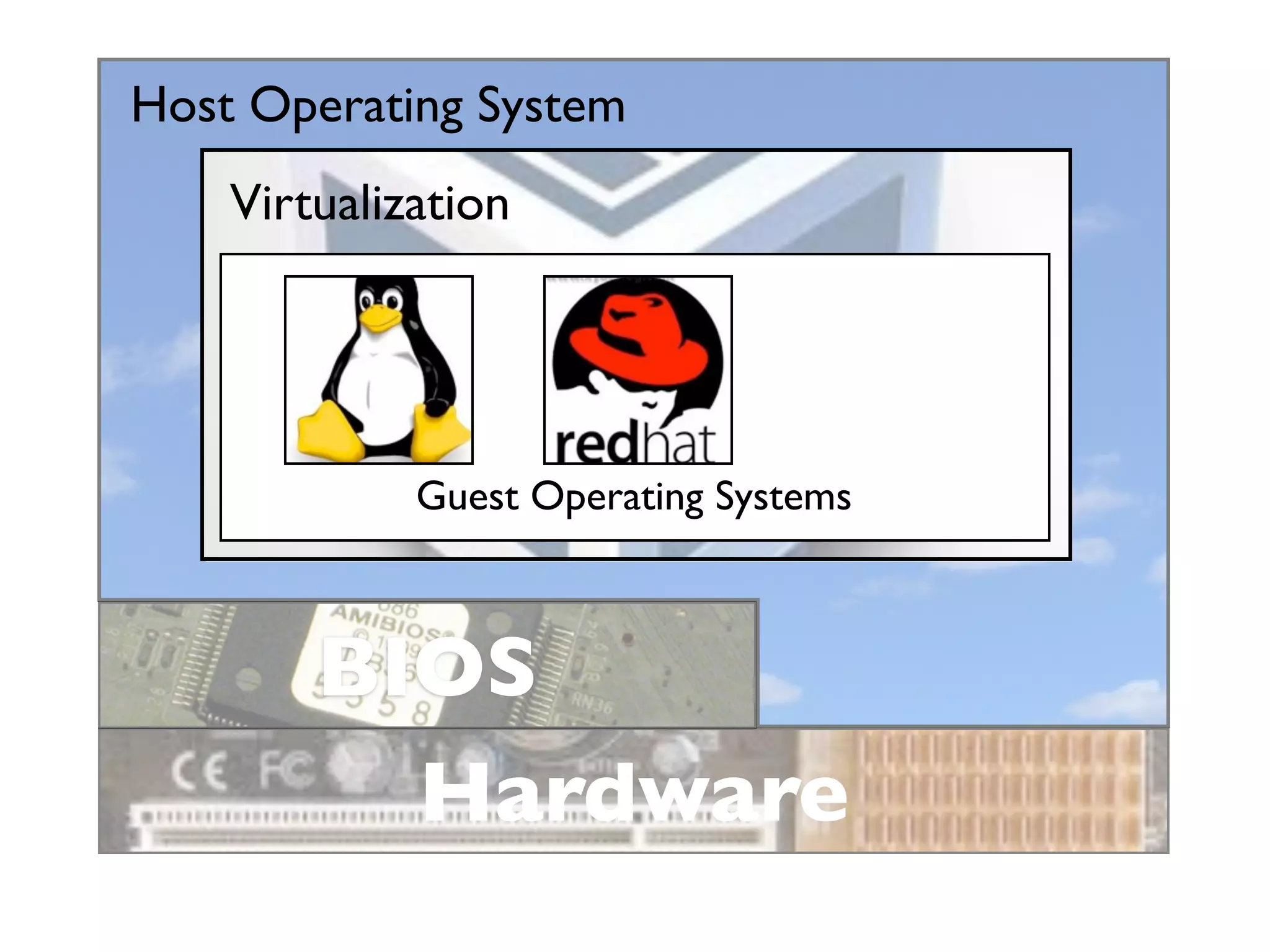
Host Operating System
    Virtualization


             Guest Operating Systems


        BIOS
          Hardware
Host Operating System
    Virtualization


             Guest Operating Systems


        BIOS
          Hardware
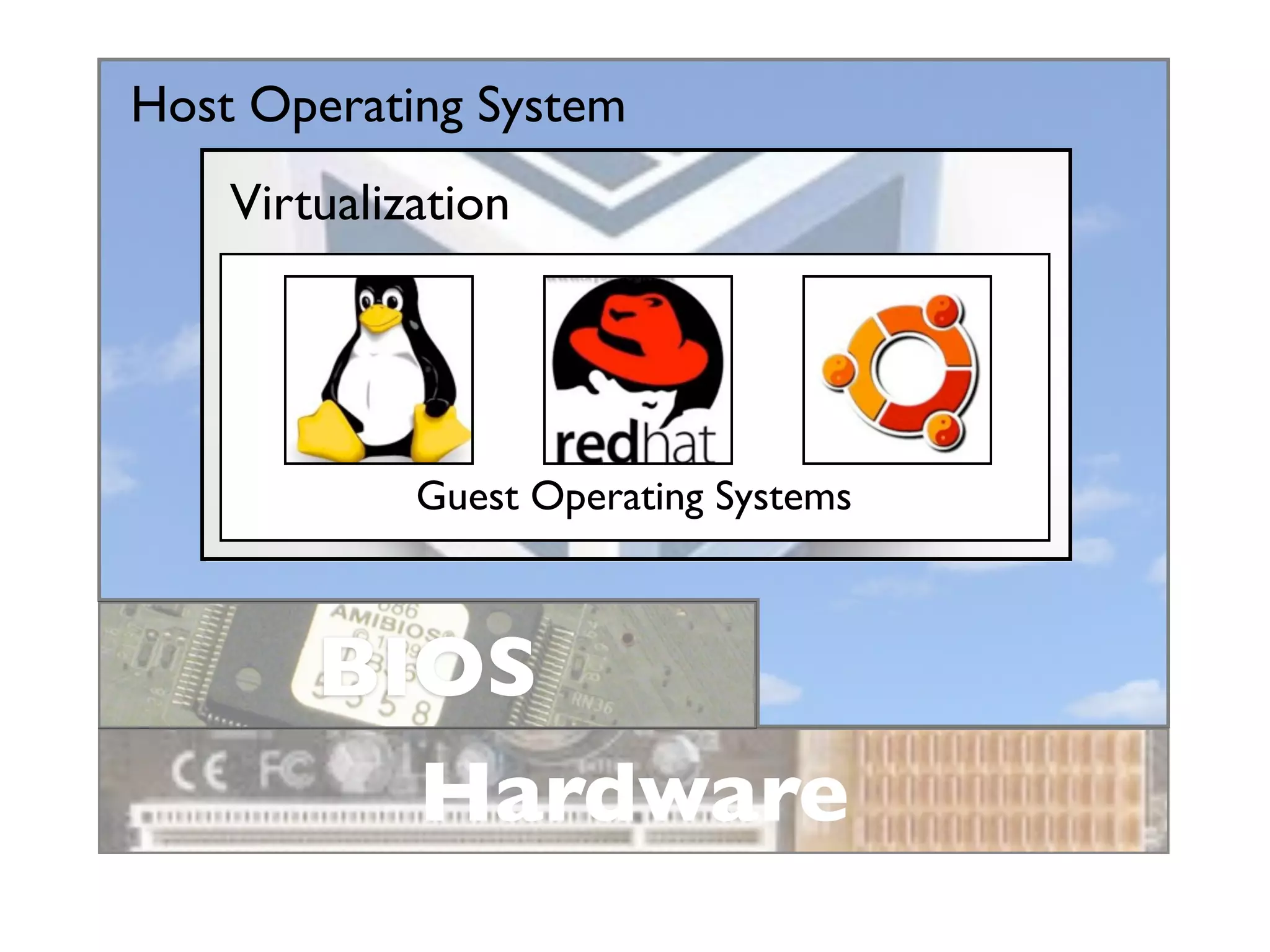
Host Operating System
    Virtualization


             Guest Operating Systems


        BIOS
          Hardware
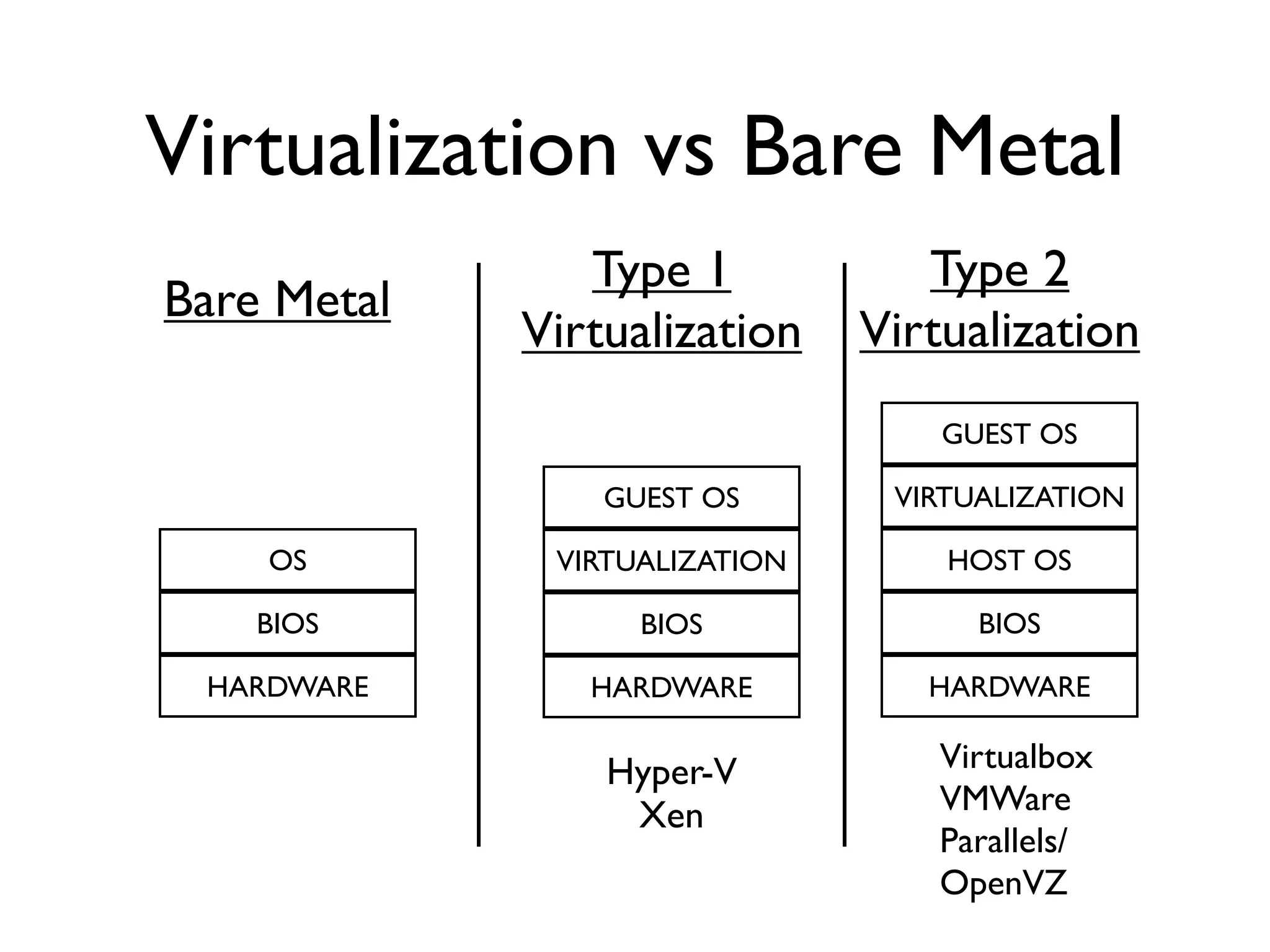
Virtualization vs Bare Metal
                Type 1            Type 2
Bare Metal
             Virtualization    Virtualization
                                   GUEST OS

                 GUEST OS       VIRTUALIZATION

    OS        VIRTUALIZATION       HOST OS

    BIOS           BIOS              BIOS

 HARDWARE       HARDWARE          HARDWARE

                 Hyper-V           Virtualbox
                  Xen              VMWare
                                   Parallels/
                                   OpenVZ
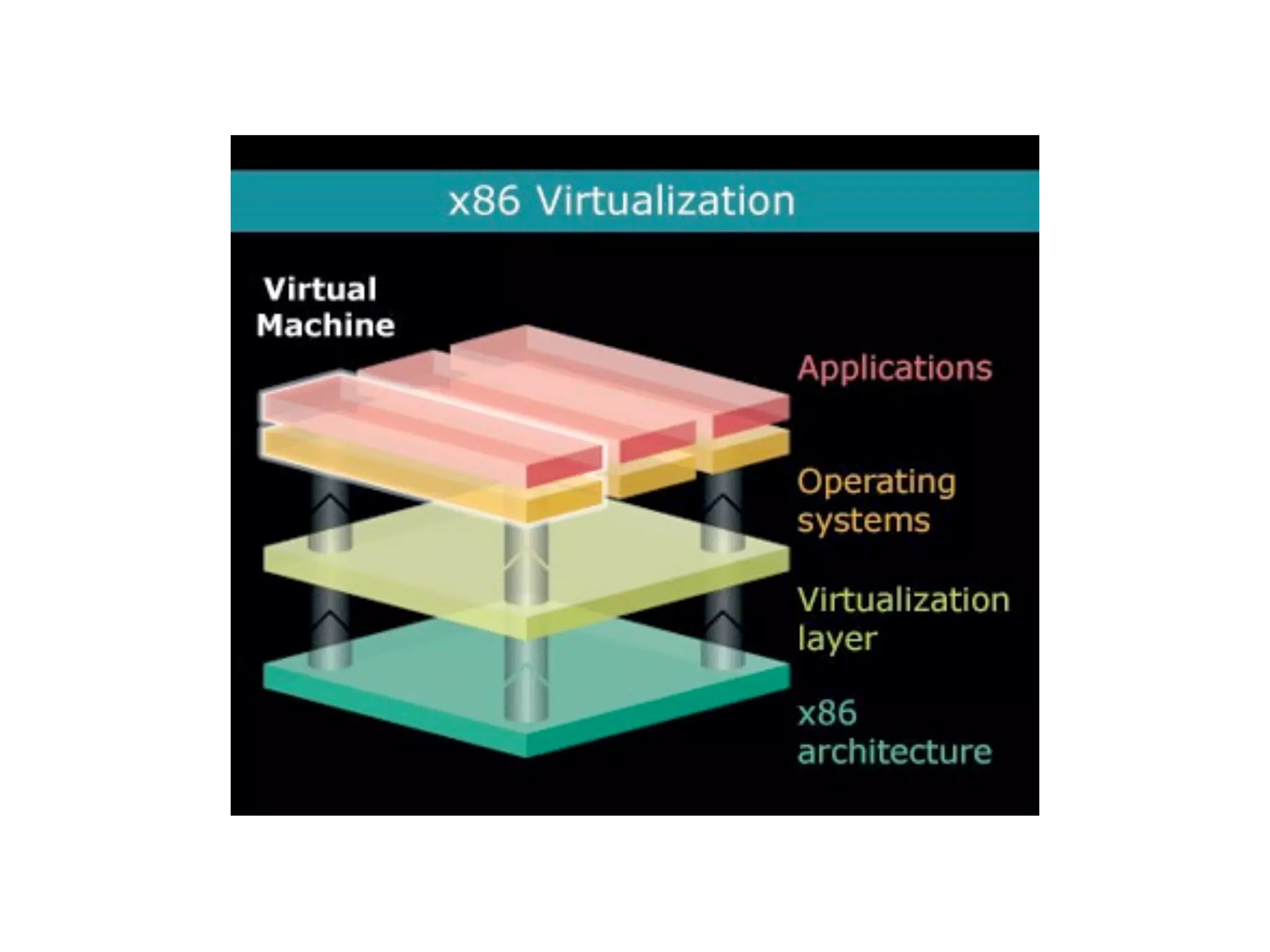
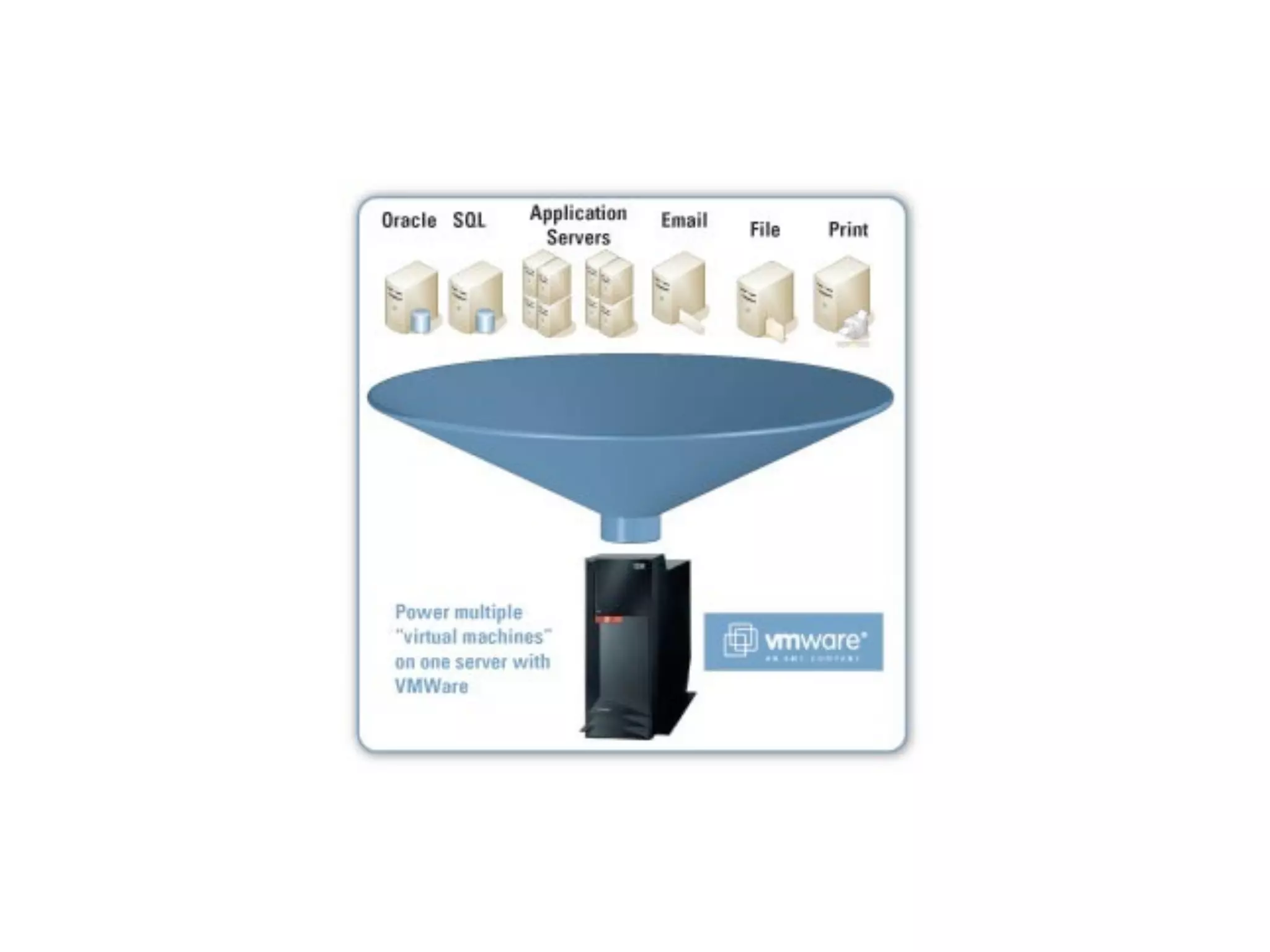
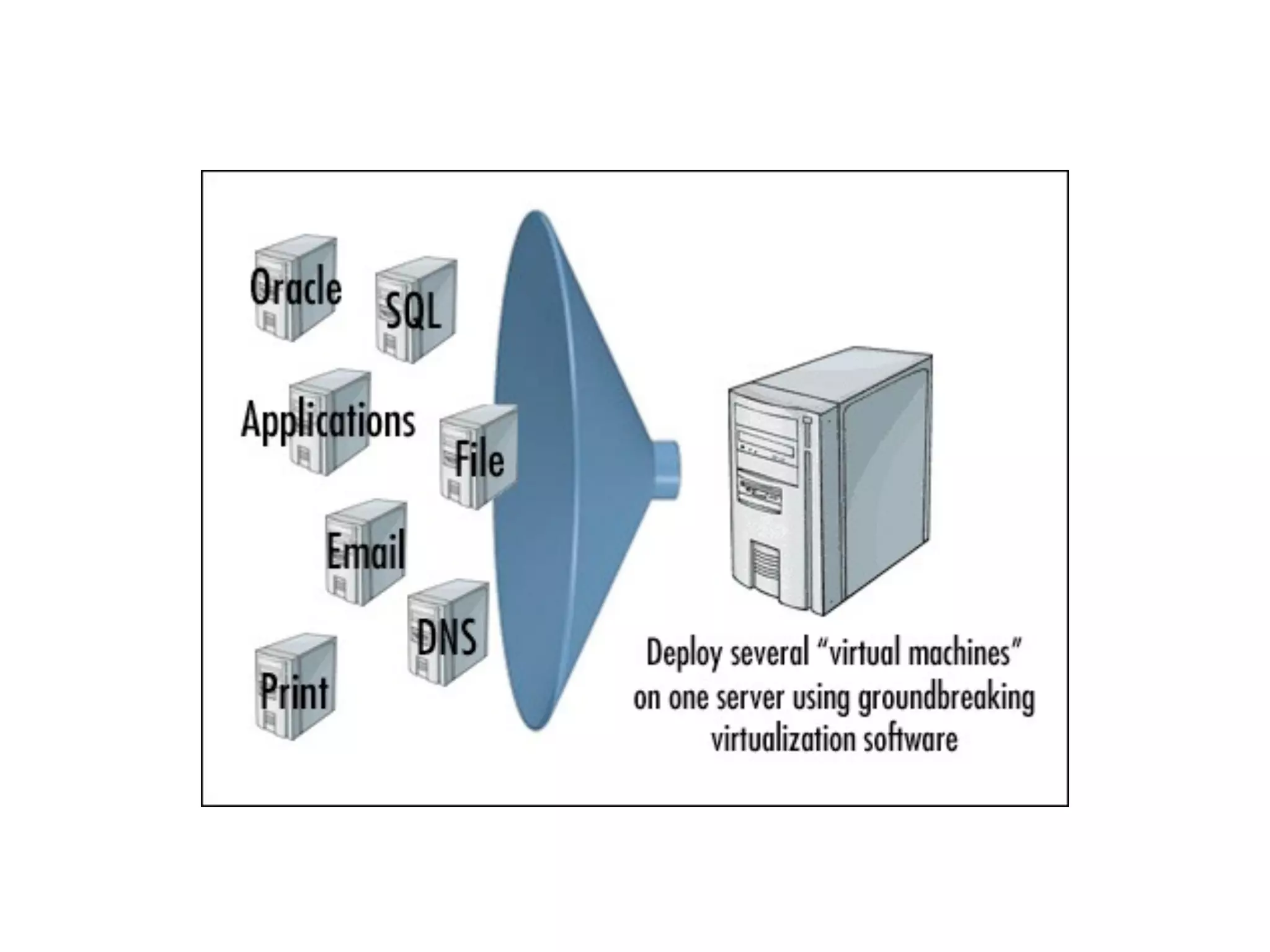
Popular depictions of
   Virtualization
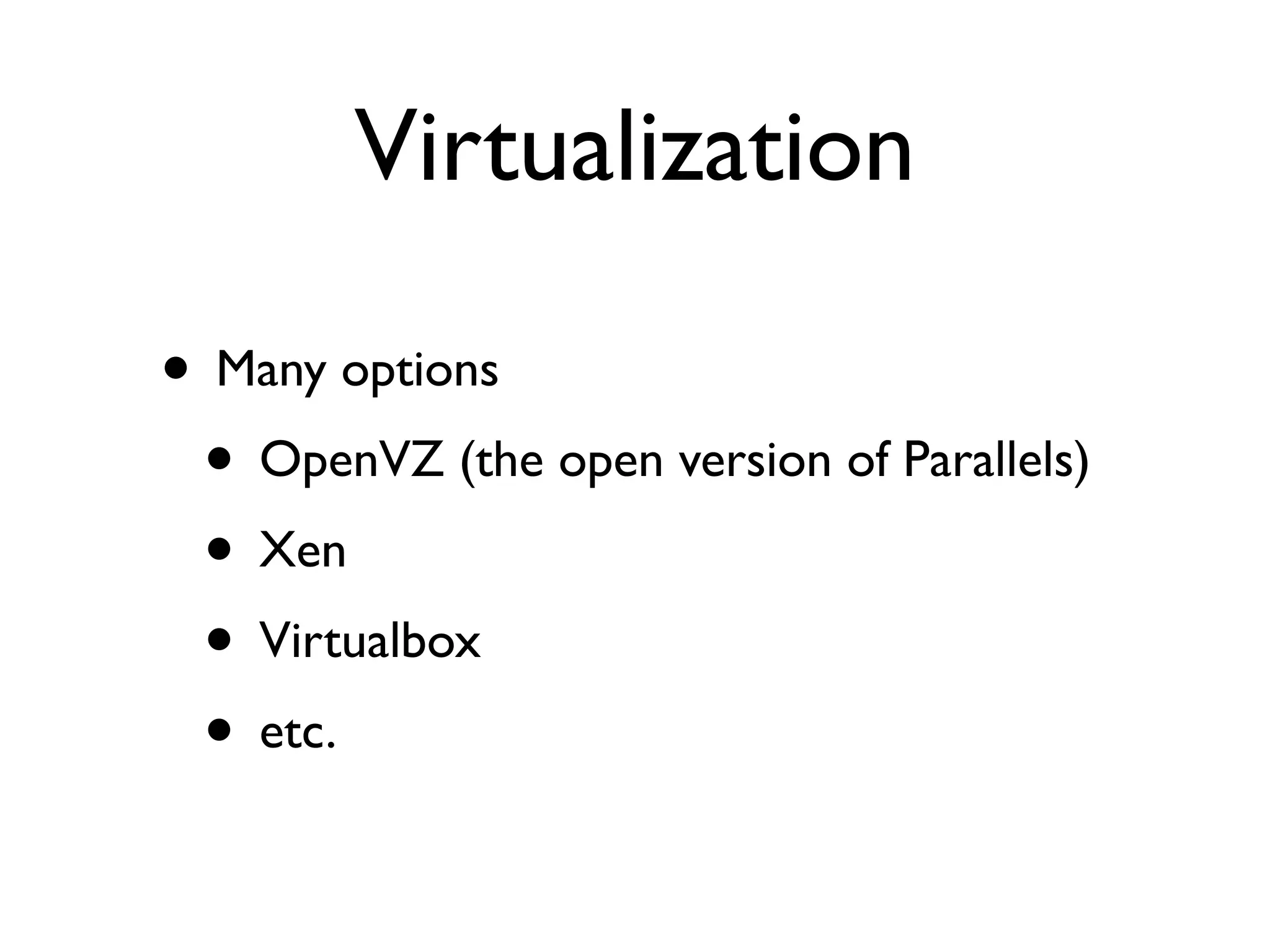
Virtualization

• Many options
 • OpenVZ (the open version of Parallels)
 • Xen
 • Virtualbox
 • etc.
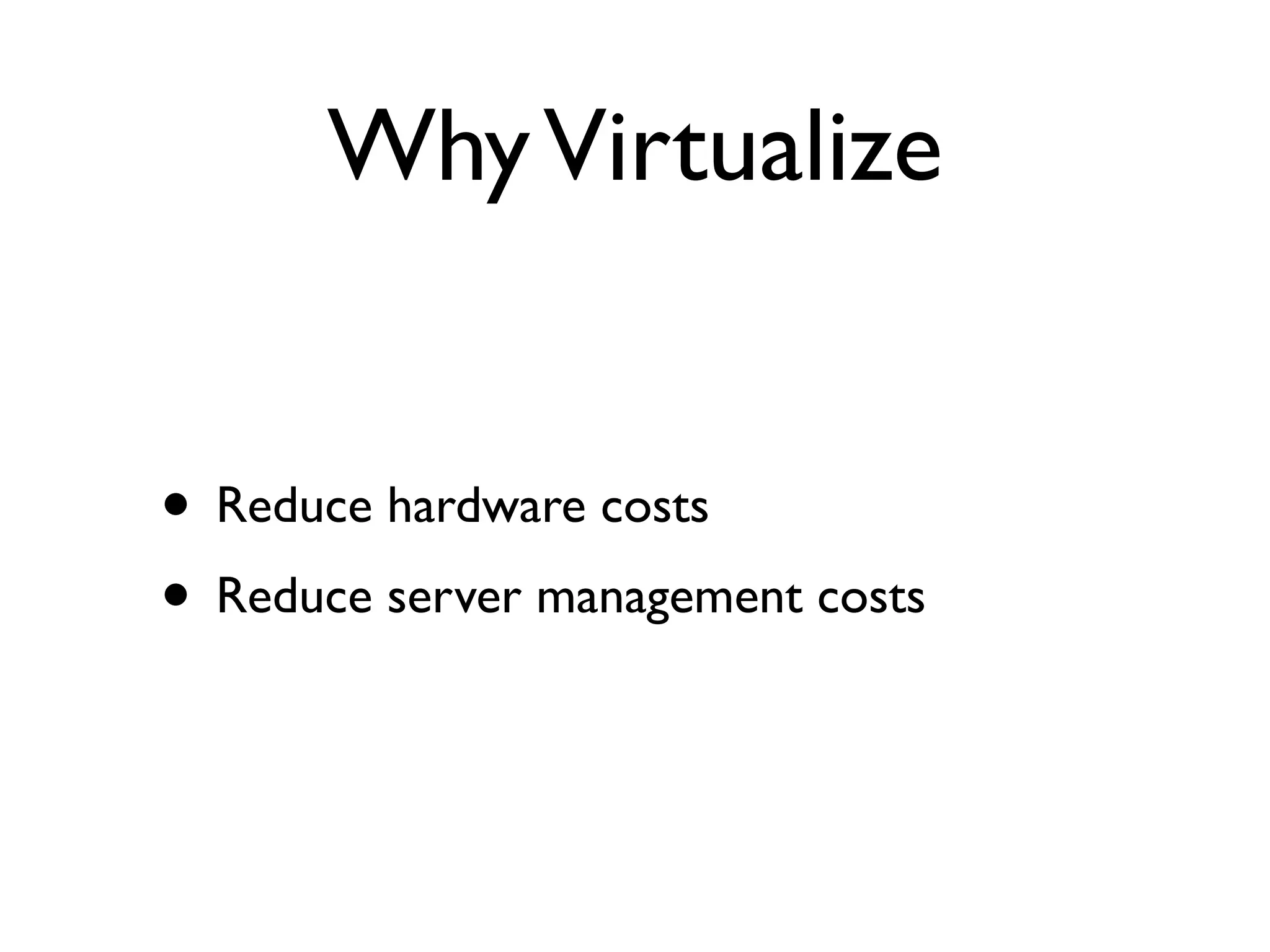
Why Virtualize


• Reduce hardware costs
• Reduce server management costs
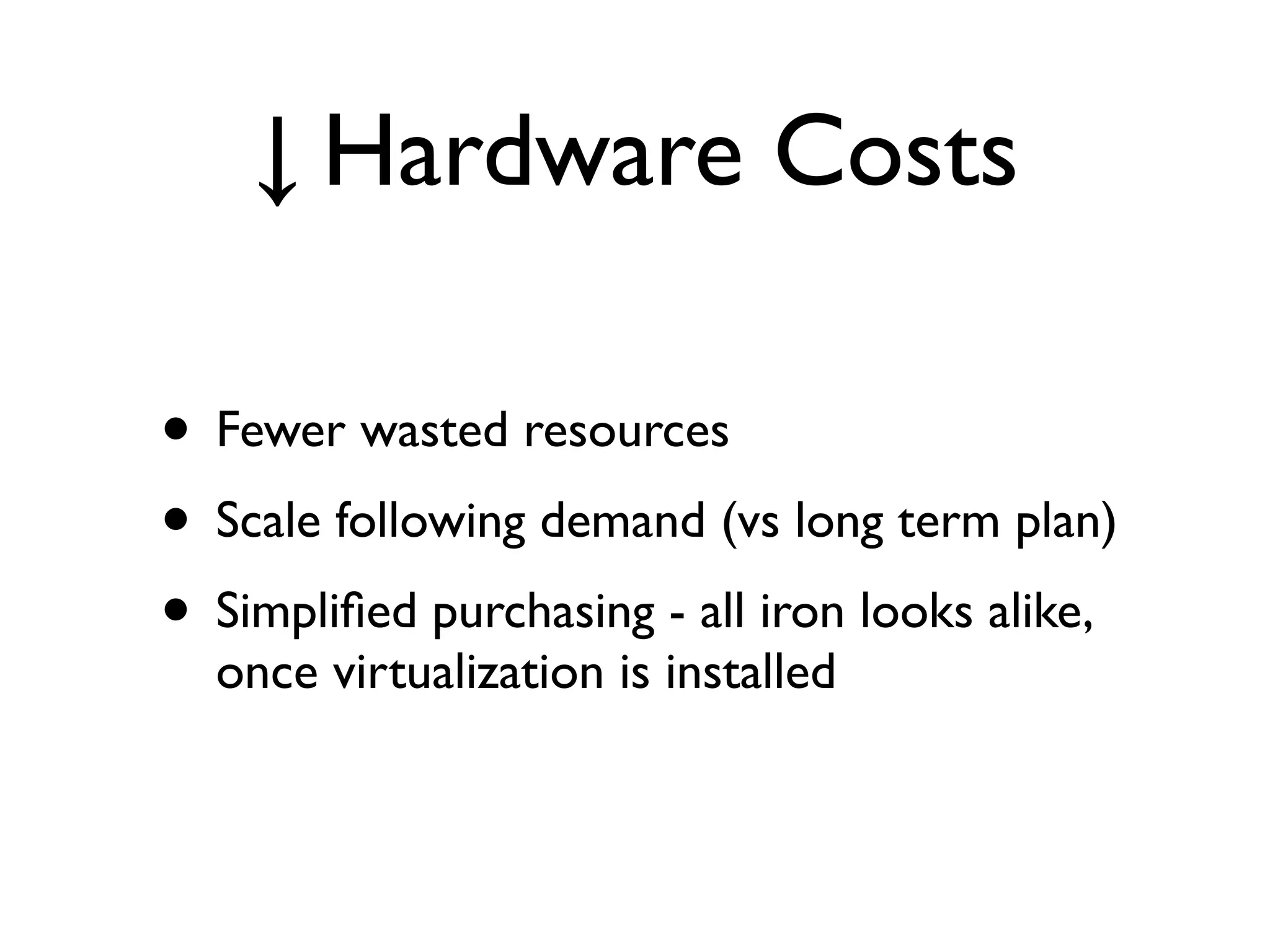
↓ Hardware Costs

• Fewer wasted resources
• Scale following demand (vs long term plan)
• Simplified purchasing - all iron looks alike,
  once virtualization is installed
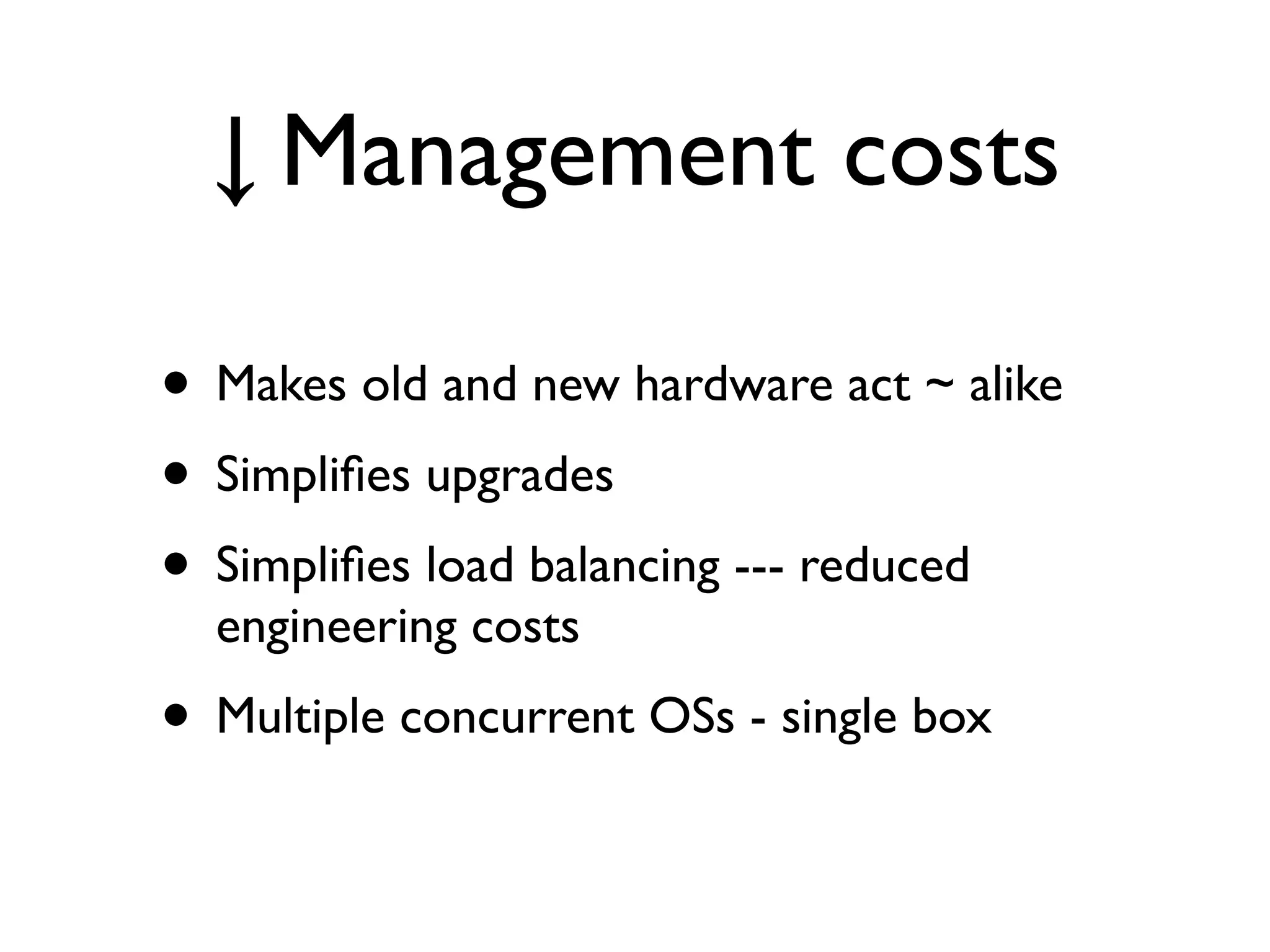
↓ Management costs

• Makes old and new hardware act ~ alike
• Simplifies upgrades
• Simplifies load balancing --- reduced
  engineering costs
• Multiple concurrent OSs - single box
Notes

• some things to experiment with later
 • vBoxTool - remote command-line control
    for headless virtualbox
 • phpVirtualBox - web copy of VB UI --
    beware the security recommendations
Let’s look at VBox
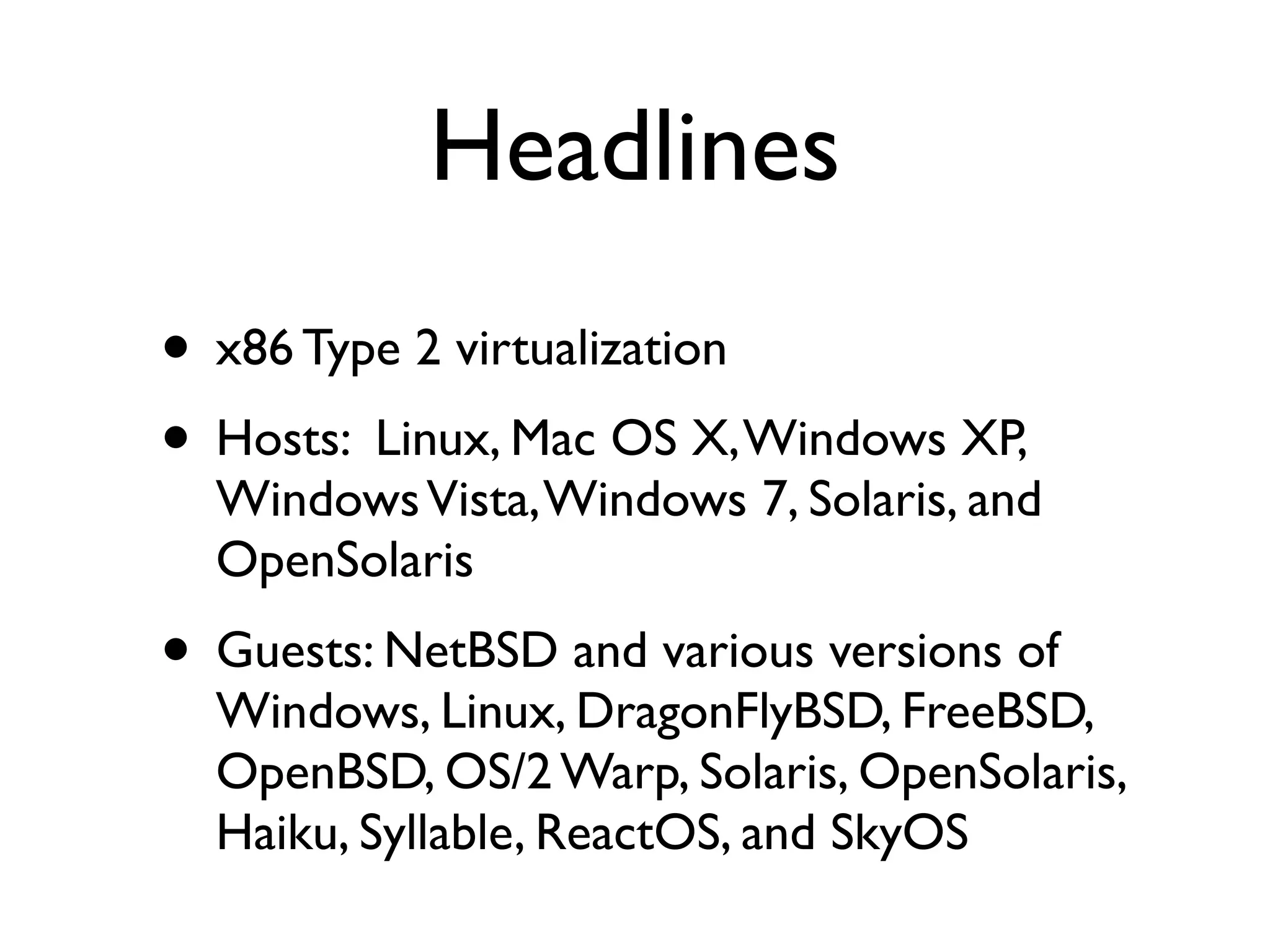
Headlines
• x86 Type 2 virtualization
• Hosts: Linux, Mac OS X, Windows XP,
  Windows Vista, Windows 7, Solaris, and
  OpenSolaris
• Guests: NetBSD and various versions of
  Windows, Linux, DragonFlyBSD, FreeBSD,
  OpenBSD, OS/2 Warp, Solaris, OpenSolaris,
  Haiku, Syllable, ReactOS, and SkyOS
Headlines

“According to 2010 surveys by LinuxJournal.com
and LifeHacker.com,VirtualBox was the most
popular virtualization product with over 50% of
the vote.”
That works for me ;)
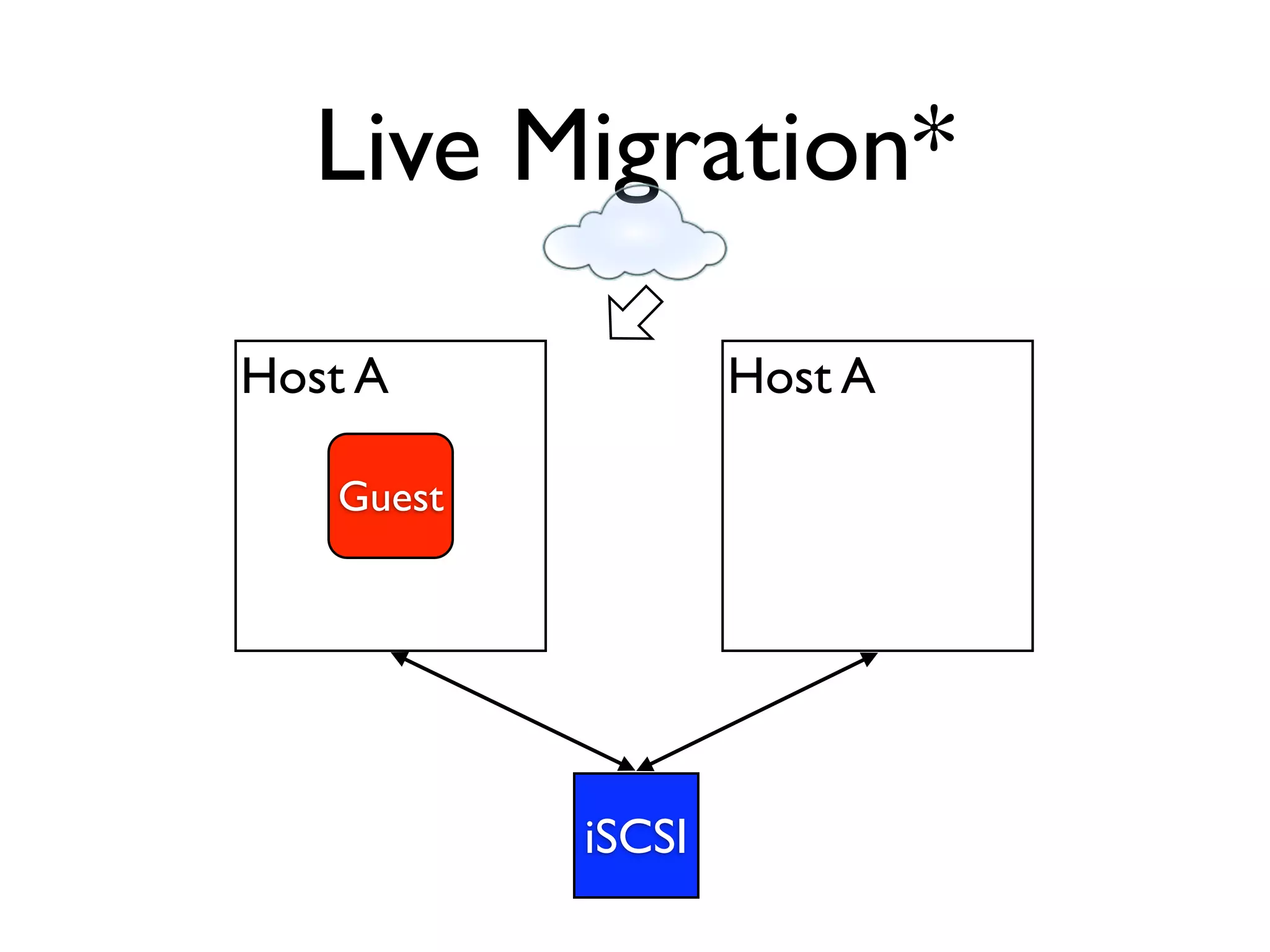
Live Migration*

Host A             Host A

   Guest


           iSCSI
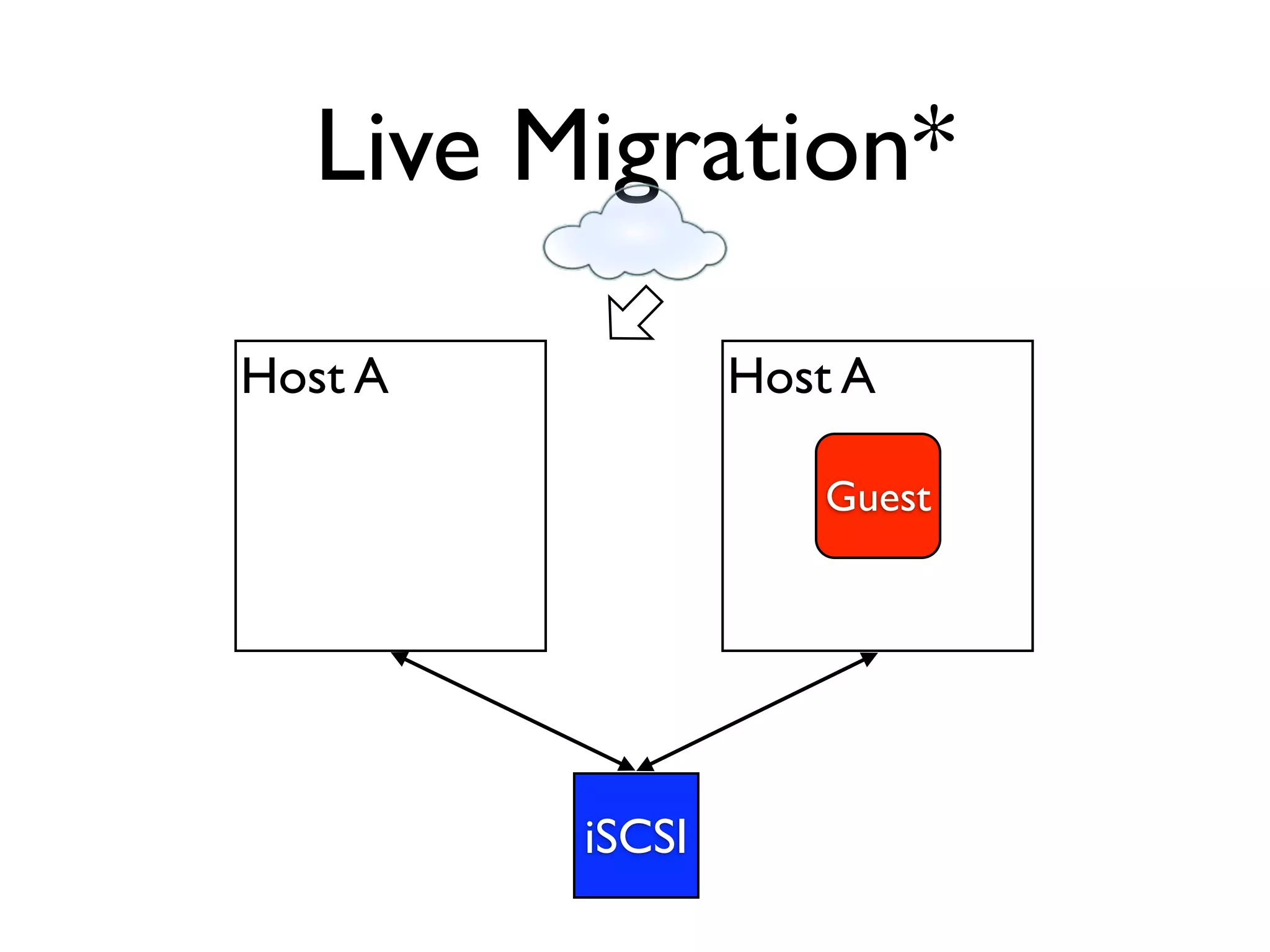
Live Migration*

Host A           Host A

                    Guest


         iSCSI
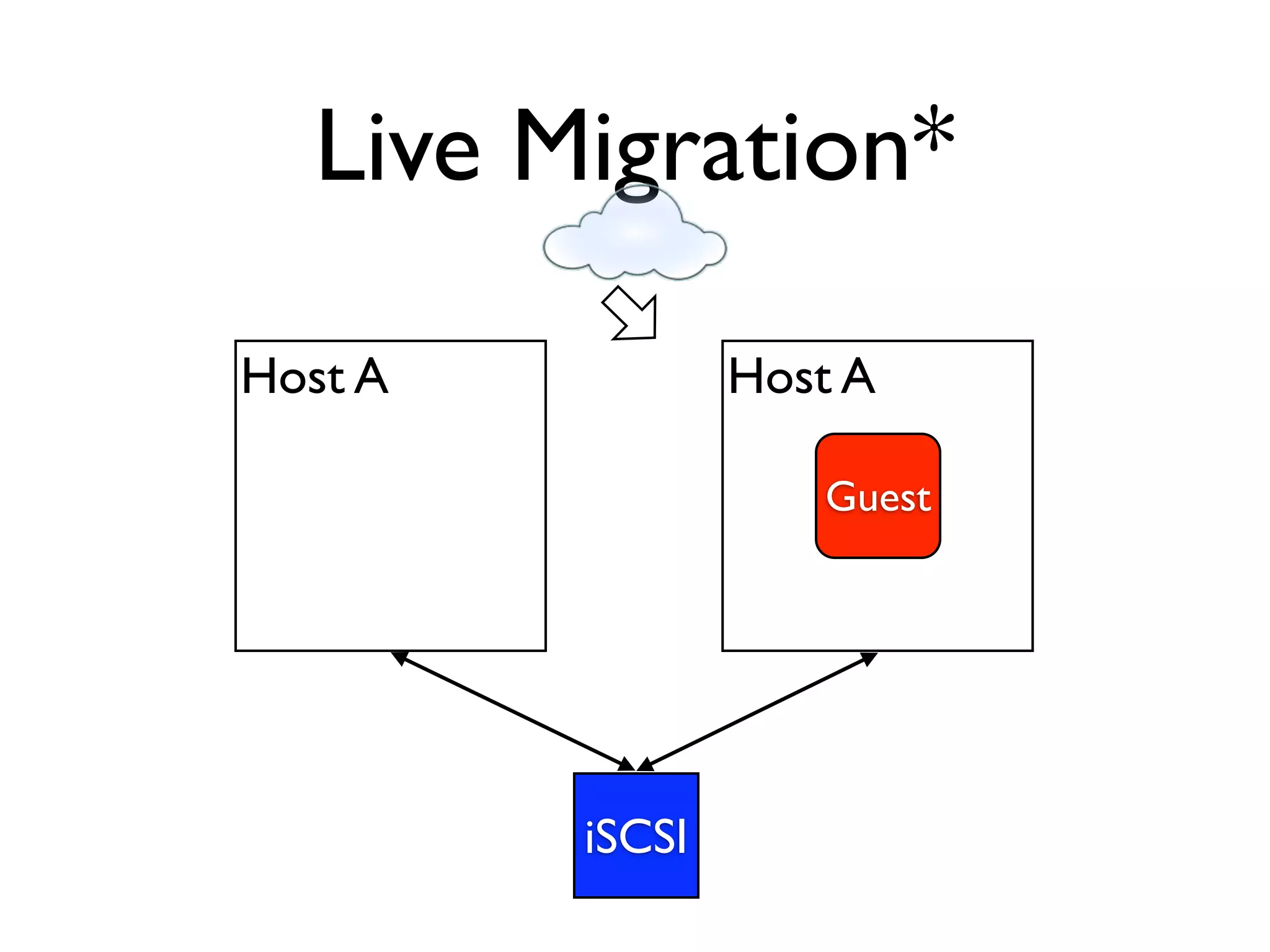
Live Migration*

Host A           Host A

                    Guest


         iSCSI
*Interested?
• Go... set it up... just for fun... And blog it.
 • http://www.virtualbox.org/manual/ch07.html
 • http://kurt.seifried.org/2010/05/24/linux-
    iscsi-server-target/
  • http://iscsitarget.sourceforge.net/
  • http://stgt.sourceforge.net/
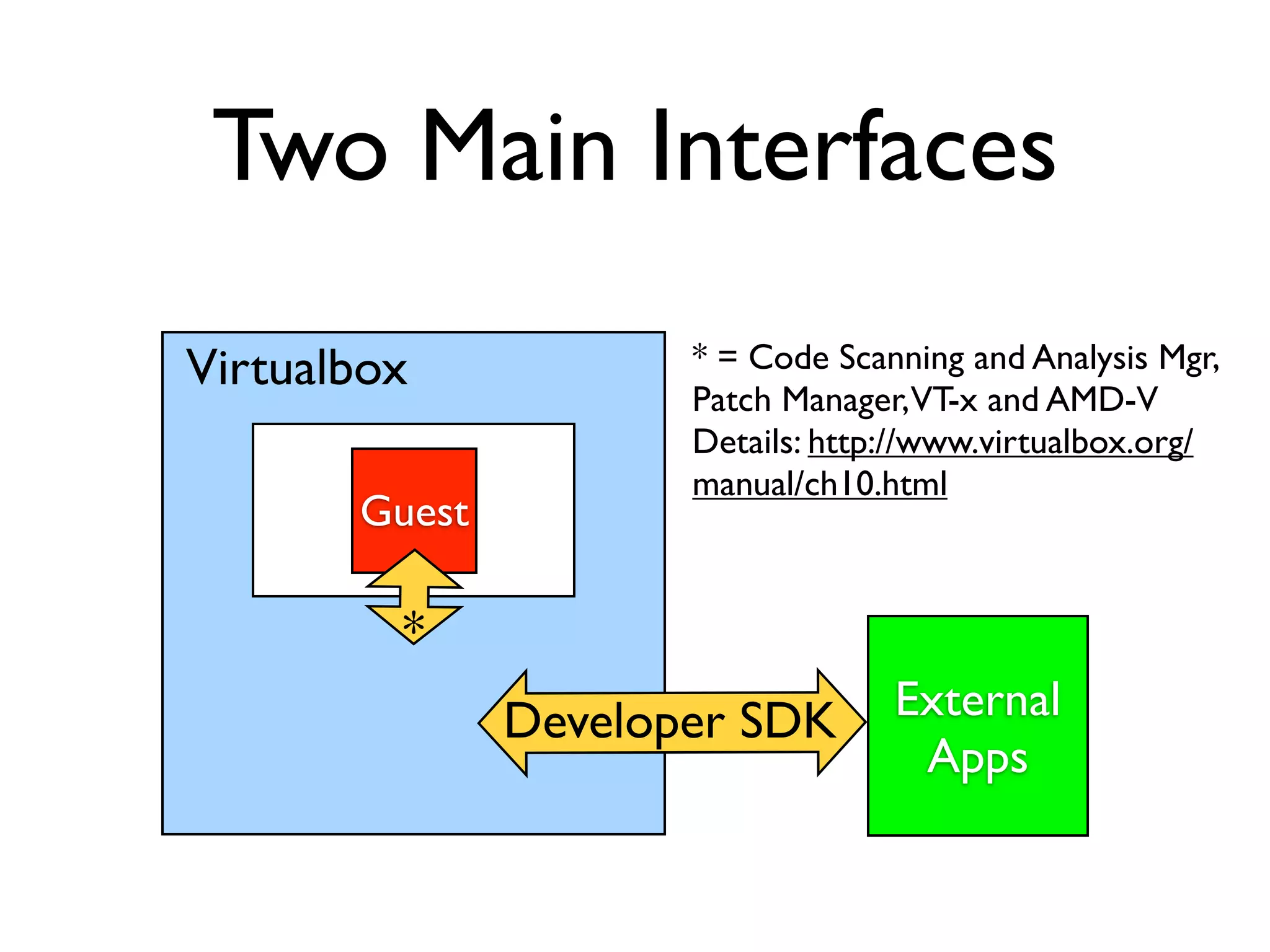
Two Main Interfaces
Virtualbox            * = Code Scanning and Analysis Mgr,
                      Patch Manager, VT-x and AMD-V
                      Details: http://www.virtualbox.org/
                      manual/ch10.html
       Guest

         *
               Developer SDK       External
                                    Apps
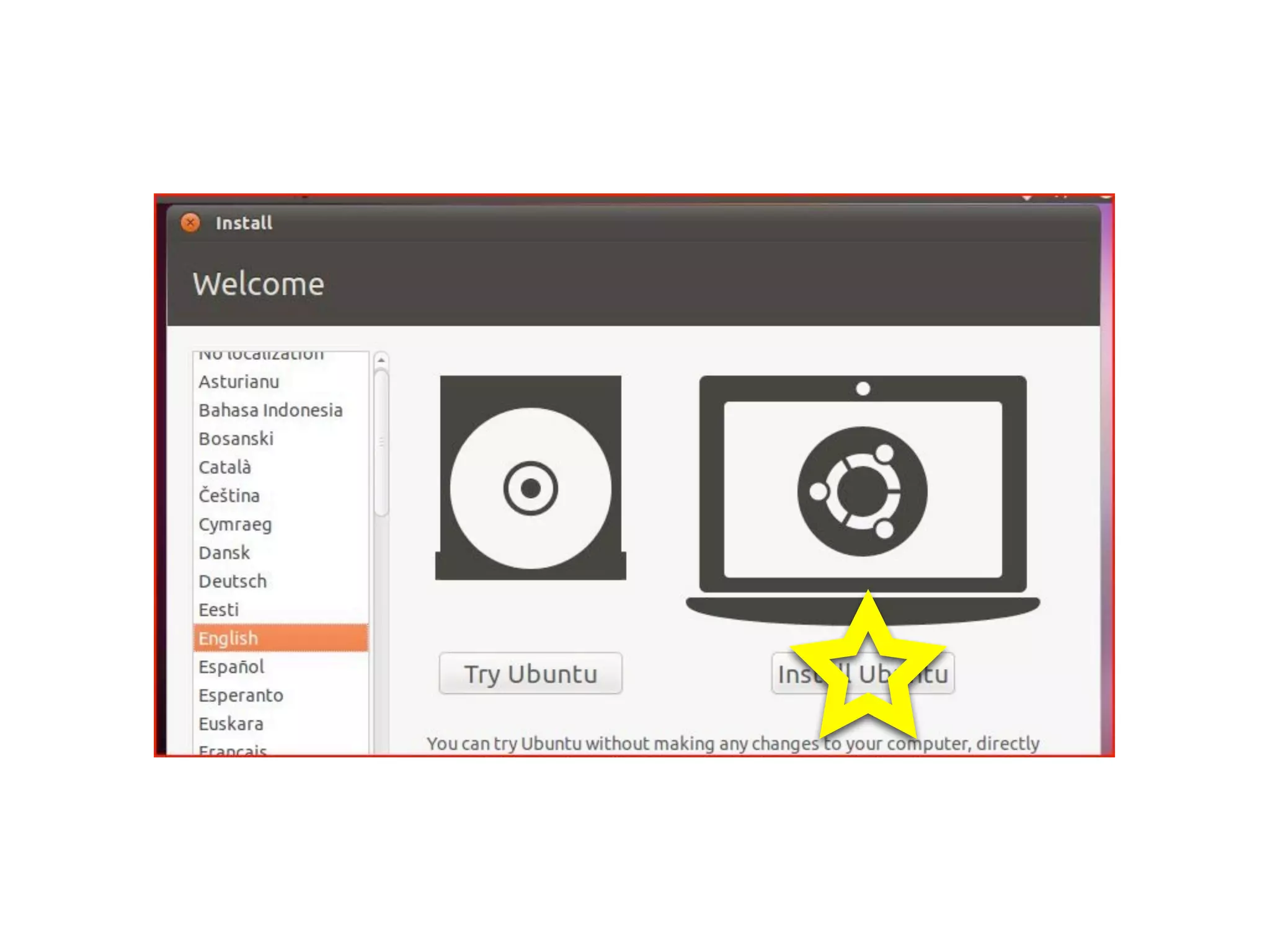
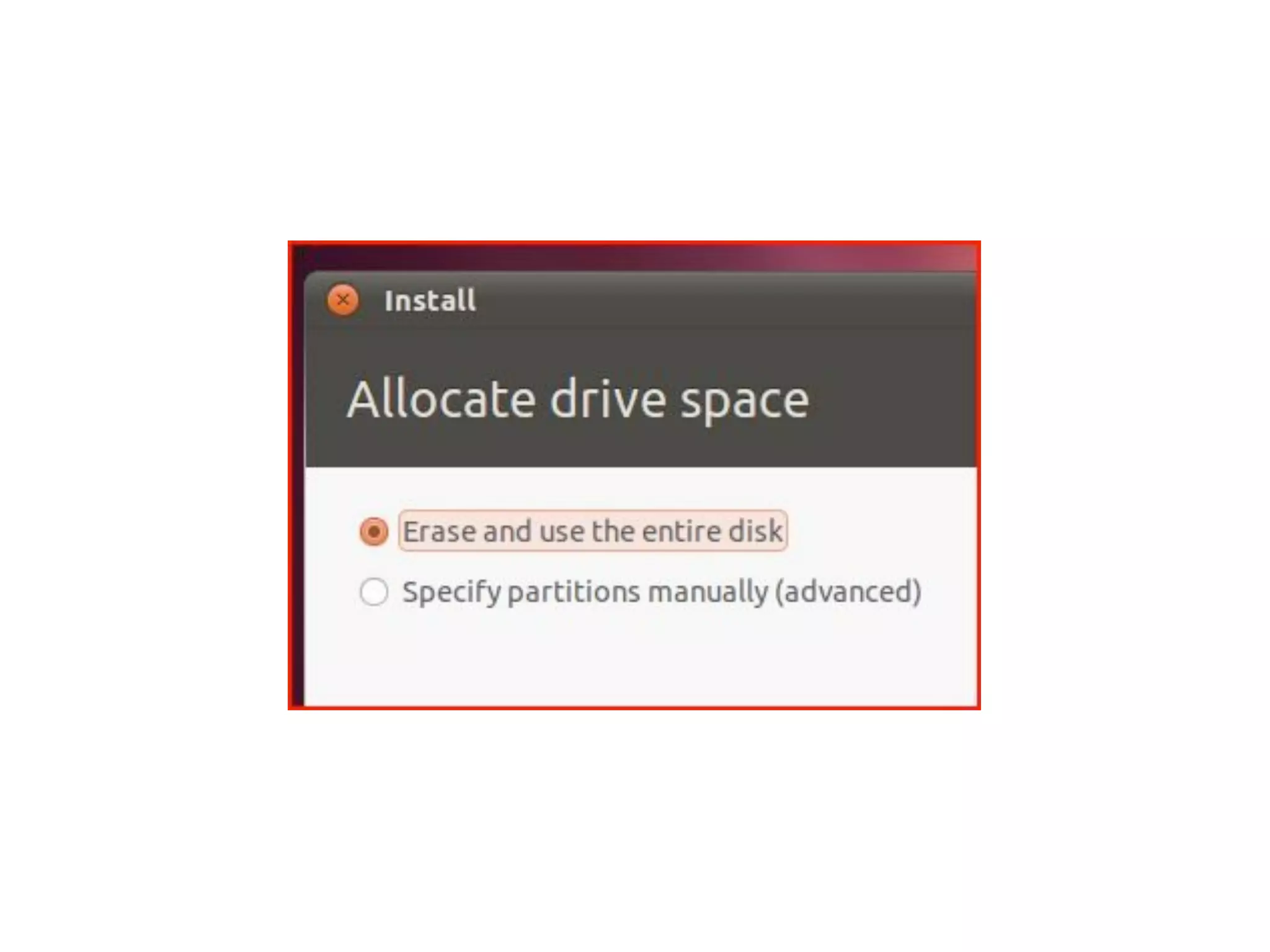
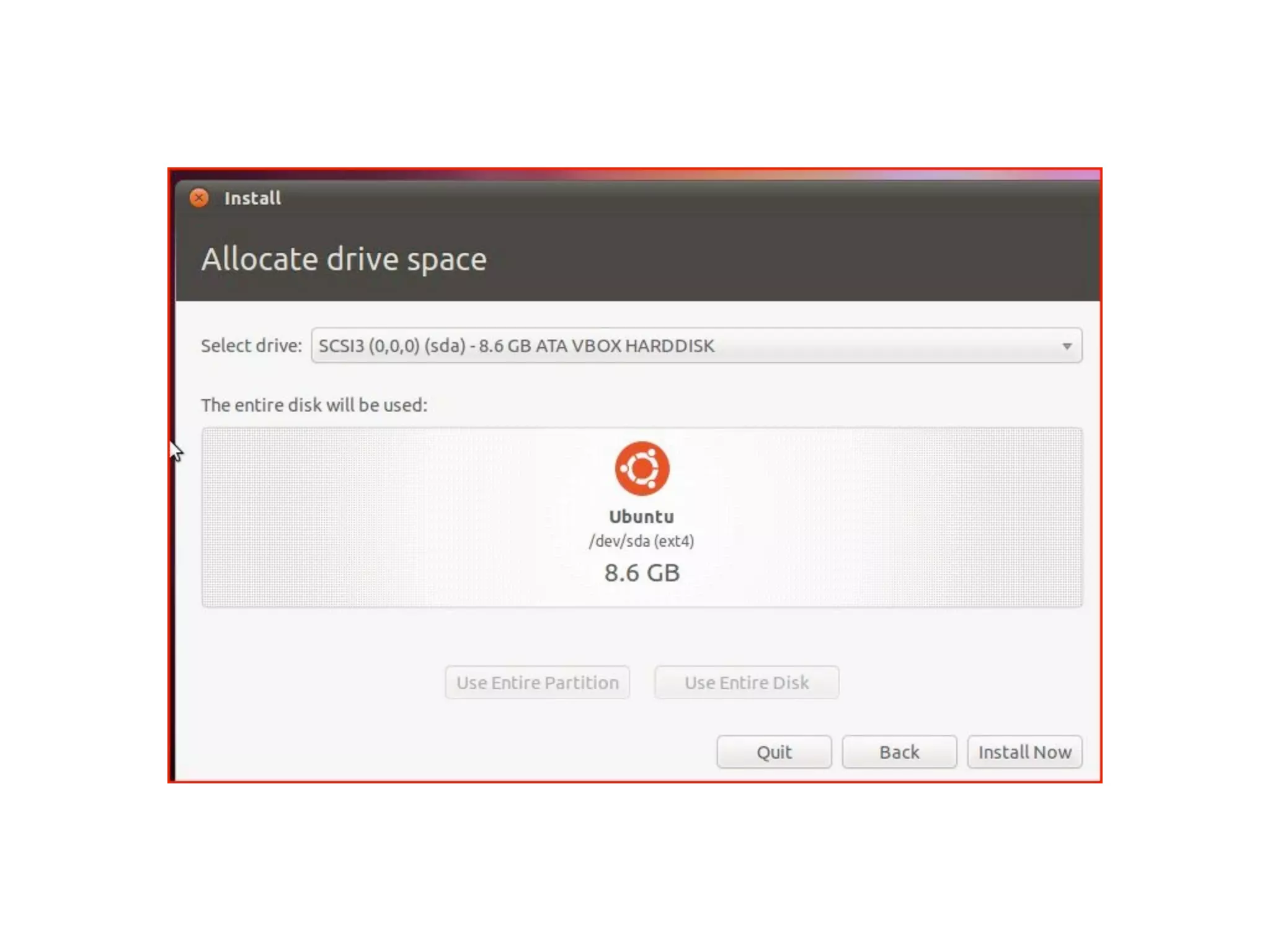
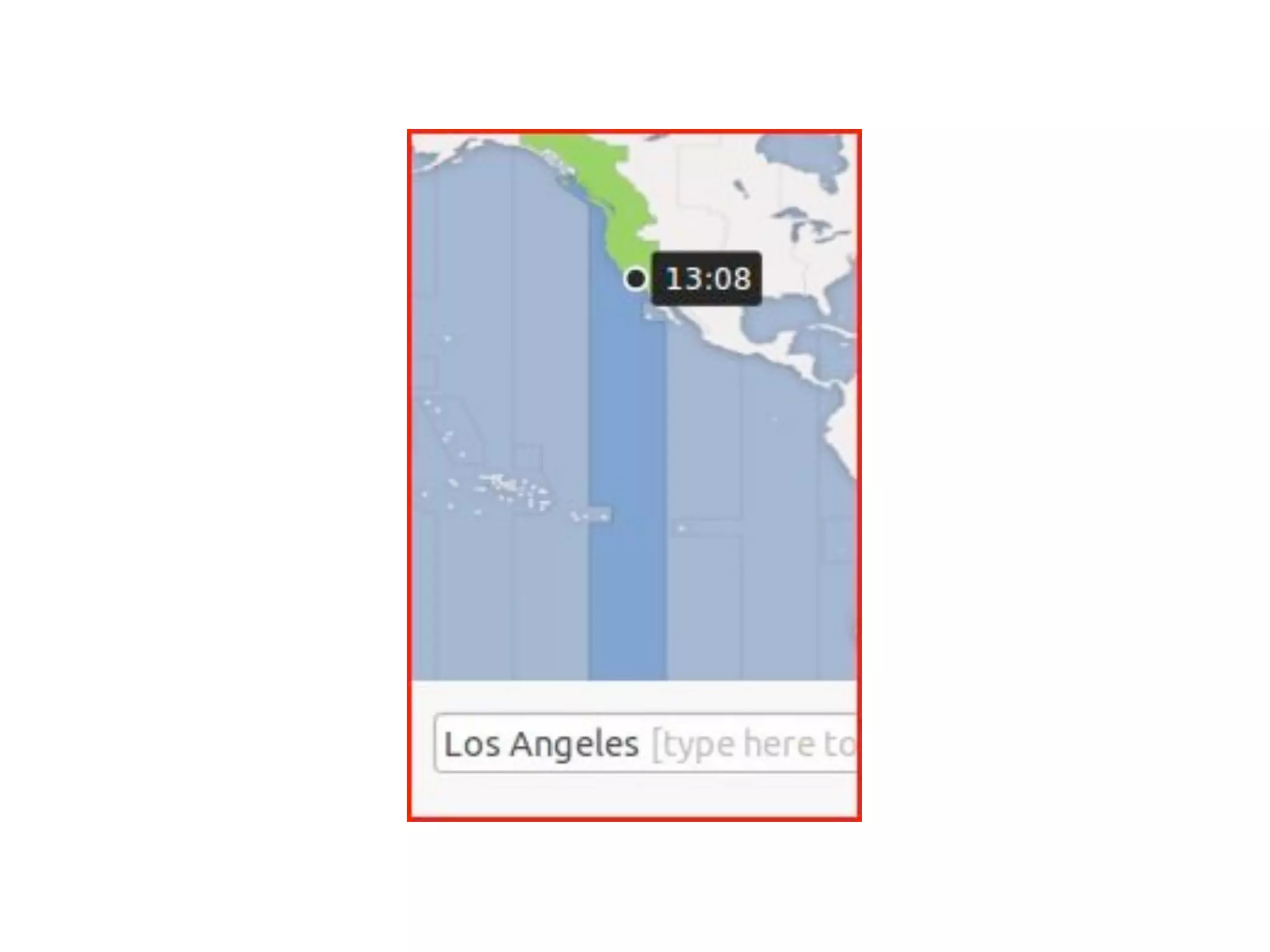
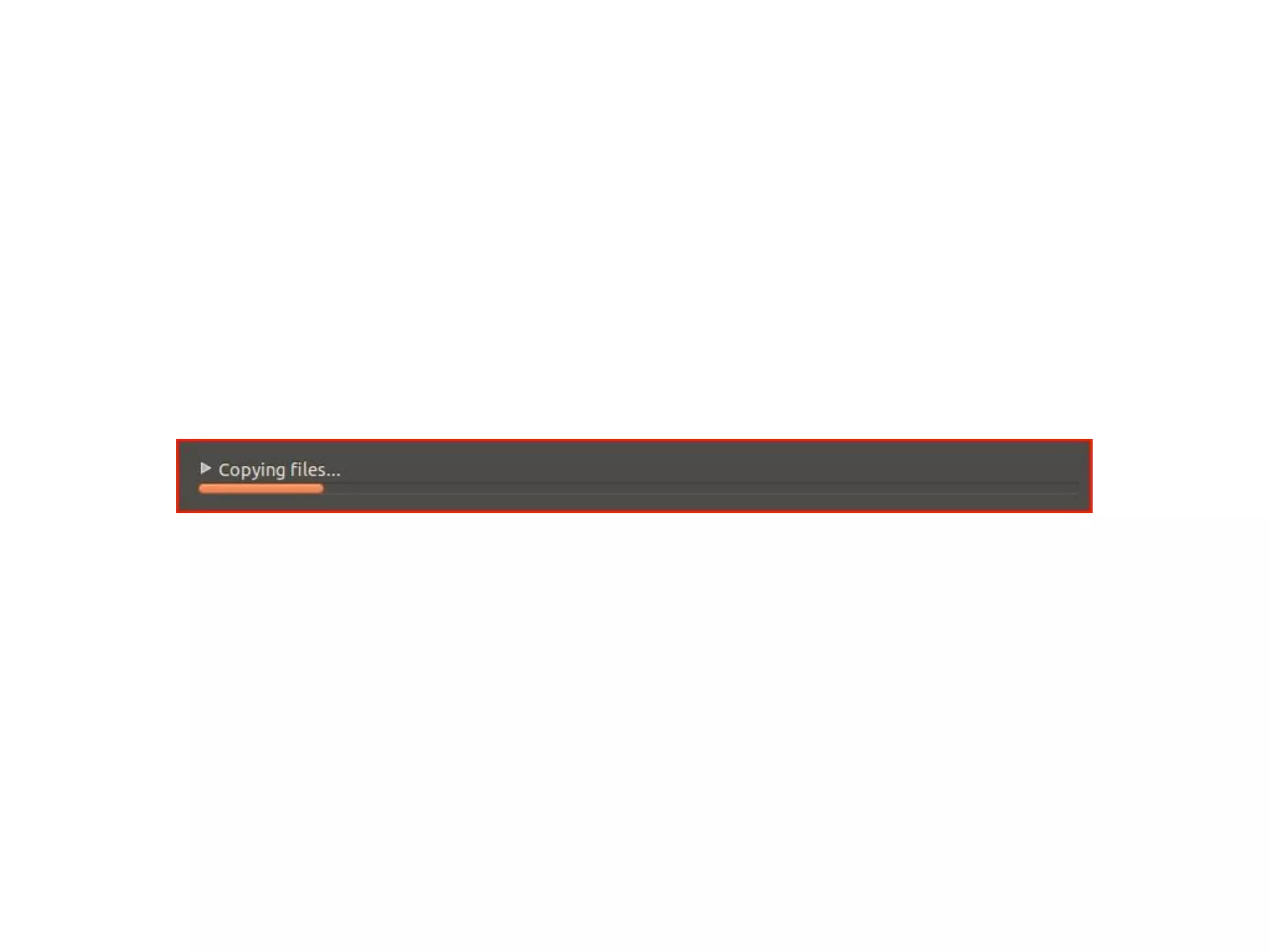
Ubuntu Linux Install
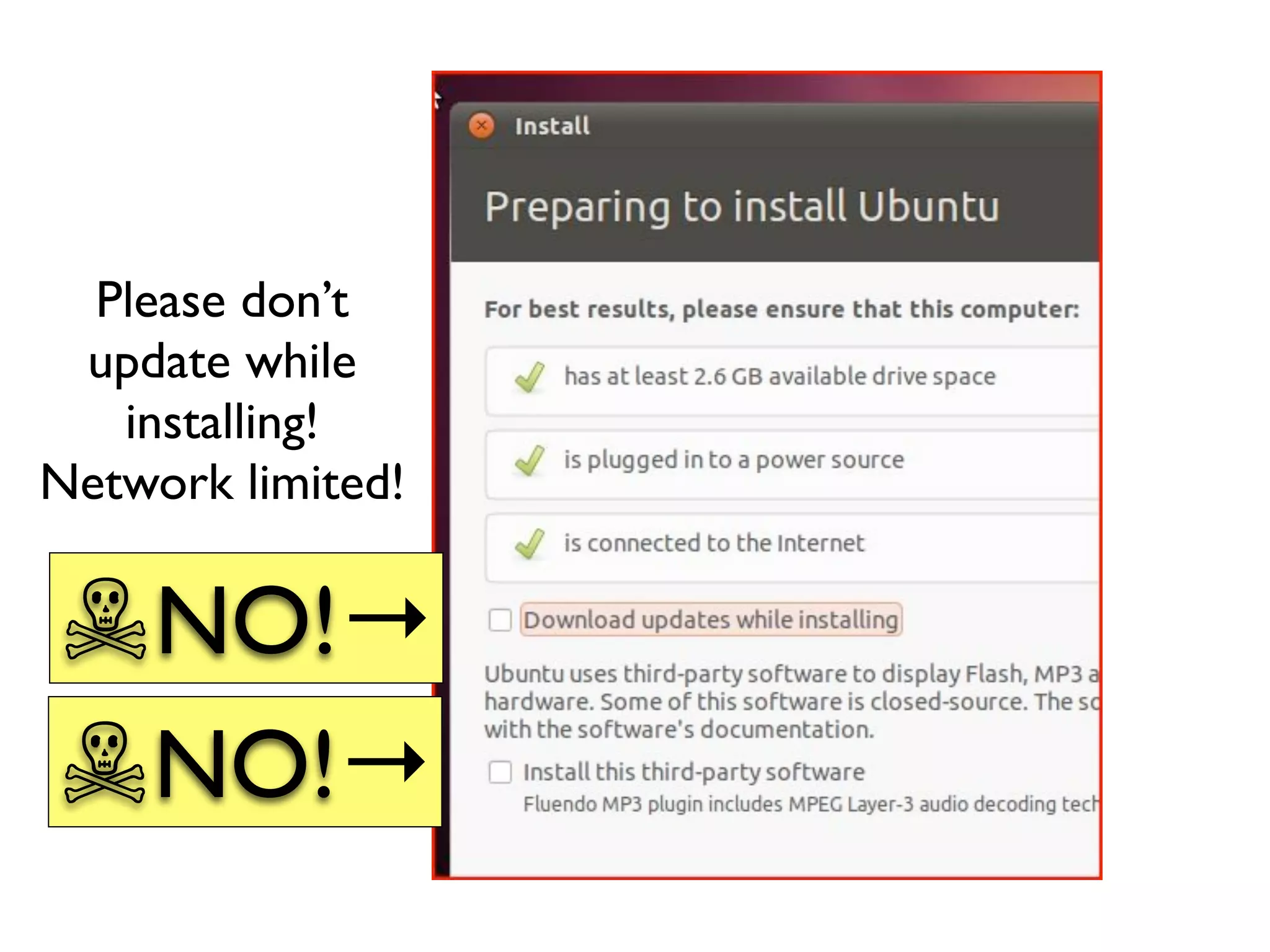
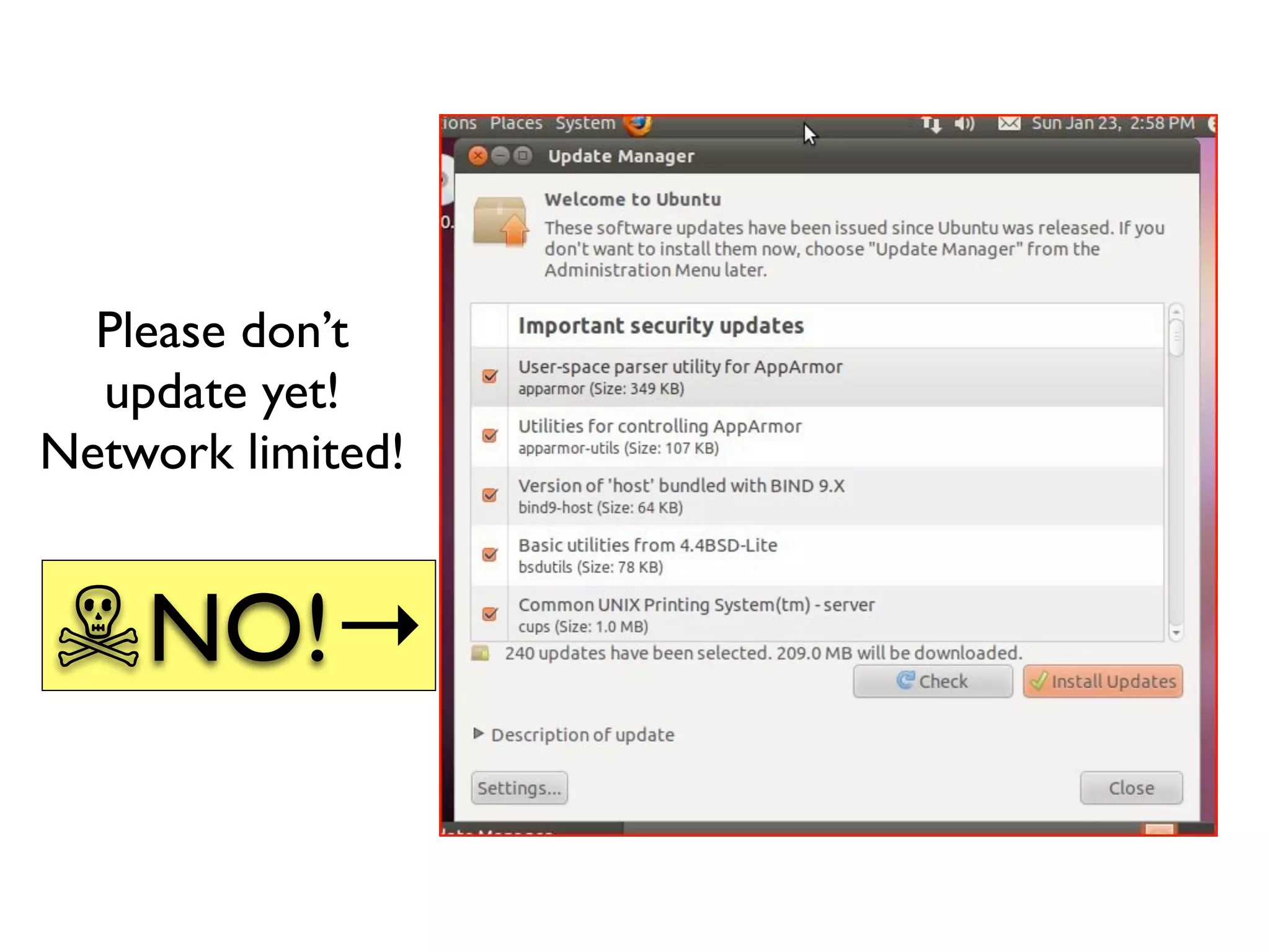
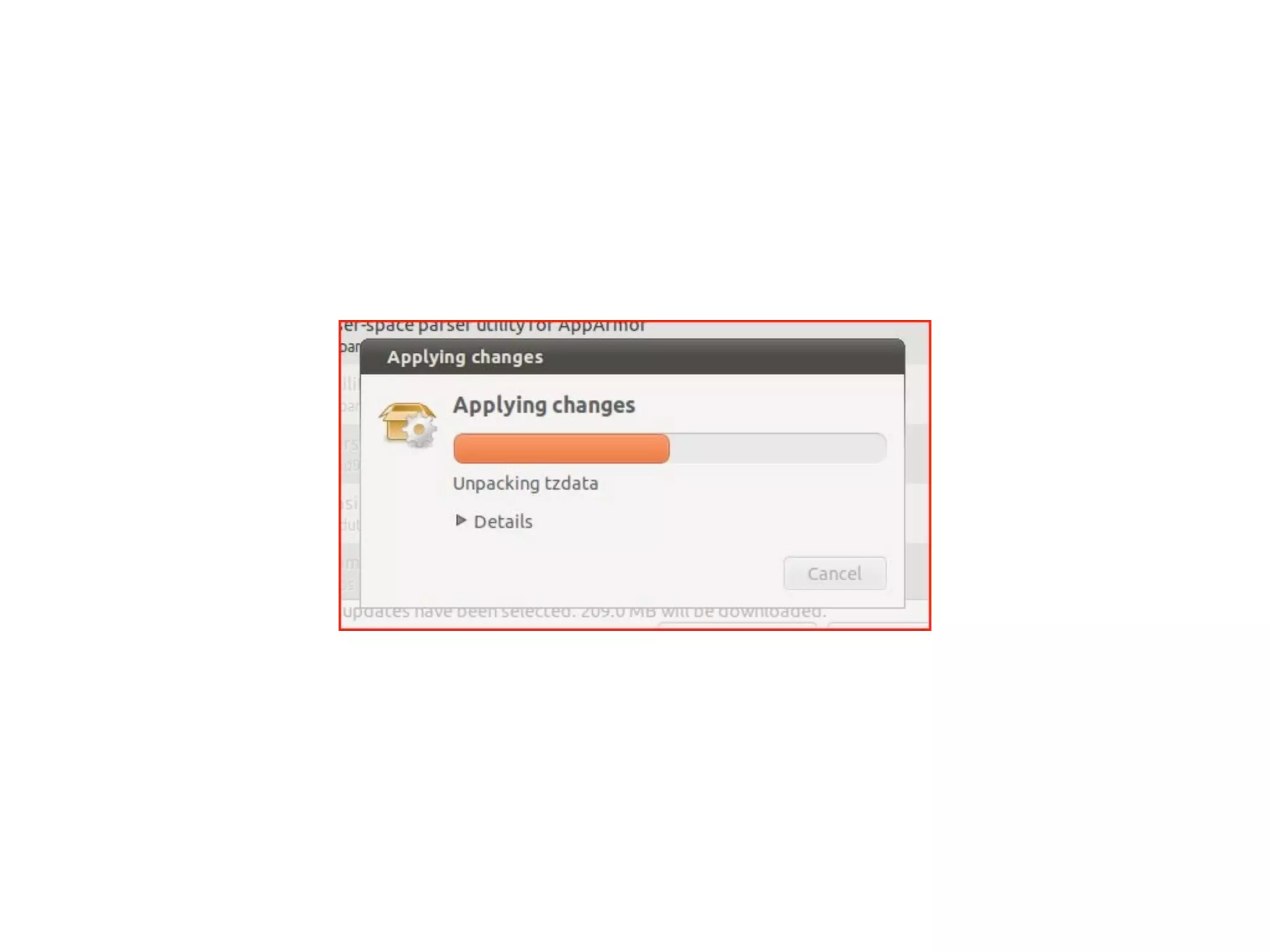
Please don’t
 update while
   installing!
Network limited!

☠NO!→
☠NO!→
Please don’t
  update yet!
Network limited!


☠NO!→
Cis222 2

Cis222 2