Inheritance and OOP
Chapter 11
Chapter Contents
Chapter Objectives
11.1 Introductory Example: A Trip to the
Aviary
11.2 Inheritance and Polymorphism
11.3 Example: Geological Classification
11.4 Example: An O-O Payroll Program
11.5 Graphical/Internet Java: A Function
Plotter
Chapter Objectives
 Learn how classes are designed and built
 Learn about inheritance and
polymorphism
 Illustrate the power of inheritance and
polymorphism with case studies
 Use OOD to develop a function-plotting
GUI application
Objects
 Organized into groups with similar
characteristics
 they are said to be related by a common
characteristic
 Object-Oriented programming seeks to
provide mechanisms for modeling these
relationships
 this is where the Java word extends is used
11.1 Intro Example: A Trip to the Aviary
 Consider a collection of birds which have
different properties
 name
 color (some of the same name are of different
colors)
 they eat different things
 they make different noises
 some make multiple kinds of sounds
We seek a program
to simulate this
collection
Design Sketch
 Key is to design a Bird class hierarchy.
 Strategy
 design classes for objects
 identify characteristics classes have in
common
 design superclasses to store common
characteristics
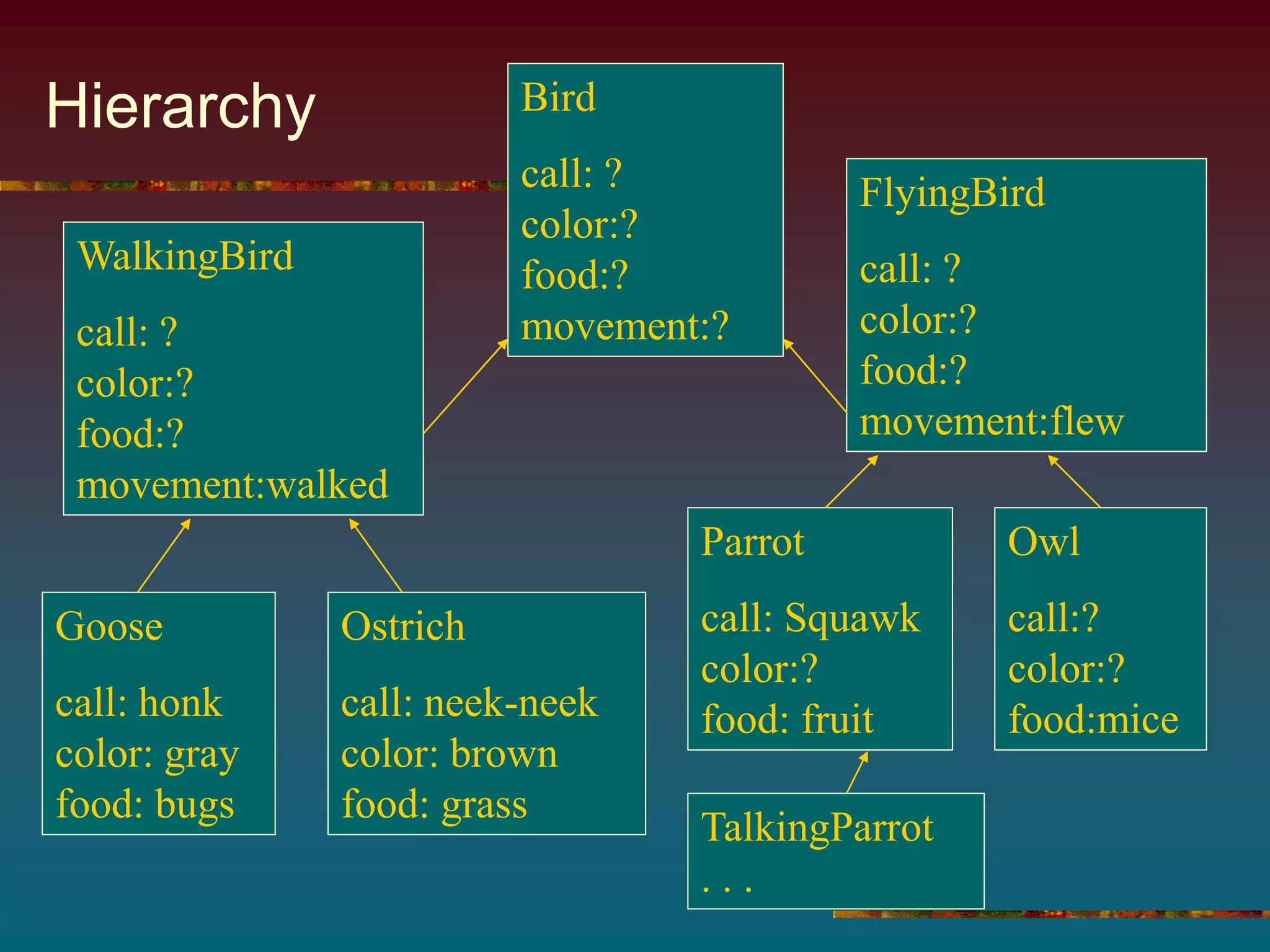
Hierarchy Bird
call: ?
color:?
food:?
movement:?
WalkingBird
call: ?
color:?
food:?
movement:walked
FlyingBird
call: ?
color:?
food:?
movement:flew
Goose
call: honk
color: gray
food: bugs
Ostrich
call: neek-neek
color: brown
food: grass
Parrot
call: Squawk
color:?
food: fruit
Owl
call:?
color:?
food:mice
TalkingParrot
. . .
Coding
 Note Bird class, Figure 11.1
 Attributes common to all birds
 color
 food
 movement
Features of Bird Class
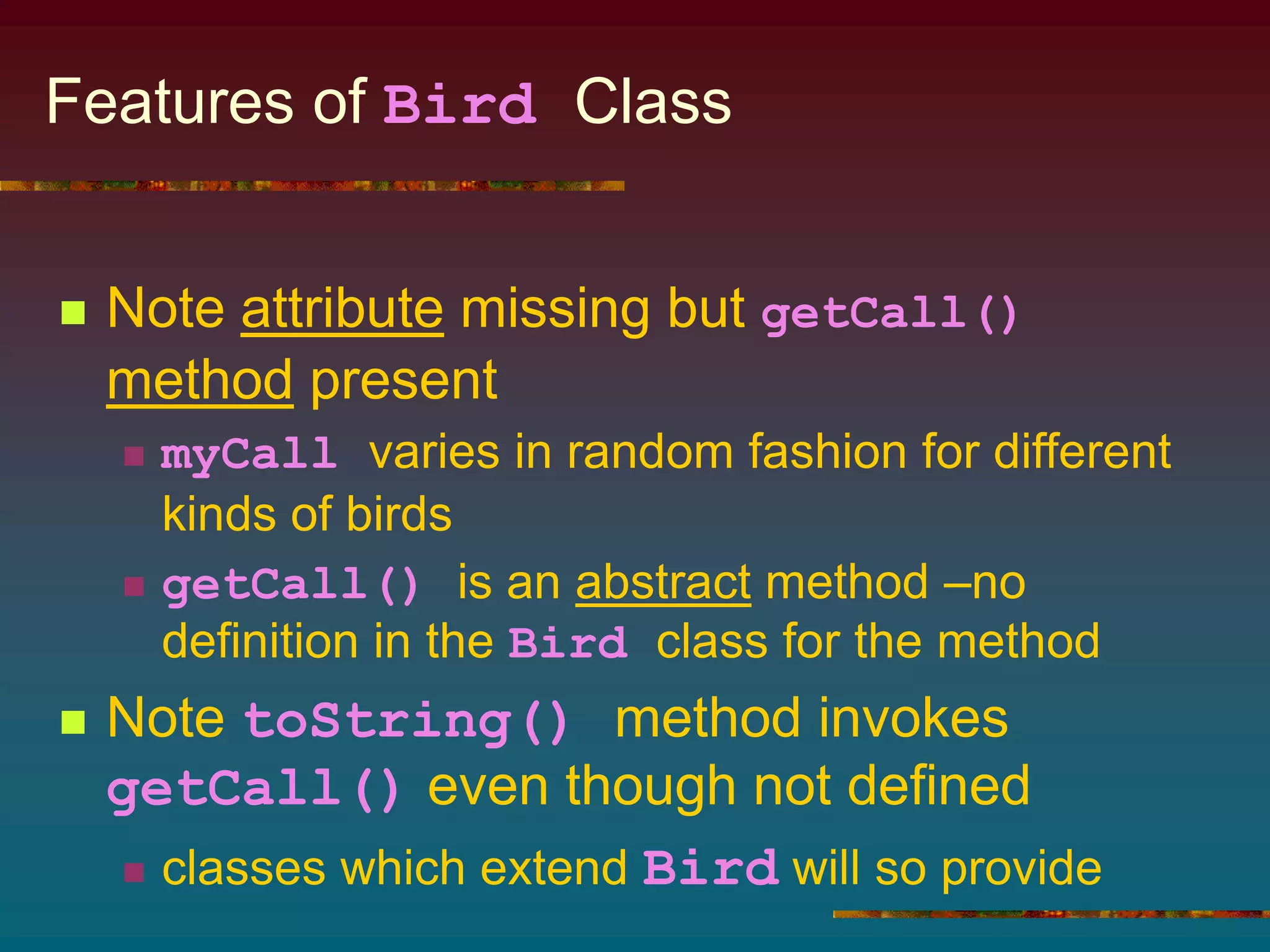
 Note attribute missing but getCall()
method present
 myCall varies in random fashion for different
kinds of birds
 getCall() is an abstract method –no
definition in the Bird class for the method
 Note toString() method invokes
getCall() even though not defined
 classes which extend Bird will so provide
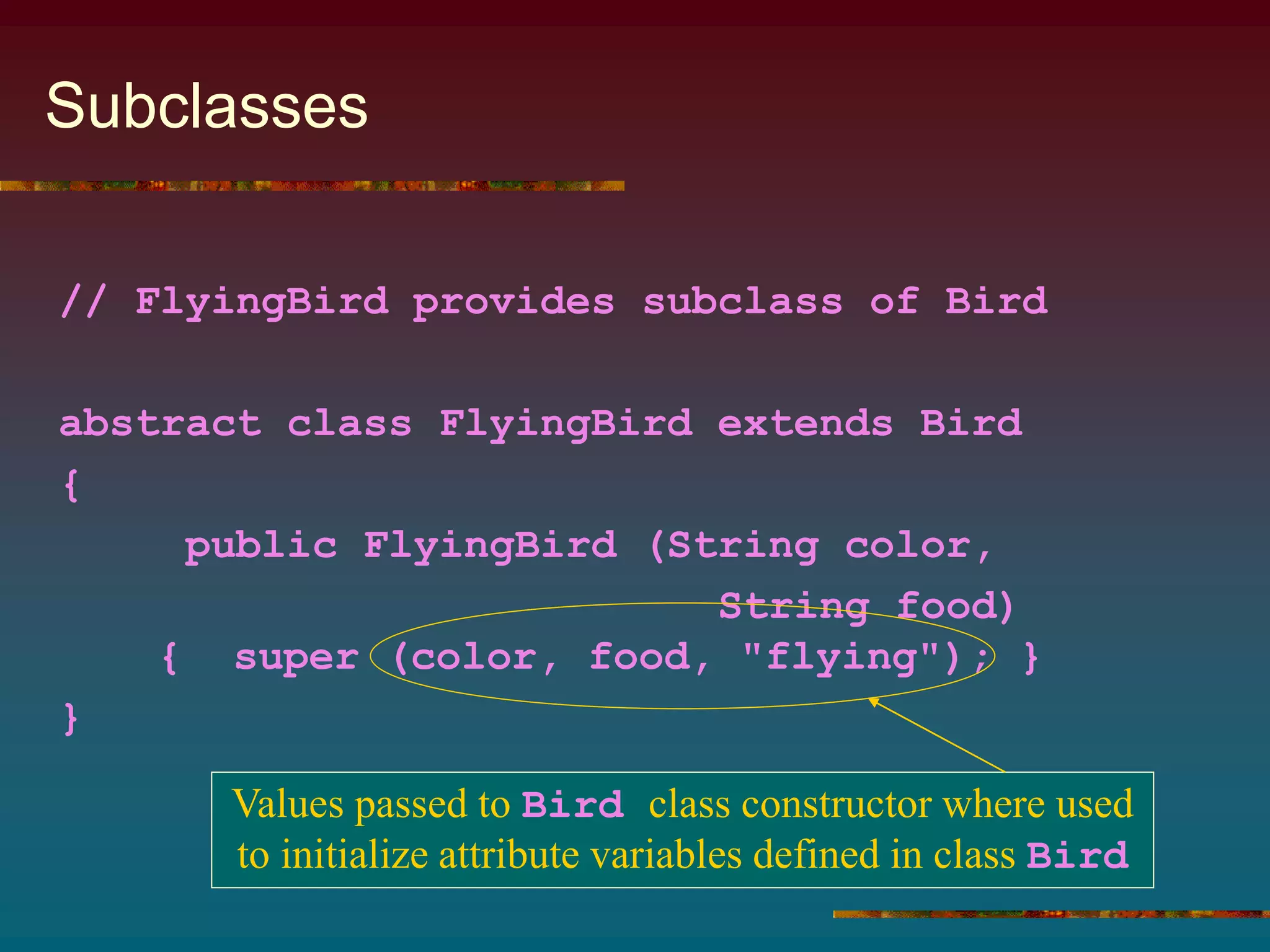
Subclasses
// FlyingBird provides subclass of Bird
abstract class FlyingBird extends Bird
{
public FlyingBird (String color,
String food)
{ super (color, food, "flying"); }
}
Values passed to Bird class constructor where used
to initialize attribute variables defined in class Bird
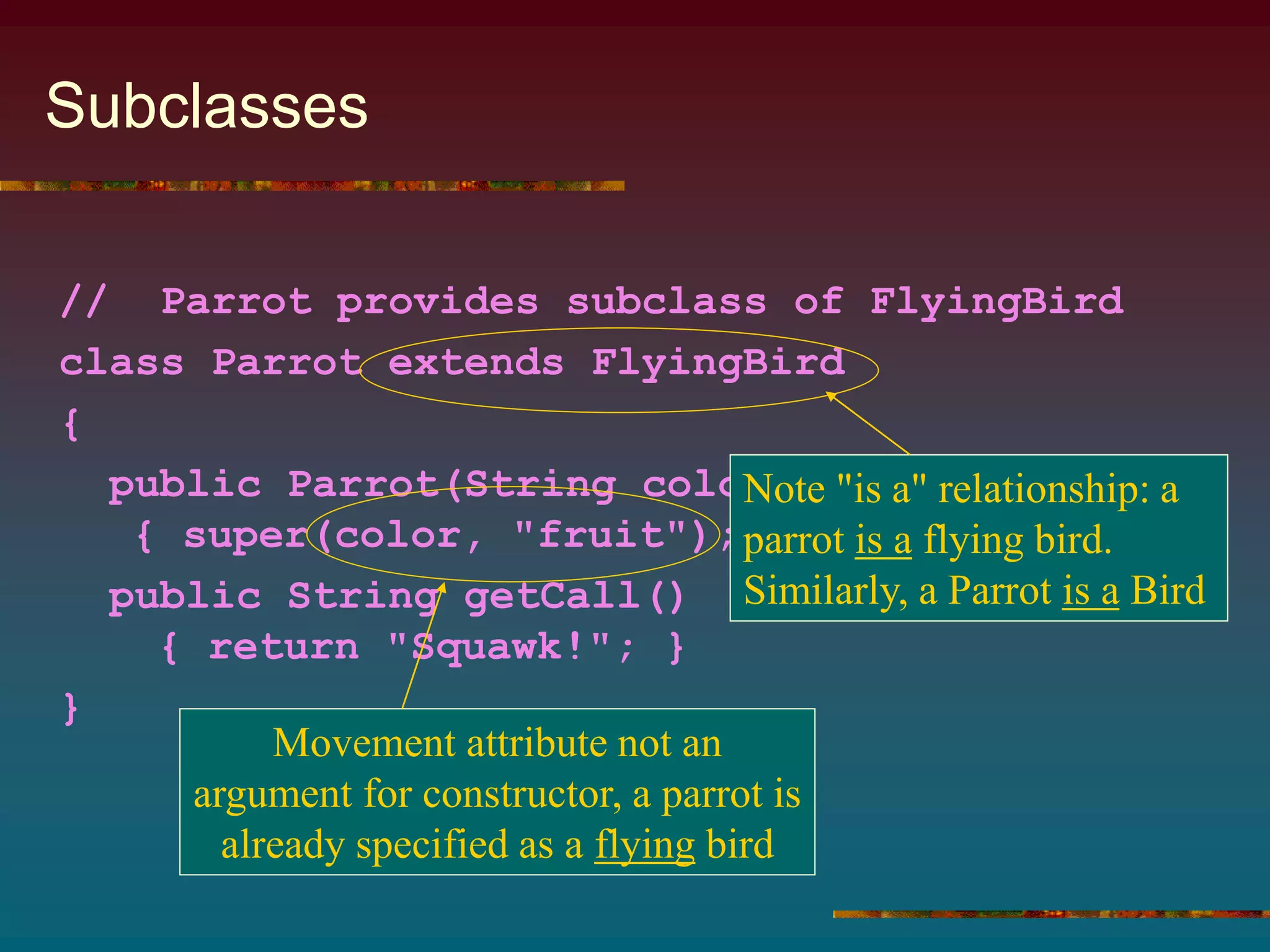
Subclasses
// Parrot provides subclass of FlyingBird
class Parrot extends FlyingBird
{
public Parrot(String color)
{ super(color, "fruit"); }
public String getCall()
{ return "Squawk!"; }
}
Note "is a" relationship: a
parrot is a flying bird.
Similarly, a Parrot is a Bird
Movement attribute not an
argument for constructor, a parrot is
already specified as a flying bird
Aviary Class
 Note source code, Figure 11.1
 Array of Bird objects
 Initialized as individual subclass objects
Ostrich, Goose, Parrot, etc.
 Random element of array chosen
 assigned to Bird handle, aBird
 when aBird printed, toString method
prints specifics unique to the subclass type of
bird chosen
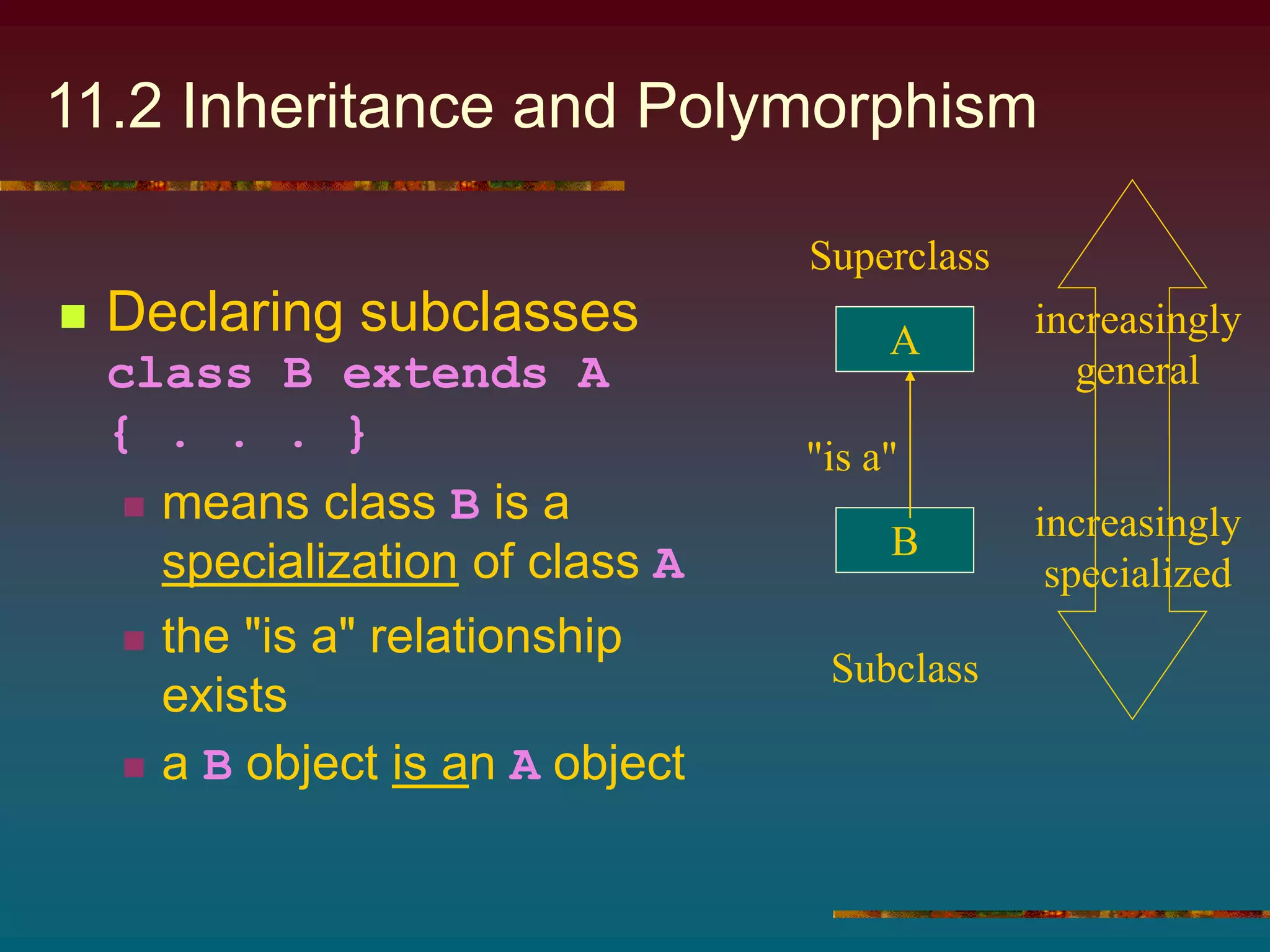
11.2 Inheritance and Polymorphism
 Declaring subclasses
class B extends A
{ . . . }
 means class B is a
specialization of class A
 the "is a" relationship
exists
 a B object is an A object
A
B
"is a"
increasingly
general
increasingly
specialized
Superclass
Subclass
Inheritance
 Other names:
 superclass also called "parent class"
 subclass also called "child class"
 These names help understand concept of
inheritance
 Child class inherits characteristics of
parent class
 attributes
 methods
Inheritance
 When we say …
class TalkingParrot extends Parrot
{ … }
 then a TalkingParrot object inherits all
Parrot attributes
 (which, in turn, inherits both FlyingBird
and Bird attributes)
 In general, descendant classes inherit the
attributes of ancestor classes
Results of Inheritance
 Used to eliminate redundant coding
 When we send toString() message to
a Goose or Parrot or TalkingParrot
object
 none of these classes implement the
toString() method
 but … they inherit it from Bird
 toString() need not be redefined in the
subclasses
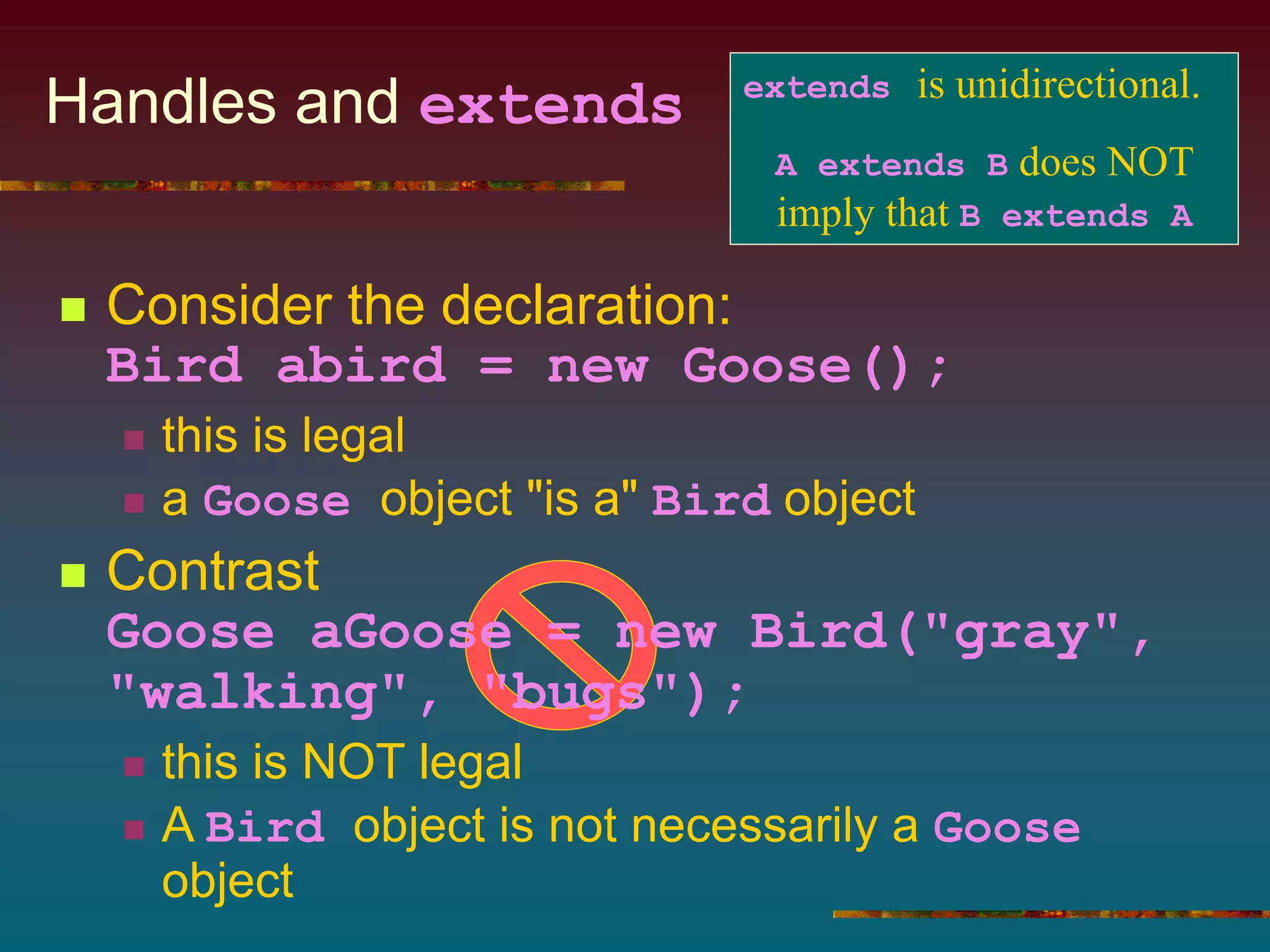
Handles and extends
 Consider the declaration:
Bird abird = new Goose();
 this is legal
 a Goose object "is a" Bird object
 Contrast
Goose aGoose = new Bird("gray",
"walking", "bugs");
 this is NOT legal
 A Bird object is not necessarily a Goose
object
extends is unidirectional.
A extends B does NOT
imply that B extends A
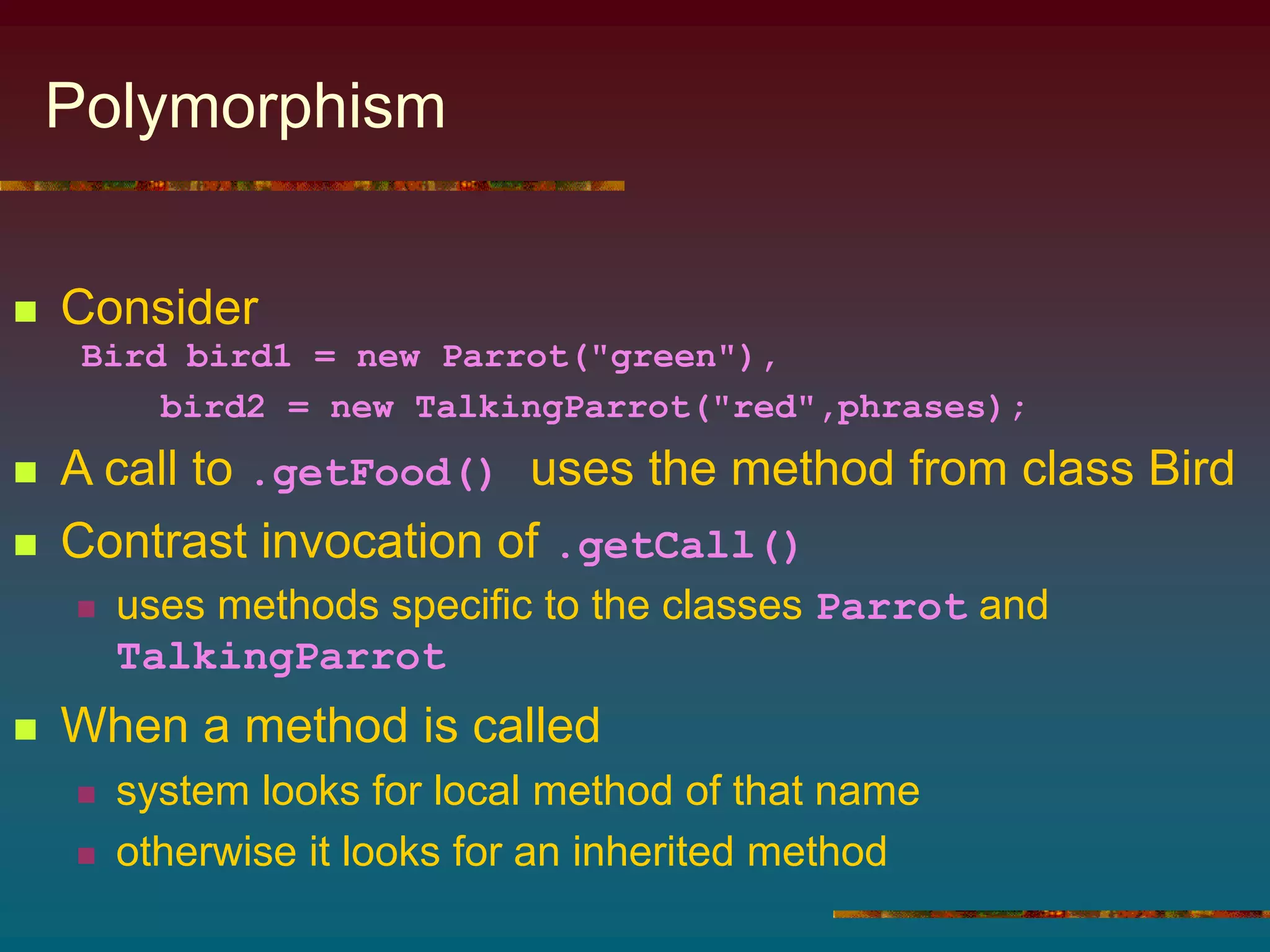
Polymorphism
 Consider
Bird bird1 = new Parrot("green"),
bird2 = new TalkingParrot("red",phrases);
 A call to .getFood() uses the method from class Bird
 Contrast invocation of .getCall()
 uses methods specific to the classes Parrot and
TalkingParrot
 When a method is called
 system looks for local method of that name
 otherwise it looks for an inherited method
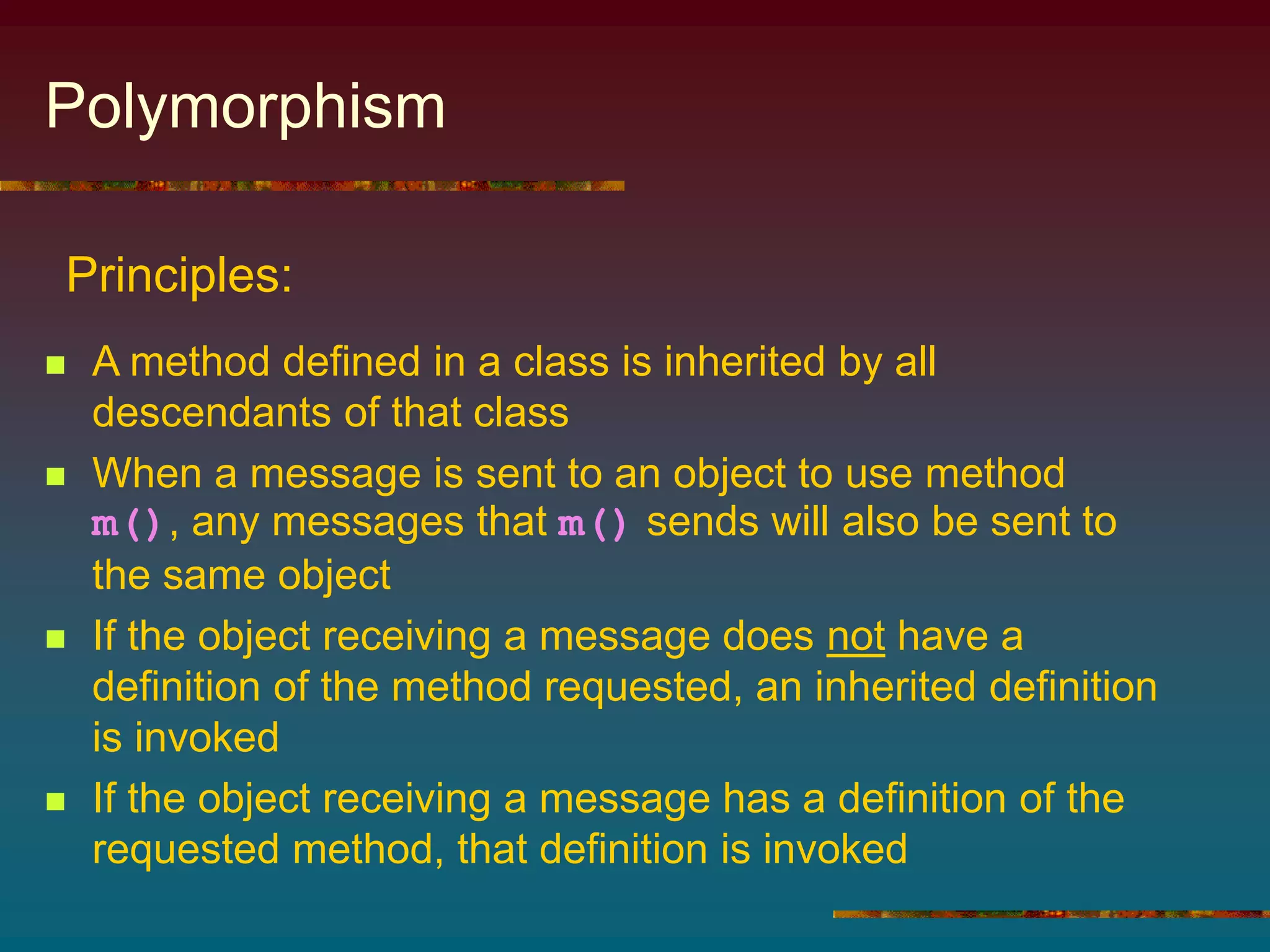
Polymorphism
 A method defined in a class is inherited by all
descendants of that class
 When a message is sent to an object to use method
m(), any messages that m() sends will also be sent to
the same object
 If the object receiving a message does not have a
definition of the method requested, an inherited definition
is invoked
 If the object receiving a message has a definition of the
requested method, that definition is invoked
Principles:
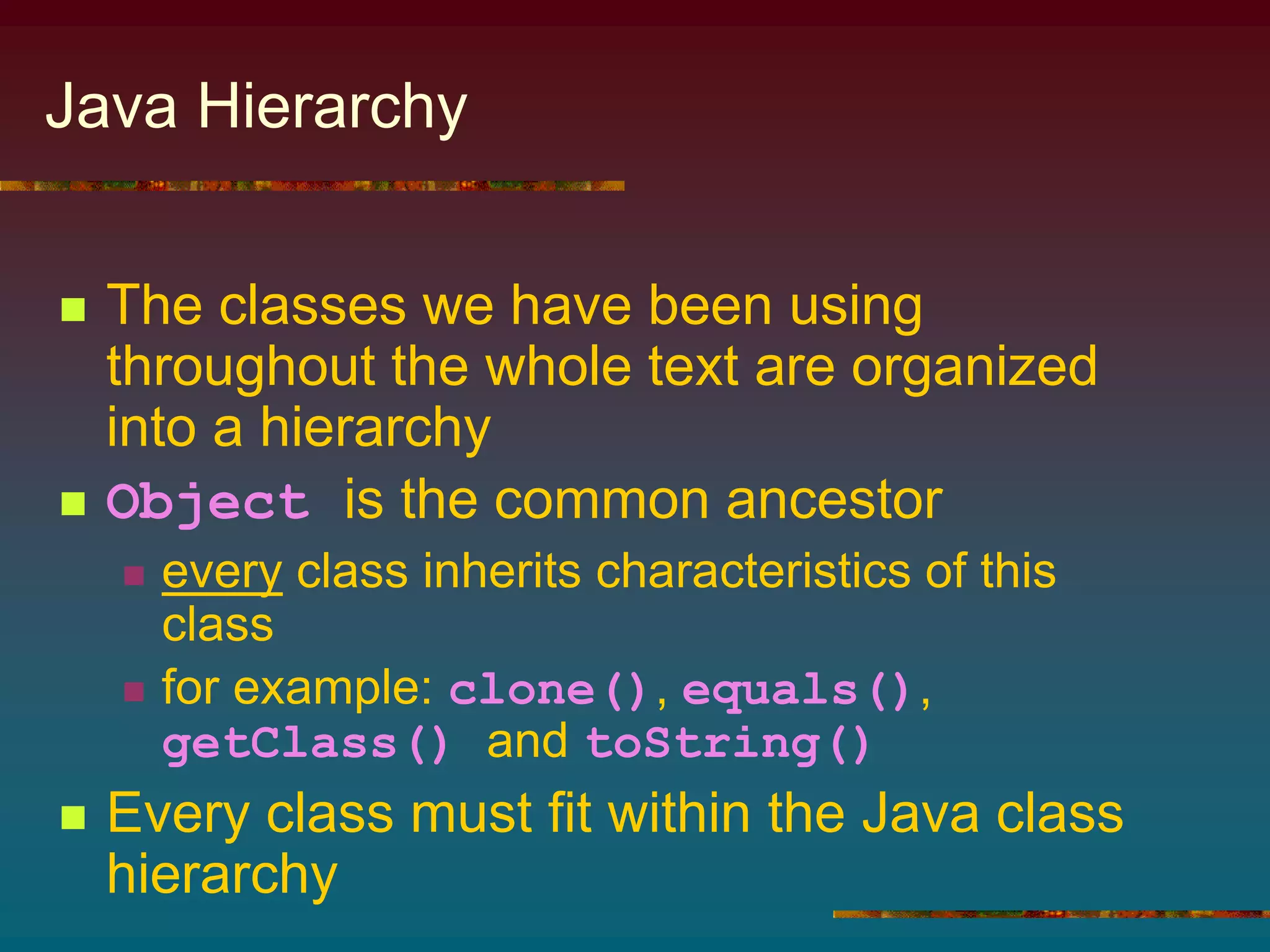
Java Hierarchy
 The classes we have been using
throughout the whole text are organized
into a hierarchy
 Object is the common ancestor
 every class inherits characteristics of this
class
 for example: clone(), equals(),
getClass() and toString()
 Every class must fit within the Java class
hierarchy
Object-Orient Design (OOD)
 Identify the problem's objects
 if an object cannot be represented by an existing type, design a
class to do so
 if two or more classes share common attributes, design a
hierarchy
 Identify the operations
If an operation cannot be performed with an existing
operator or method
 define a method to do so
 store the method within a class hierarchy to enable inheritance
 Organize the objects and operations into an algorithm
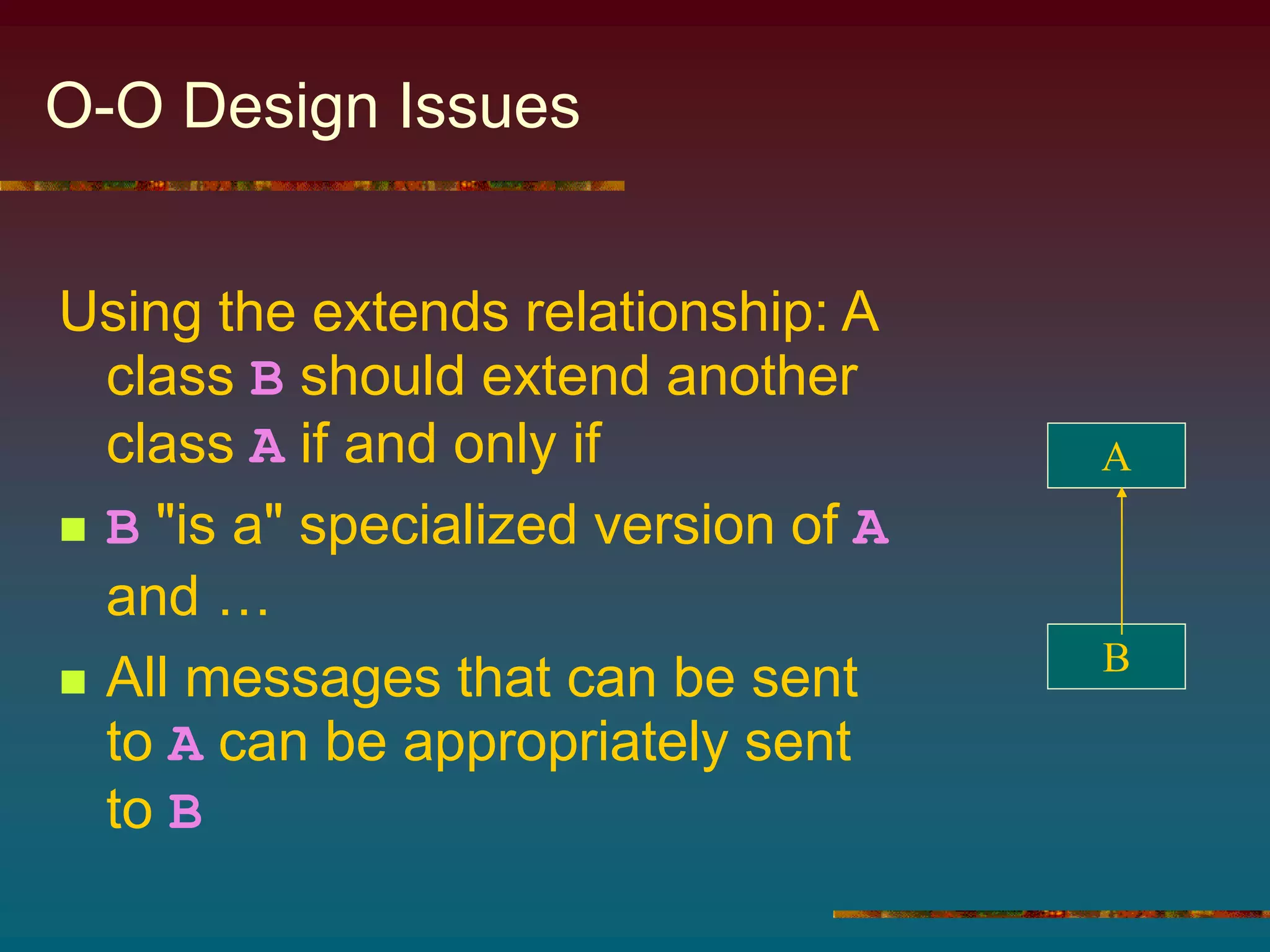
O-O Design Issues
Using the extends relationship: A
class B should extend another
class A if and only if
 B "is a" specialized version of A
and …
 All messages that can be sent
to A can be appropriately sent
to B
A
B
Abstract Methods and Classes
1. Define a "generic method" within the
class to provide a default behavior
• subclasses override it as necessary
2. Declare the method within the class as
abstract
• leave it up to the subclasses
Suppose we need to be able to send a message
to a class but there is no clear way to define the
corresponding method in that class.
Solutions:
Attribute Variables vs. Methods
 If an attribute value can be stored in a
variable and retrieved in a method …
 Do so in such a way as to exploit
inheritance and avoid redundant coding.
Should we represent a class attribute using
an attribute variable and accessor method
or only a method?
Principle:
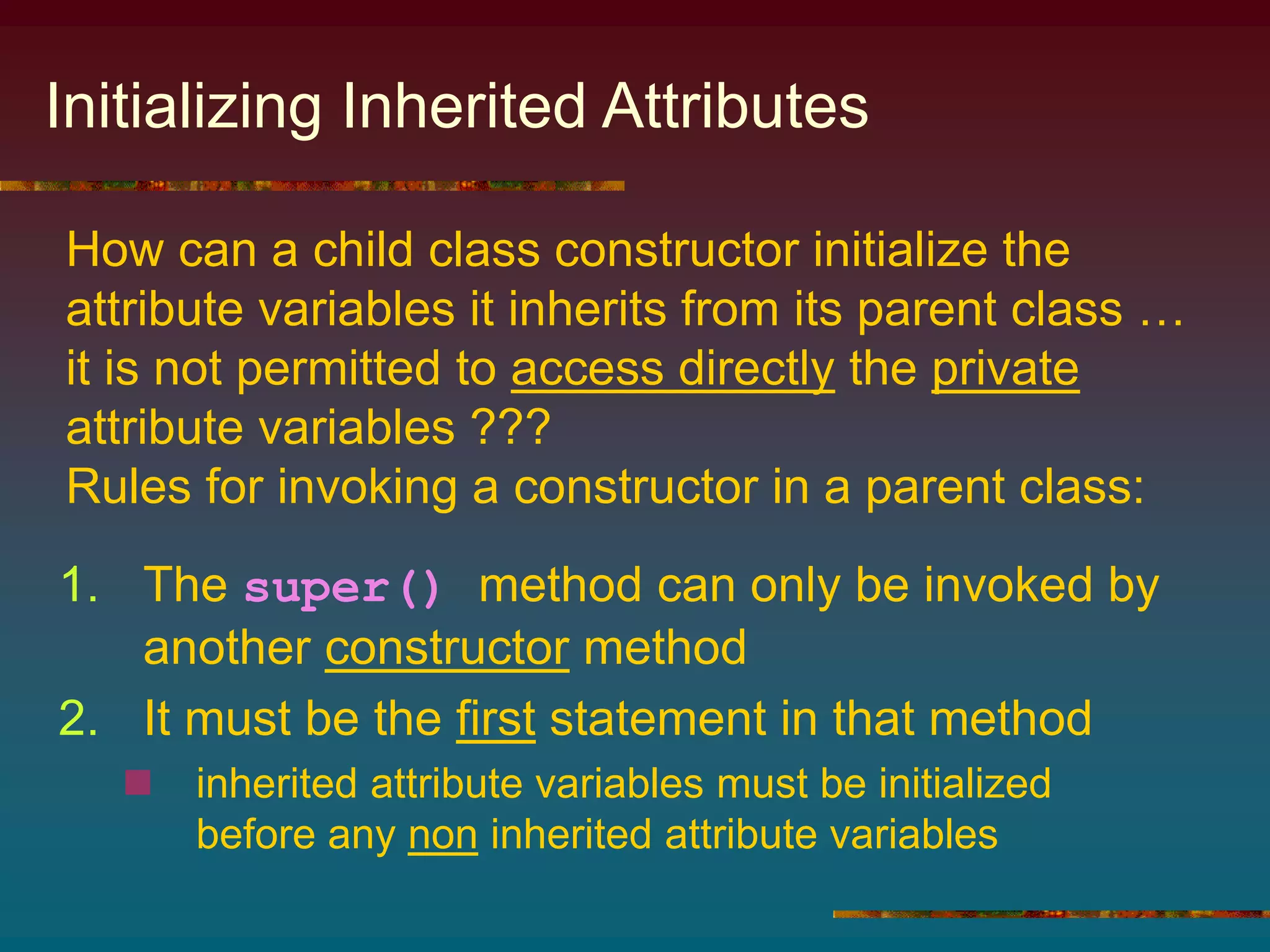
Initializing Inherited Attributes
1. The super() method can only be invoked by
another constructor method
2. It must be the first statement in that method
 inherited attribute variables must be initialized
before any non inherited attribute variables
How can a child class constructor initialize the
attribute variables it inherits from its parent class …
it is not permitted to access directly the private
attribute variables ???
Rules for invoking a constructor in a parent class:
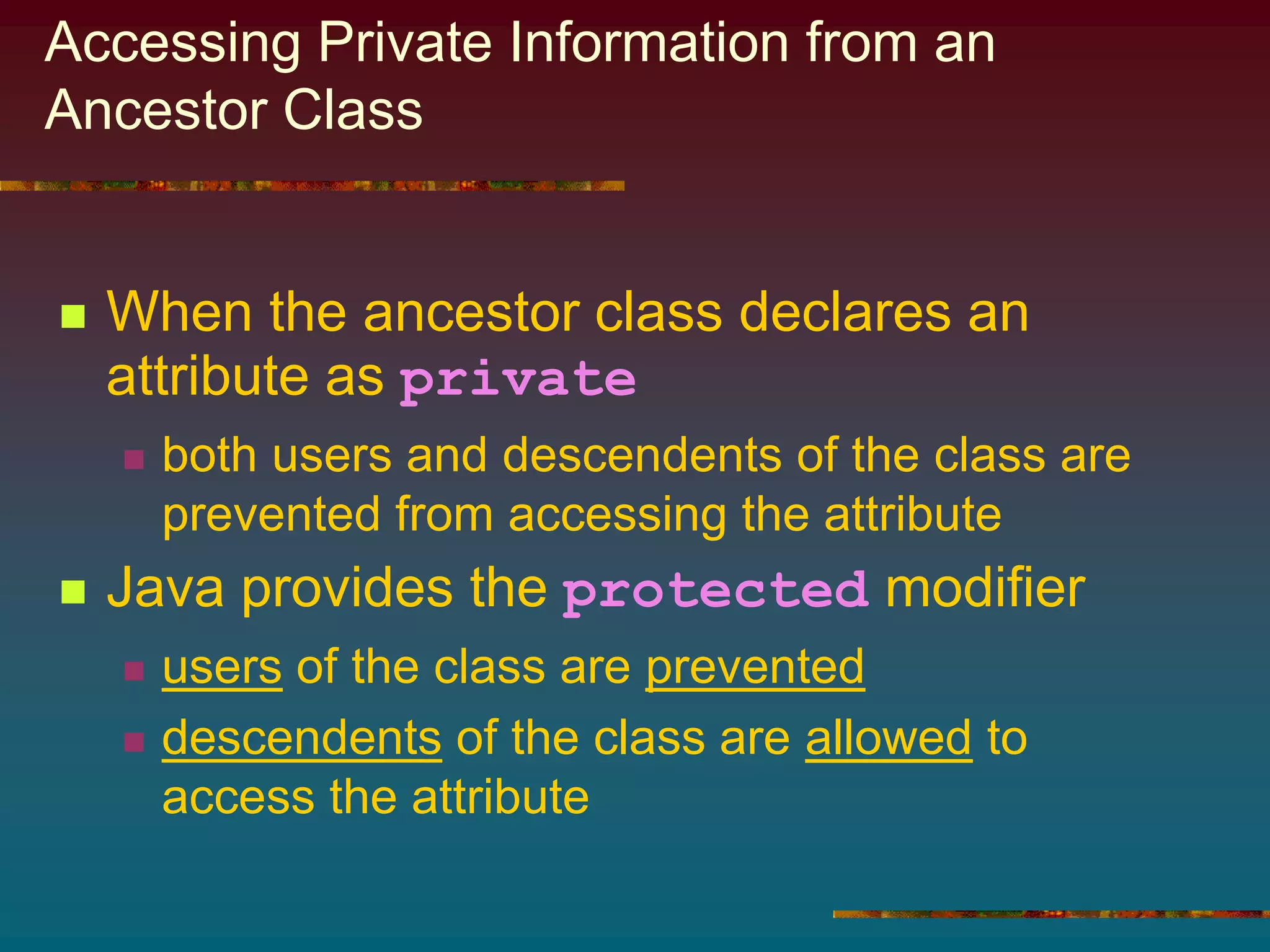
Accessing Private Information from an
Ancestor Class
 When the ancestor class declares an
attribute as private
 both users and descendents of the class are
prevented from accessing the attribute
 Java provides the protected modifier
 users of the class are prevented
 descendents of the class are allowed to
access the attribute
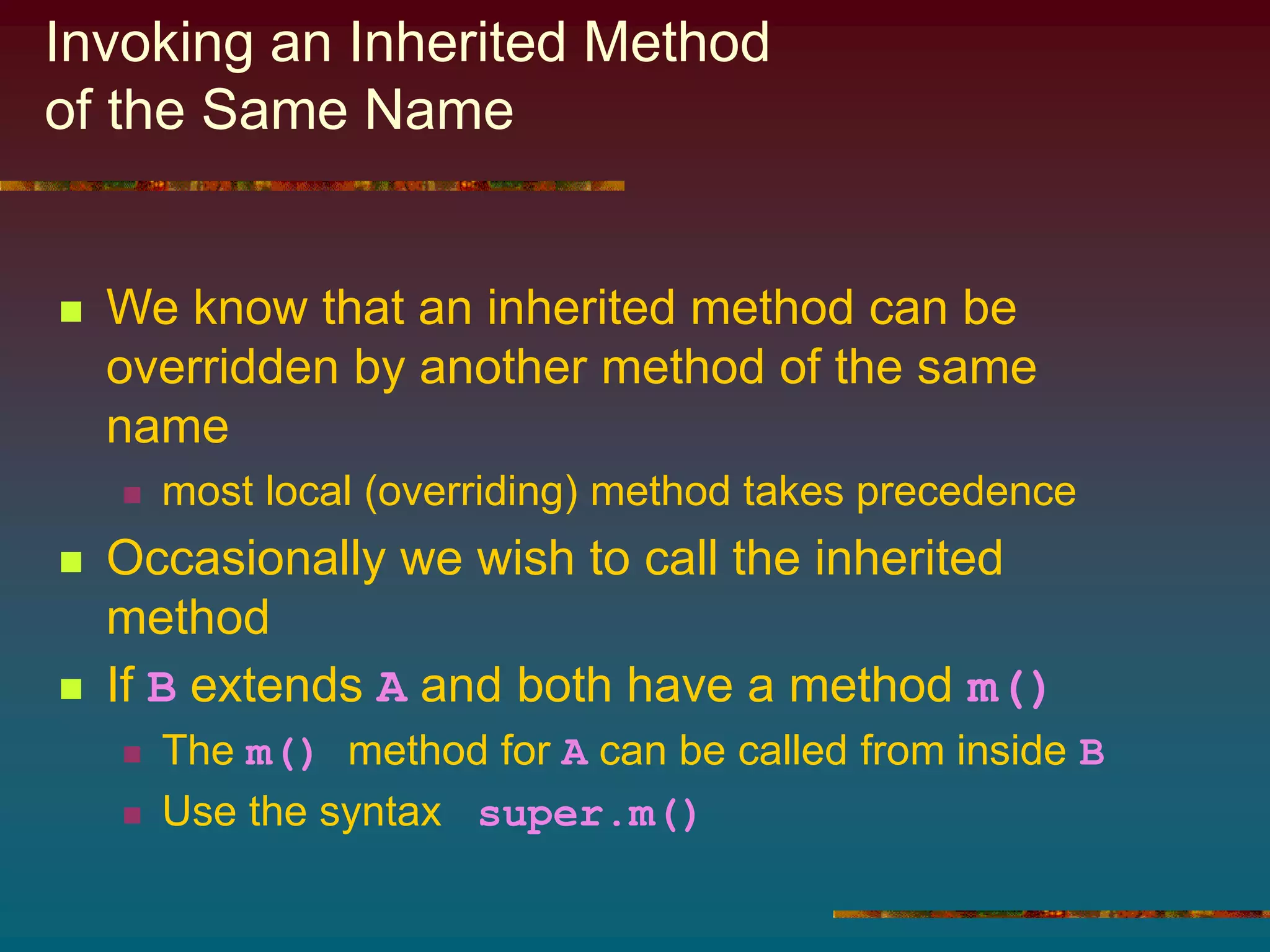
Invoking an Inherited Method
of the Same Name
 We know that an inherited method can be
overridden by another method of the same
name
 most local (overriding) method takes precedence
 Occasionally we wish to call the inherited
method
 If B extends A and both have a method m()
 The m() method for A can be called from inside B
 Use the syntax super.m()
11.3 Example: Geological Classification
 Problem: rocks classified according to
nature of origin
 Sedimentary
 Igneous
 Metamorphic
 We seek a program that given the name of
a rock, displays a simple geological
classification
Objects
Object Type Kind Name
A rock Rock varying aRock
chalk Chalk constant
shale Shale constant
. . . . . .
description String varying aRock.getDescription()
We need classes for
each kind of rock
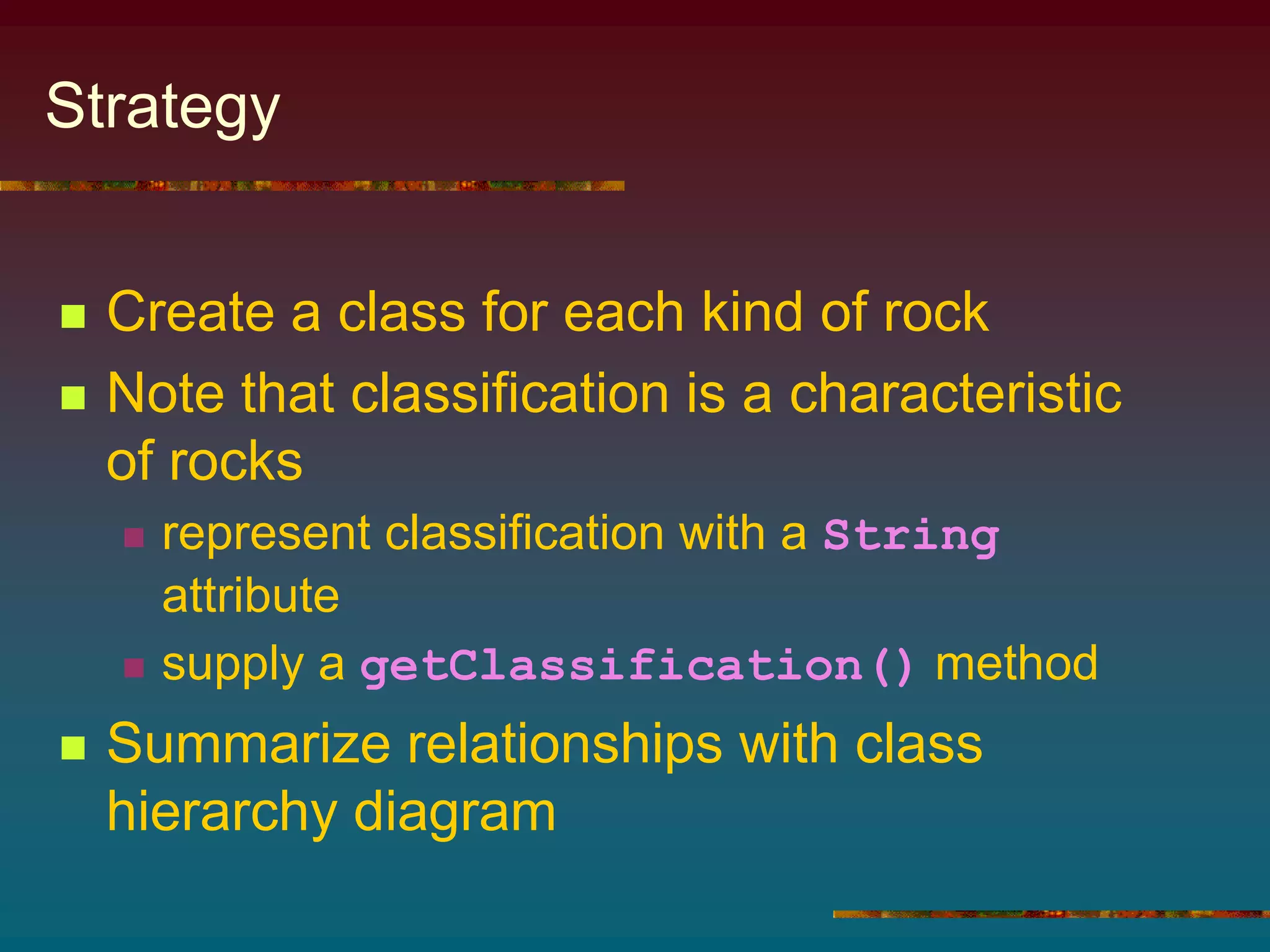
Strategy
 Create a class for each kind of rock
 Note that classification is a characteristic
of rocks
 represent classification with a String
attribute
 supply a getClassification() method
 Summarize relationships with class
hierarchy diagram
Rock Class Hierarchy
Basalt Granite Obsidian
Igneous Rock
Chalk . . .
Sedimentary Rock
Marble . . .
Metamorphic Rock
Rock
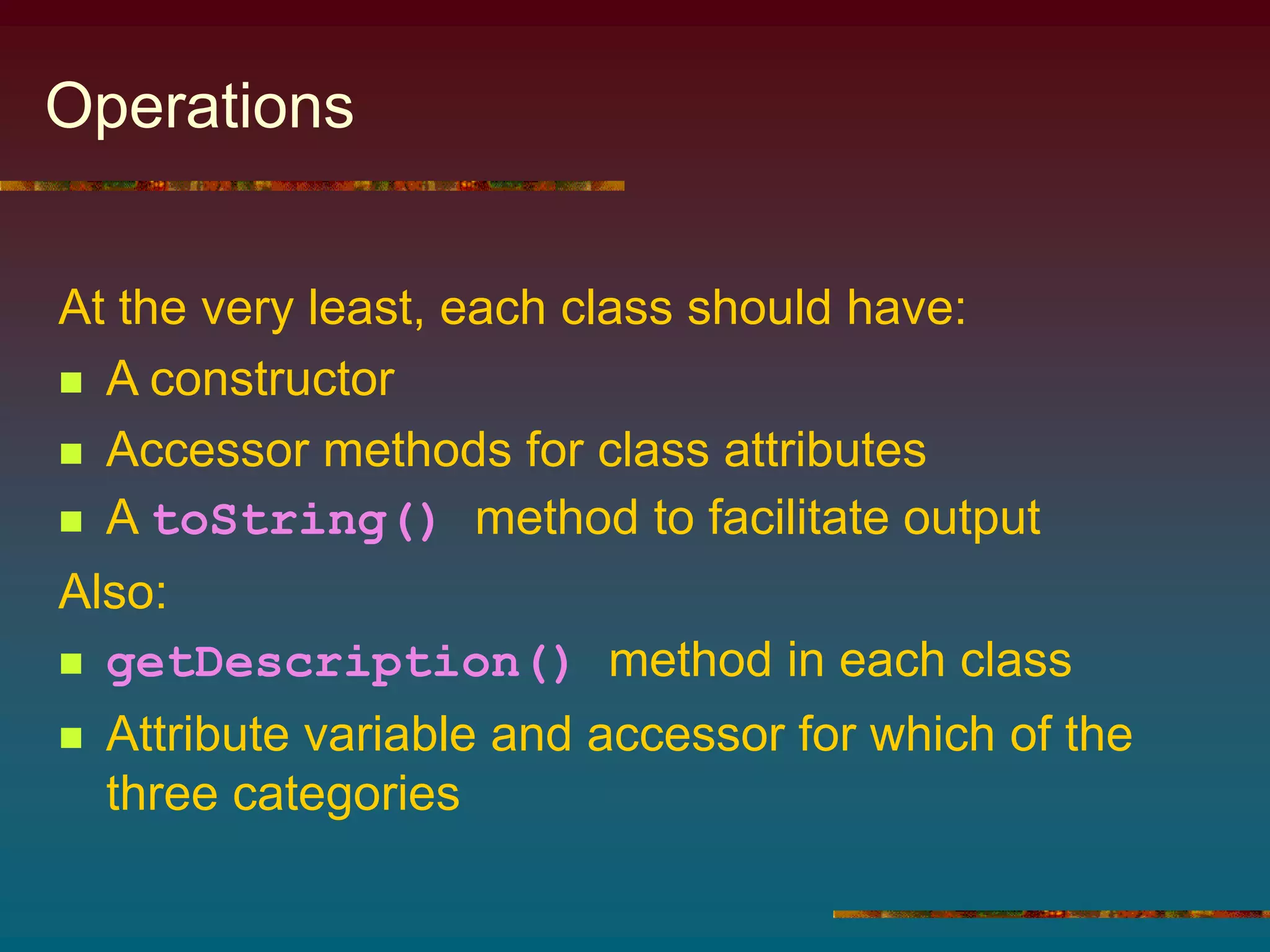
Operations
At the very least, each class should have:
 A constructor
 Accessor methods for class attributes
 A toString() method to facilitate output
Also:
 getDescription() method in each class
 Attribute variable and accessor for which of the
three categories
Coding
 Class declarations, Figures 11.12
through 11.16
 Algorithm
1. Prompt user for name of rock
2. Read name into rockString
3. Build instance of class whose name is
stored in rockString
4. Display result of sending that object the
getDescription() message
Coding
 Note the program did not use if-else-if to
determine which class to use based on input
 Instead it used Class class
aclass = (Rock)
Class.forName(rockString).newInstance();
Main program, Figure 11.1
creates an actual instance of the
class and reference to it
rockString passed to
forName() method
returns a Class object
representing that class
this class object sent to
newInstance() method
must be cast into our
handle's type, Rock
Constructing an Object from a String
 Returns instance of class whose name stored in
StringVariable
 Created using default constructor of that class
 newInstance returns that instance as an Object
 It must be cast into appropriate type (usually nearest
ancestor)
Form:
class.forName(StringVariable).newInstance()
Where:
StringVariable refers to a String containing
the name of a class
Purpose:
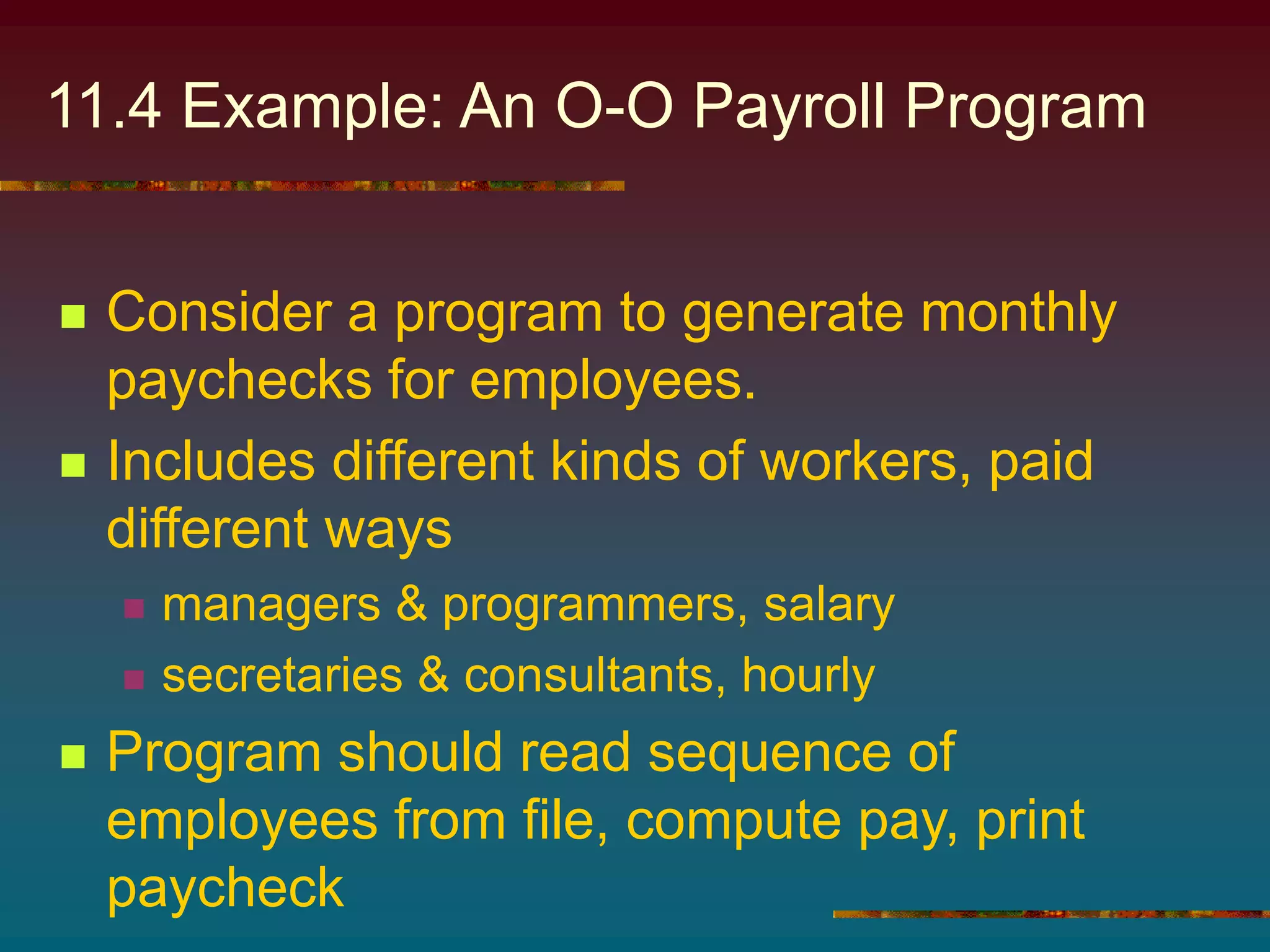
11.4 Example: An O-O Payroll Program
 Consider a program to generate monthly
paychecks for employees.
 Includes different kinds of workers, paid
different ways
 managers & programmers, salary
 secretaries & consultants, hourly
 Program should read sequence of
employees from file, compute pay, print
paycheck
Objects
Object Type Kind Name
program PayrollGenerator
Employee seq Employee[ ] varying employee
Input file
BufferedReader(
FileReader(
fileName))
varying empFile
File name String varying args[0]
Employee Employee varying employee[i]
Managers Manager varying
. . . . . . . . . . . .
Pay double varying employee[i].pay()
Paycheck Paycheck varying paycheck
Emp. name String varying employee[i].name()
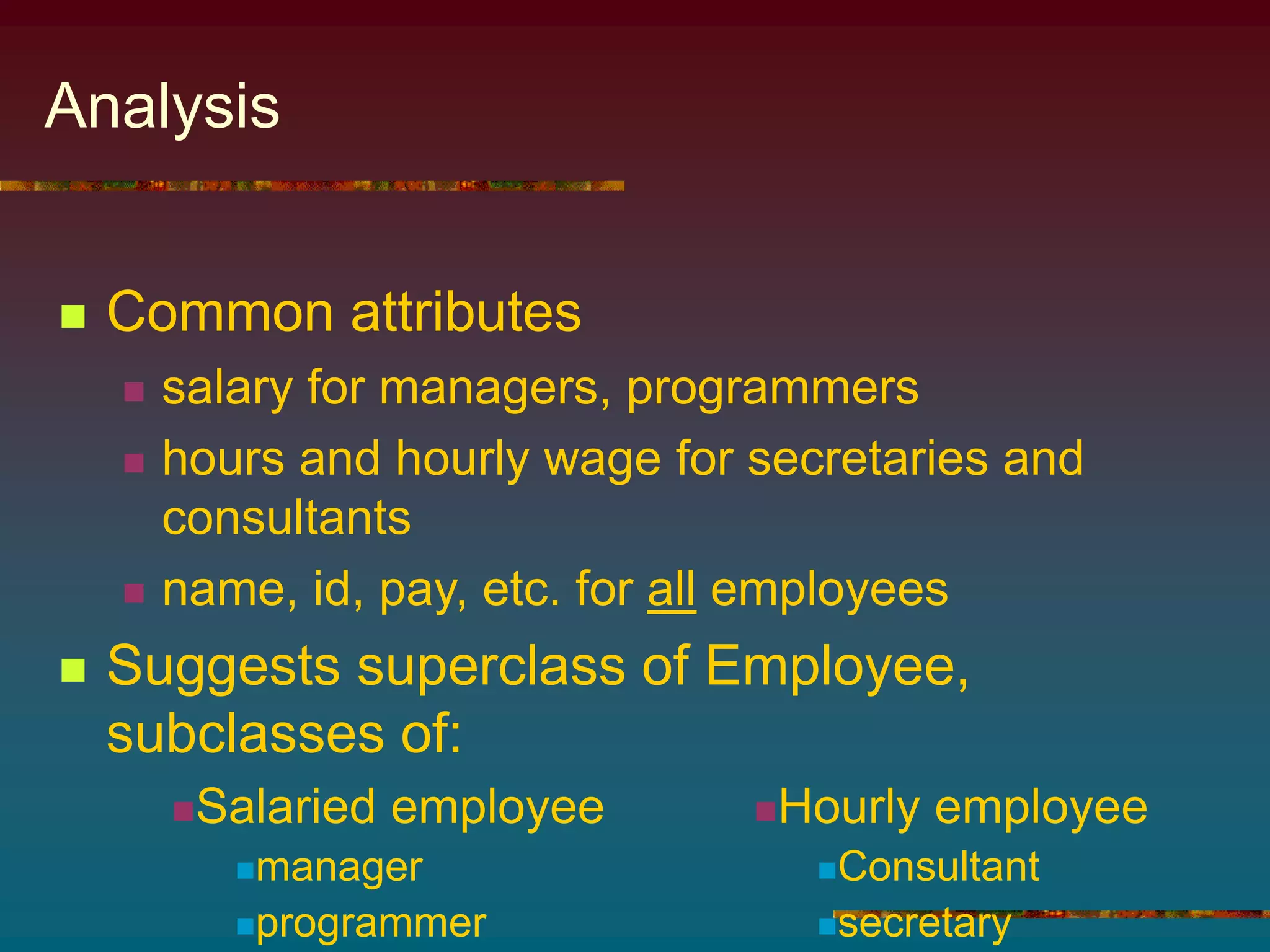
Analysis
 Common attributes
 salary for managers, programmers
 hours and hourly wage for secretaries and
consultants
 name, id, pay, etc. for all employees
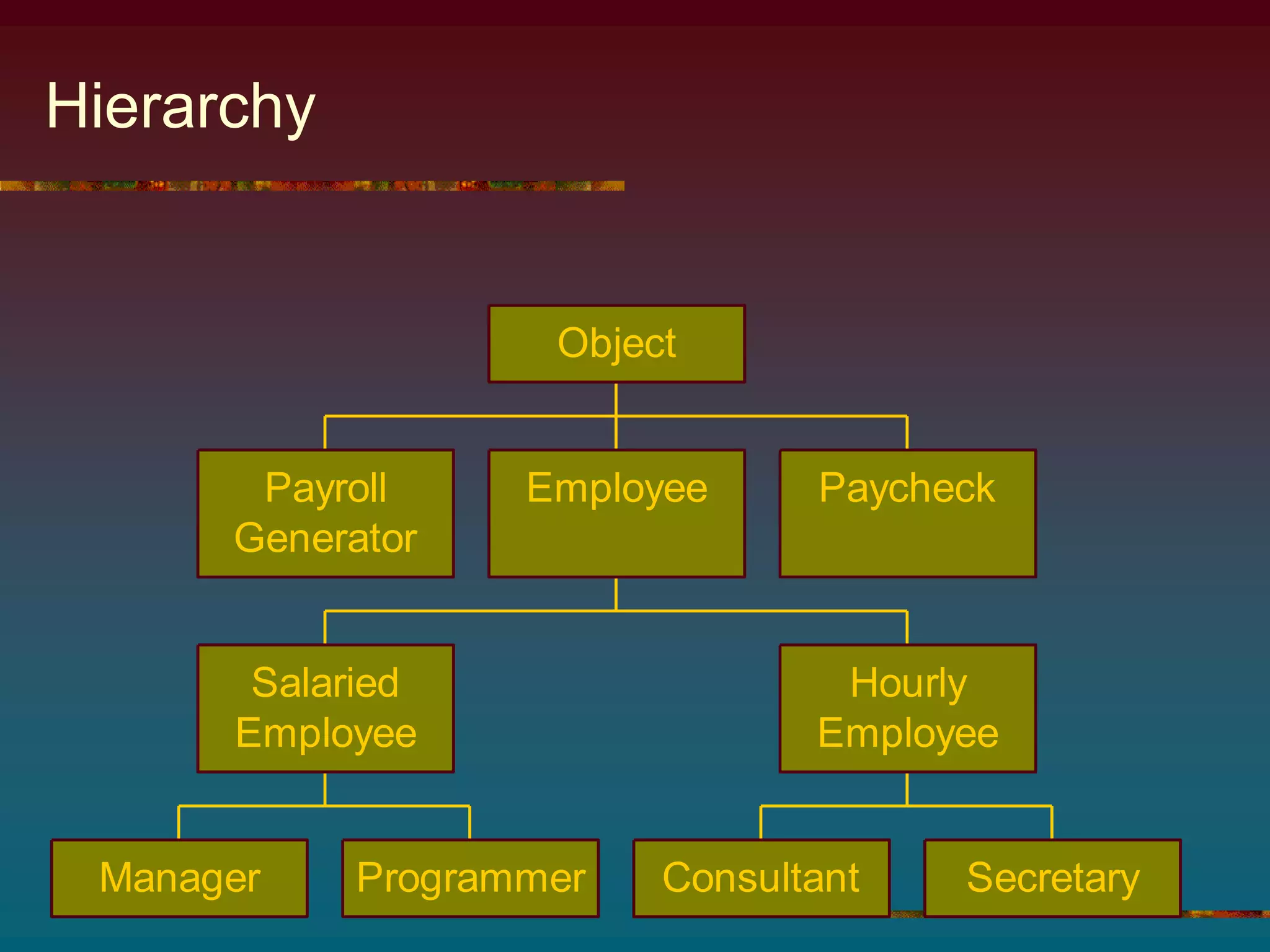
 Suggests superclass of Employee,
subclasses of:
Salaried employee
manager
programmer
Hourly employee
Consultant
secretary
Hierarchy
Payroll
Generator
Manager Programmer
Salaried
Employee
Consultant Secretary
Hourly
Employee
Employee Paycheck
Object
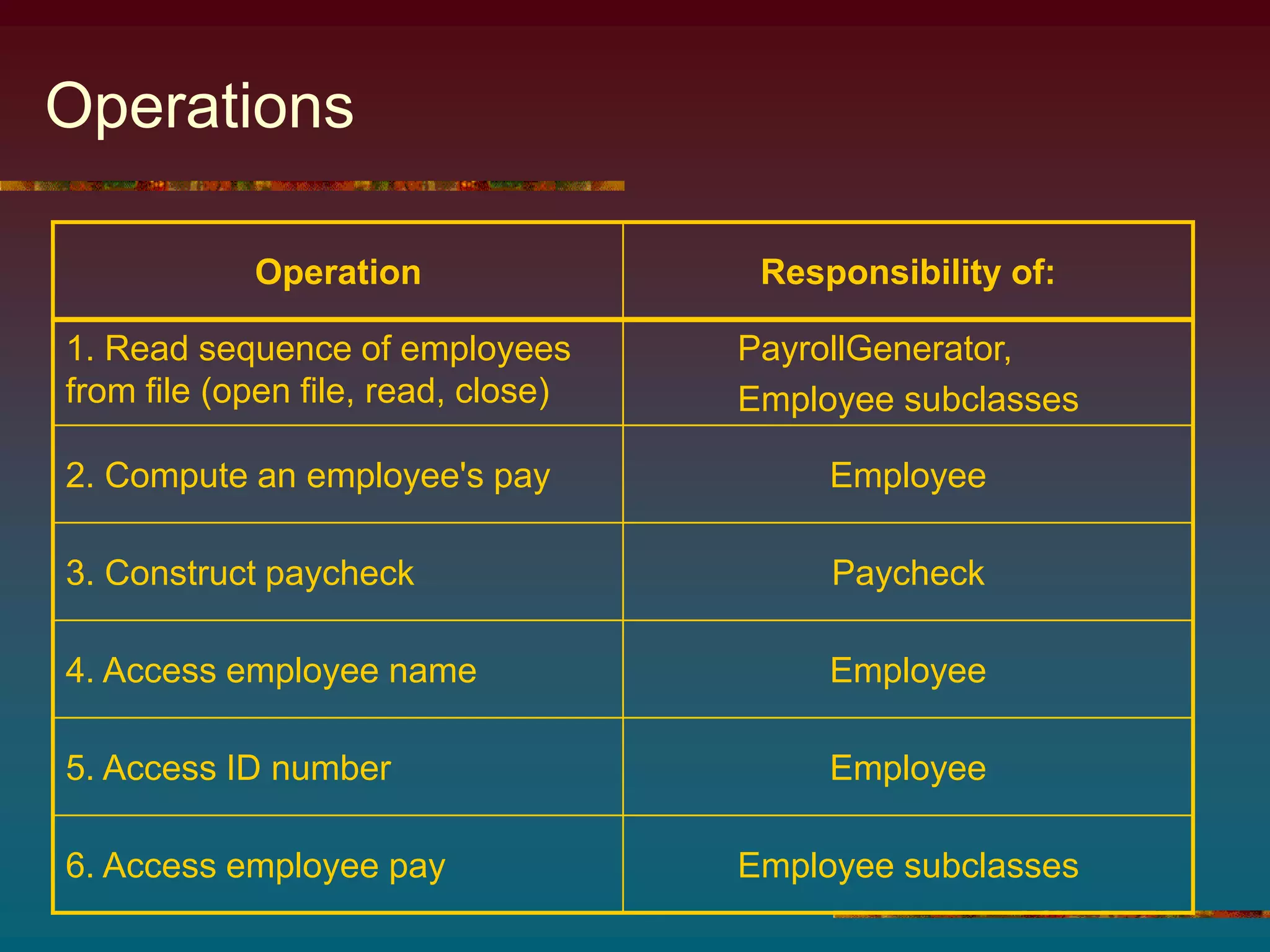
Operations
Operation Responsibility of:
1. Read sequence of employees
from file (open file, read, close)
PayrollGenerator,
Employee subclasses
2. Compute an employee's pay Employee
3. Construct paycheck Paycheck
4. Access employee name Employee
5. Access ID number Employee
6. Access employee pay Employee subclasses
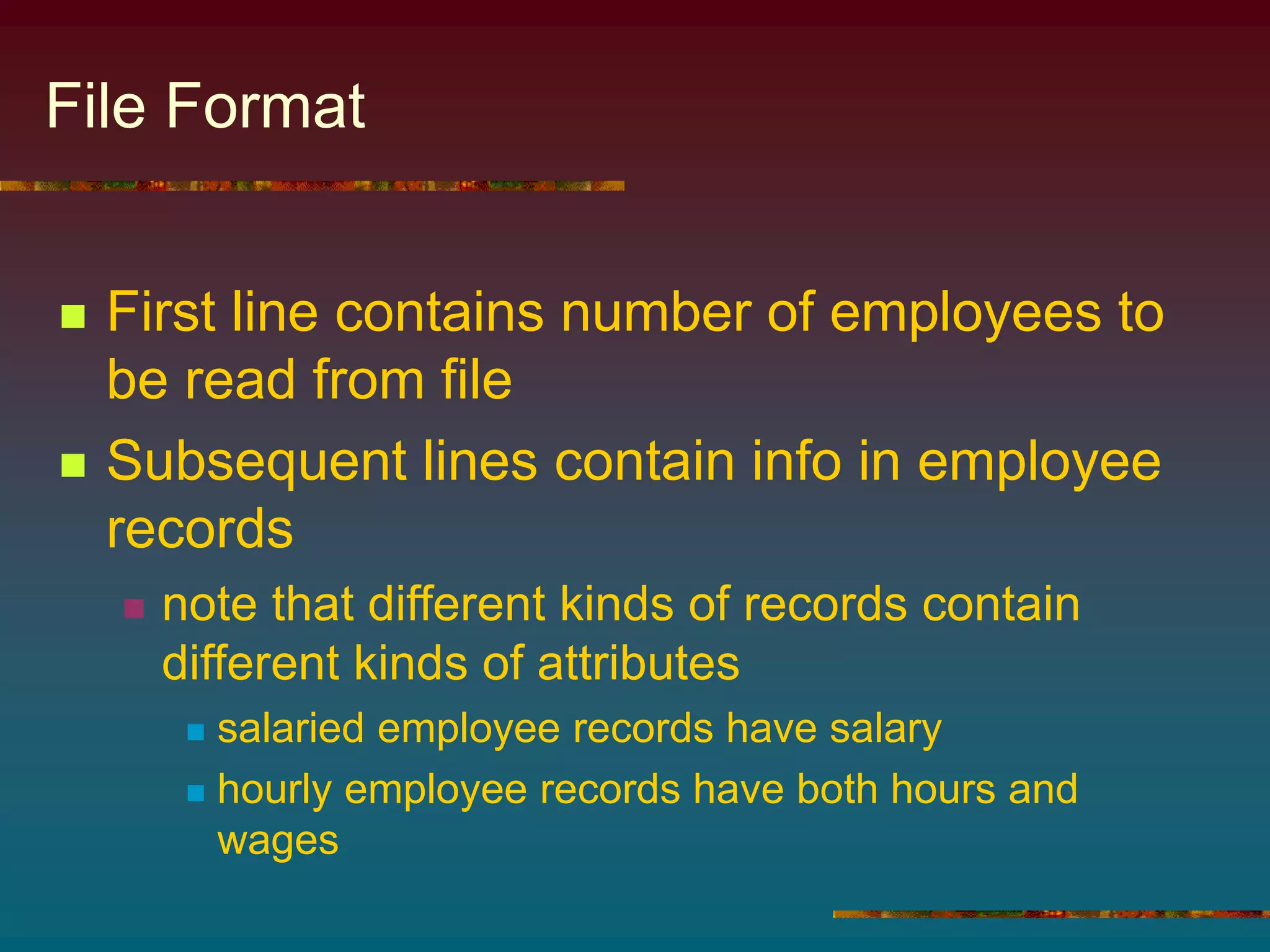
File Format
 First line contains number of employees to
be read from file
 Subsequent lines contain info in employee
records
 note that different kinds of records contain
different kinds of attributes
 salaried employee records have salary
 hourly employee records have both hours and
wages
Algorithm
1. Read the sequence of employee records
from input file into employee array
2. For each index i of employee
a) build a paycheck for employee[i]
b) output that paycheck
 Note class declarations, Figures 11.18
through 11.23, PayrollGenerator
program, Figure 11.23
Program Expansion
 If company hires an employee of a new
type (say janitor)
 build a Janitor class that extends
SalariedEmployee or HourlyEmployee
 Add the janitor data to the file
 Note the simplicity of the expansion
 no other modifications necessary to the
program
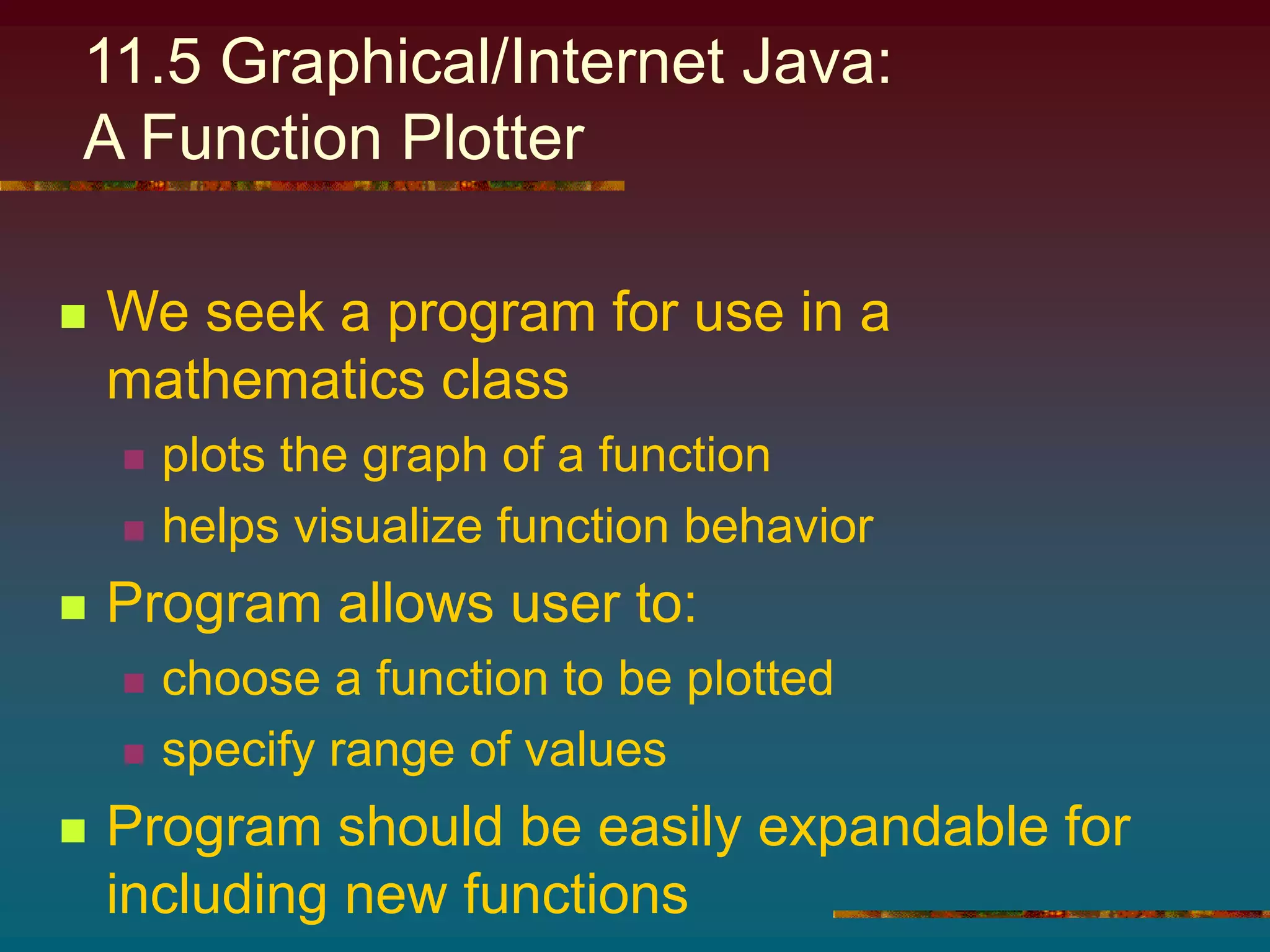
11.5 Graphical/Internet Java:
A Function Plotter
 We seek a program for use in a
mathematics class
 plots the graph of a function
 helps visualize function behavior
 Program allows user to:
 choose a function to be plotted
 specify range of values
 Program should be easily expandable for
including new functions
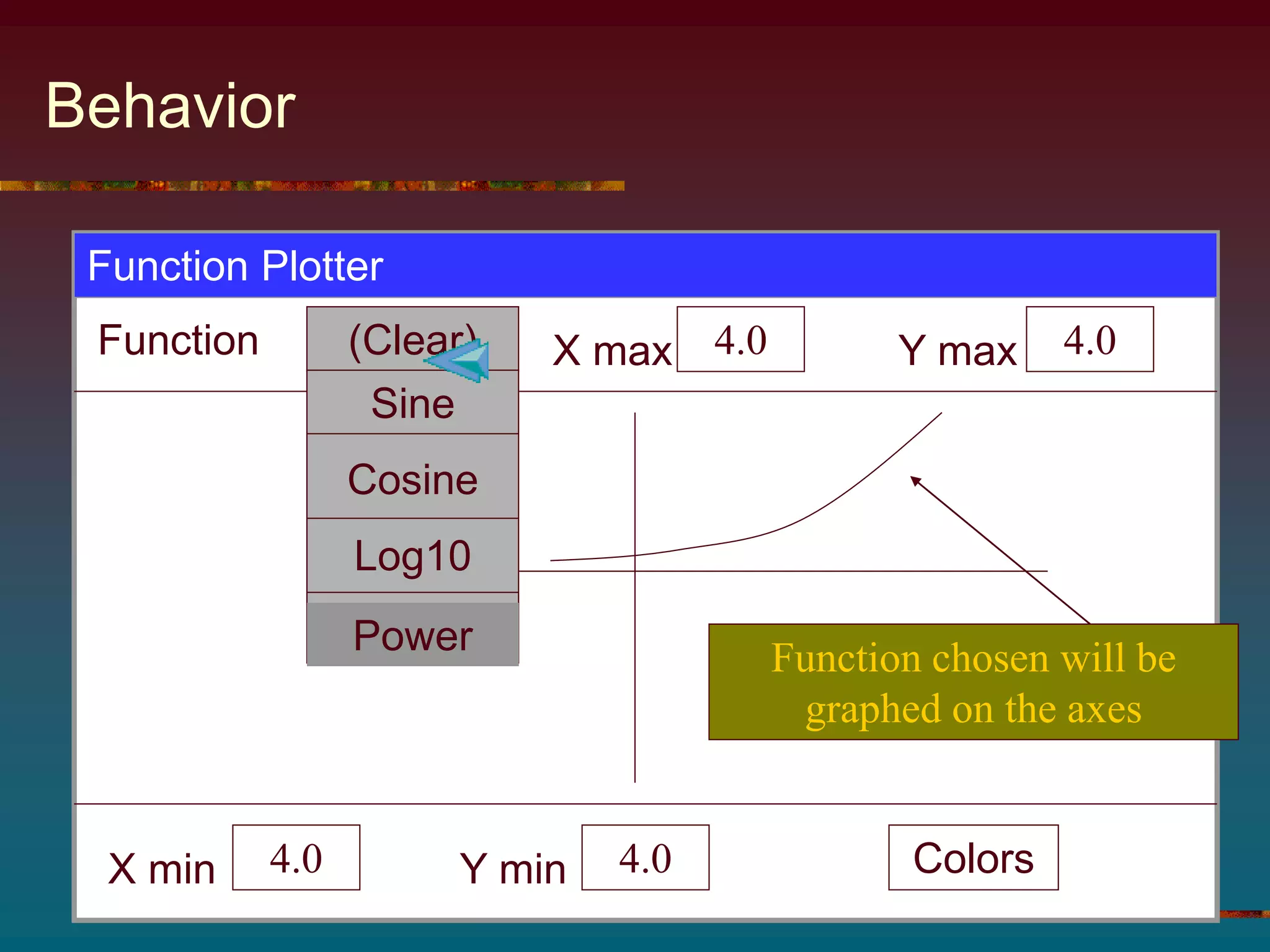
Behavior
Function Plotter
Function X max 4.0 Y max 4.0
X min 4.0 Y min 4.0 Colors
(Clear)
Function chosen will be
graphed on the axes
Sine
Cosine
Log10
Power
Hierarchies
 FunctionPanel will extend
CartesianPanel
 CartesianPanel already extends
JPanel
 Make the functions we will graph to be
objects
 build a class to represent each
 this makes future expansion easily done
 take advantage of polymorphism
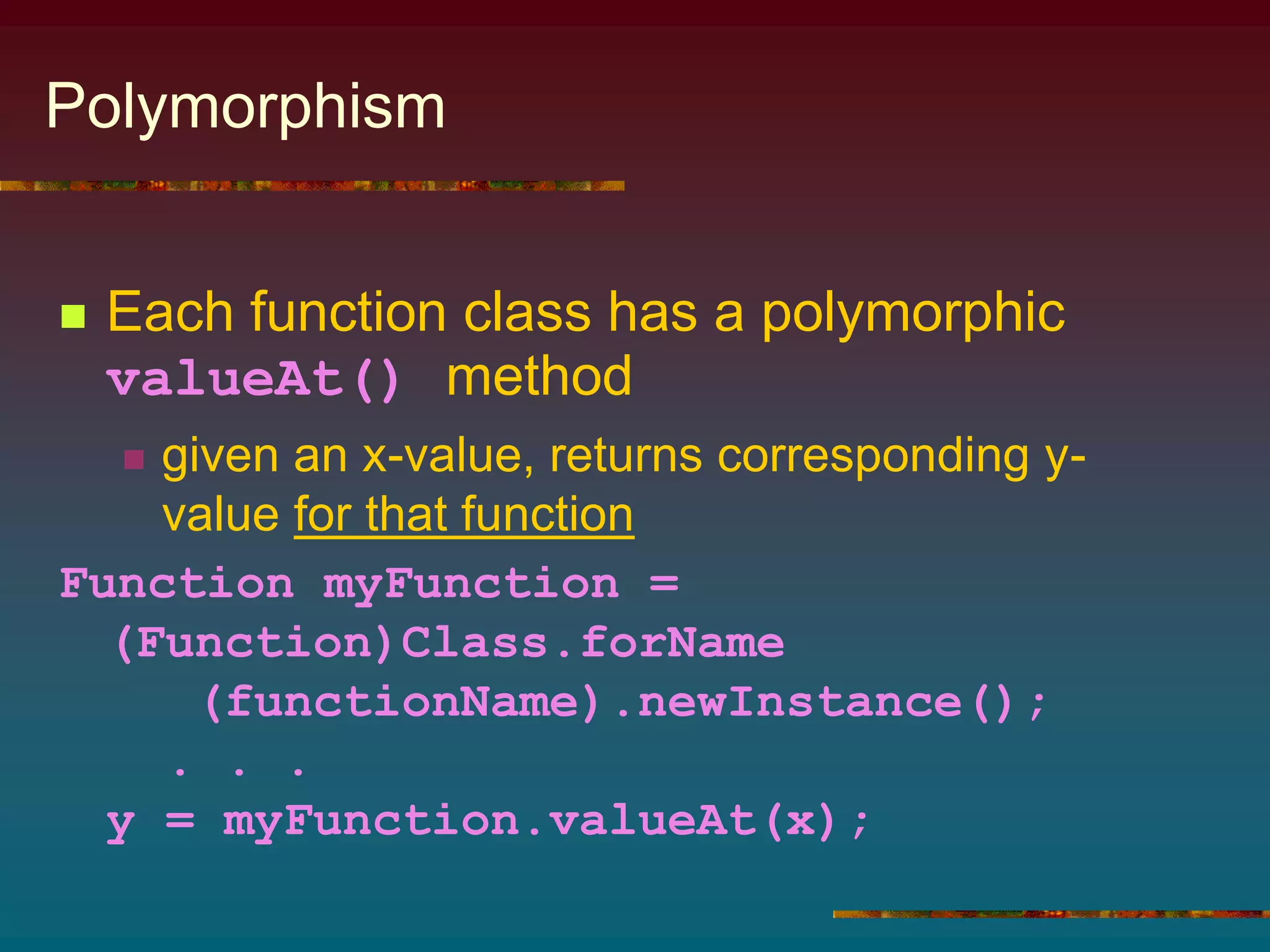
Polymorphism
 Each function class has a polymorphic
valueAt() method
 given an x-value, returns corresponding y-
value for that function
Function myFunction =
(Function)Class.forName
(functionName).newInstance();
. . .
y = myFunction.valueAt(x);
Coding
 Parent class Function, source code
Figure 11.25
 Subclasses for different functions, source
code Figures 11.26 through 11.29
 Class ColoredFunction, source code
Figure 11.30
 uses a wrapper class that encapsulates
Function and Color into a single class
FunctionPanel Class
 Its only attribute variable is the Function
it draws (see Figure 11.31)
 Methods
 constructor
 accessor
 mutator
 clear() to erase function
 the paintComponent() to draw the function
The actionPerformed() Method
 JButton, JComboBox, etc are
components that fire ActionEvents
 must implement ActionListener interface
 also define actionPerformed() method
 Use instanceof operator
 determines which action user performed
 Figure 11.33 shows coding

chap11.ppt

  • 1.
  • 2.
    Chapter Contents Chapter Objectives 11.1Introductory Example: A Trip to the Aviary 11.2 Inheritance and Polymorphism 11.3 Example: Geological Classification 11.4 Example: An O-O Payroll Program 11.5 Graphical/Internet Java: A Function Plotter
  • 3.
    Chapter Objectives  Learnhow classes are designed and built  Learn about inheritance and polymorphism  Illustrate the power of inheritance and polymorphism with case studies  Use OOD to develop a function-plotting GUI application
  • 4.
    Objects  Organized intogroups with similar characteristics  they are said to be related by a common characteristic  Object-Oriented programming seeks to provide mechanisms for modeling these relationships  this is where the Java word extends is used
  • 5.
    11.1 Intro Example:A Trip to the Aviary  Consider a collection of birds which have different properties  name  color (some of the same name are of different colors)  they eat different things  they make different noises  some make multiple kinds of sounds We seek a program to simulate this collection
  • 6.
    Design Sketch  Keyis to design a Bird class hierarchy.  Strategy  design classes for objects  identify characteristics classes have in common  design superclasses to store common characteristics
  • 7.
    Hierarchy Bird call: ? color:? food:? movement:? WalkingBird call:? color:? food:? movement:walked FlyingBird call: ? color:? food:? movement:flew Goose call: honk color: gray food: bugs Ostrich call: neek-neek color: brown food: grass Parrot call: Squawk color:? food: fruit Owl call:? color:? food:mice TalkingParrot . . .
  • 8.
    Coding  Note Birdclass, Figure 11.1  Attributes common to all birds  color  food  movement
  • 9.
    Features of BirdClass  Note attribute missing but getCall() method present  myCall varies in random fashion for different kinds of birds  getCall() is an abstract method –no definition in the Bird class for the method  Note toString() method invokes getCall() even though not defined  classes which extend Bird will so provide
  • 10.
    Subclasses // FlyingBird providessubclass of Bird abstract class FlyingBird extends Bird { public FlyingBird (String color, String food) { super (color, food, "flying"); } } Values passed to Bird class constructor where used to initialize attribute variables defined in class Bird
  • 11.
    Subclasses // Parrot providessubclass of FlyingBird class Parrot extends FlyingBird { public Parrot(String color) { super(color, "fruit"); } public String getCall() { return "Squawk!"; } } Note "is a" relationship: a parrot is a flying bird. Similarly, a Parrot is a Bird Movement attribute not an argument for constructor, a parrot is already specified as a flying bird
  • 12.
    Aviary Class  Notesource code, Figure 11.1  Array of Bird objects  Initialized as individual subclass objects Ostrich, Goose, Parrot, etc.  Random element of array chosen  assigned to Bird handle, aBird  when aBird printed, toString method prints specifics unique to the subclass type of bird chosen
  • 13.
    11.2 Inheritance andPolymorphism  Declaring subclasses class B extends A { . . . }  means class B is a specialization of class A  the "is a" relationship exists  a B object is an A object A B "is a" increasingly general increasingly specialized Superclass Subclass
  • 14.
    Inheritance  Other names: superclass also called "parent class"  subclass also called "child class"  These names help understand concept of inheritance  Child class inherits characteristics of parent class  attributes  methods
  • 15.
    Inheritance  When wesay … class TalkingParrot extends Parrot { … }  then a TalkingParrot object inherits all Parrot attributes  (which, in turn, inherits both FlyingBird and Bird attributes)  In general, descendant classes inherit the attributes of ancestor classes
  • 16.
    Results of Inheritance Used to eliminate redundant coding  When we send toString() message to a Goose or Parrot or TalkingParrot object  none of these classes implement the toString() method  but … they inherit it from Bird  toString() need not be redefined in the subclasses
  • 17.
    Handles and extends Consider the declaration: Bird abird = new Goose();  this is legal  a Goose object "is a" Bird object  Contrast Goose aGoose = new Bird("gray", "walking", "bugs");  this is NOT legal  A Bird object is not necessarily a Goose object extends is unidirectional. A extends B does NOT imply that B extends A
  • 18.
    Polymorphism  Consider Bird bird1= new Parrot("green"), bird2 = new TalkingParrot("red",phrases);  A call to .getFood() uses the method from class Bird  Contrast invocation of .getCall()  uses methods specific to the classes Parrot and TalkingParrot  When a method is called  system looks for local method of that name  otherwise it looks for an inherited method
  • 19.
    Polymorphism  A methoddefined in a class is inherited by all descendants of that class  When a message is sent to an object to use method m(), any messages that m() sends will also be sent to the same object  If the object receiving a message does not have a definition of the method requested, an inherited definition is invoked  If the object receiving a message has a definition of the requested method, that definition is invoked Principles:
  • 20.
    Java Hierarchy  Theclasses we have been using throughout the whole text are organized into a hierarchy  Object is the common ancestor  every class inherits characteristics of this class  for example: clone(), equals(), getClass() and toString()  Every class must fit within the Java class hierarchy
  • 21.
    Object-Orient Design (OOD) Identify the problem's objects  if an object cannot be represented by an existing type, design a class to do so  if two or more classes share common attributes, design a hierarchy  Identify the operations If an operation cannot be performed with an existing operator or method  define a method to do so  store the method within a class hierarchy to enable inheritance  Organize the objects and operations into an algorithm
  • 22.
    O-O Design Issues Usingthe extends relationship: A class B should extend another class A if and only if  B "is a" specialized version of A and …  All messages that can be sent to A can be appropriately sent to B A B
  • 23.
    Abstract Methods andClasses 1. Define a "generic method" within the class to provide a default behavior • subclasses override it as necessary 2. Declare the method within the class as abstract • leave it up to the subclasses Suppose we need to be able to send a message to a class but there is no clear way to define the corresponding method in that class. Solutions:
  • 24.
    Attribute Variables vs.Methods  If an attribute value can be stored in a variable and retrieved in a method …  Do so in such a way as to exploit inheritance and avoid redundant coding. Should we represent a class attribute using an attribute variable and accessor method or only a method? Principle:
  • 25.
    Initializing Inherited Attributes 1.The super() method can only be invoked by another constructor method 2. It must be the first statement in that method  inherited attribute variables must be initialized before any non inherited attribute variables How can a child class constructor initialize the attribute variables it inherits from its parent class … it is not permitted to access directly the private attribute variables ??? Rules for invoking a constructor in a parent class:
  • 26.
    Accessing Private Informationfrom an Ancestor Class  When the ancestor class declares an attribute as private  both users and descendents of the class are prevented from accessing the attribute  Java provides the protected modifier  users of the class are prevented  descendents of the class are allowed to access the attribute
  • 27.
    Invoking an InheritedMethod of the Same Name  We know that an inherited method can be overridden by another method of the same name  most local (overriding) method takes precedence  Occasionally we wish to call the inherited method  If B extends A and both have a method m()  The m() method for A can be called from inside B  Use the syntax super.m()
  • 28.
    11.3 Example: GeologicalClassification  Problem: rocks classified according to nature of origin  Sedimentary  Igneous  Metamorphic  We seek a program that given the name of a rock, displays a simple geological classification
  • 29.
    Objects Object Type KindName A rock Rock varying aRock chalk Chalk constant shale Shale constant . . . . . . description String varying aRock.getDescription() We need classes for each kind of rock
  • 30.
    Strategy  Create aclass for each kind of rock  Note that classification is a characteristic of rocks  represent classification with a String attribute  supply a getClassification() method  Summarize relationships with class hierarchy diagram
  • 31.
    Rock Class Hierarchy BasaltGranite Obsidian Igneous Rock Chalk . . . Sedimentary Rock Marble . . . Metamorphic Rock Rock
  • 32.
    Operations At the veryleast, each class should have:  A constructor  Accessor methods for class attributes  A toString() method to facilitate output Also:  getDescription() method in each class  Attribute variable and accessor for which of the three categories
  • 33.
    Coding  Class declarations,Figures 11.12 through 11.16  Algorithm 1. Prompt user for name of rock 2. Read name into rockString 3. Build instance of class whose name is stored in rockString 4. Display result of sending that object the getDescription() message
  • 34.
    Coding  Note theprogram did not use if-else-if to determine which class to use based on input  Instead it used Class class aclass = (Rock) Class.forName(rockString).newInstance(); Main program, Figure 11.1 creates an actual instance of the class and reference to it rockString passed to forName() method returns a Class object representing that class this class object sent to newInstance() method must be cast into our handle's type, Rock
  • 35.
    Constructing an Objectfrom a String  Returns instance of class whose name stored in StringVariable  Created using default constructor of that class  newInstance returns that instance as an Object  It must be cast into appropriate type (usually nearest ancestor) Form: class.forName(StringVariable).newInstance() Where: StringVariable refers to a String containing the name of a class Purpose:
  • 36.
    11.4 Example: AnO-O Payroll Program  Consider a program to generate monthly paychecks for employees.  Includes different kinds of workers, paid different ways  managers & programmers, salary  secretaries & consultants, hourly  Program should read sequence of employees from file, compute pay, print paycheck
  • 37.
    Objects Object Type KindName program PayrollGenerator Employee seq Employee[ ] varying employee Input file BufferedReader( FileReader( fileName)) varying empFile File name String varying args[0] Employee Employee varying employee[i] Managers Manager varying . . . . . . . . . . . . Pay double varying employee[i].pay() Paycheck Paycheck varying paycheck Emp. name String varying employee[i].name()
  • 38.
    Analysis  Common attributes salary for managers, programmers  hours and hourly wage for secretaries and consultants  name, id, pay, etc. for all employees  Suggests superclass of Employee, subclasses of: Salaried employee manager programmer Hourly employee Consultant secretary
  • 39.
  • 40.
    Operations Operation Responsibility of: 1.Read sequence of employees from file (open file, read, close) PayrollGenerator, Employee subclasses 2. Compute an employee's pay Employee 3. Construct paycheck Paycheck 4. Access employee name Employee 5. Access ID number Employee 6. Access employee pay Employee subclasses
  • 41.
    File Format  Firstline contains number of employees to be read from file  Subsequent lines contain info in employee records  note that different kinds of records contain different kinds of attributes  salaried employee records have salary  hourly employee records have both hours and wages
  • 42.
    Algorithm 1. Read thesequence of employee records from input file into employee array 2. For each index i of employee a) build a paycheck for employee[i] b) output that paycheck  Note class declarations, Figures 11.18 through 11.23, PayrollGenerator program, Figure 11.23
  • 43.
    Program Expansion  Ifcompany hires an employee of a new type (say janitor)  build a Janitor class that extends SalariedEmployee or HourlyEmployee  Add the janitor data to the file  Note the simplicity of the expansion  no other modifications necessary to the program
  • 44.
    11.5 Graphical/Internet Java: AFunction Plotter  We seek a program for use in a mathematics class  plots the graph of a function  helps visualize function behavior  Program allows user to:  choose a function to be plotted  specify range of values  Program should be easily expandable for including new functions
  • 45.
    Behavior Function Plotter Function Xmax 4.0 Y max 4.0 X min 4.0 Y min 4.0 Colors (Clear) Function chosen will be graphed on the axes Sine Cosine Log10 Power
  • 46.
    Hierarchies  FunctionPanel willextend CartesianPanel  CartesianPanel already extends JPanel  Make the functions we will graph to be objects  build a class to represent each  this makes future expansion easily done  take advantage of polymorphism
  • 47.
    Polymorphism  Each functionclass has a polymorphic valueAt() method  given an x-value, returns corresponding y- value for that function Function myFunction = (Function)Class.forName (functionName).newInstance(); . . . y = myFunction.valueAt(x);
  • 48.
    Coding  Parent classFunction, source code Figure 11.25  Subclasses for different functions, source code Figures 11.26 through 11.29  Class ColoredFunction, source code Figure 11.30  uses a wrapper class that encapsulates Function and Color into a single class
  • 49.
    FunctionPanel Class  Itsonly attribute variable is the Function it draws (see Figure 11.31)  Methods  constructor  accessor  mutator  clear() to erase function  the paintComponent() to draw the function
  • 50.
    The actionPerformed() Method JButton, JComboBox, etc are components that fire ActionEvents  must implement ActionListener interface  also define actionPerformed() method  Use instanceof operator  determines which action user performed  Figure 11.33 shows coding