Enhancing
     Presentations
    with Slides and
    Transparencies


©      Business Communication Today 8e 16 -
                               Chapter
The Three-Step Process

• Planning
• Writing
• Completing


©          Business Communication Today 8e 16 -
                                   Chapter
Advantages of Visual Aids

• Clarify main points
• Create interest
• Add variety
• Improve learning


©           Business Communication Today 8e 16 -
                                    Chapter
Selecting Visual Aids

• Overhead transparencies
• Electronic presentations
• Chalkboards and whiteboards
• Flip charts or flip books
• Other visual combinations


©            Business Communication Today 8e 16 -
                                     Chapter
Enhancing Presentations

• Plan the presentation
• Analyze the audience
• Make design choices
• Use your time wisely


©           Business Communication Today 8e 16 -
                                    Chapter
Creating Effective Slides

• Writing content
• Modifying graphics
• Selecting design
• Being consistent
• Adding animation


©           Business Communication Today 8e 16 -
                                    Chapter
Writing Readable Content
• Select a central idea
• Limit the content
• Write short phrases
• Use parallel grammar
• Prefer the active voice
• Use short informative titles
©            Business Communication Today 8e 16 -
                                     Chapter
Modifying Graphics for Slides

• Reduce details
• Avoid repetition
• Shorten numbers
• Limit data
• Highlight key points
• Adjust size and design
©              Business Communication Today 8e 16 -
                                       Chapter
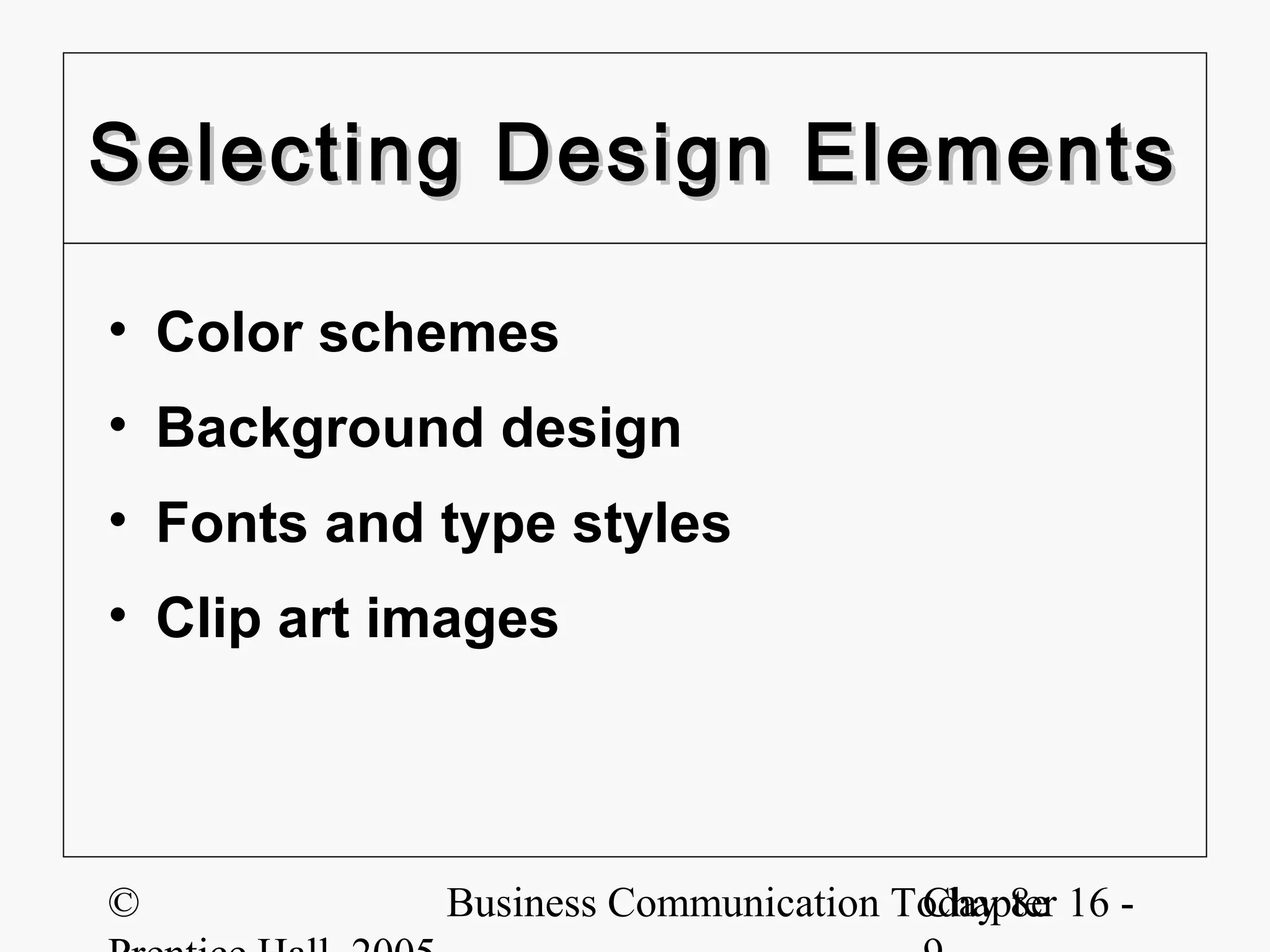
Selecting Design Elements

• Color schemes
• Background design
• Fonts and type styles
• Clip art images


©           Business Communication Today 8e 16 -
                                    Chapter
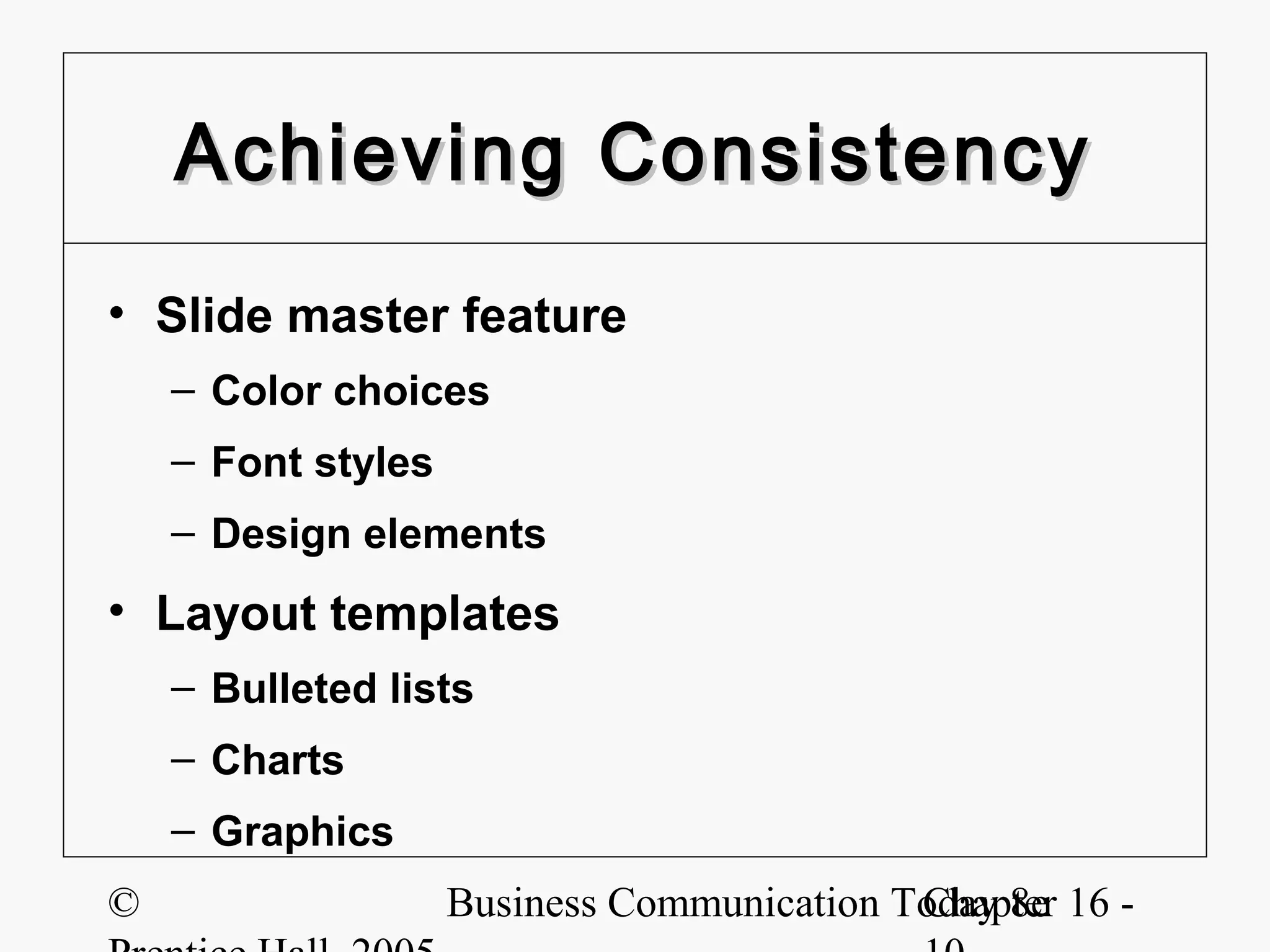
Achieving Consistency
• Slide master feature
    – Color choices
    – Font styles
    – Design elements
• Layout templates
    – Bulleted lists
    – Charts
    – Graphics
©                   Business Communication Today 8e 16 -
                                            Chapter
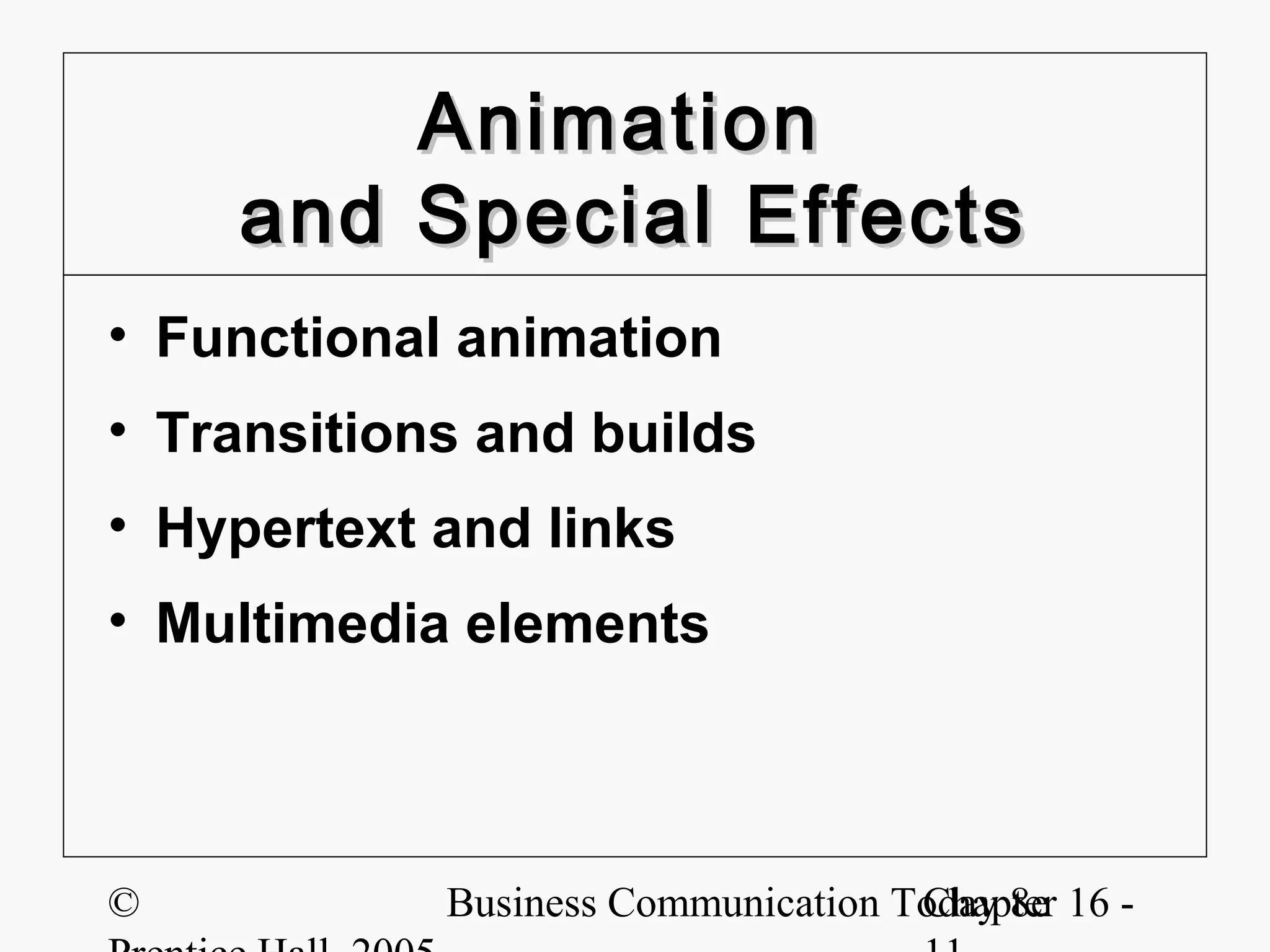
Animation
    and Special Effects
• Functional animation
• Transitions and builds
• Hypertext and links
• Multimedia elements


©           Business Communication Today 8e 16 -
                                    Chapter
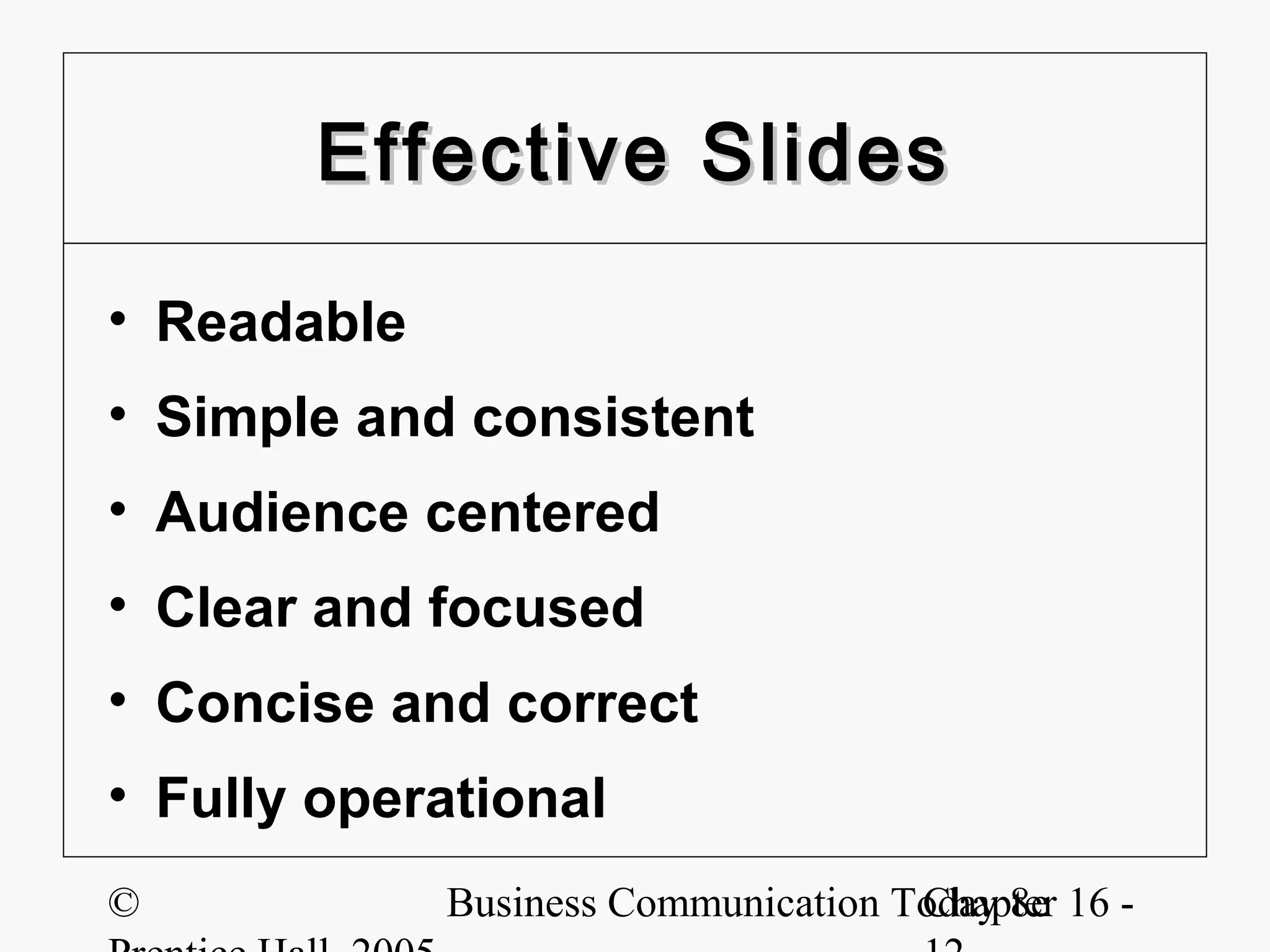
Effective Slides

• Readable
• Simple and consistent
• Audience centered
• Clear and focused
• Concise and correct
• Fully operational
©            Business Communication Today 8e 16 -
                                     Chapter
Developing
      a Clear Structure
• Cover slides
• Introduction slides
• Blueprint slides


©           Business Communication Today 8e 16 -
                                    Chapter
Creating Effective
          Handouts
• Complex charts or diagrams
• Technical papers
• Magazine articles
• Case studies
• Lists of Websites
• Copies of slides
©           Business Communication Today 8e 16 -
                                    Chapter
Practicing Your Delivery

• Presenting naturally
• Check equipment
• Track your time
• Speak clearly
• Introduce slides
• Anticipate questions
©           Business Communication Today 8e 16 -
                                    Chapter
Online Presentations
• Advantages
    – Global reach
    – Cost savings
    – Convenience
• Disadvantages
    – Limited feedback
    – Technology issues
    – Training issues

©              Business Communication Today 8e 16 -
                                       Chapter
Online Presentation Tips

• Send preview materials
• Keep content simple
• Get frequent feedback
• Consider the audience


©           Business Communication Today 8e 16 -
                                    Chapter
Online Presentation Tips

• Fine-tune the presentation
• Ensure compatibility
• Schedule connectivity
• Control the technology


©           Business Communication Today 8e 16 -
                                    Chapter

Ch 16

  • 1.
    Enhancing Presentations with Slides and Transparencies © Business Communication Today 8e 16 - Chapter
  • 2.
    The Three-Step Process •Planning • Writing • Completing © Business Communication Today 8e 16 - Chapter
  • 3.
    Advantages of VisualAids • Clarify main points • Create interest • Add variety • Improve learning © Business Communication Today 8e 16 - Chapter
  • 4.
    Selecting Visual Aids •Overhead transparencies • Electronic presentations • Chalkboards and whiteboards • Flip charts or flip books • Other visual combinations © Business Communication Today 8e 16 - Chapter
  • 5.
    Enhancing Presentations • Planthe presentation • Analyze the audience • Make design choices • Use your time wisely © Business Communication Today 8e 16 - Chapter
  • 6.
    Creating Effective Slides •Writing content • Modifying graphics • Selecting design • Being consistent • Adding animation © Business Communication Today 8e 16 - Chapter
  • 7.
    Writing Readable Content •Select a central idea • Limit the content • Write short phrases • Use parallel grammar • Prefer the active voice • Use short informative titles © Business Communication Today 8e 16 - Chapter
  • 8.
    Modifying Graphics forSlides • Reduce details • Avoid repetition • Shorten numbers • Limit data • Highlight key points • Adjust size and design © Business Communication Today 8e 16 - Chapter
  • 9.
    Selecting Design Elements •Color schemes • Background design • Fonts and type styles • Clip art images © Business Communication Today 8e 16 - Chapter
  • 10.
    Achieving Consistency • Slidemaster feature – Color choices – Font styles – Design elements • Layout templates – Bulleted lists – Charts – Graphics © Business Communication Today 8e 16 - Chapter
  • 11.
    Animation and Special Effects • Functional animation • Transitions and builds • Hypertext and links • Multimedia elements © Business Communication Today 8e 16 - Chapter
  • 12.
    Effective Slides • Readable •Simple and consistent • Audience centered • Clear and focused • Concise and correct • Fully operational © Business Communication Today 8e 16 - Chapter
  • 13.
    Developing a Clear Structure • Cover slides • Introduction slides • Blueprint slides © Business Communication Today 8e 16 - Chapter
  • 14.
    Creating Effective Handouts • Complex charts or diagrams • Technical papers • Magazine articles • Case studies • Lists of Websites • Copies of slides © Business Communication Today 8e 16 - Chapter
  • 15.
    Practicing Your Delivery •Presenting naturally • Check equipment • Track your time • Speak clearly • Introduce slides • Anticipate questions © Business Communication Today 8e 16 - Chapter
  • 16.
    Online Presentations • Advantages – Global reach – Cost savings – Convenience • Disadvantages – Limited feedback – Technology issues – Training issues © Business Communication Today 8e 16 - Chapter
  • 17.
    Online Presentation Tips •Send preview materials • Keep content simple • Get frequent feedback • Consider the audience © Business Communication Today 8e 16 - Chapter
  • 18.
    Online Presentation Tips •Fine-tune the presentation • Ensure compatibility • Schedule connectivity • Control the technology © Business Communication Today 8e 16 - Chapter