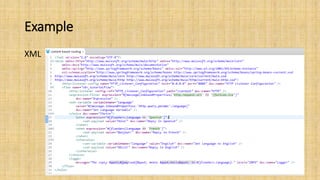
The document discusses content-based routing using MuleSoft's Anypoint Studio. It provides an example application that routes XML messages based on the logic in a Choice Router. The goals are to create a flow that routes messages using variables and expressions, run it locally in Anypoint Studio, and test it using a browser. The example application and testing process are then explained in more detail.