Scaling Video Analytics
With Apache Cassandra
             ILYA MAYKOV | Dec 6th, 2011
Agenda
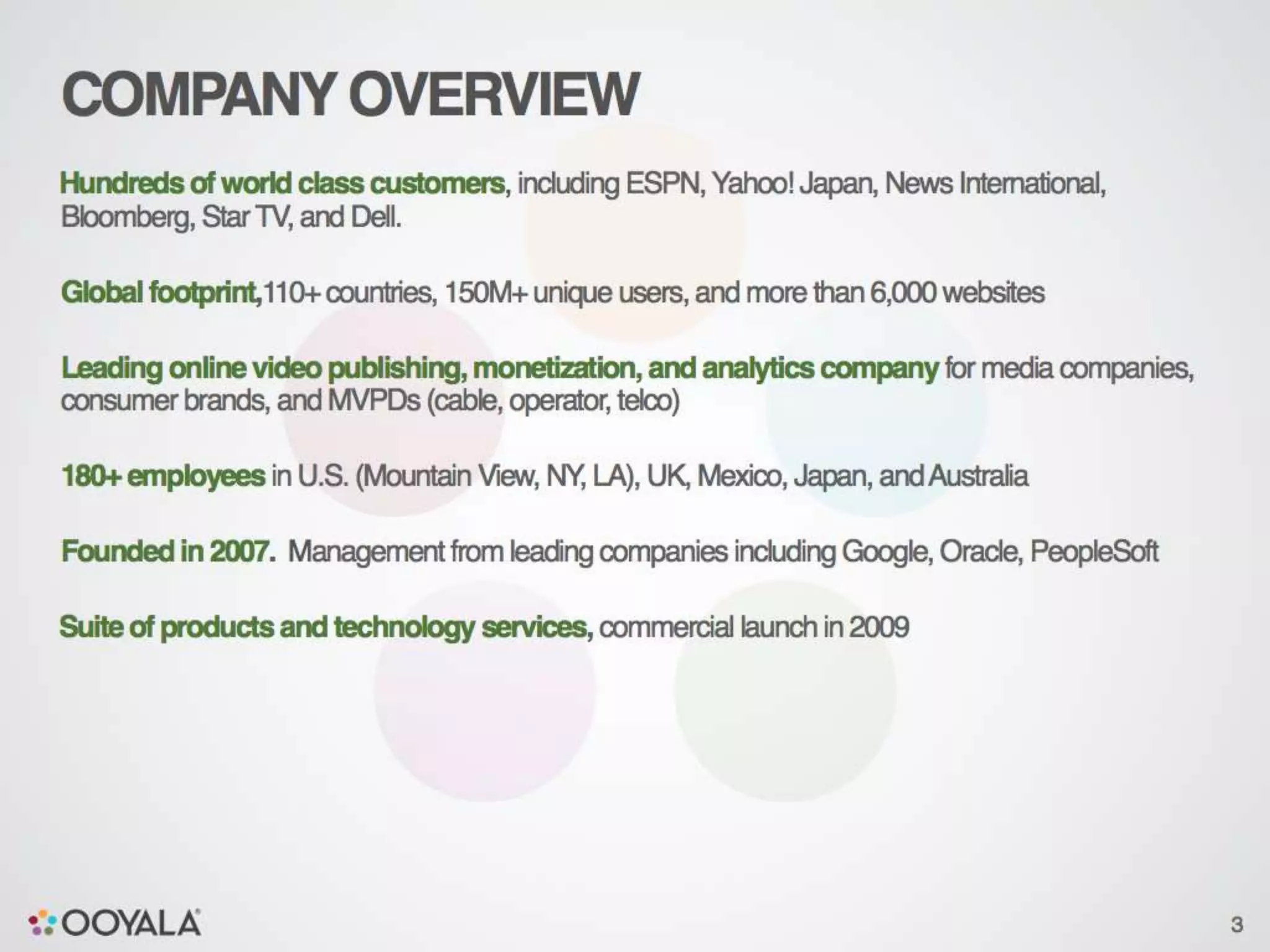
Ooyala – quick company overview
What do we mean by “video analytics”?
What are the challenges?
Cassandra at Ooyala - technical details
Lessons learned
Q&A


                                          2
3
4
5
6
7
8
9
10
Analytics Overview


                     11
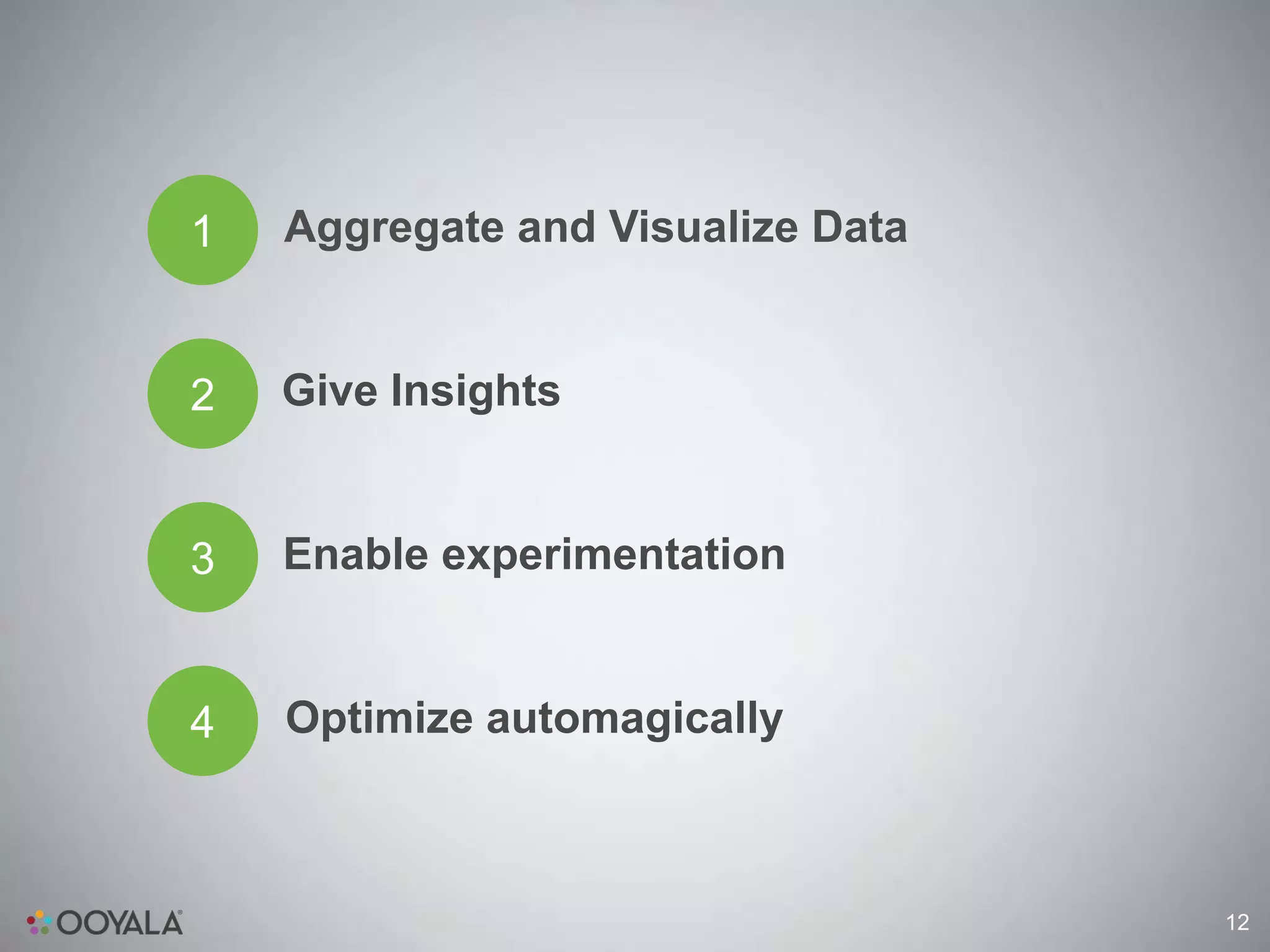
1   Aggregate and Visualize Data


2   Give Insights


3   Enable experimentation


4   Optimize automagically


                                   12
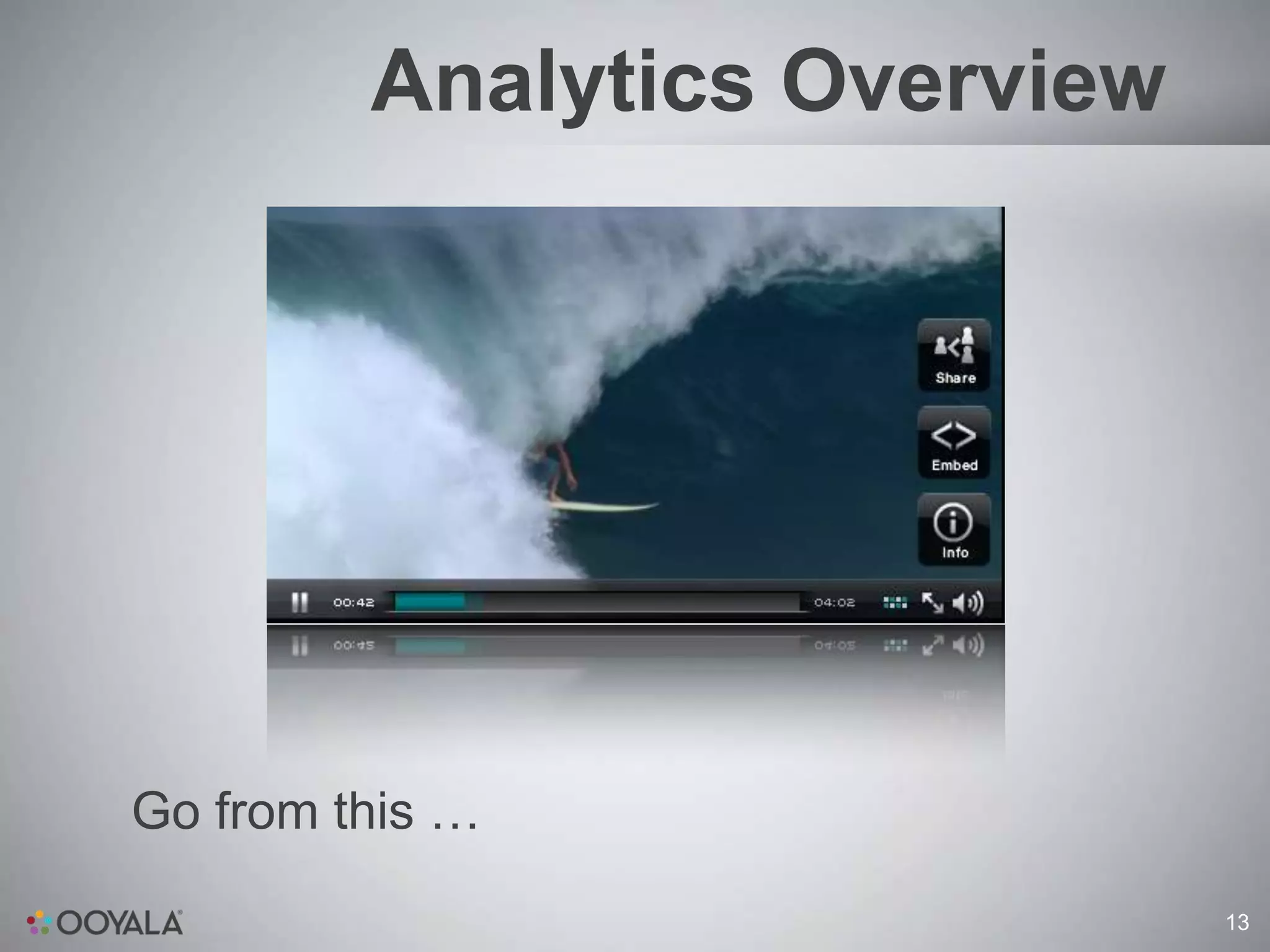
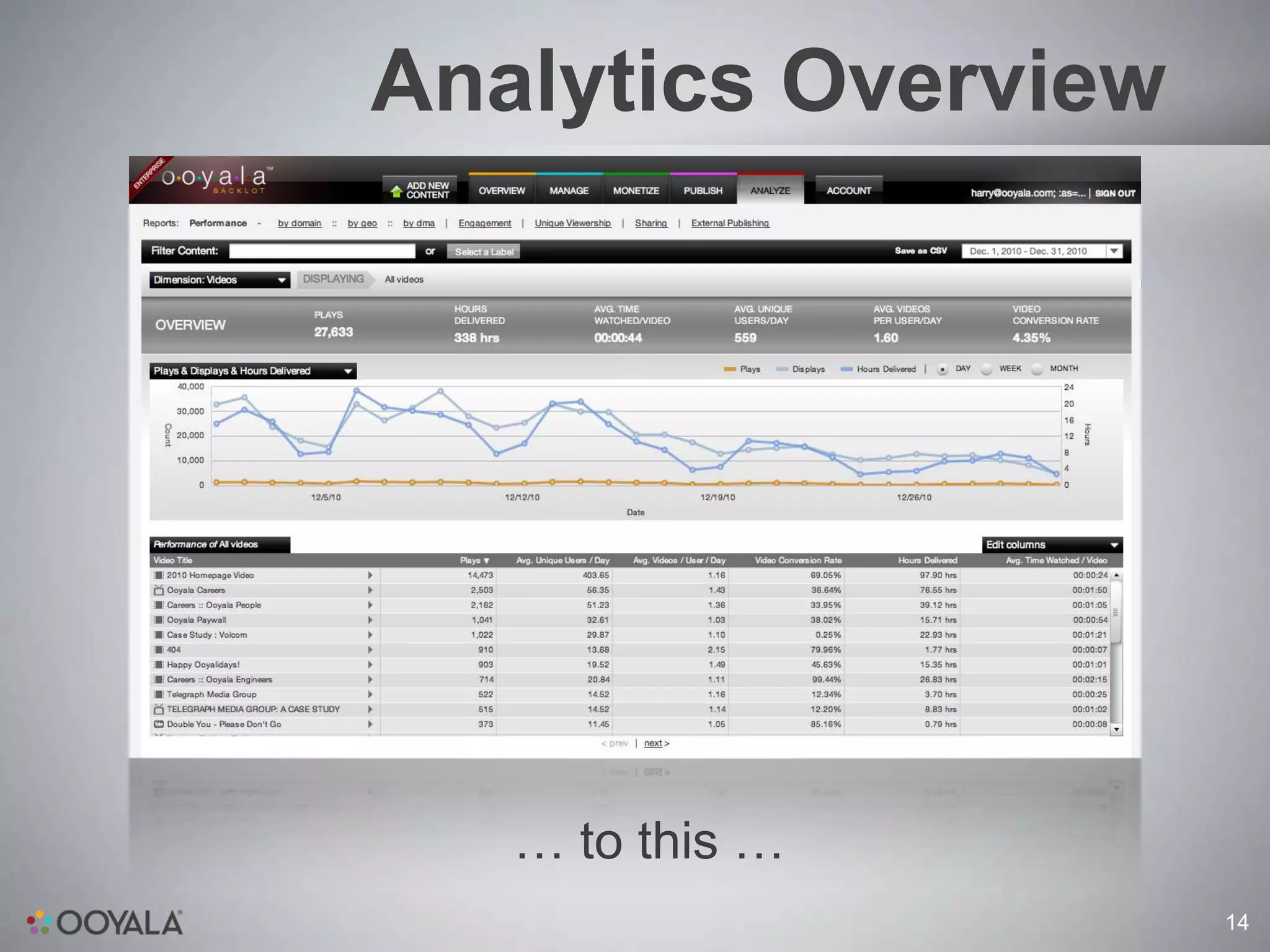
Analytics Overview


Go from this …
                              13
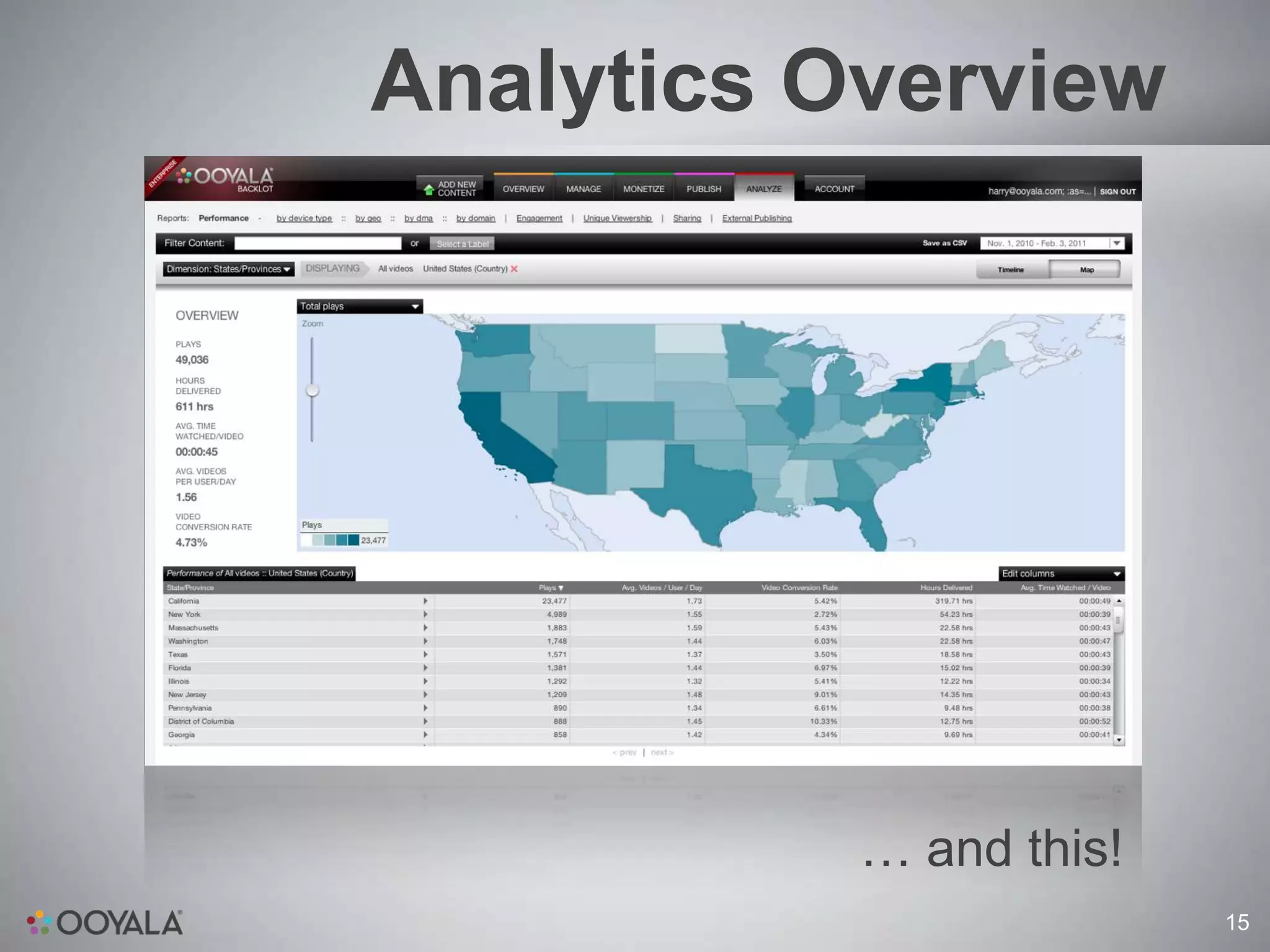
Analytics Overview


   … to this …
                     14
Analytics Overview


           … and this!
                         15
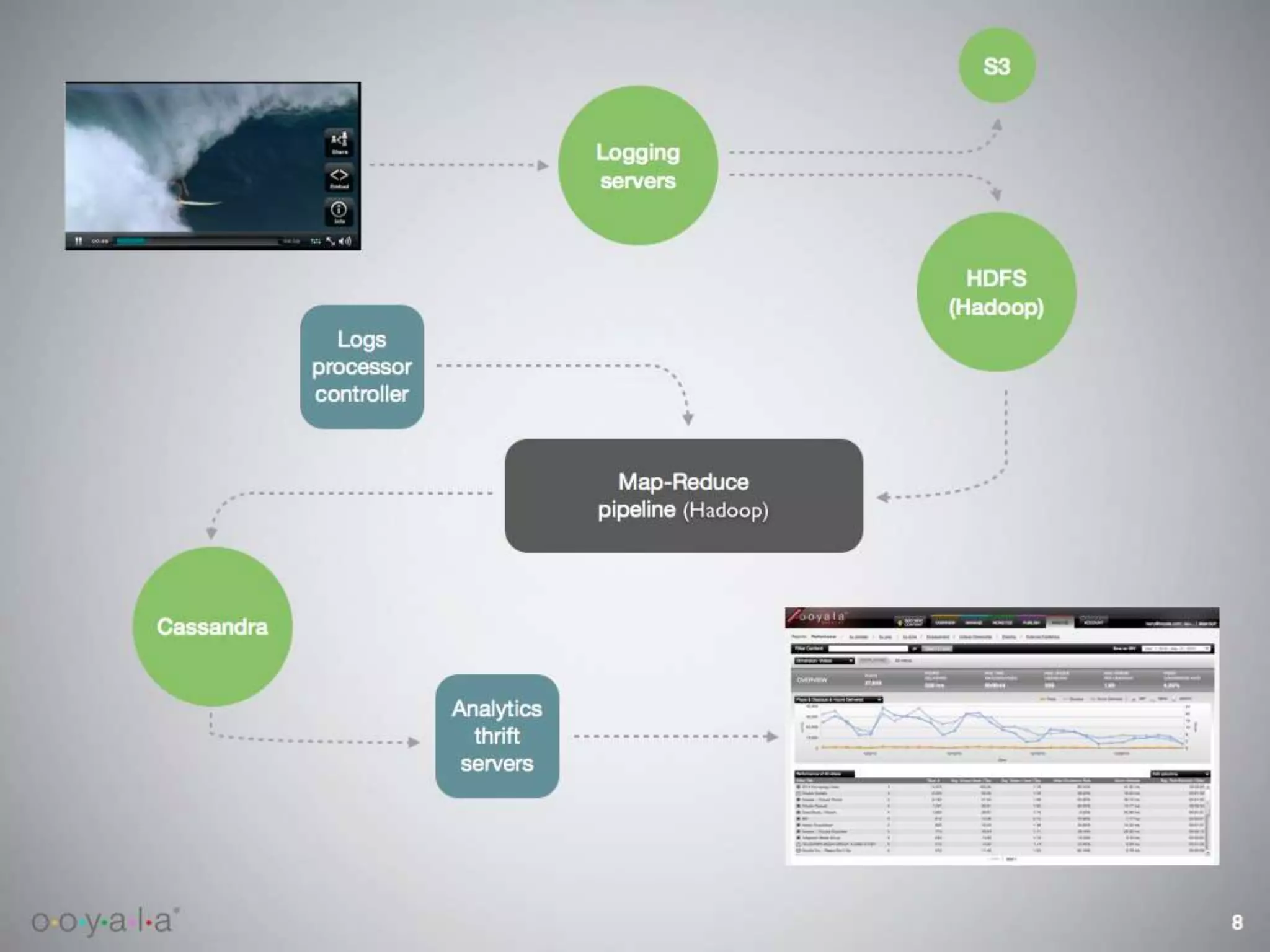
System Architecture


                      16
17
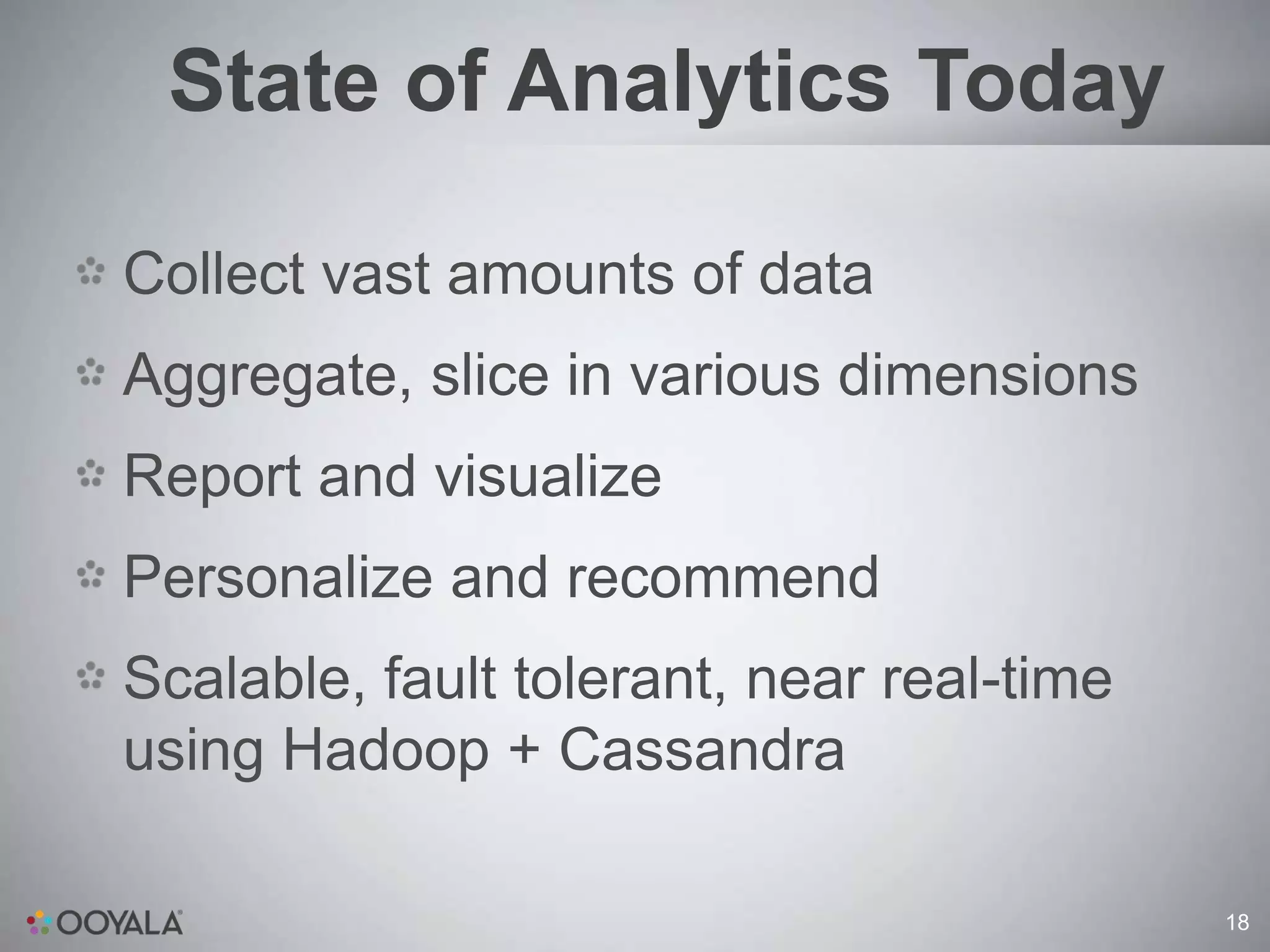
State of Analytics Today

Collect vast amounts of data
Aggregate, slice in various dimensions
Report and visualize
Personalize and recommend
Scalable, fault tolerant, near real-time
using Hadoop + Cassandra

                                           18
Analytics Challenges

Scale
Processing Speed
Depth
Accuracy
Developer speed


                               19
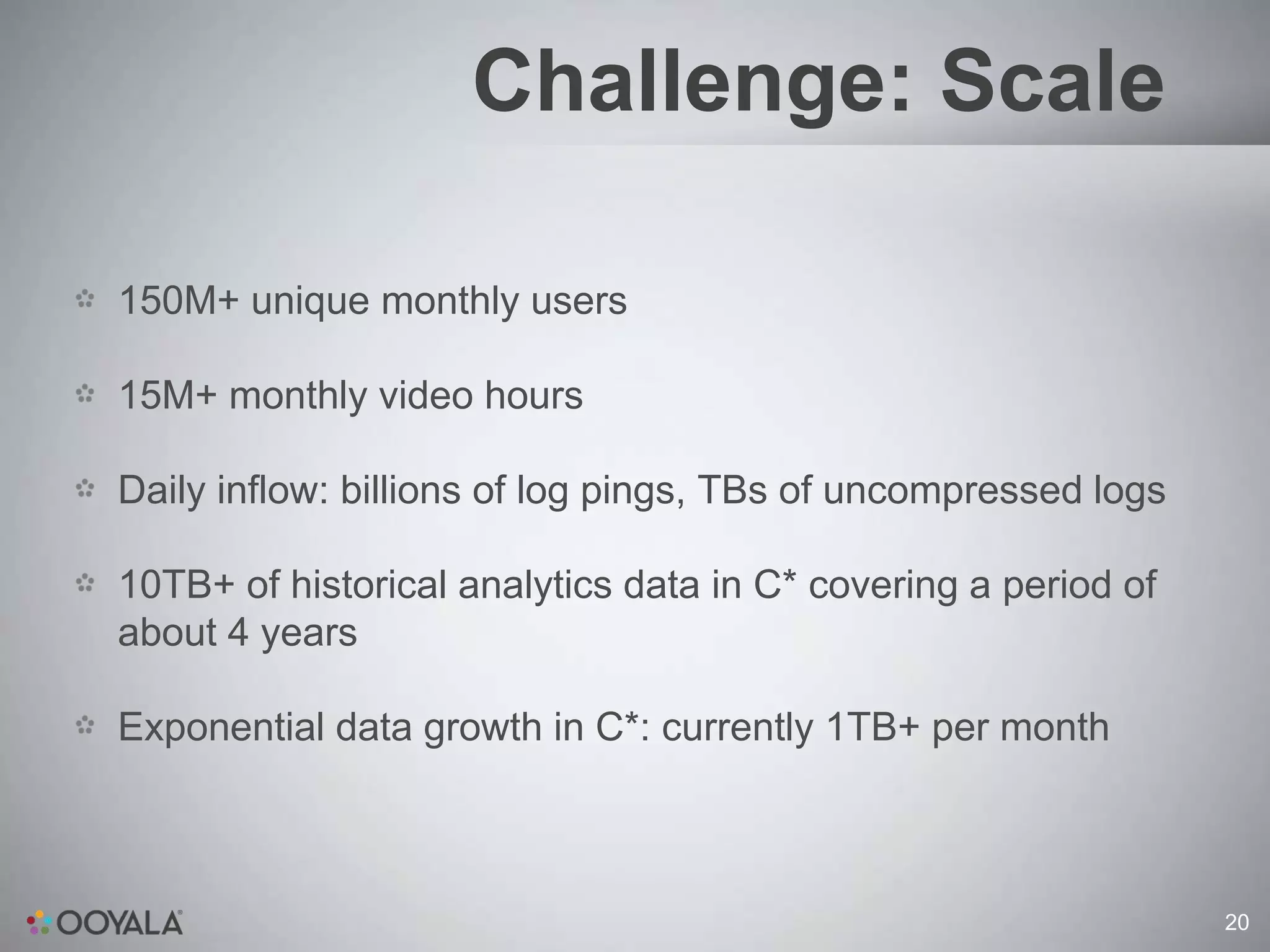
Challenge: Scale

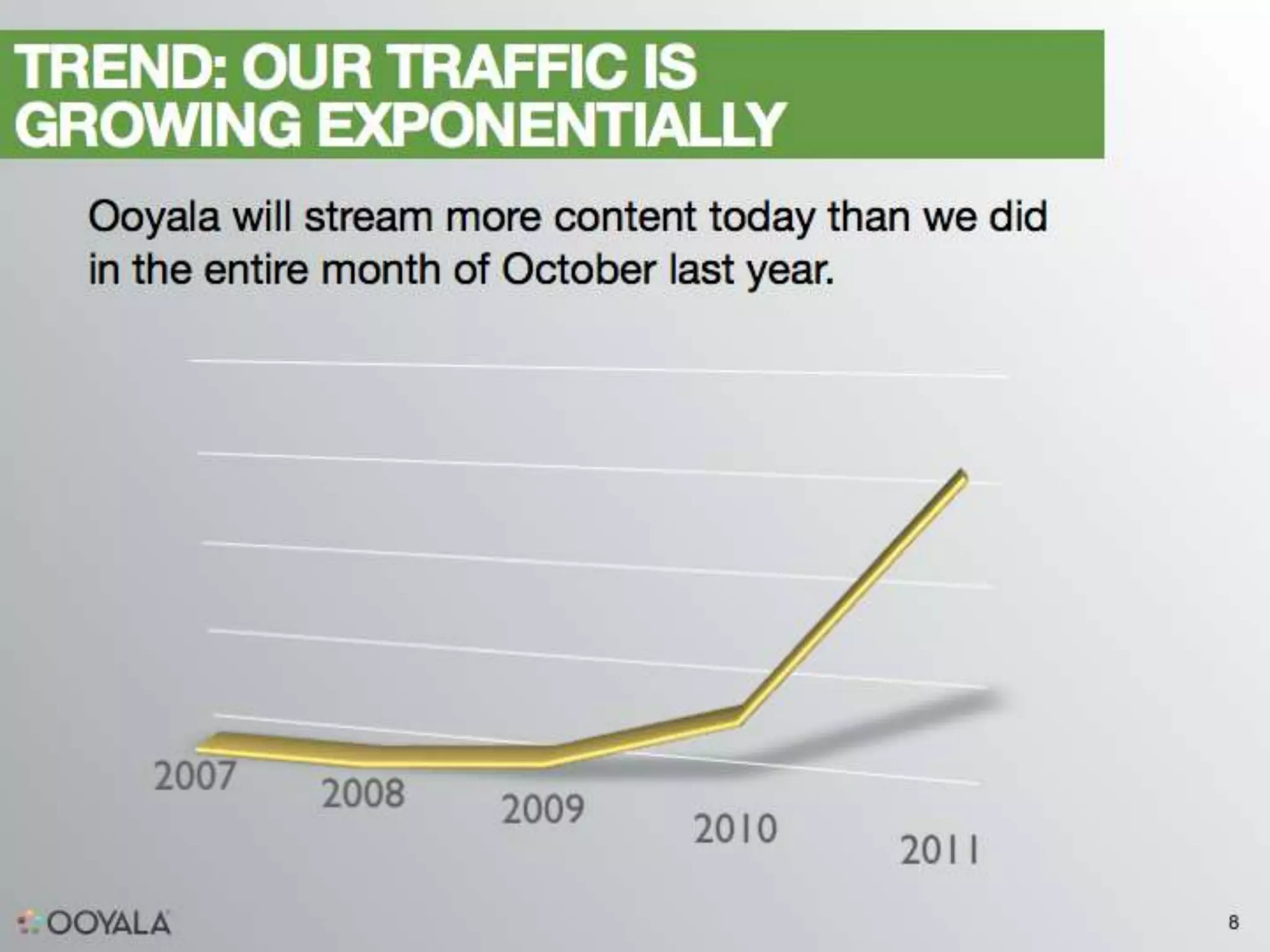
150M+ unique monthly users

15M+ monthly video hours

Daily inflow: billions of log pings, TBs of uncompressed logs

10TB+ of historical analytics data in C* covering a period of
about 4 years

Exponential data growth in C*: currently 1TB+ per month


                                                                20
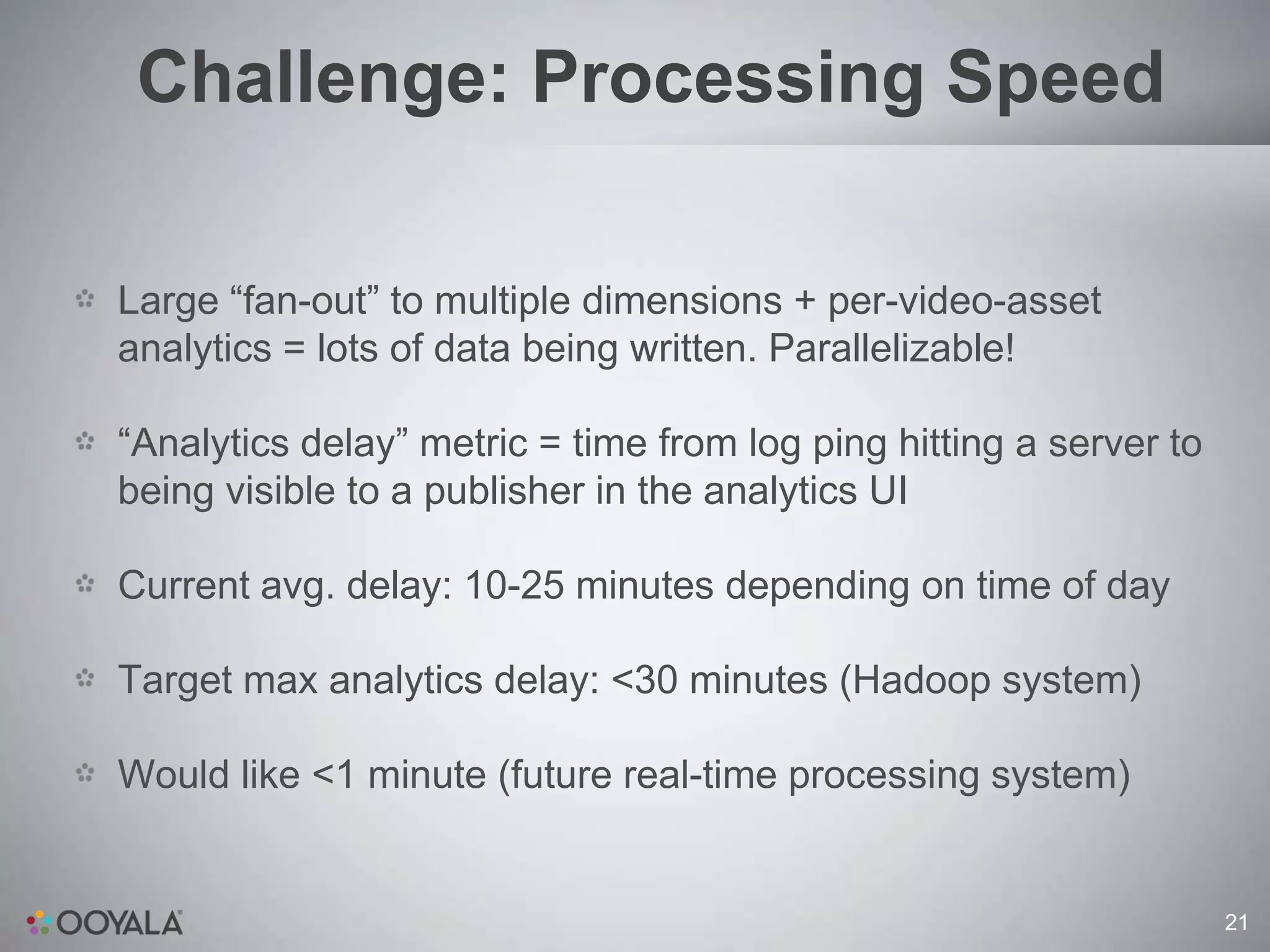
Challenge: Processing Speed

Large “fan-out” to multiple dimensions + per-video-asset
analytics = lots of data being written. Parallelizable!
“Analytics delay” metric = time from log ping hitting a server to
being visible to a publisher in the analytics UI

Current avg. delay: 10-25 minutes depending on time of day

Target max analytics delay: <30 minutes (Hadoop system)

Would like <1 minute (future real-time processing system)


                                                                    21
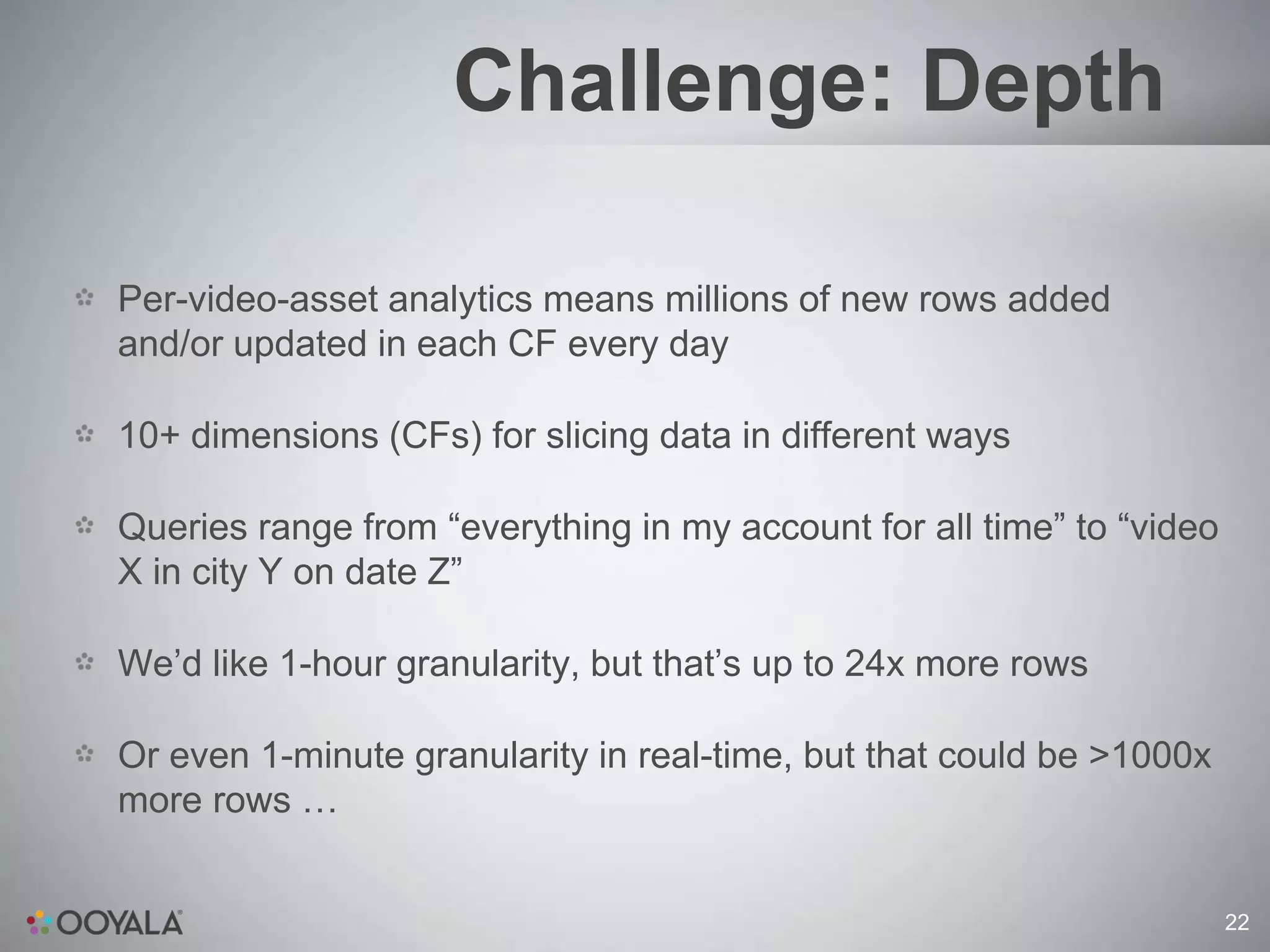
Challenge: Depth

Per-video-asset analytics means millions of new rows added
and/or updated in each CF every day

10+ dimensions (CFs) for slicing data in different ways

Queries range from “everything in my account for all time” to “video
X in city Y on date Z”

We’d like 1-hour granularity, but that’s up to 24x more rows

Or even 1-minute granularity in real-time, but that could be >1000x
more rows …


                                                                       22
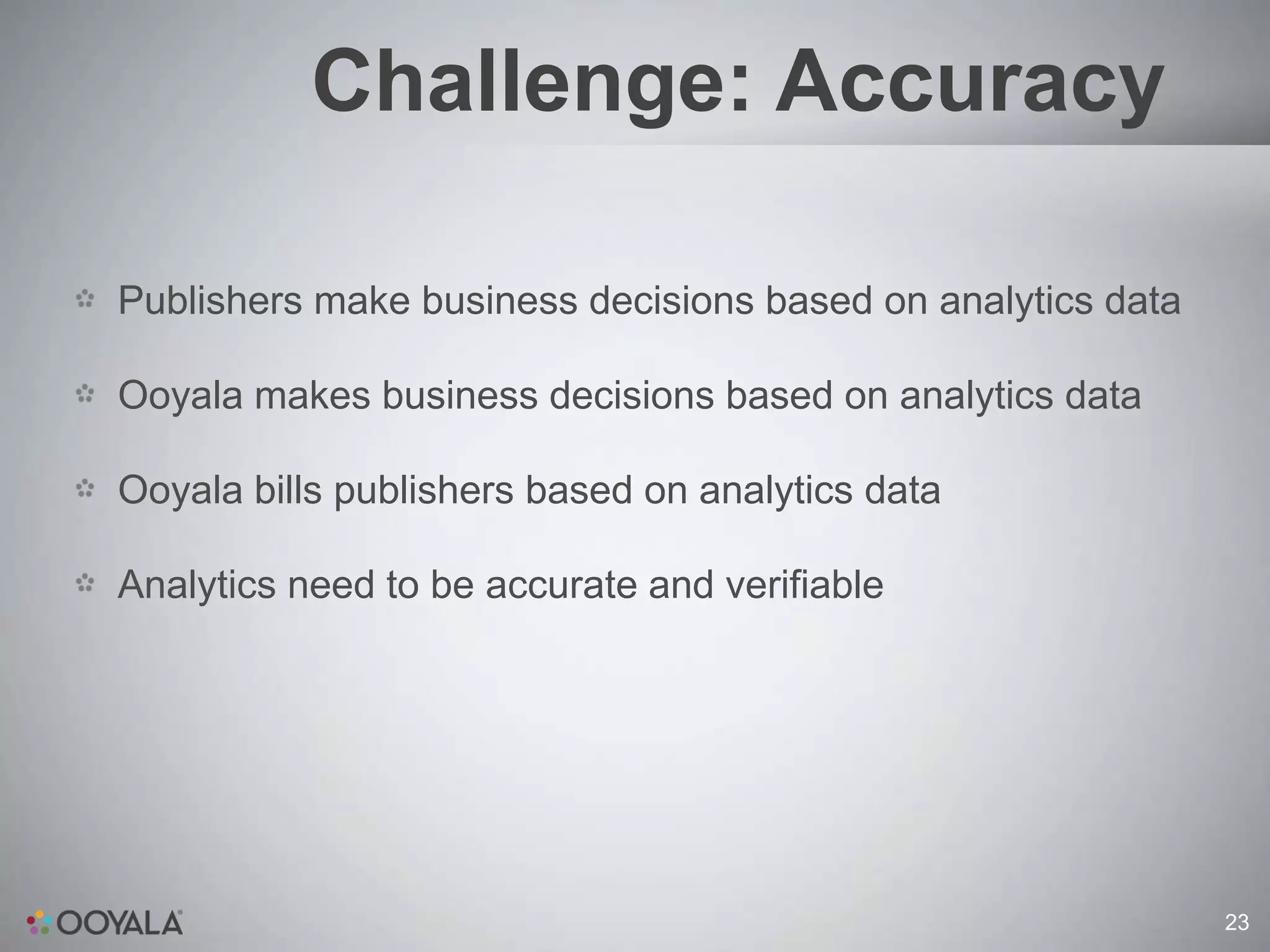
Challenge: Accuracy

Publishers make business decisions based on analytics data

Ooyala makes business decisions based on analytics data

Ooyala bills publishers based on analytics data

Analytics need to be accurate and verifiable


                                                             23
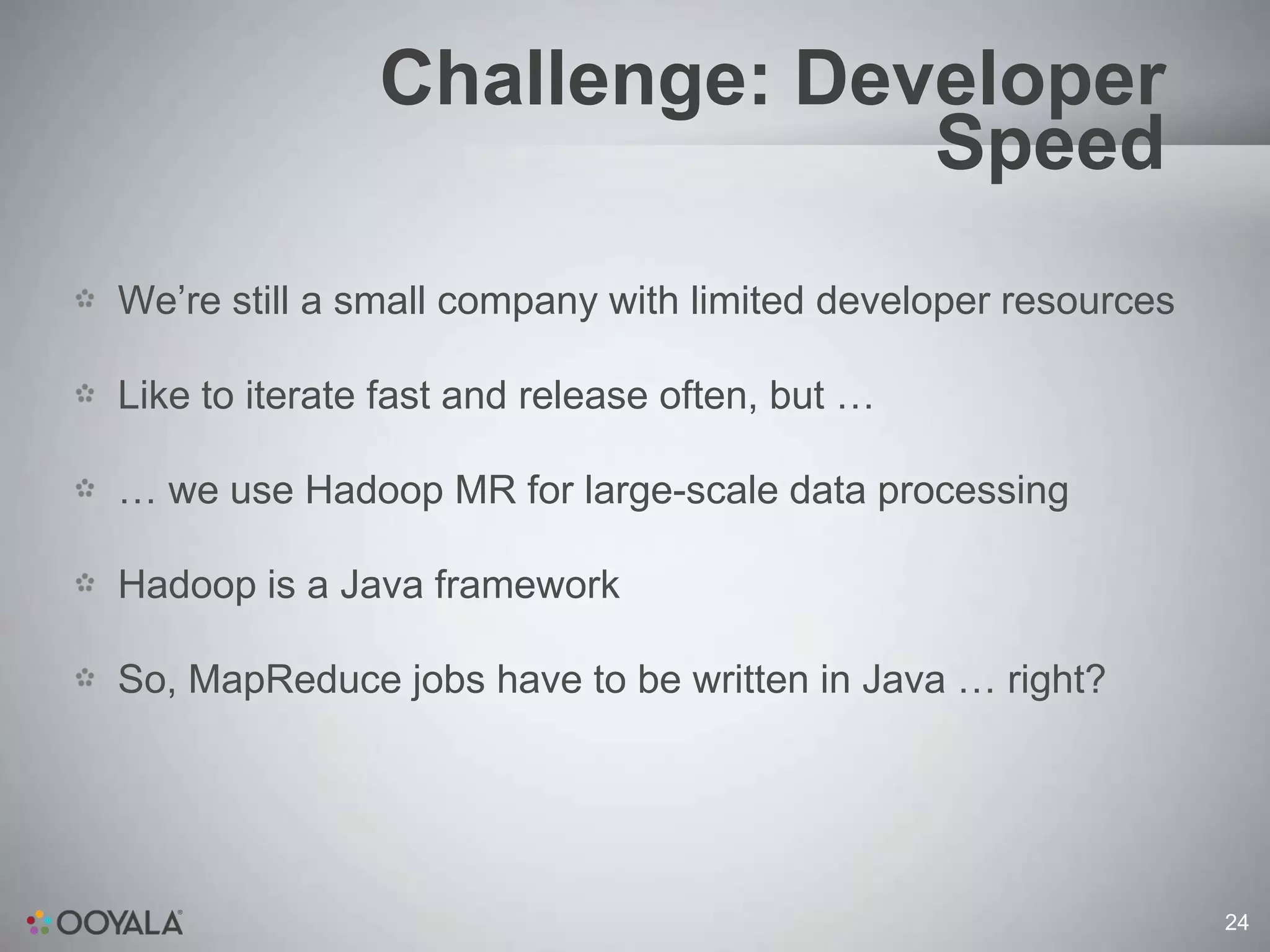
Challenge: Developer
                             Speed
We’re still a small company with limited developer resources

Like to iterate fast and release often, but …

… we use Hadoop MR for large-scale data processing

Hadoop is a Java framework

So, MapReduce jobs have to be written in Java … right?


                                                               24
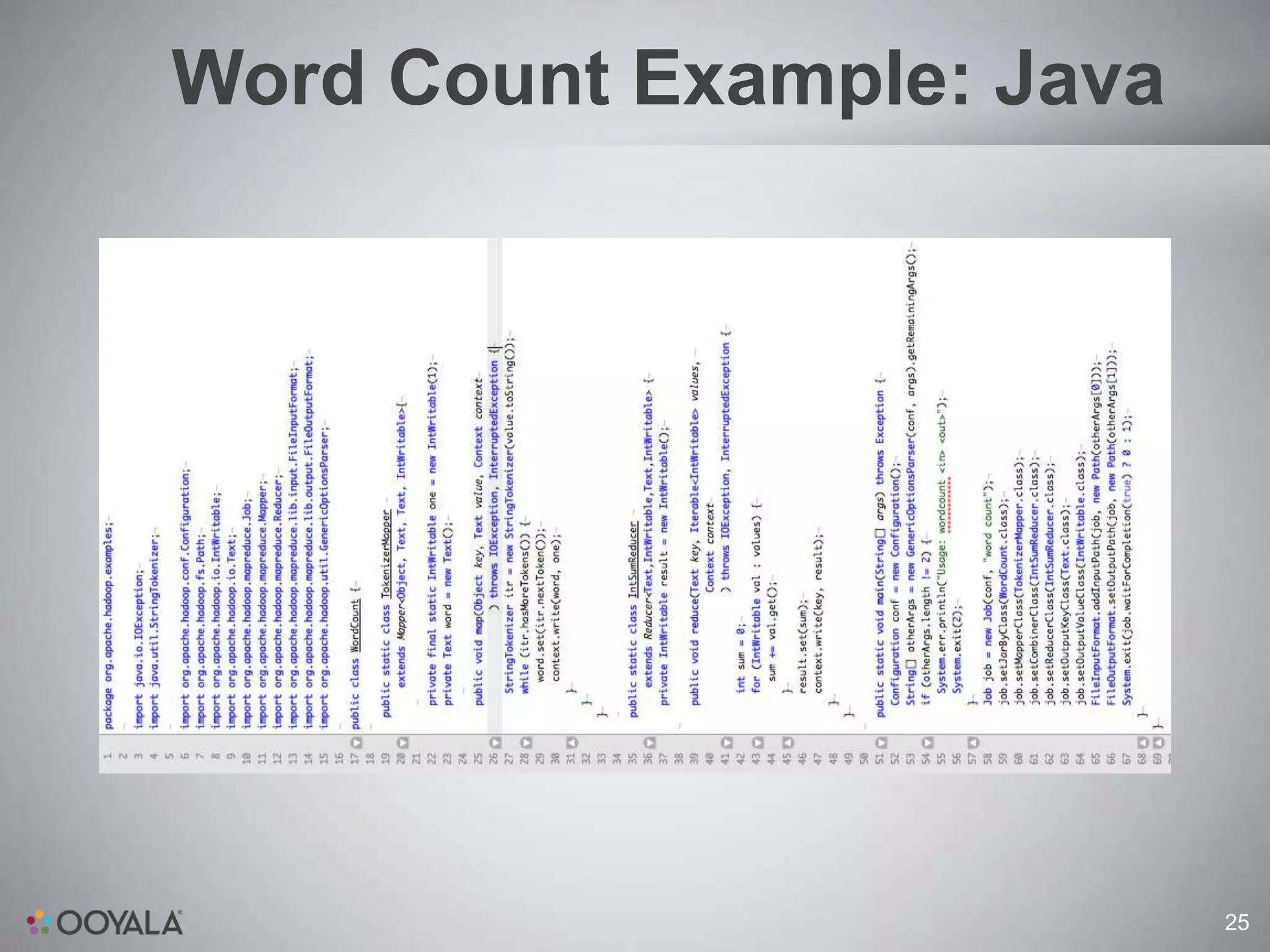
Word Count Example: Java


                           25
Word Count Example: Ruby


                           26
Word Count Example: Scala


                            27
Challenge: Developer
                            Speed
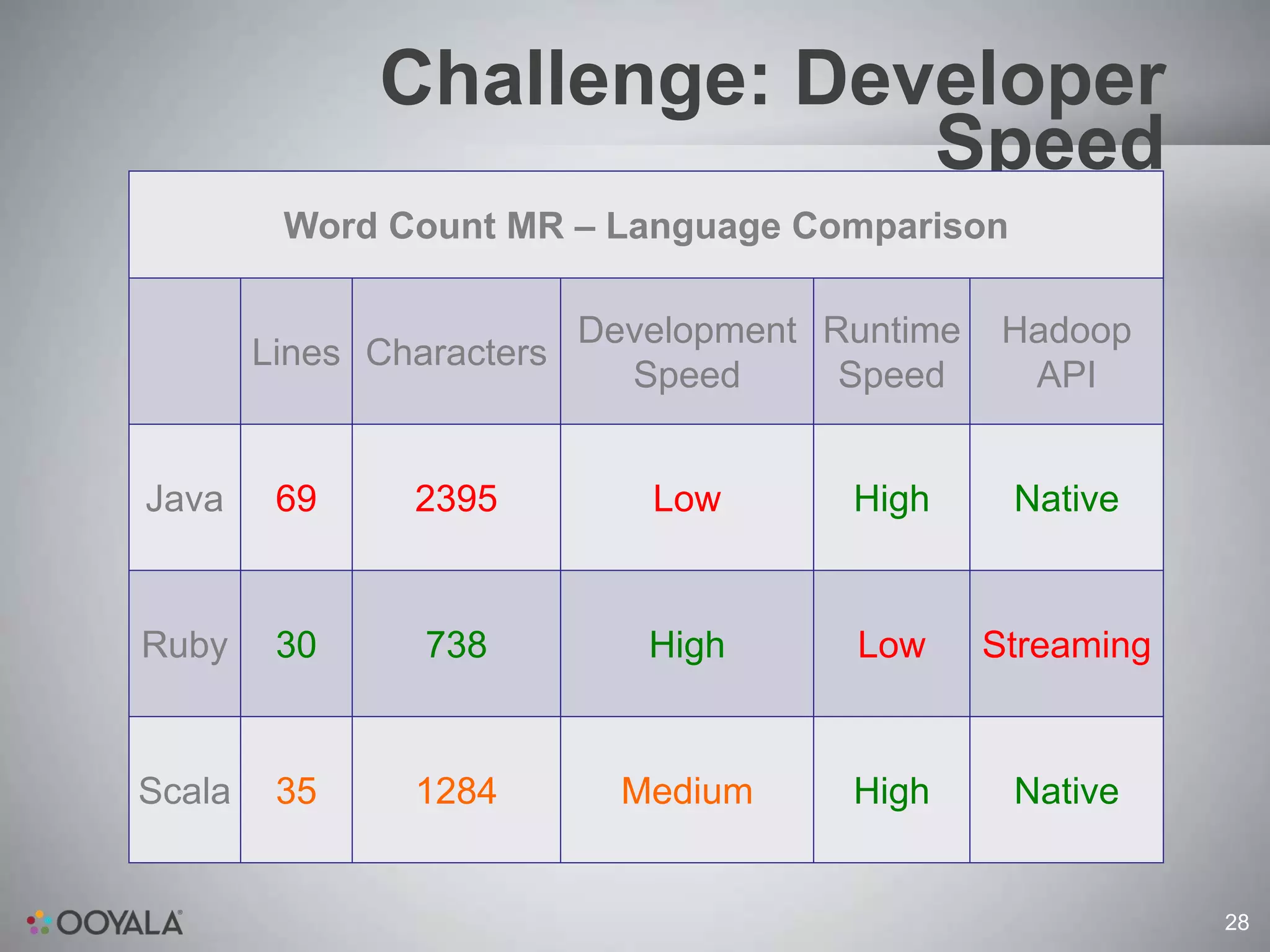
         Word Count MR – Language Comparison

                         Development Runtime    Hadoop
        Lines Characters
                           Speed      Speed      API


Java     69     2395        Low       High      Native


Ruby     30     738         High      Low      Streaming


Scala    35     1284      Medium      High      Native


                                                           28
Why Cassandra?


                 29
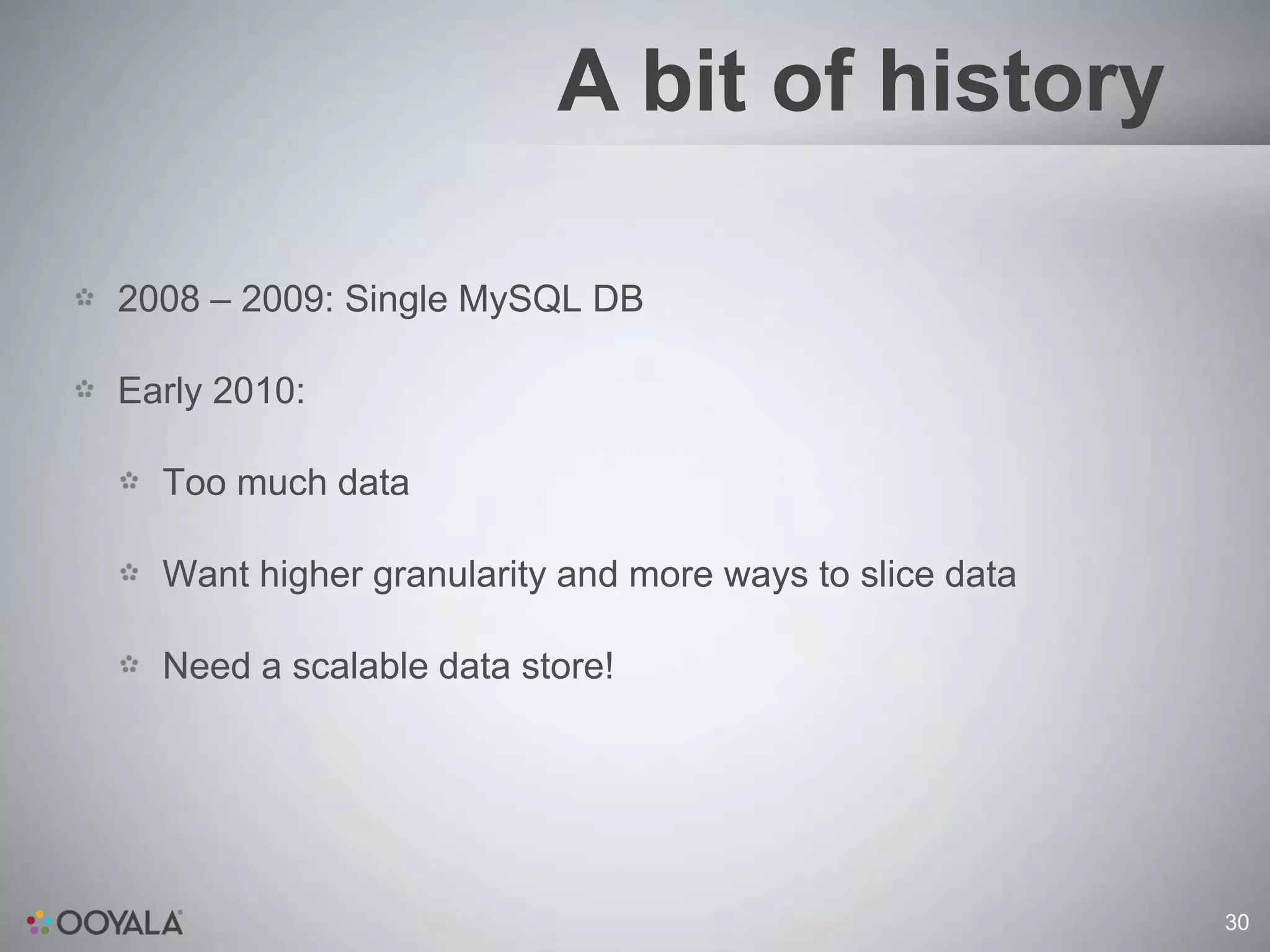
A bit of history

2008 – 2009: Single MySQL DB

Early 2010:

  Too much data

  Want higher granularity and more ways to slice data

  Need a scalable data store!


                                                        30
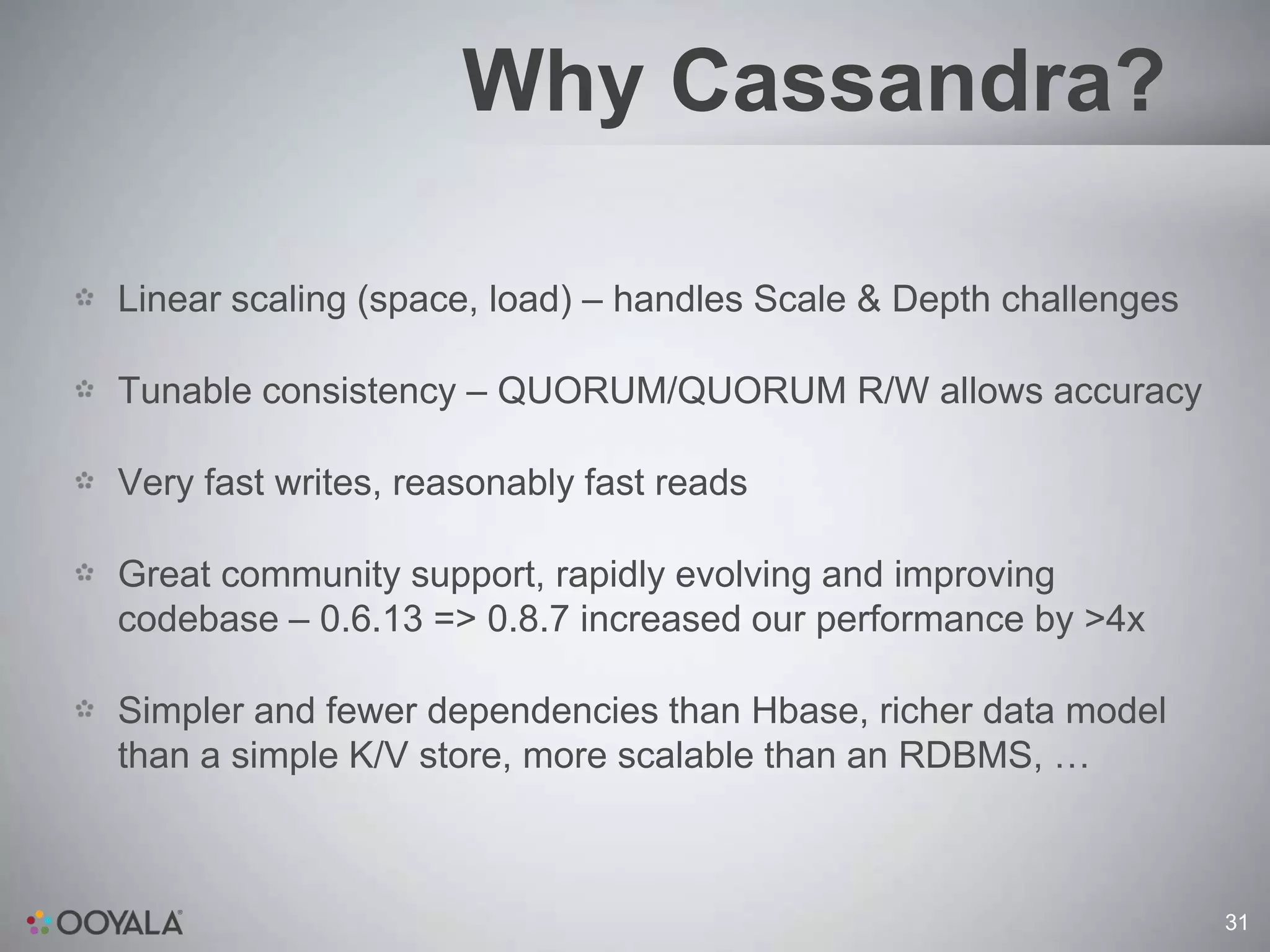
Why Cassandra?

Linear scaling (space, load) – handles Scale & Depth challenges

Tunable consistency – QUORUM/QUORUM R/W allows accuracy

Very fast writes, reasonably fast reads

Great community support, rapidly evolving and improving
codebase – 0.6.13 => 0.8.7 increased our performance by >4x

Simpler and fewer dependencies than Hbase, richer data model
than a simple K/V store, more scalable than an RDBMS, …


                                                                  31
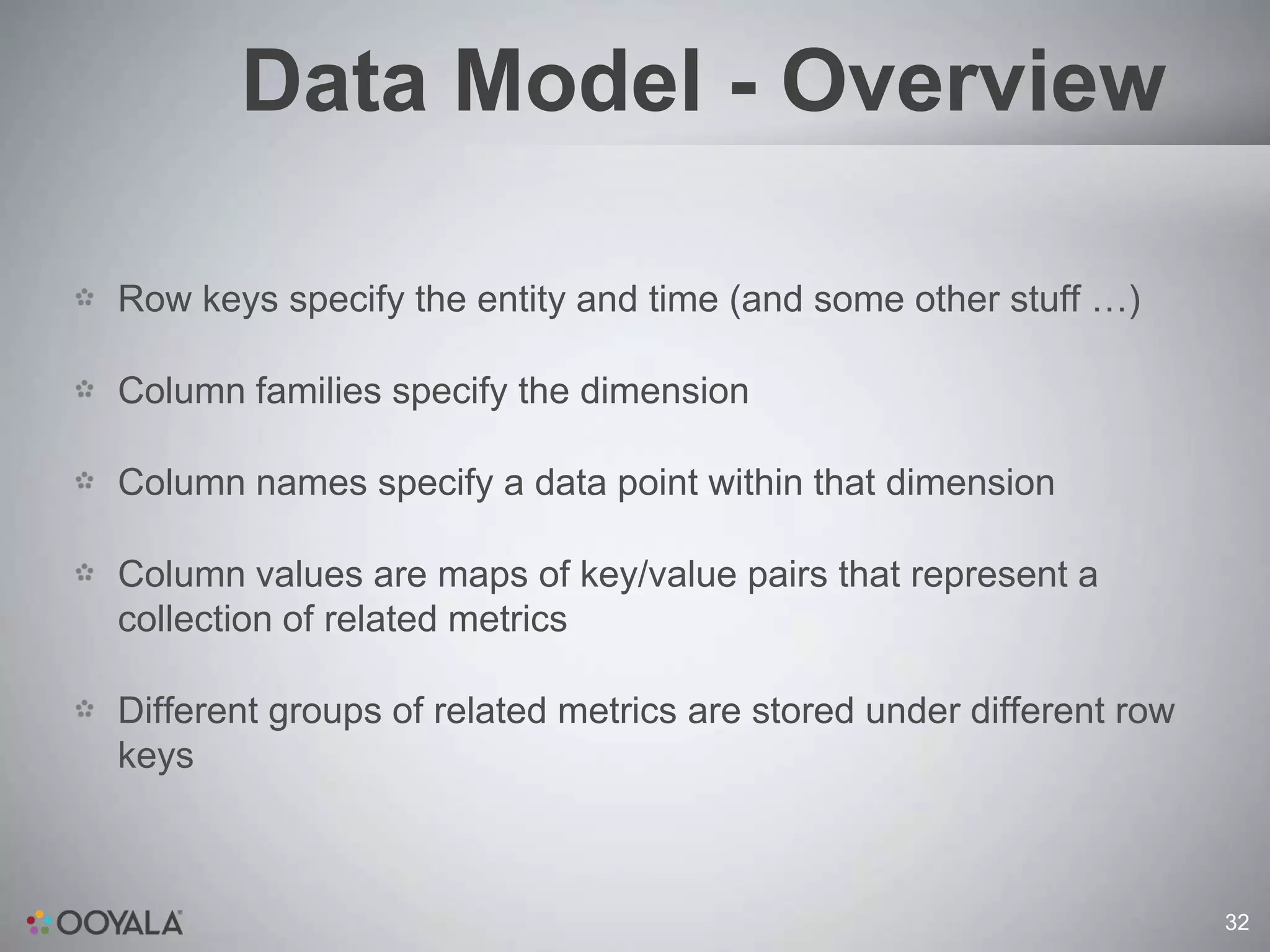
Data Model - Overview

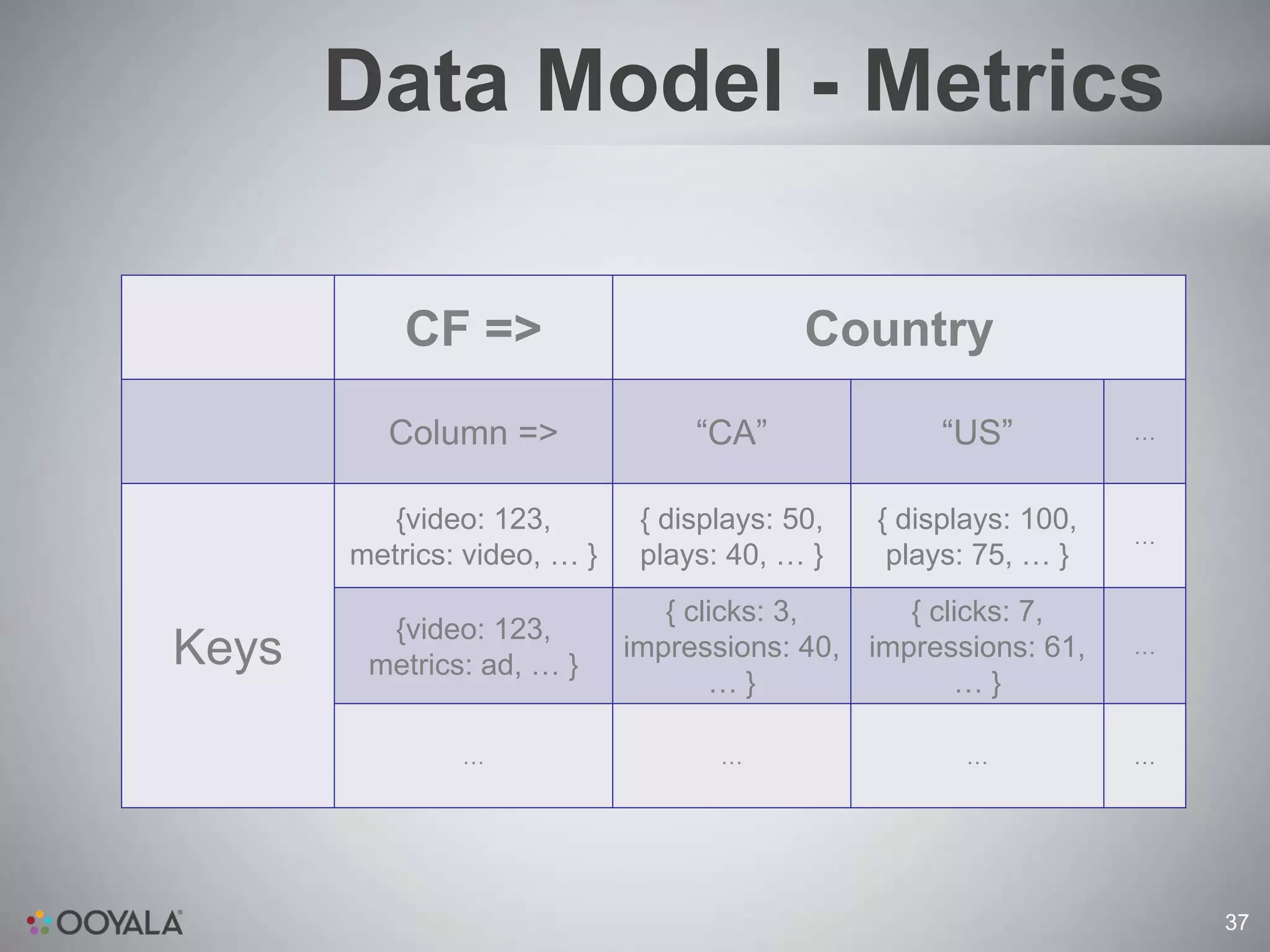
Row keys specify the entity and time (and some other stuff …)

Column families specify the dimension

Column names specify a data point within that dimension

Column values are maps of key/value pairs that represent a
collection of related metrics

Different groups of related metrics are stored under different row
keys


                                                                     32
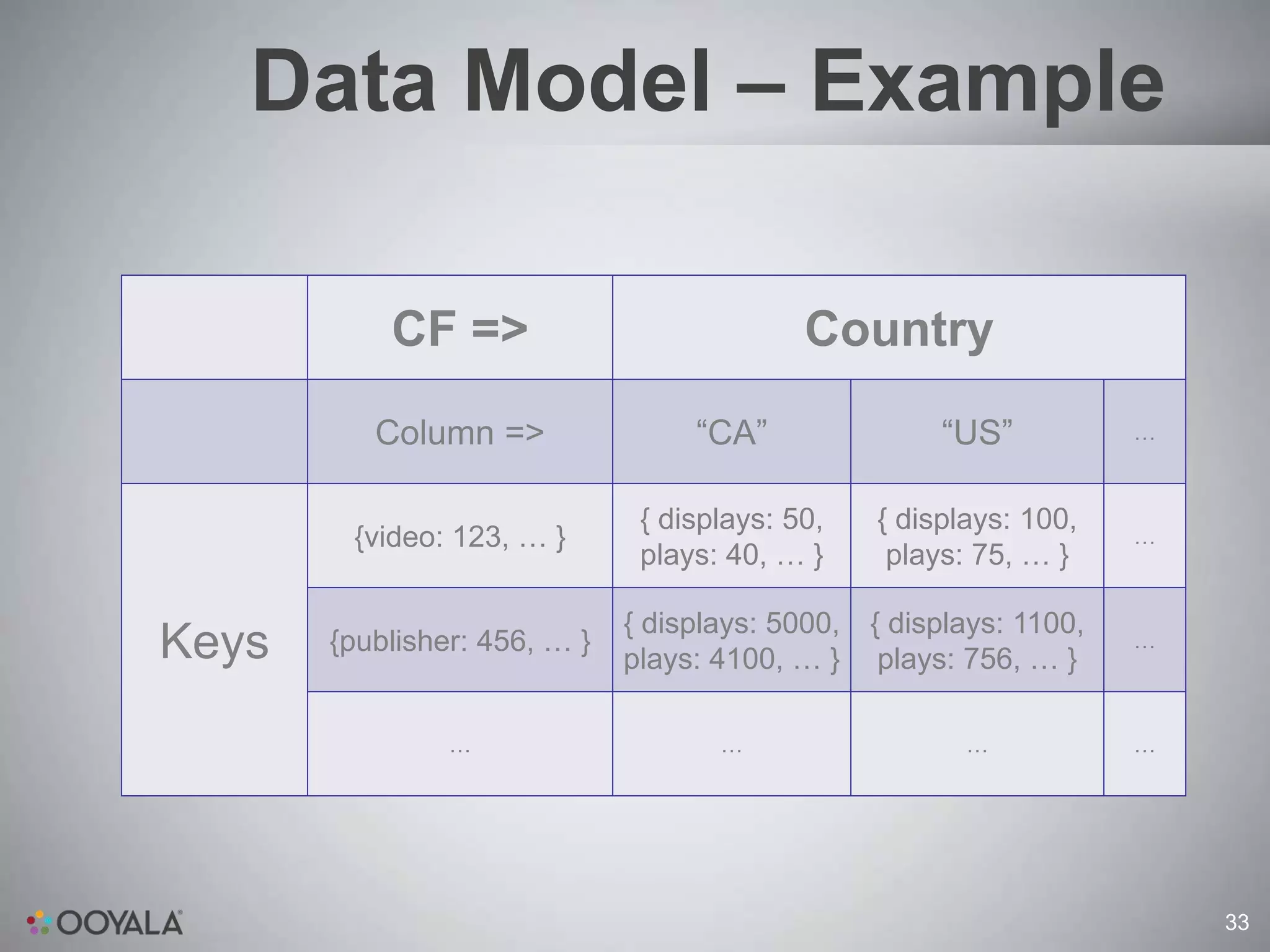
Data Model – Example

           CF =>                            Country
          Column =>                “CA”                “US”           …


                               { displays: 50,    { displays: 100,
        {video: 123, … }                                              …
                               plays: 40, … }      plays: 75, … }

                              { displays: 5000,   { displays: 1100,
Keys   {publisher: 456, … }
                              plays: 4100, … }     plays: 756, … }
                                                                      …


                …                    …                   …            …


                                                                          33
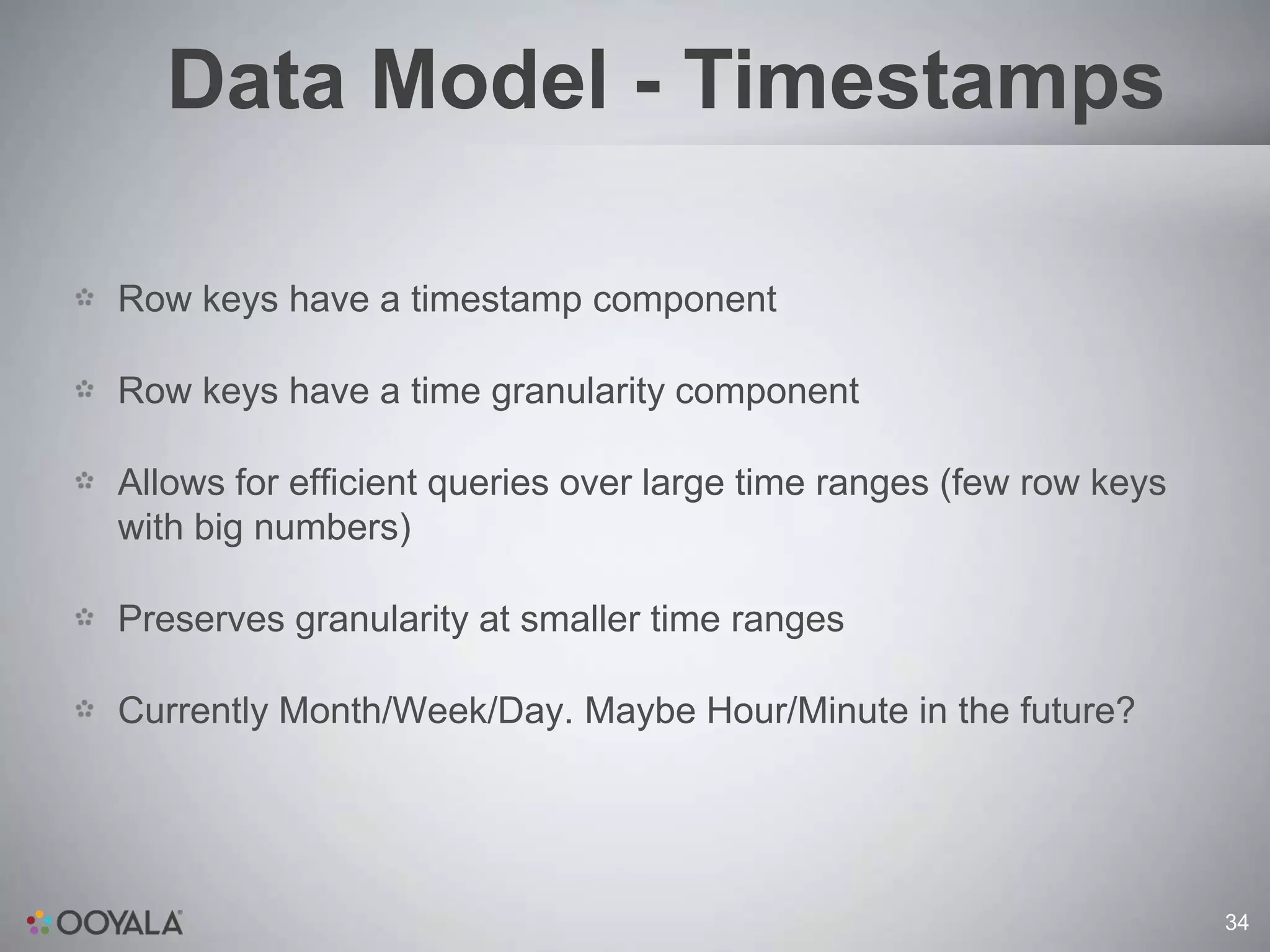
Data Model - Timestamps

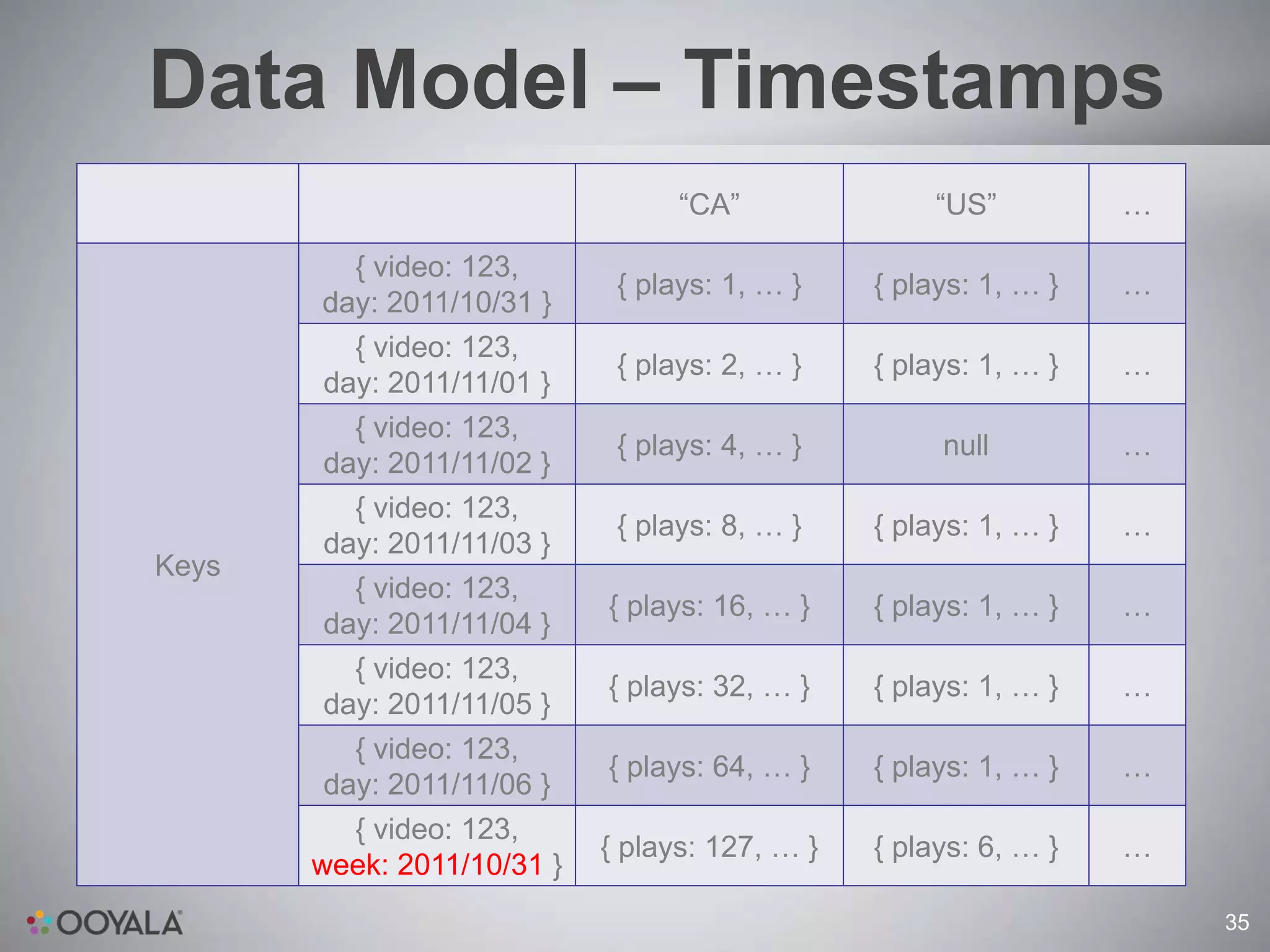
Row keys have a timestamp component

Row keys have a time granularity component

Allows for efficient queries over large time ranges (few row keys
with big numbers)

Preserves granularity at smaller time ranges

Currently Month/Week/Day. Maybe Hour/Minute in the future?


                                                                    34
Data Model – Timestamps
                                  “CA”               “US”         …

         { video: 123,
                             { plays: 1, … }    { plays: 1, … }   …
       day: 2011/10/31 }
         { video: 123,
                             { plays: 2, … }    { plays: 1, … }   …
       day: 2011/11/01 }
         { video: 123,
                             { plays: 4, … }         null         …
       day: 2011/11/02 }
         { video: 123,
                             { plays: 8, … }    { plays: 1, … }   …
       day: 2011/11/03 }
Keys
         { video: 123,
                            { plays: 16, … }    { plays: 1, … }   …
       day: 2011/11/04 }
         { video: 123,
                            { plays: 32, … }    { plays: 1, … }   …
       day: 2011/11/05 }
         { video: 123,
                            { plays: 64, … }    { plays: 1, … }   …
       day: 2011/11/06 }
         { video: 123,
                            { plays: 127, … }   { plays: 6, … }   …
       week: 2011/10/31 }
                                                                      35
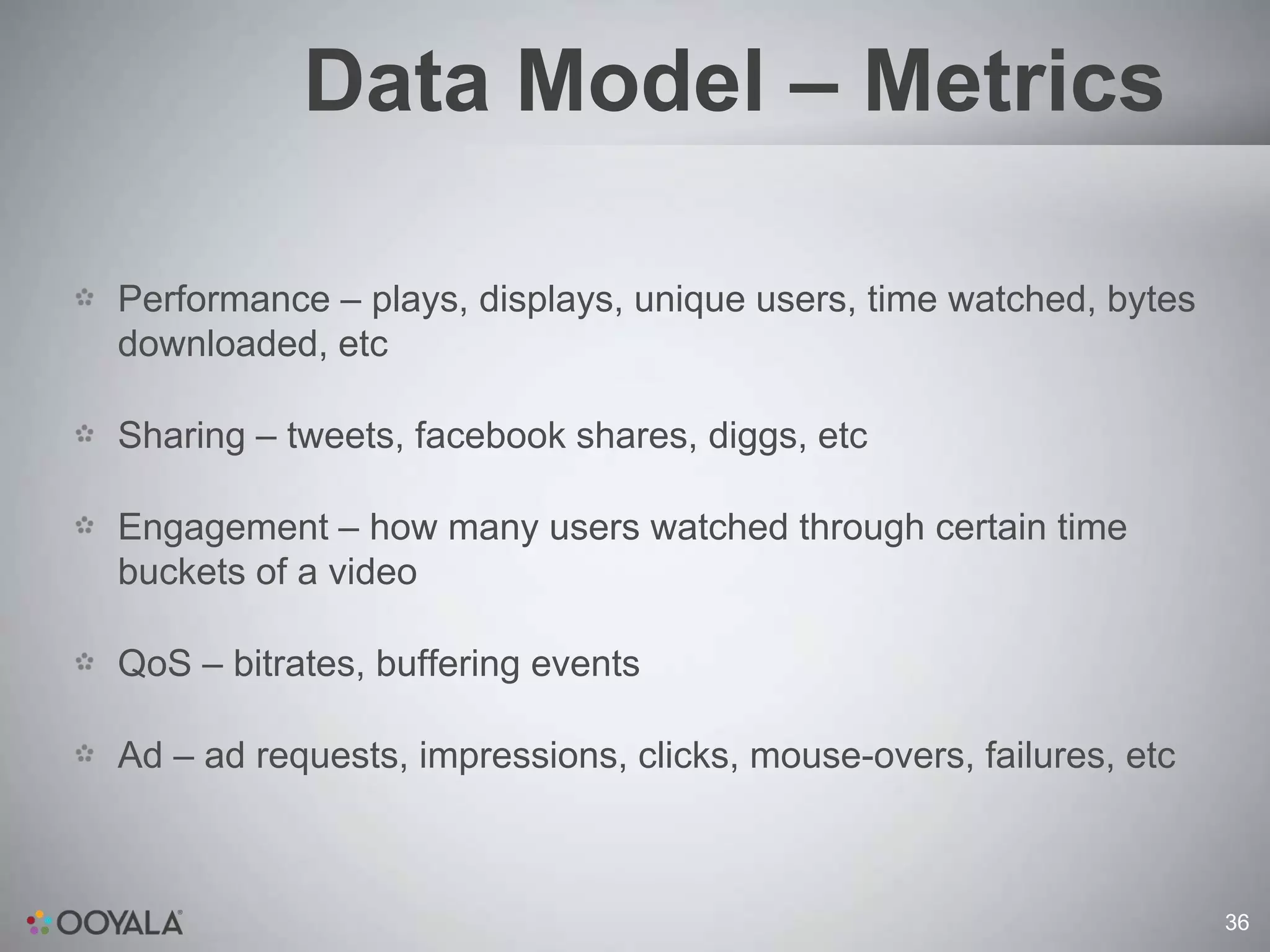
Data Model – Metrics

Performance – plays, displays, unique users, time watched, bytes
downloaded, etc

Sharing – tweets, facebook shares, diggs, etc

Engagement – how many users watched through certain time
buckets of a video

QoS – bitrates, buffering events

Ad – ad requests, impressions, clicks, mouse-overs, failures, etc


                                                                    36
Data Model - Metrics

           CF =>                           Country
         Column =>                “CA”               “US”          …


          {video: 123,        { displays: 50,   { displays: 100,
                                                                   …
       metrics: video, … }    plays: 40, … }     plays: 75, … }
                                { clicks: 3,     { clicks: 7,
         {video: 123,
Keys    metrics: ad, … }
                             impressions: 40, impressions: 61,     …
                                    …}               …}

               …                    …                  …           …


                                                                       37
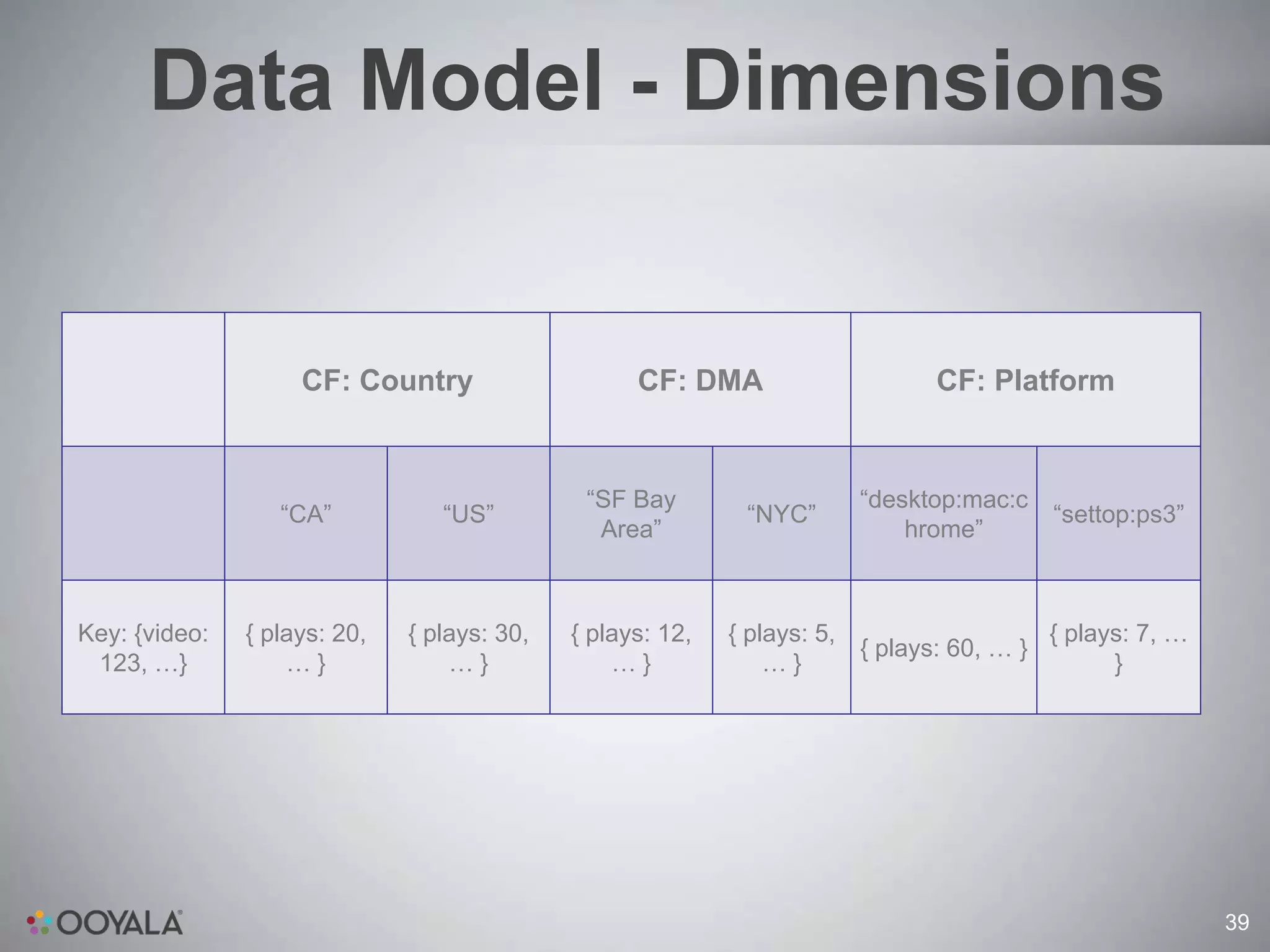
Data Model - Dimensions
Analytics data is sliced in different dimensions == CFs

Example: country. Column names are “US”, “CA”, “JP”, etc

Column values are aggregates of the metric for the row key in that
country

For example: the video performance metrics for month of 2011-10-
01 in the US for video asset 123

Example: platform. Column names: “desktop:windows:chrome”,
“tablet:ipad”, “mobile:android”, “settop:ps3”.


                                                                     38
Data Model - Dimensions


                    CF: Country                    CF: DMA                     CF: Platform


                                              “SF Bay                   “desktop:mac:c
                  “CA”           “US”                        “NYC”                       “settop:ps3”
                                               Area”                        hrome”


Key: {video:   { plays: 20,   { plays: 30,   { plays: 12,   { plays: 5,                  { plays: 7, …
                                                                        { plays: 60, … }
 123, …}           …}             …}             …}             …}                             }


                                                                                                         39
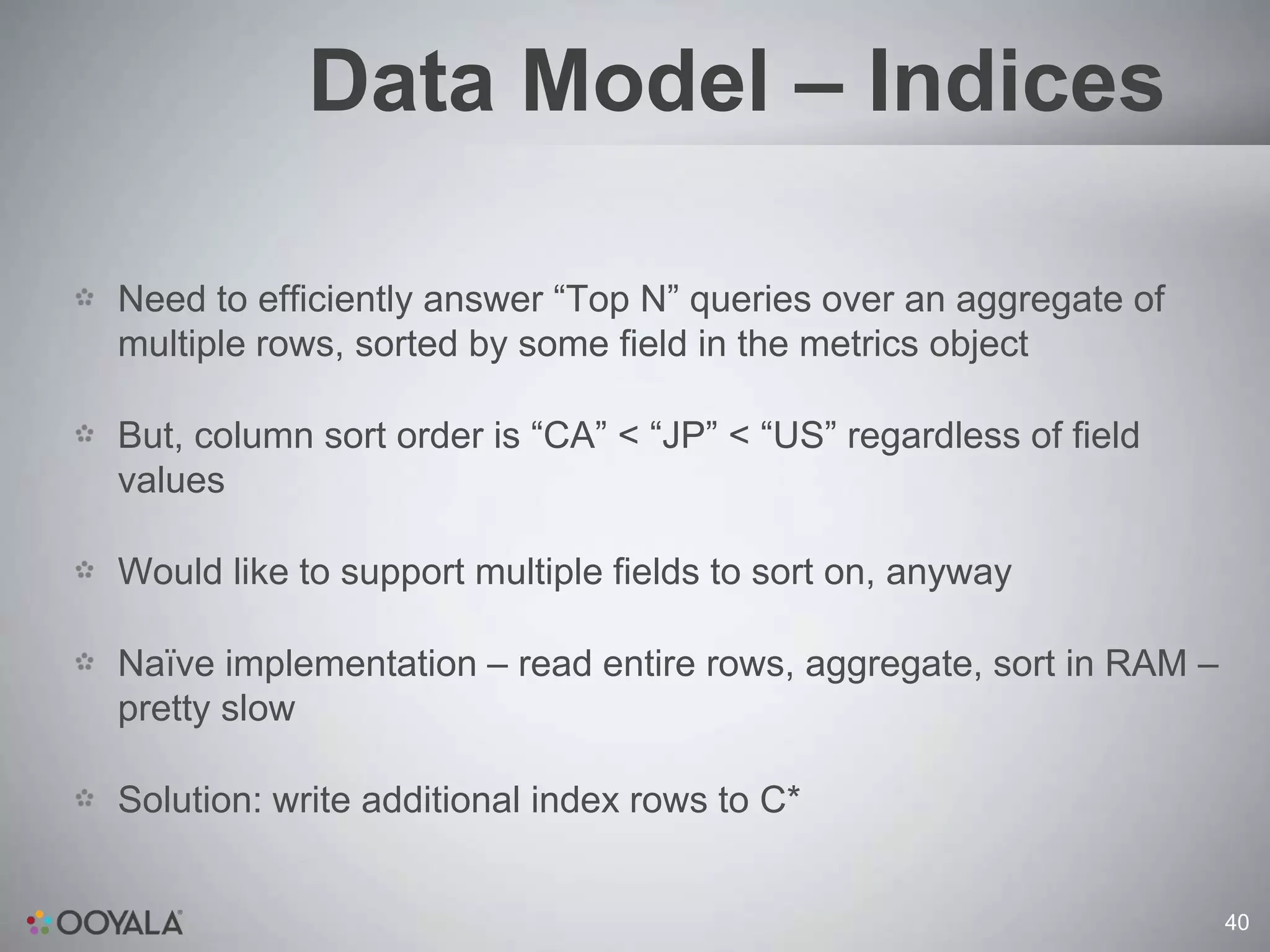
Data Model – Indices

Need to efficiently answer “Top N” queries over an aggregate of
multiple rows, sorted by some field in the metrics object

But, column sort order is “CA” < “JP” < “US” regardless of field
values

Would like to support multiple fields to sort on, anyway

Naïve implementation – read entire rows, aggregate, sort in RAM –
pretty slow

Solution: write additional index rows to C*


                                                                    40
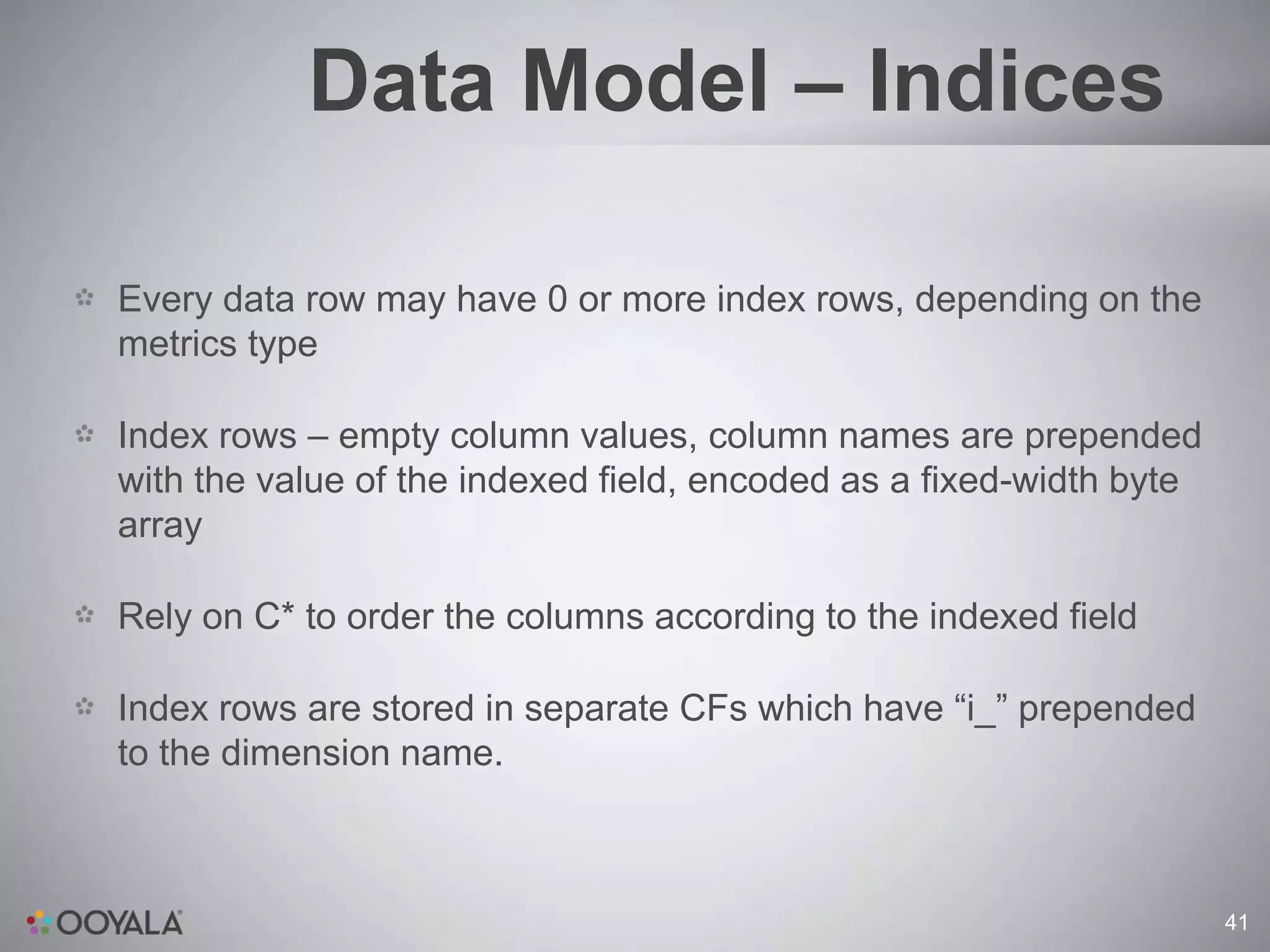
Data Model – Indices

Every data row may have 0 or more index rows, depending on the
metrics type

Index rows – empty column values, column names are prepended
with the value of the indexed field, encoded as a fixed-width byte
array

Rely on C* to order the columns according to the indexed field

Index rows are stored in separate CFs which have “i_” prepended
to the dimension name.


                                                                     41
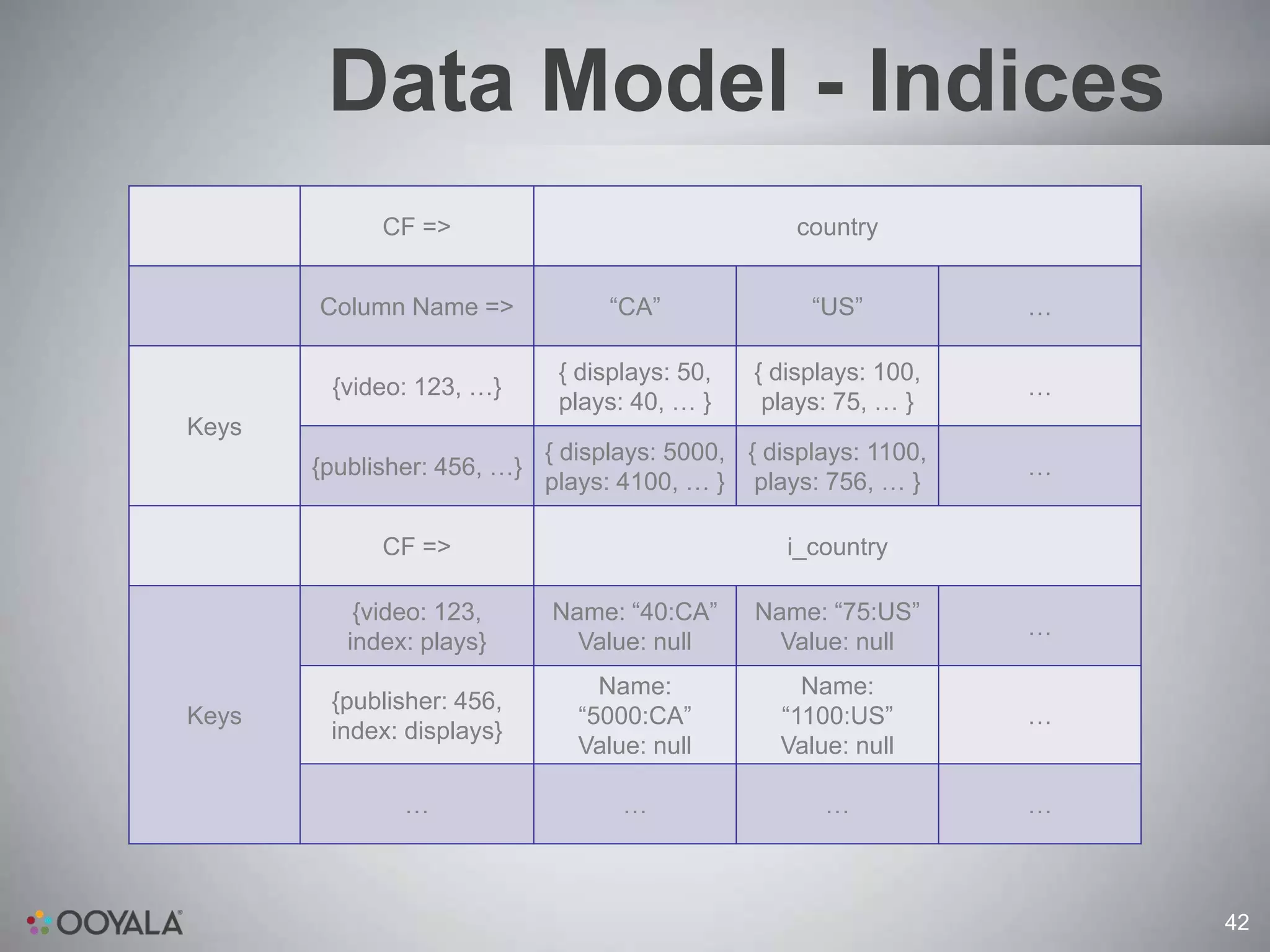
Data Model - Indices
             CF =>                                  country


       Column Name =>              “CA”              “US”          …

                              { displays: 50,   { displays: 100,
        {video: 123, …}                                            …
                              plays: 40, … }     plays: 75, … }
Keys
                             { displays: 5000, { displays: 1100,
       {publisher: 456, …}                                         …
                             plays: 4100, … } plays: 756, … }

             CF =>                                 i_country

           {video: 123,      Name: “40:CA”      Name: “75:US”
                                                                   …
          index: plays}        Value: null        Value: null
                                  Name:             Name:
        {publisher: 456,
Keys                            “5000:CA”         “1100:US”        …
        index: displays}
                                Value: null       Value: null

               …                    …                 …            …


                                                                       42
Data Model – Indices
Trivial to answer a “Top N” query for a single row if the field we sort
on has an index: just read the last N columns of the index row

What if the query spans multiple rows?

Use 3-pass uniform threshold algorithm. Guaranteed to get the top-
N columns in any multi-row aggregate in 3 RPC calls. See:
[http://www.cs.ucsb.edu/research/tech_reports/reports/2005-
14.pdf]

Has some drawbacks: can’t do bottom-N, computing top-N-to-2N is
impossible, have to do top-2N and drop half.


                                                                          43
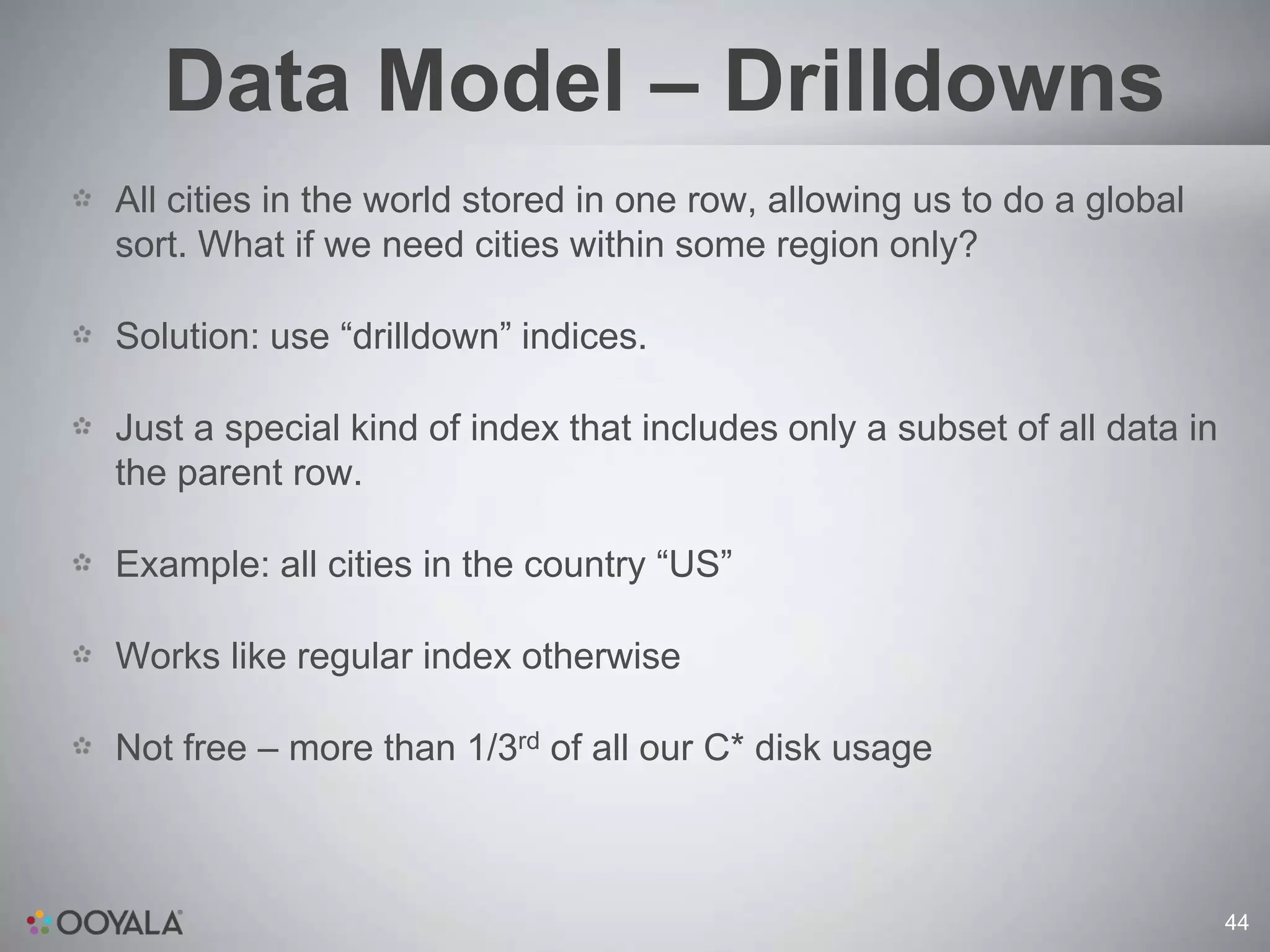
Data Model – Drilldowns
All cities in the world stored in one row, allowing us to do a global
sort. What if we need cities within some region only?

Solution: use “drilldown” indices.

Just a special kind of index that includes only a subset of all data in
the parent row.

Example: all cities in the country “US”

Works like regular index otherwise

Not free – more than 1/3rd of all our C* disk usage


                                                                          44
The Bad Stuff

Read-modify-write is slow, because in C* read latency >> write
latency

Having a write-only pipeline would greatly speed up processing,
but makes reading data more expensive (aggregate-on-read)

And/or requires more complicated asynchronous aggregation

Minimum granularity of 1 day is not that good, would like to do 1-
hour or 1-minute

But, storage requirements go up very fast


                                                                     45
The Bad Stuff

Synchronous updates of time rollups and index rows make
processing slower and increase delays

But, asynchronous is harder to get right

Reprocessing of data is currently difficult because of lack of locking
– have to pause regular pipeline

Also have to reprocess log files in batches of full days


                                                                     46
LESSONS
LEARNED


          47
DATA MODEL
 CHANGES
   ARE
PAINFUL
… so design to make them less so


                                   48
EVERYTHING
   WILL
BREAK
 … so test accordingly


                         49
SEPARATE
     LOGICALLY
     DIFFERENT
         DATA
… it will improve performance AND make
             your life simpler

                                         50
PERF TEST
    WITH
 PRODUCTION
       LOAD
… if you can afford a second cluster


                                       51
http://cassandra.apache.org

http://www.datastax.com/dev

  http://www.ooyala.com


                              52
THANK YOU
Cassandra nyc 2011   ilya maykov - ooyala - scaling video analytics with apache cassandra

Cassandra nyc 2011 ilya maykov - ooyala - scaling video analytics with apache cassandra

  • 1.
    Scaling Video Analytics WithApache Cassandra ILYA MAYKOV | Dec 6th, 2011
  • 2.
    Agenda Ooyala – quickcompany overview What do we mean by “video analytics”? What are the challenges? Cassandra at Ooyala - technical details Lessons learned Q&A 2
  • 3.
  • 4.
  • 5.
  • 6.
  • 7.
  • 8.
  • 9.
  • 10.
  • 11.
  • 12.
    1 Aggregate and Visualize Data 2 Give Insights 3 Enable experimentation 4 Optimize automagically 12
  • 13.
  • 14.
    Analytics Overview … to this … 14
  • 15.
    Analytics Overview … and this! 15
  • 16.
  • 17.
  • 18.
    State of AnalyticsToday Collect vast amounts of data Aggregate, slice in various dimensions Report and visualize Personalize and recommend Scalable, fault tolerant, near real-time using Hadoop + Cassandra 18
  • 19.
  • 20.
    Challenge: Scale 150M+ uniquemonthly users 15M+ monthly video hours Daily inflow: billions of log pings, TBs of uncompressed logs 10TB+ of historical analytics data in C* covering a period of about 4 years Exponential data growth in C*: currently 1TB+ per month 20
  • 21.
    Challenge: Processing Speed Large“fan-out” to multiple dimensions + per-video-asset analytics = lots of data being written. Parallelizable! “Analytics delay” metric = time from log ping hitting a server to being visible to a publisher in the analytics UI Current avg. delay: 10-25 minutes depending on time of day Target max analytics delay: <30 minutes (Hadoop system) Would like <1 minute (future real-time processing system) 21
  • 22.
    Challenge: Depth Per-video-asset analyticsmeans millions of new rows added and/or updated in each CF every day 10+ dimensions (CFs) for slicing data in different ways Queries range from “everything in my account for all time” to “video X in city Y on date Z” We’d like 1-hour granularity, but that’s up to 24x more rows Or even 1-minute granularity in real-time, but that could be >1000x more rows … 22
  • 23.
    Challenge: Accuracy Publishers makebusiness decisions based on analytics data Ooyala makes business decisions based on analytics data Ooyala bills publishers based on analytics data Analytics need to be accurate and verifiable 23
  • 24.
    Challenge: Developer Speed We’re still a small company with limited developer resources Like to iterate fast and release often, but … … we use Hadoop MR for large-scale data processing Hadoop is a Java framework So, MapReduce jobs have to be written in Java … right? 24
  • 25.
  • 26.
  • 27.
  • 28.
    Challenge: Developer Speed Word Count MR – Language Comparison Development Runtime Hadoop Lines Characters Speed Speed API Java 69 2395 Low High Native Ruby 30 738 High Low Streaming Scala 35 1284 Medium High Native 28
  • 29.
  • 30.
    A bit ofhistory 2008 – 2009: Single MySQL DB Early 2010: Too much data Want higher granularity and more ways to slice data Need a scalable data store! 30
  • 31.
    Why Cassandra? Linear scaling(space, load) – handles Scale & Depth challenges Tunable consistency – QUORUM/QUORUM R/W allows accuracy Very fast writes, reasonably fast reads Great community support, rapidly evolving and improving codebase – 0.6.13 => 0.8.7 increased our performance by >4x Simpler and fewer dependencies than Hbase, richer data model than a simple K/V store, more scalable than an RDBMS, … 31
  • 32.
    Data Model -Overview Row keys specify the entity and time (and some other stuff …) Column families specify the dimension Column names specify a data point within that dimension Column values are maps of key/value pairs that represent a collection of related metrics Different groups of related metrics are stored under different row keys 32
  • 33.
    Data Model –Example CF => Country Column => “CA” “US” … { displays: 50, { displays: 100, {video: 123, … } … plays: 40, … } plays: 75, … } { displays: 5000, { displays: 1100, Keys {publisher: 456, … } plays: 4100, … } plays: 756, … } … … … … … 33
  • 34.
    Data Model -Timestamps Row keys have a timestamp component Row keys have a time granularity component Allows for efficient queries over large time ranges (few row keys with big numbers) Preserves granularity at smaller time ranges Currently Month/Week/Day. Maybe Hour/Minute in the future? 34
  • 35.
    Data Model –Timestamps “CA” “US” … { video: 123, { plays: 1, … } { plays: 1, … } … day: 2011/10/31 } { video: 123, { plays: 2, … } { plays: 1, … } … day: 2011/11/01 } { video: 123, { plays: 4, … } null … day: 2011/11/02 } { video: 123, { plays: 8, … } { plays: 1, … } … day: 2011/11/03 } Keys { video: 123, { plays: 16, … } { plays: 1, … } … day: 2011/11/04 } { video: 123, { plays: 32, … } { plays: 1, … } … day: 2011/11/05 } { video: 123, { plays: 64, … } { plays: 1, … } … day: 2011/11/06 } { video: 123, { plays: 127, … } { plays: 6, … } … week: 2011/10/31 } 35
  • 36.
    Data Model –Metrics Performance – plays, displays, unique users, time watched, bytes downloaded, etc Sharing – tweets, facebook shares, diggs, etc Engagement – how many users watched through certain time buckets of a video QoS – bitrates, buffering events Ad – ad requests, impressions, clicks, mouse-overs, failures, etc 36
  • 37.
    Data Model -Metrics CF => Country Column => “CA” “US” … {video: 123, { displays: 50, { displays: 100, … metrics: video, … } plays: 40, … } plays: 75, … } { clicks: 3, { clicks: 7, {video: 123, Keys metrics: ad, … } impressions: 40, impressions: 61, … …} …} … … … … 37
  • 38.
    Data Model -Dimensions Analytics data is sliced in different dimensions == CFs Example: country. Column names are “US”, “CA”, “JP”, etc Column values are aggregates of the metric for the row key in that country For example: the video performance metrics for month of 2011-10- 01 in the US for video asset 123 Example: platform. Column names: “desktop:windows:chrome”, “tablet:ipad”, “mobile:android”, “settop:ps3”. 38
  • 39.
    Data Model -Dimensions CF: Country CF: DMA CF: Platform “SF Bay “desktop:mac:c “CA” “US” “NYC” “settop:ps3” Area” hrome” Key: {video: { plays: 20, { plays: 30, { plays: 12, { plays: 5, { plays: 7, … { plays: 60, … } 123, …} …} …} …} …} } 39
  • 40.
    Data Model –Indices Need to efficiently answer “Top N” queries over an aggregate of multiple rows, sorted by some field in the metrics object But, column sort order is “CA” < “JP” < “US” regardless of field values Would like to support multiple fields to sort on, anyway Naïve implementation – read entire rows, aggregate, sort in RAM – pretty slow Solution: write additional index rows to C* 40
  • 41.
    Data Model –Indices Every data row may have 0 or more index rows, depending on the metrics type Index rows – empty column values, column names are prepended with the value of the indexed field, encoded as a fixed-width byte array Rely on C* to order the columns according to the indexed field Index rows are stored in separate CFs which have “i_” prepended to the dimension name. 41
  • 42.
    Data Model -Indices CF => country Column Name => “CA” “US” … { displays: 50, { displays: 100, {video: 123, …} … plays: 40, … } plays: 75, … } Keys { displays: 5000, { displays: 1100, {publisher: 456, …} … plays: 4100, … } plays: 756, … } CF => i_country {video: 123, Name: “40:CA” Name: “75:US” … index: plays} Value: null Value: null Name: Name: {publisher: 456, Keys “5000:CA” “1100:US” … index: displays} Value: null Value: null … … … … 42
  • 43.
    Data Model –Indices Trivial to answer a “Top N” query for a single row if the field we sort on has an index: just read the last N columns of the index row What if the query spans multiple rows? Use 3-pass uniform threshold algorithm. Guaranteed to get the top- N columns in any multi-row aggregate in 3 RPC calls. See: [http://www.cs.ucsb.edu/research/tech_reports/reports/2005- 14.pdf] Has some drawbacks: can’t do bottom-N, computing top-N-to-2N is impossible, have to do top-2N and drop half. 43
  • 44.
    Data Model –Drilldowns All cities in the world stored in one row, allowing us to do a global sort. What if we need cities within some region only? Solution: use “drilldown” indices. Just a special kind of index that includes only a subset of all data in the parent row. Example: all cities in the country “US” Works like regular index otherwise Not free – more than 1/3rd of all our C* disk usage 44
  • 45.
    The Bad Stuff Read-modify-writeis slow, because in C* read latency >> write latency Having a write-only pipeline would greatly speed up processing, but makes reading data more expensive (aggregate-on-read) And/or requires more complicated asynchronous aggregation Minimum granularity of 1 day is not that good, would like to do 1- hour or 1-minute But, storage requirements go up very fast 45
  • 46.
    The Bad Stuff Synchronousupdates of time rollups and index rows make processing slower and increase delays But, asynchronous is harder to get right Reprocessing of data is currently difficult because of lack of locking – have to pause regular pipeline Also have to reprocess log files in batches of full days 46
  • 47.
  • 48.
    DATA MODEL CHANGES ARE PAINFUL … so design to make them less so 48
  • 49.
    EVERYTHING WILL BREAK … so test accordingly 49
  • 50.
    SEPARATE LOGICALLY DIFFERENT DATA … it will improve performance AND make your life simpler 50
  • 51.
    PERF TEST WITH PRODUCTION LOAD … if you can afford a second cluster 51
  • 52.
  • 53.