Download to read offline
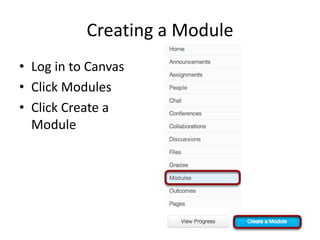
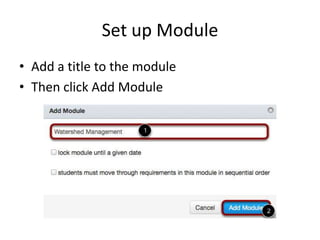
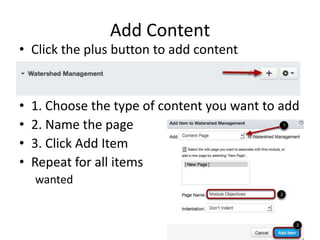
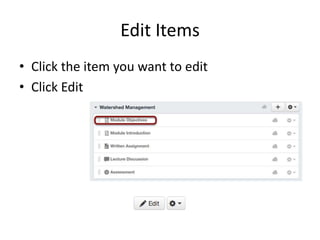
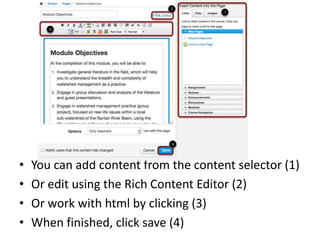
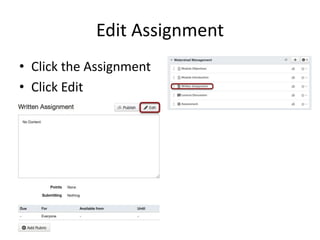
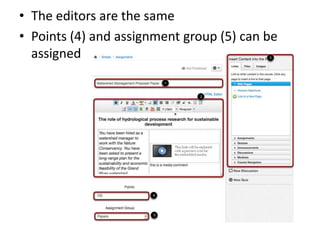
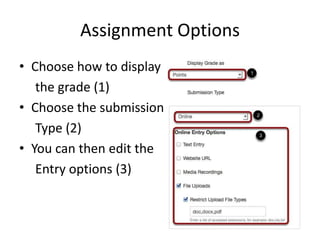
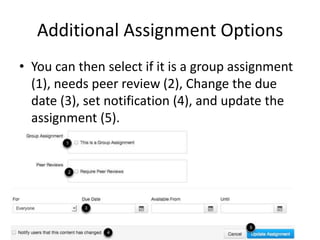

This document provides instructions for setting up a module and adding an assignment in Canvas. It explains how to create a module, add a title and content like pages and items. It describes how to edit existing items and add or modify content. The document also covers how to edit an assignment, select grading options, submission types, and additional settings like groups, peer review, due dates and notifications. The overall steps are to create a module, add a description, and then insert an assignment that is worth points.


