learning management system
(LMS)
Introduction to LMS
Definition: A Learning Management System (LMS) is a software application or platform that facilitates
the creation, management, delivery, and tracking of educational content and experiences. It is used for
online education, corporate training, and other learning environments.
Key Functions of an LMS:
 Course creation and content management
 User enrollment and management
 Assessment and evaluation tools (quizzes, assignments)
 Communication and collaboration (forums, chat)
 Progress tracking and reporting
What are learning management systems used for?
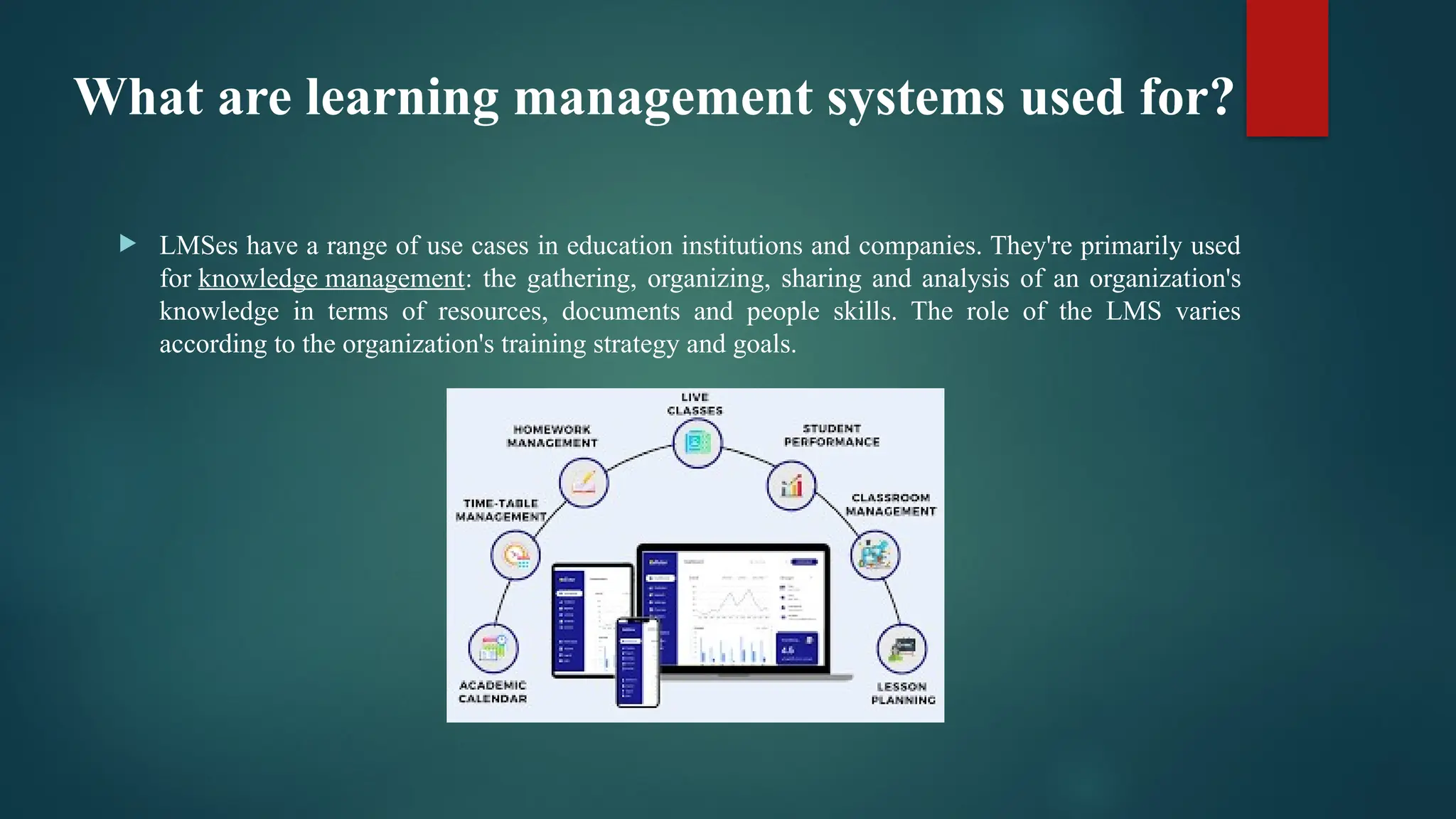
 LMSes have a range of use cases in education institutions and companies. They're primarily used
for knowledge management: the gathering, organizing, sharing and analysis of an organization's
knowledge in terms of resources, documents and people skills. The role of the LMS varies
according to the organization's training strategy and goals.
Key Features of an LMS
 Course Management:
o Course Creation: Design courses with multimedia, text, and assessments.
o Scheduling: Schedule and deliver classes, webinars, or modules.
 User Management:
o Enrollment: Automatic enrollment, self-registration, or batch enrollment.
o Role Management: Assigning roles like student, instructor, or administrator.
 Assessment and Grading:
o Quizzes and Exams: Multiple choice, essays, true/false, or interactive assessments.
o Rubrics and Feedback: Provide detailed feedback with rubrics for assignments.
 Communication Tools:
o Messaging & Chat: Real-time communication between students and instructors.
o Discussion Forums: Foster collaboration and peer support through discussions.
Key Features of an LMS
 Tracking and Reporting:
o Analytics: Track progress through grades, activity completion, and engagement.
o Certifications and Reports: Issue certificates upon course completion and generate
detailed reports.
 Gamification and Engagement:
o Badges & Achievements: Reward learners with badges or points for completing tasks.
o Leaderboards: Create competition among learners to increase engagement.
 Integration with Other Tools:
o Third-party Integrations: Integration with tools like Zoom, Google Drive, or
plagiarism checkers.
o Single Sign-On (SSO): Allow users to log in using institutional credentials.
Types of LMS deployments
1. Cloud-based LMS:
o Hosted on the cloud, requiring no installation.
o Accessible from any device with internet connectivity.
o Examples: Canvas, Google Classroom, MoodleCloud.
2. Self-hosted LMS:
o Hosted and managed by the institution or organization itself.
o Greater control over customization and data.
o Examples: Moodle (self-hosted), Sakai.
3. Mobile LMS:
o Optimized for mobile devices (smartphones/tablets) for on-the-go learning.
o Features like push notifications and offline access.
o Examples: Edmodo, Schoology.
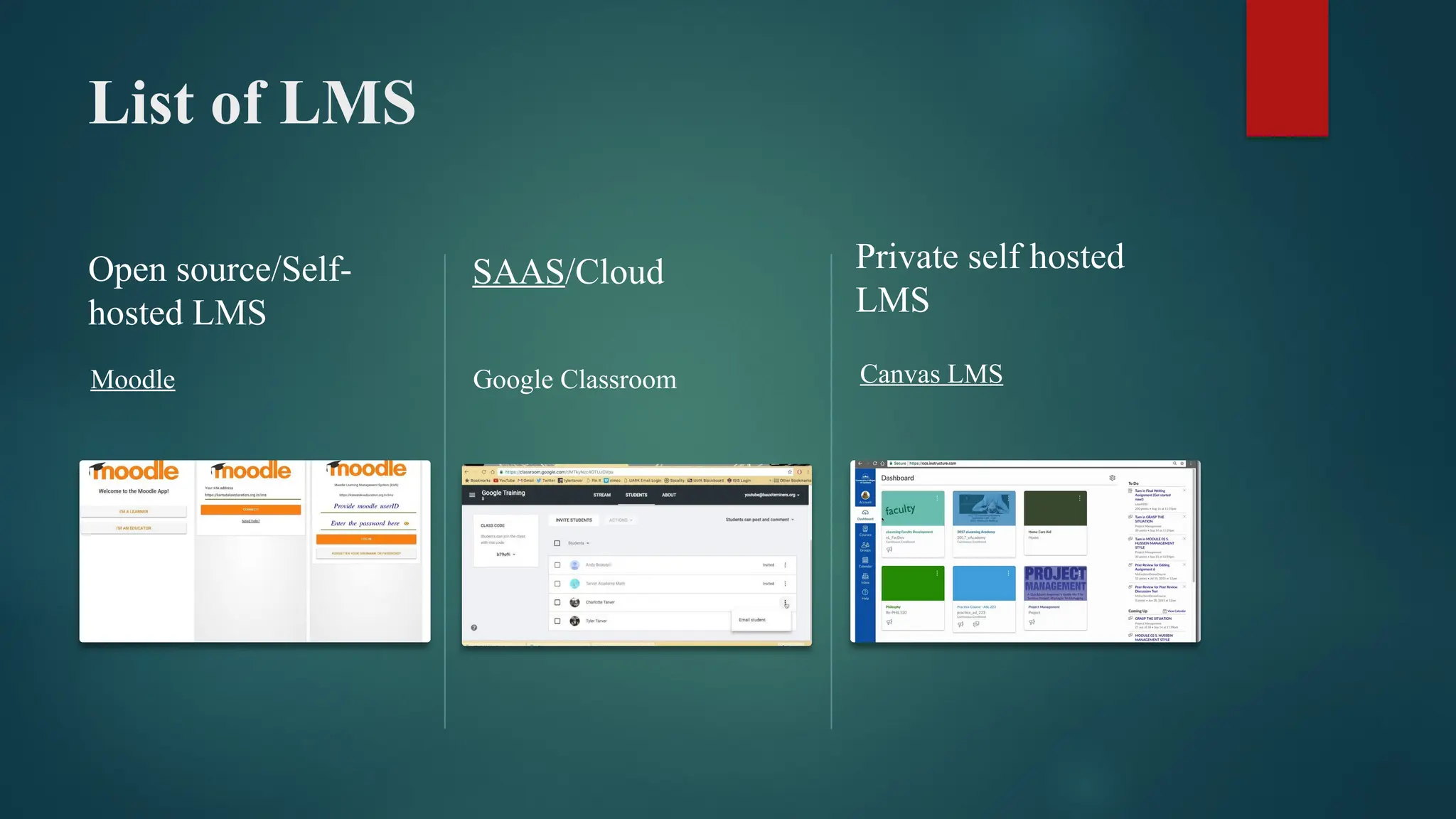
List of LMS
Open source/Self-
hosted LMS
Moodle
SAAS/Cloud
Google Classroom
Private self hosted
LMS
Canvas LMS

learning management system (LMS) lecture .pptx

  • 1.
  • 2.
    Introduction to LMS Definition:A Learning Management System (LMS) is a software application or platform that facilitates the creation, management, delivery, and tracking of educational content and experiences. It is used for online education, corporate training, and other learning environments. Key Functions of an LMS:  Course creation and content management  User enrollment and management  Assessment and evaluation tools (quizzes, assignments)  Communication and collaboration (forums, chat)  Progress tracking and reporting
  • 3.
    What are learningmanagement systems used for?  LMSes have a range of use cases in education institutions and companies. They're primarily used for knowledge management: the gathering, organizing, sharing and analysis of an organization's knowledge in terms of resources, documents and people skills. The role of the LMS varies according to the organization's training strategy and goals.
  • 4.
    Key Features ofan LMS  Course Management: o Course Creation: Design courses with multimedia, text, and assessments. o Scheduling: Schedule and deliver classes, webinars, or modules.  User Management: o Enrollment: Automatic enrollment, self-registration, or batch enrollment. o Role Management: Assigning roles like student, instructor, or administrator.  Assessment and Grading: o Quizzes and Exams: Multiple choice, essays, true/false, or interactive assessments. o Rubrics and Feedback: Provide detailed feedback with rubrics for assignments.  Communication Tools: o Messaging & Chat: Real-time communication between students and instructors. o Discussion Forums: Foster collaboration and peer support through discussions.
  • 5.
    Key Features ofan LMS  Tracking and Reporting: o Analytics: Track progress through grades, activity completion, and engagement. o Certifications and Reports: Issue certificates upon course completion and generate detailed reports.  Gamification and Engagement: o Badges & Achievements: Reward learners with badges or points for completing tasks. o Leaderboards: Create competition among learners to increase engagement.  Integration with Other Tools: o Third-party Integrations: Integration with tools like Zoom, Google Drive, or plagiarism checkers. o Single Sign-On (SSO): Allow users to log in using institutional credentials.
  • 6.
    Types of LMSdeployments 1. Cloud-based LMS: o Hosted on the cloud, requiring no installation. o Accessible from any device with internet connectivity. o Examples: Canvas, Google Classroom, MoodleCloud. 2. Self-hosted LMS: o Hosted and managed by the institution or organization itself. o Greater control over customization and data. o Examples: Moodle (self-hosted), Sakai. 3. Mobile LMS: o Optimized for mobile devices (smartphones/tablets) for on-the-go learning. o Features like push notifications and offline access. o Examples: Edmodo, Schoology.
  • 7.
    List of LMS Opensource/Self- hosted LMS Moodle SAAS/Cloud Google Classroom Private self hosted LMS Canvas LMS