Download to read offline
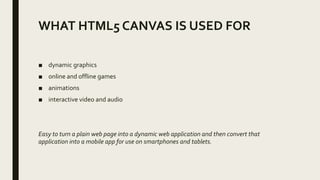
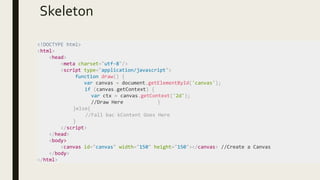
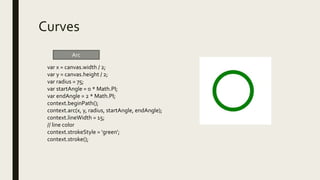
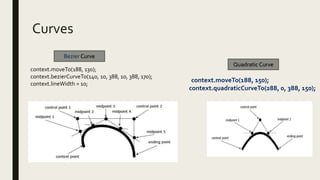
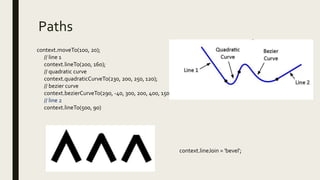
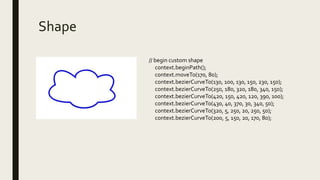
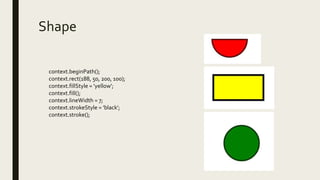

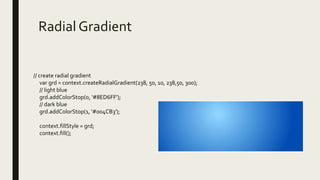
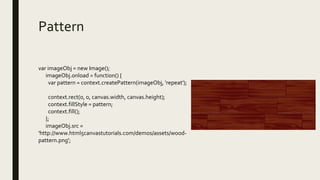

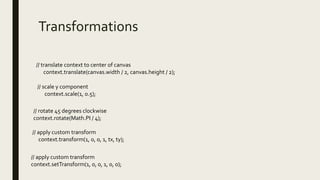
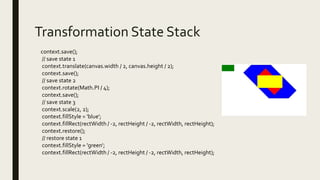
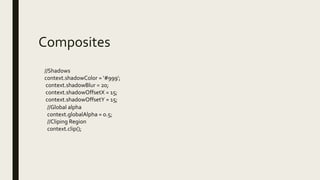
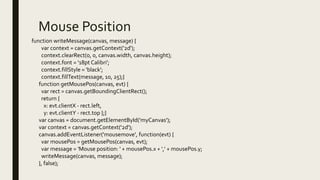


The document provides an overview of the HTML5 canvas element and what it can be used for, including dynamic graphics, games, animations, and interactive media. It then demonstrates how to draw basic shapes, apply colors, gradients and patterns, add text, and perform transformations using the canvas rendering context. It also discusses mouse input, animation, and saving/restoring the canvas state. The canvas allows turning a basic webpage into an interactive application that can be converted into a mobile app.


![Chat Application [Full Documentation]](https://cdn.slidesharecdn.com/ss_thumbnails/finaldoconchatapp-170418182505-thumbnail.jpg?width=640&height=640&fit=bounds)


