Downloaded 14 times





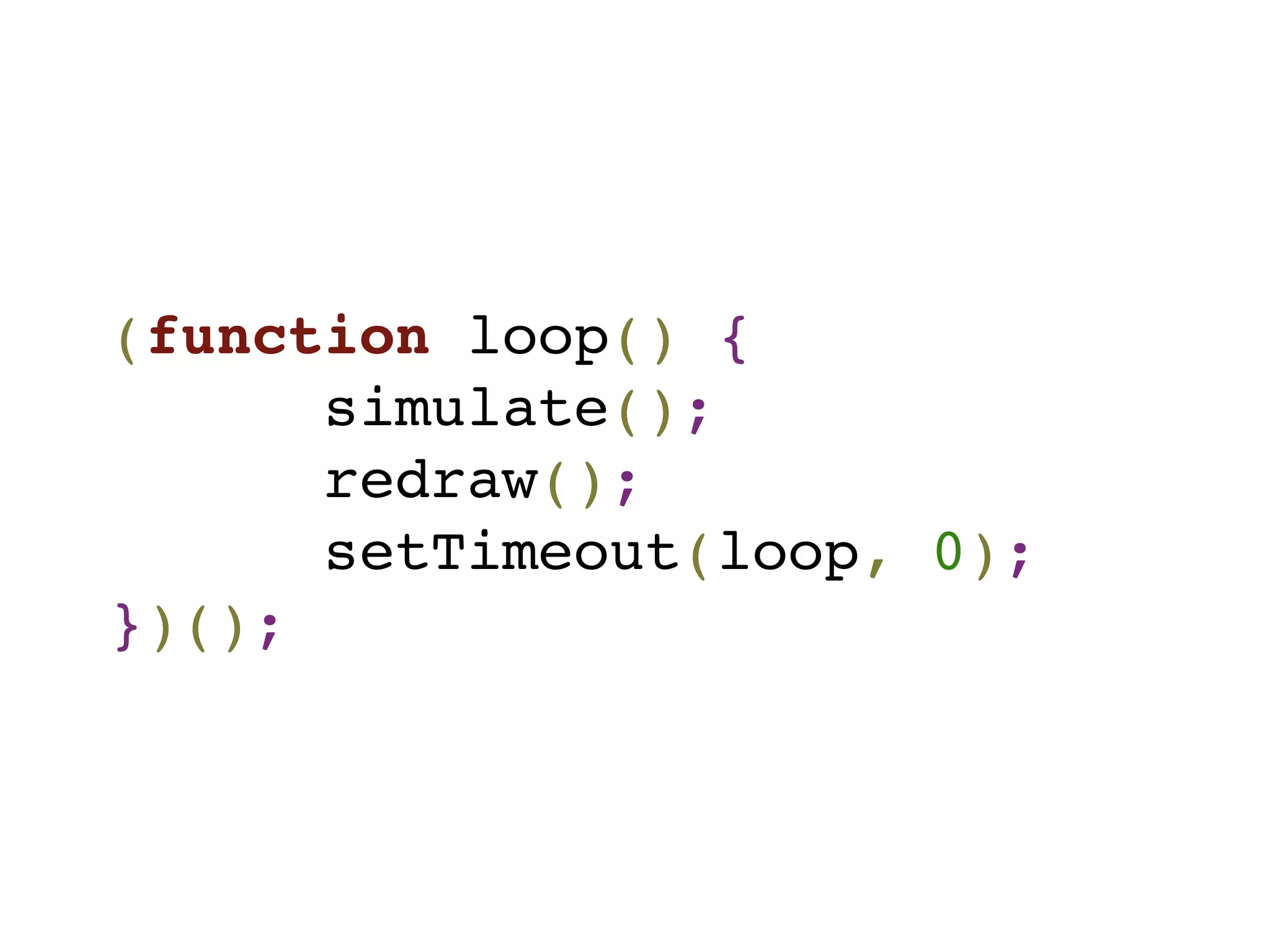
![function simulate() {
var now = new Date(),
interval = (now - lastSim) / 1000;
// loop over every particle in the scene
for(var i=0; i < scene.length; i++) {
scene[i].advanceSimulationBy(interval);
}
lastSim = now;
};](https://image.slidesharecdn.com/bcs-101127113005-phpapp01/75/An-Impromptu-Introduction-to-HTML5-Canvas-18-2048.jpg)
![scene[i].advanceSimulationBy(interval);
• translates each particle according to its x/y velocity
• updates the x/y velocity to simulate gravity
• tests for collisions with the canvas edge
(bouncy bouncy)](https://image.slidesharecdn.com/bcs-101127113005-phpapp01/75/An-Impromptu-Introduction-to-HTML5-Canvas-19-2048.jpg)
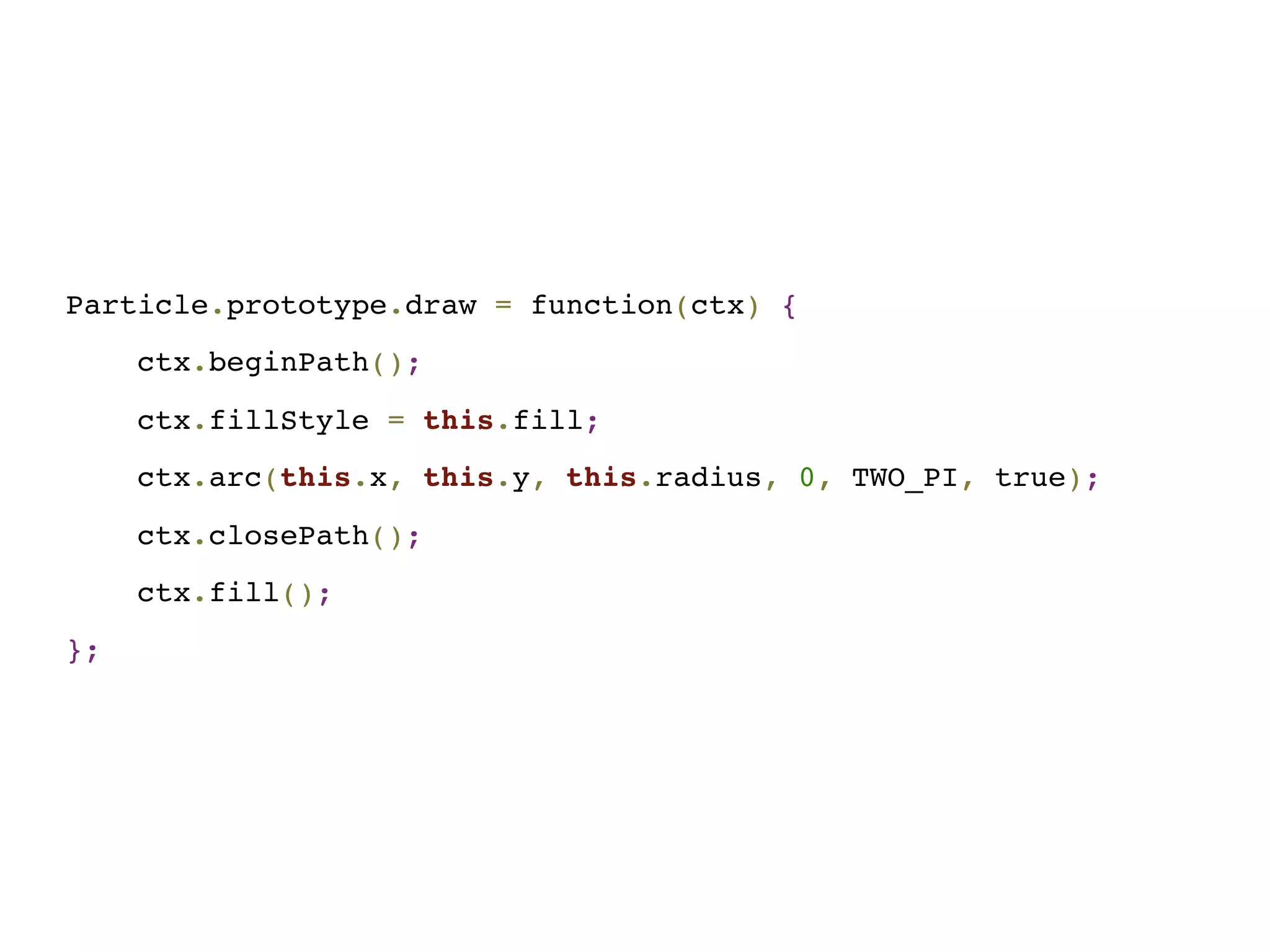
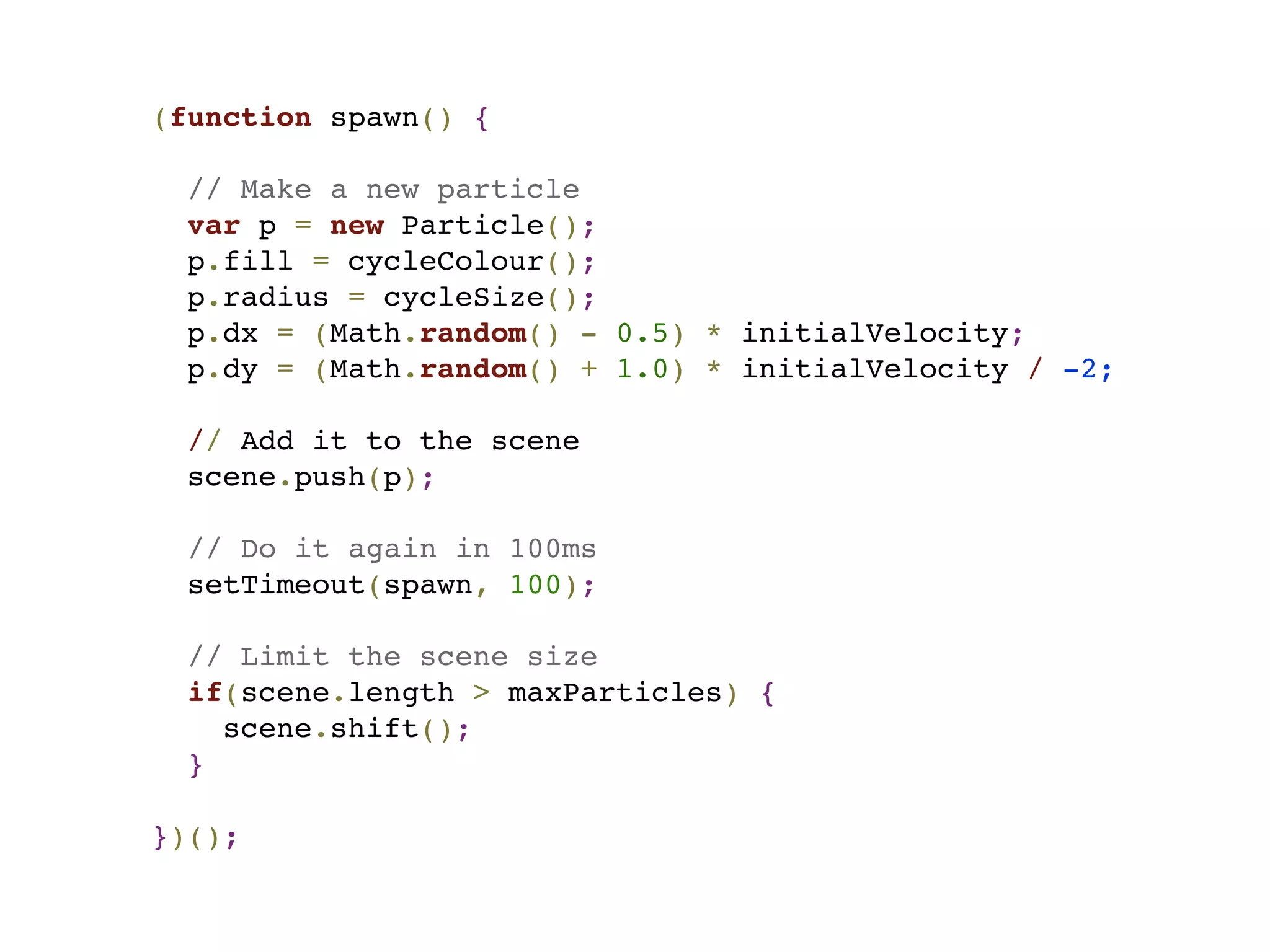


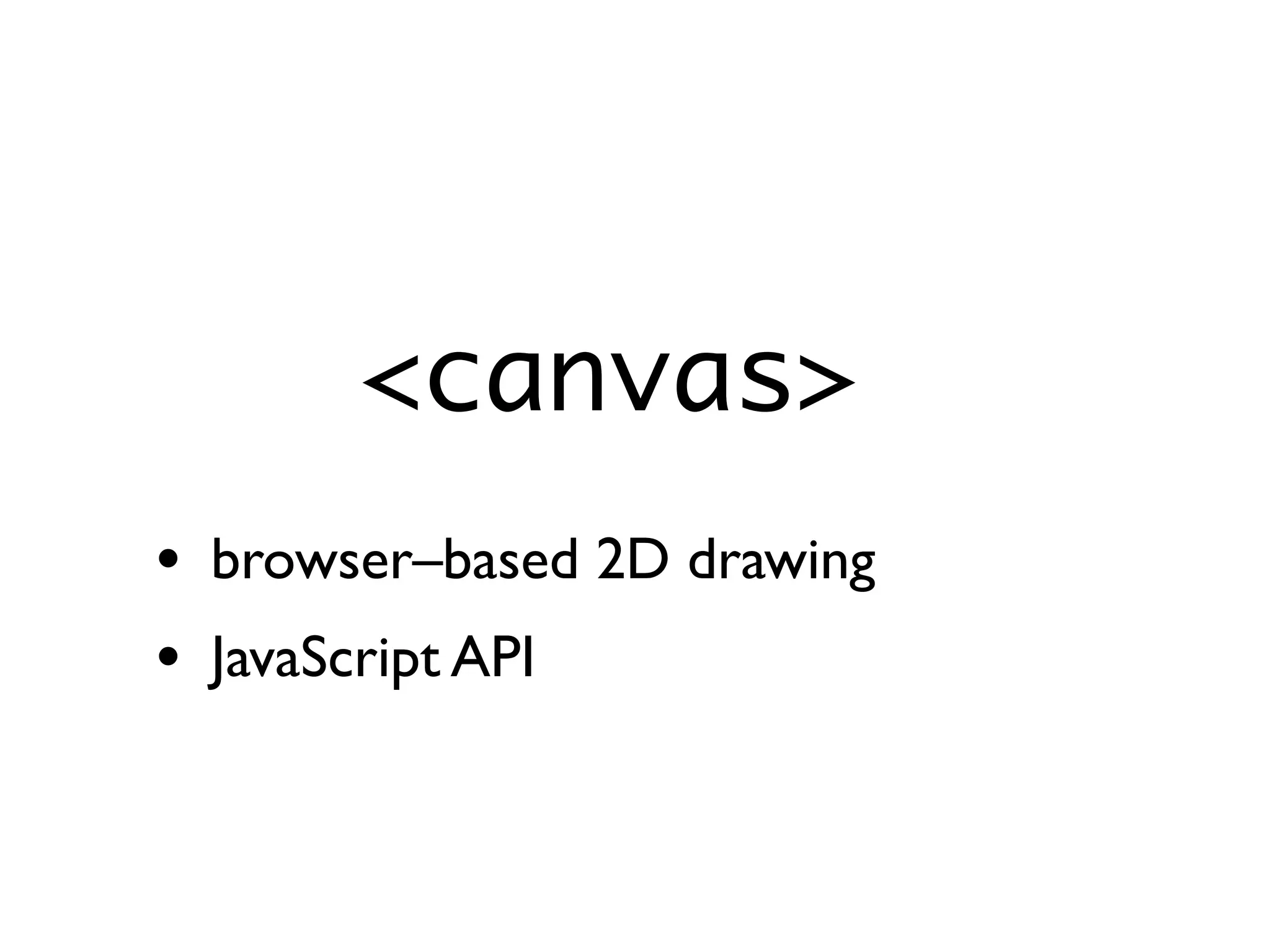
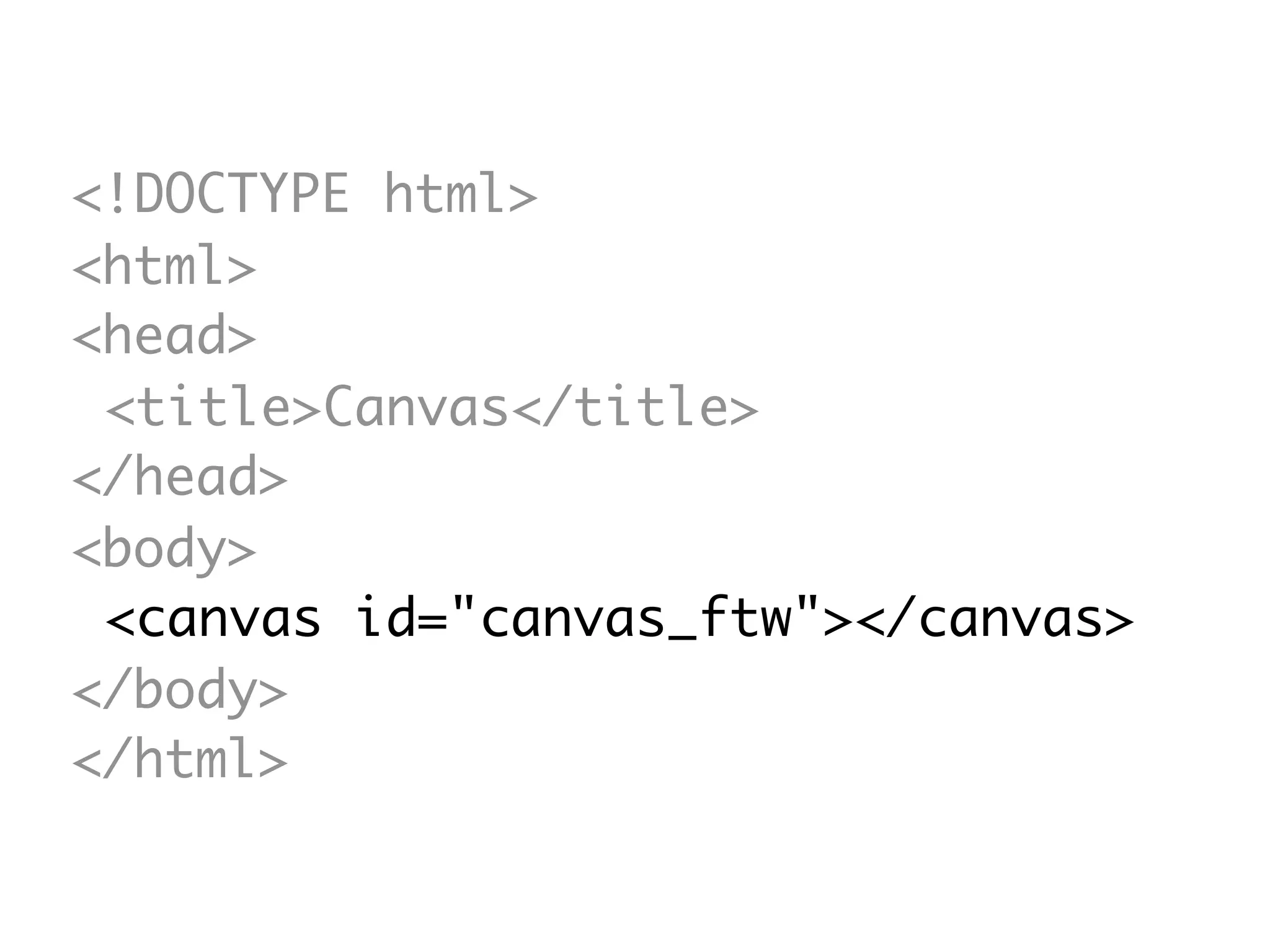
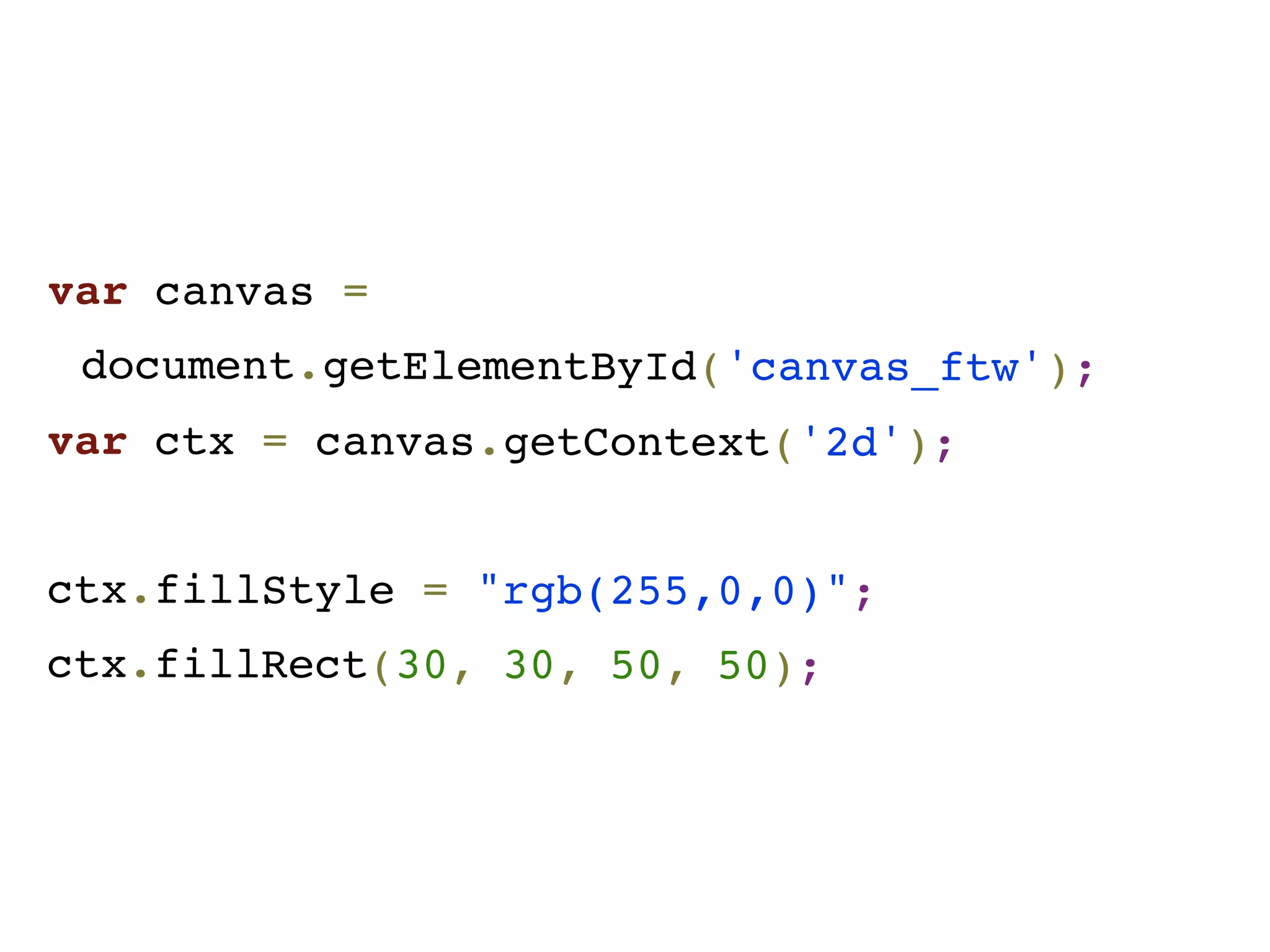
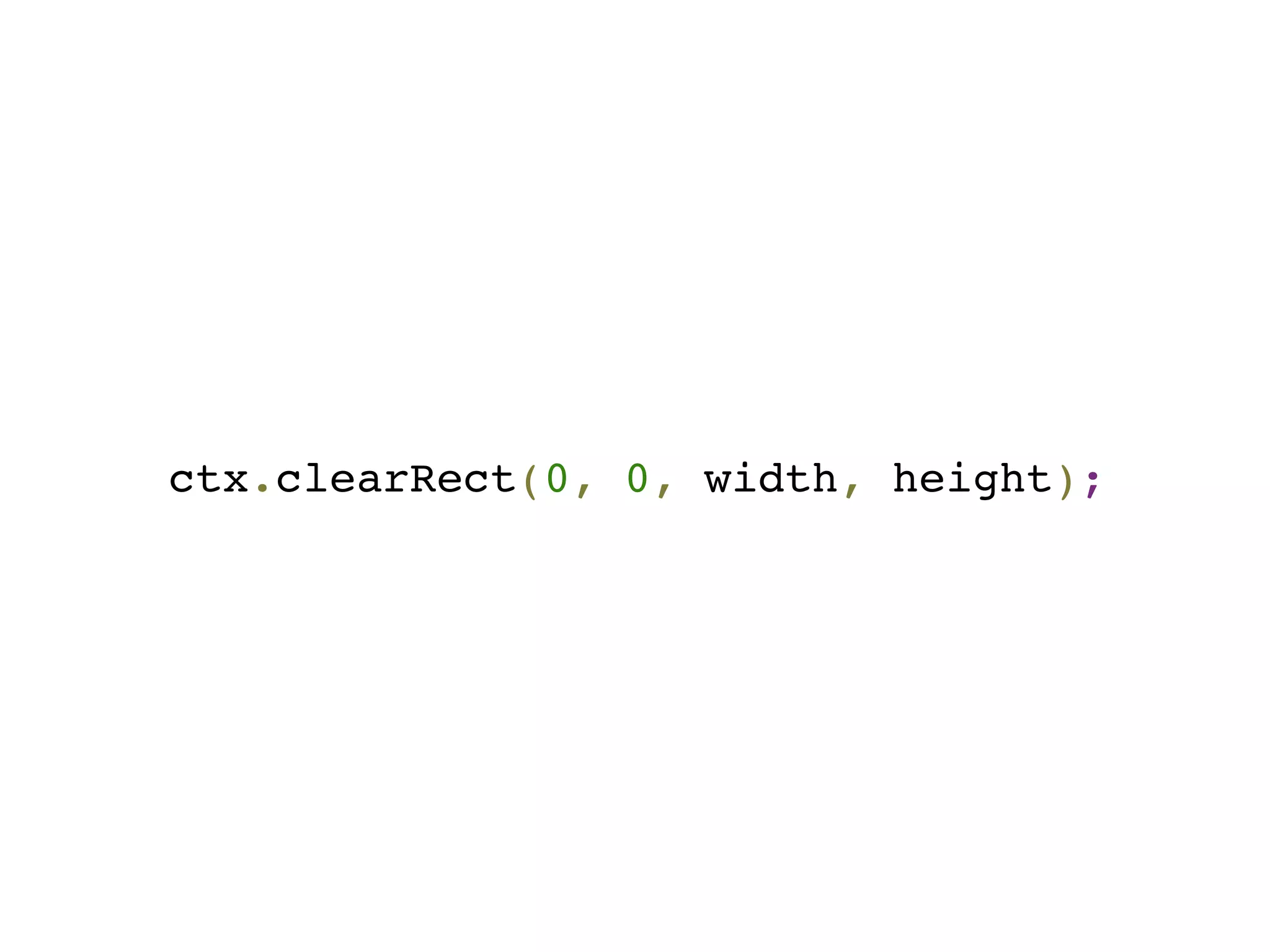
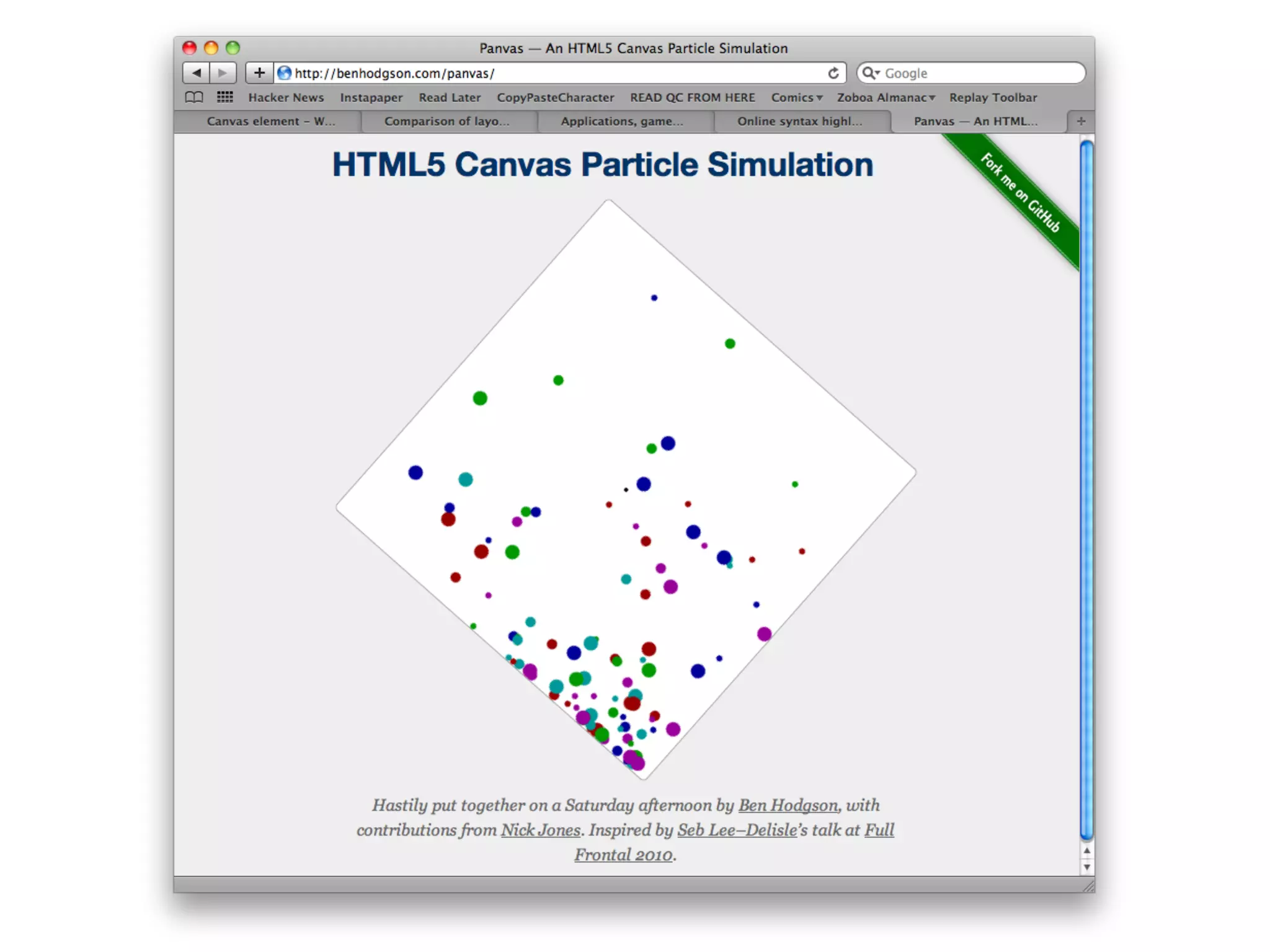
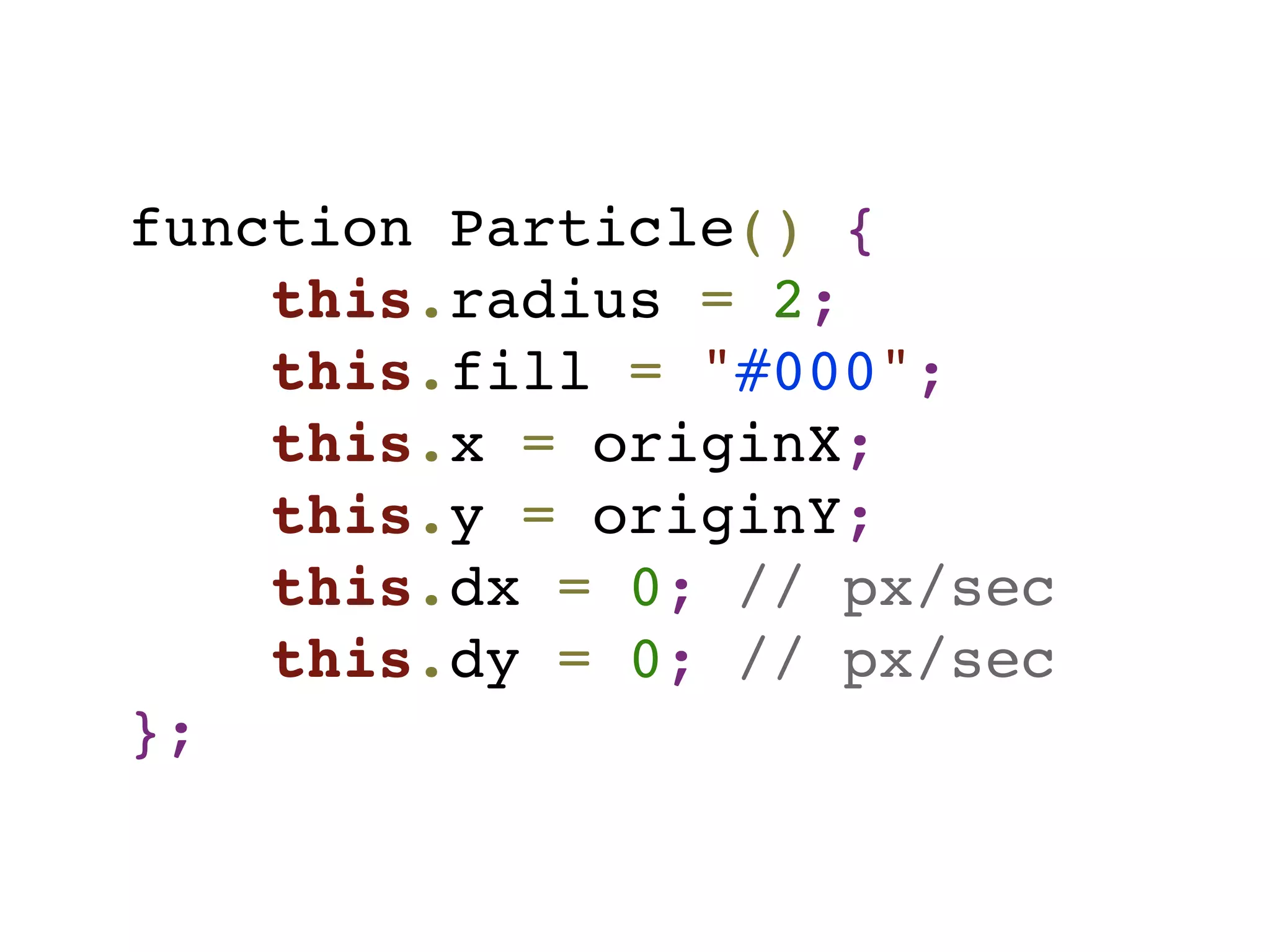
This document summarizes an impromptu presentation about using the HTML5 <canvas> element to create particle simulations in JavaScript. Key points: - The <canvas> element allows 2D drawing directly in the browser using JavaScript. - Code examples are provided to draw a red rectangle on a canvas, clear the canvas, and define a Particle object with properties like position, velocity, and color. - A particle simulation works by updating each particle's position and velocity over time using JavaScript functions, drawing the scene on each loop.


