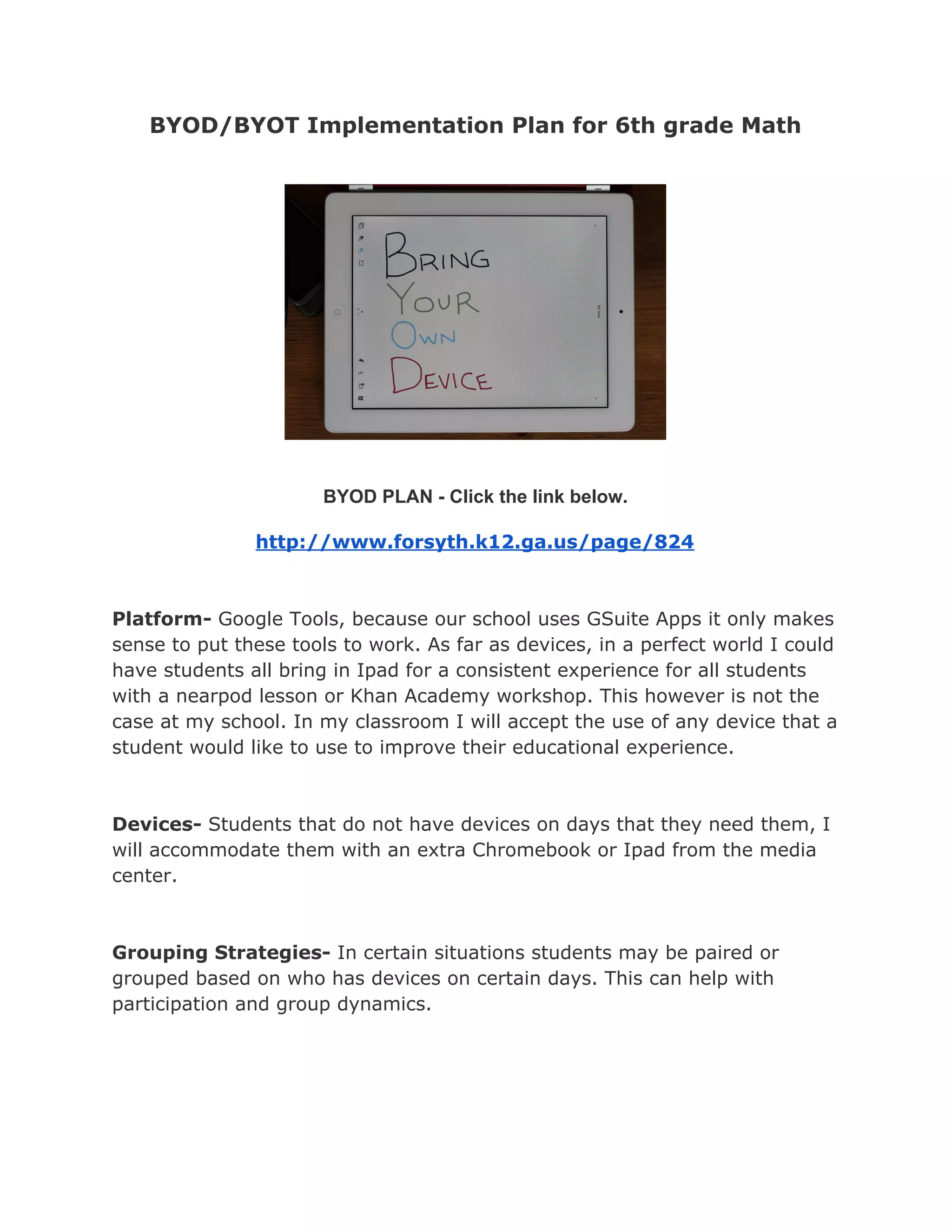
BYOD/BYOT Implementation Plan for 6th grade Math
BYOD PLAN - Click the link below.
http://www.forsyth.k12.ga.us/page/824
Platform- ​Google Tools, because our school uses GSuite Apps it only makes
sense to put these tools to work. As far as devices, in a perfect world I could
have students all bring in Ipad for a consistent experience for all students
with a nearpod lesson or Khan Academy workshop. This however is not the
case at my school. In my classroom I will accept the use of any device that a
student would like to use to improve their educational experience.
Devices- ​Students that do not have devices on days that they need them, I
will accommodate them with an extra Chromebook or Ipad from the media
center.
Grouping Strategies- ​In certain situations students may be paired or
grouped based on who has devices on certain days. This can help with
participation and group dynamics.
App List:
1.​ Dial-a-Fraction - As you move the two dials, denominator and numerator,
the picture adjusts instantly to show the fraction you have created.
2. ​Math Flashcards - This app allows the user to practice simple basic
multiplication facts or extend the user’s ability to work out complex
multiplication problems up to three digit numbers. Users can control the
number of digits used to generate the problems.
3. ​Number Frames – This app helps students structure numbers to five, ten,
twenty, and one hundred. Students use the frames to count, represent,
compare, and compute with numbers in a particular range.
4. ​Number Line - This mobile and web app is perfect for helping students
model their thinking as they explore different operations.
5. ​Algebra Prep Series - ​includes a series of apps in specific areas of algebra.
Provides tutorials, practice problems, quizzes.
6. ​Factor Pop - ​Student practice for factors and multiples. Students pop buttons that
contain factors or multiples of a selected number.

BYOD Implementation Plan Stieve

  • 1.
    BYOD/BYOT Implementation Planfor 6th grade Math BYOD PLAN - Click the link below. http://www.forsyth.k12.ga.us/page/824 Platform- ​Google Tools, because our school uses GSuite Apps it only makes sense to put these tools to work. As far as devices, in a perfect world I could have students all bring in Ipad for a consistent experience for all students with a nearpod lesson or Khan Academy workshop. This however is not the case at my school. In my classroom I will accept the use of any device that a student would like to use to improve their educational experience. Devices- ​Students that do not have devices on days that they need them, I will accommodate them with an extra Chromebook or Ipad from the media center. Grouping Strategies- ​In certain situations students may be paired or grouped based on who has devices on certain days. This can help with participation and group dynamics.
  • 2.
    App List: 1.​ Dial-a-Fraction- As you move the two dials, denominator and numerator, the picture adjusts instantly to show the fraction you have created. 2. ​Math Flashcards - This app allows the user to practice simple basic multiplication facts or extend the user’s ability to work out complex multiplication problems up to three digit numbers. Users can control the number of digits used to generate the problems. 3. ​Number Frames – This app helps students structure numbers to five, ten, twenty, and one hundred. Students use the frames to count, represent, compare, and compute with numbers in a particular range. 4. ​Number Line - This mobile and web app is perfect for helping students model their thinking as they explore different operations. 5. ​Algebra Prep Series - ​includes a series of apps in specific areas of algebra. Provides tutorials, practice problems, quizzes. 6. ​Factor Pop - ​Student practice for factors and multiples. Students pop buttons that contain factors or multiples of a selected number.