It’s a Brand You World: Build Your Personal Brand With Social Media Presented by Laura Short University Relations Specialist University of Wisconsin-Stout
Why personal branding? Builds a credible presence online Makes you publicly viewable so clients can find you Encourages you to learn, improve and build up your skills
Why social media? Social and professional networks are becoming widely used by all age groups The viral nature of these networks makes it easy—and cost effective—to position yourself as a resource for others, possibly gaining you and your company more customers
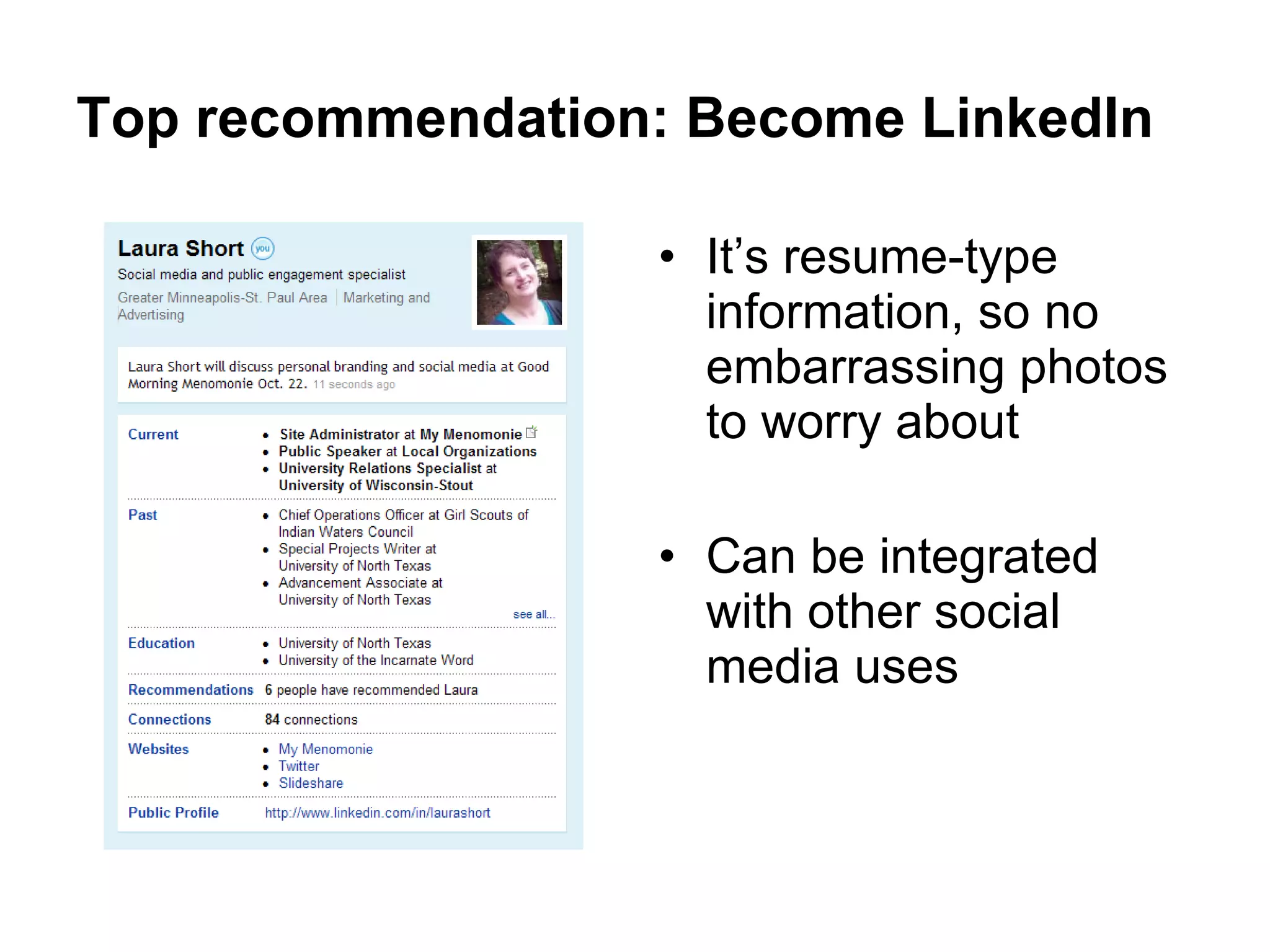
Top recommendation: Become LinkedIn It’s resume-type information, so no embarrassing photos to worry about Can be integrated with other social media uses
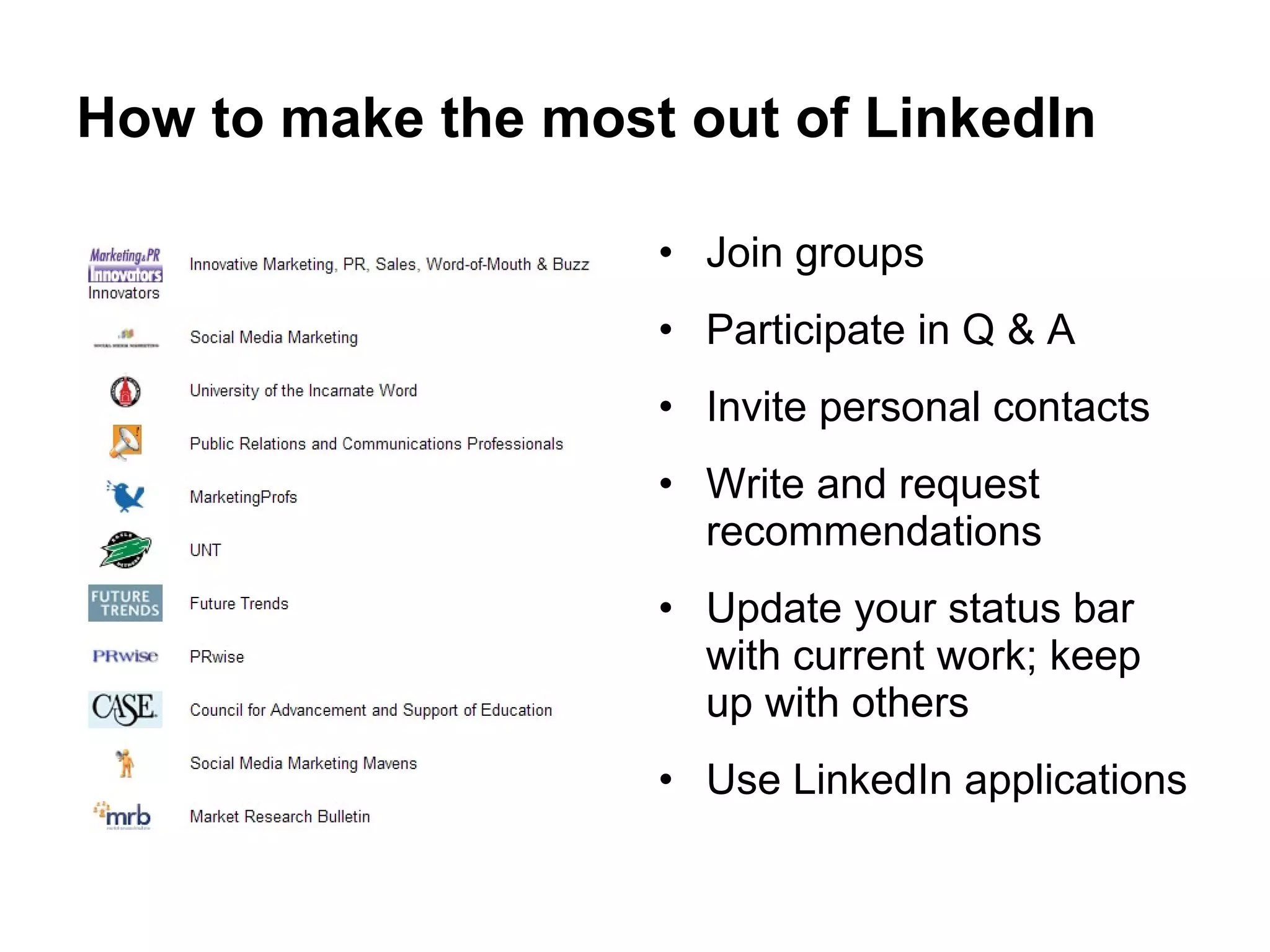
How to make the most out of LinkedIn Join groups Participate in Q & A Invite personal contacts Write and request recommendations Update your status bar with current work; keep up with others Use LinkedIn applications
Put your best face forward with Facebook Join and participate in groups and pages based on your industry and interests Monitor the status updates of your friends, groups and pages for business opportunities and examples Stop there on your personal profile
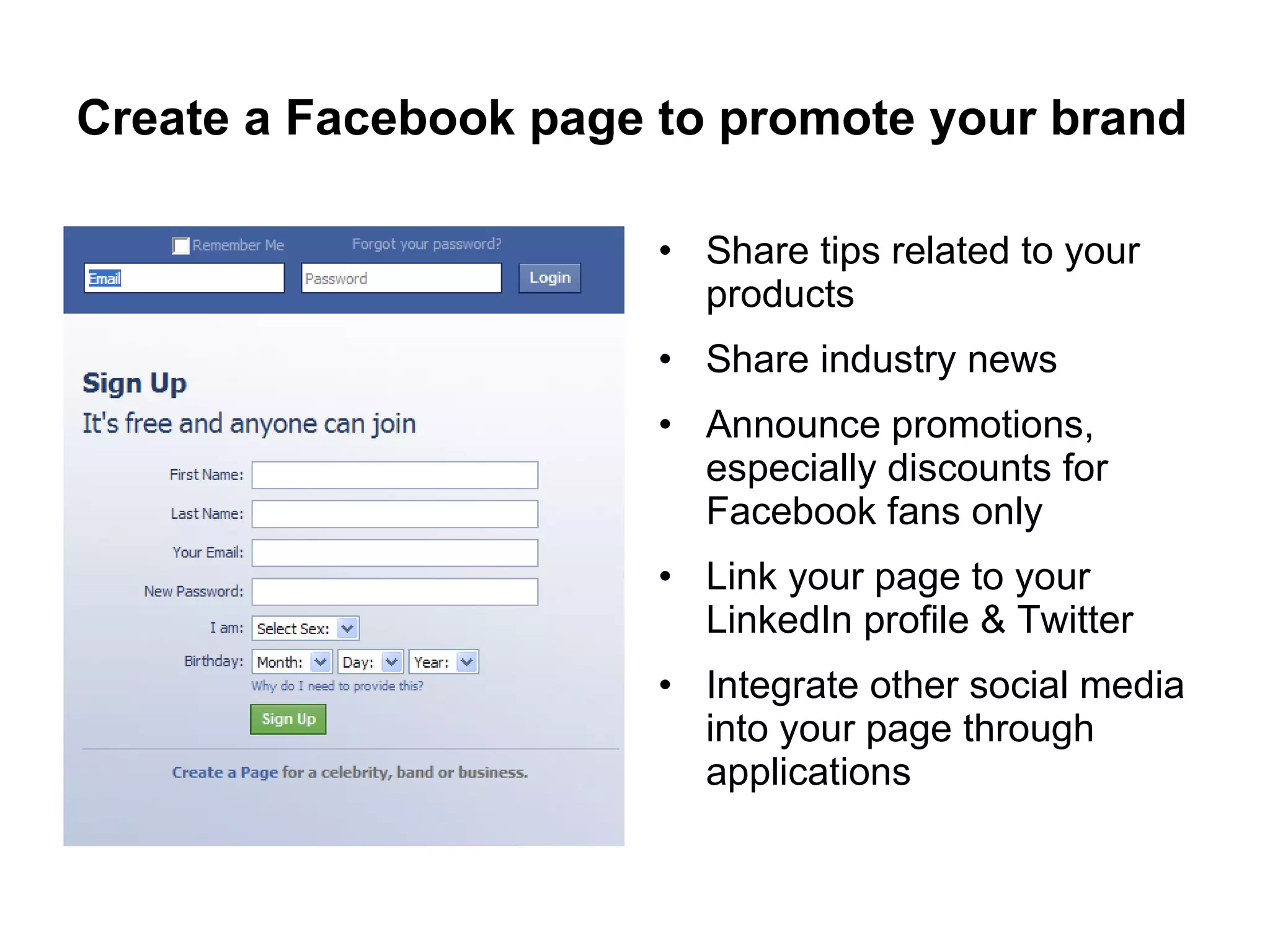
Create a Facebook page to promote your brand Share tips related to your products Share industry news Announce promotions, especially discounts for Facebook fans only Link your page to your LinkedIn profile & Twitter Integrate other social media into your page through applications
Blog your work. Work your blog. Demonstrate your talents Practice thought leadership by sharing your ideas regarding current trends and future directions of your industry Share thoughts on popular books or articles from which you draw inspiration Add a Share This button Import into other social media
I tweet. Therefore I am. It’s not about what you’re eating; it’s about sharing resources Find and follow people with similar interests Find and follow people locally Use to read industry news and gain free professional development Contribute to the conversation Import into other social media
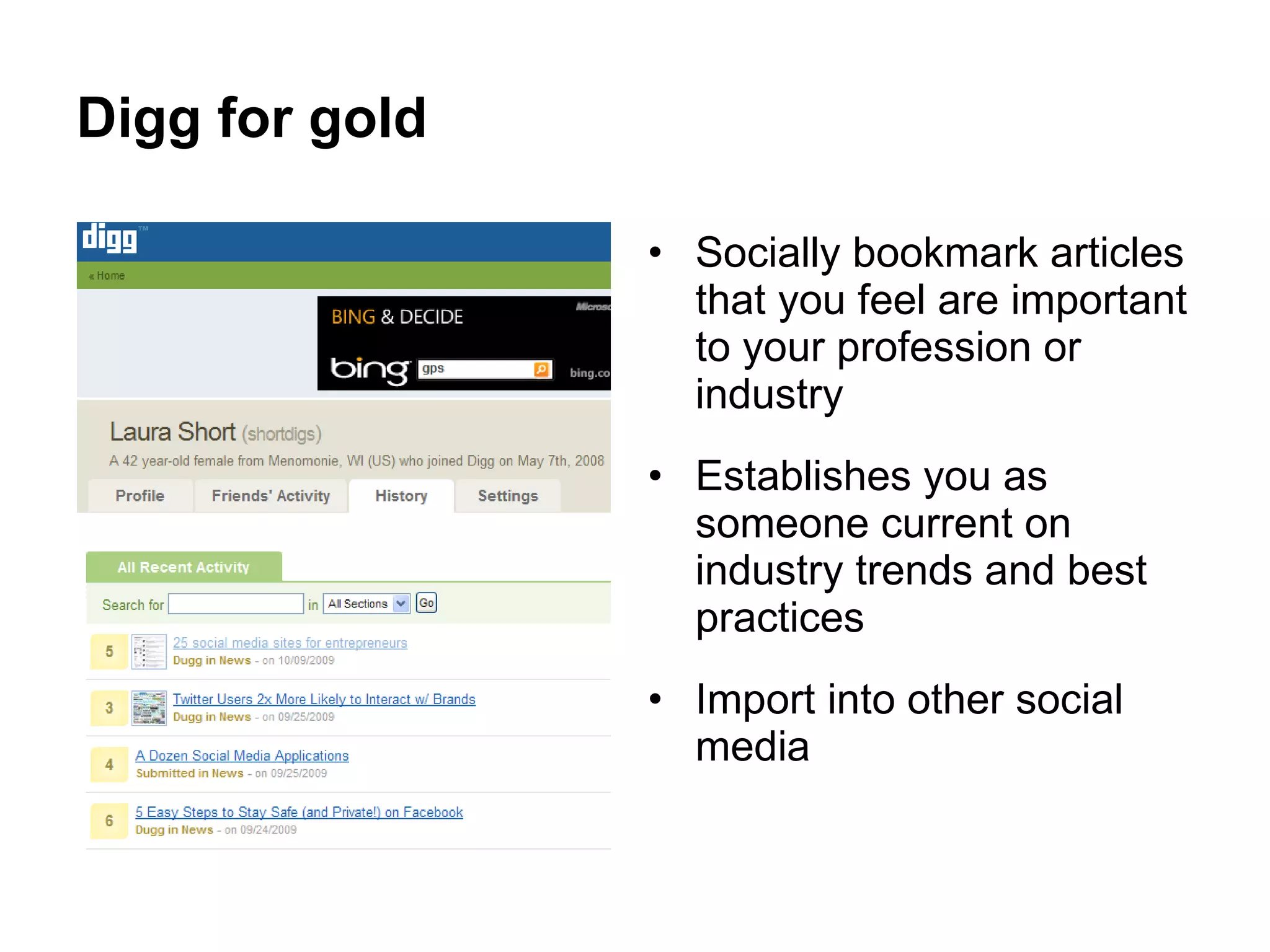
Digg for gold Socially bookmark articles that you feel are important to your profession or industry Establishes you as someone current on industry trends and best practices Import into other social media
Star in your own YouTube video You do not need expensive video equipment Make your mission visual Have a friend or coworker videotape you as you demo a task (or a product) Walk and talk your resume; demonstrate speaking skills as well as your knowledge and talents Import into other social media
Share and share alike Upload Powerpoint presentations Create an online portfolio Tell your story Import into other social media
Other social media tips Integrate your social media Build upon other content already created Choose the same user name across all media Let your personality shine through; use a conversational tone in your messages Be transparent Make regular updates
Resources and featured links LinkedIn:  http://www.linkedin.com   See the Extreme LinkedIn Profile Makeover at  http://blog.guykawasaki.com/2007/01/linkedin_profil.html Facebook:  http://www.facebook.com Facebook custom name:  http://www.facebook.com/username/   Wordpress (blogging software):  http://wordpress.com/ Blogger (blogging software):  http://www.blogger.com Encourage others to share your blog entries:  http://sharethis.com Feed your blog to Twitter:  http://twitterfeed.com/   Allow e-mail subscriptions to your blog:  http://www.feedburner.com
Resources and featured links Twitter:  http://twitter.com/ Search for key words on Twitter:  http://search.twitter.com/   Search for local Twitterers:  http://www.twellow.com/twellowhood/   Digg (social bookmarking):  http://digg.com/   Delicious (social bookmarking):  http://delicious.com/   YouTube:  http://www.youtube.com/   Slideshare:  http://www.slideshare.net/   Monitor your name or company brand online: http://www.google.com/alerts   http://socialmention.com/alerts/   http://tweetbeep.com/   http://www.backtype.com/
Where to find me online Laura Short [email_address] http://www.linkedin.com/in/laurashort   http://www.facebook.com/laura.short1   http://twitter.com/laurashort   http://digg.com/users/shortdigs/history   http://www.slideshare.net/shortdigs   My Menomonie http://www.facebook.com/mymenomonie   http://twitter.com/mymenomonie   University of Wisconsin-Stout http://www.facebook.com/uwstout   http://twitter.com/uwstoutnews   http://uwstoutnews.blogspot.com/   http://www.youtube.com/uwstoutedu

Build Your Personal Brand

  • 1.
    It’s a BrandYou World: Build Your Personal Brand With Social Media Presented by Laura Short University Relations Specialist University of Wisconsin-Stout
  • 2.
    Why personal branding?Builds a credible presence online Makes you publicly viewable so clients can find you Encourages you to learn, improve and build up your skills
  • 3.
    Why social media?Social and professional networks are becoming widely used by all age groups The viral nature of these networks makes it easy—and cost effective—to position yourself as a resource for others, possibly gaining you and your company more customers
  • 4.
    Top recommendation: BecomeLinkedIn It’s resume-type information, so no embarrassing photos to worry about Can be integrated with other social media uses
  • 5.
    How to makethe most out of LinkedIn Join groups Participate in Q & A Invite personal contacts Write and request recommendations Update your status bar with current work; keep up with others Use LinkedIn applications
  • 6.
    Put your bestface forward with Facebook Join and participate in groups and pages based on your industry and interests Monitor the status updates of your friends, groups and pages for business opportunities and examples Stop there on your personal profile
  • 7.
    Create a Facebookpage to promote your brand Share tips related to your products Share industry news Announce promotions, especially discounts for Facebook fans only Link your page to your LinkedIn profile & Twitter Integrate other social media into your page through applications
  • 8.
    Blog your work.Work your blog. Demonstrate your talents Practice thought leadership by sharing your ideas regarding current trends and future directions of your industry Share thoughts on popular books or articles from which you draw inspiration Add a Share This button Import into other social media
  • 9.
    I tweet. ThereforeI am. It’s not about what you’re eating; it’s about sharing resources Find and follow people with similar interests Find and follow people locally Use to read industry news and gain free professional development Contribute to the conversation Import into other social media
  • 10.
    Digg for goldSocially bookmark articles that you feel are important to your profession or industry Establishes you as someone current on industry trends and best practices Import into other social media
  • 11.
    Star in yourown YouTube video You do not need expensive video equipment Make your mission visual Have a friend or coworker videotape you as you demo a task (or a product) Walk and talk your resume; demonstrate speaking skills as well as your knowledge and talents Import into other social media
  • 12.
    Share and sharealike Upload Powerpoint presentations Create an online portfolio Tell your story Import into other social media
  • 13.
    Other social mediatips Integrate your social media Build upon other content already created Choose the same user name across all media Let your personality shine through; use a conversational tone in your messages Be transparent Make regular updates
  • 14.
    Resources and featuredlinks LinkedIn: http://www.linkedin.com See the Extreme LinkedIn Profile Makeover at http://blog.guykawasaki.com/2007/01/linkedin_profil.html Facebook: http://www.facebook.com Facebook custom name: http://www.facebook.com/username/ Wordpress (blogging software): http://wordpress.com/ Blogger (blogging software): http://www.blogger.com Encourage others to share your blog entries: http://sharethis.com Feed your blog to Twitter: http://twitterfeed.com/ Allow e-mail subscriptions to your blog: http://www.feedburner.com
  • 15.
    Resources and featuredlinks Twitter: http://twitter.com/ Search for key words on Twitter: http://search.twitter.com/ Search for local Twitterers: http://www.twellow.com/twellowhood/ Digg (social bookmarking): http://digg.com/ Delicious (social bookmarking): http://delicious.com/ YouTube: http://www.youtube.com/ Slideshare: http://www.slideshare.net/ Monitor your name or company brand online: http://www.google.com/alerts http://socialmention.com/alerts/ http://tweetbeep.com/ http://www.backtype.com/
  • 16.
    Where to findme online Laura Short [email_address] http://www.linkedin.com/in/laurashort http://www.facebook.com/laura.short1 http://twitter.com/laurashort http://digg.com/users/shortdigs/history http://www.slideshare.net/shortdigs My Menomonie http://www.facebook.com/mymenomonie http://twitter.com/mymenomonie University of Wisconsin-Stout http://www.facebook.com/uwstout http://twitter.com/uwstoutnews http://uwstoutnews.blogspot.com/ http://www.youtube.com/uwstoutedu