Download to read offline
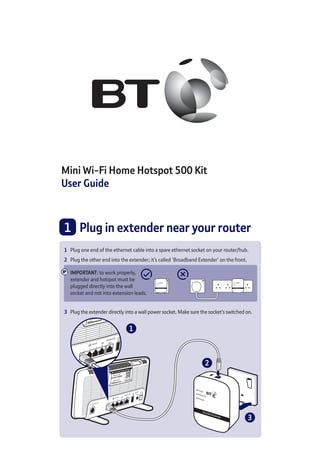
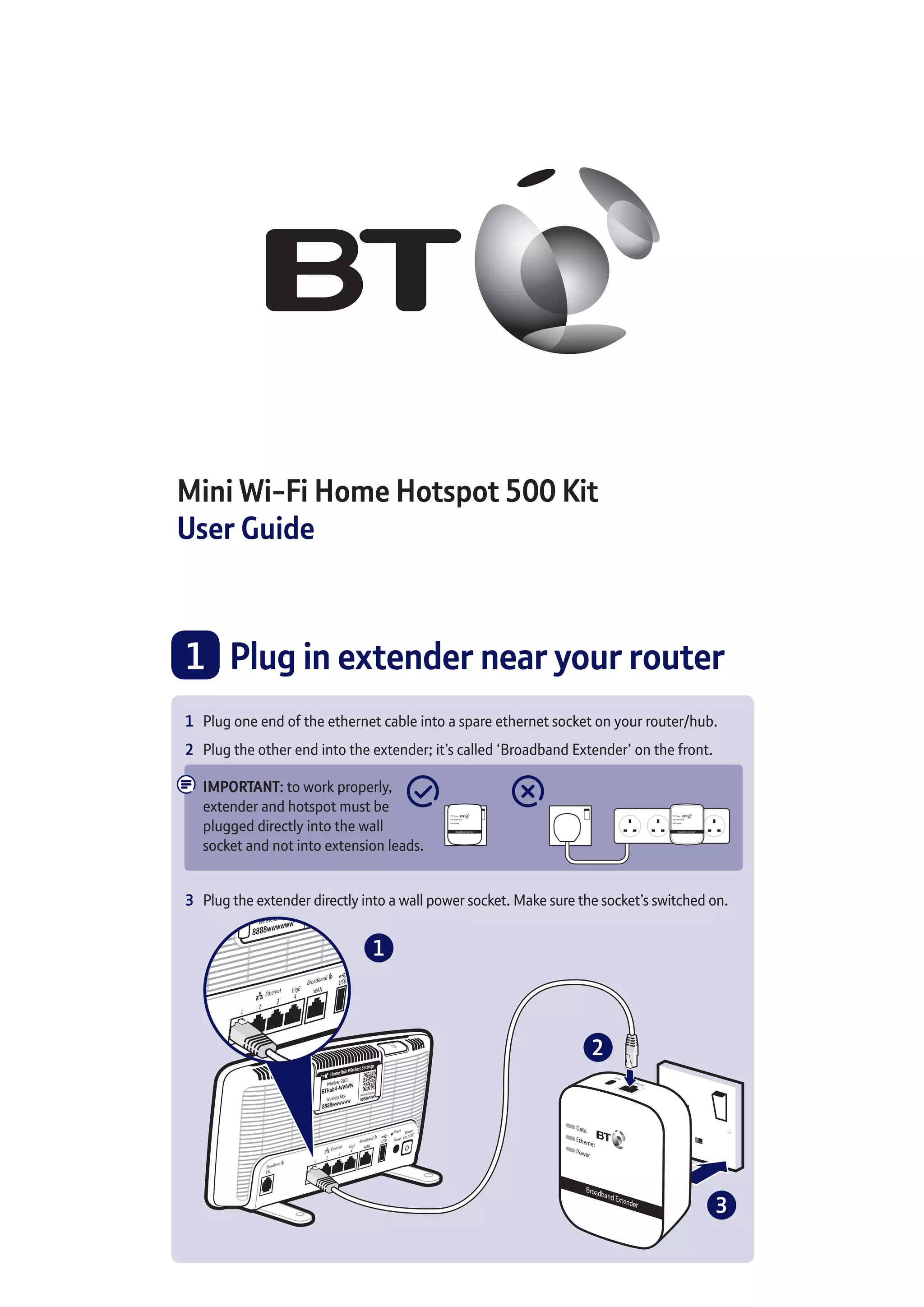
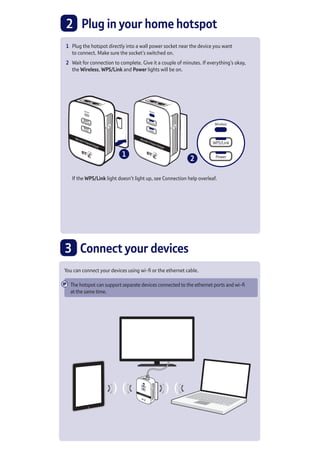
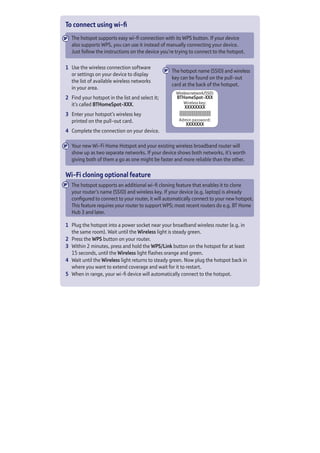
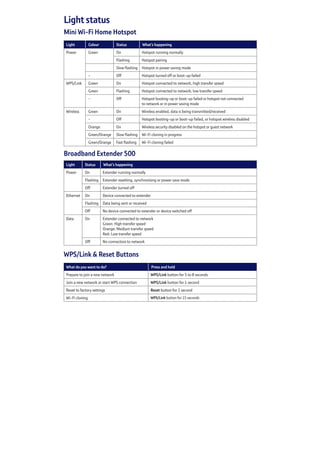
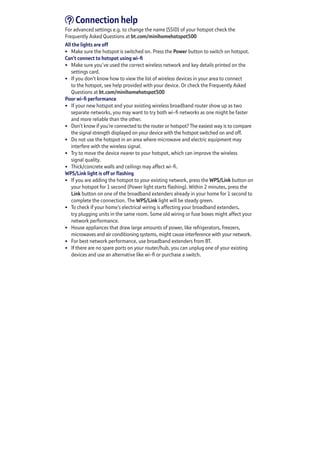

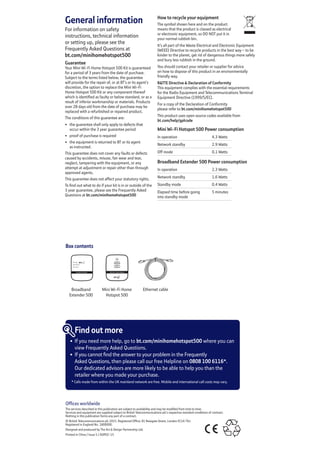

1) The document provides setup instructions for extending a home Wi-Fi network using a Mini Wi-Fi Home Hotspot 500 Kit, which includes plugging in a broadband extender near the router to connect to the hotspot, then plugging in the hotspot. 2) It describes how to connect devices to the hotspot using Wi-Fi or an ethernet cable, with details on finding the hotspot's network name and password. 3) Troubleshooting tips are provided for issues like poor Wi-Fi performance or lights not turning on, with suggestions like moving the hotspot closer to the device or checking the electrical wiring.


