Download to read offline
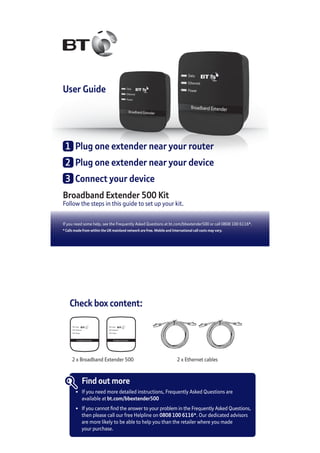
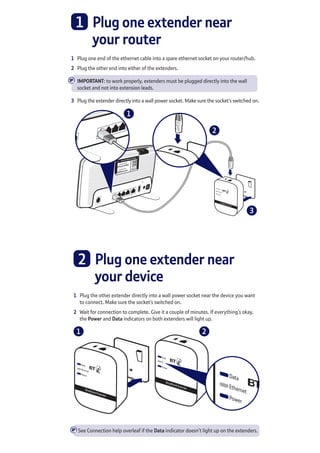
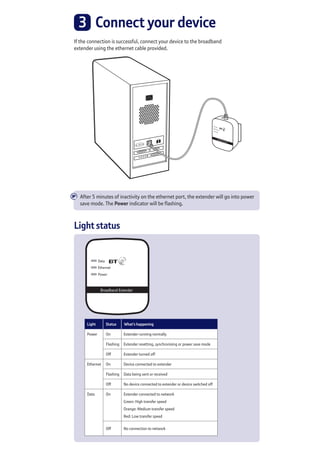
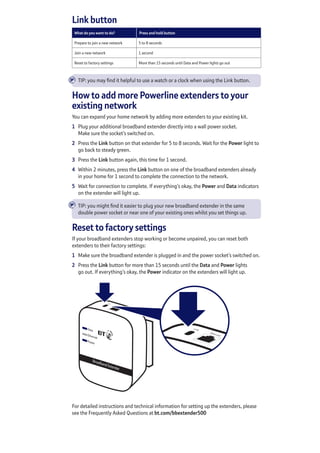
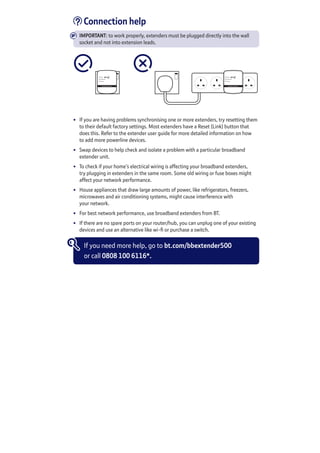
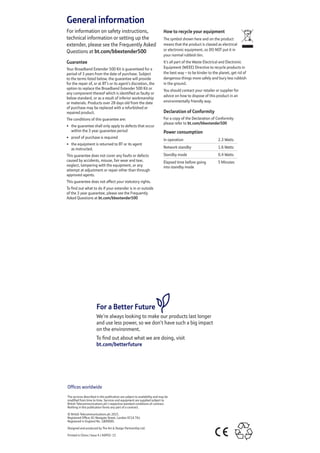

The document provides instructions for setting up a Broadband Extender 500 Kit, which allows users to extend their home WiFi network. It includes the following key points: 1. The kit contains two broadband extenders and ethernet cables that need to be plugged in near the router and devices to connect them to the network. 2. Status lights on the extenders indicate the connection status and additional extenders can be added to expand network coverage. 3. If connection issues occur, troubleshooting tips are provided and a support number listed to help with setup.


