IBM Bluemix
Deploy and run your apps on the cloud
Quhan Arunasalam
Hackathon@SST
3rd June 2015
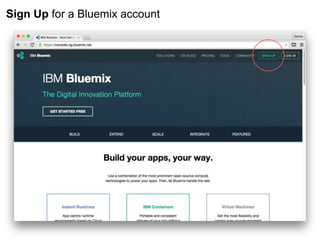
Sign Up for a Bluemix account
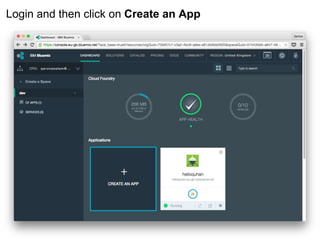
Login and then click on Create an App
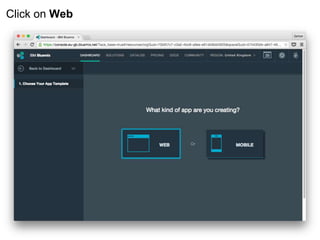
Click on Web
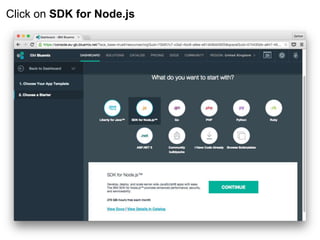
Click on SDK for Node.js
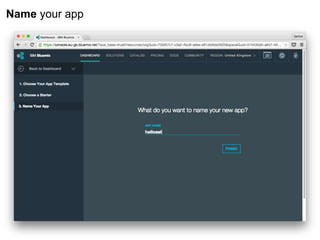
Name your app
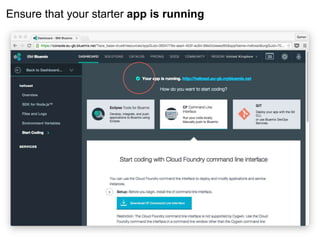
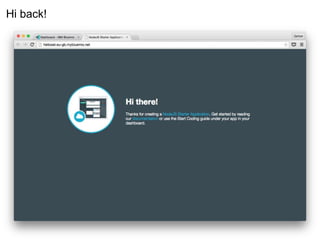
Ensure that your starter app is running
Hi back!
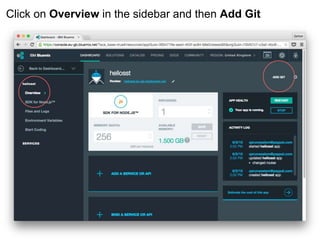
Click on Overview in the sidebar and then Add Git
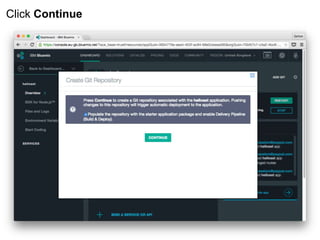
Click Continue
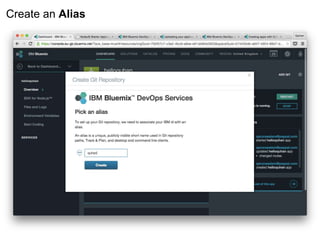
Create an Alias
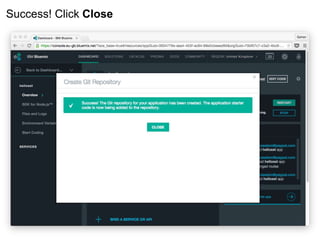
Success! Click Close
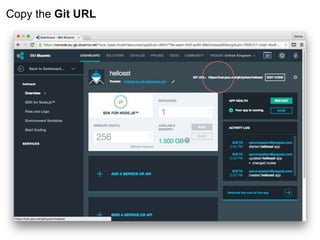
Copy the Git URL
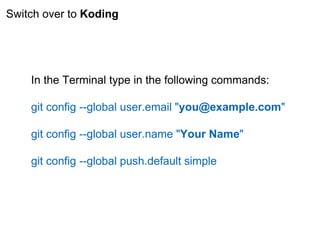
Switch over to Koding
In the Terminal type in the following commands:
git config --global user.email "you@example.com"
git config --global user.name "Your Name"
git config --global push.default simple
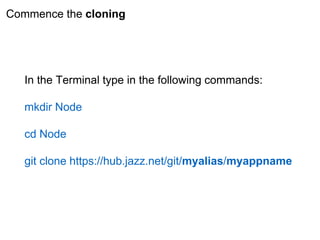
Commence the cloning
In the Terminal type in the following commands:
mkdir Node
cd Node
git clone https://hub.jazz.net/git/myalias/myappname
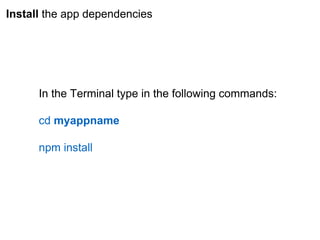
Install the app dependencies
In the Terminal type in the following commands:
cd myappname
npm install
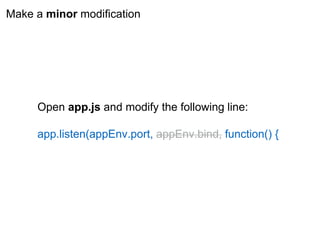
Make a minor modification
Open app.js and modify the following line:
app.listen(appEnv.port, appEnv.bind, function() {
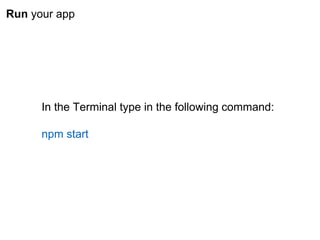
Run your app
In the Terminal type in the following command:
npm start
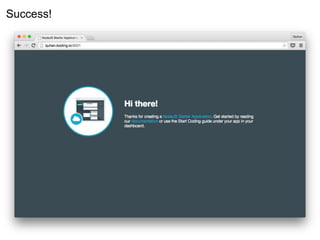
Success!
To be continued
つづく

Bluemix setup