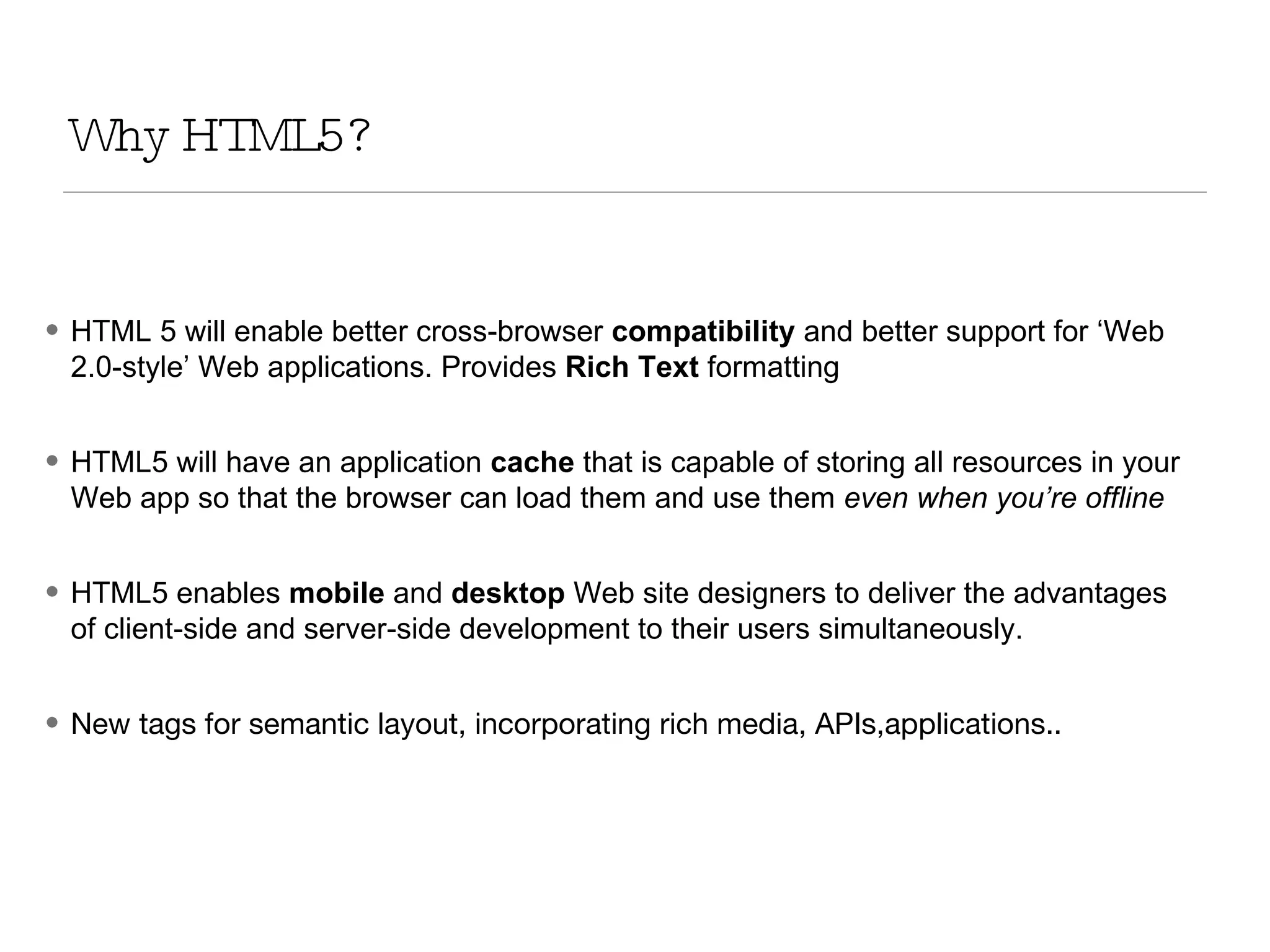
Why HTML5? HTML 5 will enable better cross-browser  compatibility  and better support for ‘Web 2.0-style’ Web applications. Provides  Rich Text  formatting HTML5 will have an application  cache  that is capable of storing all resources in your Web app so that the browser can load them and use them  even when you’re offline HTML5 enables  mobile  and  desktop  Web site designers to deliver the advantages of client-side and server-side development to their users simultaneously. New tags for semantic layout, incorporating rich media, APIs,applications..
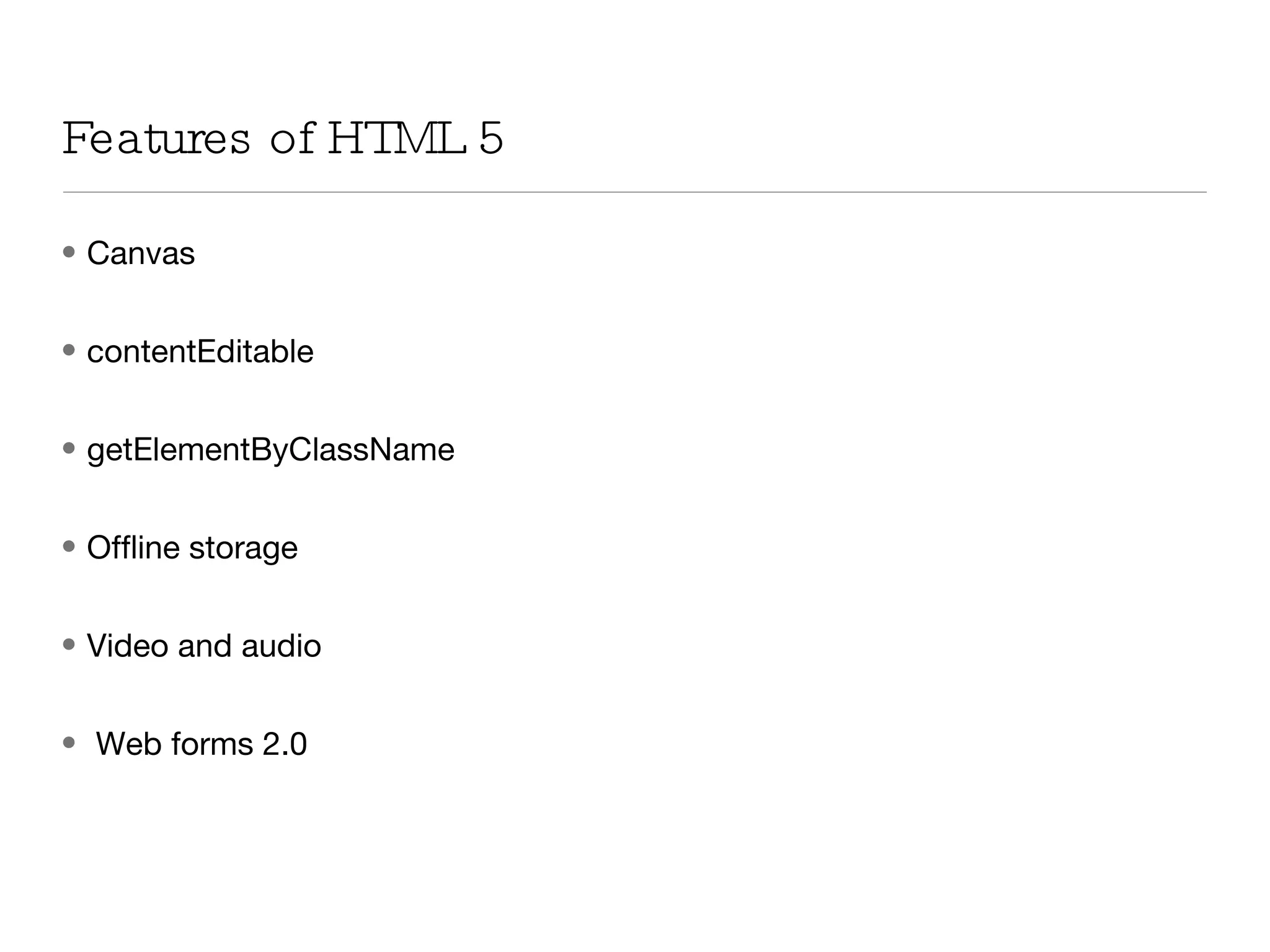
Canvas contentEditable getElementByClassName Offline storage Video and audio Web forms 2.0 Features of HTML 5
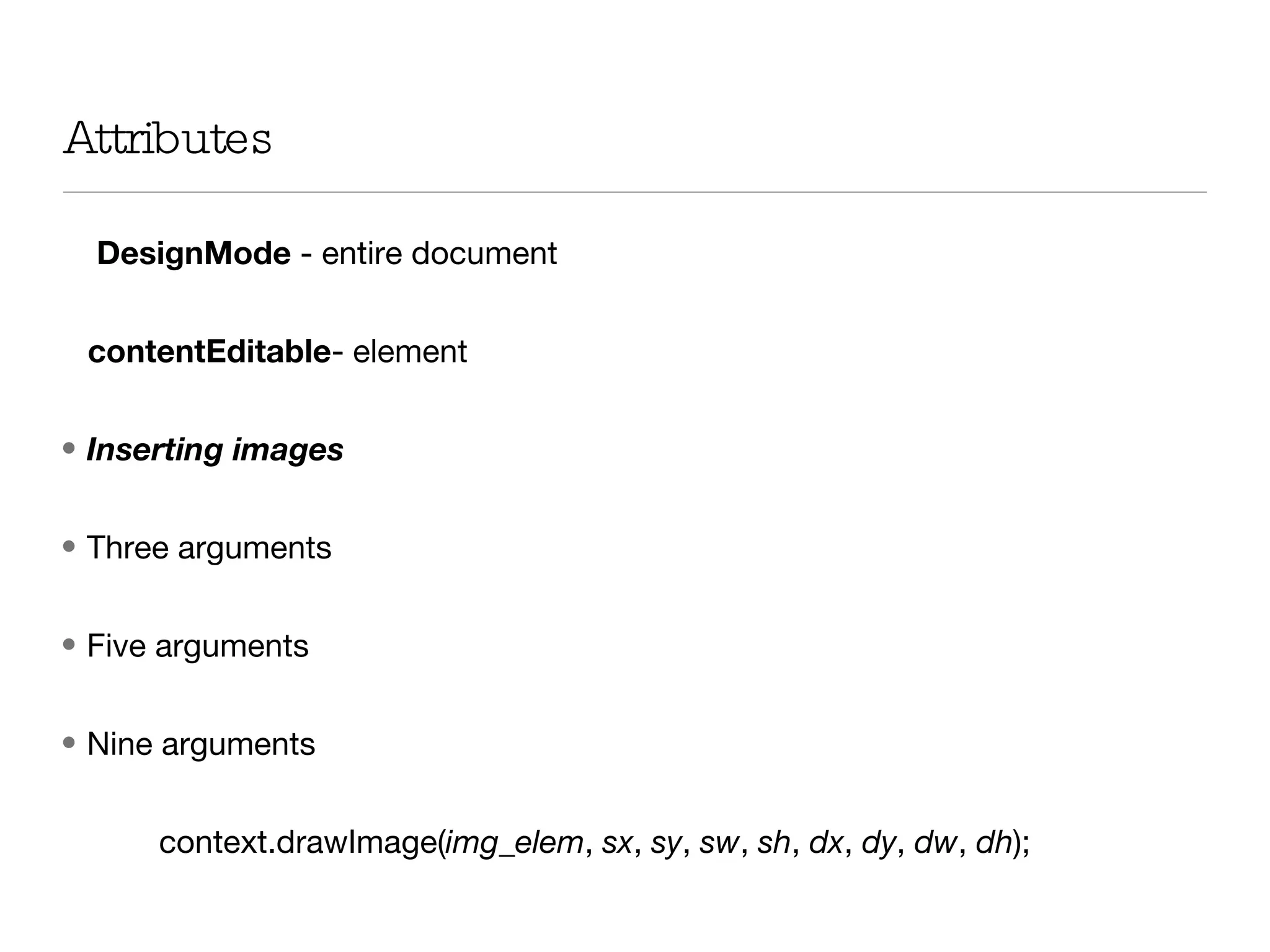
Attributes  DesignMode  - entire document  contentEditable - element  Inserting images Three arguments Five arguments Nine arguments context.drawImage( img_elem ,  sx ,  sy ,  sw ,  sh ,  dx ,  dy ,  dw ,  dh );
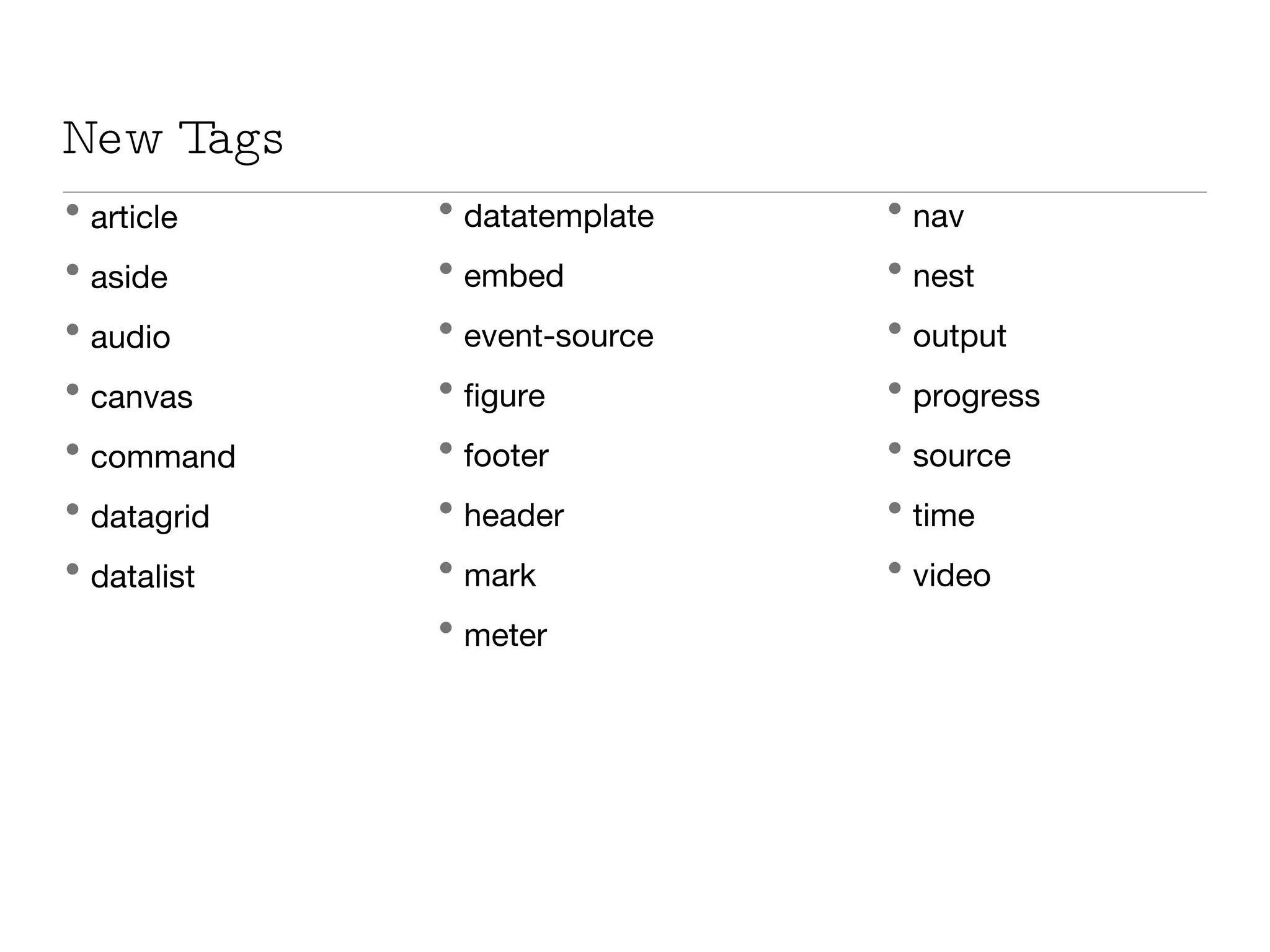
New Tags article aside audio canvas command datagrid datalist datatemplate embed event-source figure footer header mark meter nav nest output progress source time video
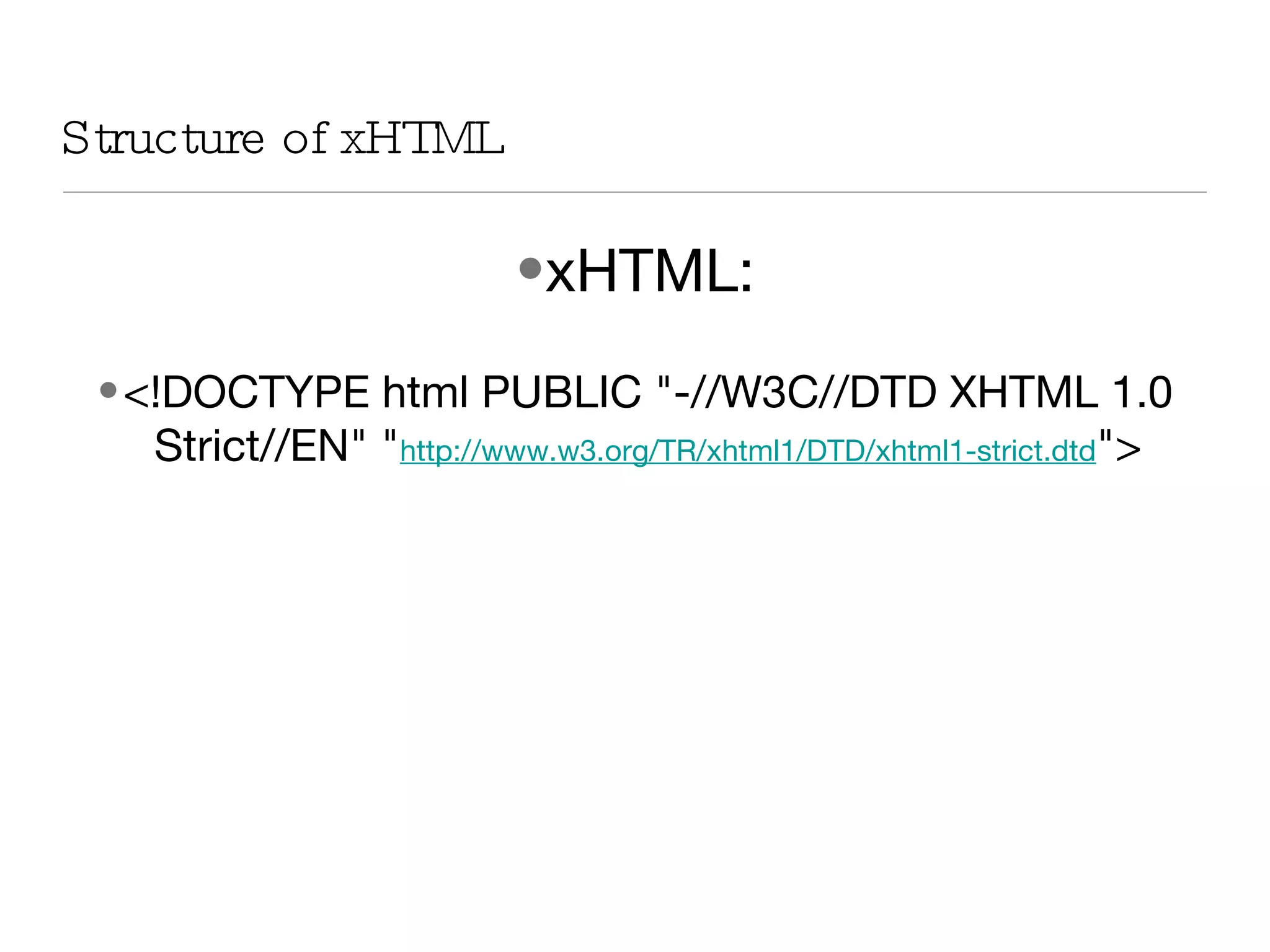
xHTML: <!DOCTYPE html PUBLIC &quot;-//W3C//DTD XHTML 1.0 Strict//EN&quot; &quot; http://www.w3.org/TR/xhtml1/DTD/xhtml1-strict.dtd &quot;> Structure of xHTML
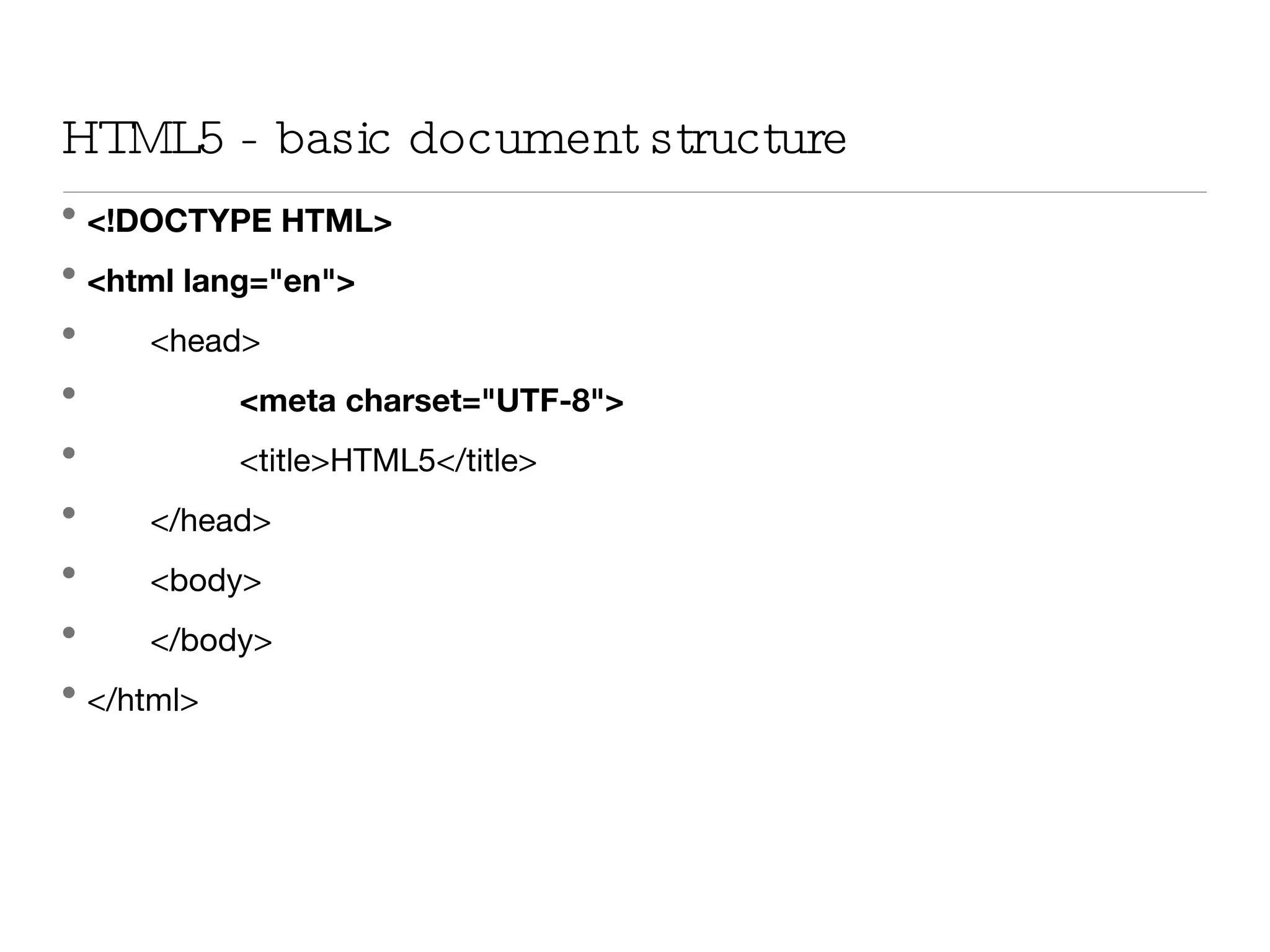
HTML5 - basic document structure <!DOCTYPE HTML> <html lang=&quot;en&quot;> <head> <meta charset=&quot;UTF-8&quot;> <title>HTML5</title> </head> <body> </body> </html>
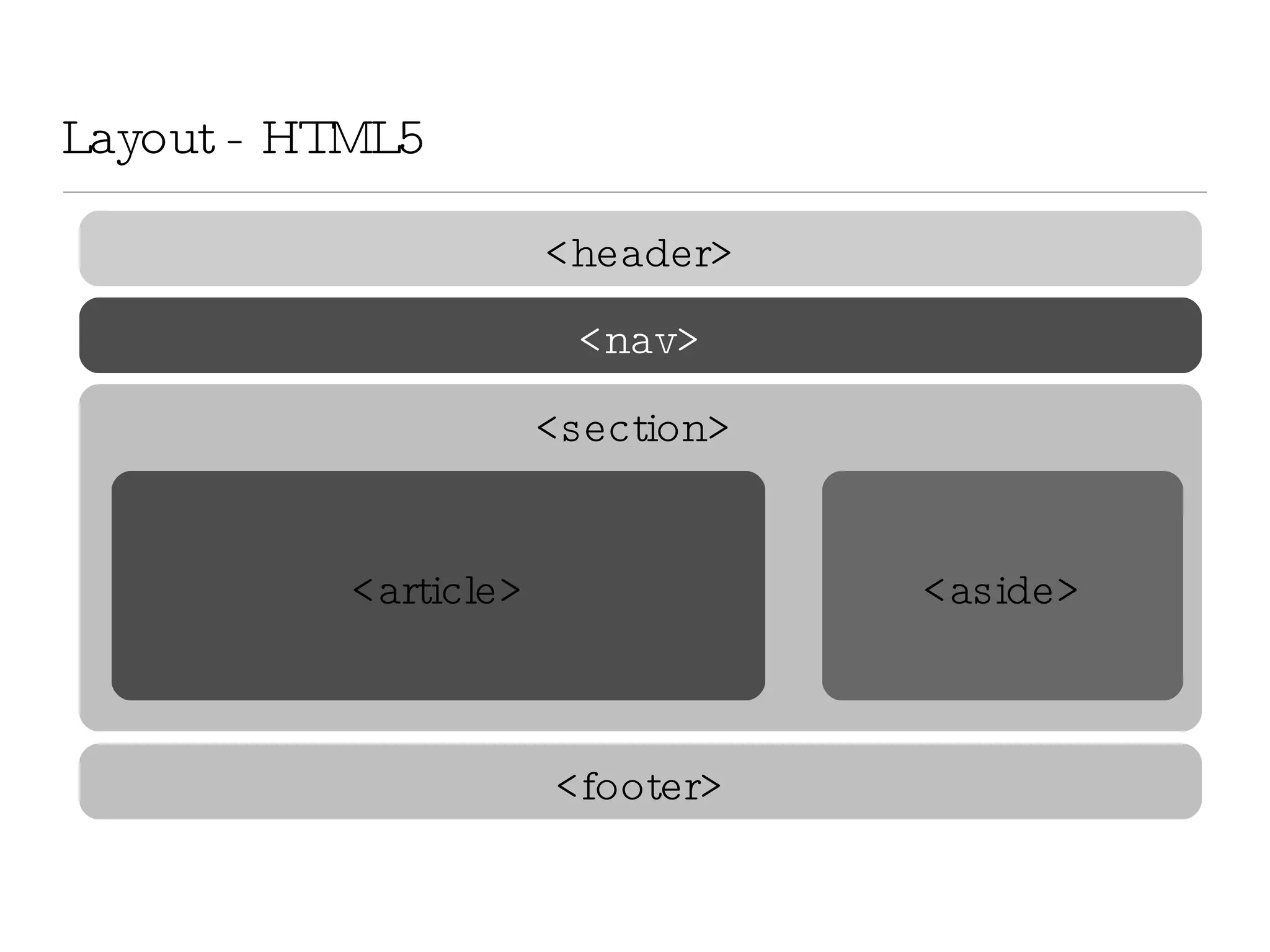
Layout - HTML5 <header> <nav> di <footer> <article> <aside> <section>
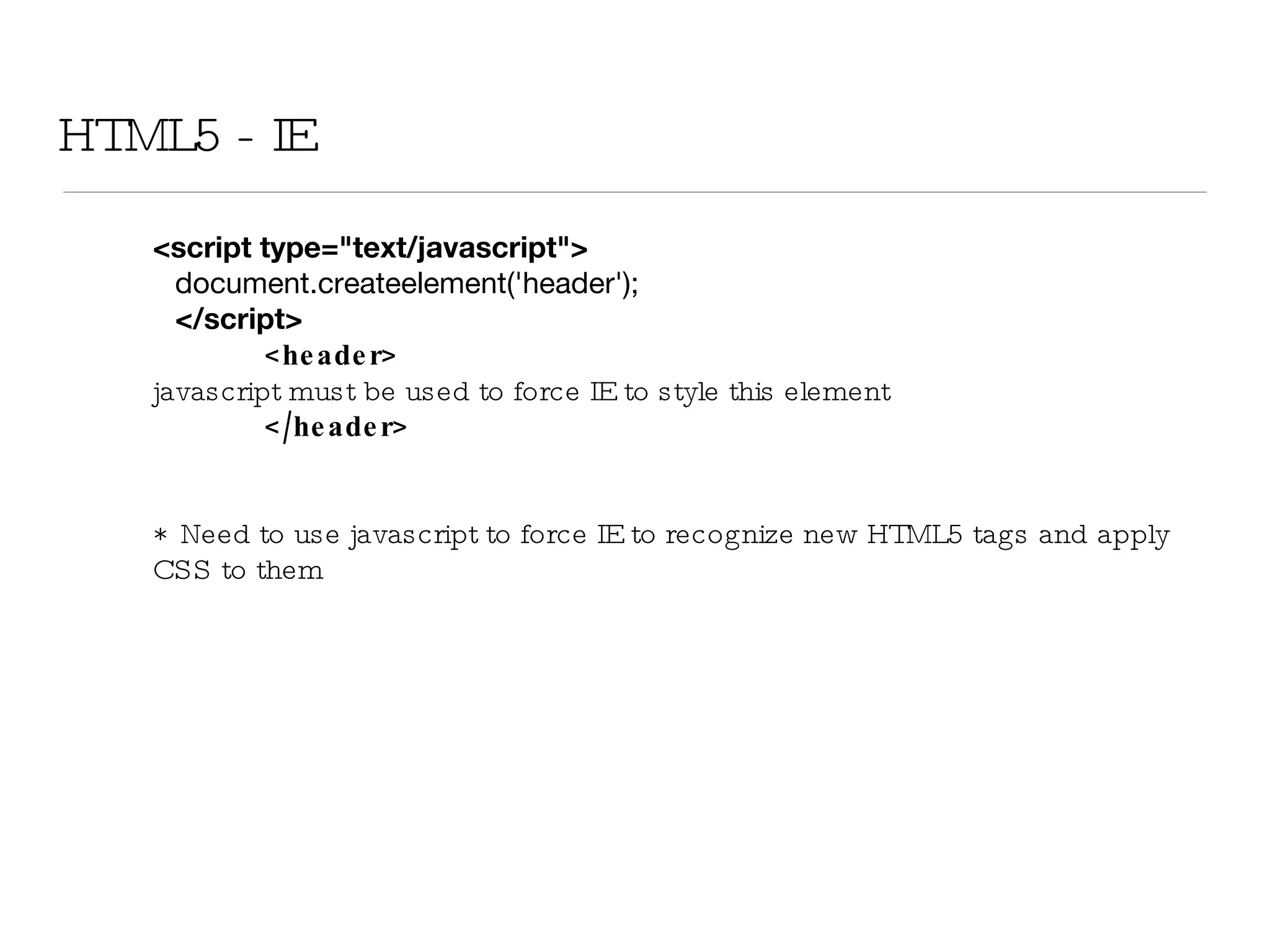
HTML5 - IE <script type=&quot;text/javascript&quot;> document.createelement('header'); </script> <header>  javascript must be used to force IE to style this element </header> *  Need to use javascript to force IE to recognize new HTML5 tags and apply CSS to them
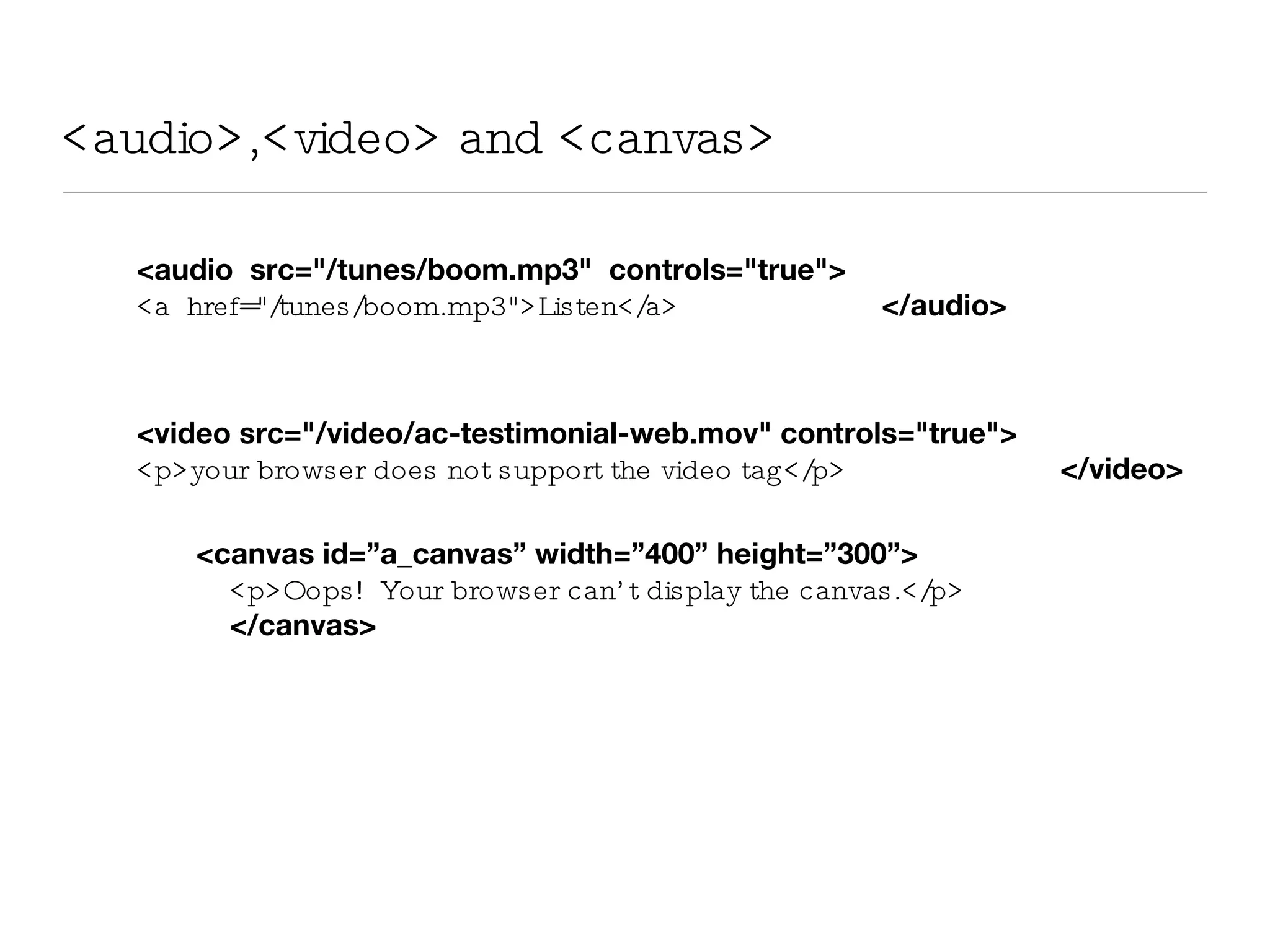
<audio>,<video> and <canvas> <audio  src=&quot;/tunes/boom.mp3&quot;  controls=&quot;true&quot;>   <a  href=&quot;/tunes/boom.mp3&quot;>Listen</a>   </audio> <video src=&quot;/video/ac-testimonial-web.mov&quot; controls=&quot;true&quot;> <p>your browser does not support the video tag</p>   </video> <canvas id=”a_canvas” width=”400” height=”300”> <p>Oops!  Your browser can’t display the canvas.</p>  </canvas>
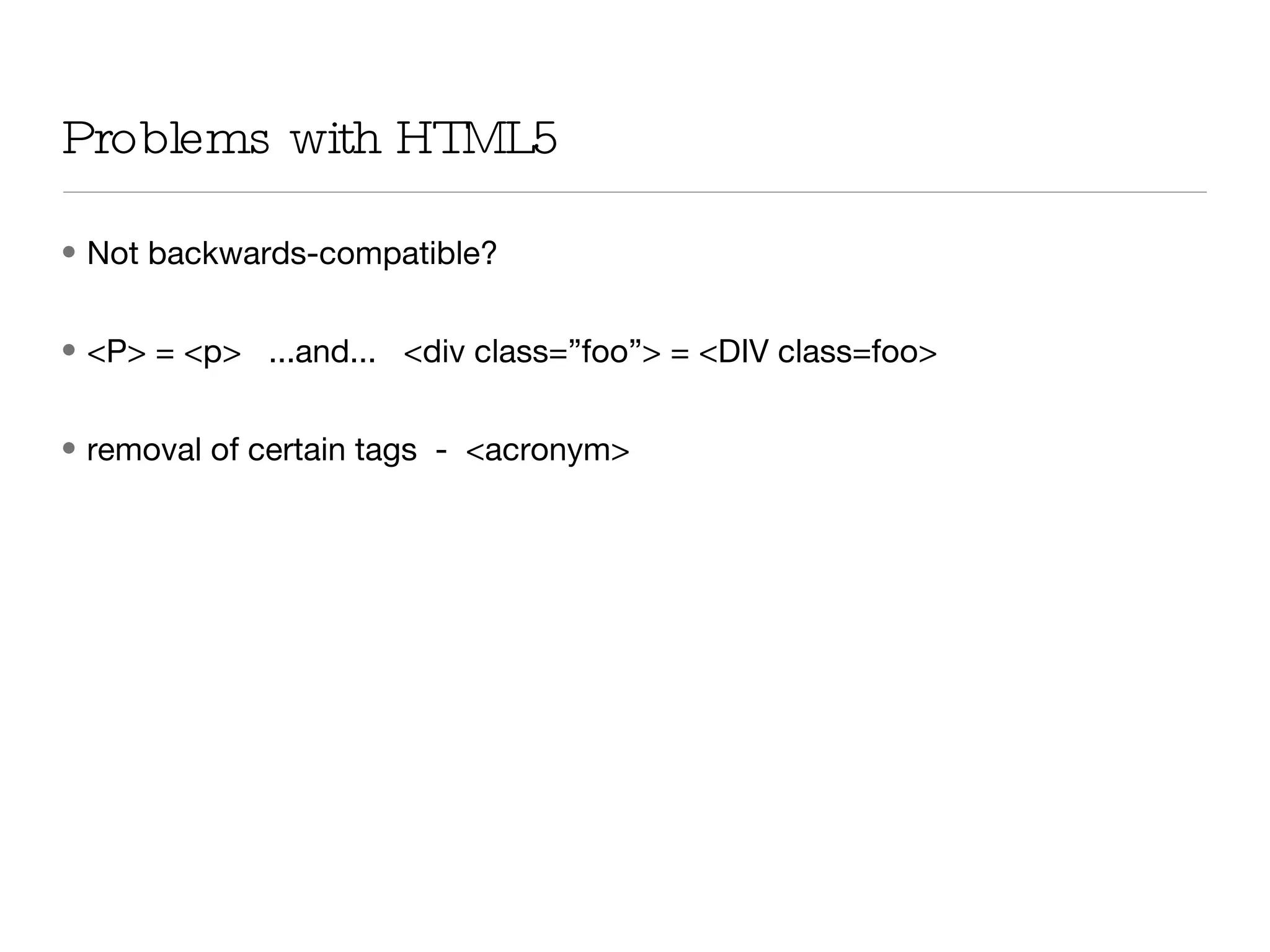
Problems with HTML5 Not backwards-compatible?  <P> = <p>  ...and...  <div class=”foo”> = <DIV class=foo> removal of certain tags  -  <acronym>

Html5

  • 1.
    Why HTML5? HTML5 will enable better cross-browser compatibility and better support for ‘Web 2.0-style’ Web applications. Provides Rich Text formatting HTML5 will have an application cache that is capable of storing all resources in your Web app so that the browser can load them and use them even when you’re offline HTML5 enables mobile and desktop Web site designers to deliver the advantages of client-side and server-side development to their users simultaneously. New tags for semantic layout, incorporating rich media, APIs,applications..
  • 2.
    Canvas contentEditable getElementByClassNameOffline storage Video and audio Web forms 2.0 Features of HTML 5
  • 3.
    Attributes DesignMode - entire document contentEditable - element Inserting images Three arguments Five arguments Nine arguments context.drawImage( img_elem , sx , sy , sw , sh , dx , dy , dw , dh );
  • 4.
    New Tags articleaside audio canvas command datagrid datalist datatemplate embed event-source figure footer header mark meter nav nest output progress source time video
  • 5.
    xHTML: <!DOCTYPE htmlPUBLIC &quot;-//W3C//DTD XHTML 1.0 Strict//EN&quot; &quot; http://www.w3.org/TR/xhtml1/DTD/xhtml1-strict.dtd &quot;> Structure of xHTML
  • 6.
    HTML5 - basicdocument structure <!DOCTYPE HTML> <html lang=&quot;en&quot;> <head> <meta charset=&quot;UTF-8&quot;> <title>HTML5</title> </head> <body> </body> </html>
  • 7.
    Layout - HTML5<header> <nav> di <footer> <article> <aside> <section>
  • 8.
    HTML5 - IE<script type=&quot;text/javascript&quot;> document.createelement('header'); </script> <header> javascript must be used to force IE to style this element </header> * Need to use javascript to force IE to recognize new HTML5 tags and apply CSS to them
  • 9.
    <audio>,<video> and <canvas><audio src=&quot;/tunes/boom.mp3&quot; controls=&quot;true&quot;> <a href=&quot;/tunes/boom.mp3&quot;>Listen</a> </audio> <video src=&quot;/video/ac-testimonial-web.mov&quot; controls=&quot;true&quot;> <p>your browser does not support the video tag</p> </video> <canvas id=”a_canvas” width=”400” height=”300”> <p>Oops! Your browser can’t display the canvas.</p> </canvas>
  • 10.
    Problems with HTML5Not backwards-compatible? <P> = <p> ...and... <div class=”foo”> = <DIV class=foo> removal of certain tags - <acronym>