What You Will Know When You Leave Here Today About blogging:   Why a blog?     How to post to the UGA Libraries News & Events Blog What services exist online for creating your own blog About tweeting: Why Twitter Twitter lingo How to tweet How to keep up with others' Twitter activity What services exist to make managing Twitter more organized What you can do with Twitter and your mobile phone 
140 characters per tweet (microblogging) Users have followers and follow other users Re-tweeting allows you to repeat what other users have already tweeted Works from web browser or with text messaging and your mobile phone.
Setting Up Your Twitter Account Go to twitter.com Click on "Sign Up" On sign-up page, decide If you want to be findable by your email address Before clicking "Create Account" decide if you want to receive the Twitter newsletter.  If not, uncheck the box below the "Create Account" button. Note that it may take a few tries to find a username that's not already been taken.
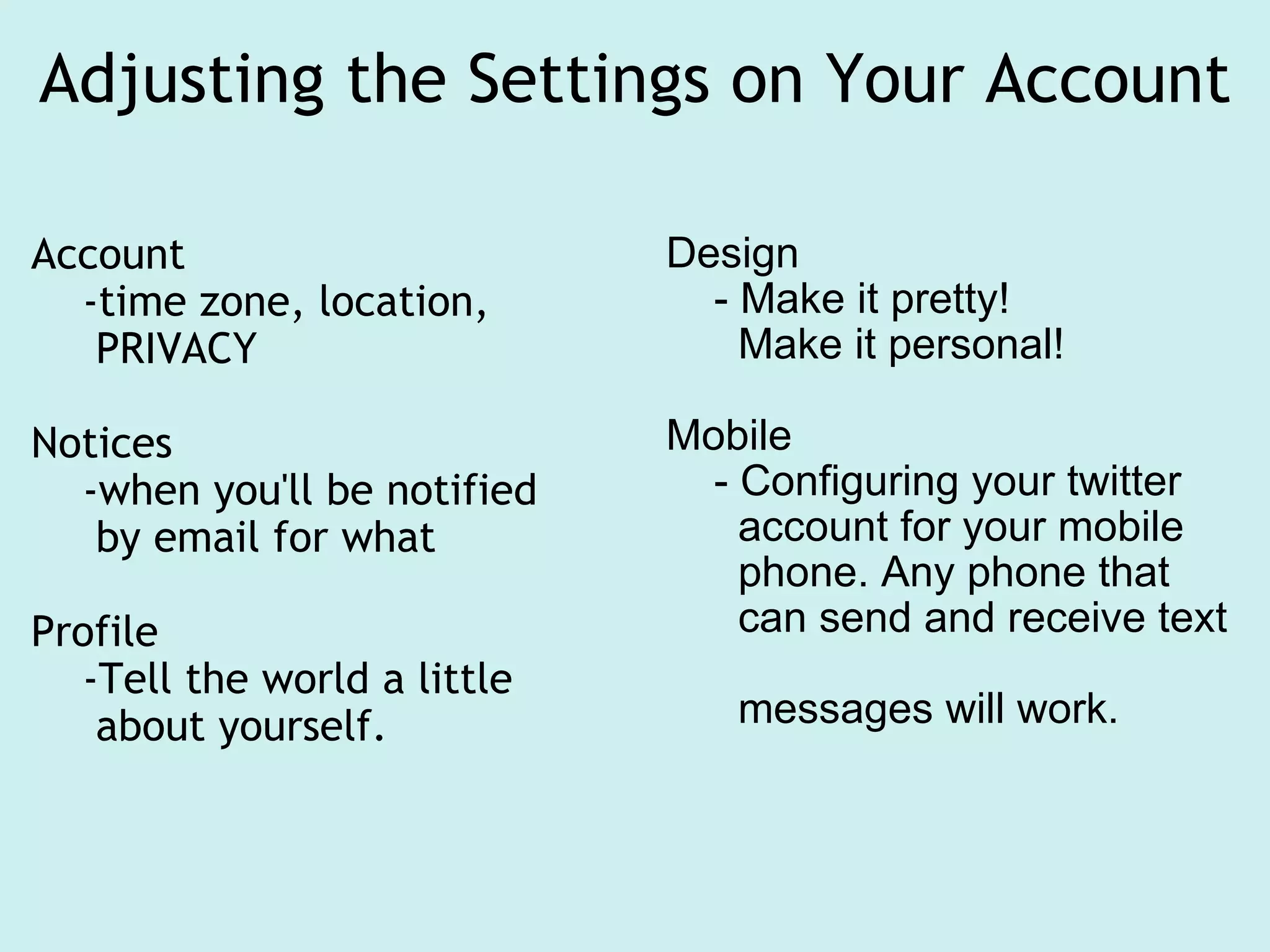
Adjusting the Settings on Your Account Account     -time zone, location,        PRIVACY Notices     -when you'll be notified       by email for what Profile      -Tell the world a little       about yourself. Design      - Make it pretty!        Make it personal! Mobile      - Configuring your twitter        account for your mobile         phone. Any phone that       can send and receive text        messages will work.
More Twitter Lingo What's a hashtag? # What does it mean to use "@"? What are direct messages (DMs)?
Ladies and Gentlemen,  Start Your Twittering Finding followers: "Find People" tab Search by name or email Search using your address book in an email account. Browse suggestions Look around on websites of companies or people and see if they're already on Twitter Making lists If you follow a lot of people, you might find lists a good way of keeping things manageable.
Ways to Manage Twitter Web-Based Clients Brizzly Echofon (formerly Twitterfox) Seesmic For Fun: Twitterfall Desktop Clients TweetDeck Blu Digsby Mixero
Blogging  We've talked about twitter which is often called microblogging.    However, for a more robust web experience, you can make a blog.  Blogging is a flexible form of web publishing. Blogging platforms can be fee based or free, or a combination (add-ons are at cost).  3rd party blog sites are usually paid for by advertisements but are free to use (login needed). The Libraries Blog (News & Events) is hosted on our server and uses an opensource software, called Wordpress.   
Blogger breakdown Blog: is to post (create content). Tweet is the same action in twitter. Twitter has a character limit, most blogs do not Blogs are typically arranged chronologically, but sometimes by category, too. Blogs are usually archived and archives are searchable; twitter archiving is more limited (although the Library of Congress is now archiving tweets). Gadgets are pieces of script which allow you to add in features (such as a rotating slideshow from flickr). Blogger has many drag and drop widgets. 
  Uses of blogging include tracking projects and resources, communication tools (committee members post and comment), networking, PR/marketing, education, sharing of information, and more What would you like to see in the Libraries' blog?  If you have a google or gmail account, you have a blogger account (surprise!)
Blogging at the UGA Libraries News & Events blog ( www.libs.uga.edu/blog ) What we do with it: Publicize events and resources.  Make announcements. A script pulls headlines onto the home page for prominent positioning. Reach subscribers through RSS Create an archive of searchable information Push content onto departmental web pages, using categories and RSS feeds An example of pulling in content by category using a RSS: http://www.libs.uga.edu/hargrett/garoom/news.html
Posting to the Libraries' Blog How to log in  http://www.libs.uga.edu/blog/ Use your name and password Creating a new post Formatting your post Text formatting Adding images Selecting categories Saving as draft Publishing,  setting to publish at later time/date Editing a draft Editing an already published post
Logging into Blogger Now we are going to create a blog for your own personal use. Method 1: To get to blogger Go to  google.com Click on "Sign In" (top right) Type in your google account name & password Now click on the moreV dropdown  Click on even More Click on blogger  Method 2: Go to  blogger.com Login using your google account name & password                           
Let's blog I'll take you through the steps of creating a blog, but we will not spend alot of time working with blogger. You can go back and work on blogger at any time. Pick a template Add a gadget Add an "about page" Write a post 
  Questions? Amy: [email_address] Robin [email_address] [email_address]
Follow-Up Work Blogging Create a post in the UGA Libraries News & Events blog.  Save the post as a draft, do not actually publish it. Email Amy (ugarefwatts@gmail.com) with the title of your post, indicating if it's ok to publish the post at some future point. Tweeting Complete your user profile. Follow these two accounts:  ugalibsref  and  liblinks Tweet your first tweet RT a tweet Send a DM to ugalibsref

Blogging tweeting - Getting started with blogger and twitter

  • 1.
  • 2.
    What You WillKnow When You Leave Here Today About blogging:   Why a blog?     How to post to the UGA Libraries News & Events Blog What services exist online for creating your own blog About tweeting: Why Twitter Twitter lingo How to tweet How to keep up with others' Twitter activity What services exist to make managing Twitter more organized What you can do with Twitter and your mobile phone 
  • 3.
    140 characters pertweet (microblogging) Users have followers and follow other users Re-tweeting allows you to repeat what other users have already tweeted Works from web browser or with text messaging and your mobile phone.
  • 4.
    Setting Up YourTwitter Account Go to twitter.com Click on "Sign Up" On sign-up page, decide If you want to be findable by your email address Before clicking "Create Account" decide if you want to receive the Twitter newsletter.  If not, uncheck the box below the "Create Account" button. Note that it may take a few tries to find a username that's not already been taken.
  • 5.
    Adjusting the Settingson Your Account Account     -time zone, location,        PRIVACY Notices     -when you'll be notified      by email for what Profile      -Tell the world a little      about yourself. Design      - Make it pretty!       Make it personal! Mobile      - Configuring your twitter       account for your mobile         phone. Any phone that       can send and receive text       messages will work.
  • 6.
    More Twitter LingoWhat's a hashtag? # What does it mean to use "@"? What are direct messages (DMs)?
  • 7.
    Ladies and Gentlemen, Start Your Twittering Finding followers: "Find People" tab Search by name or email Search using your address book in an email account. Browse suggestions Look around on websites of companies or people and see if they're already on Twitter Making lists If you follow a lot of people, you might find lists a good way of keeping things manageable.
  • 8.
    Ways to ManageTwitter Web-Based Clients Brizzly Echofon (formerly Twitterfox) Seesmic For Fun: Twitterfall Desktop Clients TweetDeck Blu Digsby Mixero
  • 9.
    Blogging We'vetalked about twitter which is often called microblogging.    However, for a more robust web experience, you can make a blog. Blogging is a flexible form of web publishing. Blogging platforms can be fee based or free, or a combination (add-ons are at cost).  3rd party blog sites are usually paid for by advertisements but are free to use (login needed). The Libraries Blog (News & Events) is hosted on our server and uses an opensource software, called Wordpress.  
  • 10.
    Blogger breakdown Blog:is to post (create content). Tweet is the same action in twitter. Twitter has a character limit, most blogs do not Blogs are typically arranged chronologically, but sometimes by category, too. Blogs are usually archived and archives are searchable; twitter archiving is more limited (although the Library of Congress is now archiving tweets). Gadgets are pieces of script which allow you to add in features (such as a rotating slideshow from flickr). Blogger has many drag and drop widgets. 
  • 11.
      Uses ofblogging include tracking projects and resources, communication tools (committee members post and comment), networking, PR/marketing, education, sharing of information, and more What would you like to see in the Libraries' blog? If you have a google or gmail account, you have a blogger account (surprise!)
  • 12.
    Blogging at theUGA Libraries News & Events blog ( www.libs.uga.edu/blog ) What we do with it: Publicize events and resources.  Make announcements. A script pulls headlines onto the home page for prominent positioning. Reach subscribers through RSS Create an archive of searchable information Push content onto departmental web pages, using categories and RSS feeds An example of pulling in content by category using a RSS: http://www.libs.uga.edu/hargrett/garoom/news.html
  • 13.
    Posting to theLibraries' Blog How to log in http://www.libs.uga.edu/blog/ Use your name and password Creating a new post Formatting your post Text formatting Adding images Selecting categories Saving as draft Publishing, setting to publish at later time/date Editing a draft Editing an already published post
  • 14.
    Logging into BloggerNow we are going to create a blog for your own personal use. Method 1: To get to blogger Go to google.com Click on "Sign In" (top right) Type in your google account name & password Now click on the moreV dropdown Click on even More Click on blogger Method 2: Go to blogger.com Login using your google account name & password                           
  • 15.
    Let's blog I'lltake you through the steps of creating a blog, but we will not spend alot of time working with blogger. You can go back and work on blogger at any time. Pick a template Add a gadget Add an "about page" Write a post 
  • 16.
      Questions? Amy:[email_address] Robin [email_address] [email_address]
  • 17.
    Follow-Up Work BloggingCreate a post in the UGA Libraries News & Events blog.  Save the post as a draft, do not actually publish it. Email Amy (ugarefwatts@gmail.com) with the title of your post, indicating if it's ok to publish the post at some future point. Tweeting Complete your user profile. Follow these two accounts: ugalibsref and liblinks Tweet your first tweet RT a tweet Send a DM to ugalibsref