Best Practices for Data Sharing
Vas Vasiliadis
vas@uchicago.edu
CHPC National Conference
December 5, 2019
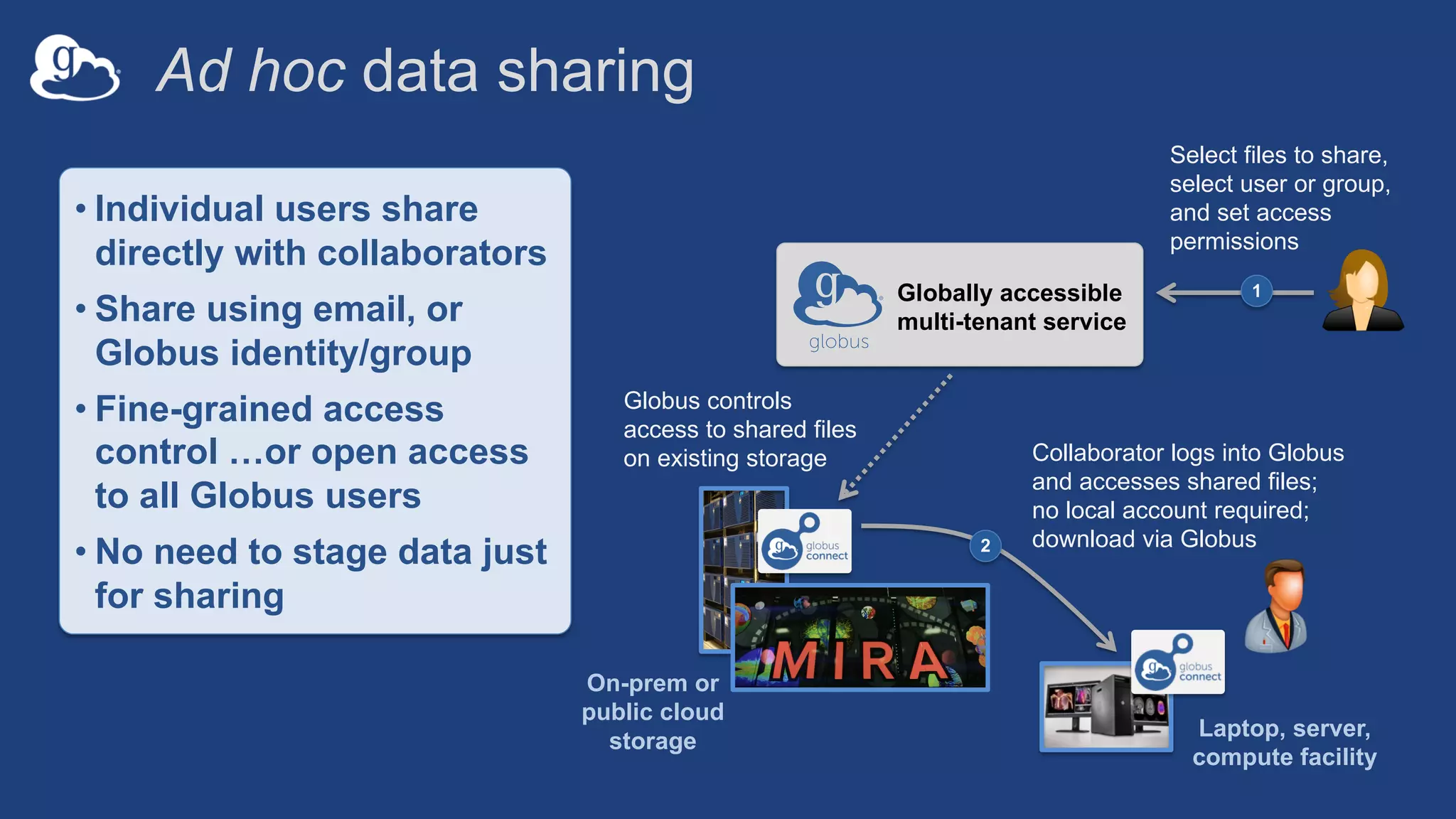
Ad hoc data sharing
Collaborator logs into Globus
and accesses shared files;
no local account required;
download via Globus2
On-prem or
public cloud
storage
Select files to share,
select user or group,
and set access
permissions
1Globally accessible
multi-tenant service
Globus controls
access to shared files
on existing storage
Laptop, server,
compute facility
• Individual users share
directly with collaborators
• Share using email, or
Globus identity/group
• Fine-grained access
control …or open access
to all Globus users
• No need to stage data just
for sharing
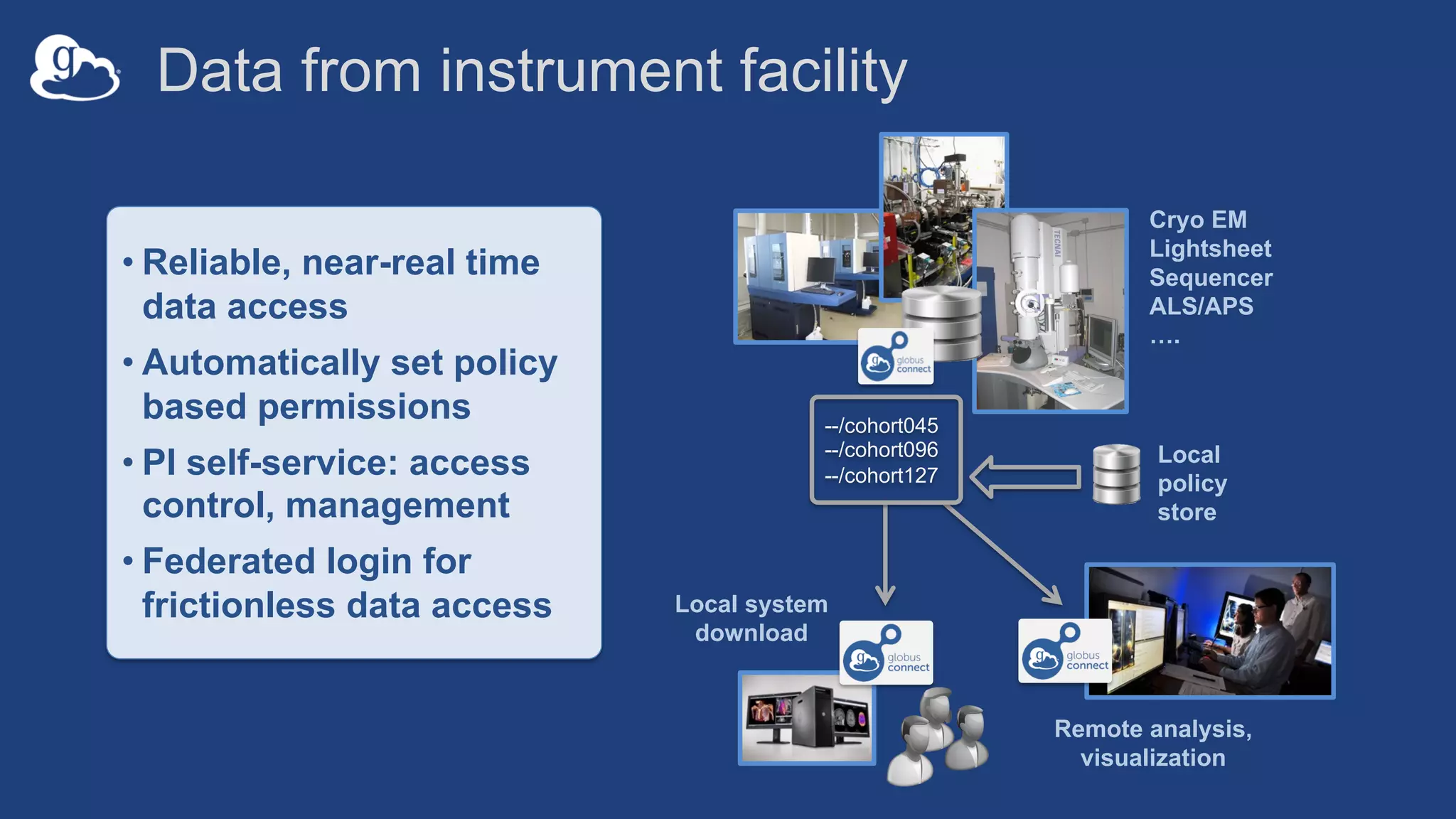
Data from instrument facility
Cryo EM
Lightsheet
Sequencer
ALS/APS
….
Local system
download
Remote analysis,
visualization
• Reliable, near-real time
data access
• Automatically set policy
based permissions
• PI self-service: access
control, management
• Federated login for
frictionless data access
Local
policy
store
--/cohort045
--/cohort096
--/cohort127
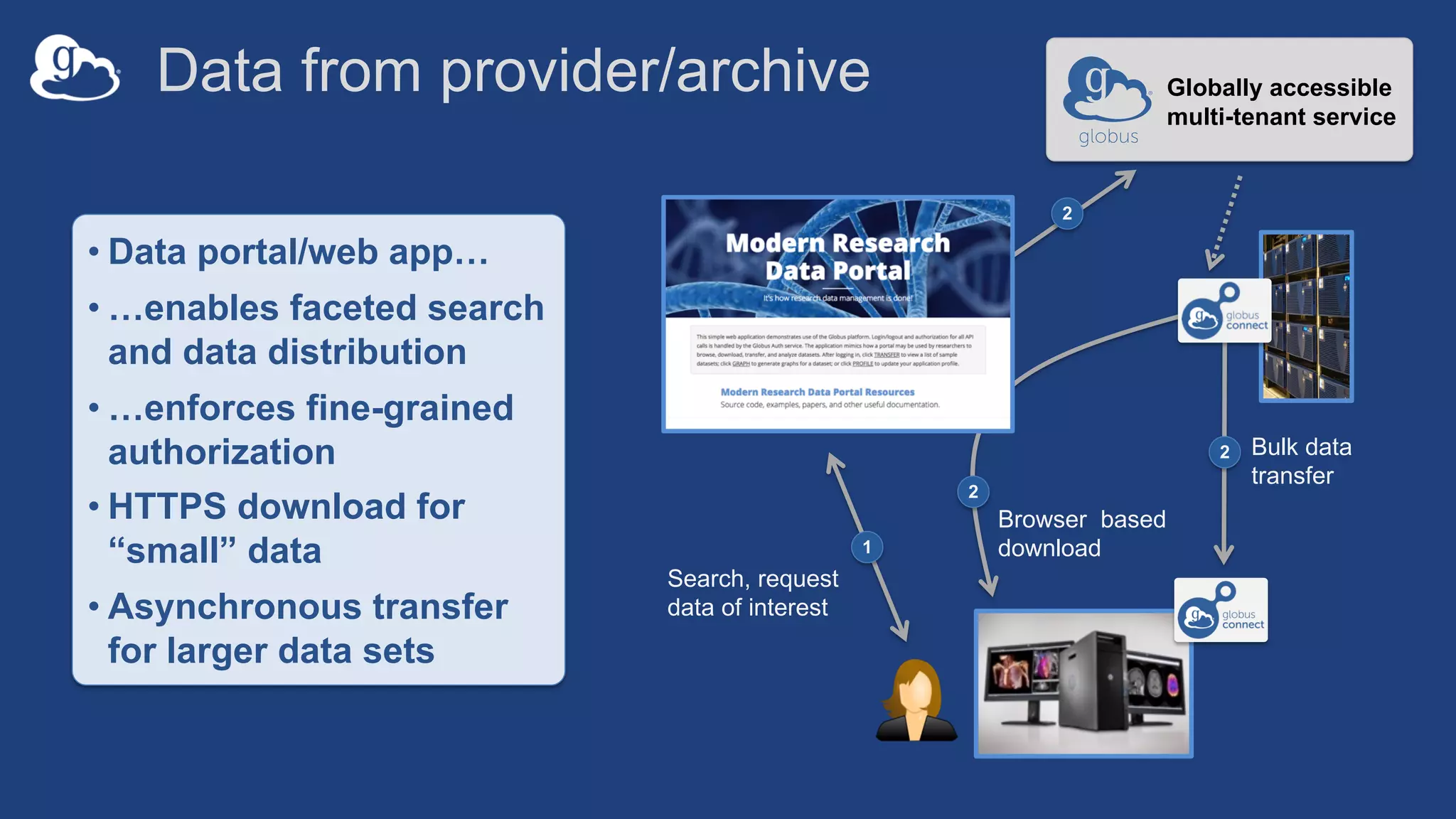
Data from provider/archive
Bulk data
transfer
2
Search, request
data of interest
1
• Data portal/web app…
• …enables faceted search
and data distribution
• …enforces fine-grained
authorization
• HTTPS download for
“small” data
• Asynchronous transfer
for larger data sets
2
Browser based
download
Globally accessible
multi-tenant service
2
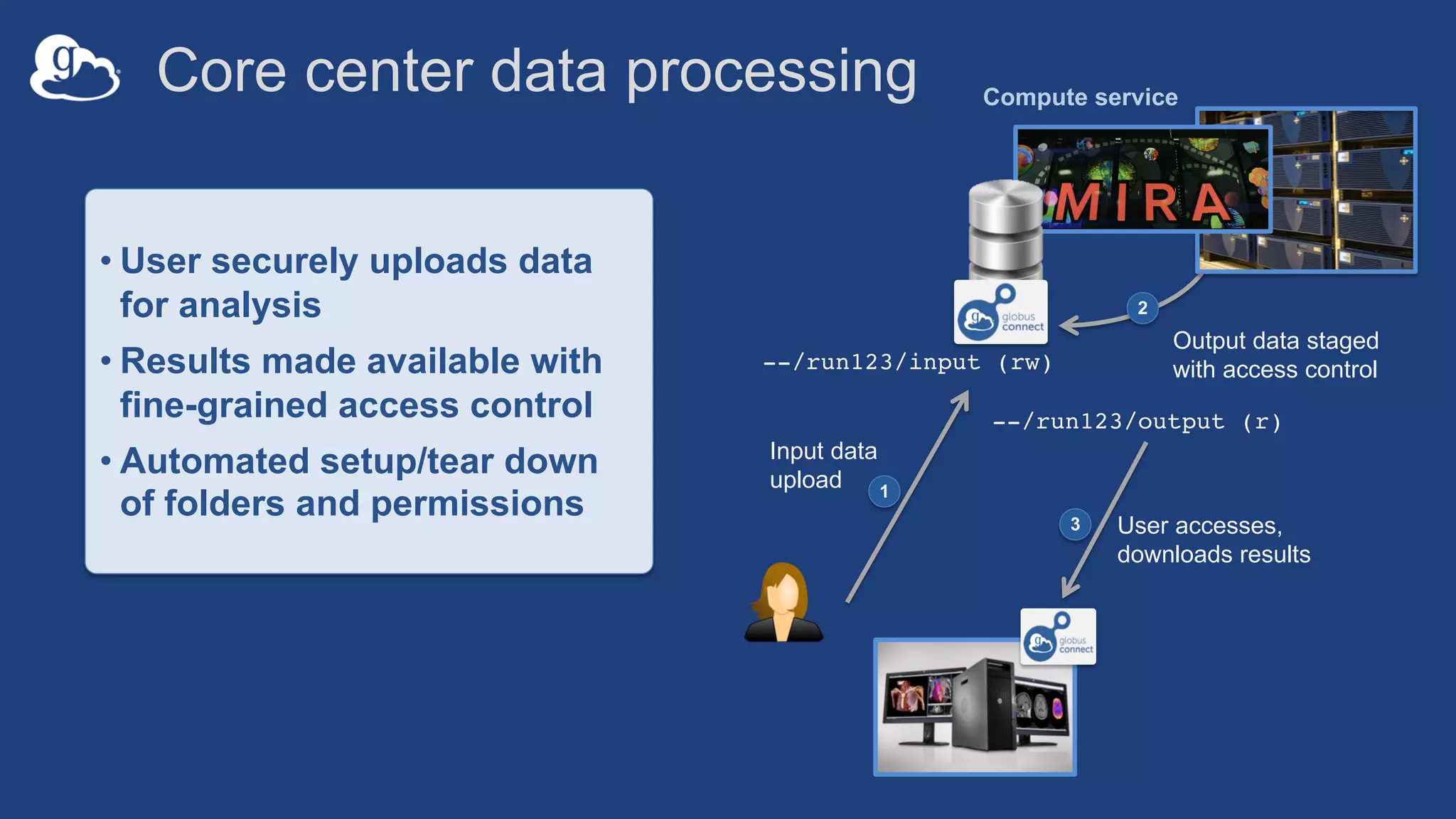
--/run123/output (r)
Output data staged
with access control
2
Core center data processing
--/run123/input (rw)
Compute service
• User securely uploads data
for analysis
• Results made available with
fine-grained access control
• Automated setup/tear down
of folders and permissions 3 User accesses,
downloads results
1
Input data
upload
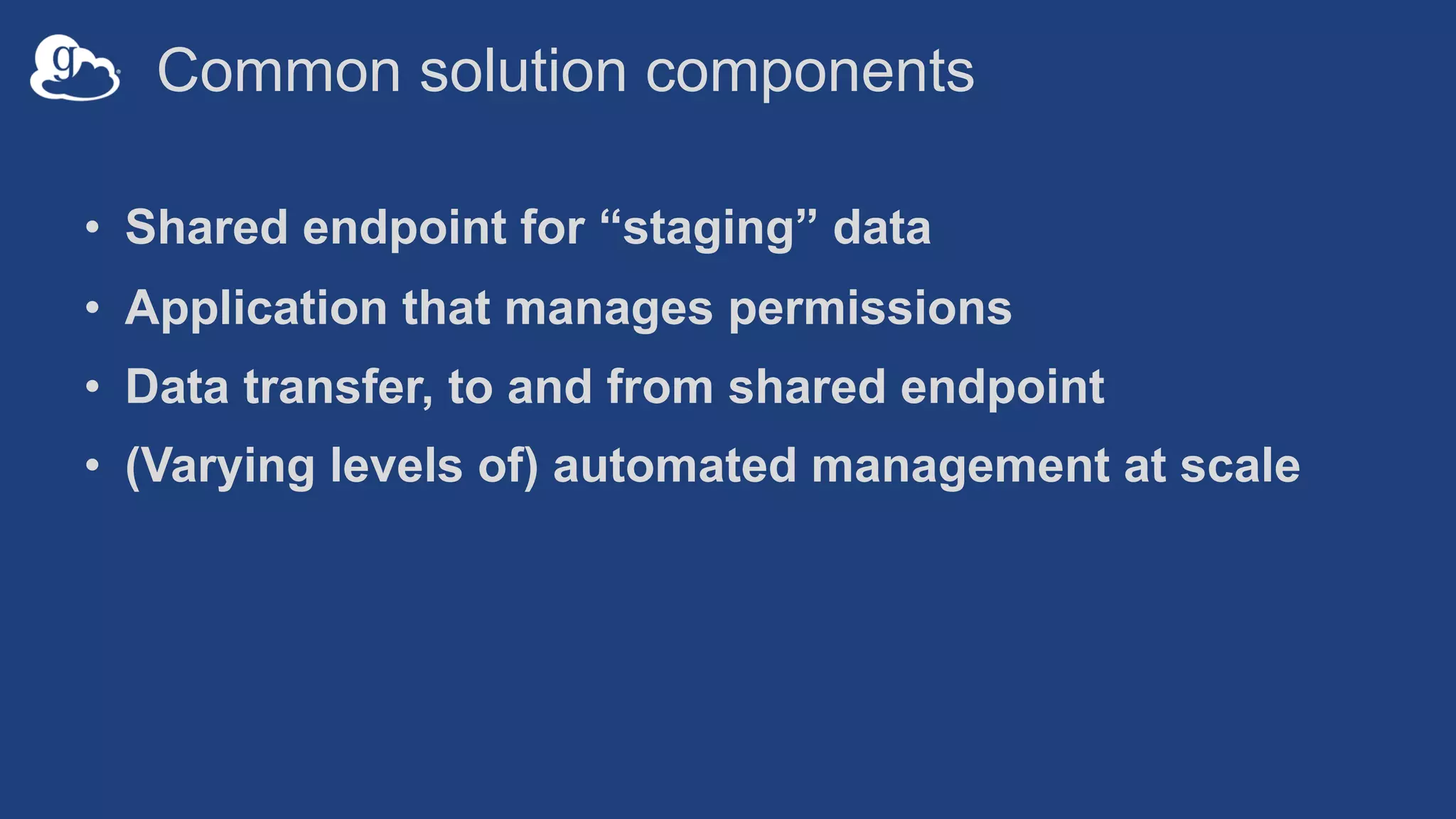
Common solution components
• Shared endpoint for “staging” data
• Application that manages permissions
• Data transfer, to and from shared endpoint
• (Varying levels of) automated management at scale
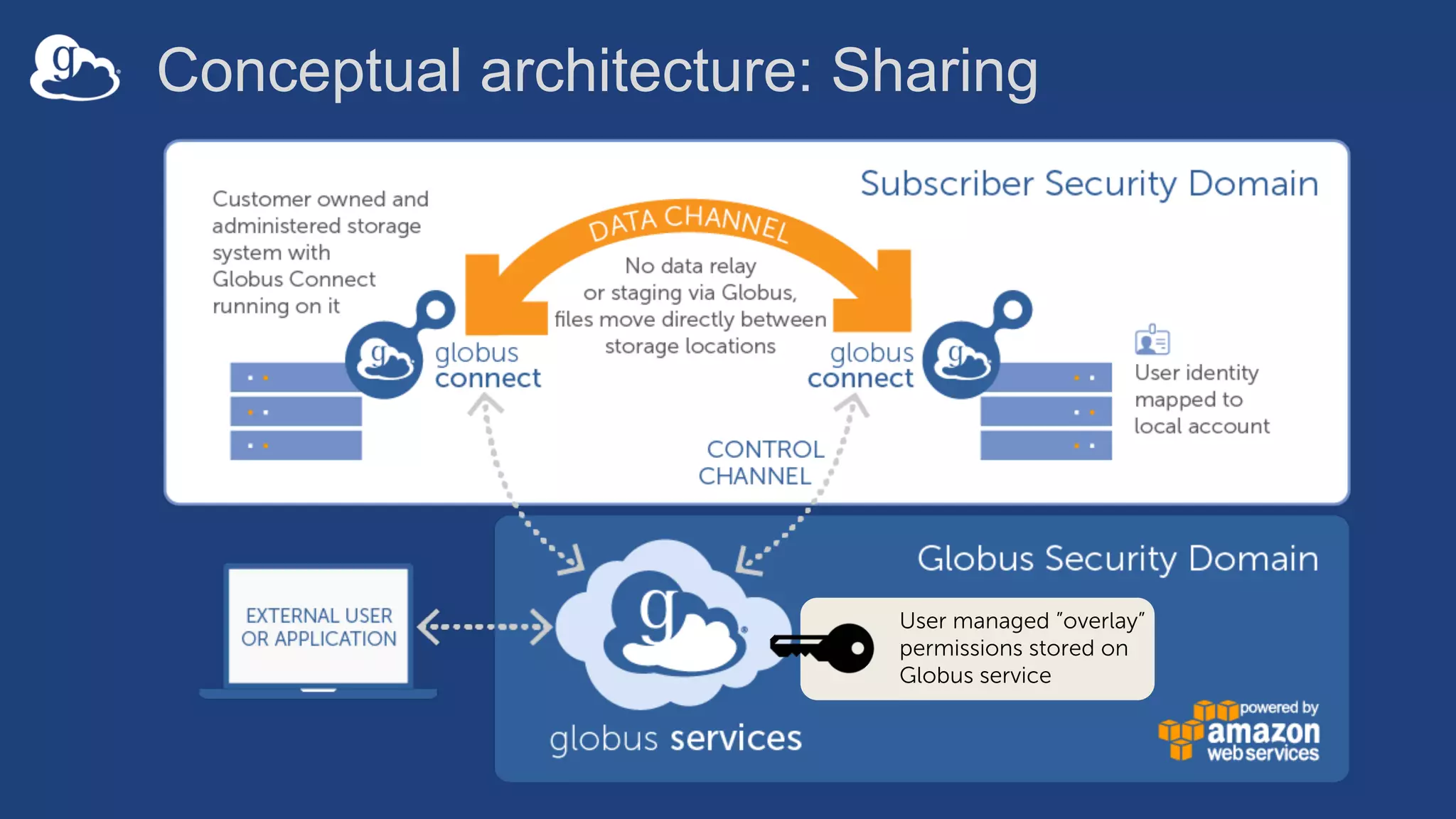
Conceptual architecture: Sharing
User managed ”overlay”
permissions stored on
Globus service
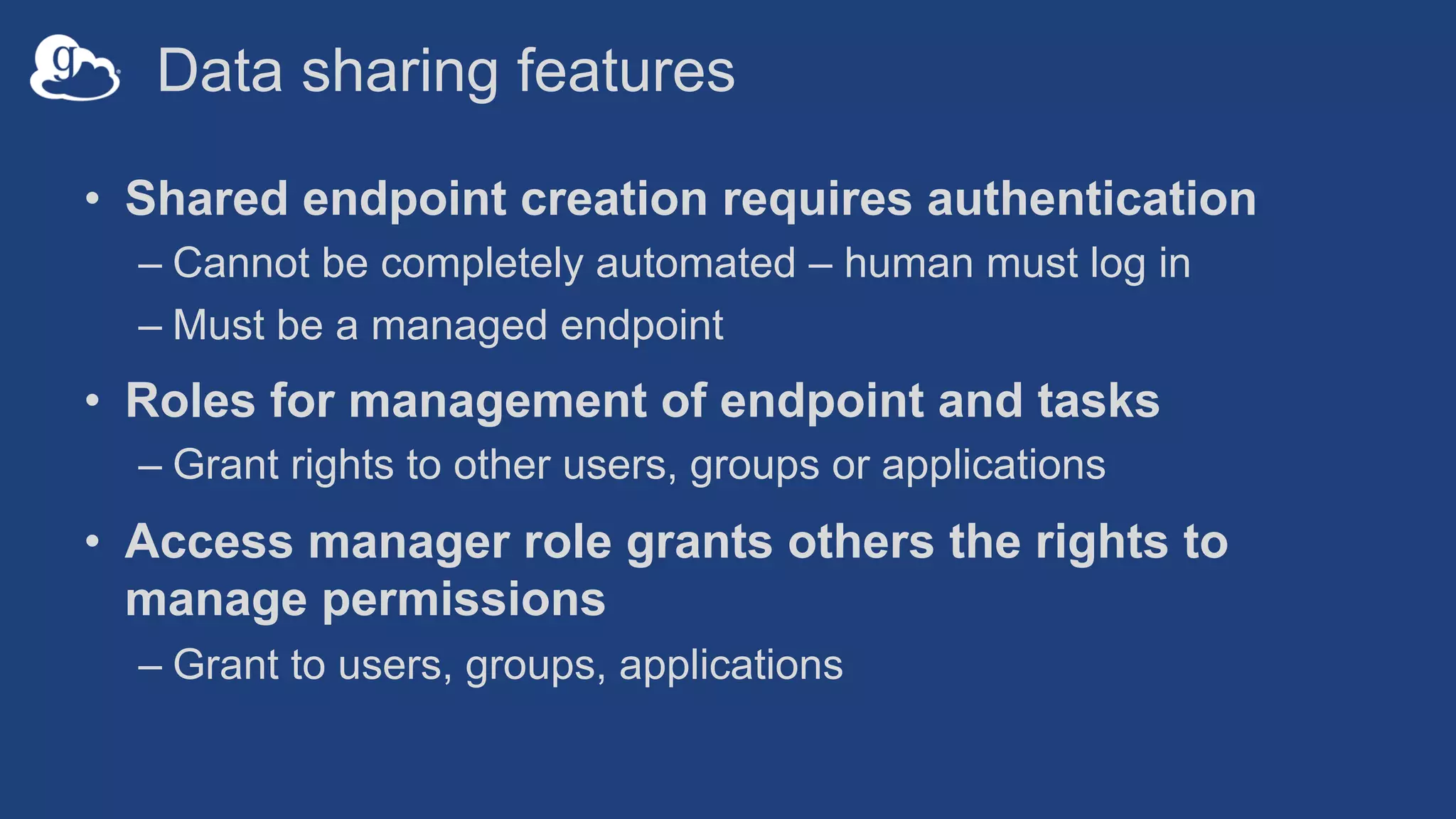
Data sharing features
• Shared endpoint creation requires authentication
– Cannot be completely automated – human must log in
– Must be a managed endpoint
• Roles for management of endpoint and tasks
– Grant rights to other users, groups or applications
• Access manager role grants others the rights to
manage permissions
– Grant to users, groups, applications
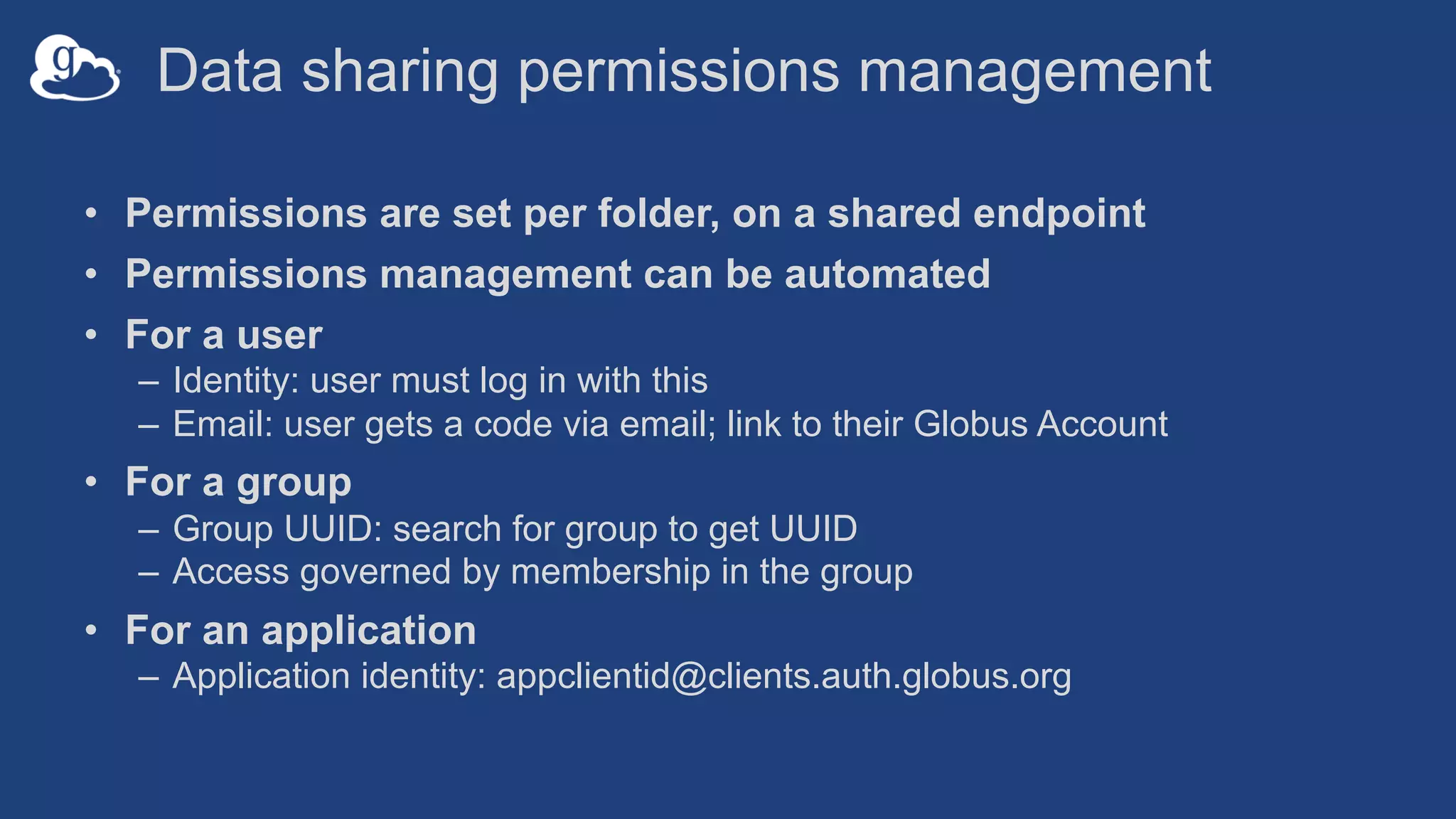
Data sharing permissions management
• Permissions are set per folder, on a shared endpoint
• Permissions management can be automated
• For a user
– Identity: user must log in with this
– Email: user gets a code via email; link to their Globus Account
• For a group
– Group UUID: search for group to get UUID
– Access governed by membership in the group
• For an application
– Application identity: appclientid@clients.auth.globus.org
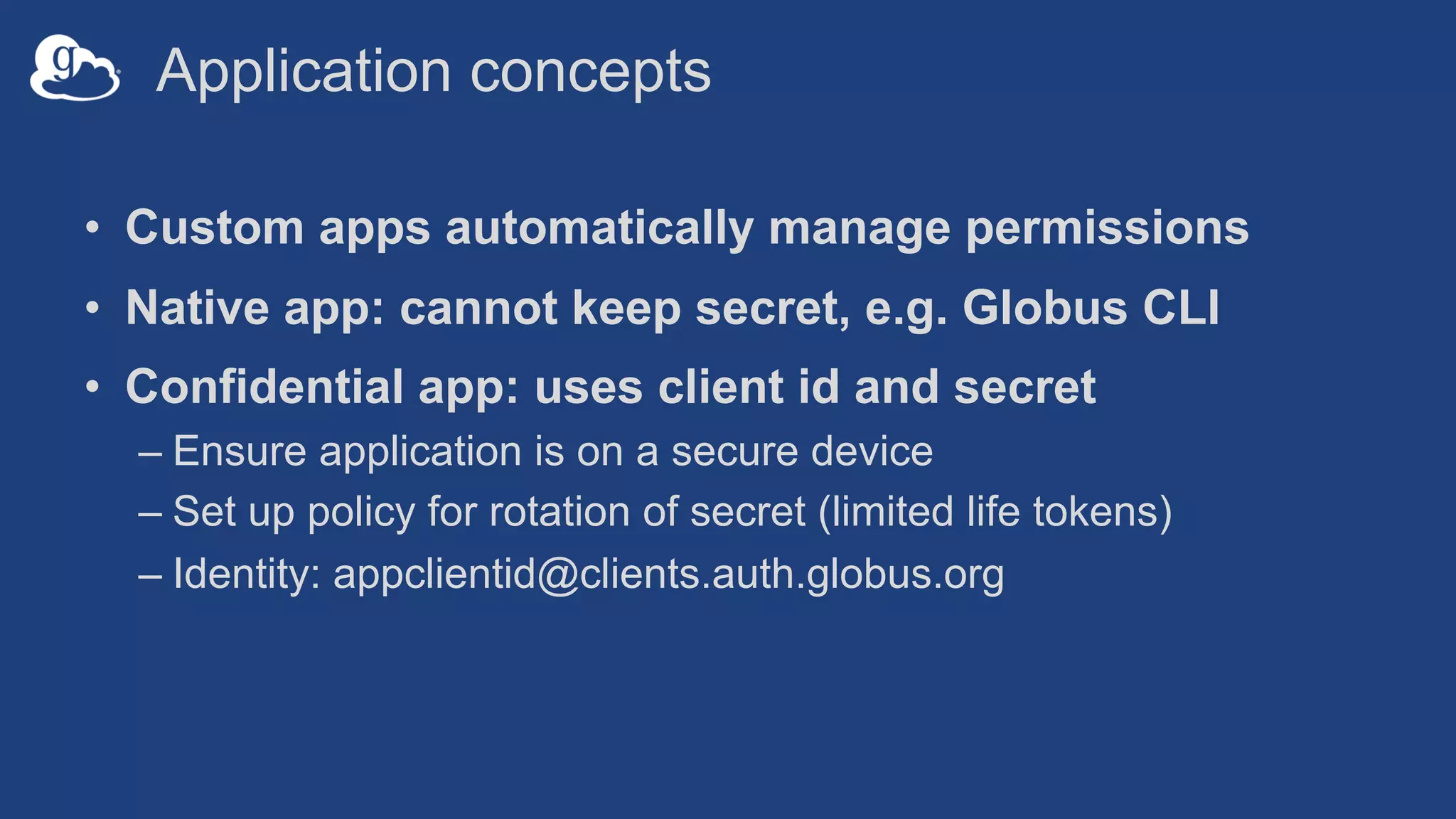
Application concepts
• Custom apps automatically manage permissions
• Native app: cannot keep secret, e.g. Globus CLI
• Confidential app: uses client id and secret
– Ensure application is on a secure device
– Set up policy for rotation of secret (limited life tokens)
– Identity: appclientid@clients.auth.globus.org
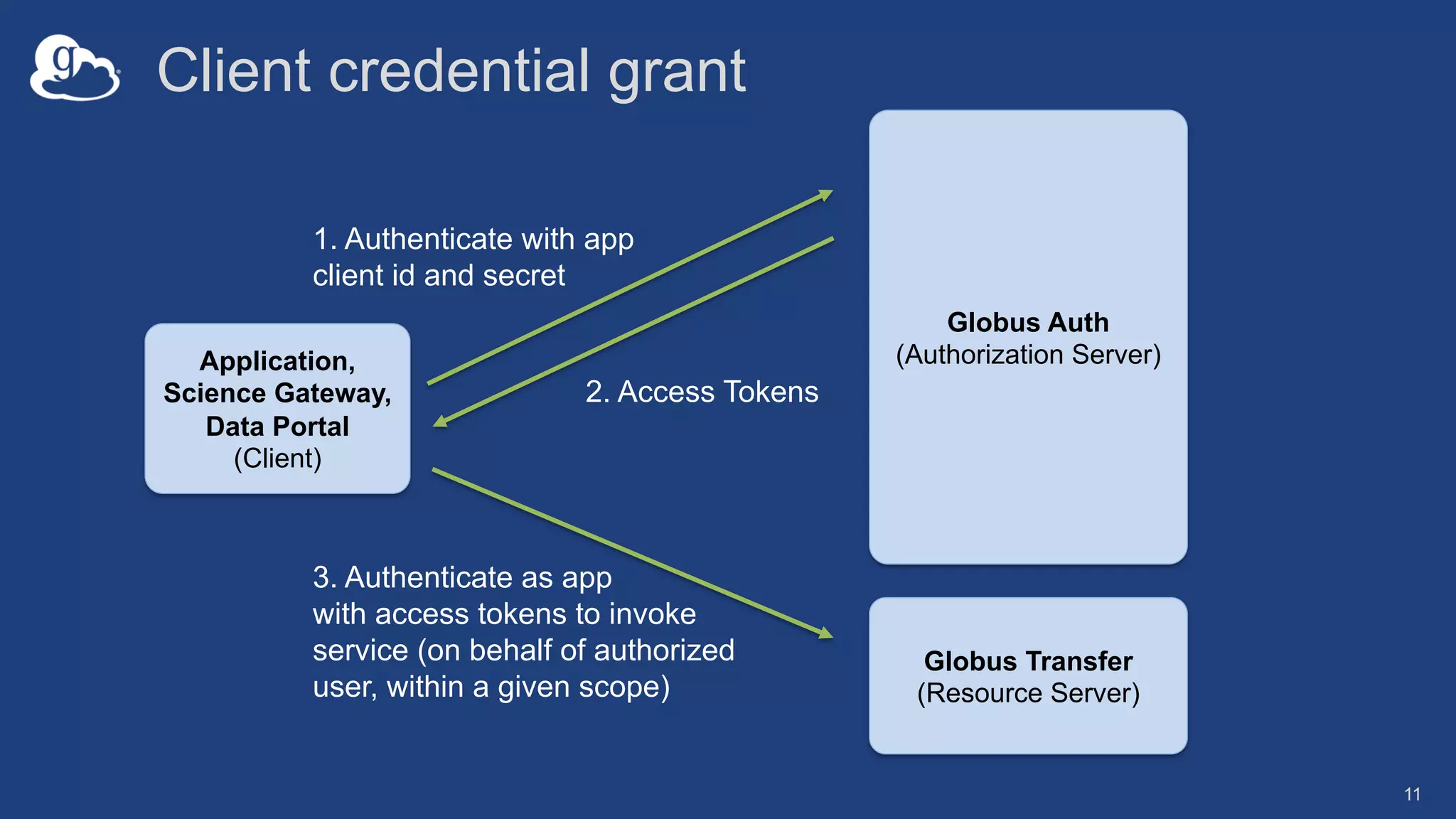
Client credential grant
11
1. Authenticate with app
client id and secret
2. Access Tokens
Application,
Science Gateway,
Data Portal
(Client)
3. Authenticate as app
with access tokens to invoke
service (on behalf of authorized
user, within a given scope)
Globus Transfer
(Resource Server)
Globus Auth
(Authorization Server)
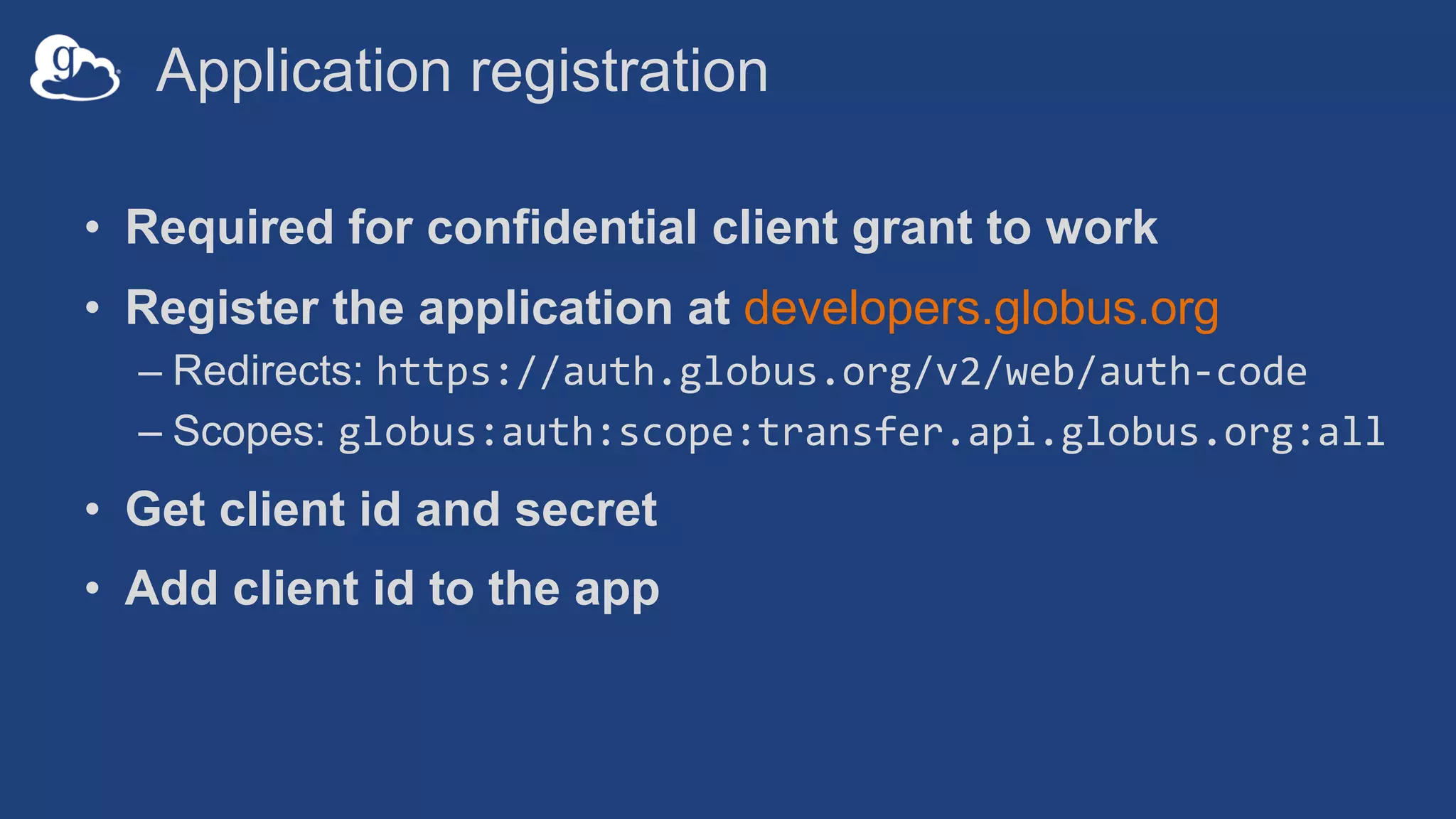
Application registration
• Required for confidential client grant to work
• Register the application at developers.globus.org
– Redirects: https://auth.globus.org/v2/web/auth-code
– Scopes: globus:auth:scope:transfer.api.globus.org:all
• Get client id and secret
• Add client id to the app
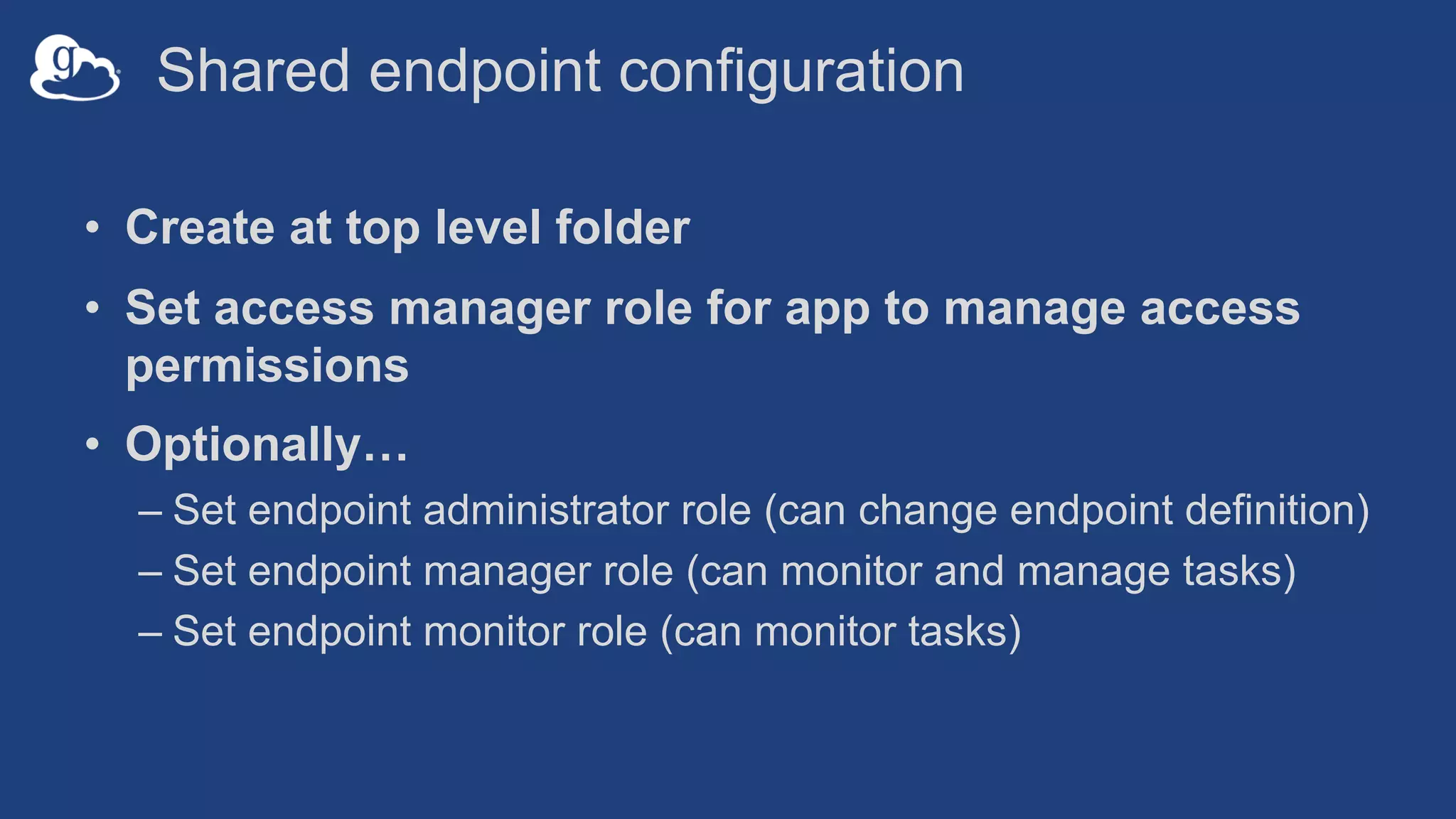
Shared endpoint configuration
• Create at top level folder
• Set access manager role for app to manage access
permissions
• Optionally…
– Set endpoint administrator role (can change endpoint definition)
– Set endpoint manager role (can monitor and manage tasks)
– Set endpoint monitor role (can monitor tasks)
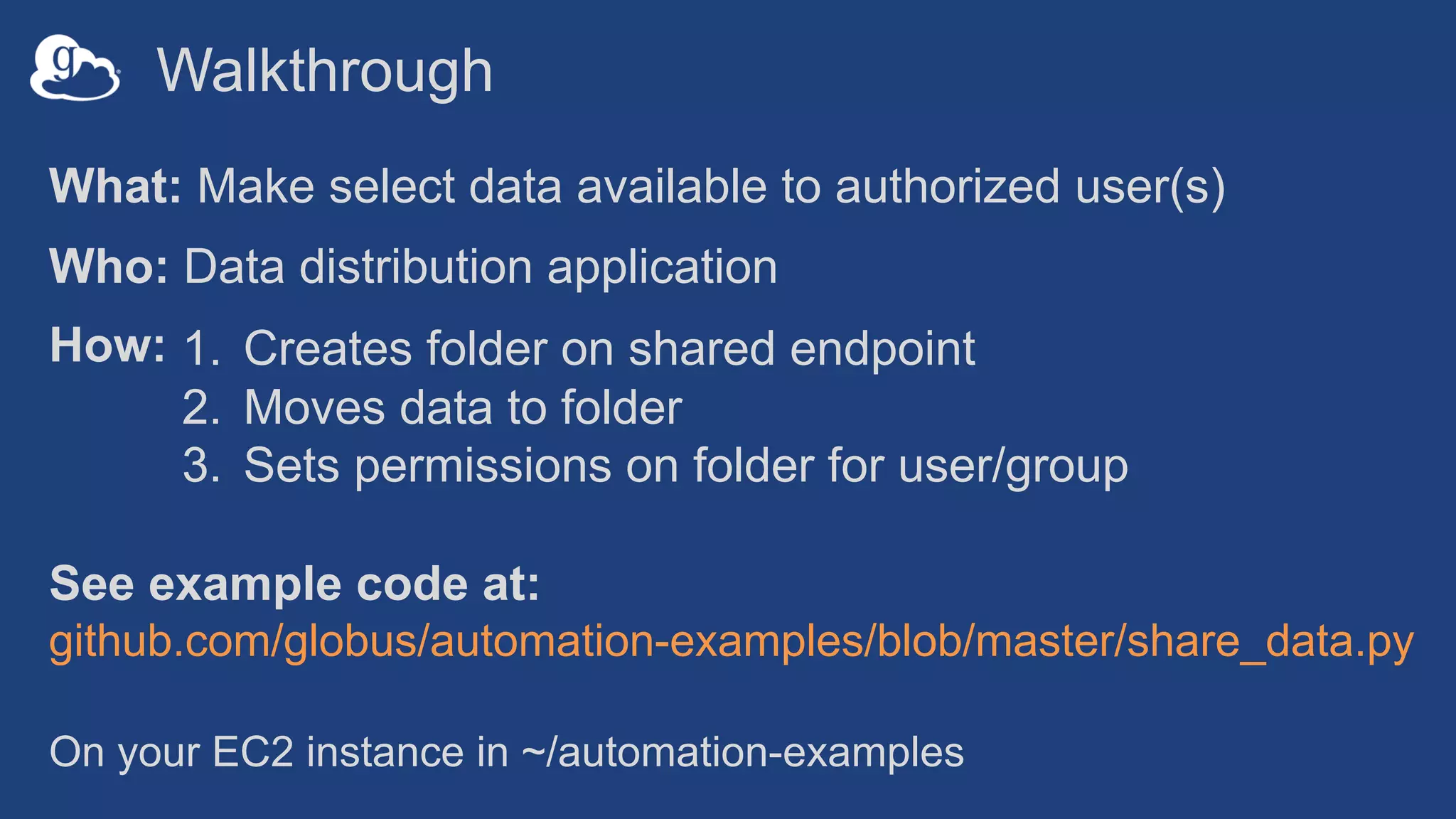
Walkthrough
What: Make select data available to authorized user(s)
Who: Data distribution application
How:
See example code at:
github.com/globus/automation-examples/blob/master/share_data.py
1. Creates folder on shared endpoint
2. Moves data to folder
3. Sets permissions on folder for user/group
On your EC2 instance in ~/automation-examples
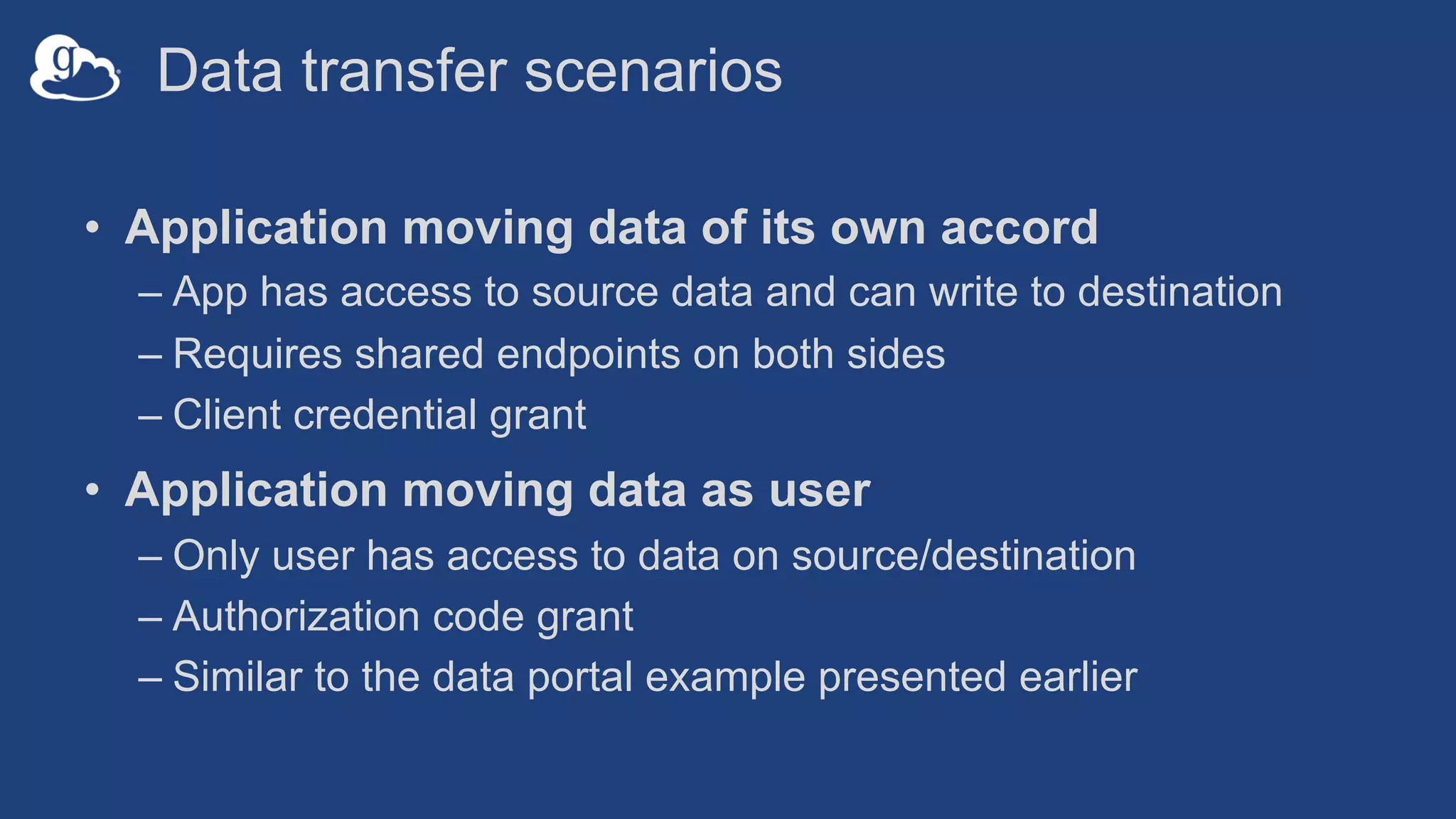
Data transfer scenarios
• Application moving data of its own accord
– App has access to source data and can write to destination
– Requires shared endpoints on both sides
– Client credential grant
• Application moving data as user
– Only user has access to data on source/destination
– Authorization code grant
– Similar to the data portal example presented earlier
Support resources
• Globus documentation: docs.globus.org
• Helpdesk and issue escalation: support@globus.org
• Mailing lists
– https://www.globus.org/mailing-lists
– developer-discuss@globus.org
• Globus professional services team
– Assist with portal/gateway/app architecture and design
– Develop custom applications that leverage the Globus platform
– Advise on customized deployment and integration scenarios
Join the Globus community
• Access the service: globus.org/login
• Create a personal endpoint: globus.org/app/endpoints/create-gcp
• Documentation: docs.globus.org
• Engage: globus.org/mailing-lists
• Subscribe: globus.org/subscriptions
• Need help? support@globus.org
• Follow us: @globusonline

Best Practices for Data Sharing (CHPC 2019 - South Africa)

  • 1.
    Best Practices forData Sharing Vas Vasiliadis vas@uchicago.edu CHPC National Conference December 5, 2019
  • 2.
    Ad hoc datasharing Collaborator logs into Globus and accesses shared files; no local account required; download via Globus2 On-prem or public cloud storage Select files to share, select user or group, and set access permissions 1Globally accessible multi-tenant service Globus controls access to shared files on existing storage Laptop, server, compute facility • Individual users share directly with collaborators • Share using email, or Globus identity/group • Fine-grained access control …or open access to all Globus users • No need to stage data just for sharing
  • 3.
    Data from instrumentfacility Cryo EM Lightsheet Sequencer ALS/APS …. Local system download Remote analysis, visualization • Reliable, near-real time data access • Automatically set policy based permissions • PI self-service: access control, management • Federated login for frictionless data access Local policy store --/cohort045 --/cohort096 --/cohort127
  • 4.
    Data from provider/archive Bulkdata transfer 2 Search, request data of interest 1 • Data portal/web app… • …enables faceted search and data distribution • …enforces fine-grained authorization • HTTPS download for “small” data • Asynchronous transfer for larger data sets 2 Browser based download Globally accessible multi-tenant service 2
  • 5.
    --/run123/output (r) Output datastaged with access control 2 Core center data processing --/run123/input (rw) Compute service • User securely uploads data for analysis • Results made available with fine-grained access control • Automated setup/tear down of folders and permissions 3 User accesses, downloads results 1 Input data upload
  • 6.
    Common solution components •Shared endpoint for “staging” data • Application that manages permissions • Data transfer, to and from shared endpoint • (Varying levels of) automated management at scale
  • 7.
    Conceptual architecture: Sharing Usermanaged ”overlay” permissions stored on Globus service
  • 8.
    Data sharing features •Shared endpoint creation requires authentication – Cannot be completely automated – human must log in – Must be a managed endpoint • Roles for management of endpoint and tasks – Grant rights to other users, groups or applications • Access manager role grants others the rights to manage permissions – Grant to users, groups, applications
  • 9.
    Data sharing permissionsmanagement • Permissions are set per folder, on a shared endpoint • Permissions management can be automated • For a user – Identity: user must log in with this – Email: user gets a code via email; link to their Globus Account • For a group – Group UUID: search for group to get UUID – Access governed by membership in the group • For an application – Application identity: appclientid@clients.auth.globus.org
  • 10.
    Application concepts • Customapps automatically manage permissions • Native app: cannot keep secret, e.g. Globus CLI • Confidential app: uses client id and secret – Ensure application is on a secure device – Set up policy for rotation of secret (limited life tokens) – Identity: appclientid@clients.auth.globus.org
  • 11.
    Client credential grant 11 1.Authenticate with app client id and secret 2. Access Tokens Application, Science Gateway, Data Portal (Client) 3. Authenticate as app with access tokens to invoke service (on behalf of authorized user, within a given scope) Globus Transfer (Resource Server) Globus Auth (Authorization Server)
  • 12.
    Application registration • Requiredfor confidential client grant to work • Register the application at developers.globus.org – Redirects: https://auth.globus.org/v2/web/auth-code – Scopes: globus:auth:scope:transfer.api.globus.org:all • Get client id and secret • Add client id to the app
  • 13.
    Shared endpoint configuration •Create at top level folder • Set access manager role for app to manage access permissions • Optionally… – Set endpoint administrator role (can change endpoint definition) – Set endpoint manager role (can monitor and manage tasks) – Set endpoint monitor role (can monitor tasks)
  • 14.
    Walkthrough What: Make selectdata available to authorized user(s) Who: Data distribution application How: See example code at: github.com/globus/automation-examples/blob/master/share_data.py 1. Creates folder on shared endpoint 2. Moves data to folder 3. Sets permissions on folder for user/group On your EC2 instance in ~/automation-examples
  • 15.
    Data transfer scenarios •Application moving data of its own accord – App has access to source data and can write to destination – Requires shared endpoints on both sides – Client credential grant • Application moving data as user – Only user has access to data on source/destination – Authorization code grant – Similar to the data portal example presented earlier
  • 16.
    Support resources • Globusdocumentation: docs.globus.org • Helpdesk and issue escalation: support@globus.org • Mailing lists – https://www.globus.org/mailing-lists – developer-discuss@globus.org • Globus professional services team – Assist with portal/gateway/app architecture and design – Develop custom applications that leverage the Globus platform – Advise on customized deployment and integration scenarios
  • 17.
    Join the Globuscommunity • Access the service: globus.org/login • Create a personal endpoint: globus.org/app/endpoints/create-gcp • Documentation: docs.globus.org • Engage: globus.org/mailing-lists • Subscribe: globus.org/subscriptions • Need help? support@globus.org • Follow us: @globusonline