Introduction to HTML
•HTML stands for HyperText Markup Language.
• It is the standard language for creating webpages.
• HTML uses tags to structure content.
• Tags usually come in pairs: opening < > and closing </ >.
3.
Structure of anHTML Document
• <!DOCTYPE html> – Defines HTML version
• <html> – Root element
• <head> – Page metadata
• <body> – Visible content
4.
Basic Tags
• <html>→ Root element
• <head> → Contains metadata, title, links
• <title> → Title of the webpage (browser tab)
• <body> → Holds all visible content
5.
Text Formatting Tags
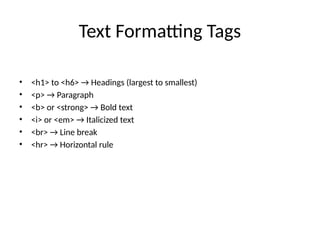
•<h1> to <h6> → Headings (largest to smallest)
• <p> → Paragraph
• <b> or <strong> → Bold text
• <i> or <em> → Italicized text
• <br> → Line break
• <hr> → Horizontal rule
6.
Links and Images
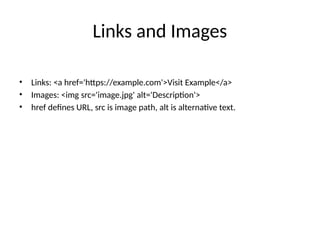
•Links: <a href='https://example.com'>Visit Example</a>
• Images: <img src='image.jpg' alt='Description'>
• href defines URL, src is image path, alt is alternative text.
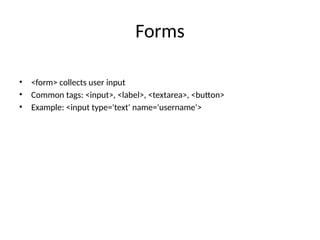
Forms
• <form> collectsuser input
• Common tags: <input>, <label>, <textarea>, <button>
• Example: <input type='text' name='username'>
10.
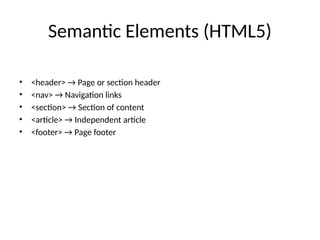
Semantic Elements (HTML5)
•<header> → Page or section header
• <nav> → Navigation links
• <section> → Section of content
• <article> → Independent article
• <footer> → Page footer
11.
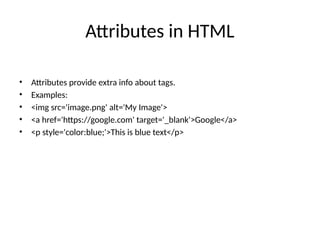
Attributes in HTML
•Attributes provide extra info about tags.
• Examples:
• <img src='image.png' alt='My Image'>
• <a href='https://google.com' target='_blank'>Google</a>
• <p style='color:blue;'>This is blue text</p>
12.
Summary
• HTML usestags to structure webpages.
• Basic tags: <html>, <head>, <title>, <body>.
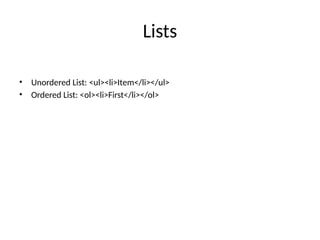
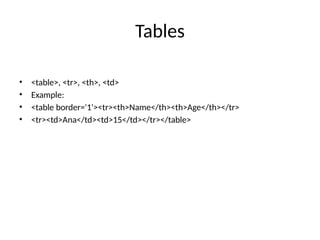
• Content tags: headings, paragraphs, lists, tables, images, links.
• Forms & semantic tags make webpages functional & meaningful.