HTML: The
Building Blocks of
the Web
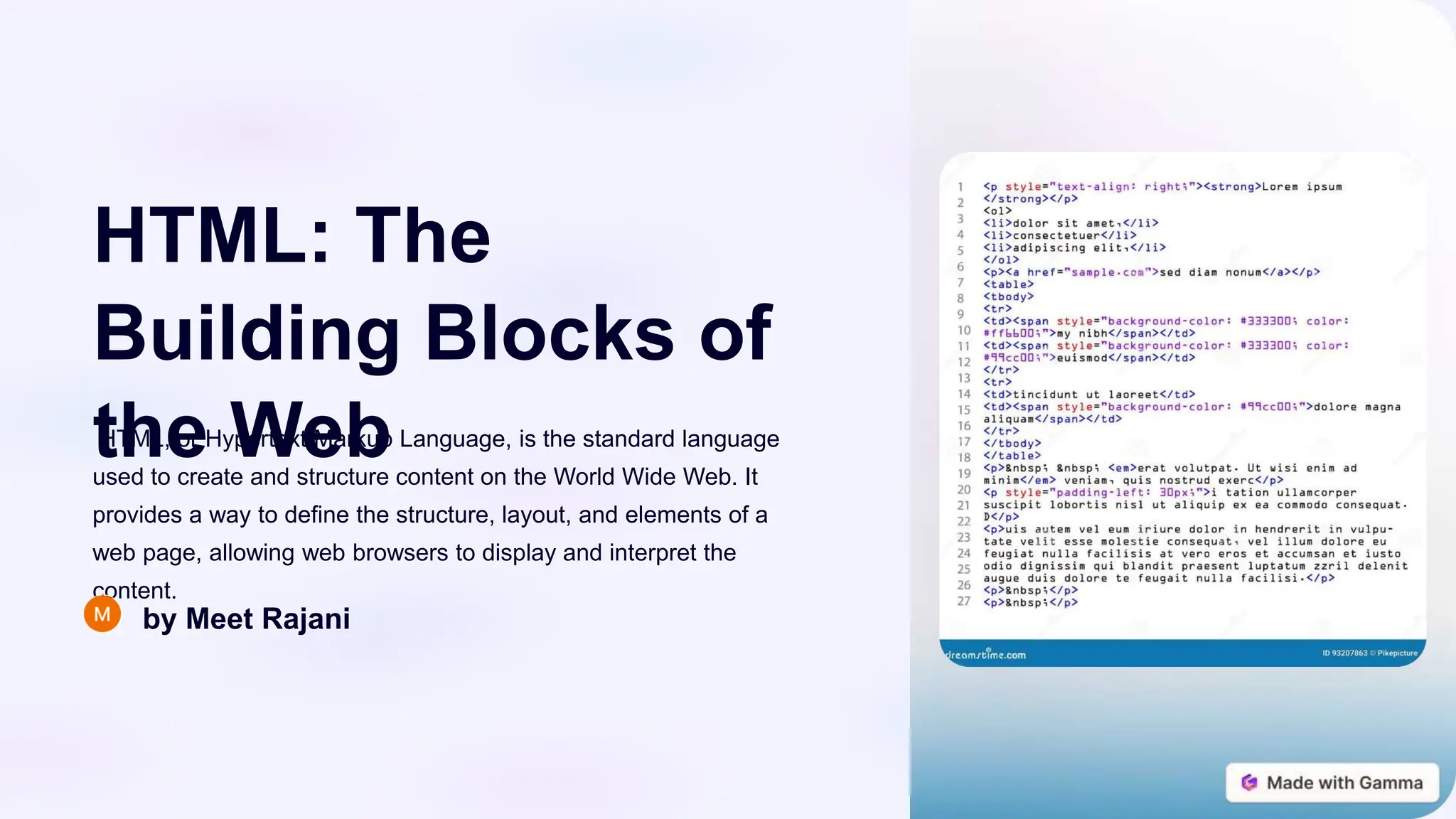
HTML, or Hypertext Markup Language, is the standard language
used to create and structure content on the World Wide Web. It
provides a way to define the structure, layout, and elements of a
web page, allowing web browsers to display and interpret the
content.
by Meet Rajani
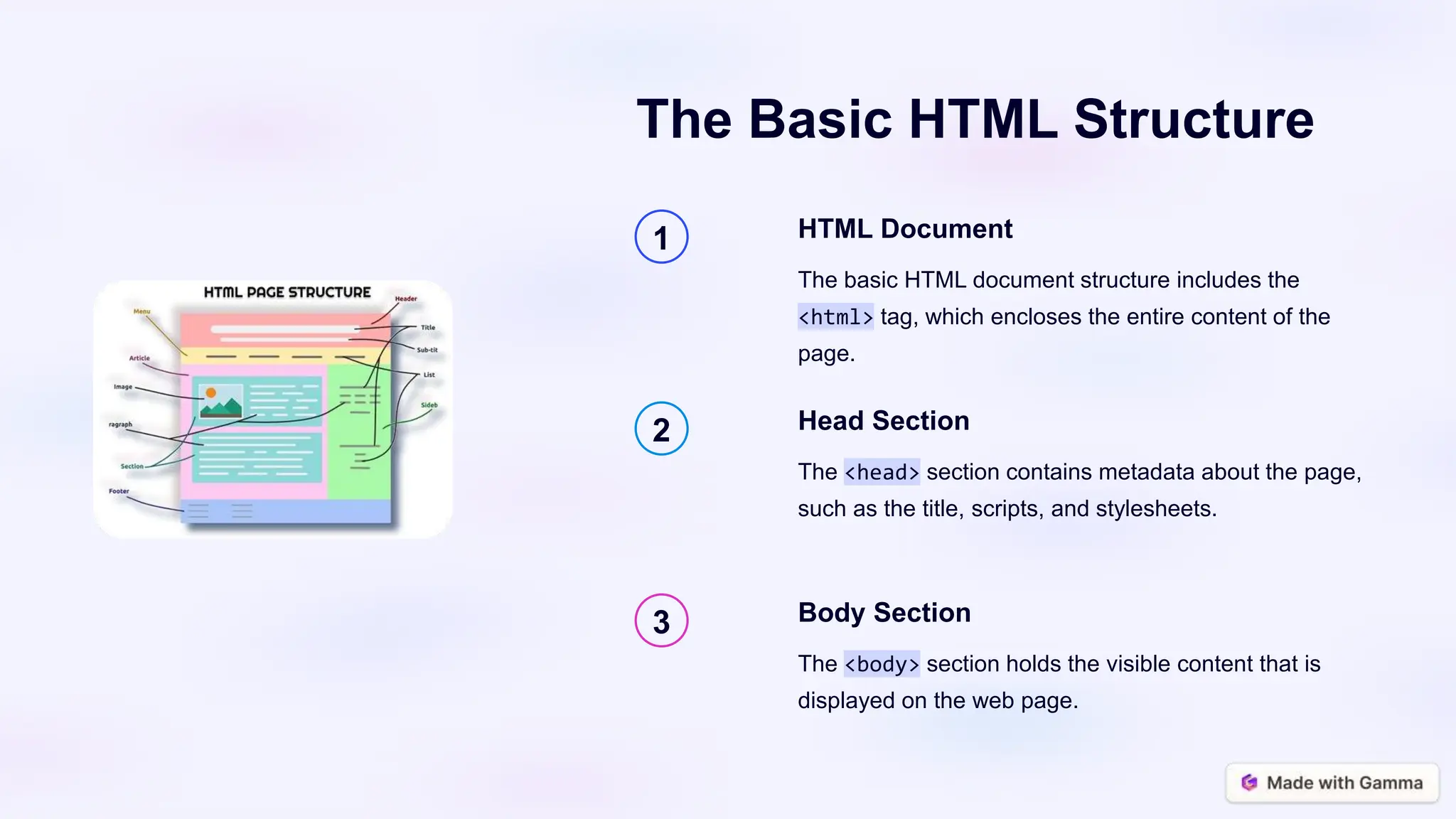
The Basic HTML Structure
1 HTML Document
The basic HTML document structure includes the
<html> tag, which encloses the entire content of the
page.
2 Head Section
The <head> section contains metadata about the page,
such as the title, scripts, and stylesheets.
3 Body Section
The <body> section holds the visible content that is
displayed on the web page.
HTML Tags and Elements
Tags
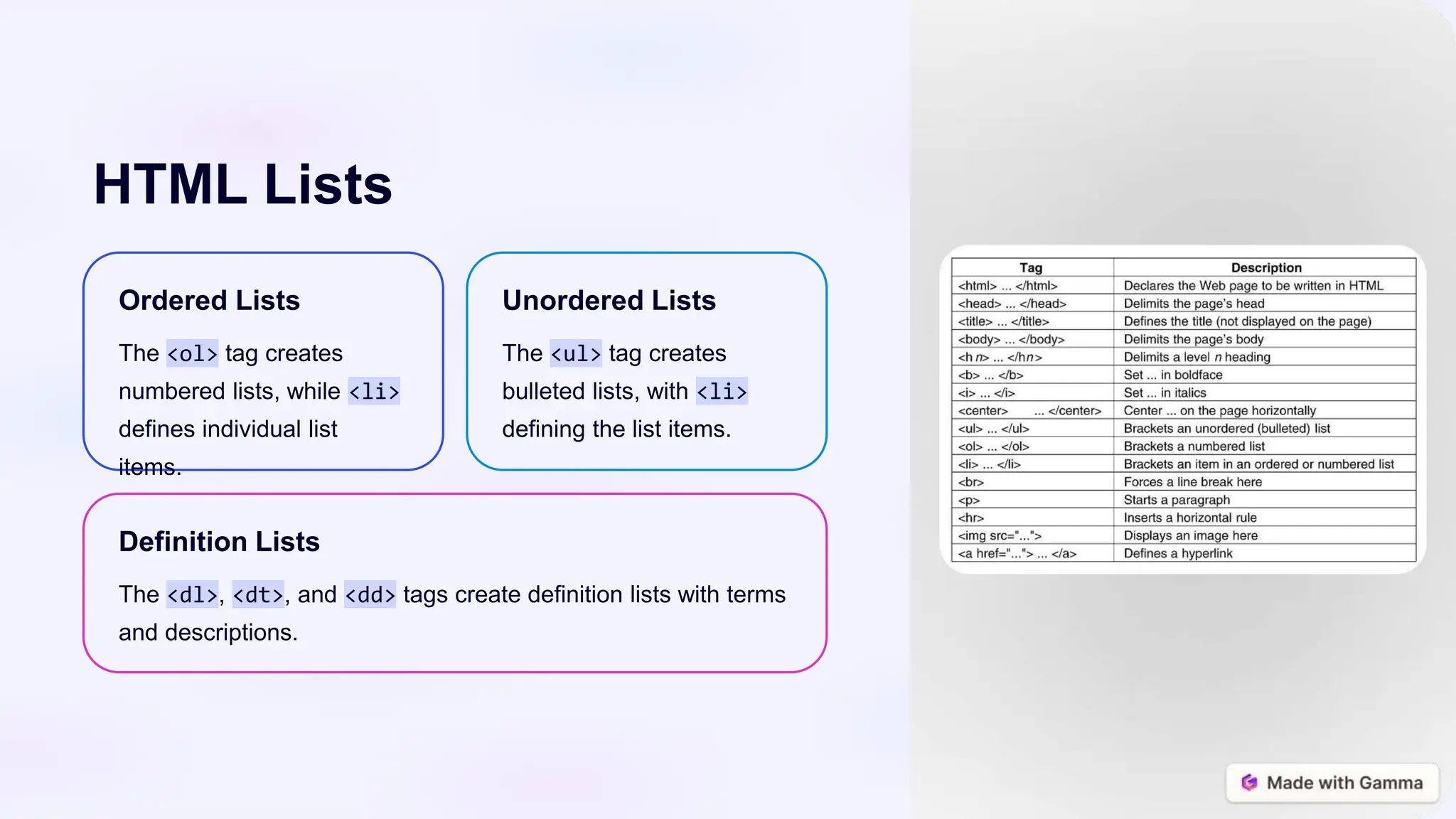
HTML tags are used to define the
structure and meaning of elements
on a web page. They are enclosed
in angle brackets, like <p> for
paragraphs.
Elements
HTML elements are the building
blocks of a web page, representing
different types of content such as
headings, paragraphs, links, and
images.
Attributes
HTML attributes provide additional
information about an element,
such as its ID, class, or specific
properties.
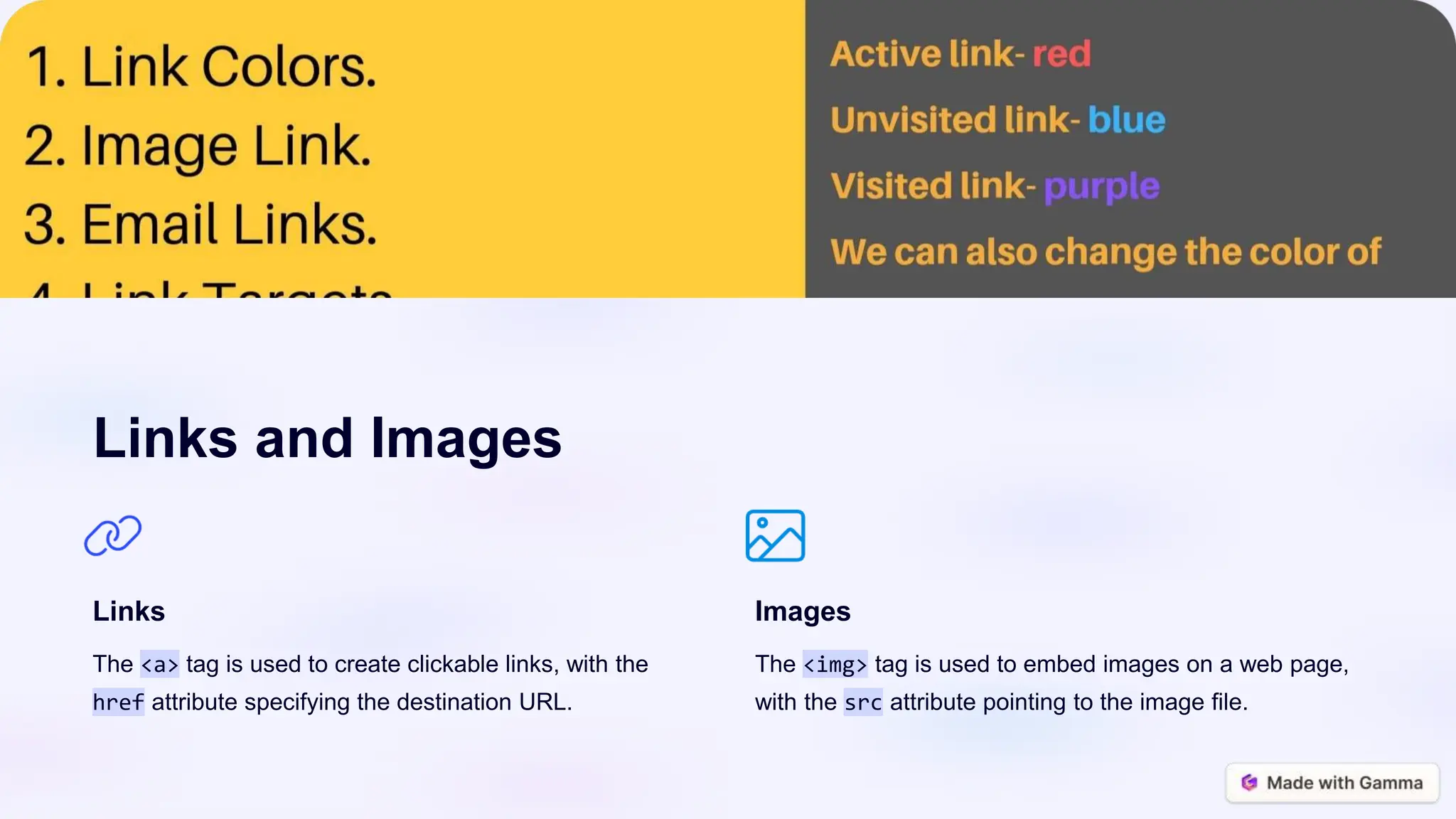
Links and Images
Links
The <a> tag is used to create clickable links, with the
href attribute specifying the destination URL.
Images
The <img> tag is used to embed images on a web page,
with the src attribute pointing to the image file.
HTML Lists
Ordered Lists
The <ol> tag creates
numbered lists, while <li>
defines individual list
items.
Unordered Lists
The <ul> tag creates
bulleted lists, with <li>
defining the list items.
Definition Lists
The <dl>, <dt>, and <dd> tags create definition lists with terms
and descriptions.
HTML Tables
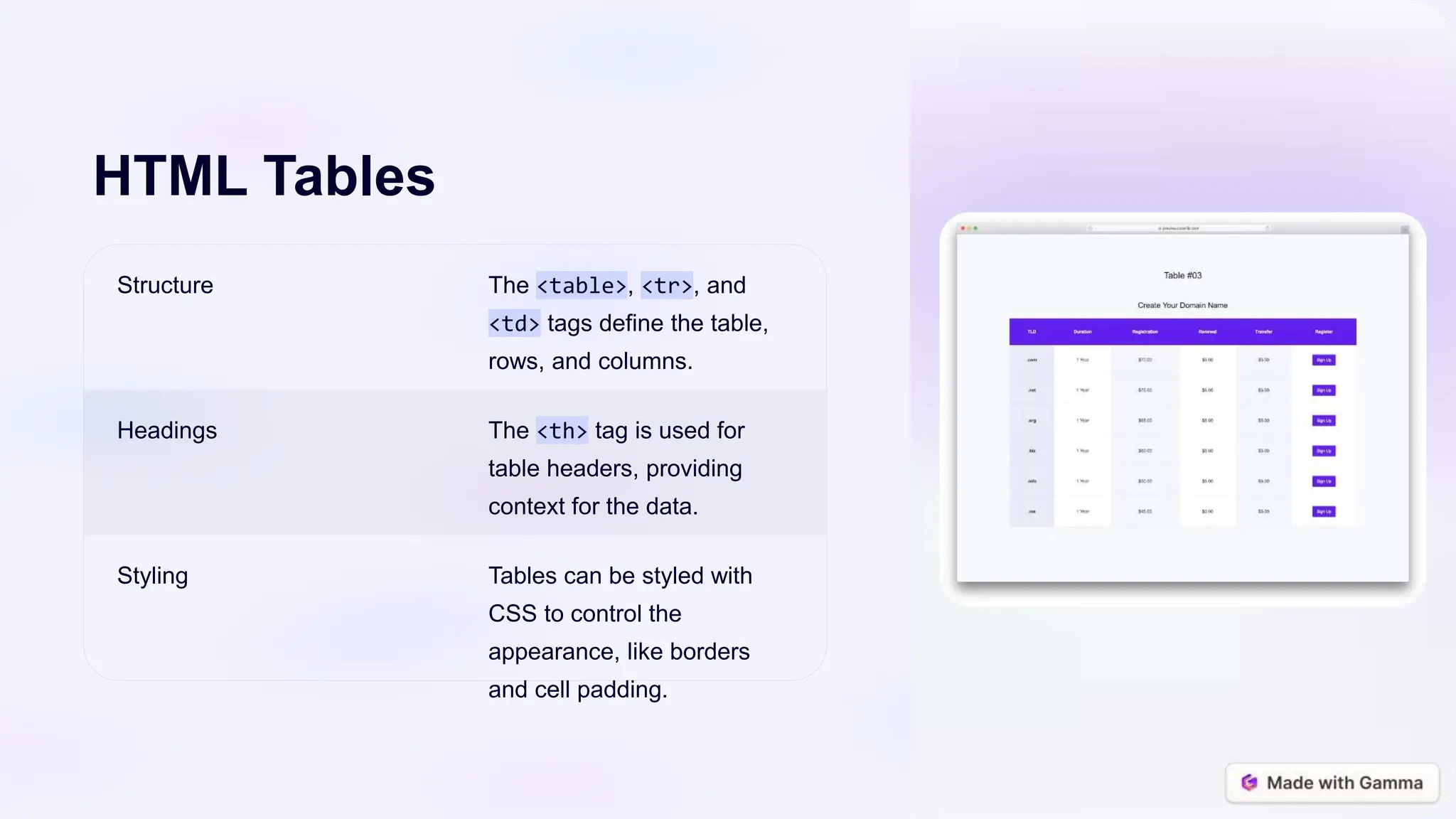
Structure The <table>, <tr>, and
<td> tags define the table,
rows, and columns.
Headings The <th> tag is used for
table headers, providing
context for the data.
Styling Tables can be styled with
CSS to control the
appearance, like borders
and cell padding.
HTML Forms
Form Structure
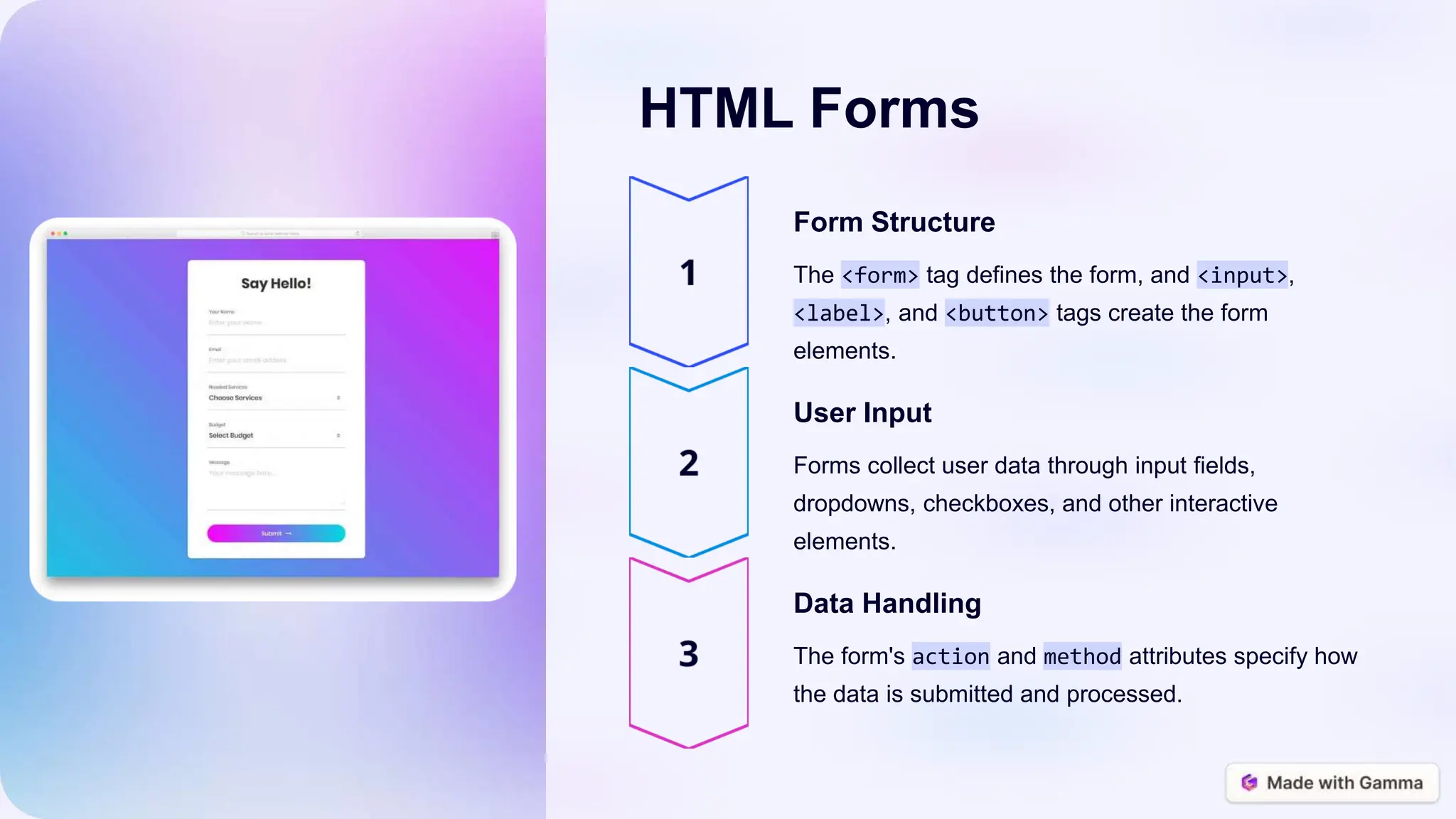
The <form> tag defines the form, and <input>,
<label>, and <button> tags create the form
elements.
User Input
Forms collect user data through input fields,
dropdowns, checkboxes, and other interactive
elements.
Data Handling
The form's action and method attributes specify how
the data is submitted and processed.

HTML-The-Building-Blocks-of-the-Web.pptx

  • 1.
    HTML: The Building Blocksof the Web HTML, or Hypertext Markup Language, is the standard language used to create and structure content on the World Wide Web. It provides a way to define the structure, layout, and elements of a web page, allowing web browsers to display and interpret the content. by Meet Rajani
  • 2.
    The Basic HTMLStructure 1 HTML Document The basic HTML document structure includes the <html> tag, which encloses the entire content of the page. 2 Head Section The <head> section contains metadata about the page, such as the title, scripts, and stylesheets. 3 Body Section The <body> section holds the visible content that is displayed on the web page.
  • 3.
    HTML Tags andElements Tags HTML tags are used to define the structure and meaning of elements on a web page. They are enclosed in angle brackets, like <p> for paragraphs. Elements HTML elements are the building blocks of a web page, representing different types of content such as headings, paragraphs, links, and images. Attributes HTML attributes provide additional information about an element, such as its ID, class, or specific properties.
  • 4.
    Links and Images Links The<a> tag is used to create clickable links, with the href attribute specifying the destination URL. Images The <img> tag is used to embed images on a web page, with the src attribute pointing to the image file.
  • 5.
    HTML Lists Ordered Lists The<ol> tag creates numbered lists, while <li> defines individual list items. Unordered Lists The <ul> tag creates bulleted lists, with <li> defining the list items. Definition Lists The <dl>, <dt>, and <dd> tags create definition lists with terms and descriptions.
  • 6.
    HTML Tables Structure The<table>, <tr>, and <td> tags define the table, rows, and columns. Headings The <th> tag is used for table headers, providing context for the data. Styling Tables can be styled with CSS to control the appearance, like borders and cell padding.
  • 7.
    HTML Forms Form Structure The<form> tag defines the form, and <input>, <label>, and <button> tags create the form elements. User Input Forms collect user data through input fields, dropdowns, checkboxes, and other interactive elements. Data Handling The form's action and method attributes specify how the data is submitted and processed.