6
WEB PAGES
HTM
L
WEB
BROWSERS
WHAT DOES
A WEB PAGE
COMPOSED
OF?
HOW DO WE
MAKE A
SIMPLE WEB
PAGE?
WEB SITE
• Is a collection of linked
webpages stored in a
single directory
• Example:
Google.com
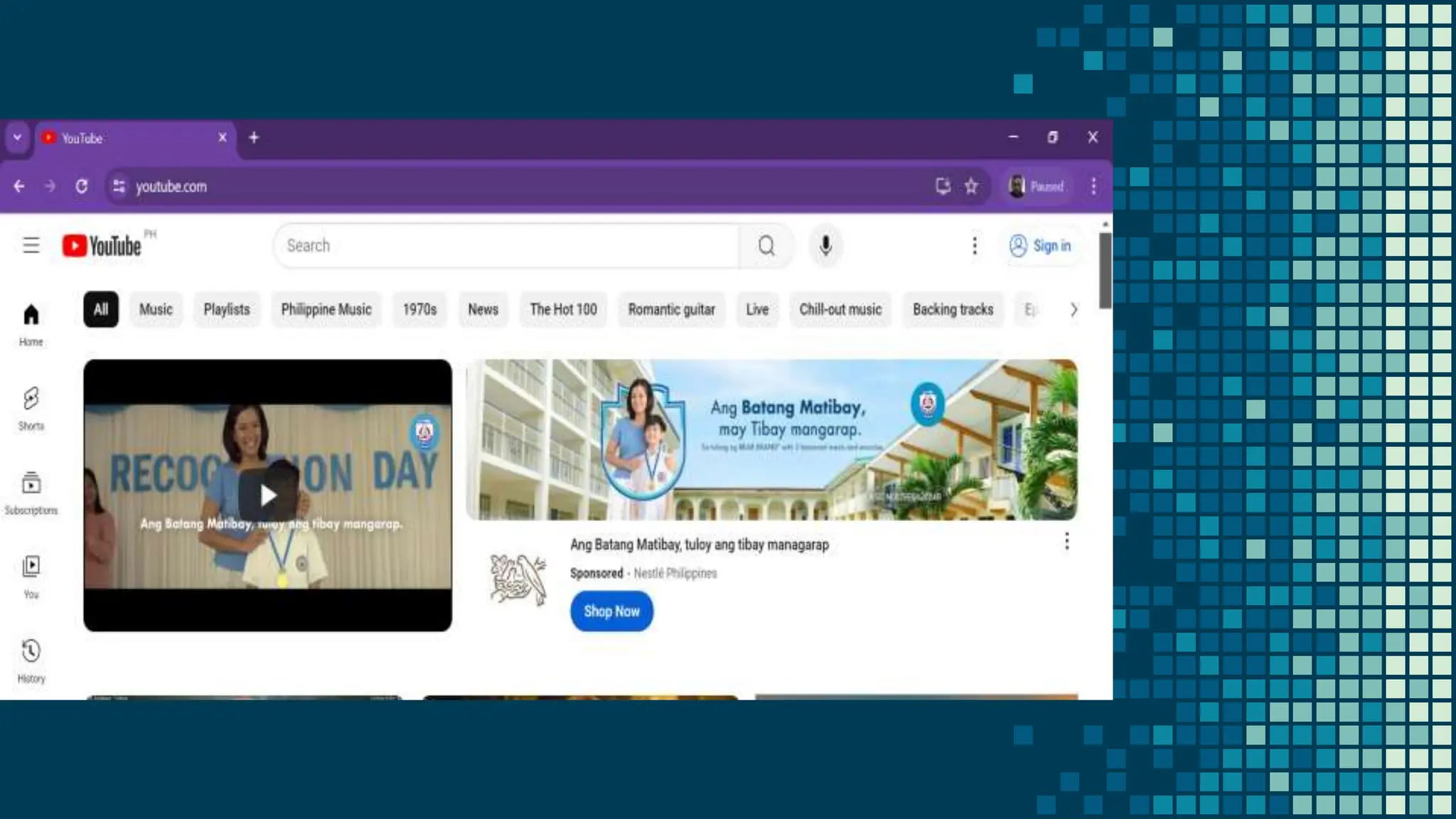
Youtube.com
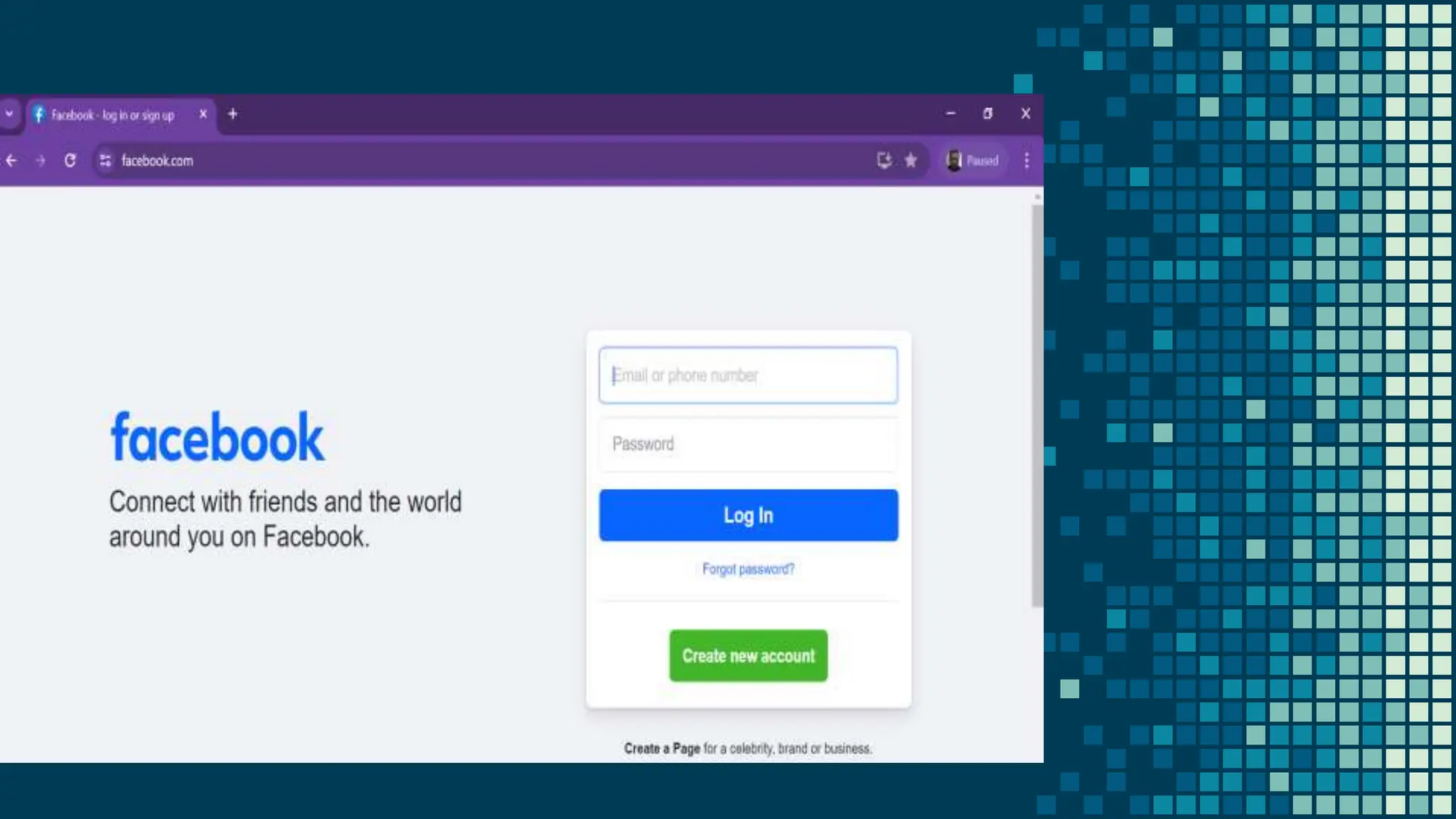
Facebook.com
Yahoo.com
WEB PAGES
• A web page is a document
written in hypertext (also
known as HTML) which
can be displayed or seen
using a web browser. Most
web pages include text,
photos or videos, and links
to other web pages.
WEB BROWSER
• A software application used to
access information on the
World Wide Web
• Mozilla Firefox, Google Chrome,
Microsoft Internet Explorer,
• Apple Safari, and the Opera
browser
HTML
• is a language for describing web
pages.
• Hyper Text Markup Language
• it is a markup language
• markup language is a set
of markup tags
• HTML uses markup tags to
describe web pages
HTML TAGS
OPENING AND CLOSING
<html> and </html>
TITLE OF THE HTML FILE, it displayed in the browsers
caption
<title> and </title>
HEADER INFORMATION which is not displayed in the
browser
<head> and </head>
CONTENT OF THE PAGE that will be displayed in the
browser
<body> and </body>
CREATE SIMPLE
WEB PAGE
1. Open any TEXT editor such as
NOTEPAD, Simple Text, etc
EASY STEPS TO CREATE SIMPLE WEB
PAGE
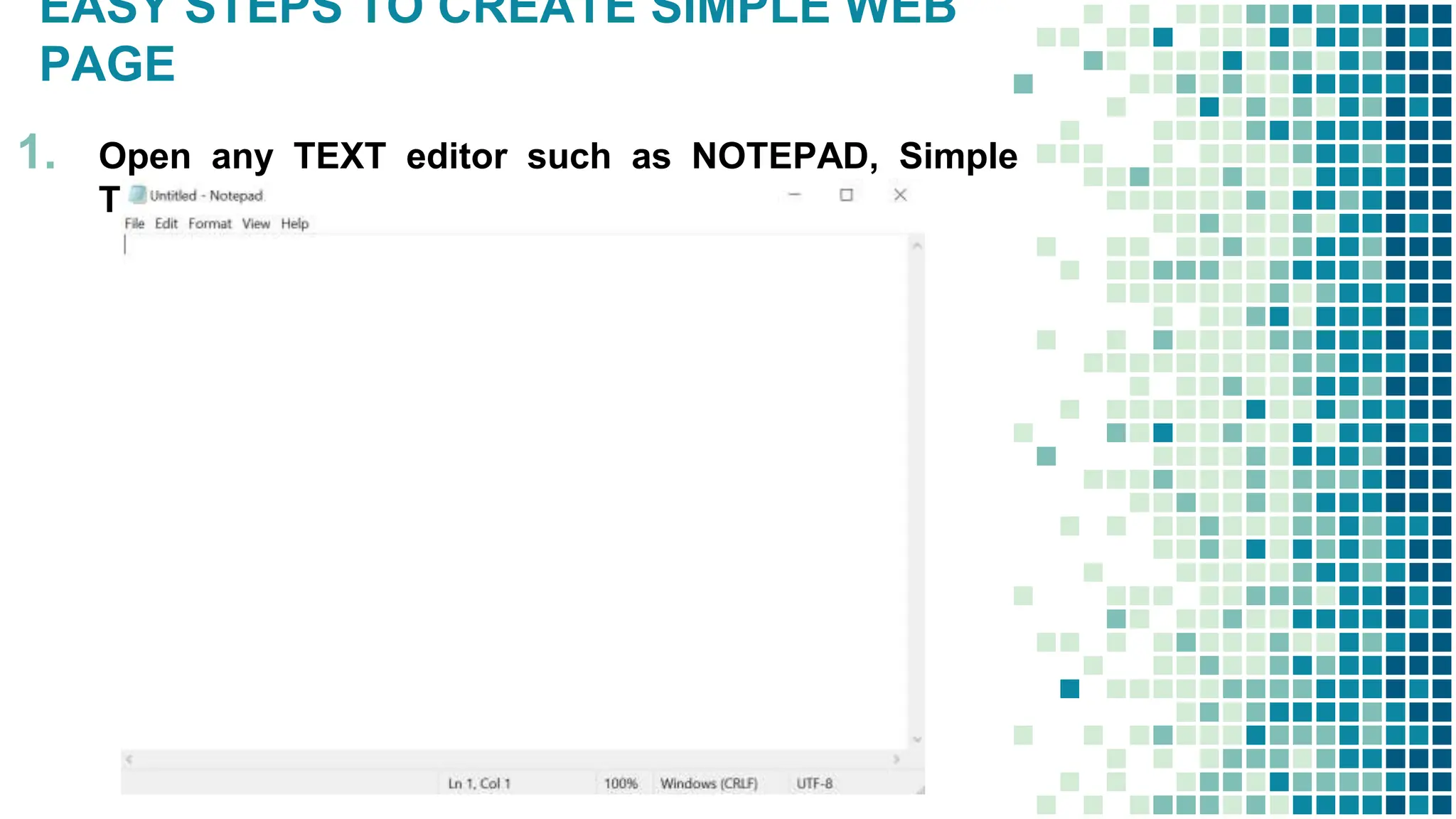
1. Open any TEXT editor such as NOTEPAD, Simple
Text, etc..
EASY STEPS TO CREATE SIMPLE WEB
PAGE
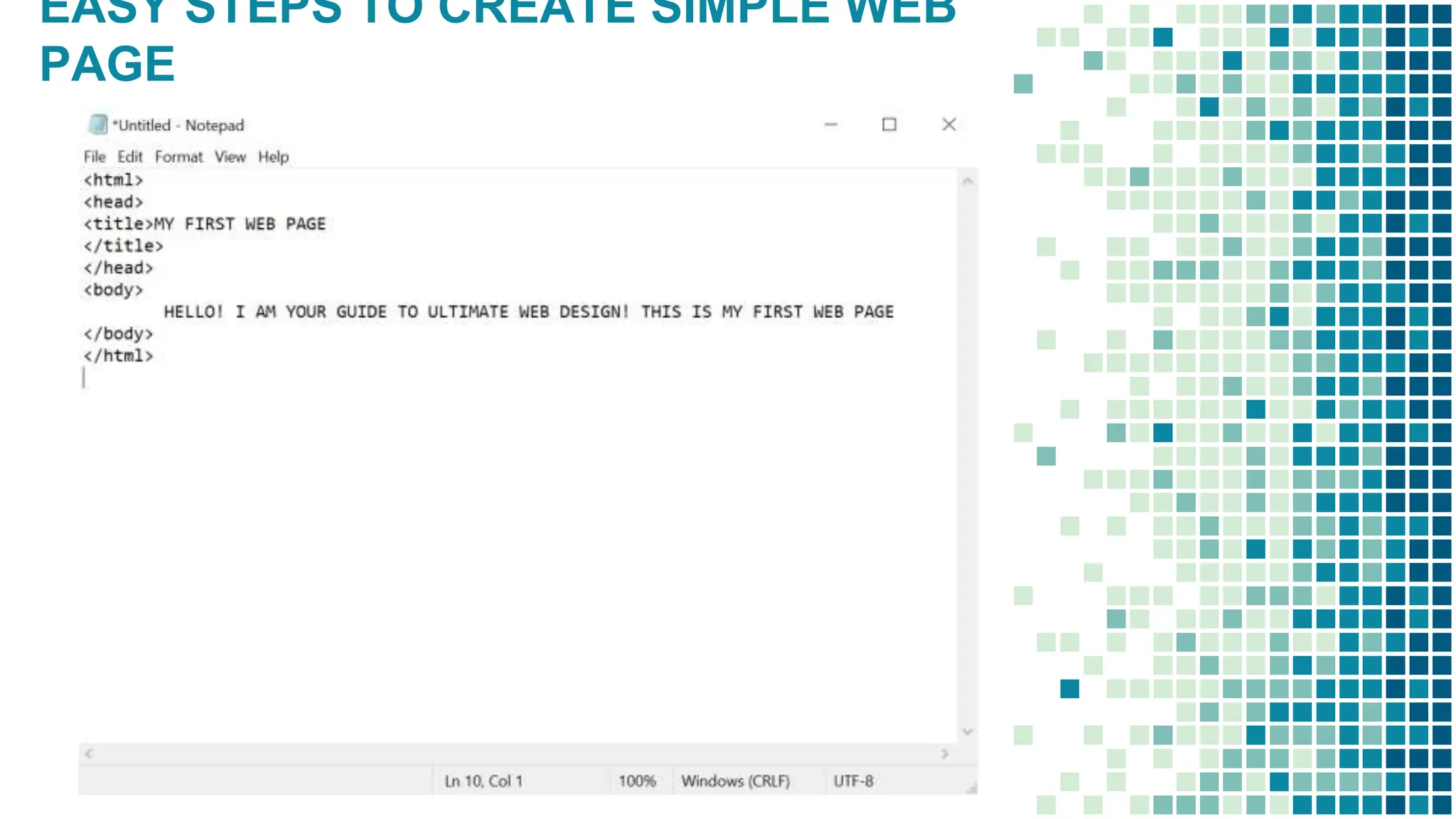
2.
Type the following codes:
<html>
<head>
<title>MY FIRST WEB PAGE
</title>
</head>
<body>
HELLO! I AM YOUR GUIDE TO ULTIMATE WEB
DESIGN! THIS IS MY FIRST WEB PAGE
</body>
</html>
EASY STEPS TO CREATE SIMPLE WEB
PAGE
EASY STEPS TO CREATE SIMPLE WEB
PAGE
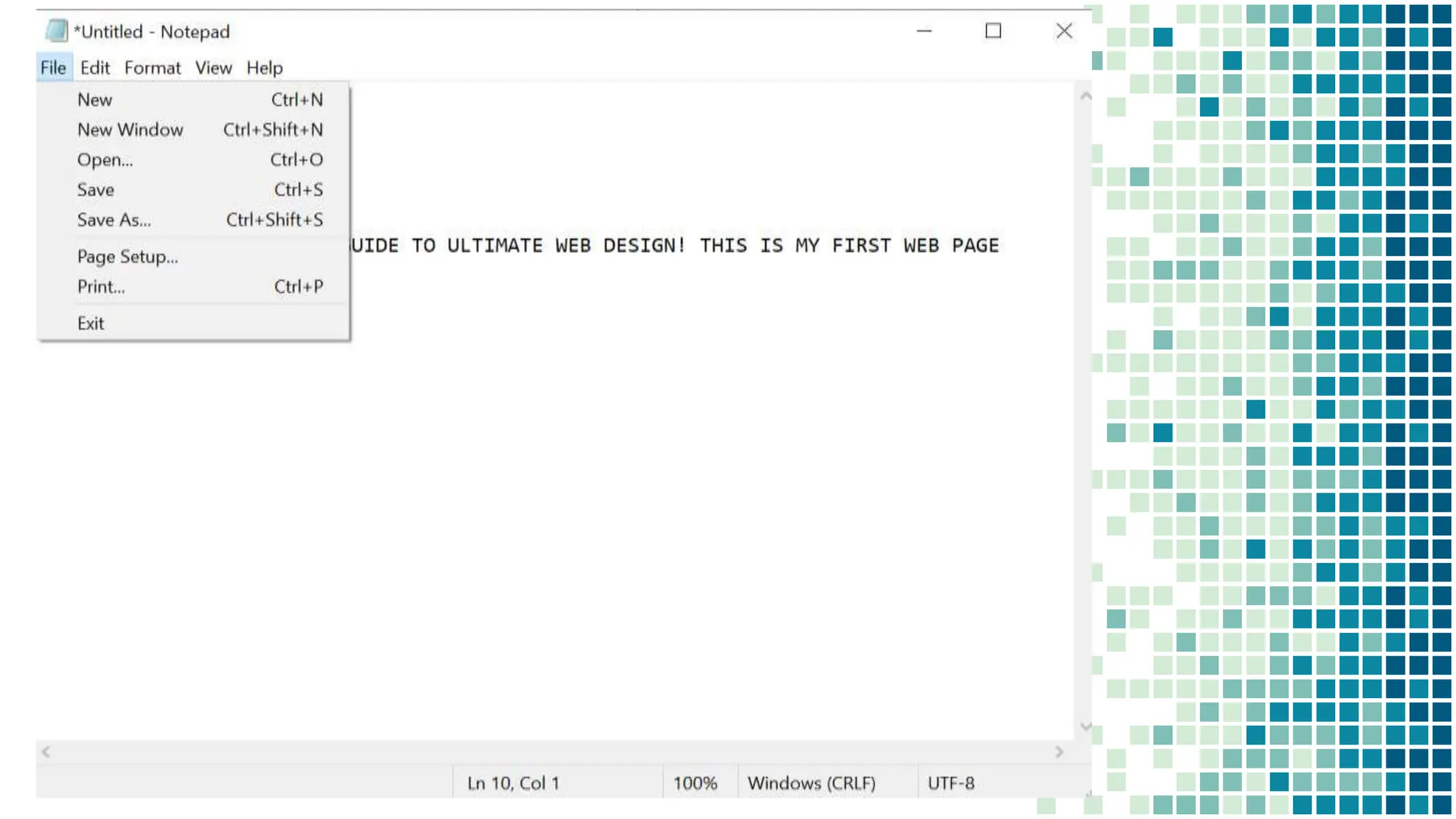
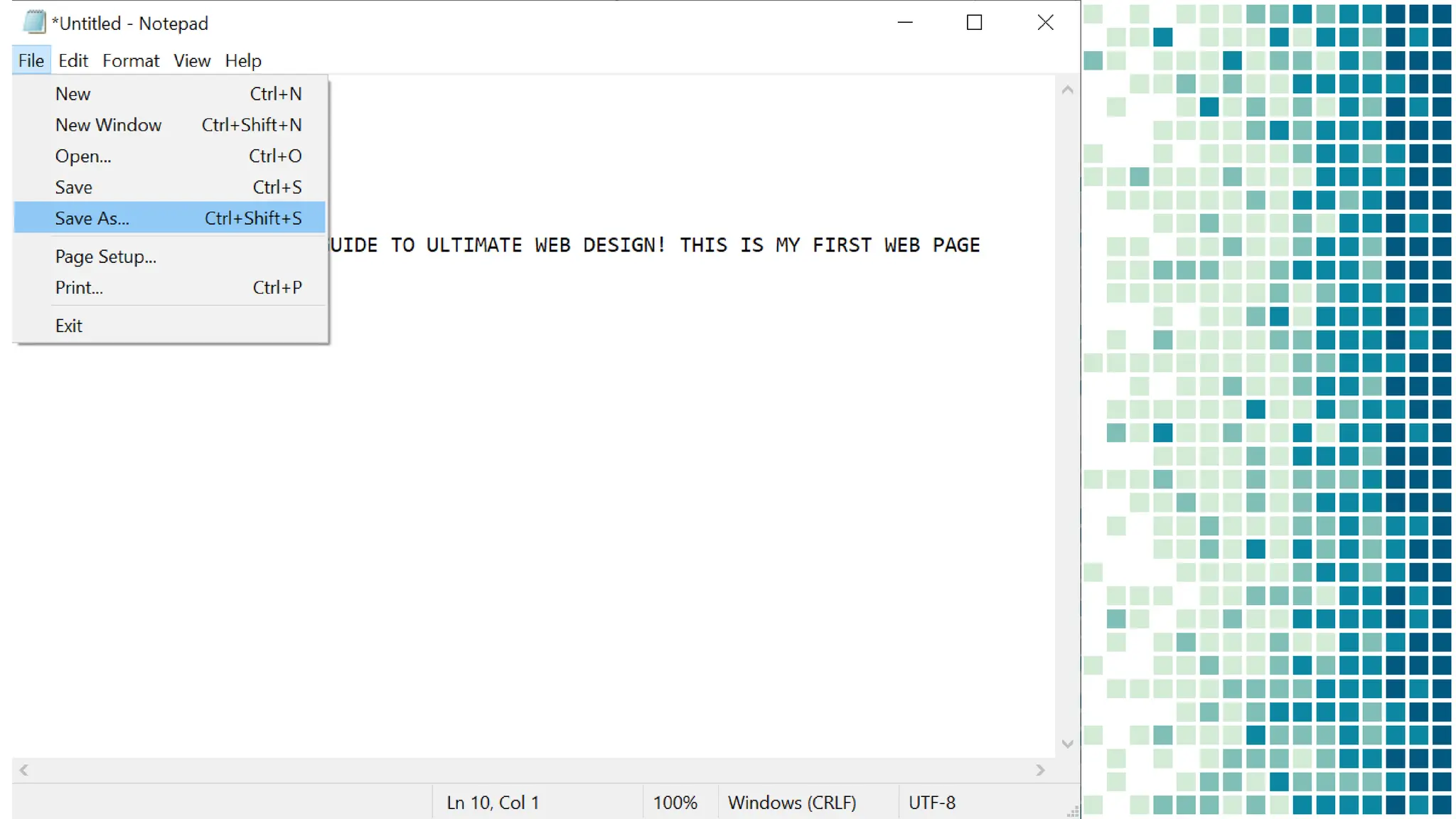
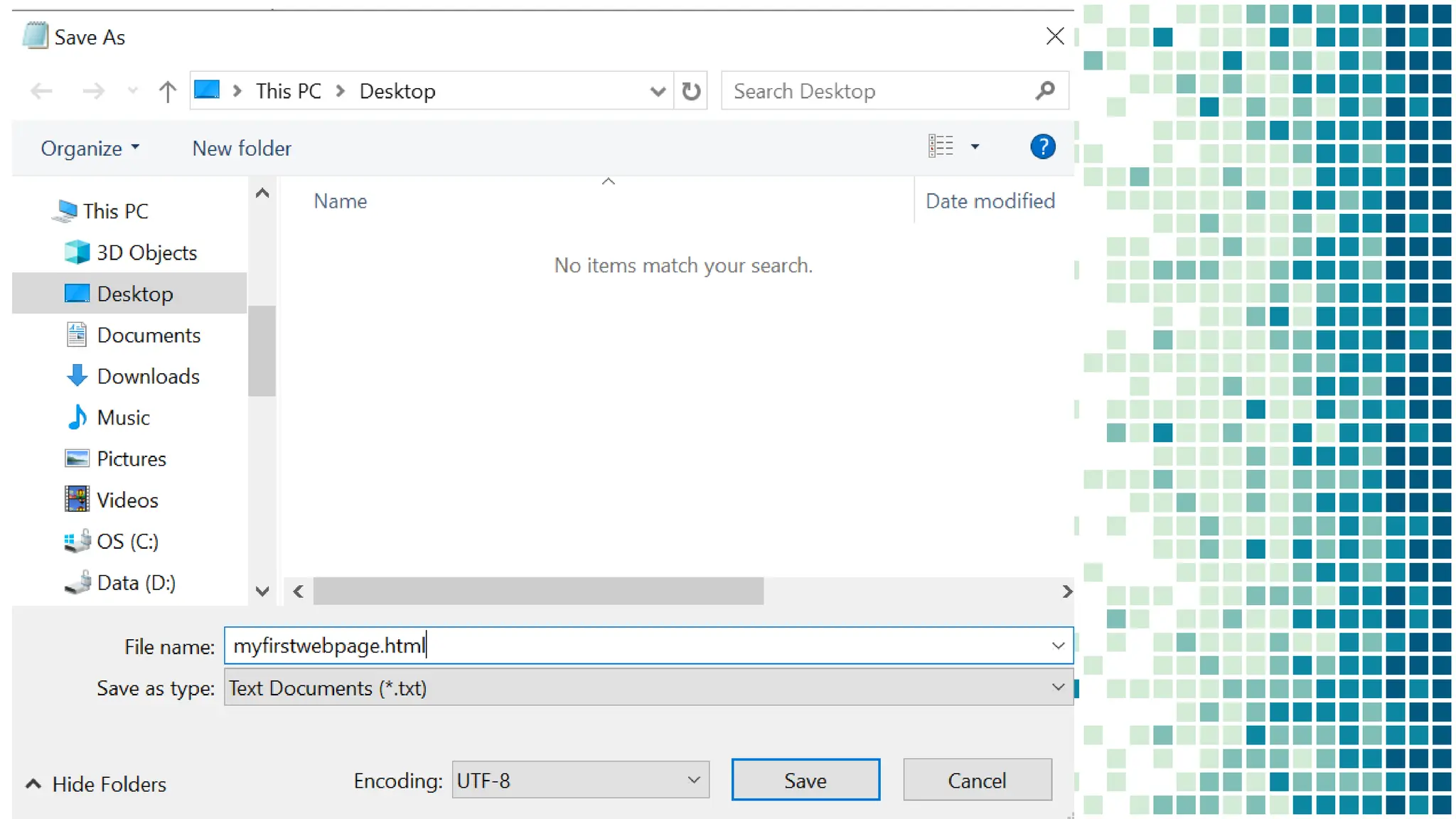
3. Save your file as
myfirstwebpage.html
EASY STEPS TO CREATE SIMPLE WEB
PAGE
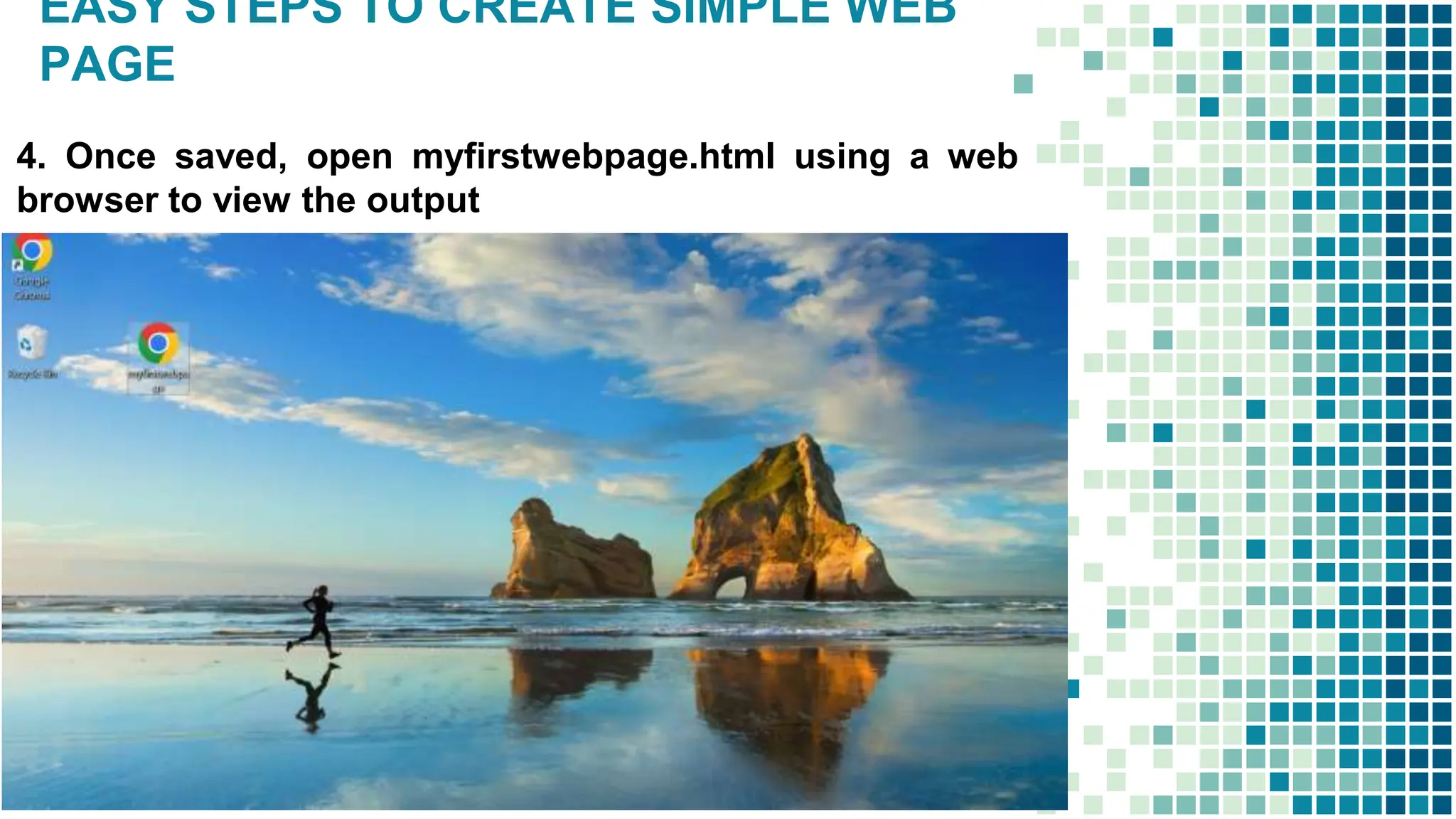
4. Once saved, open myfirstwebpage.html using a web
browser to view the output
EASY STEPS TO CREATE SIMPLE WEB
PAGE
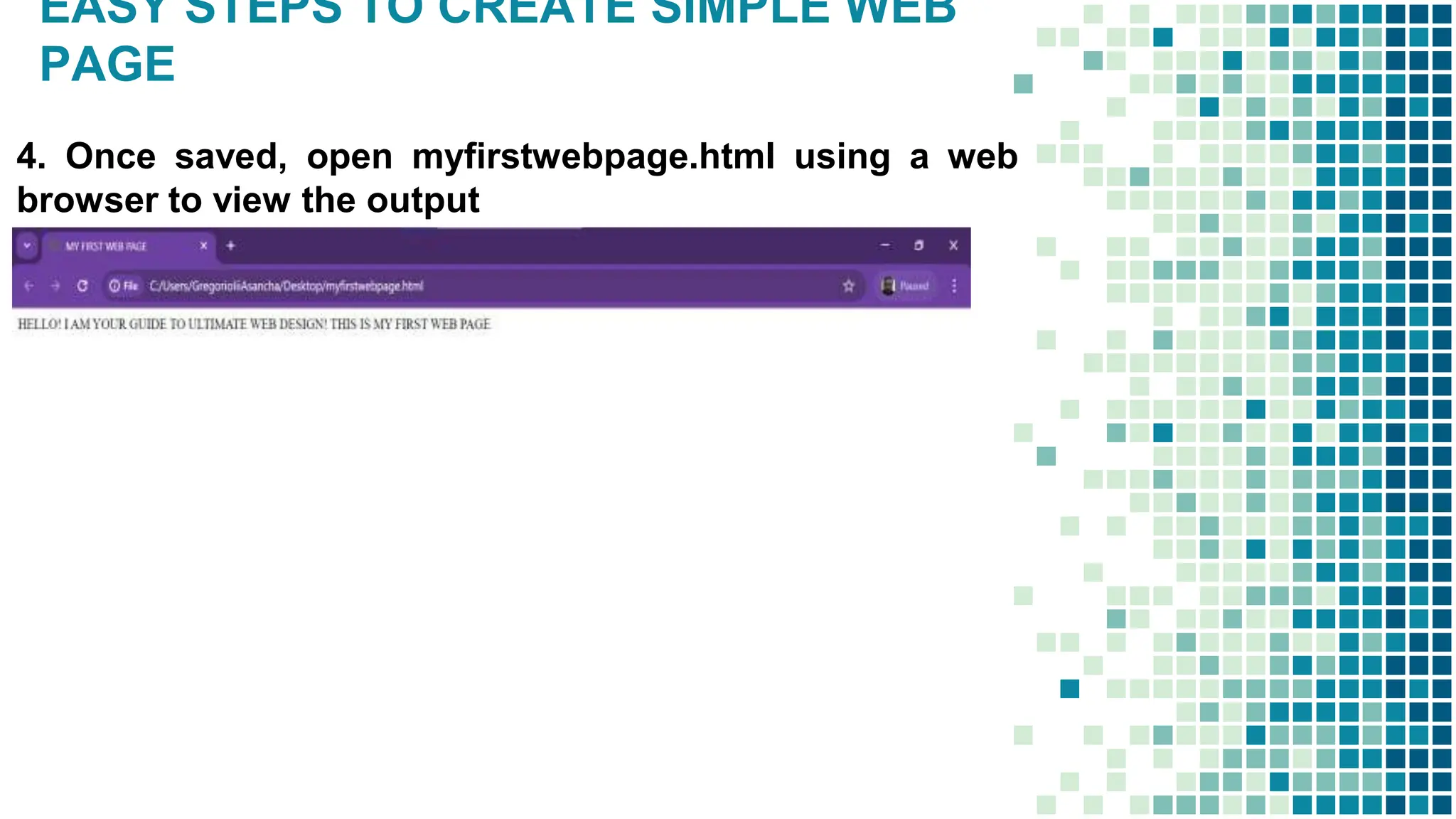
4. Once saved, open myfirstwebpage.html using a web
browser to view the output
THIS!
<HTML>
<HEAD>
<TITLE>
PRACTICE 101
</TITLE>
</HEAD>
<BODY>
<H1><I> Welcome to the world of
Internet</I></H1>
</BODY>
</HTML>
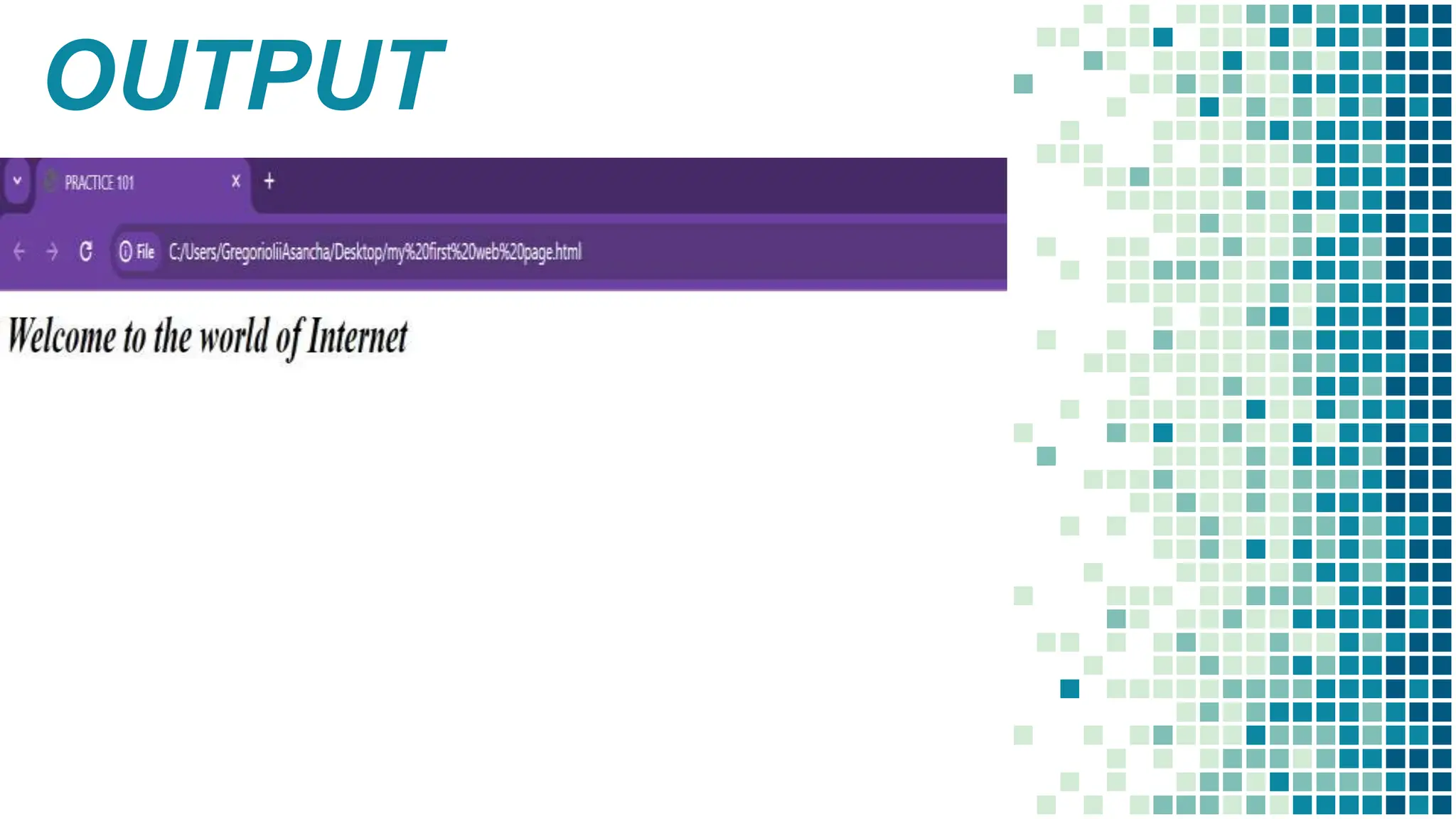
OUTPUT
THIS!
<HTML>
<HEAD>
<TITLE>
PRACTICE 102
</TITLE>
</HEAD>
<BODY>
<H1><I> Welcome to the world of
Internet</I></H1>
<p>THIS IS A PARAGRAPH</P>
<P> This is another paragraph</p>
</BODY>
</HTML>
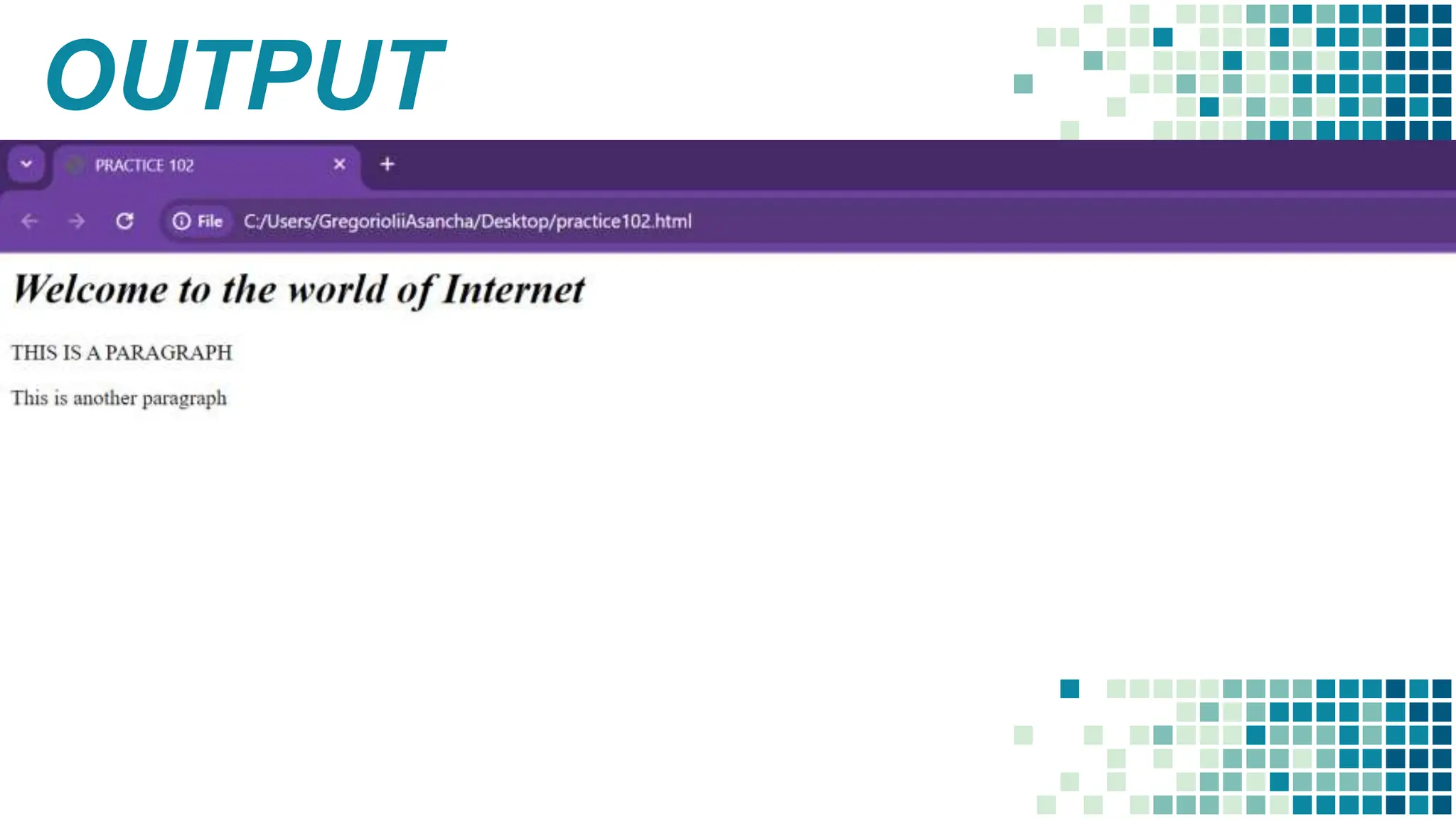
OUTPUT
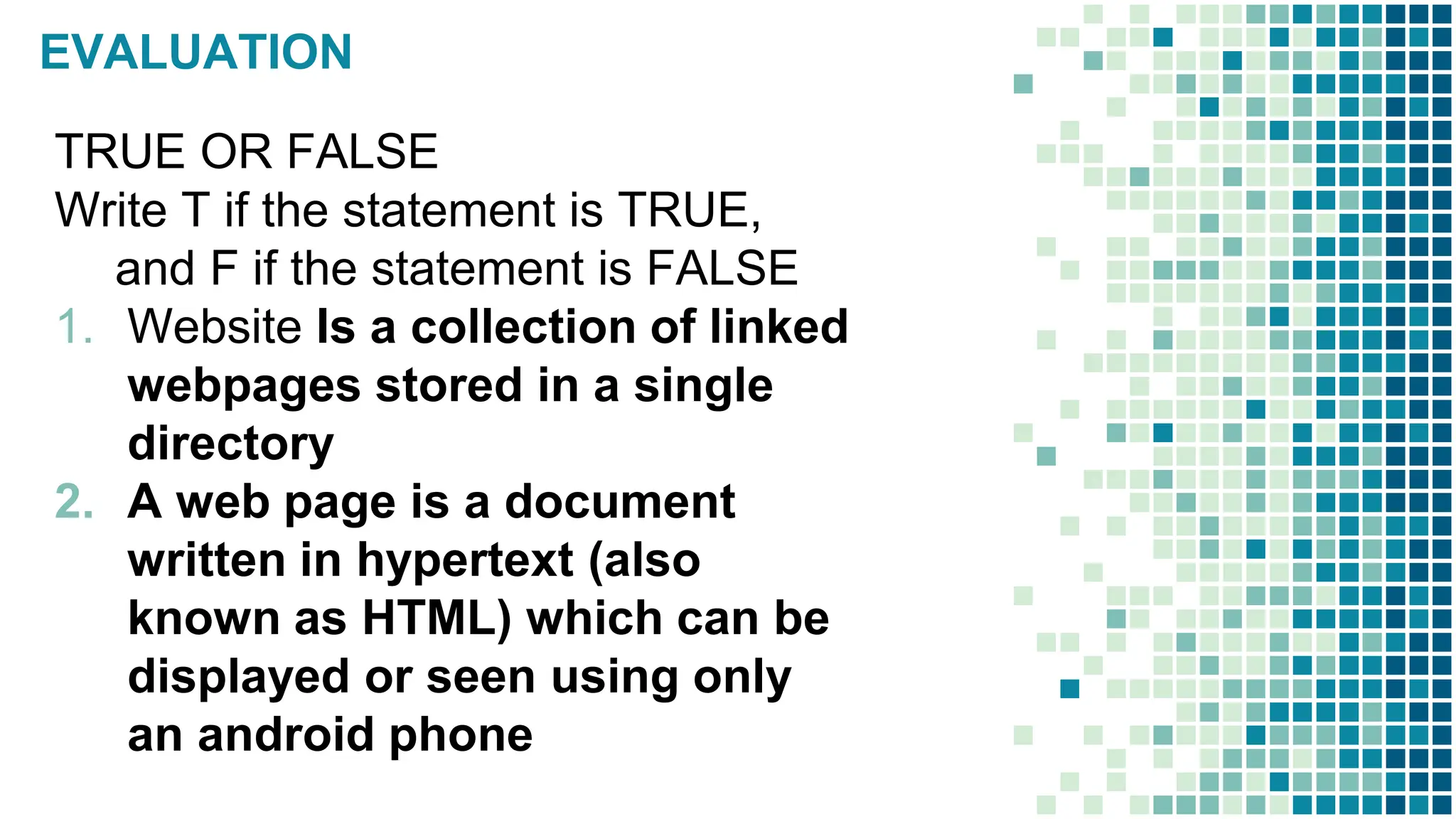
EVALUATION
TRUE OR FALSE
Write T if the statement is TRUE,
and F if the statement is FALSE
1. Website Is a collection of linked
webpages stored in a single
directory
2. A web page is a document
written in hypertext (also
known as HTML) which can be
displayed or seen using only
an android phone
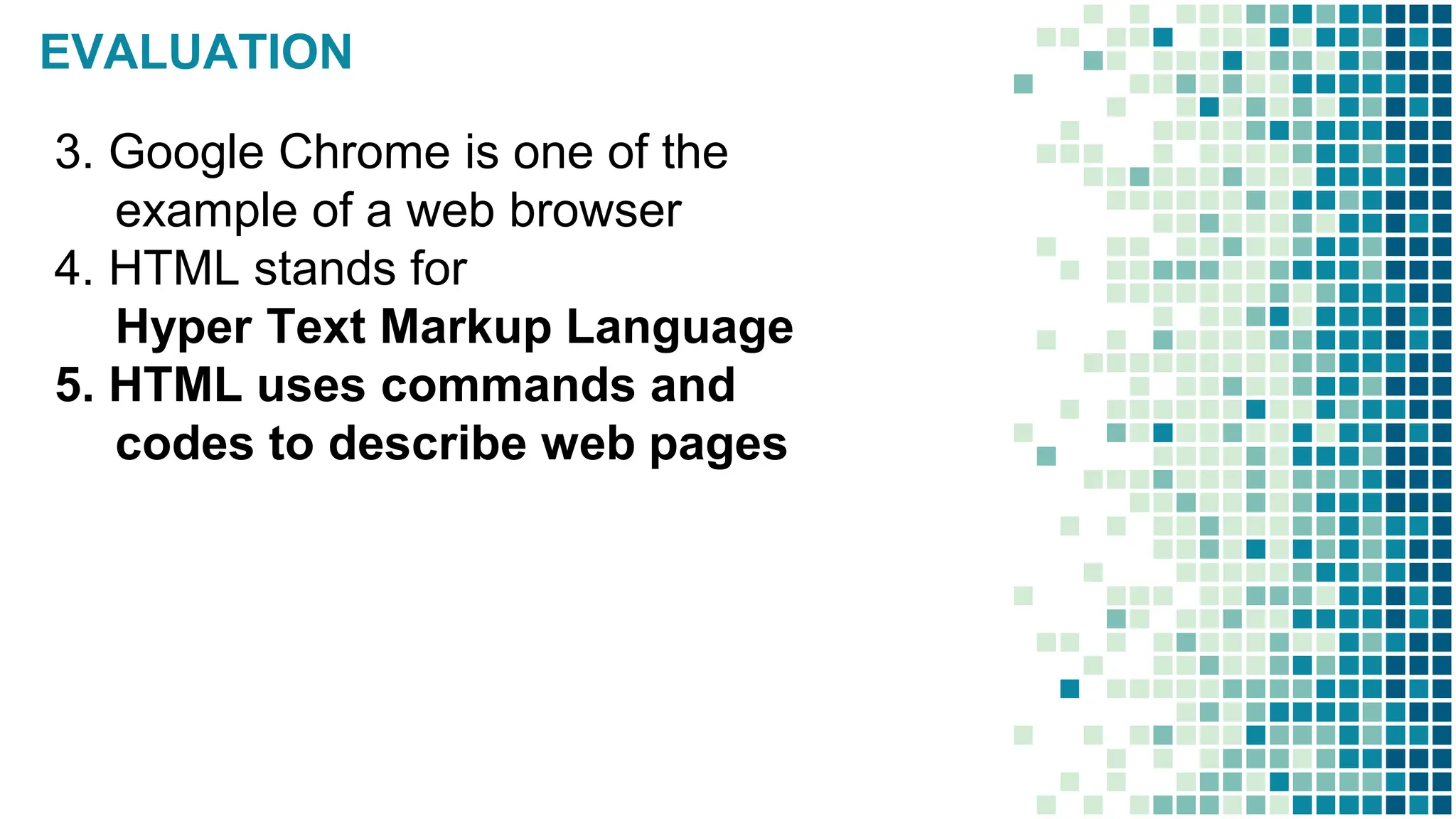
EVALUATION
3. Google Chrome is one of the
example of a web browser
4. HTML stands for
Hyper Text Markup Language
5. HTML uses commands and
codes to describe web pages
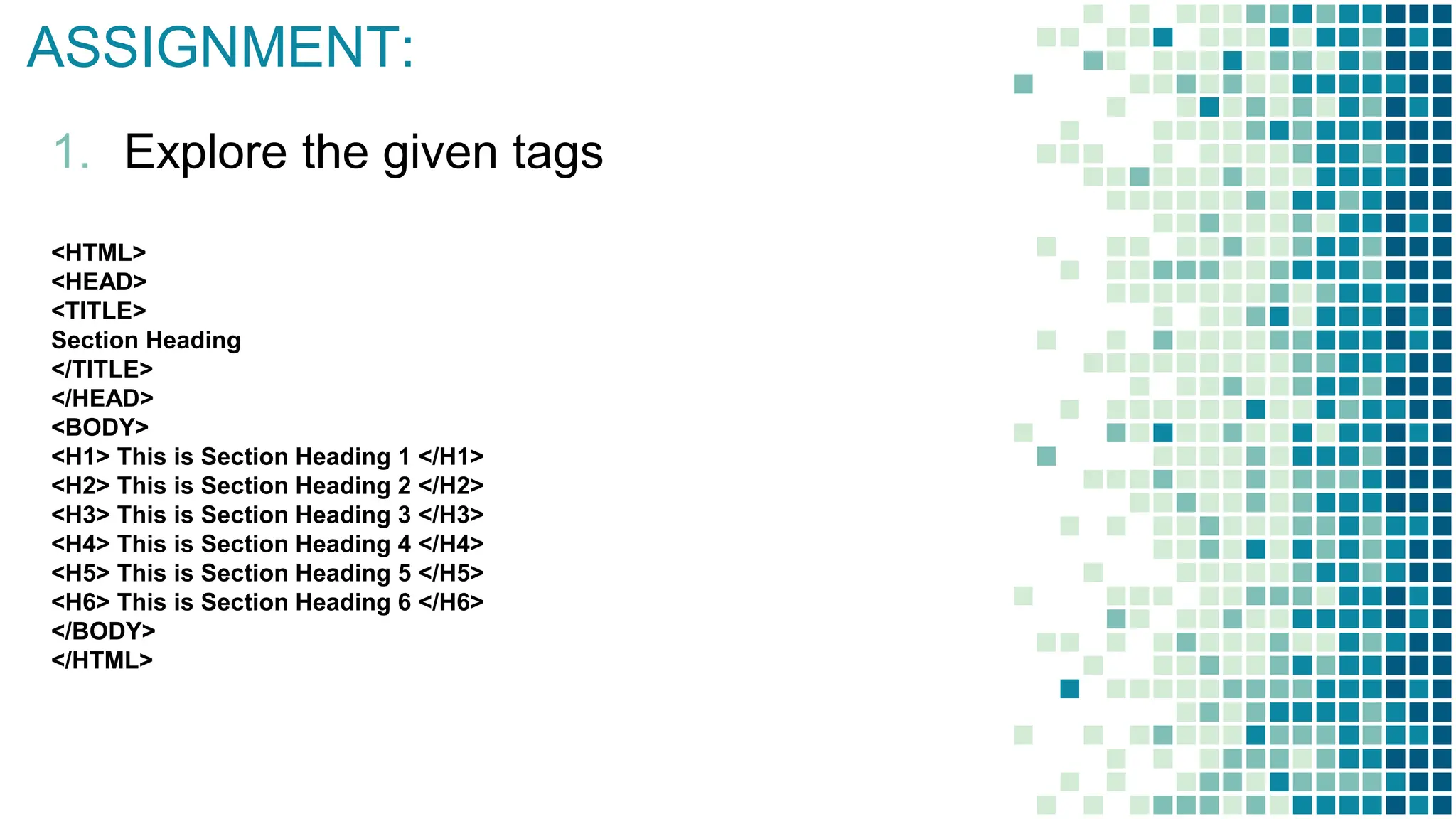
ASSIGNMENT:
1. Explore the given tags
<HTML>
<HEAD>
<TITLE>
Section Heading
</TITLE>
</HEAD>
<BODY>
<H1> This is Section Heading 1 </H1>
<H2> This is Section Heading 2 </H2>
<H3> This is Section Heading 3 </H3>
<H4> This is Section Heading 4 </H4>
<H5> This is Section Heading 5 </H5>
<H6> This is Section Heading 6 </H6>
</BODY>
</HTML>
basic hyper text mark up language for IT

basic hyper text mark up language for IT

  • 6.
  • 7.
    WHAT DOES A WEBPAGE COMPOSED OF?
  • 8.
    HOW DO WE MAKEA SIMPLE WEB PAGE?
  • 9.
    WEB SITE • Isa collection of linked webpages stored in a single directory • Example: Google.com Youtube.com Facebook.com Yahoo.com
  • 10.
    WEB PAGES • Aweb page is a document written in hypertext (also known as HTML) which can be displayed or seen using a web browser. Most web pages include text, photos or videos, and links to other web pages.
  • 11.
    WEB BROWSER • Asoftware application used to access information on the World Wide Web • Mozilla Firefox, Google Chrome, Microsoft Internet Explorer, • Apple Safari, and the Opera browser
  • 12.
    HTML • is alanguage for describing web pages. • Hyper Text Markup Language • it is a markup language • markup language is a set of markup tags • HTML uses markup tags to describe web pages
  • 13.
    HTML TAGS OPENING ANDCLOSING <html> and </html> TITLE OF THE HTML FILE, it displayed in the browsers caption <title> and </title> HEADER INFORMATION which is not displayed in the browser <head> and </head> CONTENT OF THE PAGE that will be displayed in the browser <body> and </body>
  • 14.
    CREATE SIMPLE WEB PAGE 1.Open any TEXT editor such as NOTEPAD, Simple Text, etc
  • 15.
    EASY STEPS TOCREATE SIMPLE WEB PAGE 1. Open any TEXT editor such as NOTEPAD, Simple Text, etc..
  • 16.
    EASY STEPS TOCREATE SIMPLE WEB PAGE 2. Type the following codes: <html> <head> <title>MY FIRST WEB PAGE </title> </head> <body> HELLO! I AM YOUR GUIDE TO ULTIMATE WEB DESIGN! THIS IS MY FIRST WEB PAGE </body> </html>
  • 17.
    EASY STEPS TOCREATE SIMPLE WEB PAGE
  • 18.
    EASY STEPS TOCREATE SIMPLE WEB PAGE 3. Save your file as myfirstwebpage.html
  • 22.
    EASY STEPS TOCREATE SIMPLE WEB PAGE 4. Once saved, open myfirstwebpage.html using a web browser to view the output
  • 23.
    EASY STEPS TOCREATE SIMPLE WEB PAGE 4. Once saved, open myfirstwebpage.html using a web browser to view the output
  • 24.
  • 25.
  • 26.
    THIS! <HTML> <HEAD> <TITLE> PRACTICE 102 </TITLE> </HEAD> <BODY> <H1><I> Welcometo the world of Internet</I></H1> <p>THIS IS A PARAGRAPH</P> <P> This is another paragraph</p> </BODY> </HTML>
  • 27.
  • 28.
    EVALUATION TRUE OR FALSE WriteT if the statement is TRUE, and F if the statement is FALSE 1. Website Is a collection of linked webpages stored in a single directory 2. A web page is a document written in hypertext (also known as HTML) which can be displayed or seen using only an android phone
  • 29.
    EVALUATION 3. Google Chromeis one of the example of a web browser 4. HTML stands for Hyper Text Markup Language 5. HTML uses commands and codes to describe web pages
  • 30.
    ASSIGNMENT: 1. Explore thegiven tags <HTML> <HEAD> <TITLE> Section Heading </TITLE> </HEAD> <BODY> <H1> This is Section Heading 1 </H1> <H2> This is Section Heading 2 </H2> <H3> This is Section Heading 3 </H3> <H4> This is Section Heading 4 </H4> <H5> This is Section Heading 5 </H5> <H6> This is Section Heading 6 </H6> </BODY> </HTML>