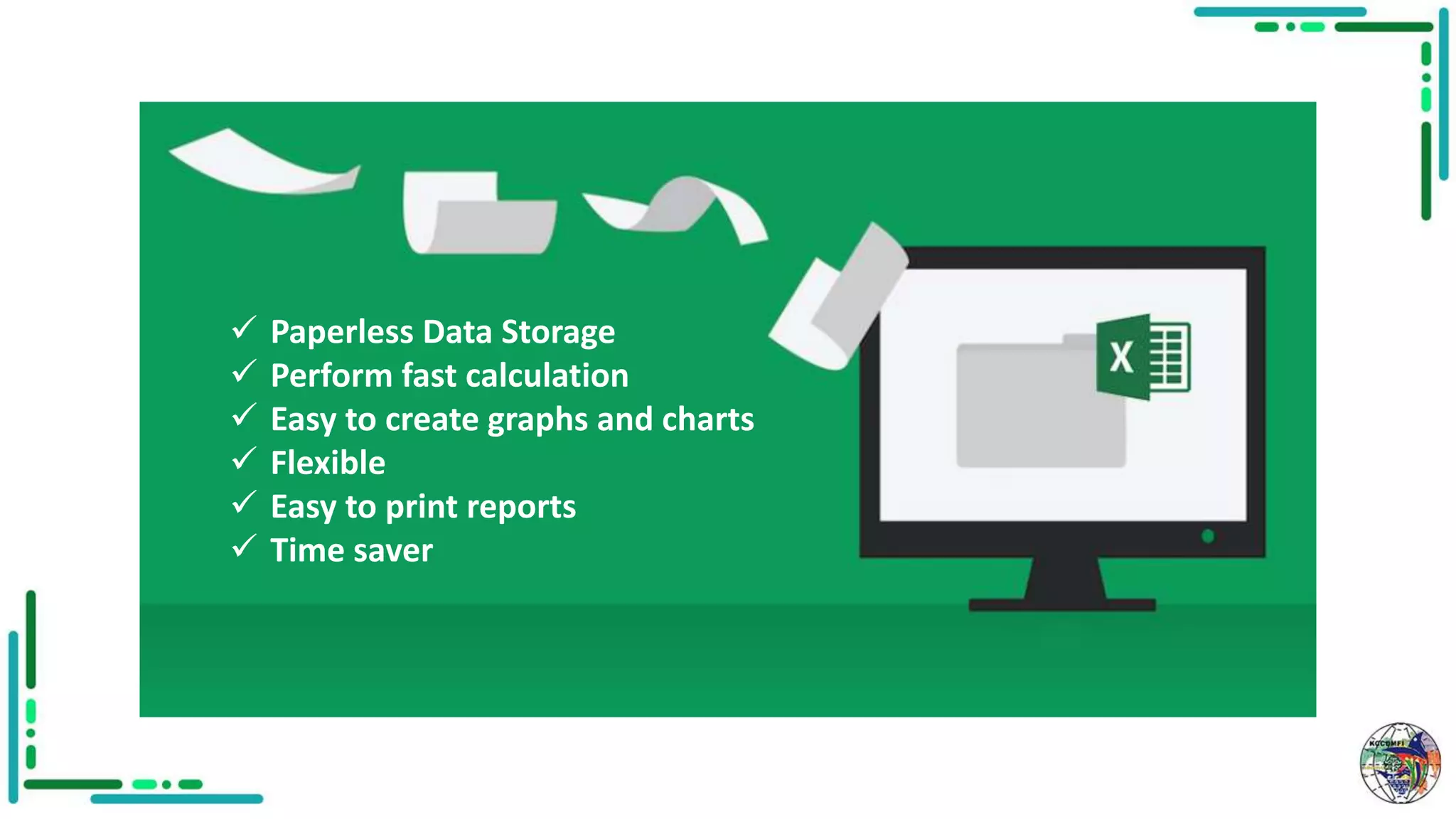
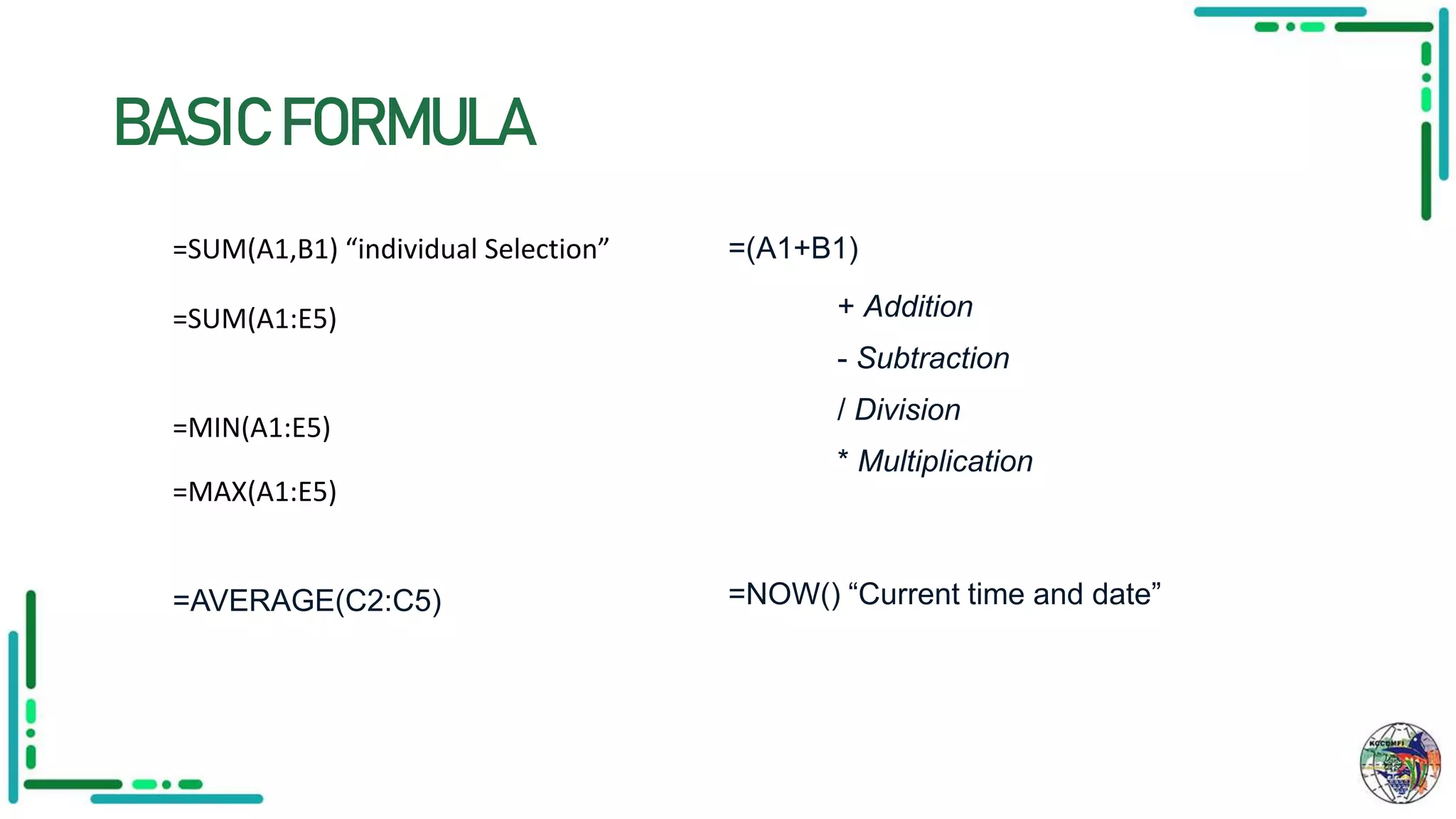
MS Excel is a spreadsheet program that allows for paperless data storage, fast calculations, creation of graphs and charts, and printing of reports. It features functions, formulas, pivot tables, and a macro programming language. Basic formulas in Excel include SUM, MIN, MAX, and AVERAGE to calculate values across ranges, as well as addition, subtraction, division, and multiplication operators. Shortcuts allow for copying, pasting, selecting all, finding and replacing values, creating and opening workbooks, saving, moving between sheets, closing workbooks, and printing.