Basic Computer Course –
Complete Overview
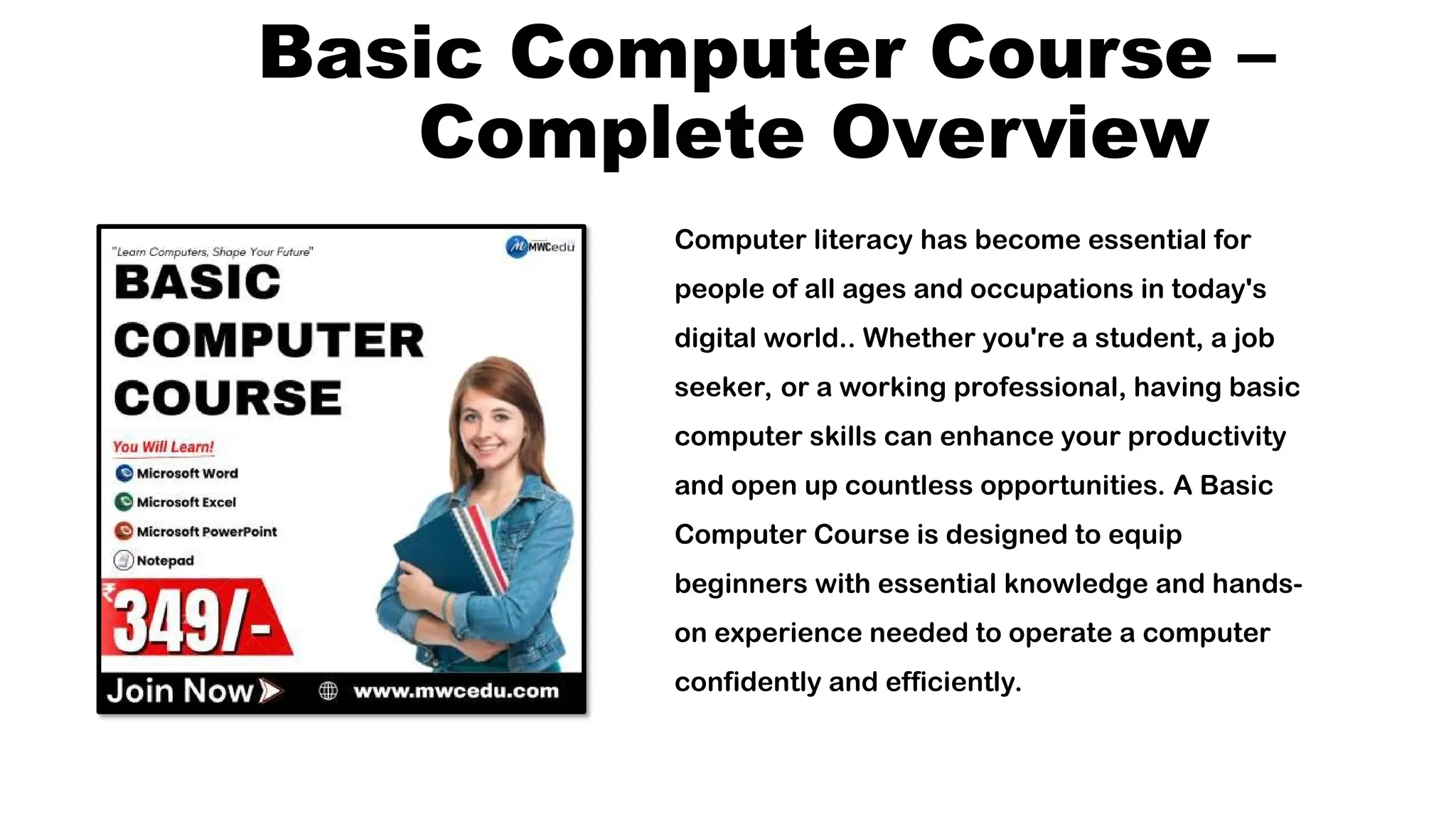
Computer literacy has become essential for
people of all ages and occupations in today's
digital world.. Whether you're a student, a job
seeker, or a working professional, having basic
computer skills can enhance your productivity
and open up countless opportunities. A Basic
Computer Course is designed to equip
beginners with essential knowledge and hands-
on experience needed to operate a computer
confidently and efficiently.
Introduction
The Basic Computer Course is an introductory
program aimed at teaching the foundational
skills of using a computer. This course helps
learners become comfortable with computer
hardware, software, internet browsing, typing,
and popular office applications. It is
structured to be simple, user-friendly, and
effective, especially for those who have
Objectives of the Course
To introduce students to the basic concepts of computer hardware and
software.
To develop familiarity with the Windows operating system and file management.
To provide instruction in essential applications including PowerPoint, Excel, and
Microsoft Word.
To help learners use the internet for browsing, research, and communication.
To build confidence in using digital tools for everyday personal and professional
tasks.
Who Should Join?
This course is ideal for:
School and college students Job seekers and professionals
Small business owners Homemakers
Senior citizens
Anyone interested in learning computers from the ground up
No prior computer knowledge is required, making this
course perfect for absolute beginners.
Course Duration
The duration of a Basic Computer Course usually ranges
from 1 to 3 months, depending on the institution and the
depth of topics covered. Classes can be conducted daily or
on weekends, both in offline and online formats.
Course Modules and
Topics
1. Introduction to Computers
What is a computer?
History and evolution of computers
Types of computers (Desktop, Laptop, Tablet)
Basic computer components (CPU, Monitor, Keyboard, Mouse,
etc.) Input and output devices
Understanding hardware vs software
2. Operating System Basics
Introduction to operating systems (Windows, Linux,
etc.)
Desktop interface, icons, and menus
Creating, saving, and managing files and folders Using
the control panel and settings
Taskbar and system tray functions
3. Typing Skills
Basic typing techniques
Introduction to typing software (Typing Master,
etc.) Practice for speed and accuracy
4. Microsoft Office Suite
MS Word:
Creating and editing documents
Formatting text and paragraphs
Inserting tables, images, and charts
Using spell check and grammar
tools
MS Excel:
Understanding spreadsheets and cells
Data entry and basic formulas Creating
tables and charts
Using functions like SUM, AVERAGE,
etc.
MS PowerPoint:
Creating slideshows
Adding text, images, and
animations Slide transitions and
design themes Presenting a
slideshow
5. Internet and Email
Introduction to the internet and browsers
Browsing websites and using search engines
Creating and using email accounts (Gmail, Outlook)
Sending and receiving emails
Email attachments and etiquette Understanding
online safety and privacy
6. Digital Communication
Tools
Overview of video conferencing applications (Google
Meet,
Zoom)
Using social media responsibly (Facebook, WhatsApp,
Instagram)
Downloading and installing apps
7. Basic Troubleshooting
Common computer problems and their solutions
Virus and antivirus basics Maintaining computer
performance
Learning Outcomes
After completing the Basic Computer Course, students will be
capable of:
Understand and use a computer independently
Type with accuracy and speed
Create documents, analyze data, and make presentations using Microsoft Office.
Communicate, get information, and have fun online.
Communicate via email and social media platforms Perform basic maintenance and
troubleshoot minor issues
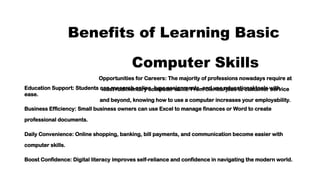
Benefits of Learning Basic
Computer Skills
Opportunities for Careers: The majority of professions nowadays require at
least rudimentary computer skills. From clerical jobs to customer service
and beyond, knowing how to use a computer increases your employability.
Education Support: Students can research online, type assignments, and use educational tools with
ease.
Business Efficiency: Small business owners can use Excel to manage finances or Word to create
professional documents.
Daily Convenience: Online shopping, banking, bill payments, and communication become easier with
computer skills.
Boost Confidence: Digital literacy improves self-reliance and confidence in navigating the modern world.
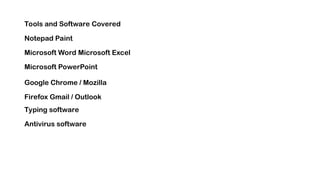
Tools and Software Covered
Notepad Paint
Microsoft Word Microsoft Excel
Microsoft PowerPoint
Google Chrome / Mozilla
Firefox Gmail / Outlook
Typing software
Antivirus software
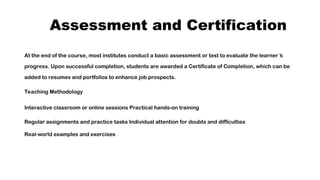
Assessment and Certification
At the end of the course, most institutes conduct a basic assessment or test to evaluate the learner’s
progress. Upon successful completion, students are awarded a Certificate of Completion, which can be
added to resumes and portfolios to enhance job prospects.
Teaching Methodology
Interactive classroom or online sessions Practical hands-on training
Regular assignments and practice tasks Individual attention for doubts and difficulties
Real-world examples and exercises
Requirements to Start
A computer or laptop (optional if classroom-based)
Willingness to learn
Basic reading and writing skills
Conclusio
n
The Basic Computer Course is more than just an
introduction to machines; it’s a gateway to the digital
world. As the world becomes increasingly dependent on
technology, the ability to use computers is no longer a
luxury—it is a necessity. This course offers a strong
foundation that can lead to more advanced learning and
improved career prospects. Whether you want to enhance
your job skills, support your education, or simply stay
connected in a digital age, this course is your first step
toward digital empowerment.
Let me know if you'd like this converted into a
brochure, PDF, or translated into Hindi or
any other language.

BASIC COMPUTER COURSE ..................

  • 1.
    Basic Computer Course– Complete Overview Computer literacy has become essential for people of all ages and occupations in today's digital world.. Whether you're a student, a job seeker, or a working professional, having basic computer skills can enhance your productivity and open up countless opportunities. A Basic Computer Course is designed to equip beginners with essential knowledge and hands- on experience needed to operate a computer confidently and efficiently.
  • 2.
    Introduction The Basic ComputerCourse is an introductory program aimed at teaching the foundational skills of using a computer. This course helps learners become comfortable with computer hardware, software, internet browsing, typing, and popular office applications. It is structured to be simple, user-friendly, and effective, especially for those who have
  • 3.
    Objectives of theCourse To introduce students to the basic concepts of computer hardware and software. To develop familiarity with the Windows operating system and file management. To provide instruction in essential applications including PowerPoint, Excel, and Microsoft Word. To help learners use the internet for browsing, research, and communication. To build confidence in using digital tools for everyday personal and professional tasks.
  • 4.
    Who Should Join? Thiscourse is ideal for: School and college students Job seekers and professionals Small business owners Homemakers Senior citizens Anyone interested in learning computers from the ground up No prior computer knowledge is required, making this course perfect for absolute beginners.
  • 5.
    Course Duration The durationof a Basic Computer Course usually ranges from 1 to 3 months, depending on the institution and the depth of topics covered. Classes can be conducted daily or on weekends, both in offline and online formats.
  • 6.
    Course Modules and Topics 1.Introduction to Computers What is a computer? History and evolution of computers Types of computers (Desktop, Laptop, Tablet) Basic computer components (CPU, Monitor, Keyboard, Mouse, etc.) Input and output devices Understanding hardware vs software
  • 7.
    2. Operating SystemBasics Introduction to operating systems (Windows, Linux, etc.) Desktop interface, icons, and menus Creating, saving, and managing files and folders Using the control panel and settings Taskbar and system tray functions
  • 8.
    3. Typing Skills Basictyping techniques Introduction to typing software (Typing Master, etc.) Practice for speed and accuracy
  • 9.
    4. Microsoft OfficeSuite MS Word: Creating and editing documents Formatting text and paragraphs Inserting tables, images, and charts Using spell check and grammar tools
  • 10.
    MS Excel: Understanding spreadsheetsand cells Data entry and basic formulas Creating tables and charts Using functions like SUM, AVERAGE, etc.
  • 11.
    MS PowerPoint: Creating slideshows Addingtext, images, and animations Slide transitions and design themes Presenting a slideshow
  • 12.
    5. Internet andEmail Introduction to the internet and browsers Browsing websites and using search engines Creating and using email accounts (Gmail, Outlook) Sending and receiving emails Email attachments and etiquette Understanding online safety and privacy
  • 13.
    6. Digital Communication Tools Overviewof video conferencing applications (Google Meet, Zoom) Using social media responsibly (Facebook, WhatsApp, Instagram) Downloading and installing apps
  • 14.
    7. Basic Troubleshooting Commoncomputer problems and their solutions Virus and antivirus basics Maintaining computer performance
  • 15.
    Learning Outcomes After completingthe Basic Computer Course, students will be capable of: Understand and use a computer independently Type with accuracy and speed Create documents, analyze data, and make presentations using Microsoft Office. Communicate, get information, and have fun online. Communicate via email and social media platforms Perform basic maintenance and troubleshoot minor issues
  • 16.
    Benefits of LearningBasic Computer Skills Opportunities for Careers: The majority of professions nowadays require at least rudimentary computer skills. From clerical jobs to customer service and beyond, knowing how to use a computer increases your employability. Education Support: Students can research online, type assignments, and use educational tools with ease. Business Efficiency: Small business owners can use Excel to manage finances or Word to create professional documents. Daily Convenience: Online shopping, banking, bill payments, and communication become easier with computer skills. Boost Confidence: Digital literacy improves self-reliance and confidence in navigating the modern world.
  • 17.
    Tools and SoftwareCovered Notepad Paint Microsoft Word Microsoft Excel Microsoft PowerPoint Google Chrome / Mozilla Firefox Gmail / Outlook Typing software Antivirus software
  • 18.
    Assessment and Certification Atthe end of the course, most institutes conduct a basic assessment or test to evaluate the learner’s progress. Upon successful completion, students are awarded a Certificate of Completion, which can be added to resumes and portfolios to enhance job prospects. Teaching Methodology Interactive classroom or online sessions Practical hands-on training Regular assignments and practice tasks Individual attention for doubts and difficulties Real-world examples and exercises
  • 19.
    Requirements to Start Acomputer or laptop (optional if classroom-based) Willingness to learn Basic reading and writing skills
  • 20.
    Conclusio n The Basic ComputerCourse is more than just an introduction to machines; it’s a gateway to the digital world. As the world becomes increasingly dependent on technology, the ability to use computers is no longer a luxury—it is a necessity. This course offers a strong foundation that can lead to more advanced learning and improved career prospects. Whether you want to enhance your job skills, support your education, or simply stay connected in a digital age, this course is your first step toward digital empowerment.
  • 21.
    Let me knowif you'd like this converted into a brochure, PDF, or translated into Hindi or any other language.