Mastering Microsoft PowerPoint:
A Comprehensive Course Guide
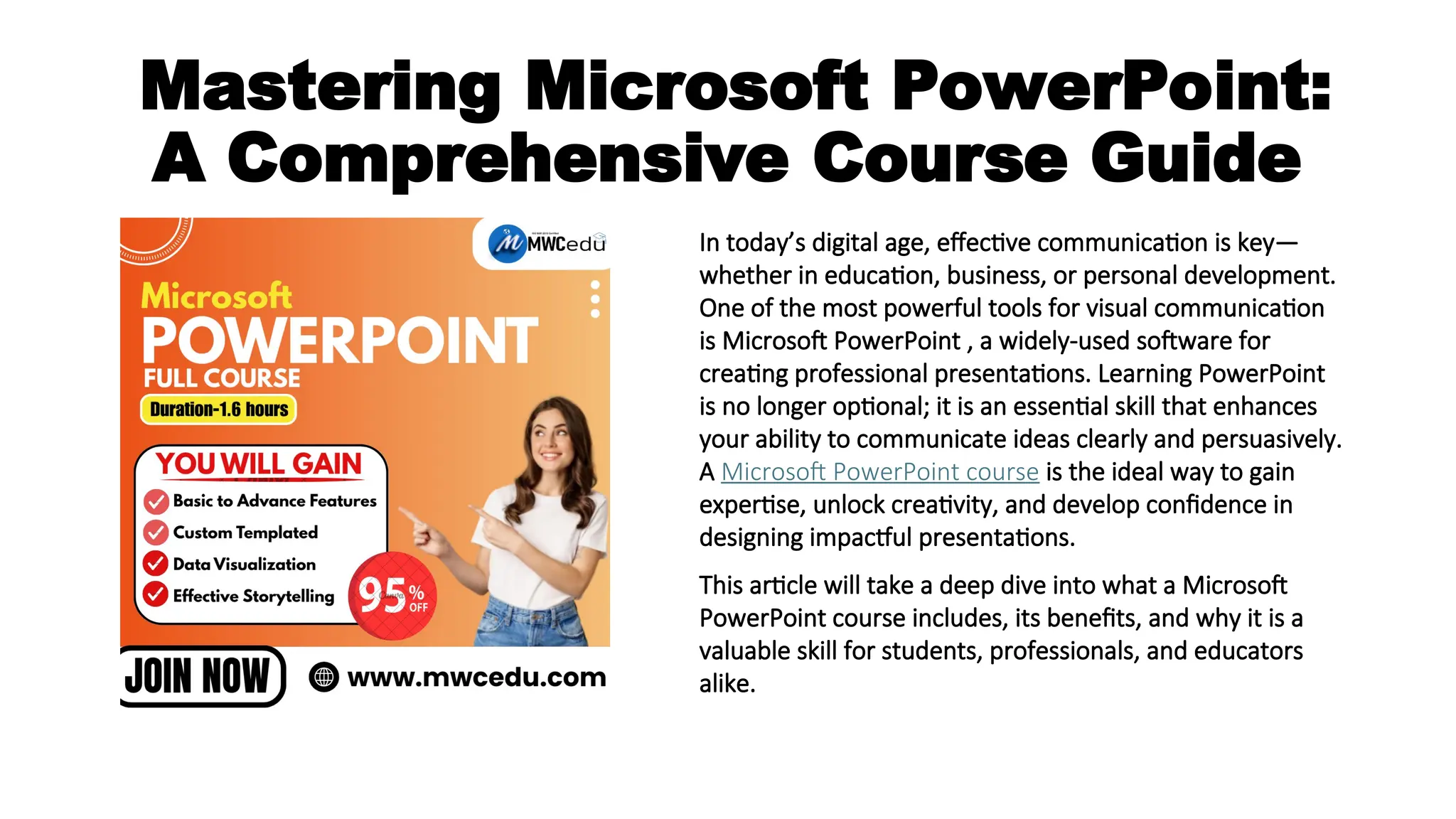
In today’s digital age, effective communication is key—
whether in education, business, or personal development.
One of the most powerful tools for visual communication
is Microsoft PowerPoint , a widely-used software for
creating professional presentations. Learning PowerPoint
is no longer optional; it is an essential skill that enhances
your ability to communicate ideas clearly and persuasively.
A Microsoft PowerPoint course is the ideal way to gain
expertise, unlock creativity, and develop confidence in
designing impactful presentations.
This article will take a deep dive into what a Microsoft
PowerPoint course includes, its benefits, and why it is a
valuable skill for students, professionals, and educators
alike.
Introduction to Microsoft
PowerPoint
It allows users to create slide-based presentations using text, images, videos,
charts, animations, and other media elements. Whether you’re delivering a
school project, pitching a business idea, or conducting a training session,
PowerPoint helps in presenting information in a structured, visually appealing
format.
A PowerPoint course offers step-by-step training, starting from the basics to
advanced features, enabling users to harness the full potential of the software.
What Does a Microsoft
PowerPoint Course Cover?
A well-structured Microsoft PowerPoint course typically includes the following
modules:
1. Introduction to PowerPoint
Understanding the PowerPoint interface
Creating and saving a presentation
Working with slides and slide layouts
Basic text formatting
2. Design and Themes
Choosing and applying themes
Customizing slide backgrounds
Using design ideas and templates
Setting color schemes and fonts
3. Inserting Content
Adding and editing images
Inserting shapes, icons, and SmartArt
Including charts and graphs
Embedding videos and audio clips
4. Slide Transitions and Animations
Applying slide transitions
Animating text and objects
Customizing animation effects
Using the Animation Pane
5. Advanced Features
Working with master slides and layouts
Using slide sections for better organization
Embedding Excel charts and tables
6. Presentation and Delivery
Setting up Slide Show options
Using Presenter View
Practicing timing and rehearsal tools
Tips for effective delivery
7. Collaboration and Sharing
Sharing presentations via email or OneDrive
Co-authoring in real time
Exporting presentations as PDFs or videos
Printing handouts and notes
Benefits of Learning Microsoft
PowerPoint
1. Boosts Professional Skills
PowerPoint is used across all industries for internal meetings, client presentations, project reports, and training sessions. Learning it
makes you more employable and productive in any work environment.
2. Enhances Creativity
PowerPoint is not just for slides—it’s a creative canvas. From storytelling to infographics, a good course can help you think visually and
creatively while presenting your message.
3. Builds Confidence in Public Speaking
When your slides are structured, engaging, and visually appealing, your delivery becomes more confident. Knowing how to use
PowerPoint effectively reduces nervousness during presentations.
4. Useful for Students and Educators
Students can create impactful class projects and seminars, while teachers can
design interactive lessons. PowerPoint helps convey complex information through
visuals, making learning more engaging.
5. Time-Saving Tools
PowerPoint offers pre-built templates, quick formatting options, and AI design
suggestions. With the right course, you’ll learn shortcuts and hacks that save time
and effort.
Who Should Take a Microsoft
PowerPoint Course?
A PowerPoint course is beneficial for:
Students: For school and college presentations, academic projects, and
competitions.
Teachers and Trainers: To prepare teaching materials, visual aids, and training
sessions.
Corporate Professionals: For project presentations, sales pitches, meetings,
and reporting.
Entrepreneurs: To pitch ideas to investors and explain business plans visually.
Freelancers and Content Creators: To create digital content, webinars, and
video slideshows.
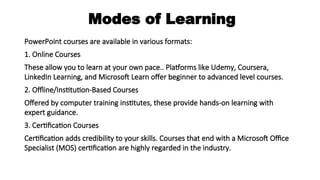
Modes of Learning
PowerPoint courses are available in various formats:
1. Online Courses
These allow you to learn at your own pace.. Platforms like Udemy, Coursera,
LinkedIn Learning, and Microsoft Learn offer beginner to advanced level courses.
2. Offline/Institution-Based Courses
Offered by computer training institutes, these provide hands-on learning with
expert guidance.
3. Certification Courses
Certification adds credibility to your skills. Courses that end with a Microsoft Office
Specialist (MOS) certification are highly regarded in the industry.
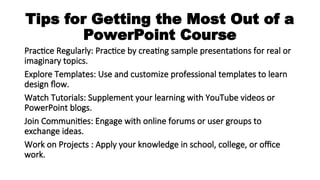
Tips for Getting the Most Out of a
PowerPoint Course
Practice Regularly: Practice by creating sample presentations for real or
imaginary topics.
Explore Templates: Use and customize professional templates to learn
design flow.
Watch Tutorials: Supplement your learning with YouTube videos or
PowerPoint blogs.
Join Communities: Engage with online forums or user groups to
exchange ideas.
Work on Projects : Apply your knowledge in school, college, or office
work.
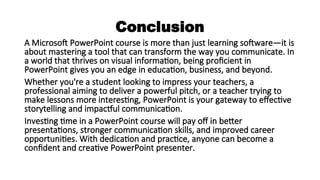
Conclusion
A Microsoft PowerPoint course is more than just learning software—it is
about mastering a tool that can transform the way you communicate. In
a world that thrives on visual information, being proficient in
PowerPoint gives you an edge in education, business, and beyond.
Whether you're a student looking to impress your teachers, a
professional aiming to deliver a powerful pitch, or a teacher trying to
make lessons more interesting, PowerPoint is your gateway to effective
storytelling and impactful communication.
Investing time in a PowerPoint course will pay off in better
presentations, stronger communication skills, and improved career
opportunities. With dedication and practice, anyone can become a
confident and creative PowerPoint presenter.

Mastering Microsoft PowerPoint.ppt......

  • 1.
    Mastering Microsoft PowerPoint: AComprehensive Course Guide In today’s digital age, effective communication is key— whether in education, business, or personal development. One of the most powerful tools for visual communication is Microsoft PowerPoint , a widely-used software for creating professional presentations. Learning PowerPoint is no longer optional; it is an essential skill that enhances your ability to communicate ideas clearly and persuasively. A Microsoft PowerPoint course is the ideal way to gain expertise, unlock creativity, and develop confidence in designing impactful presentations. This article will take a deep dive into what a Microsoft PowerPoint course includes, its benefits, and why it is a valuable skill for students, professionals, and educators alike.
  • 2.
    Introduction to Microsoft PowerPoint Itallows users to create slide-based presentations using text, images, videos, charts, animations, and other media elements. Whether you’re delivering a school project, pitching a business idea, or conducting a training session, PowerPoint helps in presenting information in a structured, visually appealing format. A PowerPoint course offers step-by-step training, starting from the basics to advanced features, enabling users to harness the full potential of the software.
  • 3.
    What Does aMicrosoft PowerPoint Course Cover? A well-structured Microsoft PowerPoint course typically includes the following modules: 1. Introduction to PowerPoint Understanding the PowerPoint interface Creating and saving a presentation Working with slides and slide layouts Basic text formatting 2. Design and Themes Choosing and applying themes Customizing slide backgrounds Using design ideas and templates Setting color schemes and fonts
  • 4.
    3. Inserting Content Addingand editing images Inserting shapes, icons, and SmartArt Including charts and graphs Embedding videos and audio clips 4. Slide Transitions and Animations Applying slide transitions Animating text and objects Customizing animation effects Using the Animation Pane 5. Advanced Features Working with master slides and layouts Using slide sections for better organization Embedding Excel charts and tables
  • 5.
    6. Presentation andDelivery Setting up Slide Show options Using Presenter View Practicing timing and rehearsal tools Tips for effective delivery 7. Collaboration and Sharing Sharing presentations via email or OneDrive Co-authoring in real time Exporting presentations as PDFs or videos Printing handouts and notes
  • 6.
    Benefits of LearningMicrosoft PowerPoint 1. Boosts Professional Skills PowerPoint is used across all industries for internal meetings, client presentations, project reports, and training sessions. Learning it makes you more employable and productive in any work environment. 2. Enhances Creativity PowerPoint is not just for slides—it’s a creative canvas. From storytelling to infographics, a good course can help you think visually and creatively while presenting your message. 3. Builds Confidence in Public Speaking When your slides are structured, engaging, and visually appealing, your delivery becomes more confident. Knowing how to use PowerPoint effectively reduces nervousness during presentations.
  • 7.
    4. Useful forStudents and Educators Students can create impactful class projects and seminars, while teachers can design interactive lessons. PowerPoint helps convey complex information through visuals, making learning more engaging. 5. Time-Saving Tools PowerPoint offers pre-built templates, quick formatting options, and AI design suggestions. With the right course, you’ll learn shortcuts and hacks that save time and effort.
  • 8.
    Who Should Takea Microsoft PowerPoint Course? A PowerPoint course is beneficial for: Students: For school and college presentations, academic projects, and competitions. Teachers and Trainers: To prepare teaching materials, visual aids, and training sessions. Corporate Professionals: For project presentations, sales pitches, meetings, and reporting. Entrepreneurs: To pitch ideas to investors and explain business plans visually. Freelancers and Content Creators: To create digital content, webinars, and video slideshows.
  • 9.
    Modes of Learning PowerPointcourses are available in various formats: 1. Online Courses These allow you to learn at your own pace.. Platforms like Udemy, Coursera, LinkedIn Learning, and Microsoft Learn offer beginner to advanced level courses. 2. Offline/Institution-Based Courses Offered by computer training institutes, these provide hands-on learning with expert guidance. 3. Certification Courses Certification adds credibility to your skills. Courses that end with a Microsoft Office Specialist (MOS) certification are highly regarded in the industry.
  • 10.
    Tips for Gettingthe Most Out of a PowerPoint Course Practice Regularly: Practice by creating sample presentations for real or imaginary topics. Explore Templates: Use and customize professional templates to learn design flow. Watch Tutorials: Supplement your learning with YouTube videos or PowerPoint blogs. Join Communities: Engage with online forums or user groups to exchange ideas. Work on Projects : Apply your knowledge in school, college, or office work.
  • 11.
    Conclusion A Microsoft PowerPointcourse is more than just learning software—it is about mastering a tool that can transform the way you communicate. In a world that thrives on visual information, being proficient in PowerPoint gives you an edge in education, business, and beyond. Whether you're a student looking to impress your teachers, a professional aiming to deliver a powerful pitch, or a teacher trying to make lessons more interesting, PowerPoint is your gateway to effective storytelling and impactful communication. Investing time in a PowerPoint course will pay off in better presentations, stronger communication skills, and improved career opportunities. With dedication and practice, anyone can become a confident and creative PowerPoint presenter.