


Azure Integration DTAP Series, How to go
from Development to Production – Part 1
API Management
Mattias Lögdberg https://se.linkedin.com/in/logdberg
• Azure Integration DTAP Series,
How to go from Development to Production
Part 1 API Management
Mattias Lögdberg
Mattias Lögdberg
Solution Architect
Azure Specialist
Azure Advisor & Insider
http://mlogdberg.com
MLogdberg
MLogdberg
https://se.linkedin.com/in/logdberg
Agenda
• Part 1 of a set of 3 series covering build and release processes with
VSTS
• API Management
• Azure Functions
• Logic Apps
• Intro
• Hands on setup in VSTS
• Lessons learned, tips and trix
• Questions
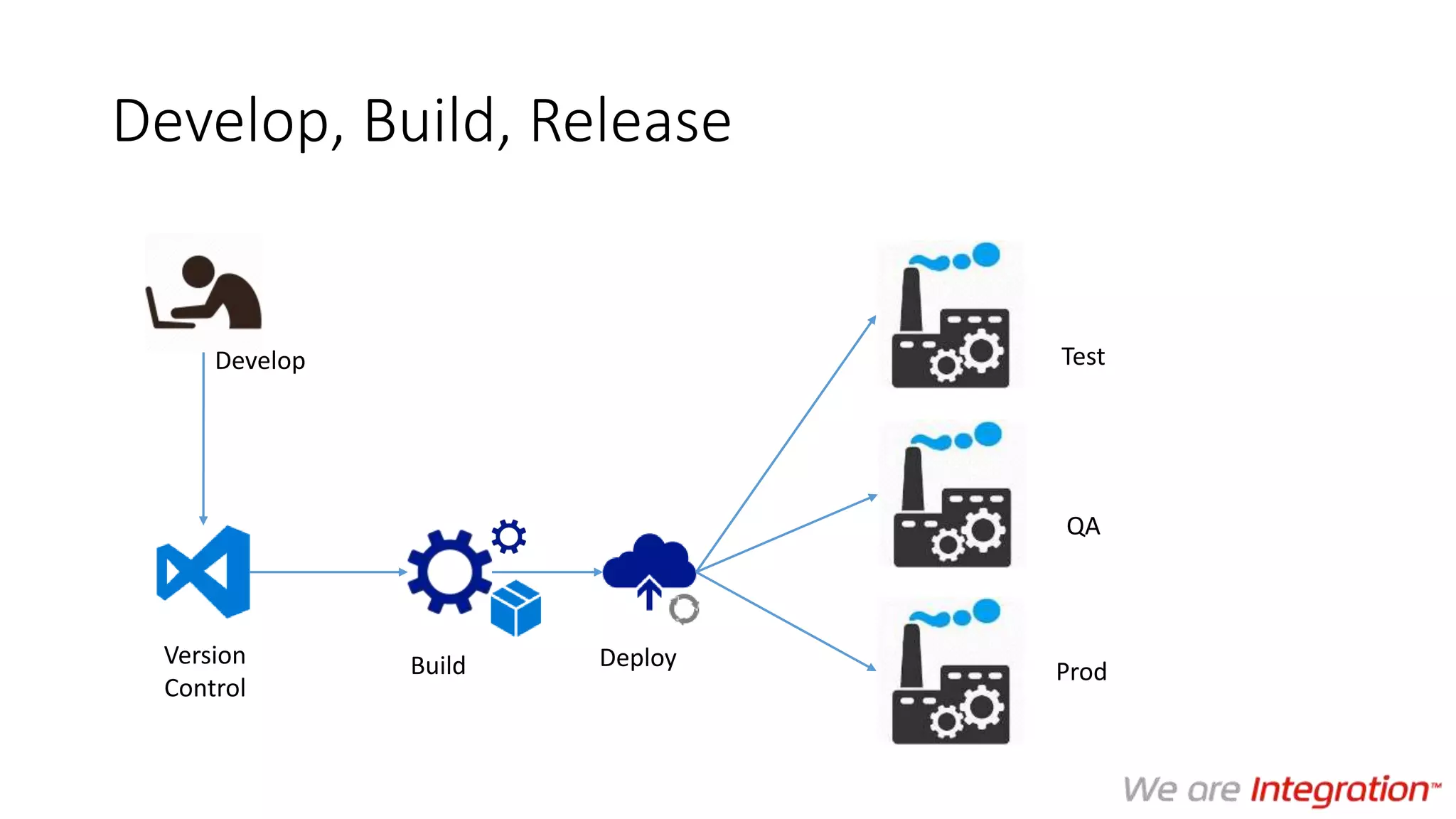
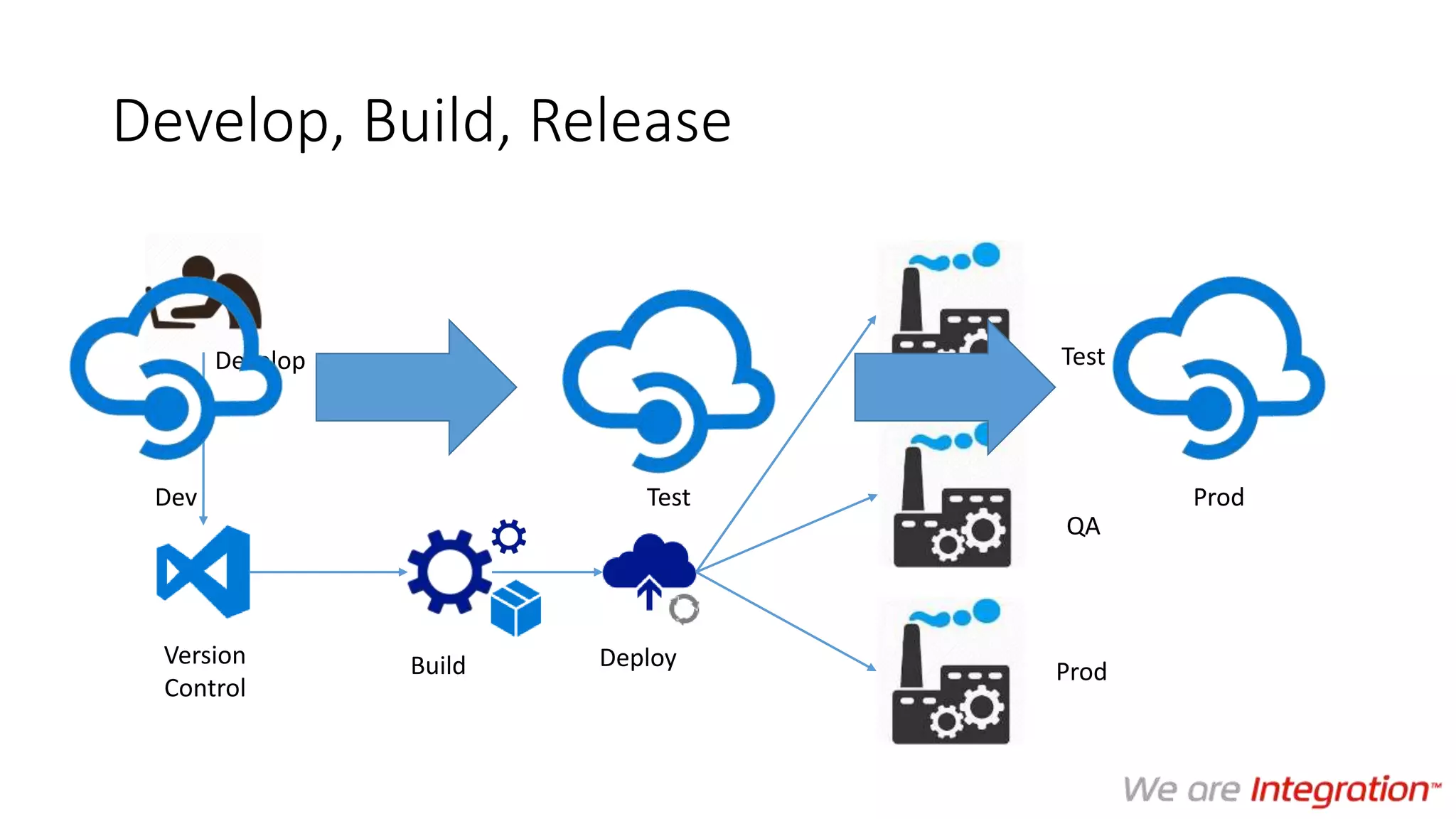
Develop, Build, Release
BuildVersion
Control
Develop
Deploy
Test
QA
Prod
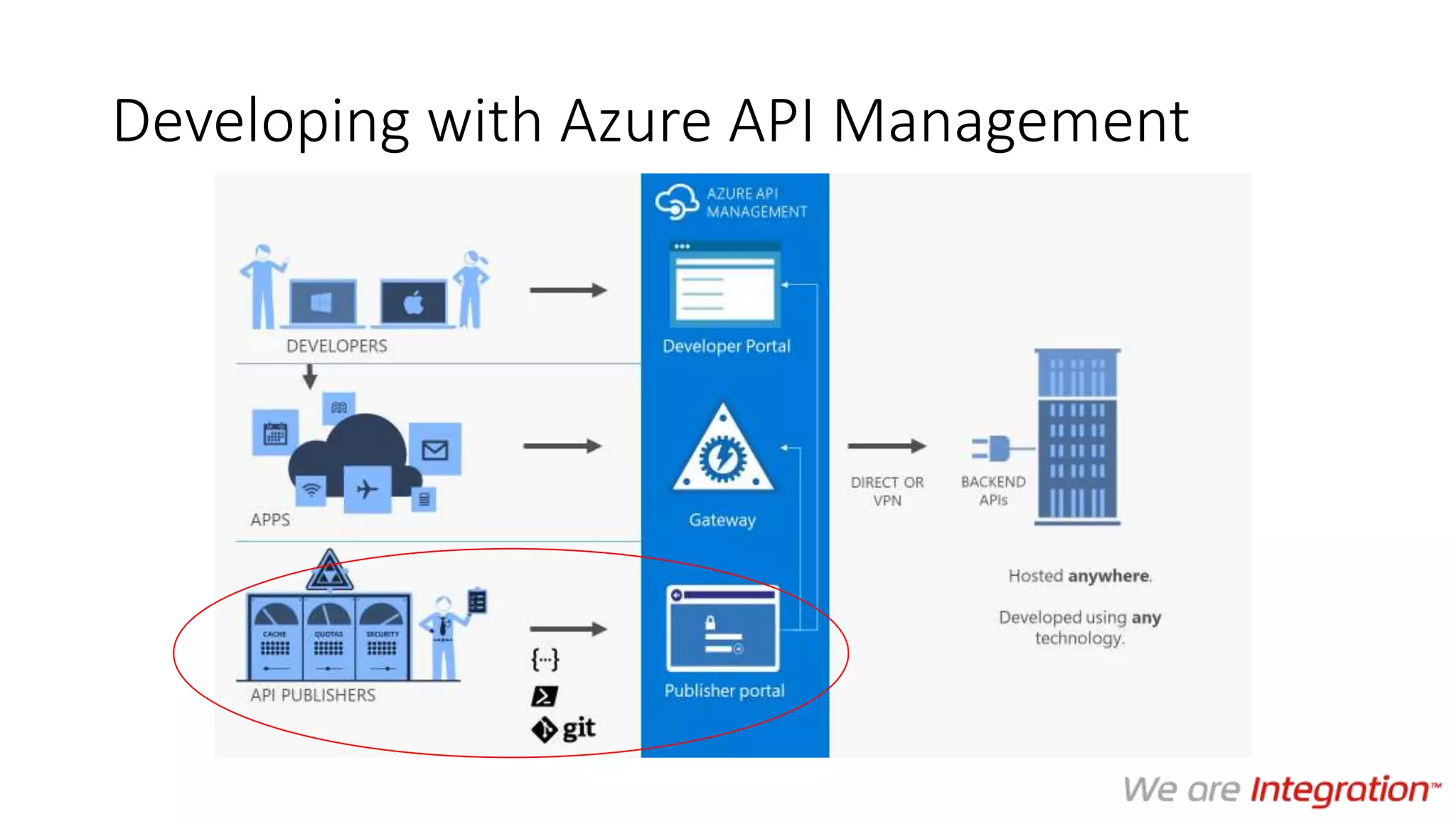
Developing with Azure API Management
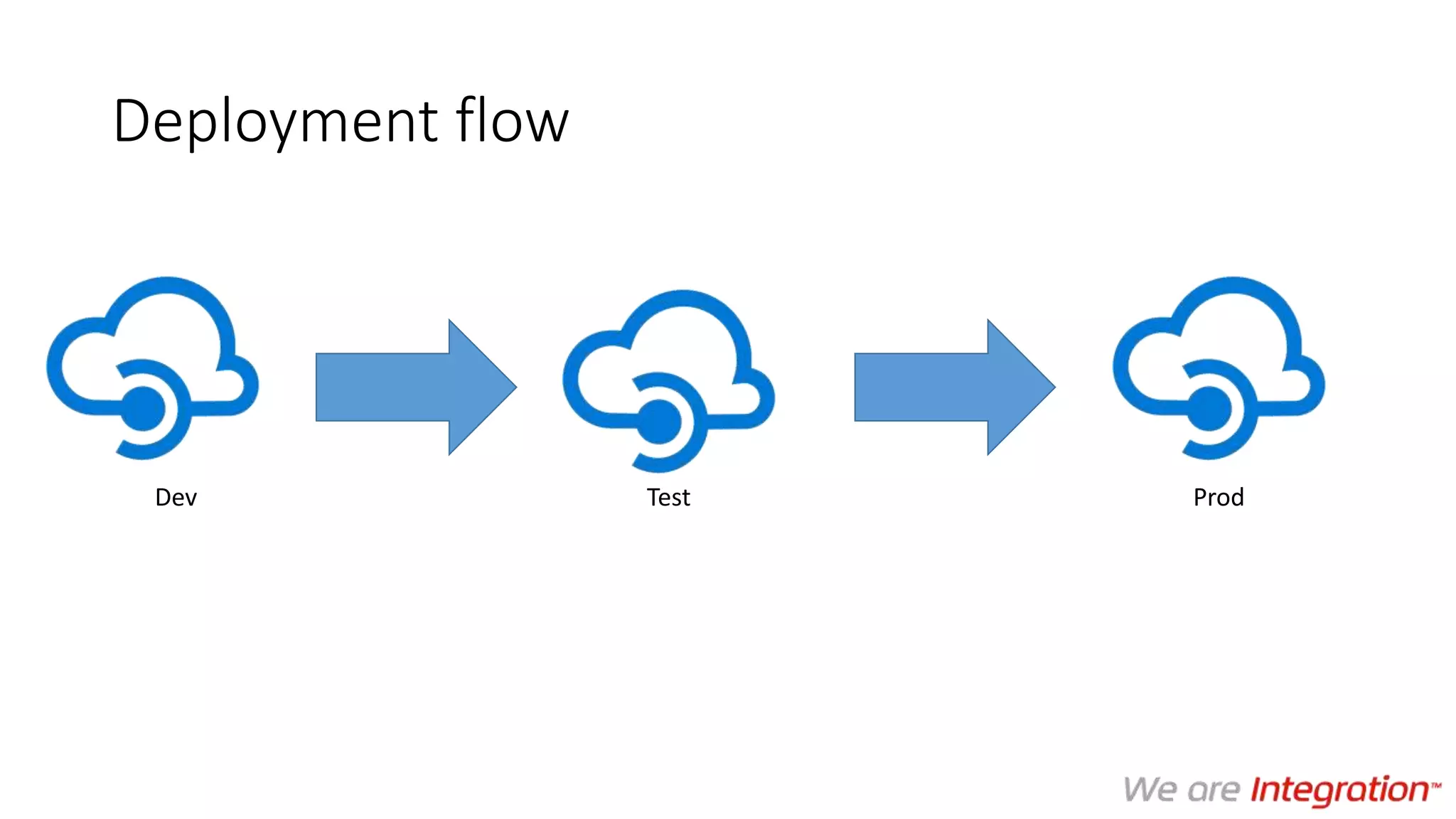
Deployment flow
Dev Test Prod
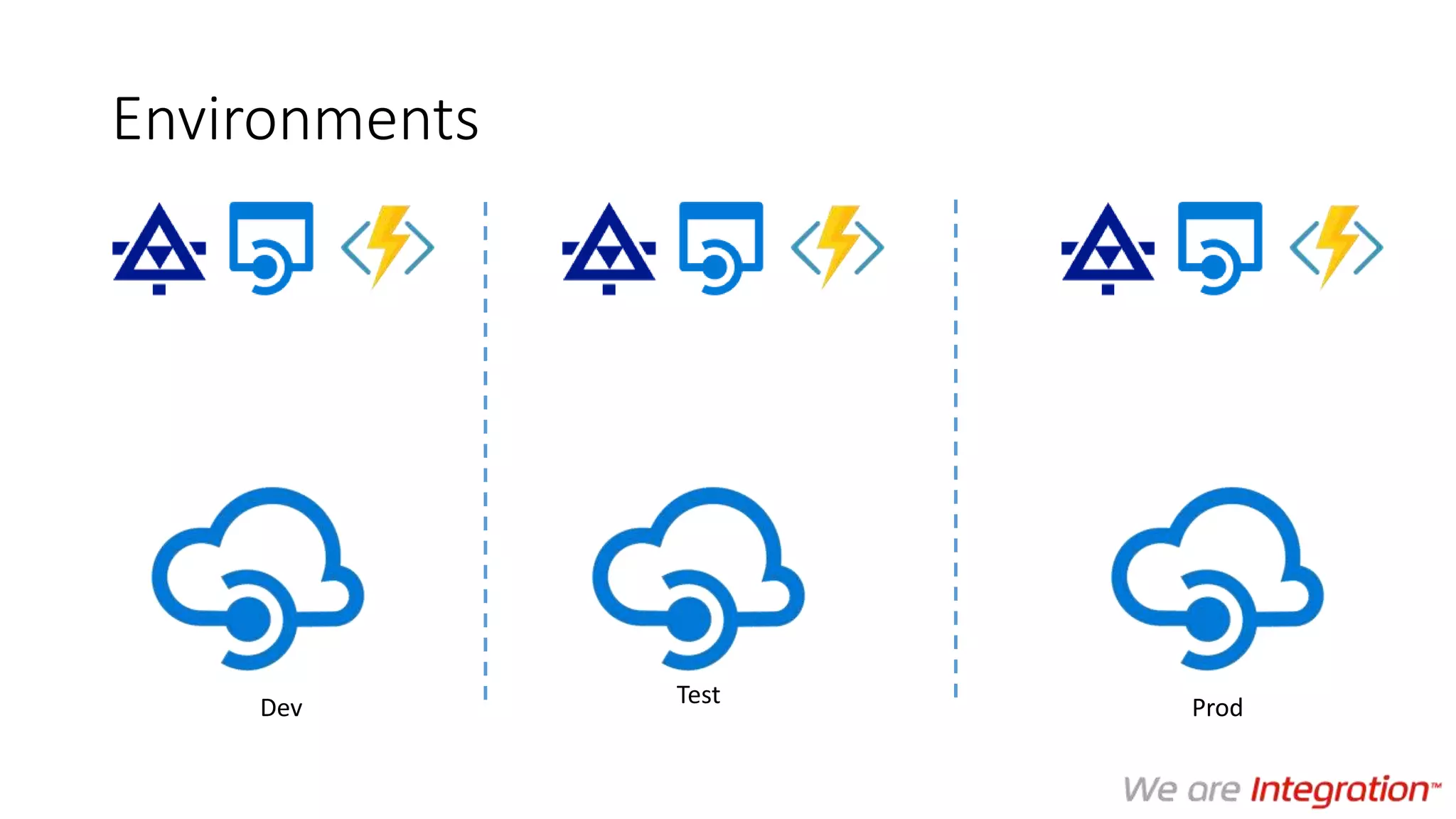
Environments
Dev Test Prod
Deployment Options
Copy Paste, Swagger Export/Import
Powershell / REST API
GIT
ARM Template
Copy Paste, Swager import/export
Pros:
• Easy to get started
Cons:
• How to make sure all resources are update
• Policies on Multiple levels
• Oauth
• Backends
• Reliable deployments? Doing the same mistakes over and over again
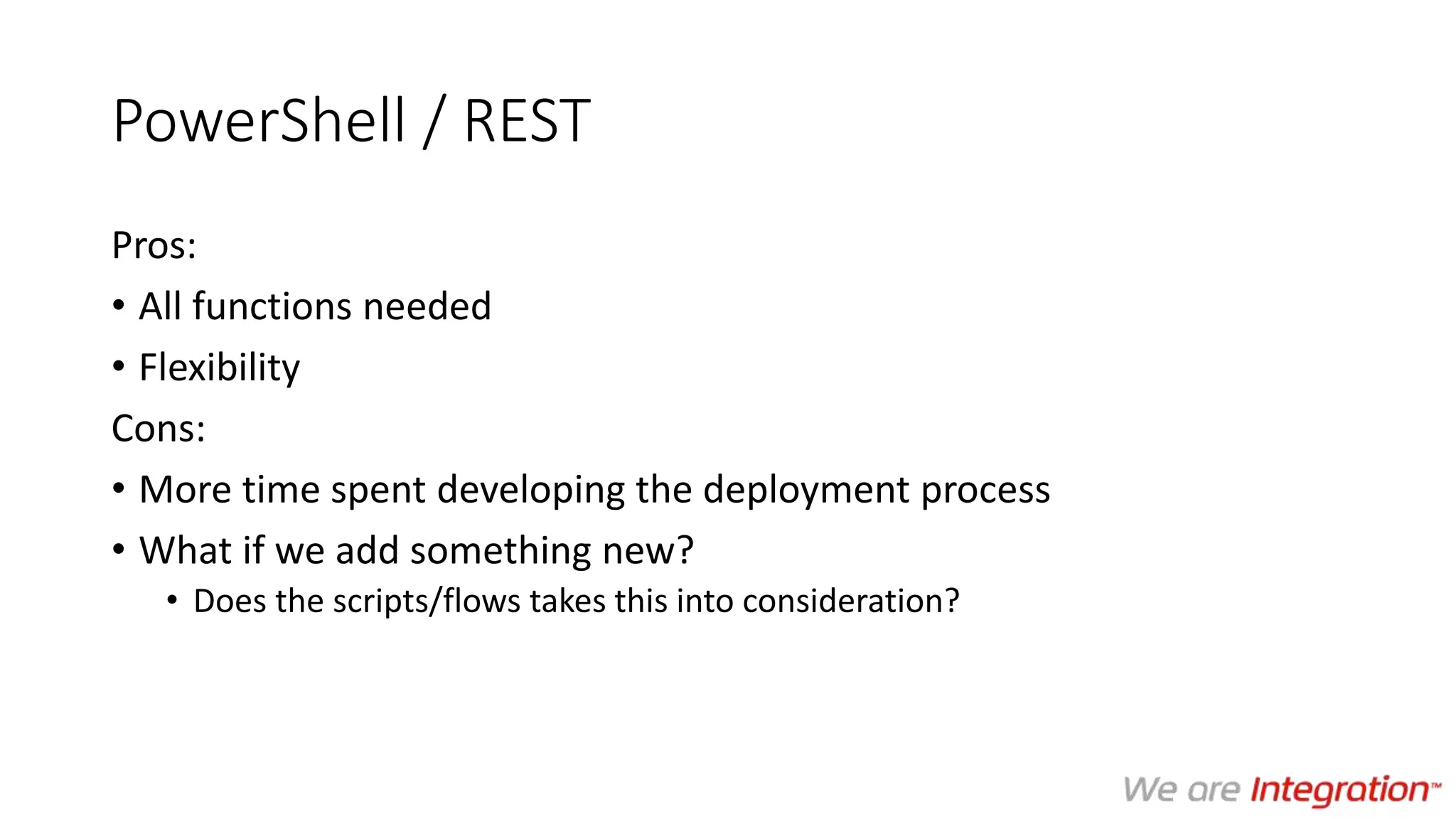
PowerShell / REST
Pros:
• All functions needed
• Flexibility
Cons:
• More time spent developing the deployment process
• What if we add something new?
• Does the scripts/flows takes this into consideration?
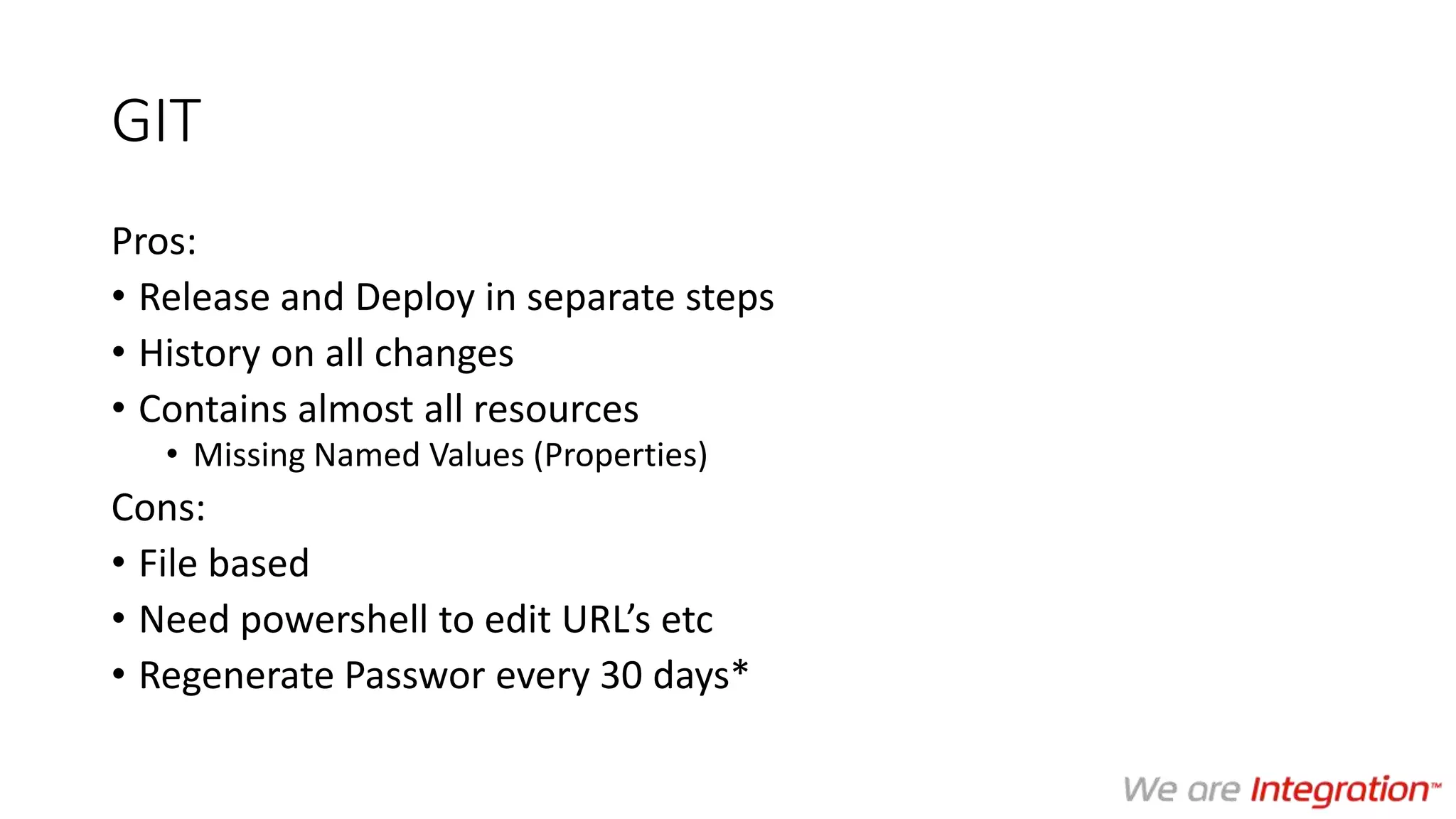
GIT
Pros:
• Release and Deploy in separate steps
• History on all changes
• Contains almost all resources
• Missing Named Values (Properties)
Cons:
• File based
• Need powershell to edit URL’s etc
• Regenerate Passwor every 30 days*
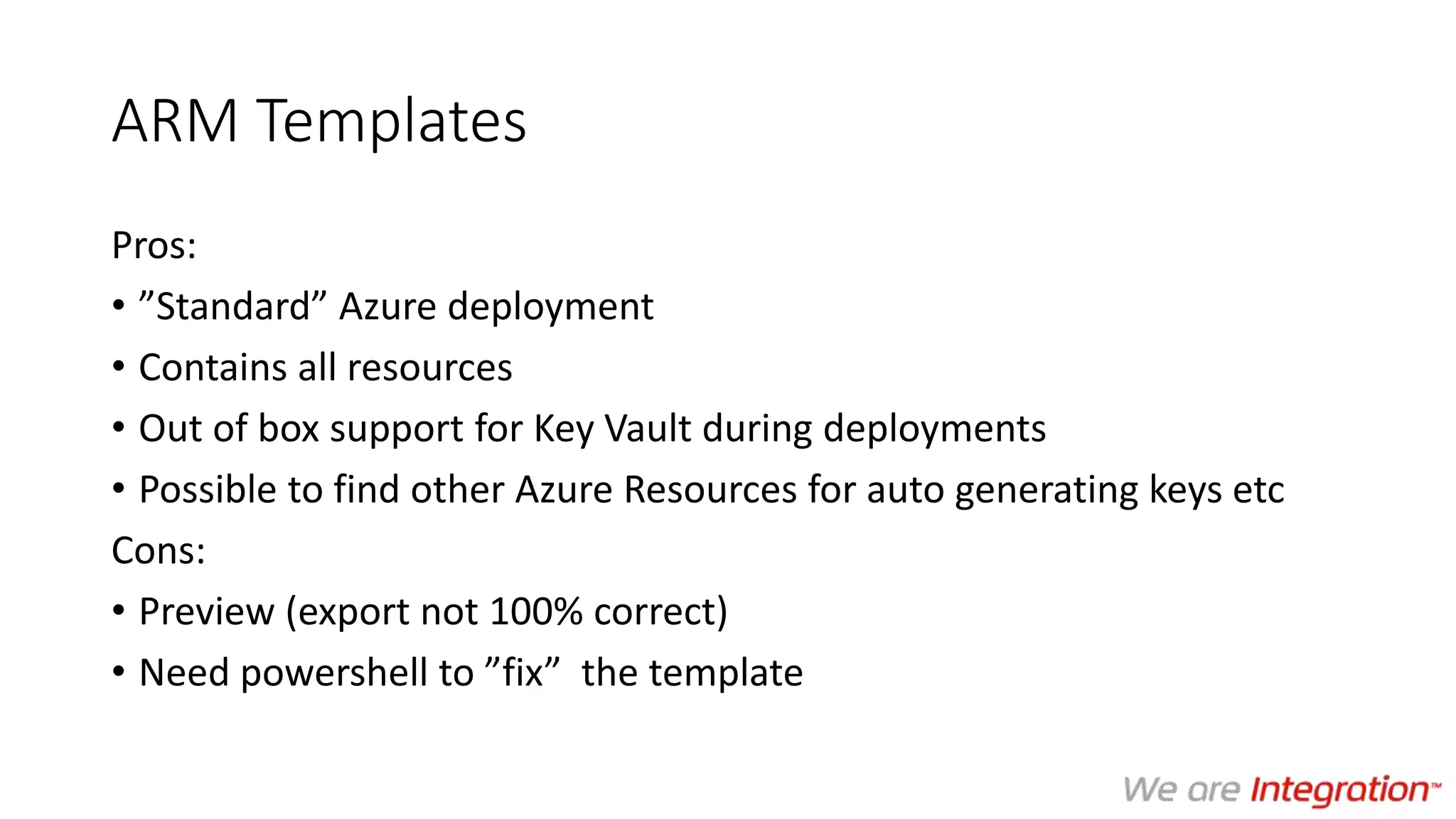
ARM Templates
Pros:
• ”Standard” Azure deployment
• Contains all resources
• Out of box support for Key Vault during deployments
• Possible to find other Azure Resources for auto generating keys etc
Cons:
• Preview (export not 100% correct)
• Need powershell to ”fix” the template
Develop, Build, Release
BuildVersion
Control
Develop
Deploy
Test
QA
Prod
Dev Test Prod
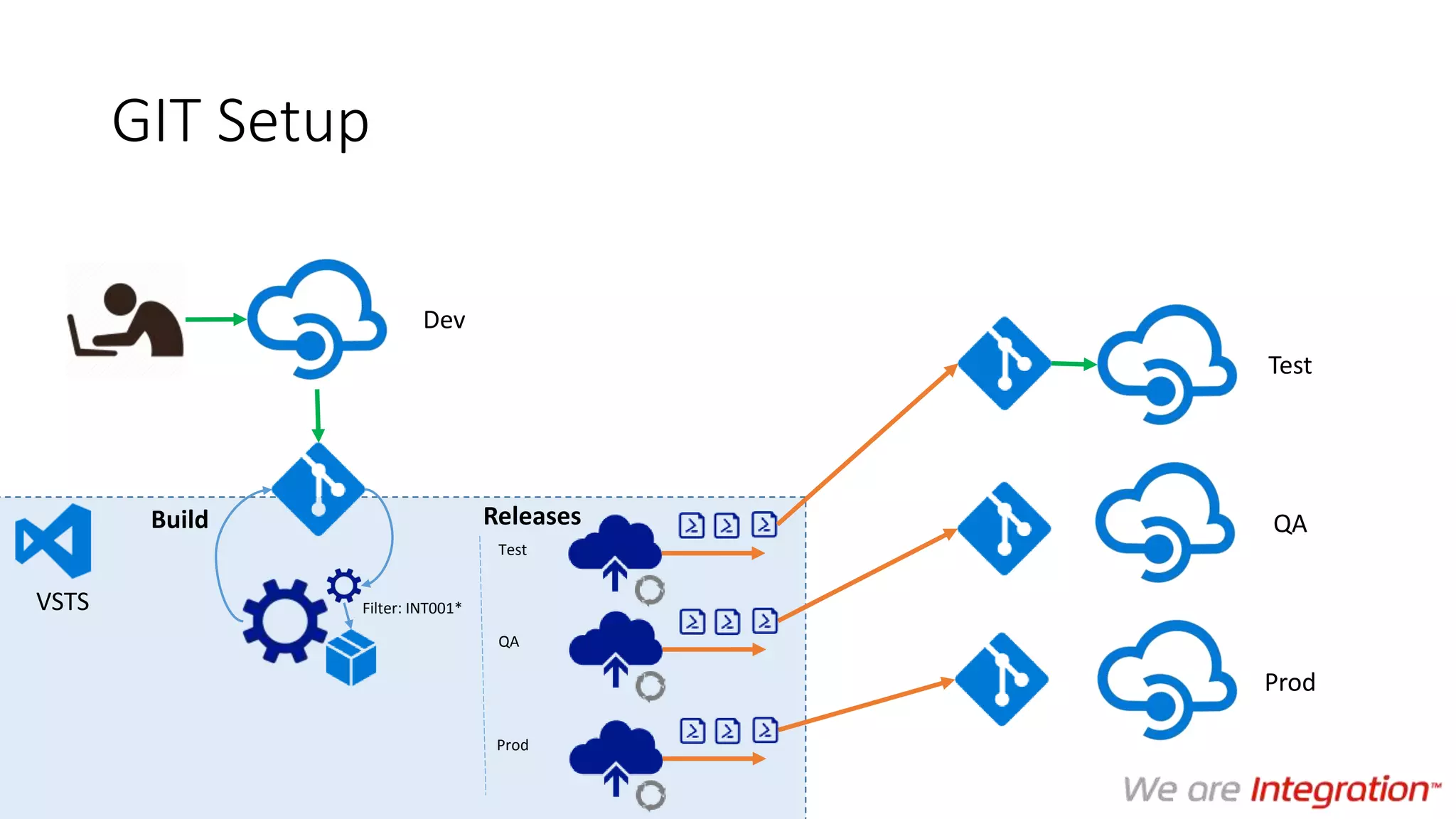
GIT Setup
Build
VSTS
Releases
Test
QA
Prod
Filter: INT001*
Test
QA
Prod
Dev
Demo GIT
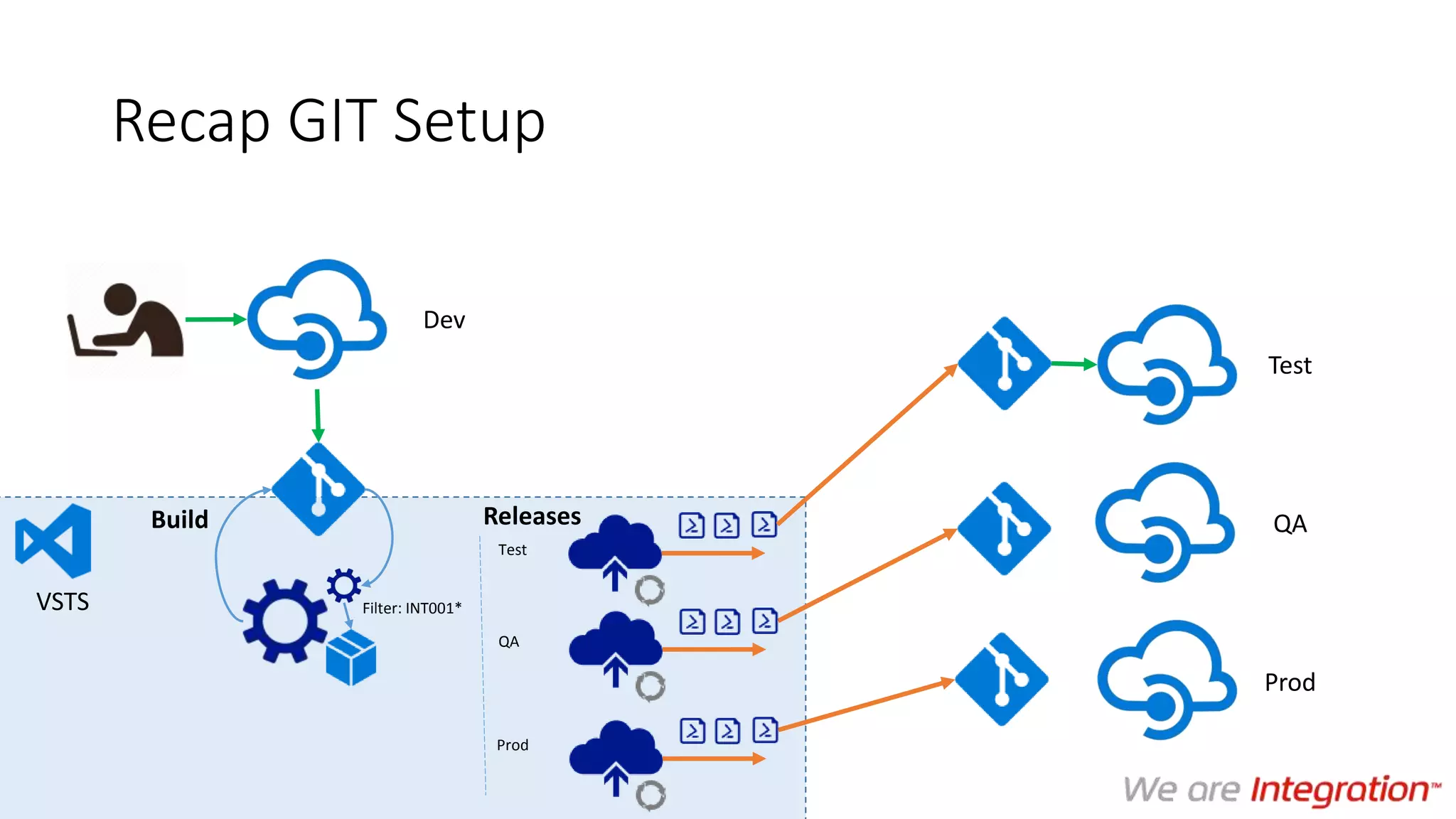
Recap GIT Setup
Build
VSTS
Releases
Test
QA
Prod
Filter: INT001*
Test
QA
Prod
Dev
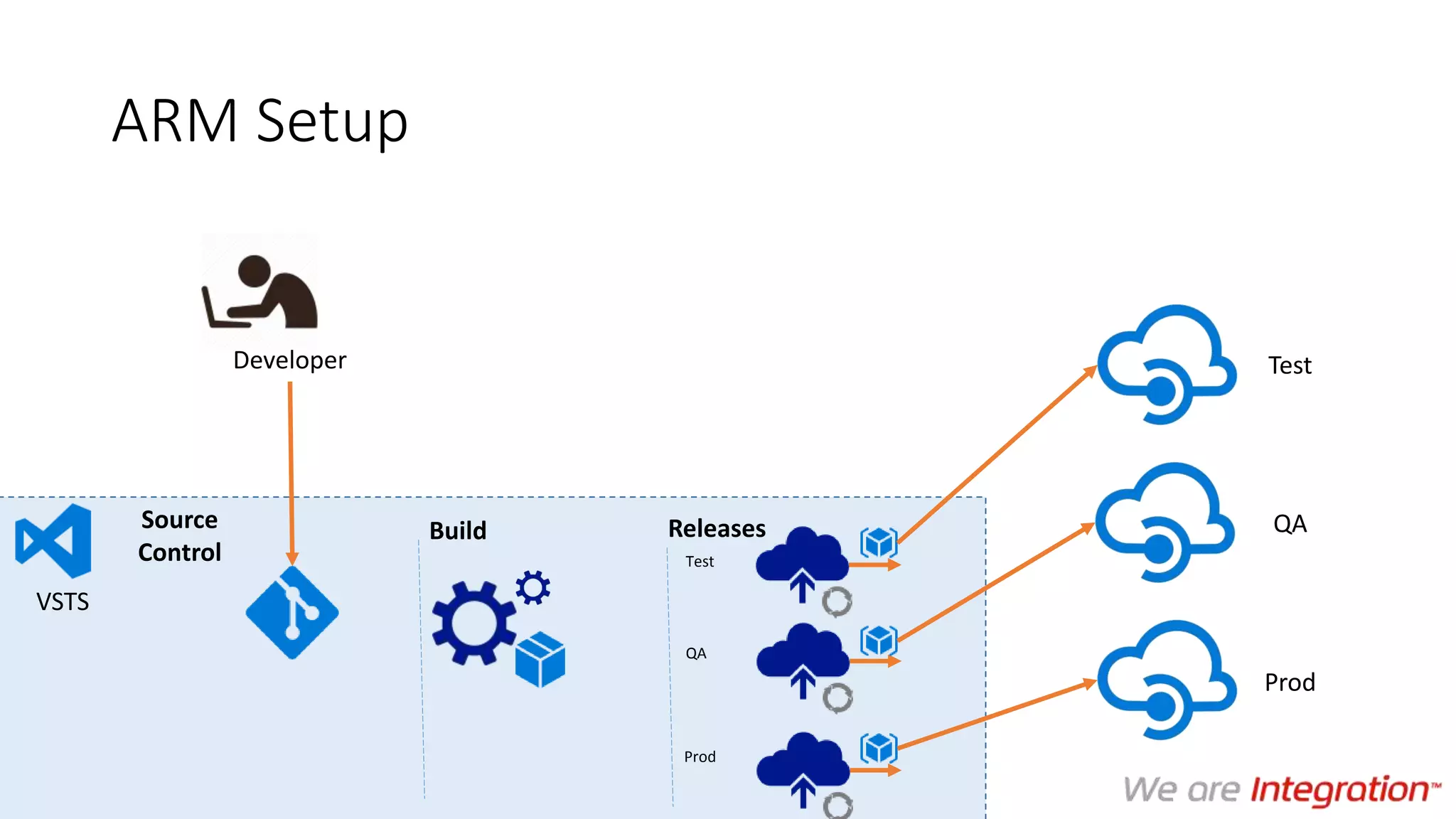
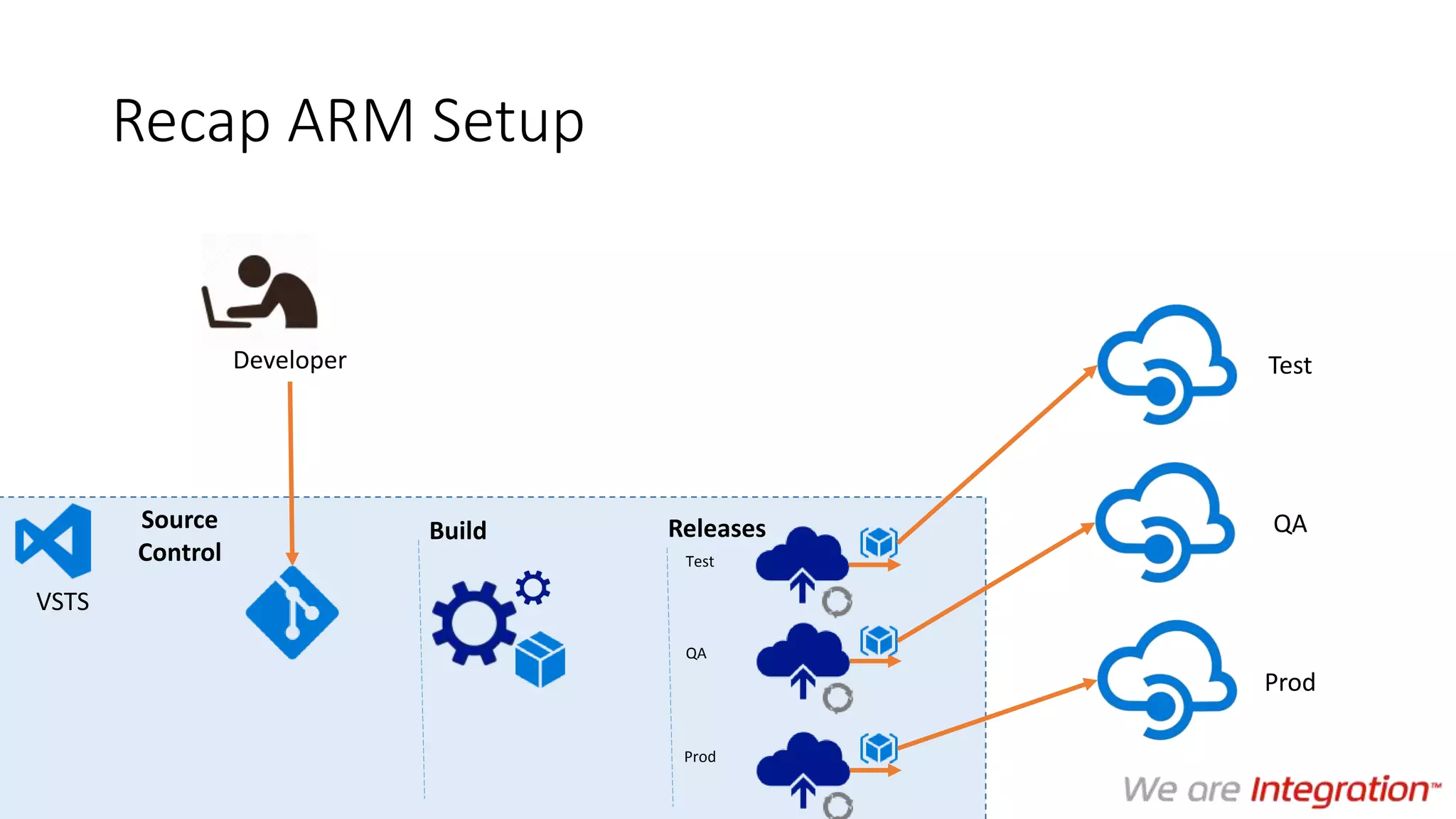
ARM Setup
Developer
Source
Control
VSTS
Releases
Test
QA
Prod
Build
Test
QA
Prod
Demo ARM Templates
Recap ARM Setup
Developer
Source
Control
VSTS
Releases
Test
QA
Prod
Build
Test
QA
Prod
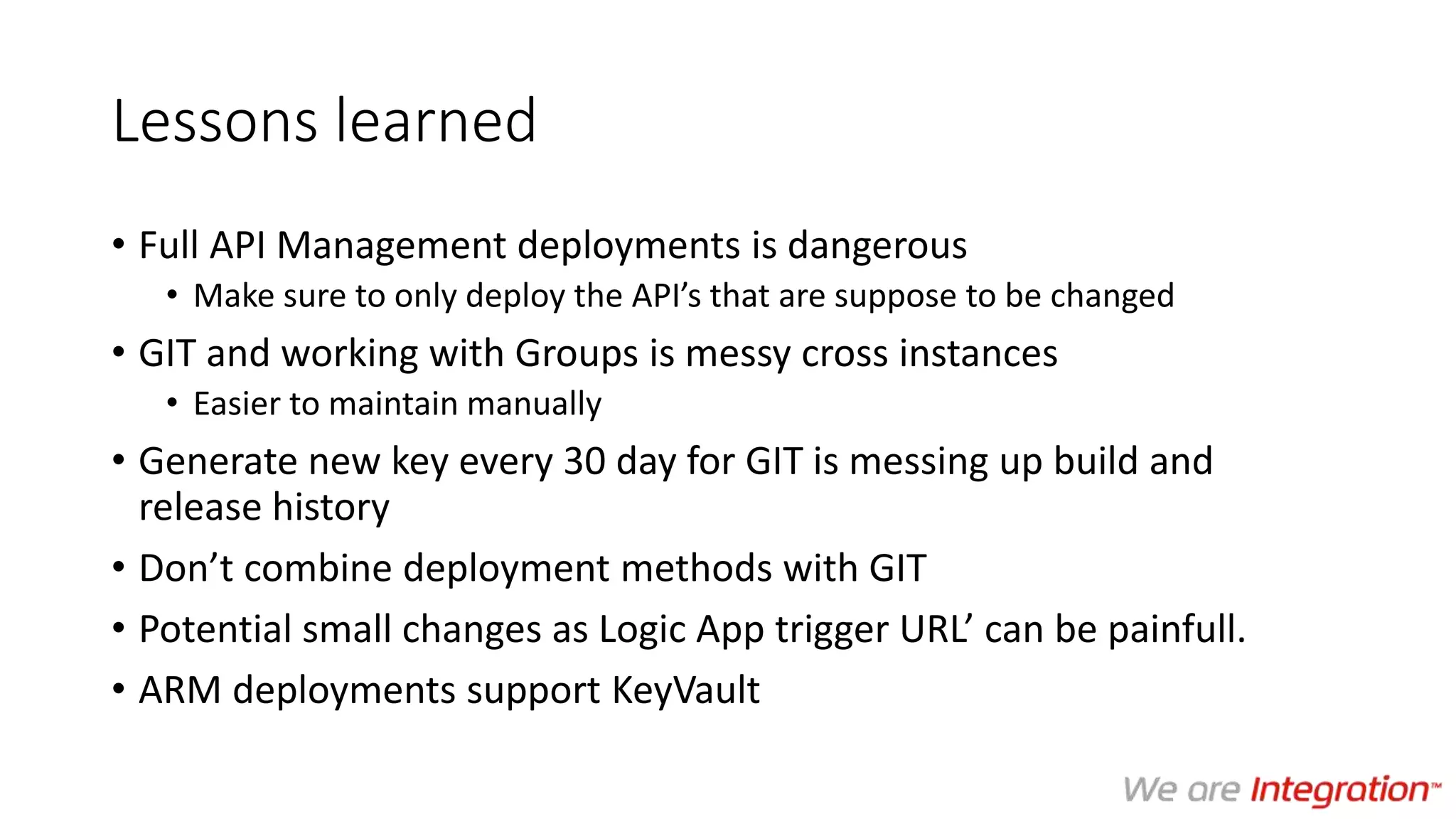
Lessons learned
• Full API Management deployments is dangerous
• Make sure to only deploy the API’s that are suppose to be changed
• GIT and working with Groups is messy cross instances
• Easier to maintain manually
• Generate new key every 30 day for GIT is messing up build and
release history
• Don’t combine deployment methods with GIT
• Potential small changes as Logic App trigger URL’ can be painfull.
• ARM deployments support KeyVault
Questions?
Links
• http://blog.ibiz-solutions.se/integration/API-Management-DTAP-
Pipeline-VSTS/
• http://blog.ibiz-solutions.se/integration/understanding-api-
management-source-code/
• http://mlogdberg.com/apimanagement/arm-template-creator
• https://www.visualstudio.com/en-us/docs/build/preview/release-
definition-editor
• https://docs.microsoft.com/en-us/azure/azure-resource-
manager/resource-group-template-functions
Thanks!
Mattias Lögdberg, Solutions Architect
Email: Mattias. Logdberg@ibiz-solutions.se

Azure Integration DTAP Series, How to go from Development to Production – Part 1 API Management

Editor's Notes

  • #11 SOAP services require new import of wsdl Backend resource cannot be edited/created in GUI