stephane@lapointe.cloud
Stephane Lapointe
Over 20 years of experience with Microsoft technologies.
He is working at GSOFT where he’s a Cloud Solution
Specialist.
He is very passionate about everything that touches
Microsoft Azure, the DevOps practice and automation of
all sort of things using PowerShell. He is very dedicated
to the Montreal MSDEVMTL community where he is a
co-organizer for the Azure group. He is also an Microsoft
Azure MVP & Advisor.
Email : stephane@lapointe.cloud
Twitter : @s_lapointe
Facebook :
stephane.lapointe.azure
LinkedIn :
ca.linkedin.com/in/stephanelapointe
Agenda
Objectives
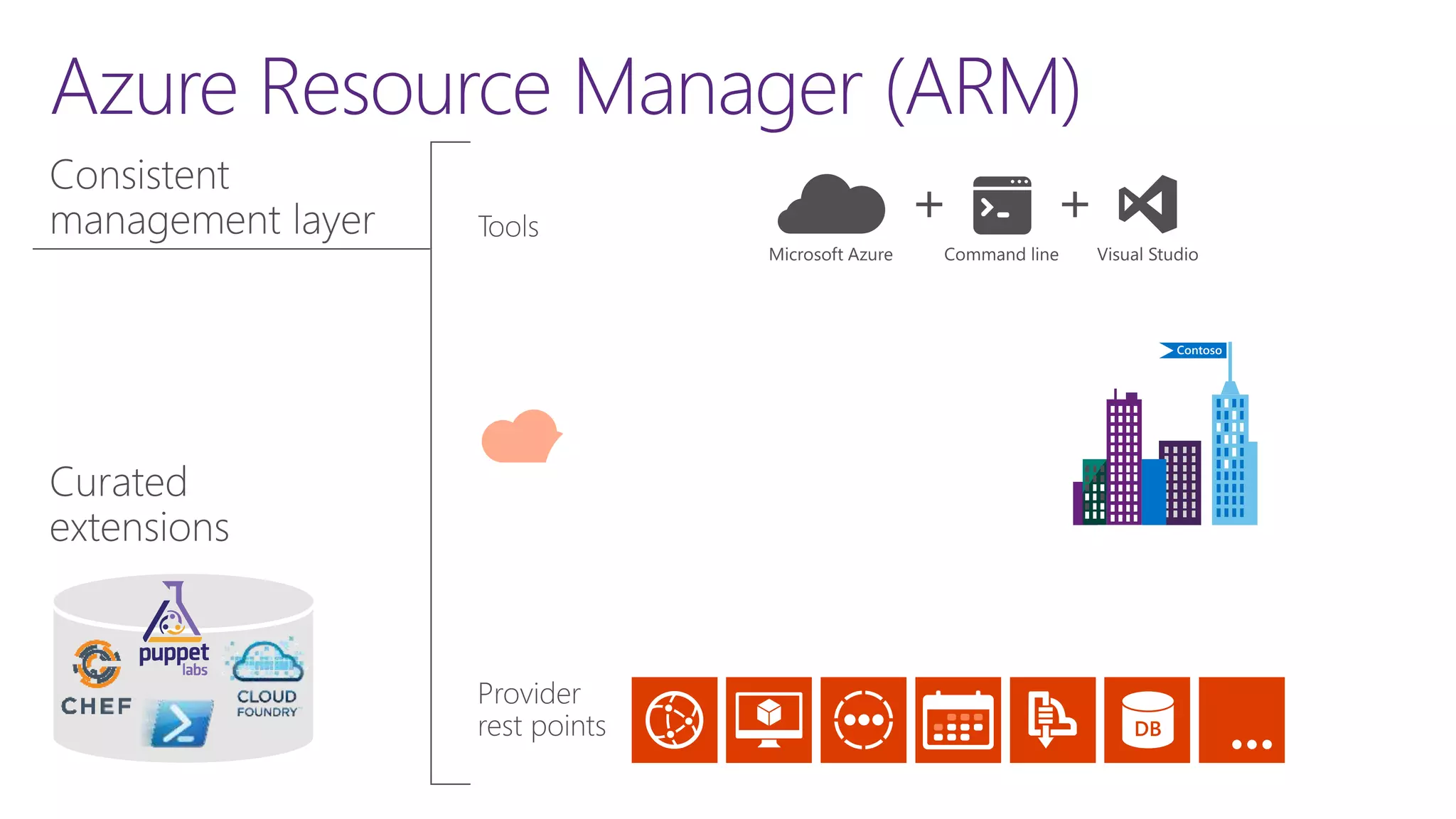
Azure Resource Manager (ARM)
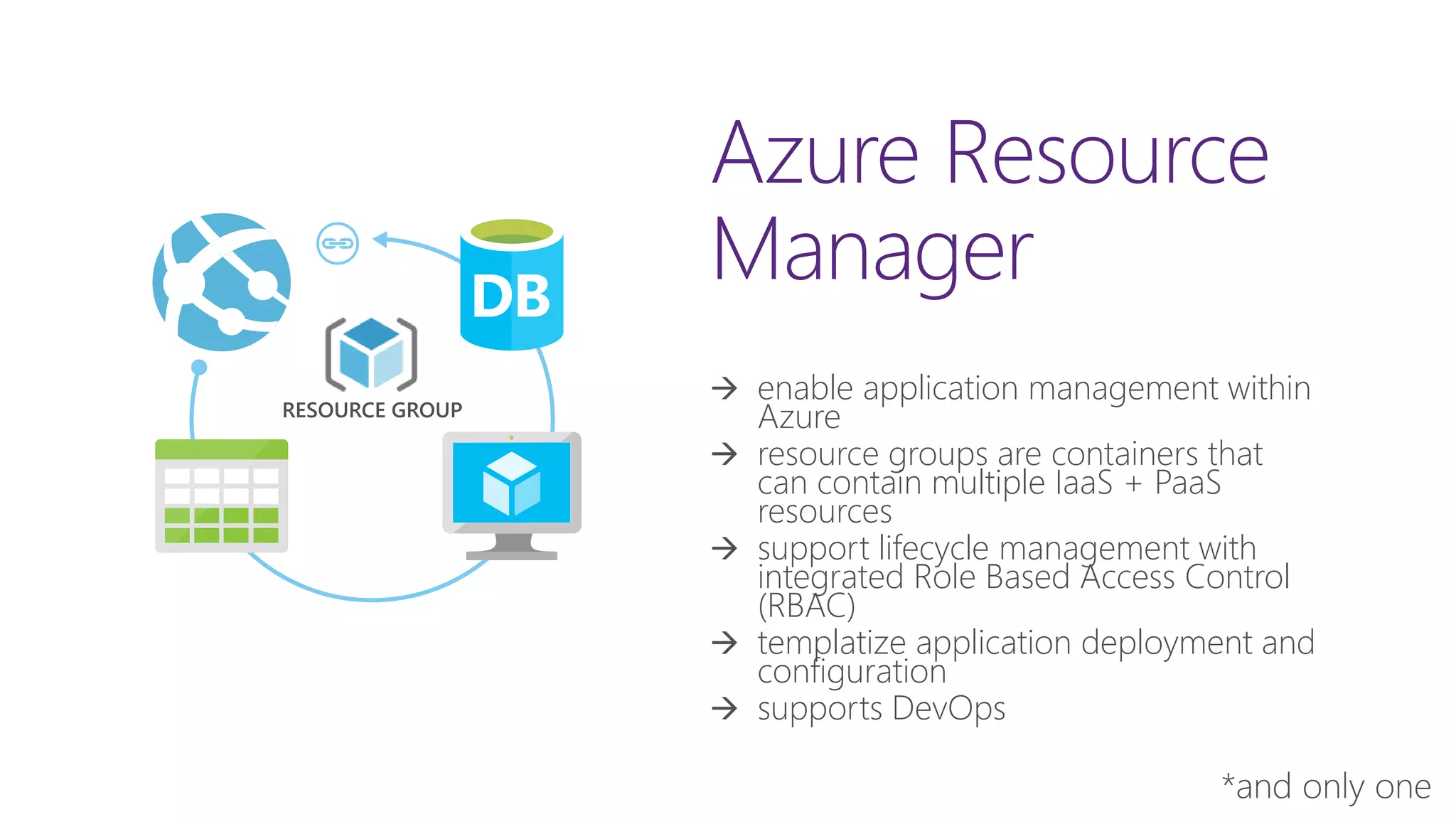
Azure Resource
Manager
 enable application management within
Azure
 resource groups are containers that
can contain multiple IaaS + PaaS
resources
 support lifecycle management with
integrated Role Based Access Control
(RBAC)
 templatize application deployment and
configuration
 supports DevOps
RESOURCE GROUP
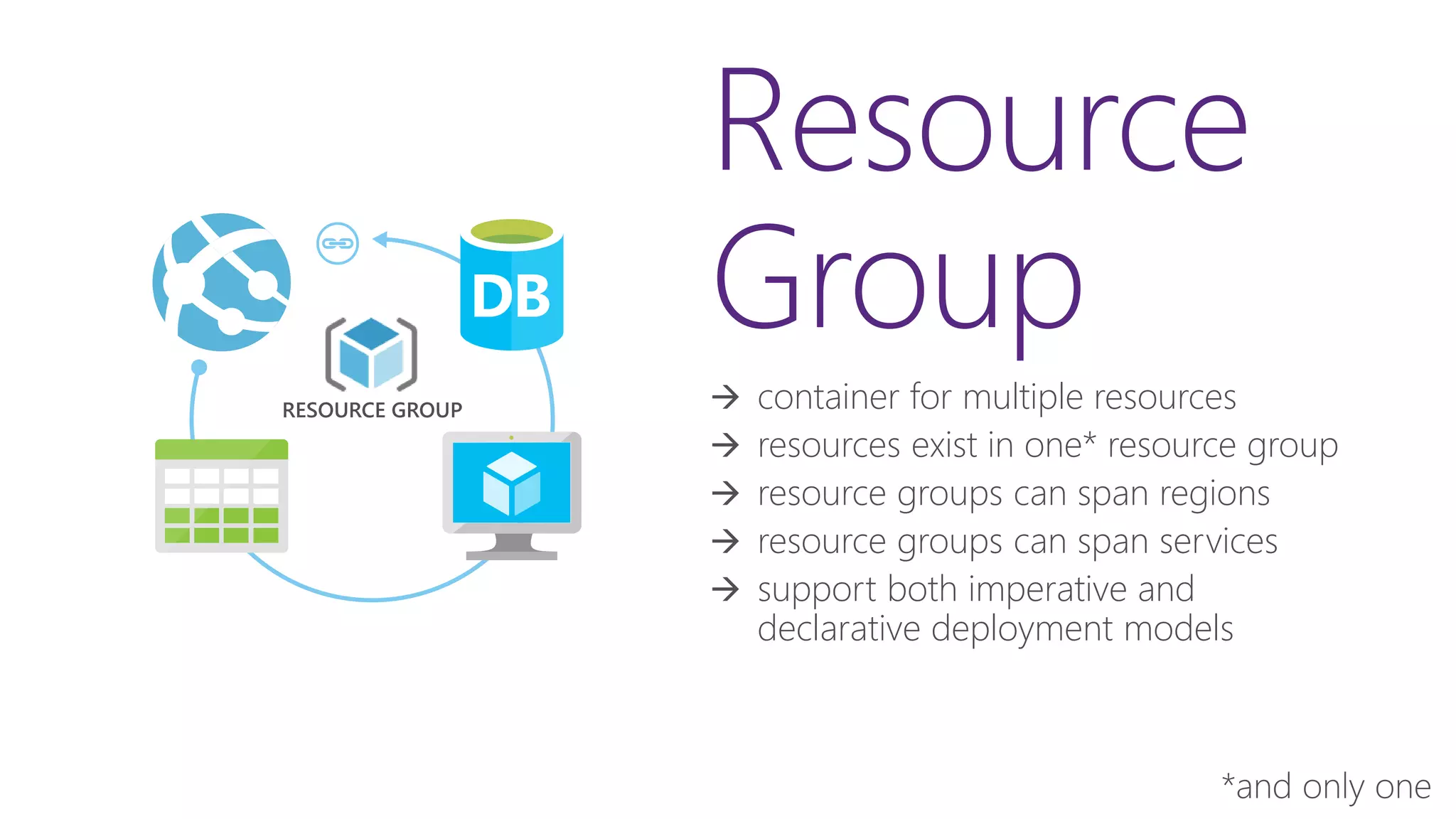
Resource
Group
 container for multiple resources
 resources exist in one* resource group
 resource groups can span regions
 resource groups can span services
 support both imperative and
declarative deployment models
RESOURCE GROUP
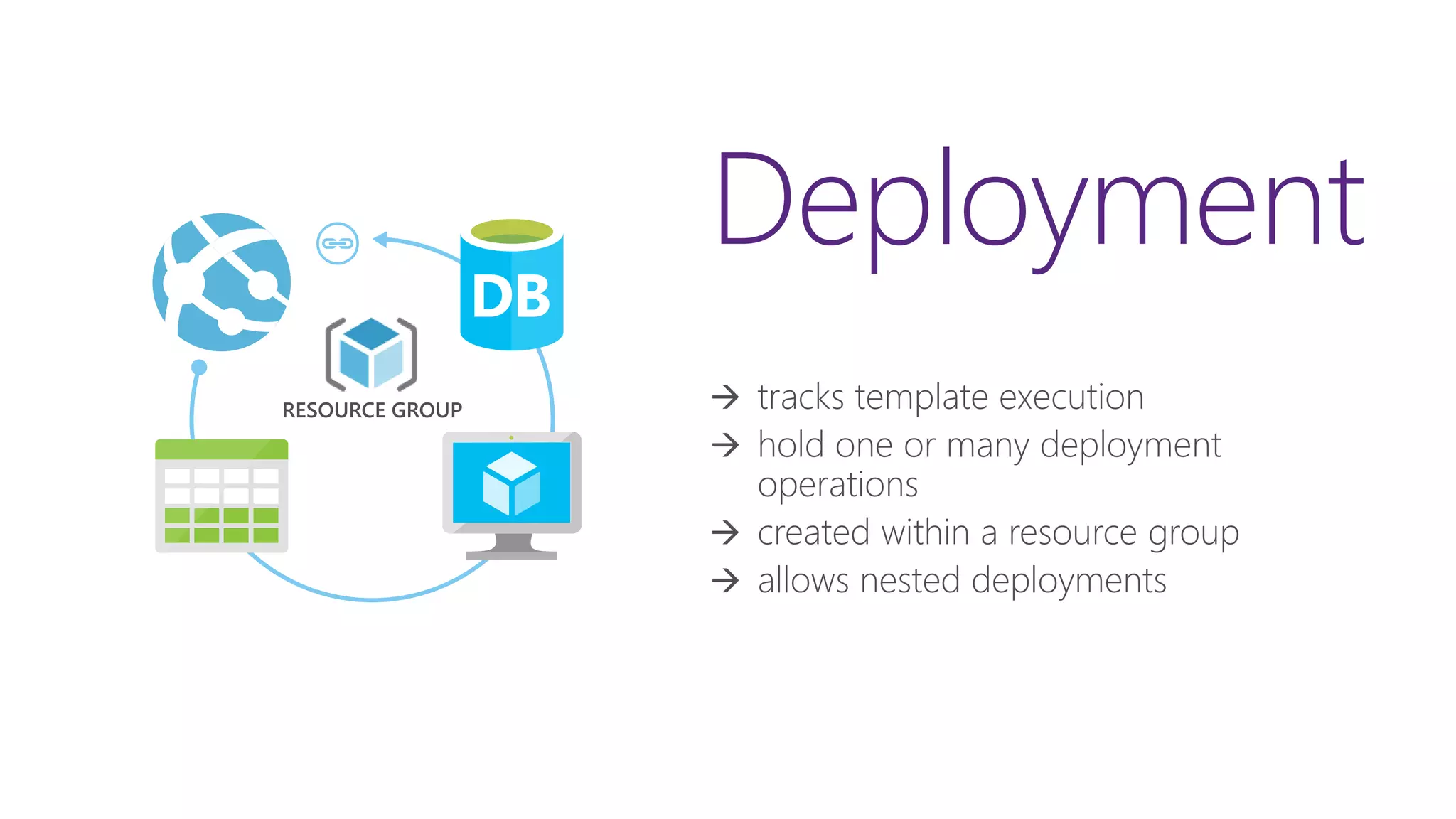
Deployment
 tracks template execution
 hold one or many deployment
operations
 created within a resource group
 allows nested deployments
RESOURCE GROUP
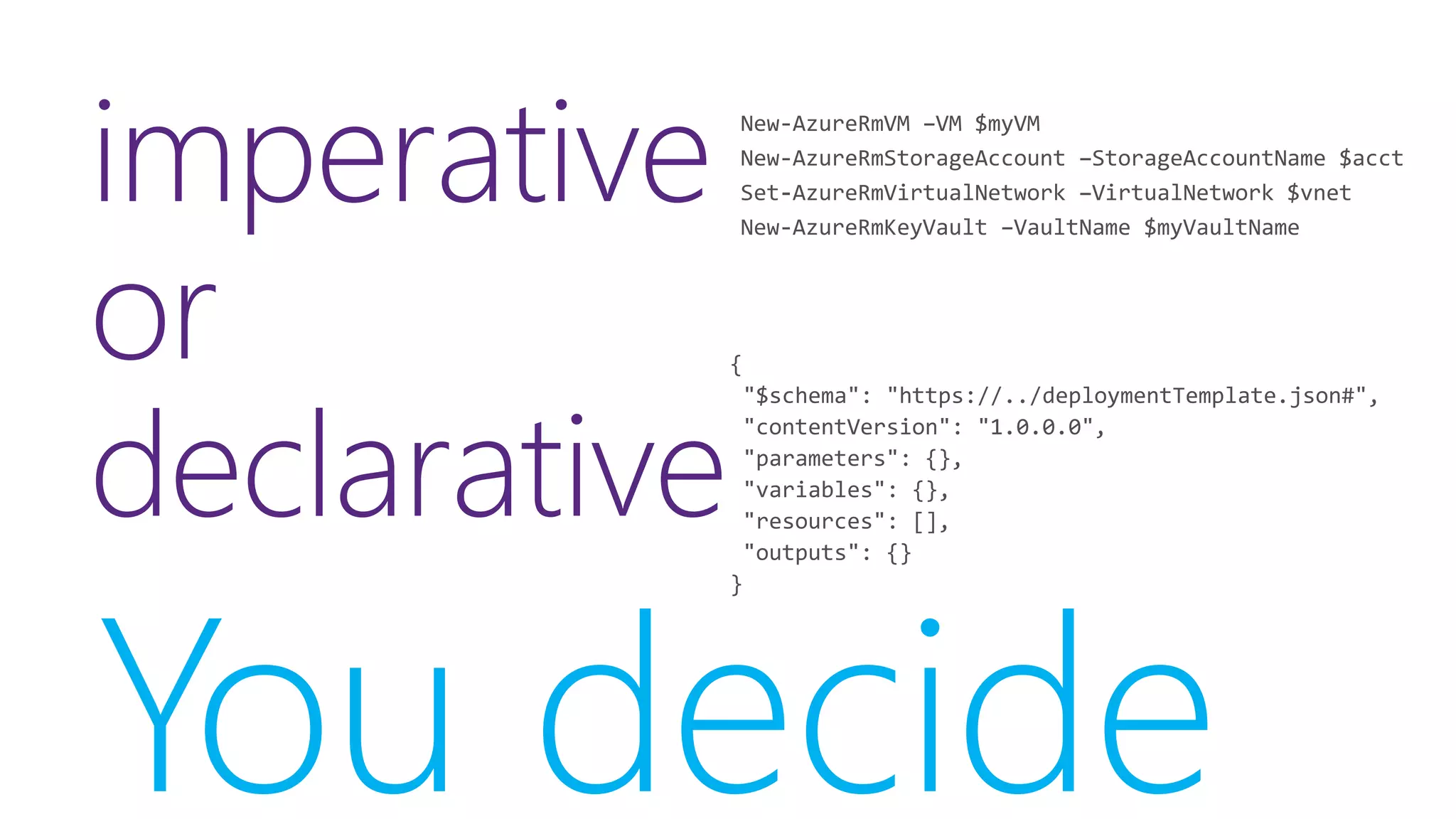
imperative
or
declarative
You decide
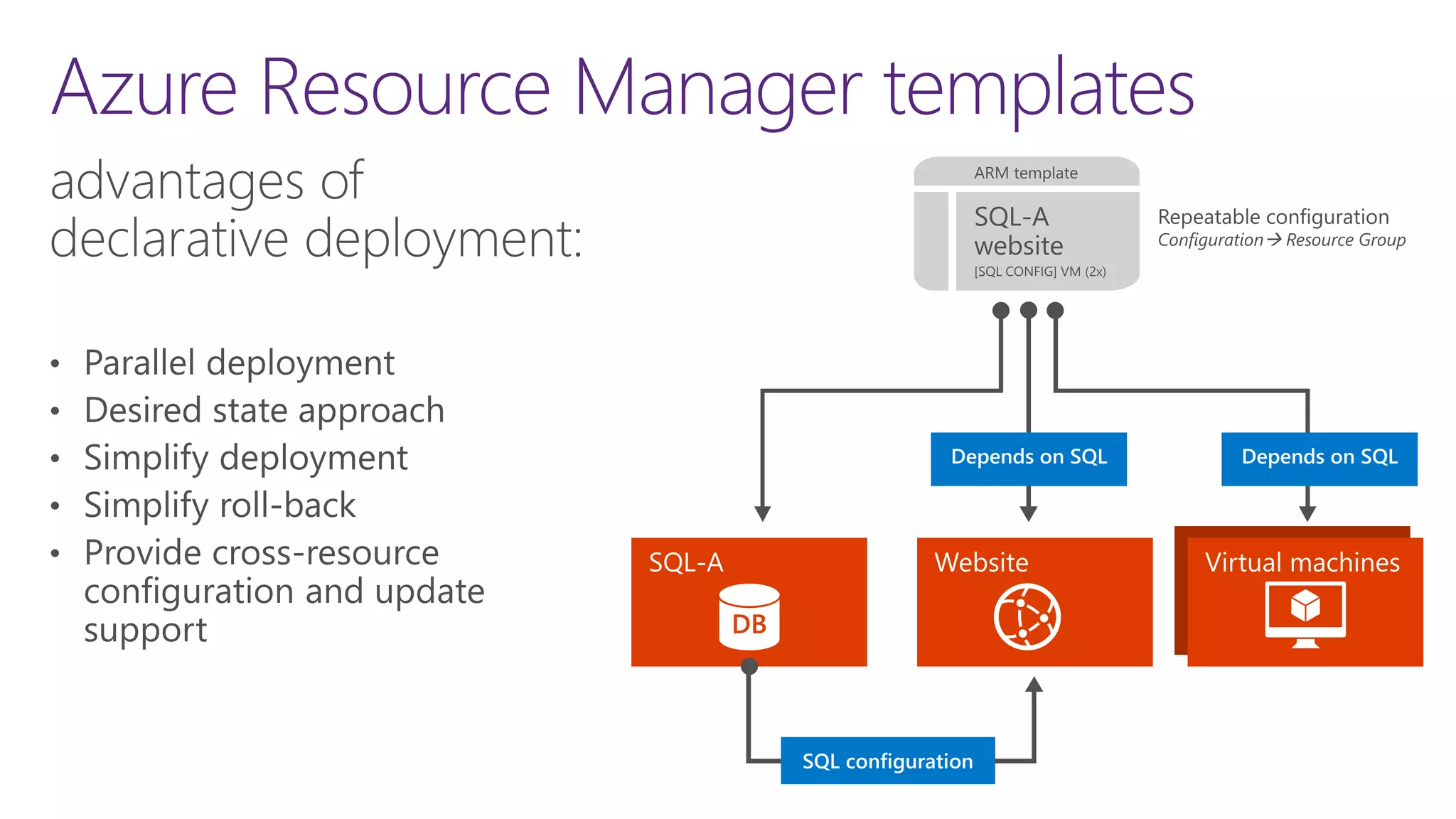
Azure Resource Manager templates
DEPENDS ON SQL
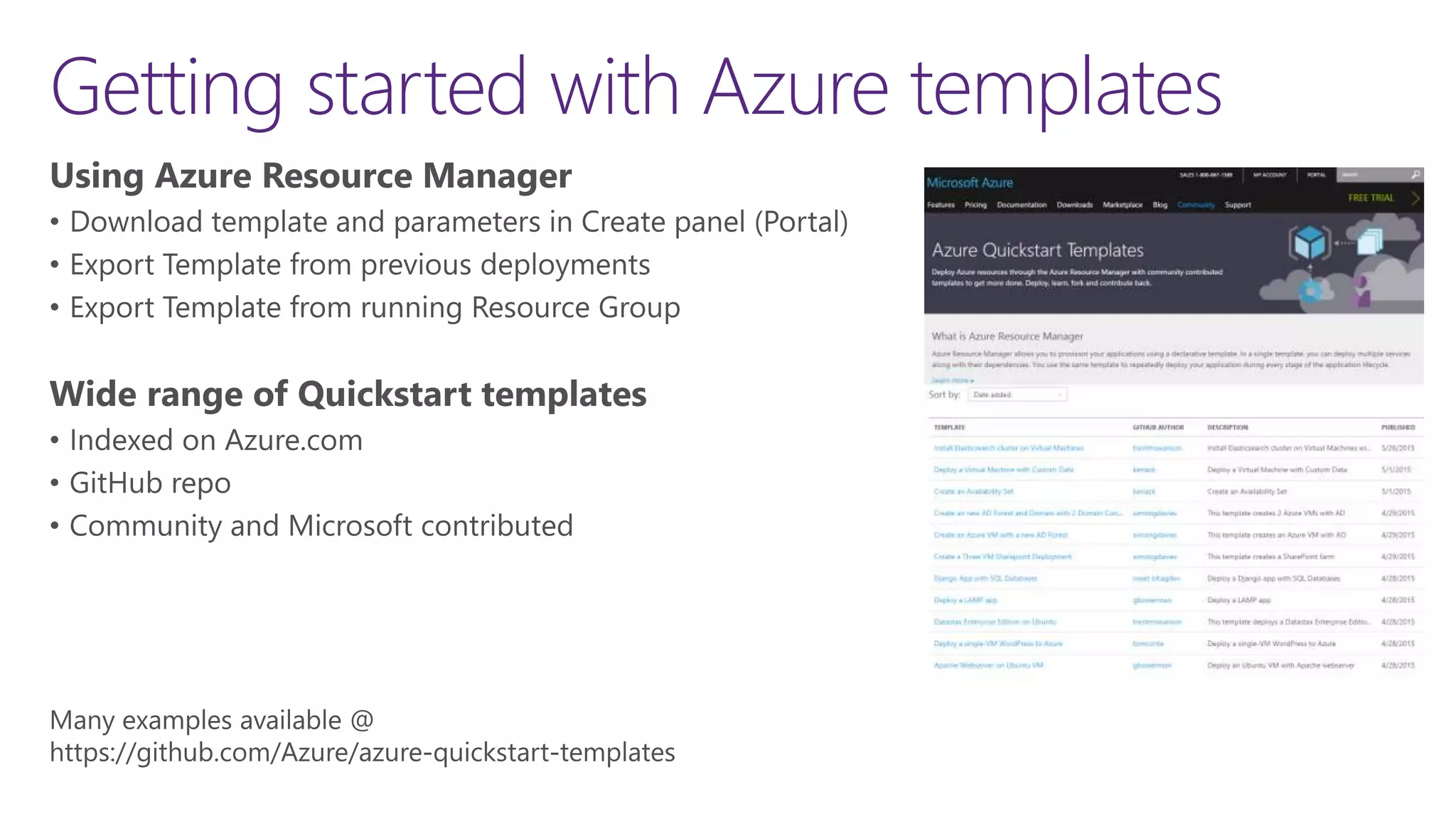
Getting started with Azure templates
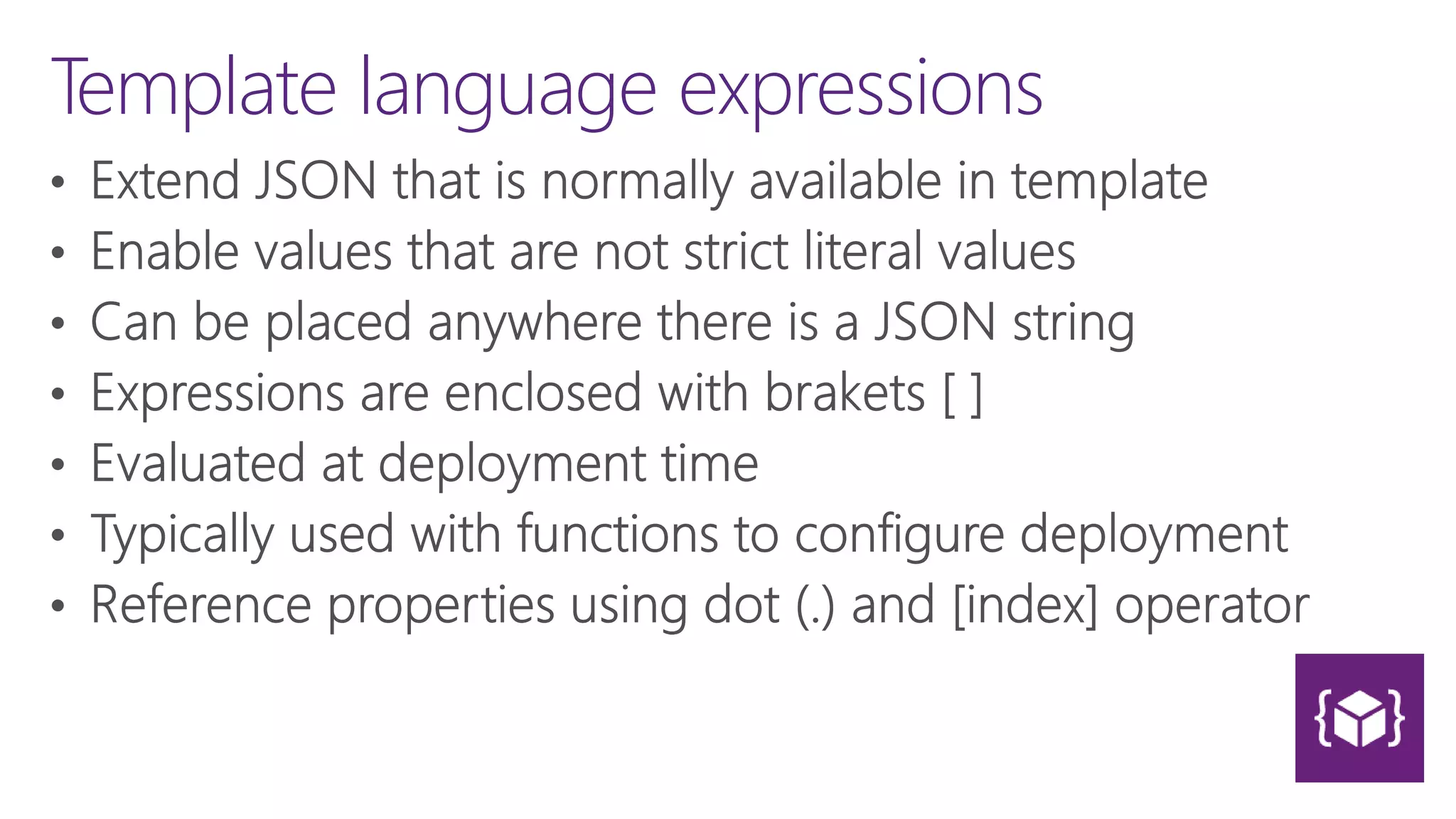
Template language expressions
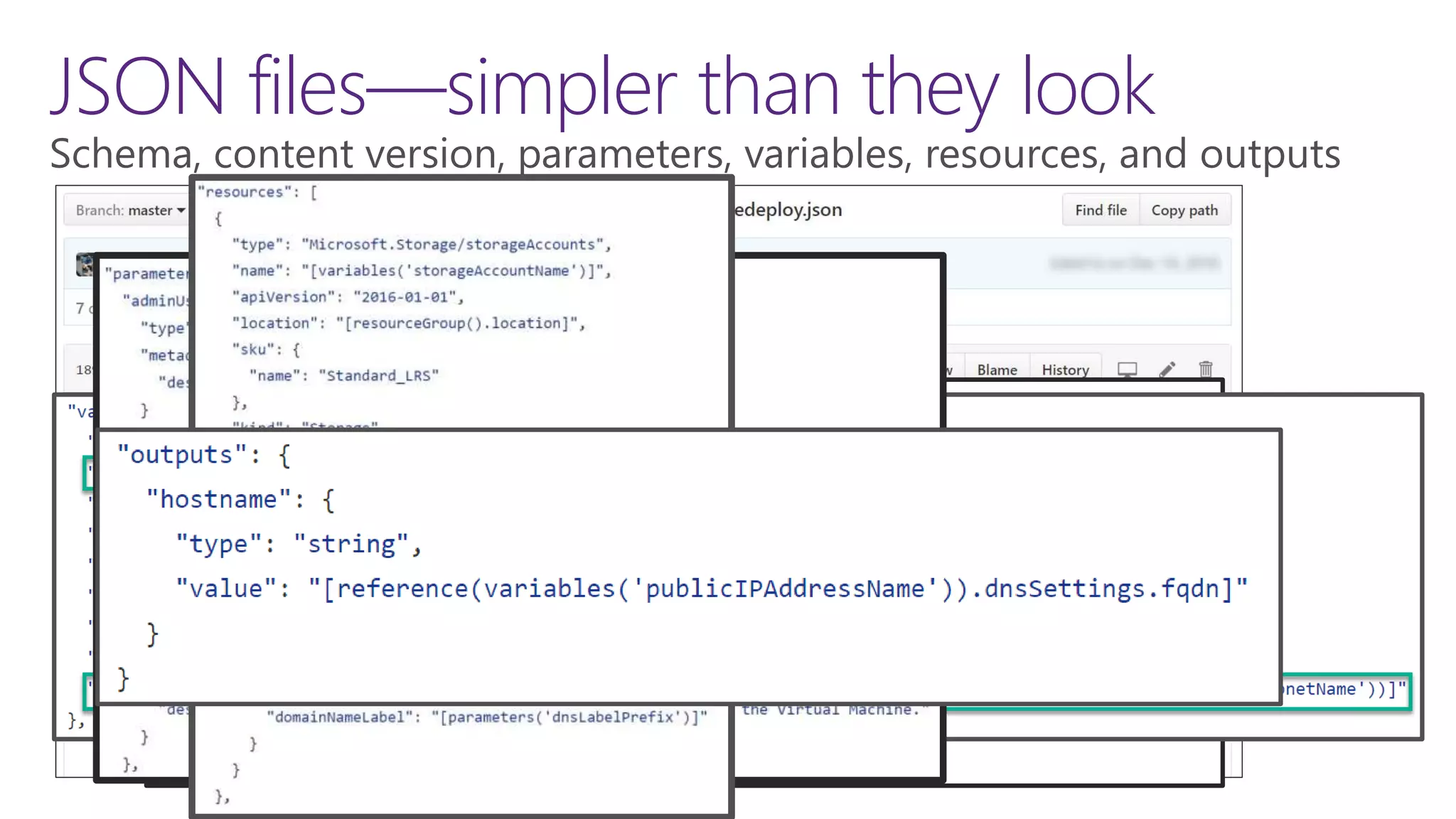
JSON files—simpler than they look
Template linking
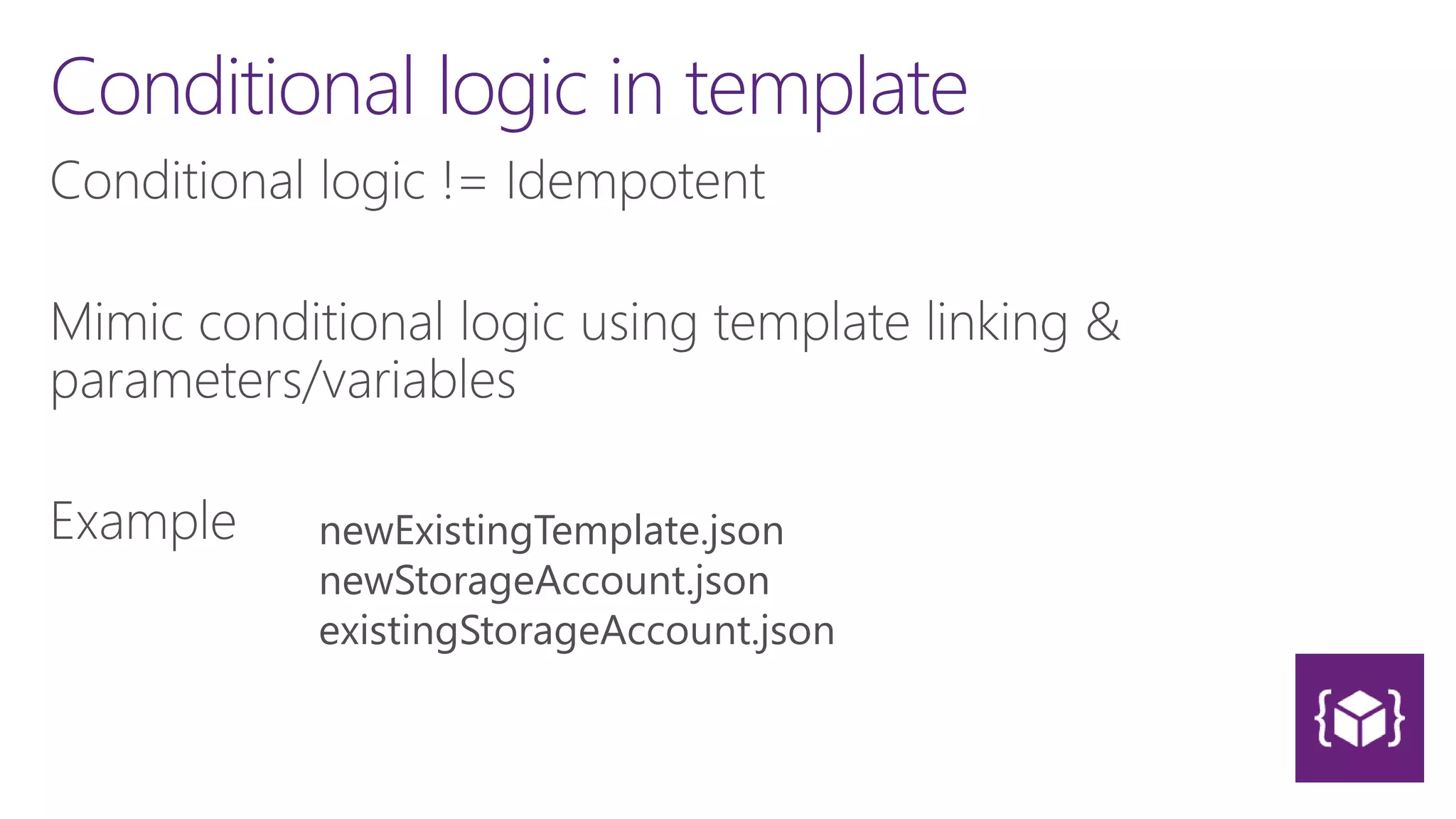
Conditional logic in template
newExistingTemplate.json
newStorageAccount.json
existingStorageAccount.json
The t-shirt sizing approach
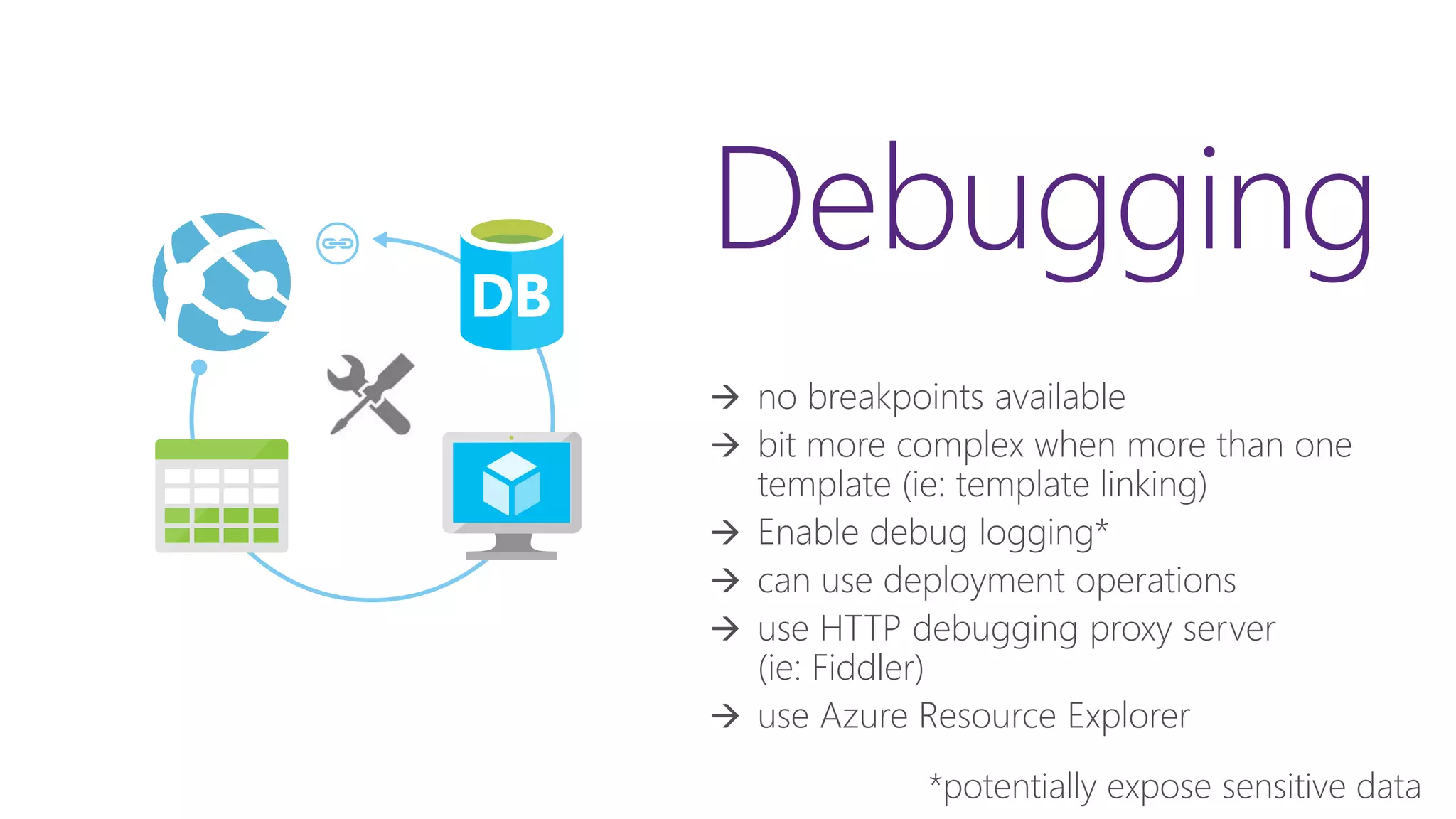
Debugging
 no breakpoints available
 bit more complex when more than one
template (ie: template linking)
 Enable debug logging*
 can use deployment operations
 use HTTP debugging proxy server
(ie: Fiddler)
 use Azure Resource Explorer
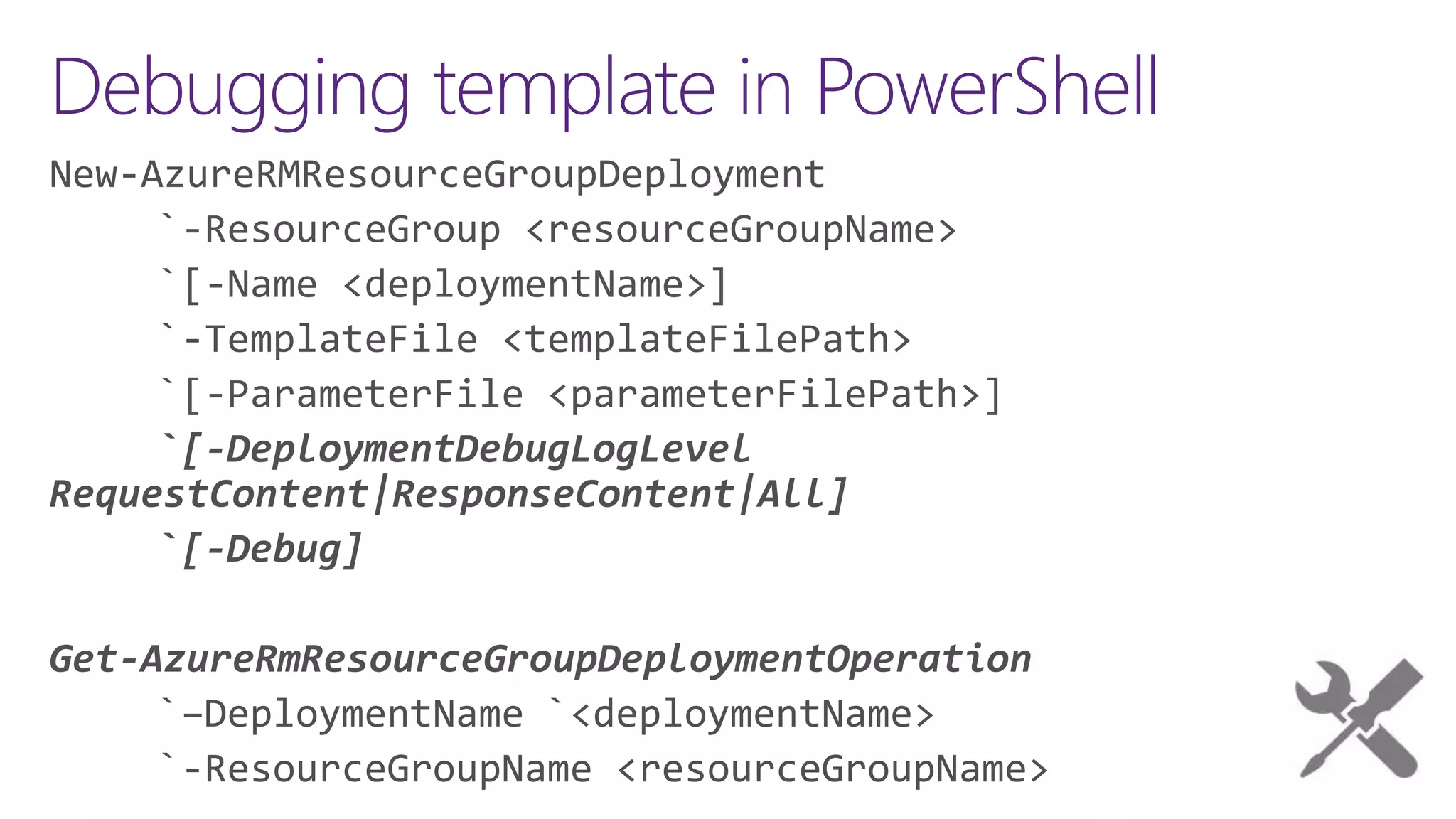
Debugging template in PowerShell
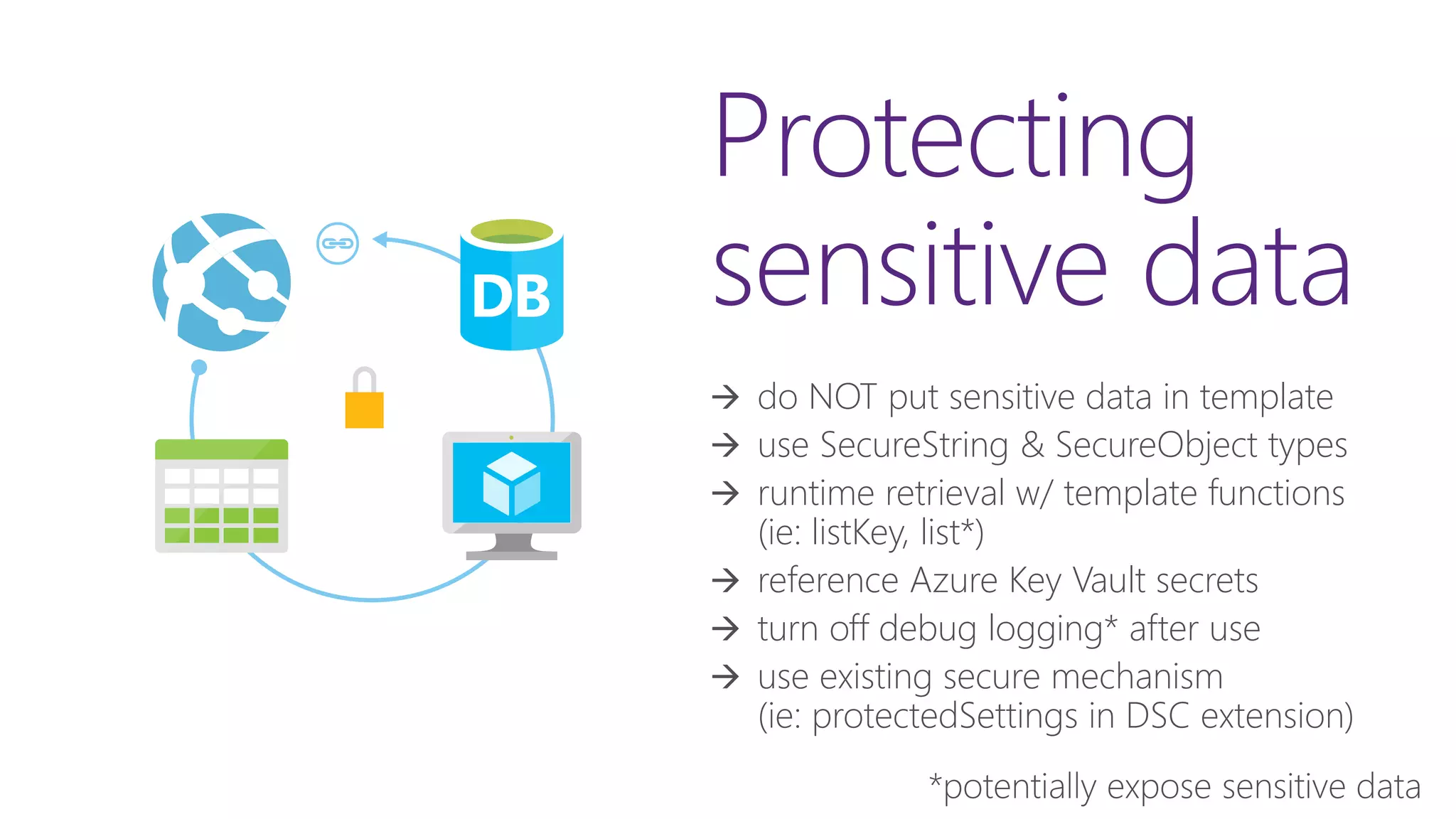
Protecting
sensitive data
 do NOT put sensitive data in template
 use SecureString & SecureObject types
 runtime retrieval w/ template functions
(ie: listKey, list*)
 reference Azure Key Vault secrets
 turn off debug logging* after use
 use existing secure mechanism
(ie: protectedSettings in DSC extension)
24
Microsoft Azure
IaaS SaaSPaaS
Import
keys
HSM
KeyVault
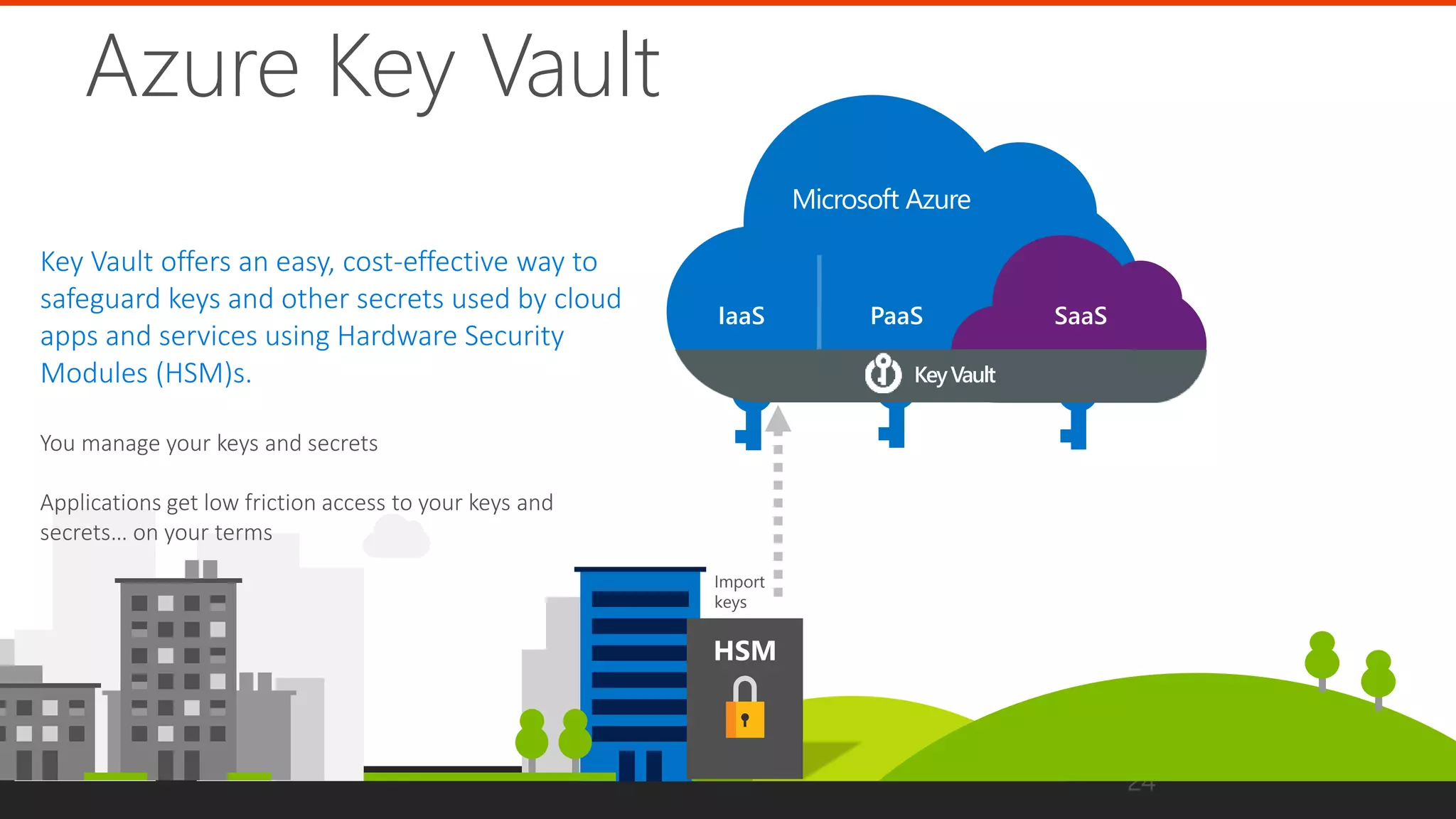
Azure Key Vault
Key Vault offers an easy, cost-effective way to
safeguard keys and other secrets used by cloud
apps and services using Hardware Security
Modules (HSM)s.
Protecting sensitive data using list*
template functions
, listKeys(variables('storageAccountid'),'2016-12-01').keys[0].value )]
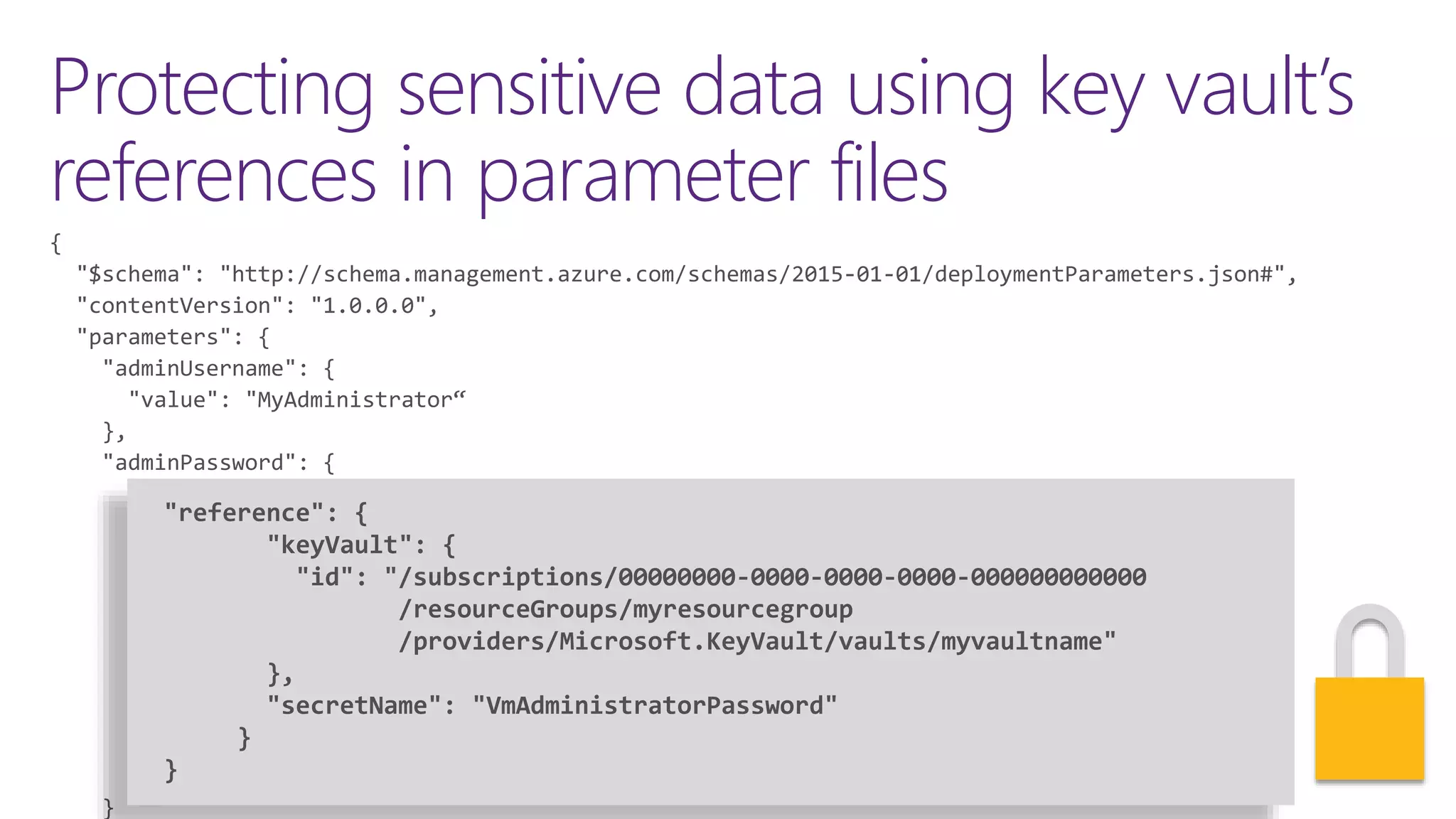
Protecting sensitive data using key vault’s
references in parameter files
"reference": {
"keyVault": {
"id": "/subscriptions/00000000-0000-0000-0000-000000000000
/resourceGroups/myresourcegroup
/providers/Microsoft.KeyVault/vaults/myvaultname"
},
"secretName": "VmAdministratorPassword"
}
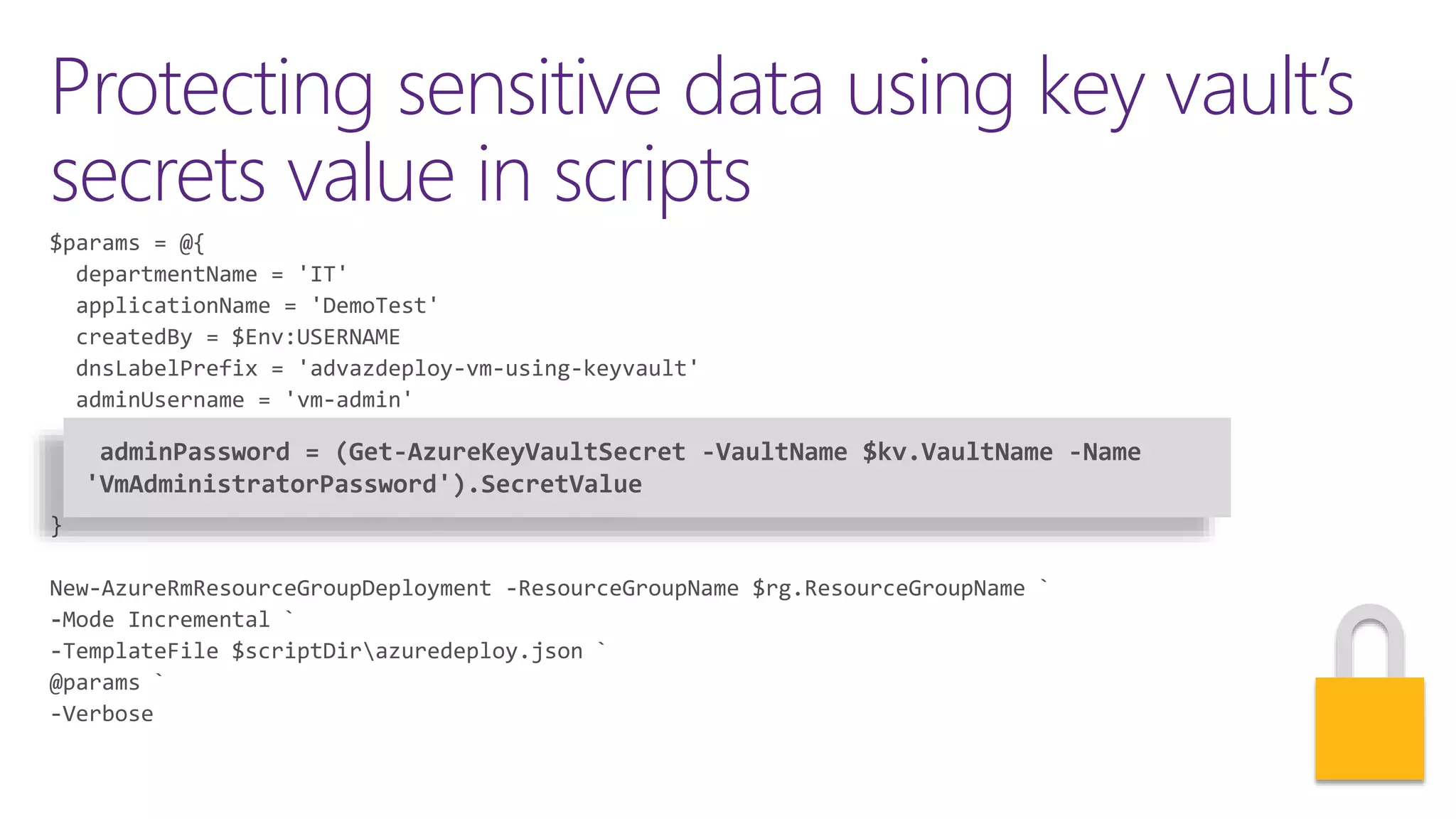
Protecting sensitive data using key vault’s
secrets value in scripts
adminPassword = (Get-AzureKeyVaultSecret -VaultName $kv.VaultName -Name
'VmAdministratorPassword').SecretValue
In review: Session
objectives and takeaways
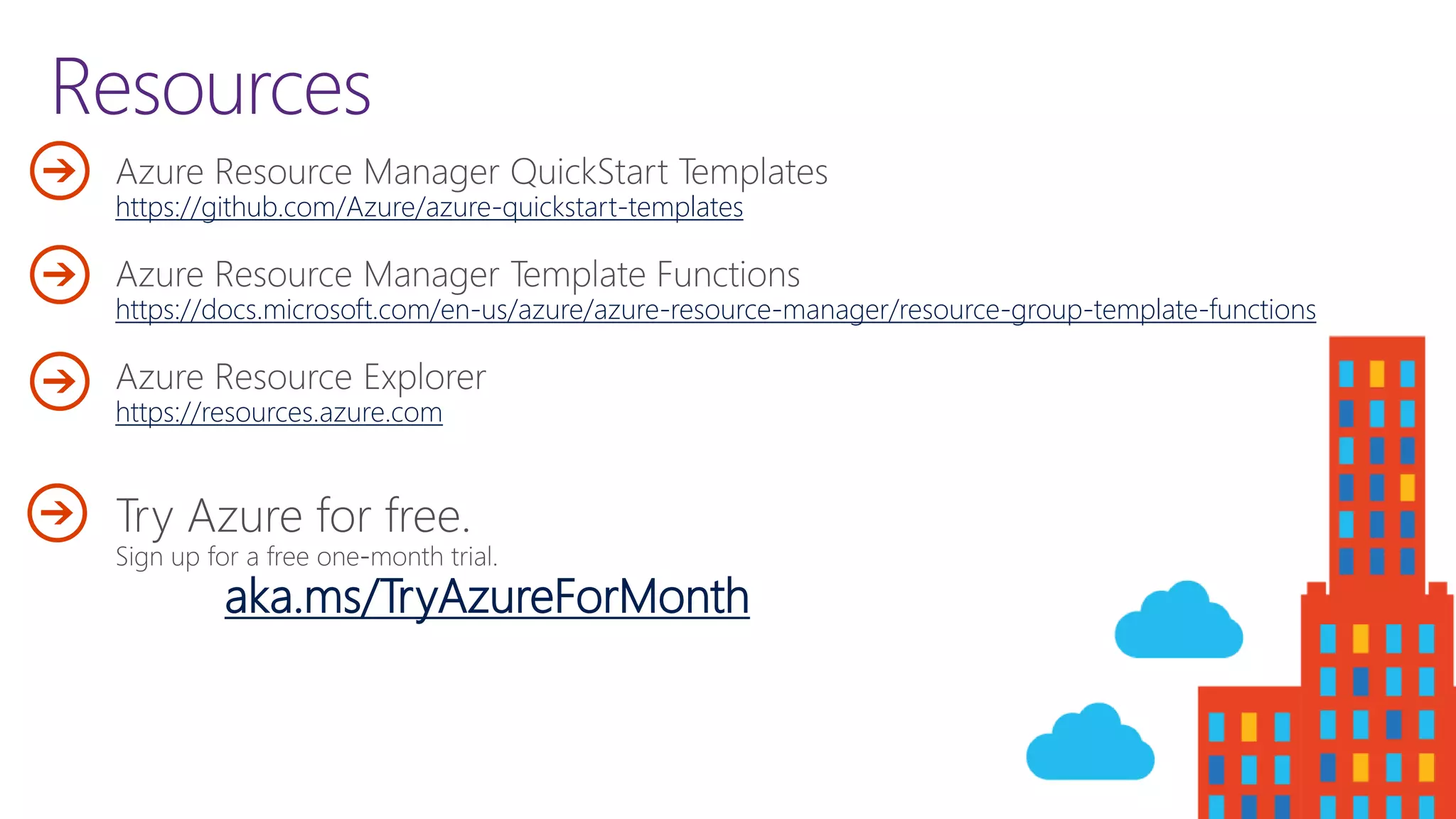
Resources
https://github.com/Azure/azure-quickstart-templates
https://docs.microsoft.com/en-us/azure/azure-resource-manager/resource-group-template-functions
https://resources.azure.com
aka.ms/TryAzureForMonth
Advanced Azure deployments with Azure Resource Manager and templates

Advanced Azure deployments with Azure Resource Manager and templates