AutoCAD Unleashed:
Creating, Editing, and
Conquering Design
Challenges
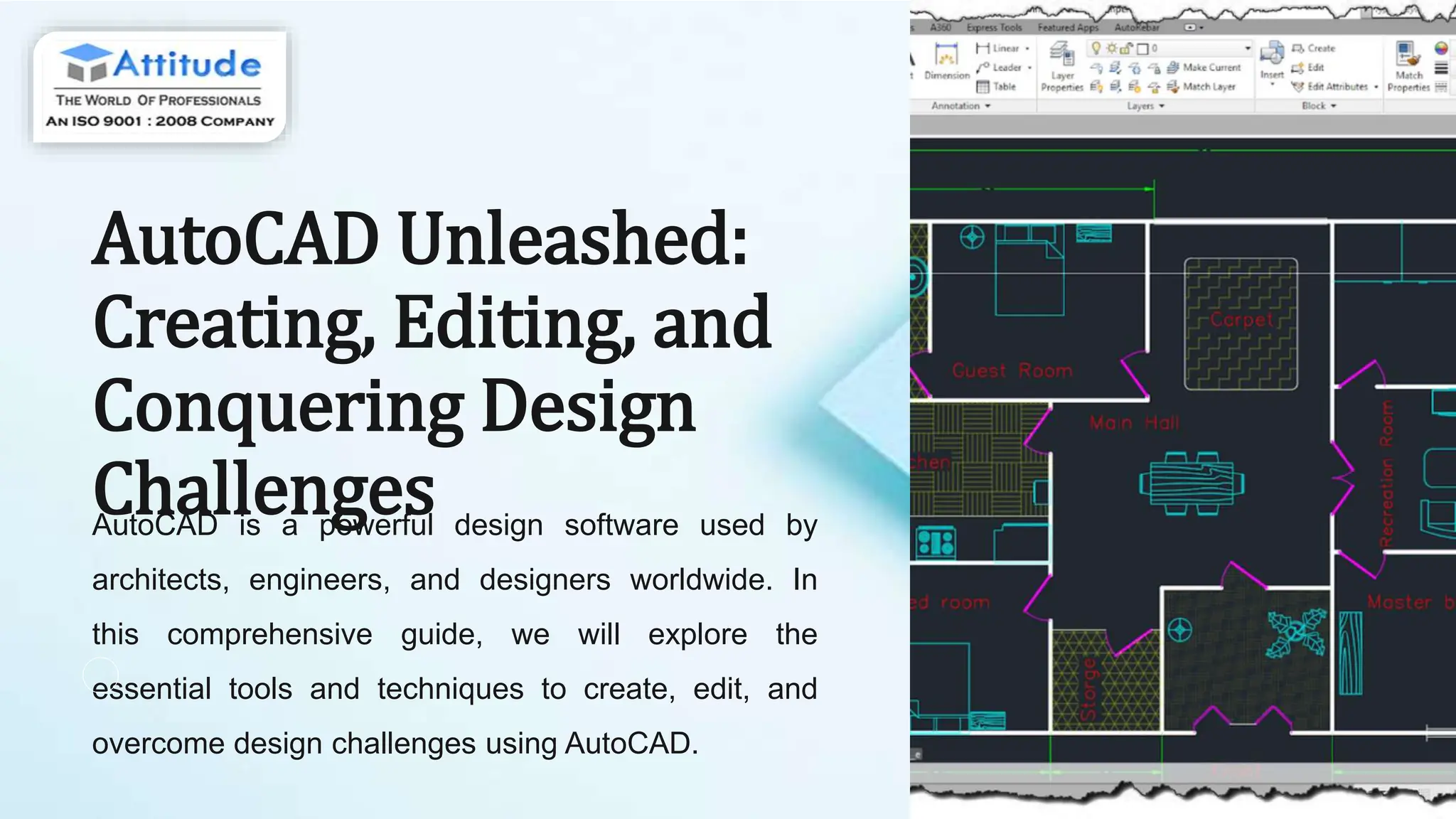
AutoCAD is a powerful design software used by
architects, engineers, and designers worldwide. In
this comprehensive guide, we will explore the
essential tools and techniques to create, edit, and
overcome design challenges using AutoCAD.
Introduction to AutoCAD
1 User Interface
Learn to navigate the interface,
use the ribbon, access
commands, and customize your
workspace for maximum
efficiency.
2
Drawing Tools
Explore basic drawing and
modification tools to create
precise 2D drawings with
accuracy and ease. 3 Coordinate Systems
Understand the Cartesian
coordinate system and how it is
applied in AutoCAD to create and
edit designs.
Basic tools and commands
Creating Geometric
Objects
Utilize fundamental
commands to draw lines,
circles, arcs, and polygons
for building basic shapes in a
design.
Editing and
Modifying Objects
Explore precise methods to
transform, move, copy,
rotate, and align design
elements for accurate
modifications.
Layer Management
Master the organization of
objects through layers,
controlling properties and
visibility to streamline the
overall design process.
Advanced editing techniques
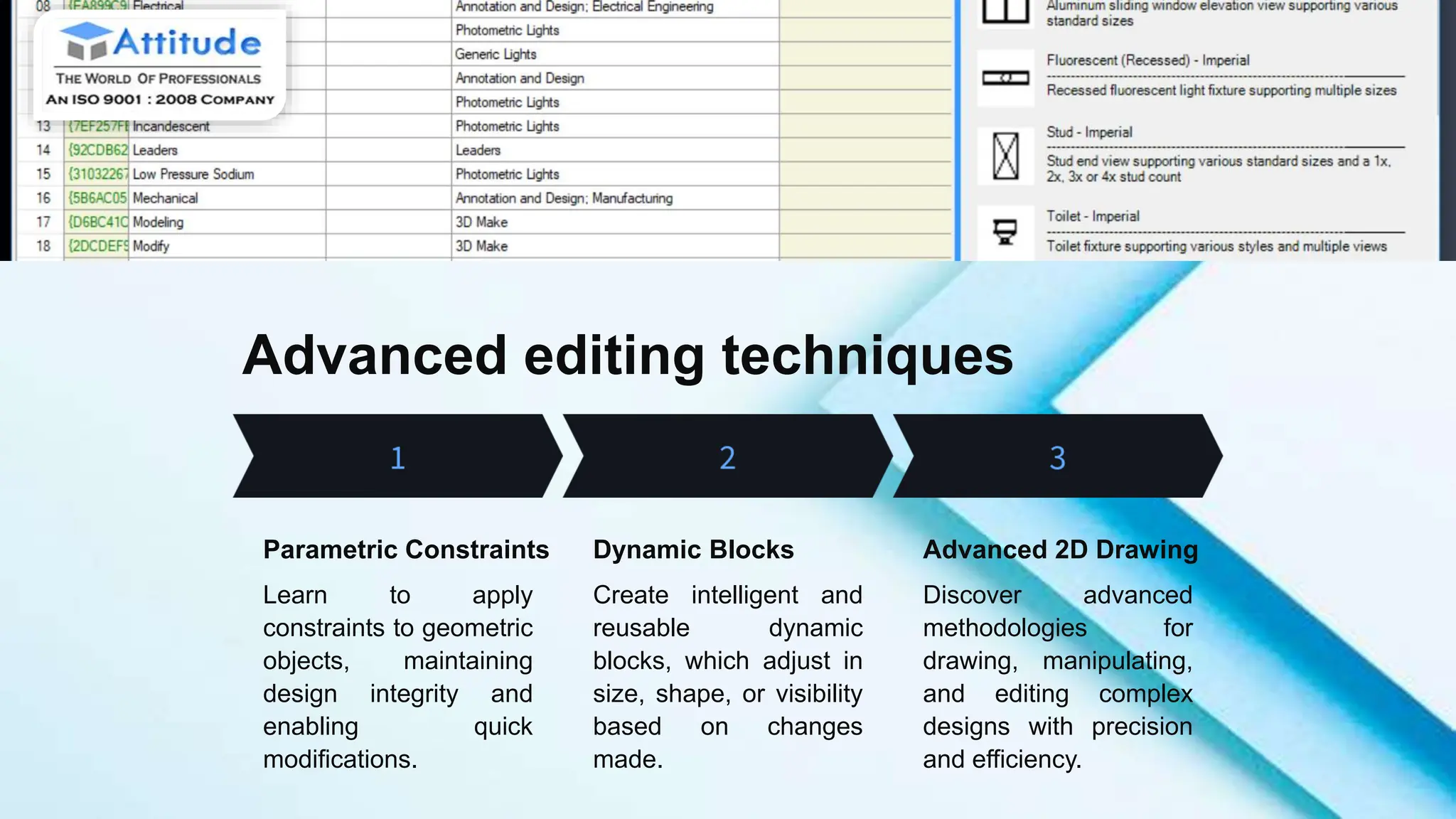
Parametric Constraints
Learn to apply
constraints to geometric
objects, maintaining
design integrity and
enabling quick
modifications.
Dynamic Blocks
Create intelligent and
reusable dynamic
blocks, which adjust in
size, shape, or visibility
based on changes
made.
Advanced 2D Drawing
Discover advanced
methodologies for
drawing, manipulating,
and editing complex
designs with precision
and efficiency.
3D modeling in AutoCAD
1 Extrusion and
Rotation
Create 3D models by
extruding 2D shapes
and adding depth, or
by revolving 2D
objects around an
axis.
2 Surface Modeling
Explore tools to build
3D models using
surface creation and
manipulation
techniques, enabling
complex form
generation.
3 Rendering and
Visualization
Learn to apply
materials, lighting,
and visualization
techniques to create
realistic renderings of
3D models in
AutoCAD.
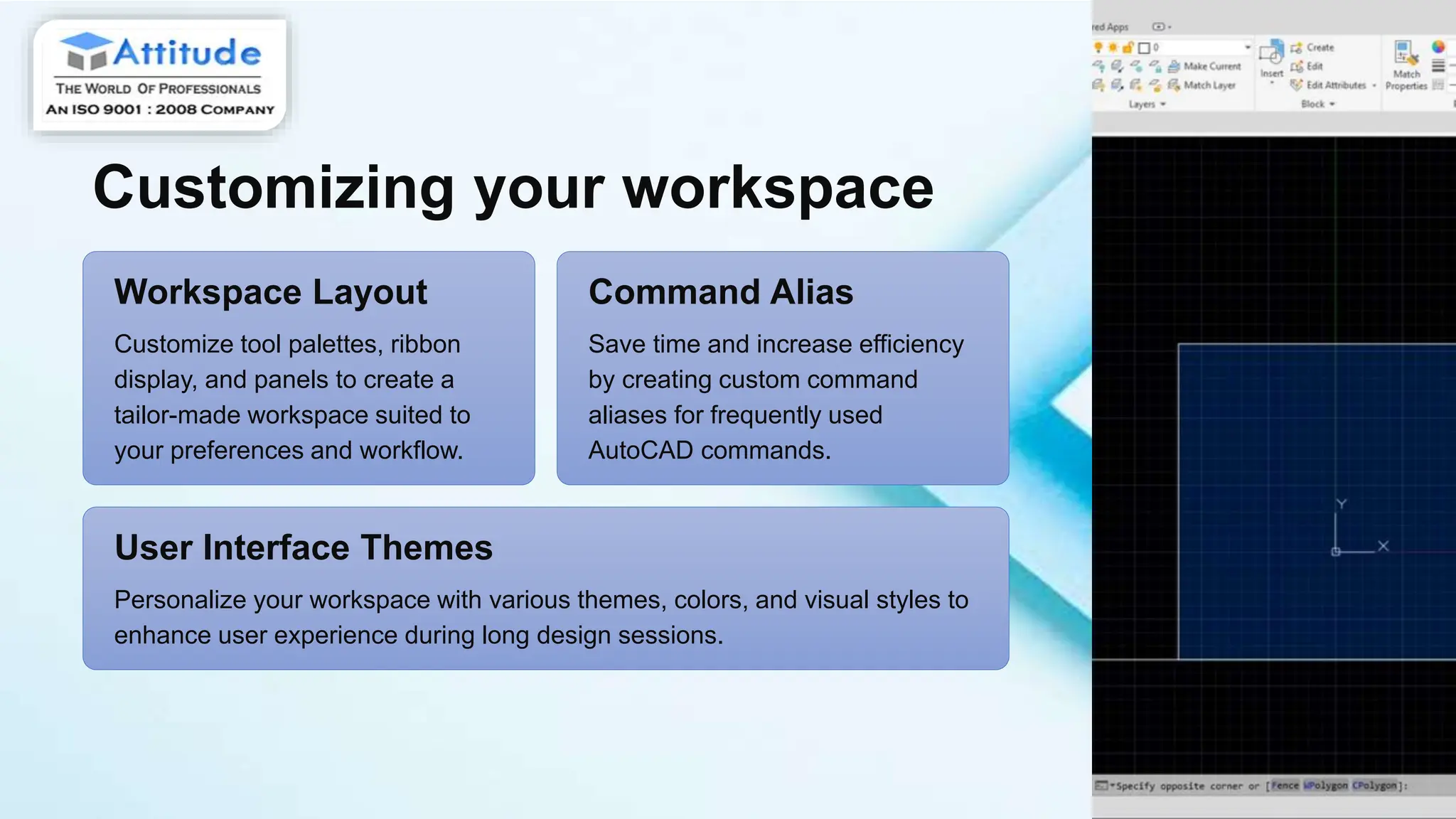
Customizing your workspace
Workspace Layout
Customize tool palettes, ribbon
display, and panels to create a
tailor-made workspace suited to
your preferences and workflow.
Command Alias
Save time and increase efficiency
by creating custom command
aliases for frequently used
AutoCAD commands.
User Interface Themes
Personalize your workspace with various themes, colors, and visual styles to
enhance user experience during long design sessions.
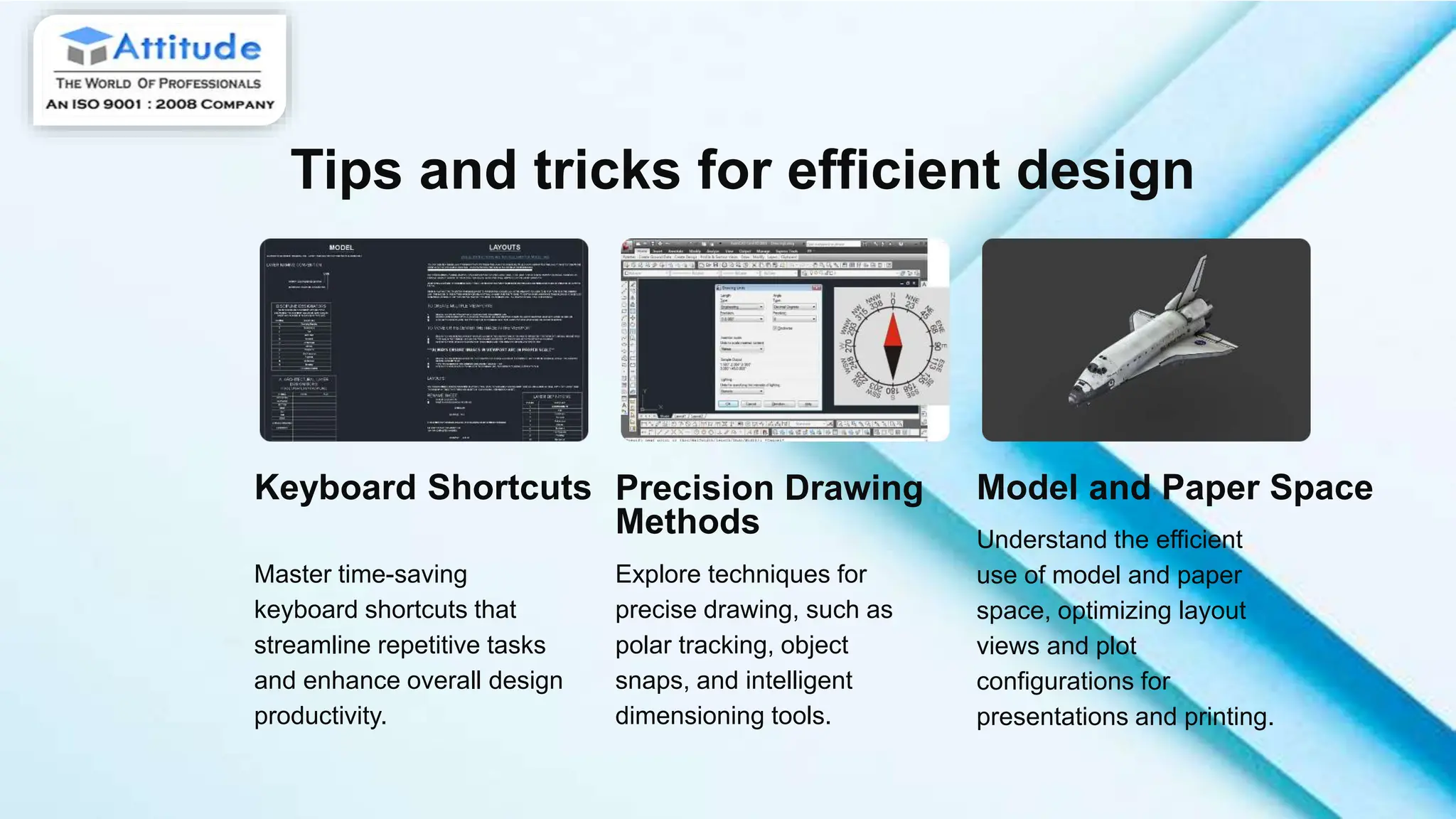
Tips and tricks for efficient design
Keyboard Shortcuts
Master time-saving
keyboard shortcuts that
streamline repetitive tasks
and enhance overall design
productivity.
Precision Drawing
Methods
Explore techniques for
precise drawing, such as
polar tracking, object
snaps, and intelligent
dimensioning tools.
Model and Paper Space
Understand the efficient
use of model and paper
space, optimizing layout
views and plot
configurations for
presentations and printing.
Overcoming common design challenges
Issue Identification
Identify common design issues and learn
troubleshooting strategies to resolve
them effectively.
Collaborative Workflows
Discover strategies for seamless
collaboration and effective integration of
designs in a multi-user environment.
Design Optimization
Explore techniques to optimize
performance, reduce file sizes, and
streamline complex designs for
efficiency.
Thank You for Your Attention!
Feel free to ask any questions and explore the endless
possibilities that AutoCAD offers in architectural
innovation.

AutoCAD-Unleashed-Creating-Editing-and-Conquering-Design-Challenges

  • 1.
    AutoCAD Unleashed: Creating, Editing,and Conquering Design Challenges AutoCAD is a powerful design software used by architects, engineers, and designers worldwide. In this comprehensive guide, we will explore the essential tools and techniques to create, edit, and overcome design challenges using AutoCAD.
  • 2.
    Introduction to AutoCAD 1User Interface Learn to navigate the interface, use the ribbon, access commands, and customize your workspace for maximum efficiency. 2 Drawing Tools Explore basic drawing and modification tools to create precise 2D drawings with accuracy and ease. 3 Coordinate Systems Understand the Cartesian coordinate system and how it is applied in AutoCAD to create and edit designs.
  • 3.
    Basic tools andcommands Creating Geometric Objects Utilize fundamental commands to draw lines, circles, arcs, and polygons for building basic shapes in a design. Editing and Modifying Objects Explore precise methods to transform, move, copy, rotate, and align design elements for accurate modifications. Layer Management Master the organization of objects through layers, controlling properties and visibility to streamline the overall design process.
  • 4.
    Advanced editing techniques ParametricConstraints Learn to apply constraints to geometric objects, maintaining design integrity and enabling quick modifications. Dynamic Blocks Create intelligent and reusable dynamic blocks, which adjust in size, shape, or visibility based on changes made. Advanced 2D Drawing Discover advanced methodologies for drawing, manipulating, and editing complex designs with precision and efficiency.
  • 5.
    3D modeling inAutoCAD 1 Extrusion and Rotation Create 3D models by extruding 2D shapes and adding depth, or by revolving 2D objects around an axis. 2 Surface Modeling Explore tools to build 3D models using surface creation and manipulation techniques, enabling complex form generation. 3 Rendering and Visualization Learn to apply materials, lighting, and visualization techniques to create realistic renderings of 3D models in AutoCAD.
  • 6.
    Customizing your workspace WorkspaceLayout Customize tool palettes, ribbon display, and panels to create a tailor-made workspace suited to your preferences and workflow. Command Alias Save time and increase efficiency by creating custom command aliases for frequently used AutoCAD commands. User Interface Themes Personalize your workspace with various themes, colors, and visual styles to enhance user experience during long design sessions.
  • 7.
    Tips and tricksfor efficient design Keyboard Shortcuts Master time-saving keyboard shortcuts that streamline repetitive tasks and enhance overall design productivity. Precision Drawing Methods Explore techniques for precise drawing, such as polar tracking, object snaps, and intelligent dimensioning tools. Model and Paper Space Understand the efficient use of model and paper space, optimizing layout views and plot configurations for presentations and printing.
  • 8.
    Overcoming common designchallenges Issue Identification Identify common design issues and learn troubleshooting strategies to resolve them effectively. Collaborative Workflows Discover strategies for seamless collaboration and effective integration of designs in a multi-user environment. Design Optimization Explore techniques to optimize performance, reduce file sizes, and streamline complex designs for efficiency.
  • 9.
    Thank You forYour Attention! Feel free to ask any questions and explore the endless possibilities that AutoCAD offers in architectural innovation.