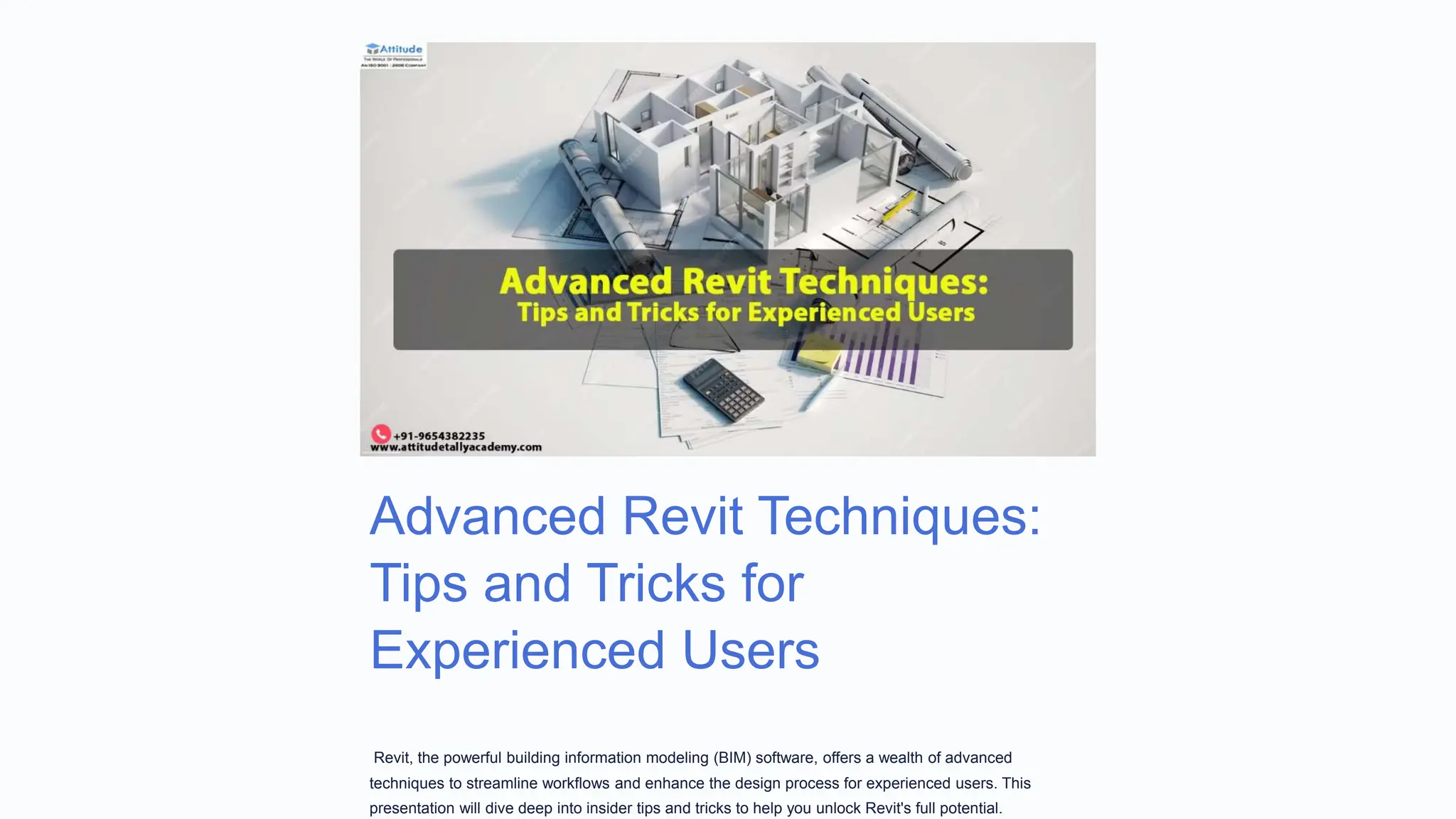
Advanced Revit Techniques:
Tips and Tricks for
Experienced Users
Revit, the powerful building information modeling (BIM) software, offers a wealth of advanced
techniques to streamline workflows and enhance the design process for experienced users. This
presentation will dive deep into insider tips and tricks to help you unlock Revit's full potential.
Customizing the Revit Interface
Ribbon Customization
Tailor the Revit ribbon to your
specific needs by rearranging
and adding panels to optimize
your workspace.
Keyboard Shortcuts
Boost your productivity by
mastering essential keyboard
shortcuts to speed up
common tasks.
UI Appearance
Customize the look and feel
of the Revit UI to match your
personal preferences and
maximize visibility.
Leveraging Revit's
Scripting
Capabilities
Python Scripting
Unlock the power of Python to automate complex tasks and streamline your Revit workflow.
Dynamo Graphical Programming
Explore Dynamo's visual scripting environment to create custom tools and solutions.
API Integration
Integrate Revit with external applications and databases using the powerful Revit API.
Mastering Revit's Family Editor
1 Family Hierarchy
Understand the different family types and
how they can be leveraged for efficient
modeling.
2 Advanced Formulas
Utilize complex formulas and parameters
to create intelligent and adaptable families.
3 Nested Families
Combine families within families to build
sophisticated, nested components.
4 Shared Parameters
Implement shared parameters to establish
consistent data across your Revit project.
Automating Repetitive Tasks with Macros
Repetitive
Modeling
Automate common
modeling tasks, such
as creating repeated
elements or patterns.
Data Extraction
Streamline the
process of extracting
and organizing project
data into
spreadsheets.
Report Generation
Generate custom
reports and schedules
with just a few clicks.
Time-Saving
Workflows
Develop macros to
simplify complex or
multi-step processes
in your Revit projects.
Optimizing Revit Performance for Large
Projects
Workset Management Strategically use worksets to control model
visibility and improve performance.
Model Phasing Leverage phasing to manage the development
of your Revit model over time.
Linked Models Efficiently manage linked CAD and Revit files
to maintain a well-organized project structure.
Hardware Considerations Ensure your hardware is optimized to handle
the demands of large Revit projects.
Advanced Rendering Techniques in Revit
Lighting Strategies
Utilize advanced lighting techniques, such as
HDR images and sun studies, to achieve
stunning visualizations.
Materials and Textures
Leverage the power of Revit's material editor
to create photorealistic surface finishes.
Render Settings Optimization
Experiment with render settings to balance
quality and rendering times for your needs.
External Rendering Engines
Integrate Revit with powerful external
rendering engines like Enscape or Lumion for
enhanced capabilities.
Integrating Revit with Other BIM
Workflows
IFC and COBie
Understand how to effectively
exchange data with other BIM
platforms using IFC and
COBie standards.
Interoperability with
CAD
Seamlessly integrate Revit
models with CAD data to
facilitate collaborative design
processes.
BIM Coordination
Leverage Revit's clash
detection and coordination
tools to identify and resolve
design conflicts.
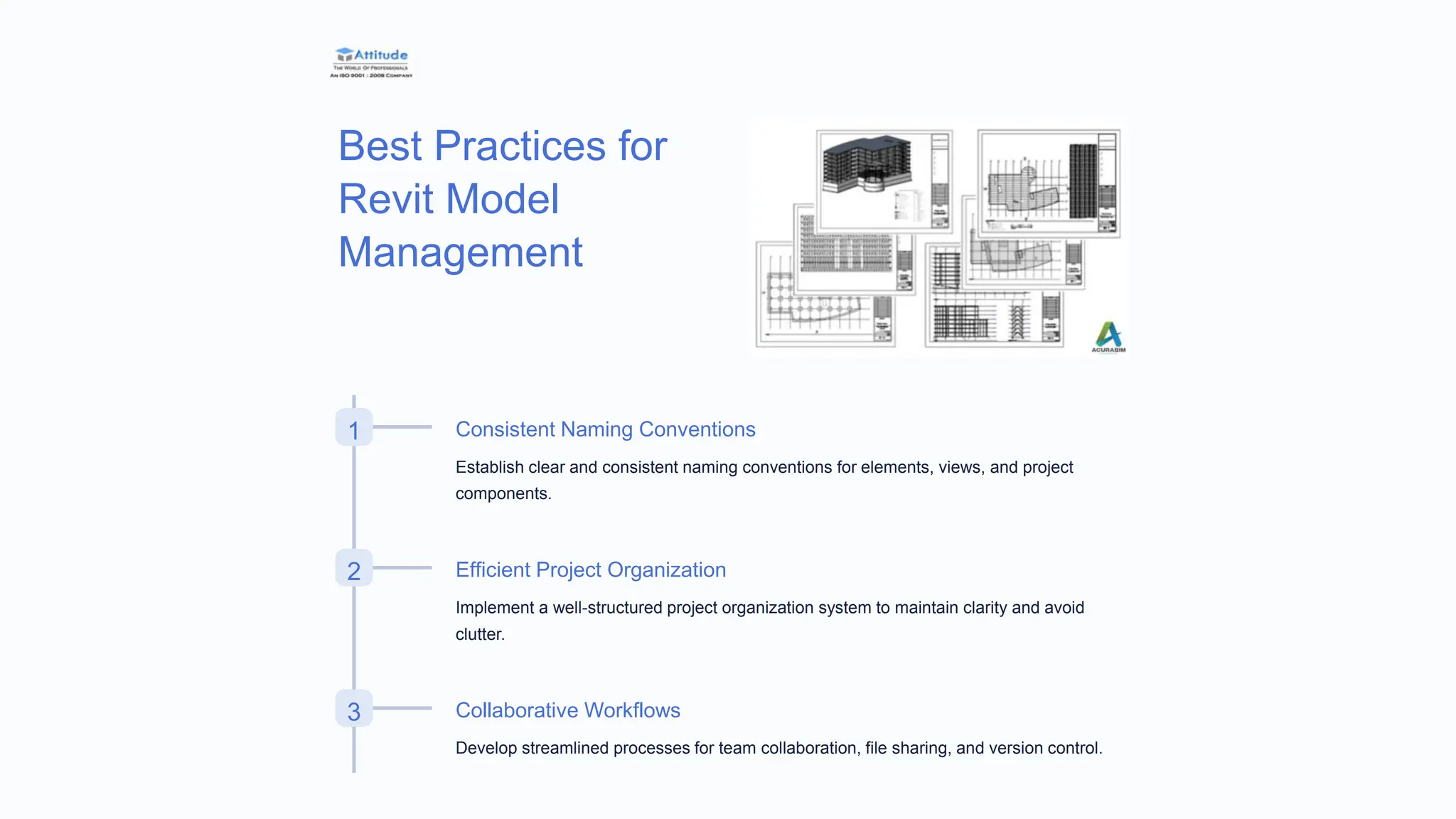
Best Practices for
Revit Model
Management
1 Consistent Naming Conventions
Establish clear and consistent naming conventions for elements, views, and project
components.
2 Efficient Project Organization
Implement a well-structured project organization system to maintain clarity and avoid
clutter.
3 Collaborative Workflows
Develop streamlined processes for team collaboration, file sharing, and version control.

Advanced-Revit-Techniques-Tips-and-Tricks-for-Experienced-Users

  • 1.
    Advanced Revit Techniques: Tipsand Tricks for Experienced Users Revit, the powerful building information modeling (BIM) software, offers a wealth of advanced techniques to streamline workflows and enhance the design process for experienced users. This presentation will dive deep into insider tips and tricks to help you unlock Revit's full potential.
  • 2.
    Customizing the RevitInterface Ribbon Customization Tailor the Revit ribbon to your specific needs by rearranging and adding panels to optimize your workspace. Keyboard Shortcuts Boost your productivity by mastering essential keyboard shortcuts to speed up common tasks. UI Appearance Customize the look and feel of the Revit UI to match your personal preferences and maximize visibility.
  • 3.
    Leveraging Revit's Scripting Capabilities Python Scripting Unlockthe power of Python to automate complex tasks and streamline your Revit workflow. Dynamo Graphical Programming Explore Dynamo's visual scripting environment to create custom tools and solutions. API Integration Integrate Revit with external applications and databases using the powerful Revit API.
  • 4.
    Mastering Revit's FamilyEditor 1 Family Hierarchy Understand the different family types and how they can be leveraged for efficient modeling. 2 Advanced Formulas Utilize complex formulas and parameters to create intelligent and adaptable families. 3 Nested Families Combine families within families to build sophisticated, nested components. 4 Shared Parameters Implement shared parameters to establish consistent data across your Revit project.
  • 5.
    Automating Repetitive Taskswith Macros Repetitive Modeling Automate common modeling tasks, such as creating repeated elements or patterns. Data Extraction Streamline the process of extracting and organizing project data into spreadsheets. Report Generation Generate custom reports and schedules with just a few clicks. Time-Saving Workflows Develop macros to simplify complex or multi-step processes in your Revit projects.
  • 6.
    Optimizing Revit Performancefor Large Projects Workset Management Strategically use worksets to control model visibility and improve performance. Model Phasing Leverage phasing to manage the development of your Revit model over time. Linked Models Efficiently manage linked CAD and Revit files to maintain a well-organized project structure. Hardware Considerations Ensure your hardware is optimized to handle the demands of large Revit projects.
  • 7.
    Advanced Rendering Techniquesin Revit Lighting Strategies Utilize advanced lighting techniques, such as HDR images and sun studies, to achieve stunning visualizations. Materials and Textures Leverage the power of Revit's material editor to create photorealistic surface finishes. Render Settings Optimization Experiment with render settings to balance quality and rendering times for your needs. External Rendering Engines Integrate Revit with powerful external rendering engines like Enscape or Lumion for enhanced capabilities.
  • 8.
    Integrating Revit withOther BIM Workflows IFC and COBie Understand how to effectively exchange data with other BIM platforms using IFC and COBie standards. Interoperability with CAD Seamlessly integrate Revit models with CAD data to facilitate collaborative design processes. BIM Coordination Leverage Revit's clash detection and coordination tools to identify and resolve design conflicts.
  • 9.
    Best Practices for RevitModel Management 1 Consistent Naming Conventions Establish clear and consistent naming conventions for elements, views, and project components. 2 Efficient Project Organization Implement a well-structured project organization system to maintain clarity and avoid clutter. 3 Collaborative Workflows Develop streamlined processes for team collaboration, file sharing, and version control.