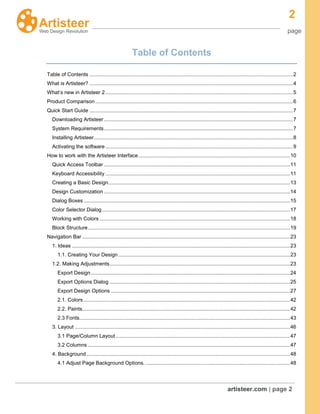
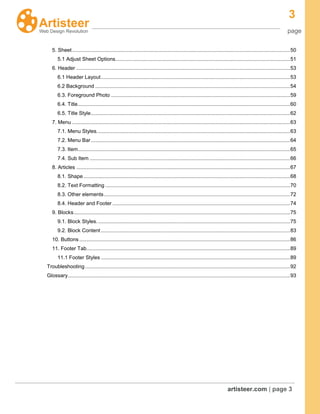
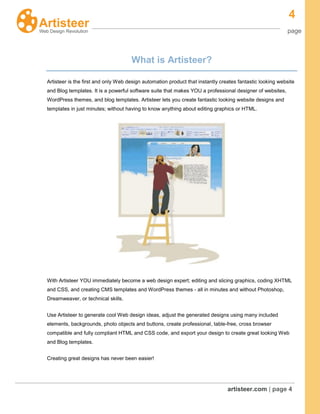
This document provides an overview of the Artisteer interface and how to use its features to create website designs. It includes the following sections:
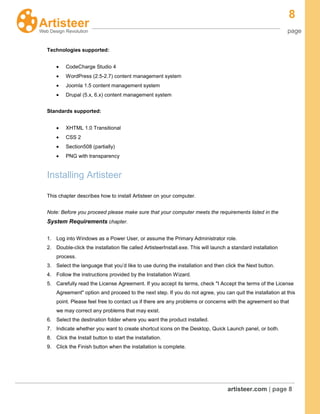
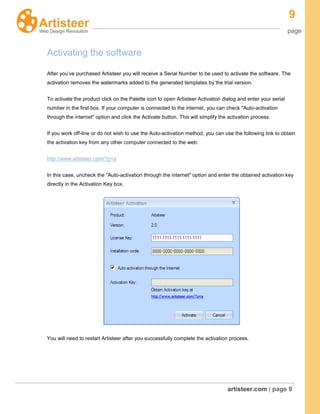
- Quick Start Guide: How to download, install, and activate Artisteer. System requirements are also outlined.
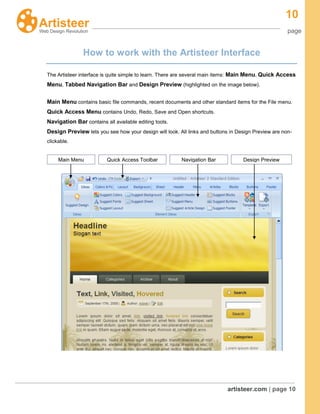
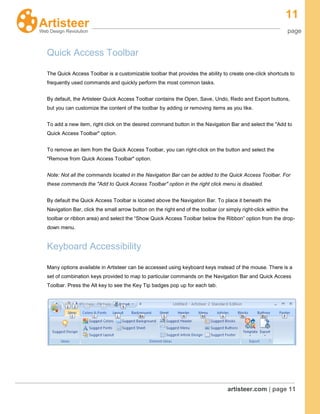
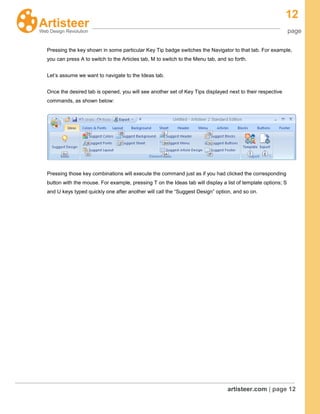
- How to Work with the Interface: Descriptions of the main interface elements like the navigation bar, design preview area, and quick access toolbar.
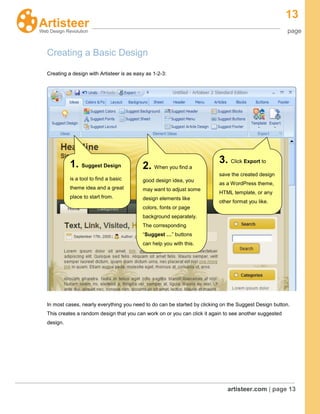
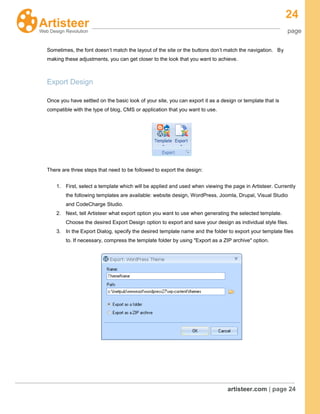
- Creating a Basic Design: A 3-step process for getting started with a basic design in Artisteer: 1) use the "Suggest Design" button, 2) adjust elements, 3) export the design.
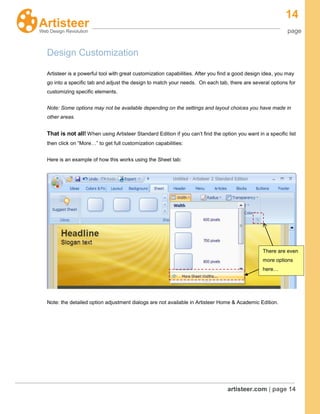
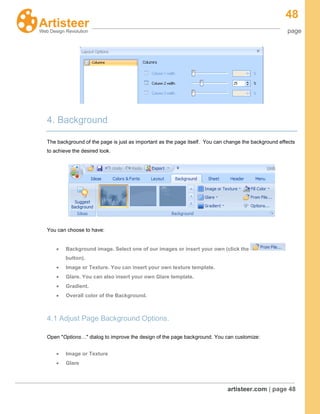
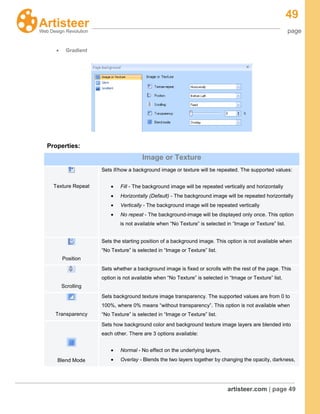
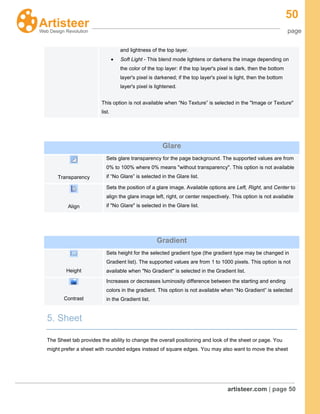
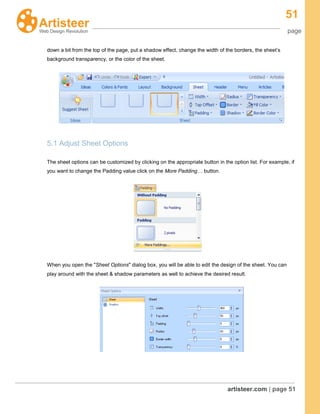
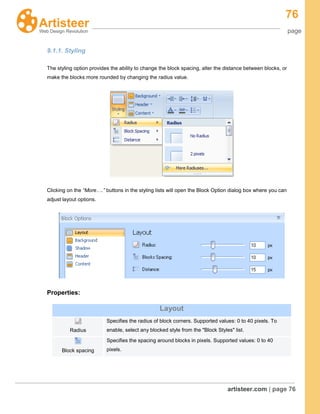
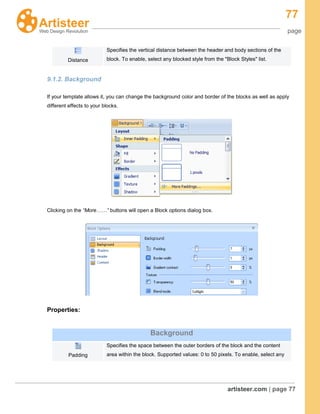
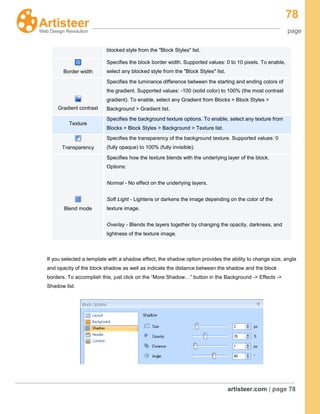
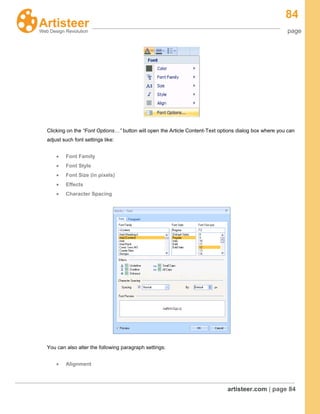
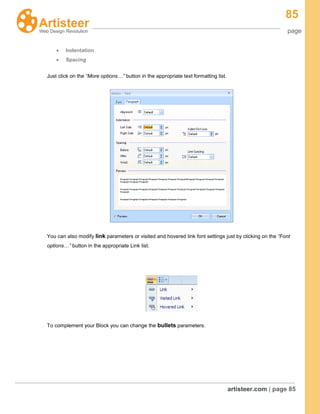
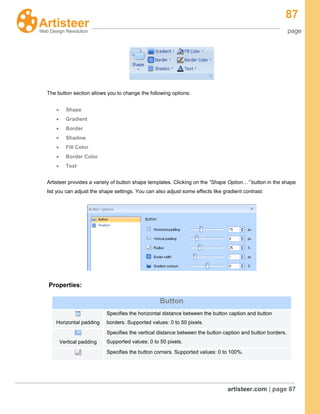
- Design Customization: An explanation of customizing design aspects using the


![Mastering Mind Is An Addiction [From Www.Metacafe.Com]](https://cdn.slidesharecdn.com/ss_thumbnails/mastering-mind-is-an-addiction-from-wwwmetacafecom-1253711080-phpapp02-thumbnail.jpg?width=640&height=640&fit=bounds)


