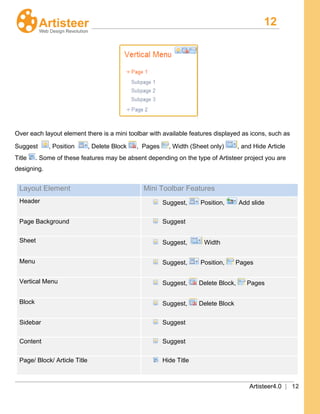
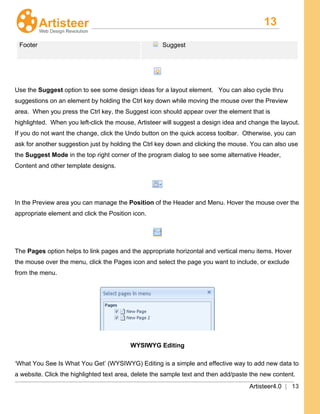
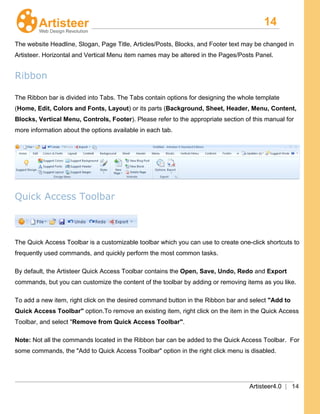
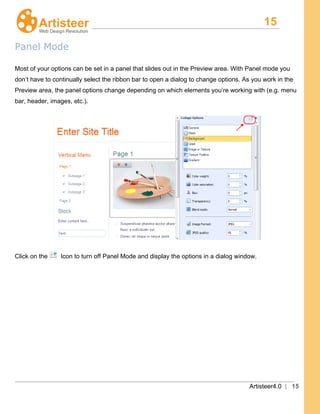
Downloaded 83 times
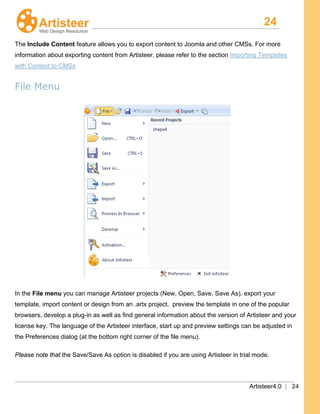
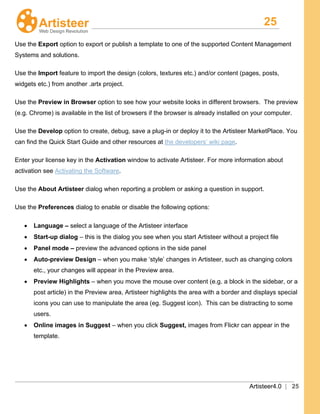
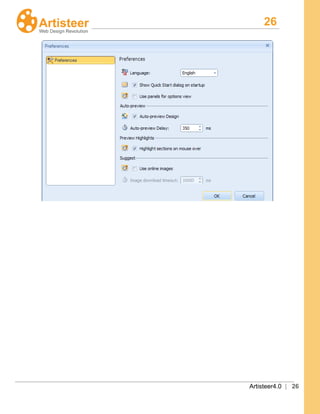
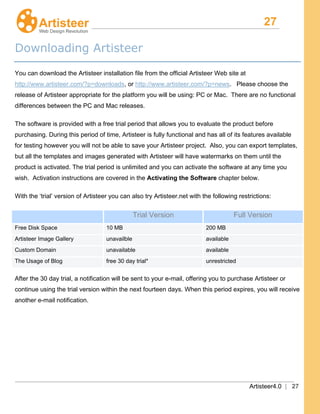
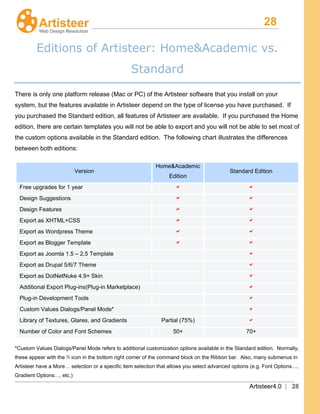
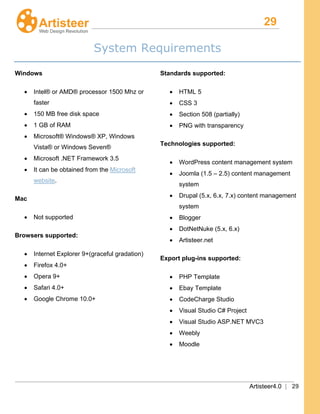
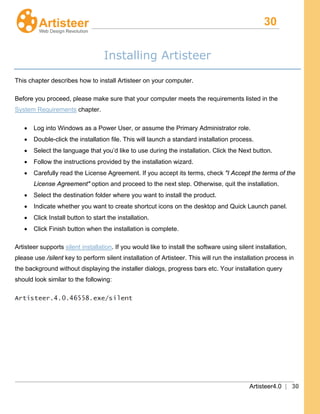
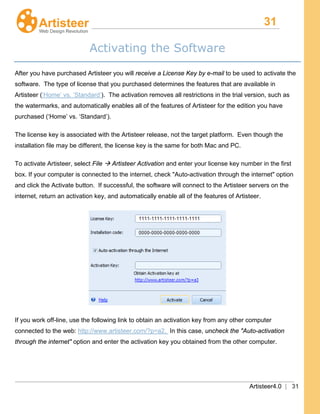
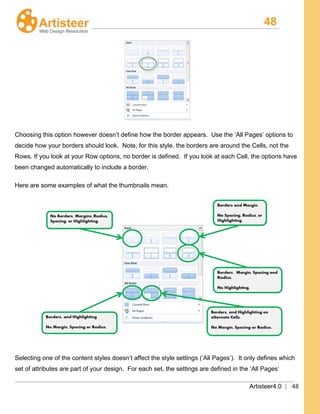
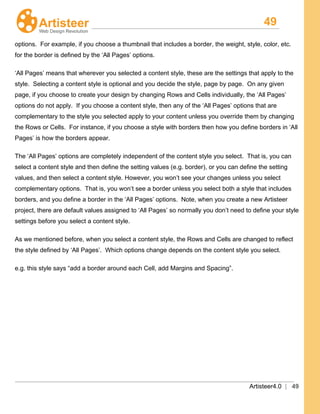
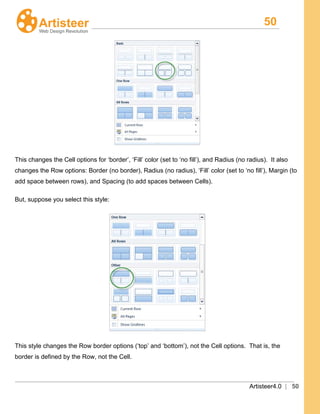
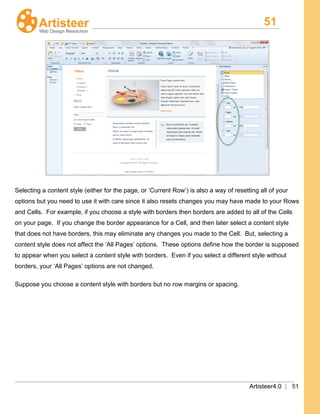
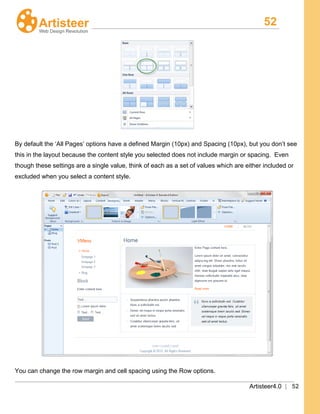
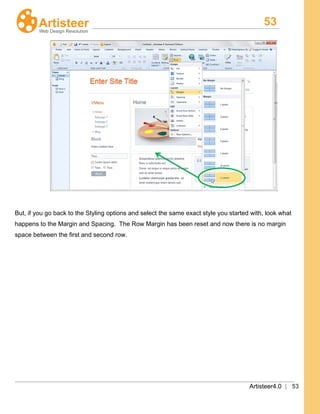
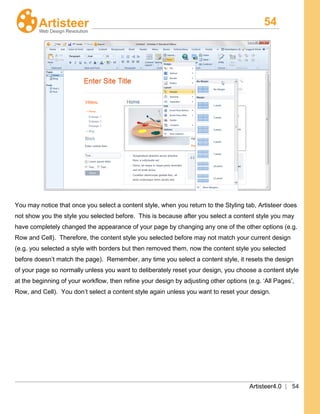
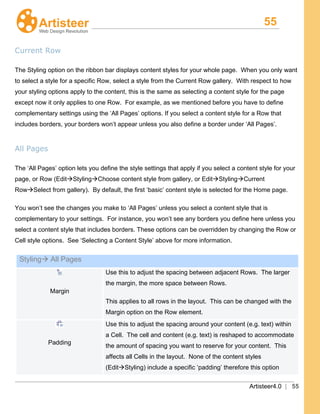
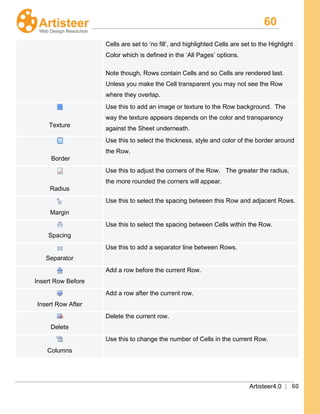
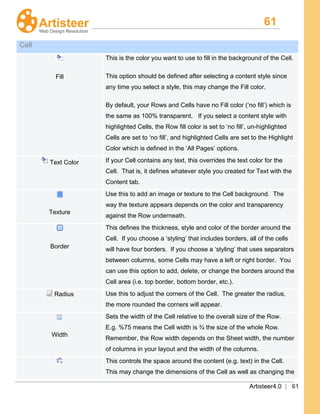
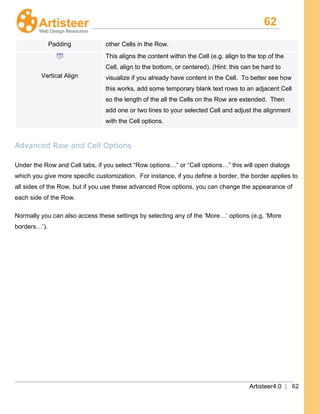
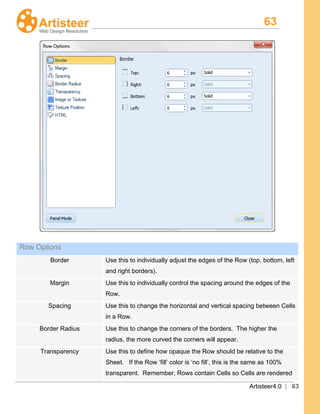
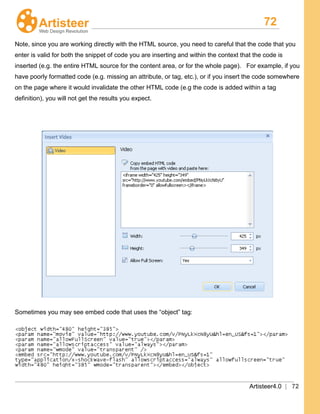
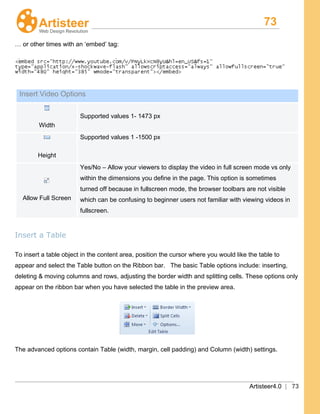
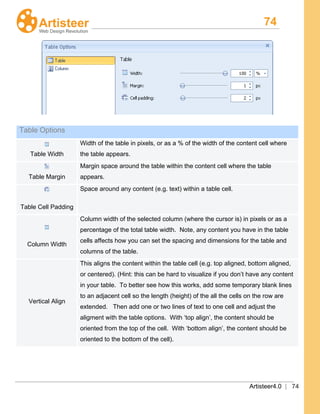
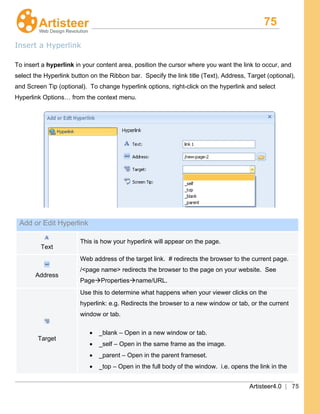
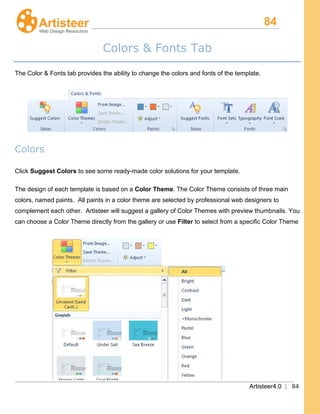
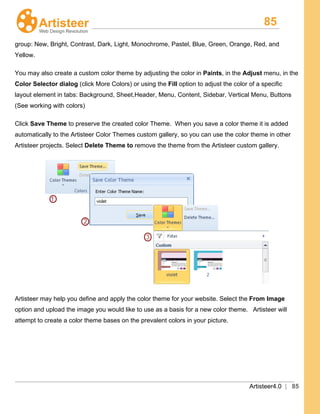
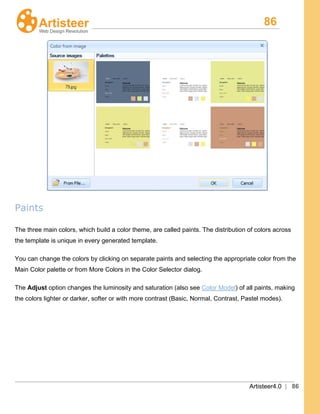
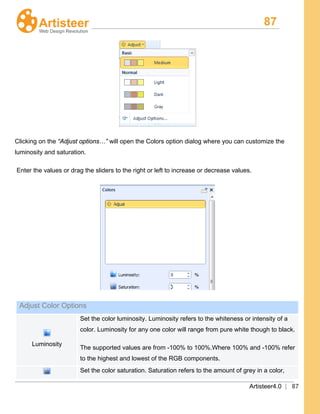
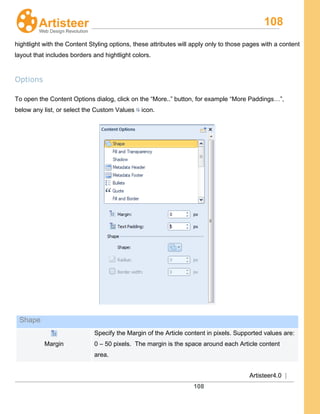
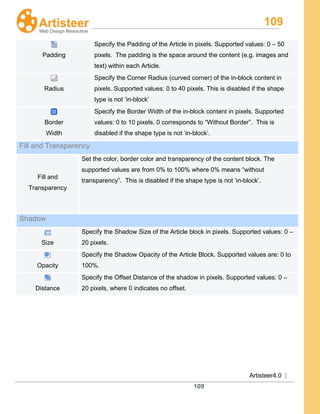
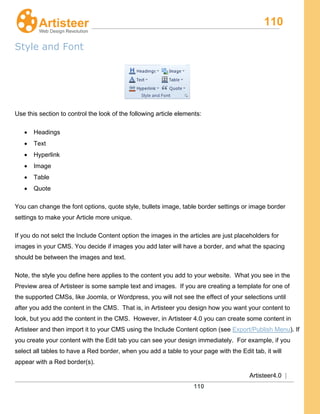
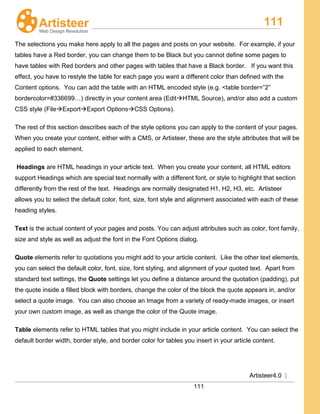
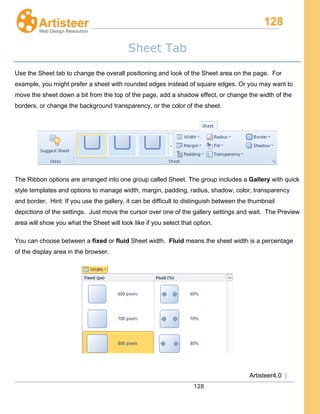
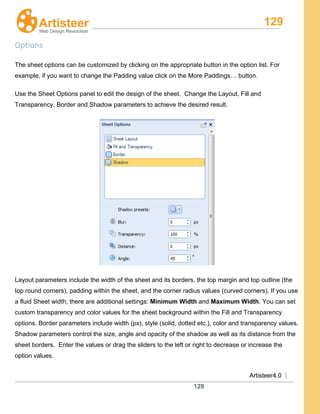
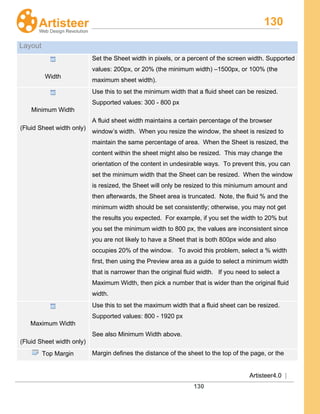
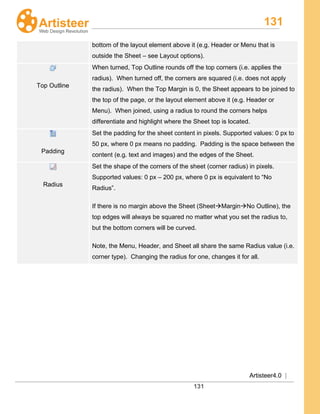
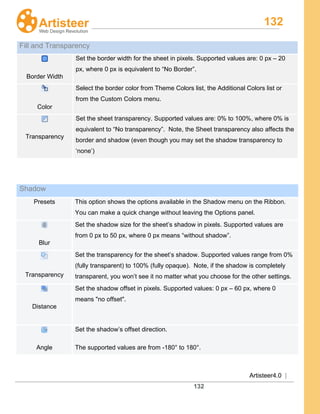
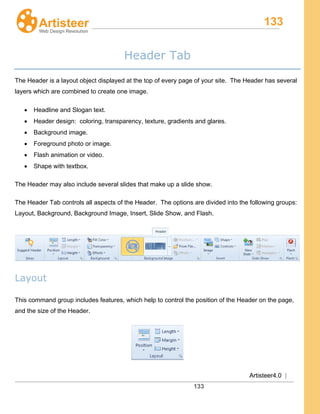
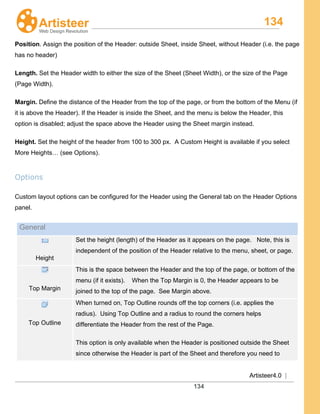
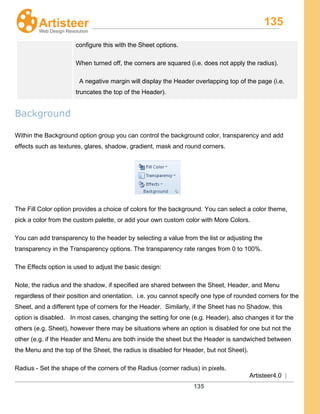
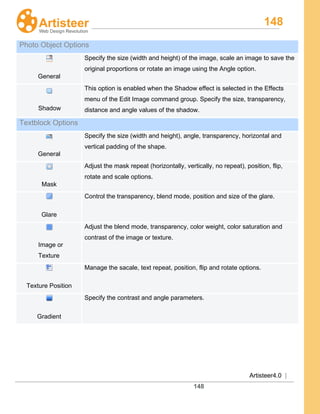
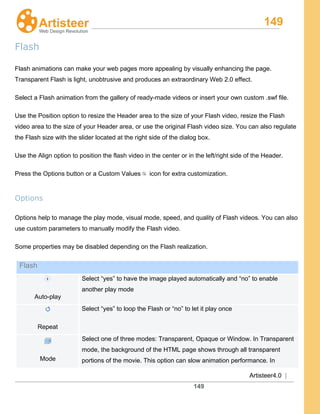
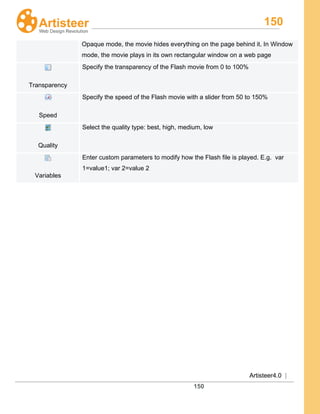
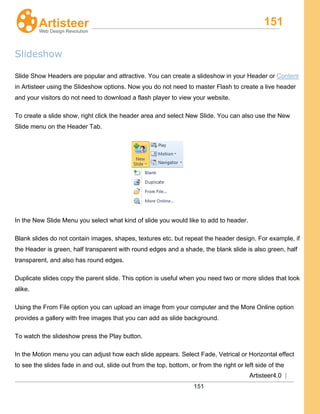
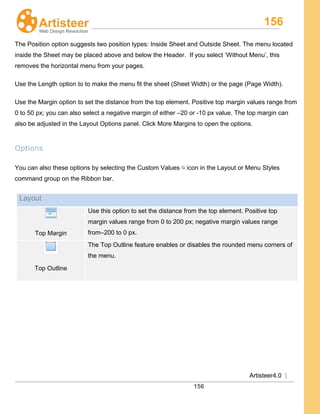
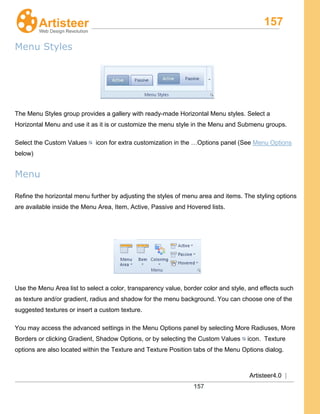
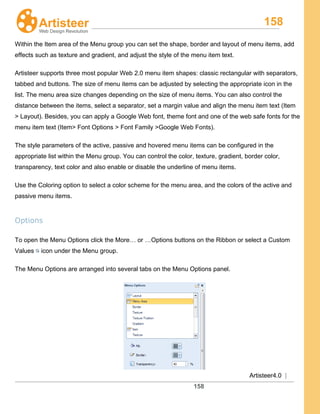
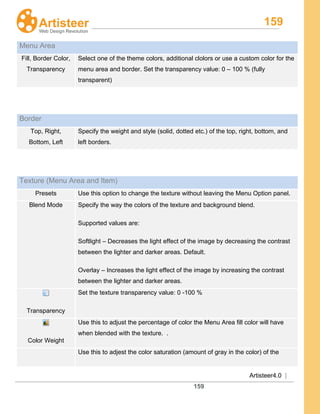
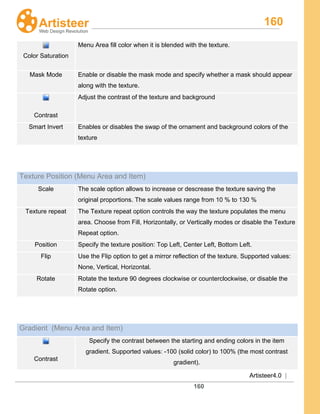
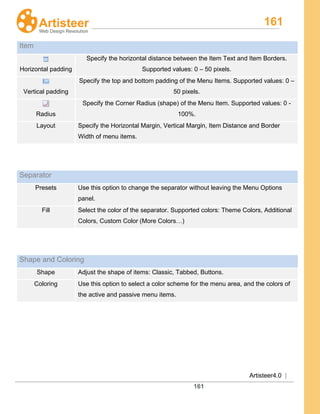
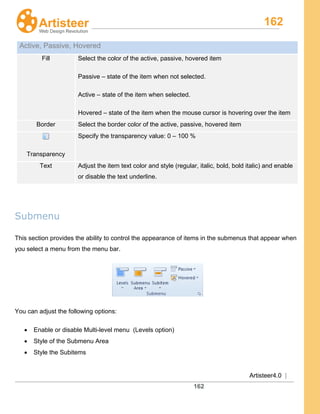
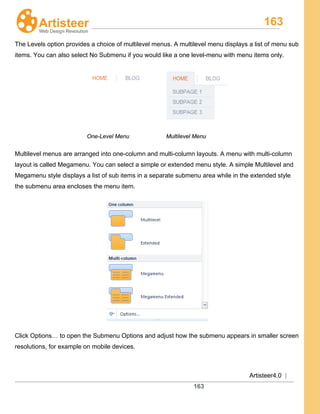
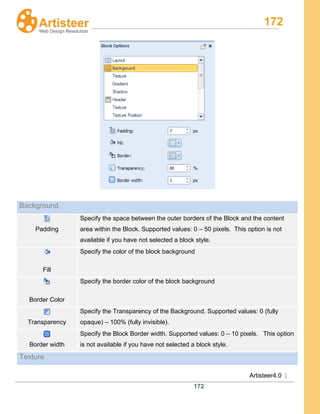
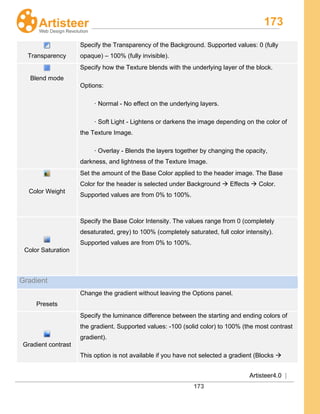
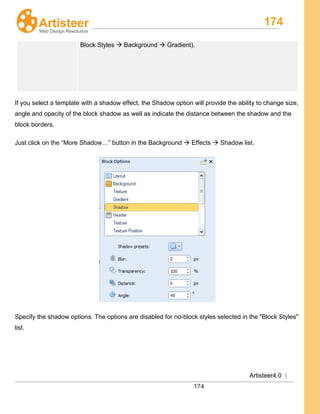
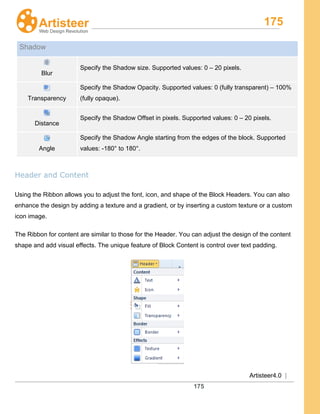
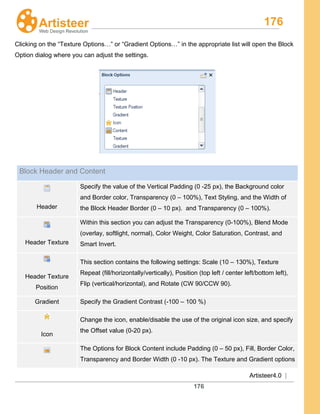
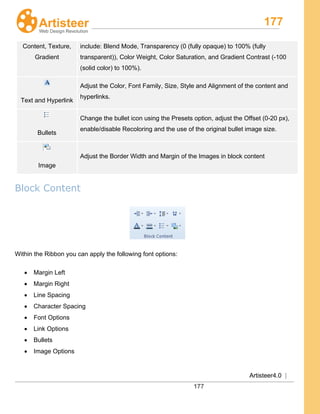
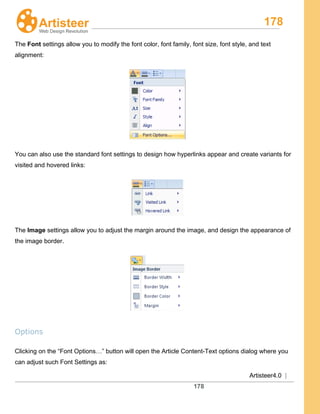
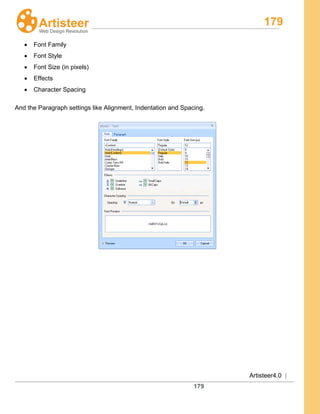
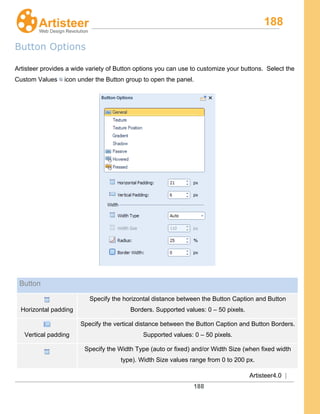
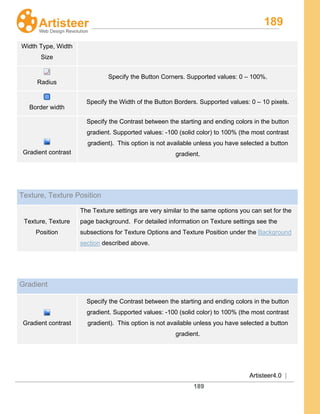
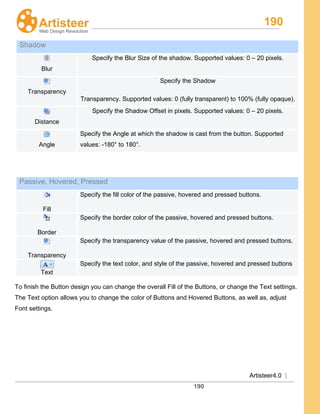
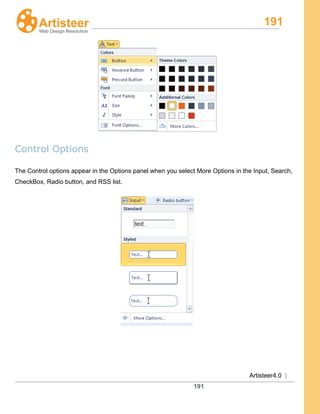
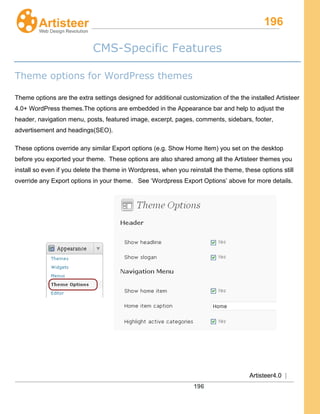
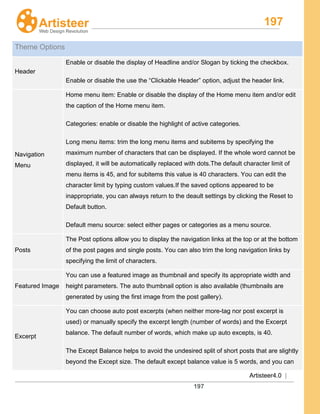
![198
Artisteer4.0 |
198
change it to a custom value.
The Except Tag Filter blocks the display of certain tags that you don’t want to see
on your posts pages. The default list of allowed tags does not include the <img>
tag, so the images are not displayed in posts on the posts pages. Edit the list of
allowed tags to expand or reduce the tag filter.
Pages
The Pages options help to configure the 404 page (Page is not found). If a visitor
tried to open a link, and the post was deleted, you can enable the “Show random
posts on 404 page” or “Show tags on 404 page” option, type the title of posts/tags
and suggest the visitors other ways to view the blog.
Comments
You can enable or disable the display of the “Leave a comment” link and you can
also block the use of smilies in comments.
Sidebars
You can apply a block style, a post style or a simple text style to sidebars. Separate
styles can be assigned to primary sidebar, secondary sidebar, top sidebars, bottom
sidebars, header and footer sidebars.
Footer
You can edit the Footer HTML content. The following ShortTags are available:
[year], [top], [rss], [login-link], [blog-title], [xhtml],
[css].
Advertisement
Use the [ad] short code to insert 1- 5 ads into posts, text widgets or footer.
Example:[ad code=4 align=center]
Headings for
the posts page
The heading types of the headline, slogan, article and widgets on the posts page
are arranged by default as <H1>, <H2>, <H2>, and <H3> tags. You can
customize each heading by assigning <H1-H6> tags or a <div> tag. <H1 – H6>
tags are generally used for high rank headings and the <div> tag will be analyzed by
SEO agents as plain content.
Headings for
the single post
or page
You can customize each heading (headline, slogan, article and widgets tags) by
assigning <H1-H6> tags or a <div> tag.](https://image.slidesharecdn.com/artisteer4usermanual-140320081403-phpapp01/85/Artisteer-4-user-manual-198-320.jpg)
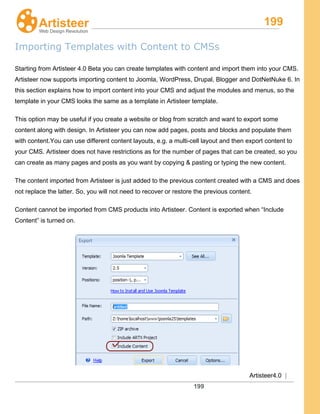
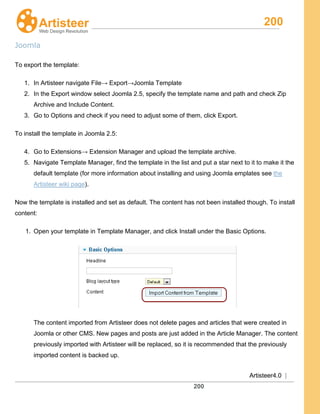

This document provides an overview of the Artisteer 4.0 interface and features. It describes the different areas of the interface including the file menu, quick access toolbar, ribbon, preview area, and pages/posts panel. It provides details on how to work with templates, export templates, and use various options throughout the different tabs for designing templates. Key features of Artisteer 4.0 like the start-up dialog, panel mode, content editing, and CMS-specific template options are also summarized.


