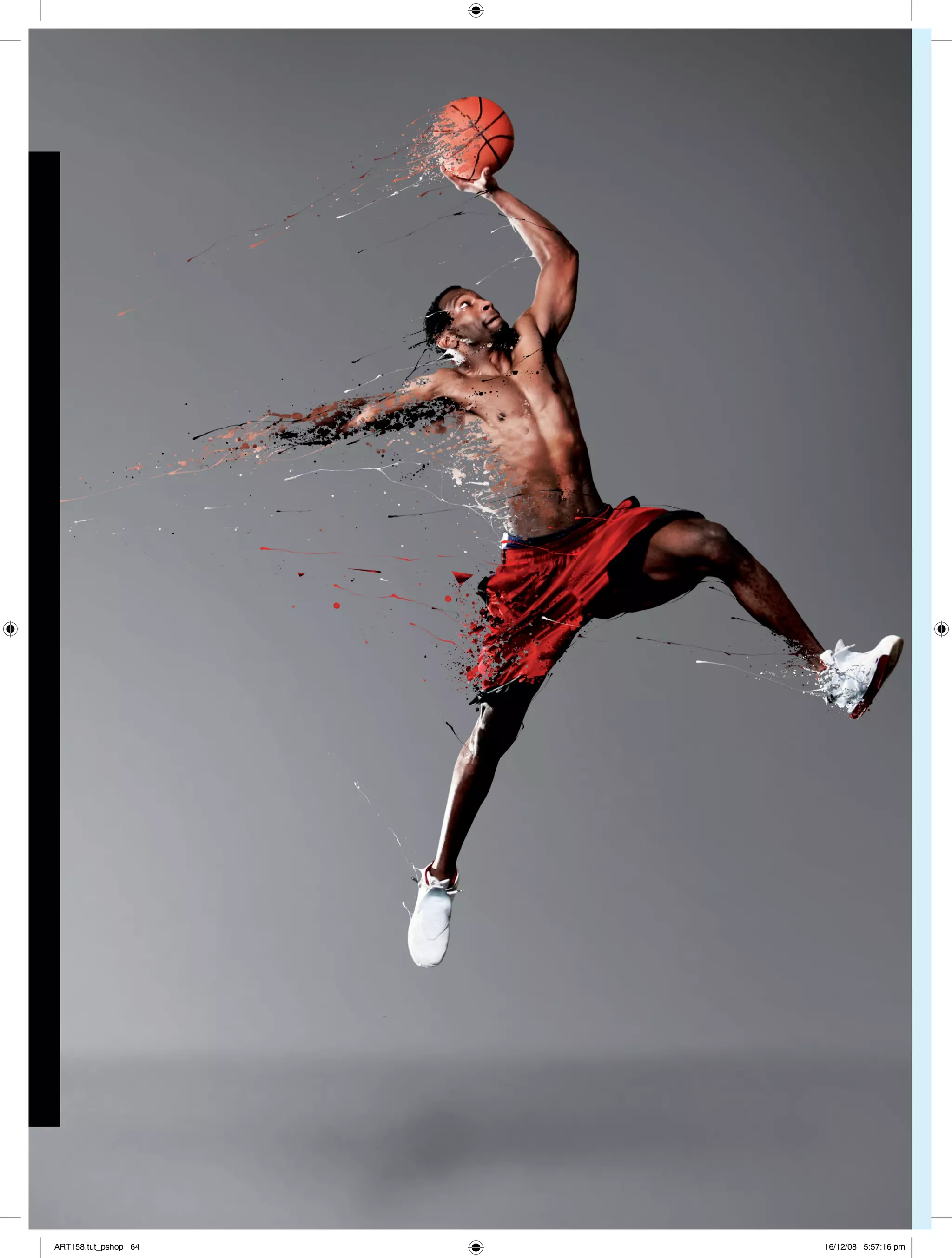
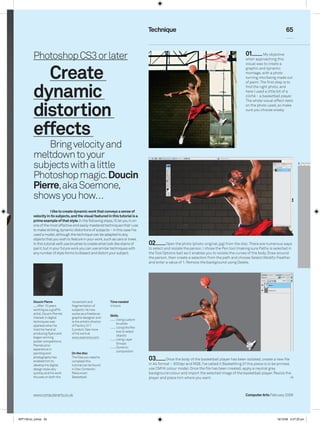
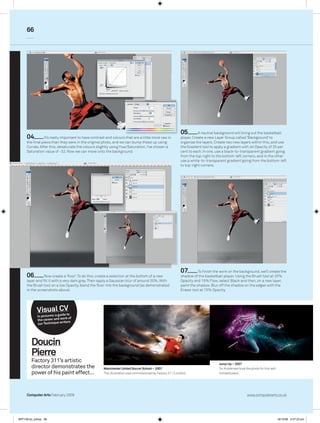
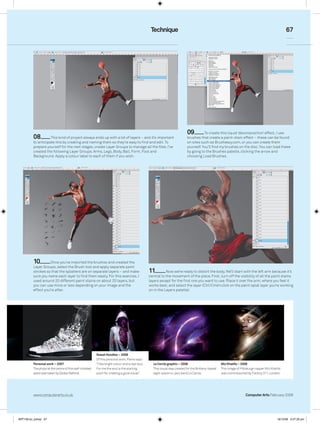
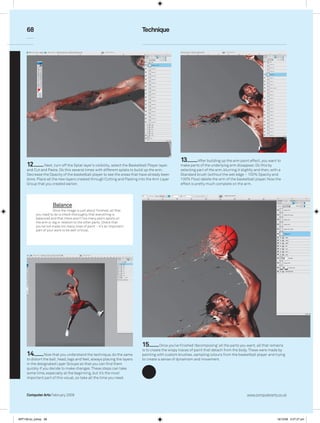
This document provides a tutorial for using Photoshop to create dynamic distortion effects. The tutorial uses a photo of a basketball player as an example. It describes steps to isolate the subject from the background using the pen tool, import the photo into a new file, and adjust colors and contrast. Layers are used to add gradient backgrounds and a shadow to further integrate the subject. Brush tools are demonstrated for creating paint-like distortions that fragment and move the subject, conveying a sense of velocity.