Around the world in 4 hours or less Anne Mirtschin,  Hawkesdale P12 College,Victoria, Australia
Conceptual Age Communicate Connect Creativity
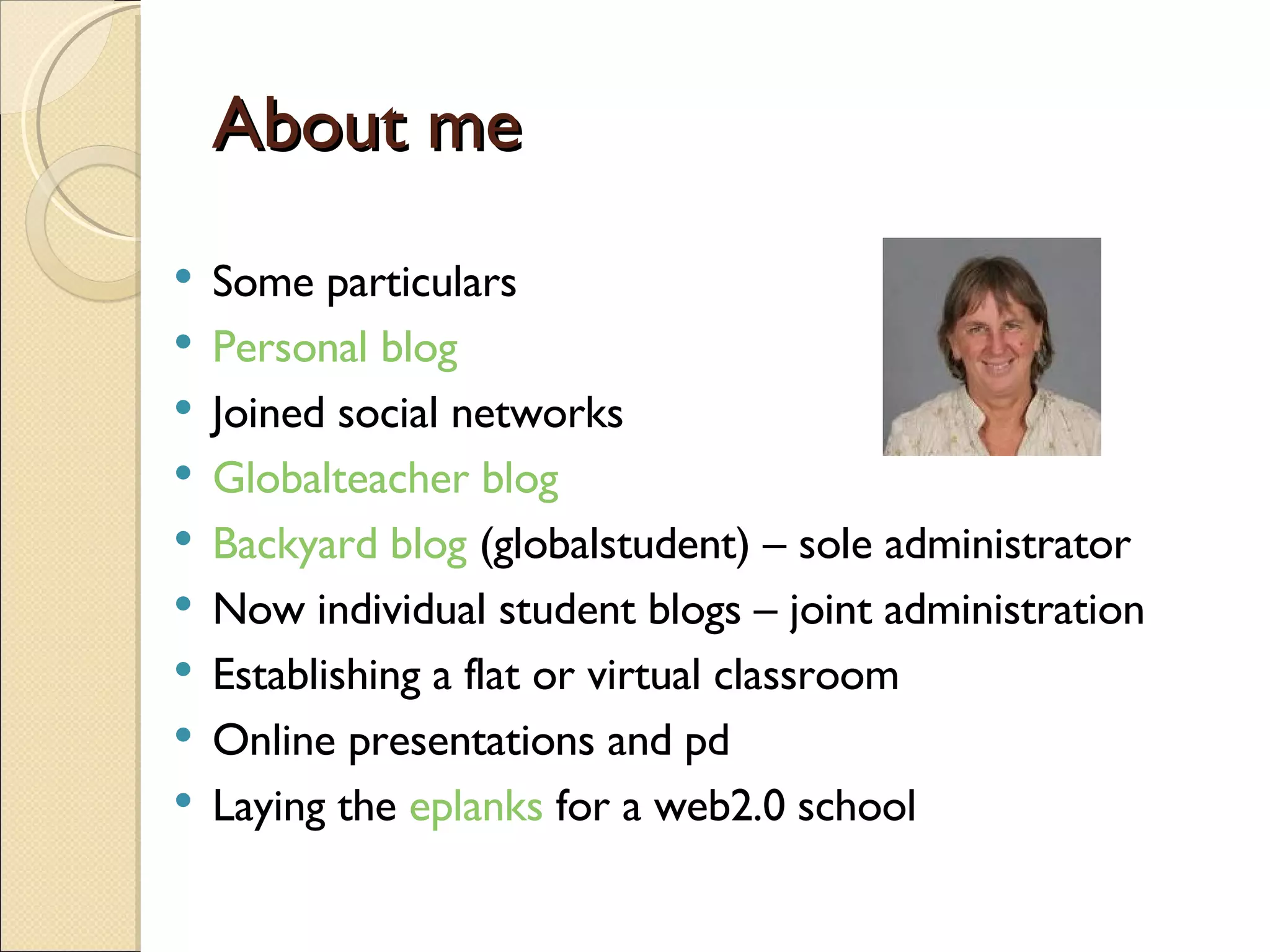
About me Some particulars Personal blog Joined social networks Globalteacher blog Backyard blog  (globalstudent) – sole administrator Now individual student blogs – joint administration Establishing a flat or virtual classroom Online presentations and pd Laying the  eplanks  for a web2.0 school
Some networking sites classroom20.com globaleducation.ning.com Ningineducation Technospuds  and  projects by Jen Various Teacher mailing lists edNa   many, many more - use a search engine
Google applications  google docs –  processor , sheet, presentation Calendar Reader Notes Igoogle Google maps and earth
Working with sheets google forms Chat function Basic spreadsheet formulas Projects
Advantages Easy to use and set up Links can be shared easily Chat function Results immediately captured in sheet for collaboration
Skype  (www.skype.com) VOiP Live chat Audio conferencing Videoconferencing Bookmark and save chats Can record conferencing- I  use powergrammo
Some constraints Sound quality can vary May drop in and out Lose video ability once more that two people use skype Broadband is essential for videoconferencing However, skype is constantly seeking feedback
How I did it… save url for google forms into a shared folder, students copy and paste onto internet explorer tab, fill in form, submit Results immediately filled into google sheet I export results into MS Excel>students manipulate data for summarizing and reporting (ave and sum functions) Graph results Can either screen capture graphs in MS Paint, convert to jpg and insert as image in blogs or prepare MS Powerpoint>uploaded into  www.slideshare.net  for embedding in blog. Students prepare report on findings Sample student work Year 9/10  Leecie  or  flurogreen Year 8  Tavish
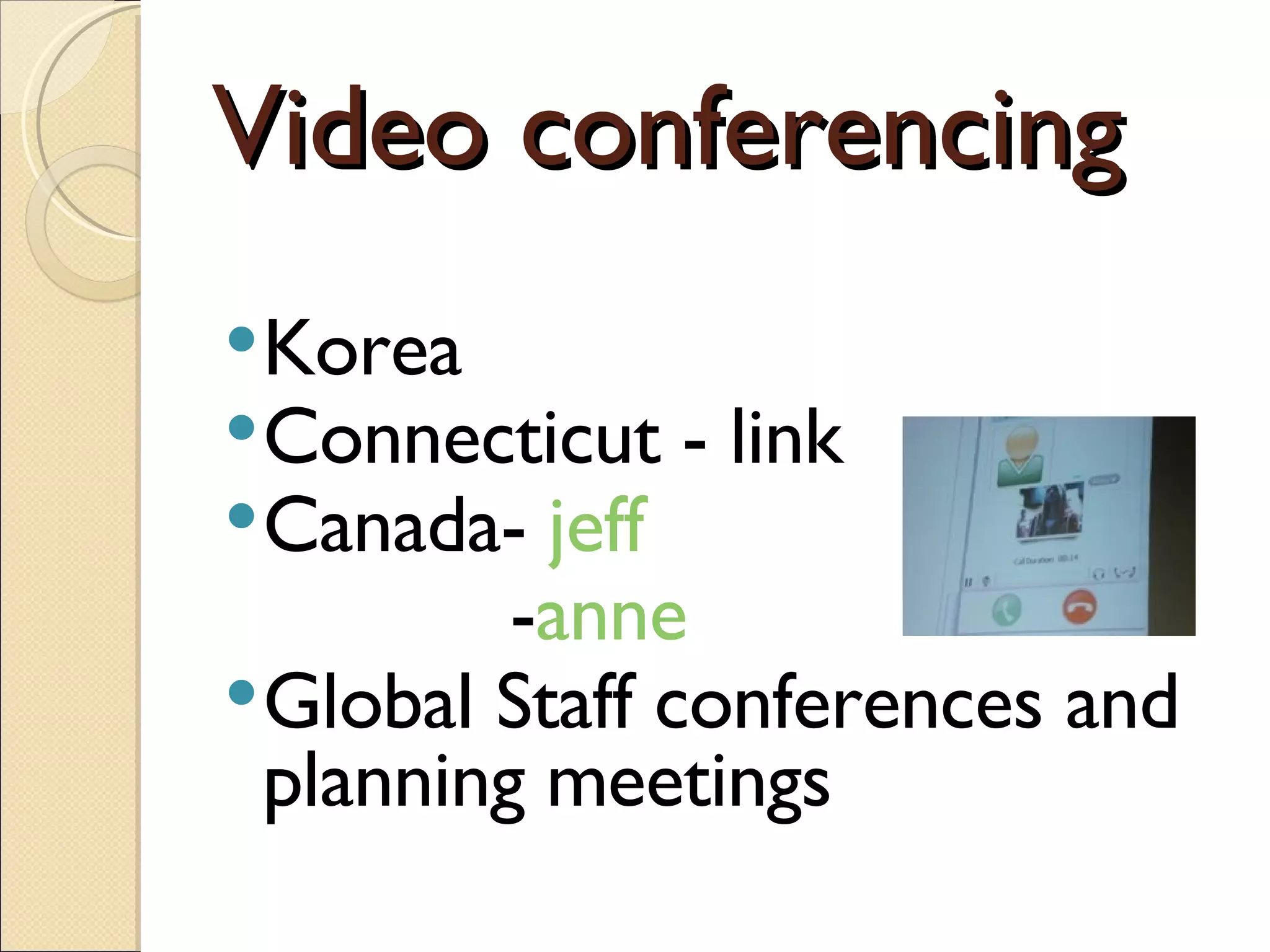
Video conferencing Korea  Connecticut - link Canada-  jeff   - anne Global Staff conferences and planning meetings
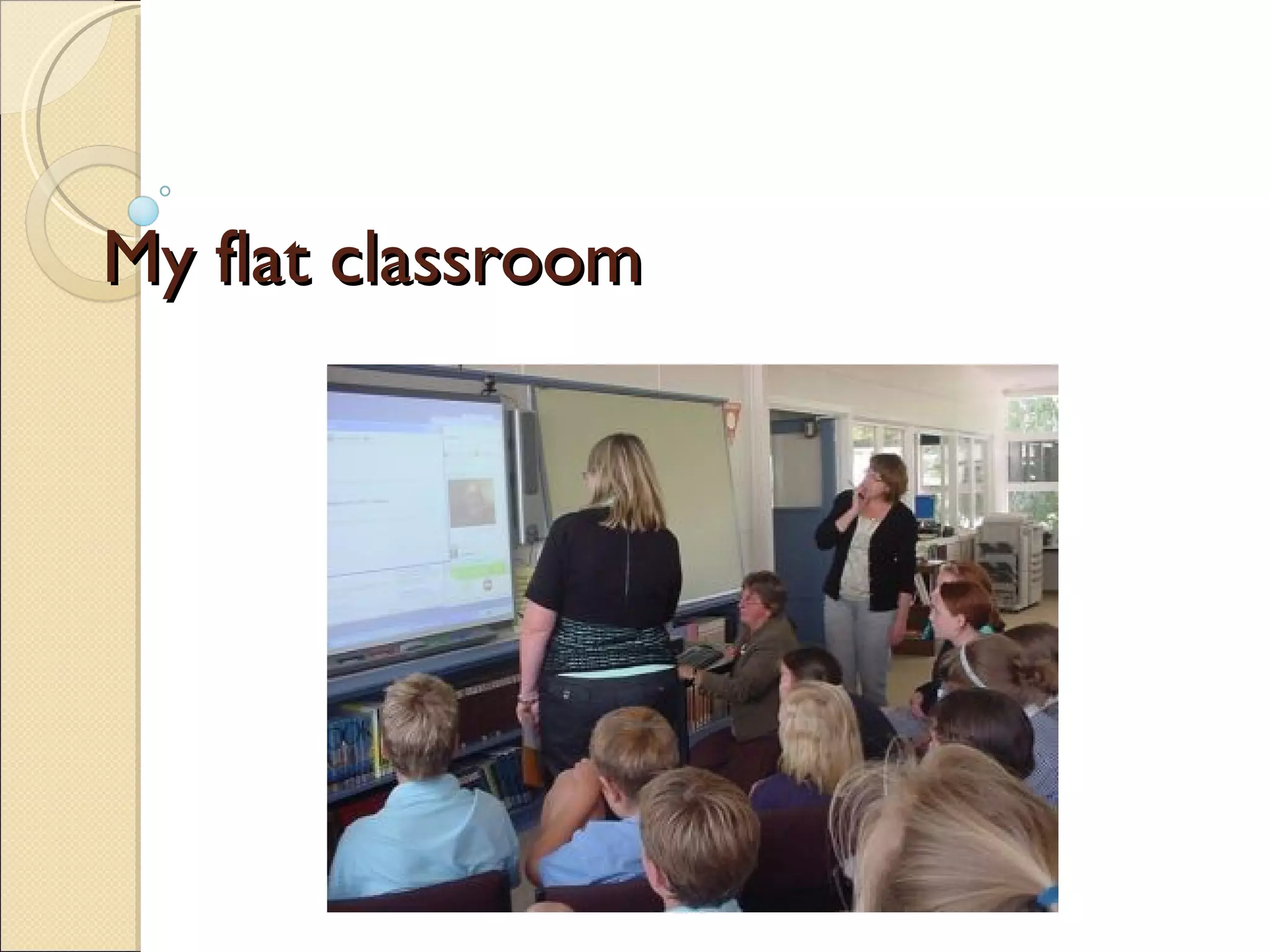
My flat classroom
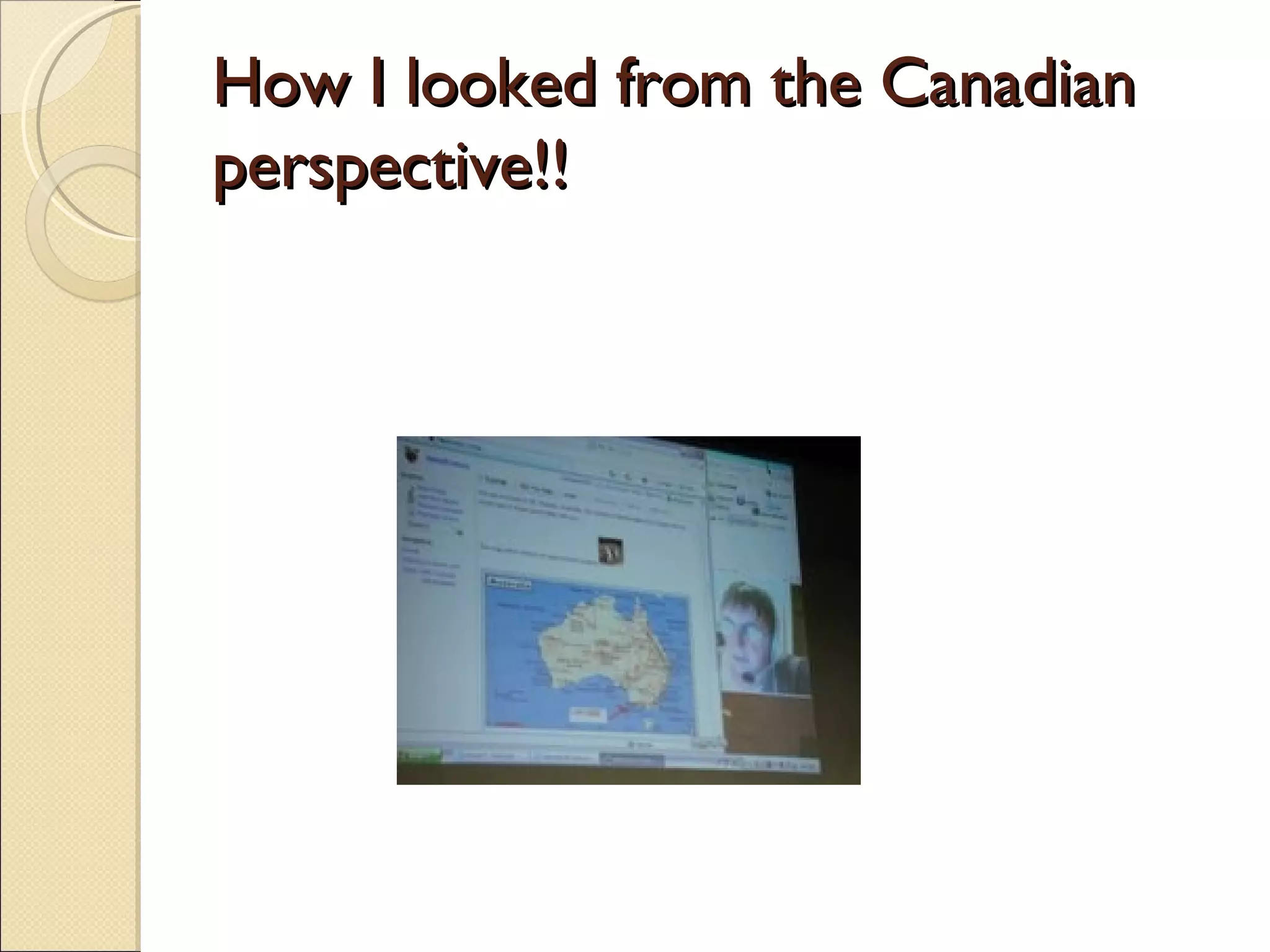
Teaching about Australia  to Nashwaaksis Middle School, Canada
How I looked from the Canadian  perspective!!
Facebook Students have access to facebook Bulletin board advertised the webcast Students added questions they would like answered, so I knew how my content should be tailored. After my presentation, they used the bulletin board for evaluation and feedback purposes.
Student evaluation… some sample comments It was incredible, Its just so different from what is normal here. I probably would of never found any of that out if it wasn’t for that presentation! That was soo cool! it was real awesome of the cool things i (and everyone) learned, I think i’m gonna do some research on more later… i really liked the fact that we were actually talking to her. not just in email. i thought all the pictures she showed were pretty sweet. also, i thought it was cool how we are used to different surroundings and habbits.. yes, we dont say put your bookbag in the boot… i still find it awsome, though. i love australia so much! (not to mention thier accents!) I thought that was so cool, for anyone who missed that, I wish that they could have seen it! that was an EXCELENT, presentation. I LOVED IT. it was very interesting, and i think that getting to learn chinese is a very diffrent thing then what we learn here. THANK-YOU SO MUCH. : See more.....  My post
hardware/software Headphones with attached microphone Broadband Skype Slideshare set up on a wiki
Voicethread (www.voicethread.com) User friendly Digital storytelling Collaborative work Moving on
Global projects www.youthradio.wordpress.com www.es1001tales.wikispaces.com www.ms1001tales.wikispaces.com From me to you Flat horizons project Webkinz   check link Where to find some  Classroom2.0 Global school house Projects by jen
.....Blogging.....
My personal blog http://murcha.wordpress.com
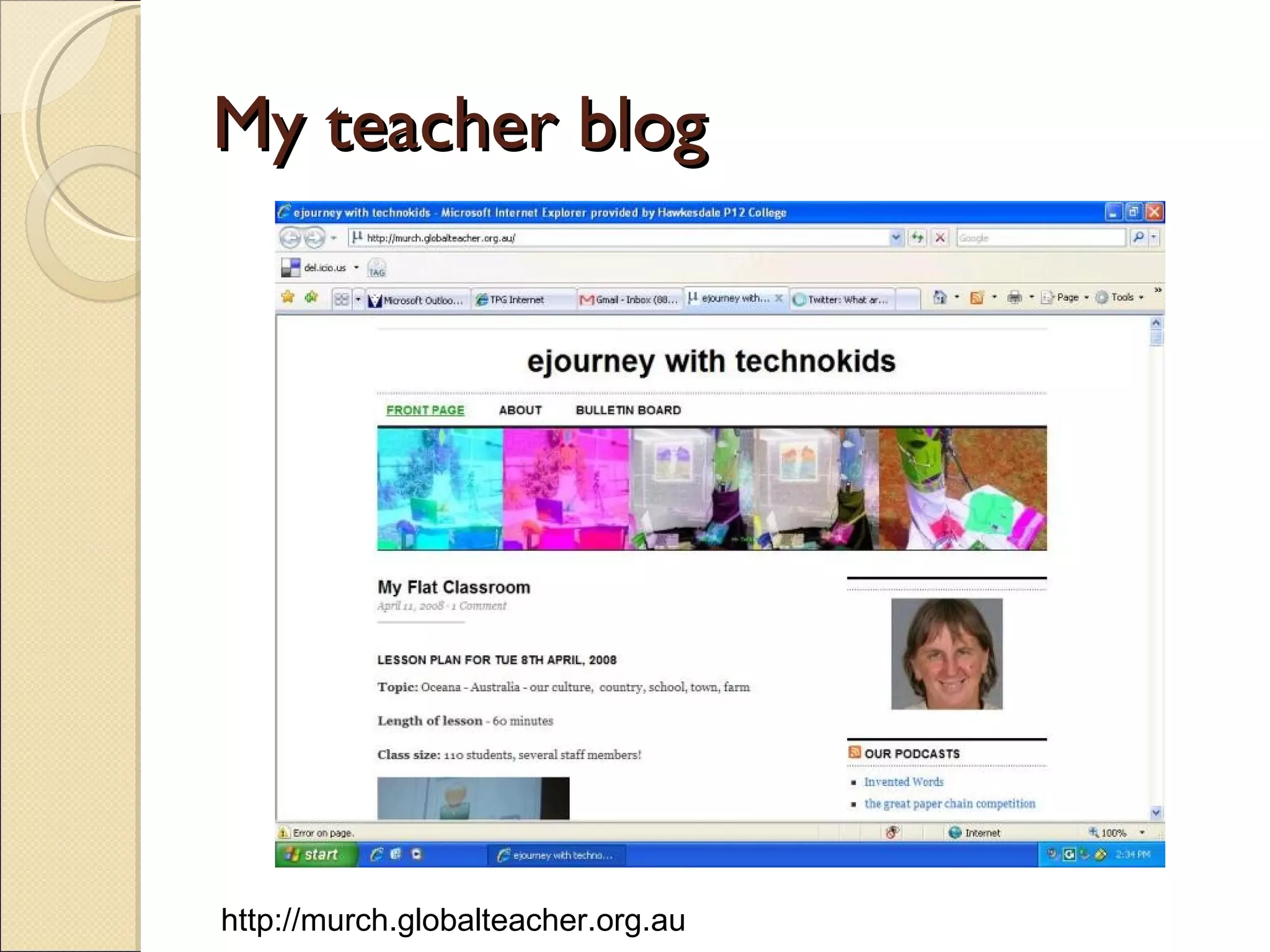
My teacher blog http://murch.globalteacher.org.au
Sample student blog Flurogreen skippy   jimzy honka
http://backyard.globalstudent.org.au
why should students blog A tool for reading and writing Authentic audience Highly motivational Powerful learning Students want to share  etc 20 reasons
What do I use a blog for? Online journal Digital portfolios see  tawney Lesson plans bulletin board Reflections
How to get started! Read blogs Sample blogs  –  Sue Waters– mobile technology in TAFE Jess Mcculloch  technolote Alannahk  moturoa   (from NZ just lots of bits and pieces) Jenny lucca  lucacept Class blogs Grade 5 class in Bangkok  Our online ESL classroom Collaboration nation  a year 8 blog in USA
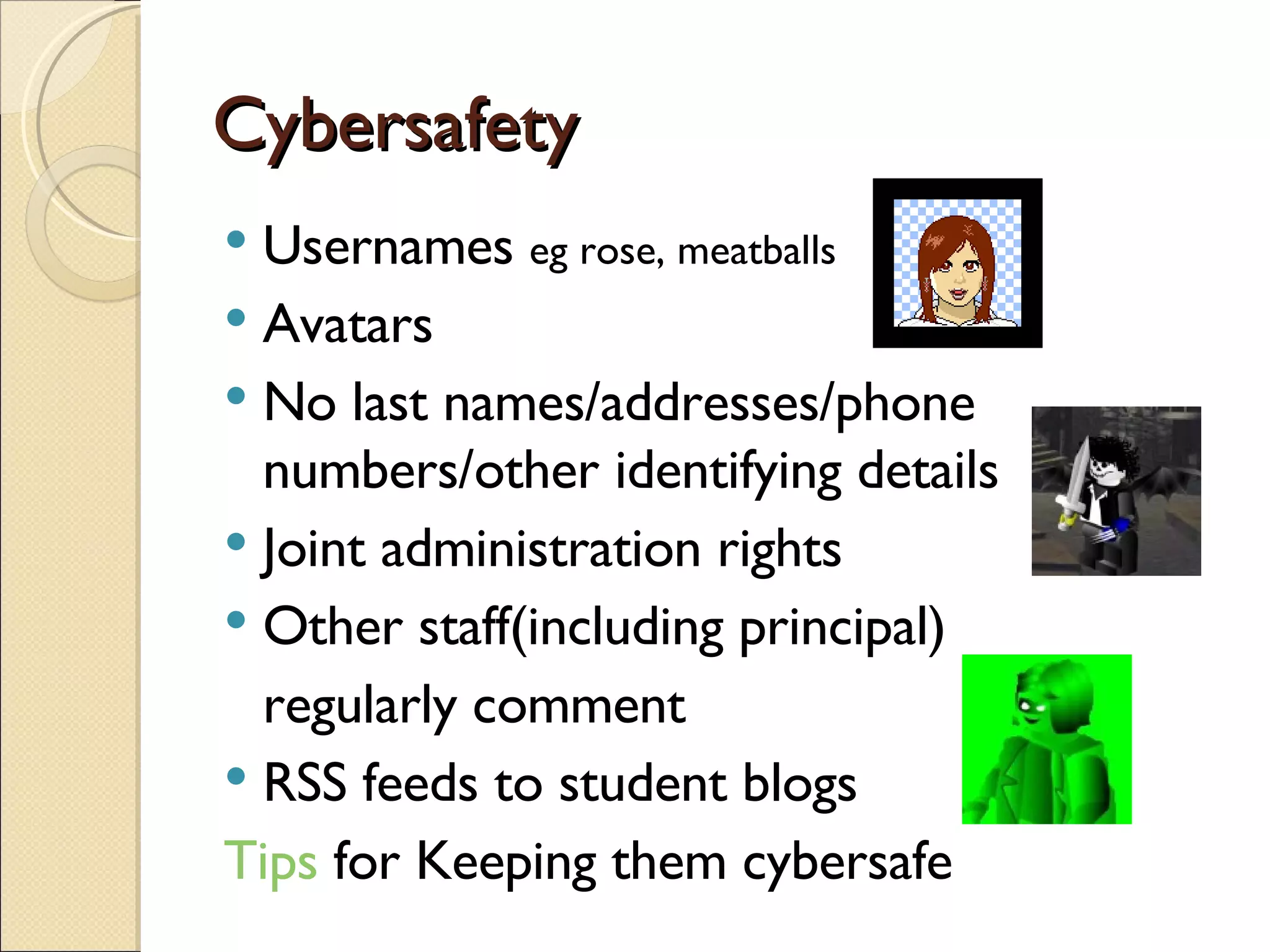
Cybersafety Usernames  eg rose, meatballs Avatars No last names/addresses/phone numbers/other identifying details Joint administration rights Other staff(including principal)  regularly comment RSS feeds to student blogs Tips  for Keeping them cybersafe
Global student/teacher Register for a  globalteacher blog Adding in students = easy now Give some thought to username or webtitle (cannot be changed) eg murcha blog title can be changed  Eg ejourneys with technokids –backyard -ros0003 -rose etc
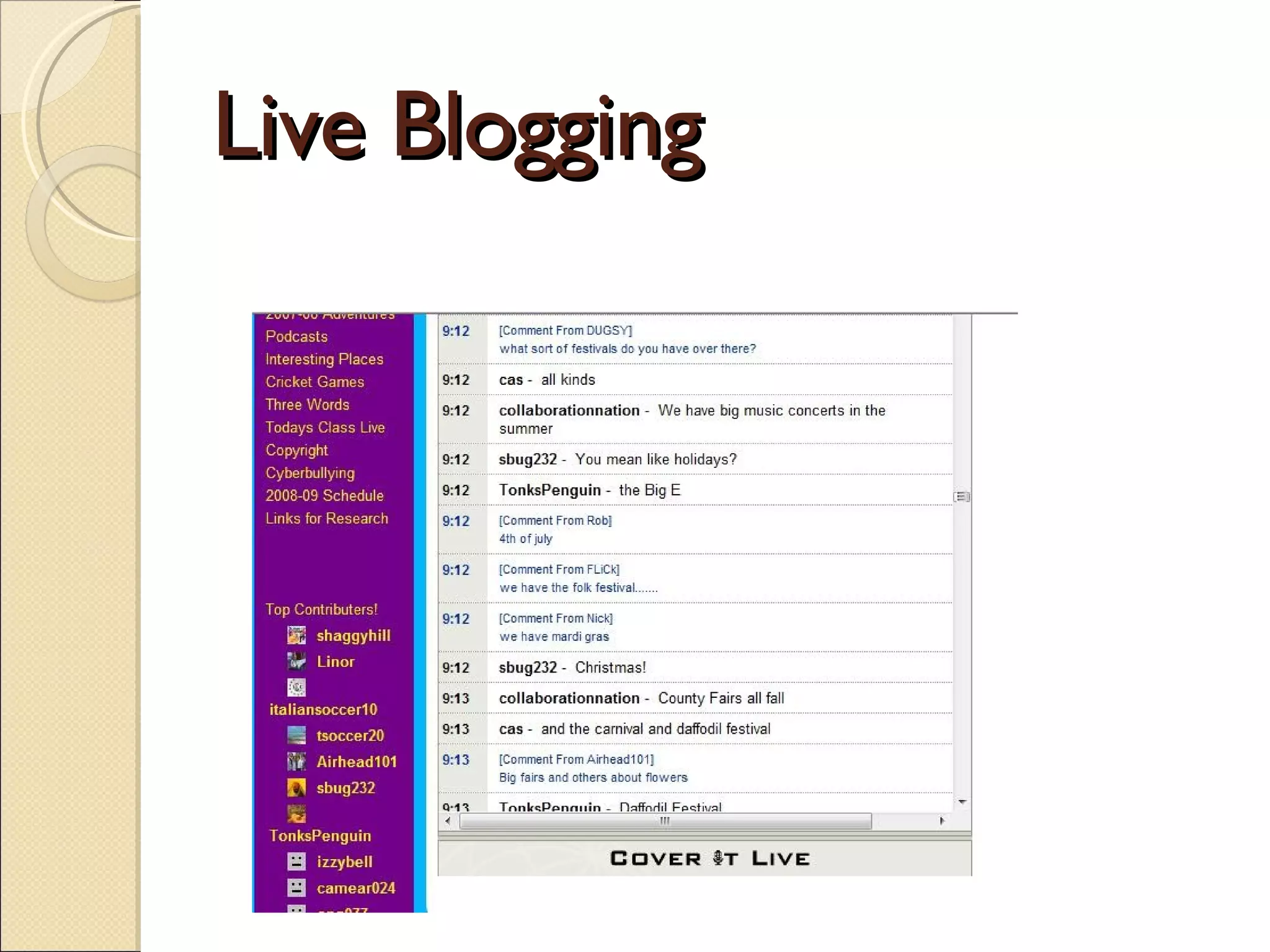
Live Blogging
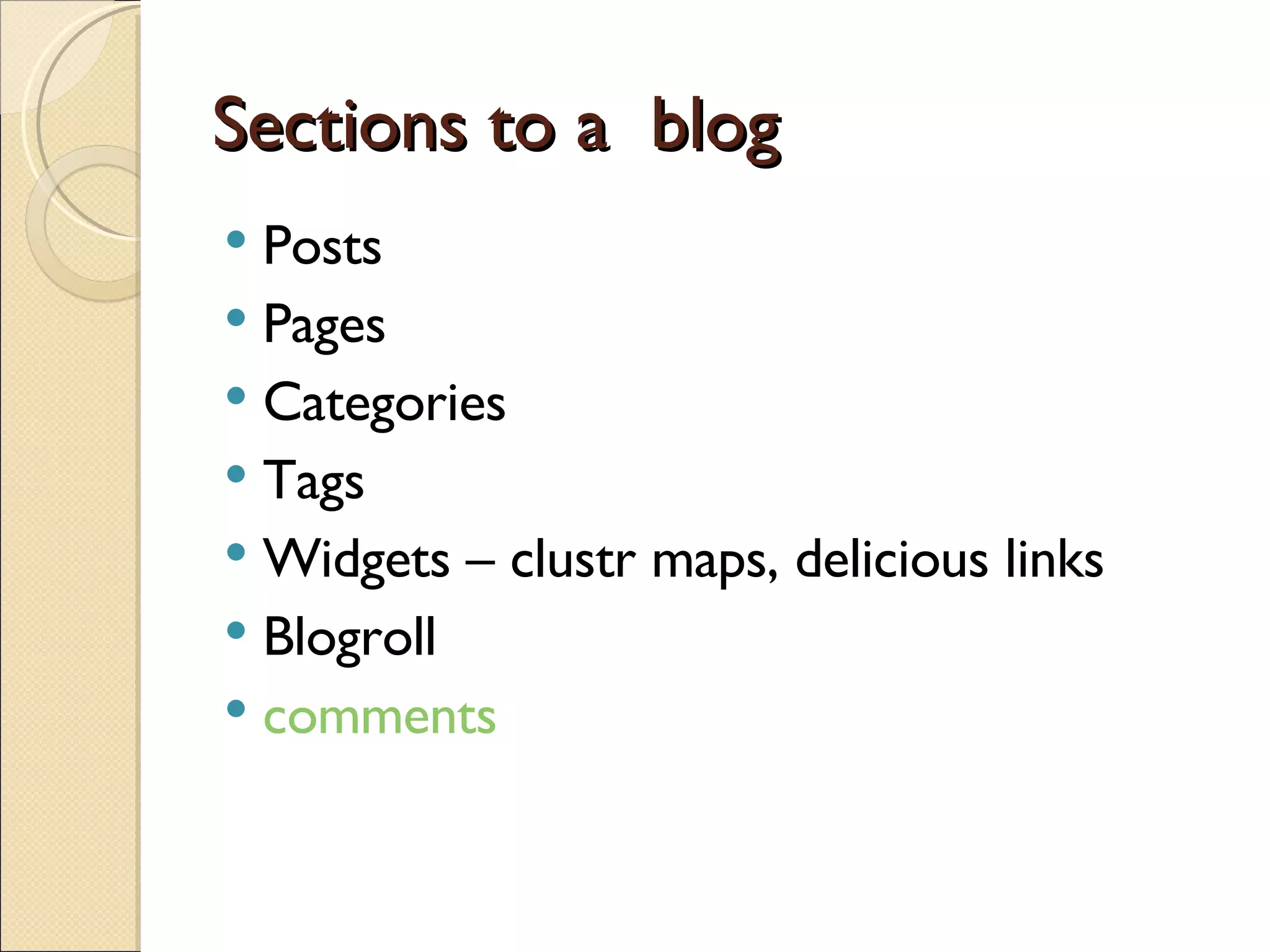
Sections to a  blog Posts Pages Categories Tags Widgets – clustr maps, delicious links Blogroll comments
hints Start blogging – it will find a direction over time Blog until you feel comfortable before starting with students Blog regularly Establish a social network (links, comments, trackbacks, teacher lists, nings etc) Do not worry about initial appearance – just start.
Resources Web2 telegraph  –  a collection of hints, trials, experiences and advice 25 steps  – an adventure for web2.0 learning ejourneys Mobile technology in TAFE Edublogger   great tips on getting more out of edublogs
My blogs http://murcha.wordpress.com  (my personal ejourney with gen Y) http://murch.globalteacher.org.au  (my classwork and ejourney with technokids, links to student blogs and other schools with student blogs) http://backyard.globalstudent.org.au  class blog http://christmas2.0us.wordpress.com  class blog for work at Christmas time
How to learn more Cool videos www.classroom20.com or local nings edNa Teacher mailing lists youtube and teachertube Online pds Edtechtalk WOW (women of the web) twitter
Other software for collaborating Ustream Flash meeting Wikis Elluminate Ms communicator
Maintaining the contact Be prepared for some hard work Communication is the key via blogs, wikis, emails, twitter etc Sharing blog posts
Contact Me [email_address] [email_address] Twitter id = murcha Skype = anne.mirtschin

Around The World In 4 Hrs Upload

  • 1.
    Around the worldin 4 hours or less Anne Mirtschin, Hawkesdale P12 College,Victoria, Australia
  • 2.
    Conceptual Age CommunicateConnect Creativity
  • 3.
    About me Someparticulars Personal blog Joined social networks Globalteacher blog Backyard blog (globalstudent) – sole administrator Now individual student blogs – joint administration Establishing a flat or virtual classroom Online presentations and pd Laying the eplanks for a web2.0 school
  • 4.
    Some networking sitesclassroom20.com globaleducation.ning.com Ningineducation Technospuds and projects by Jen Various Teacher mailing lists edNa many, many more - use a search engine
  • 5.
    Google applications google docs – processor , sheet, presentation Calendar Reader Notes Igoogle Google maps and earth
  • 6.
    Working with sheetsgoogle forms Chat function Basic spreadsheet formulas Projects
  • 7.
    Advantages Easy touse and set up Links can be shared easily Chat function Results immediately captured in sheet for collaboration
  • 8.
    Skype (www.skype.com)VOiP Live chat Audio conferencing Videoconferencing Bookmark and save chats Can record conferencing- I use powergrammo
  • 9.
    Some constraints Soundquality can vary May drop in and out Lose video ability once more that two people use skype Broadband is essential for videoconferencing However, skype is constantly seeking feedback
  • 10.
    How I didit… save url for google forms into a shared folder, students copy and paste onto internet explorer tab, fill in form, submit Results immediately filled into google sheet I export results into MS Excel>students manipulate data for summarizing and reporting (ave and sum functions) Graph results Can either screen capture graphs in MS Paint, convert to jpg and insert as image in blogs or prepare MS Powerpoint>uploaded into www.slideshare.net for embedding in blog. Students prepare report on findings Sample student work Year 9/10 Leecie or flurogreen Year 8 Tavish
  • 11.
    Video conferencing Korea Connecticut - link Canada- jeff - anne Global Staff conferences and planning meetings
  • 12.
  • 13.
    Teaching about Australia to Nashwaaksis Middle School, Canada
  • 14.
    How I lookedfrom the Canadian perspective!!
  • 15.
    Facebook Students haveaccess to facebook Bulletin board advertised the webcast Students added questions they would like answered, so I knew how my content should be tailored. After my presentation, they used the bulletin board for evaluation and feedback purposes.
  • 16.
    Student evaluation… somesample comments It was incredible, Its just so different from what is normal here. I probably would of never found any of that out if it wasn’t for that presentation! That was soo cool! it was real awesome of the cool things i (and everyone) learned, I think i’m gonna do some research on more later… i really liked the fact that we were actually talking to her. not just in email. i thought all the pictures she showed were pretty sweet. also, i thought it was cool how we are used to different surroundings and habbits.. yes, we dont say put your bookbag in the boot… i still find it awsome, though. i love australia so much! (not to mention thier accents!) I thought that was so cool, for anyone who missed that, I wish that they could have seen it! that was an EXCELENT, presentation. I LOVED IT. it was very interesting, and i think that getting to learn chinese is a very diffrent thing then what we learn here. THANK-YOU SO MUCH. : See more..... My post
  • 17.
    hardware/software Headphones withattached microphone Broadband Skype Slideshare set up on a wiki
  • 18.
    Voicethread (www.voicethread.com) Userfriendly Digital storytelling Collaborative work Moving on
  • 19.
    Global projects www.youthradio.wordpress.comwww.es1001tales.wikispaces.com www.ms1001tales.wikispaces.com From me to you Flat horizons project Webkinz check link Where to find some Classroom2.0 Global school house Projects by jen
  • 20.
  • 21.
    My personal bloghttp://murcha.wordpress.com
  • 22.
    My teacher bloghttp://murch.globalteacher.org.au
  • 23.
    Sample student blogFlurogreen skippy jimzy honka
  • 24.
  • 25.
    why should studentsblog A tool for reading and writing Authentic audience Highly motivational Powerful learning Students want to share etc 20 reasons
  • 26.
    What do Iuse a blog for? Online journal Digital portfolios see tawney Lesson plans bulletin board Reflections
  • 27.
    How to getstarted! Read blogs Sample blogs – Sue Waters– mobile technology in TAFE Jess Mcculloch technolote Alannahk moturoa (from NZ just lots of bits and pieces) Jenny lucca lucacept Class blogs Grade 5 class in Bangkok Our online ESL classroom Collaboration nation a year 8 blog in USA
  • 28.
    Cybersafety Usernames eg rose, meatballs Avatars No last names/addresses/phone numbers/other identifying details Joint administration rights Other staff(including principal) regularly comment RSS feeds to student blogs Tips for Keeping them cybersafe
  • 29.
    Global student/teacher Registerfor a globalteacher blog Adding in students = easy now Give some thought to username or webtitle (cannot be changed) eg murcha blog title can be changed Eg ejourneys with technokids –backyard -ros0003 -rose etc
  • 30.
  • 31.
    Sections to a blog Posts Pages Categories Tags Widgets – clustr maps, delicious links Blogroll comments
  • 32.
    hints Start blogging– it will find a direction over time Blog until you feel comfortable before starting with students Blog regularly Establish a social network (links, comments, trackbacks, teacher lists, nings etc) Do not worry about initial appearance – just start.
  • 33.
    Resources Web2 telegraph – a collection of hints, trials, experiences and advice 25 steps – an adventure for web2.0 learning ejourneys Mobile technology in TAFE Edublogger great tips on getting more out of edublogs
  • 34.
    My blogs http://murcha.wordpress.com (my personal ejourney with gen Y) http://murch.globalteacher.org.au (my classwork and ejourney with technokids, links to student blogs and other schools with student blogs) http://backyard.globalstudent.org.au class blog http://christmas2.0us.wordpress.com class blog for work at Christmas time
  • 35.
    How to learnmore Cool videos www.classroom20.com or local nings edNa Teacher mailing lists youtube and teachertube Online pds Edtechtalk WOW (women of the web) twitter
  • 36.
    Other software forcollaborating Ustream Flash meeting Wikis Elluminate Ms communicator
  • 37.
    Maintaining the contactBe prepared for some hard work Communication is the key via blogs, wikis, emails, twitter etc Sharing blog posts
  • 38.
    Contact Me [email_address][email_address] Twitter id = murcha Skype = anne.mirtschin