Architecture your Android Application Mark Brady
Structure 20 Minutes talk
10 Minutes of Q&A
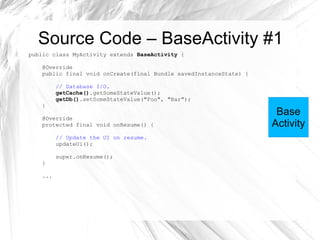
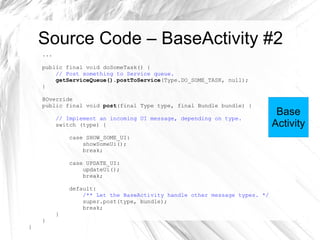
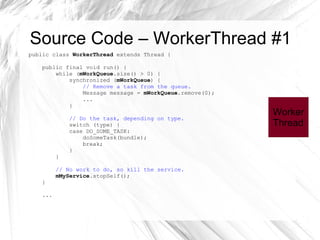
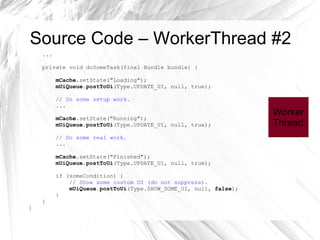
Source Code: http://github.com/zedray/Android-Framework-Prototype/
Market App Framework Prototype [BETA]
About Me Mark Brady
Android developer at Vodafone
Background in web design, back-end development and Java ME
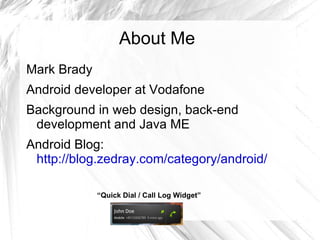
Android Blog: http://blog.zedray.com/category/android/ “ Quick Dial / Call Log Widget”
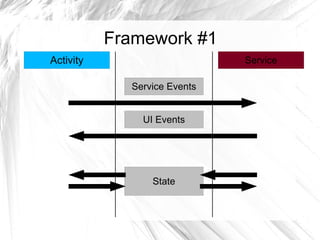
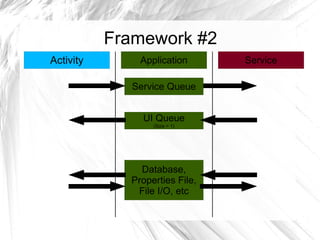
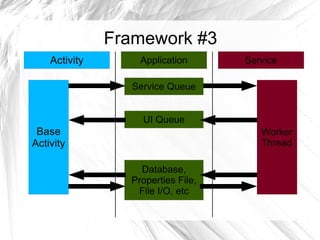
Overview Component life-cycles Activity, Service, Application... Communicating between components RPC, Handlers, Binding... Managing different life-cycles Framework , Example code...
Component life-cycles Android provides various life-cycle components.
Lack of guidance on how to use them. Service Application Activity
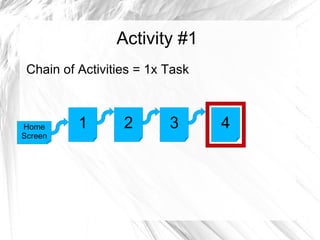
Activity #1 Chain of Activities = 1x Task 1 2 3 4 Home Screen
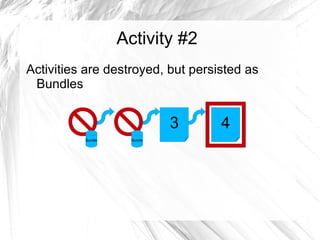
Activity #2 Activities are destroyed, but persisted as Bundles 3 4 Bundle Bundle
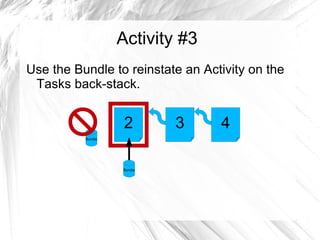
Activity #3 Use the Bundle to reinstate an Activity on the Tasks back-stack. Bundle Bundle 2 3 4
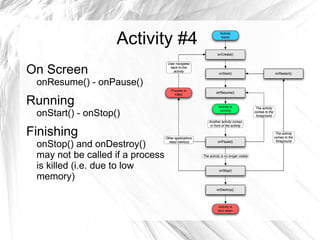
Activity #4 On Screen onResume() - onPause()
Running onStart() - onStop()
Finishing onStop() and onDestroy() may not be called if a process is killed (i.e. due to low memory)
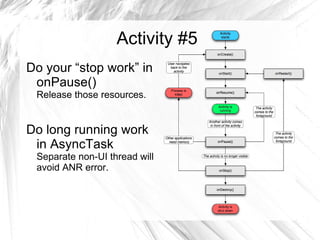
Activity #5 Do your “stop work” in onPause() Release those resources.
Do long running work in AsyncTask Separate non-UI thread will avoid ANR error.
Activity #6 Difficult to maintain execution state in an application made up of multiple activities.
Code from multiple activities can be running in the background. No good definition for when an application  has finished .
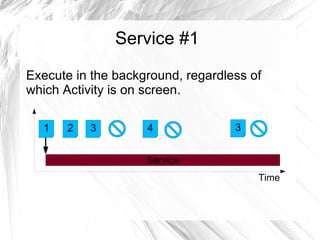
Service #1 Execute in the background, regardless of which Activity is on screen. Time 1 2 3 4 3
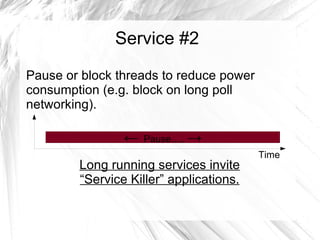
Service #2 Pause or block threads to reduce power consumption (e.g. block on long poll networking). Long running services invite “Service Killer” applications. Time
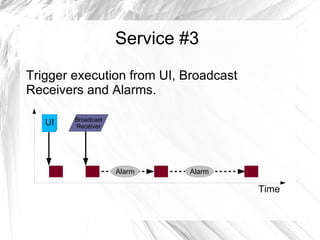
Service #3 Trigger execution from UI, Broadcast Receivers and Alarms. Time UI Broadcast Receiver
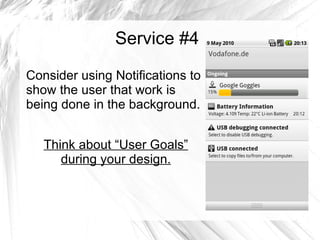
Service #4 Consider using Notifications to show the user that work is being done in the background. Think about “User Goals” during your design.
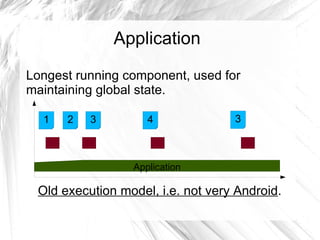
Application Longest running component, used for maintaining global state. Old execution model, i.e. not very Android . Application 1 2 3 4 3
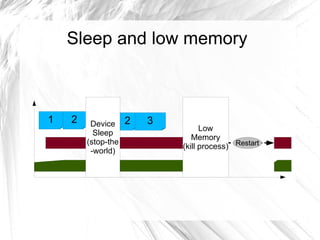
Sleep and low memory 1 2 3 2
Communicating between components Remote procedure calls (i.e. AIDL)
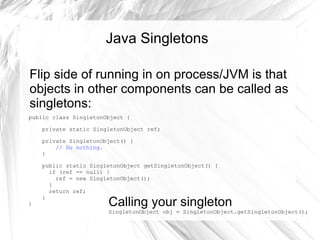
Singletons
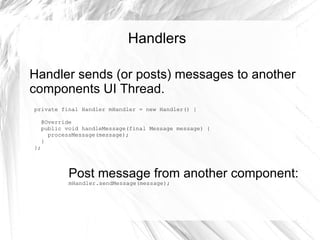
Handlers
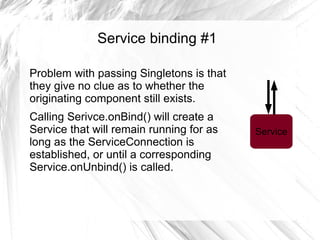
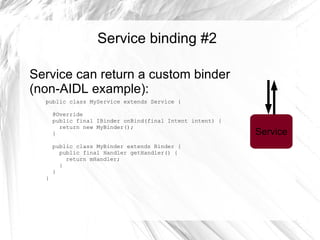
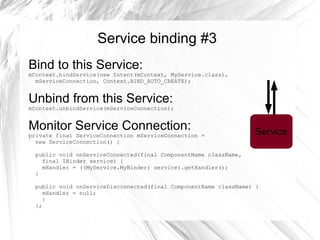
Service binding
Remote procedure calls (i.e. AIDL) Do not use, as  by default  all your components run in the same process.
If you think your application is an exception: “Drag me to Hell - Optimizations for AIDL” Ronan Schwarz, Tic Mobile, 5.30pm. (Android Interface Definition Language)

Architecture your android_application