DevOps Day
26.03.2019
1
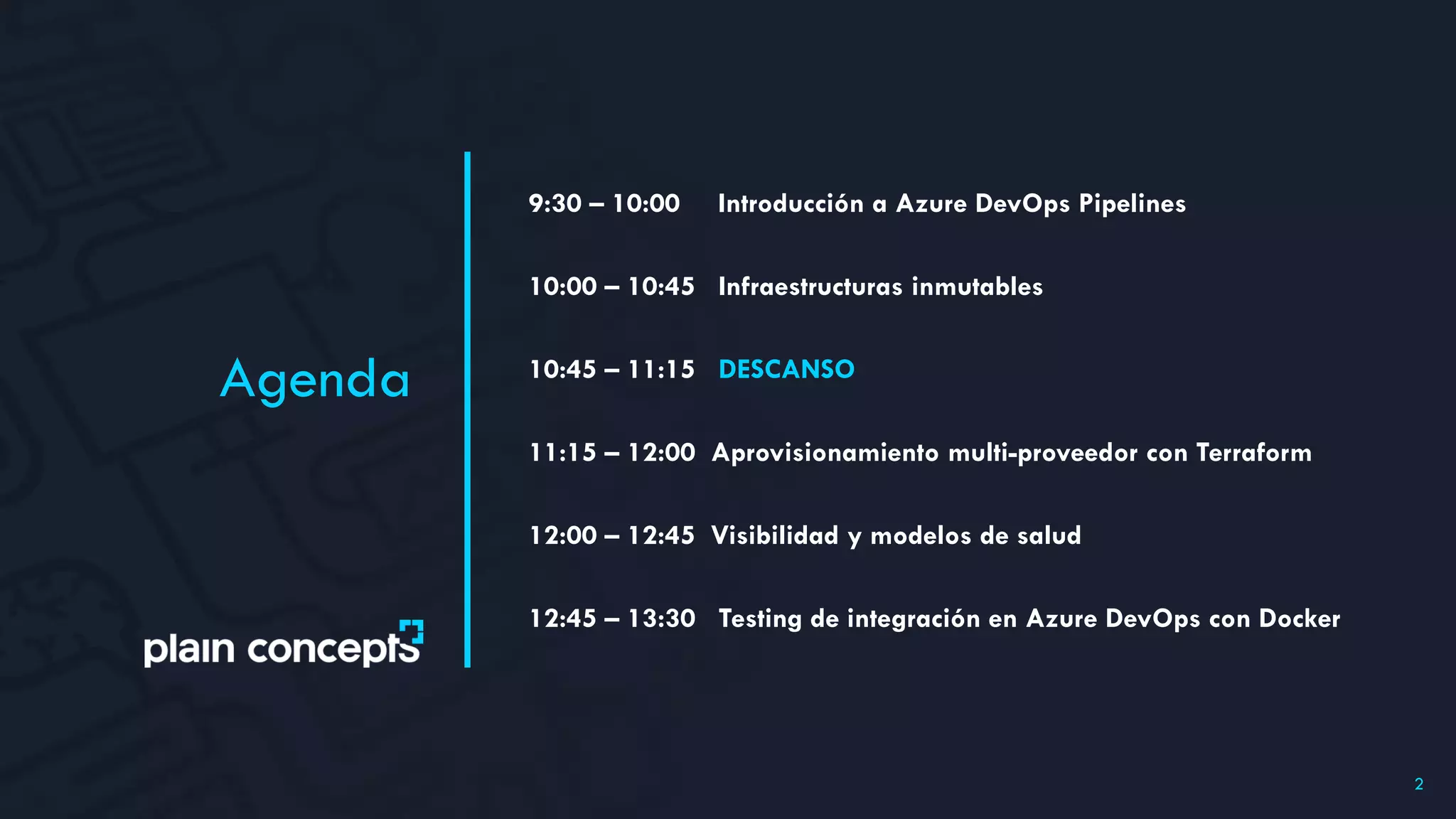
9:30 – 10:00 Introducción a Azure DevOps Pipelines
10:00 – 10:45 Infraestructuras inmutables
10:45 – 11:15 DESCANSO
11:15 – 12:00 Aprovisionamiento multi-proveedor con Terraform
12:00 – 12:45 Visibilidad y modelos de salud
12:45 – 13:30 Testing de integración en Azure DevOps con Docker
Agenda
2
26.03.2019
DevOps Day
Alberto Varela
Aprovisionamiento multi-
proveedor con Terraform
Software Development Engineer
3
I am Full Stack Developer based in Bilbao. I am passionate about
everything related to web development and I am currently working as
a Software Developer at Plain Concepts.
Egunon!
== ¡Buenos días!
Alberto Varela
@plainconcepts 4
@artberri
SOFTWARE DEVELOPMENT ENGINEER
5
1. Introduction
6
Like the principle that the same source code generates the
same binary, an Infrastructure as Code (IaC) model
generates the same environment every time it is applied.
Sam Guckenheimer (Product Owner, Azure Devops)
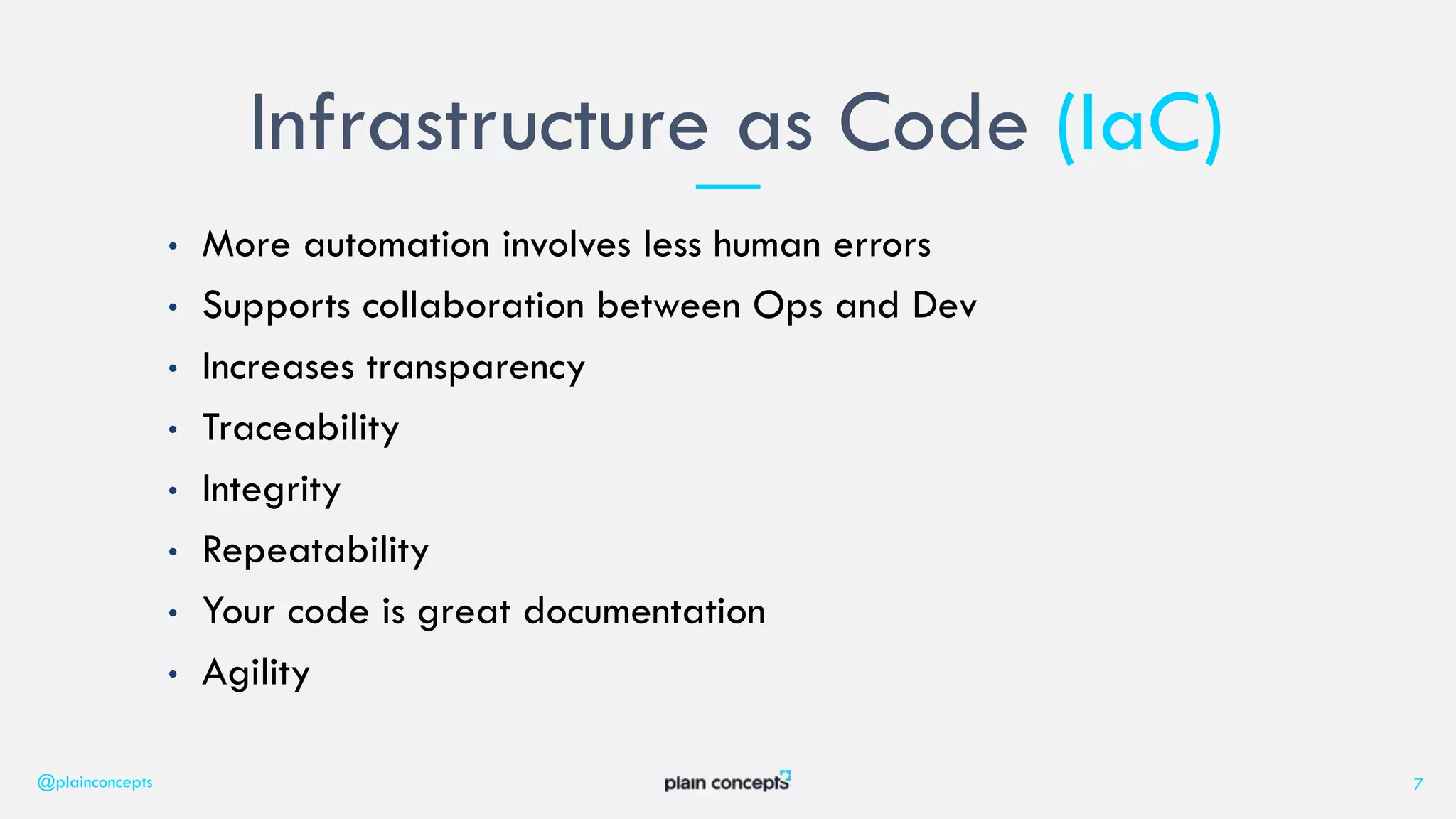
• More automation involves less human errors
• Supports collaboration between Ops and Dev
• Increases transparency
• Traceability
• Integrity
• Repeatability
• Your code is great documentation
• Agility
Infrastructure as Code (IaC)
@plainconcepts 7
8
2. What is Terraform?
9
Terraform is used to create, manage, and update
infrastructure resources such as virtual networks, VMs,
security rules, containers, domains and more. Almost any
infrastructure type can be represented as a resource in
Terraform.
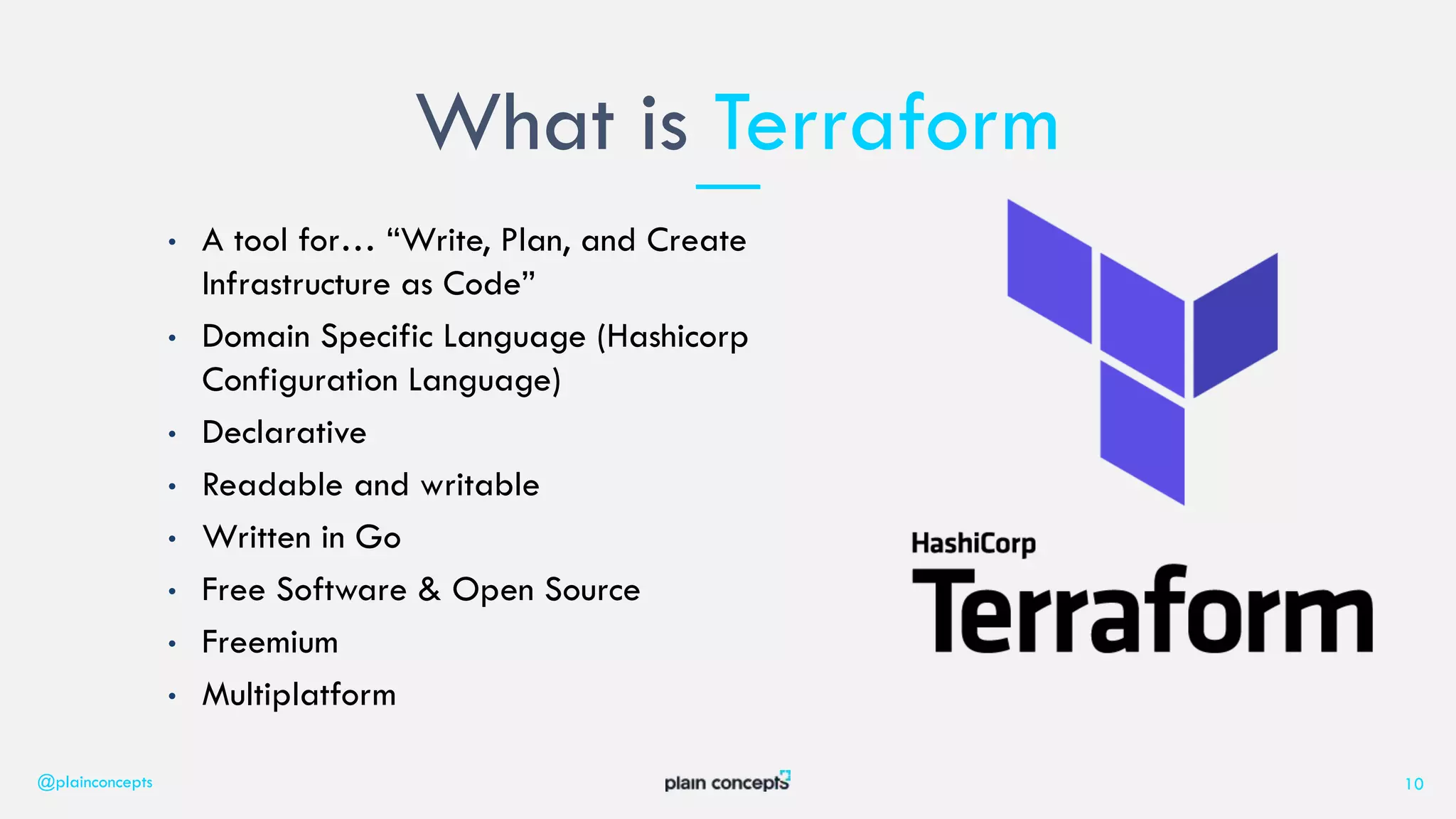
• A tool for… “Write, Plan, and Create
Infrastructure as Code”
• Domain Specific Language (Hashicorp
Configuration Language)
• Declarative
• Readable and writable
• Written in Go
• Free Software & Open Source
• Freemium
• Multiplatform
What is Terraform
@plainconcepts 10
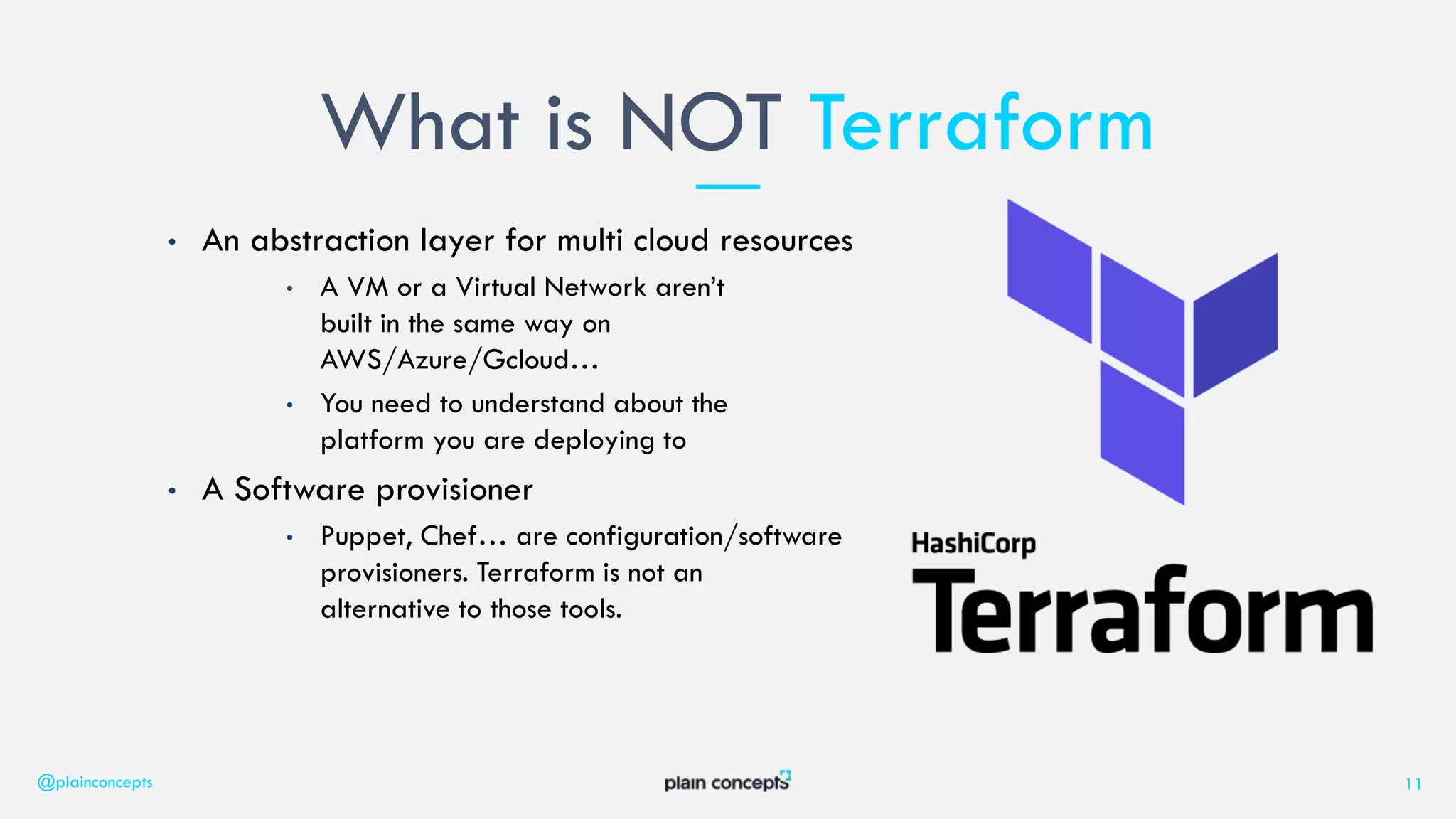
• An abstraction layer for multi cloud resources
• A VM or a Virtual Network aren’t
built in the same way on
AWS/Azure/Gcloud…
• You need to understand about the
platform you are deploying to
• A Software provisioner
• Puppet, Chef… are configuration/software
provisioners. Terraform is not an
alternative to those tools.
What is NOT Terraform
@plainconcepts 11
12
3. Terrafom Concepts
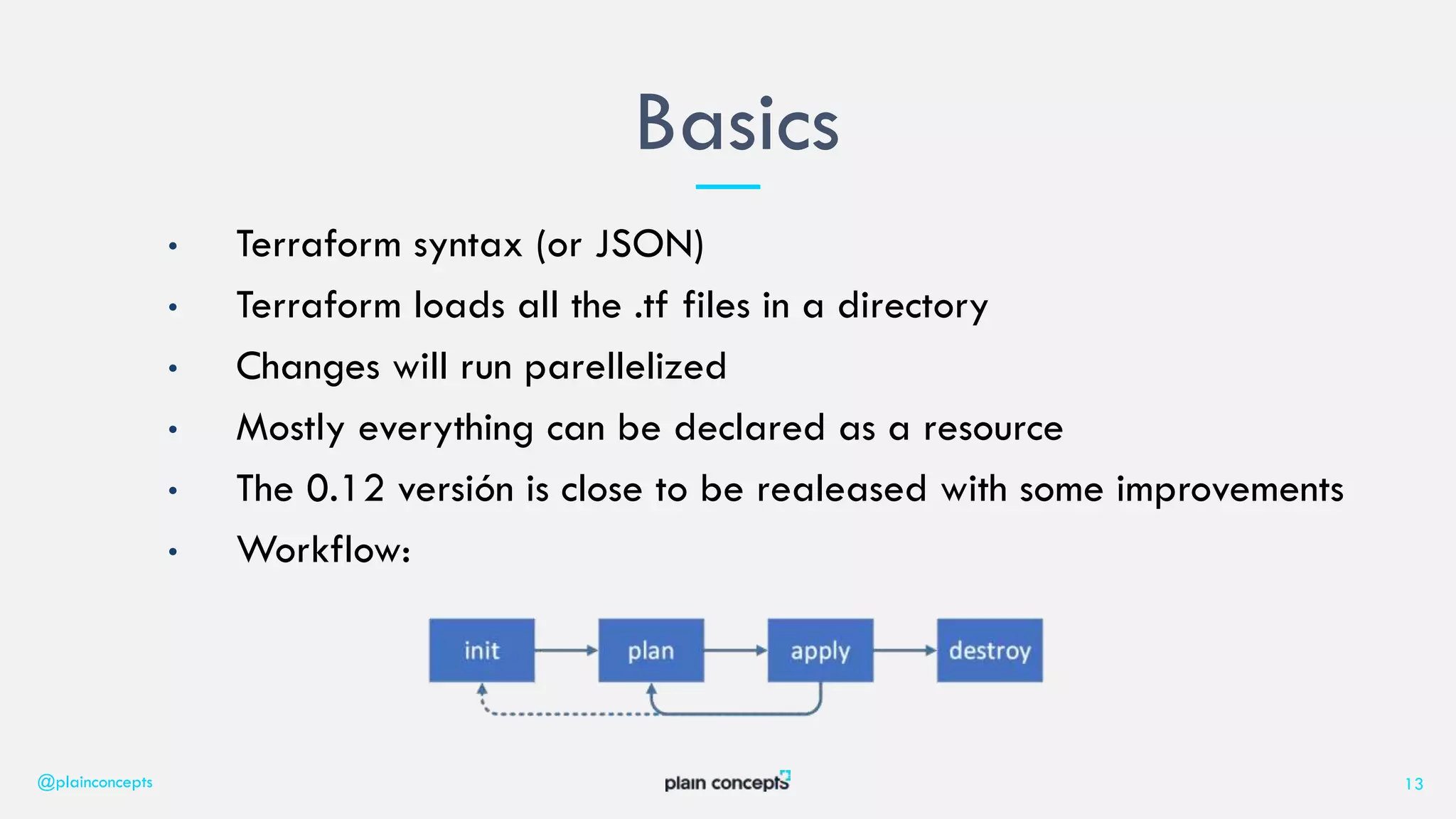
• Terraform syntax (or JSON)
• Terraform loads all the .tf files in a directory
• Changes will run parellelized
• Mostly everything can be declared as a resource
• The 0.12 versión is close to be realeased with some improvements
• Workflow:
Basics
@plainconcepts 13
resource is the most important element in the
Terraform language.
Each resource block describes one or more
infrastructure objects, such as virtual networks,
compute instances, or higher-level components such
as DNS records.
Resources
@plainconcepts 14
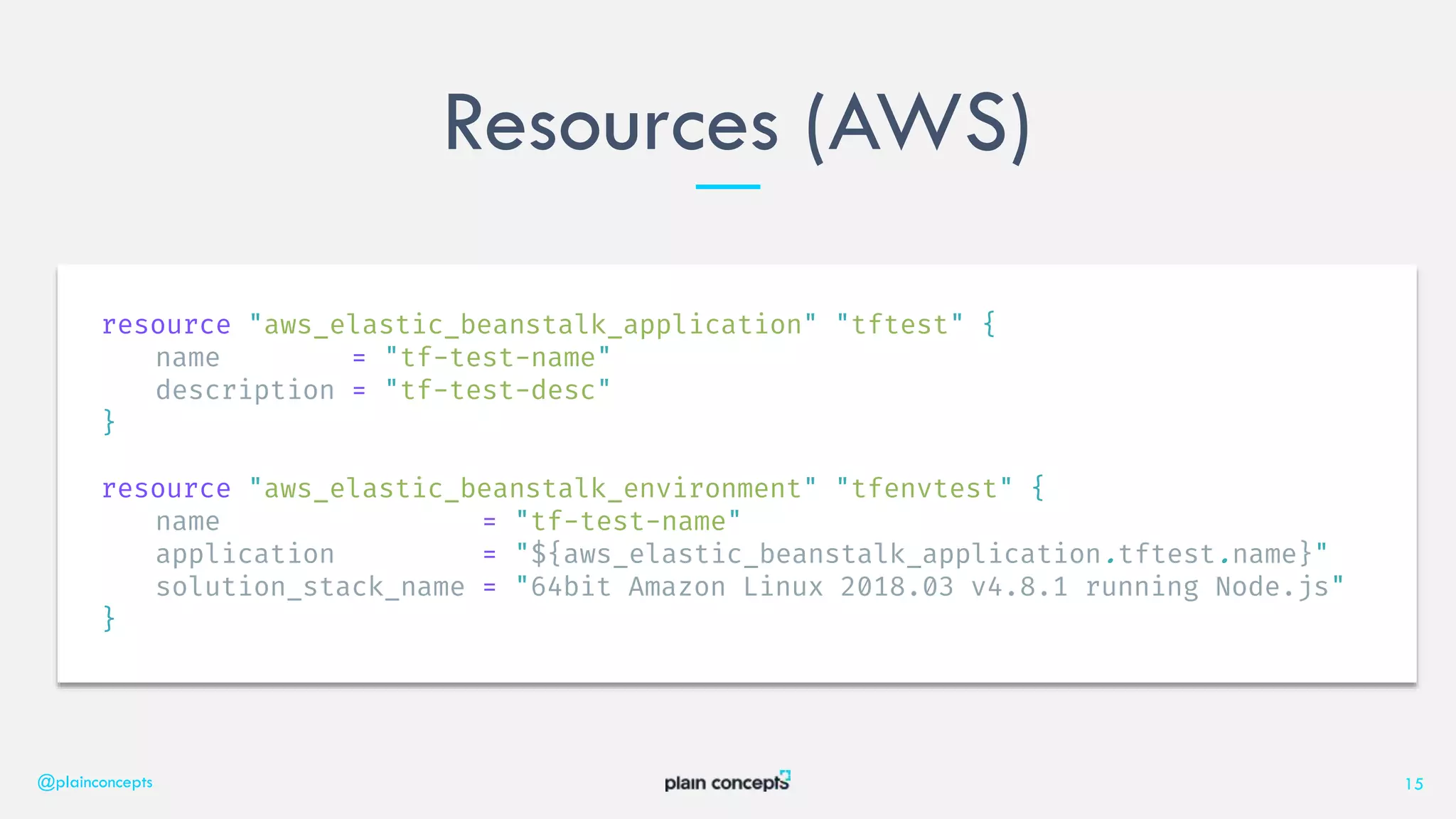
Resources (AWS)
@plainconcepts 15
resource "aws_elastic_beanstalk_application" "tftest" {
name = "tf-test-name"
description = "tf-test-desc"
}
resource "aws_elastic_beanstalk_environment" "tfenvtest" {
name = "tf-test-name"
application = "${aws_elastic_beanstalk_application.tftest.name}"
solution_stack_name = "64bit Amazon Linux 2018.03 v4.8.1 running Node.js"
}
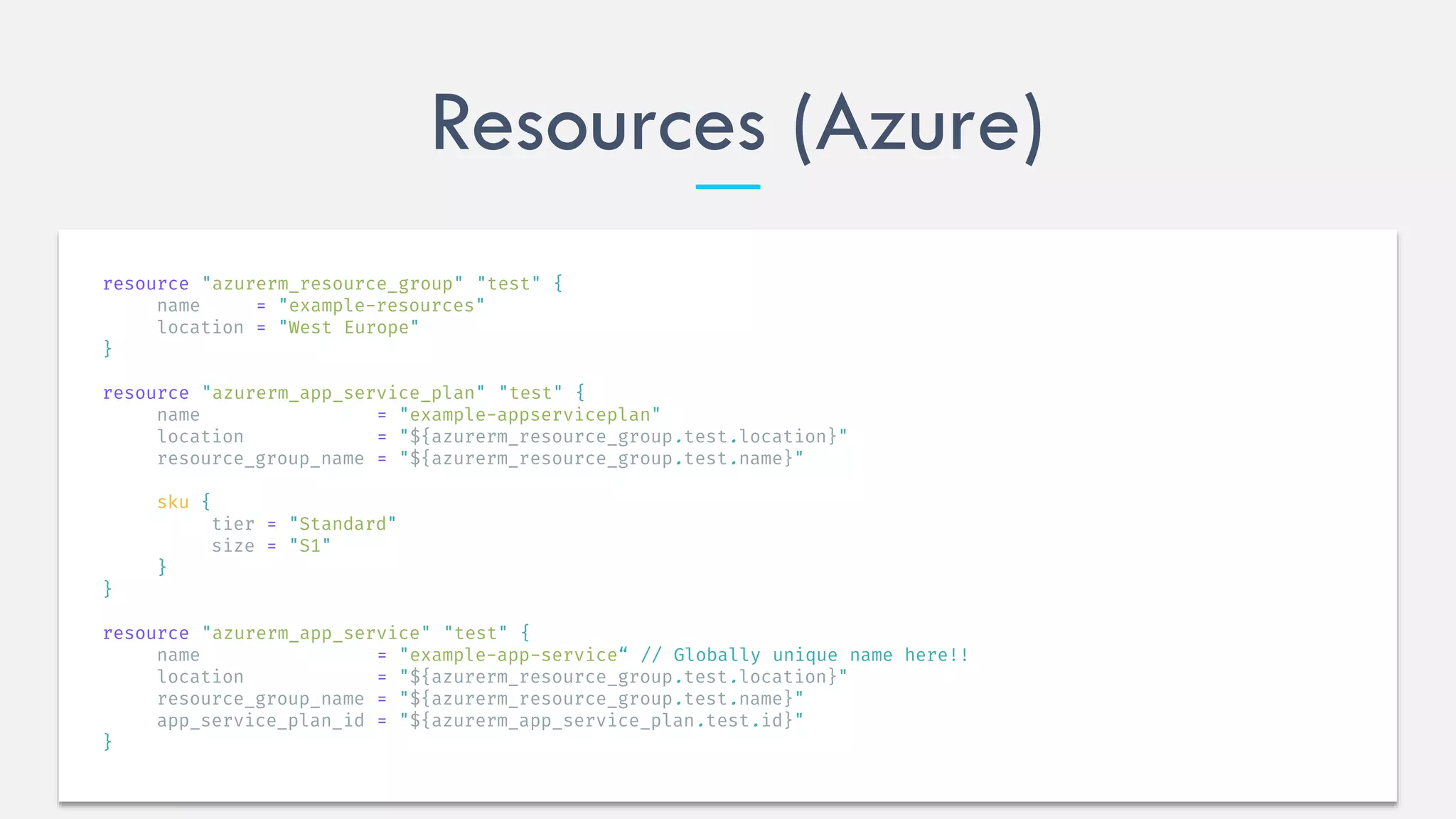
Resources (Azure)
resource "azurerm_resource_group" "test" {
name = "example-resources"
location = "West Europe"
}
resource "azurerm_app_service_plan" "test" {
name = "example-appserviceplan"
location = "${azurerm_resource_group.test.location}"
resource_group_name = "${azurerm_resource_group.test.name}"
sku {
tier = "Standard"
size = "S1"
}
}
resource "azurerm_app_service" "test" {
name = "example-app-service“ // Globally unique name here!!
location = "${azurerm_resource_group.test.location}"
resource_group_name = "${azurerm_resource_group.test.name}"
app_service_plan_id = "${azurerm_app_service_plan.test.id}"
}
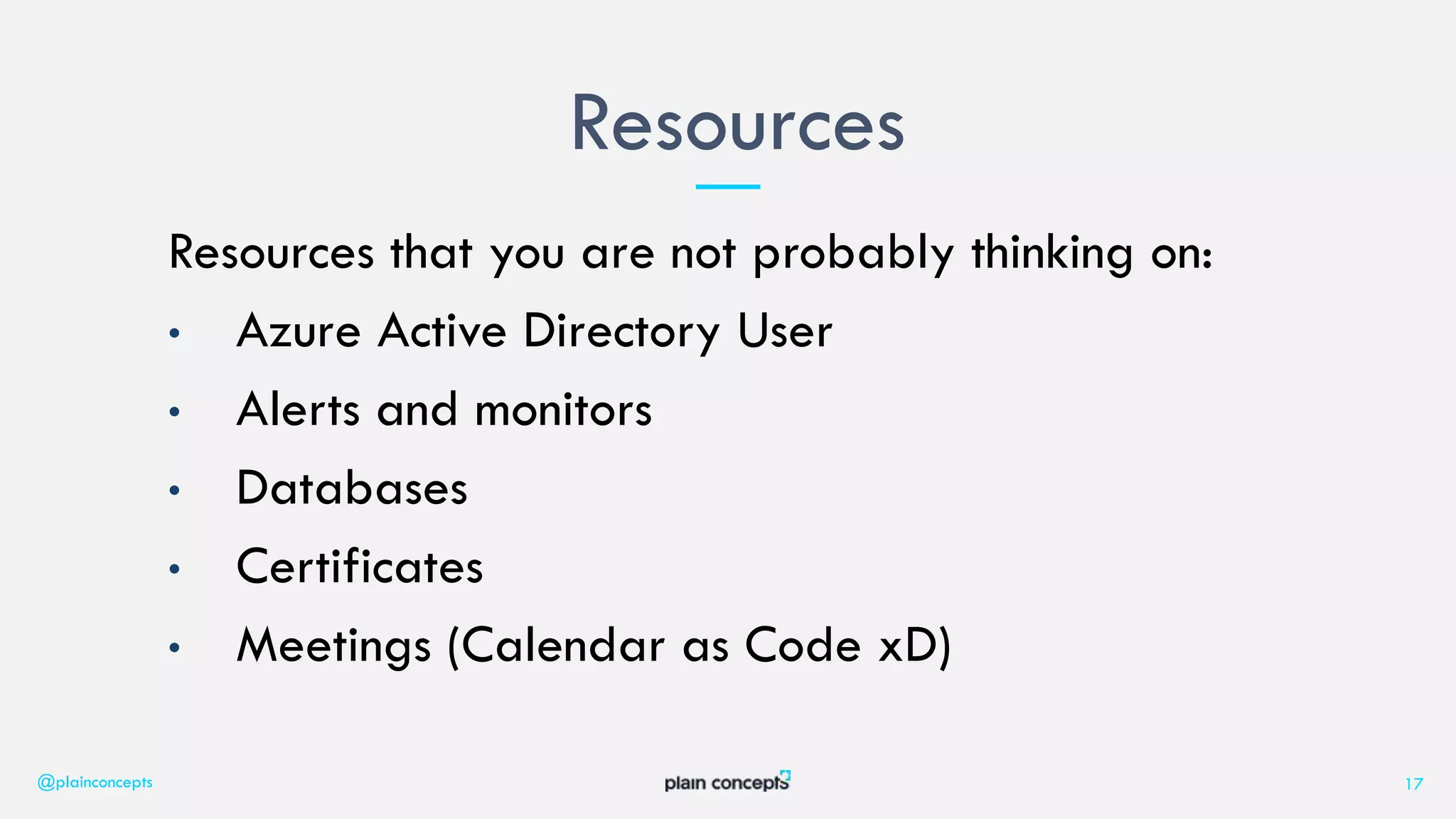
Resources that you are not probably thinking on:
• Azure Active Directory User
• Alerts and monitors
• Databases
• Certificates
• Meetings (Calendar as Code xD)
Resources
@plainconcepts 17
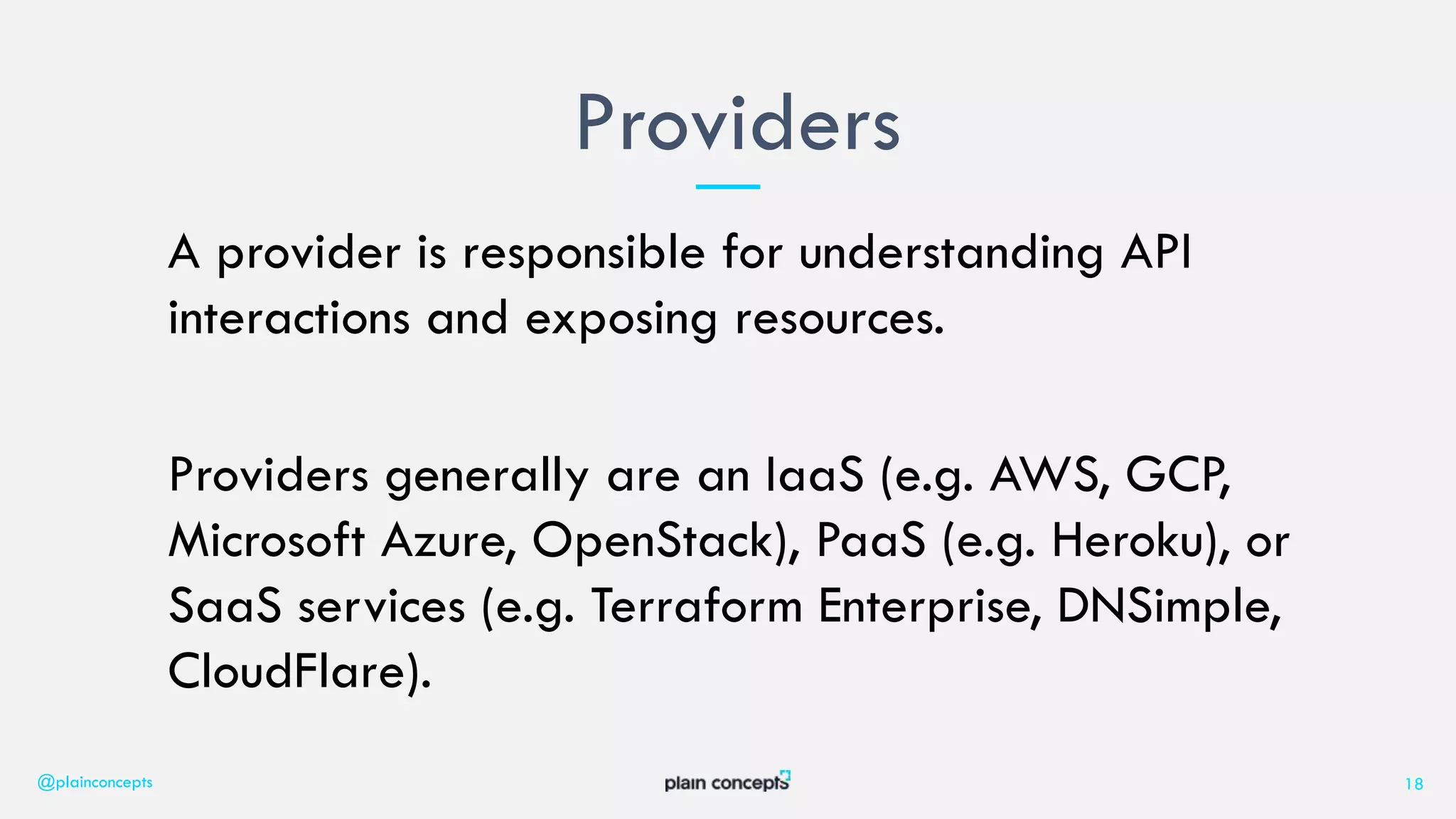
A provider is responsible for understanding API
interactions and exposing resources.
Providers generally are an IaaS (e.g. AWS, GCP,
Microsoft Azure, OpenStack), PaaS (e.g. Heroku), or
SaaS services (e.g. Terraform Enterprise, DNSimple,
CloudFlare).
Providers
@plainconcepts 18
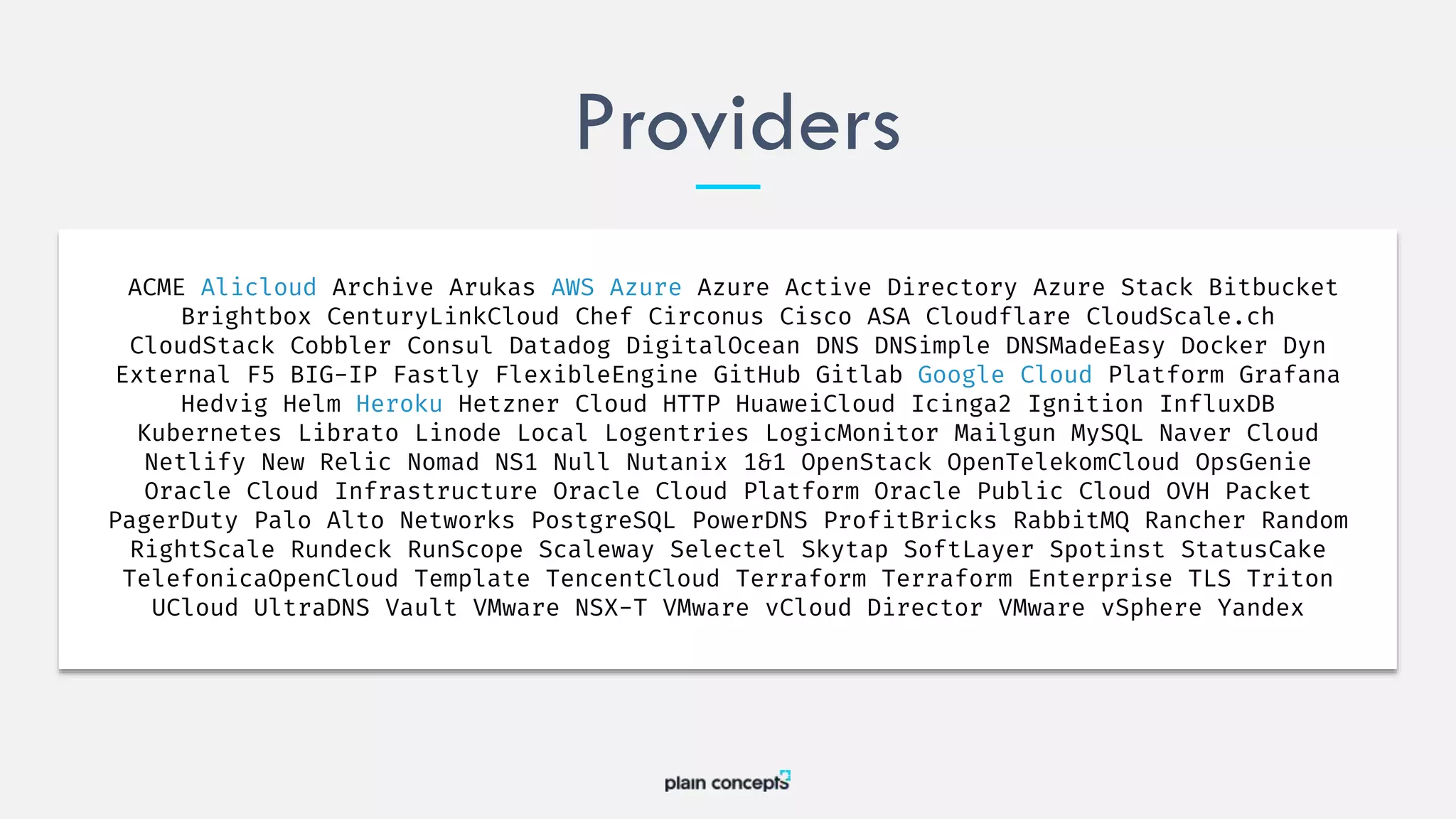
Providers
ACME Alicloud Archive Arukas AWS Azure Azure Active Directory Azure Stack Bitbucket
Brightbox CenturyLinkCloud Chef Circonus Cisco ASA Cloudflare CloudScale.ch
CloudStack Cobbler Consul Datadog DigitalOcean DNS DNSimple DNSMadeEasy Docker Dyn
External F5 BIG-IP Fastly FlexibleEngine GitHub Gitlab Google Cloud Platform Grafana
Hedvig Helm Heroku Hetzner Cloud HTTP HuaweiCloud Icinga2 Ignition InfluxDB
Kubernetes Librato Linode Local Logentries LogicMonitor Mailgun MySQL Naver Cloud
Netlify New Relic Nomad NS1 Null Nutanix 1&1 OpenStack OpenTelekomCloud OpsGenie
Oracle Cloud Infrastructure Oracle Cloud Platform Oracle Public Cloud OVH Packet
PagerDuty Palo Alto Networks PostgreSQL PowerDNS ProfitBricks RabbitMQ Rancher Random
RightScale Rundeck RunScope Scaleway Selectel Skytap SoftLayer Spotinst StatusCake
TelefonicaOpenCloud Template TencentCloud Terraform Terraform Enterprise TLS Triton
UCloud UltraDNS Vault VMware NSX-T VMware vCloud Director VMware vSphere Yandex
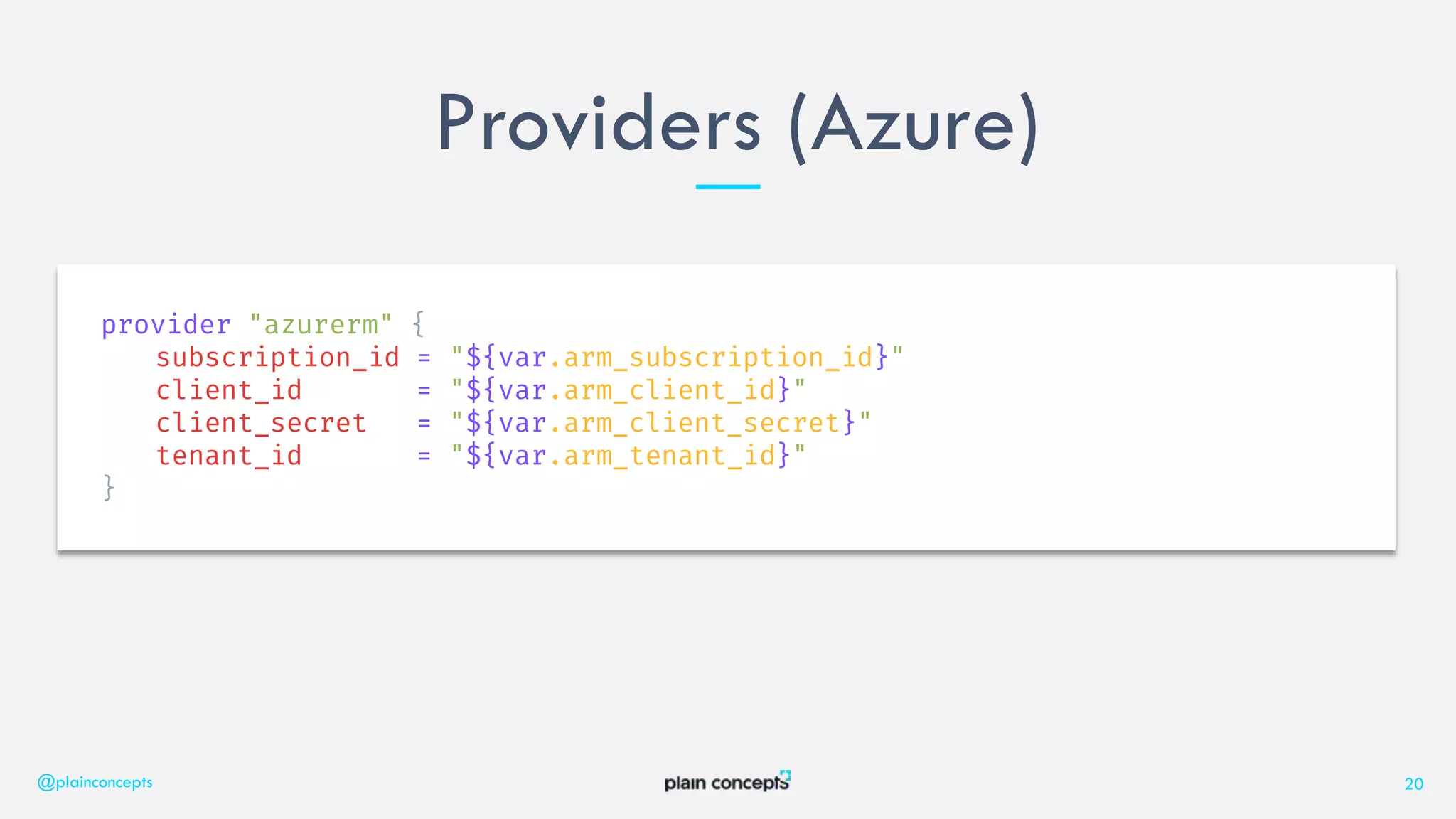
Providers (Azure)
@plainconcepts 20
provider "azurerm" {
subscription_id = "${var.arm_subscription_id}"
client_id = "${var.arm_client_id}"
client_secret = "${var.arm_client_secret}"
tenant_id = "${var.arm_tenant_id}"
}
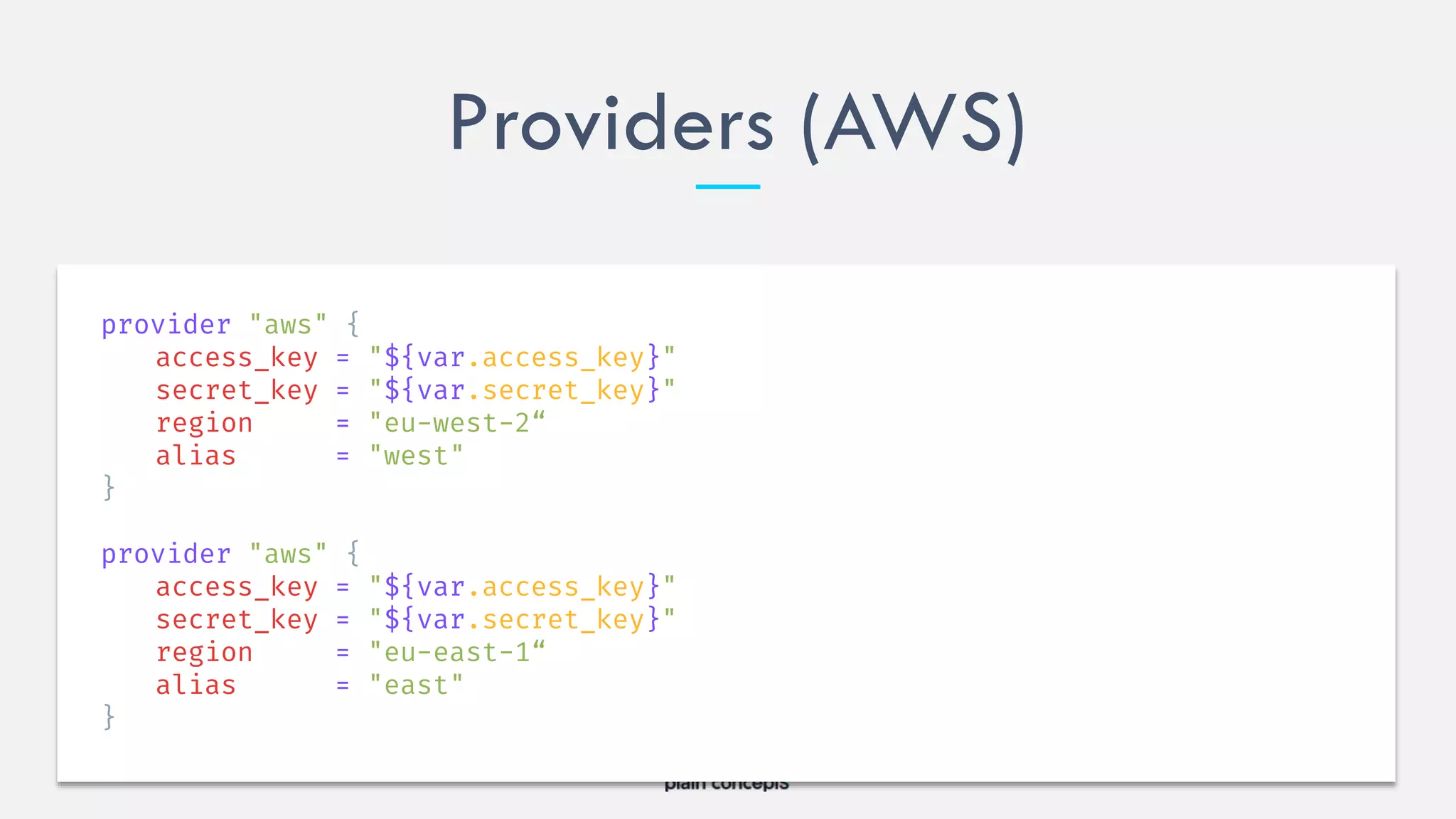
Providers (AWS)
provider "aws" {
access_key = "${var.access_key}"
secret_key = "${var.secret_key}"
region = "eu-west-2“
alias = "west"
}
provider "aws" {
access_key = "${var.access_key}"
secret_key = "${var.secret_key}"
region = "eu-east-1“
alias = "east"
}
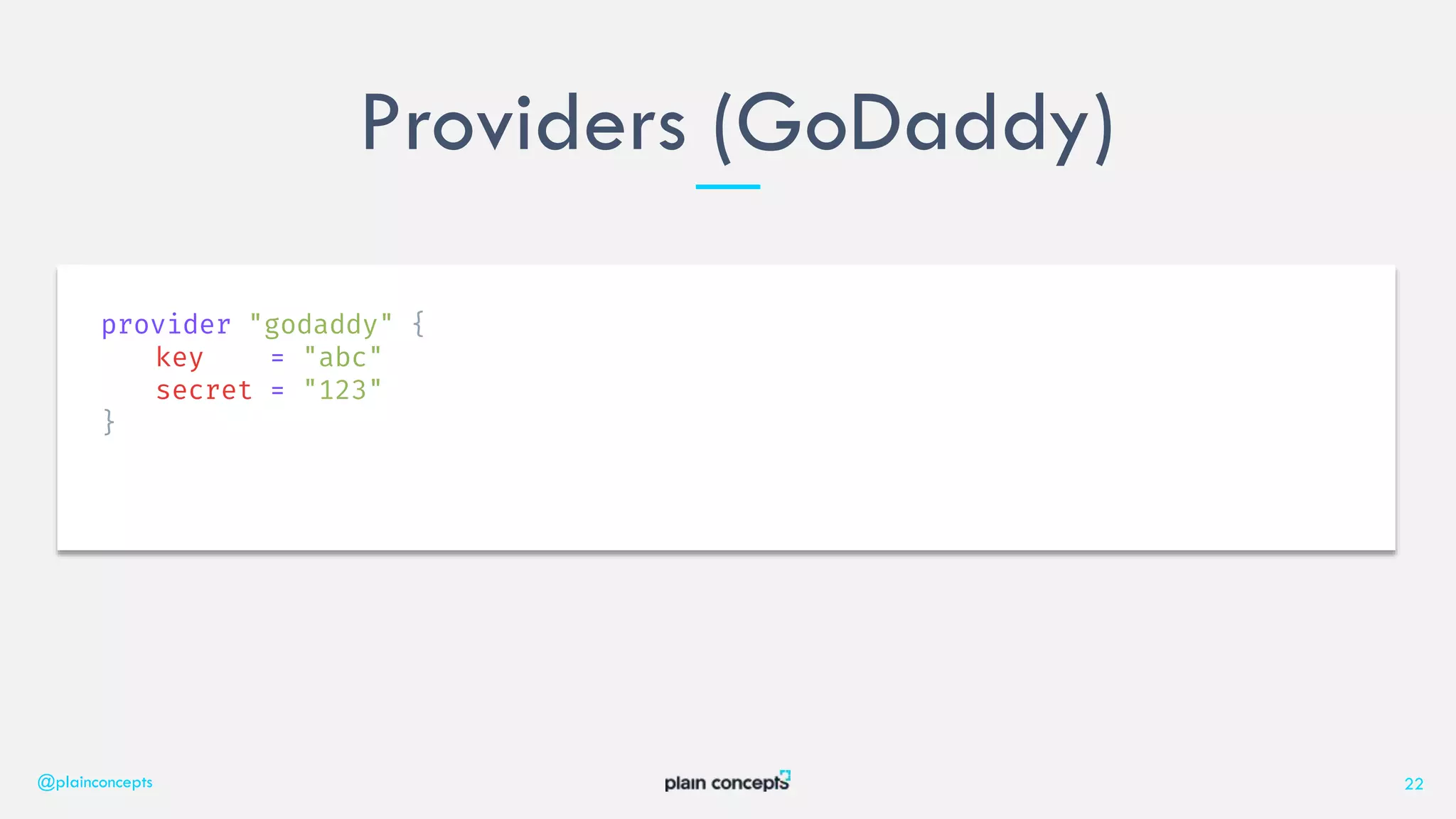
Providers (GoDaddy)
@plainconcepts 22
provider "godaddy" {
key = "abc"
secret = "123"
}
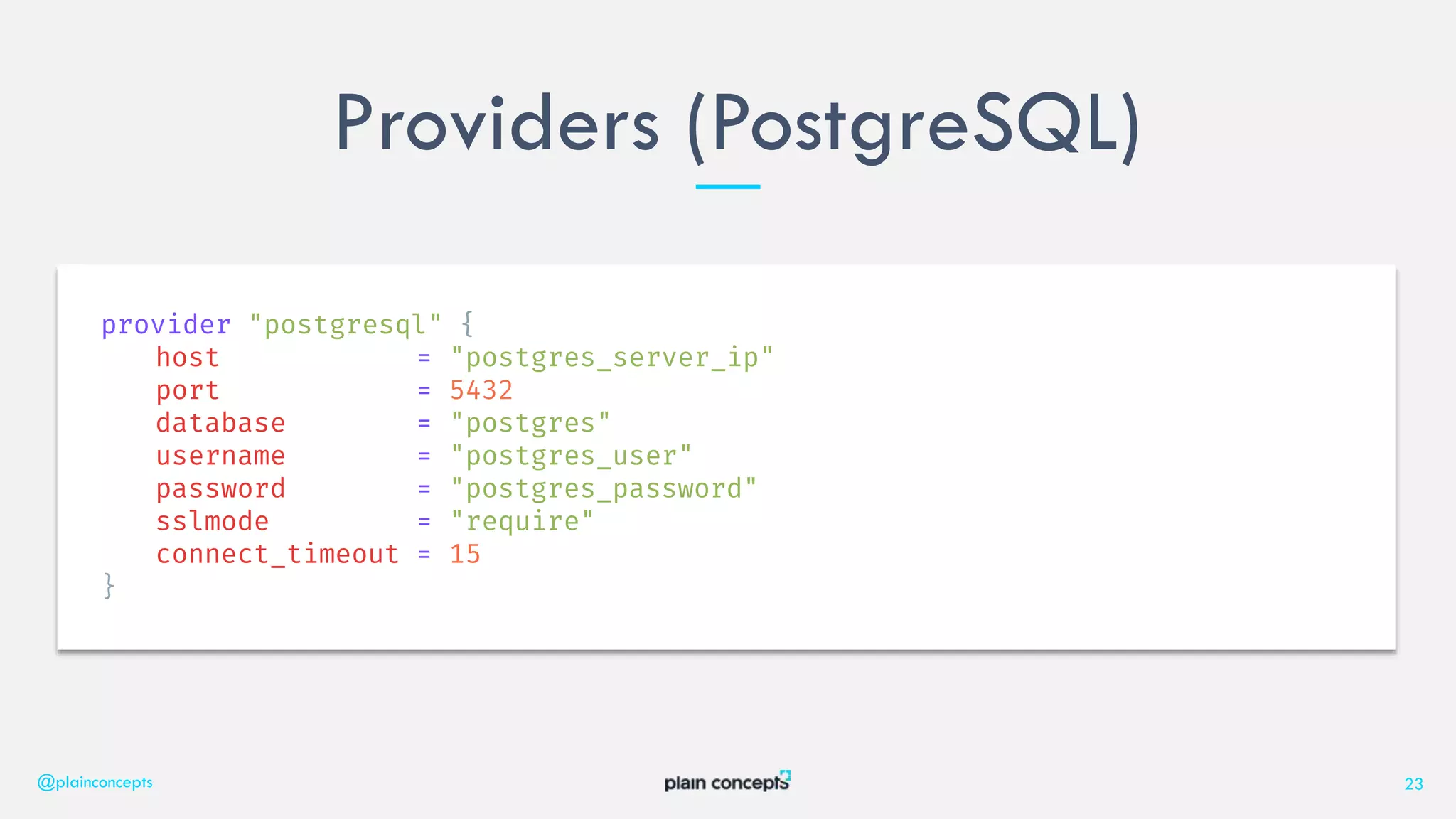
Providers (PostgreSQL)
@plainconcepts 23
provider "postgresql" {
host = "postgres_server_ip"
port = 5432
database = "postgres"
username = "postgres_user"
password = "postgres_password"
sslmode = "require"
connect_timeout = 15
}
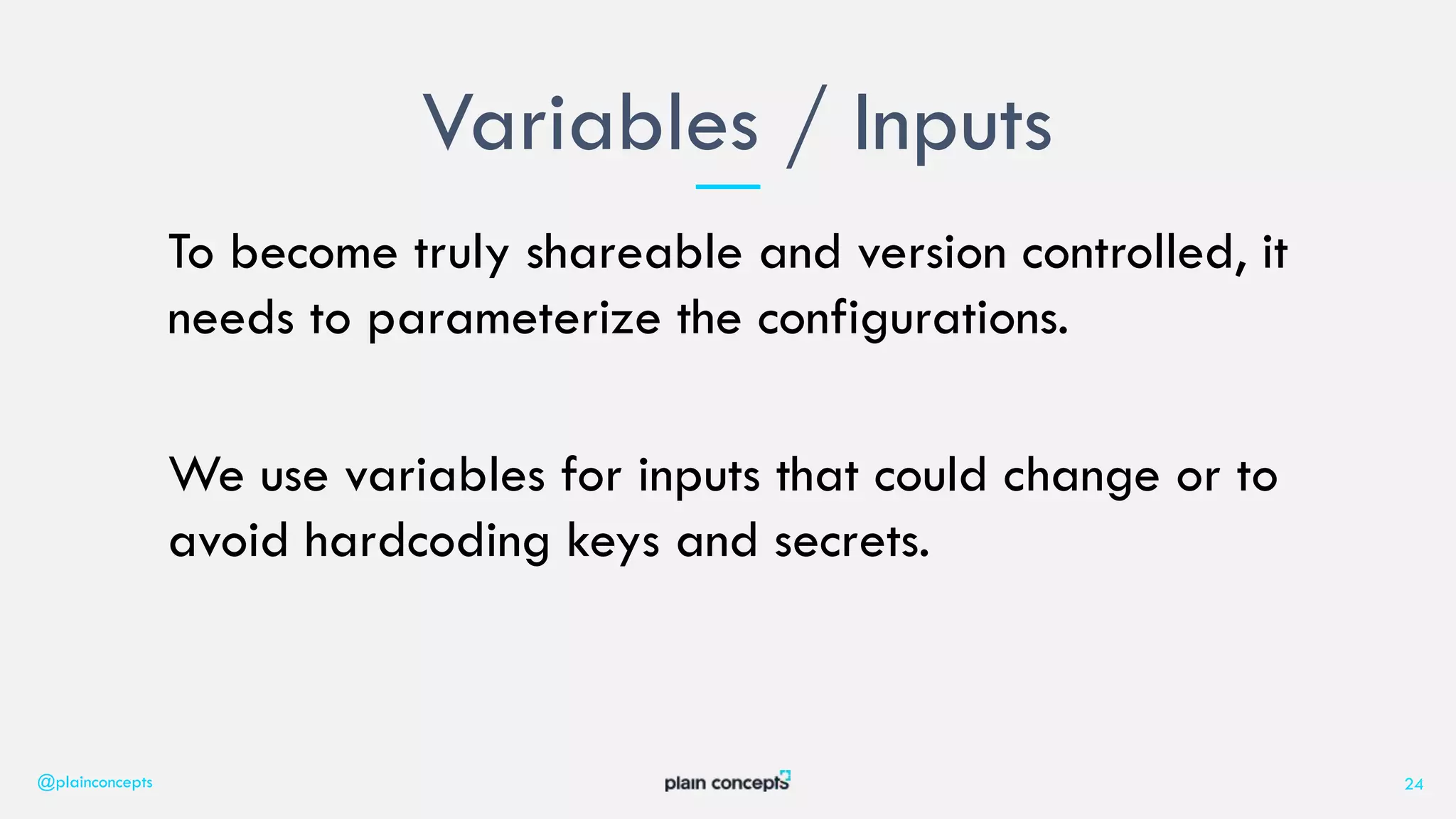
To become truly shareable and version controlled, it
needs to parameterize the configurations.
We use variables for inputs that could change or to
avoid hardcoding keys and secrets.
Variables / Inputs
@plainconcepts 24
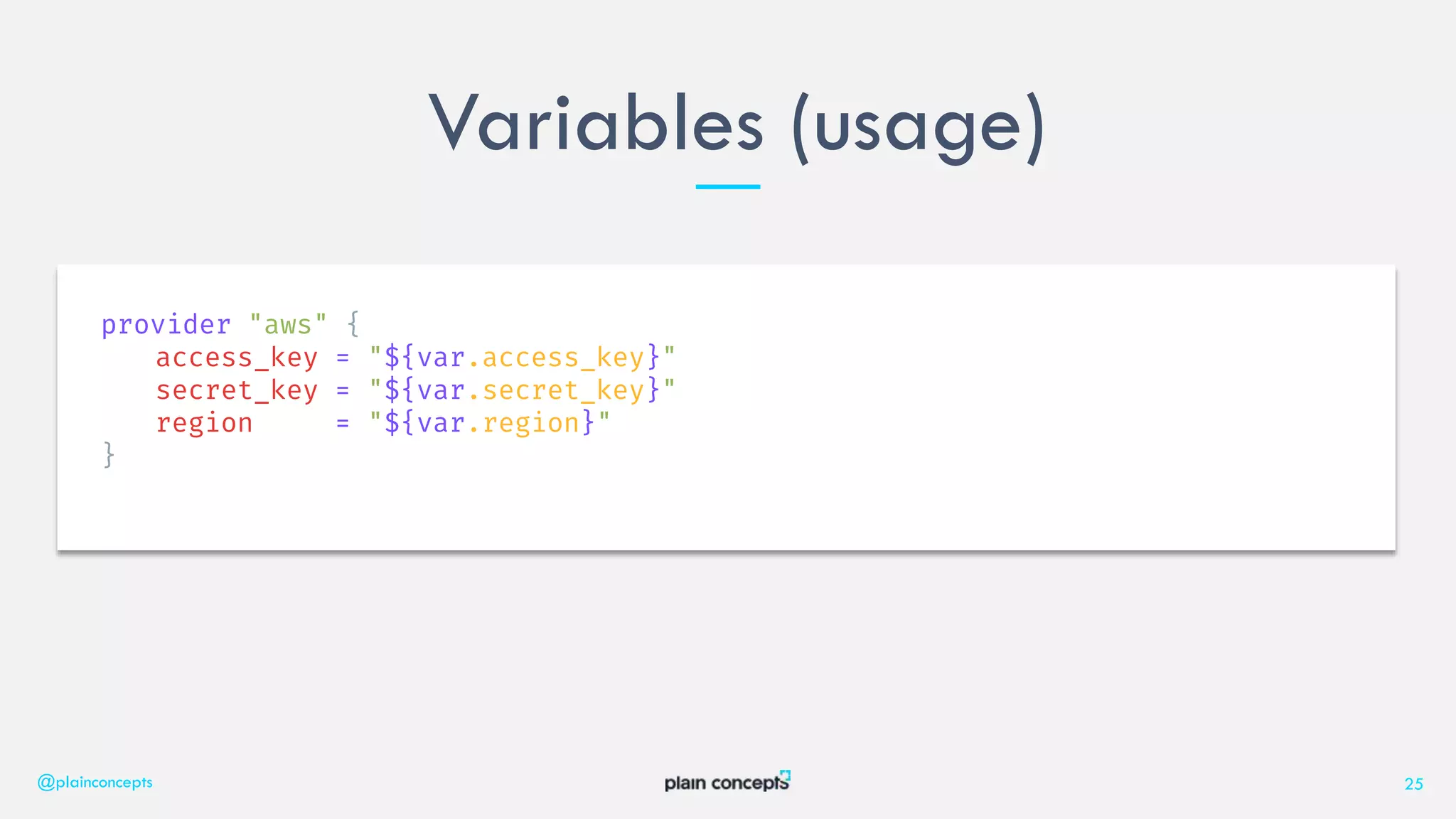
Variables (usage)
@plainconcepts 25
provider "aws" {
access_key = "${var.access_key}"
secret_key = "${var.secret_key}"
region = "${var.region}"
}
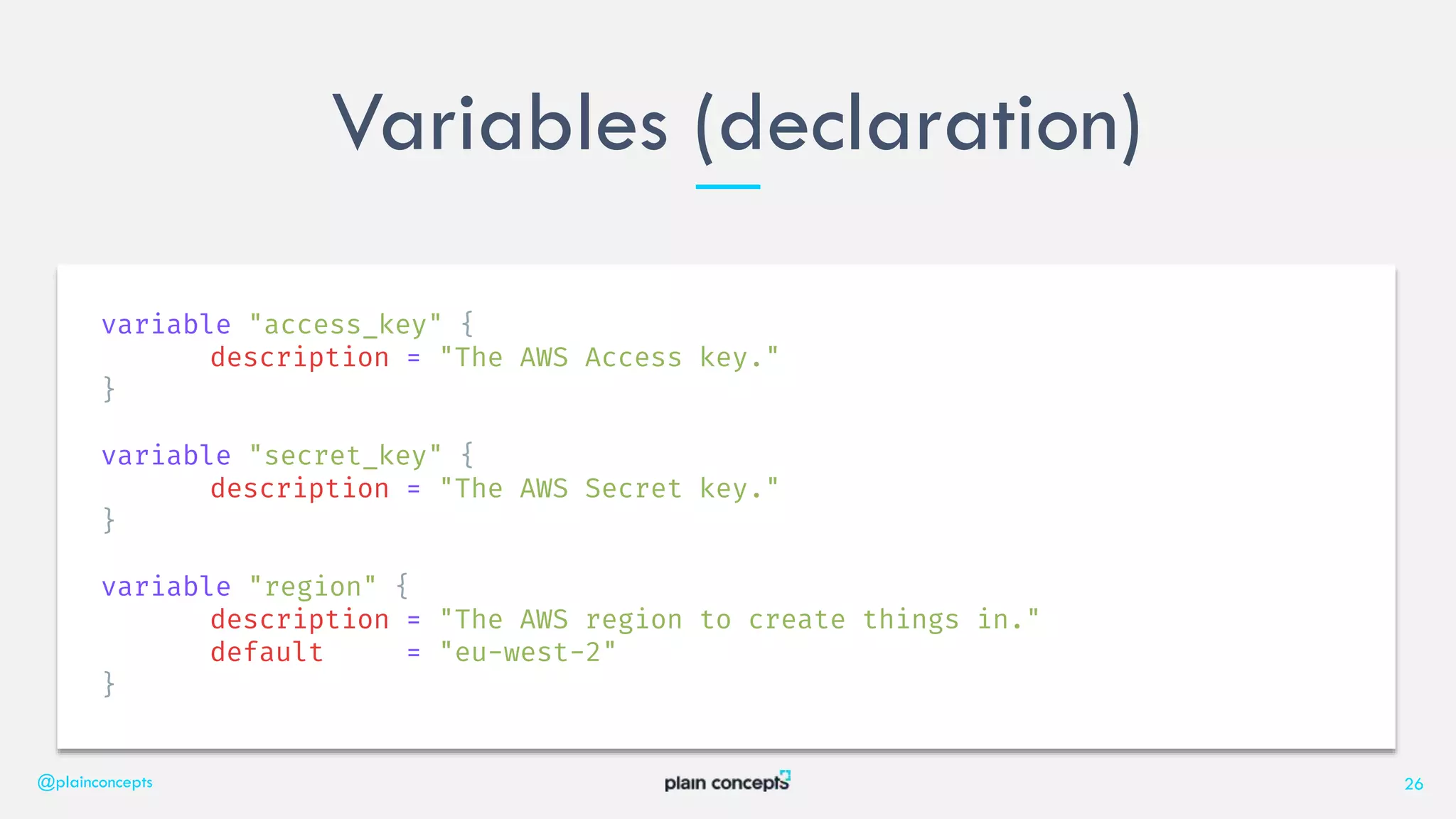
Variables (declaration)
@plainconcepts 26
variable "access_key" {
description = "The AWS Access key."
}
variable "secret_key" {
description = "The AWS Secret key."
}
variable "region" {
description = "The AWS region to create things in."
default = "eu-west-2"
}
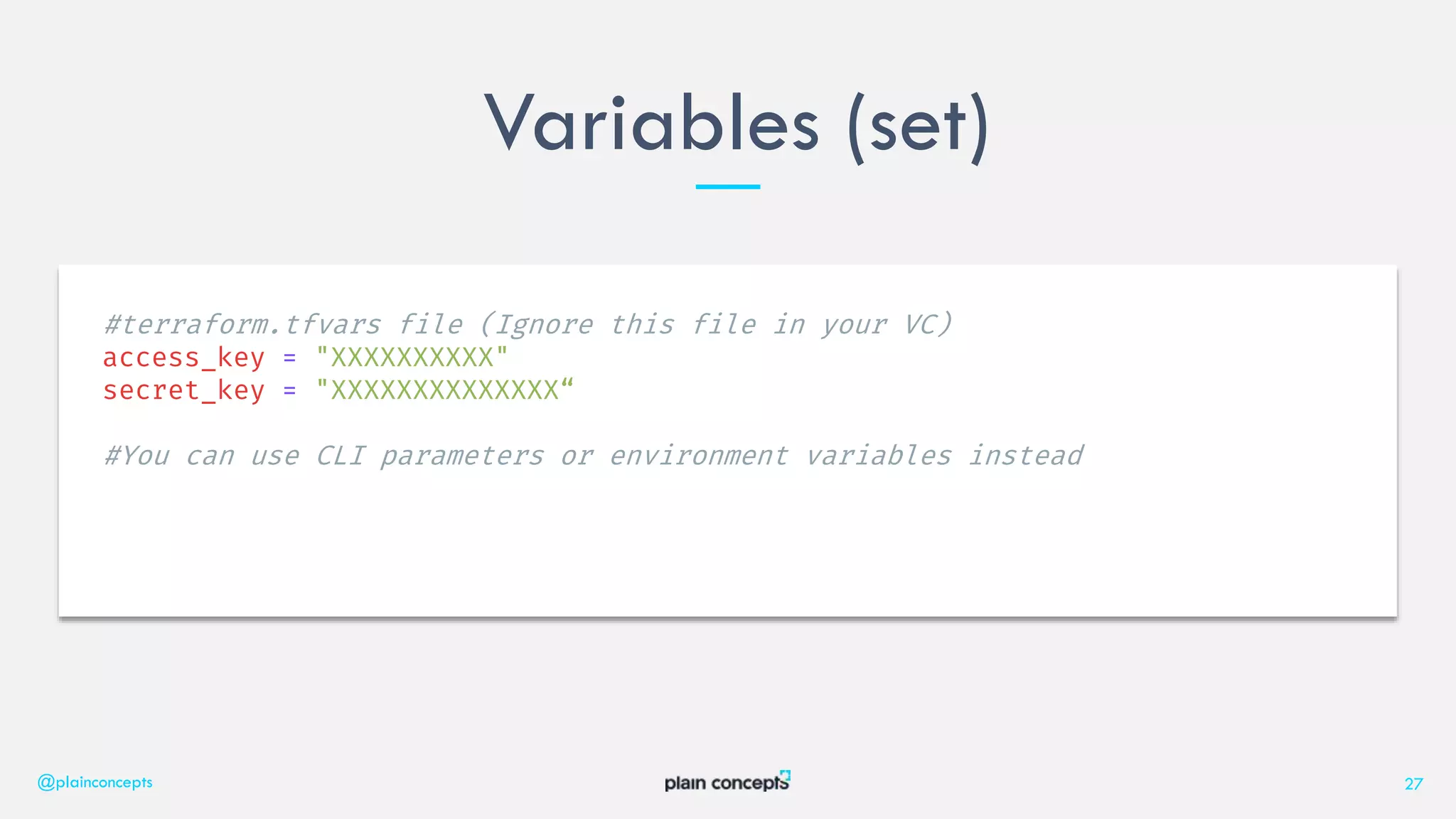
Variables (set)
@plainconcepts 27
#terraform.tfvars file (Ignore this file in your VC)
access_key = "XXXXXXXXXX"
secret_key = "XXXXXXXXXXXXXX“
#You can use CLI parameters or environment variables instead
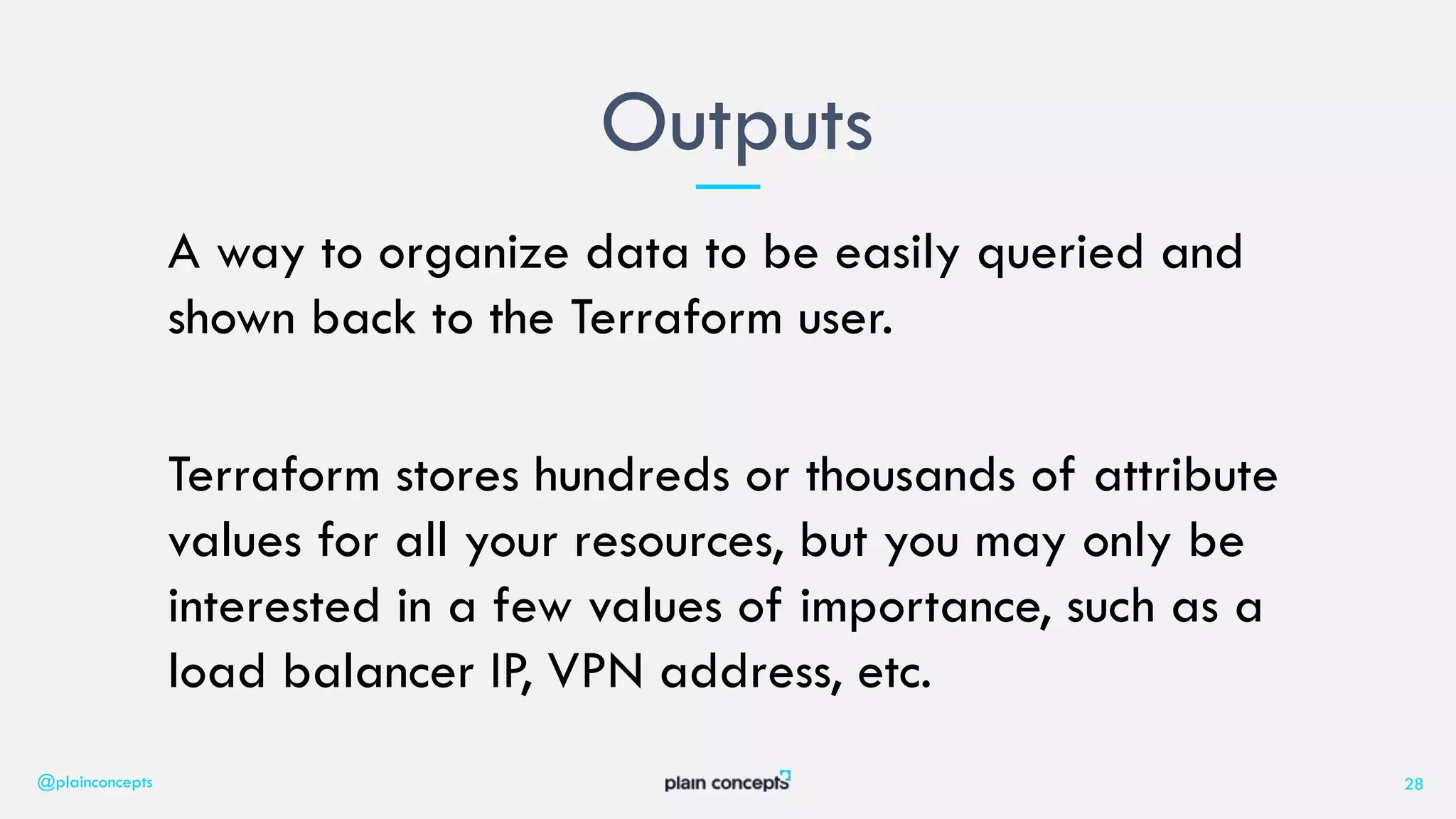
A way to organize data to be easily queried and
shown back to the Terraform user.
Terraform stores hundreds or thousands of attribute
values for all your resources, but you may only be
interested in a few values of importance, such as a
load balancer IP, VPN address, etc.
Outputs
@plainconcepts 28
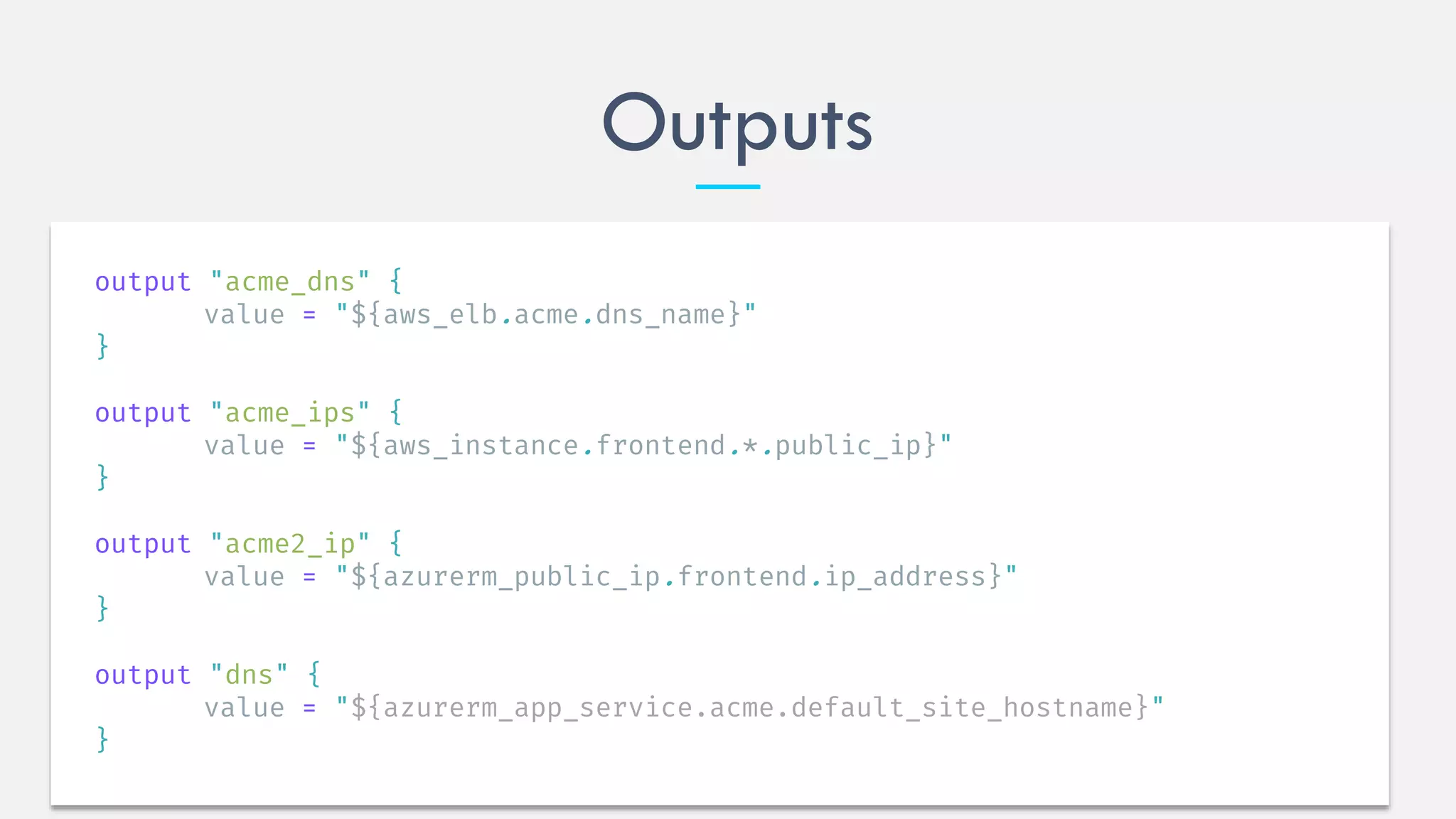
Outputs
output "acme_dns" {
value = "${aws_elb.acme.dns_name}"
}
output "acme_ips" {
value = "${aws_instance.frontend.*.public_ip}"
}
output "acme2_ip" {
value = "${azurerm_public_ip.frontend.ip_address}"
}
output "dns" {
value = "${azurerm_app_service.acme.default_site_hostname}"
}
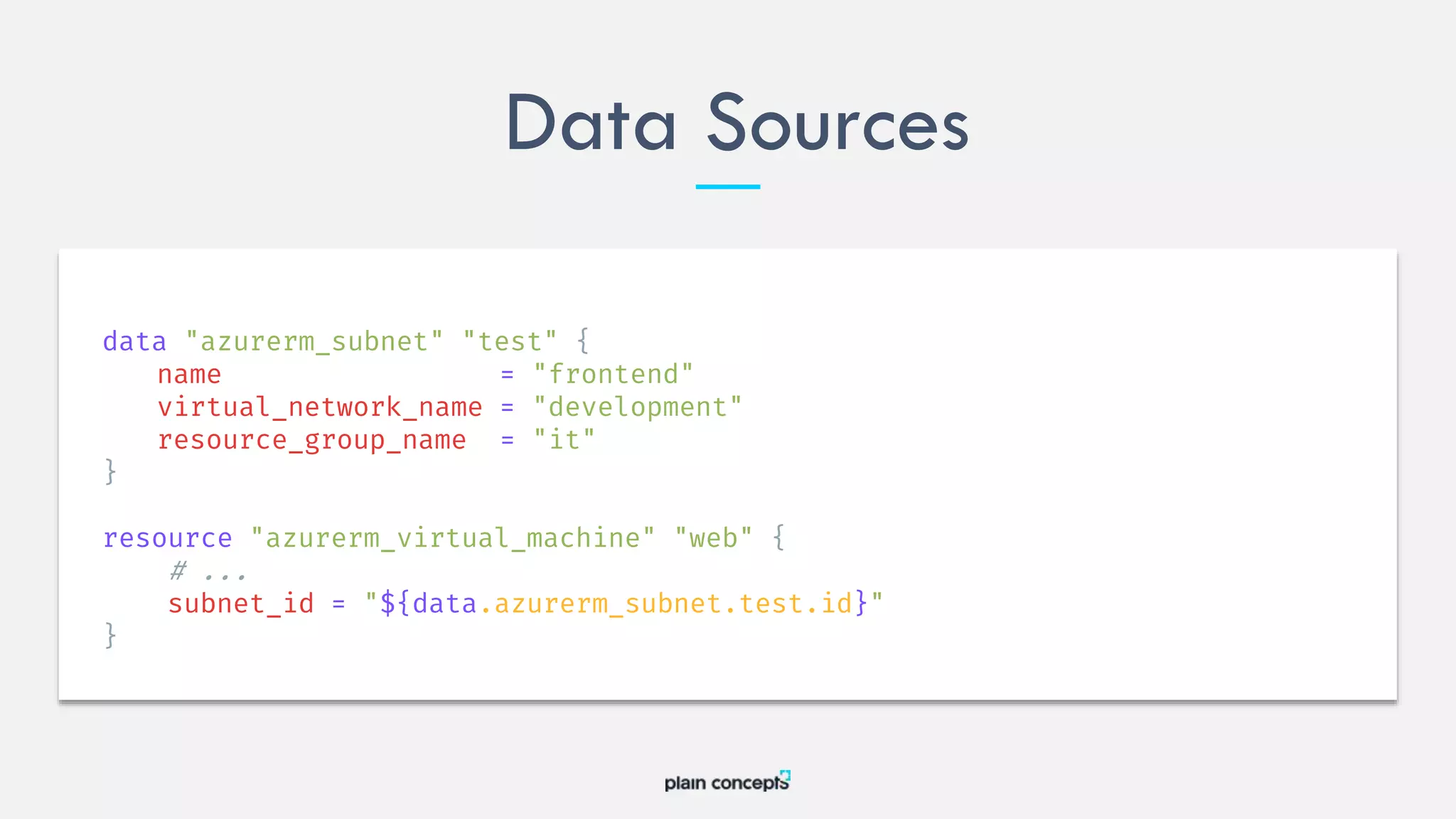
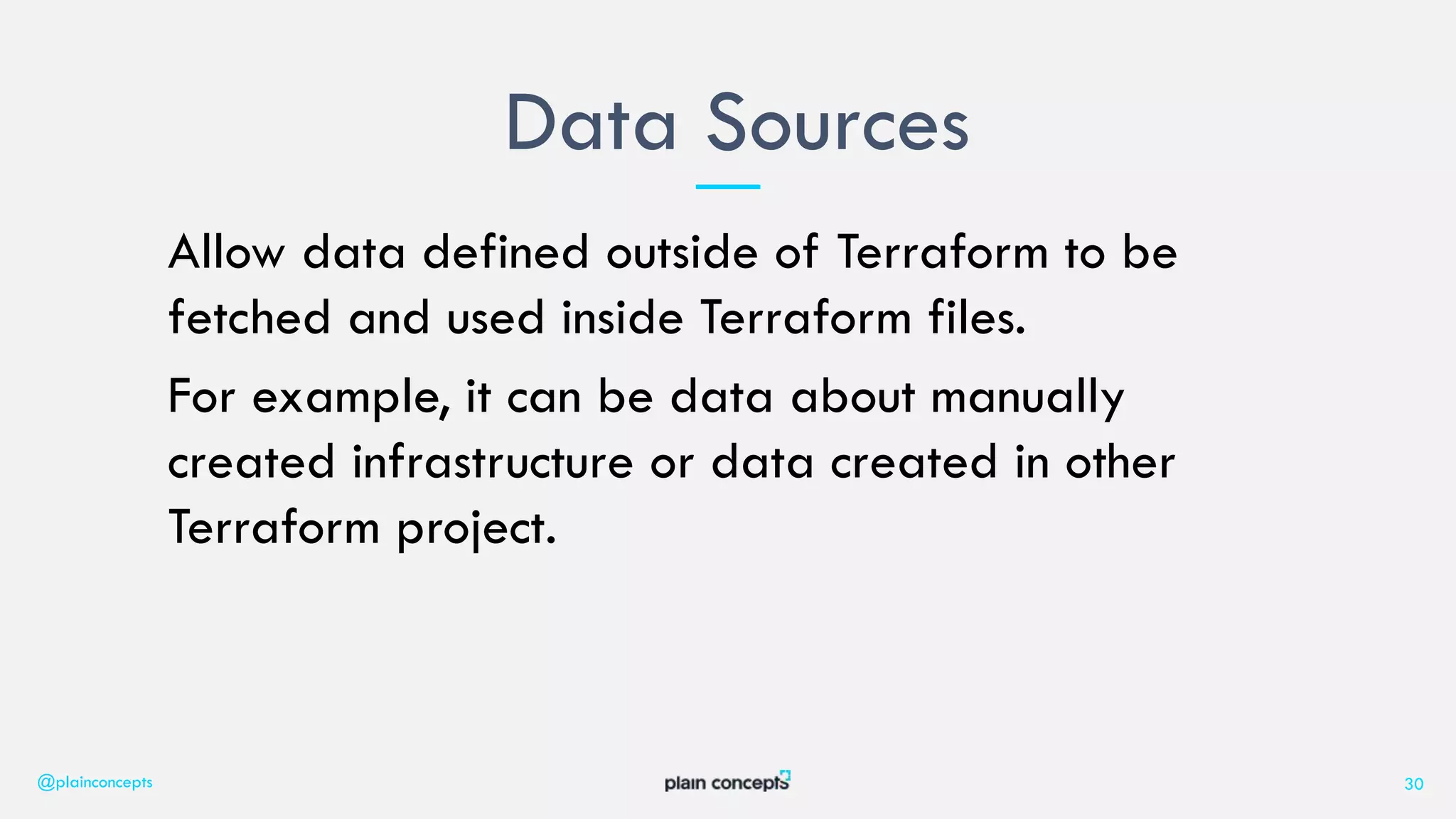
Allow data defined outside of Terraform to be
fetched and used inside Terraform files.
For example, it can be data about manually
created infrastructure or data created in other
Terraform project.
Data Sources
@plainconcepts 30
Data Sources
# Find the latest available AMI that is tagged with Component = web
data "aws_ami" "web" {
filter {
name = "state"
values = ["available"]
}
filter {
name = "tag:Component"
values = ["web"]
}
most_recent = true
}
resource "aws_instance" "web" {
ami = data.aws_ami.web.id
instance_type = "t1.micro"
}
Data Sources
data "azurerm_subnet" "test" {
name = "frontend"
virtual_network_name = "development"
resource_group_name = "it"
}
resource "azurerm_virtual_machine" "web" {
# ...
subnet_id = "${data.azurerm_subnet.test.id}"
}
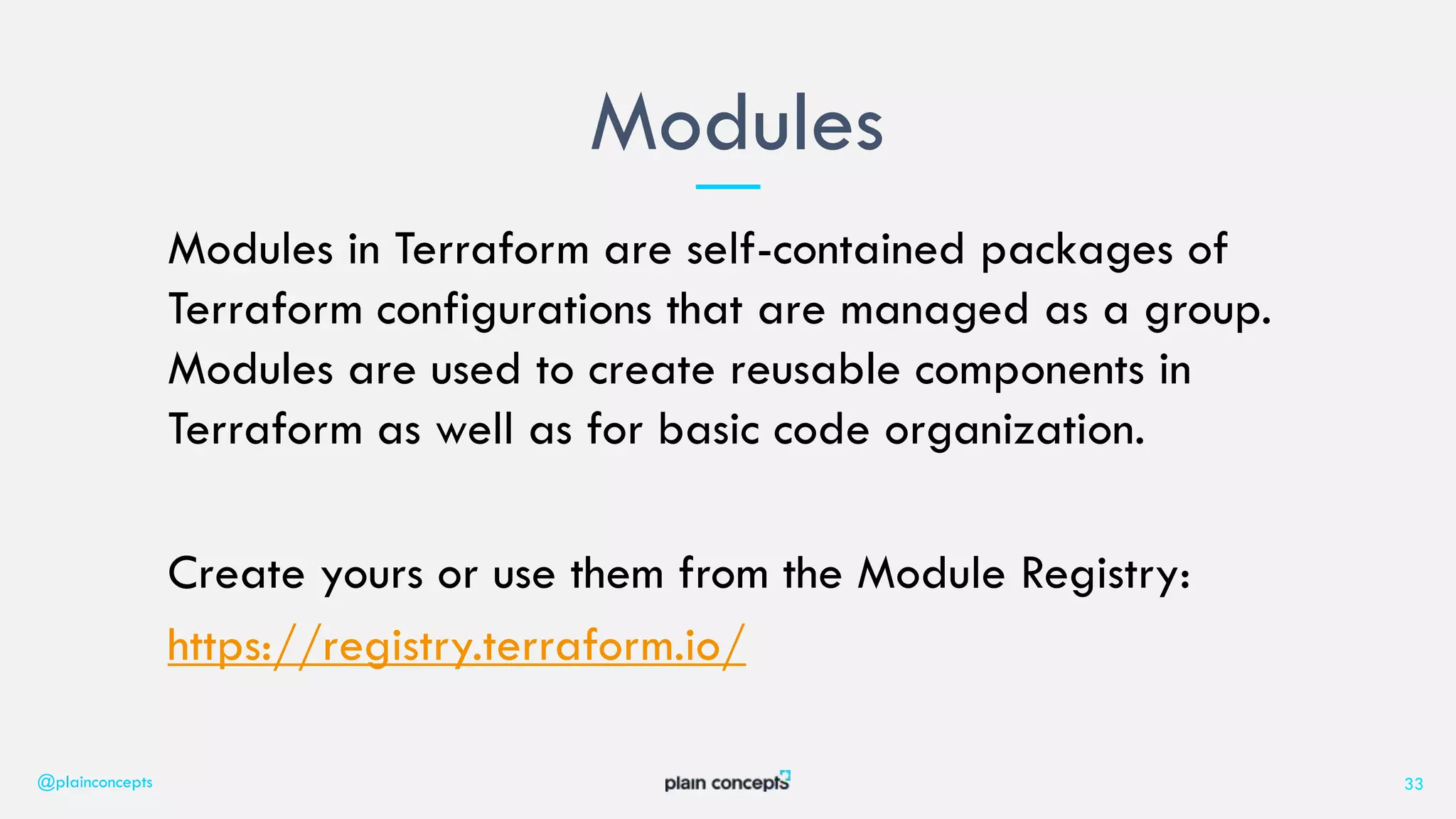
Modules in Terraform are self-contained packages of
Terraform configurations that are managed as a group.
Modules are used to create reusable components in
Terraform as well as for basic code organization.
Create yours or use them from the Module Registry:
https://registry.terraform.io/
Modules
@plainconcepts 33
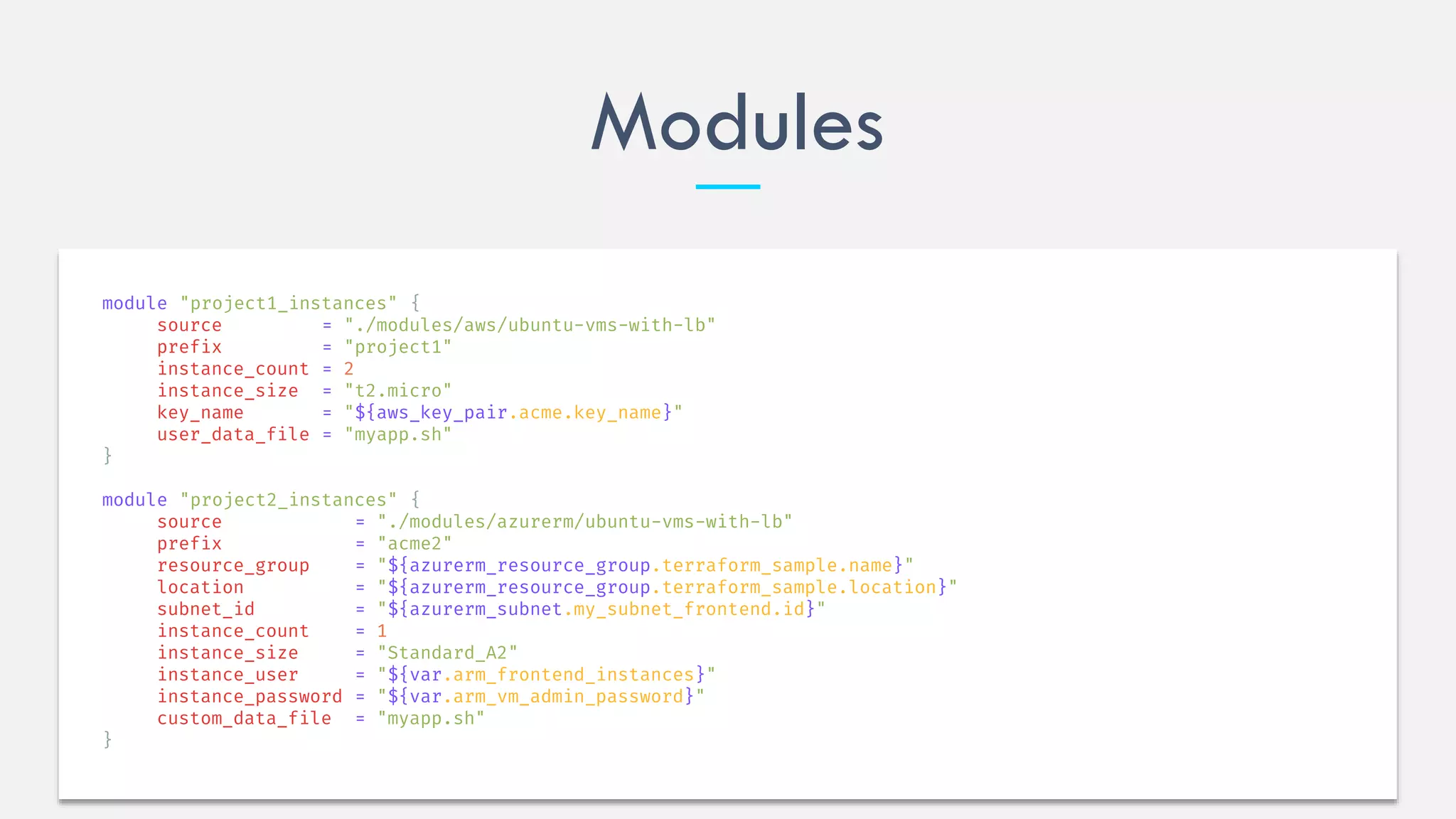
Modules
module "project1_instances" {
source = "./modules/aws/ubuntu-vms-with-lb"
prefix = "project1"
instance_count = 2
instance_size = "t2.micro"
key_name = "${aws_key_pair.acme.key_name}"
user_data_file = "myapp.sh"
}
module "project2_instances" {
source = "./modules/azurerm/ubuntu-vms-with-lb"
prefix = "acme2"
resource_group = "${azurerm_resource_group.terraform_sample.name}"
location = "${azurerm_resource_group.terraform_sample.location}"
subnet_id = "${azurerm_subnet.my_subnet_frontend.id}"
instance_count = 1
instance_size = "Standard_A2"
instance_user = "${var.arm_frontend_instances}"
instance_password = "${var.arm_vm_admin_password}"
custom_data_file = "myapp.sh"
}
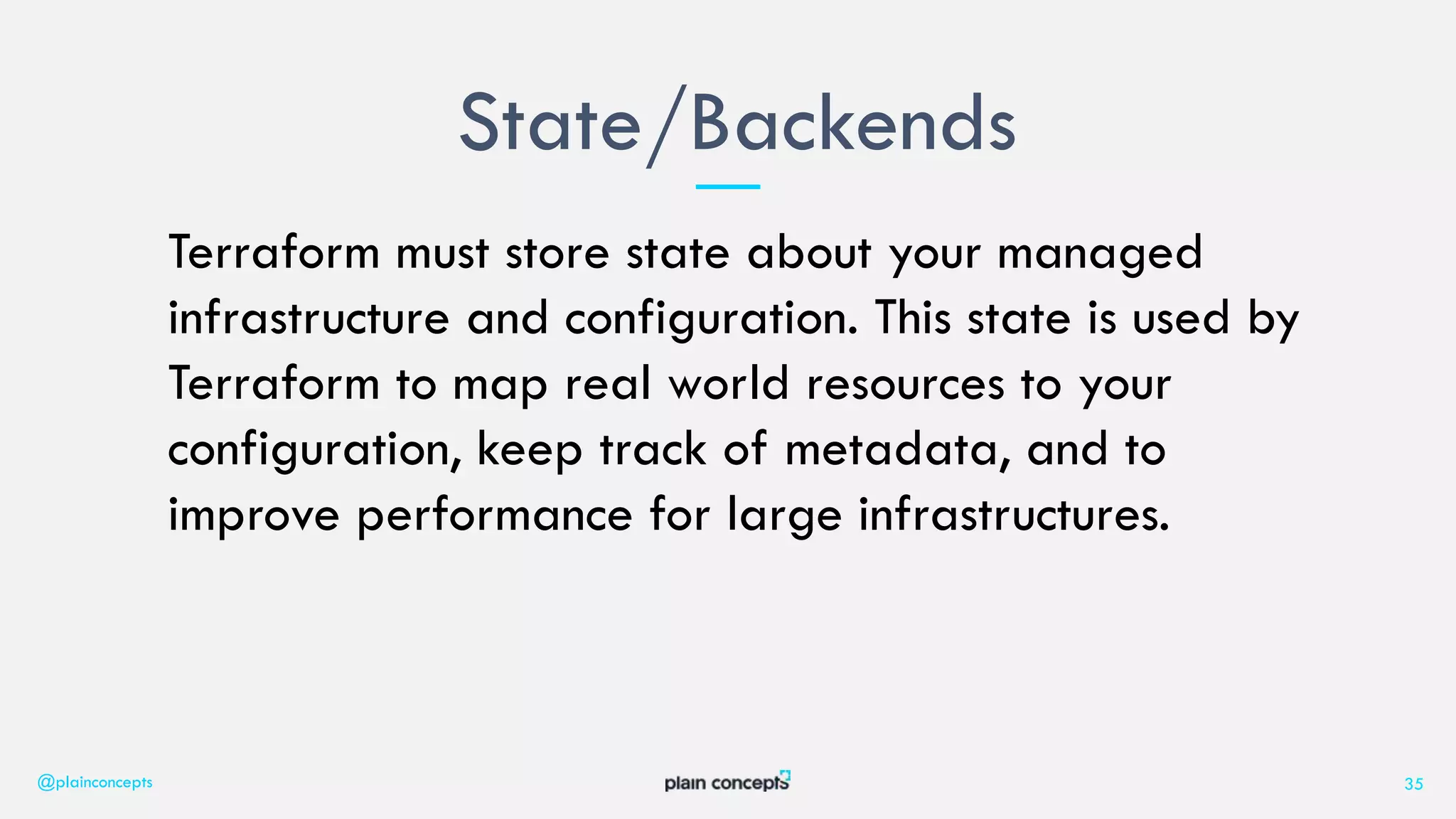
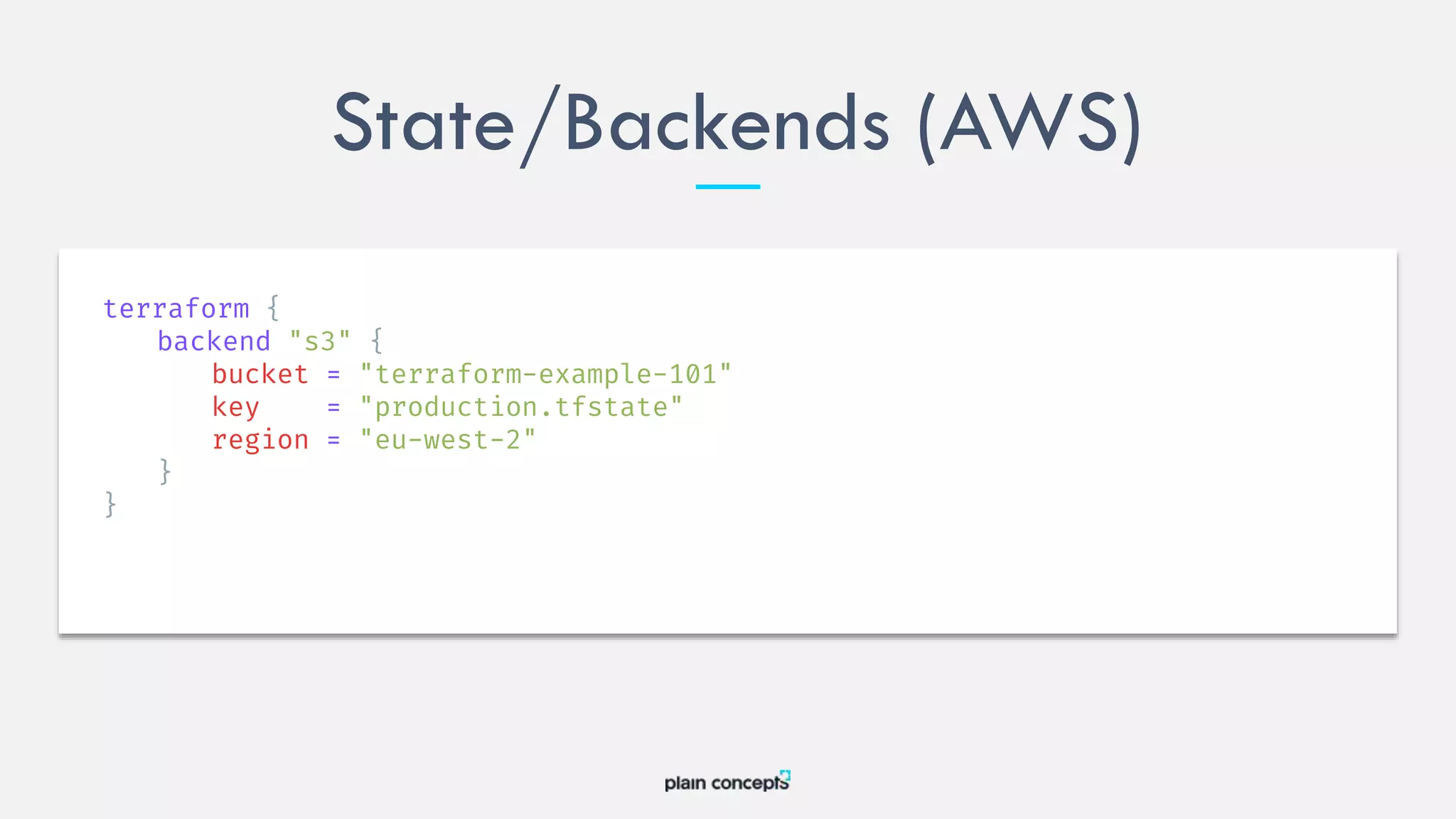
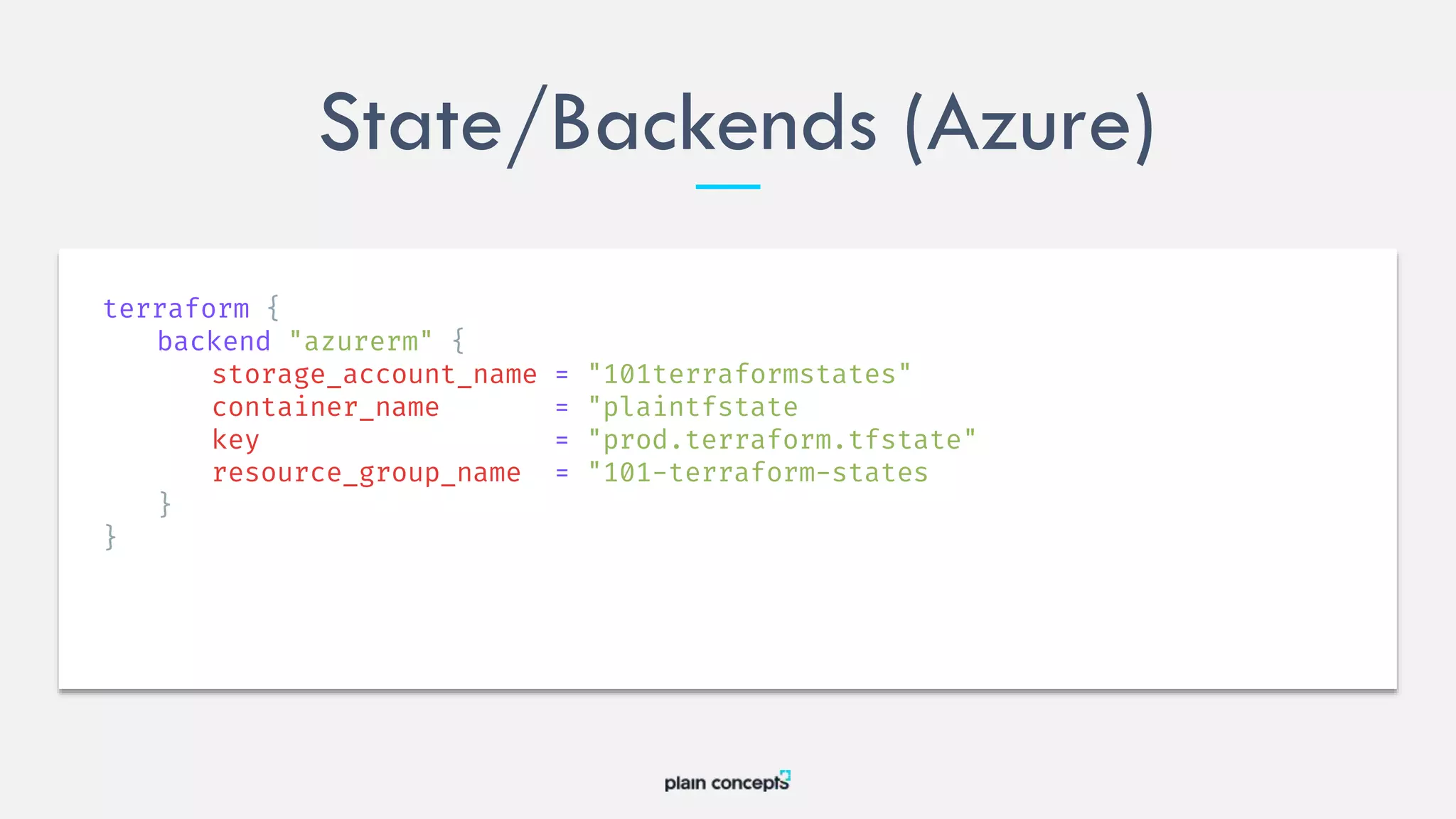
Terraform must store state about your managed
infrastructure and configuration. This state is used by
Terraform to map real world resources to your
configuration, keep track of metadata, and to
improve performance for large infrastructures.
State/Backends
@plainconcepts 35
State/Backends (AWS)
terraform {
backend "s3" {
bucket = "terraform-example-101"
key = "production.tfstate"
region = "eu-west-2"
}
}
State/Backends (Azure)
terraform {
backend "azurerm" {
storage_account_name = "101terraformstates"
container_name = "plaintfstate
key = "prod.terraform.tfstate"
resource_group_name = "101-terraform-states
}
}
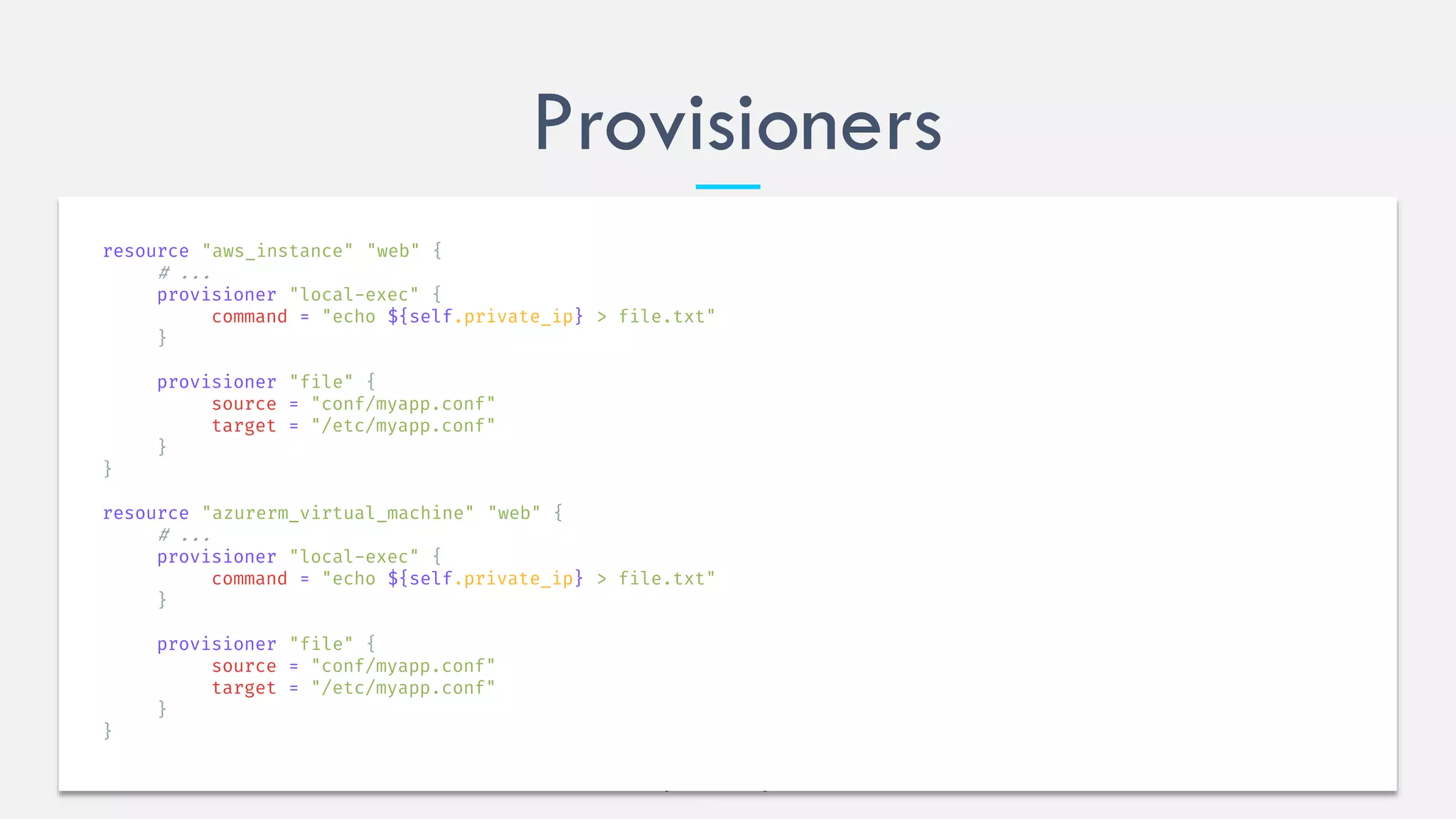
Provisioners are used to execute scripts on a local or
remote machine as part of resource creation or
destruction. Provisioners can be used to bootstrap a
resource, cleanup before destroy, run configuration
management, etc.
Provisioners
@plainconcepts 38
Provisioners
resource "aws_instance" "web" {
# ...
provisioner "local-exec" {
command = "echo ${self.private_ip} > file.txt"
}
provisioner "file" {
source = "conf/myapp.conf"
target = "/etc/myapp.conf"
}
}
resource "azurerm_virtual_machine" "web" {
# ...
provisioner "local-exec" {
command = "echo ${self.private_ip} > file.txt"
}
provisioner "file" {
source = "conf/myapp.conf"
target = "/etc/myapp.conf"
}
}
Terraform is built on a plugin-based architecture. All
providers and provisioners that are used in
Terraform configurations are plugins, even the core
types such as AWS and Heroku. Users of Terraform
are able to write new plugins in order to support
new functionality in Terraform.
Plugins
@plainconcepts 40
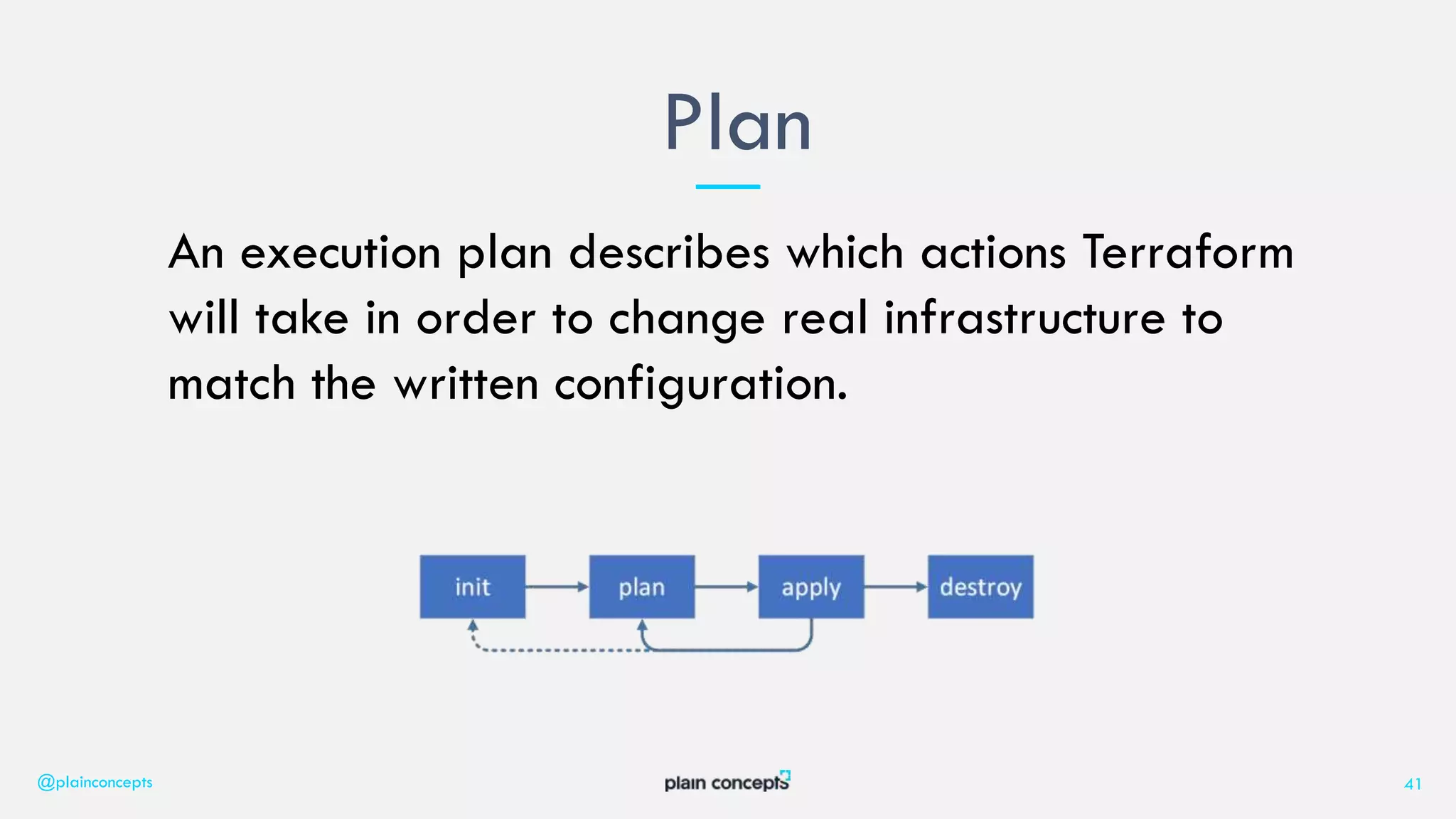
An execution plan describes which actions Terraform
will take in order to change real infrastructure to
match the written configuration.
Plan
@plainconcepts 41
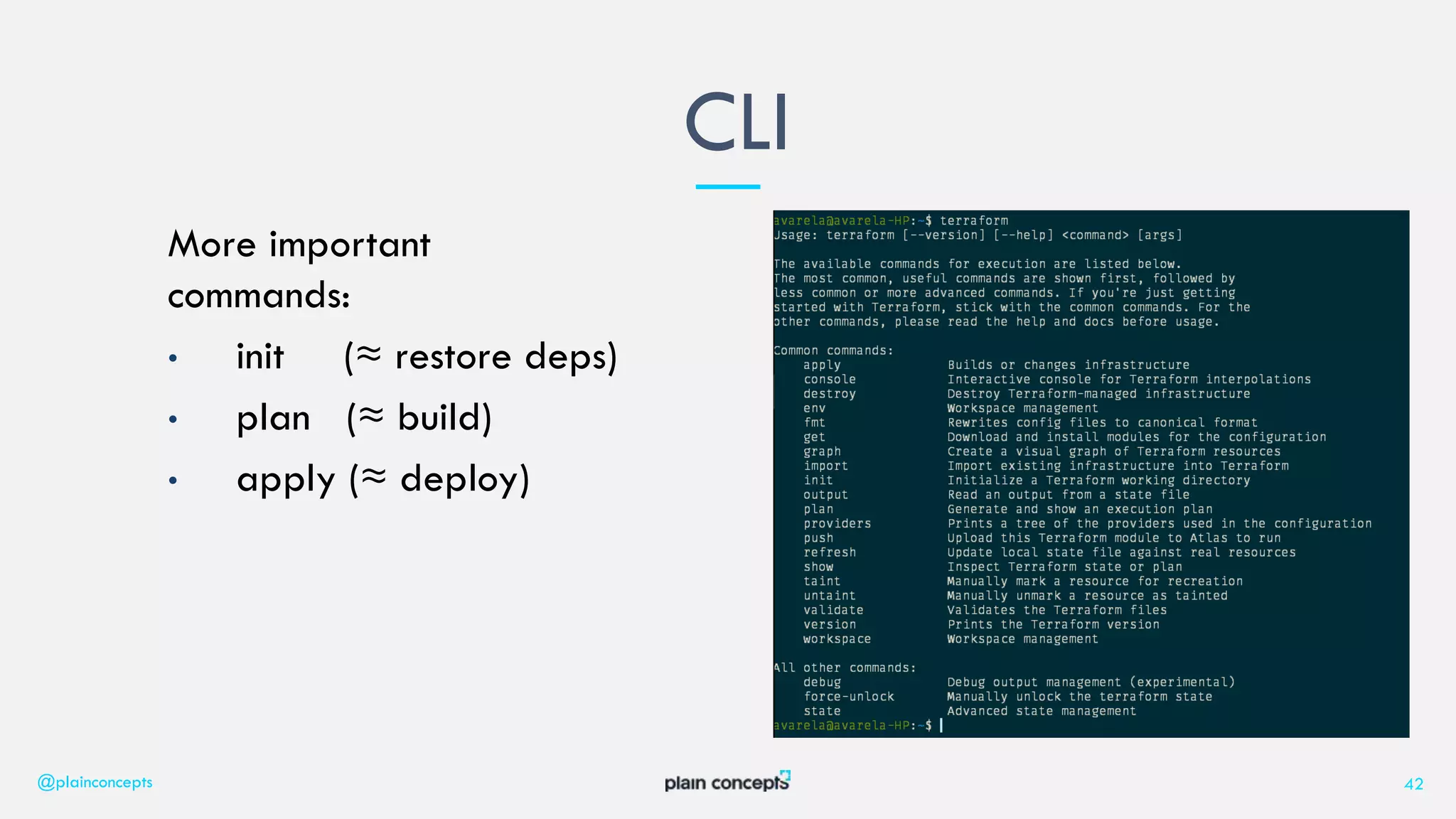
More important
commands:
• init (≈ restore deps)
• plan (≈ build)
• apply (≈ deploy)
CLI
@plainconcepts 42
43
4. Terraform VS …
Terraform VS ARM/CLOUDFORMATION
@plainconcepts 44
TERRAFORM PROS
TERRAFORM CONS
You can use ARM/Cloudformation
templates inside Terraform code!
45
5. Continuous Integration/Delivery
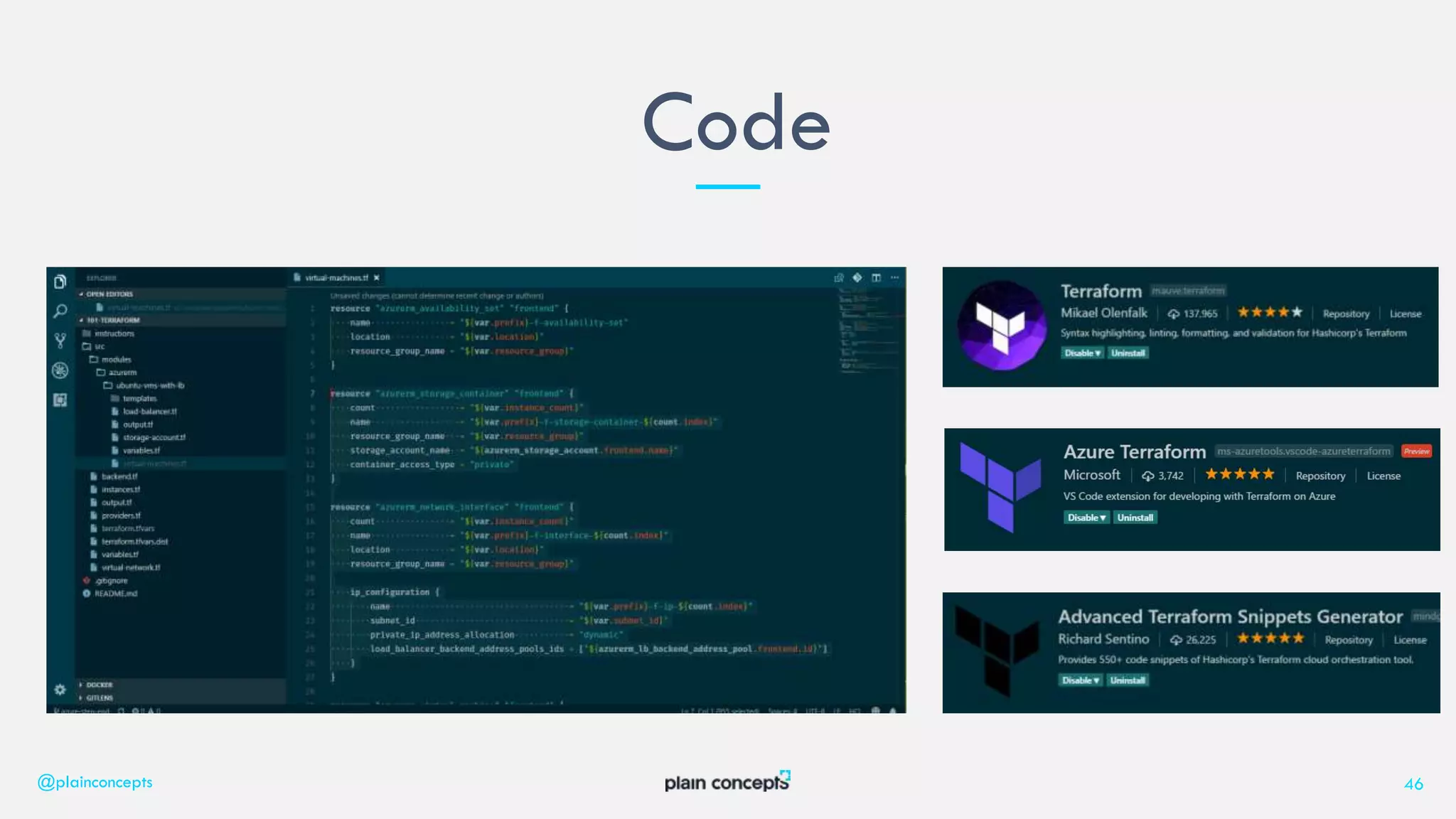
Code
@plainconcepts 46
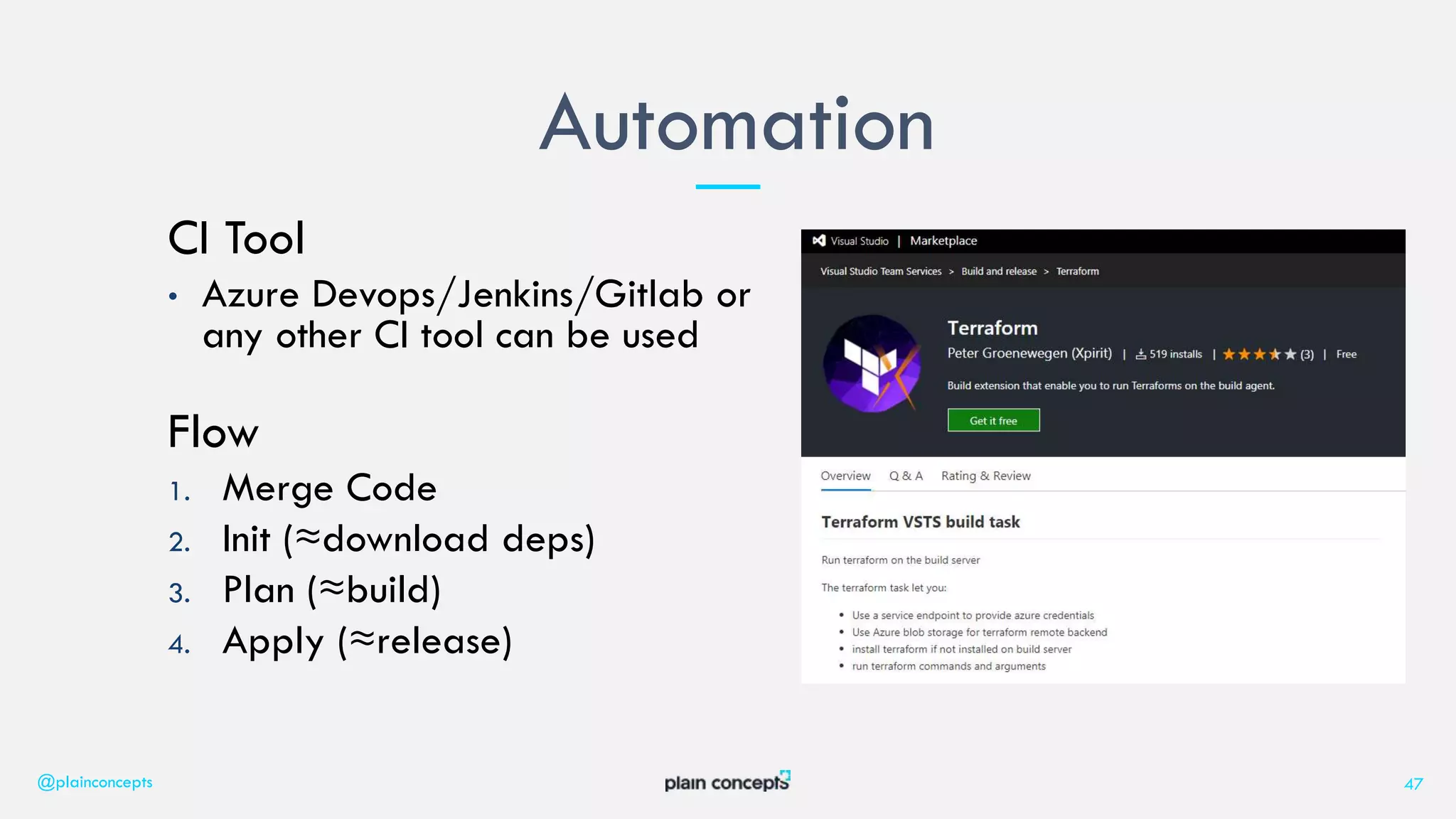
CI Tool
• Azure Devops/Jenkins/Gitlab or
any other CI tool can be used
Flow
1. Merge Code
2. Init (≈download deps)
3. Plan (≈build)
4. Apply (≈release)
Automation
@plainconcepts 47
48
Talk is cheap.
Show me the code!
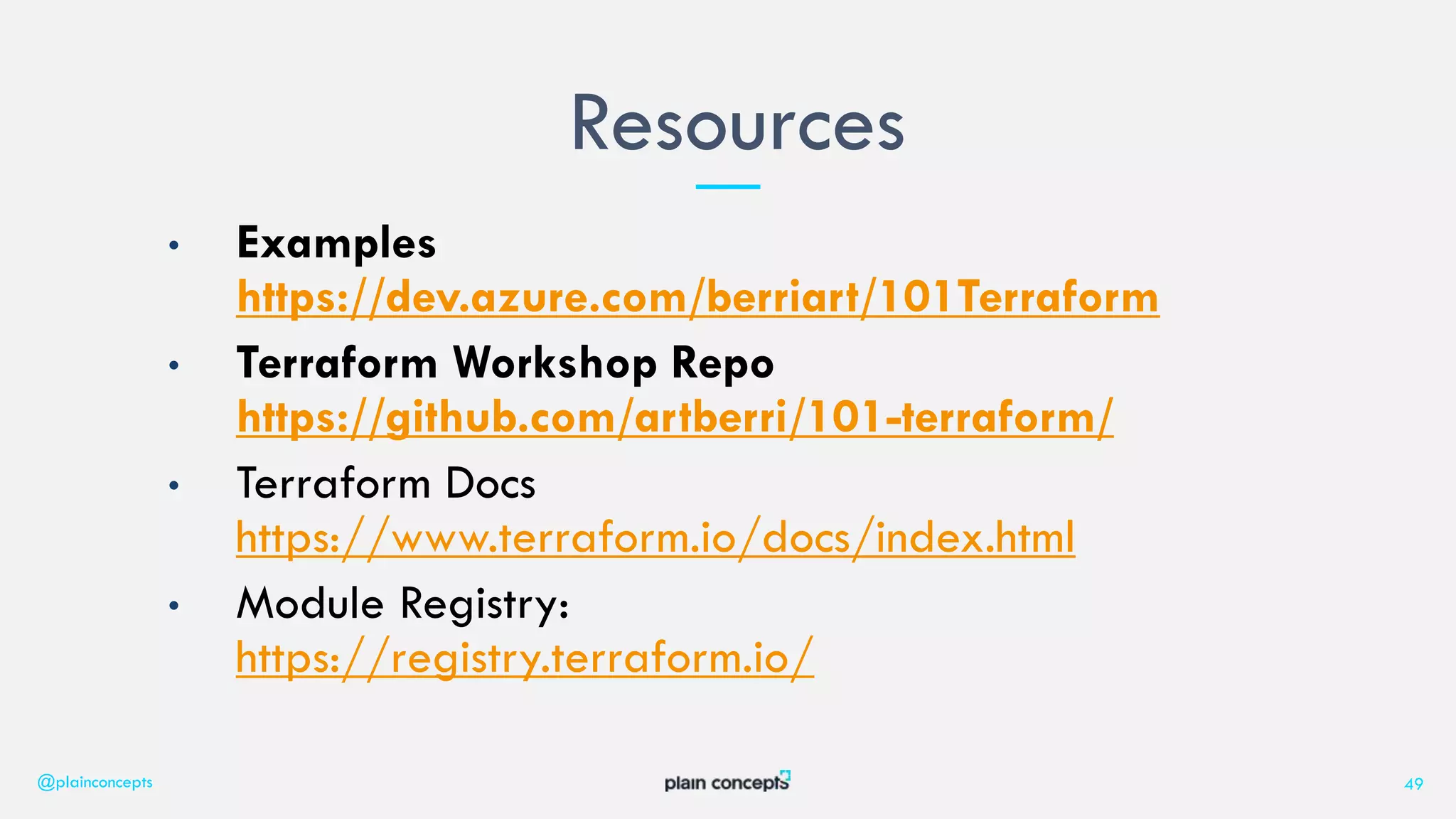
• Examples
https://dev.azure.com/berriart/101Terraform
• Terraform Workshop Repo
https://github.com/artberri/101-terraform/
• Terraform Docs
https://www.terraform.io/docs/index.html
• Module Registry:
https://registry.terraform.io/
Resources
@plainconcepts 49
¡ESKERRIK ASKO!
www.plainconcepts.com
@plainconcepts

Aprovisionamiento multi-proveedor con Terraform - Plain Concepts DevOps day

  • 1.
  • 2.
    9:30 – 10:00Introducción a Azure DevOps Pipelines 10:00 – 10:45 Infraestructuras inmutables 10:45 – 11:15 DESCANSO 11:15 – 12:00 Aprovisionamiento multi-proveedor con Terraform 12:00 – 12:45 Visibilidad y modelos de salud 12:45 – 13:30 Testing de integración en Azure DevOps con Docker Agenda 2
  • 3.
    26.03.2019 DevOps Day Alberto Varela Aprovisionamientomulti- proveedor con Terraform Software Development Engineer 3
  • 4.
    I am FullStack Developer based in Bilbao. I am passionate about everything related to web development and I am currently working as a Software Developer at Plain Concepts. Egunon! == ¡Buenos días! Alberto Varela @plainconcepts 4 @artberri SOFTWARE DEVELOPMENT ENGINEER
  • 5.
  • 6.
    6 Like the principlethat the same source code generates the same binary, an Infrastructure as Code (IaC) model generates the same environment every time it is applied. Sam Guckenheimer (Product Owner, Azure Devops)
  • 7.
    • More automationinvolves less human errors • Supports collaboration between Ops and Dev • Increases transparency • Traceability • Integrity • Repeatability • Your code is great documentation • Agility Infrastructure as Code (IaC) @plainconcepts 7
  • 8.
    8 2. What isTerraform?
  • 9.
    9 Terraform is usedto create, manage, and update infrastructure resources such as virtual networks, VMs, security rules, containers, domains and more. Almost any infrastructure type can be represented as a resource in Terraform.
  • 10.
    • A toolfor… “Write, Plan, and Create Infrastructure as Code” • Domain Specific Language (Hashicorp Configuration Language) • Declarative • Readable and writable • Written in Go • Free Software & Open Source • Freemium • Multiplatform What is Terraform @plainconcepts 10
  • 11.
    • An abstractionlayer for multi cloud resources • A VM or a Virtual Network aren’t built in the same way on AWS/Azure/Gcloud… • You need to understand about the platform you are deploying to • A Software provisioner • Puppet, Chef… are configuration/software provisioners. Terraform is not an alternative to those tools. What is NOT Terraform @plainconcepts 11
  • 12.
  • 13.
    • Terraform syntax(or JSON) • Terraform loads all the .tf files in a directory • Changes will run parellelized • Mostly everything can be declared as a resource • The 0.12 versión is close to be realeased with some improvements • Workflow: Basics @plainconcepts 13
  • 14.
    resource is themost important element in the Terraform language. Each resource block describes one or more infrastructure objects, such as virtual networks, compute instances, or higher-level components such as DNS records. Resources @plainconcepts 14
  • 15.
    Resources (AWS) @plainconcepts 15 resource"aws_elastic_beanstalk_application" "tftest" { name = "tf-test-name" description = "tf-test-desc" } resource "aws_elastic_beanstalk_environment" "tfenvtest" { name = "tf-test-name" application = "${aws_elastic_beanstalk_application.tftest.name}" solution_stack_name = "64bit Amazon Linux 2018.03 v4.8.1 running Node.js" }
  • 16.
    Resources (Azure) resource "azurerm_resource_group""test" { name = "example-resources" location = "West Europe" } resource "azurerm_app_service_plan" "test" { name = "example-appserviceplan" location = "${azurerm_resource_group.test.location}" resource_group_name = "${azurerm_resource_group.test.name}" sku { tier = "Standard" size = "S1" } } resource "azurerm_app_service" "test" { name = "example-app-service“ // Globally unique name here!! location = "${azurerm_resource_group.test.location}" resource_group_name = "${azurerm_resource_group.test.name}" app_service_plan_id = "${azurerm_app_service_plan.test.id}" }
  • 17.
    Resources that youare not probably thinking on: • Azure Active Directory User • Alerts and monitors • Databases • Certificates • Meetings (Calendar as Code xD) Resources @plainconcepts 17
  • 18.
    A provider isresponsible for understanding API interactions and exposing resources. Providers generally are an IaaS (e.g. AWS, GCP, Microsoft Azure, OpenStack), PaaS (e.g. Heroku), or SaaS services (e.g. Terraform Enterprise, DNSimple, CloudFlare). Providers @plainconcepts 18
  • 19.
    Providers ACME Alicloud ArchiveArukas AWS Azure Azure Active Directory Azure Stack Bitbucket Brightbox CenturyLinkCloud Chef Circonus Cisco ASA Cloudflare CloudScale.ch CloudStack Cobbler Consul Datadog DigitalOcean DNS DNSimple DNSMadeEasy Docker Dyn External F5 BIG-IP Fastly FlexibleEngine GitHub Gitlab Google Cloud Platform Grafana Hedvig Helm Heroku Hetzner Cloud HTTP HuaweiCloud Icinga2 Ignition InfluxDB Kubernetes Librato Linode Local Logentries LogicMonitor Mailgun MySQL Naver Cloud Netlify New Relic Nomad NS1 Null Nutanix 1&1 OpenStack OpenTelekomCloud OpsGenie Oracle Cloud Infrastructure Oracle Cloud Platform Oracle Public Cloud OVH Packet PagerDuty Palo Alto Networks PostgreSQL PowerDNS ProfitBricks RabbitMQ Rancher Random RightScale Rundeck RunScope Scaleway Selectel Skytap SoftLayer Spotinst StatusCake TelefonicaOpenCloud Template TencentCloud Terraform Terraform Enterprise TLS Triton UCloud UltraDNS Vault VMware NSX-T VMware vCloud Director VMware vSphere Yandex
  • 20.
    Providers (Azure) @plainconcepts 20 provider"azurerm" { subscription_id = "${var.arm_subscription_id}" client_id = "${var.arm_client_id}" client_secret = "${var.arm_client_secret}" tenant_id = "${var.arm_tenant_id}" }
  • 21.
    Providers (AWS) provider "aws"{ access_key = "${var.access_key}" secret_key = "${var.secret_key}" region = "eu-west-2“ alias = "west" } provider "aws" { access_key = "${var.access_key}" secret_key = "${var.secret_key}" region = "eu-east-1“ alias = "east" }
  • 22.
    Providers (GoDaddy) @plainconcepts 22 provider"godaddy" { key = "abc" secret = "123" }
  • 23.
    Providers (PostgreSQL) @plainconcepts 23 provider"postgresql" { host = "postgres_server_ip" port = 5432 database = "postgres" username = "postgres_user" password = "postgres_password" sslmode = "require" connect_timeout = 15 }
  • 24.
    To become trulyshareable and version controlled, it needs to parameterize the configurations. We use variables for inputs that could change or to avoid hardcoding keys and secrets. Variables / Inputs @plainconcepts 24
  • 25.
    Variables (usage) @plainconcepts 25 provider"aws" { access_key = "${var.access_key}" secret_key = "${var.secret_key}" region = "${var.region}" }
  • 26.
    Variables (declaration) @plainconcepts 26 variable"access_key" { description = "The AWS Access key." } variable "secret_key" { description = "The AWS Secret key." } variable "region" { description = "The AWS region to create things in." default = "eu-west-2" }
  • 27.
    Variables (set) @plainconcepts 27 #terraform.tfvarsfile (Ignore this file in your VC) access_key = "XXXXXXXXXX" secret_key = "XXXXXXXXXXXXXX“ #You can use CLI parameters or environment variables instead
  • 28.
    A way toorganize data to be easily queried and shown back to the Terraform user. Terraform stores hundreds or thousands of attribute values for all your resources, but you may only be interested in a few values of importance, such as a load balancer IP, VPN address, etc. Outputs @plainconcepts 28
  • 29.
    Outputs output "acme_dns" { value= "${aws_elb.acme.dns_name}" } output "acme_ips" { value = "${aws_instance.frontend.*.public_ip}" } output "acme2_ip" { value = "${azurerm_public_ip.frontend.ip_address}" } output "dns" { value = "${azurerm_app_service.acme.default_site_hostname}" }
  • 30.
    Allow data definedoutside of Terraform to be fetched and used inside Terraform files. For example, it can be data about manually created infrastructure or data created in other Terraform project. Data Sources @plainconcepts 30
  • 31.
    Data Sources # Findthe latest available AMI that is tagged with Component = web data "aws_ami" "web" { filter { name = "state" values = ["available"] } filter { name = "tag:Component" values = ["web"] } most_recent = true } resource "aws_instance" "web" { ami = data.aws_ami.web.id instance_type = "t1.micro" }
  • 32.
    Data Sources data "azurerm_subnet""test" { name = "frontend" virtual_network_name = "development" resource_group_name = "it" } resource "azurerm_virtual_machine" "web" { # ... subnet_id = "${data.azurerm_subnet.test.id}" }
  • 33.
    Modules in Terraformare self-contained packages of Terraform configurations that are managed as a group. Modules are used to create reusable components in Terraform as well as for basic code organization. Create yours or use them from the Module Registry: https://registry.terraform.io/ Modules @plainconcepts 33
  • 34.
    Modules module "project1_instances" { source= "./modules/aws/ubuntu-vms-with-lb" prefix = "project1" instance_count = 2 instance_size = "t2.micro" key_name = "${aws_key_pair.acme.key_name}" user_data_file = "myapp.sh" } module "project2_instances" { source = "./modules/azurerm/ubuntu-vms-with-lb" prefix = "acme2" resource_group = "${azurerm_resource_group.terraform_sample.name}" location = "${azurerm_resource_group.terraform_sample.location}" subnet_id = "${azurerm_subnet.my_subnet_frontend.id}" instance_count = 1 instance_size = "Standard_A2" instance_user = "${var.arm_frontend_instances}" instance_password = "${var.arm_vm_admin_password}" custom_data_file = "myapp.sh" }
  • 35.
    Terraform must storestate about your managed infrastructure and configuration. This state is used by Terraform to map real world resources to your configuration, keep track of metadata, and to improve performance for large infrastructures. State/Backends @plainconcepts 35
  • 36.
    State/Backends (AWS) terraform { backend"s3" { bucket = "terraform-example-101" key = "production.tfstate" region = "eu-west-2" } }
  • 37.
    State/Backends (Azure) terraform { backend"azurerm" { storage_account_name = "101terraformstates" container_name = "plaintfstate key = "prod.terraform.tfstate" resource_group_name = "101-terraform-states } }
  • 38.
    Provisioners are usedto execute scripts on a local or remote machine as part of resource creation or destruction. Provisioners can be used to bootstrap a resource, cleanup before destroy, run configuration management, etc. Provisioners @plainconcepts 38
  • 39.
    Provisioners resource "aws_instance" "web"{ # ... provisioner "local-exec" { command = "echo ${self.private_ip} > file.txt" } provisioner "file" { source = "conf/myapp.conf" target = "/etc/myapp.conf" } } resource "azurerm_virtual_machine" "web" { # ... provisioner "local-exec" { command = "echo ${self.private_ip} > file.txt" } provisioner "file" { source = "conf/myapp.conf" target = "/etc/myapp.conf" } }
  • 40.
    Terraform is builton a plugin-based architecture. All providers and provisioners that are used in Terraform configurations are plugins, even the core types such as AWS and Heroku. Users of Terraform are able to write new plugins in order to support new functionality in Terraform. Plugins @plainconcepts 40
  • 41.
    An execution plandescribes which actions Terraform will take in order to change real infrastructure to match the written configuration. Plan @plainconcepts 41
  • 42.
    More important commands: • init(≈ restore deps) • plan (≈ build) • apply (≈ deploy) CLI @plainconcepts 42
  • 43.
  • 44.
    Terraform VS ARM/CLOUDFORMATION @plainconcepts44 TERRAFORM PROS TERRAFORM CONS You can use ARM/Cloudformation templates inside Terraform code!
  • 45.
  • 46.
  • 47.
    CI Tool • AzureDevops/Jenkins/Gitlab or any other CI tool can be used Flow 1. Merge Code 2. Init (≈download deps) 3. Plan (≈build) 4. Apply (≈release) Automation @plainconcepts 47
  • 48.
  • 49.
    • Examples https://dev.azure.com/berriart/101Terraform • TerraformWorkshop Repo https://github.com/artberri/101-terraform/ • Terraform Docs https://www.terraform.io/docs/index.html • Module Registry: https://registry.terraform.io/ Resources @plainconcepts 49
  • 50.