PRESENTATION
ON
AUTOCAD SOFTWARE
By
Ankit Kumar
(21MCA023)
FACULTYOF INFORMATION TECHNOLOGY
GOPAL NARAYAN SINGH UNIVERSITY, JAMUHAR-821305
▶ Introduction
▶ Latest Version
▶ AutoCAD Screen
▶ Way to provide command.
▶ How it Works
▶ Co-ordinate system.
▶ Some 2D command.
▶ 3D Modeling
▶ Some 3D Commands
▶ Isometric view.
▶ Project work
▶ Benefits of AutoCAD.
OUTLINE
 The Word AutoCAD is made up of two words “Auto”
and CAD “(computer aided design)”.
 AutoCAD is 2D and 3D modeling software.
 It is developed by Autodesk company.
drawing and 3D
 Autodesk is an U.S.A based company.
 It is widely used in industry for 2D
modeling.
 In another way we can say that AutoCAD is a designing
course , which is performed by the help of computer.
INTRODUCTION
Version of AutoCAD
▶ AutoCAD software was firstly launched by Autodesk
company in Dec. 1982.
▶ It comes in India in 1988.
▶ The first version of AutoCAD was R1 after that
R2,R3,R4…………… and so on.
▶ In 2000,Autodesk launched a version of AutoCAD 2000 after
that 2001,2002…… so on.
▶ This time, we have the latest version of AutoCAD is
2016,which is launched on 20th march 2015.
▶ Latest version is easy to use and over come the difficulties
of old version.
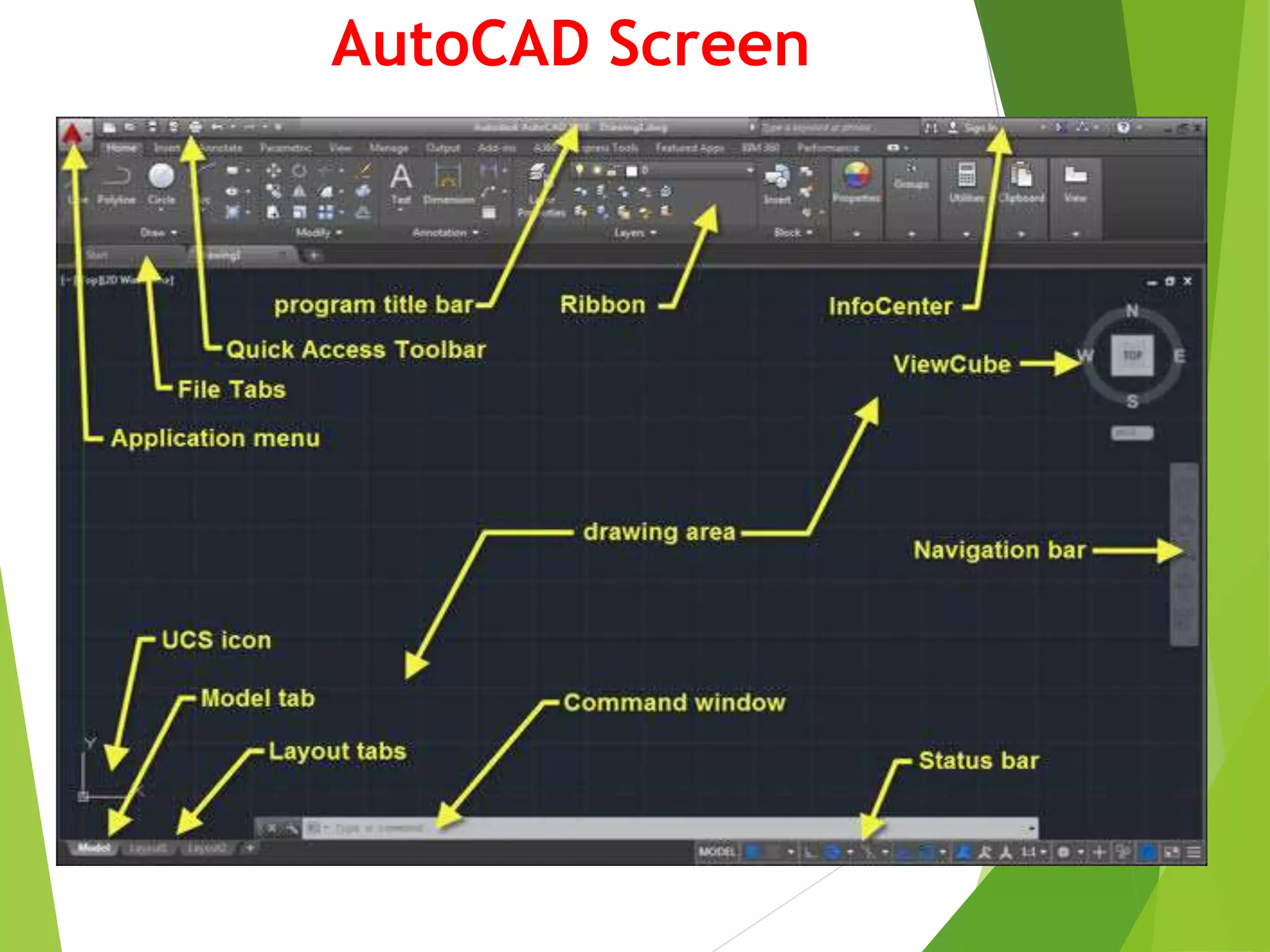
AutoCAD Screen
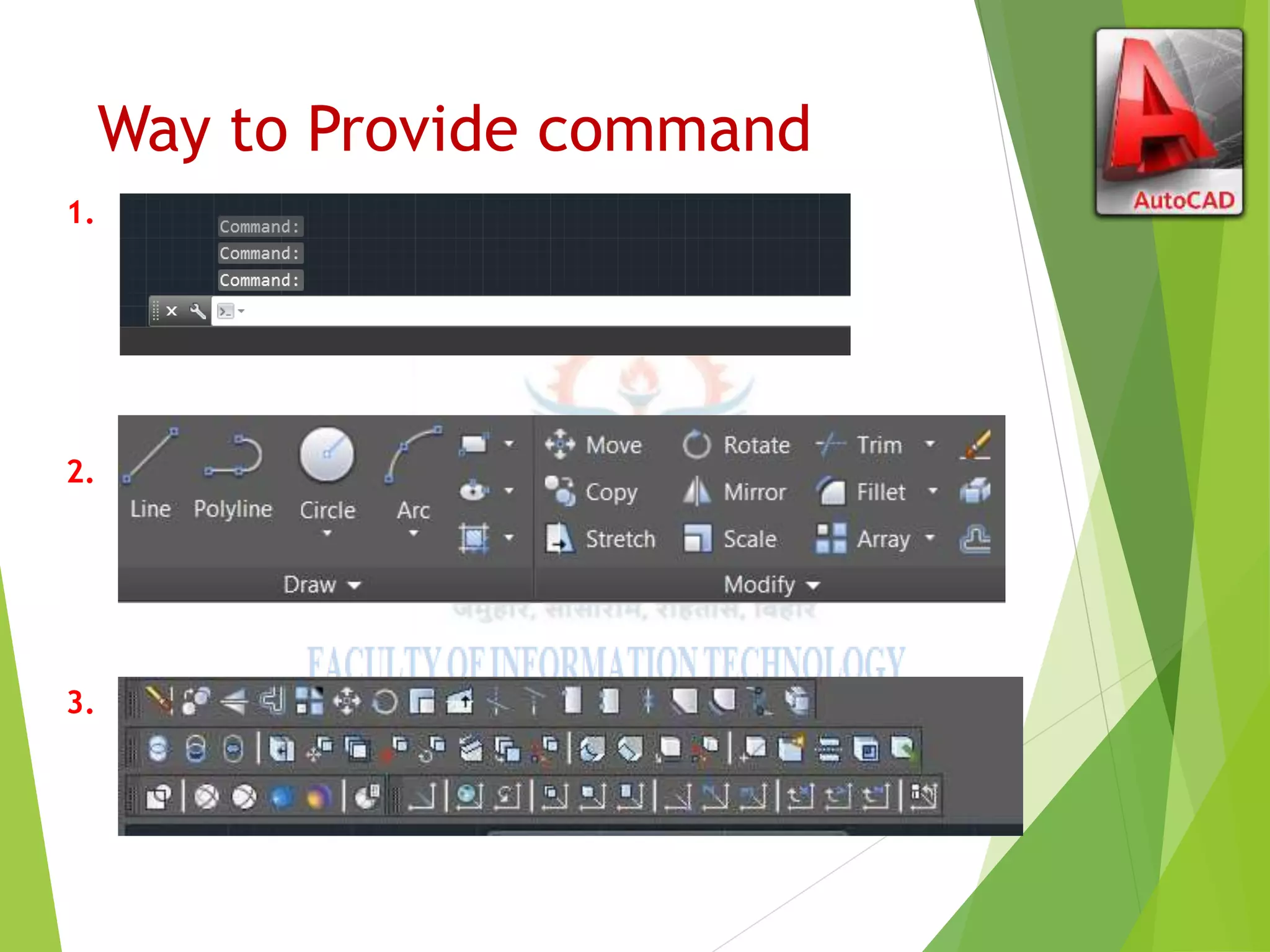
Way to Provide command
1.
2.
3.
HOW AutoCAD WORKS
 There is a co-ordinate system used in AutoCAD.
 Every drawing shows its co-ordinate.
 In above next slide the line shows its co-ordinate that is ( 9,6 )
and (-10,-4).
 There is so many commands like copy, move ,rotate ,mirror in 2D, path
array , rectangular array, polar array & more.
 Different types of drawing can be made in the same time by using a
command that is LAYER.
 Using line , arc , circle , rectangle , ellipse & polygon , so many
drawing of different type can be made.
CO-Ordinate System
▶ Every thing that we draw in AutoCAD is exact.
▶ All object drawn on screen is based on simple X-Y
co-ordinate system.
▶ In AutoCAD it is known as world co-ordinate
system (WCS).
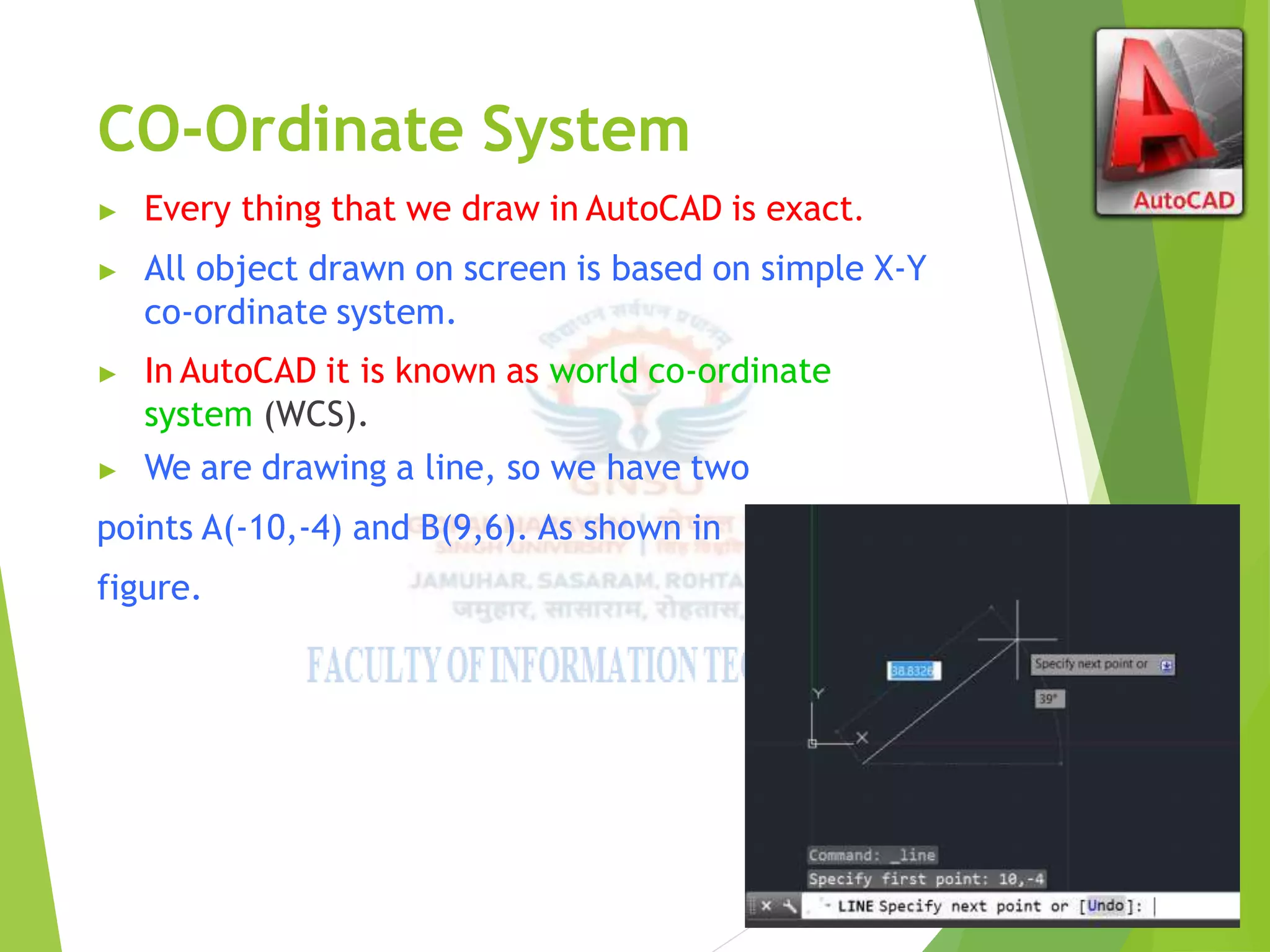
▶ We are drawing a line, so we have two
points A(-10,-4) and B(9,6). As shown in
figure.
The UCS and WCS
▶ The AutoCAD world is 3 dimensional. However, if we want to draw a 2d object,
such as a plan or a section, we will use only 2 dimensions (x and y).
▶ WCS (world coordinate system) is the imaginary plane that is parallel to the
ground. It is the default coordinate system.
▶ Modifications made to the World Coordinate System (WCS) result in a User
Coordinate System (UCS). It is the plane that you work on. It enables the user
to draw 3 dimensional objects.
▶ To create a new UCS, type ucs on the command window, then say New and
specify 3 points on your new UCS plane.
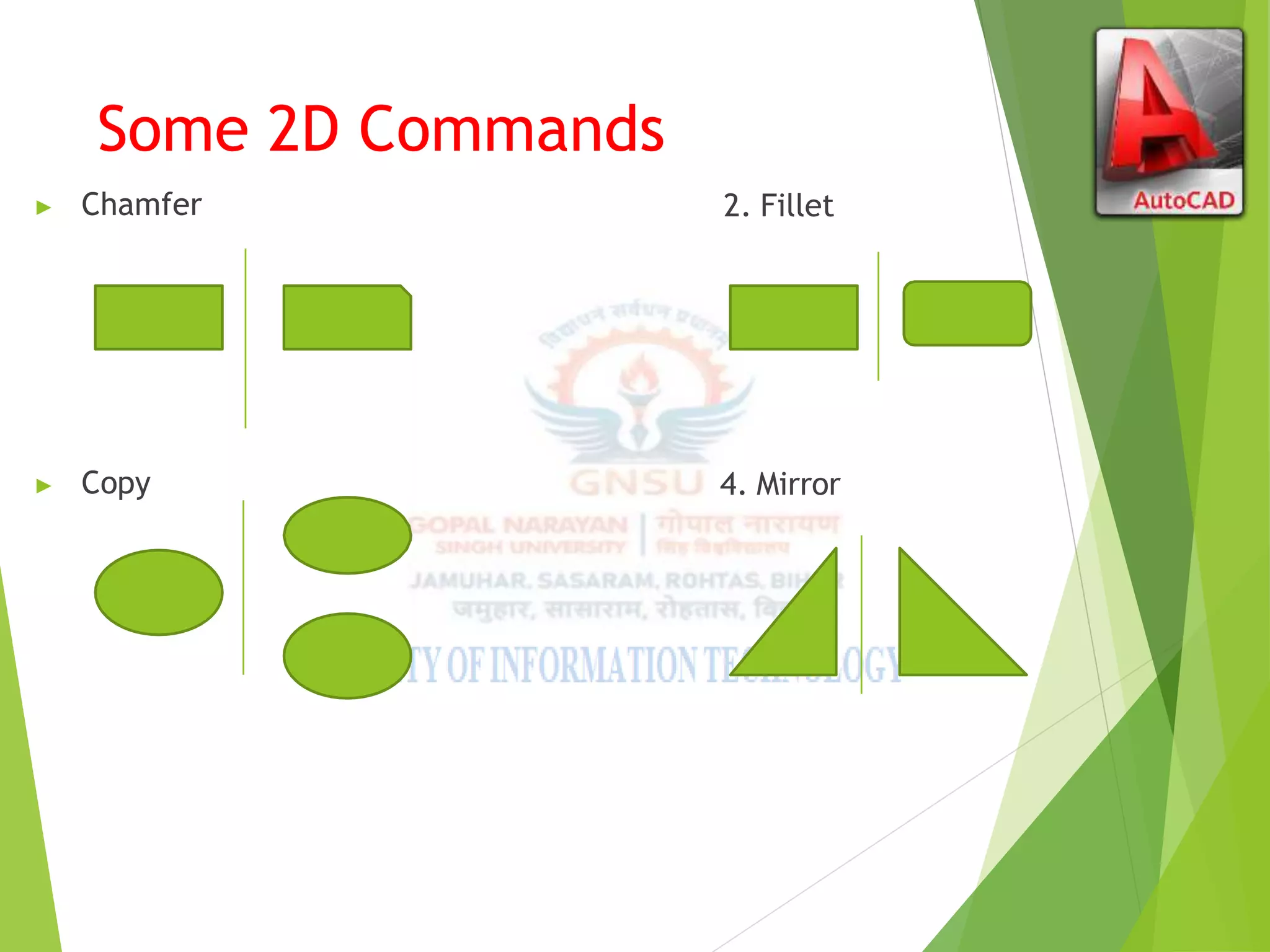
Some 2D Commands
▶ Chamfer 2. Fillet
▶ Copy 4. Mirror
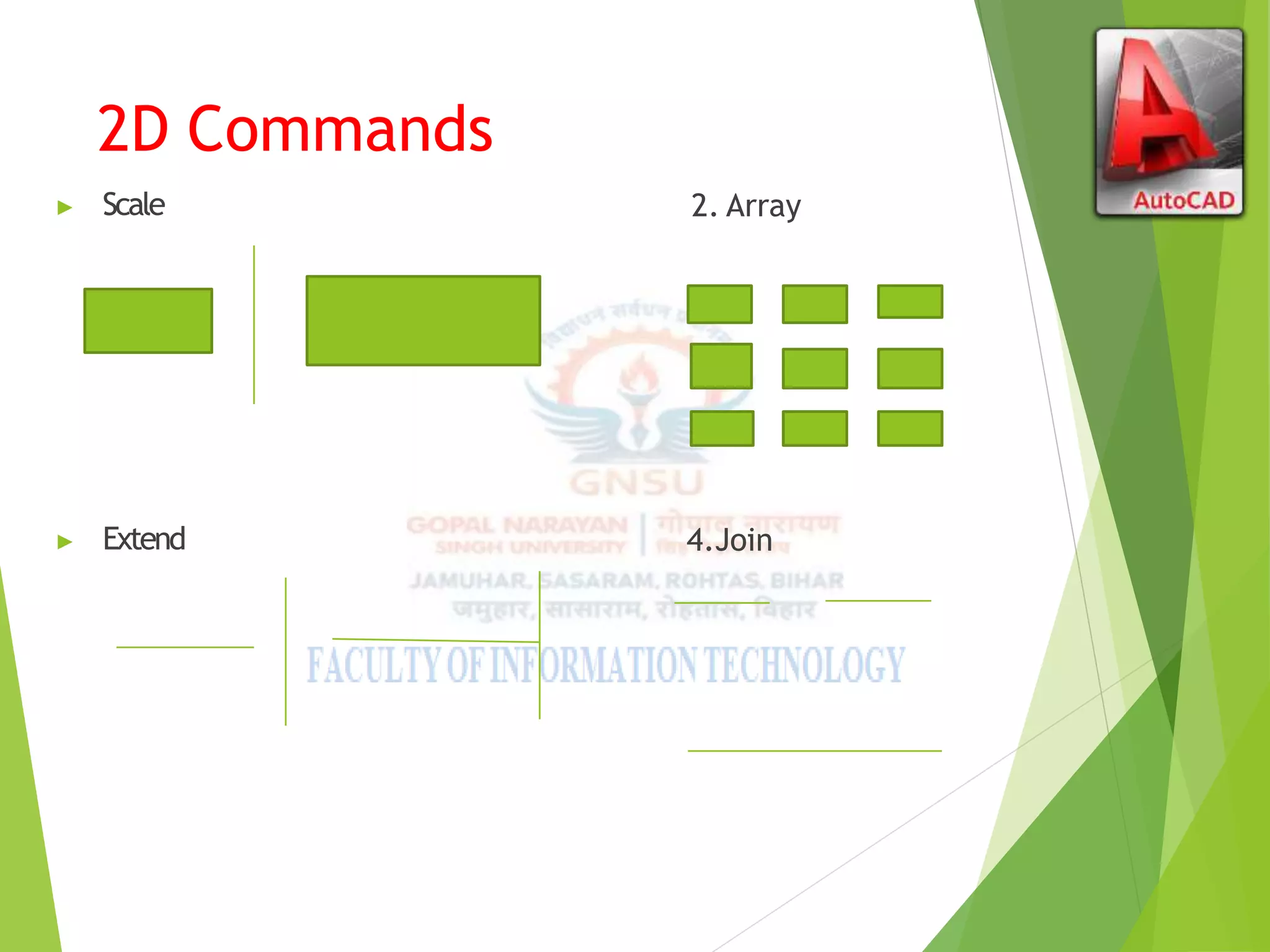
2D Commands
▶ Scale 2. Array
▶ Extend 4.Join
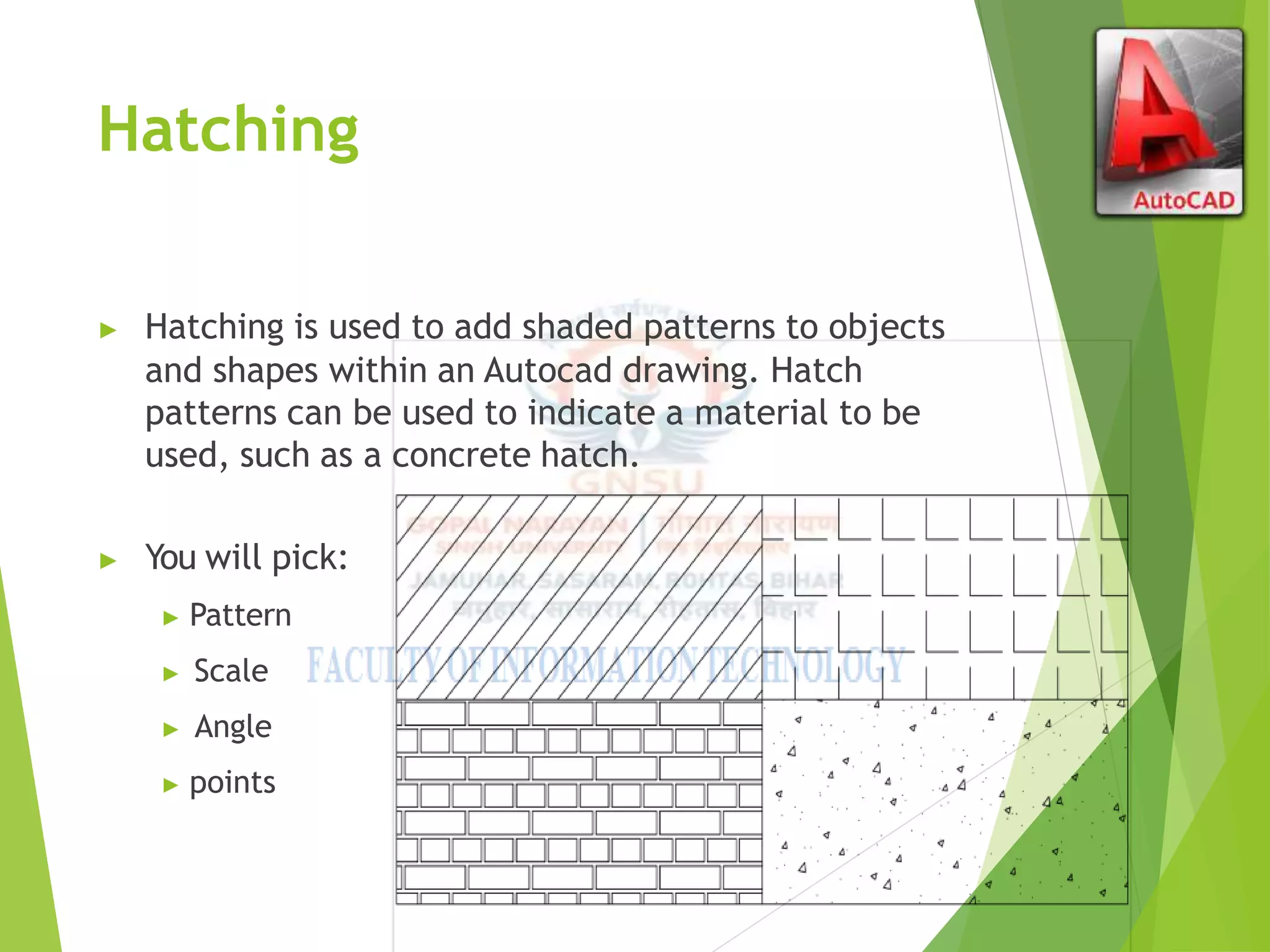
Hatching
▶ Hatching is used to add shaded patterns to objects
and shapes within an Autocad drawing. Hatch
patterns can be used to indicate a material to be
used, such as a concrete hatch.
▶ You will pick:
▶ Pattern
▶ Scale
▶ Angle
▶ points
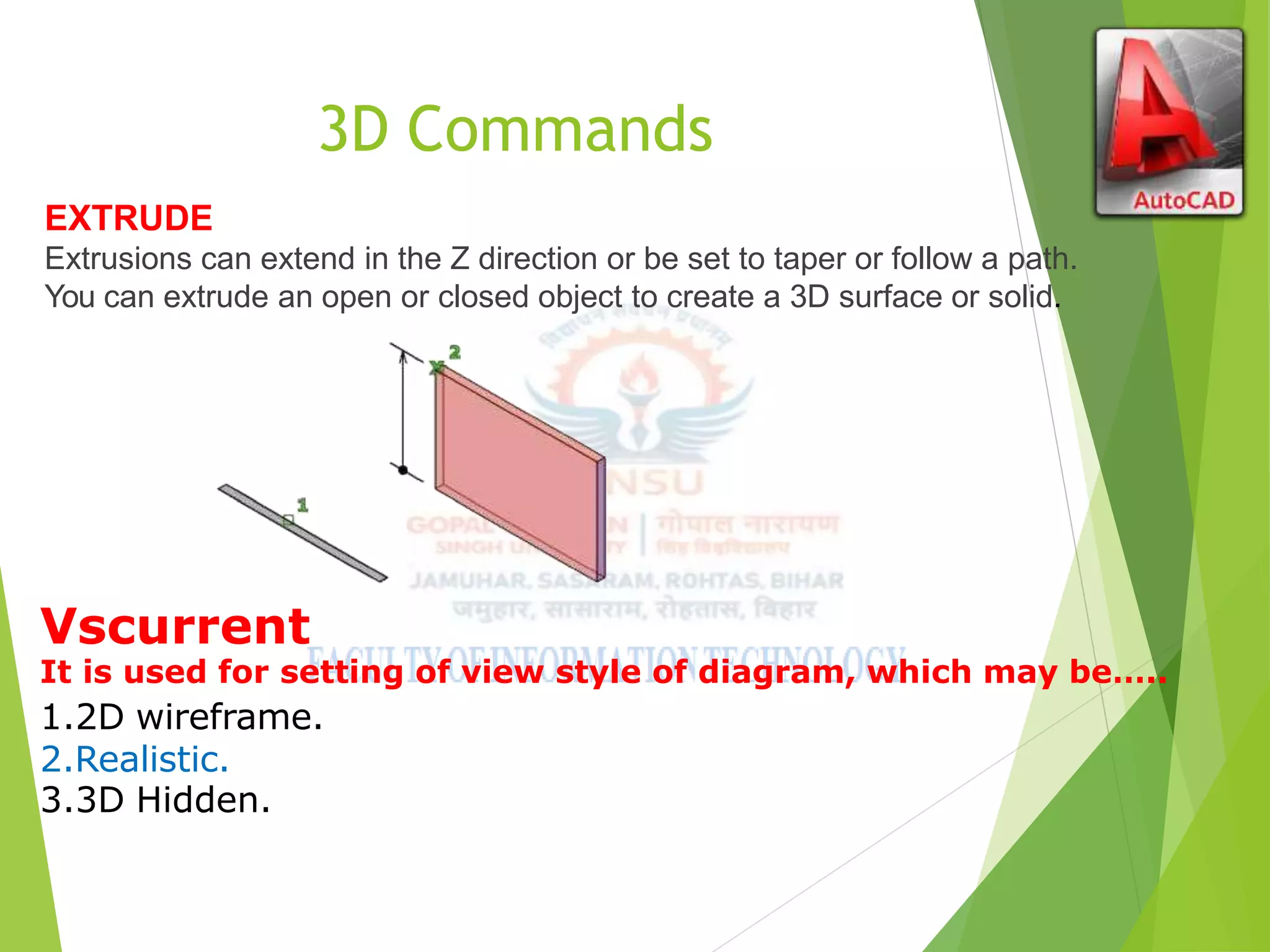
3D Commands
EXTRUDE
Extrusions can extend in the Z direction or be set to taper or follow a path.
You can extrude an open or closed object to create a 3D surface or solid.
Vscurrent
It is used for setting of view style of diagram, which may be…..
1.2D wireframe.
2.Realistic.
3.3D Hidden.
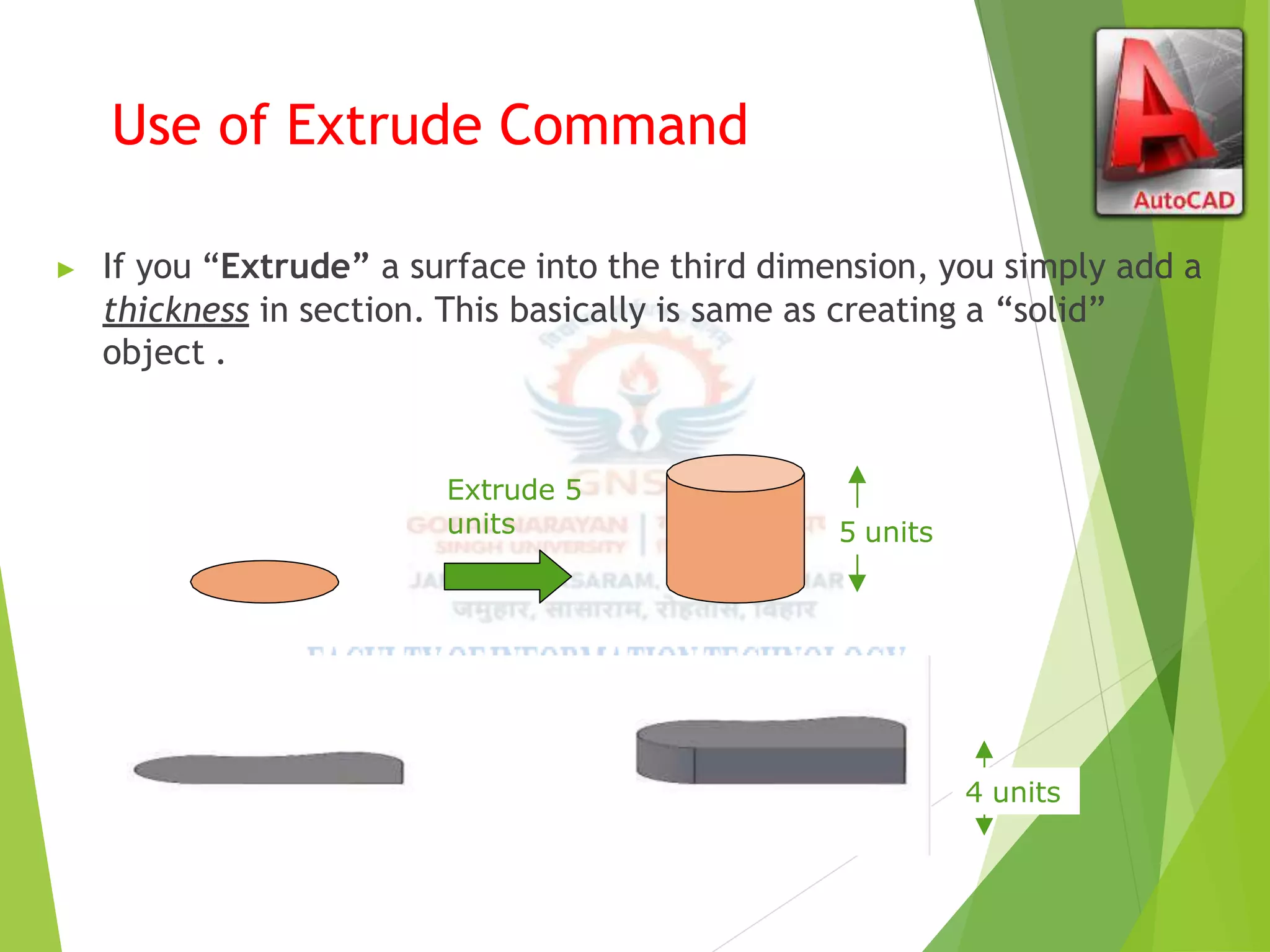
Use of Extrude Command
▶ If you “Extrude” a surface into the third dimension, you simply add a
thickness in section. This basically is same as creating a “solid”
object .
Extrude 5
units 5 units
Extrude -4
units
4 units
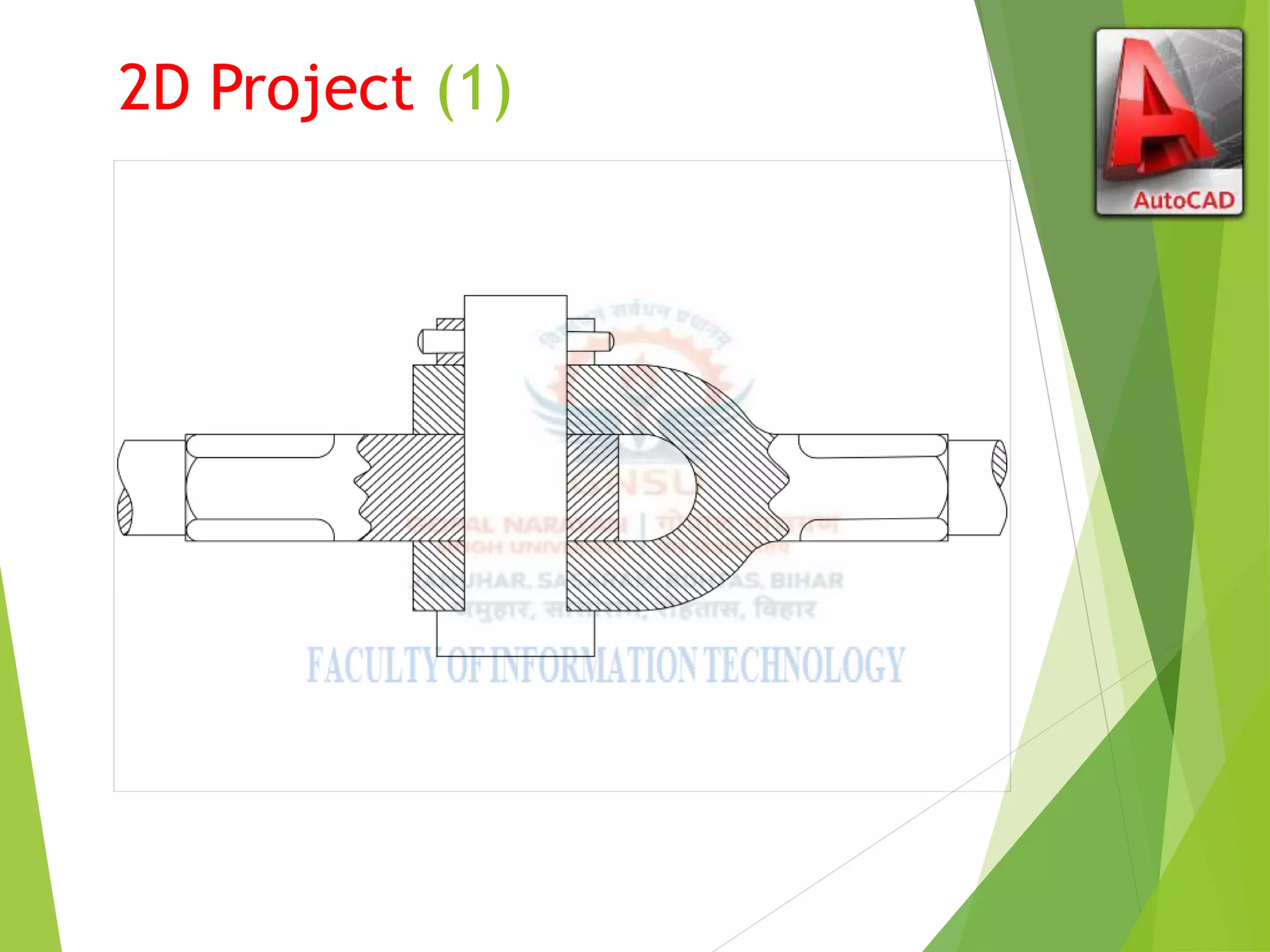
2D Project (1)
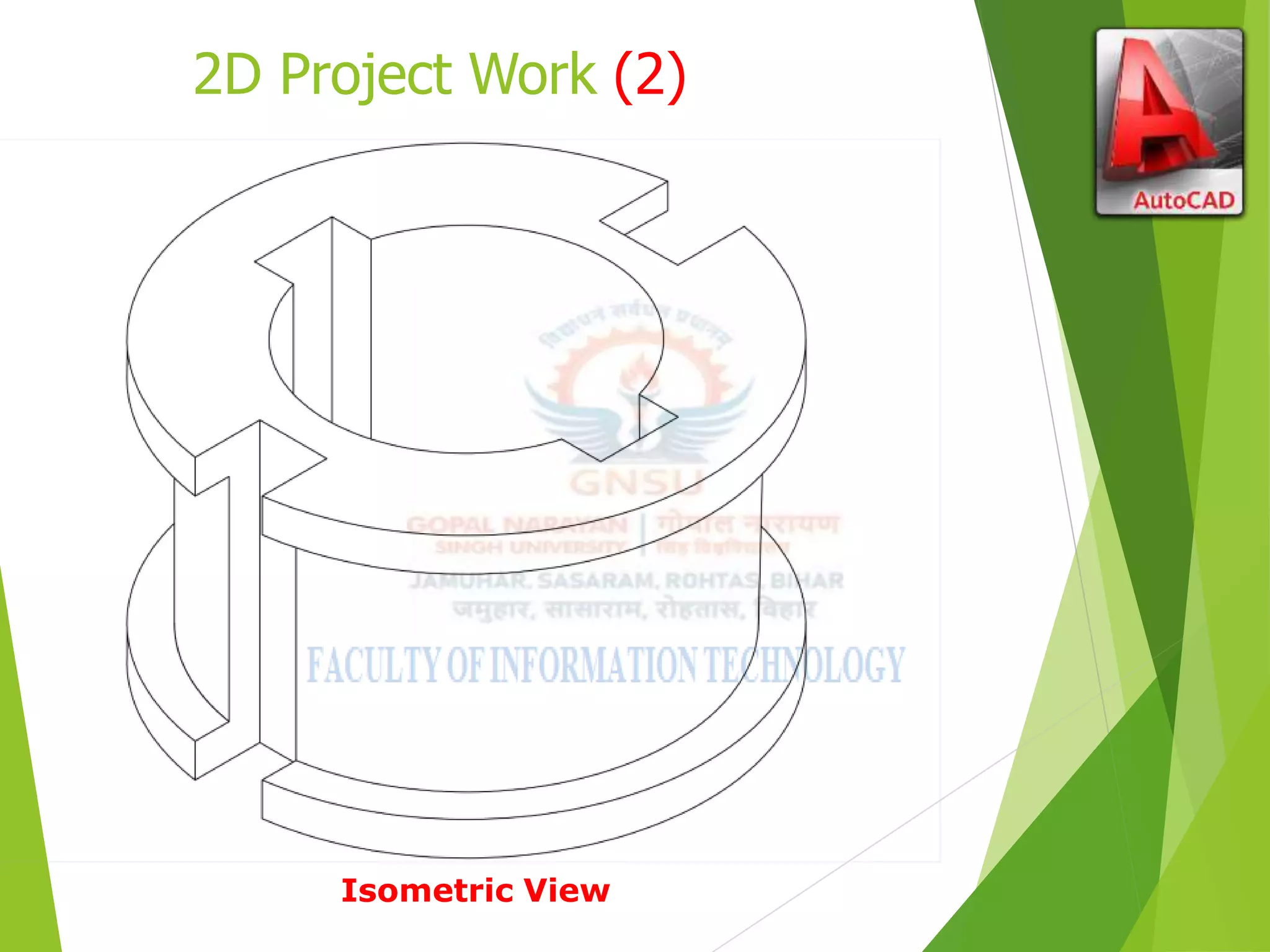
2D Project Work (2)
Isometric View
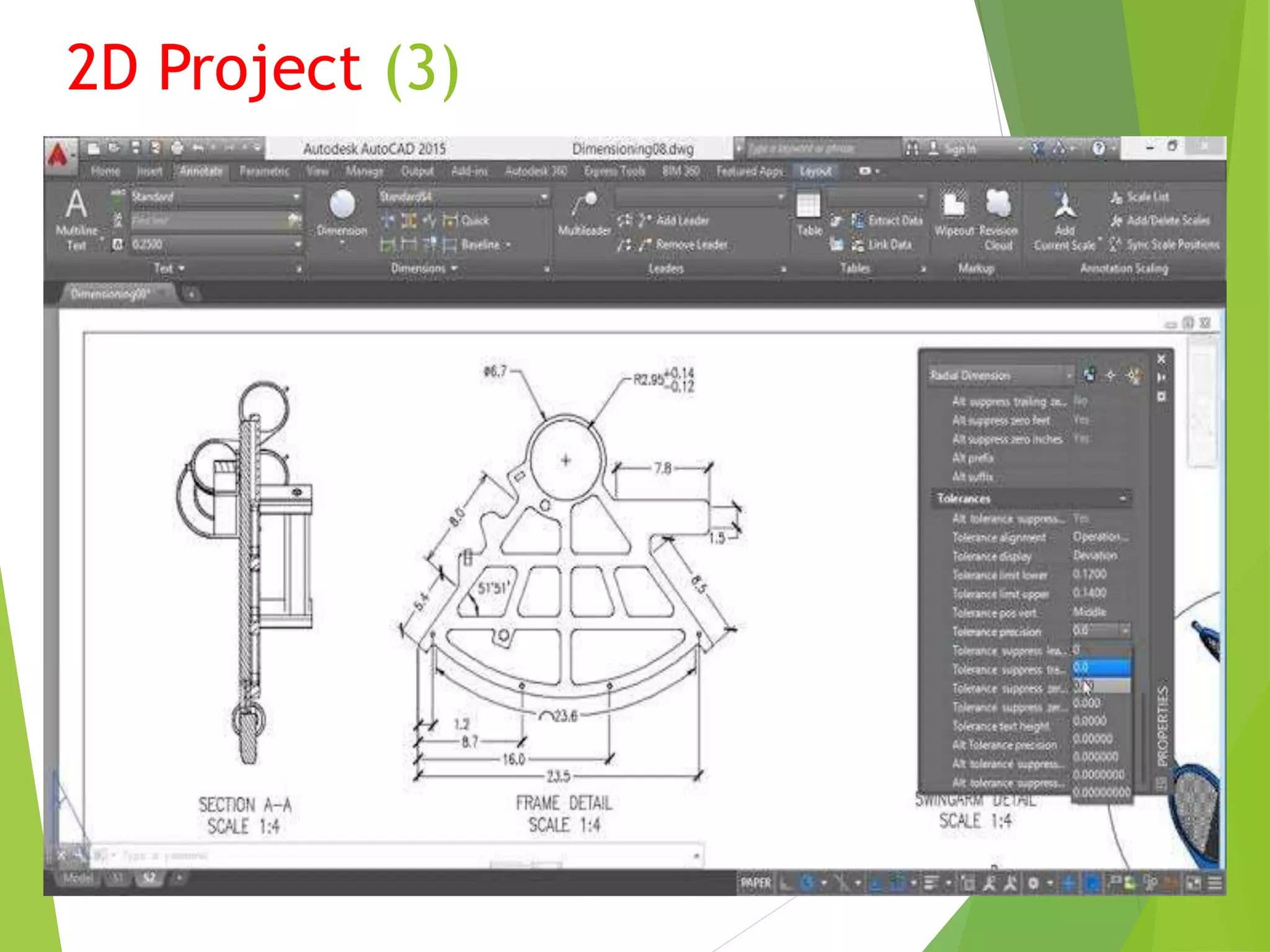
2D Project (3)
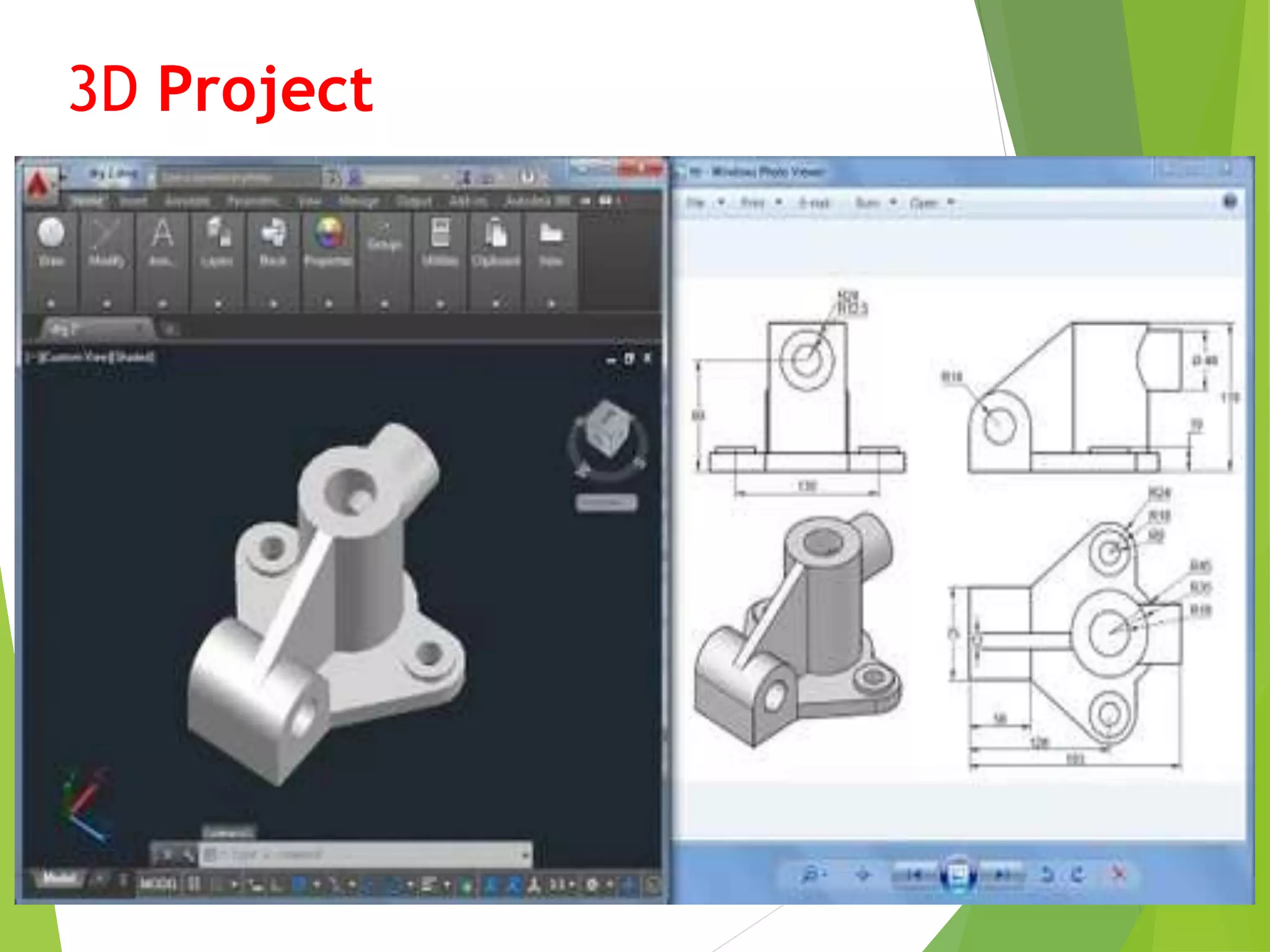
3D Project
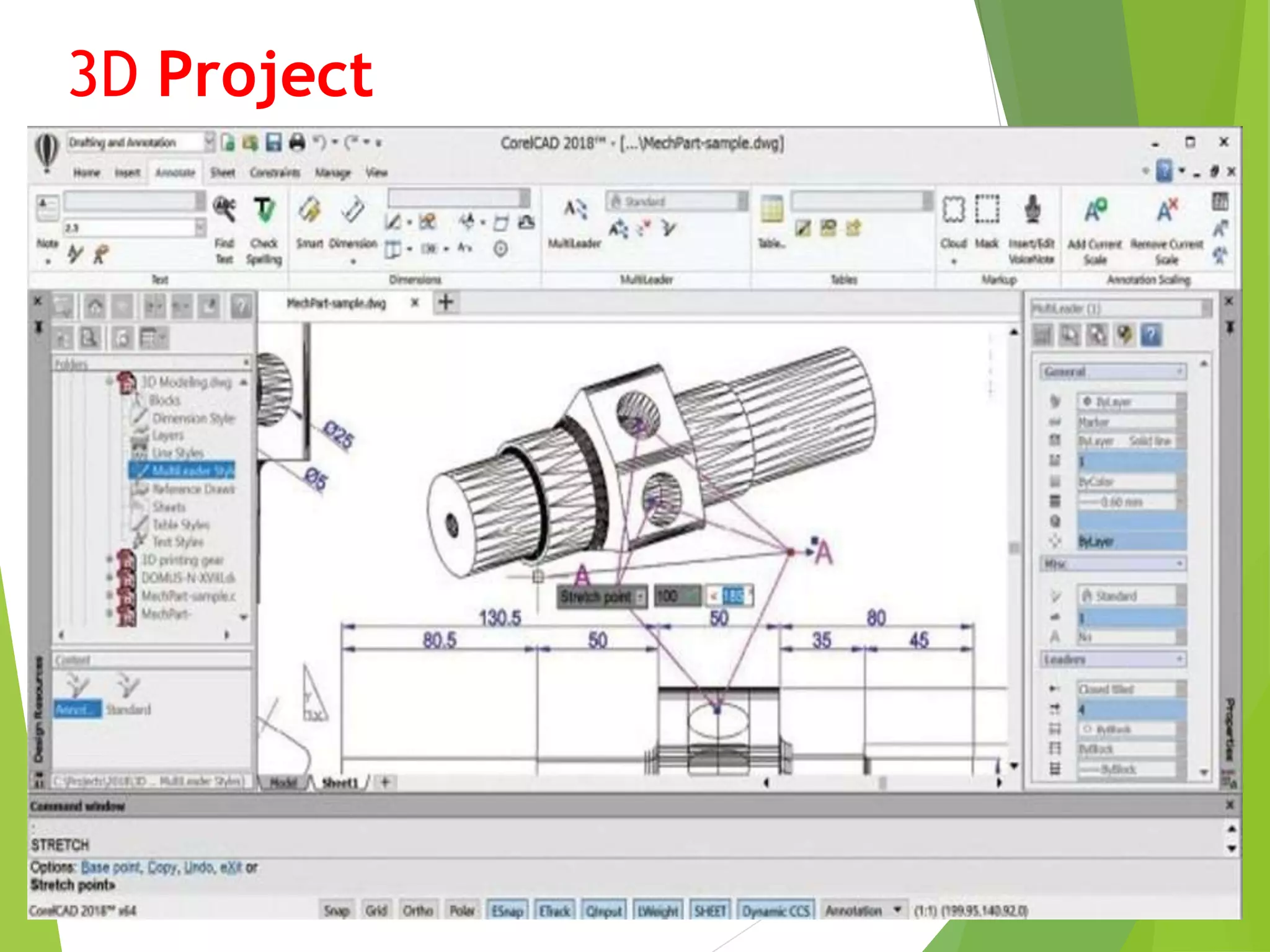
3D Project
Benefits/Use of AutoCAD
▶ Quickly create designs.
▶ Improved quality over hand drafting.
▶ Easily modify.
▶ More Accuracy.
▶ Easy to transfer.
▶ Long time save.
Ankit-Internship-ppt.pptx

Ankit-Internship-ppt.pptx

  • 1.
    PRESENTATION ON AUTOCAD SOFTWARE By Ankit Kumar (21MCA023) FACULTYOFINFORMATION TECHNOLOGY GOPAL NARAYAN SINGH UNIVERSITY, JAMUHAR-821305
  • 2.
    ▶ Introduction ▶ LatestVersion ▶ AutoCAD Screen ▶ Way to provide command. ▶ How it Works ▶ Co-ordinate system. ▶ Some 2D command. ▶ 3D Modeling ▶ Some 3D Commands ▶ Isometric view. ▶ Project work ▶ Benefits of AutoCAD. OUTLINE
  • 3.
     The WordAutoCAD is made up of two words “Auto” and CAD “(computer aided design)”.  AutoCAD is 2D and 3D modeling software.  It is developed by Autodesk company. drawing and 3D  Autodesk is an U.S.A based company.  It is widely used in industry for 2D modeling.  In another way we can say that AutoCAD is a designing course , which is performed by the help of computer. INTRODUCTION
  • 4.
    Version of AutoCAD ▶AutoCAD software was firstly launched by Autodesk company in Dec. 1982. ▶ It comes in India in 1988. ▶ The first version of AutoCAD was R1 after that R2,R3,R4…………… and so on. ▶ In 2000,Autodesk launched a version of AutoCAD 2000 after that 2001,2002…… so on. ▶ This time, we have the latest version of AutoCAD is 2016,which is launched on 20th march 2015. ▶ Latest version is easy to use and over come the difficulties of old version.
  • 5.
  • 6.
    Way to Providecommand 1. 2. 3.
  • 7.
    HOW AutoCAD WORKS There is a co-ordinate system used in AutoCAD.  Every drawing shows its co-ordinate.  In above next slide the line shows its co-ordinate that is ( 9,6 ) and (-10,-4).  There is so many commands like copy, move ,rotate ,mirror in 2D, path array , rectangular array, polar array & more.  Different types of drawing can be made in the same time by using a command that is LAYER.  Using line , arc , circle , rectangle , ellipse & polygon , so many drawing of different type can be made.
  • 8.
    CO-Ordinate System ▶ Everything that we draw in AutoCAD is exact. ▶ All object drawn on screen is based on simple X-Y co-ordinate system. ▶ In AutoCAD it is known as world co-ordinate system (WCS). ▶ We are drawing a line, so we have two points A(-10,-4) and B(9,6). As shown in figure.
  • 9.
    The UCS andWCS ▶ The AutoCAD world is 3 dimensional. However, if we want to draw a 2d object, such as a plan or a section, we will use only 2 dimensions (x and y). ▶ WCS (world coordinate system) is the imaginary plane that is parallel to the ground. It is the default coordinate system. ▶ Modifications made to the World Coordinate System (WCS) result in a User Coordinate System (UCS). It is the plane that you work on. It enables the user to draw 3 dimensional objects. ▶ To create a new UCS, type ucs on the command window, then say New and specify 3 points on your new UCS plane.
  • 10.
    Some 2D Commands ▶Chamfer 2. Fillet ▶ Copy 4. Mirror
  • 11.
    2D Commands ▶ Scale2. Array ▶ Extend 4.Join
  • 12.
    Hatching ▶ Hatching isused to add shaded patterns to objects and shapes within an Autocad drawing. Hatch patterns can be used to indicate a material to be used, such as a concrete hatch. ▶ You will pick: ▶ Pattern ▶ Scale ▶ Angle ▶ points
  • 13.
    3D Commands EXTRUDE Extrusions canextend in the Z direction or be set to taper or follow a path. You can extrude an open or closed object to create a 3D surface or solid. Vscurrent It is used for setting of view style of diagram, which may be….. 1.2D wireframe. 2.Realistic. 3.3D Hidden.
  • 14.
    Use of ExtrudeCommand ▶ If you “Extrude” a surface into the third dimension, you simply add a thickness in section. This basically is same as creating a “solid” object . Extrude 5 units 5 units Extrude -4 units 4 units
  • 15.
  • 16.
    2D Project Work(2) Isometric View
  • 17.
  • 18.
  • 19.
  • 20.
    Benefits/Use of AutoCAD ▶Quickly create designs. ▶ Improved quality over hand drafting. ▶ Easily modify. ▶ More Accuracy. ▶ Easy to transfer. ▶ Long time save.