Getting started with
 Google Android
       Sean Sullivan
       July 21, 2008
Topics

• Android platform
• Developer tools
• Android programming
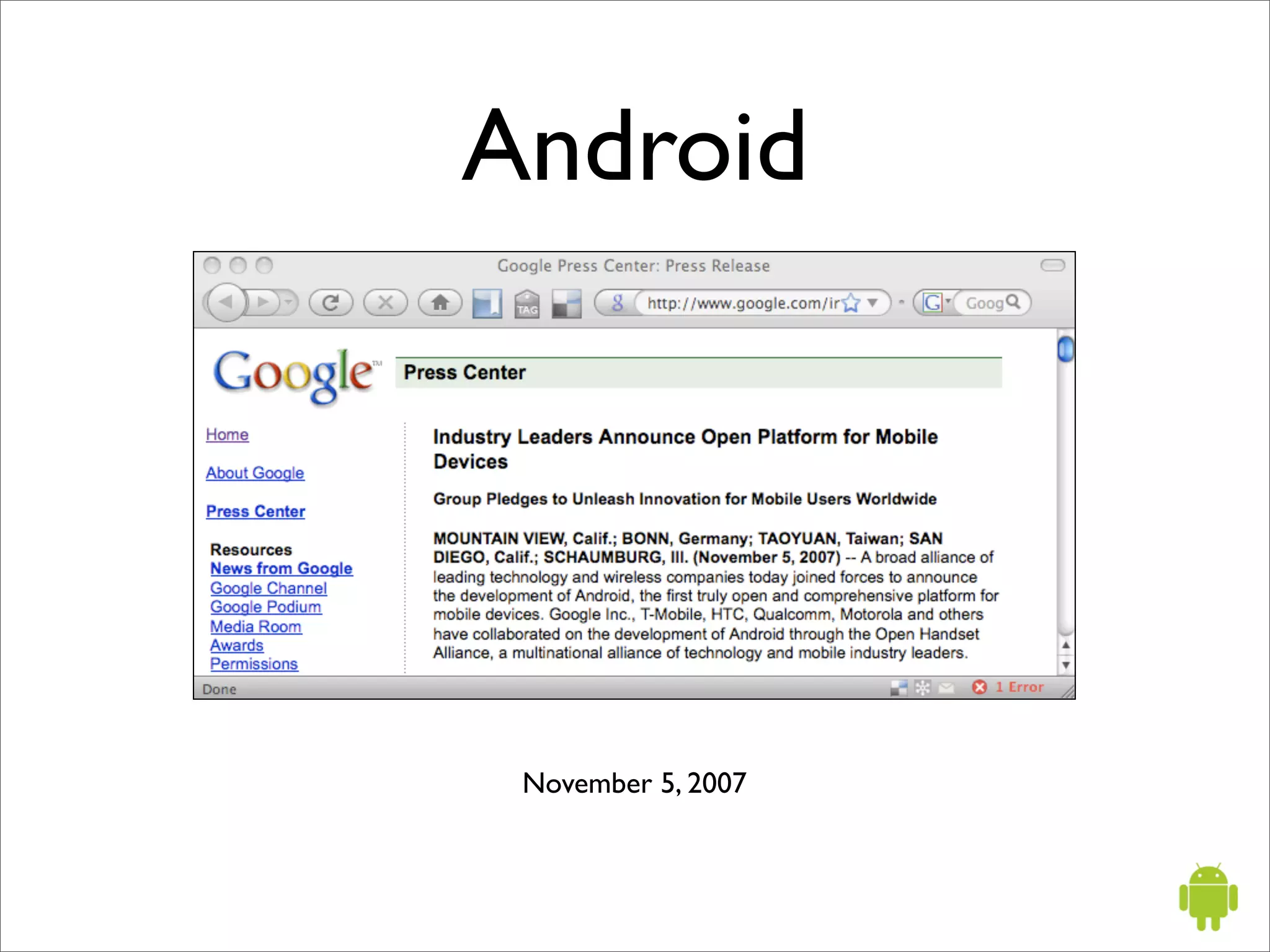
Android


 November 5, 2007
What is Android?

“Android is a software stack for mobile devices
that includes an operating system, middleware
and key applications”
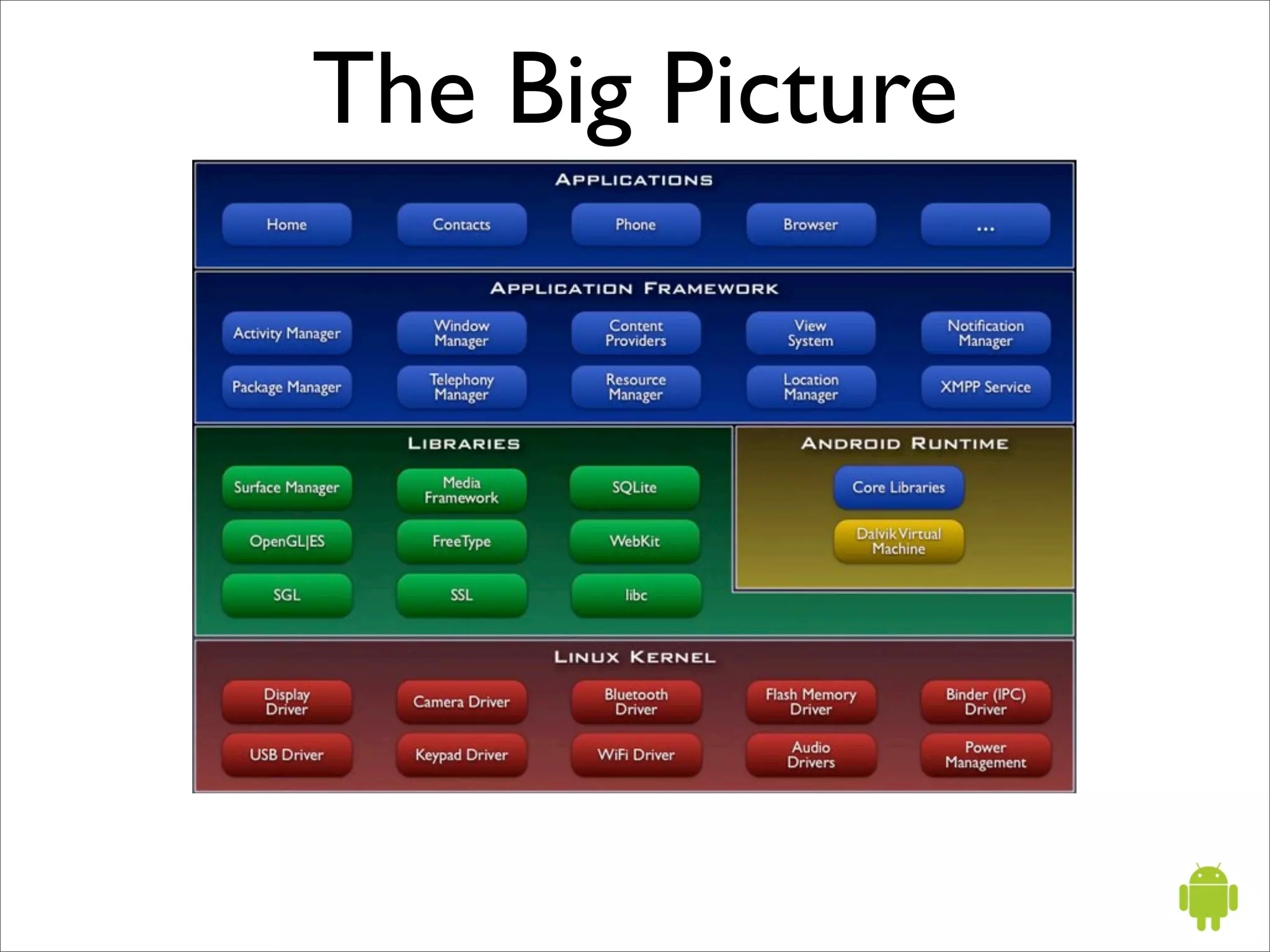
The Big Picture
Android applications


• are written in the Java language
• run on the Dalvik virtual machine
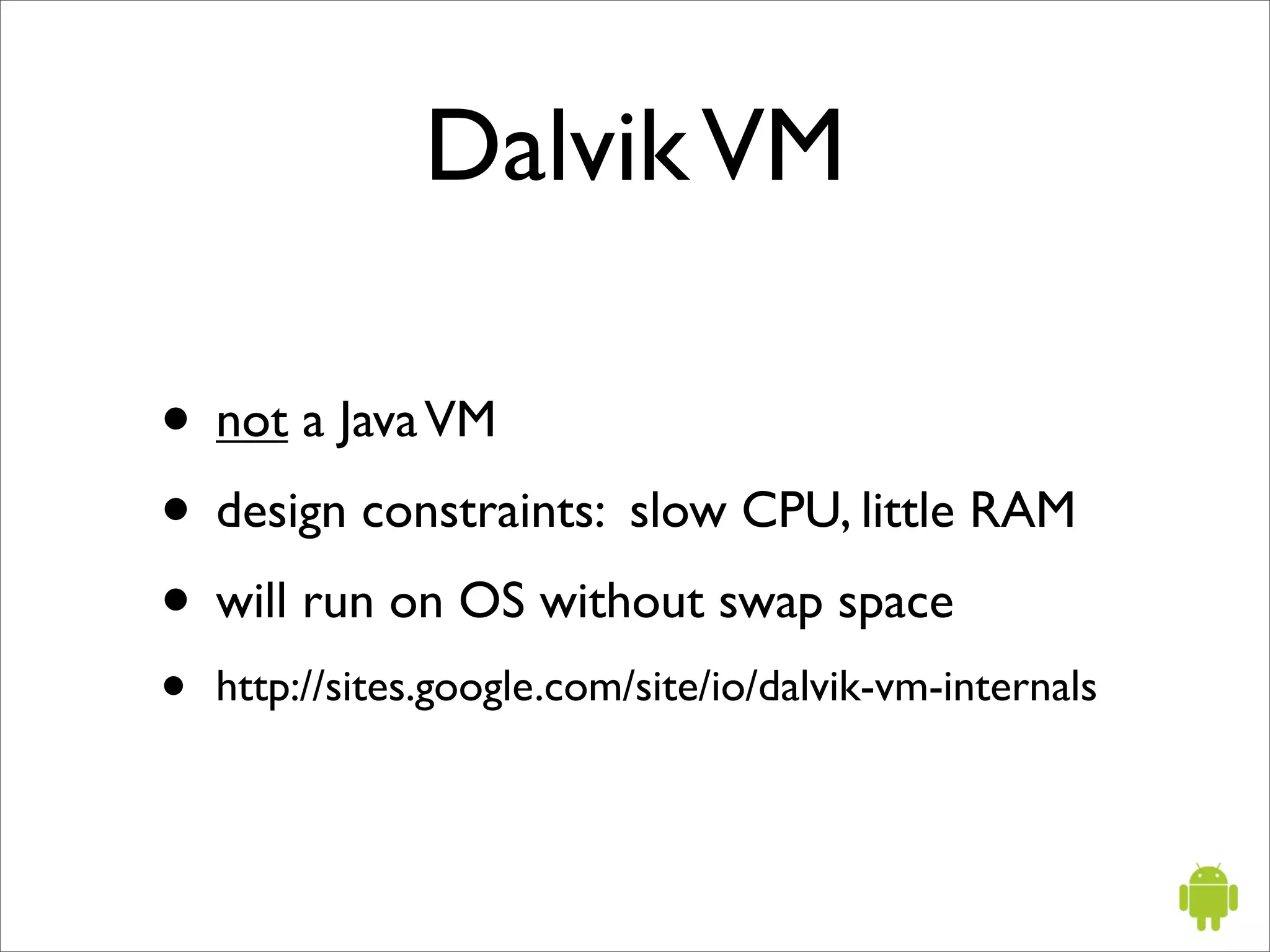
Dalvik VM

• not a Java VM
• design constraints: slow CPU, little RAM
• will run on OS without swap space
•   http://sites.google.com/site/io/dalvik-vm-internals
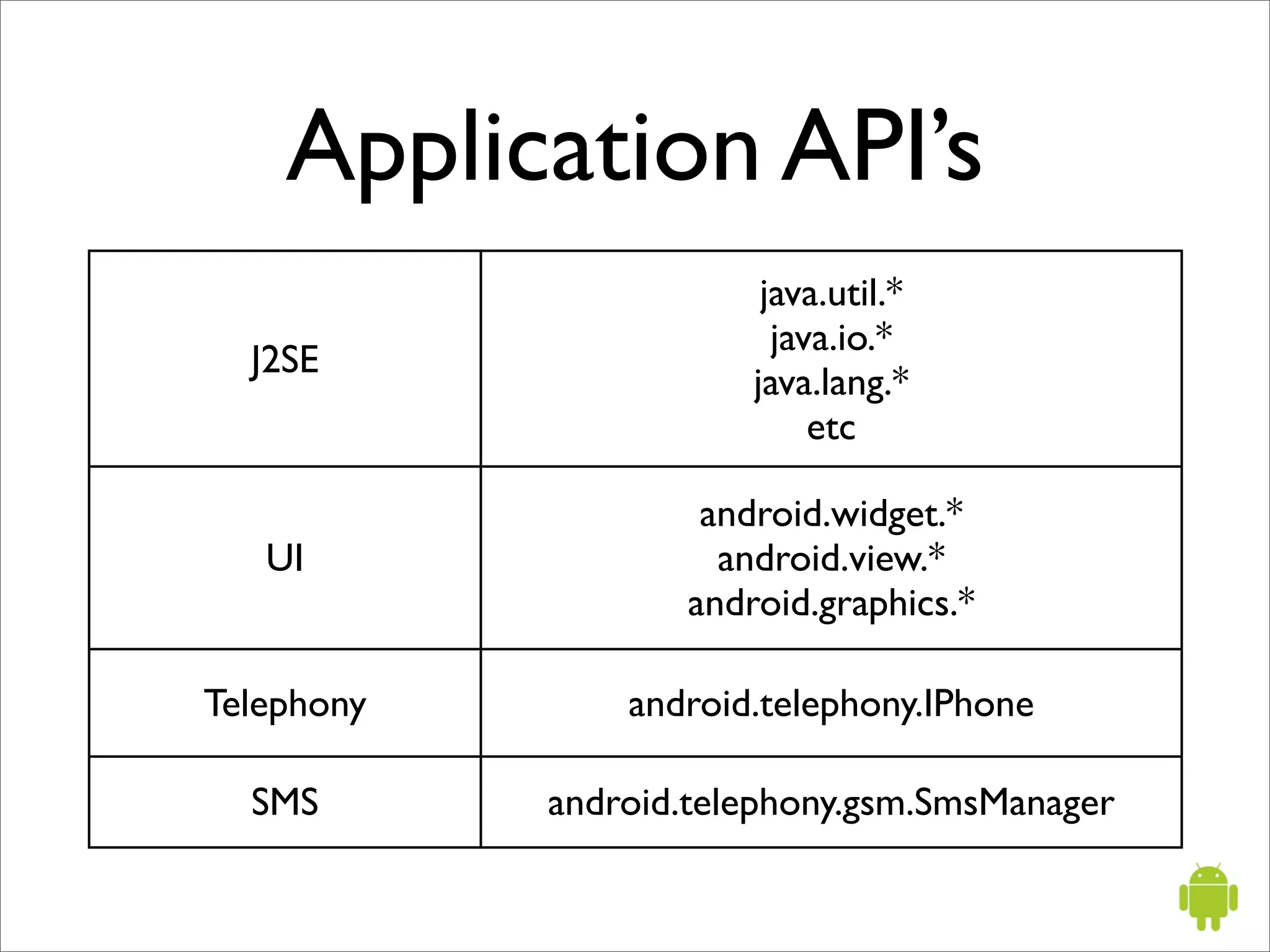
Application API’s
                        java.util.*
                         java.io.*
  J2SE
                       java.lang.*
                            etc

                    android.widget.*
   UI                android.view.*
                   android.graphics.*

Telephony       android.telephony.IPhone

  SMS       android.telephony.gsm.SmsManager
Application API’s
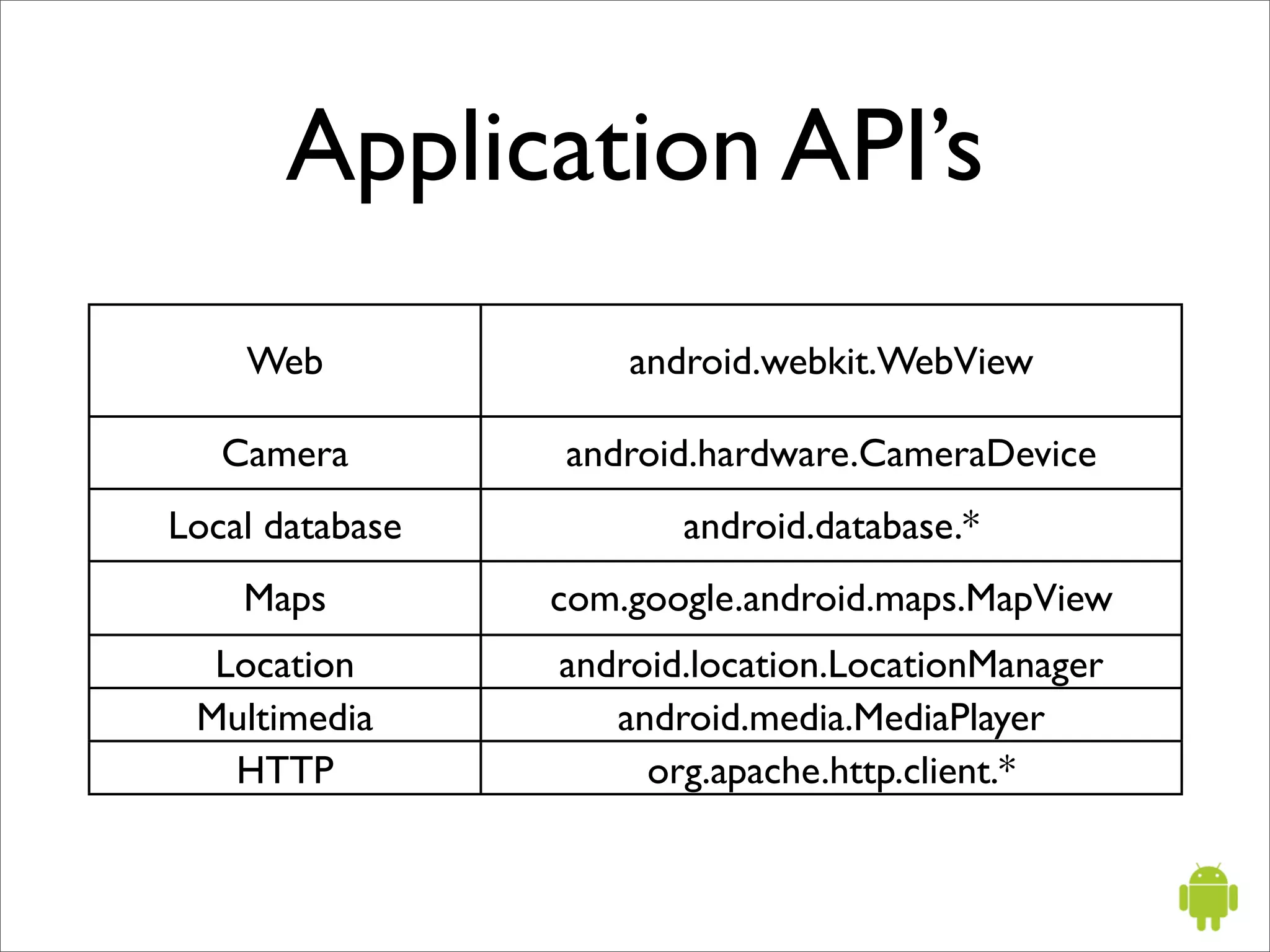
    Web              android.webkit.WebView

   Camera        android.hardware.CameraDevice
Local database          android.database.*
    Maps         com.google.android.maps.MapView
  Location       android.location.LocationManager
 Multimedia         android.media.MediaPlayer
   HTTP               org.apache.http.client.*
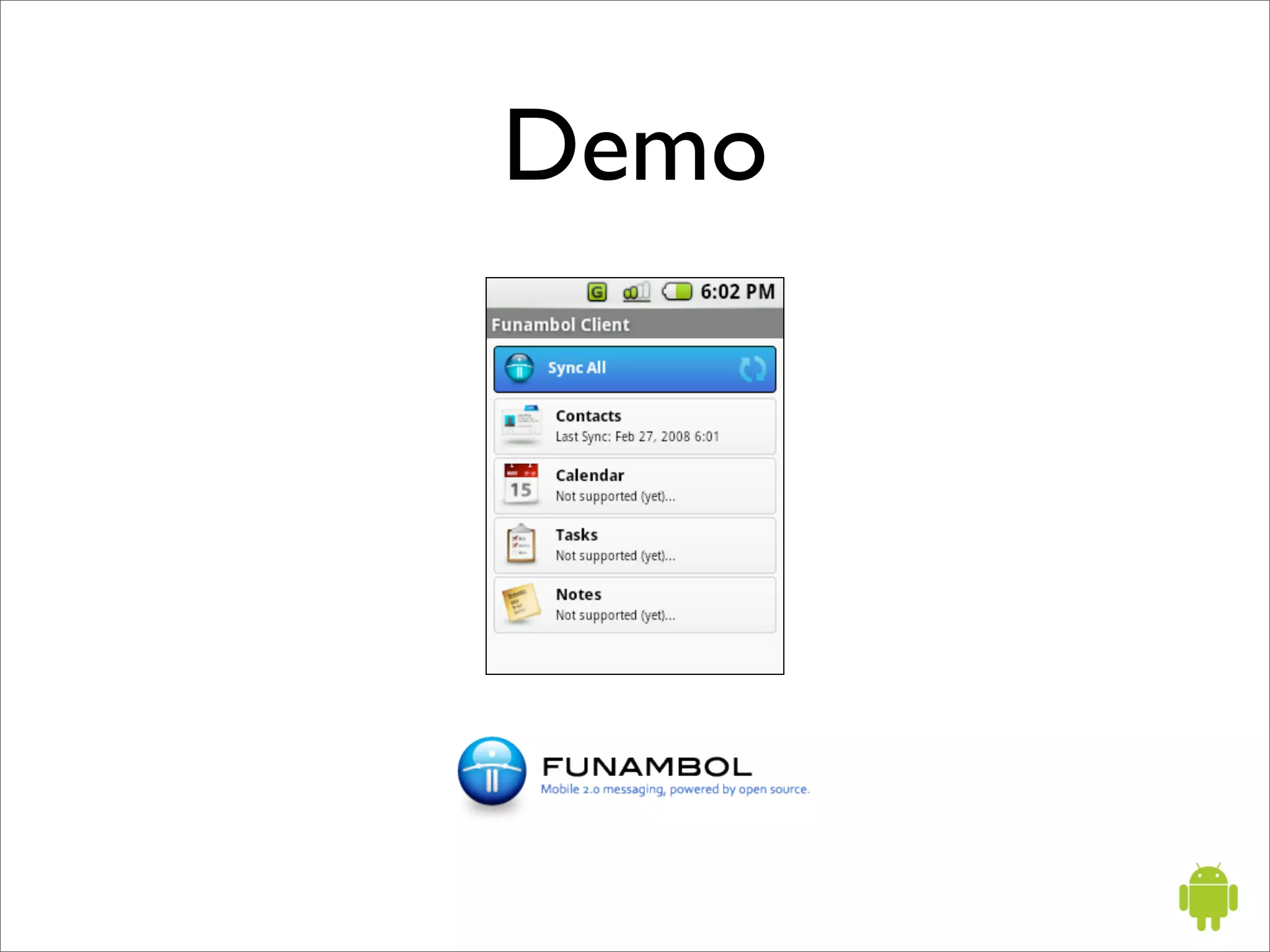
Demo
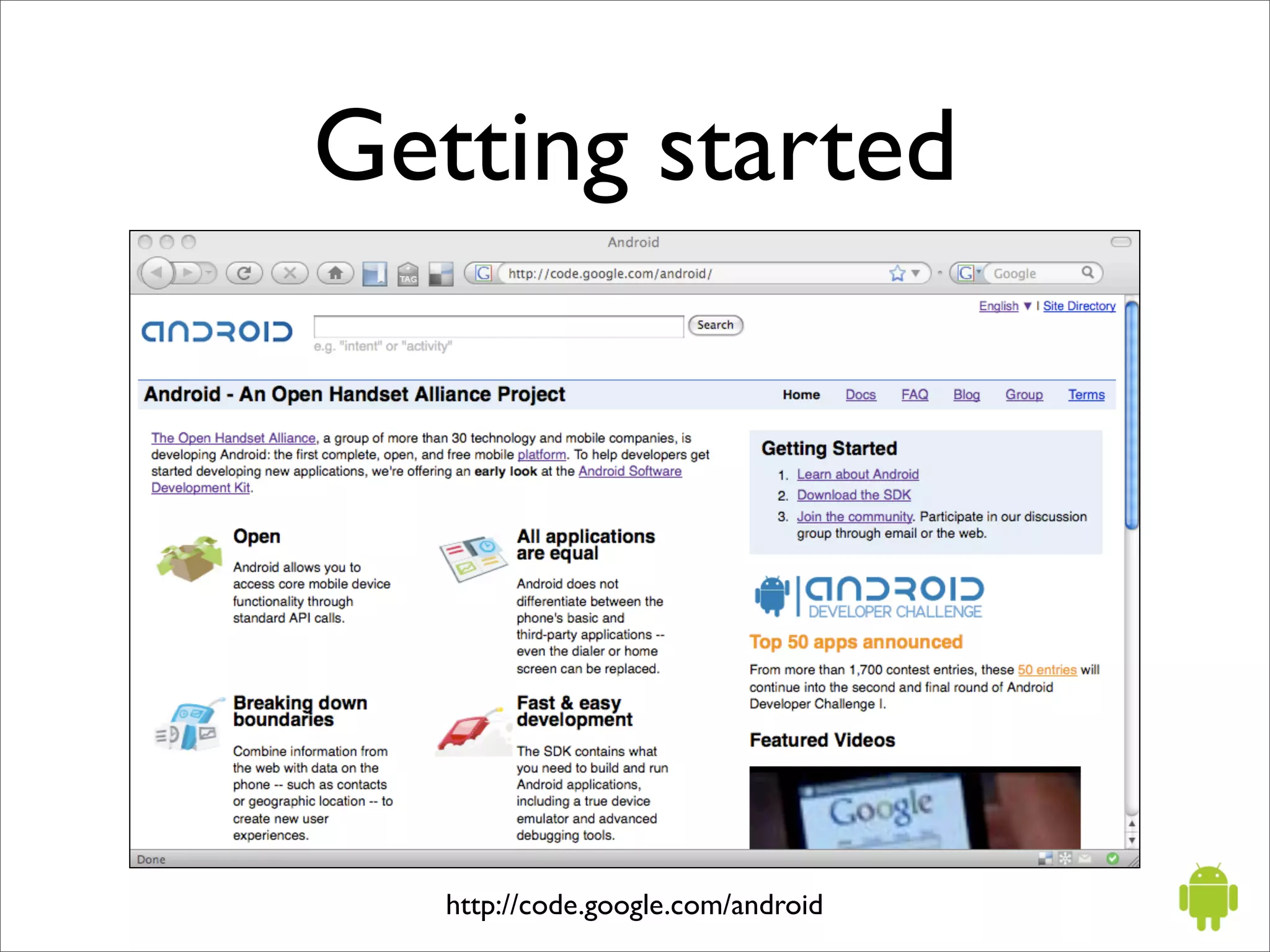
Getting started


   http://code.google.com/android
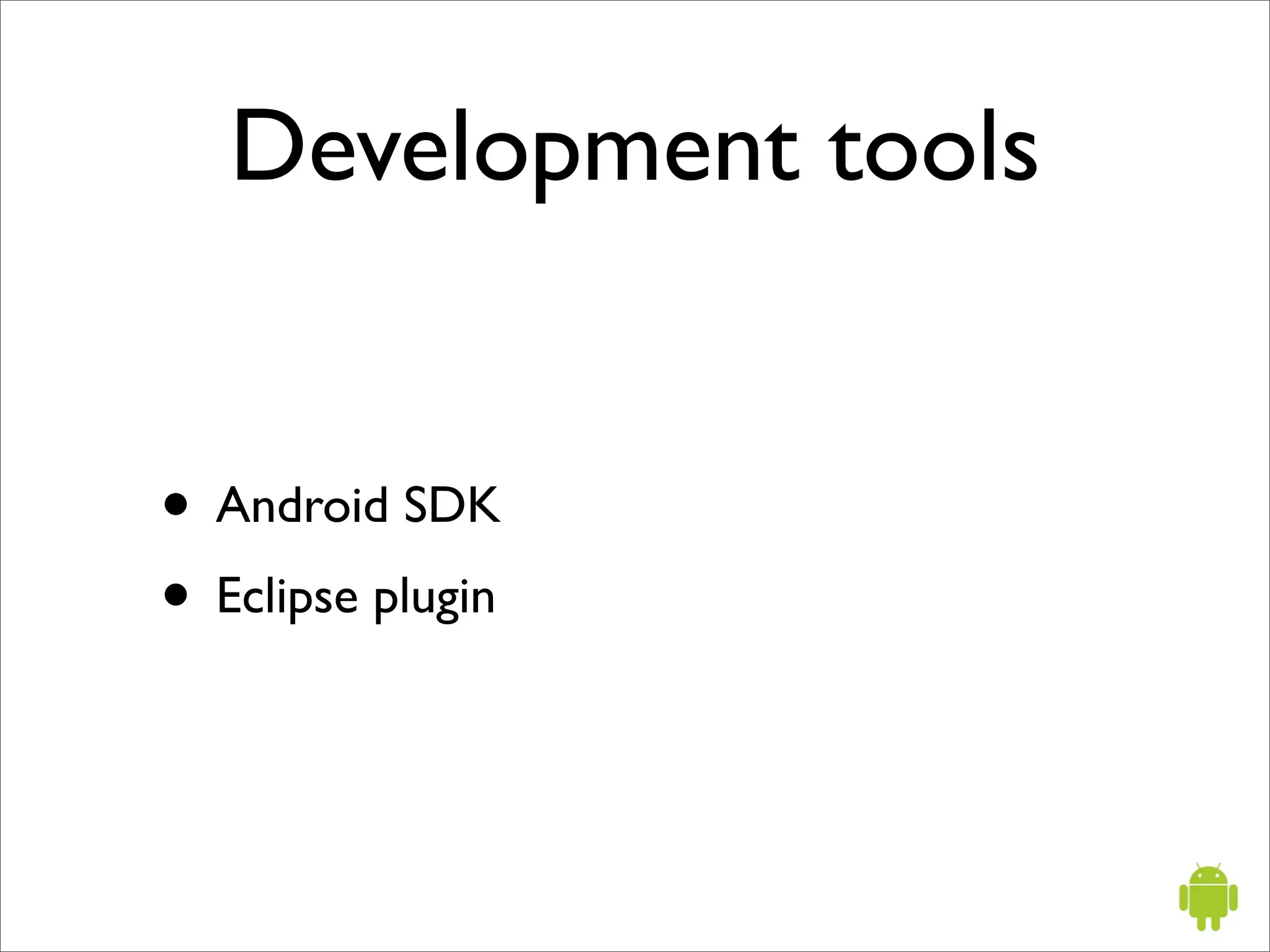
Development tools


• Android SDK
• Eclipse plugin
Android SDK

• Android emulator
• command line tools
• documentation
• example applications
Command line tools

• aapt - Android asset packaging tool
• adb - Android debug bridge
• aidl - Android IDL compiler
• emulator - Android emulator
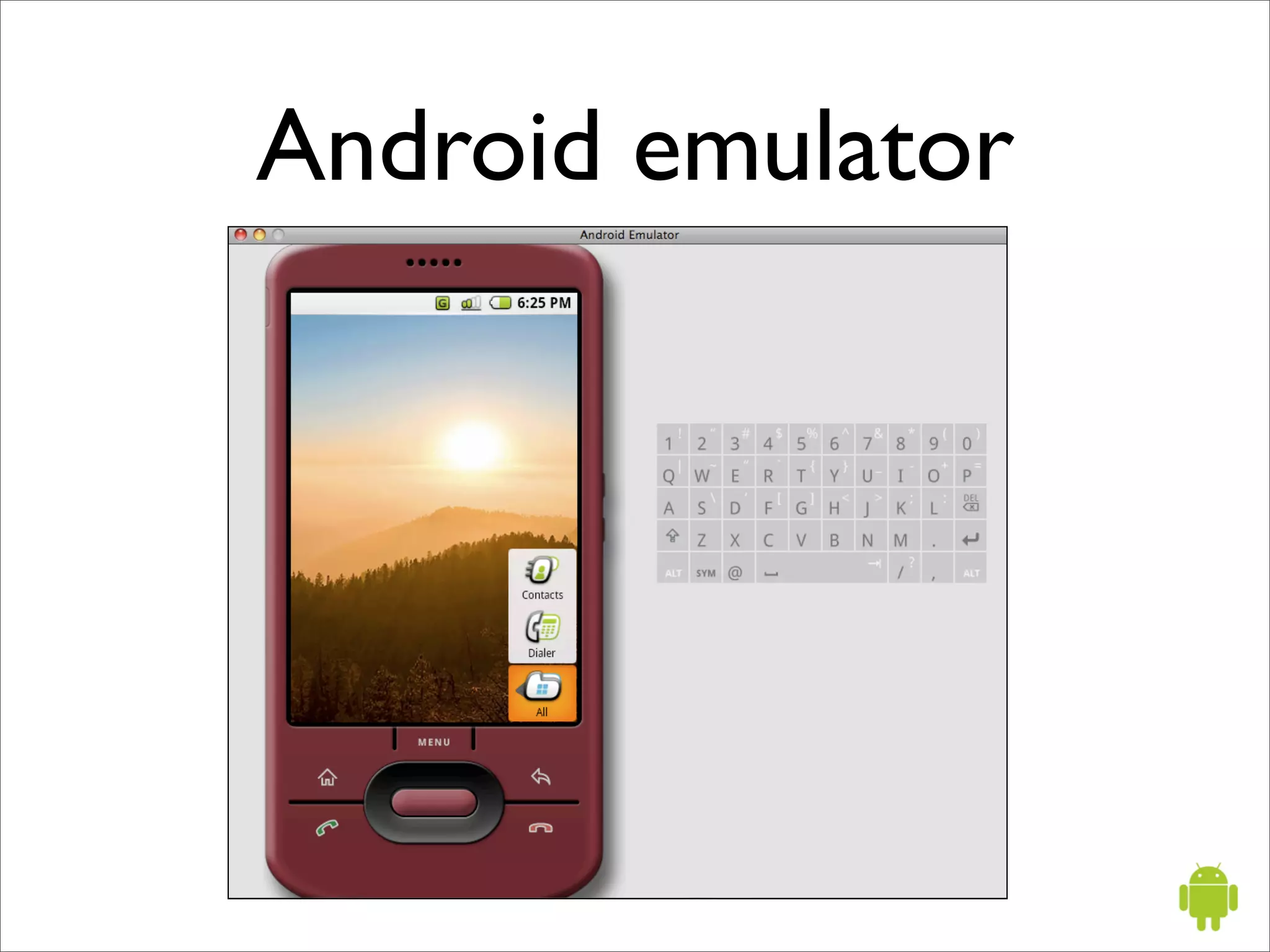
Android emulator
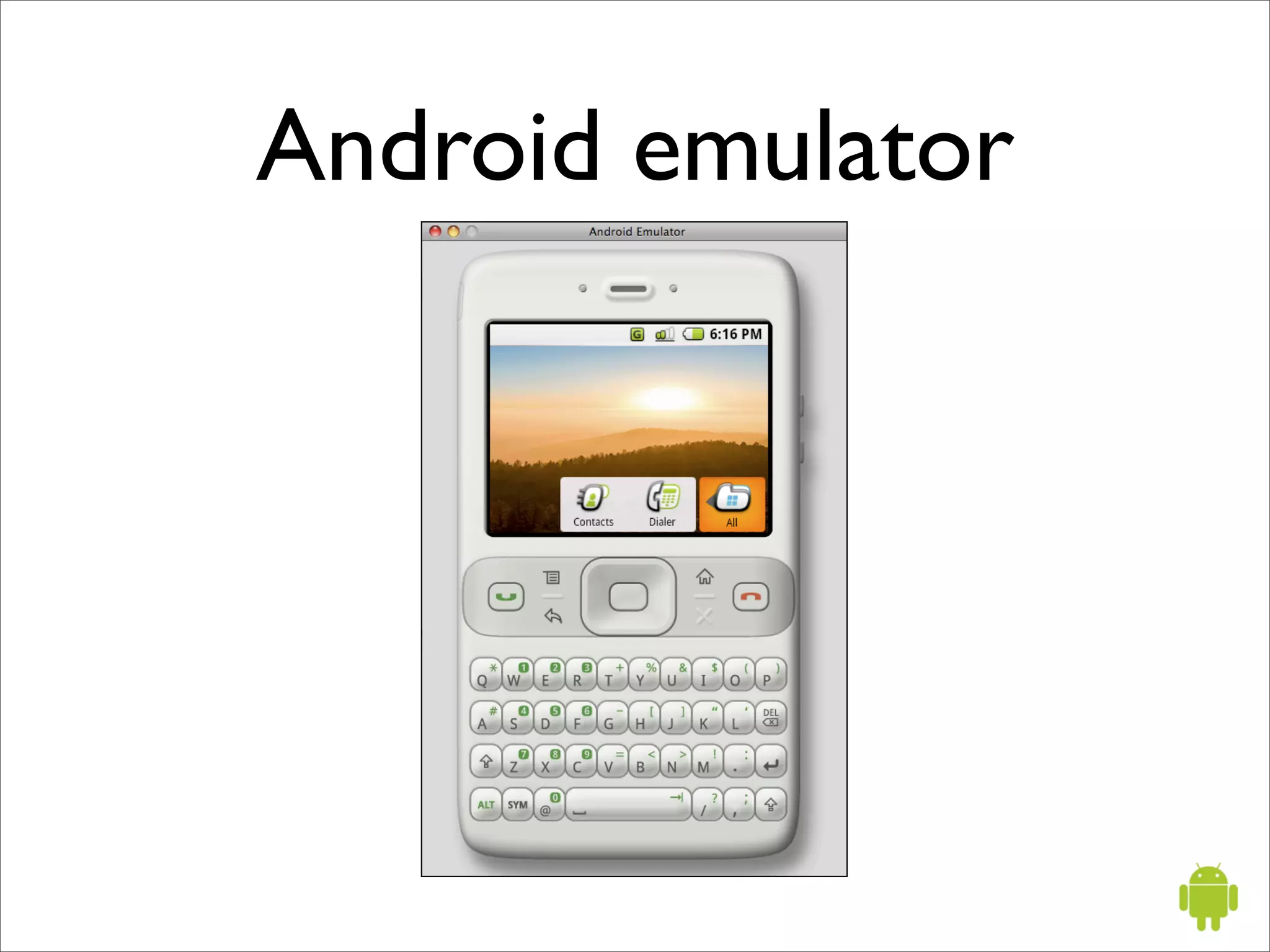
Android emulator
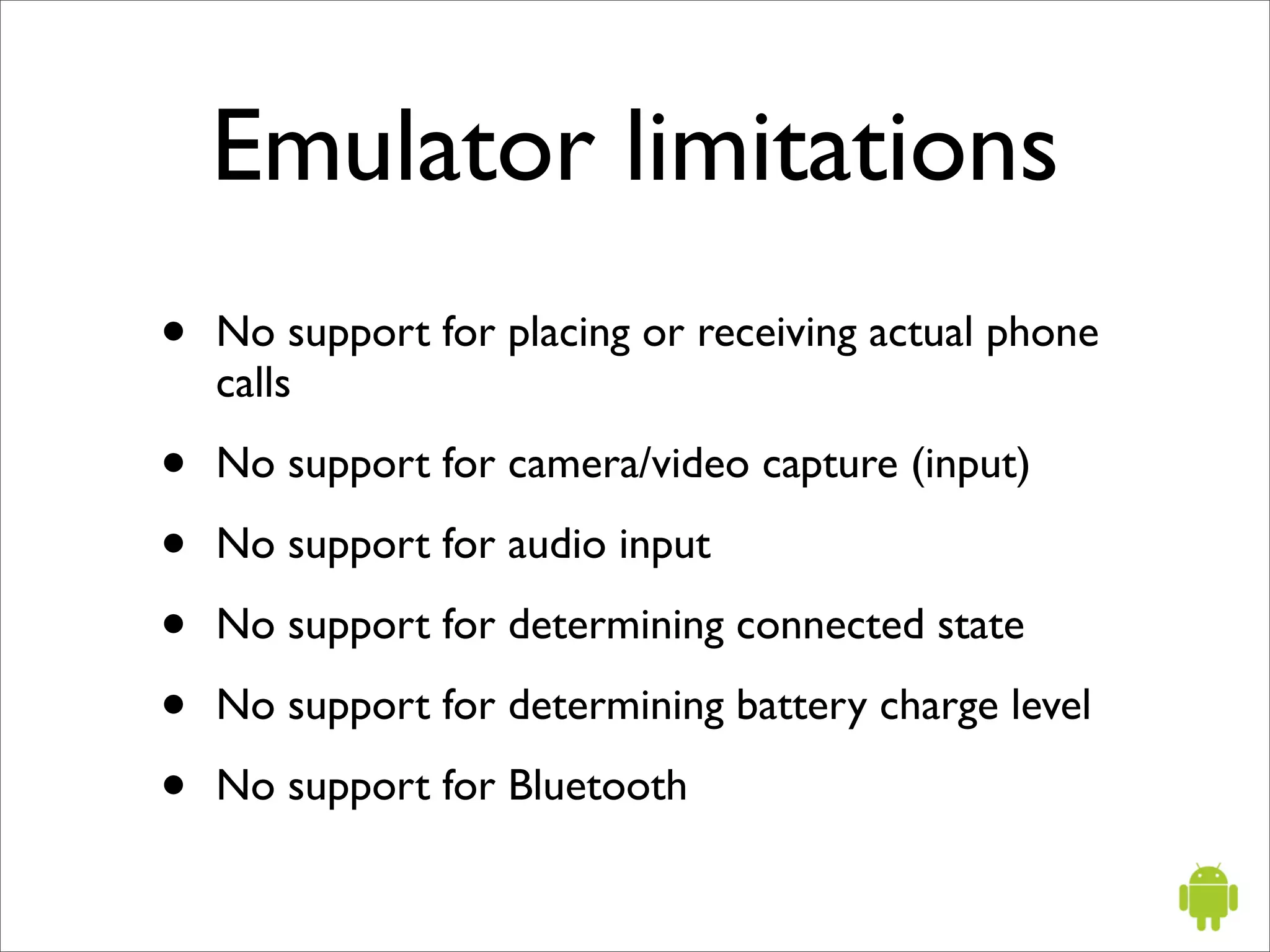
Emulator limitations
•   No support for placing or receiving actual phone
    calls

•   No support for camera/video capture (input)

•   No support for audio input

•   No support for determining connected state

•   No support for determining battery charge level

•   No support for Bluetooth
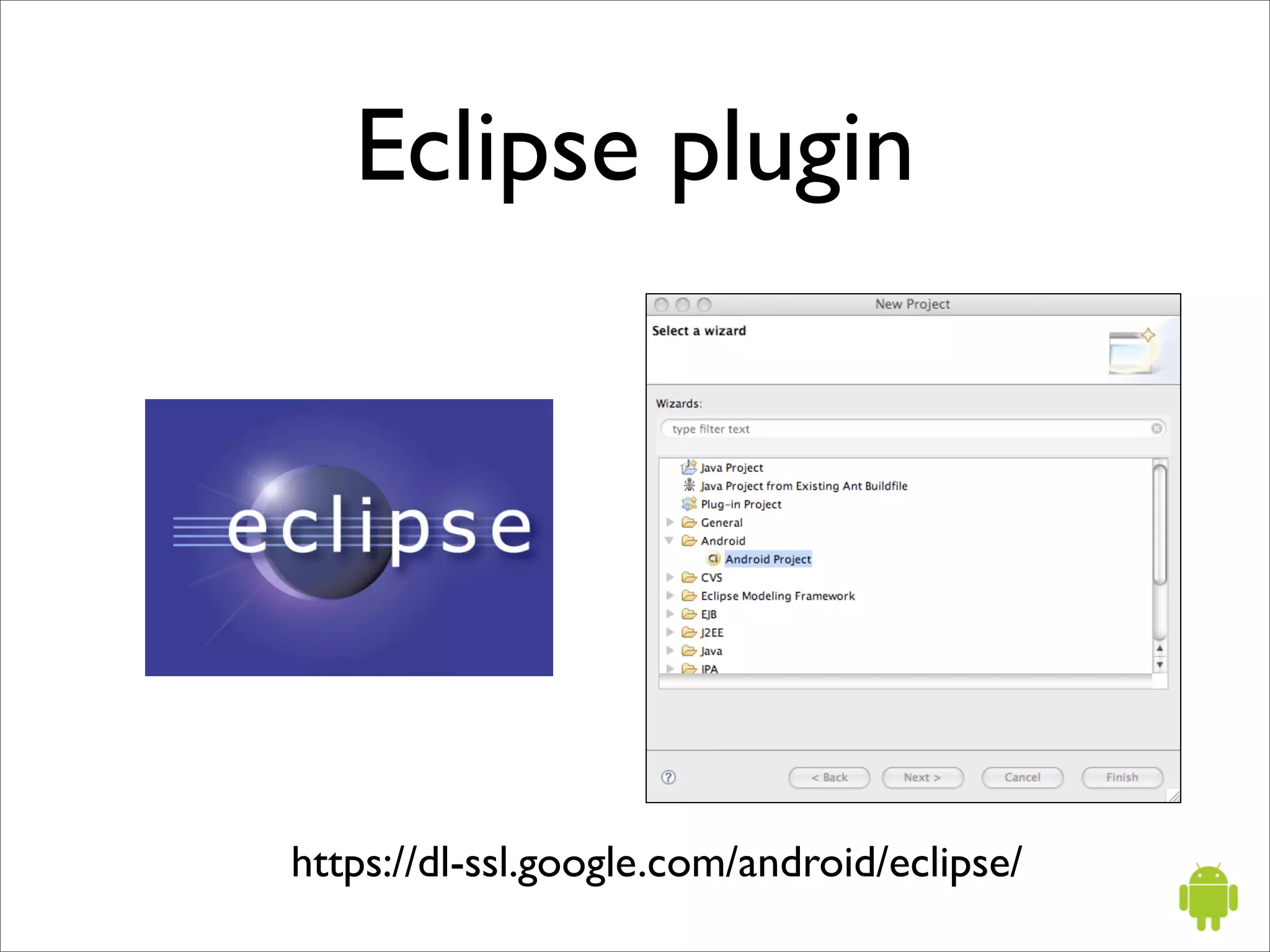
Eclipse plugin


https://dl-ssl.google.com/android/eclipse/
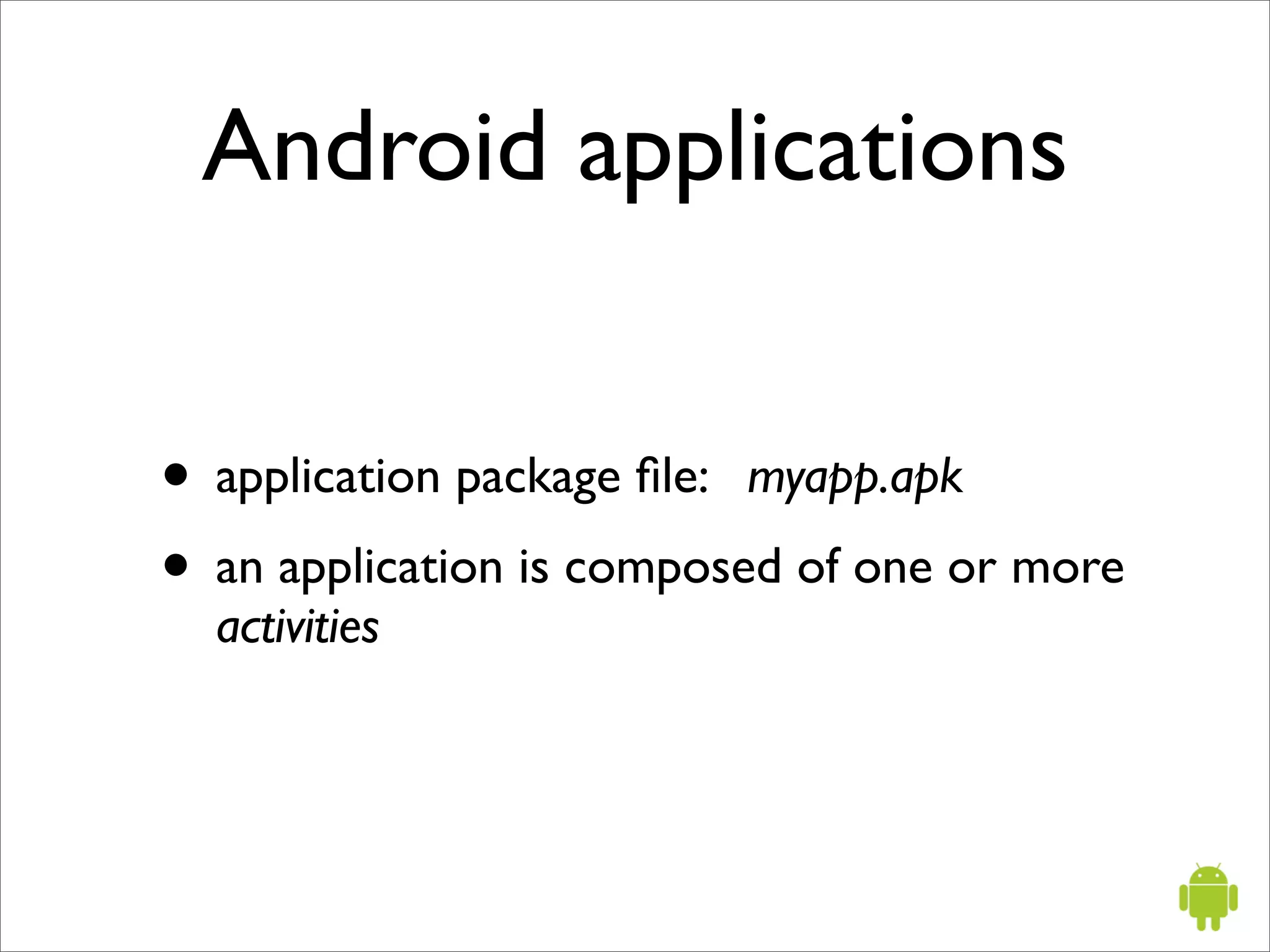
Android applications


• application package file: myapp.apk
• an application is composed of one or more
  activities
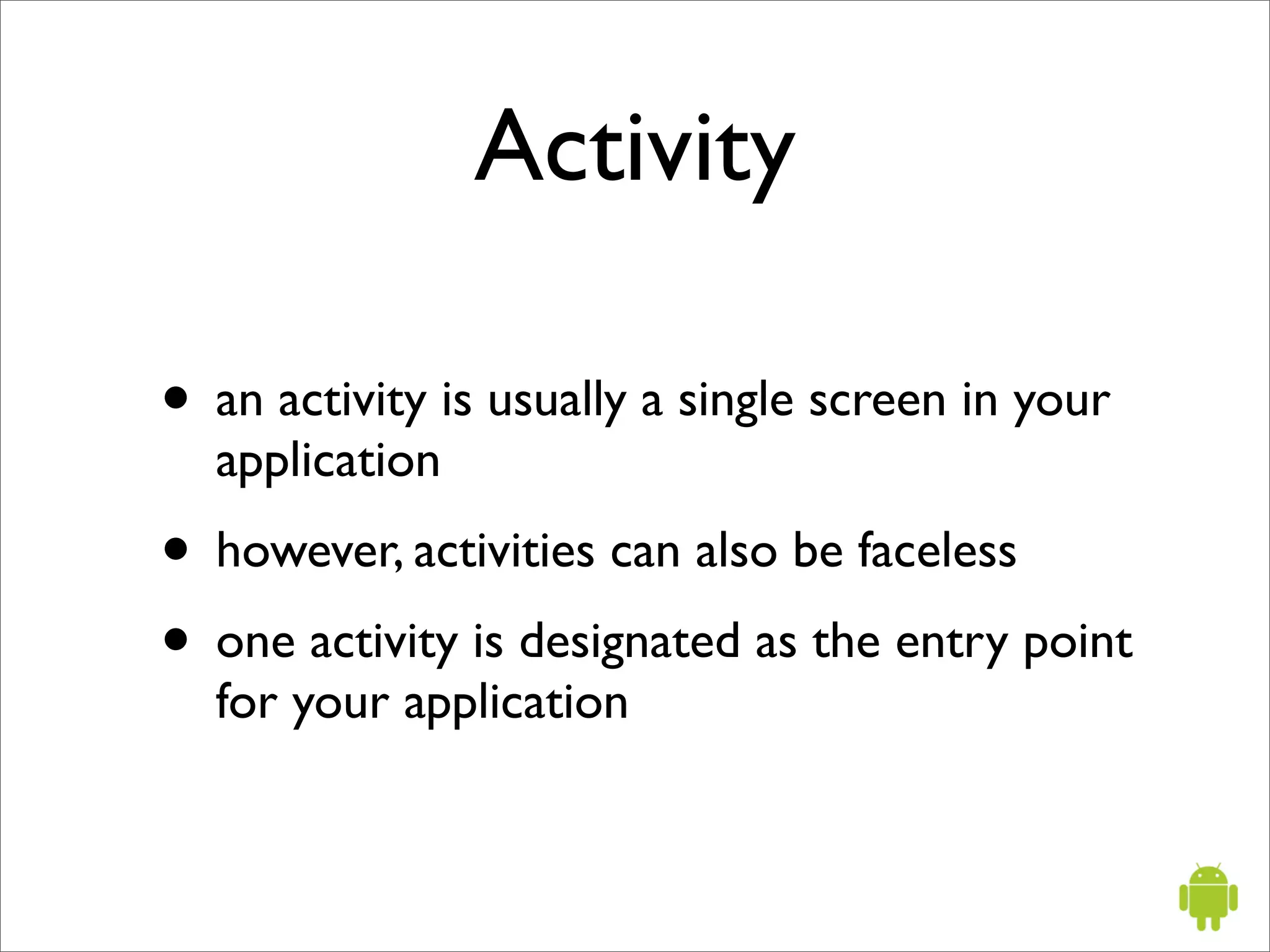
Activity

• an activity is usually a single screen in your
  application
• however, activities can also be faceless
• one activity is designated as the entry point
  for your application
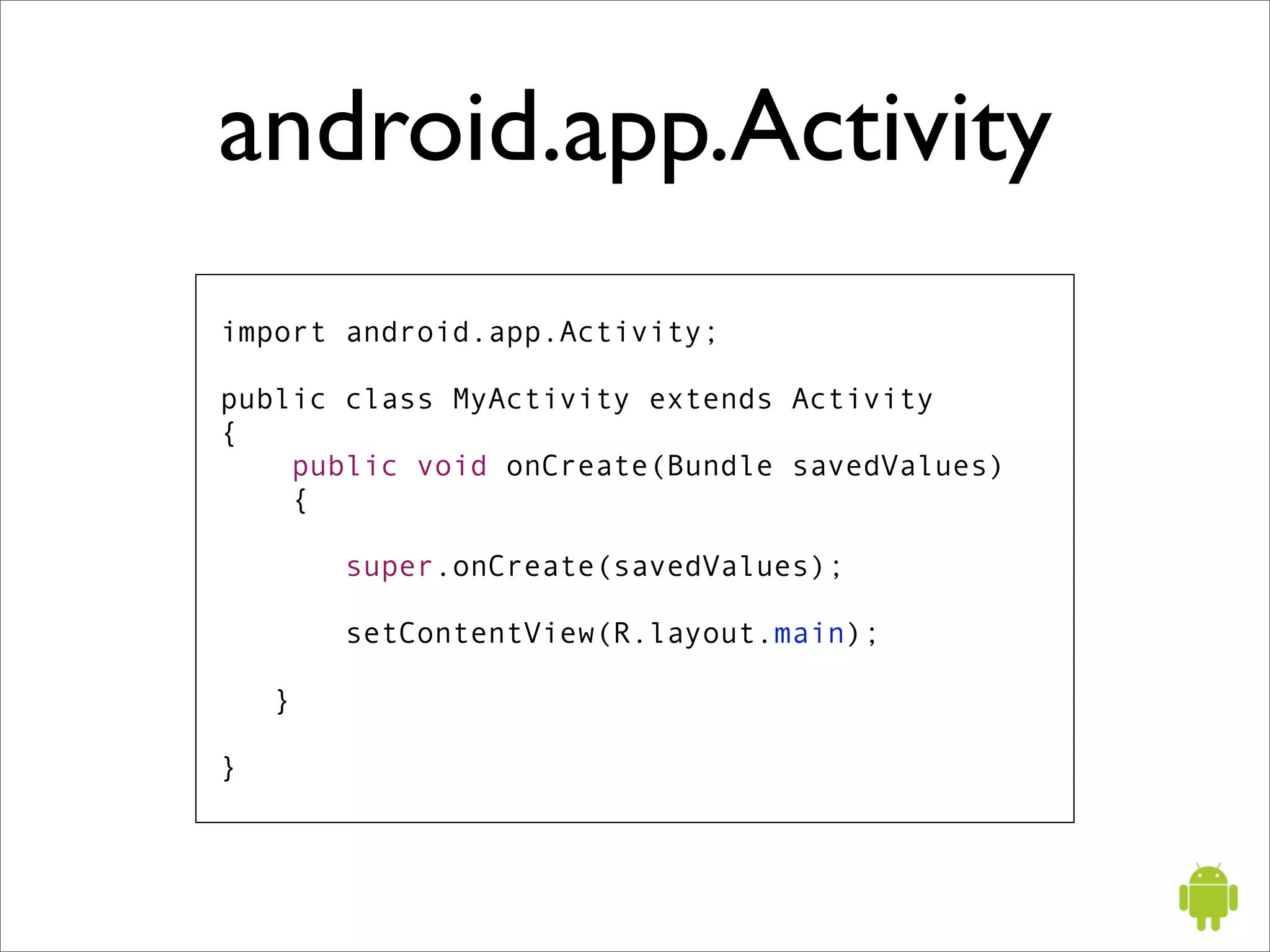
android.app.Activity
import android.app.Activity;

public class MyActivity extends Activity
{
    public void onCreate(Bundle savedValues)
    {

        super.onCreate(savedValues);

        setContentView(R.layout.main);

    }

}
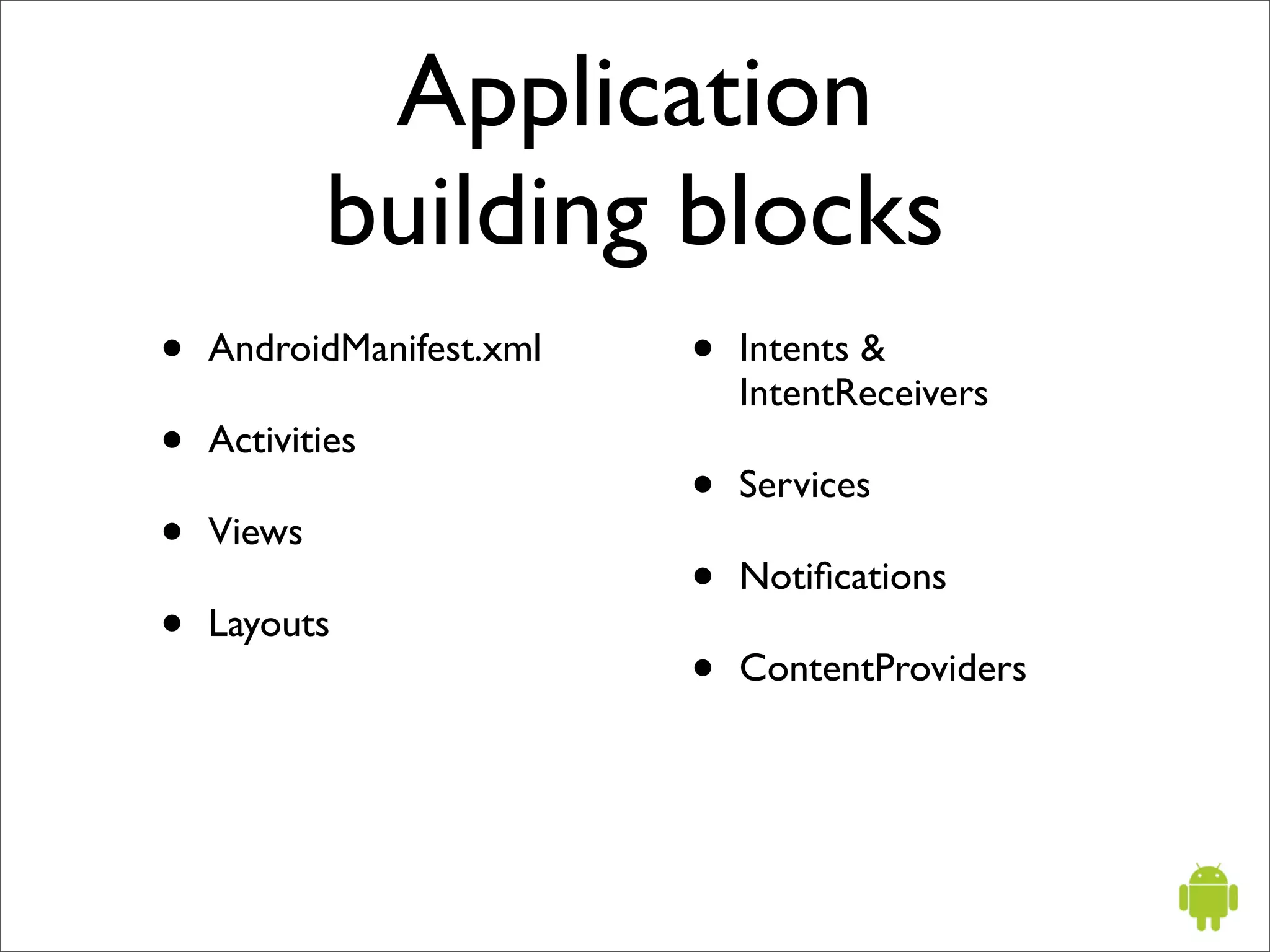
Application
            building blocks
•   AndroidManifest.xml   •   Intents &
                              IntentReceivers
•   Activities
                          •   Services
•   Views
                          •   Notifications
•   Layouts
                          •   ContentProviders
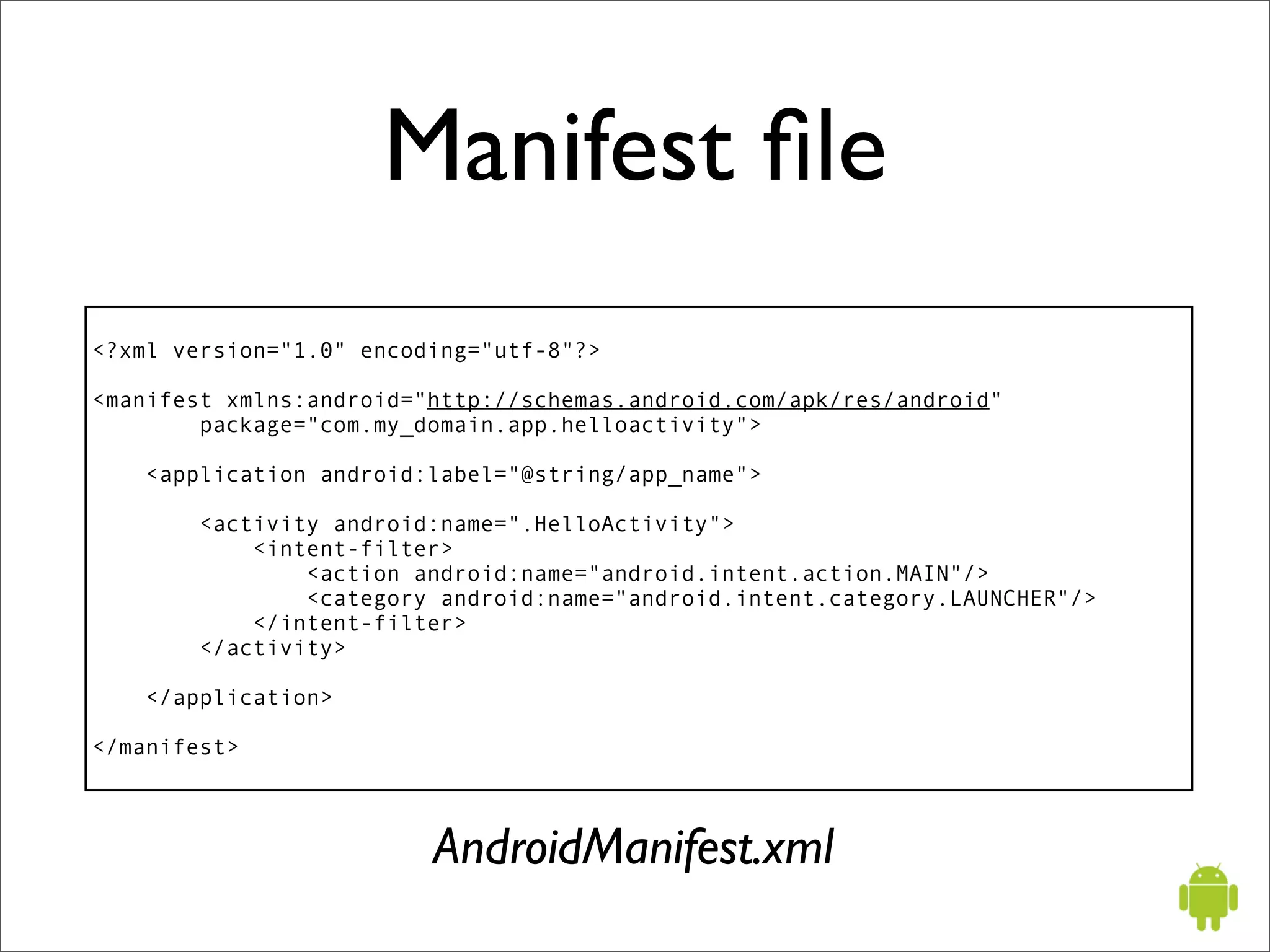
Manifest file
<?xml version="1.0" encoding="utf-8"?>

<manifest xmlns:android="http://schemas.android.com/apk/res/android"
        package="com.my_domain.app.helloactivity">

    <application android:label="@string/app_name">

       <activity android:name=".HelloActivity">
           <intent-filter>
               <action android:name="android.intent.action.MAIN"/>
               <category android:name="android.intent.category.LAUNCHER"/>
           </intent-filter>
       </activity>

    </application>

</manifest>


                         AndroidManifest.xml
Implementing your
     application UI

• Java code
• XML
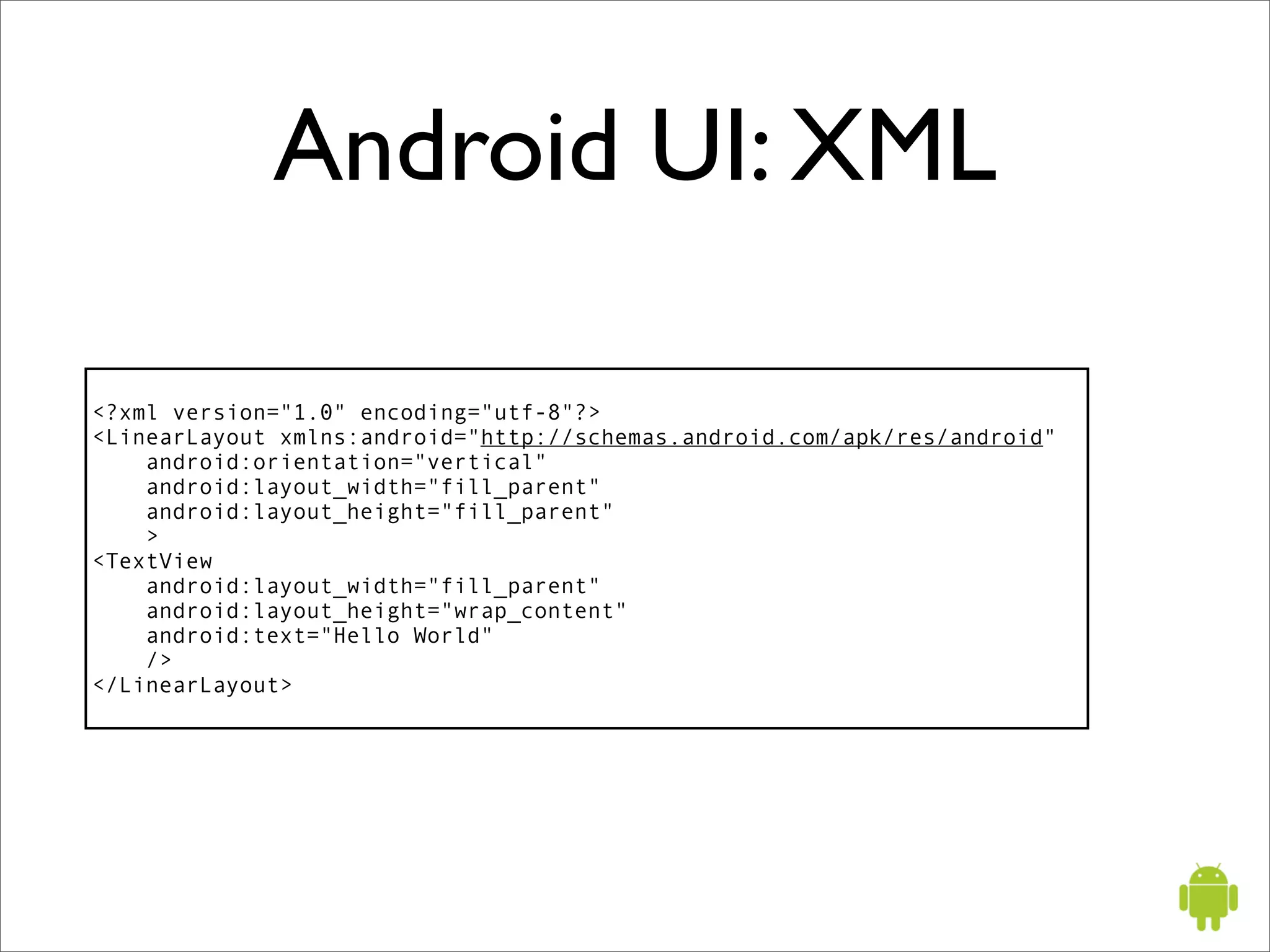
Android UI: XML

<?xml version="1.0" encoding="utf-8"?>
<LinearLayout xmlns:android="http://schemas.android.com/apk/res/android"
    android:orientation="vertical"
    android:layout_width="fill_parent"
    android:layout_height="fill_parent"
    >
<TextView
    android:layout_width="fill_parent"
    android:layout_height="wrap_content"
    android:text="Hello World"
    />
</LinearLayout>
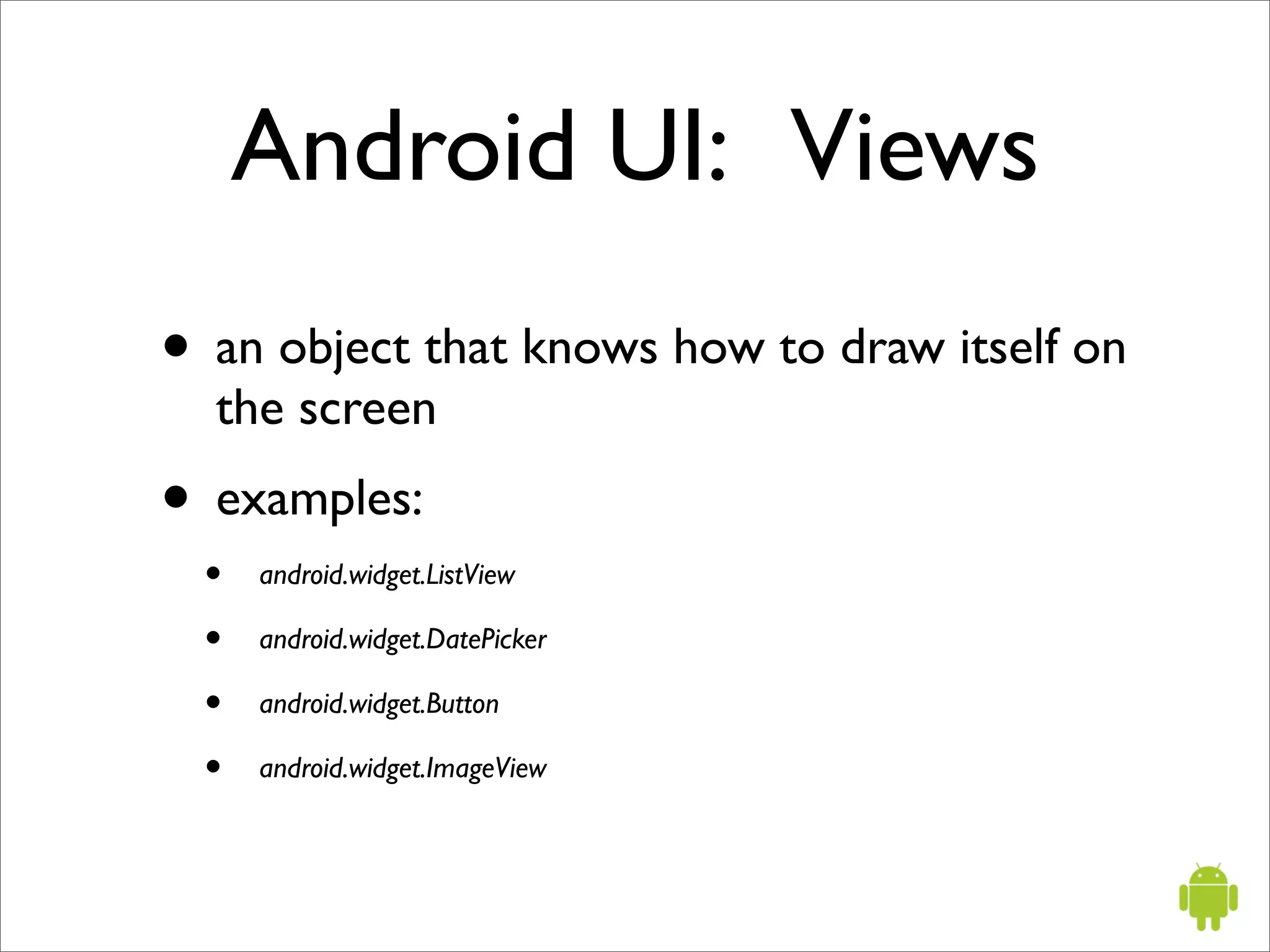
Android UI: Views
• an object that knows how to draw itself on
  the screen
• examples:
 •   android.widget.ListView

 •   android.widget.DatePicker

 •   android.widget.Button

 •   android.widget.ImageView
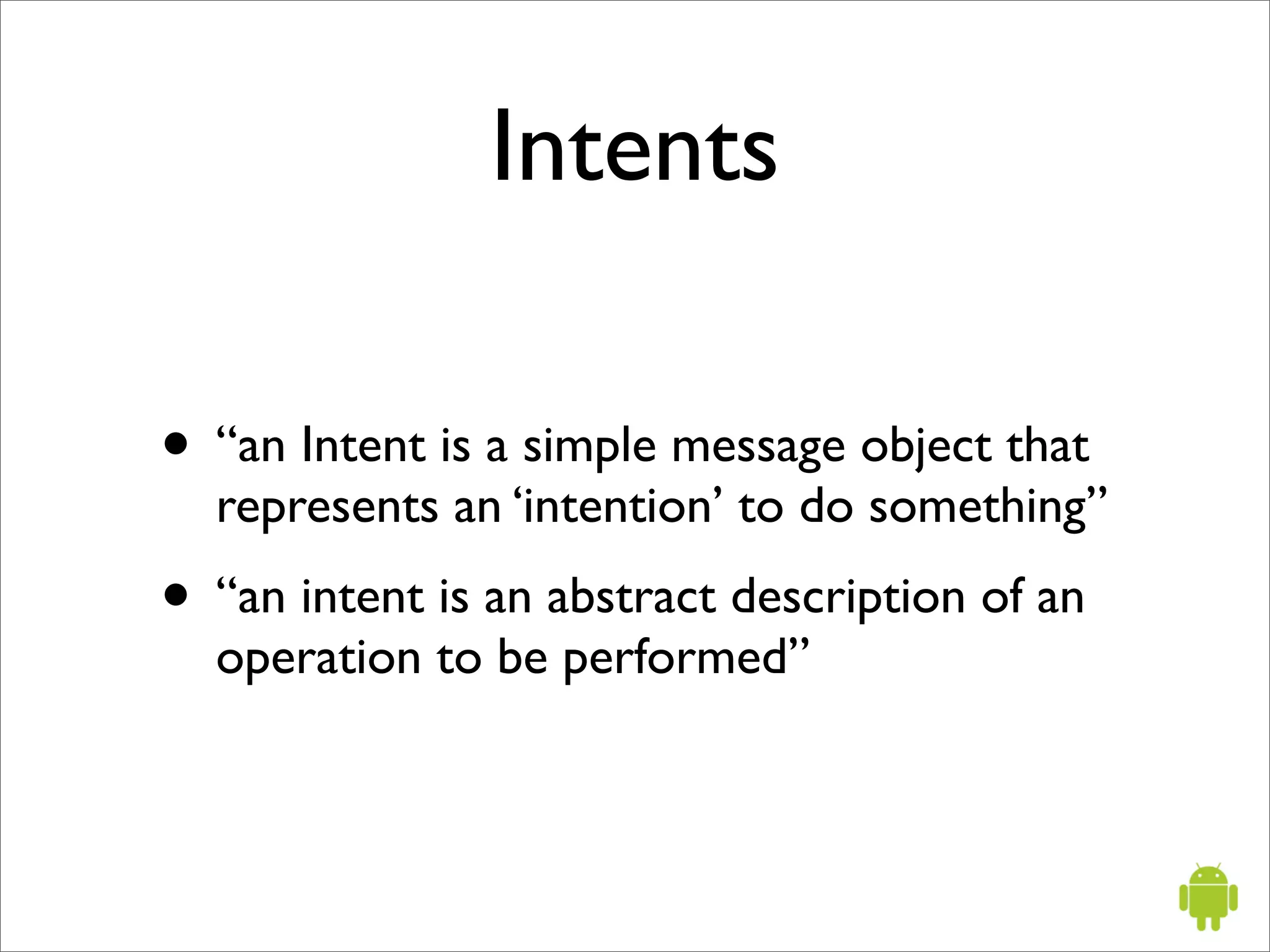
Intents

• “an Intent is a simple message object that
  represents an ‘intention’ to do something”
• “an intent is an abstract description of an
  operation to be performed”
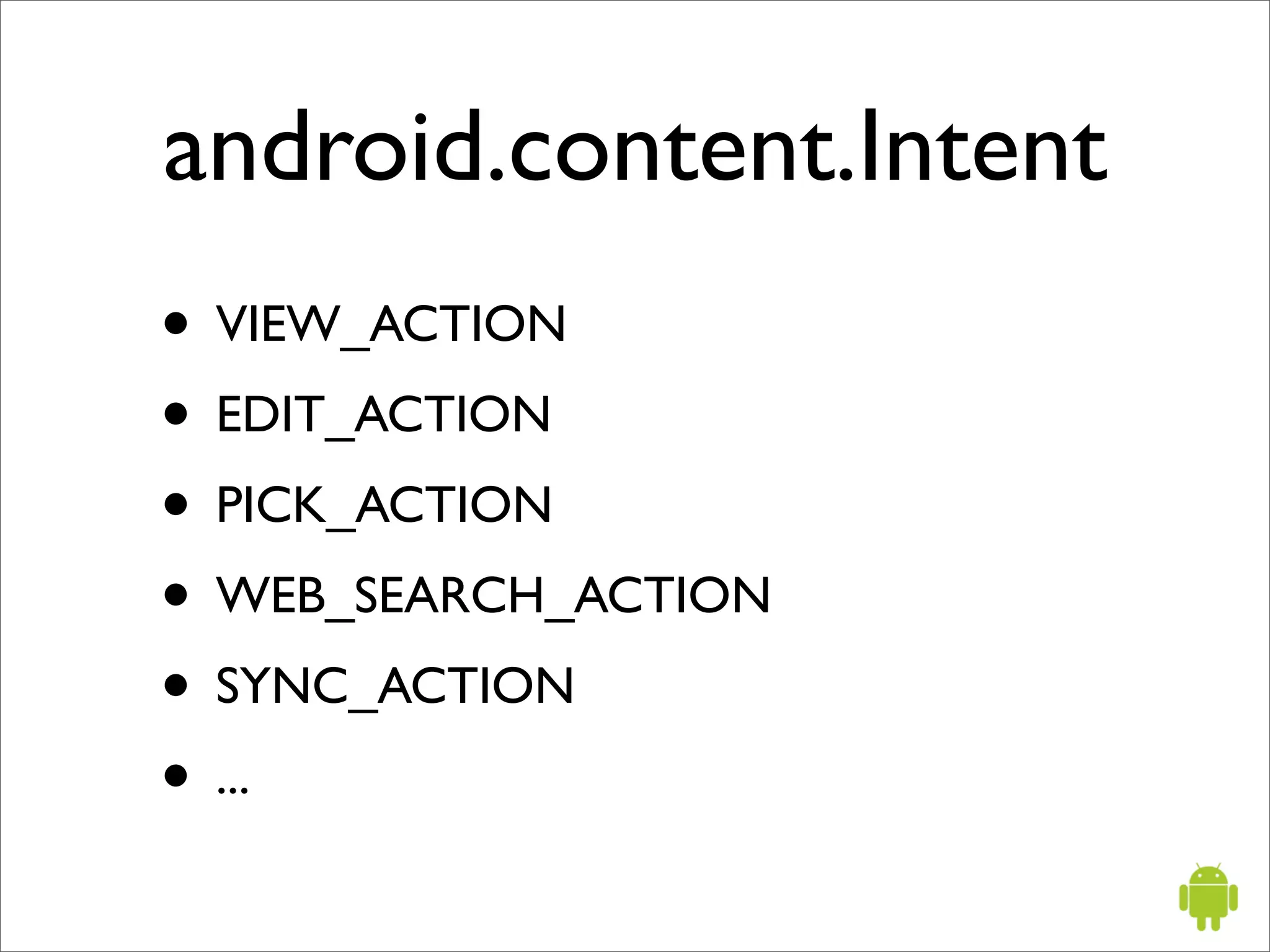
android.content.Intent
• VIEW_ACTION
• EDIT_ACTION
• PICK_ACTION
• WEB_SEARCH_ACTION
• SYNC_ACTION
• ...
Application Context
android.app.ApplicationContext

 •   startActivity(Intent)

 •   getSystemService

 •   createDatabase

 •   openDatabase

 •   deleteDatabase

 •   ...
Additional topics
•   Threading              •   AIDL - Android IDL

•   Security model         •   Data synchronization

•   Internationalization   •   API for WiFi

•   Power management
Android resources
• http://code.google.com/android/
• http://android-developers.blogspot.com
• http://code.google.com/p/apps-for-android/
• http://sites.google.com/site/io/
• http://www.openhandsetalliance.com/
• http://git.android.com

Androidoscon20080721 1216843094441821-9

  • 1.
    Getting started with Google Android Sean Sullivan July 21, 2008
  • 2.
    Topics • Android platform •Developer tools • Android programming
  • 3.
  • 4.
    What is Android? “Androidis a software stack for mobile devices that includes an operating system, middleware and key applications”
  • 5.
  • 6.
    Android applications • arewritten in the Java language • run on the Dalvik virtual machine
  • 7.
    Dalvik VM • nota Java VM • design constraints: slow CPU, little RAM • will run on OS without swap space • http://sites.google.com/site/io/dalvik-vm-internals
  • 8.
    Application API’s java.util.* java.io.* J2SE java.lang.* etc android.widget.* UI android.view.* android.graphics.* Telephony android.telephony.IPhone SMS android.telephony.gsm.SmsManager
  • 9.
    Application API’s Web android.webkit.WebView Camera android.hardware.CameraDevice Local database android.database.* Maps com.google.android.maps.MapView Location android.location.LocationManager Multimedia android.media.MediaPlayer HTTP org.apache.http.client.*
  • 10.
  • 11.
    Getting started http://code.google.com/android
  • 12.
    Development tools • AndroidSDK • Eclipse plugin
  • 13.
    Android SDK • Androidemulator • command line tools • documentation • example applications
  • 14.
    Command line tools •aapt - Android asset packaging tool • adb - Android debug bridge • aidl - Android IDL compiler • emulator - Android emulator
  • 15.
  • 16.
  • 17.
    Emulator limitations • No support for placing or receiving actual phone calls • No support for camera/video capture (input) • No support for audio input • No support for determining connected state • No support for determining battery charge level • No support for Bluetooth
  • 18.
  • 19.
    Android applications • applicationpackage file: myapp.apk • an application is composed of one or more activities
  • 20.
    Activity • an activityis usually a single screen in your application • however, activities can also be faceless • one activity is designated as the entry point for your application
  • 21.
    android.app.Activity import android.app.Activity; public classMyActivity extends Activity { public void onCreate(Bundle savedValues) { super.onCreate(savedValues); setContentView(R.layout.main); } }
  • 22.
    Application building blocks • AndroidManifest.xml • Intents & IntentReceivers • Activities • Services • Views • Notifications • Layouts • ContentProviders
  • 23.
    Manifest file <?xml version="1.0"encoding="utf-8"?> <manifest xmlns:android="http://schemas.android.com/apk/res/android" package="com.my_domain.app.helloactivity"> <application android:label="@string/app_name"> <activity android:name=".HelloActivity"> <intent-filter> <action android:name="android.intent.action.MAIN"/> <category android:name="android.intent.category.LAUNCHER"/> </intent-filter> </activity> </application> </manifest> AndroidManifest.xml
  • 24.
    Implementing your application UI • Java code • XML
  • 25.
    Android UI: XML <?xmlversion="1.0" encoding="utf-8"?> <LinearLayout xmlns:android="http://schemas.android.com/apk/res/android" android:orientation="vertical" android:layout_width="fill_parent" android:layout_height="fill_parent" > <TextView android:layout_width="fill_parent" android:layout_height="wrap_content" android:text="Hello World" /> </LinearLayout>
  • 26.
    Android UI: Views •an object that knows how to draw itself on the screen • examples: • android.widget.ListView • android.widget.DatePicker • android.widget.Button • android.widget.ImageView
  • 27.
    Intents • “an Intentis a simple message object that represents an ‘intention’ to do something” • “an intent is an abstract description of an operation to be performed”
  • 28.
    android.content.Intent • VIEW_ACTION • EDIT_ACTION •PICK_ACTION • WEB_SEARCH_ACTION • SYNC_ACTION • ...
  • 29.
    Application Context android.app.ApplicationContext • startActivity(Intent) • getSystemService • createDatabase • openDatabase • deleteDatabase • ...
  • 30.
    Additional topics • Threading • AIDL - Android IDL • Security model • Data synchronization • Internationalization • API for WiFi • Power management
  • 31.
    Android resources • http://code.google.com/android/ •http://android-developers.blogspot.com • http://code.google.com/p/apps-for-android/ • http://sites.google.com/site/io/ • http://www.openhandsetalliance.com/ • http://git.android.com