Android Rooting
An Introduction to Android Device
Rooting By Narayan Vyas
What is Rooting an Android Device
Rooting an Android device means unlocking the operating
system so you can install unapproved apps, delete
unwanted bloatware, update the OS, customize anything
and so on. Rooting means you have root (complete) access
to your device.
Now in next slides I am going to give you
introduction of most common apps used in
a rooted Android device
Rooting your device may void the warranty
SuperSU is the most important app for rooted users. SuperSU is the
permission manager app which can grant and deny root permission to apps.
Without using this app, we can not give any app root access.
Generally normal android phone backup apps only
backup APK files but with using Titanium backup, we
can backup apps WITH THEIR APPLICATION DATA. Titanium
Backup can backup, restore, freeze your apps.
Xposed Framework is a way to make system-level changes
to your Android OS. Xposed Installer can install wide range
of tools which can help you to customize look and feel of
your Android device, change icons, setting styles, lock
screen style, notification bar etc.
Lucky Patcher is a great Android tool to remove ads,
modify apps permissions, backup and restore apps,
bypass premium application license verification and
more. With the help of this app, we can use many paid
apps without paying a single rupee.
Best Apps for Rooted Phones
 SuperSU
 Titanium Backup
 Xposed Framework
 Lucky Patcher
 Network Spoofer
 BusyBox
 WPS WPA Tester Premium
 Quick Boot
 Amplify
 Dsploit
 Greenify
 Bloatware Remover
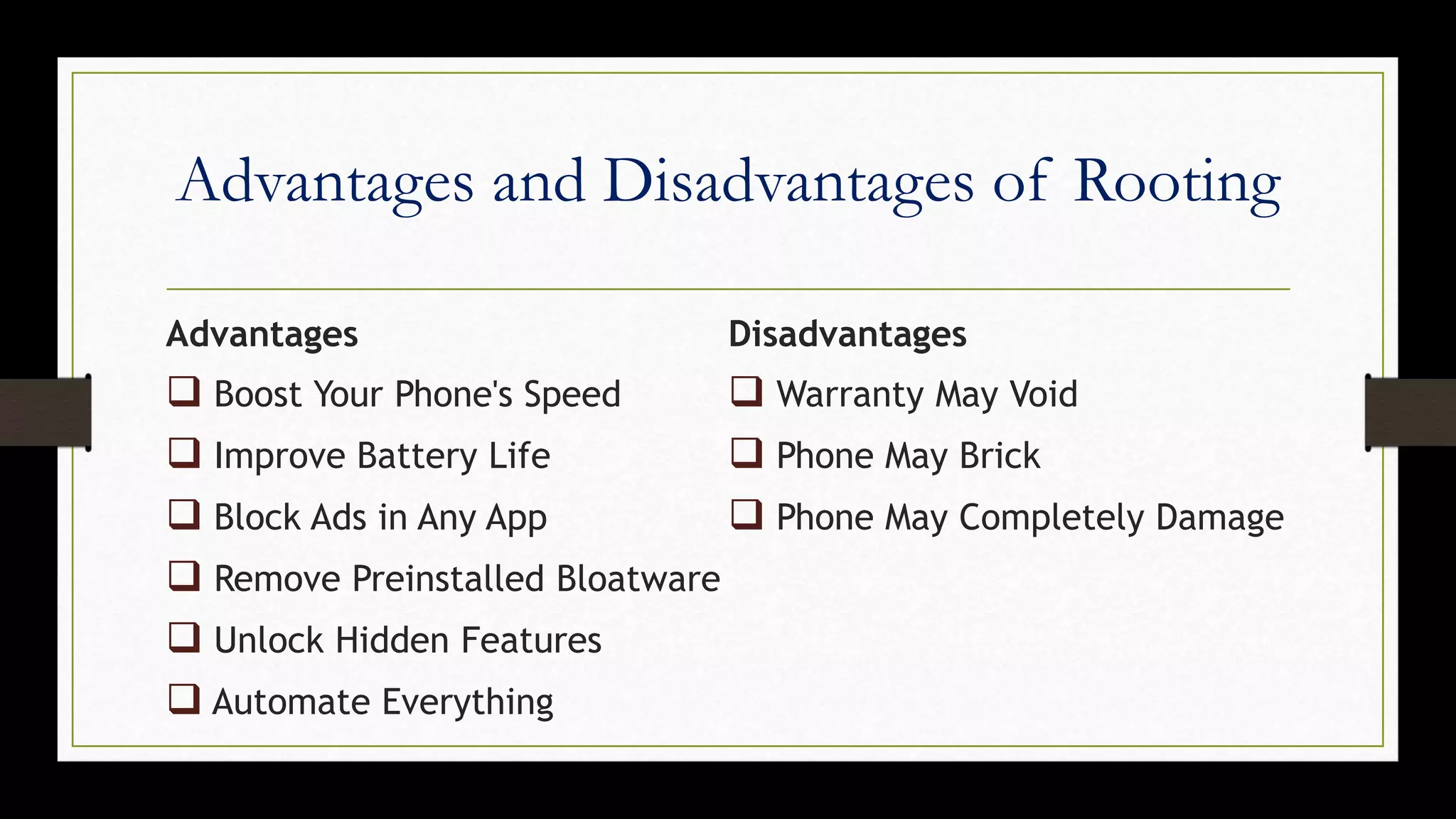
Advantages and Disadvantages of Rooting
Advantages
 Boost Your Phone's Speed
 Improve Battery Life
 Block Ads in Any App
 Remove Preinstalled Bloatware
 Unlock Hidden Features
 Automate Everything
Disadvantages
 Warranty May Void
 Phone May Brick
 Phone May Completely Damage
Thank You

Android Rooting

  • 1.
    Android Rooting An Introductionto Android Device Rooting By Narayan Vyas
  • 2.
    What is Rootingan Android Device Rooting an Android device means unlocking the operating system so you can install unapproved apps, delete unwanted bloatware, update the OS, customize anything and so on. Rooting means you have root (complete) access to your device.
  • 3.
    Now in nextslides I am going to give you introduction of most common apps used in a rooted Android device Rooting your device may void the warranty
  • 4.
    SuperSU is themost important app for rooted users. SuperSU is the permission manager app which can grant and deny root permission to apps. Without using this app, we can not give any app root access.
  • 5.
    Generally normal androidphone backup apps only backup APK files but with using Titanium backup, we can backup apps WITH THEIR APPLICATION DATA. Titanium Backup can backup, restore, freeze your apps.
  • 6.
    Xposed Framework isa way to make system-level changes to your Android OS. Xposed Installer can install wide range of tools which can help you to customize look and feel of your Android device, change icons, setting styles, lock screen style, notification bar etc.
  • 7.
    Lucky Patcher isa great Android tool to remove ads, modify apps permissions, backup and restore apps, bypass premium application license verification and more. With the help of this app, we can use many paid apps without paying a single rupee.
  • 8.
    Best Apps forRooted Phones  SuperSU  Titanium Backup  Xposed Framework  Lucky Patcher  Network Spoofer  BusyBox  WPS WPA Tester Premium  Quick Boot  Amplify  Dsploit  Greenify  Bloatware Remover
  • 9.
    Advantages and Disadvantagesof Rooting Advantages  Boost Your Phone's Speed  Improve Battery Life  Block Ads in Any App  Remove Preinstalled Bloatware  Unlock Hidden Features  Automate Everything Disadvantages  Warranty May Void  Phone May Brick  Phone May Completely Damage
  • 10.