MATERIALDESIGN&
ANDROIDM PREVIEW
- Vidyasagar MSC
AboutME
• Coder by Profession | Gamer by Heart |
Polyglot & Pragmatic Programmer
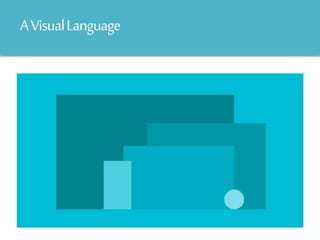
AVisualLanguage
o Synthesizing classicprinciples of good design
Goals
Follow
… Unified experience across platforms
Principles
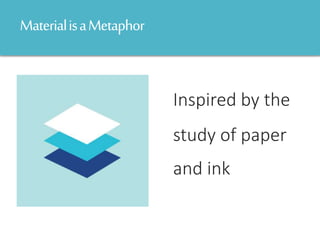
MaterialisaMetaphor
Inspired by the
study of paper
and ink
Bold,Graphic,Intentional
The foundational
elements of print-based
design—typography,
grids, space, scale, color,
and use of imagery—
guide visual treatments.
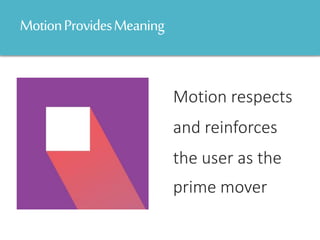
MotionProvidesMeaning
Motion respects
and reinforces
the user as the
prime mover
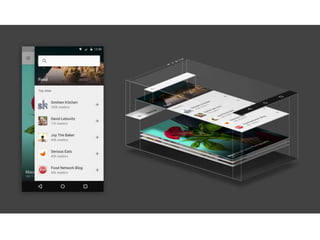
Environment
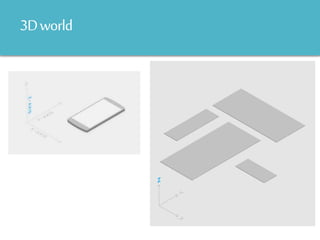
3Dworld
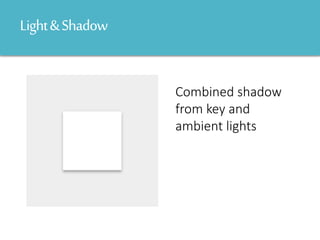
Light&Shadow
Combined shadow
from key and
ambient lights
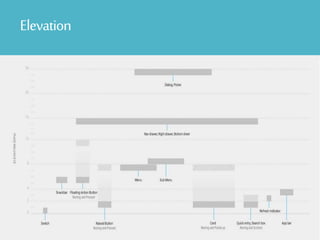
Elevation
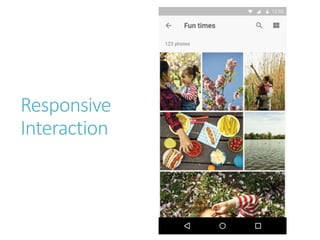
Responsive
Interaction
o From somewhere, to somewhere
MeaningfulTransitionsSo,
… is a clearer way to show the user “what is going on”.
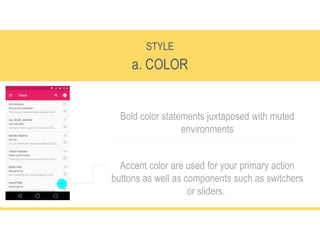
a. COLOR
STYLE
Bold color statements juxtaposed with muted
environments
Accent color are used for your primary action
buttons as well as components such as switchers
or sliders.
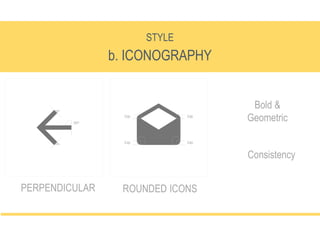
b. ICONOGRAPHY
STYLE
PERPENDICULAR
Bold &
Geometric
ROUNDED ICONS
Consistency
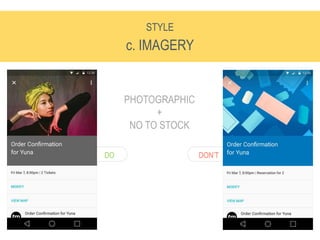
c. IMAGERY
STYLE
PERPENDICULAR
PHOTOGRAPHIC
+
NO TO STOCK
DON’TDO
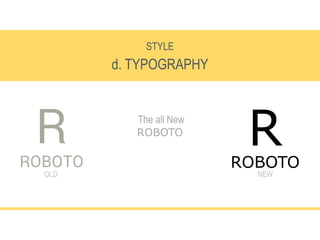
d. TYPOGRAPHY
STYLE
The all New
ROBOTO
RROBOTO
OLD NEW
FloatingActionButton
o Is the most eye-attracting element on the screen.
o Should have the most frequently-used function in the current activity.
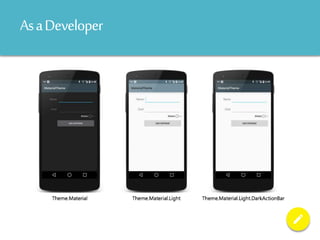
AsaDeveloper
@android:style/Theme.Material (dark theme)
@android:style/Theme.Material.Light (light theme)
@android:style/Theme.Material.Light.DarkActionBar
AsaDeveloper
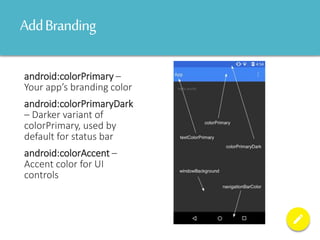
AddBranding
android:colorPrimary –
Your app’s branding color
android:colorPrimaryDark
– Darker variant of
colorPrimary, used by
default for status bar
android:colorAccent –
Accent color for UI
controls
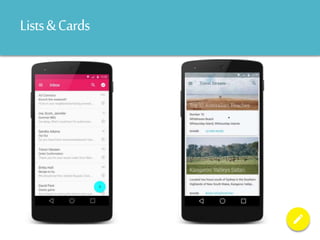
Lists&Cards
Android M Preview Updates
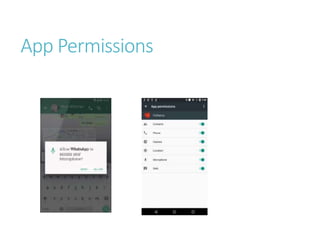
App Permissions
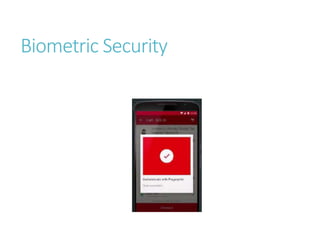
Biometric Security
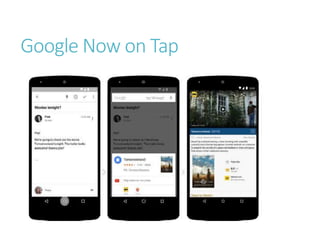
Google Now on Tap
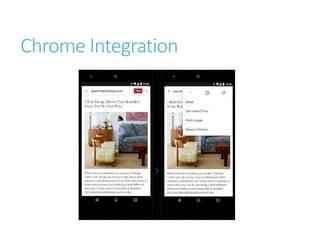
Chrome Integration
Thankyou!
@IAmVMac,06/2014

Android Material Design & Android M Preview Updates

Editor's Notes

  • #23 <resources>   <style name="AppTheme" parent="android:Theme.Material">   <!--Customizations Here-->   </style> </resources> To use this theme you simple need to add it to your AndroidManifest.xml under the application node: <application android:label="My Awesome App" android:theme="@style/AppTheme"> </application> Alternatively, you can set it on a specific Activity with the Theme attribute. [Activity (Label = "MaterialTheme",            Theme = "@style/AppTheme")]
  • #25 <resources>   <style name="AppTheme" parent="android:Theme.Material">   <!--Customizations Here-->   </style> </resources> To use this theme you simple need to add it to your AndroidManifest.xml under the application node: <application android:label="My Awesome App" android:theme="@style/AppTheme"> </application> Alternatively, you can set it on a specific Activity with the Theme attribute. [Activity (Label = "MaterialTheme",            Theme = "@style/AppTheme")]
  • #26 <resources>   <style name="AppTheme" parent="android:Theme.Material">   <!--Customizations Here-->   </style> </resources> To use this theme you simple need to add it to your AndroidManifest.xml under the application node: <application android:label="My Awesome App" android:theme="@style/AppTheme"> </application> Alternatively, you can set it on a specific Activity with the Theme attribute. [Activity (Label = "MaterialTheme",            Theme = "@style/AppTheme")]