Anatomy of Open Source
Software
Greg Sheremeta
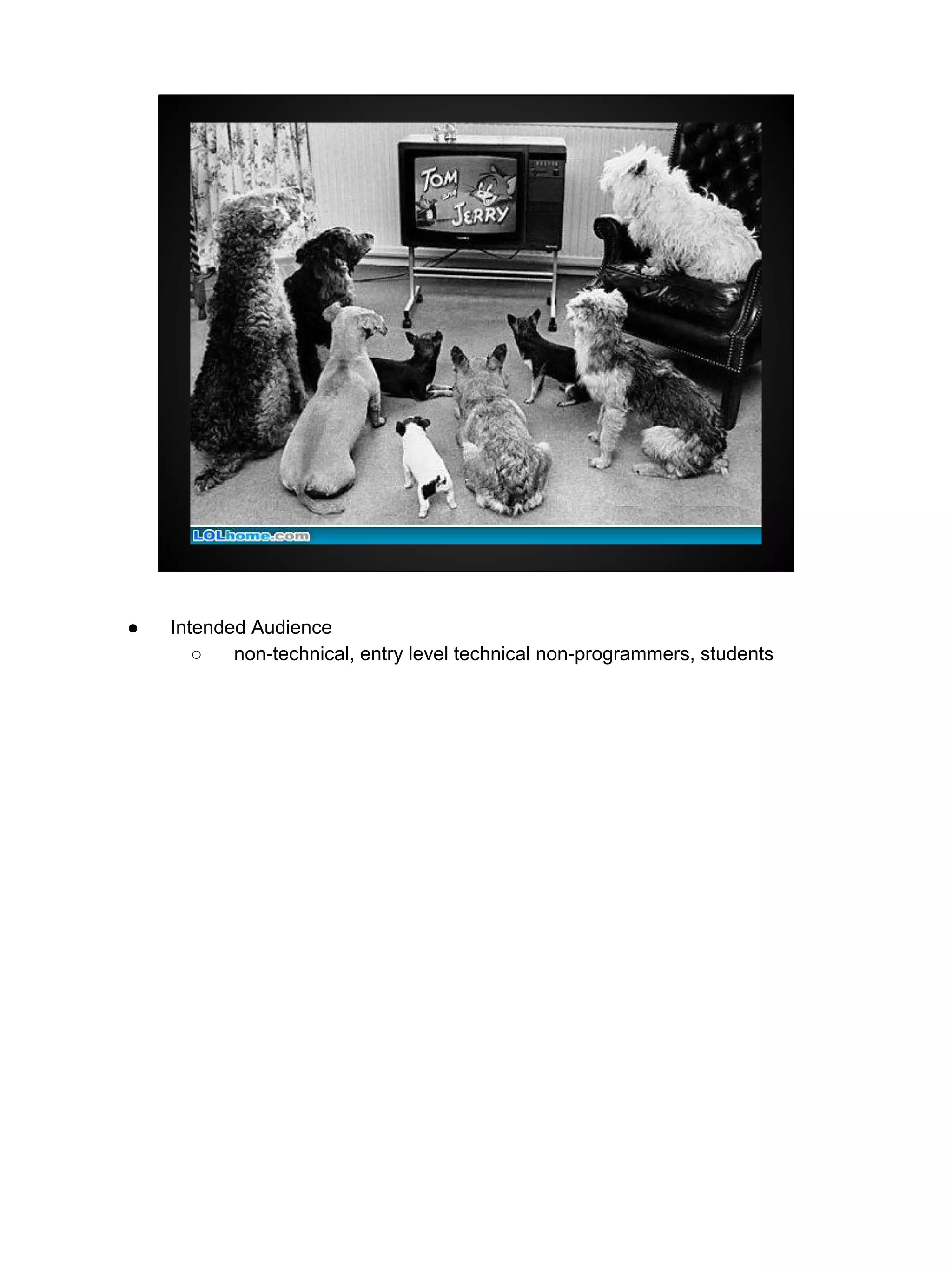
● Intended Audience
○ non-technical, entry level technical non-programmers, students
What is Open Source?
“refers to something that can be
modified because its design is publicly
accessible.”
http://opensource.com/resources/what-open-source
chocolate cookie recipe -- add walnuts (“fork” the recipe)
Open Source Software Development
is a process
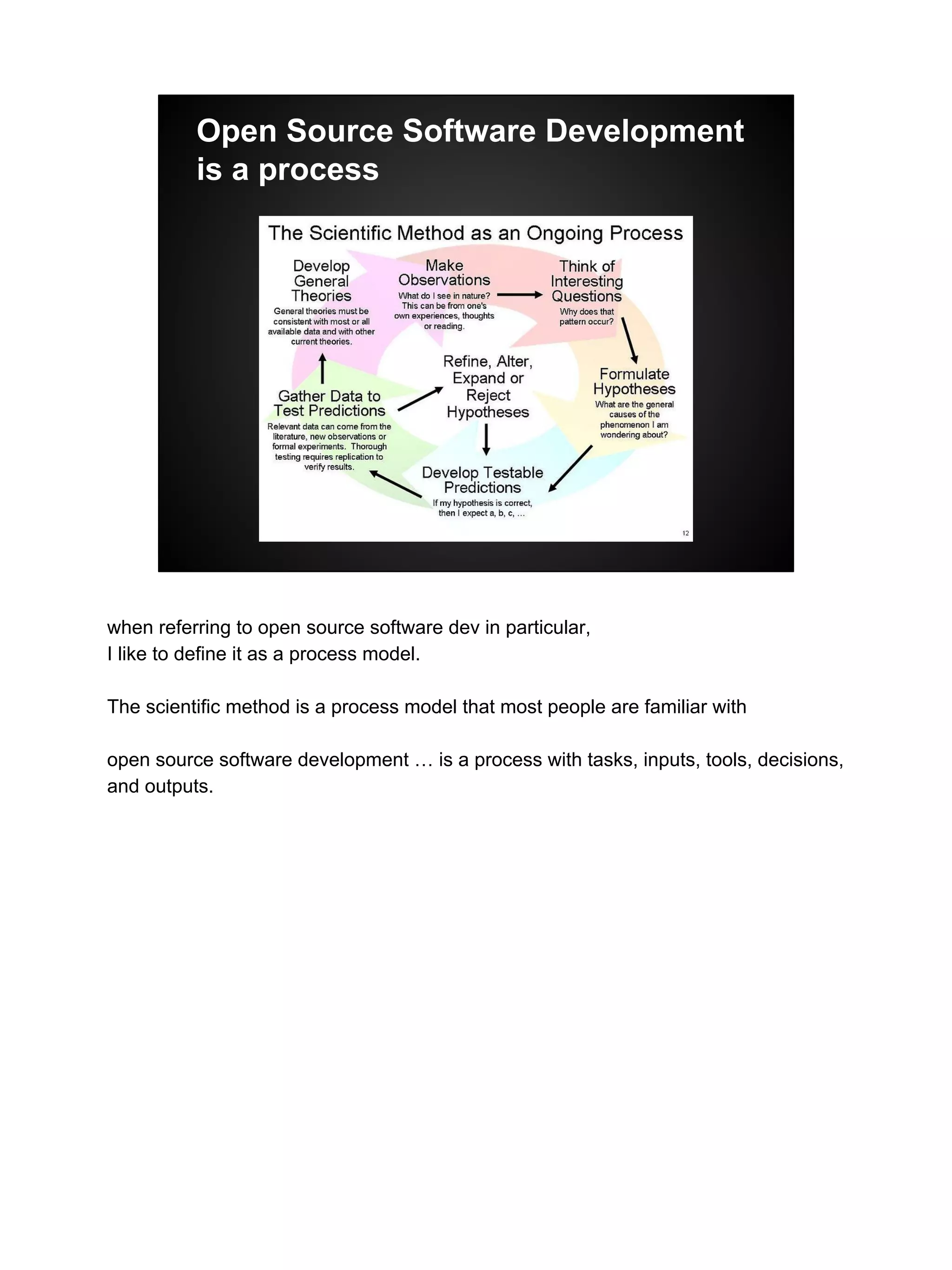
when referring to open source software dev in particular,
I like to define it as a process model.
The scientific method is a process model that most people are familiar with
open source software development … is a process with tasks, inputs, tools, decisions,
and outputs.
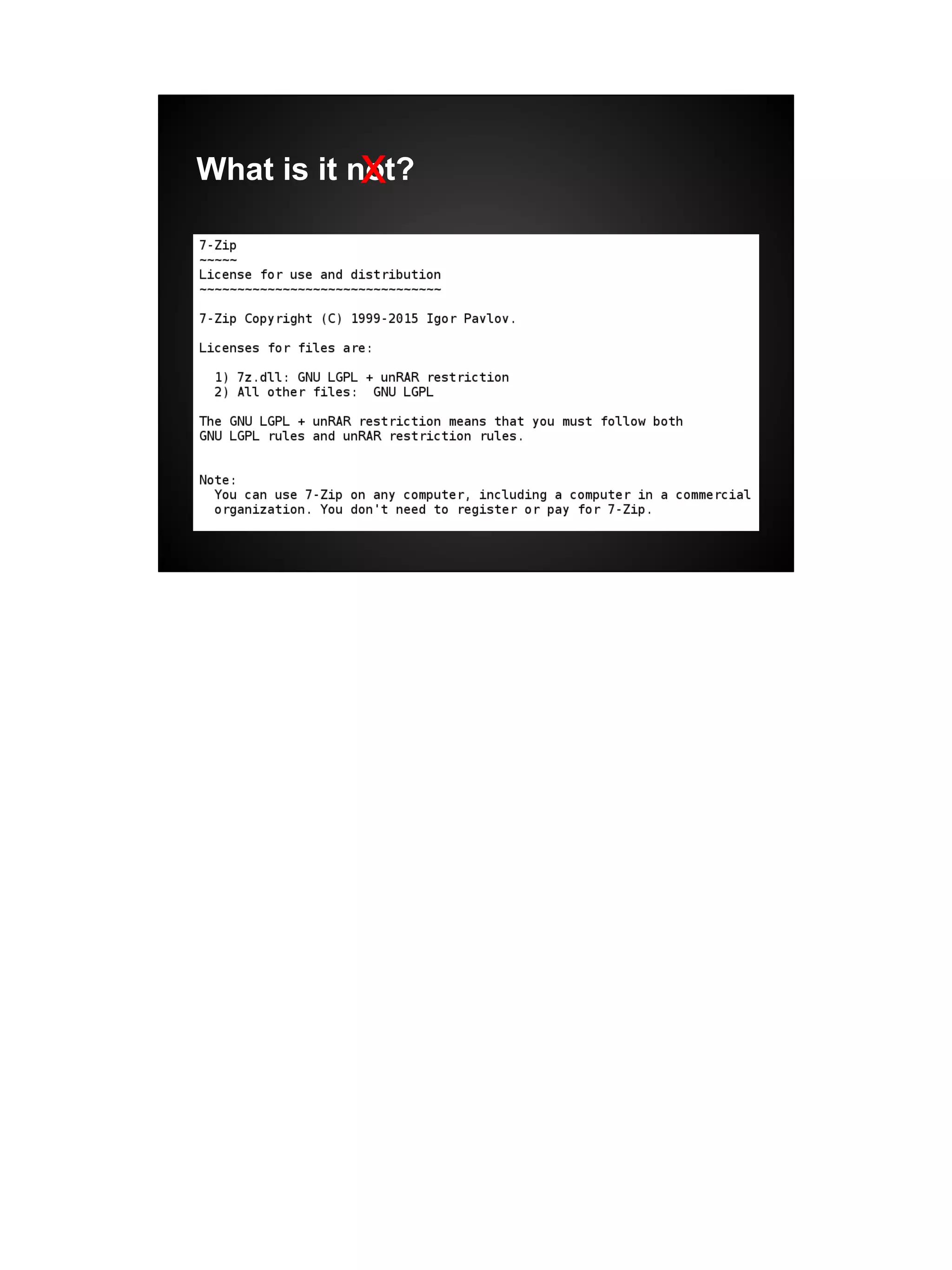
What is it not?
● open source != free software
○ although there is huge overlap. Most open source software is free
● it is also not shareware, or try before you buy software
[next slide -- winrar image]
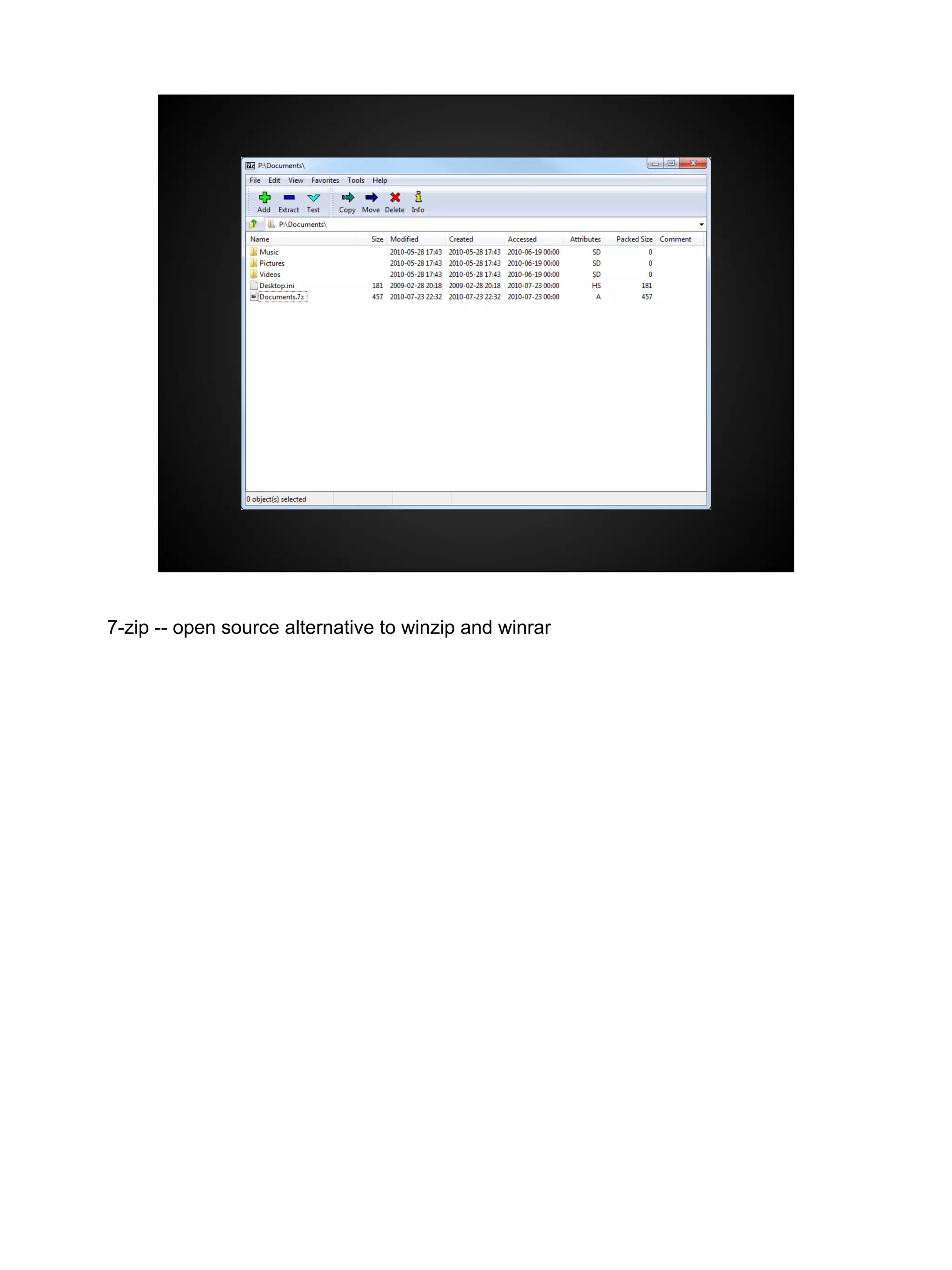
7-zip -- open source alternative to winzip and winrar
What is it not?x
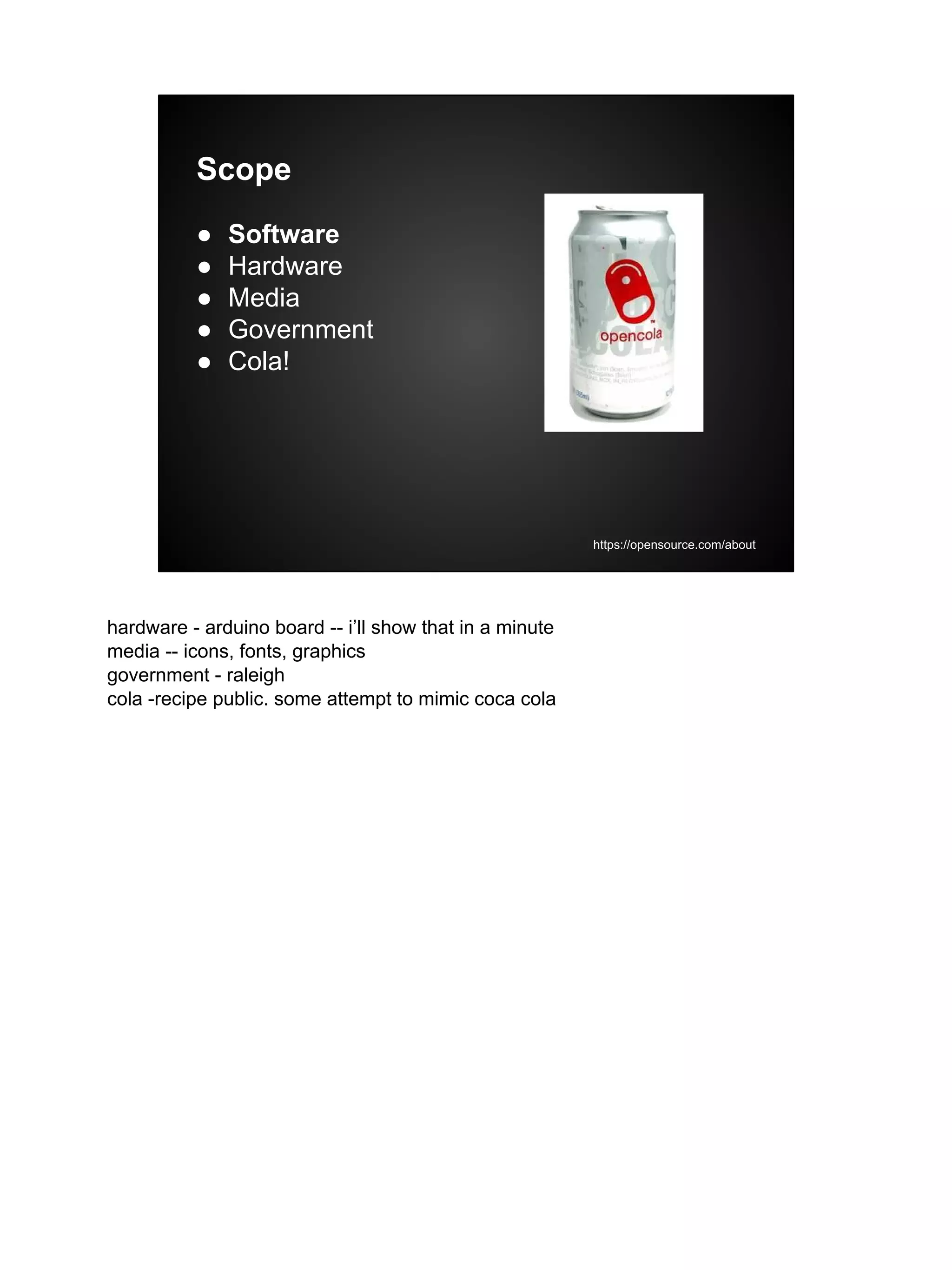
Scope
● Software
● Hardware
● Media
● Government
● Cola!
https://opensource.com/about
hardware - arduino board -- i’ll show that in a minute
media -- icons, fonts, graphics
government - raleigh
cola -recipe public. some attempt to mimic coca cola
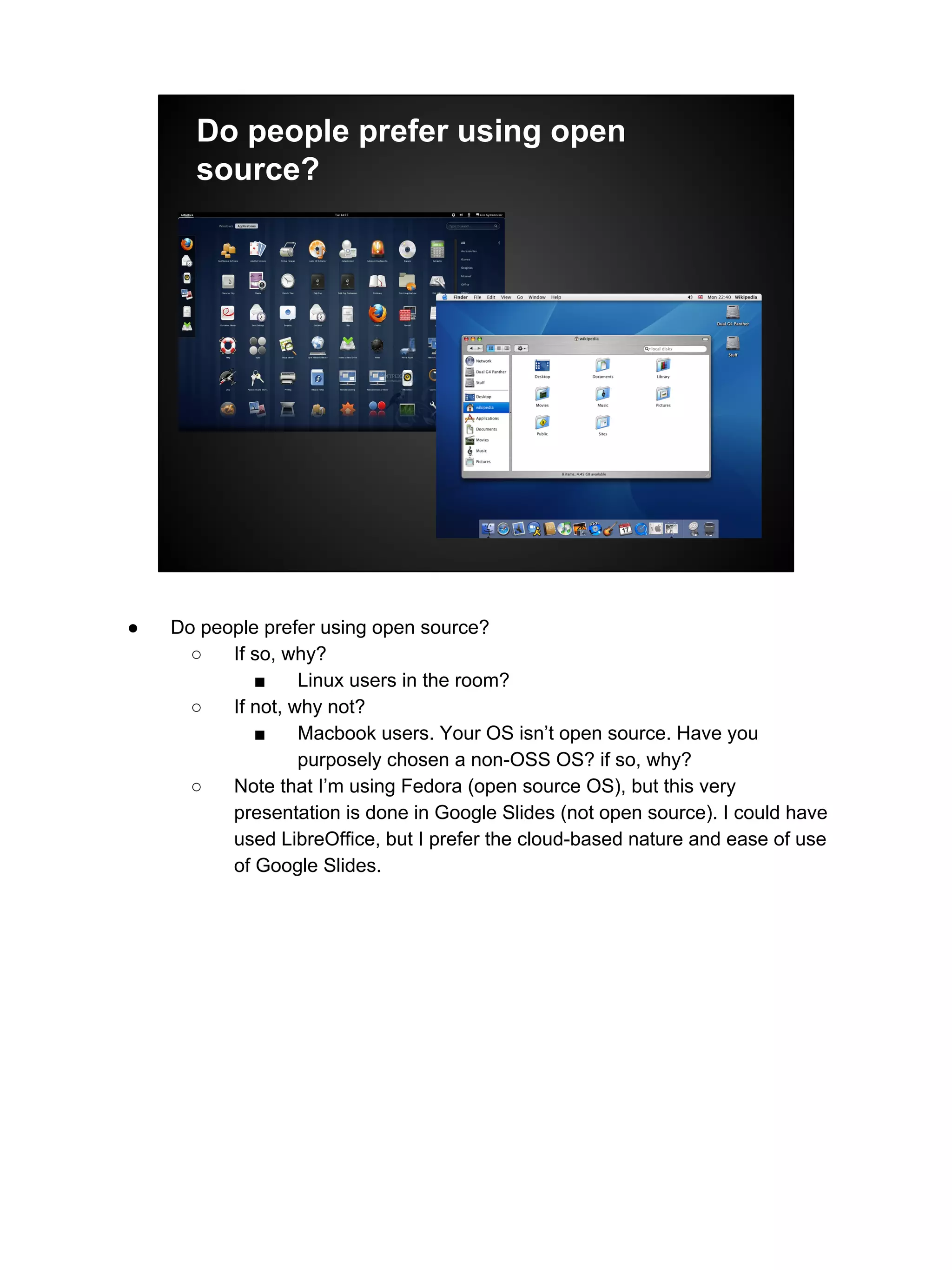
Do people prefer using open
source?
● Do people prefer using open source?
○ If so, why?
■ Linux users in the room?
○ If not, why not?
■ Macbook users. Your OS isn’t open source. Have you
purposely chosen a non-OSS OS? if so, why?
○ Note that I’m using Fedora (open source OS), but this very
presentation is done in Google Slides (not open source). I could have
used LibreOffice, but I prefer the cloud-based nature and ease of use
of Google Slides.
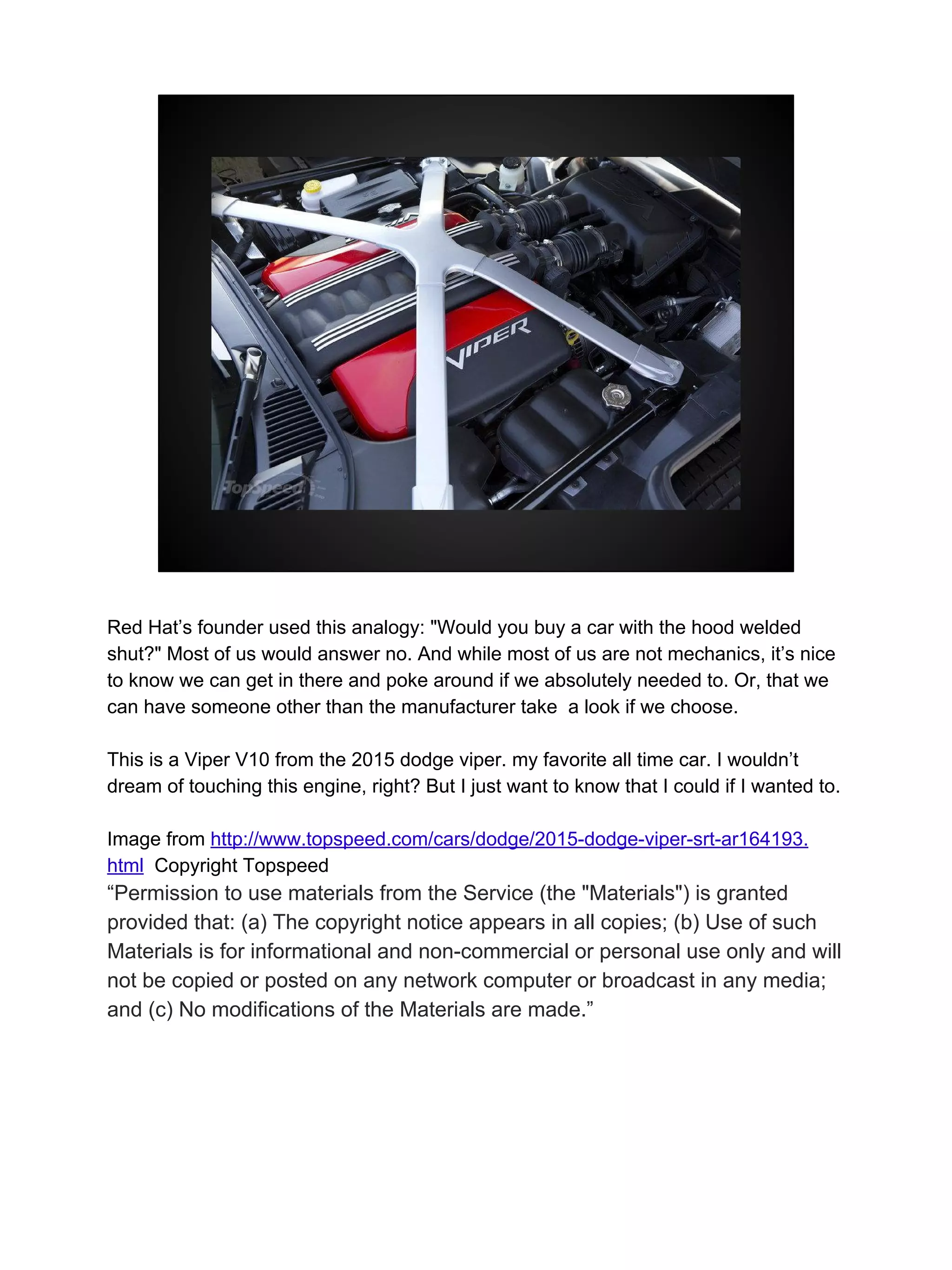
Red Hat’s founder used this analogy: "Would you buy a car with the hood welded
shut?" Most of us would answer no. And while most of us are not mechanics, it’s nice
to know we can get in there and poke around if we absolutely needed to. Or, that we
can have someone other than the manufacturer take a look if we choose.
This is a Viper V10 from the 2015 dodge viper. my favorite all time car. I wouldn’t
dream of touching this engine, right? But I just want to know that I could if I wanted to.
Image from http://www.topspeed.com/cars/dodge/2015-dodge-viper-srt-ar164193.
html Copyright Topspeed
“Permission to use materials from the Service (the "Materials") is granted
provided that: (a) The copyright notice appears in all copies; (b) Use of such
Materials is for informational and non-commercial or personal use only and will
not be copied or posted on any network computer or broadcast in any media;
and (c) No modifications of the Materials are made.”
Open source is now ubiquitous.
Almost all programmers use some open source code in their day jobs. (Doug
mentioned at 10 am session -- only 50% of their managers know it!)
Linux has replaced Unix in the datacenter
85% of phones shipped today are based on open source (Android) (http://www.
pcworld.com/article/2460020/android-grabs-record-85-percent-smartphone-share.
html)
Formal definition
“[O]pen source [software] refers to a computer
program in which the source code is available
to the general public for use and/or modification
from its original design.”
http://en.wikipedia.org/wiki/Open_source
I said earlier that I define “open source software development” as broadly as possible
by calling is a process model.
The only thing developers like to create more than code are processes for writing
code. Sometimes they're called “software development lifecycles.”
The most popular ones at the moment are called Kanban and Scrum -- have people
heard of those?
For those that haven’t, these are methods of developing software that borrow ideas
from Lean Manufacturing. Kanban is very simple. You track your work in some
columns -- To Do, Doing, and Done. You simply limit the amount of work in Doing
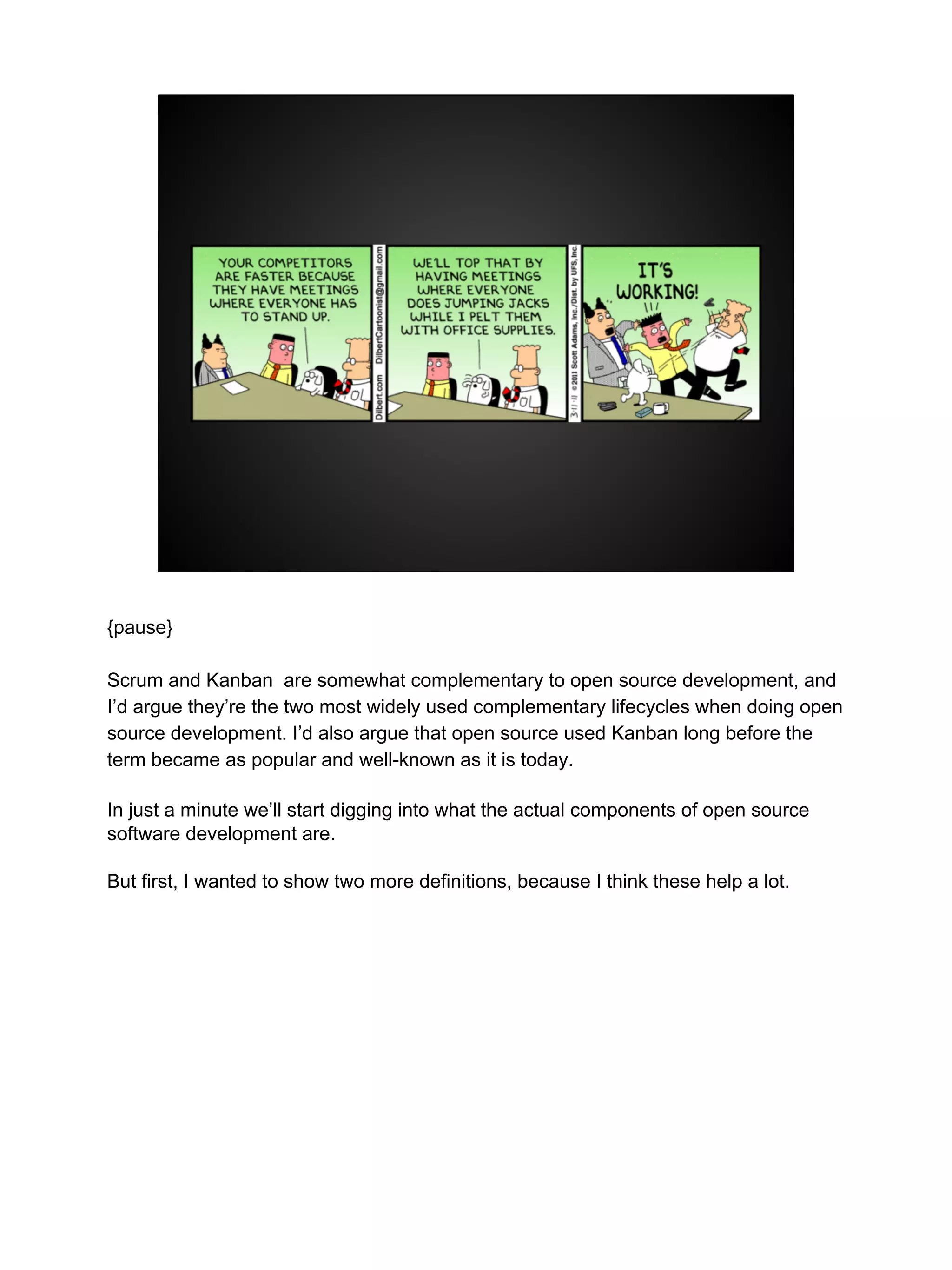
column. Very simple.. Scrum is very popular right now and is famous for having Stand
Up meetings, where everyone meets every morning, and everyone stands up to
hopefully help the meeting move along faster, because no one wants to stand up.
{next slide}
{pause}
Scrum and Kanban are somewhat complementary to open source development, and
I’d argue they’re the two most widely used complementary lifecycles when doing open
source development. I’d also argue that open source used Kanban long before the
term became as popular and well-known as it is today.
In just a minute we’ll start digging into what the actual components of open source
software development are.
But first, I wanted to show two more definitions, because I think these help a lot.
“[T]ypically a collaborative effort where
programmers improve upon the source code
and share the changes within the community so
that other members can help improve it further.”
also from the wikipedia page
upward spiral
{ next slide }
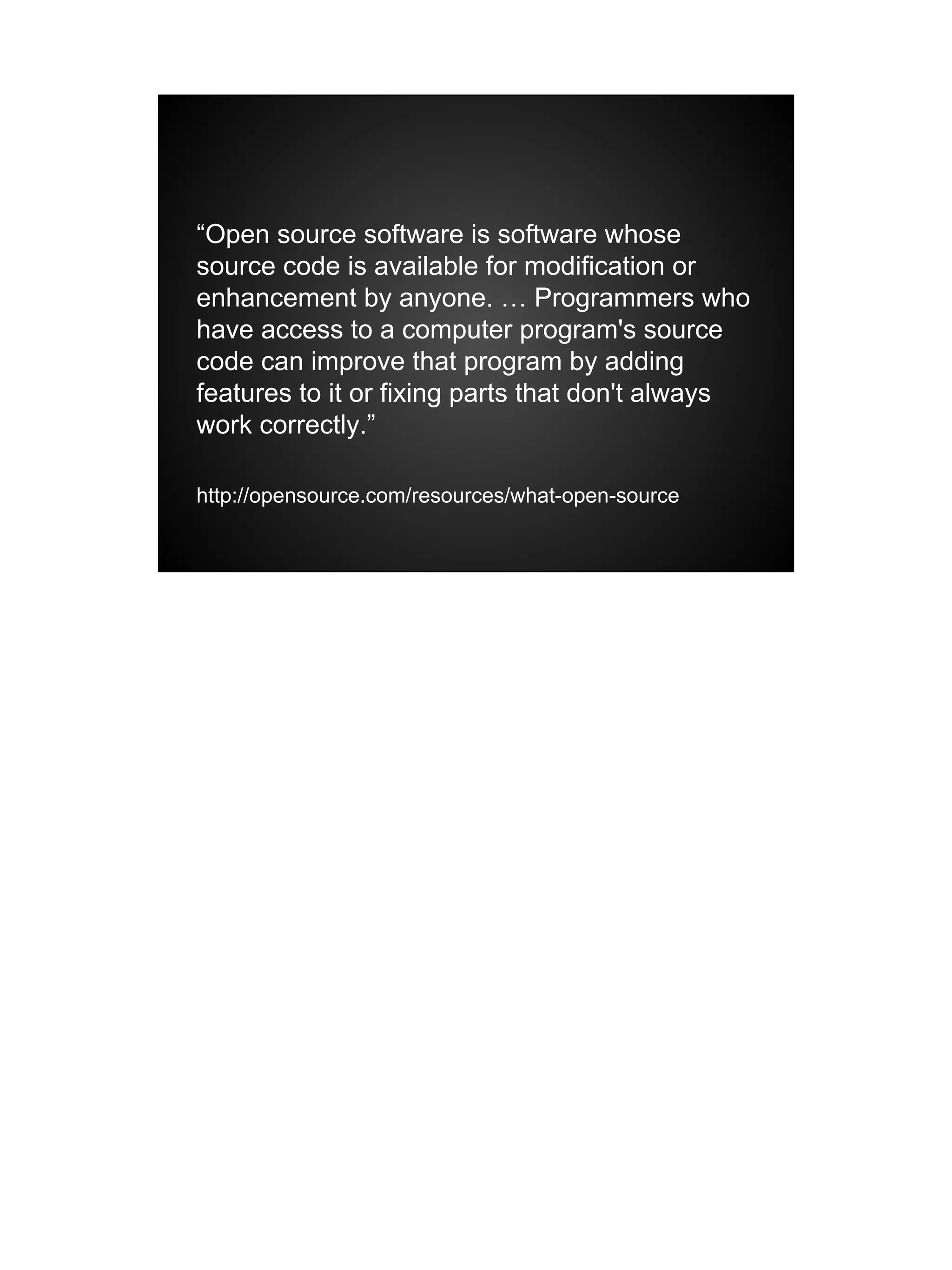
“Open source software is software whose
source code is available for modification or
enhancement by anyone. … Programmers who
have access to a computer program's source
code can improve that program by adding
features to it or fixing parts that don't always
work correctly.”
http://opensource.com/resources/what-open-source
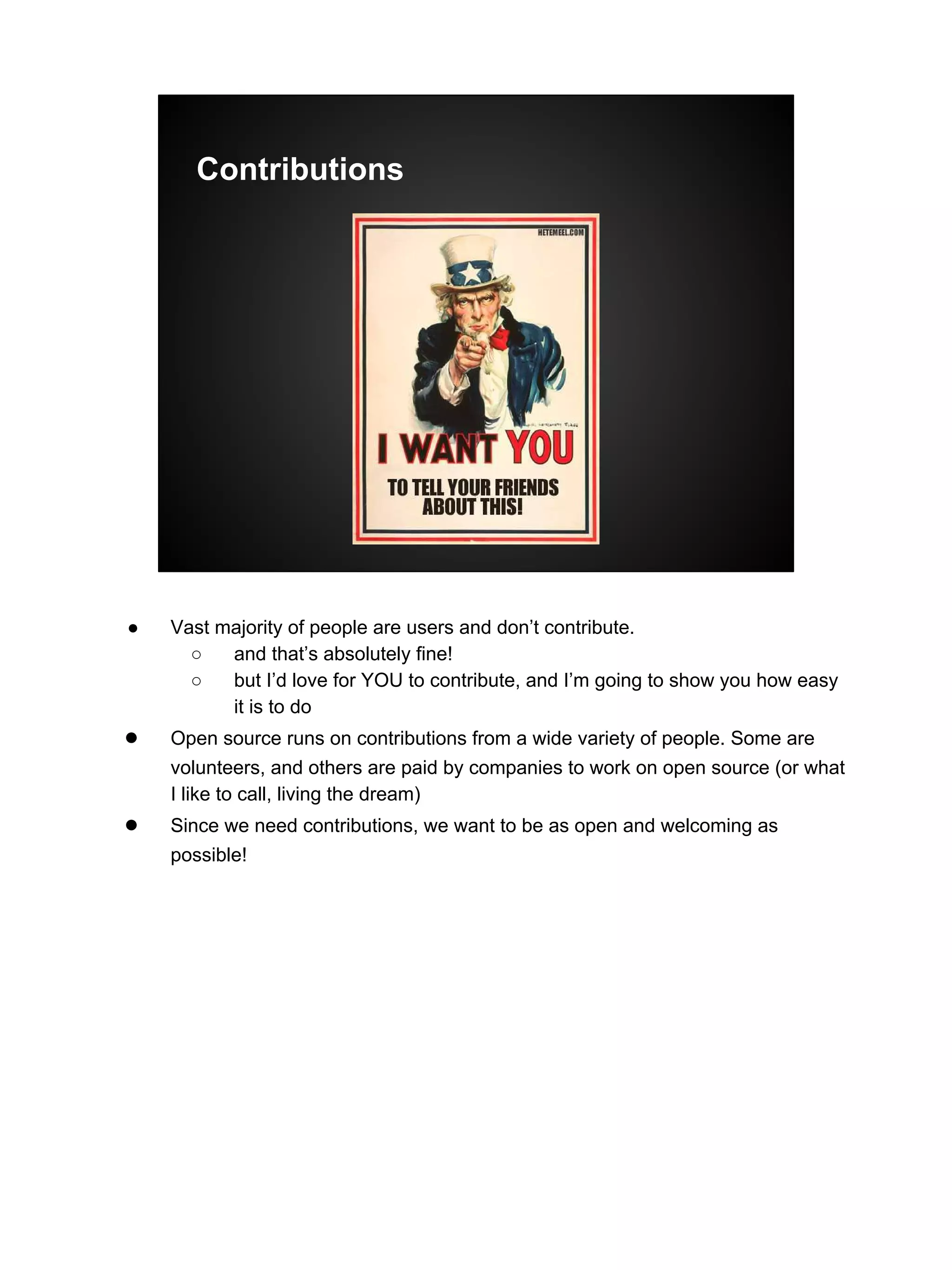
Contributions
● Vast majority of people are users and don’t contribute.
○ and that’s absolutely fine!
○ but I’d love for YOU to contribute, and I’m going to show you how easy
it is to do
● Open source runs on contributions from a wide variety of people. Some are
volunteers, and others are paid by companies to work on open source (or what
I like to call, living the dream)
● Since we need contributions, we want to be as open and welcoming as
possible!
Inputs
● Programmers (Code)
● Graphic designers (layouts, images, etc.)
● Documentation authors (Documentation)
● more rarely -- analysts, user experience
designers, project managers, people
managers, etc.
so, let’s talk about the components of the open source process. Inputs.
○ more rarely -- analysts, user experience designers, project managers, people
managers, etc.
■ small projects never have these things. Large projects often don’t, but
they often do when project is sponsored or steered by a company
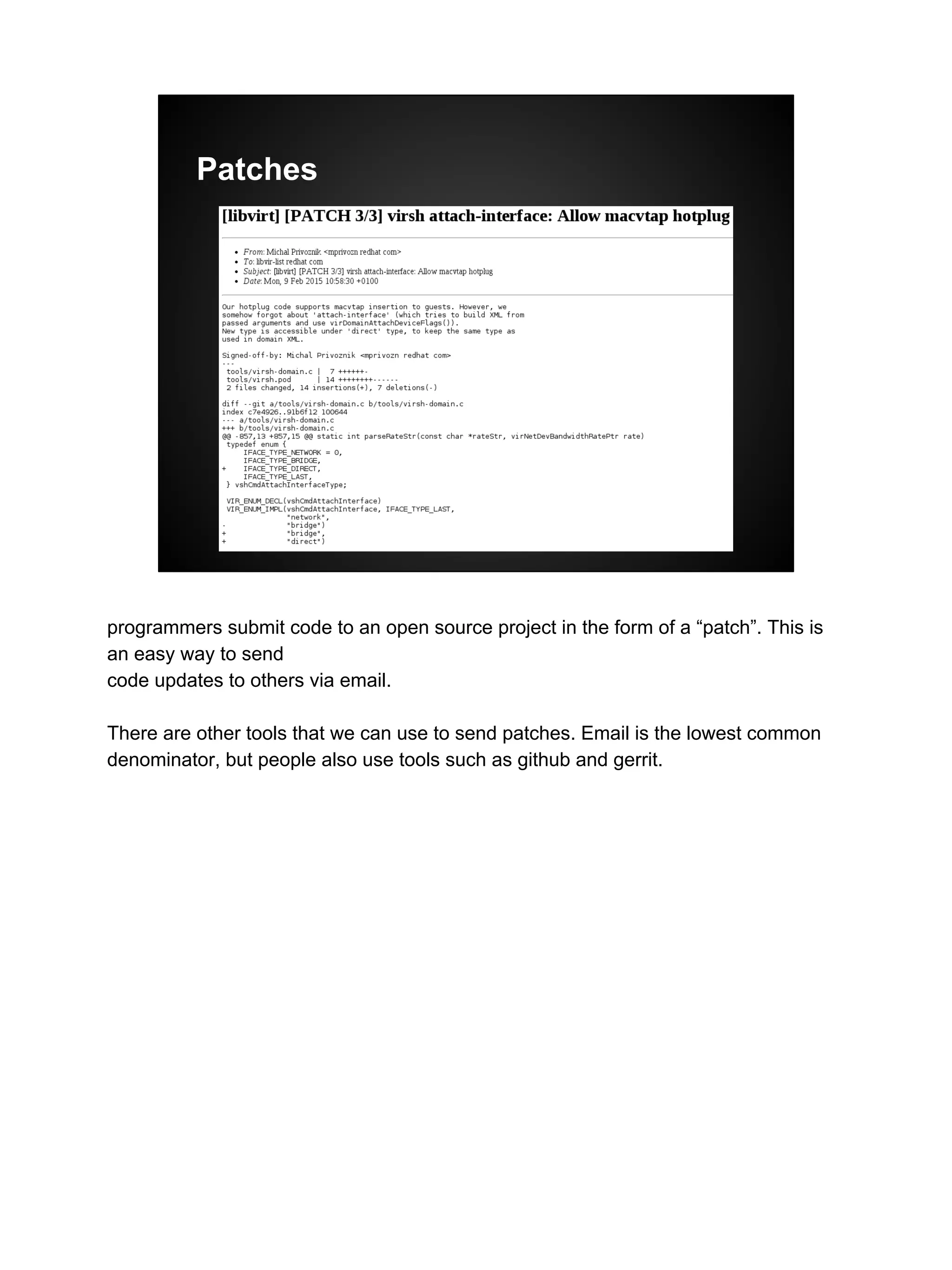
Patches
programmers submit code to an open source project in the form of a “patch”. This is
an easy way to send
code updates to others via email.
There are other tools that we can use to send patches. Email is the lowest common
denominator, but people also use tools such as github and gerrit.
Roles
● Contributors
● Maintainers
● Committers
● Owners / Project leads
(Usually meritocracy, held by programmers)
some more components -- here we have Roles
i’ll go into more depth on those in a minute
Contributors
● Simple. People who contribute.
● Filing a bug! Even pointing out a typo.
● Submitting a contribution
○ Caution: Sometimes your contribution is not
included!
● Helping others in a forum or an IRC channel
Maintainers and Committers
● Maintainers accept code from people
● Committers have permissions to write new
code into the version control repository
● On very large projects, these can be
different roles. Usually they are not.
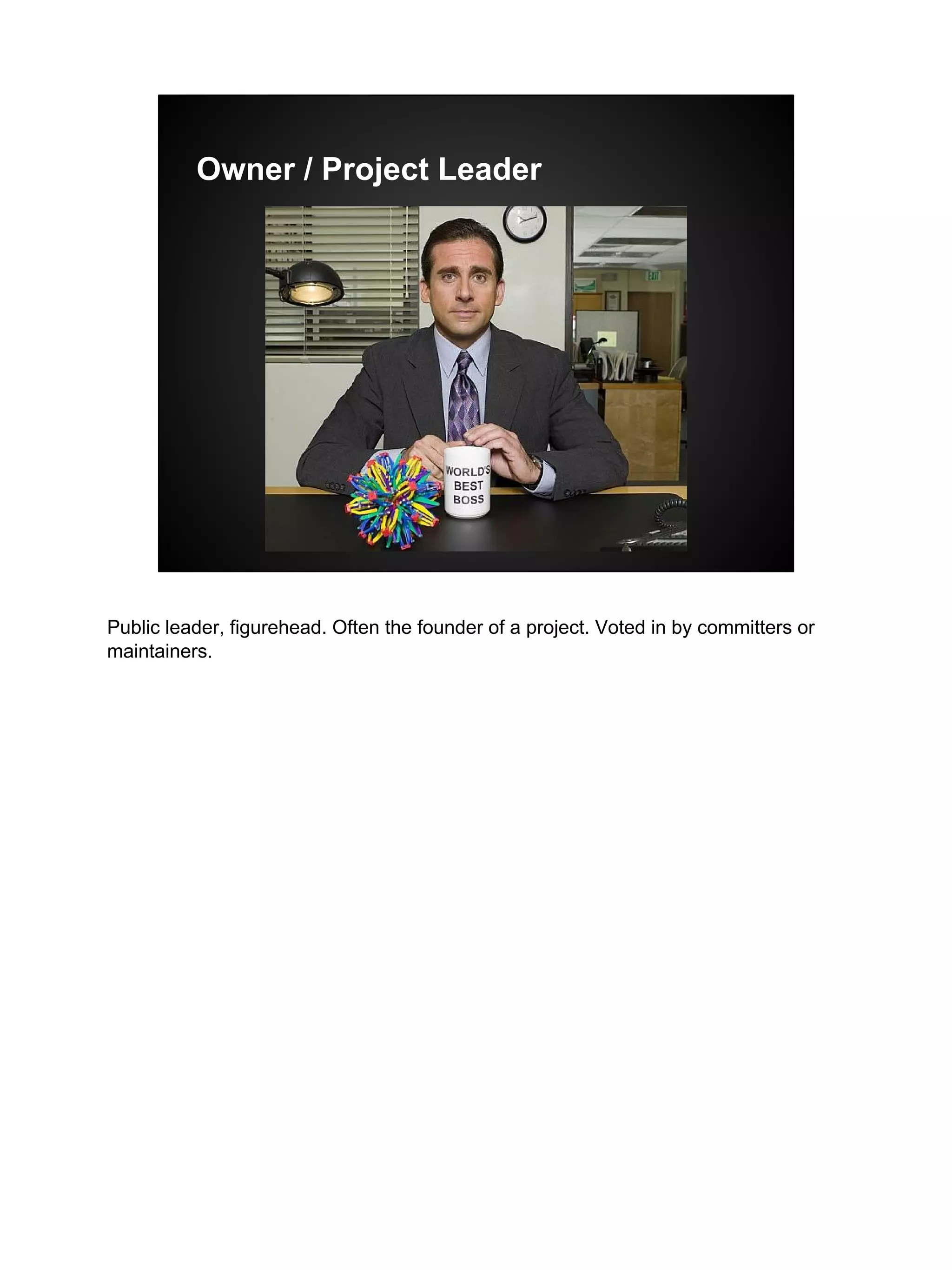
Owner / Project Leader
Public leader, figurehead. Often the founder of a project. Voted in by committers or
maintainers.
Meritocracy means …
“The more you contribute the more
responsibility you will earn. Leadership roles ...
are also merit-based and earned by peer
acclaim.“
http://www.xenproject.org/governance.html
the more you contribute -- and assuming those contributions are good -- the more
responsibility you will earn.
so committers and maintainers must earn those responsibilities.
usually you earn then by writing lots of good patches that get accepted.
Tasks
● Releasing, versions
● Forks
● Licensing
● Handling requests (bugs, enhancements,
etc.)
some tasks that are common to open source
Releases -- actually releasing the software. Open source projects are usually
released very early in their lives.
The developers decide which features they want to bundle together in a release, they
give it a version number, and
send it out into the world.
Forks -- often developers will want to make their own special copies of a project, and
that’s called a fork. There
are many reason people want to create whole copies of a project and branch out on
their own. If you’re familiar with
Linux, there are numerous forks of Linux called “distros”. Fedora, Ubuntu, Debian,
and Mint are some of the more
popular ones today.
licensing i’ll talk more about in a minute
(there was a dedicated talk next about licencing this morning, given by a real lawyer.
IANAL so i’m not qualified to talk about licensing in any depth. but the talk this
morning was awesome -- i hope you got a chance to see it.)
Once your code is out there and people are using it, they’re going to find issues and
they’re going to have requests for additional features.
And so you need tools to help with that. {next slide}
Licensing
● Copyleft vs. permissive
● Copyleft -- all derivative works must retain
the license, and remain open source
○ GNU GPL
● Permissive -- open source, no or limited
restrictions
○ Apache Public License
http://en.wikipedia.org/wiki/Comparison_of_free_and_open-
source_software_licenses
(disclaimer: this is my [probably over-simplified] take)
● Huge topic -- can (and will) fill its own presentation
○ Lots of variables, but I see them as two main types -- copyleft and
permissive
○ Copyleft -- all derivative works (explain that term) must retain the
license, and remain open source
■ GNU GPL
○ Permissive -- open source, no or limited restrictions
■ Apache Public License
● http://en.wikipedia.org/wiki/Comparison_of_free_and_open-
source_software_licenses
Tools that support
● Programming editors
● Version control software
● Code review software
● Issue / request tracker
● Communication
● Programming editors
○ Notepad! vi, nano, emacs, Notepad++, and smarter ones that offer
coding suggestions
Tools that support
● Programming editors
● Version control software
● Code review software
● Issue / request tracker
● Communication
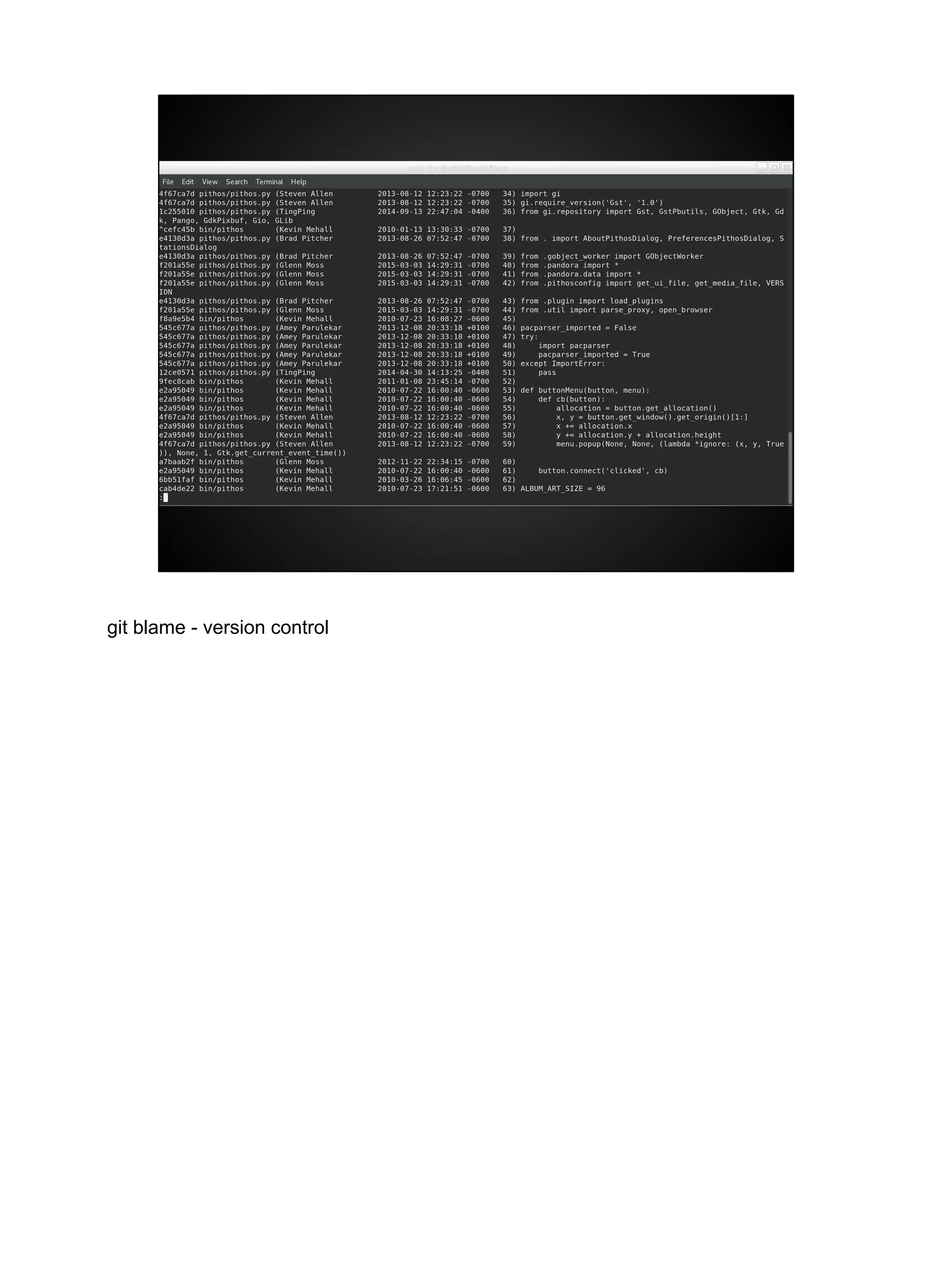
○ Version control software ( don’t explain yet ) {next slide - git blame}
git blame - version control
Tools that support
● Programming editors
● Version control software
● Code review software
● Issue / request tracker
● Communication
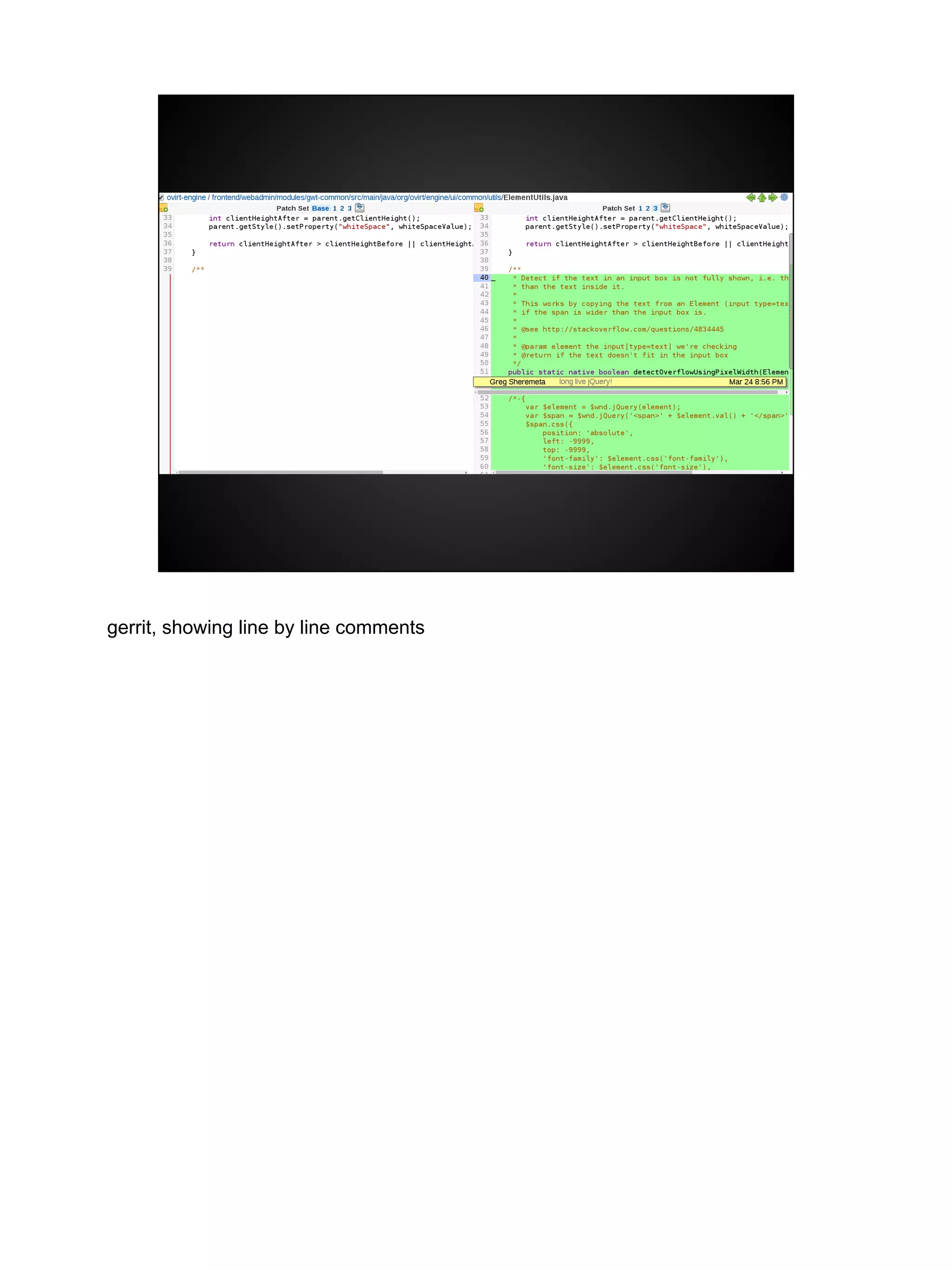
code review software -- these are relatively new tools that are really great. They allow
developers to visually see the changes,
and then they can make comments of suggestions right on a line by line basis { next
slide}
gerrit, showing line by line comments
Tools that support
● Programming editors
● Version control software
● Code review software
● Issue / request tracker
● Communication
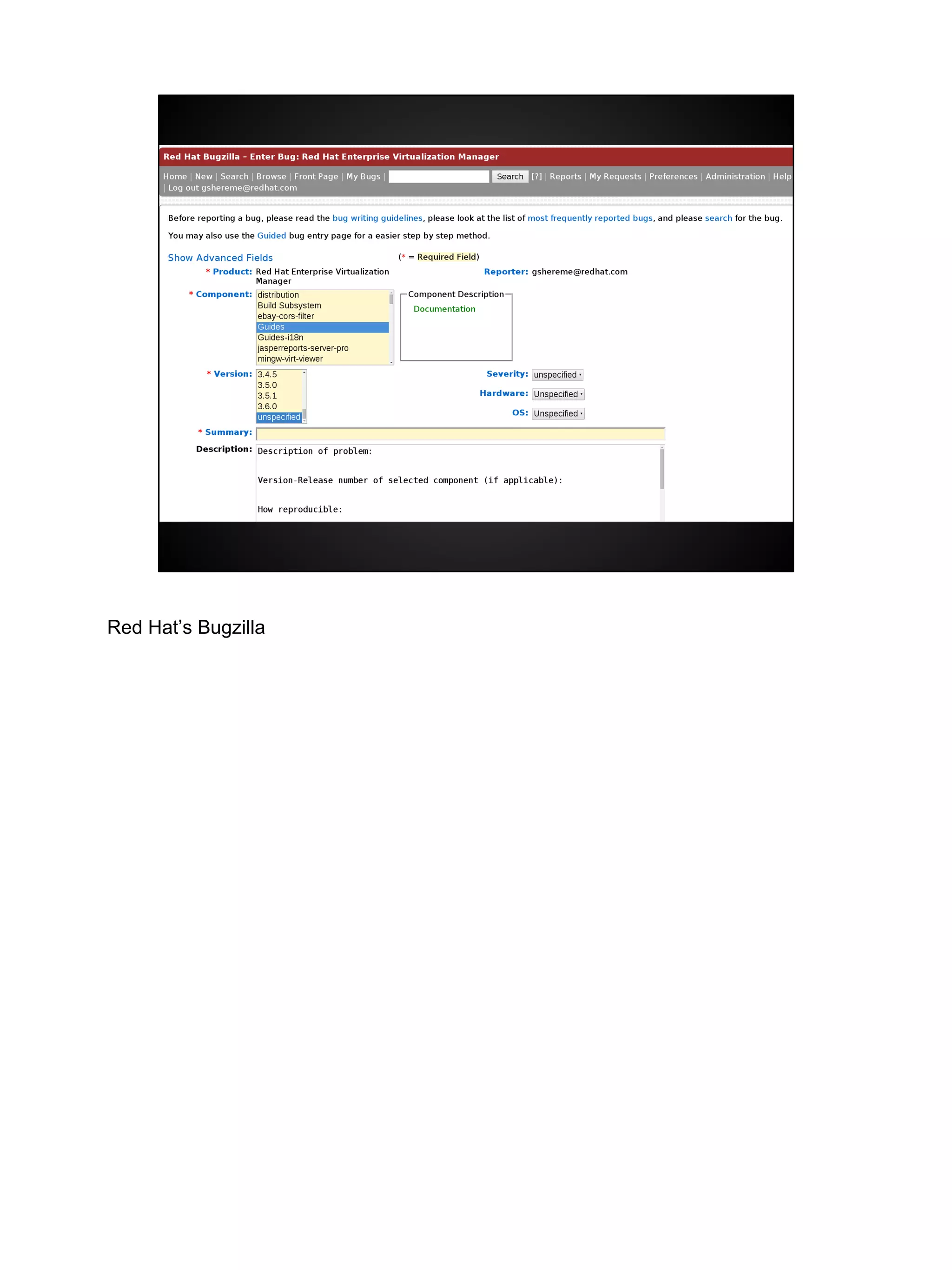
Issue / request tracker
Red Hat’s Bugzilla
Tools that support
● Programming editors
● Version control software
● Code review software
● Issue / request tracker
● Communication
Issue / request tracker
Build automation
Communication (email, IRC, web forums, Slack)
(demos)
https://github.com/pithos/pithos/issues/67
Thanks!
greg@gregsheremeta.com

Contributing to an Open Source Project 101

  • 1.
    Anatomy of OpenSource Software Greg Sheremeta
  • 2.
    ● Intended Audience ○non-technical, entry level technical non-programmers, students
  • 3.
    What is OpenSource? “refers to something that can be modified because its design is publicly accessible.” http://opensource.com/resources/what-open-source chocolate cookie recipe -- add walnuts (“fork” the recipe)
  • 4.
    Open Source SoftwareDevelopment is a process when referring to open source software dev in particular, I like to define it as a process model. The scientific method is a process model that most people are familiar with open source software development … is a process with tasks, inputs, tools, decisions, and outputs.
  • 5.
    What is itnot? ● open source != free software ○ although there is huge overlap. Most open source software is free ● it is also not shareware, or try before you buy software [next slide -- winrar image]
  • 6.
    7-zip -- opensource alternative to winzip and winrar
  • 7.
  • 8.
    Scope ● Software ● Hardware ●Media ● Government ● Cola! https://opensource.com/about hardware - arduino board -- i’ll show that in a minute media -- icons, fonts, graphics government - raleigh cola -recipe public. some attempt to mimic coca cola
  • 9.
    Do people preferusing open source? ● Do people prefer using open source? ○ If so, why? ■ Linux users in the room? ○ If not, why not? ■ Macbook users. Your OS isn’t open source. Have you purposely chosen a non-OSS OS? if so, why? ○ Note that I’m using Fedora (open source OS), but this very presentation is done in Google Slides (not open source). I could have used LibreOffice, but I prefer the cloud-based nature and ease of use of Google Slides.
  • 10.
    Red Hat’s founderused this analogy: "Would you buy a car with the hood welded shut?" Most of us would answer no. And while most of us are not mechanics, it’s nice to know we can get in there and poke around if we absolutely needed to. Or, that we can have someone other than the manufacturer take a look if we choose. This is a Viper V10 from the 2015 dodge viper. my favorite all time car. I wouldn’t dream of touching this engine, right? But I just want to know that I could if I wanted to. Image from http://www.topspeed.com/cars/dodge/2015-dodge-viper-srt-ar164193. html Copyright Topspeed “Permission to use materials from the Service (the "Materials") is granted provided that: (a) The copyright notice appears in all copies; (b) Use of such Materials is for informational and non-commercial or personal use only and will not be copied or posted on any network computer or broadcast in any media; and (c) No modifications of the Materials are made.”
  • 11.
    Open source isnow ubiquitous. Almost all programmers use some open source code in their day jobs. (Doug mentioned at 10 am session -- only 50% of their managers know it!) Linux has replaced Unix in the datacenter 85% of phones shipped today are based on open source (Android) (http://www. pcworld.com/article/2460020/android-grabs-record-85-percent-smartphone-share. html)
  • 12.
    Formal definition “[O]pen source[software] refers to a computer program in which the source code is available to the general public for use and/or modification from its original design.” http://en.wikipedia.org/wiki/Open_source I said earlier that I define “open source software development” as broadly as possible by calling is a process model. The only thing developers like to create more than code are processes for writing code. Sometimes they're called “software development lifecycles.” The most popular ones at the moment are called Kanban and Scrum -- have people heard of those? For those that haven’t, these are methods of developing software that borrow ideas from Lean Manufacturing. Kanban is very simple. You track your work in some columns -- To Do, Doing, and Done. You simply limit the amount of work in Doing column. Very simple.. Scrum is very popular right now and is famous for having Stand Up meetings, where everyone meets every morning, and everyone stands up to hopefully help the meeting move along faster, because no one wants to stand up. {next slide}
  • 13.
    {pause} Scrum and Kanbanare somewhat complementary to open source development, and I’d argue they’re the two most widely used complementary lifecycles when doing open source development. I’d also argue that open source used Kanban long before the term became as popular and well-known as it is today. In just a minute we’ll start digging into what the actual components of open source software development are. But first, I wanted to show two more definitions, because I think these help a lot.
  • 14.
    “[T]ypically a collaborativeeffort where programmers improve upon the source code and share the changes within the community so that other members can help improve it further.” also from the wikipedia page upward spiral { next slide }
  • 15.
    “Open source softwareis software whose source code is available for modification or enhancement by anyone. … Programmers who have access to a computer program's source code can improve that program by adding features to it or fixing parts that don't always work correctly.” http://opensource.com/resources/what-open-source
  • 16.
    Contributions ● Vast majorityof people are users and don’t contribute. ○ and that’s absolutely fine! ○ but I’d love for YOU to contribute, and I’m going to show you how easy it is to do ● Open source runs on contributions from a wide variety of people. Some are volunteers, and others are paid by companies to work on open source (or what I like to call, living the dream) ● Since we need contributions, we want to be as open and welcoming as possible!
  • 17.
    Inputs ● Programmers (Code) ●Graphic designers (layouts, images, etc.) ● Documentation authors (Documentation) ● more rarely -- analysts, user experience designers, project managers, people managers, etc. so, let’s talk about the components of the open source process. Inputs. ○ more rarely -- analysts, user experience designers, project managers, people managers, etc. ■ small projects never have these things. Large projects often don’t, but they often do when project is sponsored or steered by a company
  • 18.
    Patches programmers submit codeto an open source project in the form of a “patch”. This is an easy way to send code updates to others via email. There are other tools that we can use to send patches. Email is the lowest common denominator, but people also use tools such as github and gerrit.
  • 19.
    Roles ● Contributors ● Maintainers ●Committers ● Owners / Project leads (Usually meritocracy, held by programmers) some more components -- here we have Roles i’ll go into more depth on those in a minute
  • 20.
    Contributors ● Simple. Peoplewho contribute. ● Filing a bug! Even pointing out a typo. ● Submitting a contribution ○ Caution: Sometimes your contribution is not included! ● Helping others in a forum or an IRC channel
  • 21.
    Maintainers and Committers ●Maintainers accept code from people ● Committers have permissions to write new code into the version control repository ● On very large projects, these can be different roles. Usually they are not.
  • 22.
    Owner / ProjectLeader Public leader, figurehead. Often the founder of a project. Voted in by committers or maintainers.
  • 23.
    Meritocracy means … “Themore you contribute the more responsibility you will earn. Leadership roles ... are also merit-based and earned by peer acclaim.“ http://www.xenproject.org/governance.html the more you contribute -- and assuming those contributions are good -- the more responsibility you will earn. so committers and maintainers must earn those responsibilities. usually you earn then by writing lots of good patches that get accepted.
  • 24.
    Tasks ● Releasing, versions ●Forks ● Licensing ● Handling requests (bugs, enhancements, etc.) some tasks that are common to open source Releases -- actually releasing the software. Open source projects are usually released very early in their lives. The developers decide which features they want to bundle together in a release, they give it a version number, and send it out into the world. Forks -- often developers will want to make their own special copies of a project, and that’s called a fork. There are many reason people want to create whole copies of a project and branch out on their own. If you’re familiar with Linux, there are numerous forks of Linux called “distros”. Fedora, Ubuntu, Debian, and Mint are some of the more popular ones today. licensing i’ll talk more about in a minute (there was a dedicated talk next about licencing this morning, given by a real lawyer. IANAL so i’m not qualified to talk about licensing in any depth. but the talk this morning was awesome -- i hope you got a chance to see it.) Once your code is out there and people are using it, they’re going to find issues and they’re going to have requests for additional features.
  • 25.
    And so youneed tools to help with that. {next slide}
  • 26.
    Licensing ● Copyleft vs.permissive ● Copyleft -- all derivative works must retain the license, and remain open source ○ GNU GPL ● Permissive -- open source, no or limited restrictions ○ Apache Public License http://en.wikipedia.org/wiki/Comparison_of_free_and_open- source_software_licenses (disclaimer: this is my [probably over-simplified] take) ● Huge topic -- can (and will) fill its own presentation ○ Lots of variables, but I see them as two main types -- copyleft and permissive ○ Copyleft -- all derivative works (explain that term) must retain the license, and remain open source ■ GNU GPL ○ Permissive -- open source, no or limited restrictions ■ Apache Public License ● http://en.wikipedia.org/wiki/Comparison_of_free_and_open- source_software_licenses
  • 27.
    Tools that support ●Programming editors ● Version control software ● Code review software ● Issue / request tracker ● Communication ● Programming editors ○ Notepad! vi, nano, emacs, Notepad++, and smarter ones that offer coding suggestions
  • 28.
    Tools that support ●Programming editors ● Version control software ● Code review software ● Issue / request tracker ● Communication ○ Version control software ( don’t explain yet ) {next slide - git blame}
  • 29.
    git blame -version control
  • 30.
    Tools that support ●Programming editors ● Version control software ● Code review software ● Issue / request tracker ● Communication code review software -- these are relatively new tools that are really great. They allow developers to visually see the changes, and then they can make comments of suggestions right on a line by line basis { next slide}
  • 31.
    gerrit, showing lineby line comments
  • 32.
    Tools that support ●Programming editors ● Version control software ● Code review software ● Issue / request tracker ● Communication Issue / request tracker
  • 33.
  • 34.
    Tools that support ●Programming editors ● Version control software ● Code review software ● Issue / request tracker ● Communication Issue / request tracker Build automation Communication (email, IRC, web forums, Slack)
  • 35.
  • 36.