AI PPT Maker Overview
https://aipptmaker.ai
01
02
03
04
Table of Contents
05
06
Introduction to AI PPT
Maker
Template Variety
Creating
Presentations
Downloading and
Sharing
Advanced Features
Conclusion
Introduction to AI PPT Maker
01
What is AI PPT Maker?
AI PPT Maker is a free tool designed for creating PowerPoint
presentations quickly and efficiently, using AI technology.
Definition
The tool offers features like one-click presentation creation
and unlimited templates, making it user-friendly for everyone.
Key Features
Users can access AI PPT Maker online, allowing them to create
presentations anytime and anywhere.
Accessibility
Benefits of Using AI PPT Maker
Time Efficiency Cost-Effectiveness
As a free tool, it eliminates the need for
expensive software or design services, making
it accessible to all users.
The one-click creation process saves significant
time compared to traditional presentation
design methods.
Template Variety
02
Unlimited Template Options
Diverse Designs
AI PPT Maker provides a variety of
templates catering to different
themes and styles, such as
corporate, educational, and creative.
Customization Features
Users can customize any template
according to their preferences,
ensuring a unique presentation
each time.
User-Friendly Interface
The interface allows for easy
navigation and selection of
templates, making the design
process seamless for all users.
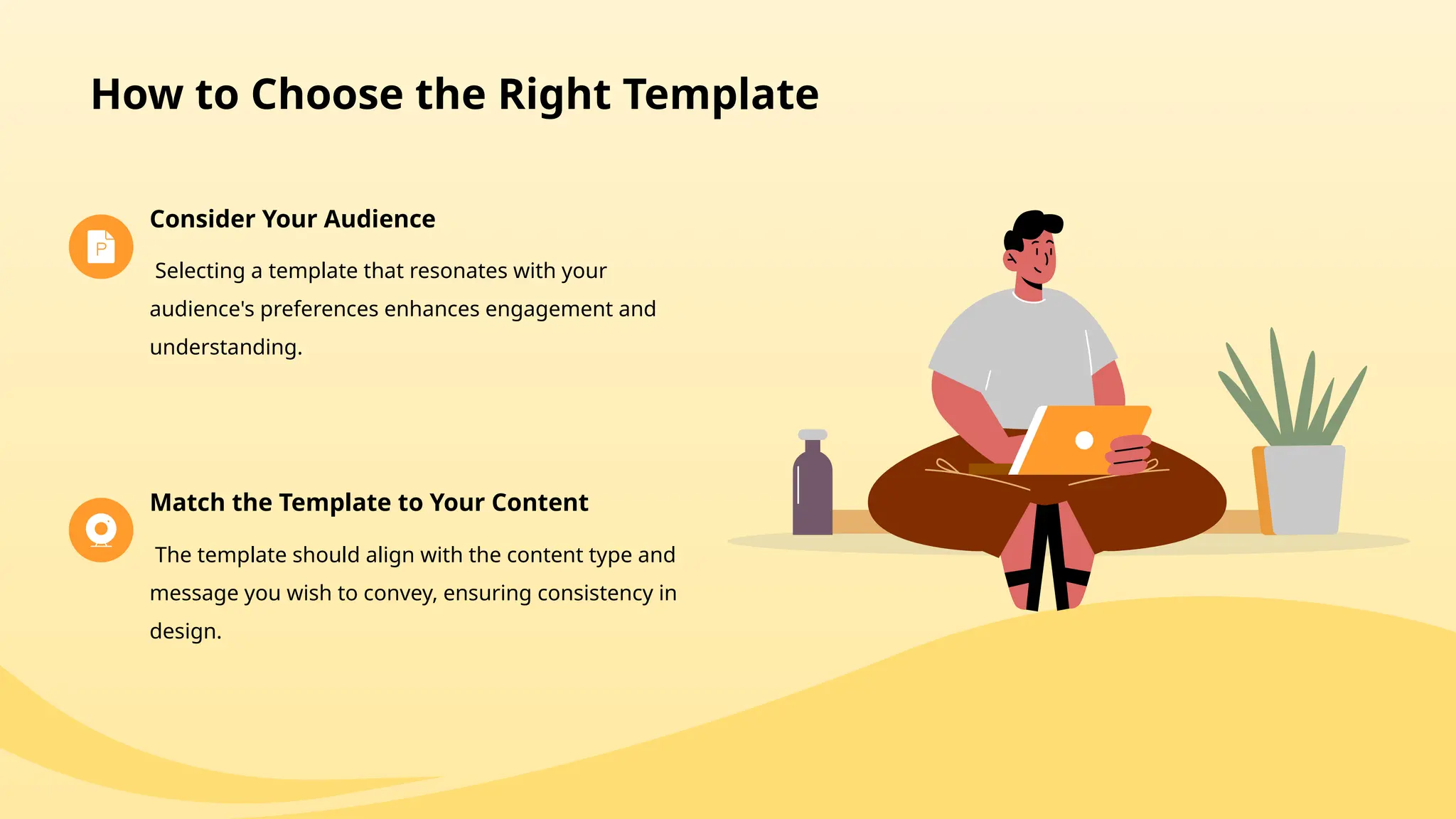
How to Choose the Right Template
Consider Your Audience
Selecting a template that resonates with your
audience's preferences enhances engagement and
understanding.
Match the Template to Your Content
The template should align with the content type and
message you wish to convey, ensuring consistency in
design.
Creating Presentations
03
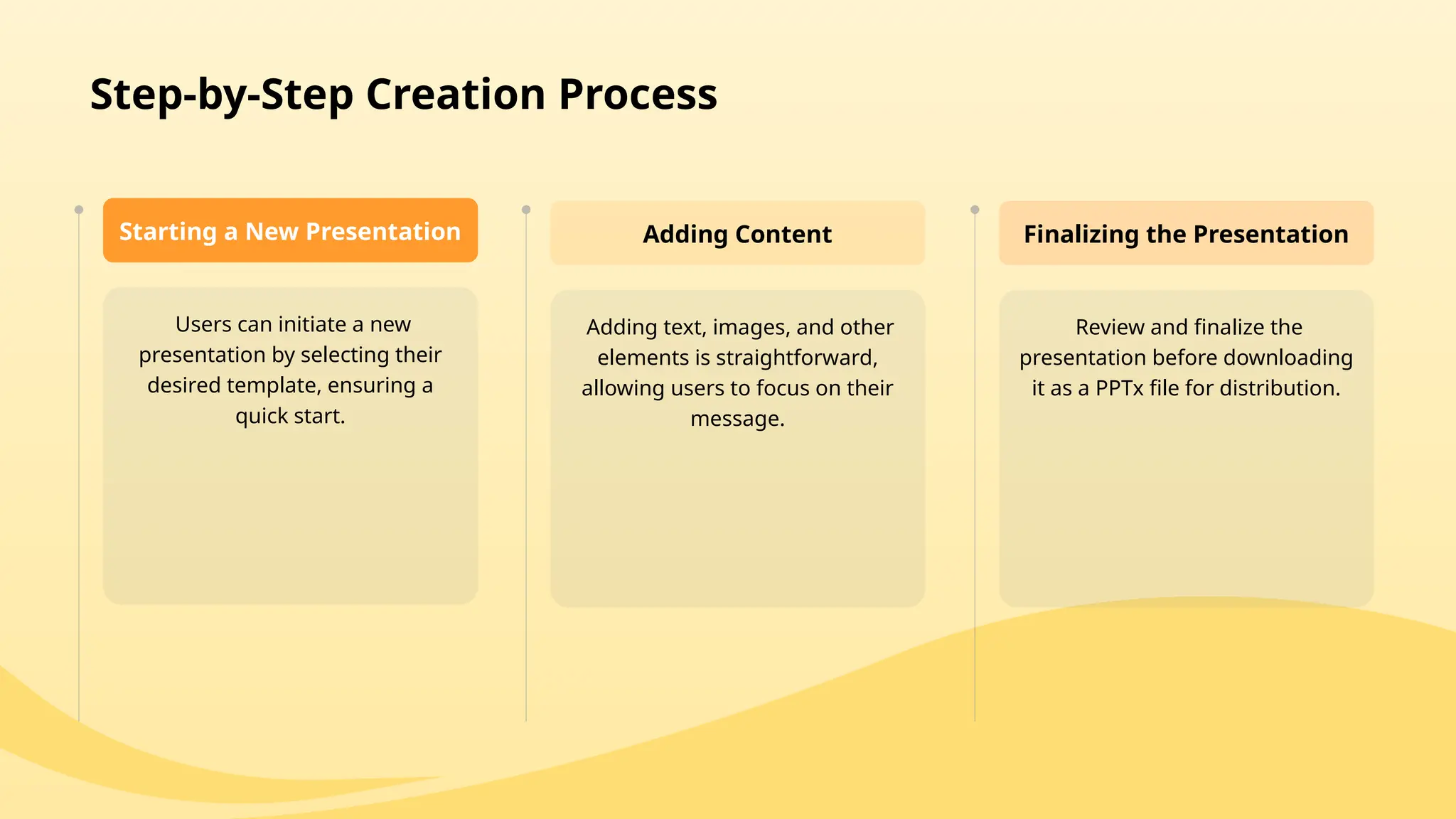
Users can initiate a new
presentation by selecting their
desired template, ensuring a
quick start.
Starting a New Presentation
Adding text, images, and other
elements is straightforward,
allowing users to focus on their
message.
Adding Content
Review and finalize the
presentation before downloading
it as a PPTx file for distribution.
Finalizing the Presentation
Step-by-Step Creation Process
Downloading and Sharing
04
How to Download Your Presentation
Storage Options
Presentations can be stored
locally on devices or shared via
cloud services, enhancing
accessibility.
02
File Formats
Users can download their
presentations in commonly used
formats, including PPTx, for
compatibility with various
platforms.
01
Sharing Your Presentation
Direct Sharing Options
The tool offers options to share
directly from the platform, allowing for
instant distribution to colleagues or
clients.
Public Presentation Tools
Integration with public presentation
tools enables sharing on different
platforms for wider outreach.
Advanced Features
05
Collaboration Tools
Real-Time Editing Commenting System
Users can leave comments and suggestions,
improving the presentation through collective
feedback.
Multiple users can edit the presentation
simultaneously, facilitating teamwork and
collaboration.
Analytics and Insights
Performance Tracking
The tool may offer analytics to track how presentations
perform when shared, providing valuable insights for
improvement.
User Engagement Metrics
Understanding audience engagement through metrics
can guide future presentation strategies and
improvements.
Conclusion
06
Recap of AI PPT Maker Advantages
AI PPT Maker provides an efficient and
accessible solution for anyone needing to
create presentations quickly.
Users are encouraged to explore the tool's
features and create their stunning
presentations with ease.
Encouragement for Users
Efficiency and Accessibility
Thank you for
watching.
Reporter

AI PPT Maker is a free tool that lets you create stunning PowerPoint presentations in seconds with just one click.

  • 1.
    AI PPT MakerOverview https://aipptmaker.ai
  • 2.
    01 02 03 04 Table of Contents 05 06 Introductionto AI PPT Maker Template Variety Creating Presentations Downloading and Sharing Advanced Features Conclusion
  • 3.
    Introduction to AIPPT Maker 01
  • 4.
    What is AIPPT Maker? AI PPT Maker is a free tool designed for creating PowerPoint presentations quickly and efficiently, using AI technology. Definition The tool offers features like one-click presentation creation and unlimited templates, making it user-friendly for everyone. Key Features Users can access AI PPT Maker online, allowing them to create presentations anytime and anywhere. Accessibility
  • 5.
    Benefits of UsingAI PPT Maker Time Efficiency Cost-Effectiveness As a free tool, it eliminates the need for expensive software or design services, making it accessible to all users. The one-click creation process saves significant time compared to traditional presentation design methods.
  • 6.
  • 7.
    Unlimited Template Options DiverseDesigns AI PPT Maker provides a variety of templates catering to different themes and styles, such as corporate, educational, and creative. Customization Features Users can customize any template according to their preferences, ensuring a unique presentation each time. User-Friendly Interface The interface allows for easy navigation and selection of templates, making the design process seamless for all users.
  • 8.
    How to Choosethe Right Template Consider Your Audience Selecting a template that resonates with your audience's preferences enhances engagement and understanding. Match the Template to Your Content The template should align with the content type and message you wish to convey, ensuring consistency in design.
  • 9.
  • 10.
    Users can initiatea new presentation by selecting their desired template, ensuring a quick start. Starting a New Presentation Adding text, images, and other elements is straightforward, allowing users to focus on their message. Adding Content Review and finalize the presentation before downloading it as a PPTx file for distribution. Finalizing the Presentation Step-by-Step Creation Process
  • 11.
  • 12.
    How to DownloadYour Presentation Storage Options Presentations can be stored locally on devices or shared via cloud services, enhancing accessibility. 02 File Formats Users can download their presentations in commonly used formats, including PPTx, for compatibility with various platforms. 01
  • 13.
    Sharing Your Presentation DirectSharing Options The tool offers options to share directly from the platform, allowing for instant distribution to colleagues or clients. Public Presentation Tools Integration with public presentation tools enables sharing on different platforms for wider outreach.
  • 14.
  • 15.
    Collaboration Tools Real-Time EditingCommenting System Users can leave comments and suggestions, improving the presentation through collective feedback. Multiple users can edit the presentation simultaneously, facilitating teamwork and collaboration.
  • 16.
    Analytics and Insights PerformanceTracking The tool may offer analytics to track how presentations perform when shared, providing valuable insights for improvement. User Engagement Metrics Understanding audience engagement through metrics can guide future presentation strategies and improvements.
  • 17.
  • 18.
    Recap of AIPPT Maker Advantages AI PPT Maker provides an efficient and accessible solution for anyone needing to create presentations quickly. Users are encouraged to explore the tool's features and create their stunning presentations with ease. Encouragement for Users Efficiency and Accessibility
  • 19.