Brenda Hough  http://maintainitproject.org MaintainIT - Library Training Specialist -  [email_address]   Stephanie Gerding  http://stephaniegerding.com Independent Library Consultant -  [email_address]   Internet Librarian 2008 Preconference
I am __ from __. (name, library, location). The kind of training I do is… Something fun or unique about myself is…        OR      My favorite quote is … One thing I want to get out       of today’s session is…
These 8 questions will be answered: What skills should a technology trainer have?  Why should libraries offer technology training?  How do we learn and how do we help others learn? How do you create a learning community in a workshop?  What hands-on activities increase learning, participation, and retention?  How do you organize and design a workshop? How can you deal with difficult training situations?  What are some best practices from other libraries?
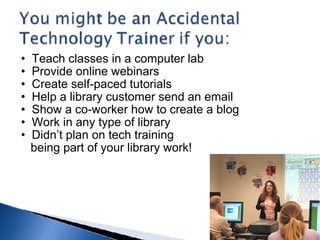
Teach classes in a computer lab Provide online webinars Create self-paced tutorials Help a library customer send an email Show a co-worker how to create a blog Work in any type of library Didn’t plan on tech training       being part of your library work!
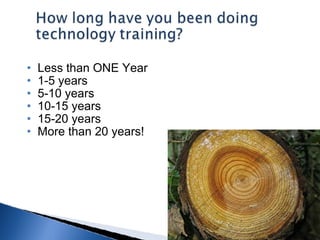
Less than ONE Year 1-5 years 5-10 years 10-15 years 15-20 years More than 20 years!
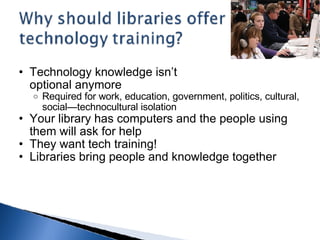
Technology knowledge isn’t  optional anymore  Required for work, education, government, politics, cultural, social—technocultural isolation Your library has computers and the people using them will ask for help They want tech training! Libraries bring people and knowledge together
 
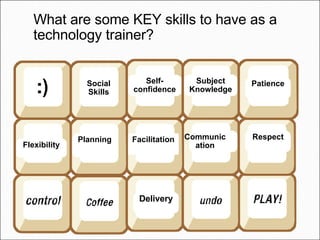
What are some KEY skills to have as a technology trainer? Flexibility Social Skills Self-confidence Planning Facilitation Delivery Subject Knowledge Communication Respect Patience
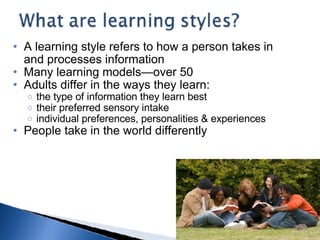
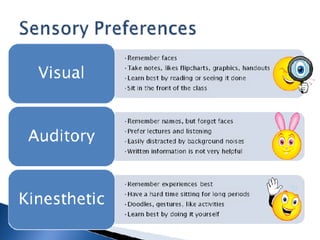
A learning style refers to how a person takes in and processes information Many learning models—over 50 Adults differ in the ways they learn: the type of information they learn best their preferred sensory intake individual preferences, personalities & experiences People take in the world differently
 
 
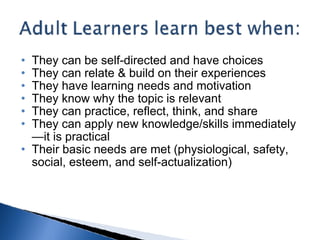
They can be self-directed and have choices They can relate & build on their experiences They have learning needs and motivation They know why the topic is relevant They can practice, reflect, think, and share They can apply new knowledge/skills immediately—it is practical Their basic needs are met (physiological, safety, social, esteem, and self-actualization)
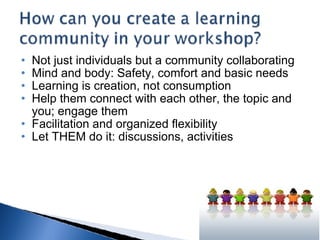
Not just individuals but a community collaborating Mind and body: Safety, comfort and basic needs Learning is creation, not consumption Help them connect with each other, the topic and you; engage them Facilitation and organized flexibility Let THEM do it: discussions, activities
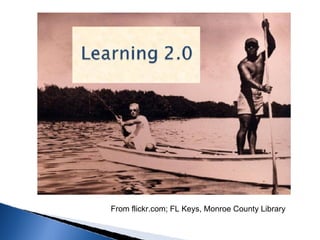
From flickr.com; FL Keys, Monroe County Library
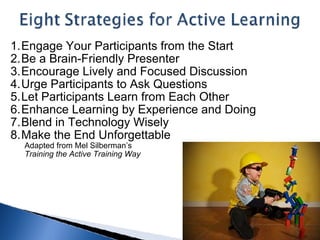
Engage Your Participants from the Start Be a Brain-Friendly Presenter  Encourage Lively and Focused Discussion Urge Participants to Ask Questions  Let Participants Learn from Each Other  Enhance Learning by Experience and Doing Blend in Technology Wisely  Make the End Unforgettable          Adapted from Mel Silberman’s          Training the Active Training Way  
Polling Pair Share or Learning Partners Action Plans Question Sharing Storytelling Analogies Snowball Fight Scavenger Hunt Top 10 Lists Chocolate Hugs and Kisses Jeopardy Speed Dating
Storytelling "When facts become so widely available and instantly accessible, each one becomes less valuable. What begins to matter more is the ability to place these facts in context and to deliver them with emotional impact. And that is the essence of the aptitude of Story - context enriched by emotion."          -Daniel Pink,  A Whole New Mind
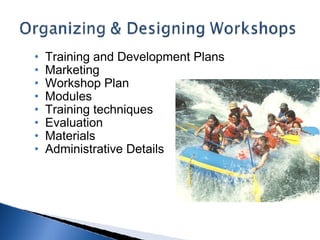
Training and Development Plans Marketing Workshop Plan Modules Training techniques Evaluation Materials Administrative Details
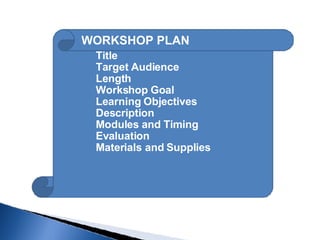
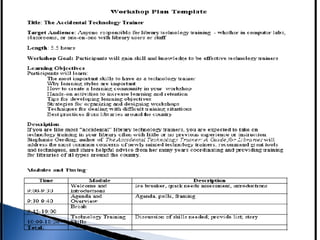
WORKSHOP PLAN Title Target Audience Length  Workshop Goal Learning Objectives  Description Modules and Timing Evaluation Materials and Supplies
 
 
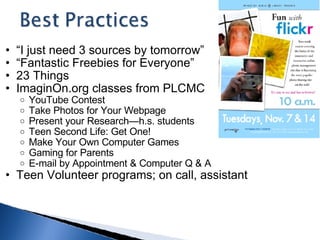
“ I just need 3 sources by tomorrow” “ Fantastic Freebies for Everyone” 23 Things ImaginOn.org classes from PLCMC  YouTube Contest Take Photos for Your Webpage Present your Research—h.s. students Teen Second Life: Get One! Make Your Own Computer Games Gaming for Parents E-mail by Appointment & Computer Q & A Teen Volunteer programs; on call, assistant
Acknowledge that nervousness is normal.  Don't apologize or call attention to your nervousness.  Be aware of your breathing. Remember that the participants want you to succeed.  Have a positive and confident outlook, even if you fake it at first!  Establish a warm-up routine/checklist. Get comfortable and familiar with the room, equipment, lights, etc.  Know as much as you can about your audience.  Practice and practice.  Focus on the people and your message, not your nerves.  Start with a relevant joke or story to give accessibility to the content.   10 Tips to  Calm the Qualms
 
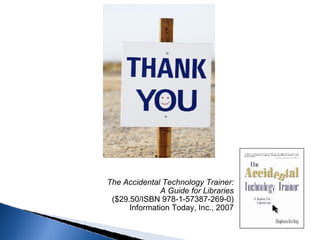
The Accidental Technology Trainer:  A Guide for Libraries  ($29.50/ISBN 978-1-57387-269-0)  Information Today, Inc., 2007

Accidental Trainer

  • 1.
    Brenda Hough http://maintainitproject.org MaintainIT - Library Training Specialist - [email_address]   Stephanie Gerding http://stephaniegerding.com Independent Library Consultant - [email_address] Internet Librarian 2008 Preconference
  • 2.
    I am __from __. (name, library, location). The kind of training I do is… Something fun or unique about myself is…        OR      My favorite quote is … One thing I want to get out      of today’s session is…
  • 3.
    These 8 questionswill be answered: What skills should a technology trainer have? Why should libraries offer technology training? How do we learn and how do we help others learn? How do you create a learning community in a workshop? What hands-on activities increase learning, participation, and retention? How do you organize and design a workshop? How can you deal with difficult training situations? What are some best practices from other libraries?
  • 4.
    Teach classes ina computer lab Provide online webinars Create self-paced tutorials Help a library customer send an email Show a co-worker how to create a blog Work in any type of library Didn’t plan on tech training      being part of your library work!
  • 5.
    Less than ONEYear 1-5 years 5-10 years 10-15 years 15-20 years More than 20 years!
  • 6.
    Technology knowledge isn’t optional anymore Required for work, education, government, politics, cultural, social—technocultural isolation Your library has computers and the people using them will ask for help They want tech training! Libraries bring people and knowledge together
  • 7.
  • 8.
    What are someKEY skills to have as a technology trainer? Flexibility Social Skills Self-confidence Planning Facilitation Delivery Subject Knowledge Communication Respect Patience
  • 9.
    A learning stylerefers to how a person takes in and processes information Many learning models—over 50 Adults differ in the ways they learn: the type of information they learn best their preferred sensory intake individual preferences, personalities & experiences People take in the world differently
  • 10.
  • 11.
  • 12.
    They can beself-directed and have choices They can relate & build on their experiences They have learning needs and motivation They know why the topic is relevant They can practice, reflect, think, and share They can apply new knowledge/skills immediately—it is practical Their basic needs are met (physiological, safety, social, esteem, and self-actualization)
  • 13.
    Not just individualsbut a community collaborating Mind and body: Safety, comfort and basic needs Learning is creation, not consumption Help them connect with each other, the topic and you; engage them Facilitation and organized flexibility Let THEM do it: discussions, activities
  • 14.
    From flickr.com; FLKeys, Monroe County Library
  • 15.
    Engage Your Participantsfrom the Start Be a Brain-Friendly Presenter Encourage Lively and Focused Discussion Urge Participants to Ask Questions Let Participants Learn from Each Other Enhance Learning by Experience and Doing Blend in Technology Wisely Make the End Unforgettable          Adapted from Mel Silberman’s          Training the Active Training Way  
  • 16.
    Polling Pair Shareor Learning Partners Action Plans Question Sharing Storytelling Analogies Snowball Fight Scavenger Hunt Top 10 Lists Chocolate Hugs and Kisses Jeopardy Speed Dating
  • 17.
    Storytelling "When factsbecome so widely available and instantly accessible, each one becomes less valuable. What begins to matter more is the ability to place these facts in context and to deliver them with emotional impact. And that is the essence of the aptitude of Story - context enriched by emotion."         -Daniel Pink, A Whole New Mind
  • 18.
    Training and DevelopmentPlans Marketing Workshop Plan Modules Training techniques Evaluation Materials Administrative Details
  • 19.
    WORKSHOP PLAN TitleTarget Audience Length Workshop Goal Learning Objectives Description Modules and Timing Evaluation Materials and Supplies
  • 20.
  • 21.
  • 22.
    “ I justneed 3 sources by tomorrow” “ Fantastic Freebies for Everyone” 23 Things ImaginOn.org classes from PLCMC YouTube Contest Take Photos for Your Webpage Present your Research—h.s. students Teen Second Life: Get One! Make Your Own Computer Games Gaming for Parents E-mail by Appointment & Computer Q & A Teen Volunteer programs; on call, assistant
  • 23.
    Acknowledge that nervousnessis normal. Don't apologize or call attention to your nervousness. Be aware of your breathing. Remember that the participants want you to succeed. Have a positive and confident outlook, even if you fake it at first! Establish a warm-up routine/checklist. Get comfortable and familiar with the room, equipment, lights, etc. Know as much as you can about your audience. Practice and practice. Focus on the people and your message, not your nerves. Start with a relevant joke or story to give accessibility to the content. 10 Tips to Calm the Qualms
  • 24.
  • 25.
    The Accidental TechnologyTrainer: A Guide for Libraries ($29.50/ISBN 978-1-57387-269-0) Information Today, Inc., 2007