A Java Microservices project using Spring Boot
deployment on Docker – Hands-on Case Study.
Mr. Subramanyam Tirumani Vemala
subramanyam.vemala@capgemini.com
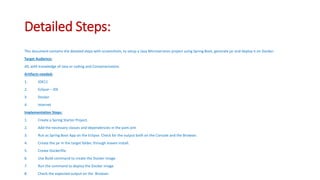
Detailed Steps:
This document contains the detailed steps with screenshots, to setup a Java Microservices project using Spring Boot, generate jar and deploy it on Docker:
Target Audience:
All, with knowledge of Java or coding and Containerization.
Artifacts needed:
1. JDK11
2. Eclipse – IDE
3. Docker
4. Internet
Implementation Steps:
1. Create a Spring Starter Project.
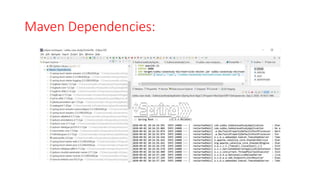
2. Add the necessary classes and dependencies in the pom.xml
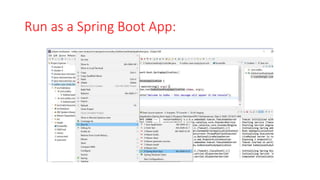
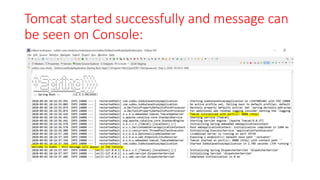
3. Run as Spring Boot App on the Eclipse. Check for the output both on the Console and the Browser.
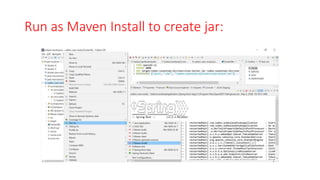
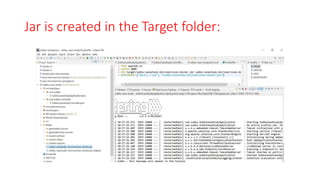
4. Create the jar in the target folder, through maven install.
5. Create Dockerfile.
6. Use Build command to create the Docker image.
7. Run the command to deploy the Docker image.
8. Check the expected output on the Browser.
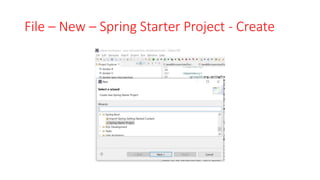
File – New – Spring Starter Project - Create
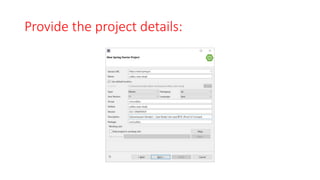
Provide the project details:
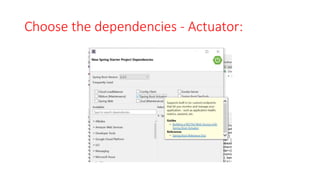
Choose the dependencies - Actuator:
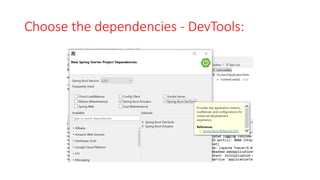
Choose the dependencies - DevTools:
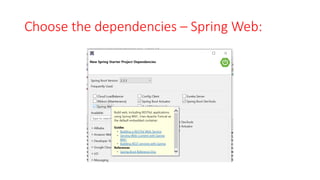
Choose the dependencies – Spring Web:
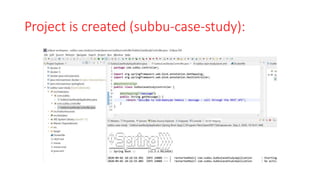
Project is created (subbu-case-study):
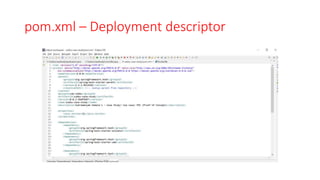
pom.xml – Deployment descriptor
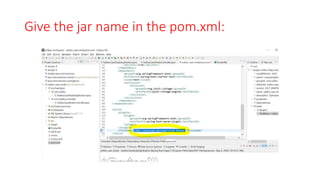
Give the jar name in the pom.xml:
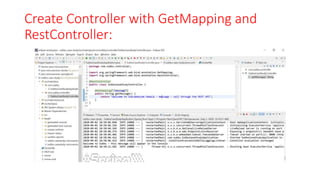
Create Controller with GetMapping and
RestController:
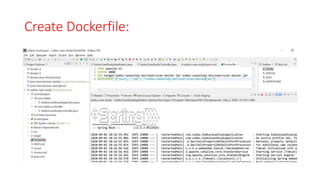
Create Dockerfile:
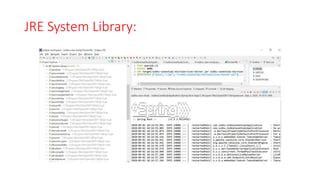
JRE System Library:
Maven Dependencies:
Run as a Spring Boot App:
Tomcat started successfully and message can
be seen on Console:
Run as Maven Install to create jar:
Jar is created in the Target folder:
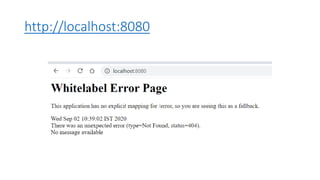
http://localhost:8080
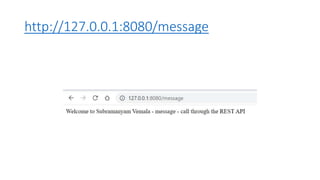
http://127.0.0.1:8080/message
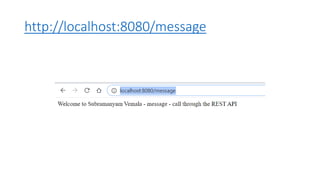
http://localhost:8080/message
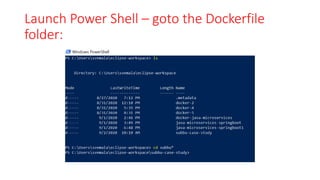
Launch Power Shell – goto the Dockerfile
folder:
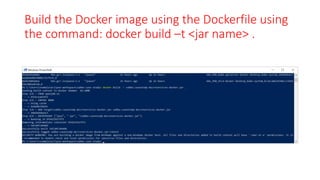
Build the Docker image using the Dockerfile using
the command: docker build –t <jar name> .
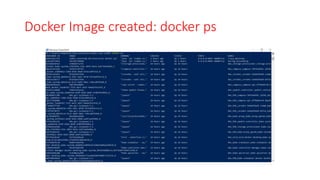
Docker Image created: docker ps
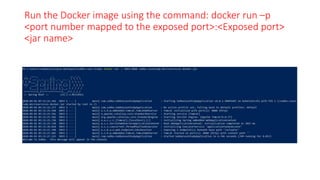
Run the Docker image using the command: docker run –p
<port number mapped to the exposed port>:<Exposed port>
<jar name>
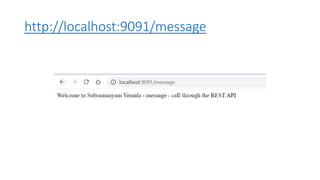
http://localhost:9091/message
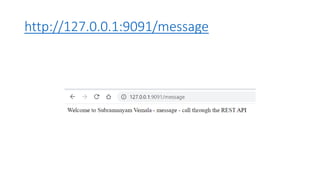
http://127.0.0.1:9091/message
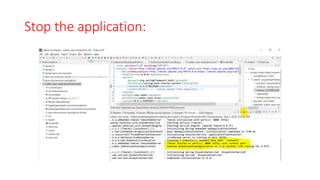
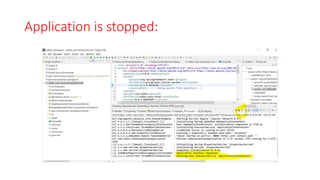
Stop the application:
Application is stopped:
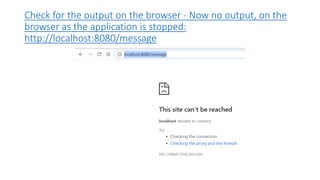
Check for the output on the browser - Now no output, on the
browser as the application is stopped:
http://localhost:8080/message
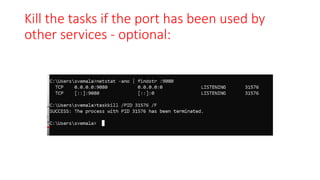
Kill the tasks if the port has been used by
other services - optional:
Kill the tasks if the port has been used by
other services - optional:
C:Userssvemala>netstat -ano | findstr :9080
TCP 0.0.0.0:9080 0.0.0.0:0 LISTENING 31576
TCP [::]:9080 [::]:0 LISTENING 31576
C:Userssvemala>taskkill /PID 31576 /F
SUCCESS: The process with PID 31576 has been terminated.
C:Userssvemala>
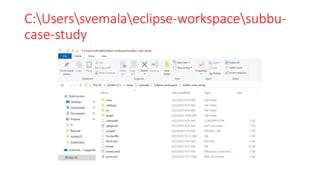
C:Userssvemalaeclipse-workspacesubbu-
case-study
Appendix:
Download the code from public GitGub:
1. HTTPS:
https://github.com/subbugh/java-microservices-springboot-docker.git
2. SSH:
git@github.com:subbugh/java-microservices-springboot-docker.git
3. Code Zip file:

A Java Microservices Spring Boot and Docker case study.