Postman gives you superpowers 
These slides show you how to use them
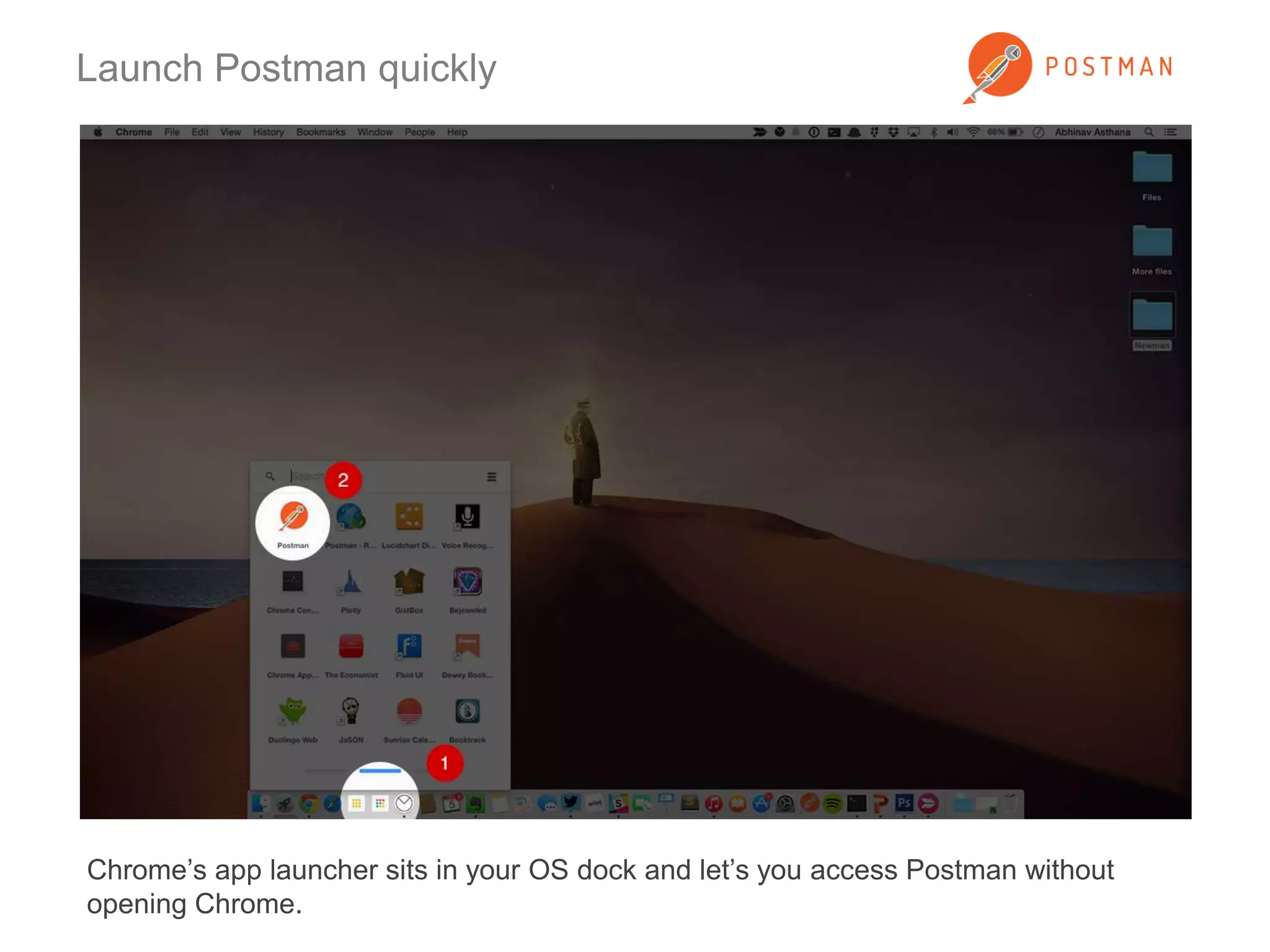
Launch Postman quickly 
Chrome’s app launcher sits in your OS dock and let’s you access Postman without 
opening Chrome.
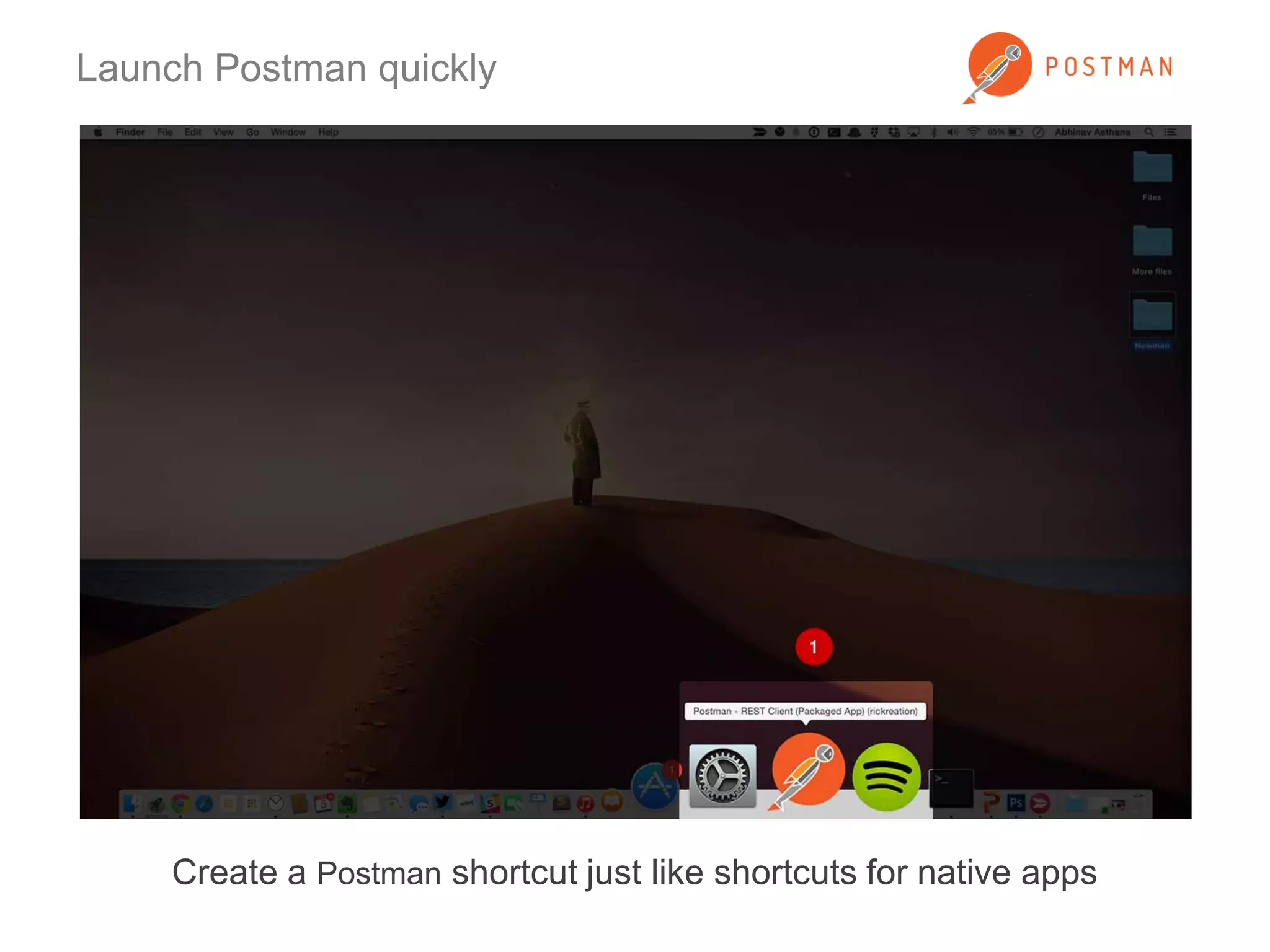
Launch Postman quickly 
Create a Postman shortcut just like shortcuts for native apps
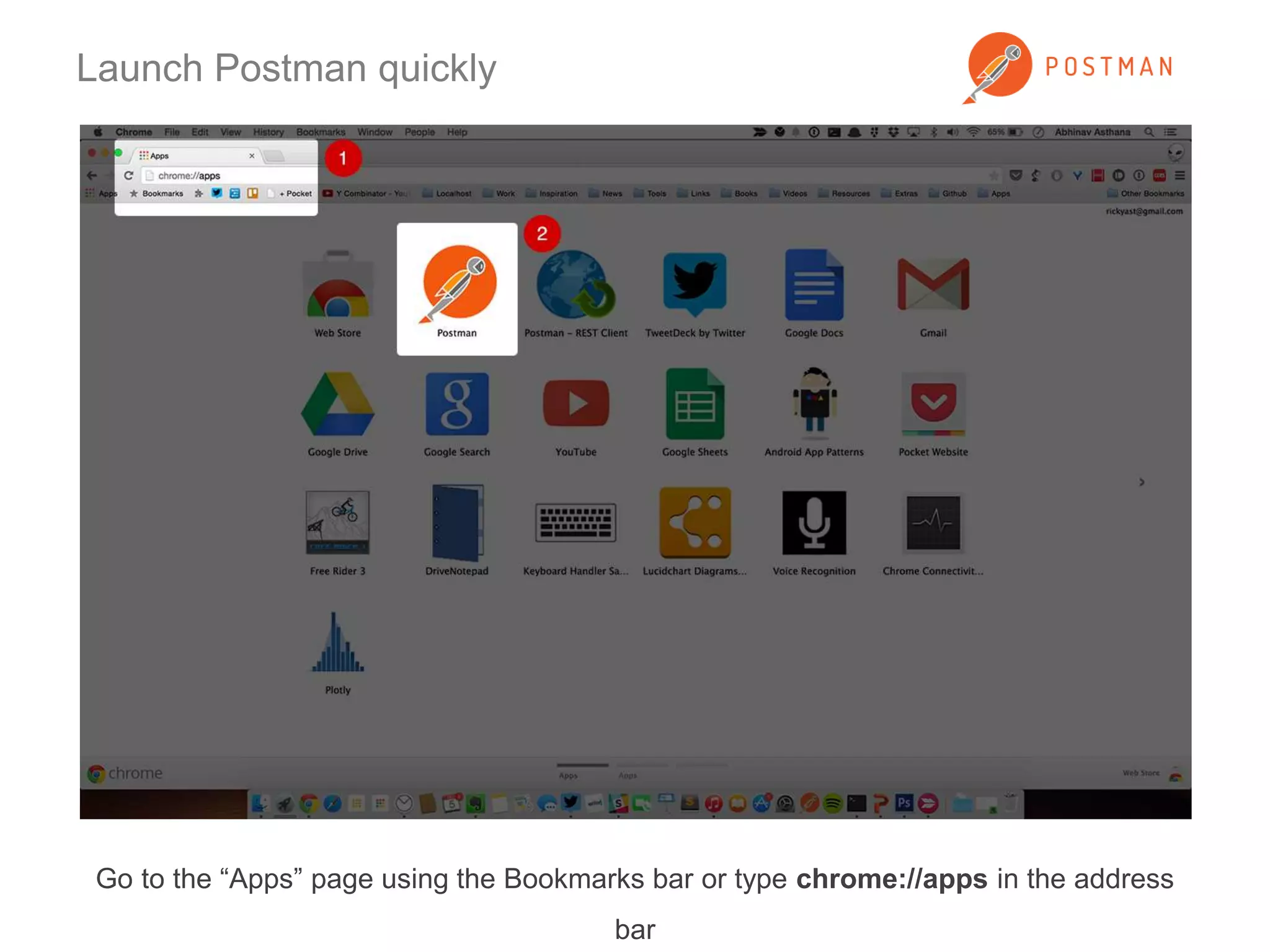
Launch Postman quickly 
Go to the “Apps” page using the Bookmarks bar or type chrome://apps in the address 
bar
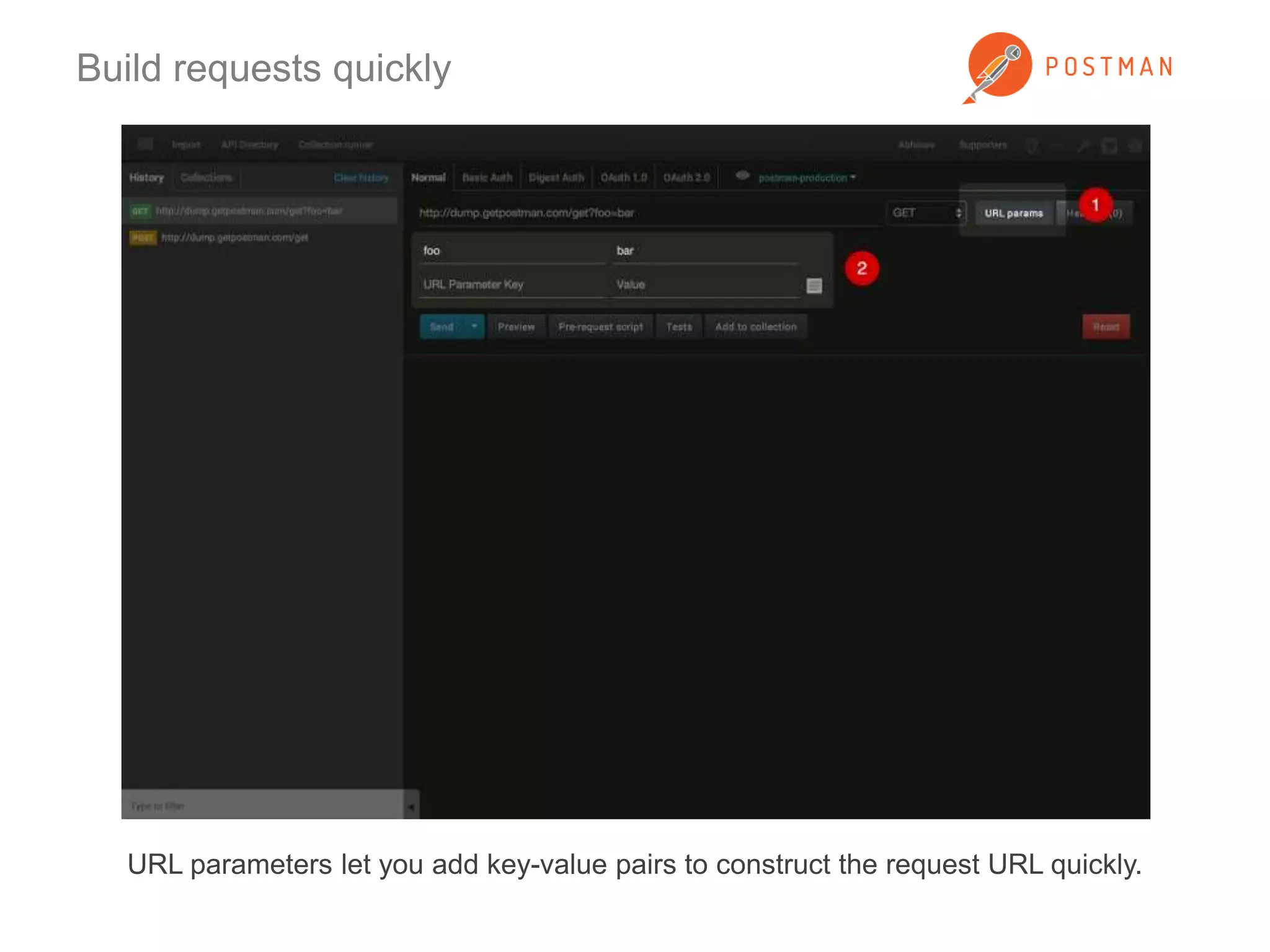
Build requests quickly 
URL parameters let you add key-value pairs to construct the request URL quickly.
Build requests quickly 
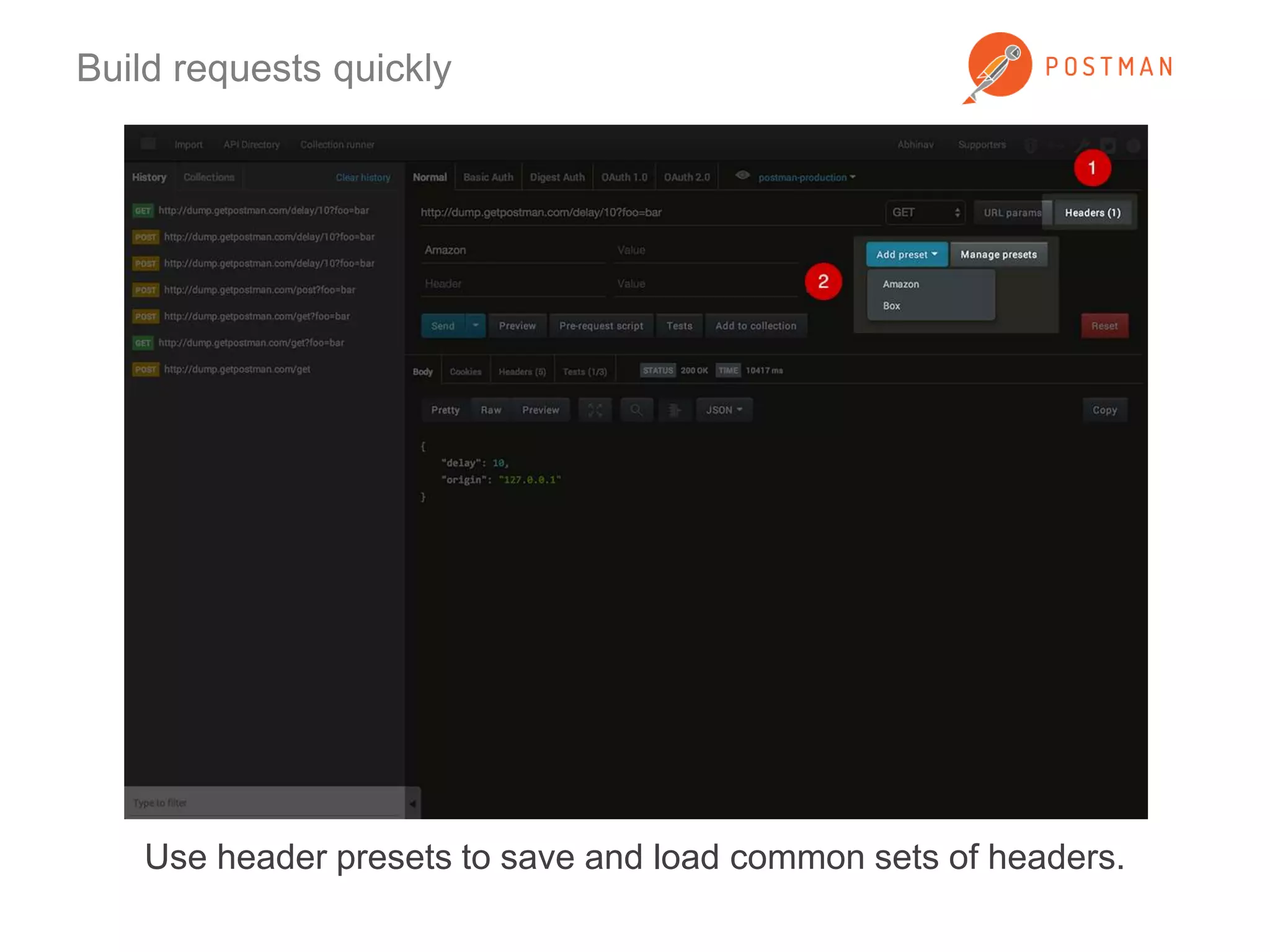
Use header presets to save and load common sets of headers.
Build requests quickly 
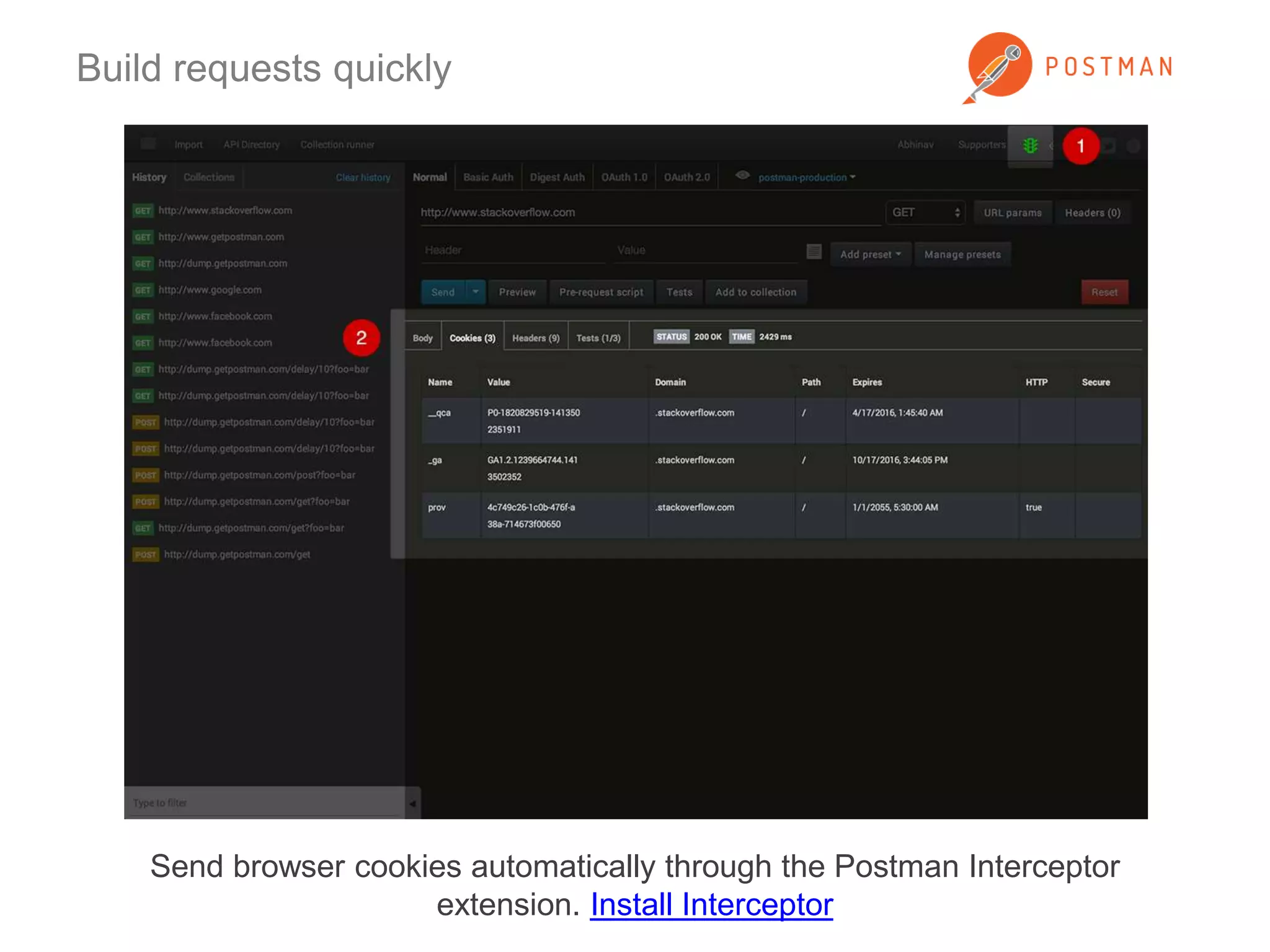
Send browser cookies automatically through the Postman Interceptor 
extension. Install Interceptor
Build requests quickly 
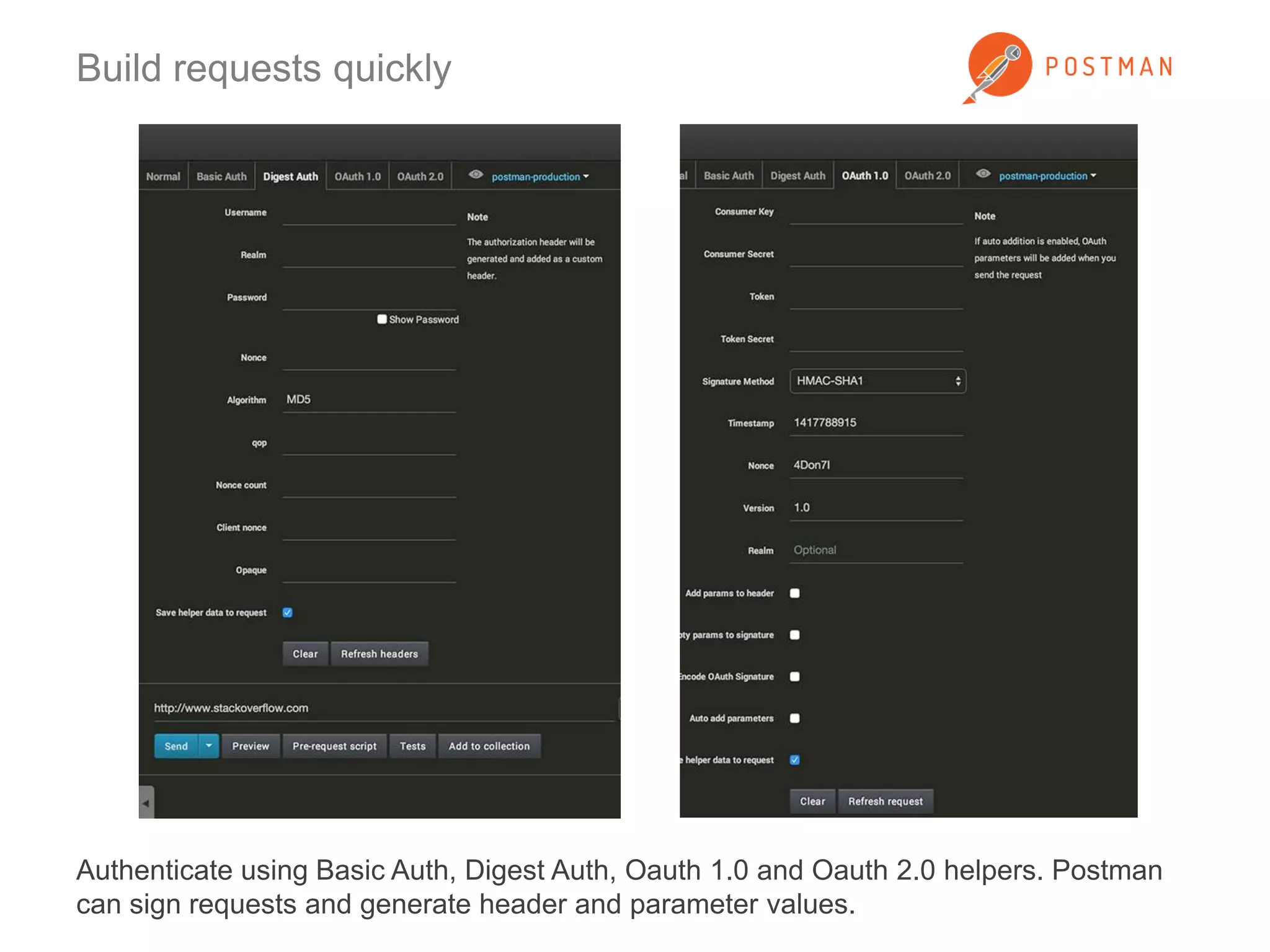
Authenticate using Basic Auth, Digest Auth, Oauth 1.0 and Oauth 2.0 helpers. Postman 
can sign requests and generate header and parameter values.
Organize using collections 
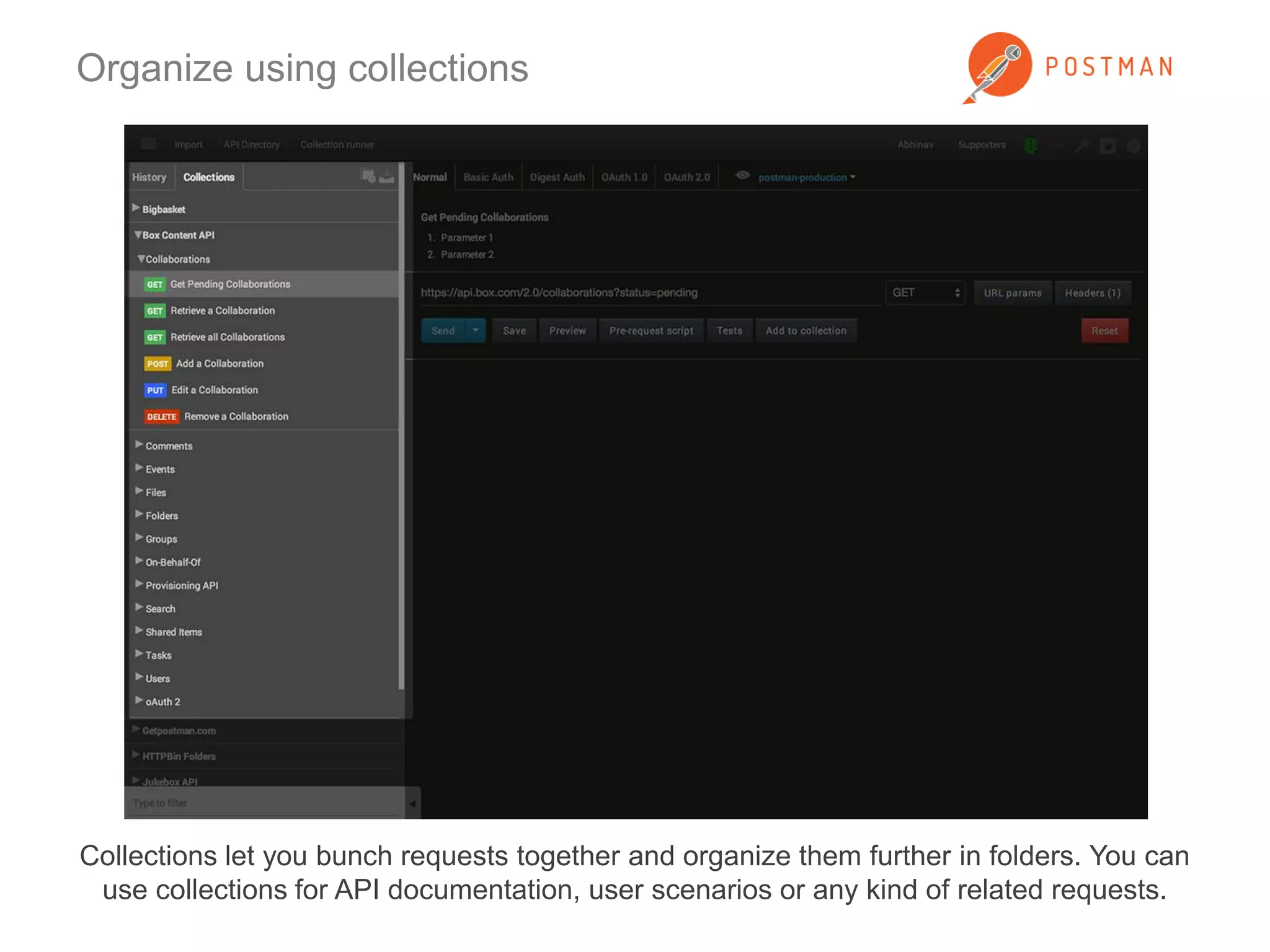
Collections let you bunch requests together and organize them further in folders. You can 
use collections for API documentation, user scenarios or any kind of related requests.
Organize using collections 
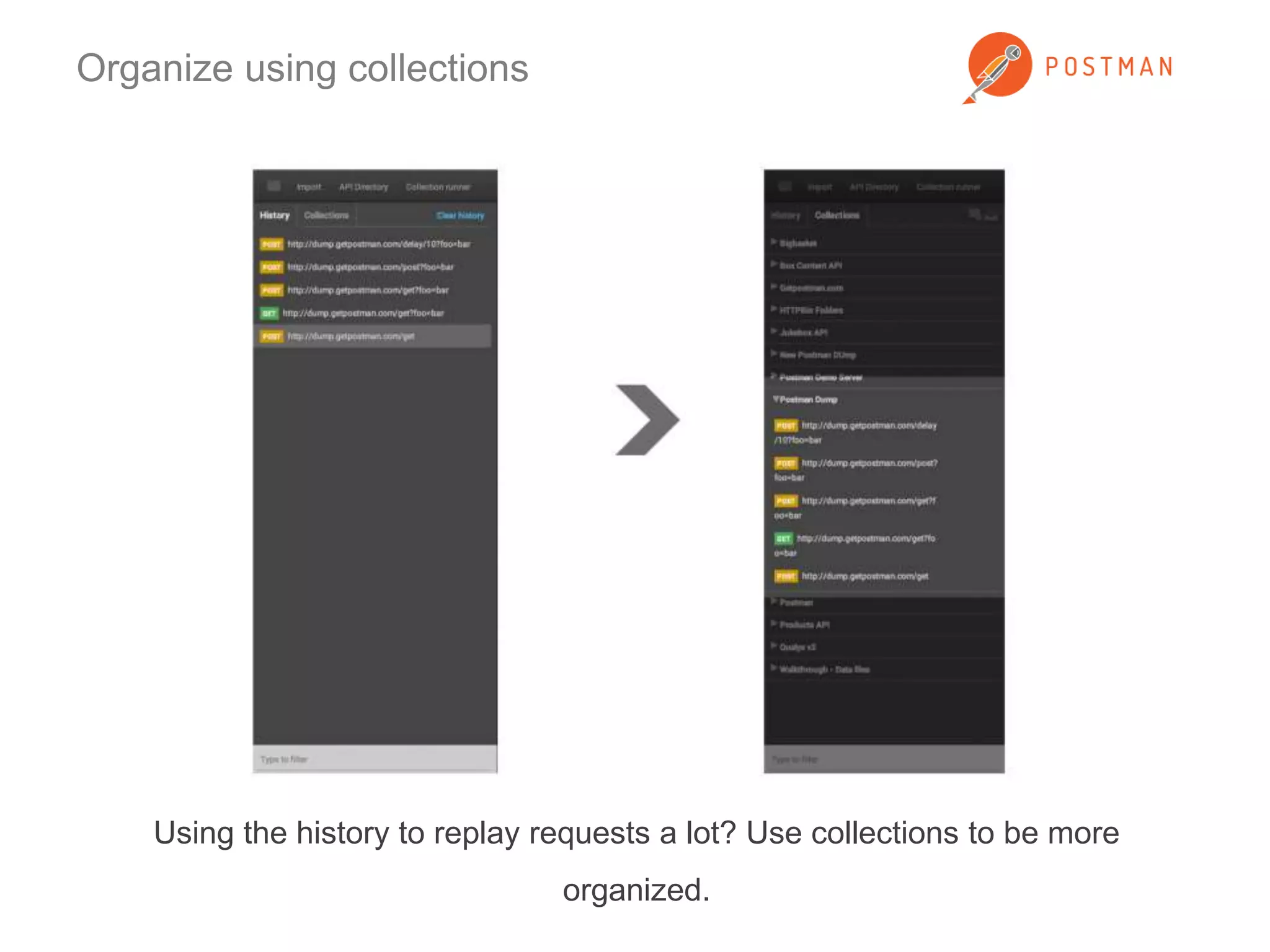
Using the history to replay requests a lot? Use collections to be more 
organized.
Organize using collections 
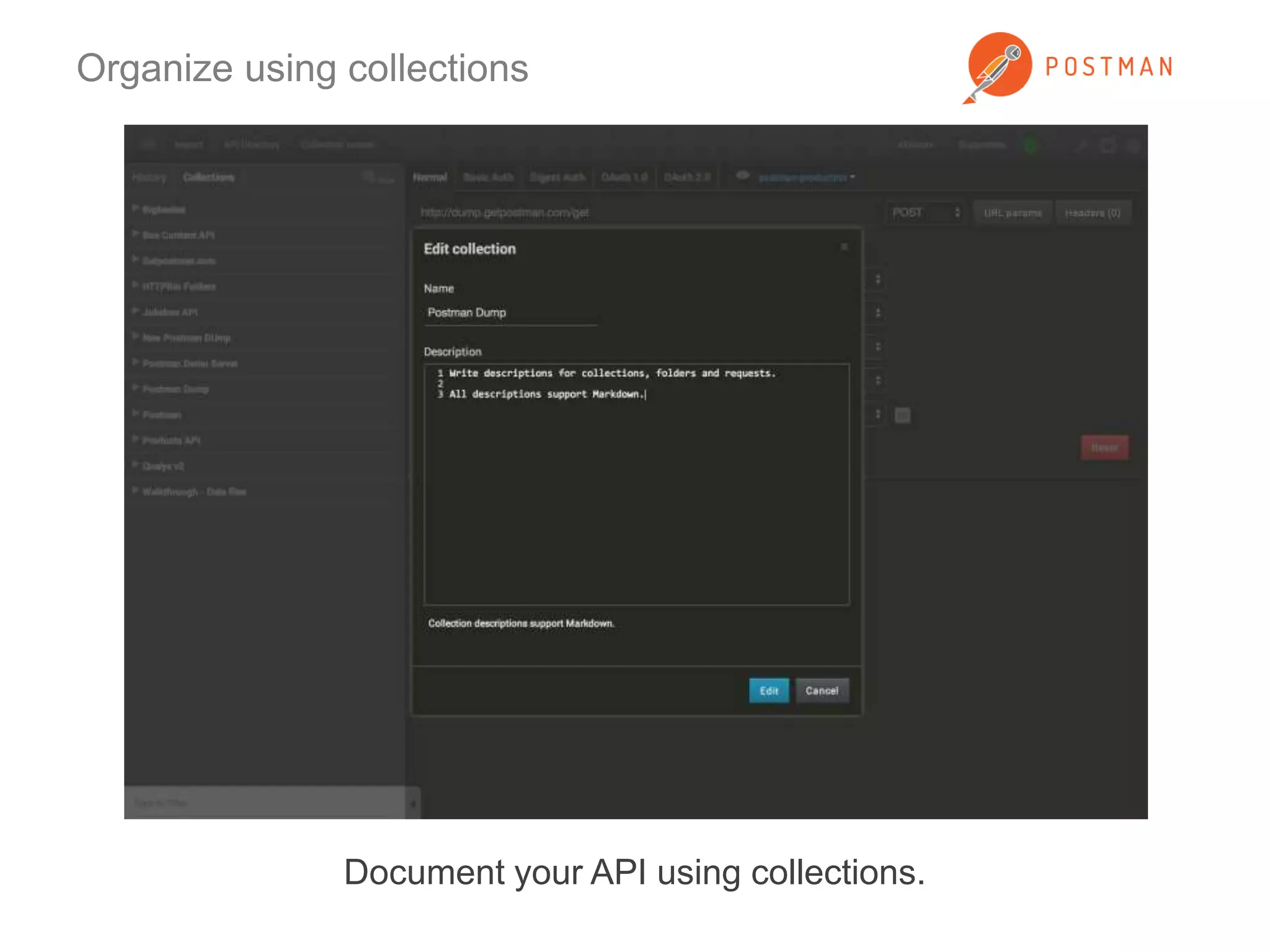
Document your API using collections.
Organize using collections 
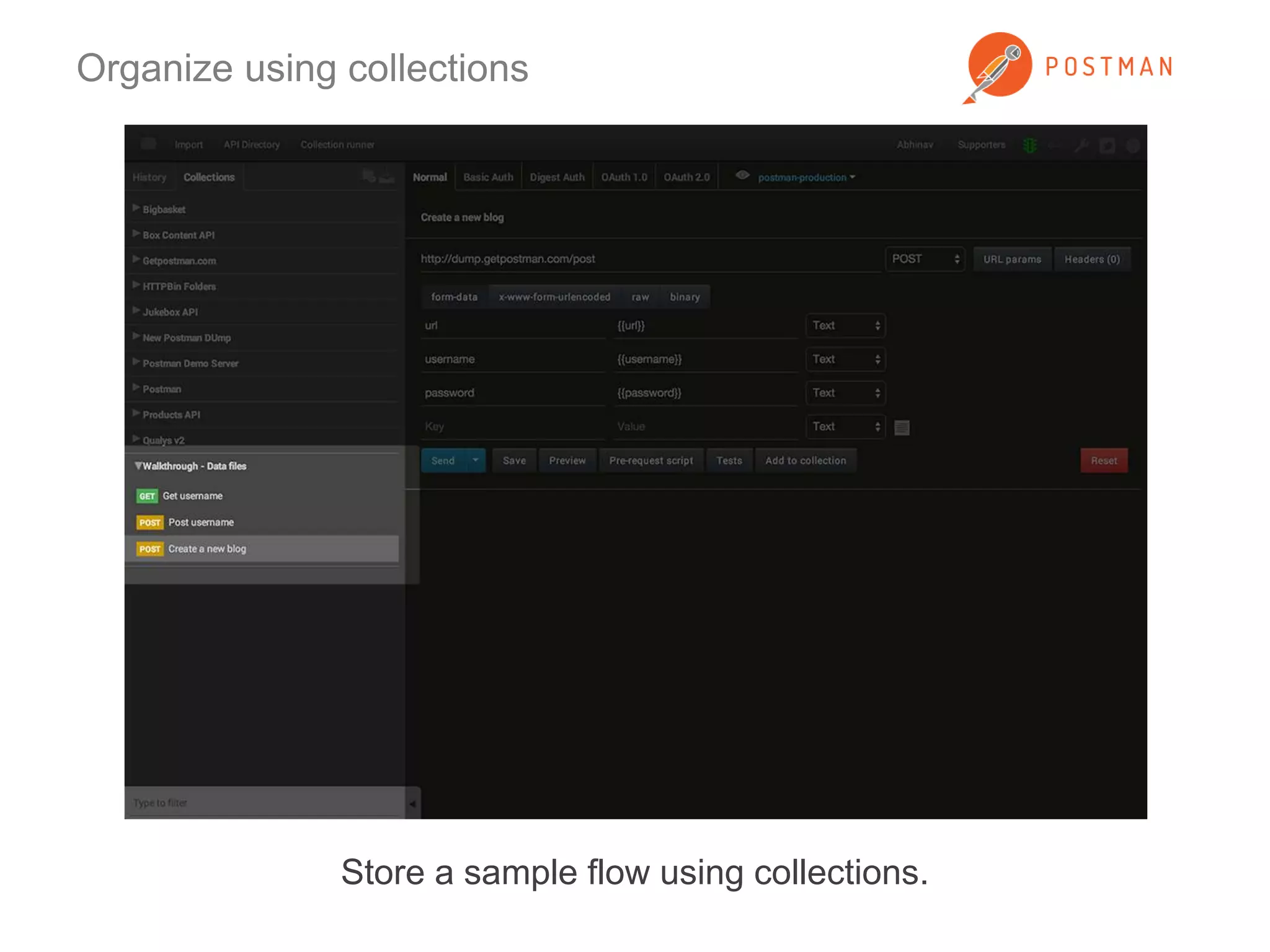
Store a sample flow using collections.
Organize using collections 
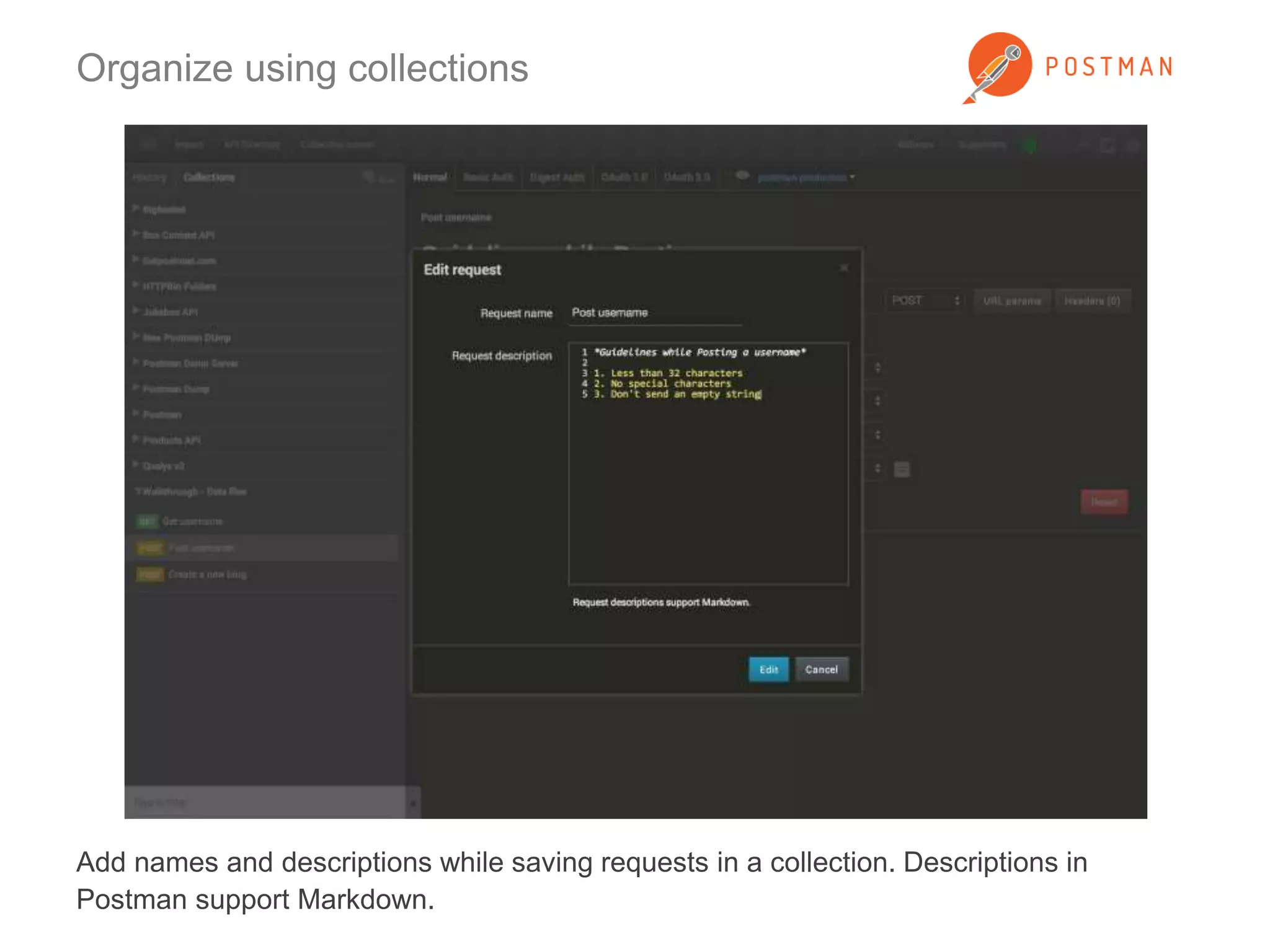
Add names and descriptions while saving requests in a collection. Descriptions in 
Postman support Markdown.
Organize using collections 
Descriptions show up right above the request construction module.
Organize using collections 
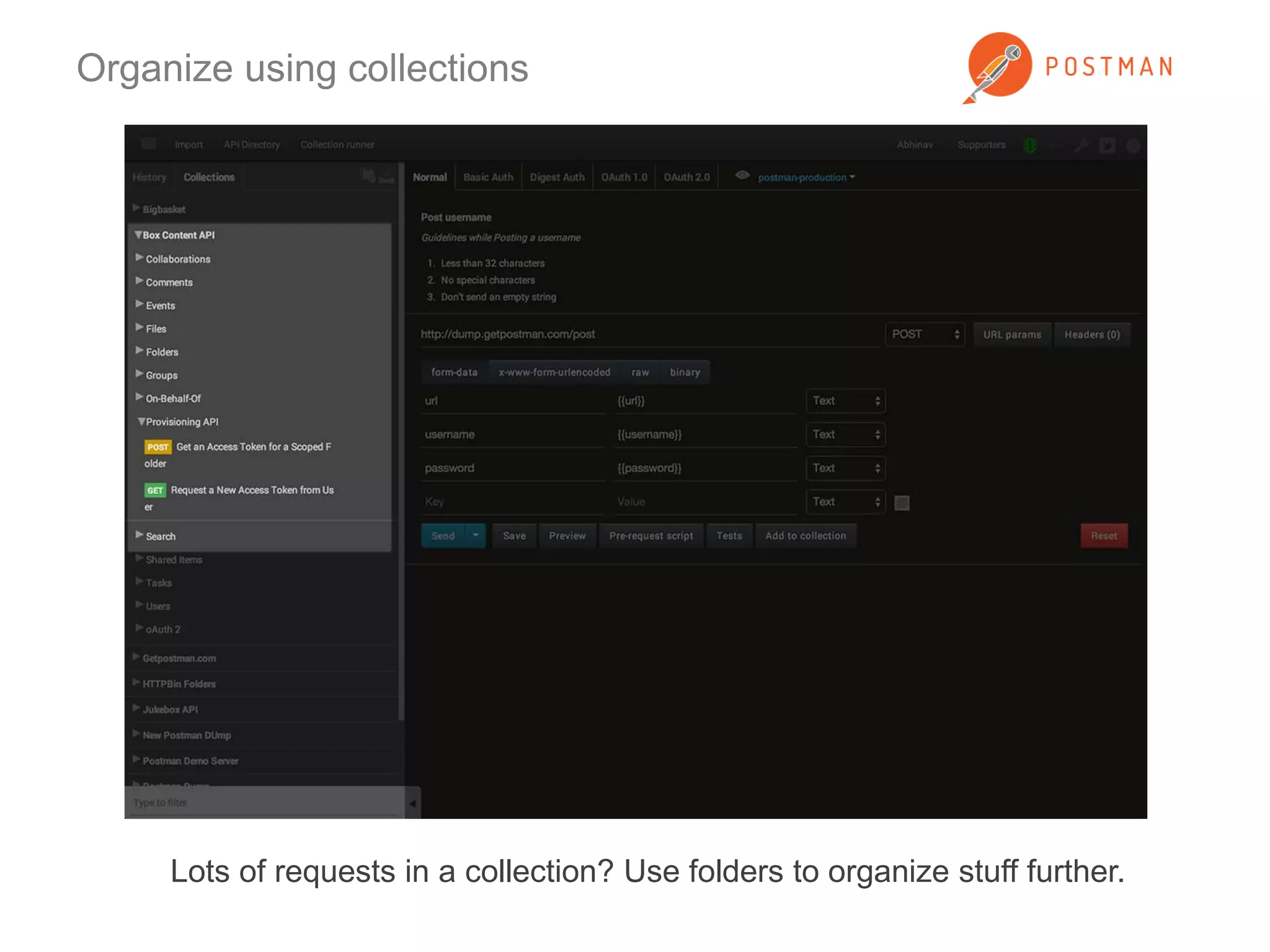
Lots of requests in a collection? Use folders to organize stuff further.
Using collections 
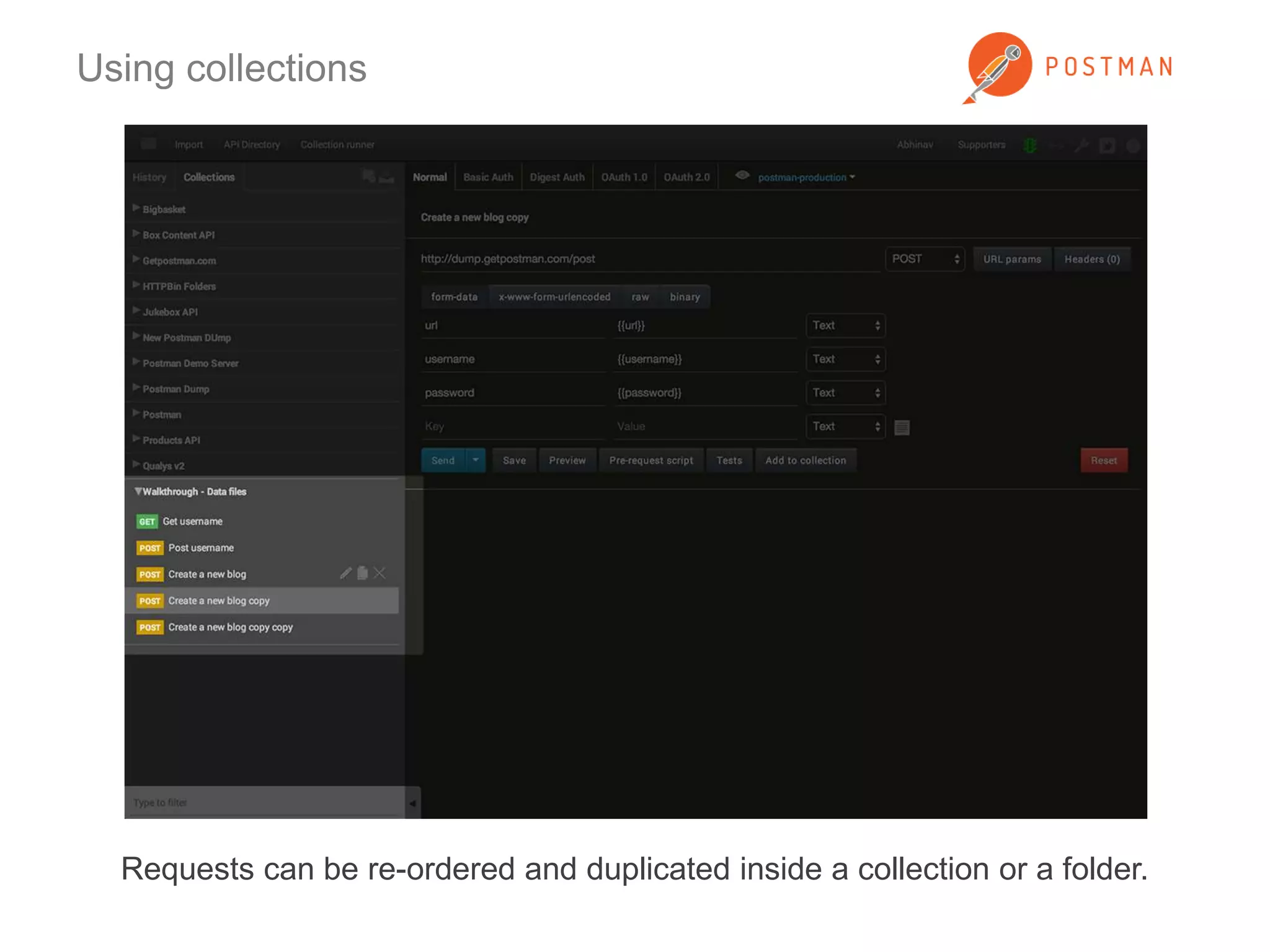
Requests can be re-ordered and duplicated inside a collection or a folder.
Organize using collections 
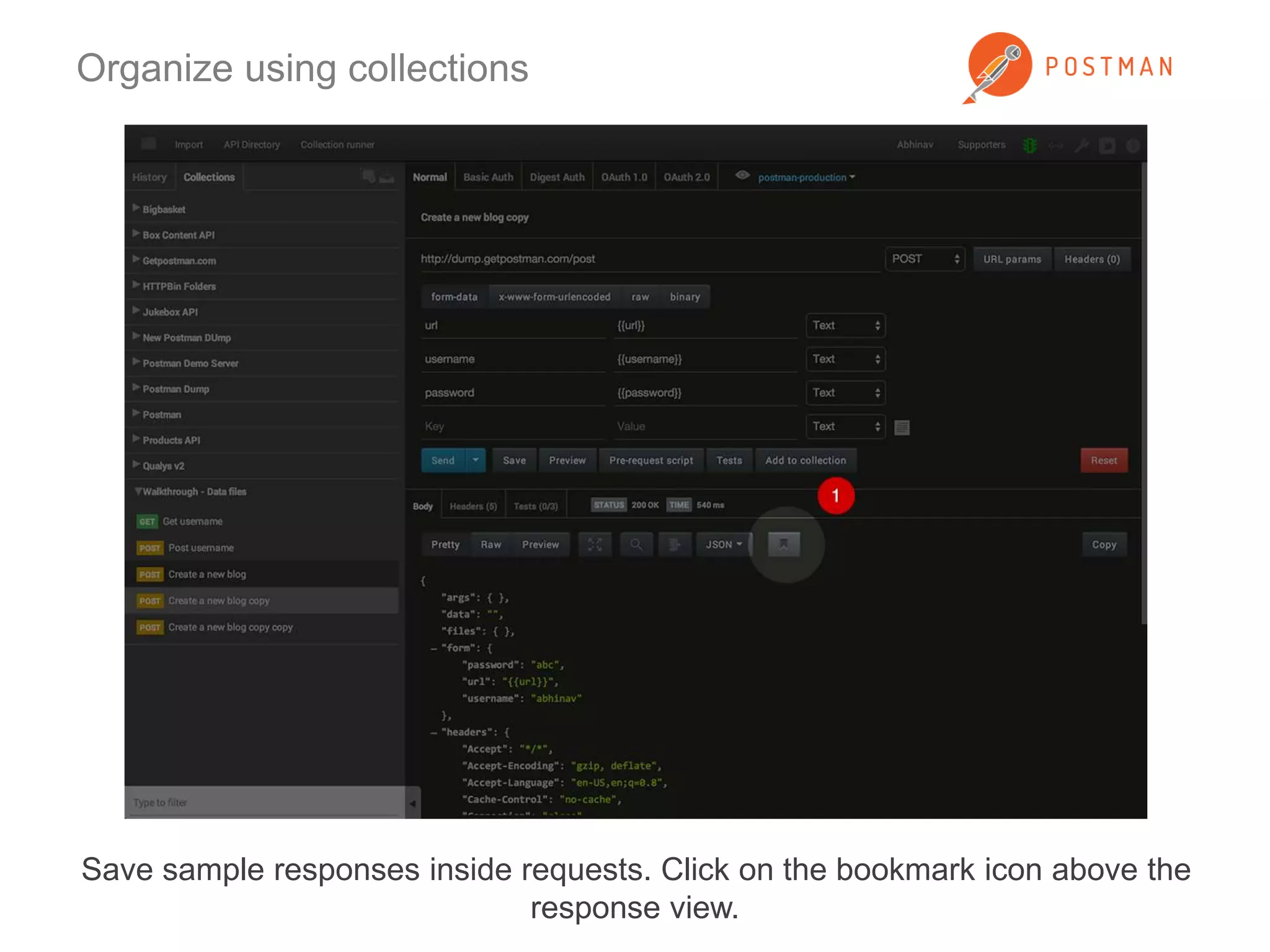
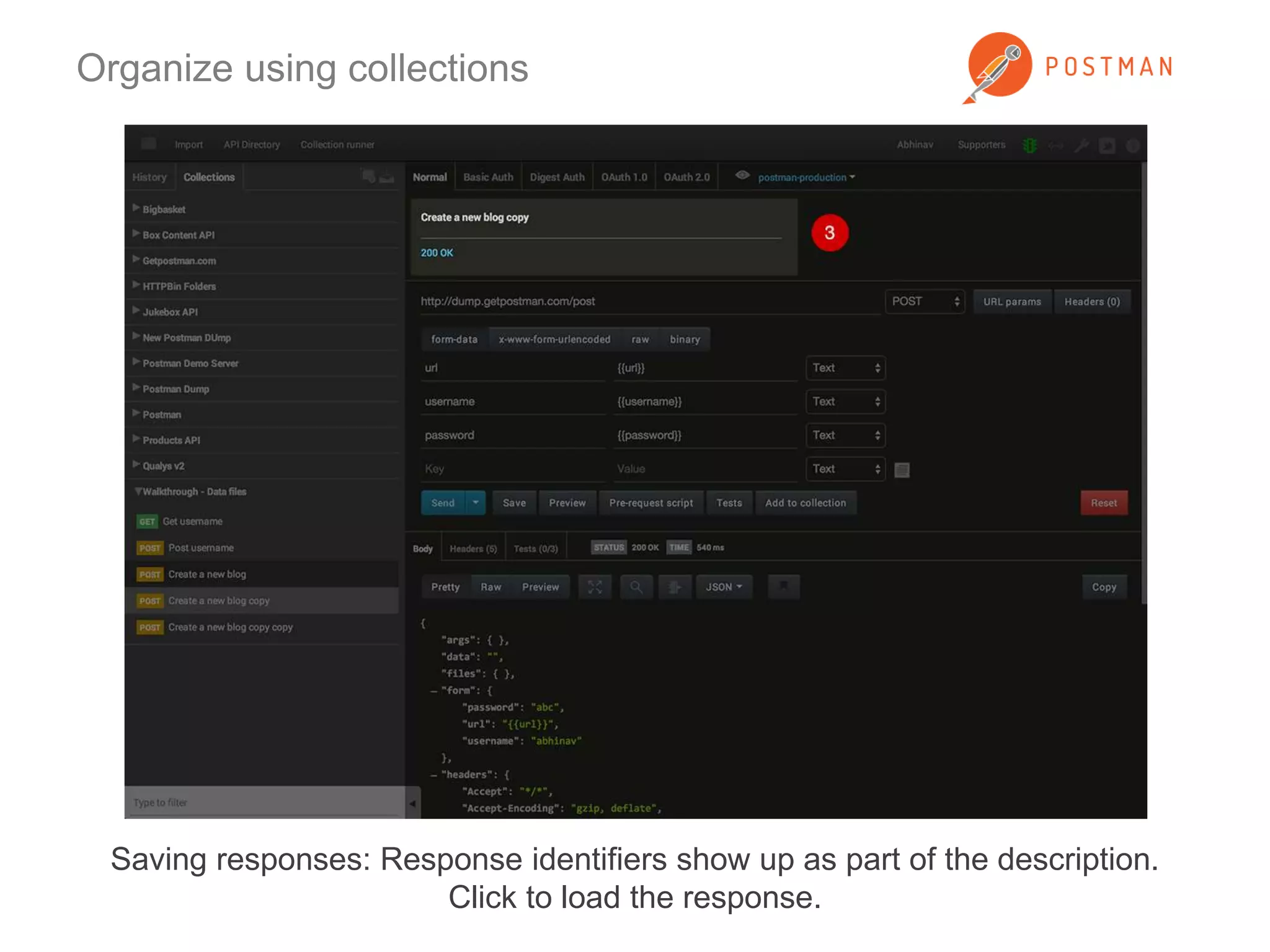
Save sample responses inside requests. Click on the bookmark icon above the 
response view.
Organize using collections 
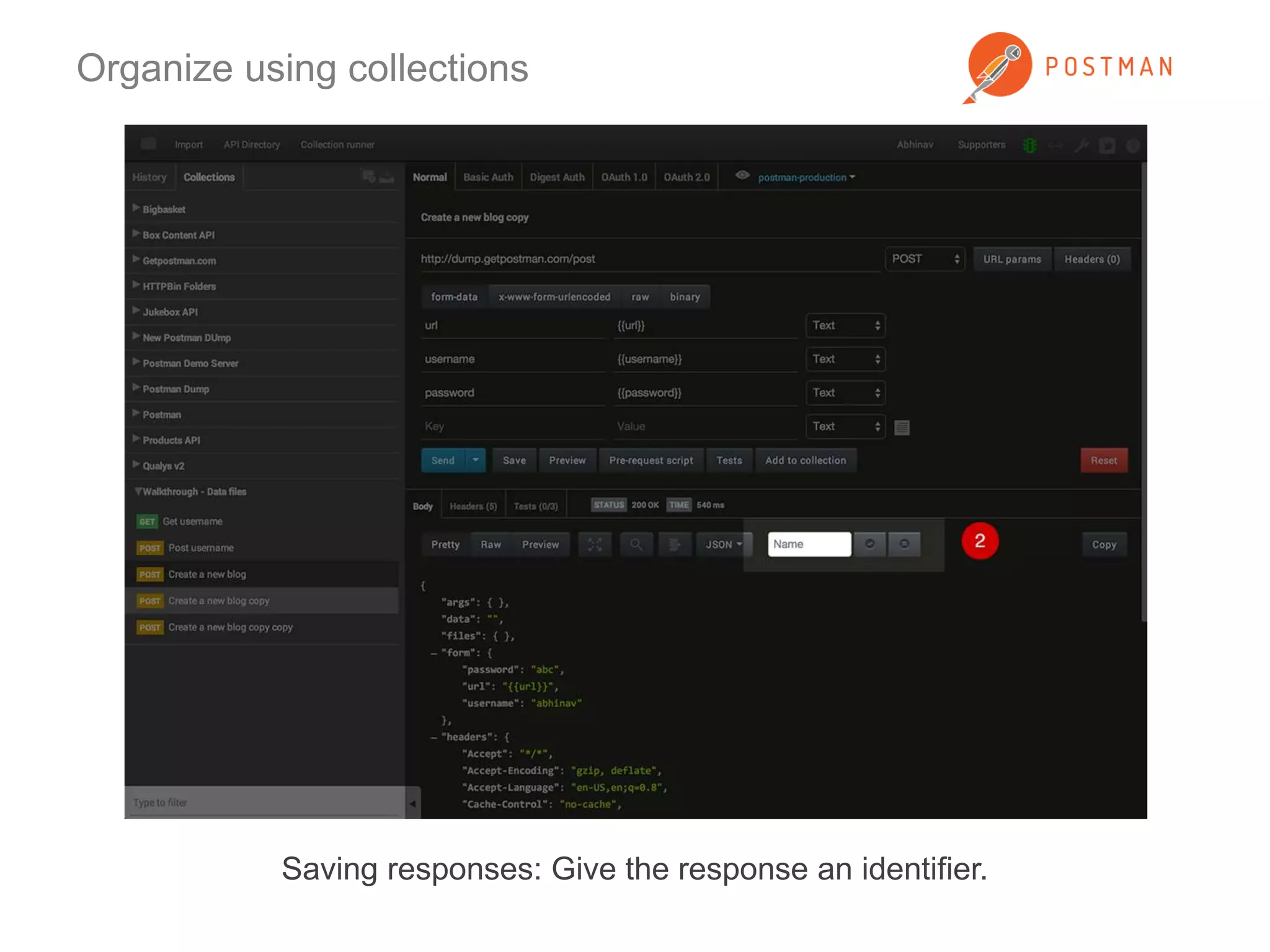
Saving responses: Give the response an identifier.
Organize using collections 
Saving responses: Response identifiers show up as part of the description. 
Click to load the response.
Sharing collections 
Share collections with your team. On-board new developers quickly.
Sharing collections 
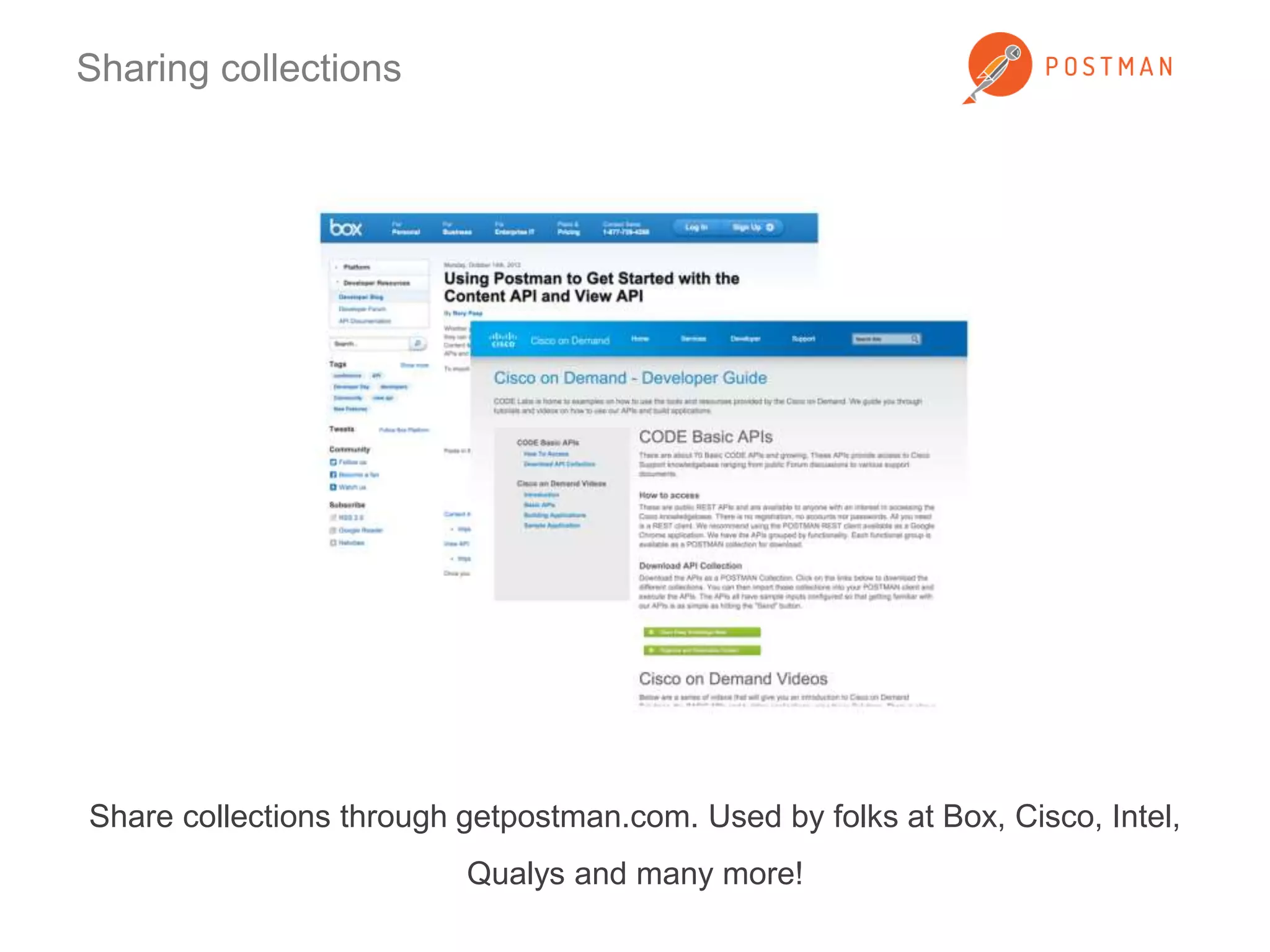
Share collections through getpostman.com. Used by folks at Box, Cisco, Intel, 
Qualys and many more!
Sharing collections 
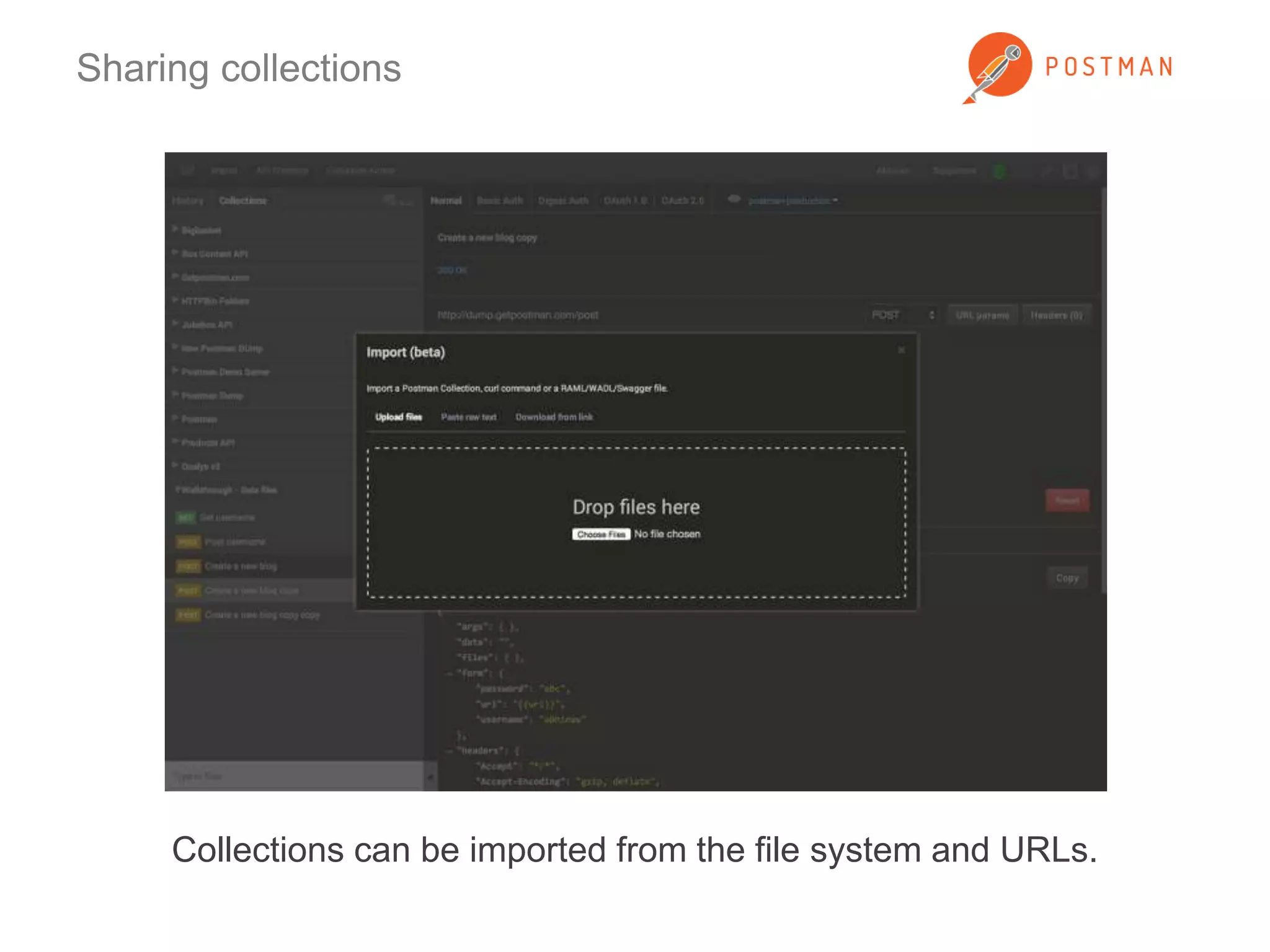
Collections can be imported from the file system and URLs.
Sharing collections 
Share your collections with Postman users using the API directory. Exciting 
updates coming soon!
Using environments 
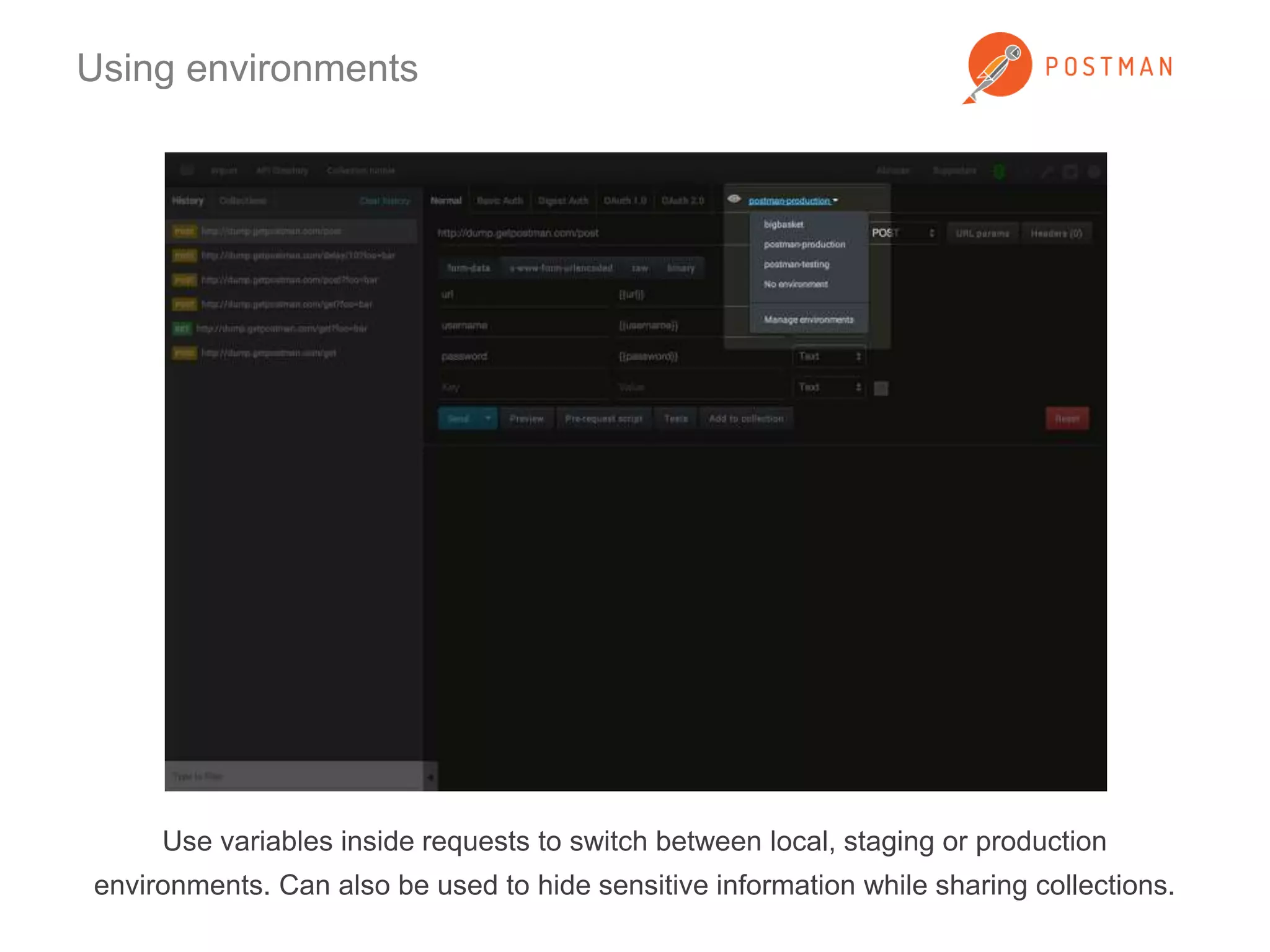
Use variables inside requests to switch between local, staging or production 
environments. Can also be used to hide sensitive information while sharing collections.
Using environments 
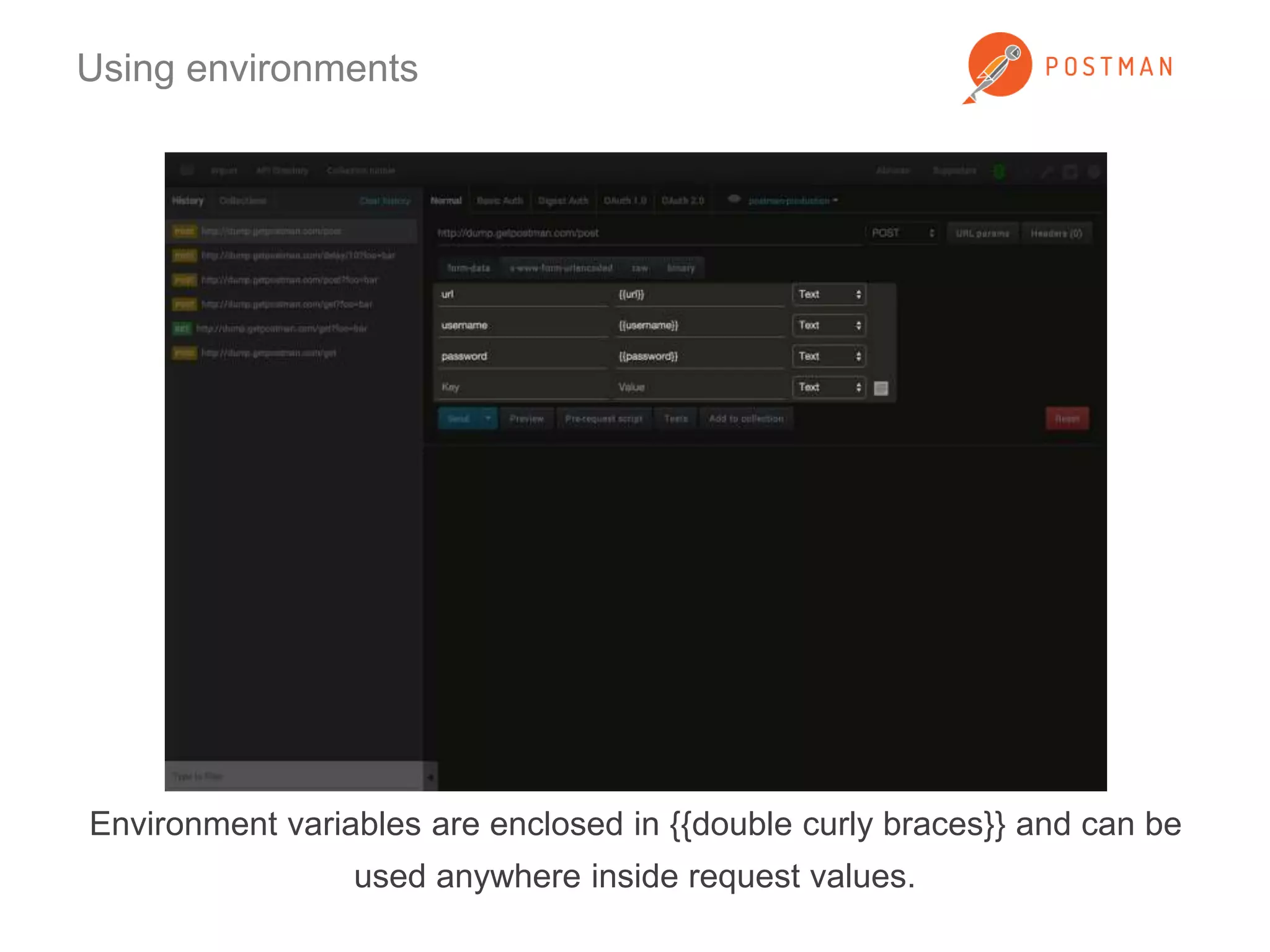
Environment variables are enclosed in {{double curly braces}} and can be 
used anywhere inside request values.
Using environments 
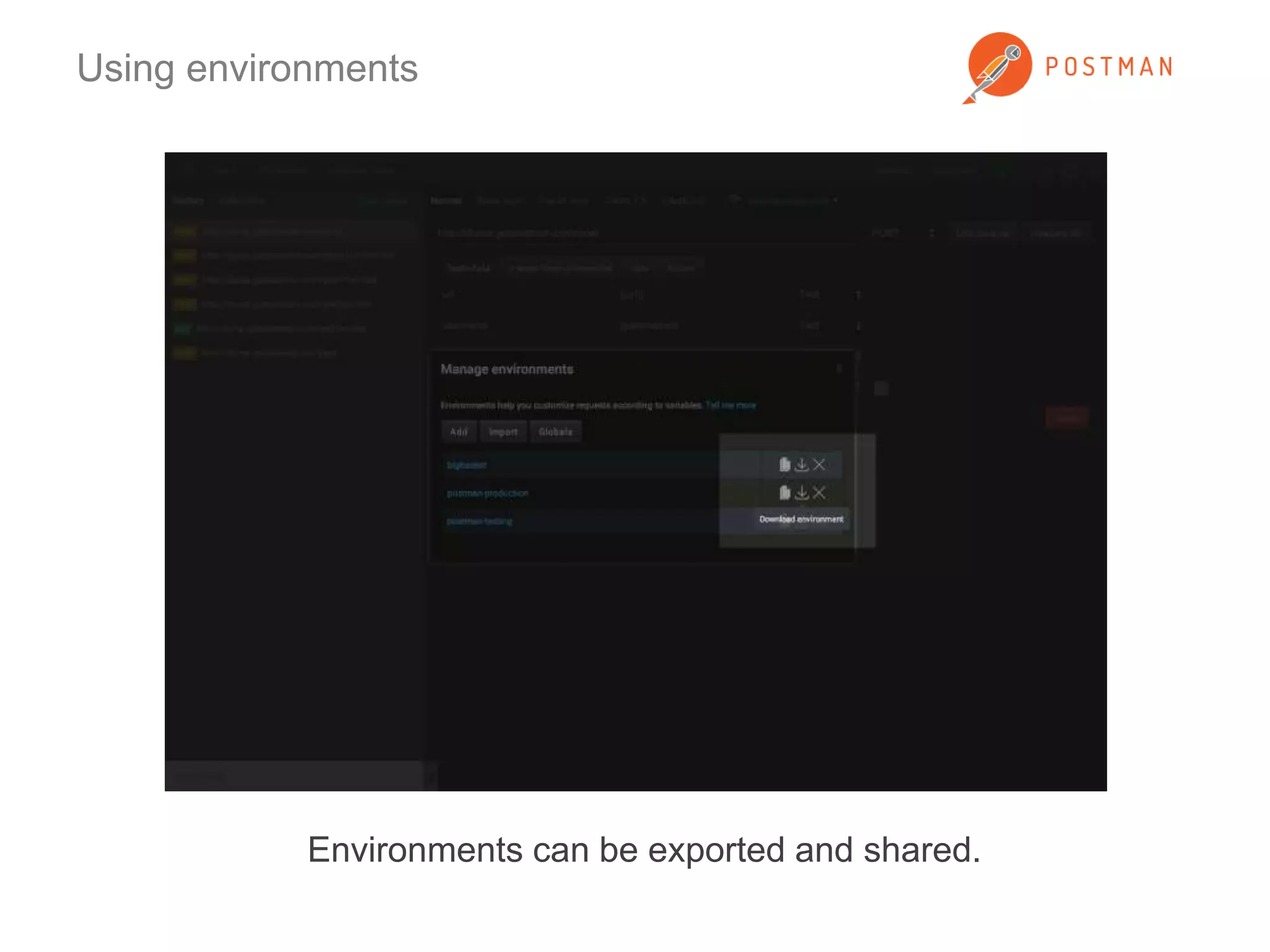
Environments can be exported and shared.
Postman Interceptor 
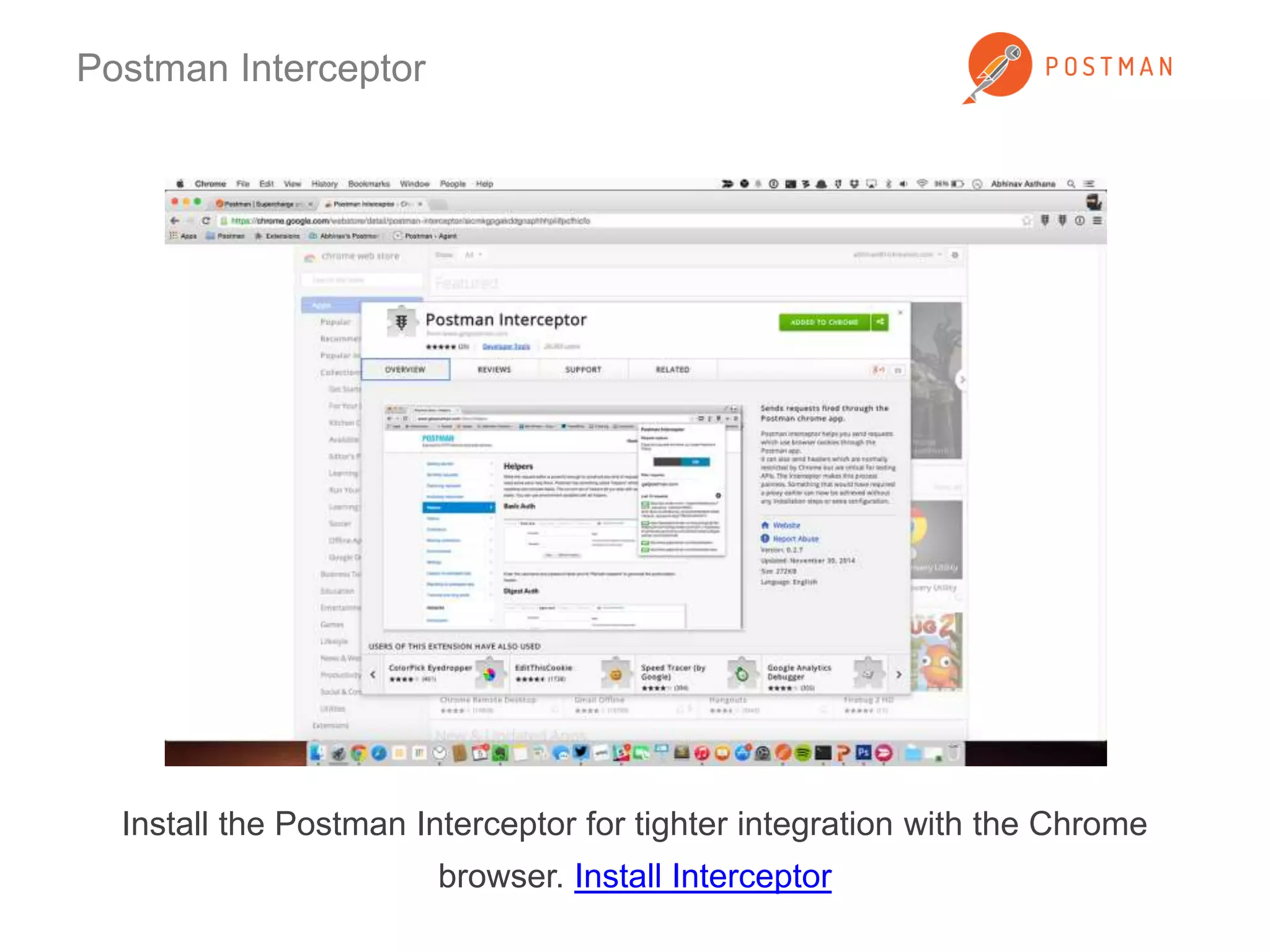
Install the Postman Interceptor for tighter integration with the Chrome 
browser. Install Interceptor
Postman Interceptor 
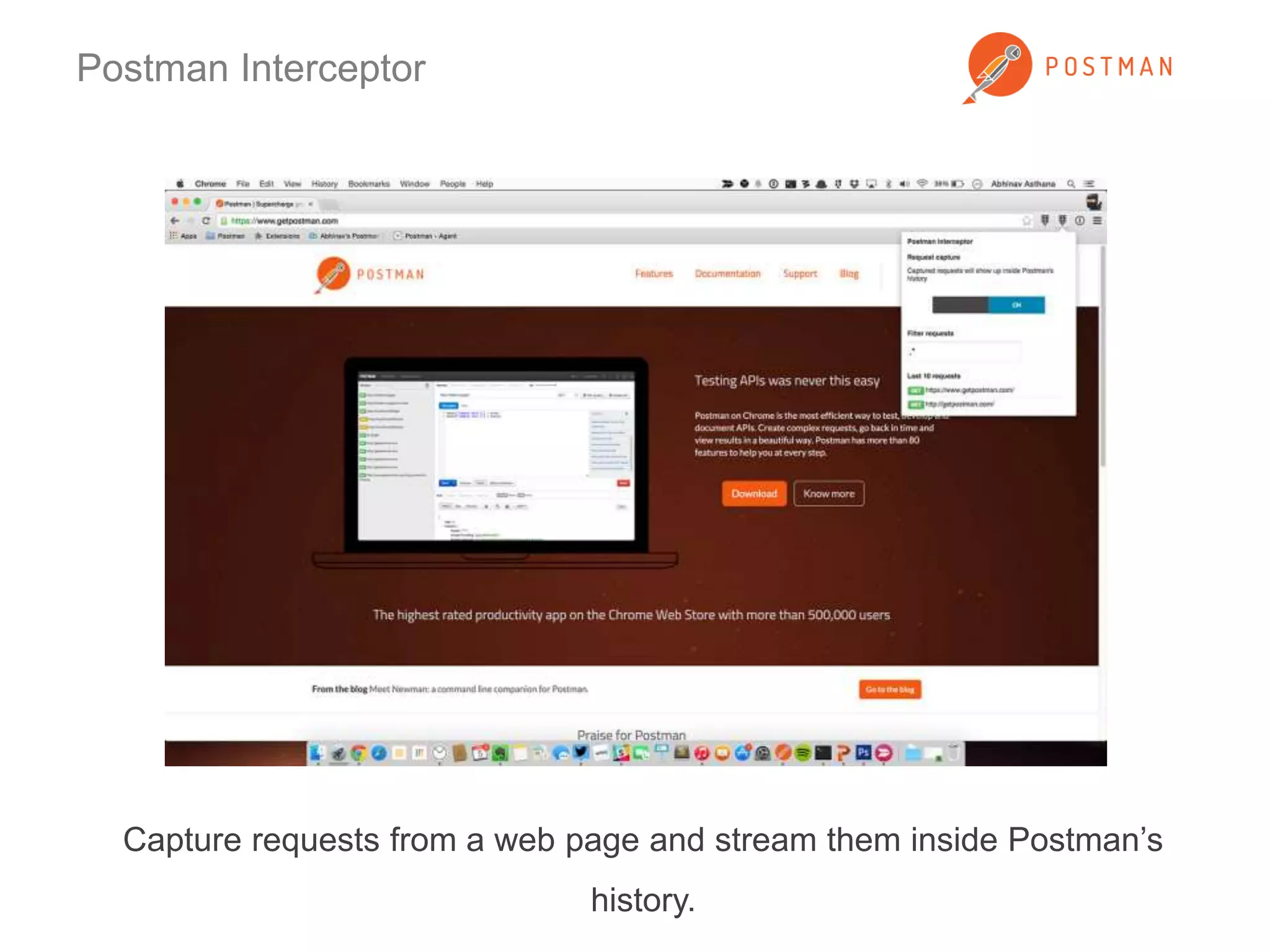
Capture requests from a web page and stream them inside Postman’s 
history.
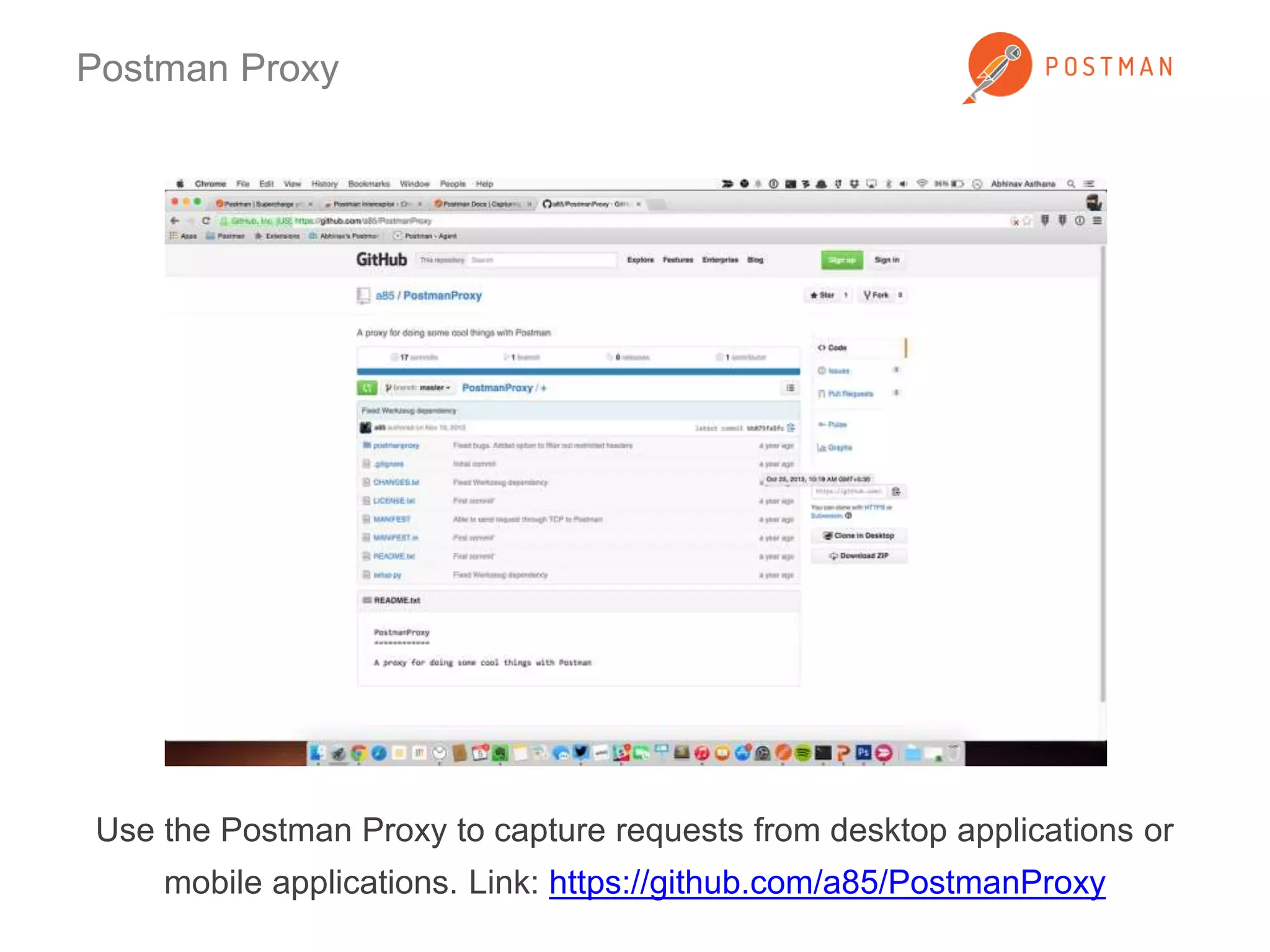
Postman Proxy 
Use the Postman Proxy to capture requests from desktop applications or 
mobile applications. Link: https://github.com/a85/PostmanProxy
Jetpacks 
Get the Jetpacks upgrade for writing tests, running pre-request scripts and 
the Collection Runner. It’s just $9.99 for a single user! Buy Jetpacks
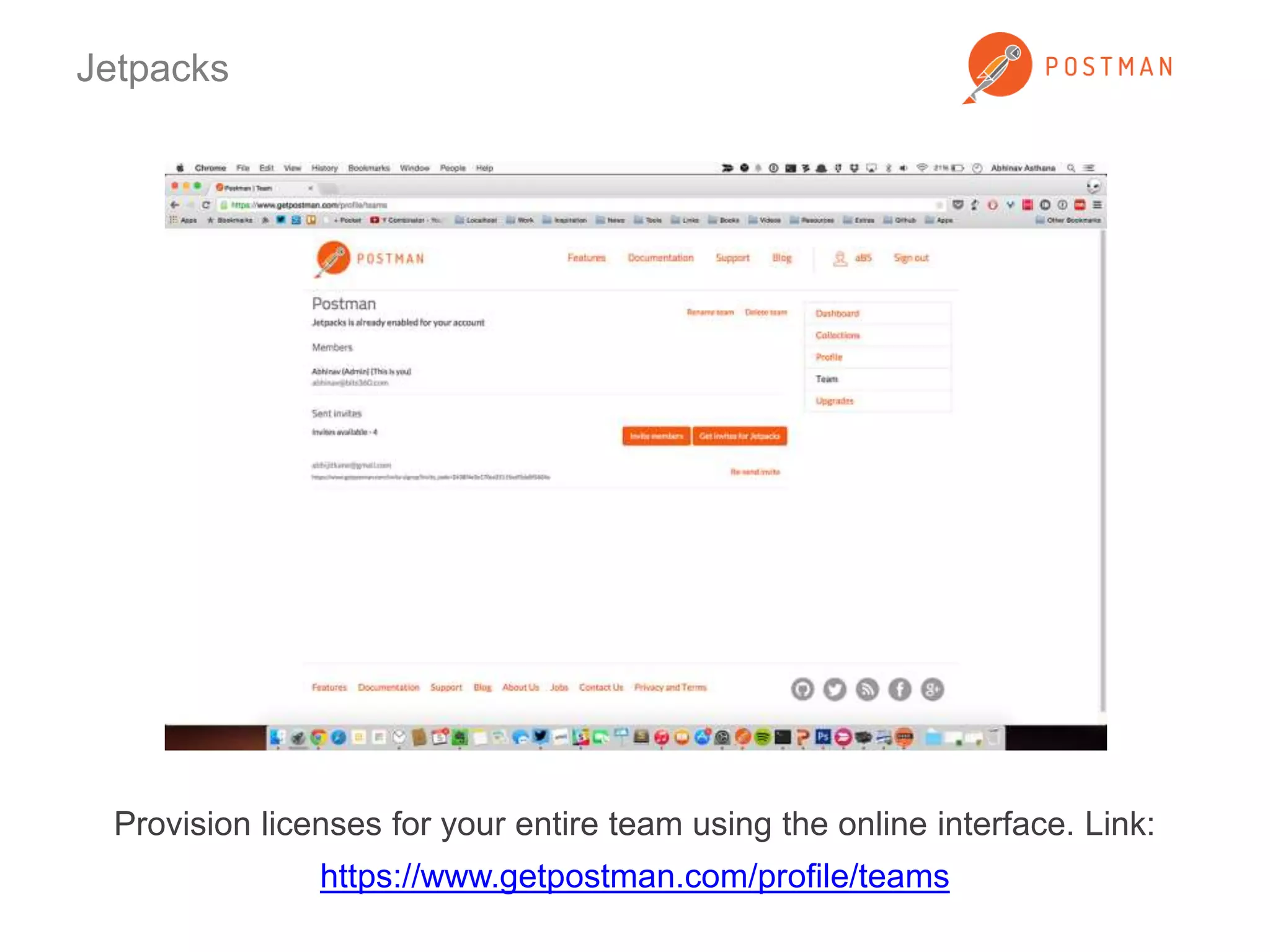
Jetpacks 
Provision licenses for your entire team using the online interface. Link: 
https://www.getpostman.com/profile/teams
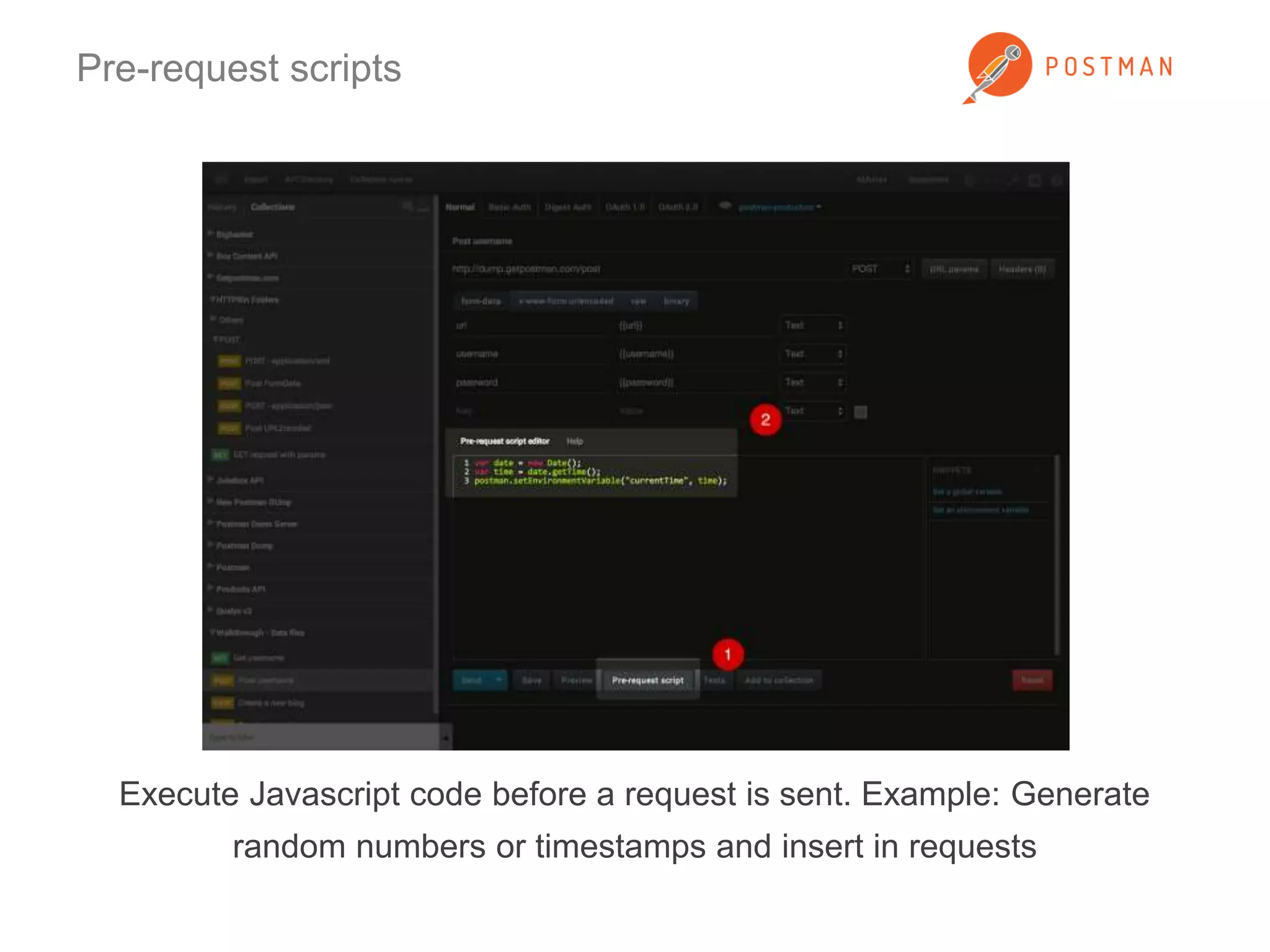
Pre-request scripts 
Execute Javascript code before a request is sent. Example: Generate 
random numbers or timestamps and insert in requests
Pre-request scripts 
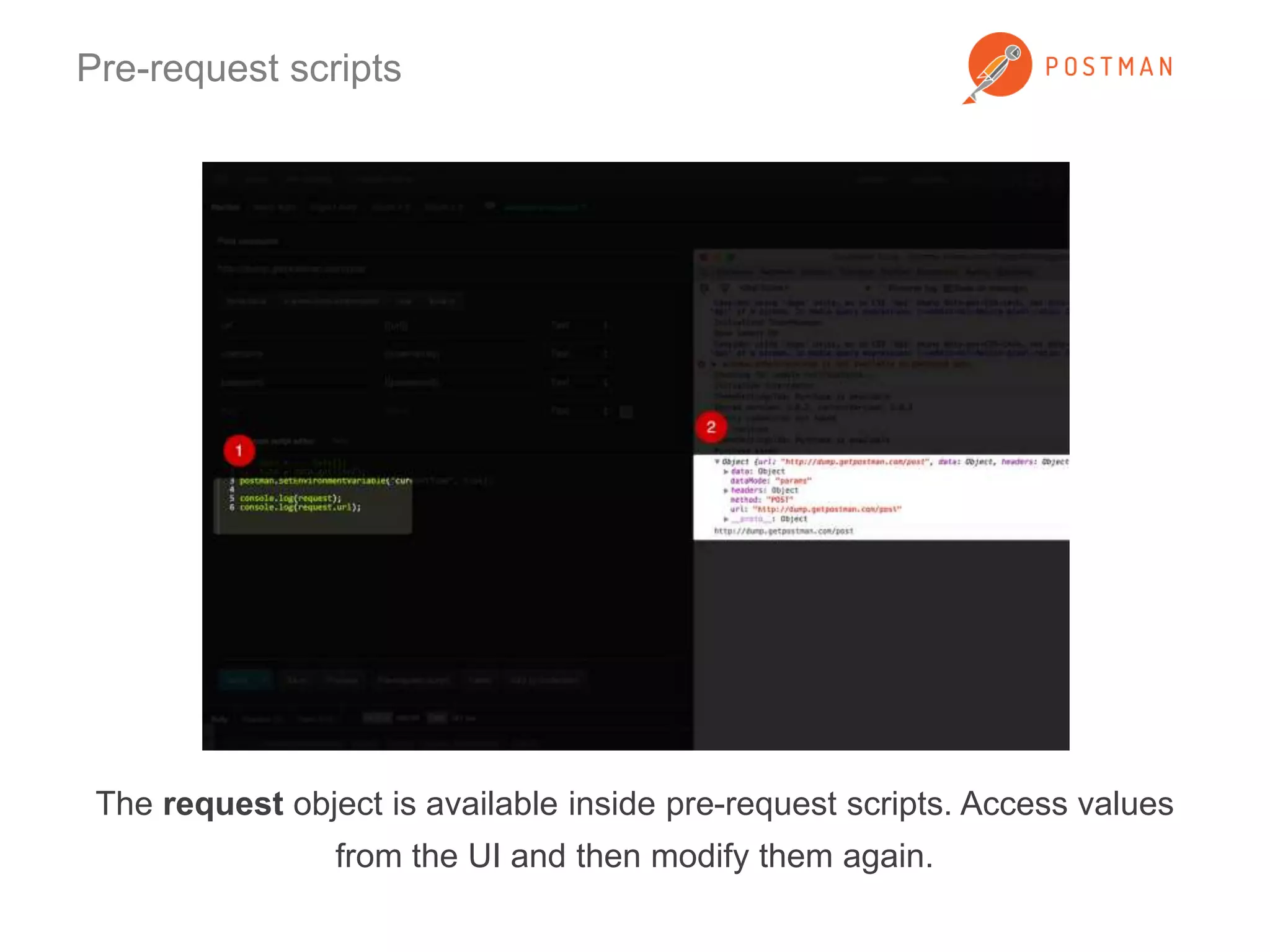
The request object is available inside pre-request scripts. Access values 
from the UI and then modify them again.
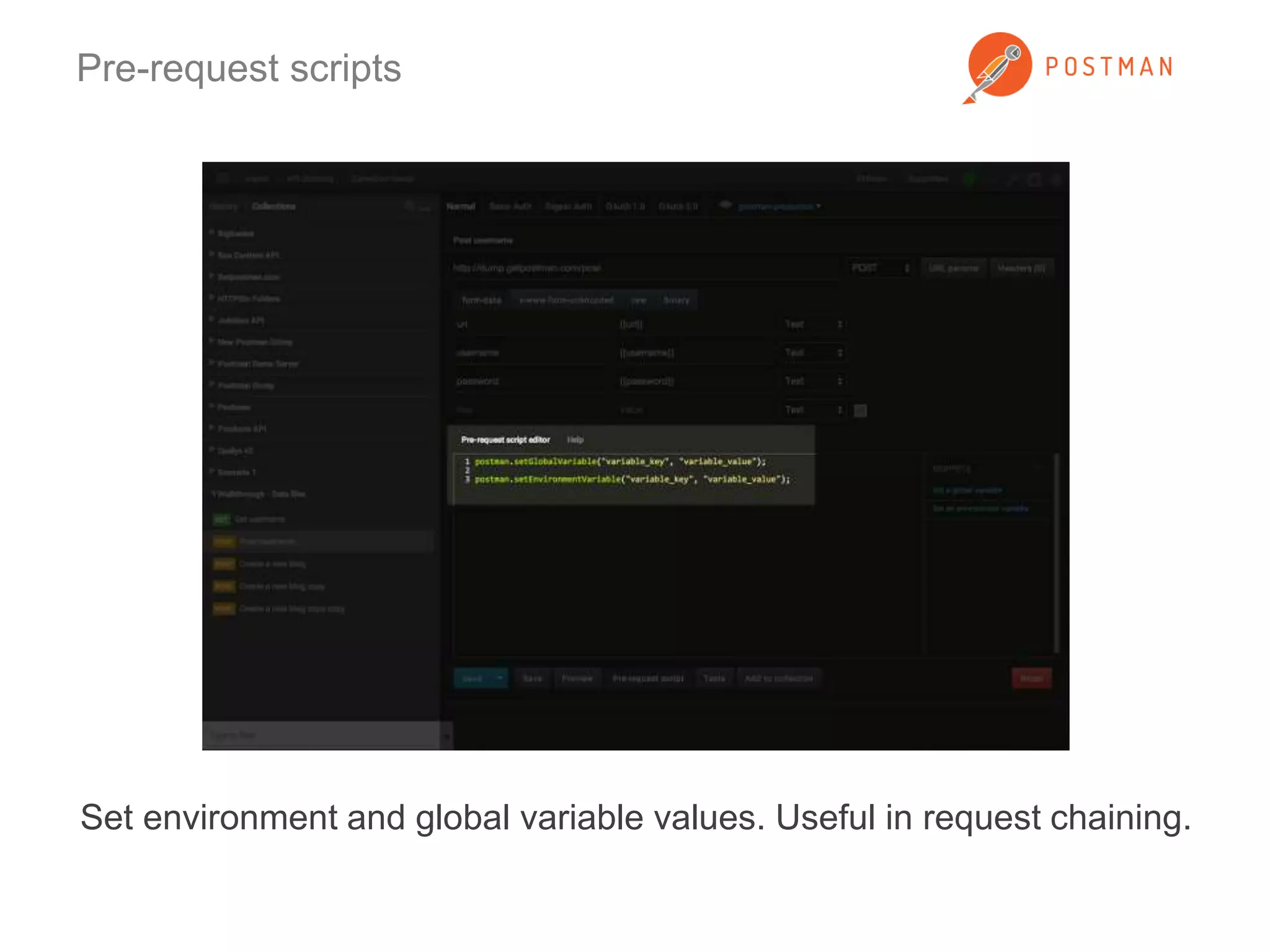
Pre-request scripts 
Set environment and global variable values. Useful in request chaining.
Test scripts 
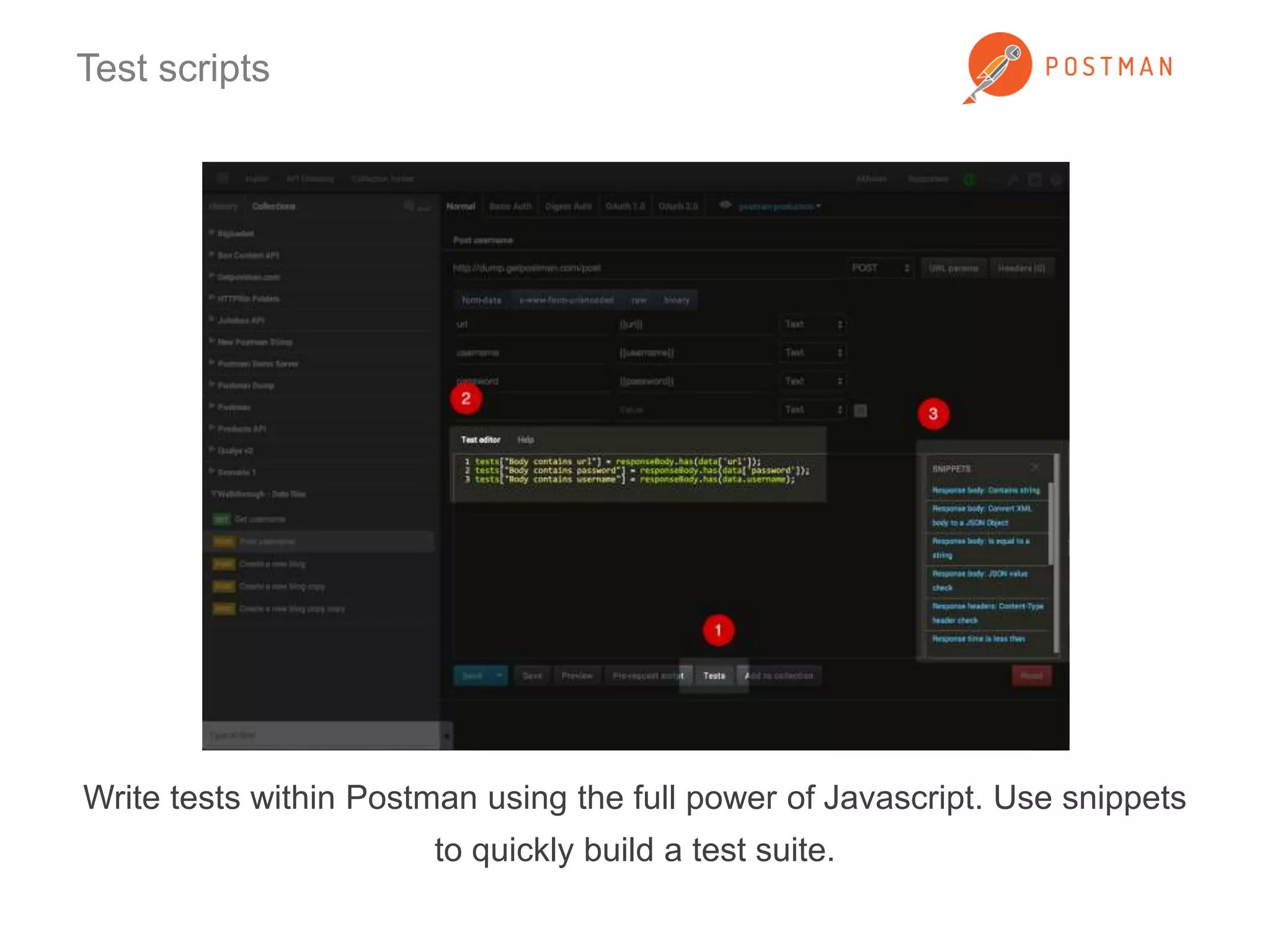
Write tests within Postman using the full power of Javascript. Use snippets 
to quickly build a test suite.
Test scripts 
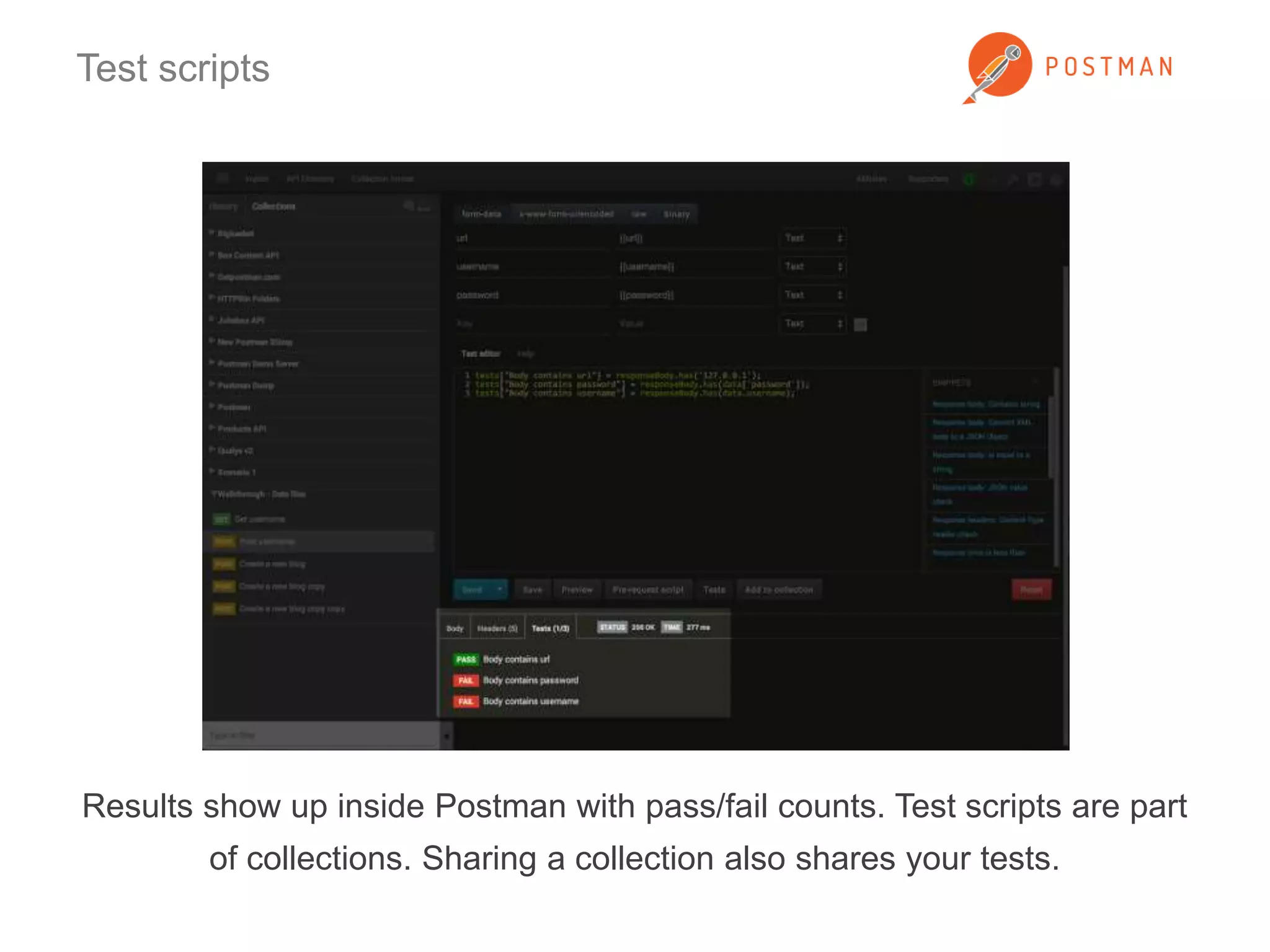
Results show up inside Postman with pass/fail counts. Test scripts are part 
of collections. Sharing a collection also shares your tests.
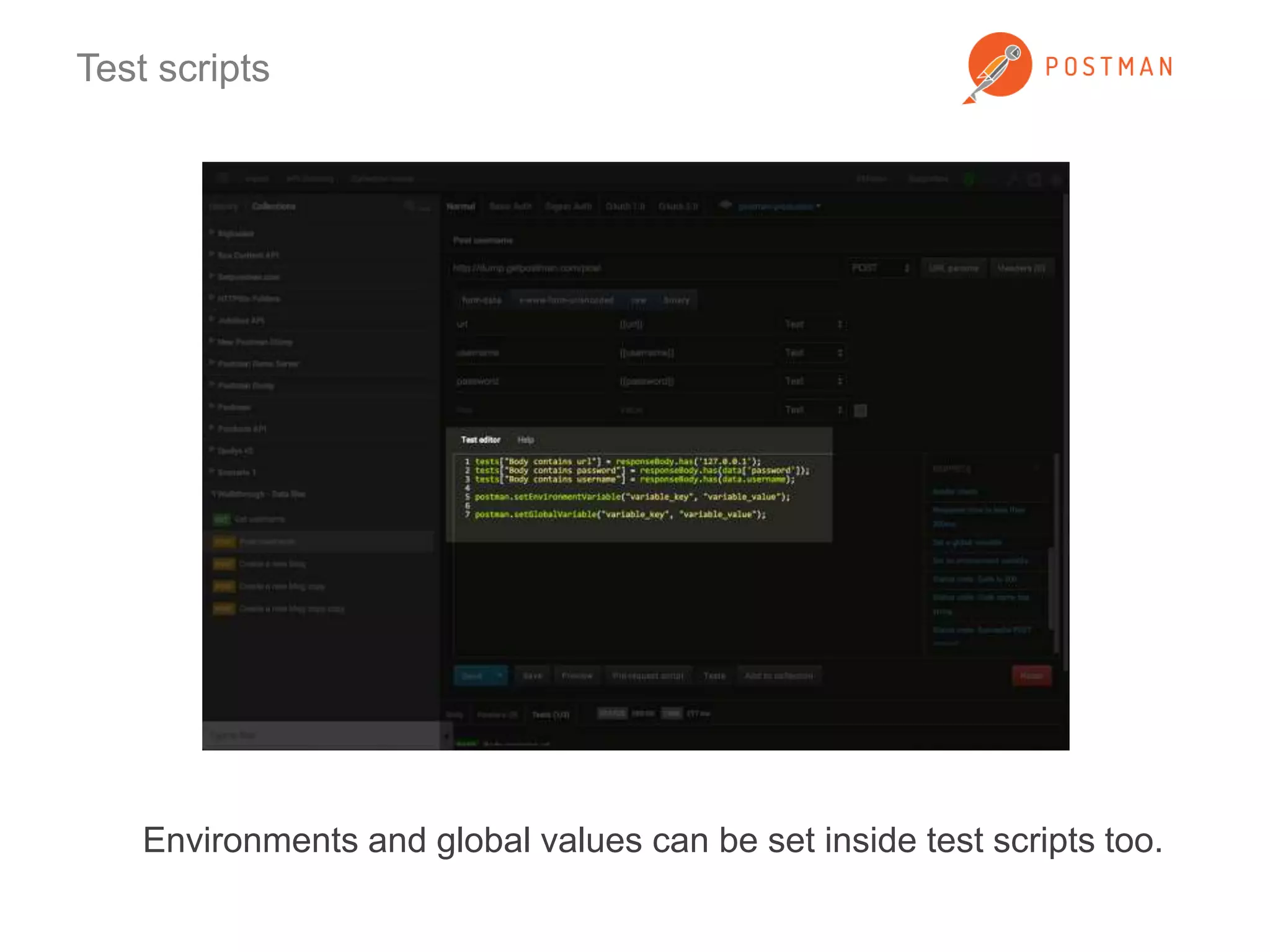
Test scripts 
Environments and global values can be set inside test scripts too.
Request evaluation life-cycle 
1. Gather data from the Postman UI 
2. Pre-request scripts 
3. Send request 
4. Receive response 
5. Run test scripts 
6. Display response and test results
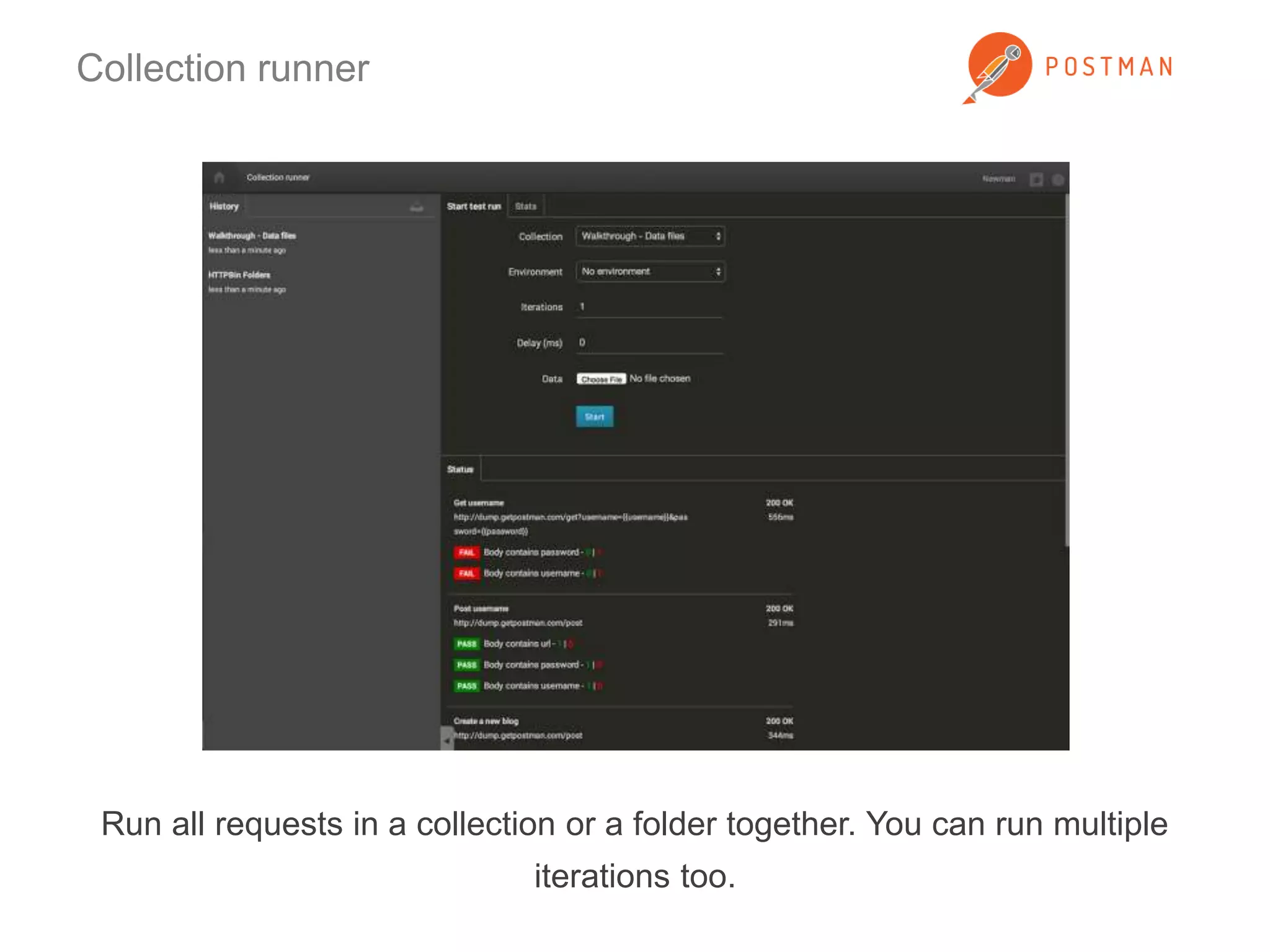
Collection runner 
Run all requests in a collection or a folder together. You can run multiple 
iterations too.
Collection runner 
See aggregate test results. For multiple iterations, drill into each iteration’s 
result.
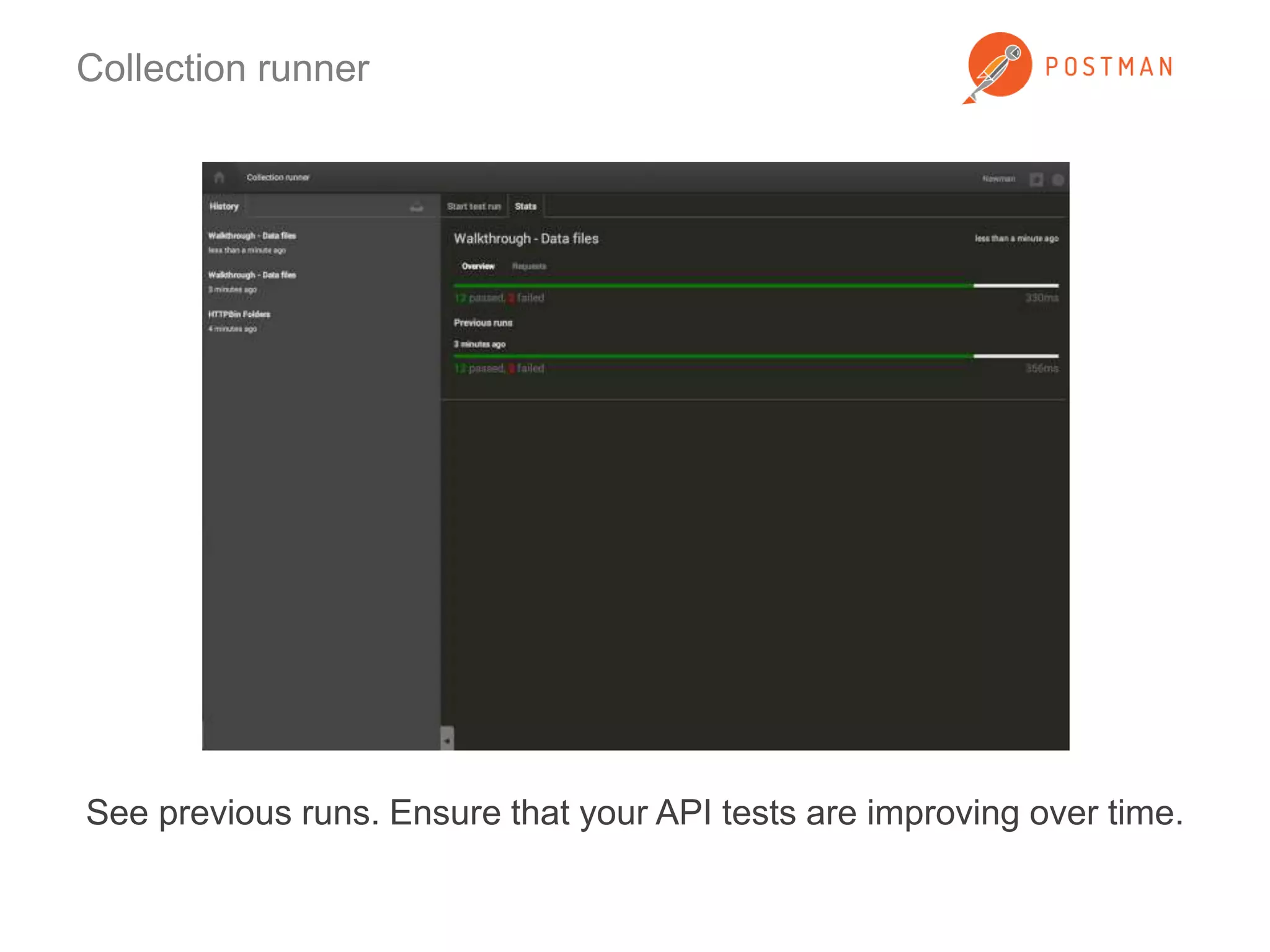
Collection runner 
See previous runs. Ensure that your API tests are improving over time.
Data files 
Load data files for multiple iterations. Postman supports CSV and JSON 
files.
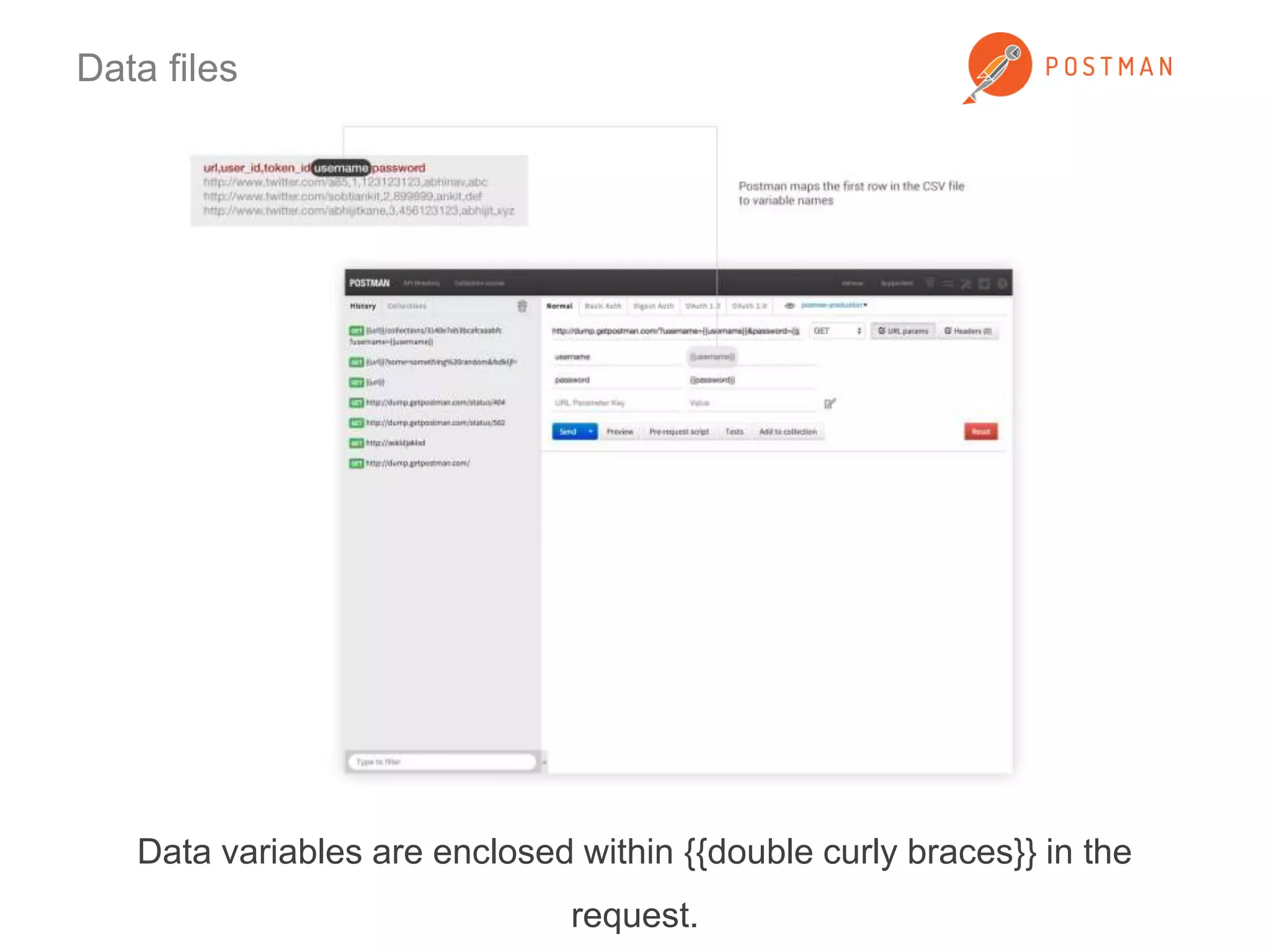
Data files 
Data variables are enclosed within {{double curly braces}} in the 
request.
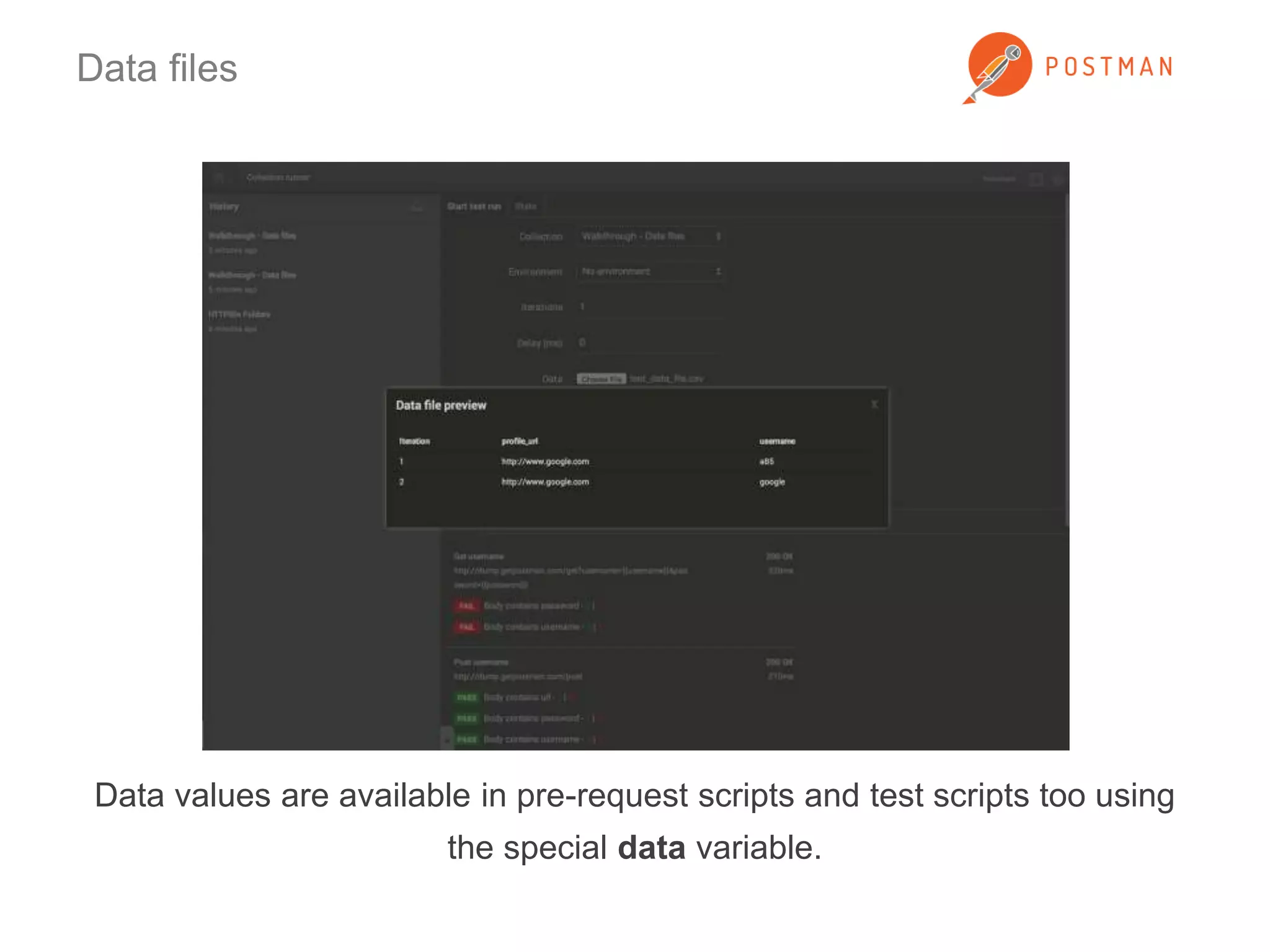
Data files 
Data values are available in pre-request scripts and test scripts too using 
the special data variable.
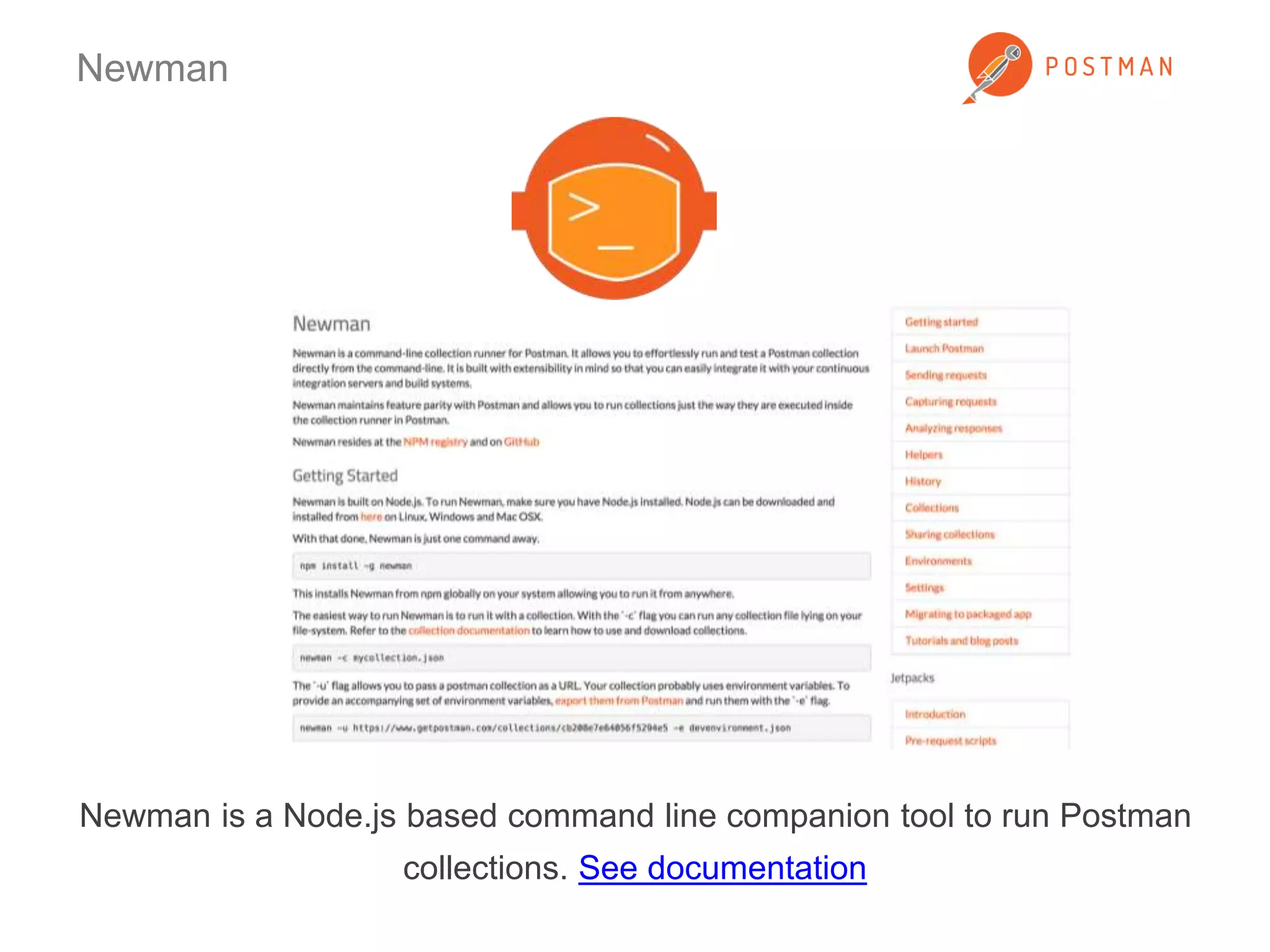
Newman 
Newman is a Node.js based command line companion tool to run Postman 
collections. See documentation
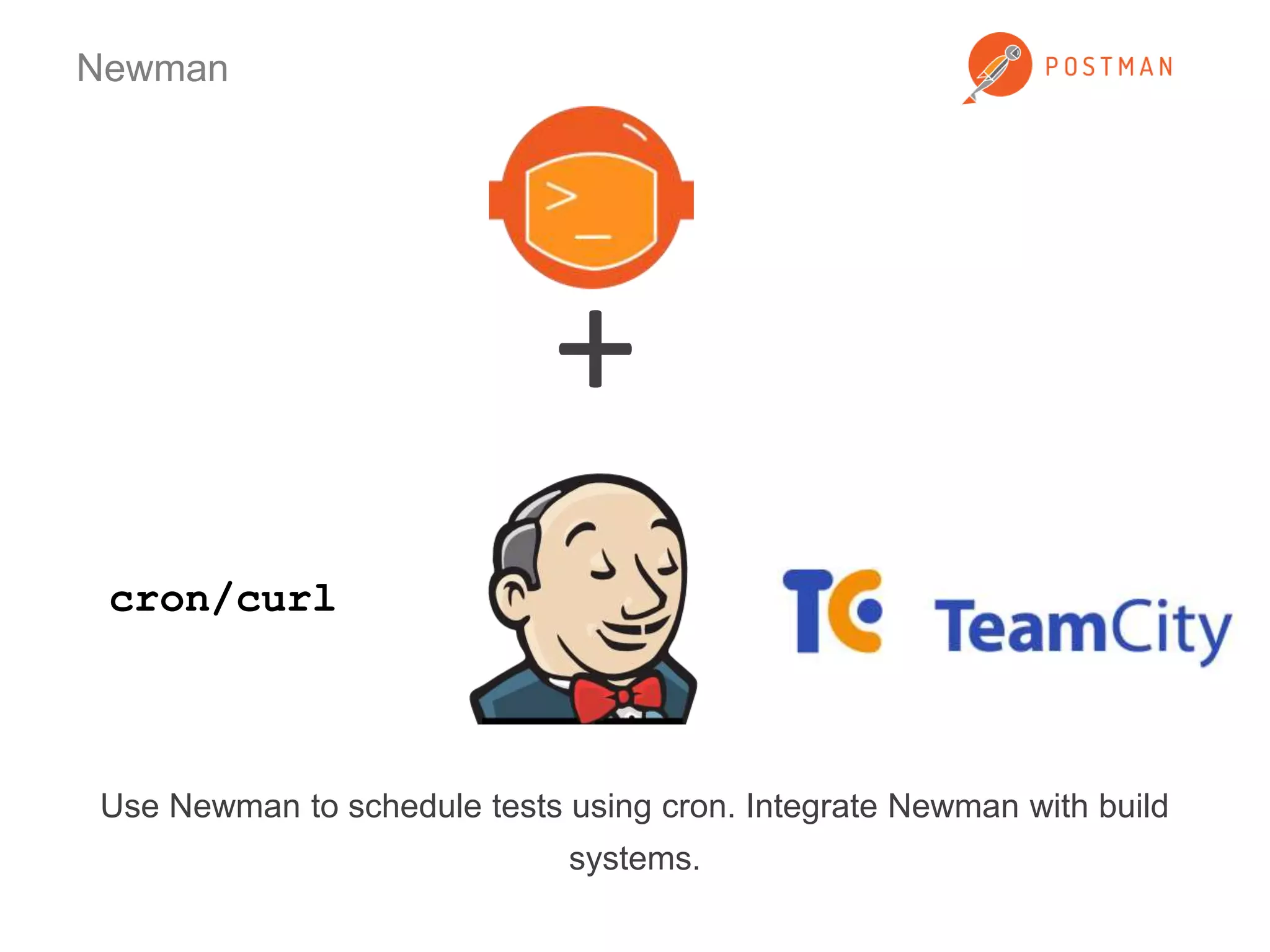
Newman 
Use Newman to schedule tests using cron. Integrate Newman with build 
systems. 
cron/curl 
+
Links 
• Postman (www.getpostman.com) 
• Postman Docs (www.getpostman.com/docs) 
• Postman Blog (http://blog.getpostman.com) 
• Postman on Twitter 
(https://www.twitter.com/postmanclient) 
• Postman on Facebook 
(https://www.facebook.com/getpostman) 
• Email us at help@getpostman.com

40+ tips to use Postman more efficiently

  • 1.
    Postman gives yousuperpowers These slides show you how to use them
  • 2.
    Launch Postman quickly Chrome’s app launcher sits in your OS dock and let’s you access Postman without opening Chrome.
  • 3.
    Launch Postman quickly Create a Postman shortcut just like shortcuts for native apps
  • 4.
    Launch Postman quickly Go to the “Apps” page using the Bookmarks bar or type chrome://apps in the address bar
  • 5.
    Build requests quickly URL parameters let you add key-value pairs to construct the request URL quickly.
  • 6.
    Build requests quickly Use header presets to save and load common sets of headers.
  • 7.
    Build requests quickly Send browser cookies automatically through the Postman Interceptor extension. Install Interceptor
  • 8.
    Build requests quickly Authenticate using Basic Auth, Digest Auth, Oauth 1.0 and Oauth 2.0 helpers. Postman can sign requests and generate header and parameter values.
  • 9.
    Organize using collections Collections let you bunch requests together and organize them further in folders. You can use collections for API documentation, user scenarios or any kind of related requests.
  • 10.
    Organize using collections Using the history to replay requests a lot? Use collections to be more organized.
  • 11.
    Organize using collections Document your API using collections.
  • 12.
    Organize using collections Store a sample flow using collections.
  • 13.
    Organize using collections Add names and descriptions while saving requests in a collection. Descriptions in Postman support Markdown.
  • 14.
    Organize using collections Descriptions show up right above the request construction module.
  • 15.
    Organize using collections Lots of requests in a collection? Use folders to organize stuff further.
  • 16.
    Using collections Requestscan be re-ordered and duplicated inside a collection or a folder.
  • 17.
    Organize using collections Save sample responses inside requests. Click on the bookmark icon above the response view.
  • 18.
    Organize using collections Saving responses: Give the response an identifier.
  • 19.
    Organize using collections Saving responses: Response identifiers show up as part of the description. Click to load the response.
  • 20.
    Sharing collections Sharecollections with your team. On-board new developers quickly.
  • 21.
    Sharing collections Sharecollections through getpostman.com. Used by folks at Box, Cisco, Intel, Qualys and many more!
  • 22.
    Sharing collections Collectionscan be imported from the file system and URLs.
  • 23.
    Sharing collections Shareyour collections with Postman users using the API directory. Exciting updates coming soon!
  • 24.
    Using environments Usevariables inside requests to switch between local, staging or production environments. Can also be used to hide sensitive information while sharing collections.
  • 25.
    Using environments Environmentvariables are enclosed in {{double curly braces}} and can be used anywhere inside request values.
  • 26.
    Using environments Environmentscan be exported and shared.
  • 27.
    Postman Interceptor Installthe Postman Interceptor for tighter integration with the Chrome browser. Install Interceptor
  • 28.
    Postman Interceptor Capturerequests from a web page and stream them inside Postman’s history.
  • 29.
    Postman Proxy Usethe Postman Proxy to capture requests from desktop applications or mobile applications. Link: https://github.com/a85/PostmanProxy
  • 30.
    Jetpacks Get theJetpacks upgrade for writing tests, running pre-request scripts and the Collection Runner. It’s just $9.99 for a single user! Buy Jetpacks
  • 31.
    Jetpacks Provision licensesfor your entire team using the online interface. Link: https://www.getpostman.com/profile/teams
  • 32.
    Pre-request scripts ExecuteJavascript code before a request is sent. Example: Generate random numbers or timestamps and insert in requests
  • 33.
    Pre-request scripts Therequest object is available inside pre-request scripts. Access values from the UI and then modify them again.
  • 34.
    Pre-request scripts Setenvironment and global variable values. Useful in request chaining.
  • 35.
    Test scripts Writetests within Postman using the full power of Javascript. Use snippets to quickly build a test suite.
  • 36.
    Test scripts Resultsshow up inside Postman with pass/fail counts. Test scripts are part of collections. Sharing a collection also shares your tests.
  • 37.
    Test scripts Environmentsand global values can be set inside test scripts too.
  • 38.
    Request evaluation life-cycle 1. Gather data from the Postman UI 2. Pre-request scripts 3. Send request 4. Receive response 5. Run test scripts 6. Display response and test results
  • 39.
    Collection runner Runall requests in a collection or a folder together. You can run multiple iterations too.
  • 40.
    Collection runner Seeaggregate test results. For multiple iterations, drill into each iteration’s result.
  • 41.
    Collection runner Seeprevious runs. Ensure that your API tests are improving over time.
  • 42.
    Data files Loaddata files for multiple iterations. Postman supports CSV and JSON files.
  • 43.
    Data files Datavariables are enclosed within {{double curly braces}} in the request.
  • 44.
    Data files Datavalues are available in pre-request scripts and test scripts too using the special data variable.
  • 45.
    Newman Newman isa Node.js based command line companion tool to run Postman collections. See documentation
  • 46.
    Newman Use Newmanto schedule tests using cron. Integrate Newman with build systems. cron/curl +
  • 47.
    Links • Postman(www.getpostman.com) • Postman Docs (www.getpostman.com/docs) • Postman Blog (http://blog.getpostman.com) • Postman on Twitter (https://www.twitter.com/postmanclient) • Postman on Facebook (https://www.facebook.com/getpostman) • Email us at help@getpostman.com