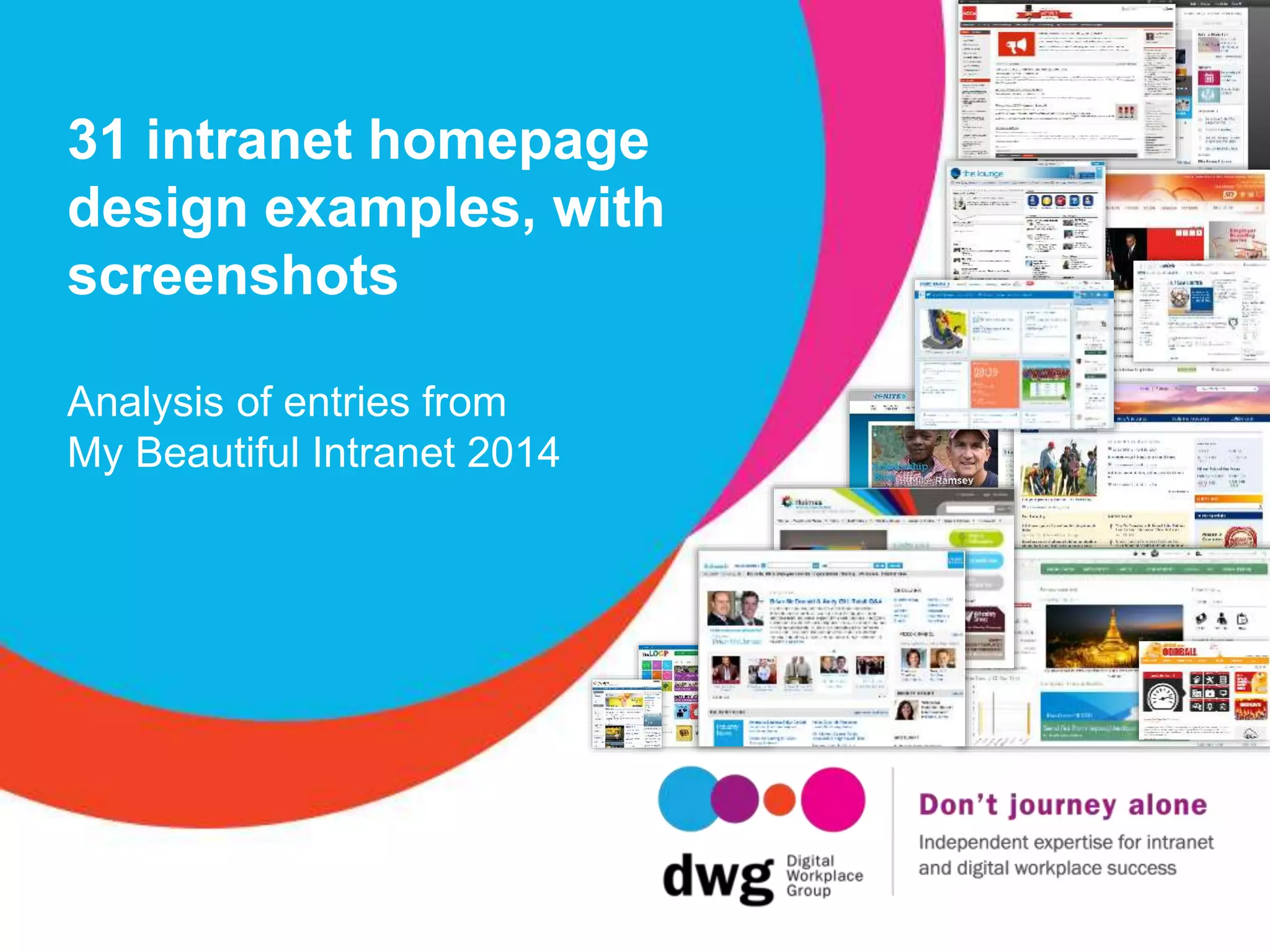

31 intranet homepage
design examples, with
screenshots
Analysis of entries from
My Beautiful Intranet 2014
Twitter: @DWG
www.digitalworkplacegroup.com
6 ways to present quick links
on your intranet homepage
Twitter: @DWG
www.digitalworkplacegroup.com
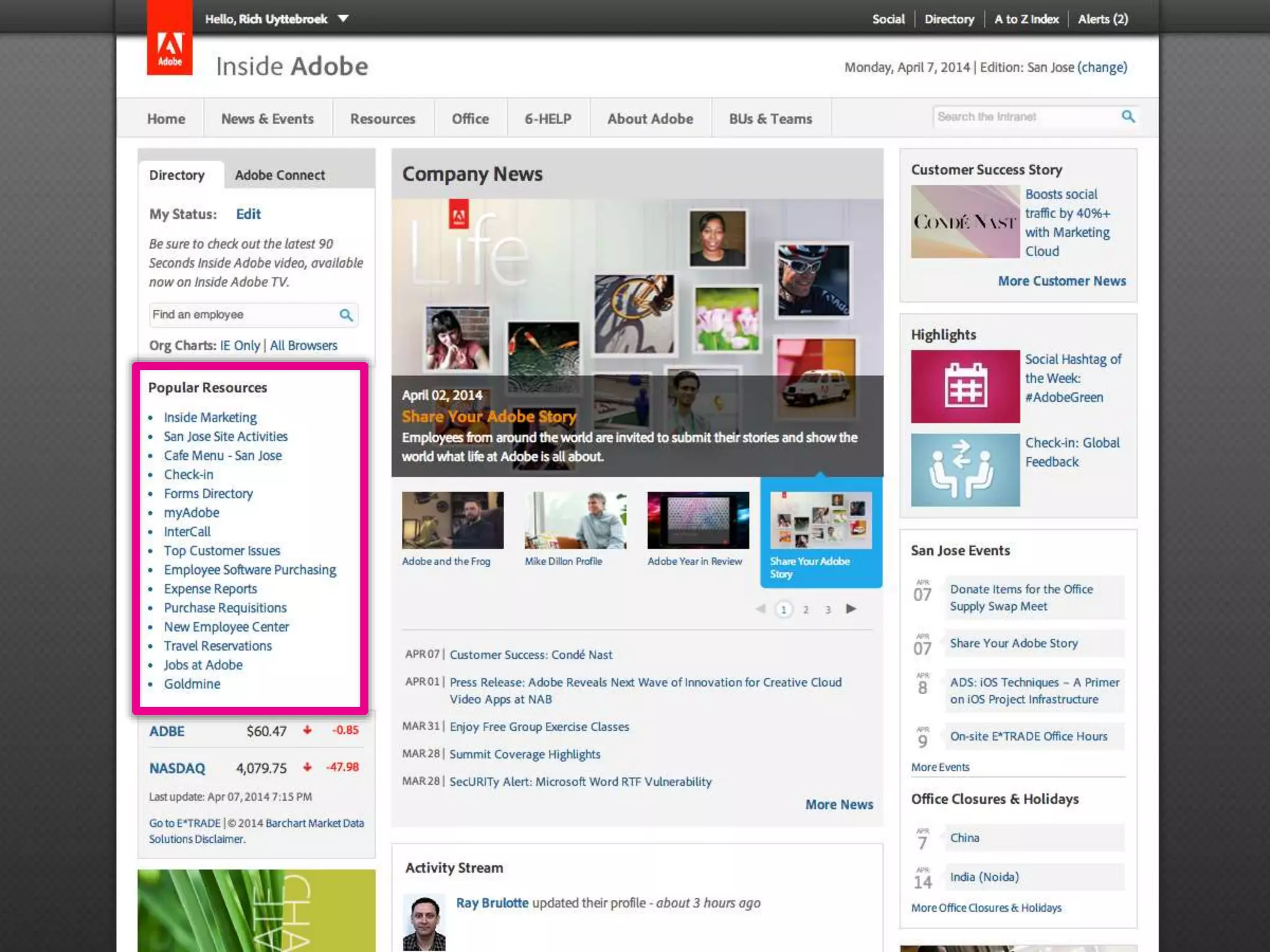
Adobe – “Popular resources”
Twitter: @DWG
www.digitalworkplacegroup.com
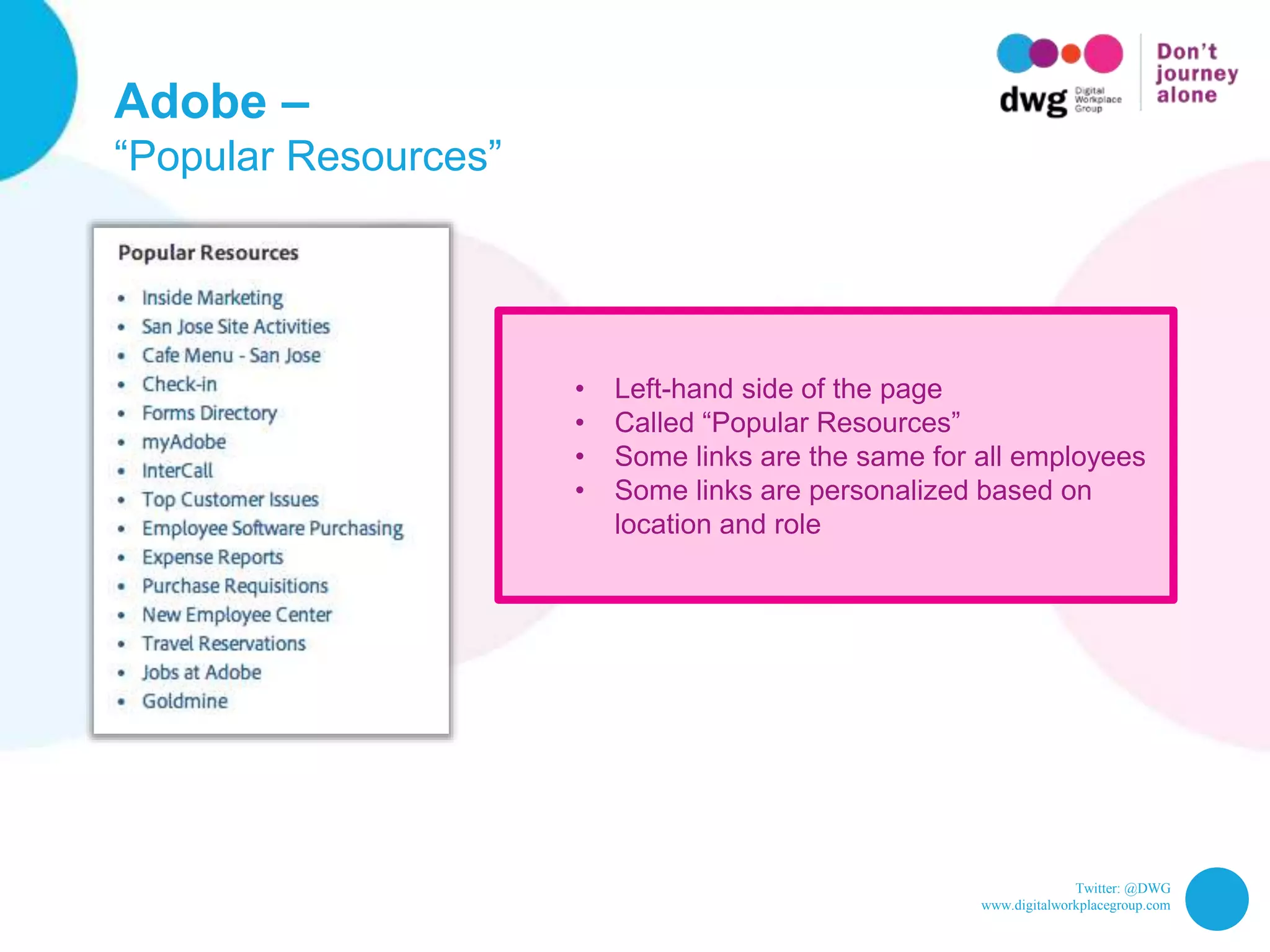
Adobe –
“Popular Resources”
• Left-hand side of the page
• Called “Popular Resources”
• Some links are the same for all employees
• Some links are personalized based on
location and role
Twitter: @DWG
www.digitalworkplacegroup.com
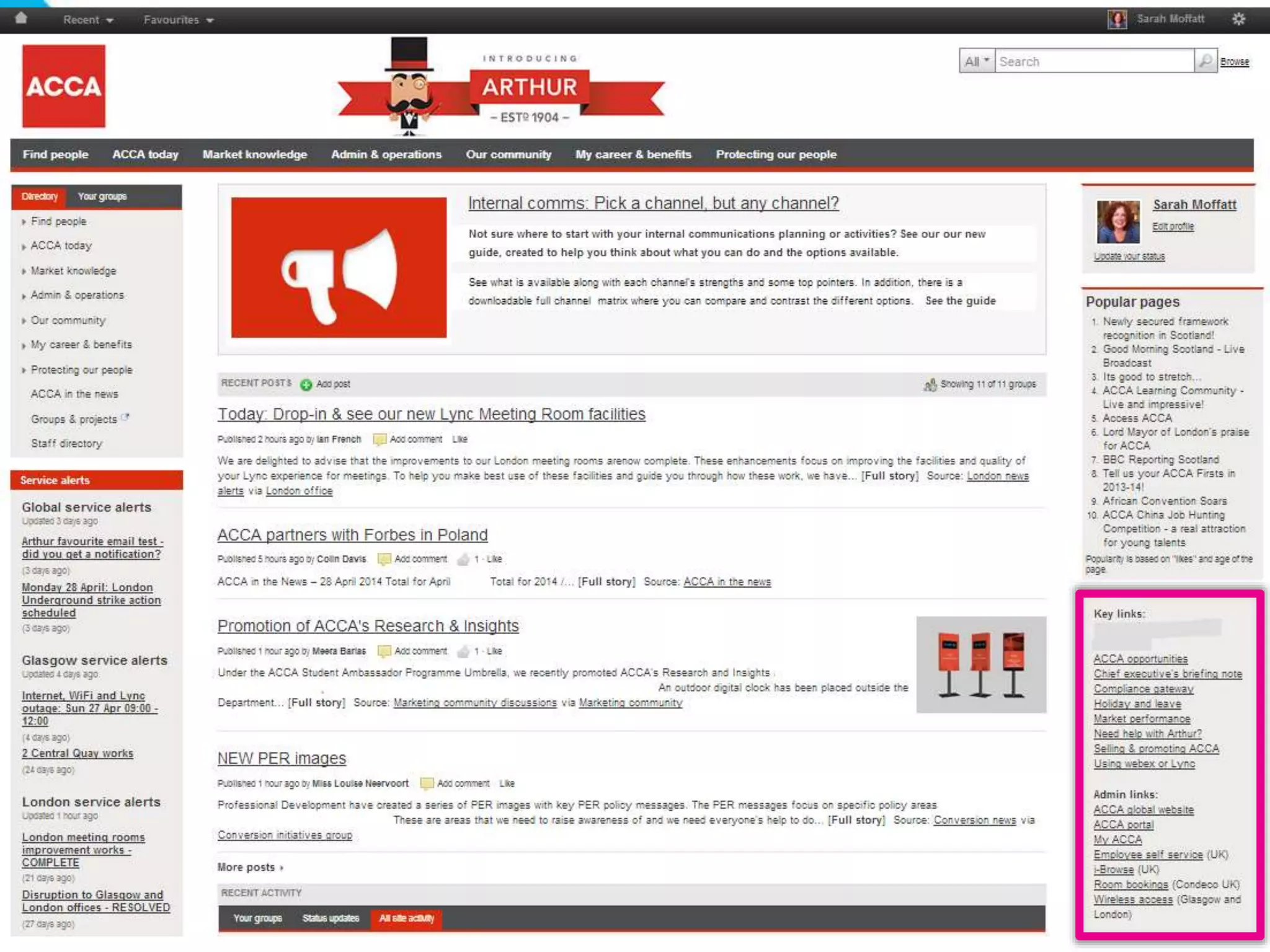
ACCA – “Key Links” / “Popular Pages”
Twitter: @DWG
www.digitalworkplacegroup.com
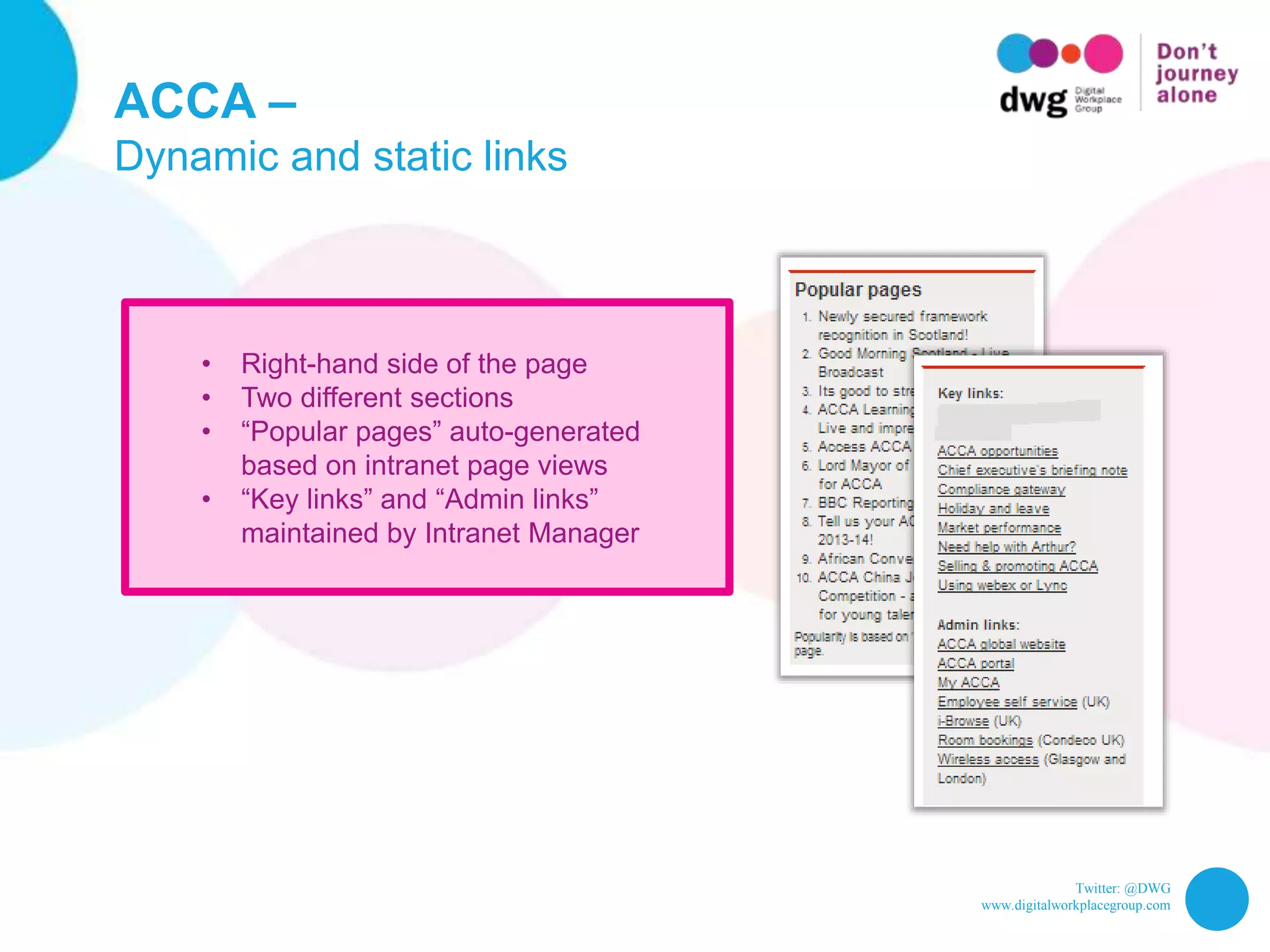
ACCA –
Dynamic and static links
• Right-hand side of the page
• Two different sections
• “Popular pages” auto-generated
based on intranet page views
• “Key links” and “Admin links”
maintained by Intranet Manager
Twitter: @DWG
www.digitalworkplacegroup.com
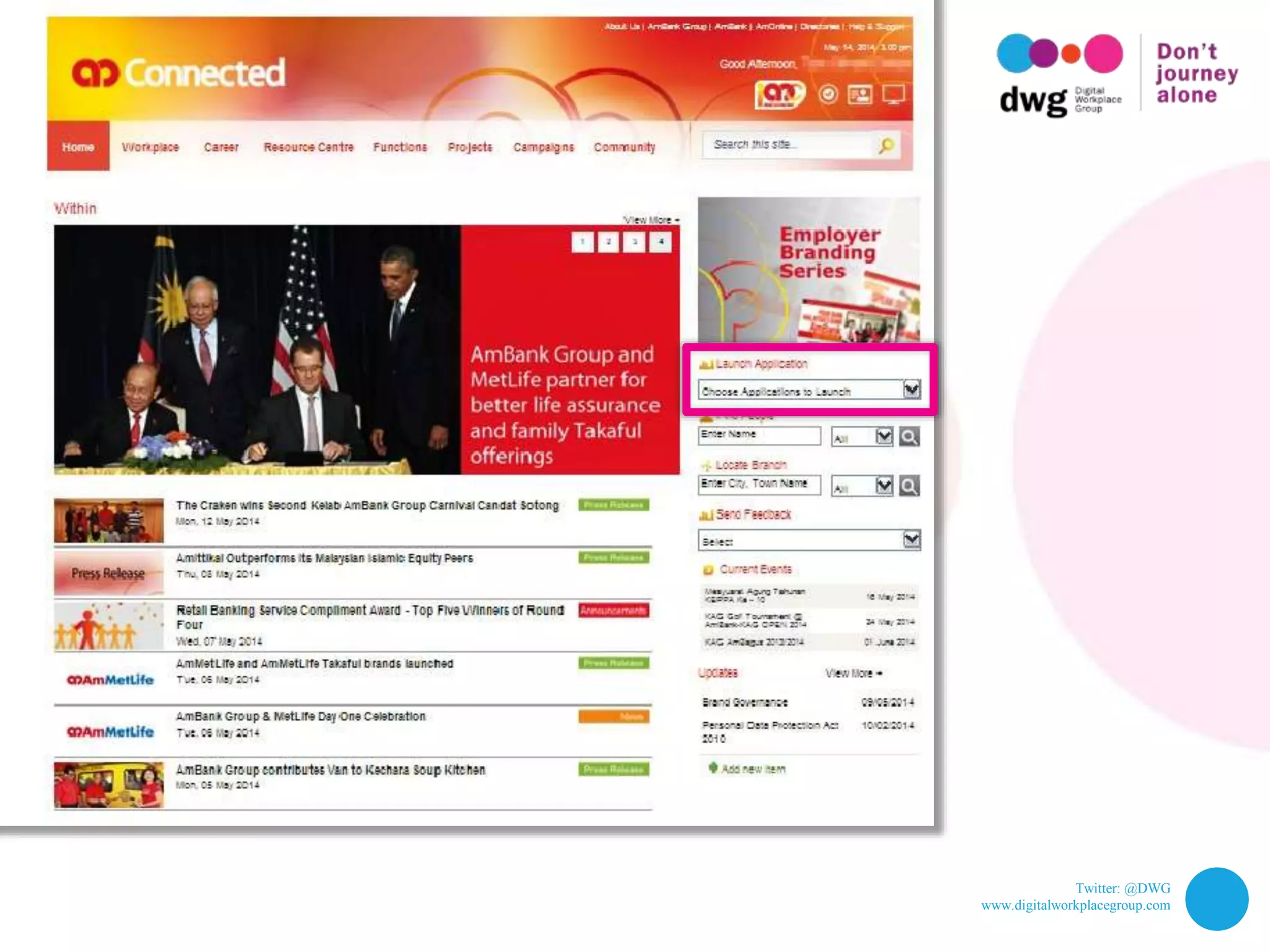
AmBank – “Launch application”
Twitter: @DWG
www.digitalworkplacegroup.com
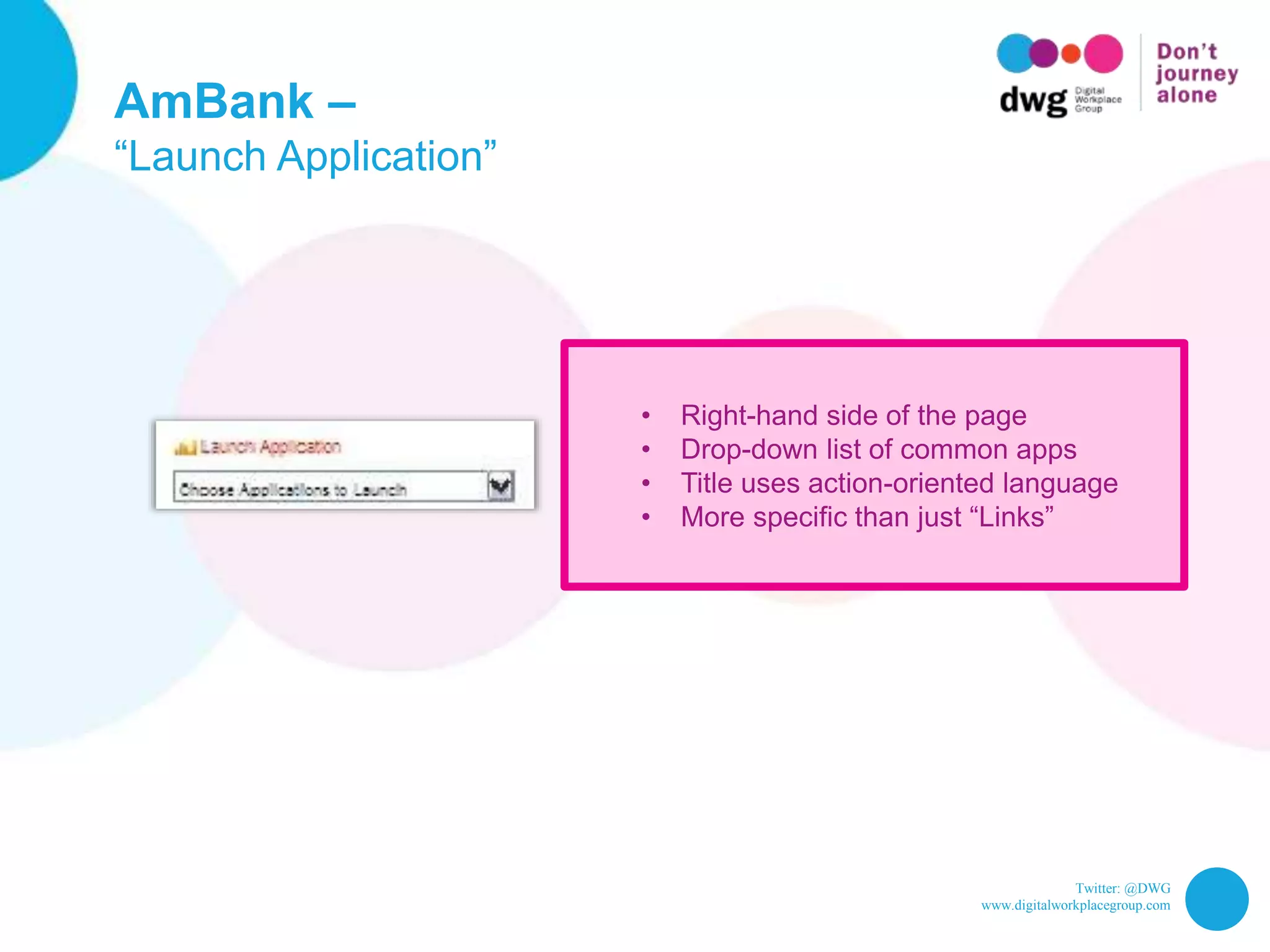
AmBank –
“Launch Application”
• Right-hand side of the page
• Drop-down list of common apps
• Title uses action-oriented language
• More specific than just “Links”
Twitter: @DWG
www.digitalworkplacegroup.com
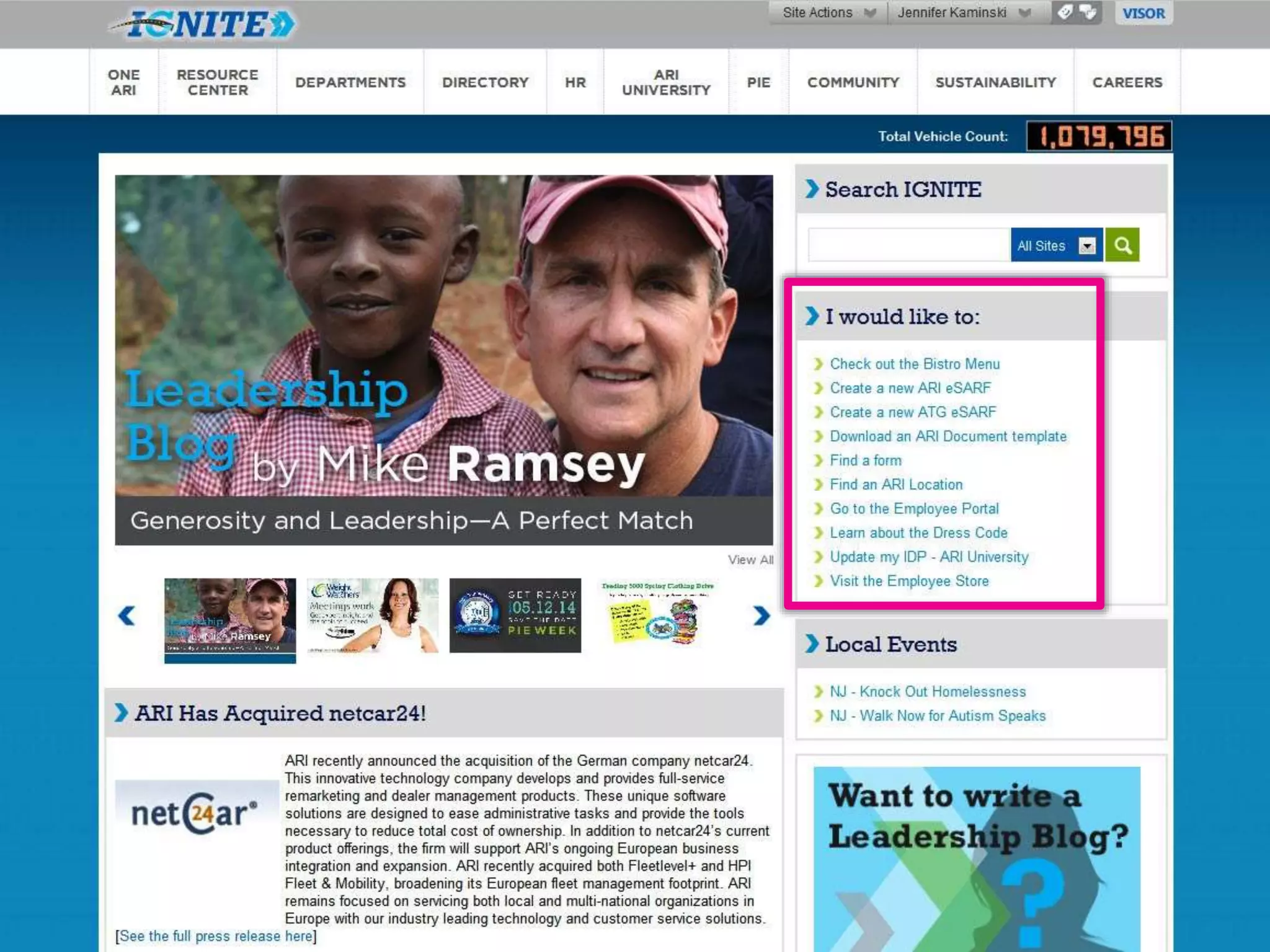
ARI – “I would like to”
Twitter: @DWG
www.digitalworkplacegroup.com
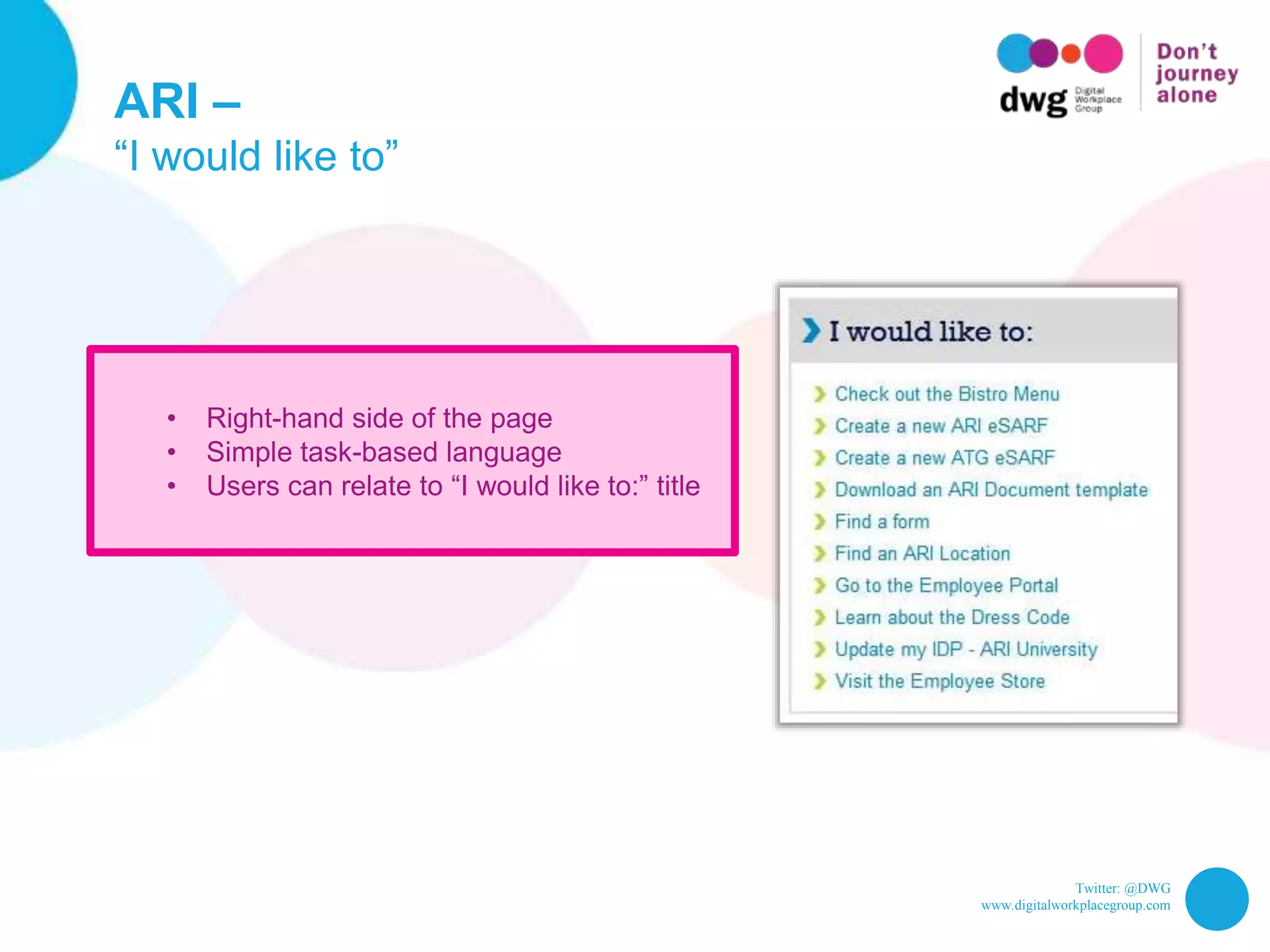
ARI –
“I would like to”
• Right-hand side of the page
• Simple task-based language
• Users can relate to “I would like to:” title
Twitter: @DWG
www.digitalworkplacegroup.com
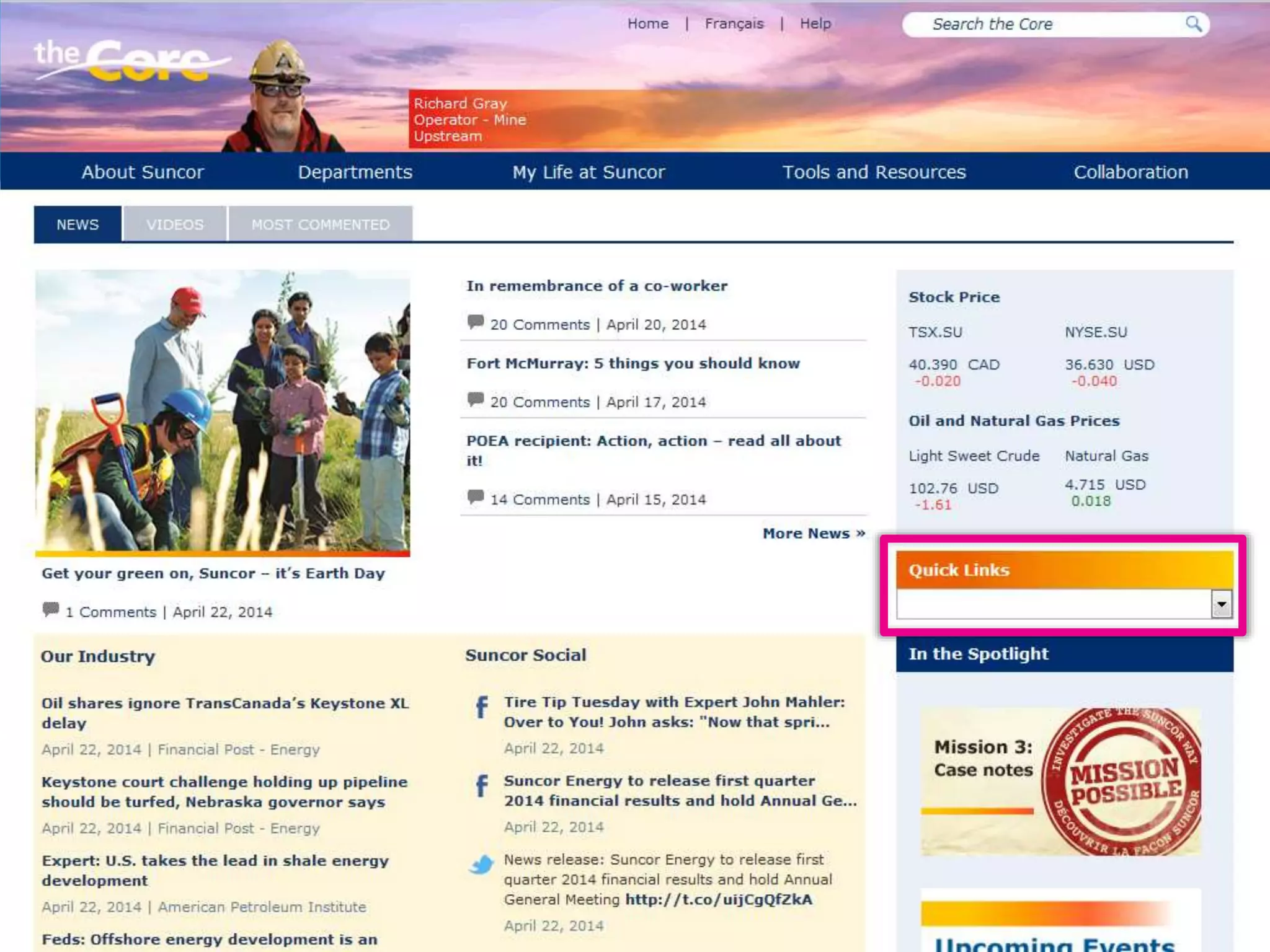
Suncor – Quicklinks dropdown menu
Twitter: @DWG
www.digitalworkplacegroup.com
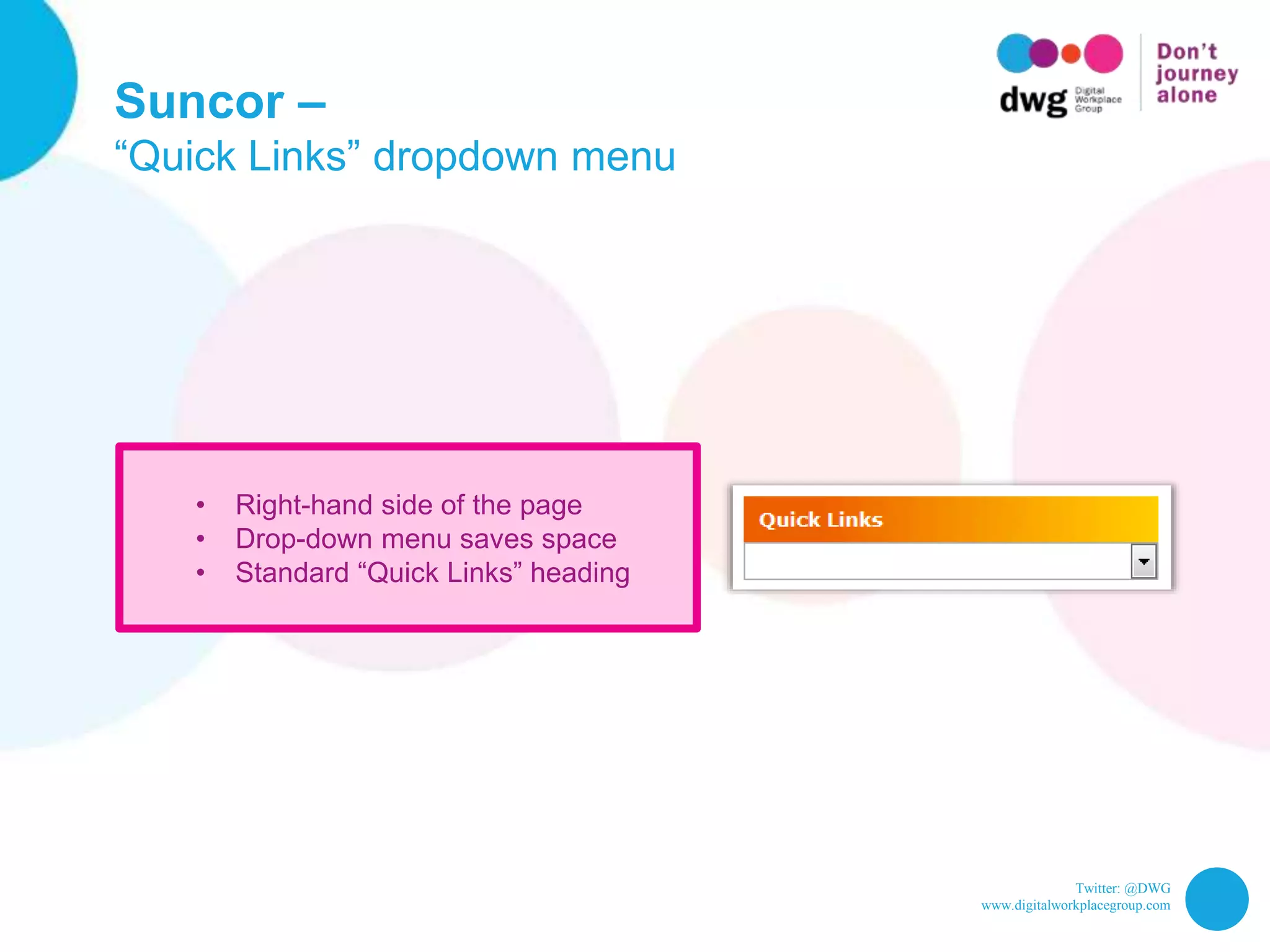
Suncor –
“Quick Links” dropdown menu
• Right-hand side of the page
• Drop-down menu saves space
• Standard “Quick Links” heading
Twitter: @DWG
www.digitalworkplacegroup.com
UNUM – sorted links
Twitter: @DWG
www.digitalworkplacegroup.com
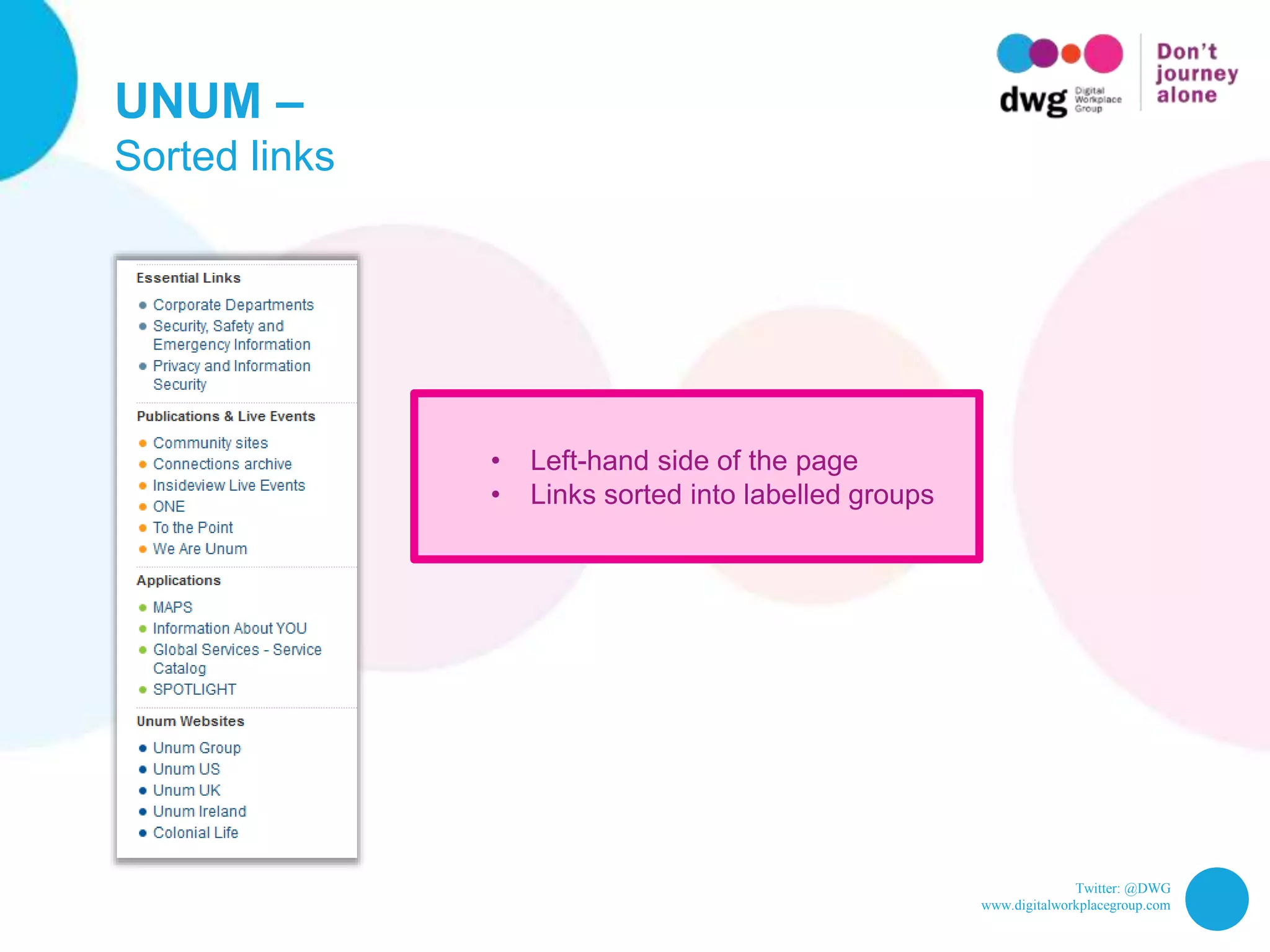
UNUM –
Sorted links
• Left-hand side of the page
• Links sorted into labelled groups
Twitter: @DWG
www.digitalworkplacegroup.com
5 examples of icons for listing
tasks on intranet homepages
Twitter: @DWG
www.digitalworkplacegroup.com
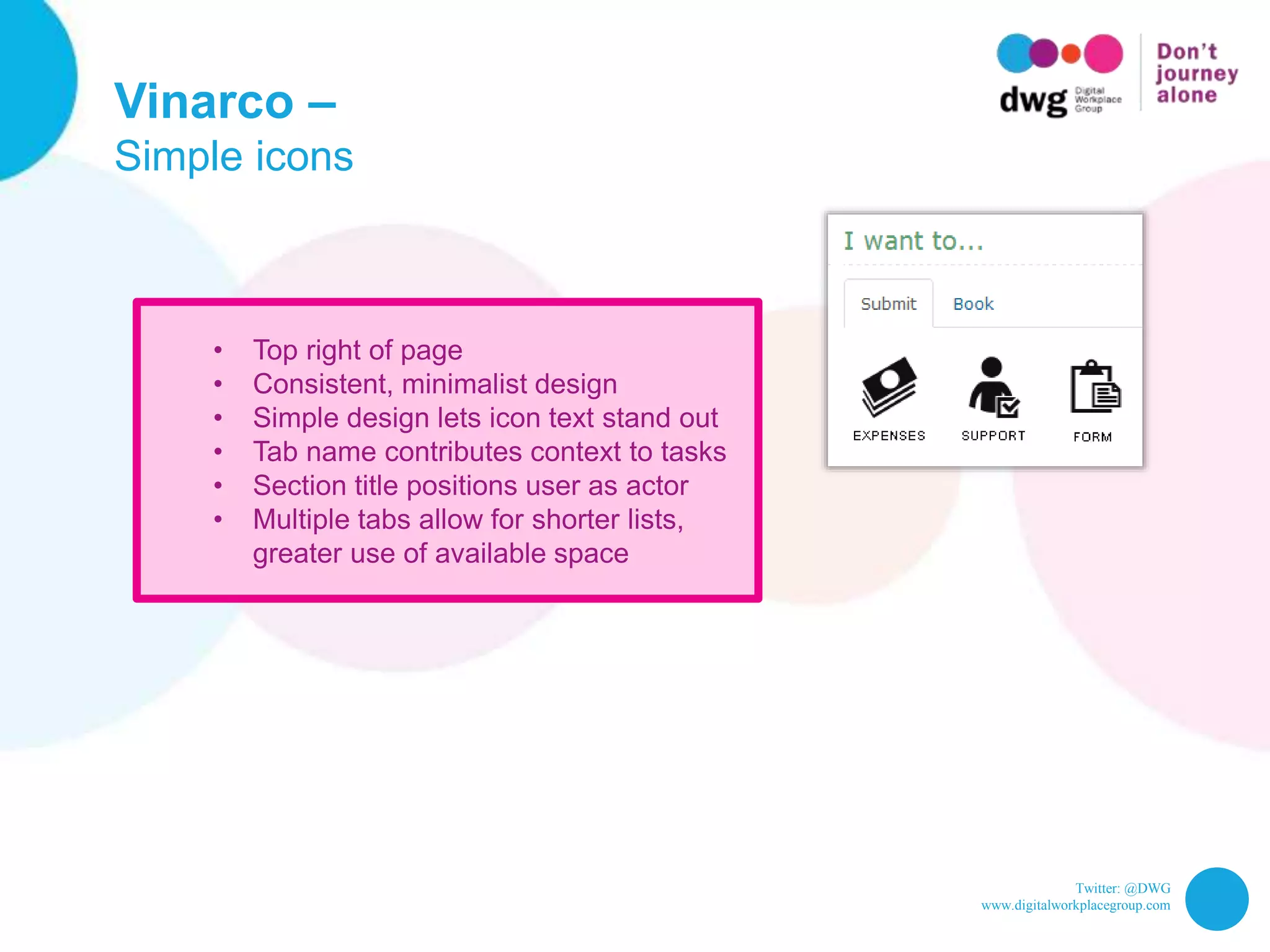
Vinarco –
Simple icons
Twitter: @DWG
www.digitalworkplacegroup.com
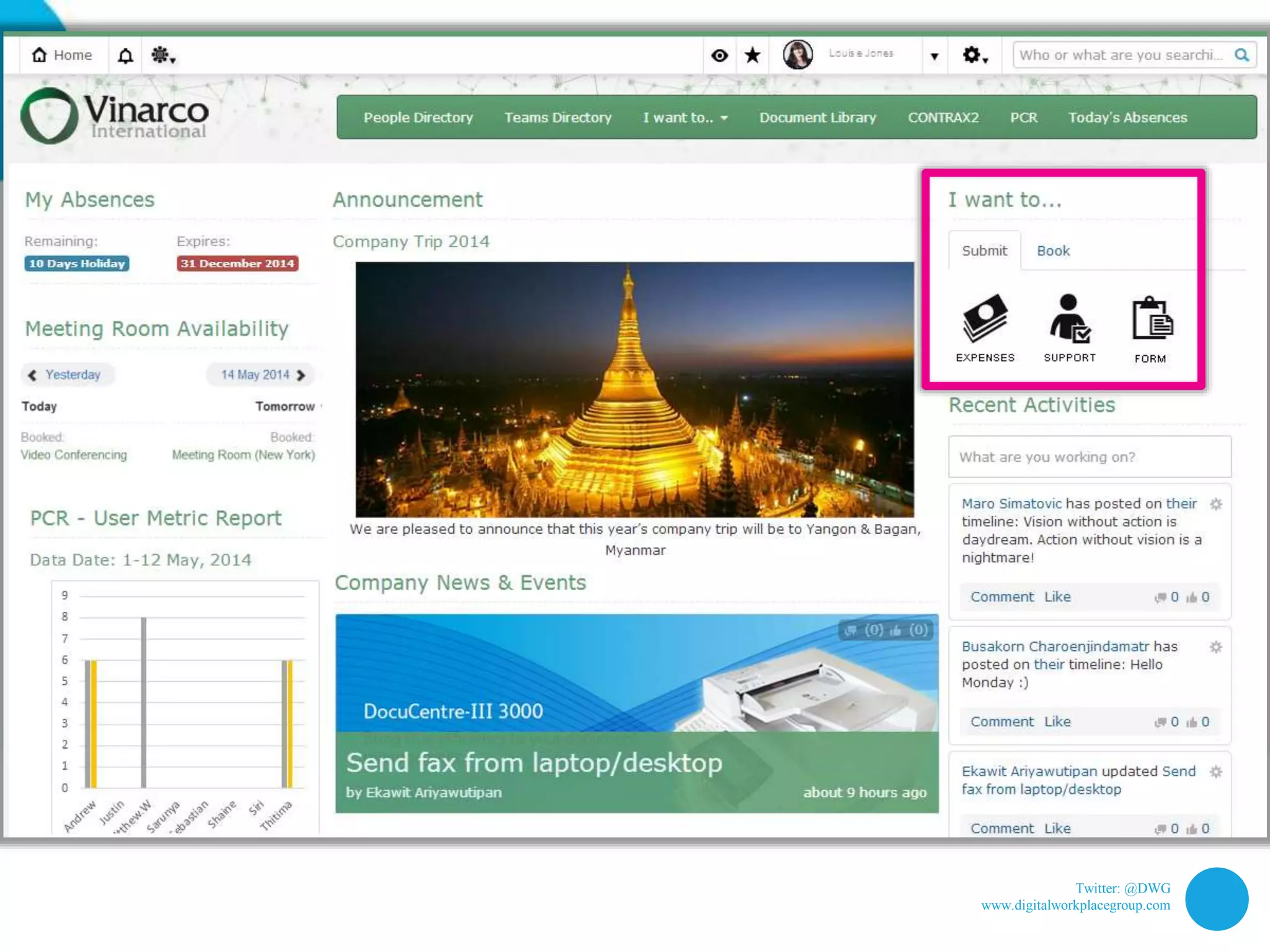
Vinarco –
Simple icons
• Top right of page
• Consistent, minimalist design
• Simple design lets icon text stand out
• Tab name contributes context to tasks
• Section title positions user as actor
• Multiple tabs allow for shorter lists,
greater use of available space
Twitter: @DWG
www.digitalworkplacegroup.com
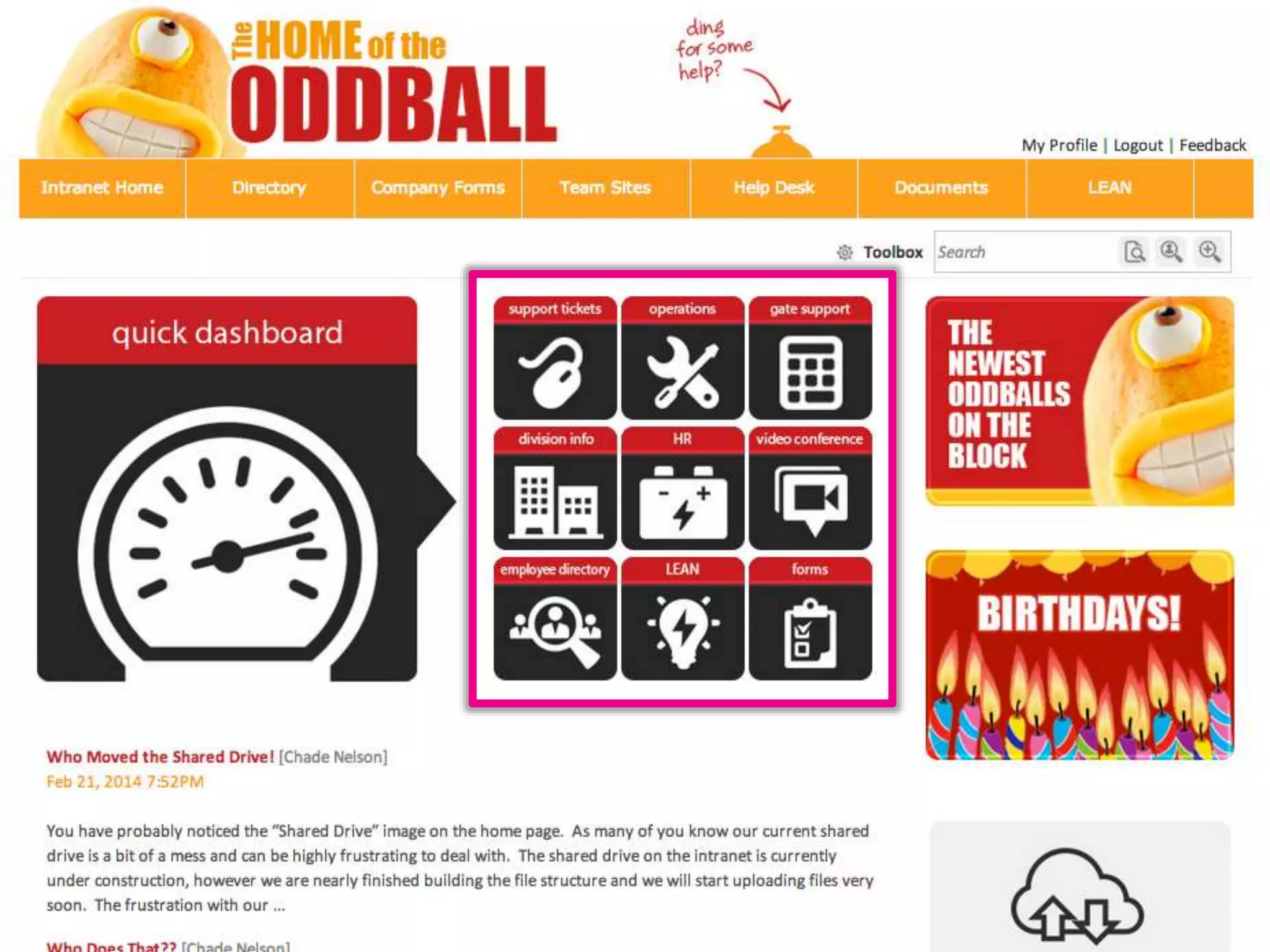
Oddball – Icons
Twitter: @DWG
www.digitalworkplacegroup.com
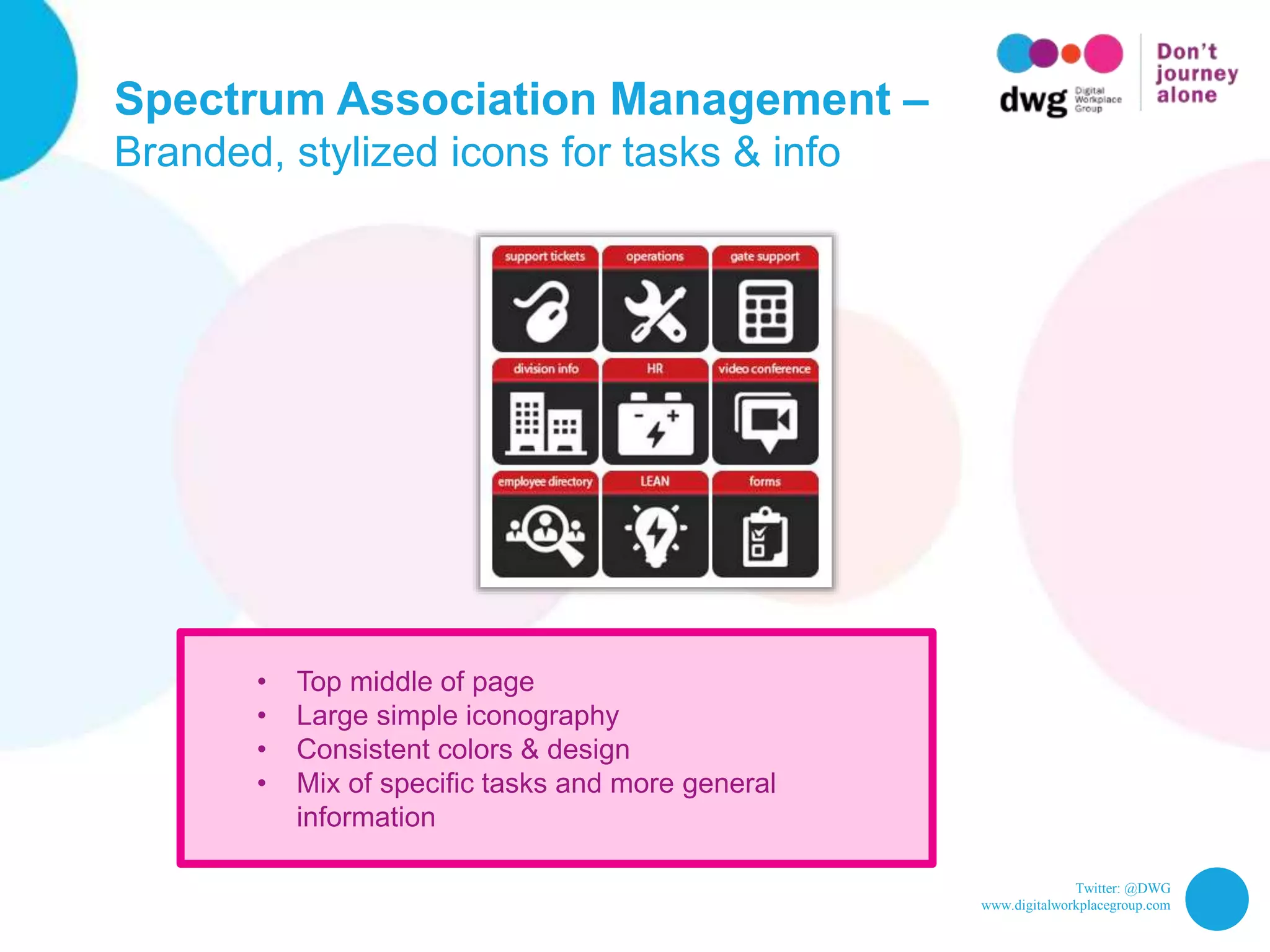
Spectrum Association Management –
Branded, stylized icons for tasks & info
• Top middle of page
• Large simple iconography
• Consistent colors & design
• Mix of specific tasks and more general
information
Twitter: @DWG
www.digitalworkplacegroup.com
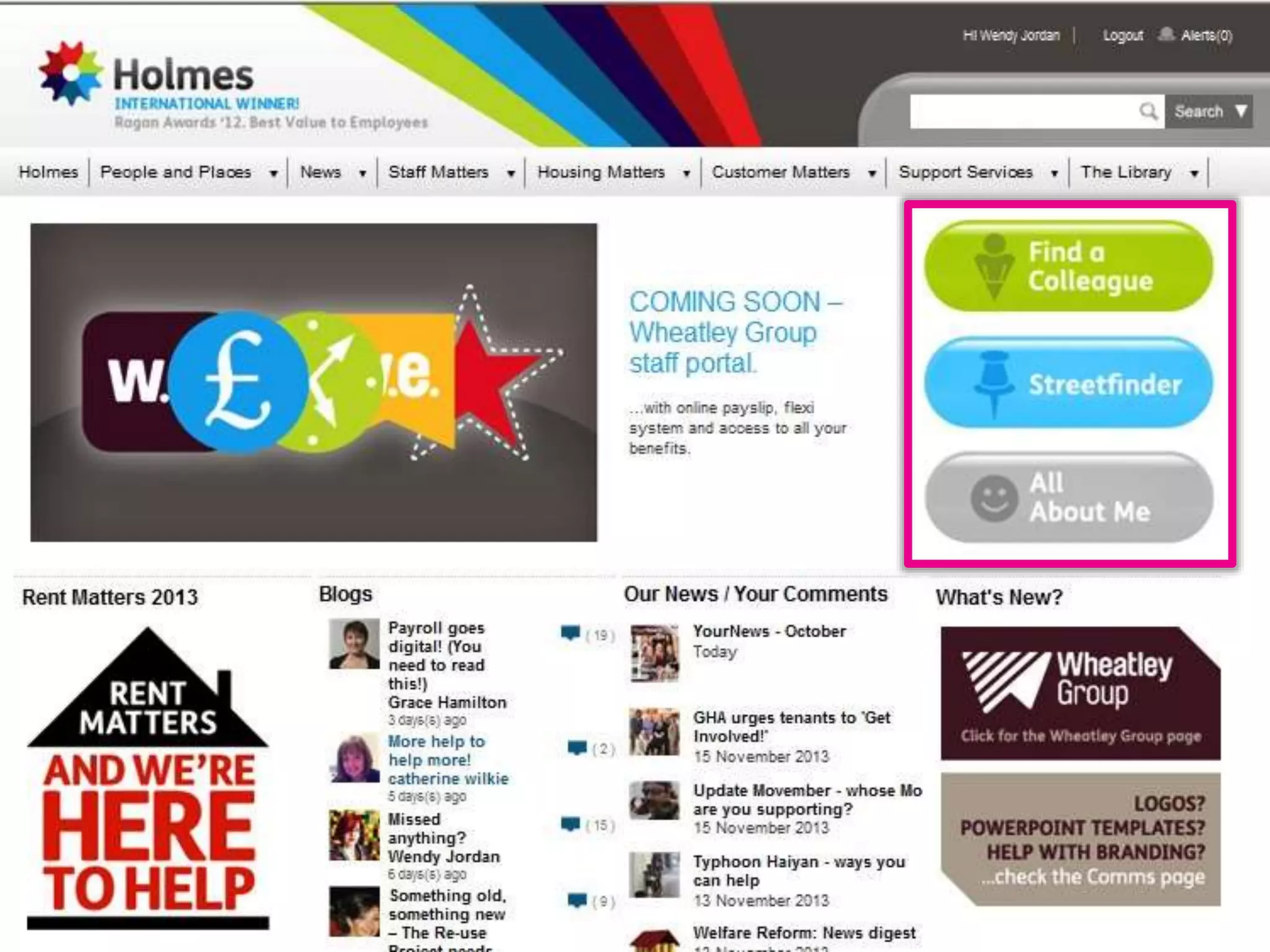
Wheatley Group – Big buttons
Twitter: @DWG
www.digitalworkplacegroup.com
Wheatley Group –
Big simple buttons in brand colors
• Top right of page
• Large, simple, easy-to-read “buttons”
• Short list makes selection easy
• Different colors support memorability
• Text stronger visually than icons
• Large size & placement suggest high
priority or very common tasks
Twitter: @DWG
www.digitalworkplacegroup.com
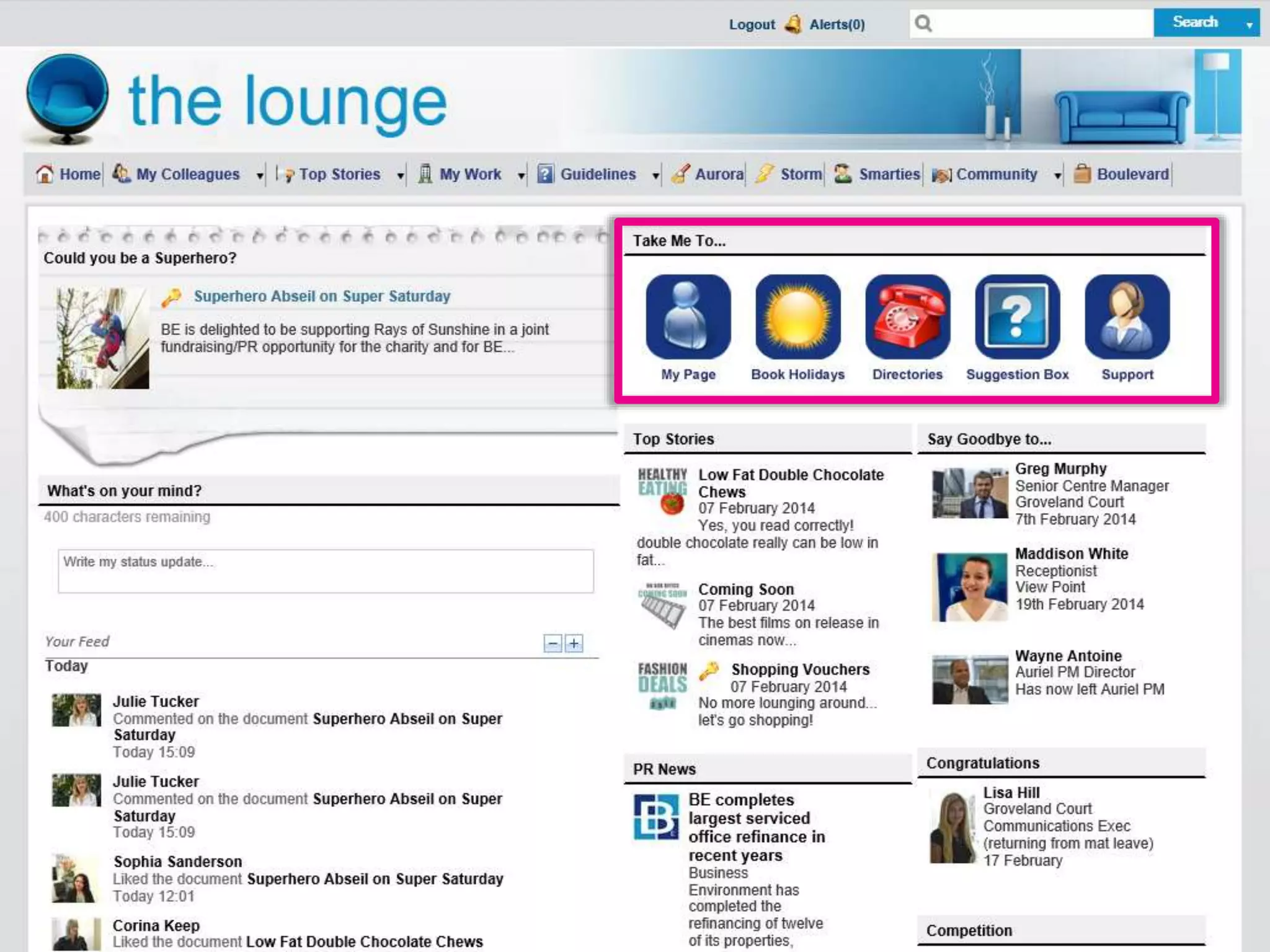
Business Environment – Big icons
Twitter: @DWG
www.digitalworkplacegroup.com
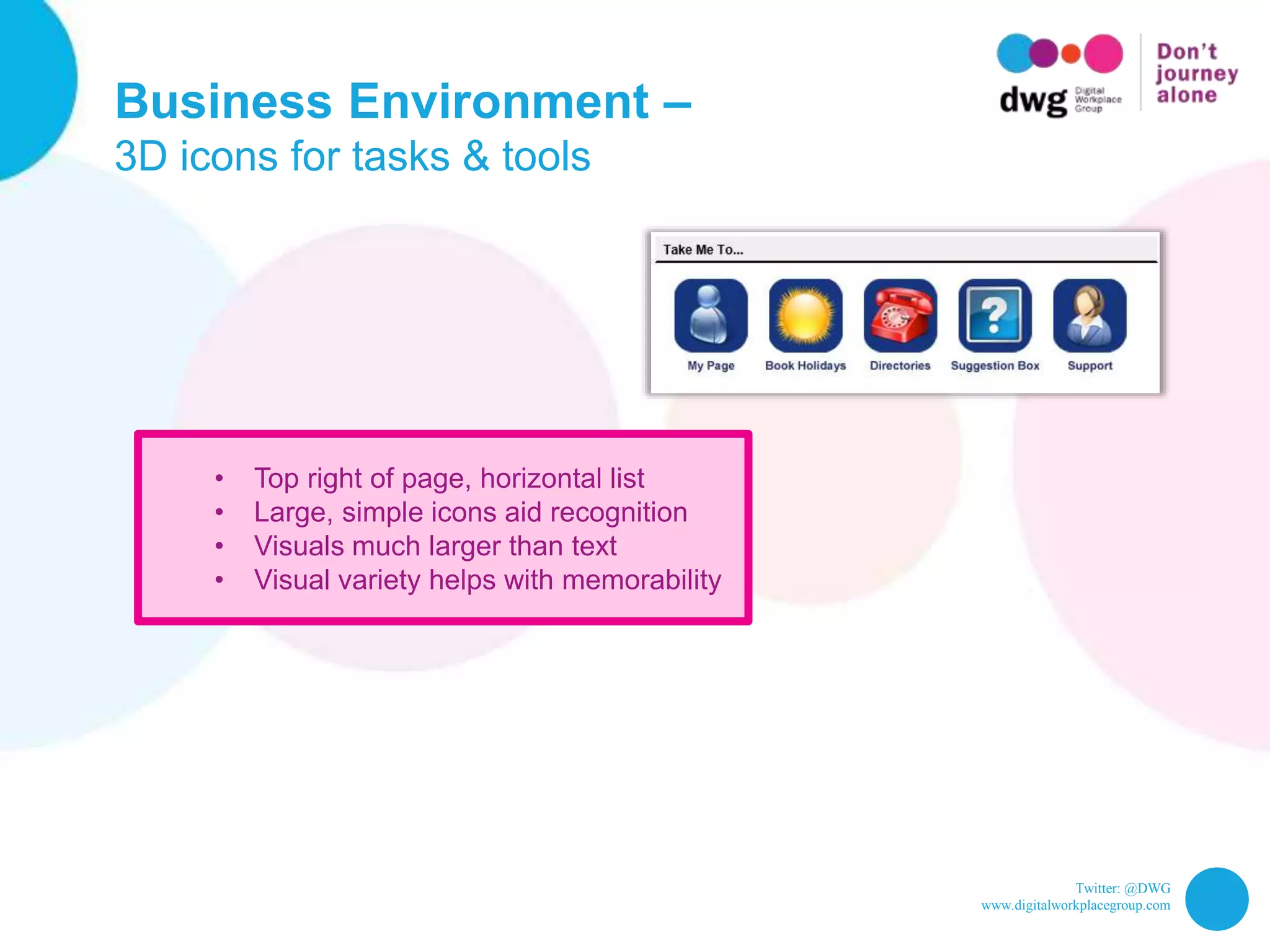
Business Environment –
3D icons for tasks & tools
• Top right of page, horizontal list
• Large, simple icons aid recognition
• Visuals much larger than text
• Visual variety helps with memorability
Twitter: @DWG
www.digitalworkplacegroup.com
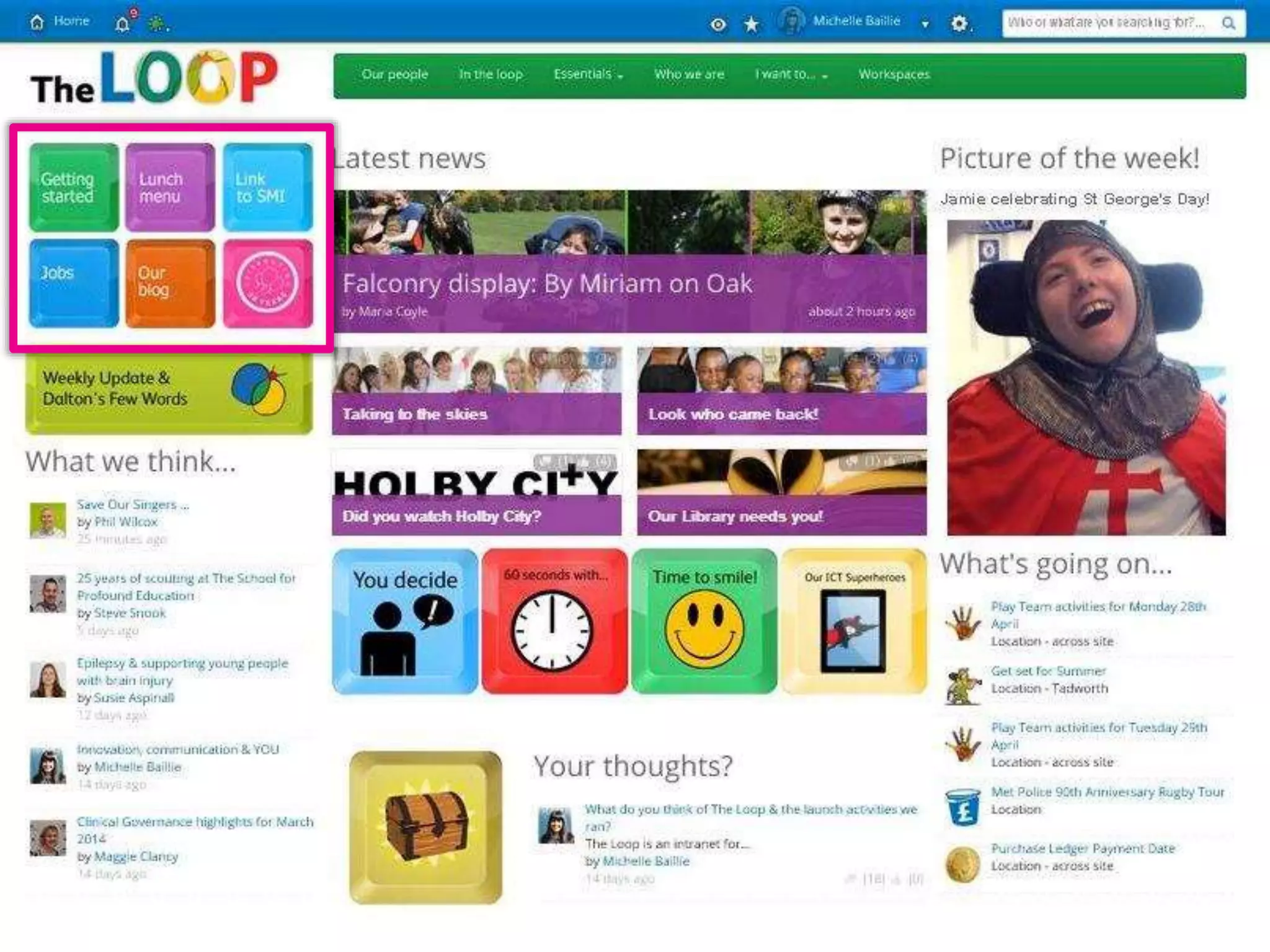
Children’s Trust –
Keyboard buttons
Twitter: @DWG
www.digitalworkplacegroup.com
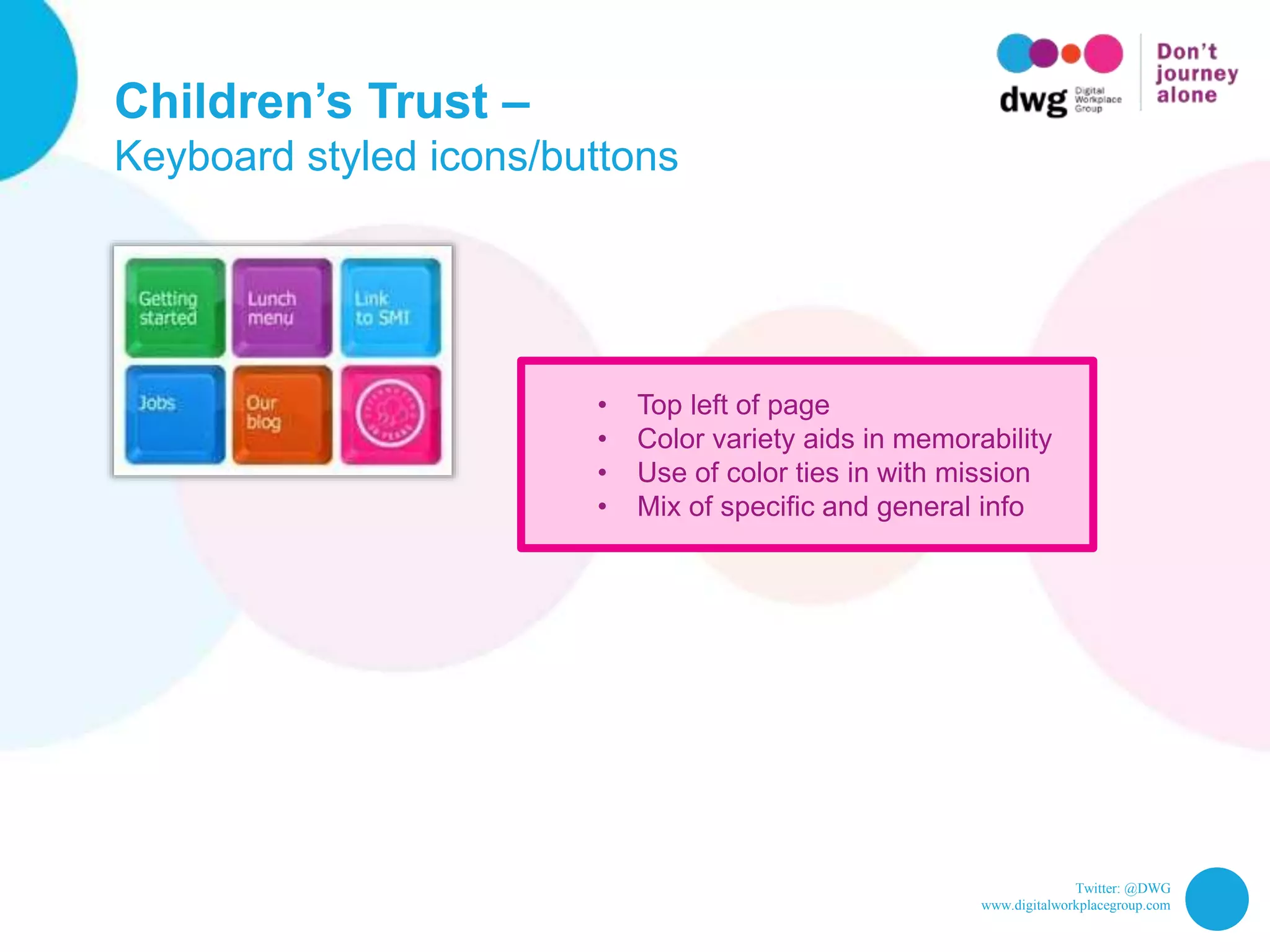
Children’s Trust –
Keyboard styled icons/buttons
• Top left of page
• Color variety aids in memorability
• Use of color ties in with mission
• Mix of specific and general info
Twitter: @DWG
www.digitalworkplacegroup.com
10 ways to bring social onto
your intranet homepage
Twitter: @DWG
www.digitalworkplacegroup.com
Twitter: @DWG
www.digitalworkplacegroup.com
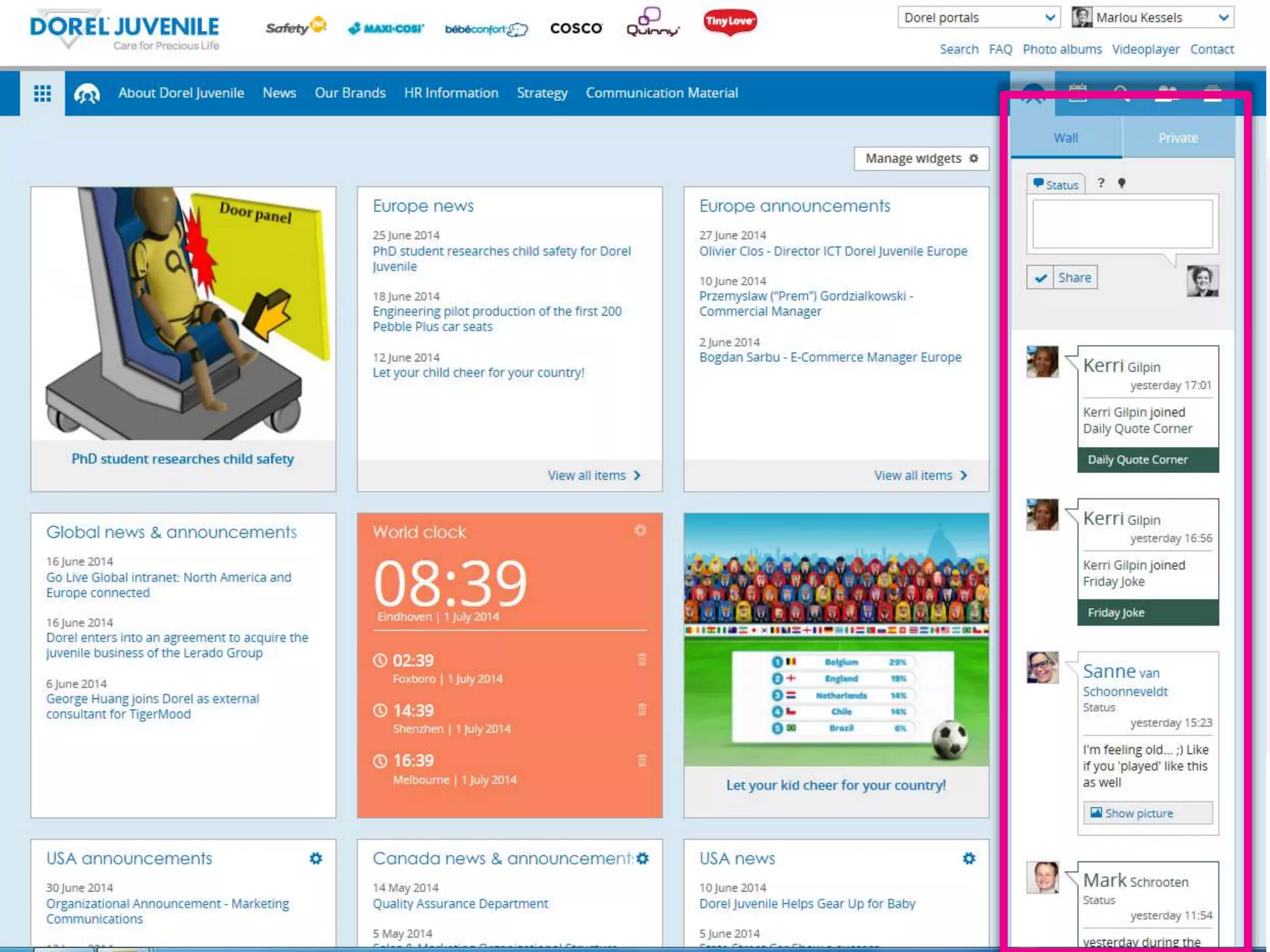
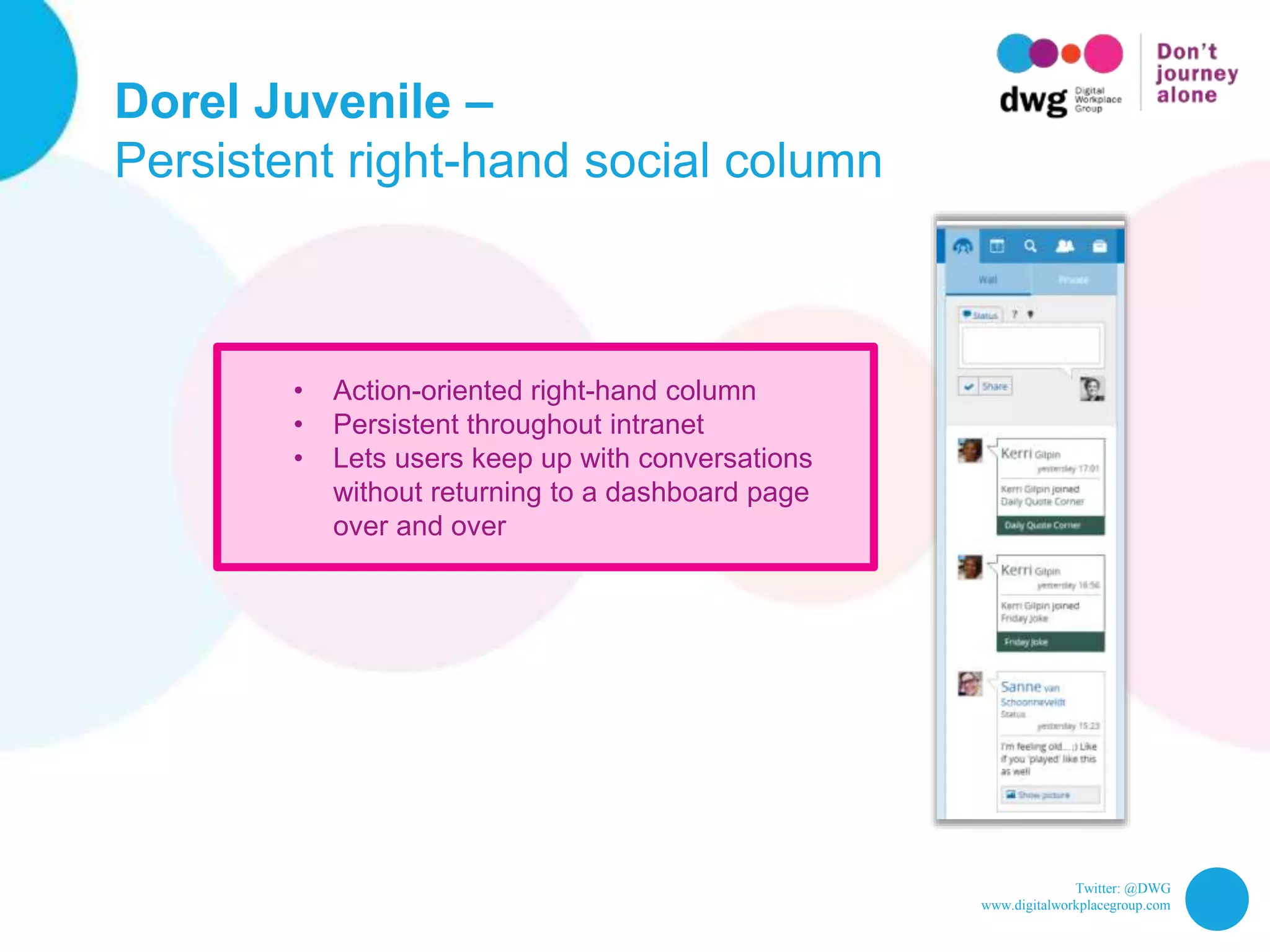
Dorel Juvenile –
Persistent right-hand social column
• Action-oriented right-hand column
• Persistent throughout intranet
• Lets users keep up with conversations
without returning to a dashboard page
over and over
Twitter: @DWG
www.digitalworkplacegroup.com
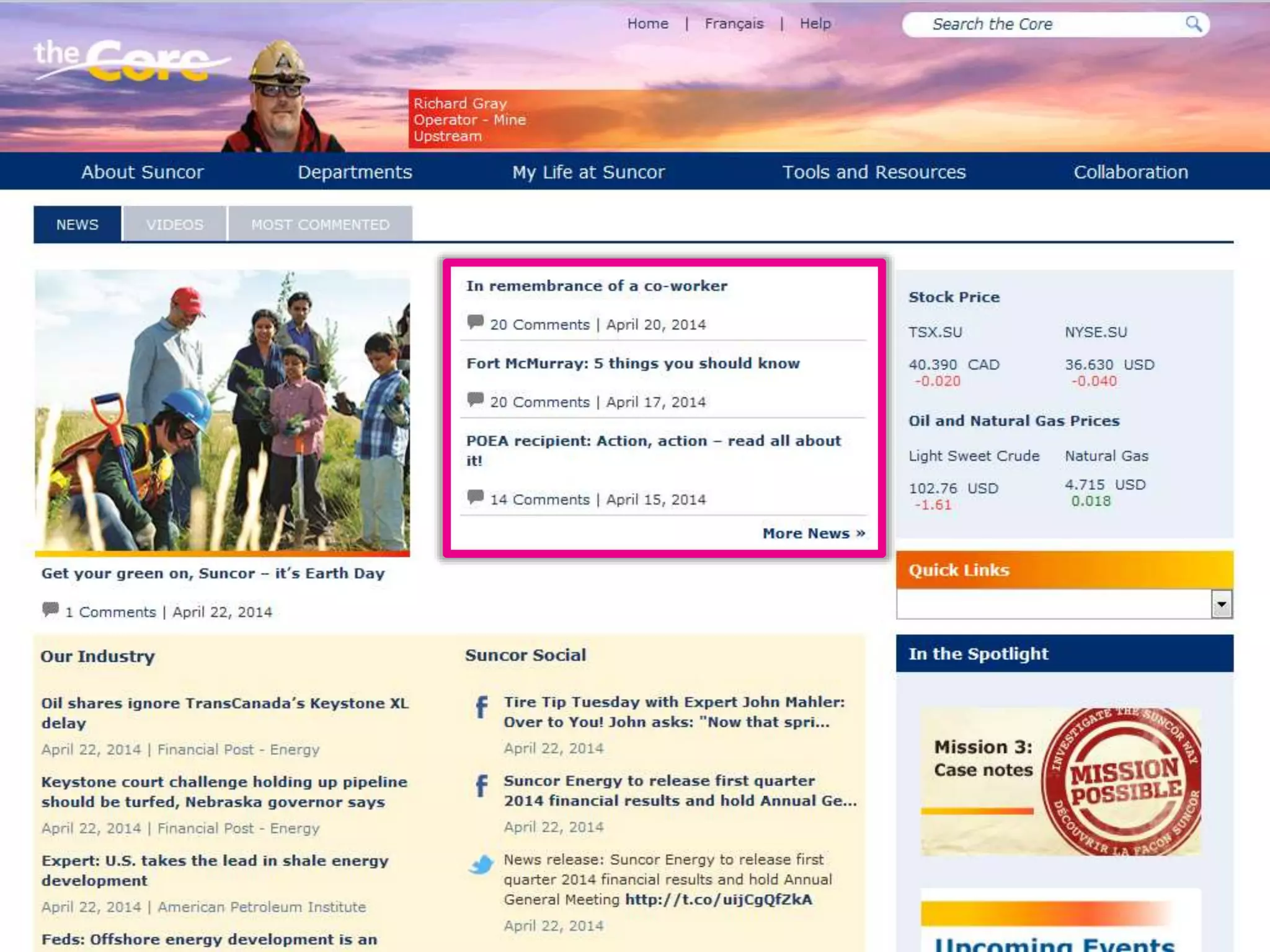
Suncor –
Show number of comments for news stories
Twitter: @DWG
www.digitalworkplacegroup.com
Suncor –
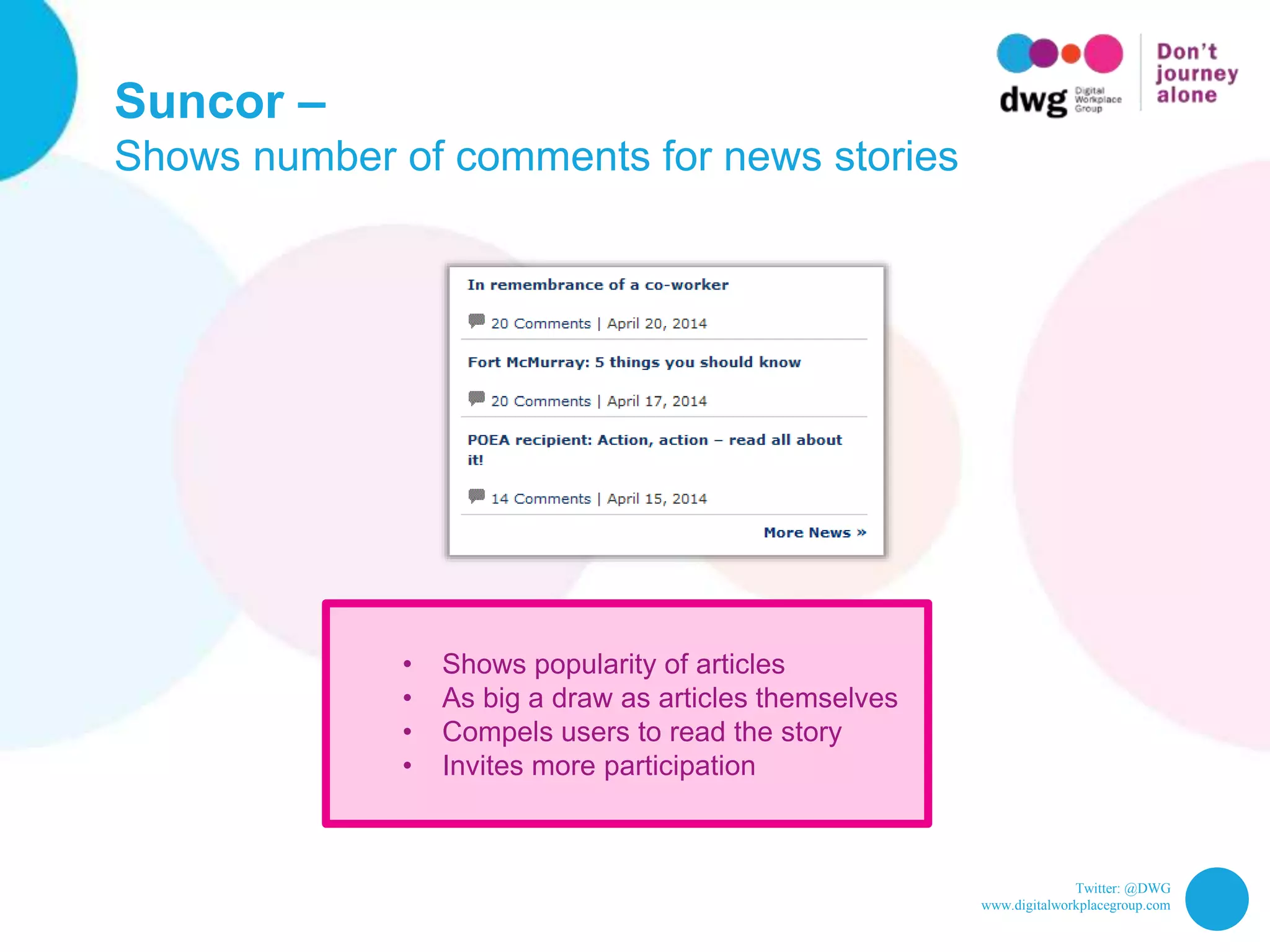
Shows number of comments for news stories
• Shows popularity of articles
• As big a draw as articles themselves
• Compels users to read the story
• Invites more participation
Twitter: @DWG
www.digitalworkplacegroup.com
Mediterranean Shipping Company –
Sort news by most commented and liked
Twitter: @DWG
www.digitalworkplacegroup.com
Mediterranean Shipping Company –
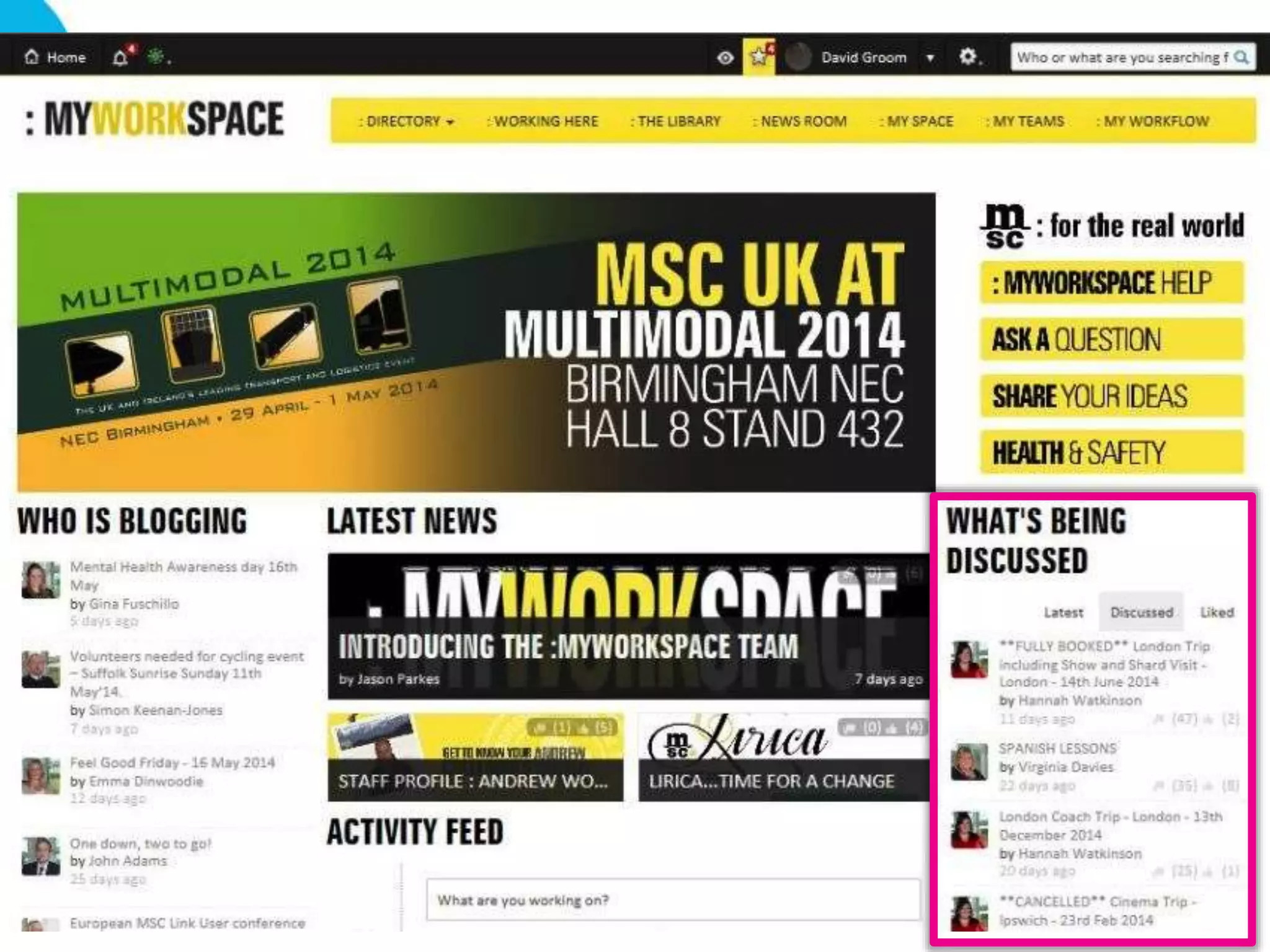
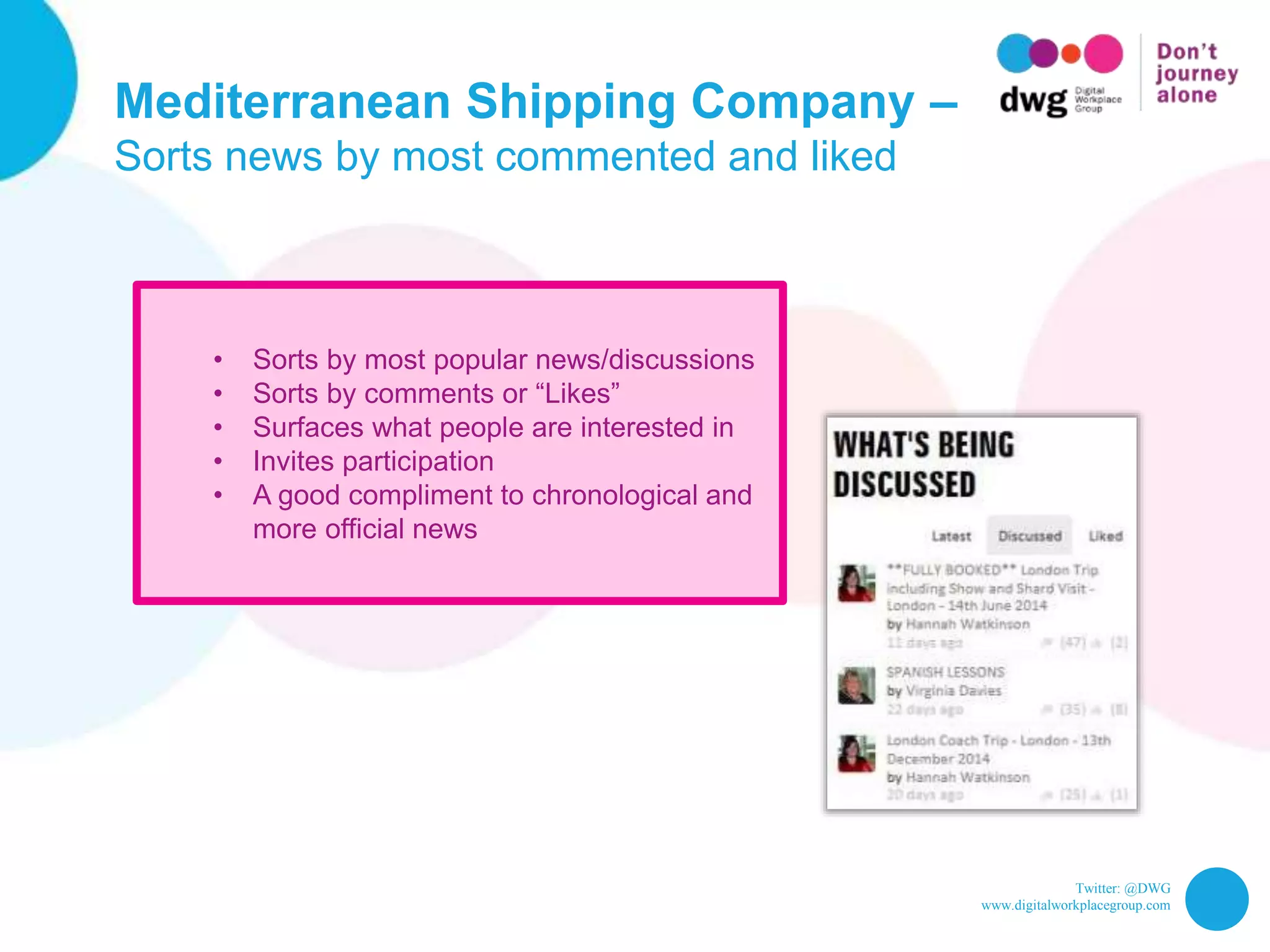
Sorts news by most commented and liked
• Sorts by most popular news/discussions
• Sorts by comments or “Likes”
• Surfaces what people are interested in
• Invites participation
• A good compliment to chronological and
more official news
Twitter: @DWG
www.digitalworkplacegroup.com
ACCA –
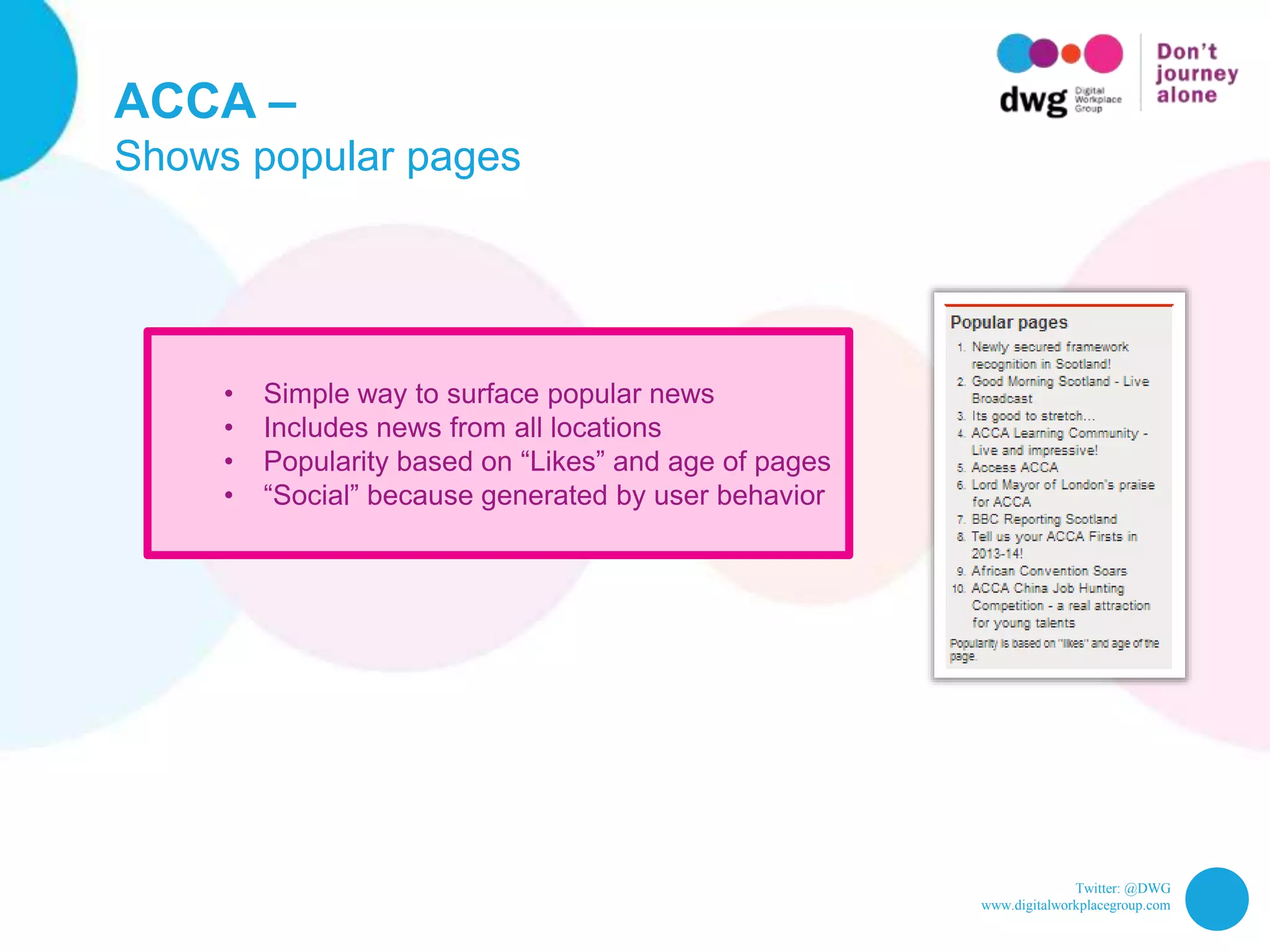
Show popular pages
Twitter: @DWG
www.digitalworkplacegroup.com
ACCA –
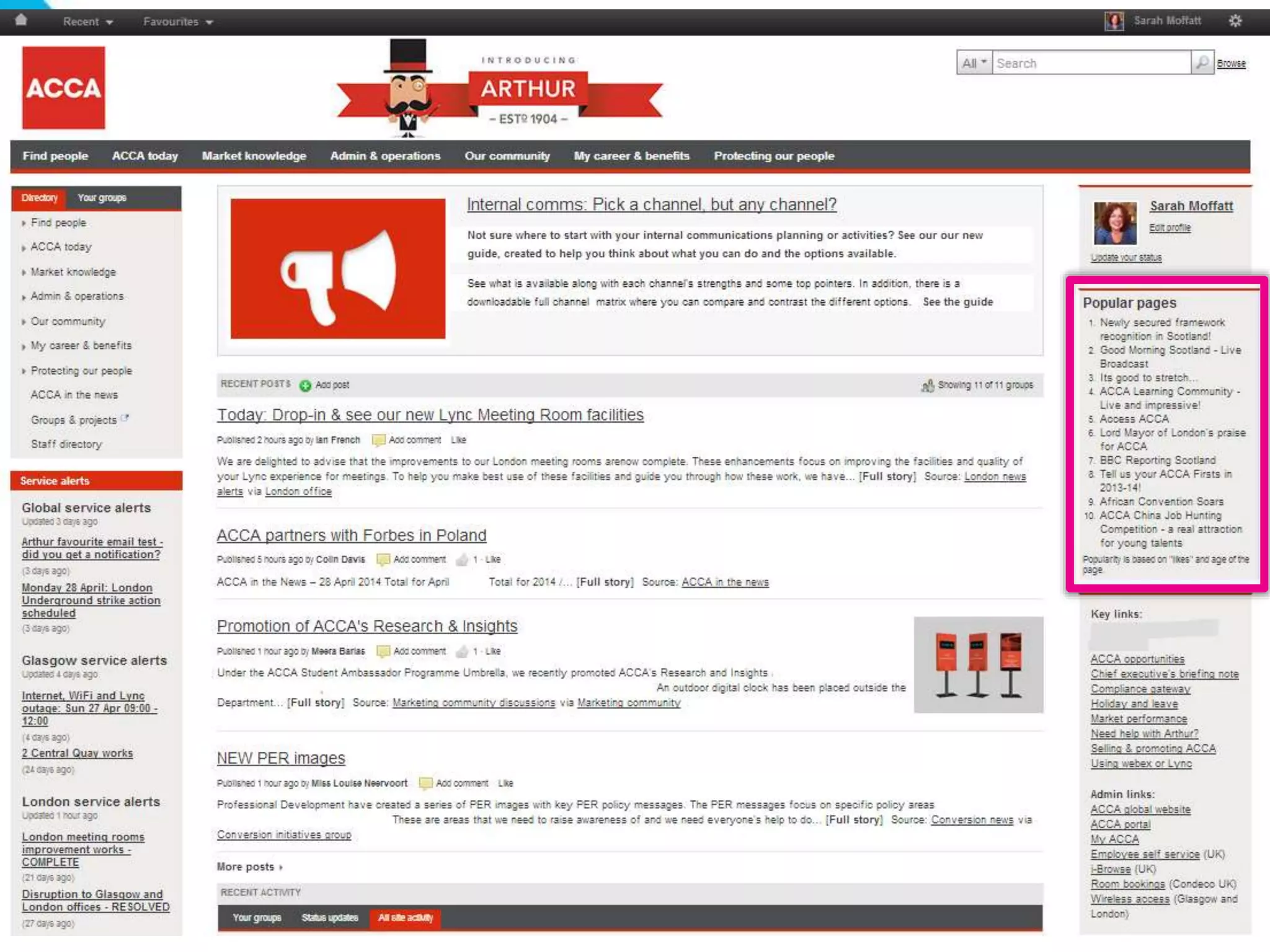
Shows popular pages
• Simple way to surface popular news
• Includes news from all locations
• Popularity based on “Likes” and age of pages
• “Social” because generated by user behavior
Twitter: @DWG
www.digitalworkplacegroup.com
Roland Berger –
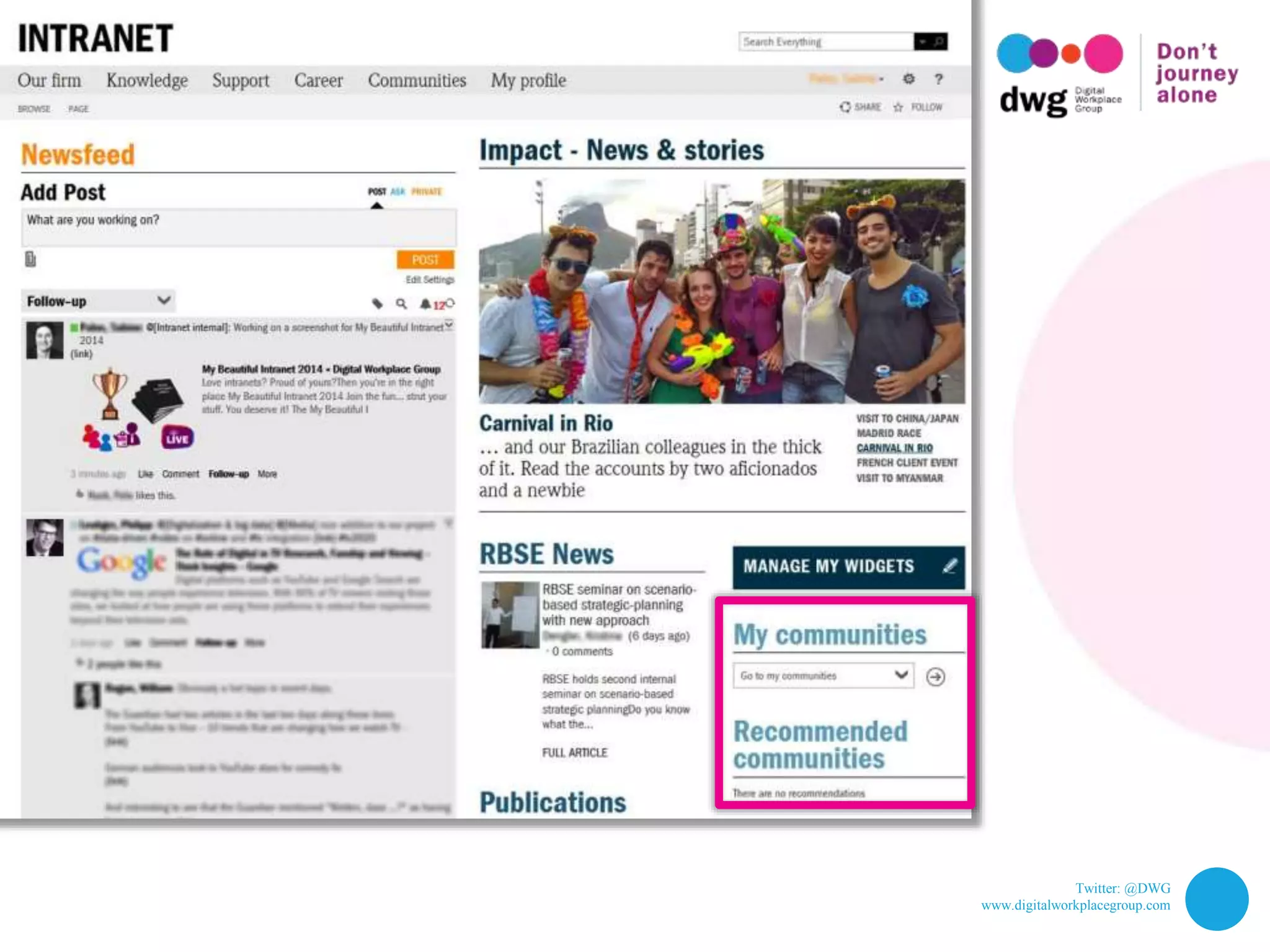
List “My Communities”
Twitter: @DWG
www.digitalworkplacegroup.com
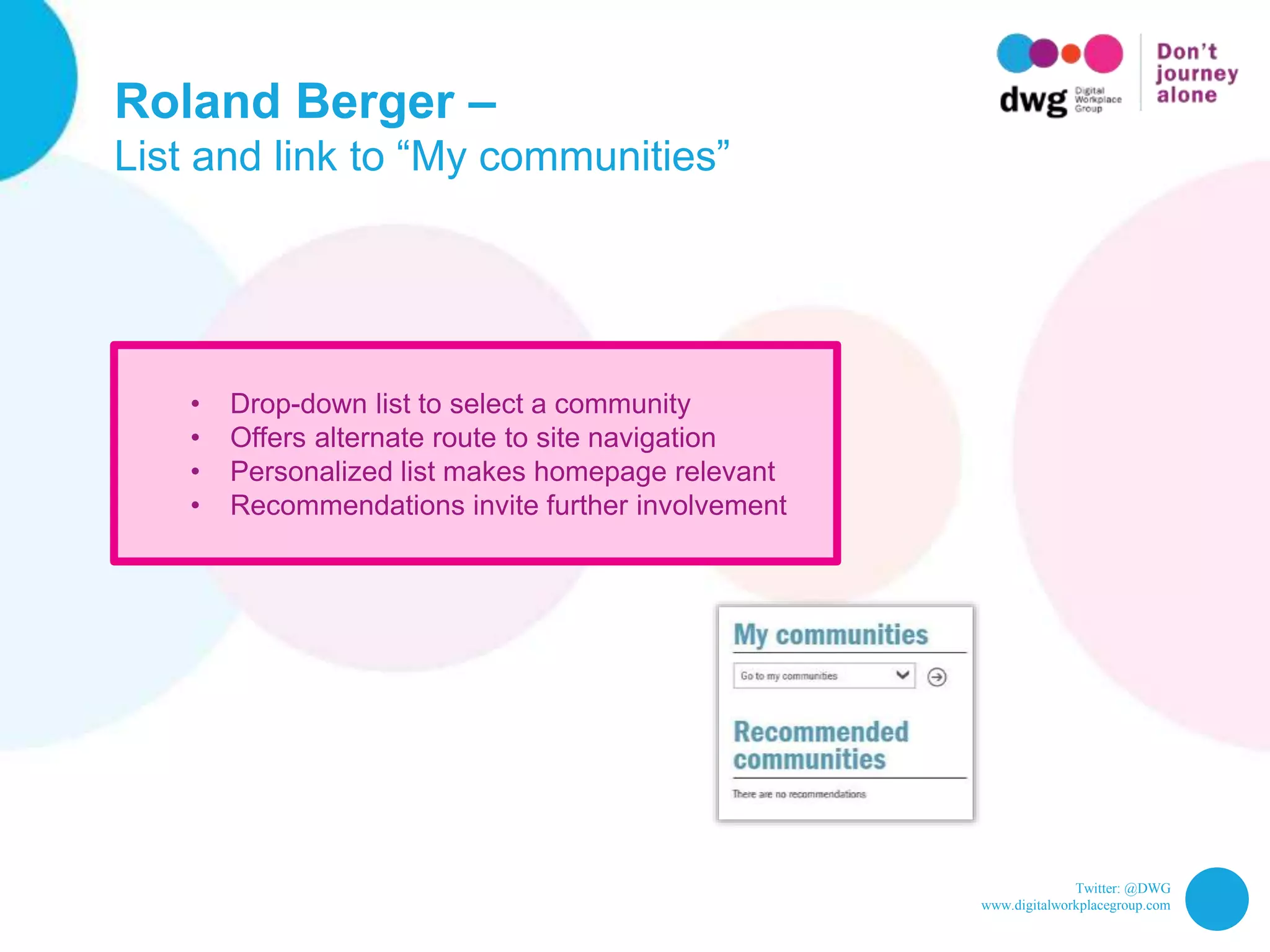
Roland Berger –
List and link to “My communities”
• Drop-down list to select a community
• Offers alternate route to site navigation
• Personalized list makes homepage relevant
• Recommendations invite further involvement
Twitter: @DWG
www.digitalworkplacegroup.com
Roland Berger –
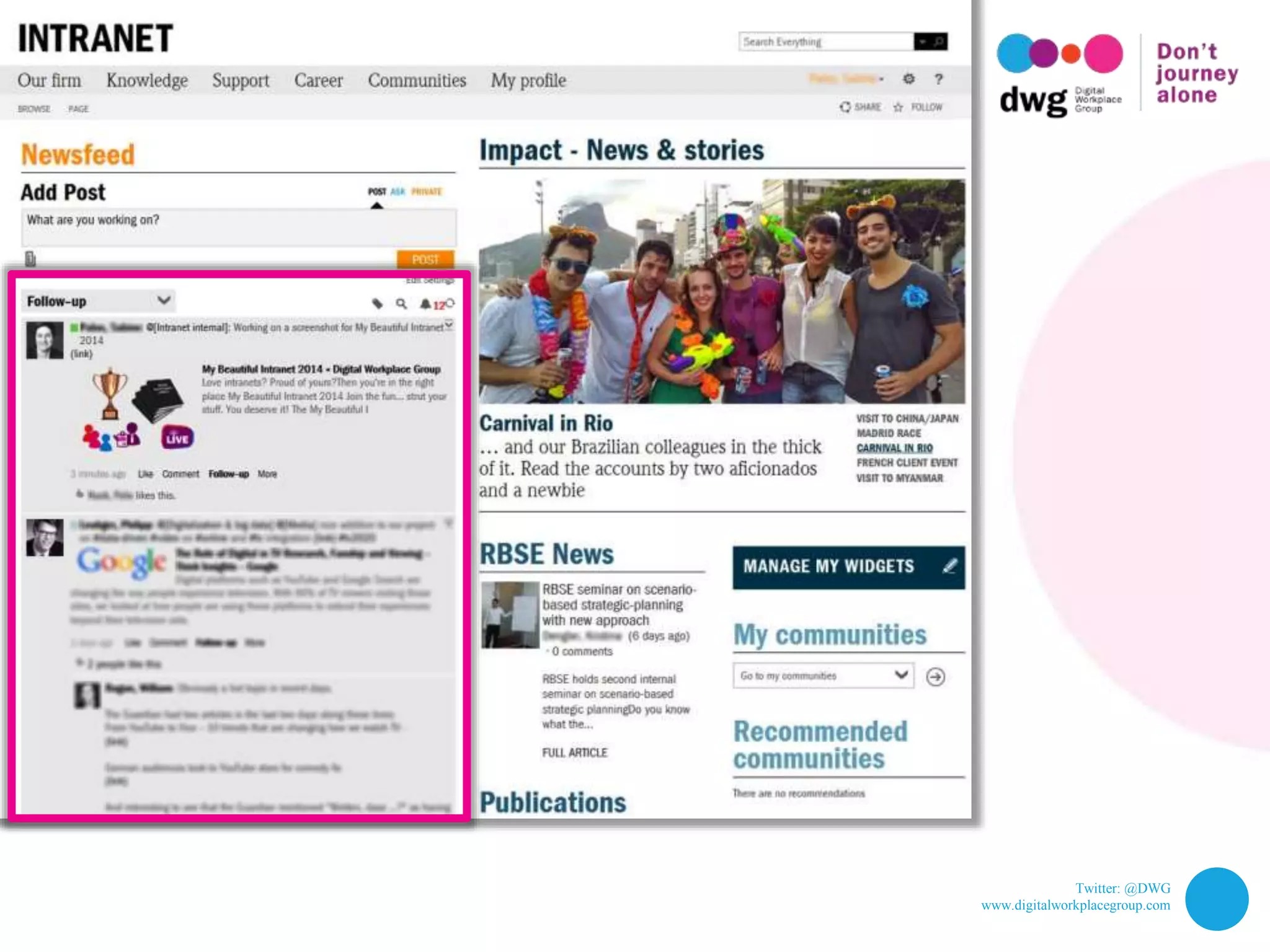
List “My Communities”
Twitter: @DWG
www.digitalworkplacegroup.com
Roland Berger –
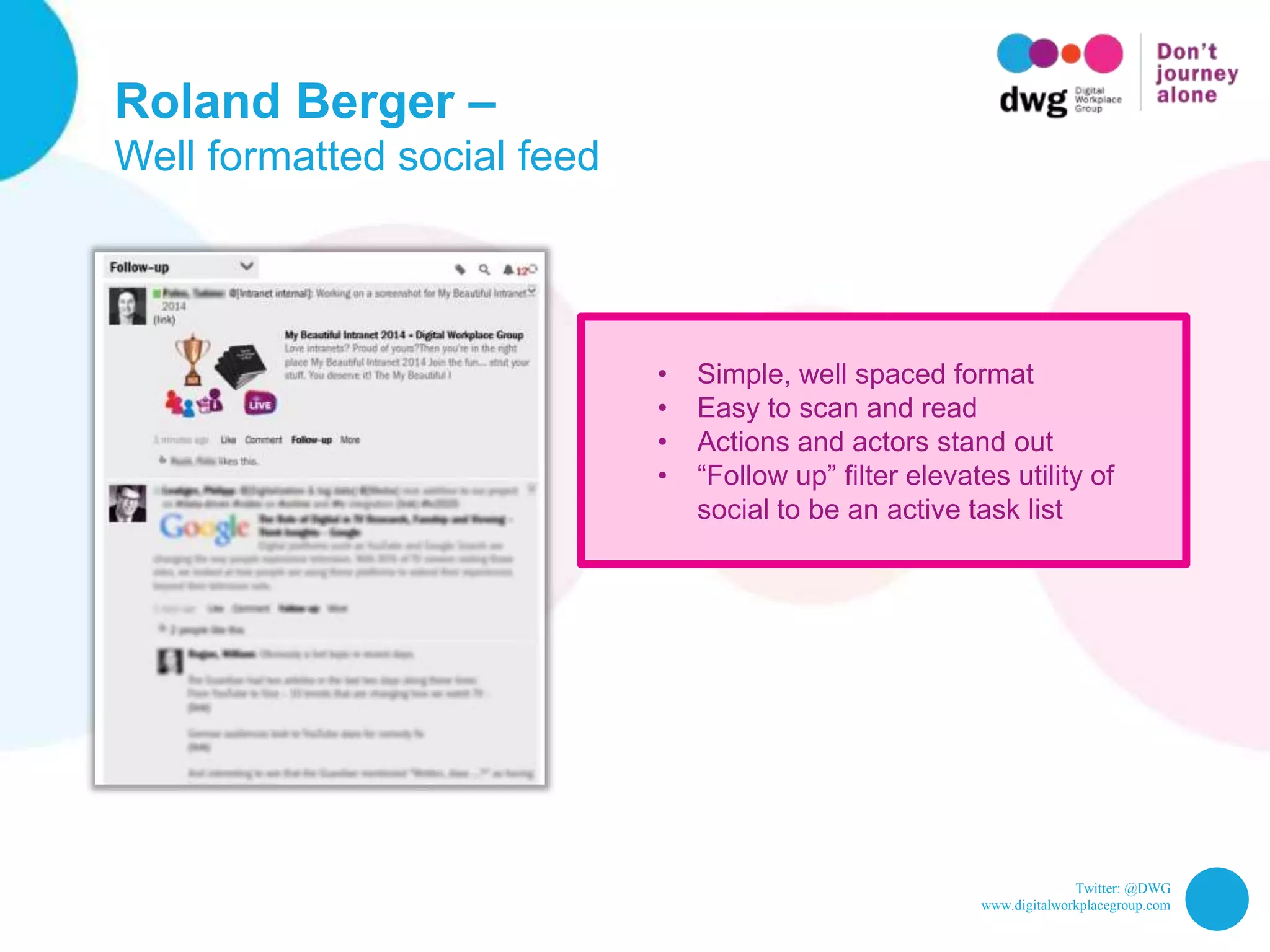
Well formatted social feed
• Simple, well spaced format
• Easy to scan and read
• Actions and actors stand out
• “Follow up” filter elevates utility of
social to be an active task list
Twitter: @DWG
www.digitalworkplacegroup.com
Adobe –
Status update box
Twitter: @DWG
www.digitalworkplacegroup.com
Adobe –
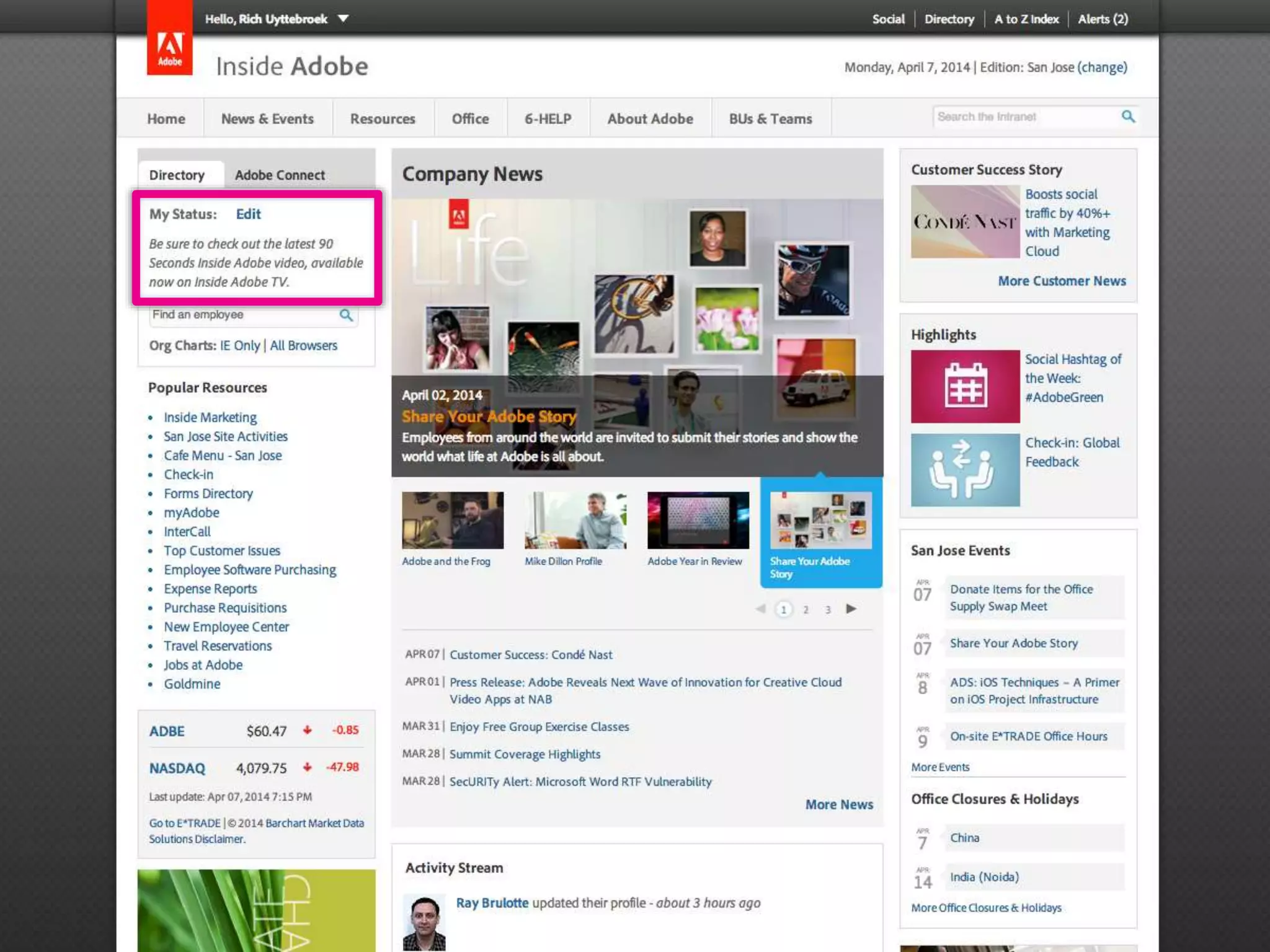
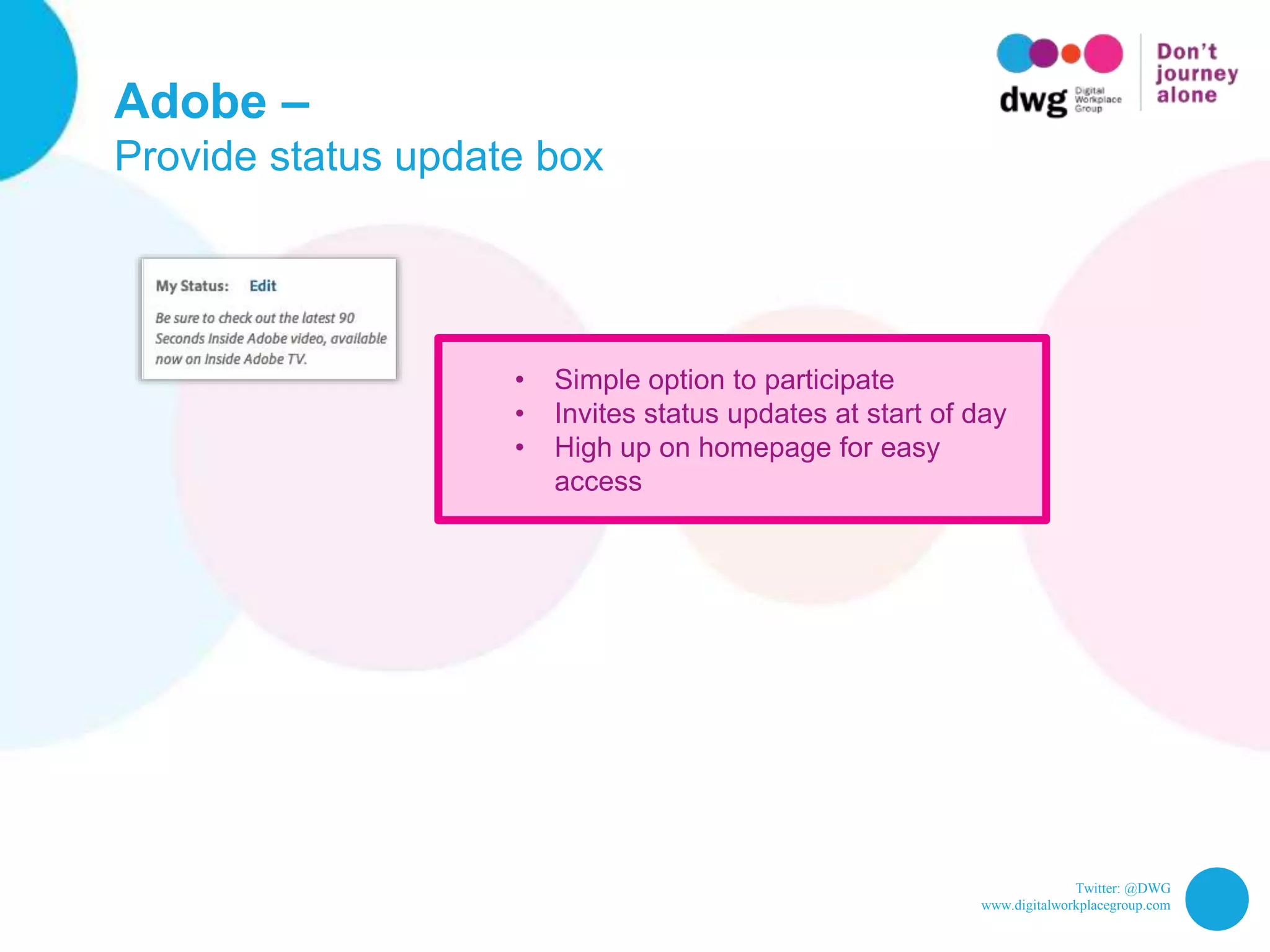
Provide status update box
• Simple option to participate
• Invites status updates at start of day
• High up on homepage for easy
access
Twitter: @DWG
www.digitalworkplacegroup.com
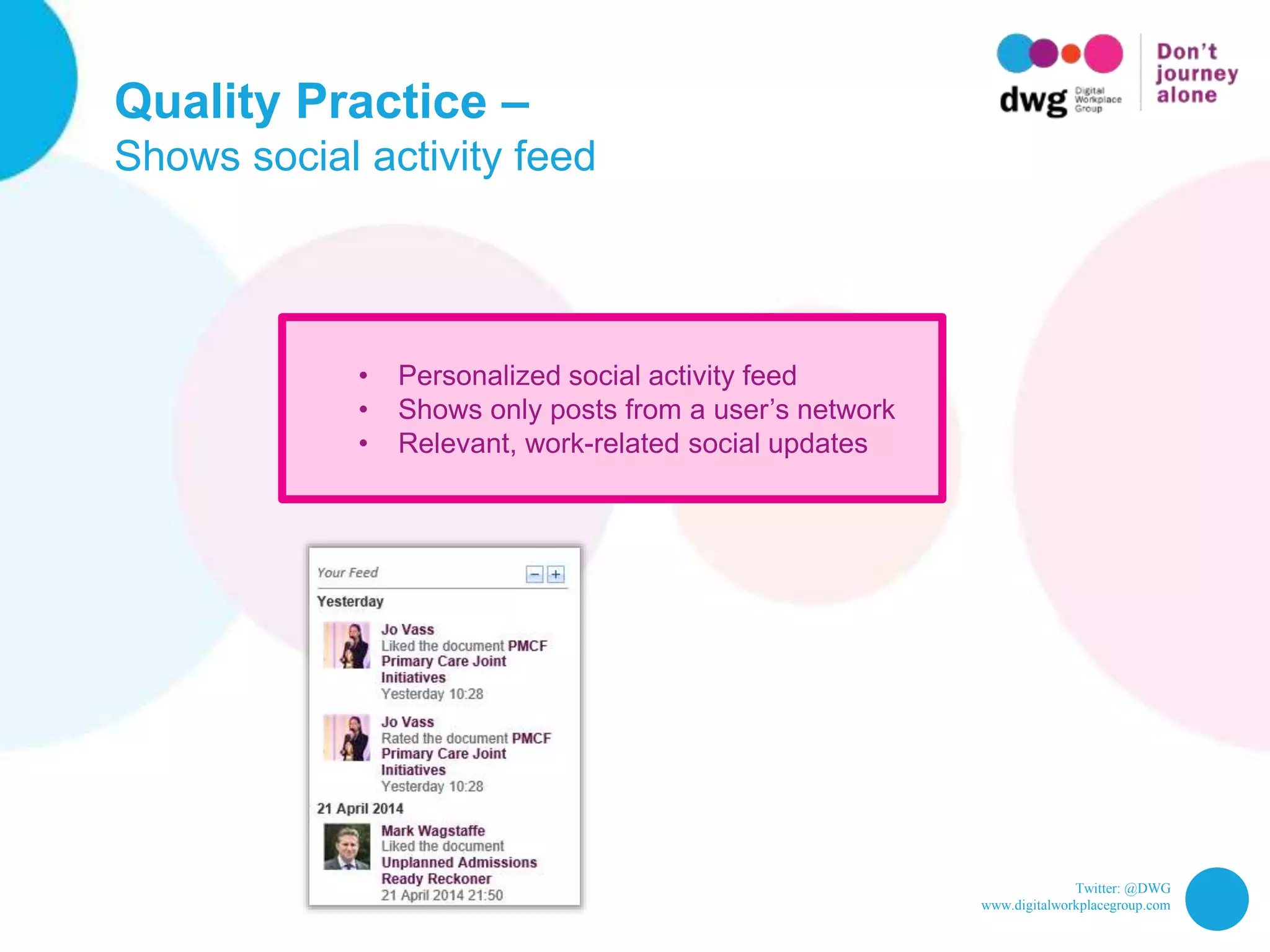
Quality Practice –
Social activity feed
Twitter: @DWG
www.digitalworkplacegroup.com
Quality Practice –
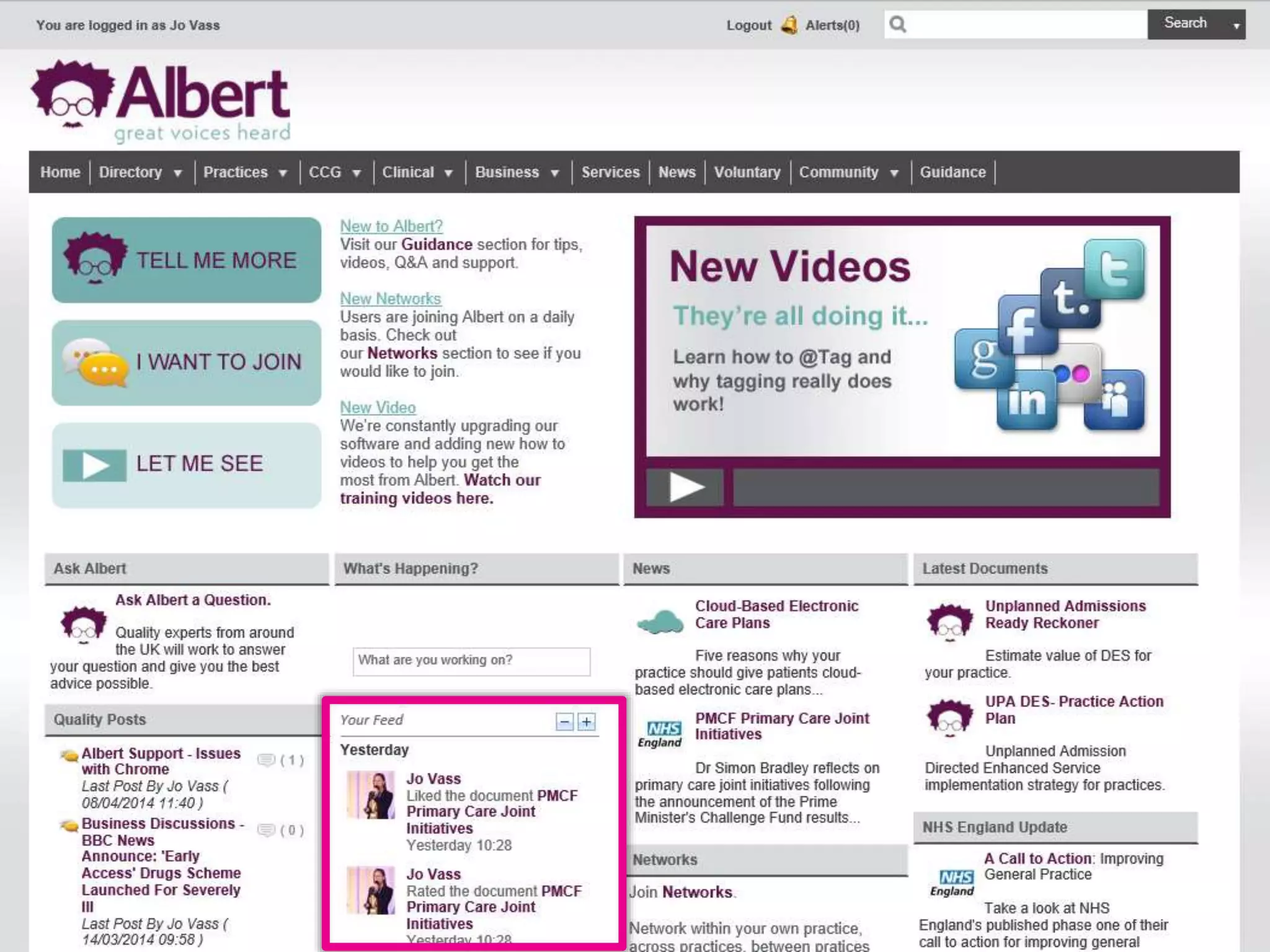
Shows social activity feed
• Personalized social activity feed
• Shows only posts from a user’s network
• Relevant, work-related social updates
Twitter: @DWG
www.digitalworkplacegroup.com
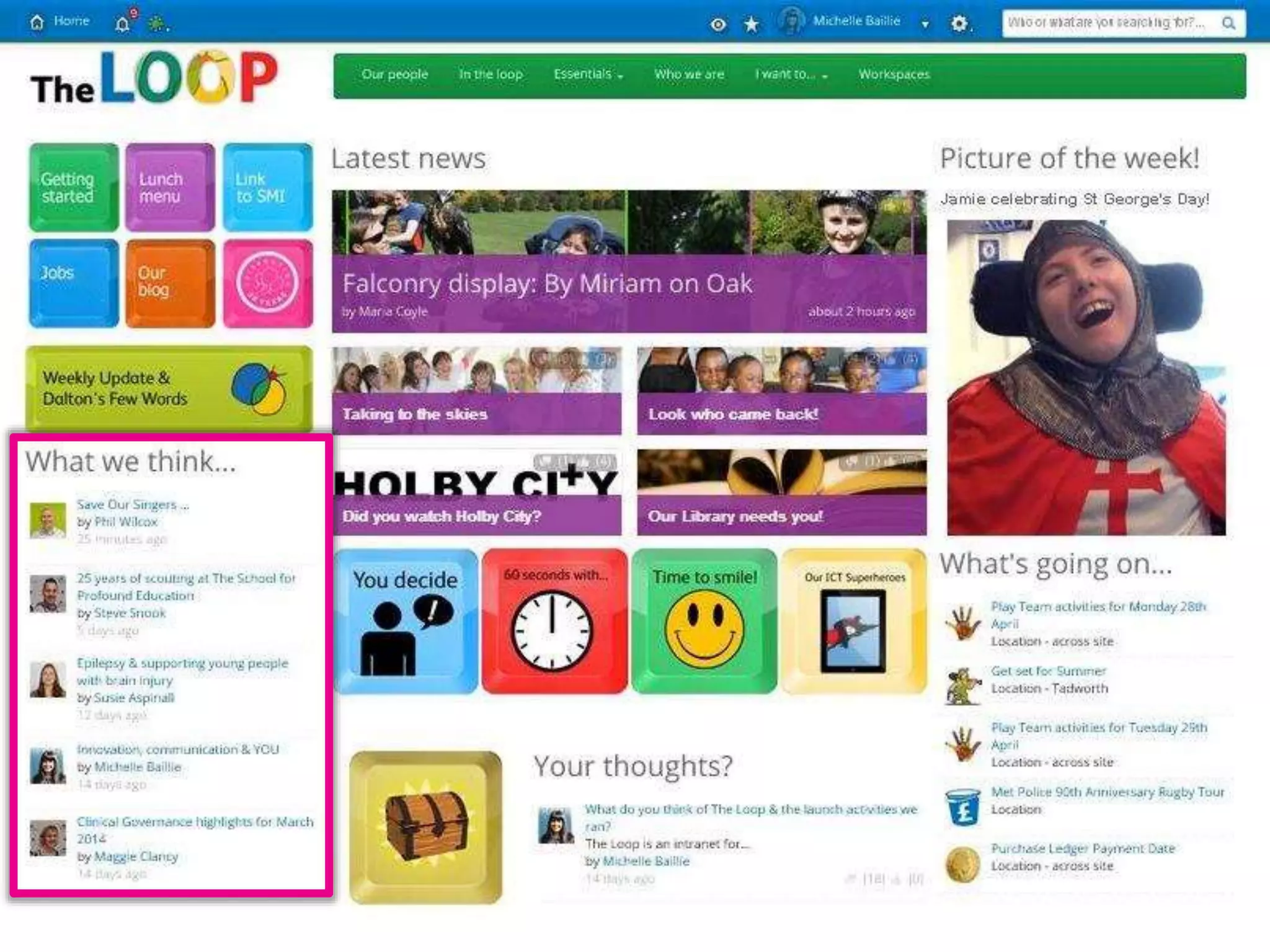
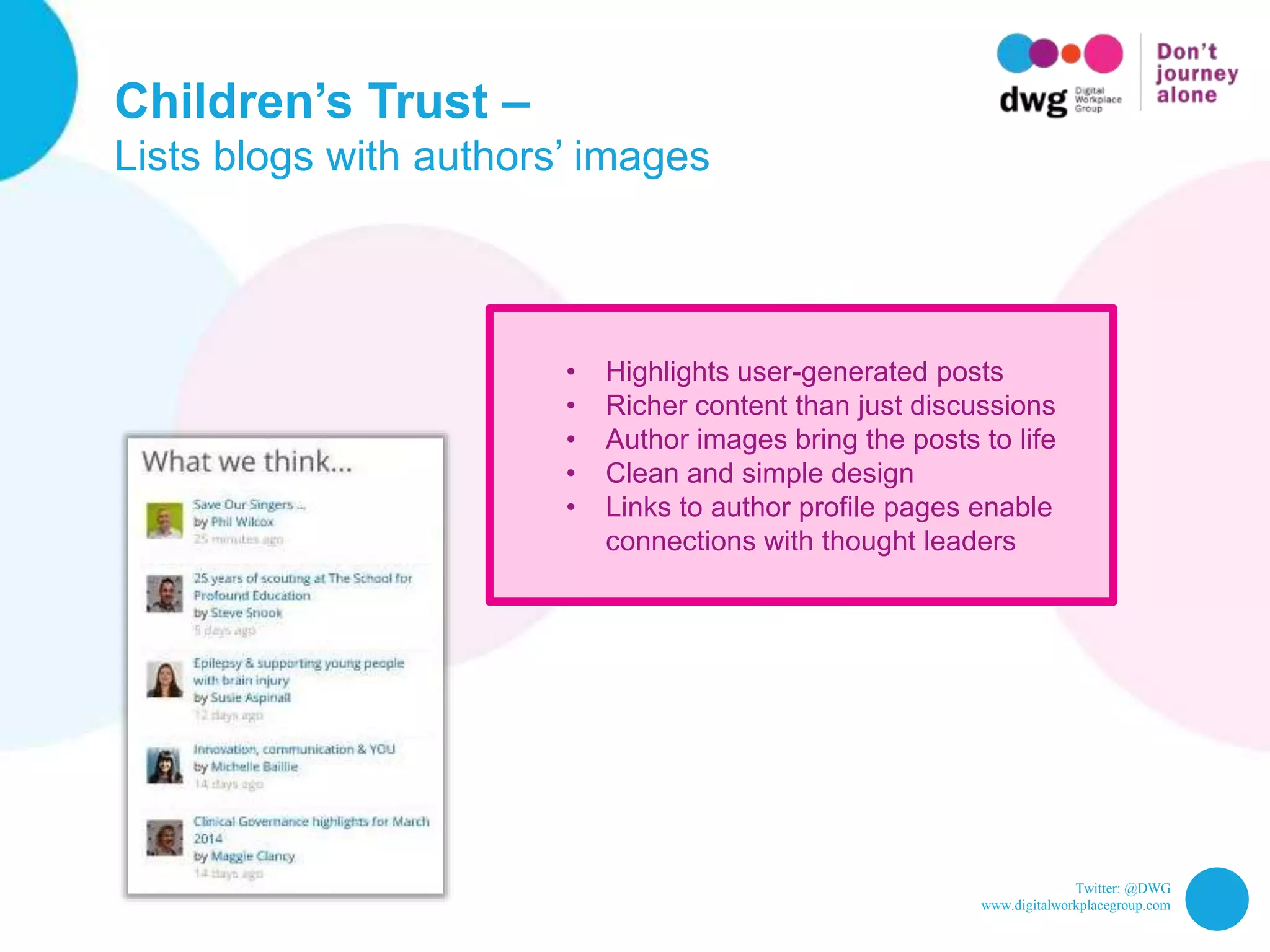
Children’s Trust –
Blogs with authors’ images
Twitter: @DWG
www.digitalworkplacegroup.com
Children’s Trust –
Lists blogs with authors’ images
• Highlights user-generated posts
• Richer content than just discussions
• Author images bring the posts to life
• Clean and simple design
• Links to author profile pages enable
connections with thought leaders
Twitter: @DWG
www.digitalworkplacegroup.com
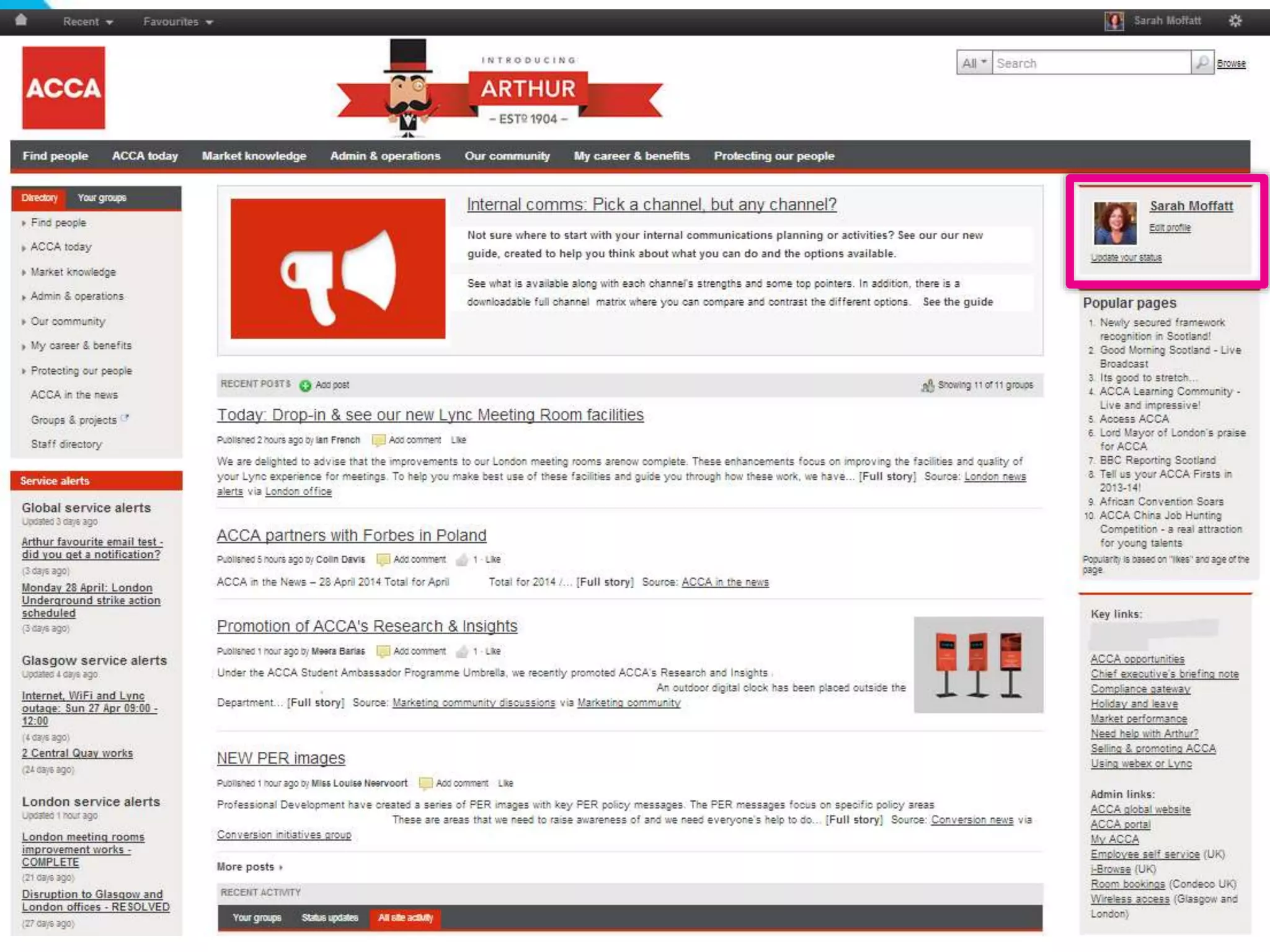
ACCA –
Link to edit profile
Twitter: @DWG
www.digitalworkplacegroup.com
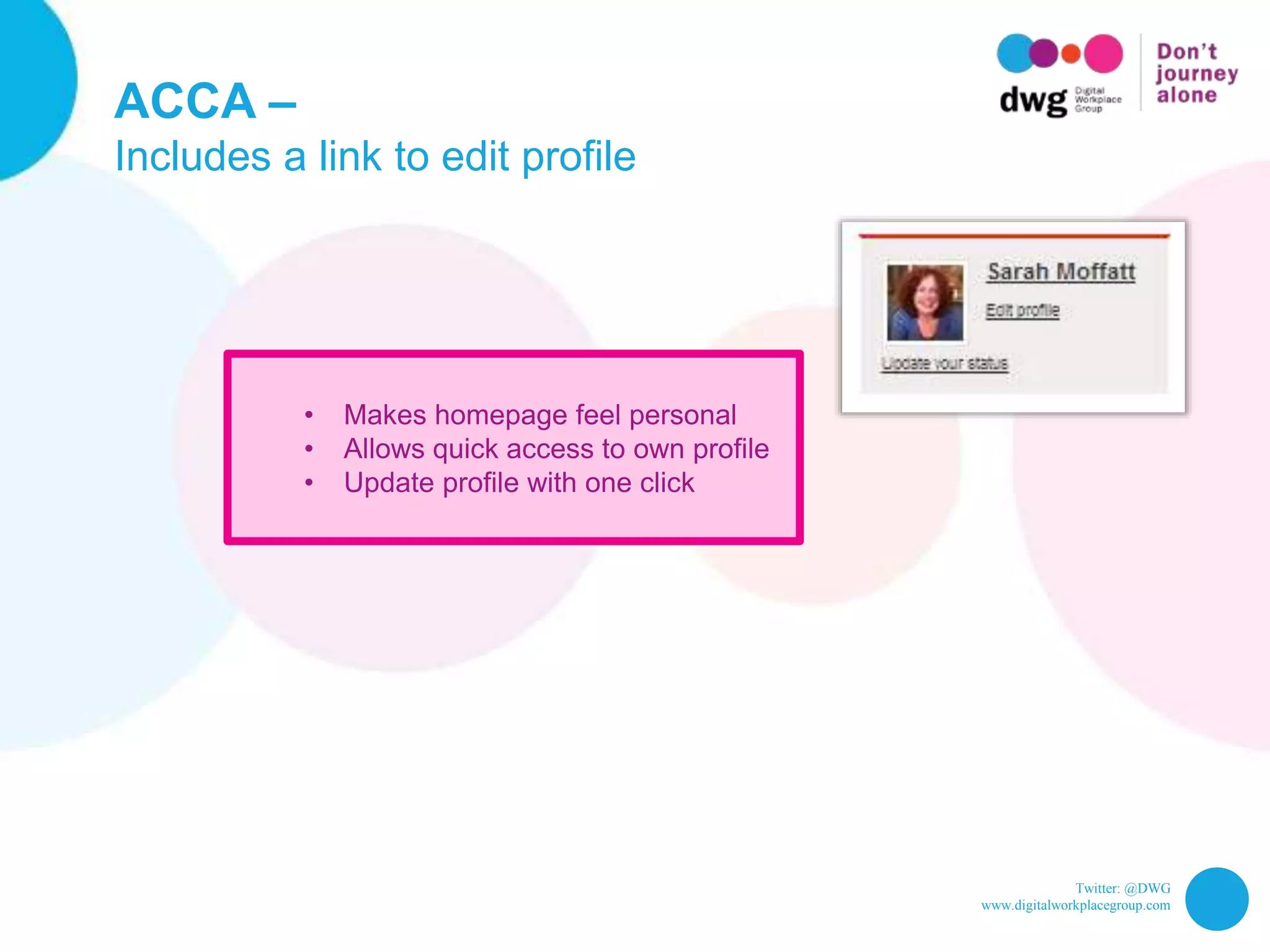
ACCA –
Includes a link to edit profile
• Makes homepage feel personal
• Allows quick access to own profile
• Update profile with one click
Twitter: @DWG
www.digitalworkplacegroup.com
10 examples of reinforcing company
culture on the intranet homepage
Twitter: @DWG
www.digitalworkplacegroup.com
PUB –
Playful background
Twitter: @DWG
www.digitalworkplacegroup.com
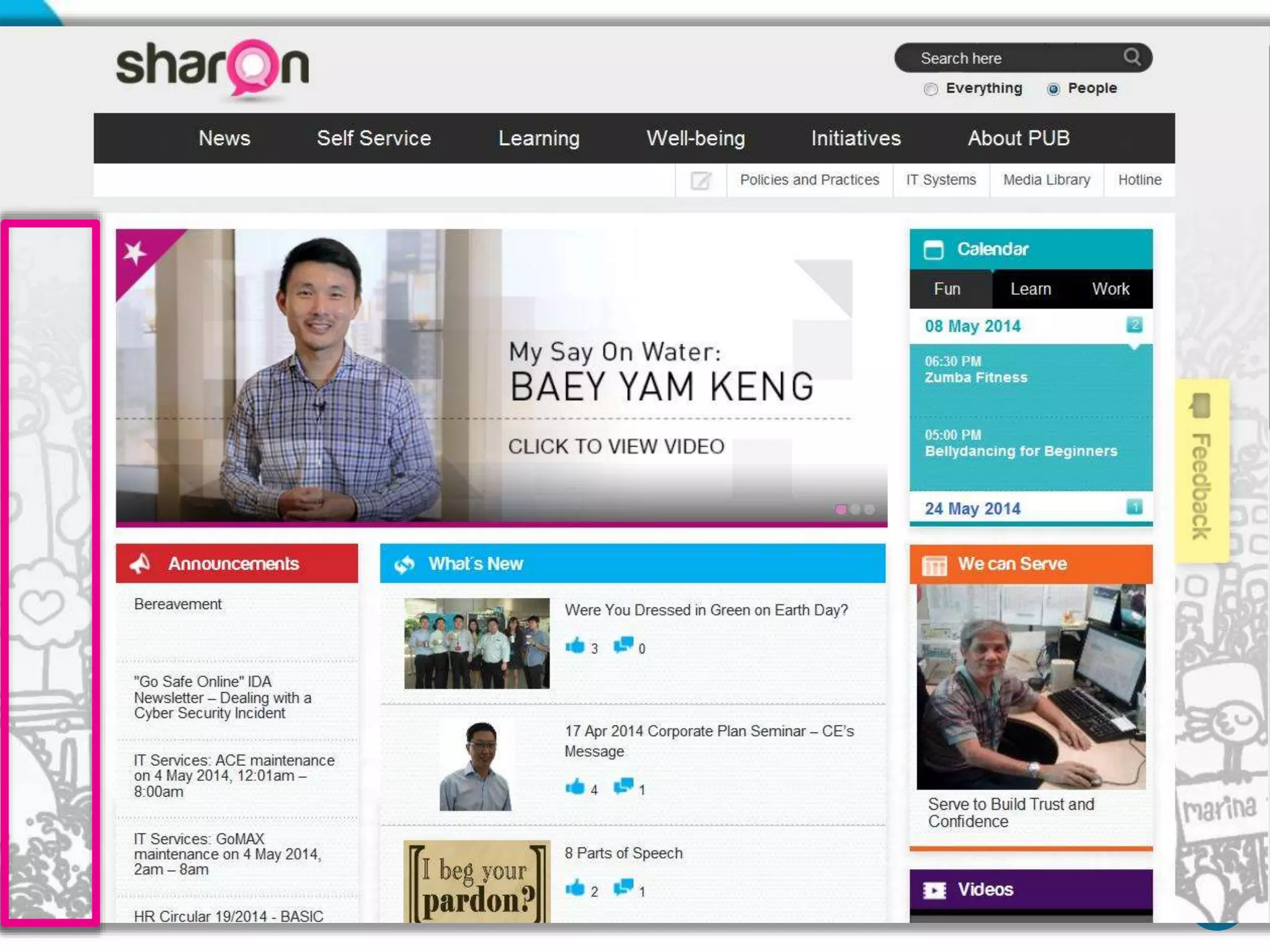
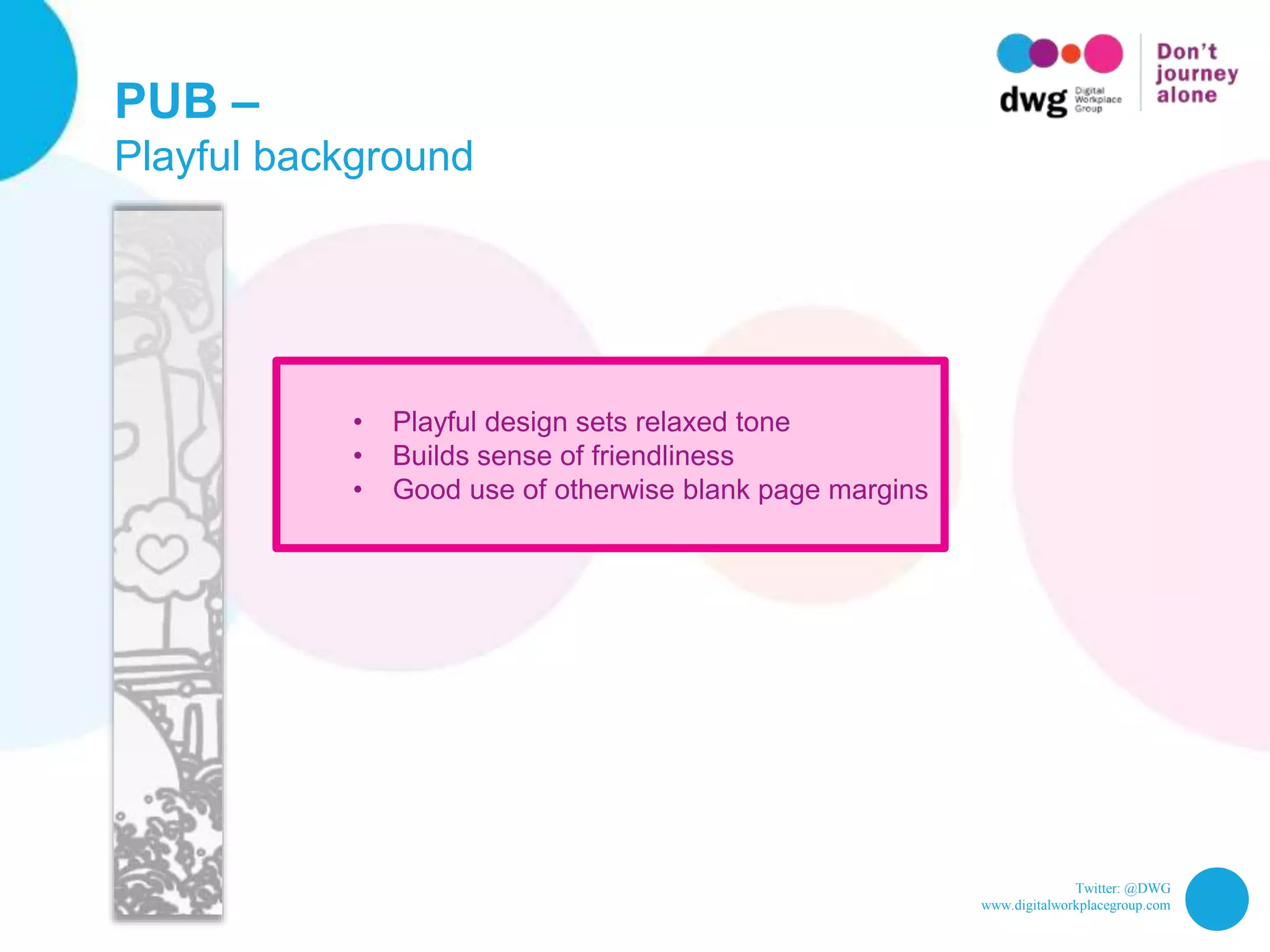
PUB –
Playful background
• Playful design sets relaxed tone
• Builds sense of friendliness
• Good use of otherwise blank page margins
Twitter: @DWG
www.digitalworkplacegroup.com
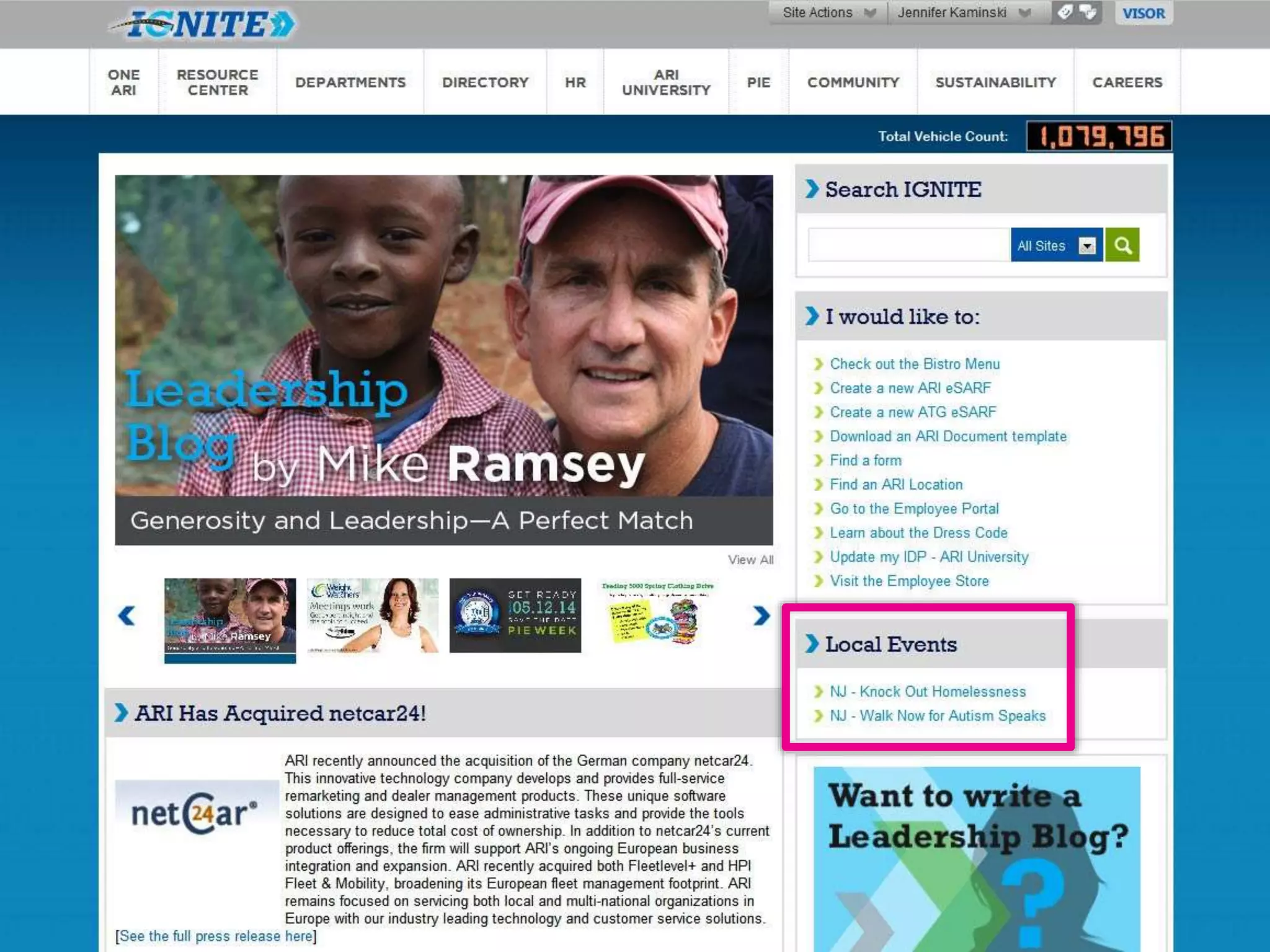
ARI –
The company’s charity events
Twitter: @DWG
www.digitalworkplacegroup.com
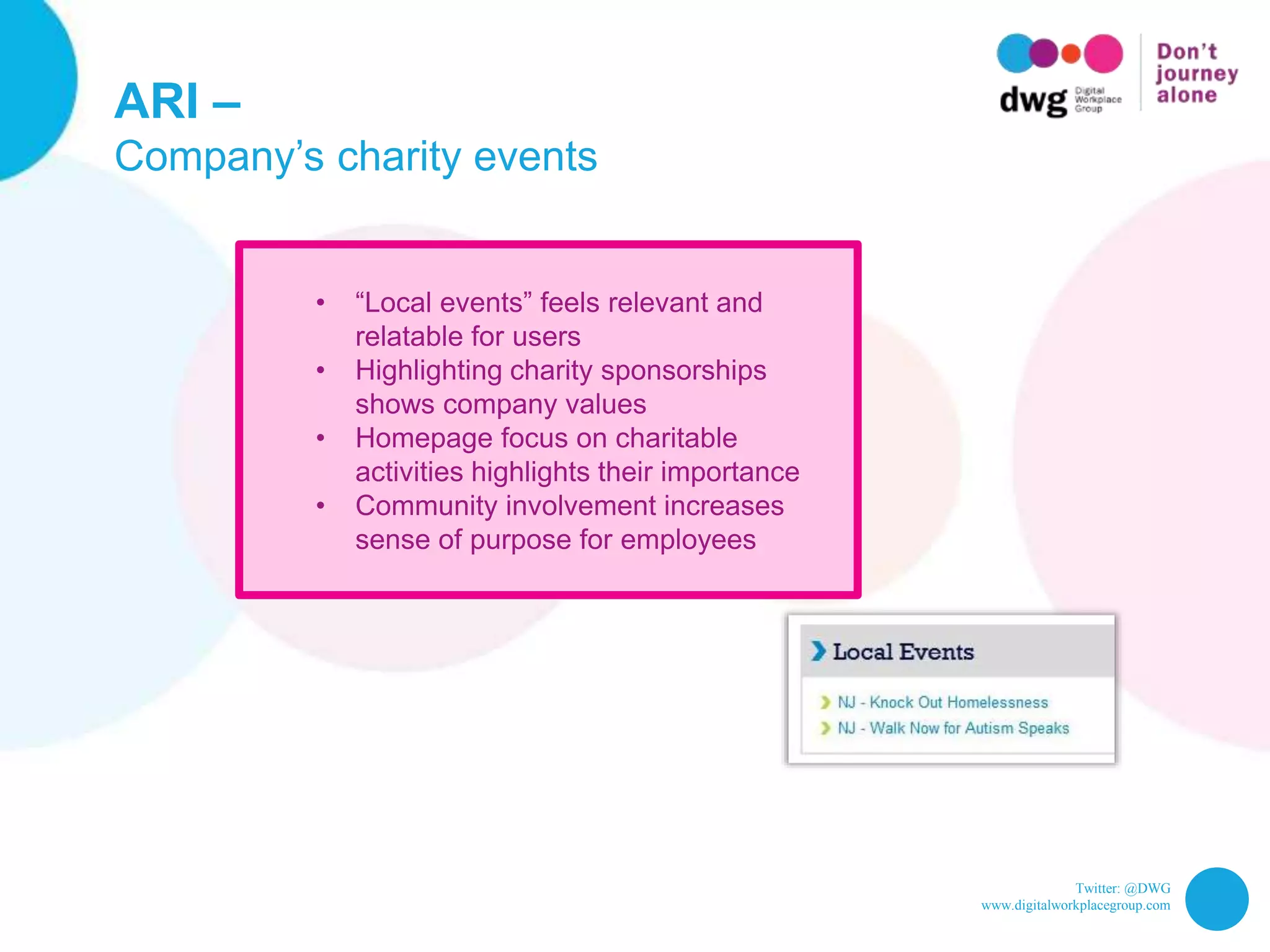
ARI –
Company’s charity events
• “Local events” feels relevant and
relatable for users
• Highlighting charity sponsorships
shows company values
• Homepage focus on charitable
activities highlights their importance
• Community involvement increases
sense of purpose for employees
Twitter: @DWG
www.digitalworkplacegroup.com
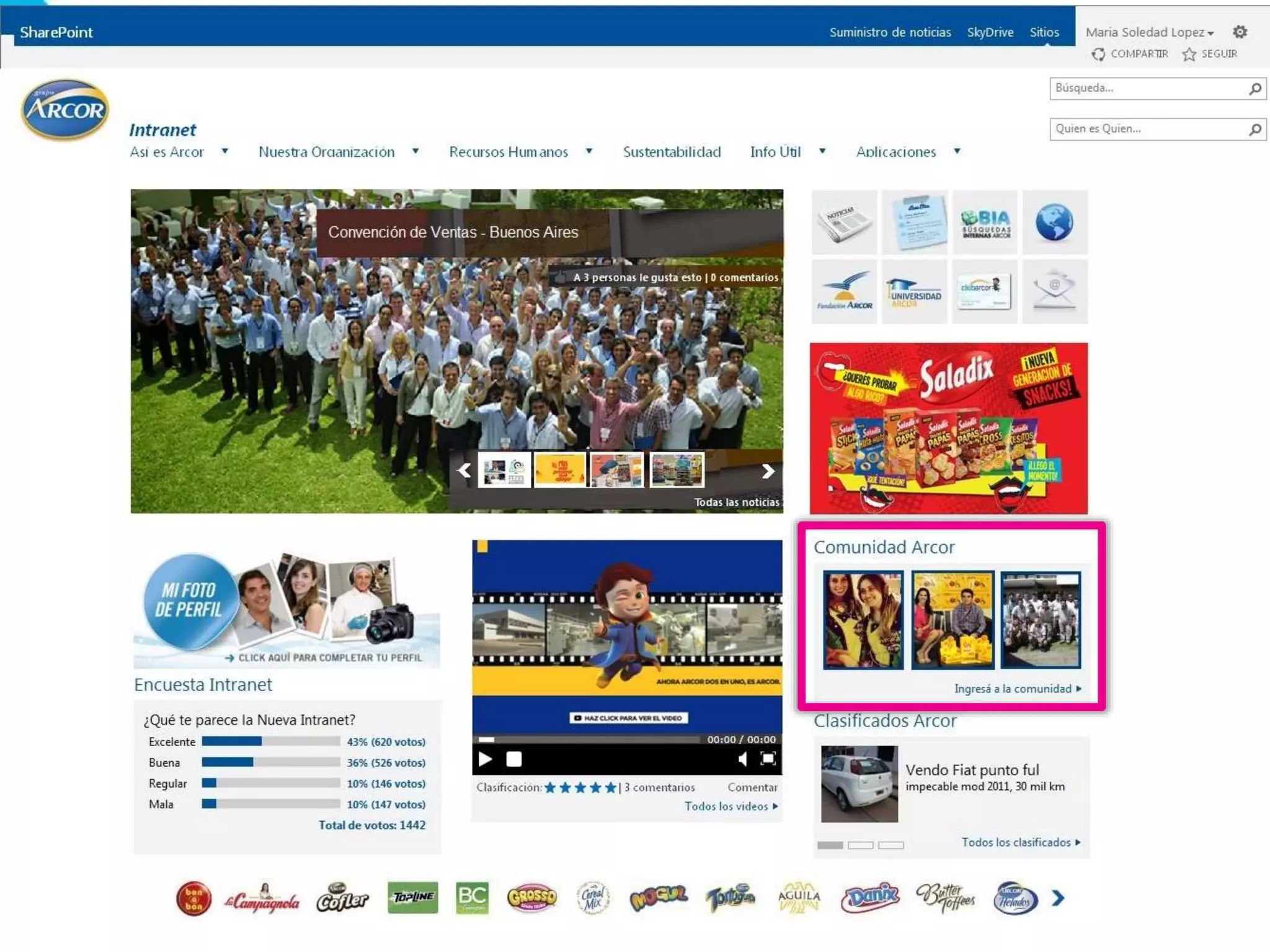
Arcor –
Links to community pictures/activities
Twitter: @DWG
www.digitalworkplacegroup.com
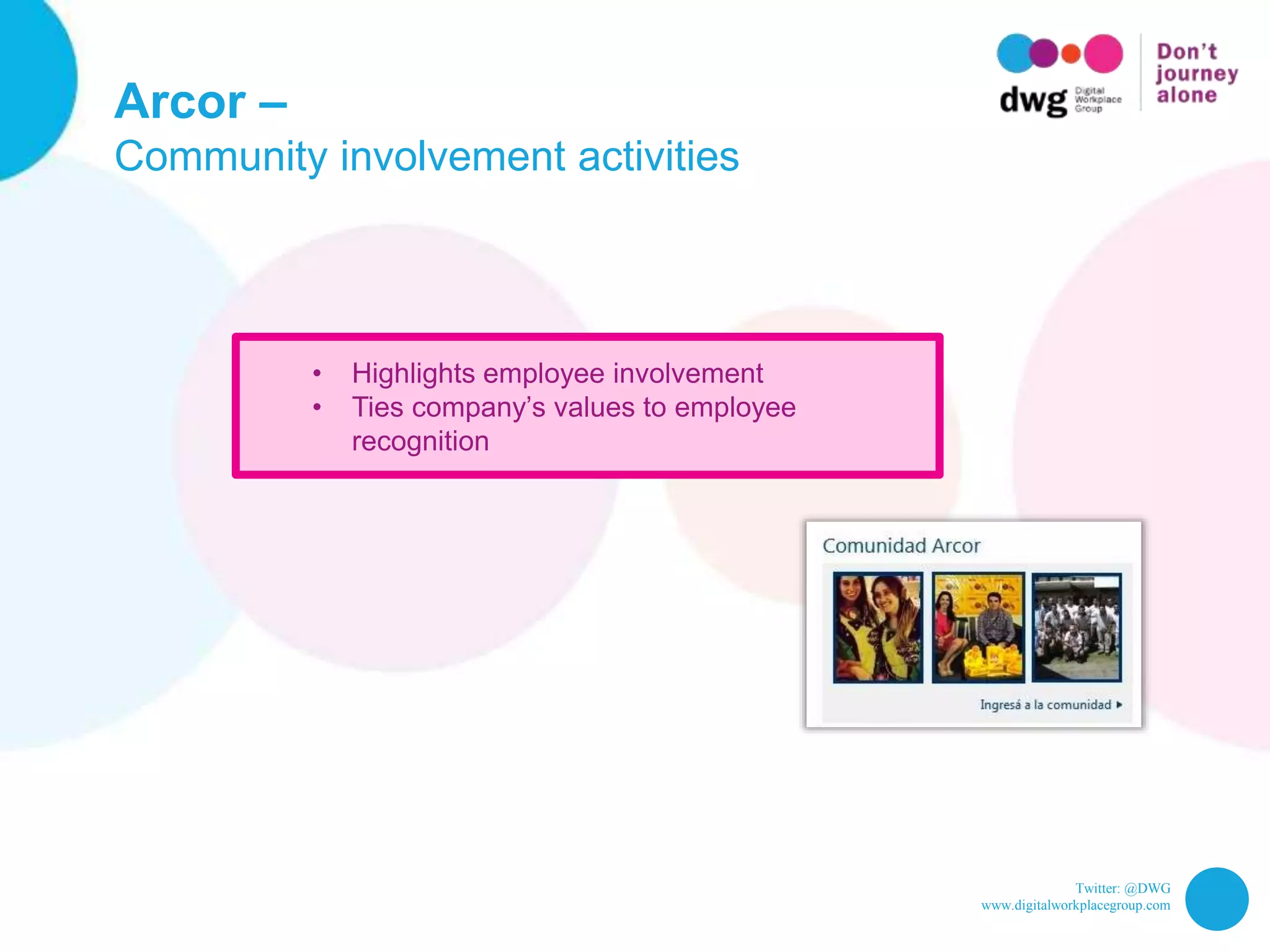
Arcor –
Community involvement activities
• Highlights employee involvement
• Ties company’s values to employee
recognition
Twitter: @DWG
www.digitalworkplacegroup.com
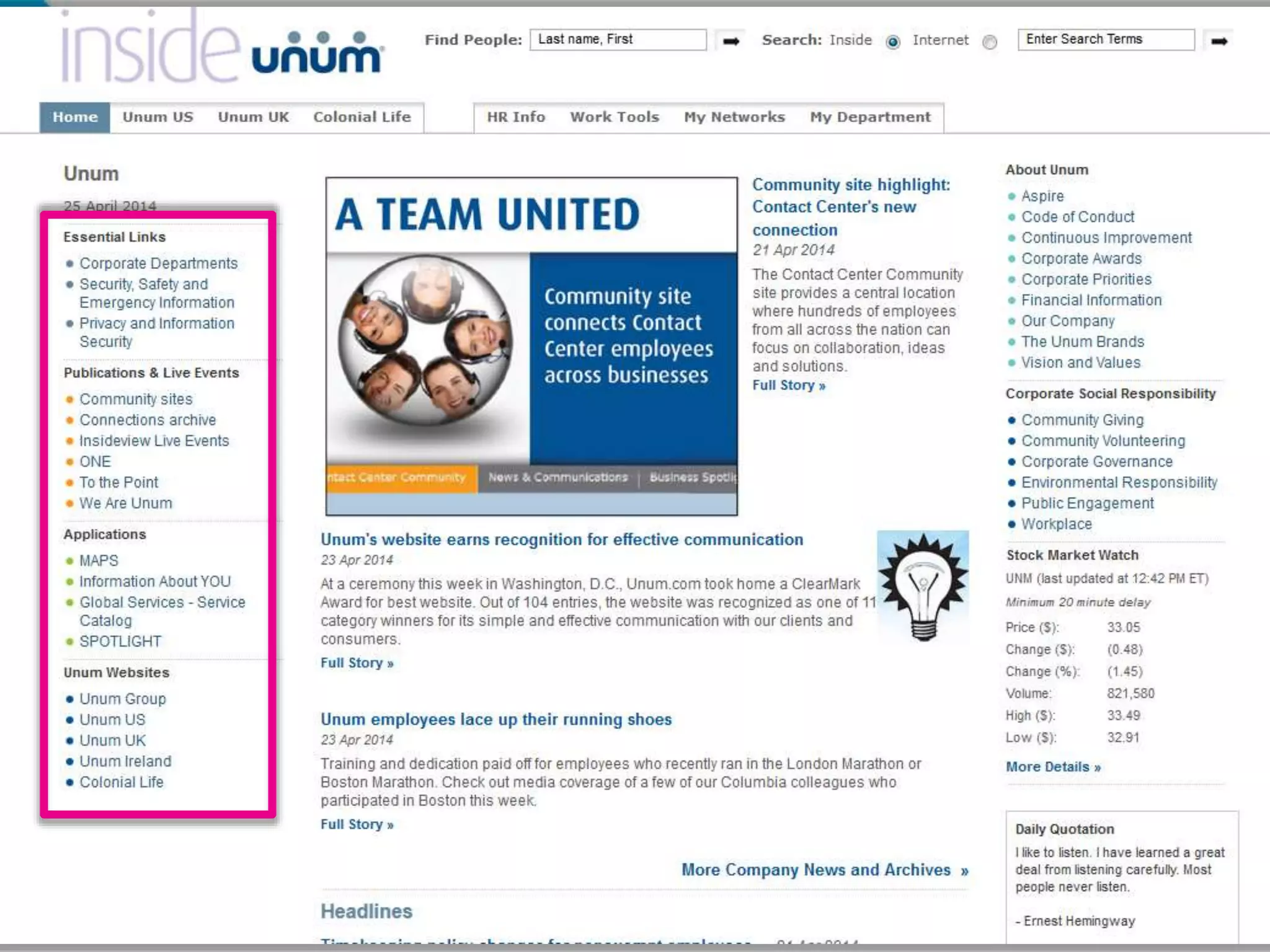
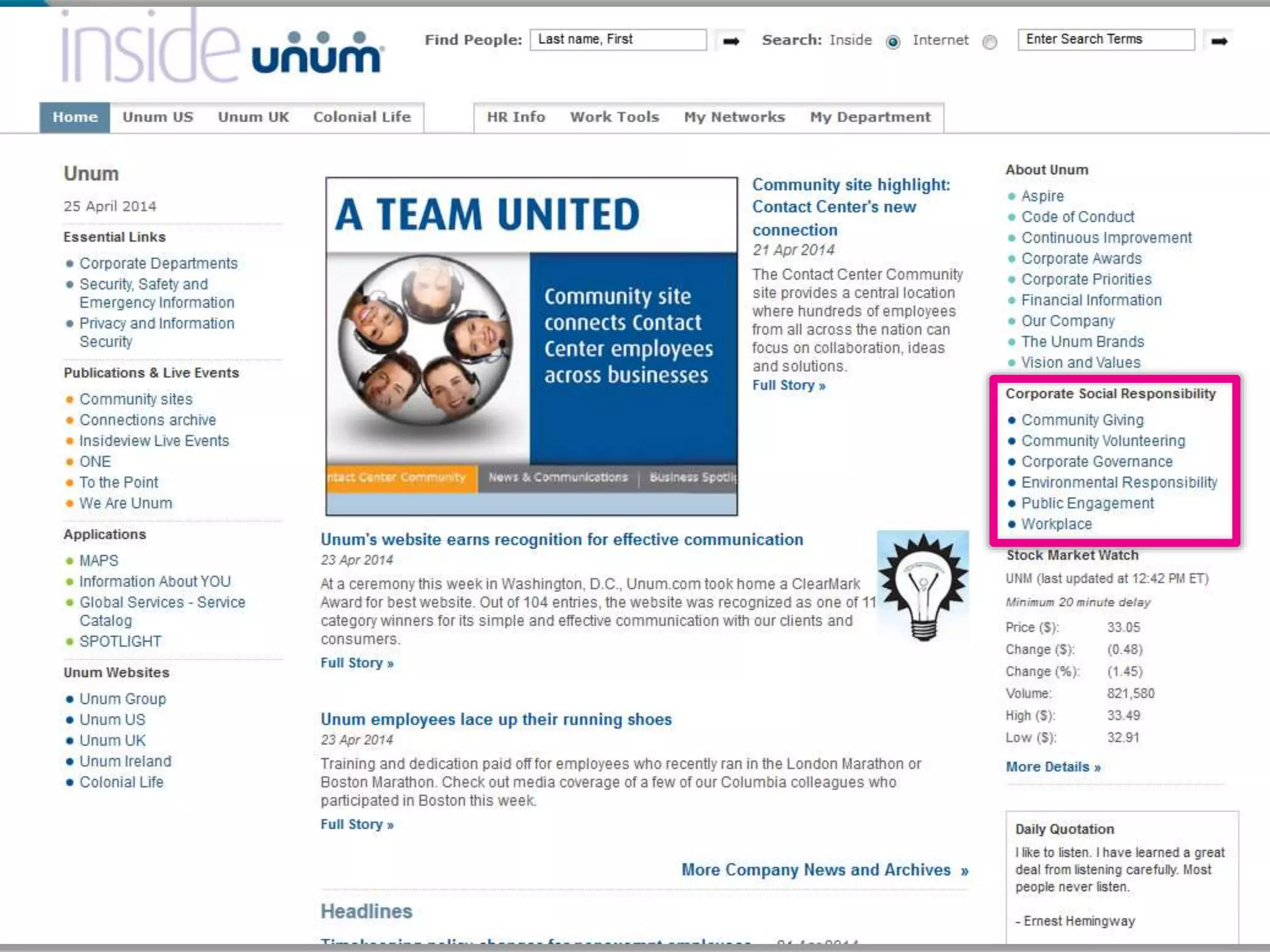
UNUM –
Corporate social responsibility (CSR) info
Twitter: @DWG
www.digitalworkplacegroup.com
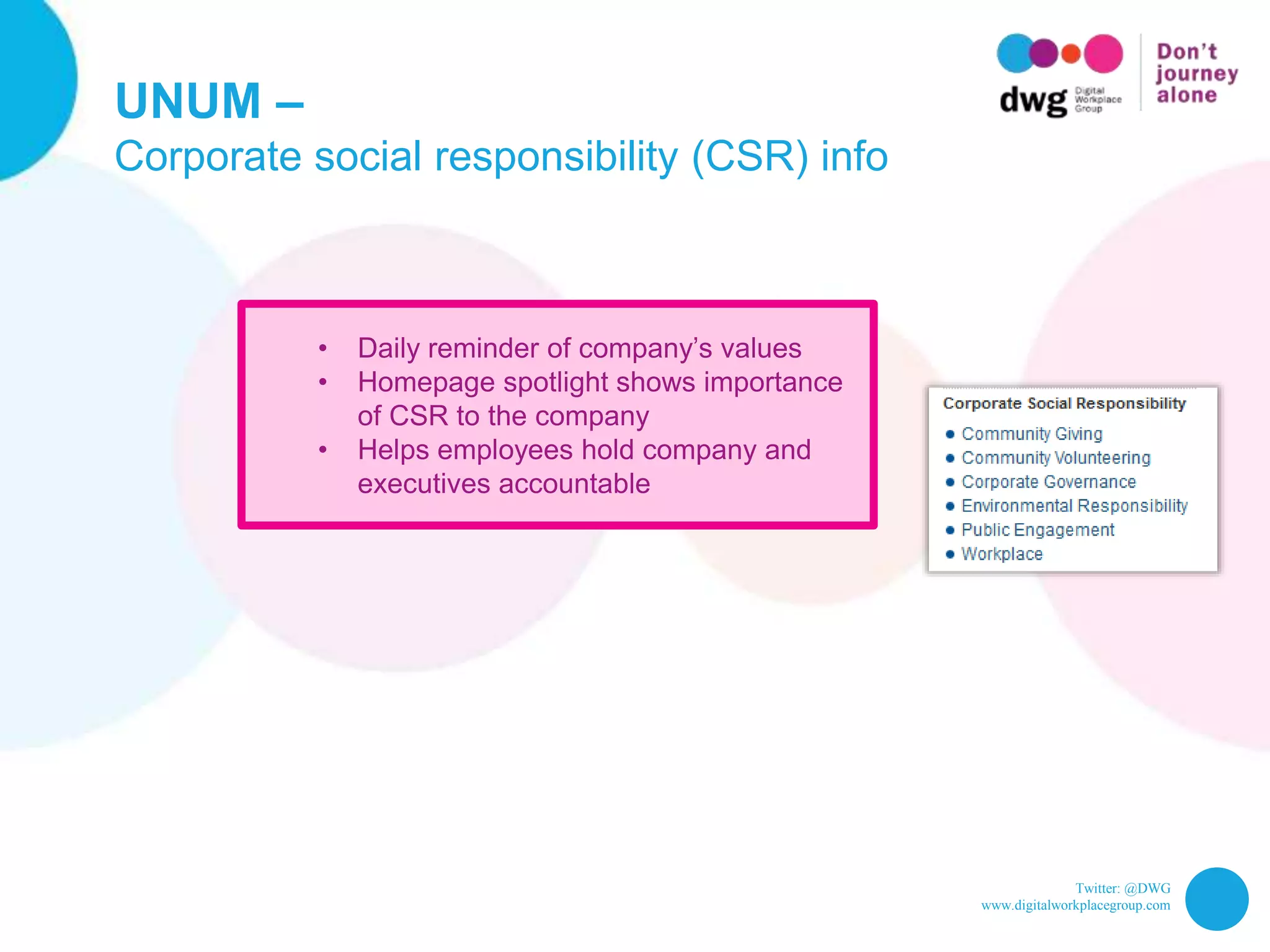
UNUM –
Corporate social responsibility (CSR) info
• Daily reminder of company’s values
• Homepage spotlight shows importance
of CSR to the company
• Helps employees hold company and
executives accountable
Twitter: @DWG
www.digitalworkplacegroup.com
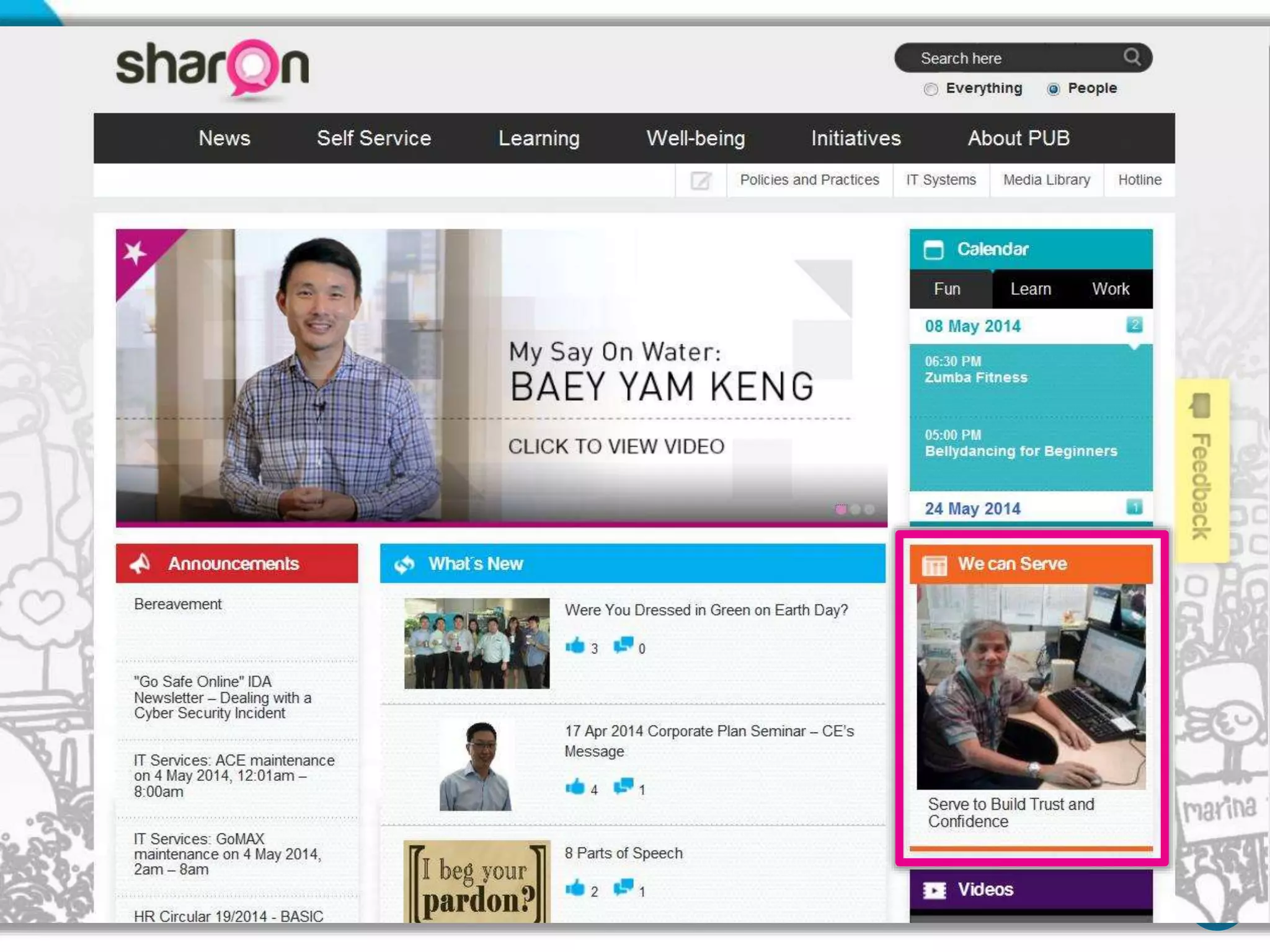
PUB –
“We can serve” spotlight
Twitter: @DWG
www.digitalworkplacegroup.com
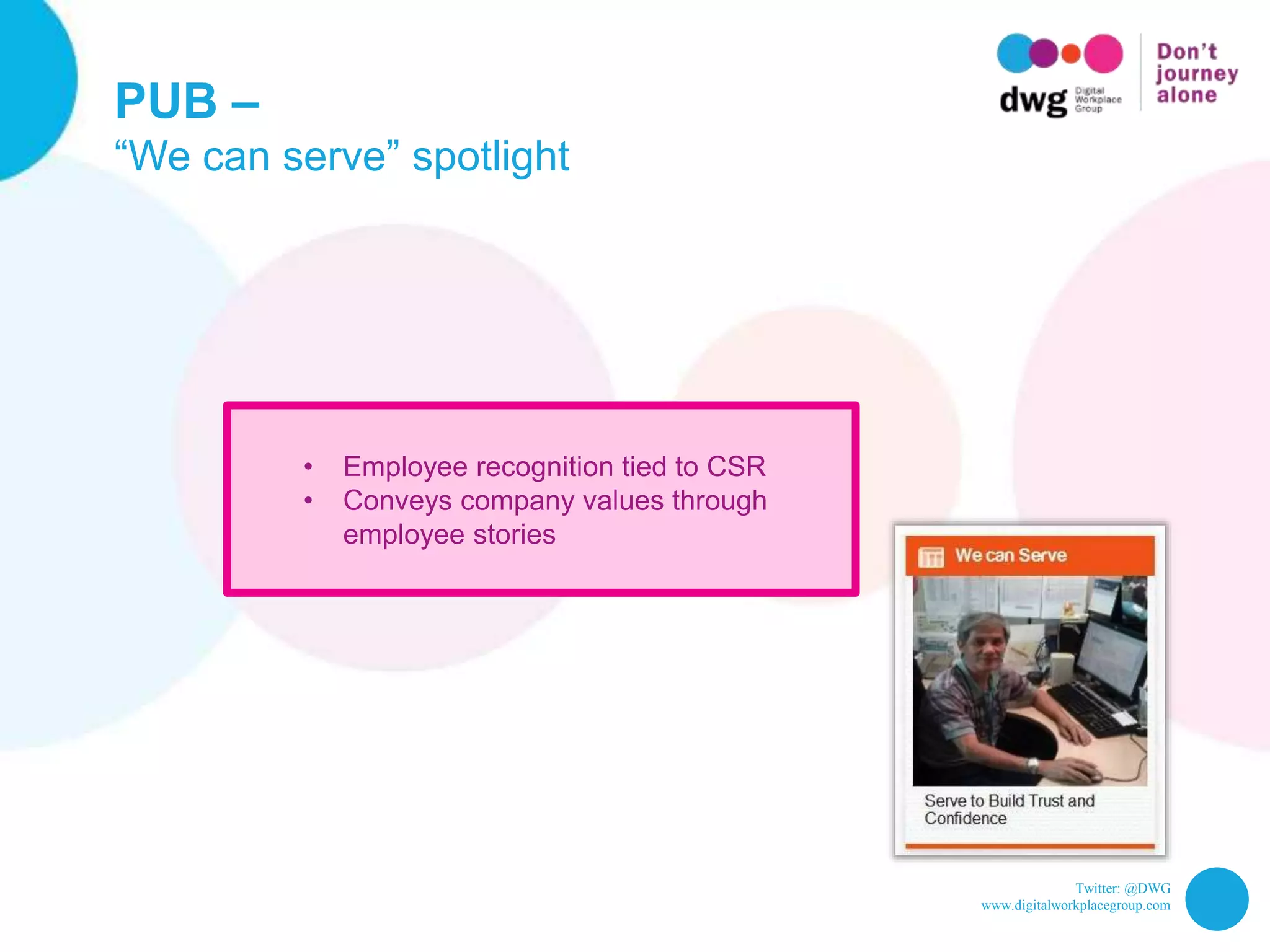
PUB –
“We can serve” spotlight
• Employee recognition tied to CSR
• Conveys company values through
employee stories
Twitter: @DWG
www.digitalworkplacegroup.com
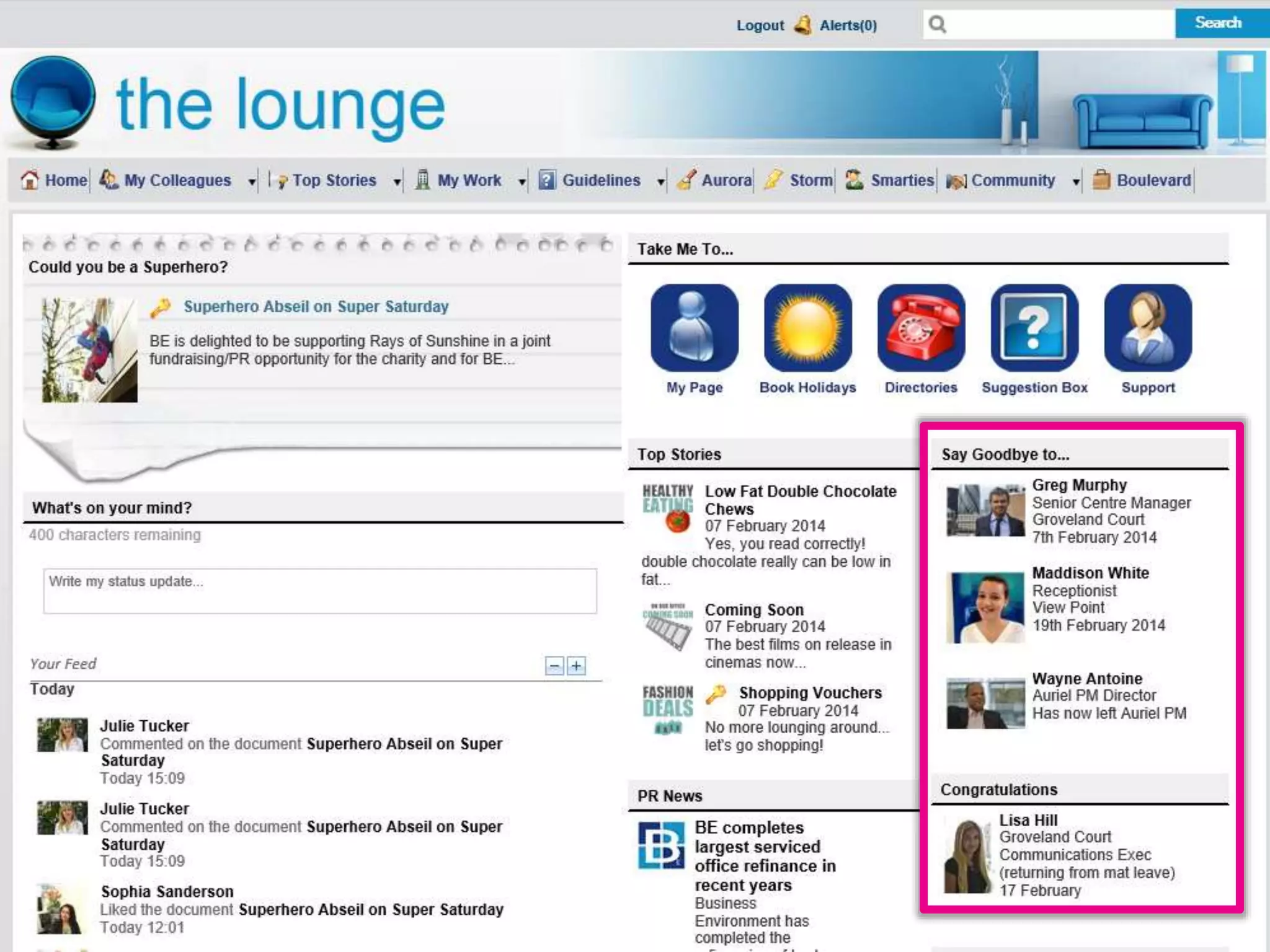
Business Environment –
“Congrats” and “Say goodbye” news
Twitter: @DWG
www.digitalworkplacegroup.com
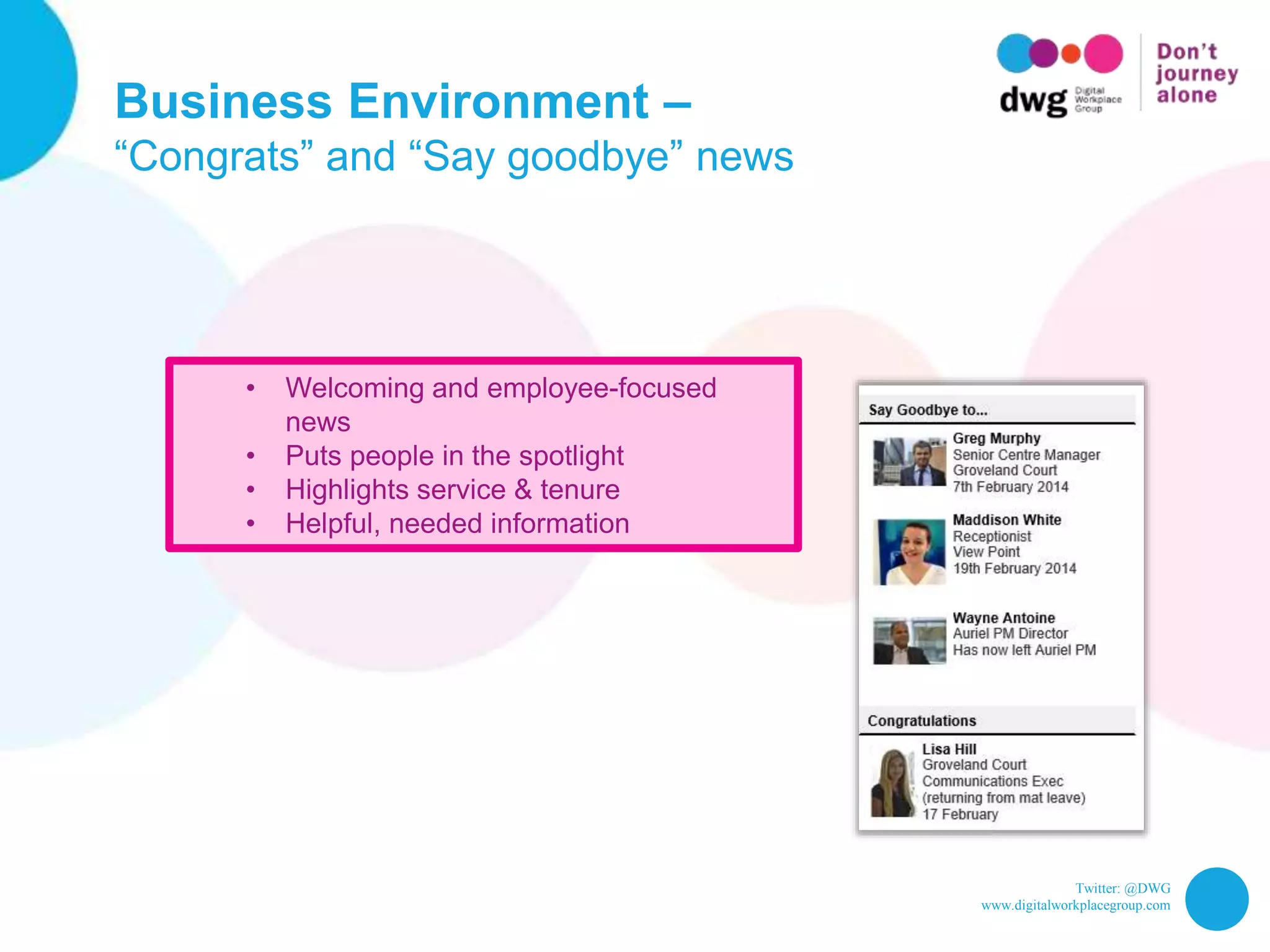
Business Environment –
“Congrats” and “Say goodbye” news
• Welcoming and employee-focused
news
• Puts people in the spotlight
• Highlights service & tenure
• Helpful, needed information
Twitter: @DWG
www.digitalworkplacegroup.com
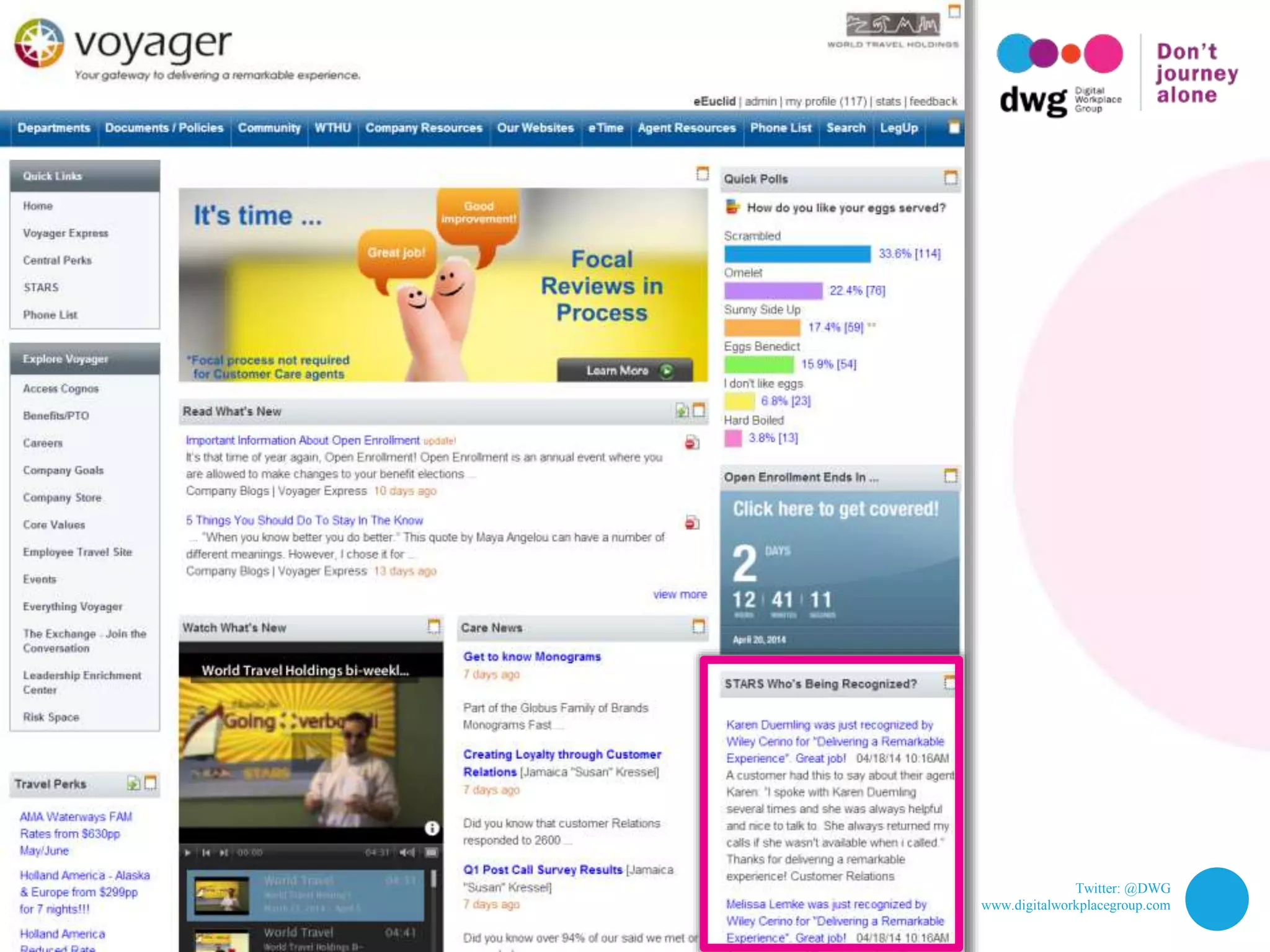
World Travel Holdings –
“Who’s being recognized” news
Twitter: @DWG
www.digitalworkplacegroup.com
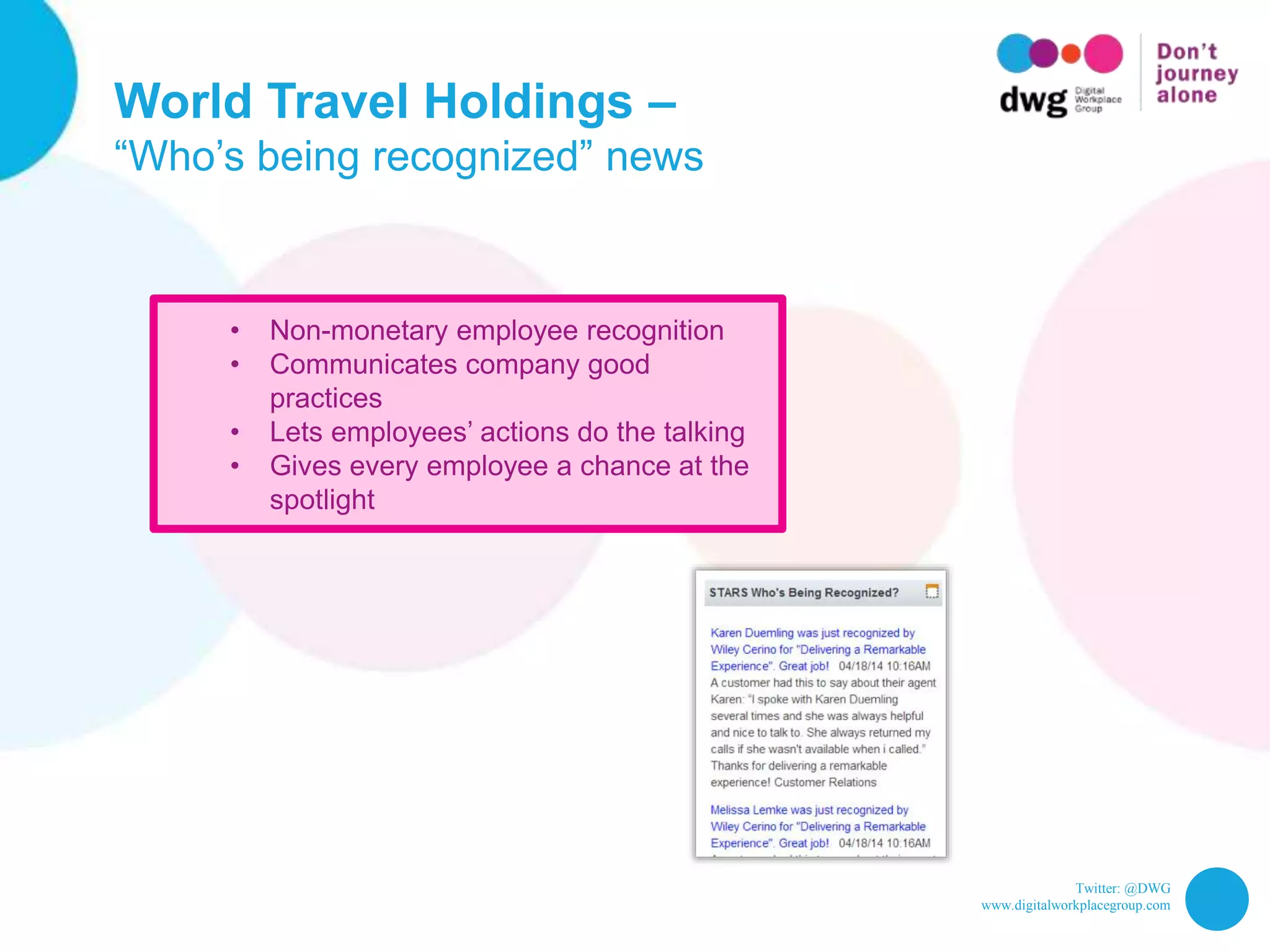
World Travel Holdings –
“Who’s being recognized” news
• Non-monetary employee recognition
• Communicates company good
practices
• Lets employees’ actions do the talking
• Gives every employee a chance at the
spotlight
Twitter: @DWG
www.digitalworkplacegroup.com
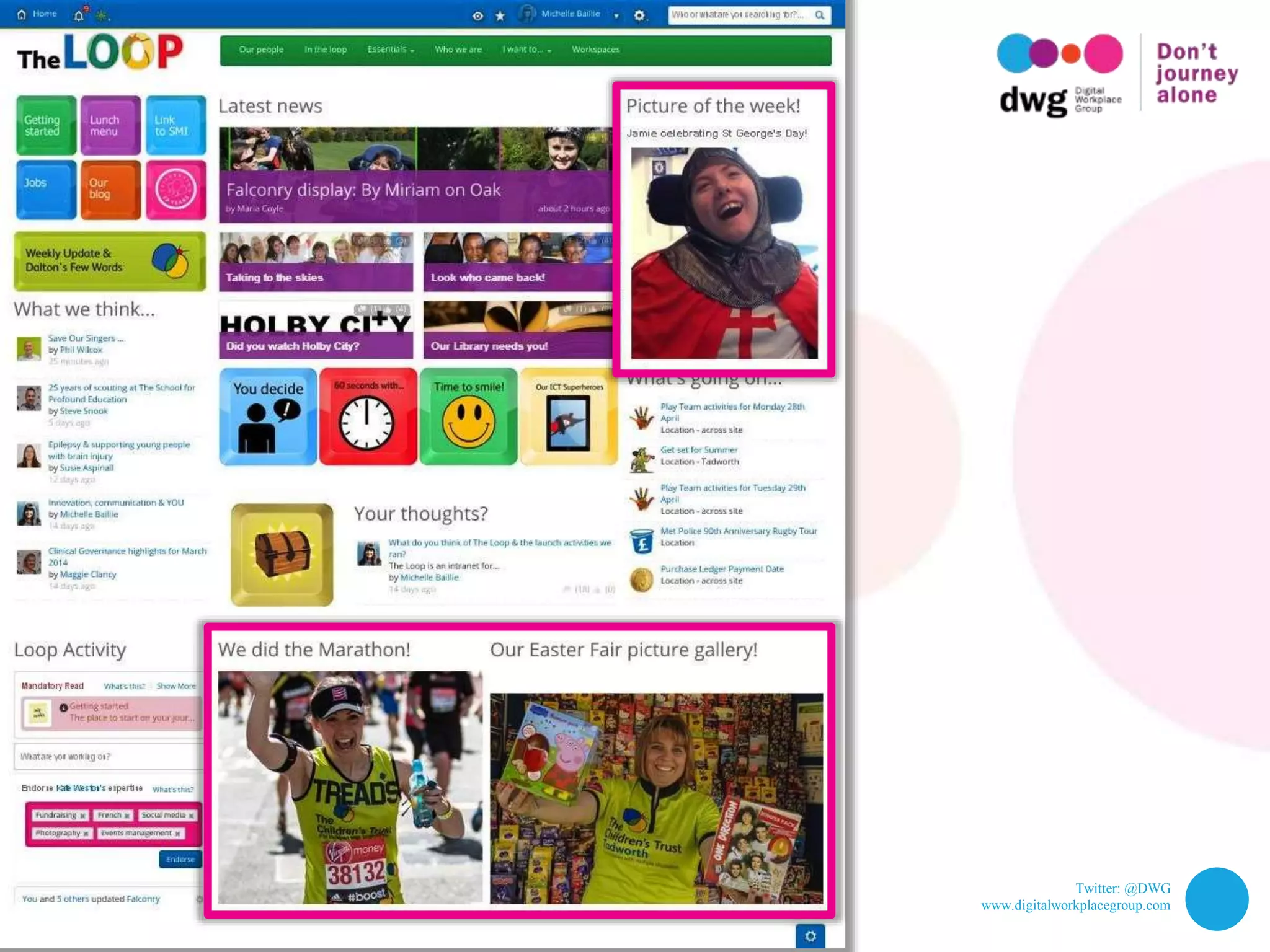
Children’s Trust –
“Picture of the week” & social pictures
Twitter: @DWG
www.digitalworkplacegroup.com
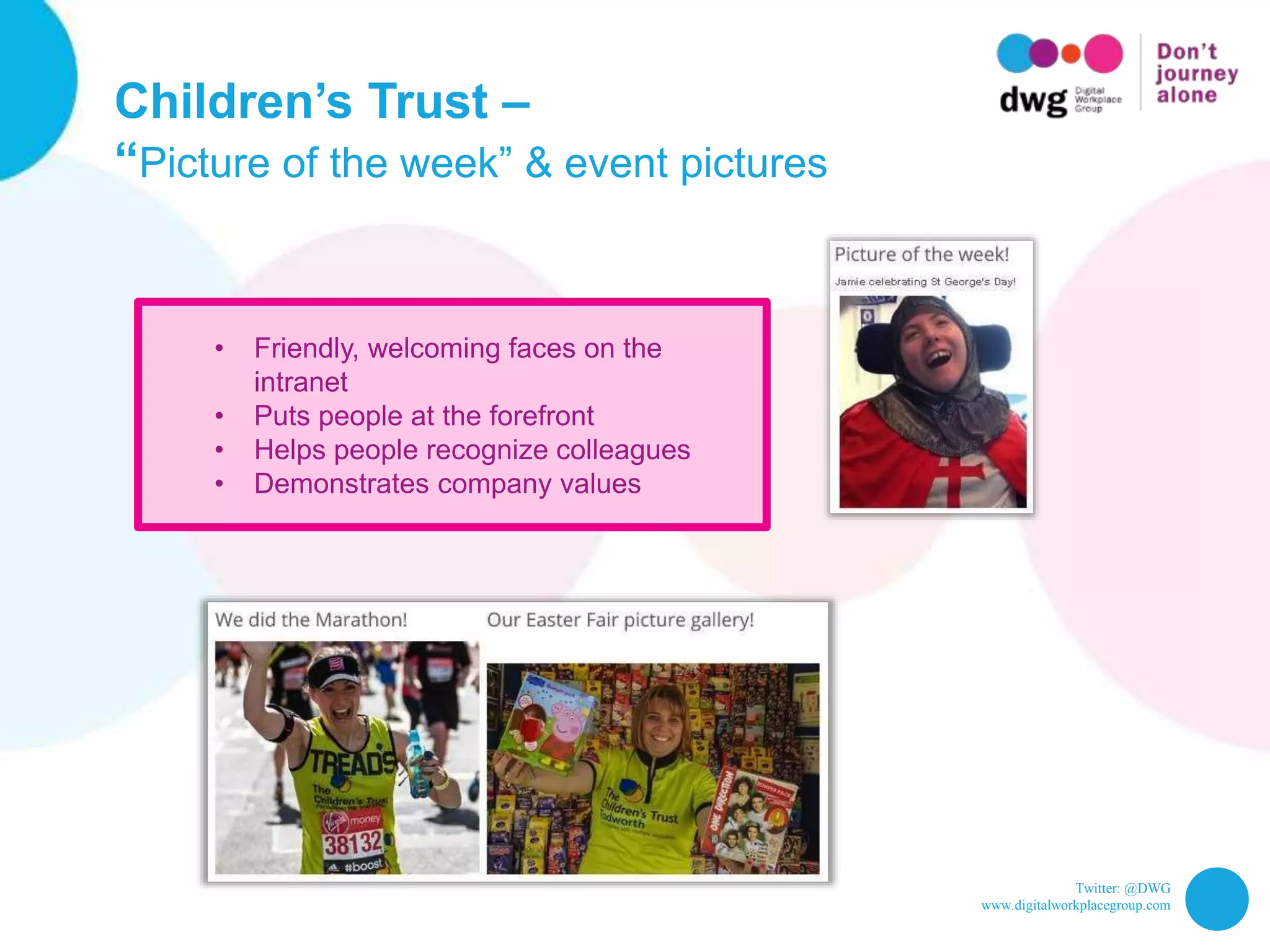
Children’s Trust –
“Picture of the week” & event pictures
• Friendly, welcoming faces on the
intranet
• Puts people at the forefront
• Helps people recognize colleagues
• Demonstrates company values
Twitter: @DWG
www.digitalworkplacegroup.com
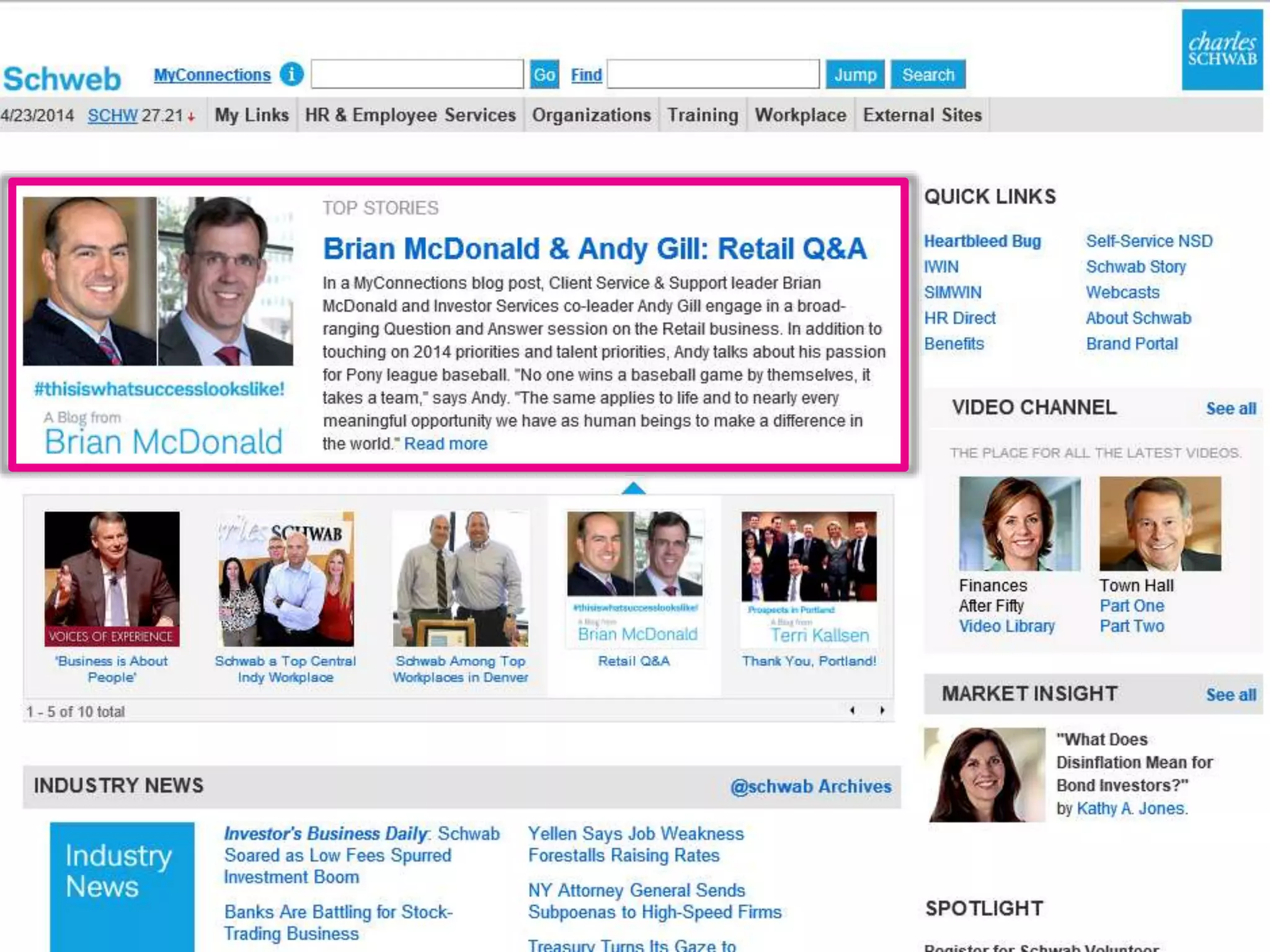
Charles Schwab –
Q&A with executives
Twitter: @DWG
www.digitalworkplacegroup.com
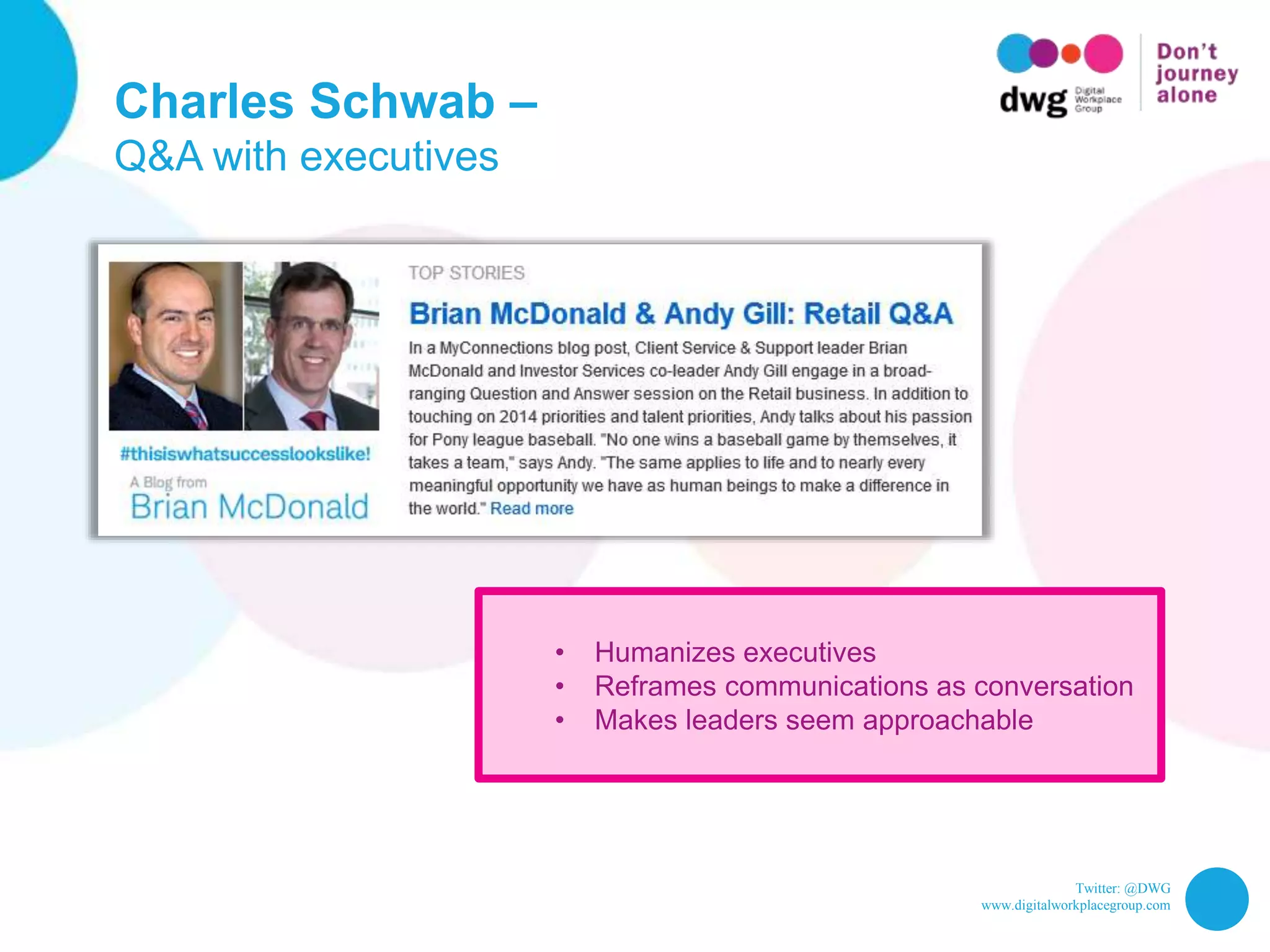
Charles Schwab –
Q&A with executives
• Humanizes executives
• Reframes communications as conversation
• Makes leaders seem approachable
Twitter: @DWG
www.digitalworkplacegroup.com
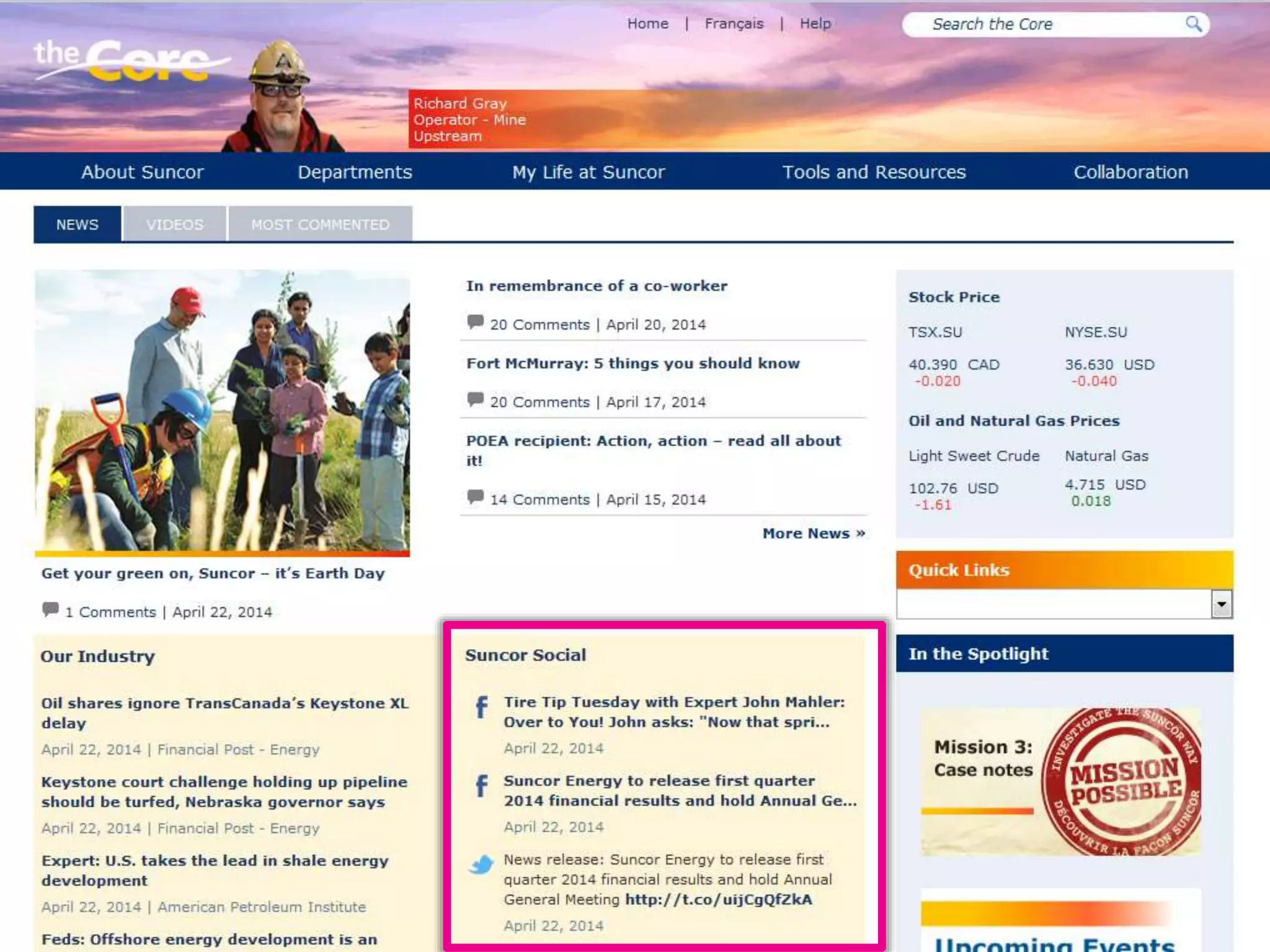
Suncor –
Company’s external social activity
Twitter: @DWG
www.digitalworkplacegroup.com
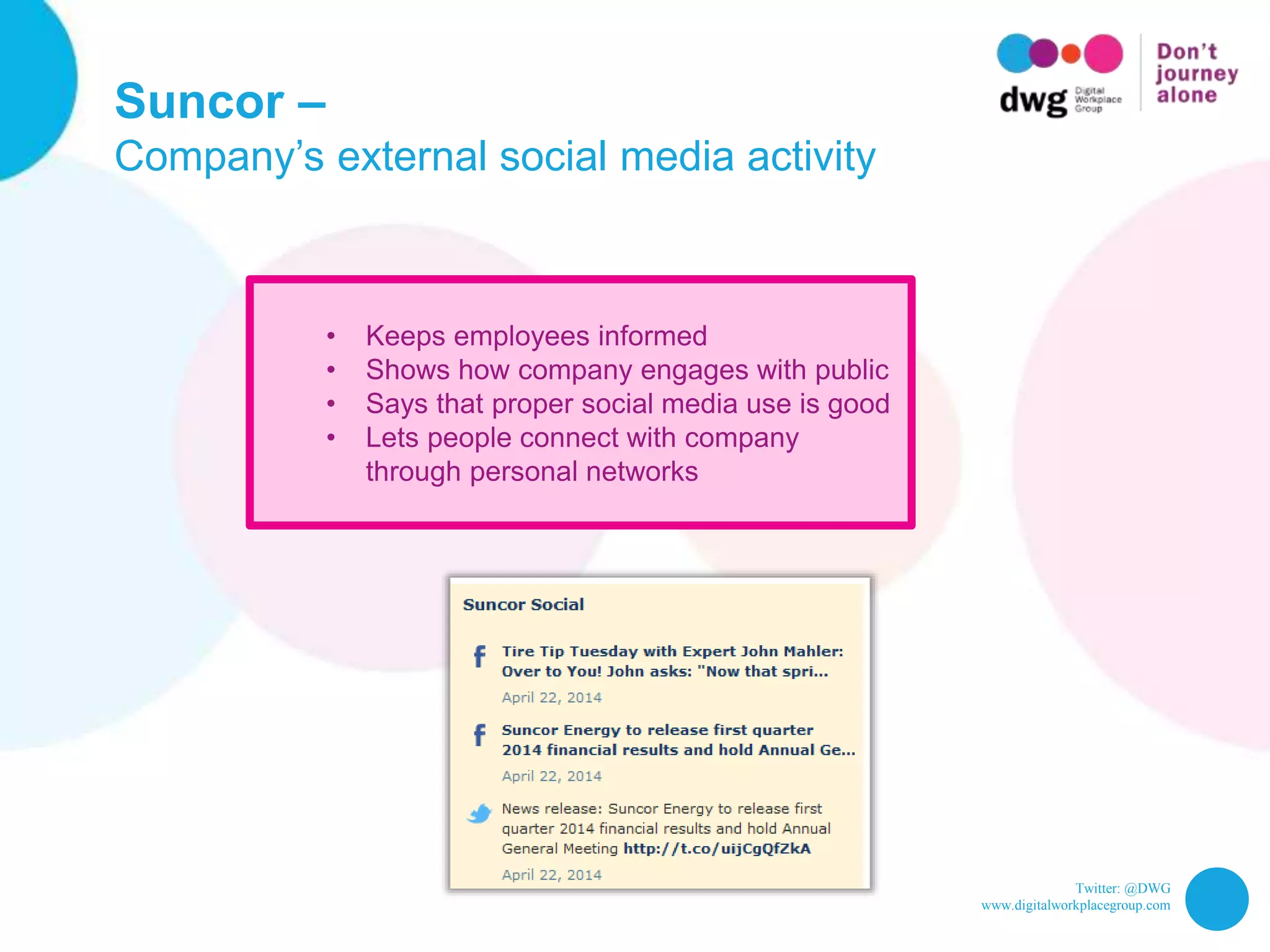
Suncor –
Company’s external social media activity
• Keeps employees informed
• Shows how company engages with public
• Says that proper social media use is good
• Lets people connect with company
through personal networks
Twitter: @DWG
www.digitalworkplacegroup.com
That’s 31!
Twitter: @DWG
www.digitalworkplacegroup.com
So…
Twitter: @DWG
www.digitalworkplacegroup.com
So… do you like intranets?
Twitter: @DWG
www.digitalworkplacegroup.com
So… do you like intranets? Are you working
on improving your own digital workplace?
Twitter: @DWG
www.digitalworkplacegroup.com
So… do you like intranets? Are you working
on improving your own digital workplace?
Visit the Digital Workplace Group website
for more resources and information:
My Beautiful Intranet 2014
Screenshots, live tours & more
Downloadable reports
http://www.digitalworkplacegroup.com
End

31 intranet homepage design examples, with screenshots