25 Principles of Mobile Site Design
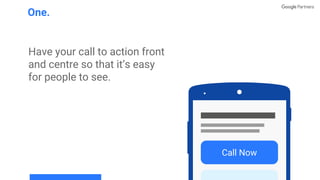
Have your call to action front
and centre so that it’s easy
for people to see.
One.
Call Now
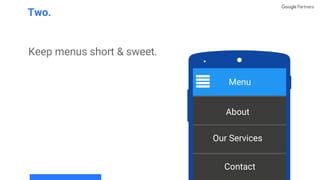
Keep menus short & sweet.
Two.
Menu
About
Our Services
Contact
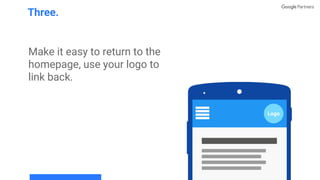
Make it easy to return to the
homepage, use your logo to
link back.
Three.
Logo
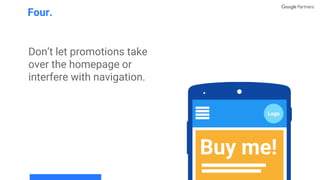
Don’t let promotions take
over the homepage or
interfere with navigation.
Four.
Logo
Buy me!
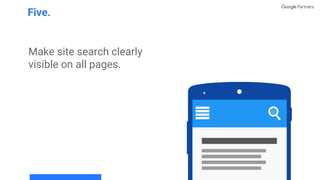
Make site search clearly
visible on all pages.
Five.
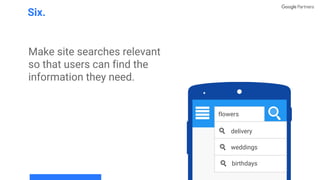
Make site searches relevant
so that users can find the
information they need.
Six.
flowers
weddings
delivery
birthdays
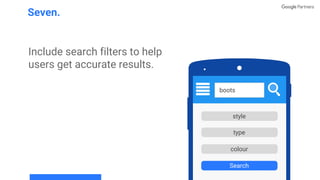
Include search filters to help
users get accurate results.
Seven.
boots
style
type
Search
colour
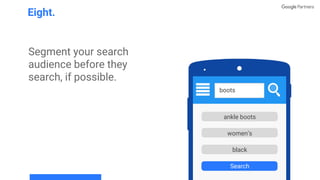
Segment your search
audience before they
search, if possible.
Eight.
ankle boots
women’s
Search
black
boots
ankle boots
women’s
black
Search
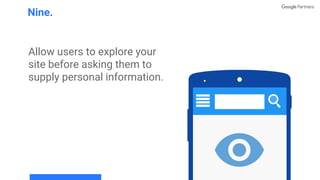
Allow users to explore your
site before asking them to
supply personal information.
Nine.
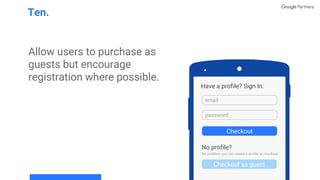
Allow users to purchase as
guests but encourage
registration where possible.
Ten.
Have a profile? Sign In.
email
password
Checkout as guest
Checkout
No profile?
No problem, you can create a profile at checkout.
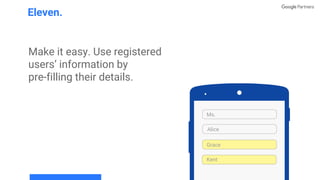
Make it easy. Use registered
users’ information by
pre-filling their details.
Eleven.
Ms.
Grace
Alice
Kent
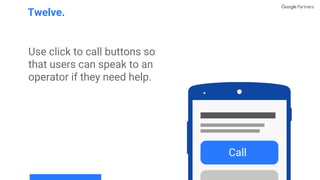
Use click to call buttons so
that users can speak to an
operator if they need help.
Twelve.
Call
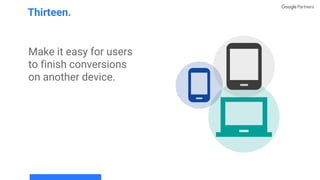
Make it easy for users
to finish conversions
on another device.
Thirteen.
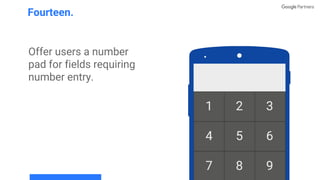
Offer users a number
pad for fields requiring
number entry.
Fourteen.
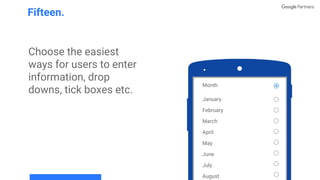
Choose the easiest
ways for users to enter
information, drop
downs, tick boxes etc.
Fifteen.
Month
January
February
March
April
May
June
July
August
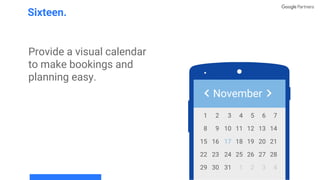
Provide a visual calendar
to make bookings and
planning easy.
Sixteen.
November
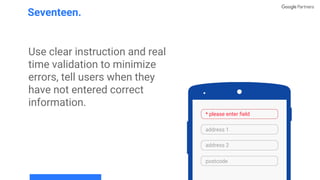
Use clear instruction and real
time validation to minimize
errors, tell users when they
have not entered correct
information.
Seventeen.
address 1
address 2
postcode
* please enter field
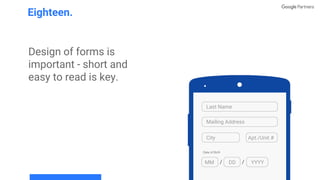
Design of forms is
important - short and
easy to read is key.
Eighteen.
Last Name
Mailing Address
City Apt./Unit #
MM DD YYYY
Date of Birth
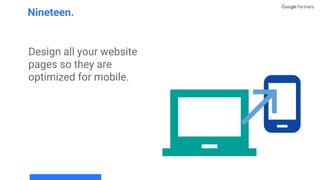
Design all your website
pages so they are
optimized for mobile.
Nineteen.
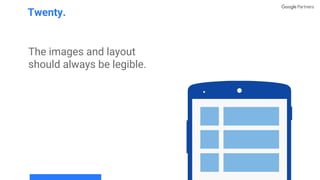
The images and layout
should always be legible.
Twenty.
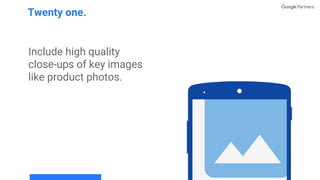
Include high quality
close-ups of key images
like product photos.
Twenty one.
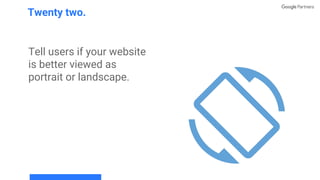
Tell users if your website
is better viewed as
portrait or landscape.
Twenty two.
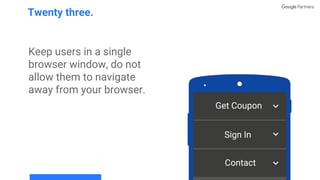
Keep users in a single
browser window, do not
allow them to navigate
away from your browser.
Twenty three.
Get Coupon
Sign In
Contact
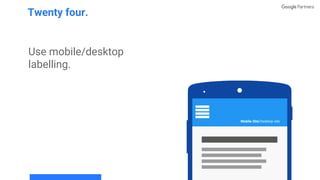
Use mobile/desktop
labelling.
Twenty four.
Mobile Site⎢Desktop site
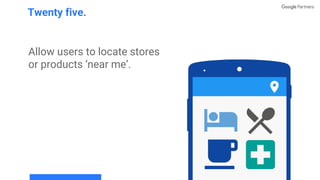
Allow users to locate stores
or products ‘near me’.
Twenty five.

25 principles of mobile site design, Google Partners Program

  • 1.
    25 Principles ofMobile Site Design
  • 2.
    Have your callto action front and centre so that it’s easy for people to see. One. Call Now
  • 3.
    Keep menus short& sweet. Two. Menu About Our Services Contact
  • 4.
    Make it easyto return to the homepage, use your logo to link back. Three. Logo
  • 5.
    Don’t let promotionstake over the homepage or interfere with navigation. Four. Logo Buy me!
  • 6.
    Make site searchclearly visible on all pages. Five.
  • 7.
    Make site searchesrelevant so that users can find the information they need. Six. flowers weddings delivery birthdays
  • 8.
    Include search filtersto help users get accurate results. Seven. boots style type Search colour
  • 9.
    Segment your search audiencebefore they search, if possible. Eight. ankle boots women’s Search black boots ankle boots women’s black Search
  • 10.
    Allow users toexplore your site before asking them to supply personal information. Nine.
  • 11.
    Allow users topurchase as guests but encourage registration where possible. Ten. Have a profile? Sign In. email password Checkout as guest Checkout No profile? No problem, you can create a profile at checkout.
  • 12.
    Make it easy.Use registered users’ information by pre-filling their details. Eleven. Ms. Grace Alice Kent
  • 13.
    Use click tocall buttons so that users can speak to an operator if they need help. Twelve. Call
  • 14.
    Make it easyfor users to finish conversions on another device. Thirteen.
  • 15.
    Offer users anumber pad for fields requiring number entry. Fourteen.
  • 16.
    Choose the easiest waysfor users to enter information, drop downs, tick boxes etc. Fifteen. Month January February March April May June July August
  • 17.
    Provide a visualcalendar to make bookings and planning easy. Sixteen. November
  • 18.
    Use clear instructionand real time validation to minimize errors, tell users when they have not entered correct information. Seventeen. address 1 address 2 postcode * please enter field
  • 19.
    Design of formsis important - short and easy to read is key. Eighteen. Last Name Mailing Address City Apt./Unit # MM DD YYYY Date of Birth
  • 20.
    Design all yourwebsite pages so they are optimized for mobile. Nineteen.
  • 21.
    The images andlayout should always be legible. Twenty.
  • 22.
    Include high quality close-upsof key images like product photos. Twenty one.
  • 23.
    Tell users ifyour website is better viewed as portrait or landscape. Twenty two.
  • 24.
    Keep users ina single browser window, do not allow them to navigate away from your browser. Twenty three. Get Coupon Sign In Contact
  • 25.
  • 26.
    Allow users tolocate stores or products ‘near me’. Twenty five.