How to publish
a plugin at WordPress.org
Workshop
Otto Kekäläinen
@ottokekalainen
WordCamp Finland
Tampere 9.5.2015
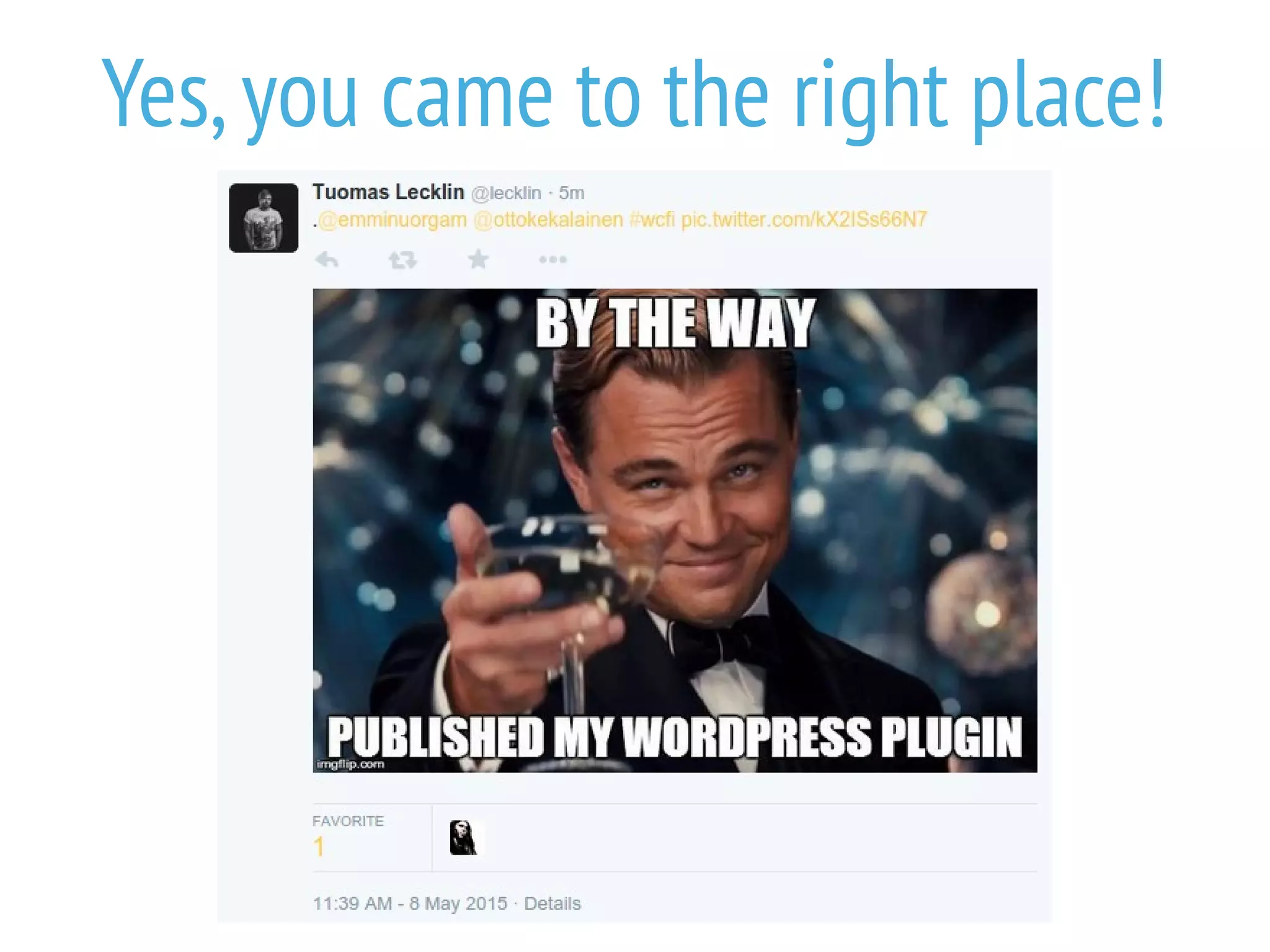
Yes,you came to the right place!
Step 0: Optional preparations for
those with high ambitions
Look at the source code of new plugins by respected
authors.Is there something in the code structure,
use of classes and namespaces and internal API that
you want to model in your plugin?
Read the Pear (PHP) and WordPress code style
guides to make sure your code looks professional.
Scan your code with PHP CodeSniffer for extra
scrutiny.
Step 2: Add readme.txt
and license
Every plugin published at WordPress.org must have a
readme.txt file.Get
https://wordpress.org/plugins/about/readme.txt and
modify.Verify correctness with at
https://wordpress.org/plugins/about/validator/
All plugins at WordPress.org must be licensed with GPLv2 or
later or a license compatible with that.Personally I
recommend GPLv3.
 Include https://www.gnu.org/licenses/gpl-3.0.txt ,with filename LICENSE
 Read recommendations about source code license headers in every file
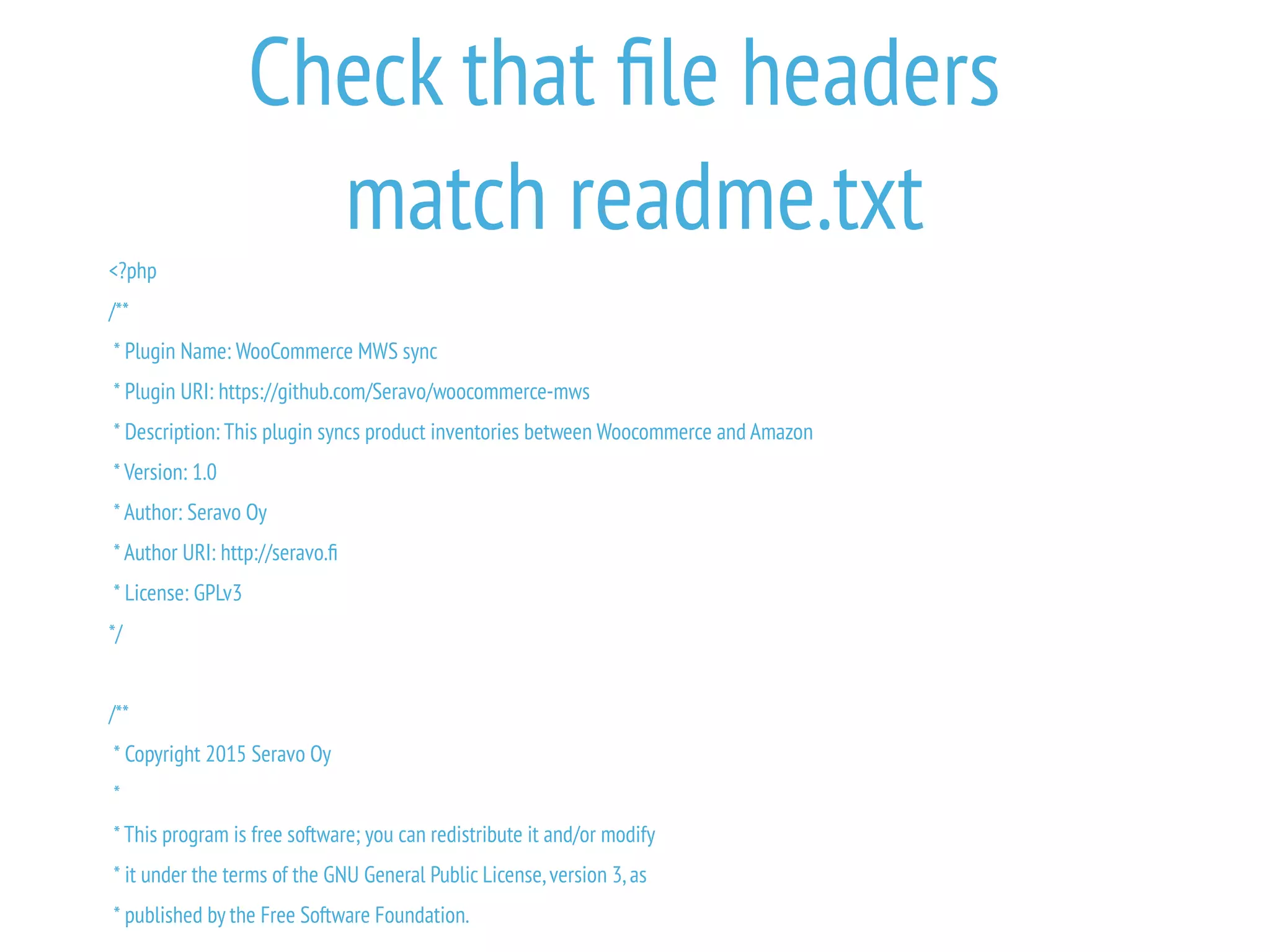
Check that file headers
match readme.txt
<?php
/**
* Plugin Name: WooCommerce MWS sync
* Plugin URI: https://github.com/Seravo/woocommerce-mws
* Description: This plugin syncs product inventories between Woocommerce and Amazon
* Version: 1.0
* Author: Seravo Oy
* Author URI: http://seravo.fi
* License: GPLv3
*/
/**
* Copyright 2015 Seravo Oy
*
* This program is free software; you can redistribute it and/or modify
* it under the terms of the GNU General Public License,version 3,as
* published by the Free Software Foundation.
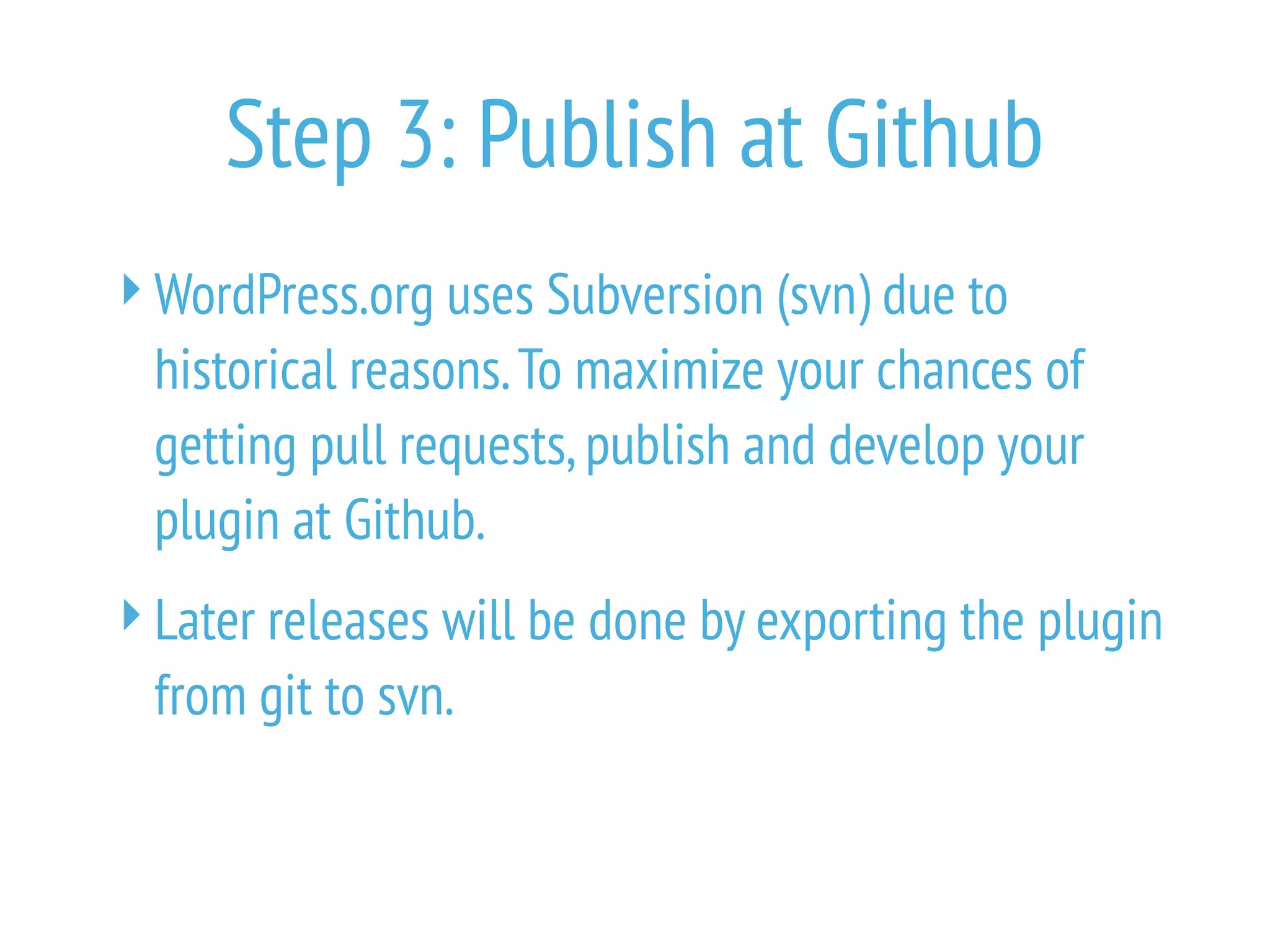
Step 3: Publish at Github
WordPress.org uses Subversion (svn) due to
historical reasons.To maximize your chances of
getting pull requests,publish and develop your
plugin at Github.
Later releases will be done by exporting the plugin
from git to svn.
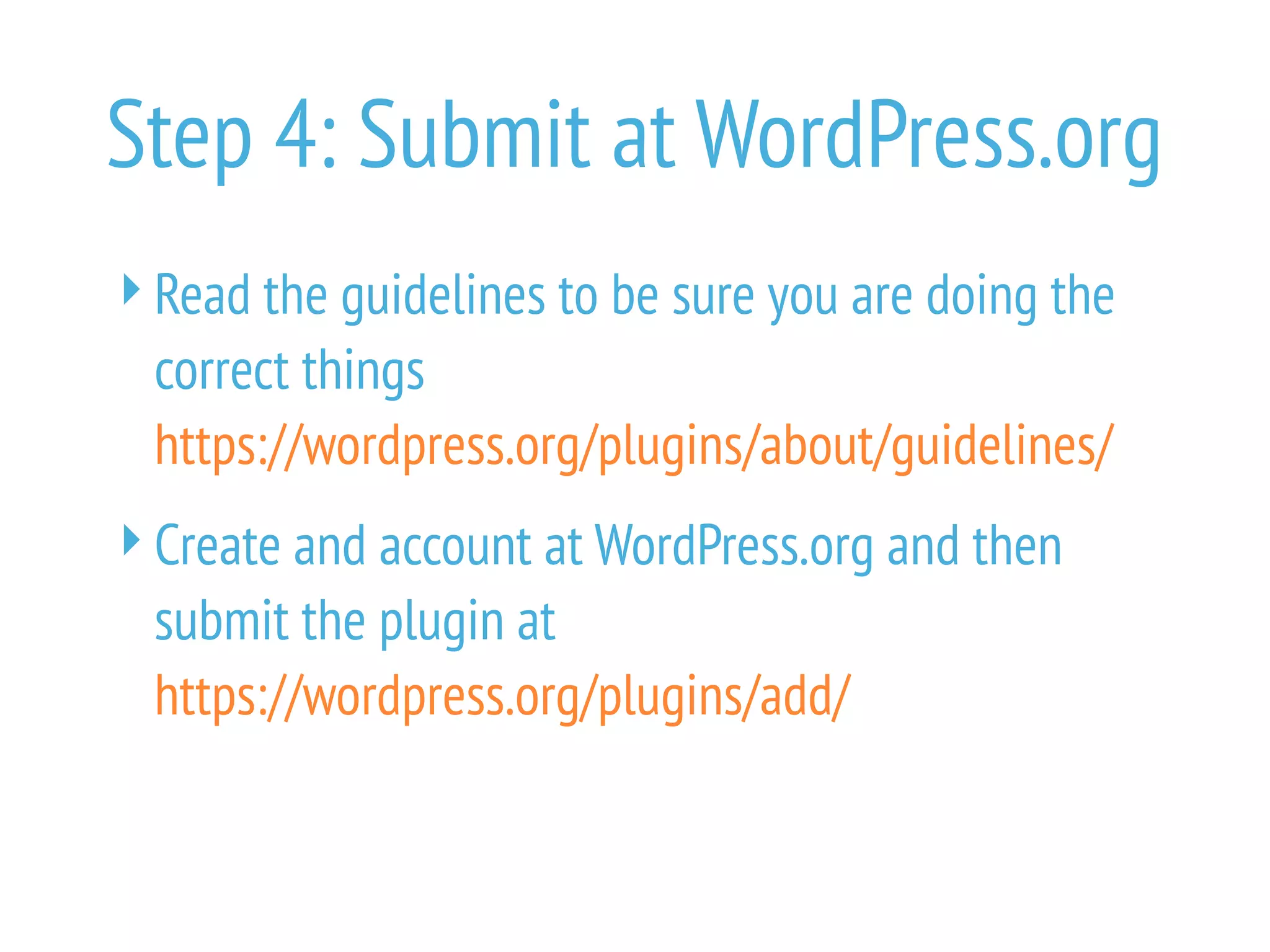
Step 4: Submit at WordPress.org
Read the guidelines to be sure you are doing the
correct things
https://wordpress.org/plugins/about/guidelines/
Create and account at WordPress.org and then
submit the plugin at
https://wordpress.org/plugins/add/
Step 5: Review
Wait for feedback from the reviewers.Can take
from days to weeks.
Fix all issues until passes review.
The email you are waiting for!
[WordPress.org Plugins] Request Approved: woocommerce-mws-sync
Your plugin hosting request has been approved.
Within one hour,you will have access to your SVN repository at
http://plugins.svn.wordpress.org/woocommerce-mws-sync/
with your WordPress.org username and password (the same one you use on the forums).
Here's some handy links to help you get started.
Using Subversion with the WordPress Plugins Directory
https://wordpress.org/plugins/about/svn/
Enjoy!
Step 6: Use WordPress.org SVN
Once accepted,you get access to the SVN
repository where WordPress.org hosts your plugin.
Add your plugin to the SVN directory trunk/
Add banner and icons to the SVN directory assets/
 banner-772x250.jpg
 icon-128x128.png
 icon-256x256.png
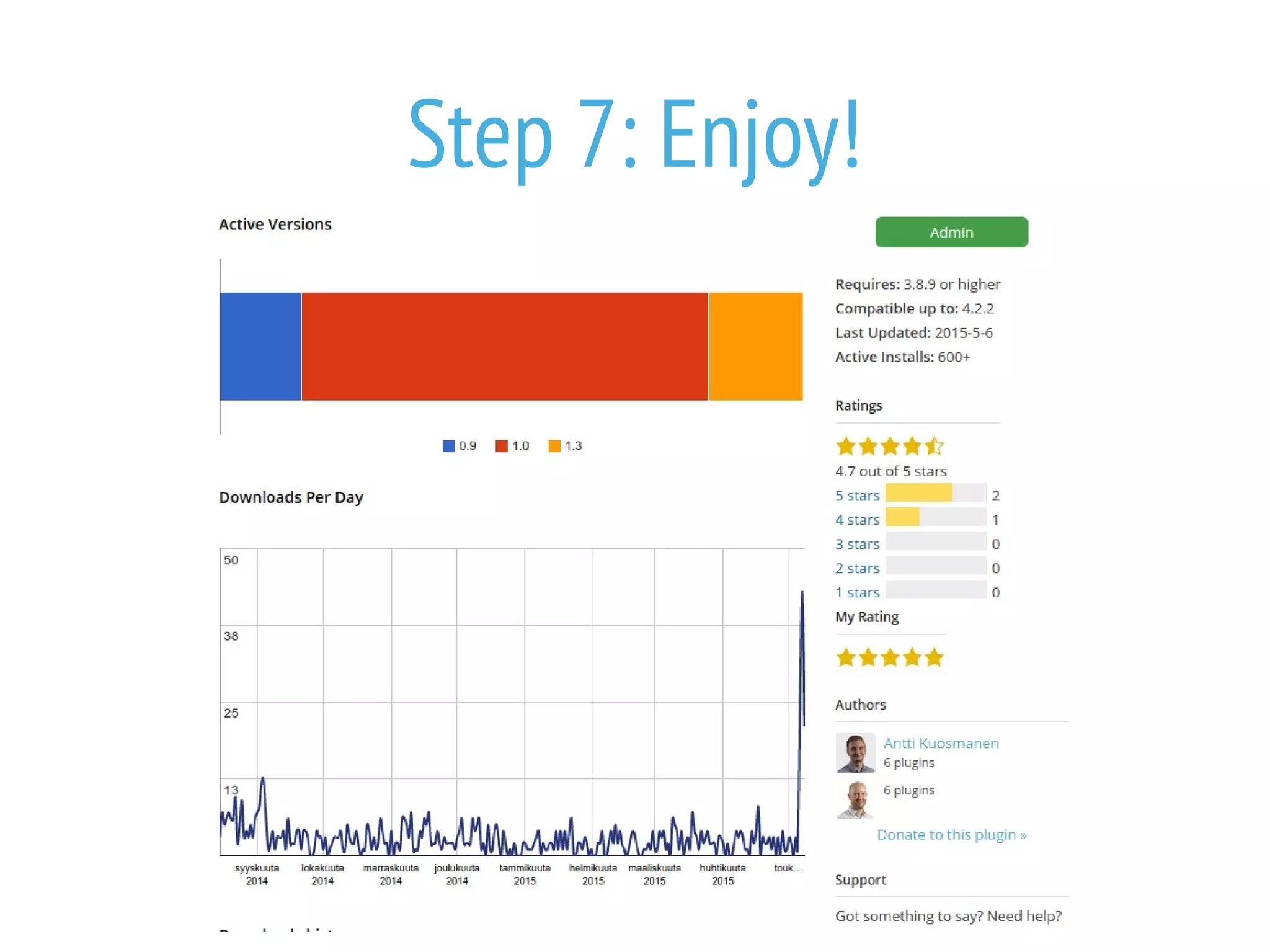
Step 7: Enjoy!
Please tweet to @ottokekalainen
with a link to your plugin
if you published
with the help of this presentation!
Step 8: Upgrade
You can release upgrades by committing to SVN
new versions where the readme.txt has been
modified to have a bigger version number.
For version numbers please follow the principles
stated at semver.org.
Tools for git to svn syncing will do the repetitive
things for you
 https://github.com/Seravo/git-to-wordpress-plugin-svn-pusher
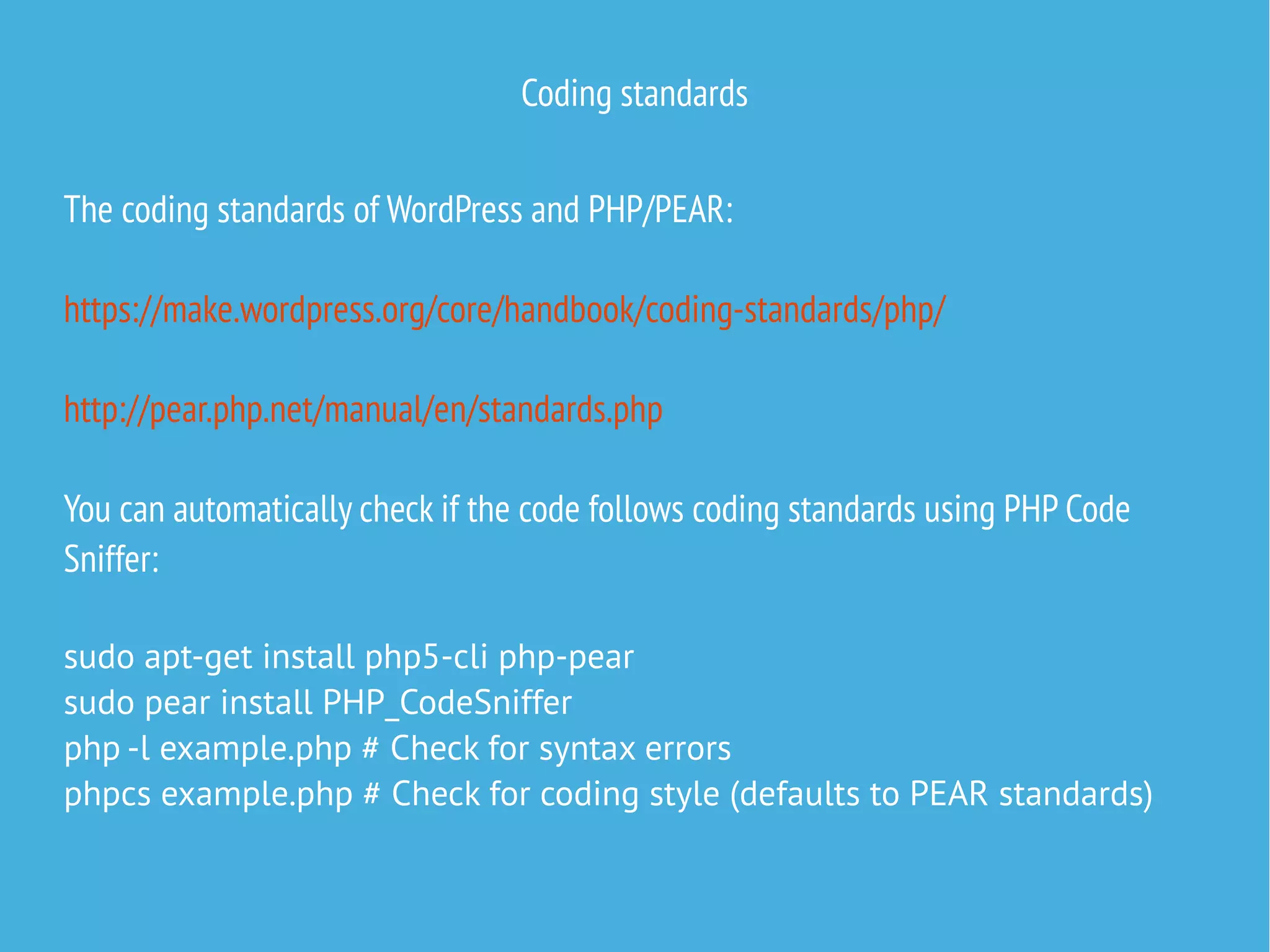
Coding standards
The coding standards of WordPress and PHP/PEAR:
https://make.wordpress.org/core/handbook/coding-standards/php/
http://pear.php.net/manual/en/standards.php
You can automatically check if the code follows coding standards using PHP Code
Sniffer:
sudo apt-get install php5-cli php-pear
sudo pear install PHP_CodeSniffer
php -l example.php # Check for syntax errors
phpcs example.php # Check for coding style (defaults to PEAR standards)
PHP CodeSniffer with WordPress standards
Installation example on Ubuntu
sudo -s
cd /usr/share/php/PHP/CodeSniffer
git clone -b master https://github.com/WordPress-Coding-Standards/WordPress-Coding-Standards.git
wpcs
cd Standards
ln -s ../wpcs/WordPress* .
exit
phpcs -i
The installed coding standards are Squiz, PHPCS, PEAR, PSR2, WordPress-VIP, PSR1, WordPress-Core,
MySource, WordPress, Zend and WordPress-Extra
phpcs --standard=WordPress *.php
--------------------------------------------------------------------------------
FOUND 587 ERRORS AND 16 WARNINGS AFFECTING 238 LINES
--------------------------------------------------------------------------------
36 | ERROR | [x] Tabs must be used to indent lines; spaces are not allowed
36 | ERROR | [x] Line indented incorrectly; expected at least 1 tabs, found 0
37 | ERROR | [x] Tabs must be used to indent lines; spaces are not allowed
37 | ERROR | [x] Line indented incorrectly; expected 1 tabs, found 0
37 | ERROR | [x] Expected 1 spaces after opening bracket; 0 found
37 | ERROR | [x] Expected 1 spaces before closing bracket; 0 found
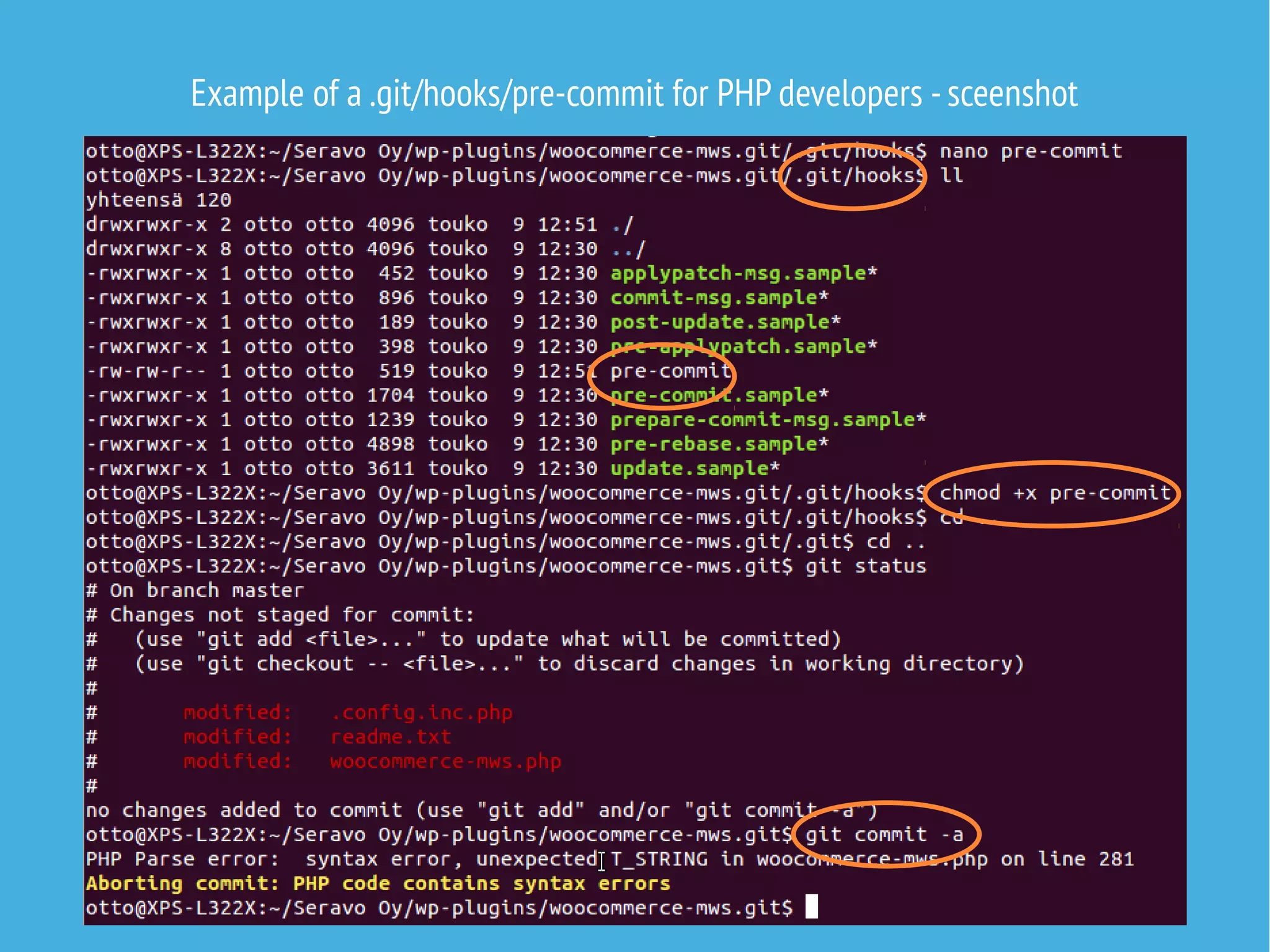
Example of a .git/hooks/pre-commit for PHP developers
https://gist.github.com/ottok/ee1384d8229e83b6486e
#!/bin/bash
for FILE in $(git diff --cached --name-only); do
if [[ "$FILE" =~ .php$ ]]; then
php -l "$FILE" 1> /dev/null
if [[ $? -ne 0 ]]; then
echo -e "e[1;33mAborting commit: PHP code contains syntax errorse[0m" >&2
exit 1
f
f
done
for FILE in $(git diff --cached --name-only); do
if [[ "$FILE" =~ .php$ ]]; then
phpcs -n "$FILE"
if [ $? -ne 0 ]; then
echo -e "e[1;33mAborting commit: PHP code violates coding standardse[0m" >&2
exit 1
f
f
done
Example of a .git/hooks/pre-commit for PHP developers -sceenshot
Pro WordPress development environment
In bigger projects it will be useful to have a proper development environment setup,
that includes PHP CodeSniffer,xdebug etc tools pre-installed in a Vargant image:
https://github.com/seravo/wordpress
Contact Seravo if you need experts in
WordPress or other open source software
Open seravo.f
See our blog for in-depth tips

How to publish your plugin as open source and contribute to WordPress

  • 1.
    How to publish aplugin at WordPress.org Workshop Otto Kekäläinen @ottokekalainen WordCamp Finland Tampere 9.5.2015
  • 2.
    Yes,you came tothe right place!
  • 3.
    Step 0: Optionalpreparations for those with high ambitions Look at the source code of new plugins by respected authors.Is there something in the code structure, use of classes and namespaces and internal API that you want to model in your plugin? Read the Pear (PHP) and WordPress code style guides to make sure your code looks professional. Scan your code with PHP CodeSniffer for extra scrutiny.
  • 4.
    Step 2: Addreadme.txt and license Every plugin published at WordPress.org must have a readme.txt file.Get https://wordpress.org/plugins/about/readme.txt and modify.Verify correctness with at https://wordpress.org/plugins/about/validator/ All plugins at WordPress.org must be licensed with GPLv2 or later or a license compatible with that.Personally I recommend GPLv3.  Include https://www.gnu.org/licenses/gpl-3.0.txt ,with filename LICENSE  Read recommendations about source code license headers in every file
  • 5.
    Check that fileheaders match readme.txt <?php /** * Plugin Name: WooCommerce MWS sync * Plugin URI: https://github.com/Seravo/woocommerce-mws * Description: This plugin syncs product inventories between Woocommerce and Amazon * Version: 1.0 * Author: Seravo Oy * Author URI: http://seravo.fi * License: GPLv3 */ /** * Copyright 2015 Seravo Oy * * This program is free software; you can redistribute it and/or modify * it under the terms of the GNU General Public License,version 3,as * published by the Free Software Foundation.
  • 6.
    Step 3: Publishat Github WordPress.org uses Subversion (svn) due to historical reasons.To maximize your chances of getting pull requests,publish and develop your plugin at Github. Later releases will be done by exporting the plugin from git to svn.
  • 7.
    Step 4: Submitat WordPress.org Read the guidelines to be sure you are doing the correct things https://wordpress.org/plugins/about/guidelines/ Create and account at WordPress.org and then submit the plugin at https://wordpress.org/plugins/add/
  • 8.
    Step 5: Review Waitfor feedback from the reviewers.Can take from days to weeks. Fix all issues until passes review.
  • 9.
    The email youare waiting for! [WordPress.org Plugins] Request Approved: woocommerce-mws-sync Your plugin hosting request has been approved. Within one hour,you will have access to your SVN repository at http://plugins.svn.wordpress.org/woocommerce-mws-sync/ with your WordPress.org username and password (the same one you use on the forums). Here's some handy links to help you get started. Using Subversion with the WordPress Plugins Directory https://wordpress.org/plugins/about/svn/ Enjoy!
  • 10.
    Step 6: UseWordPress.org SVN Once accepted,you get access to the SVN repository where WordPress.org hosts your plugin. Add your plugin to the SVN directory trunk/ Add banner and icons to the SVN directory assets/  banner-772x250.jpg  icon-128x128.png  icon-256x256.png
  • 11.
  • 12.
    Please tweet to@ottokekalainen with a link to your plugin if you published with the help of this presentation!
  • 13.
    Step 8: Upgrade Youcan release upgrades by committing to SVN new versions where the readme.txt has been modified to have a bigger version number. For version numbers please follow the principles stated at semver.org. Tools for git to svn syncing will do the repetitive things for you  https://github.com/Seravo/git-to-wordpress-plugin-svn-pusher
  • 14.
    Coding standards The codingstandards of WordPress and PHP/PEAR: https://make.wordpress.org/core/handbook/coding-standards/php/ http://pear.php.net/manual/en/standards.php You can automatically check if the code follows coding standards using PHP Code Sniffer: sudo apt-get install php5-cli php-pear sudo pear install PHP_CodeSniffer php -l example.php # Check for syntax errors phpcs example.php # Check for coding style (defaults to PEAR standards)
  • 15.
    PHP CodeSniffer withWordPress standards Installation example on Ubuntu sudo -s cd /usr/share/php/PHP/CodeSniffer git clone -b master https://github.com/WordPress-Coding-Standards/WordPress-Coding-Standards.git wpcs cd Standards ln -s ../wpcs/WordPress* . exit phpcs -i The installed coding standards are Squiz, PHPCS, PEAR, PSR2, WordPress-VIP, PSR1, WordPress-Core, MySource, WordPress, Zend and WordPress-Extra phpcs --standard=WordPress *.php -------------------------------------------------------------------------------- FOUND 587 ERRORS AND 16 WARNINGS AFFECTING 238 LINES -------------------------------------------------------------------------------- 36 | ERROR | [x] Tabs must be used to indent lines; spaces are not allowed 36 | ERROR | [x] Line indented incorrectly; expected at least 1 tabs, found 0 37 | ERROR | [x] Tabs must be used to indent lines; spaces are not allowed 37 | ERROR | [x] Line indented incorrectly; expected 1 tabs, found 0 37 | ERROR | [x] Expected 1 spaces after opening bracket; 0 found 37 | ERROR | [x] Expected 1 spaces before closing bracket; 0 found
  • 16.
    Example of a.git/hooks/pre-commit for PHP developers https://gist.github.com/ottok/ee1384d8229e83b6486e #!/bin/bash for FILE in $(git diff --cached --name-only); do if [[ "$FILE" =~ .php$ ]]; then php -l "$FILE" 1> /dev/null if [[ $? -ne 0 ]]; then echo -e "e[1;33mAborting commit: PHP code contains syntax errorse[0m" >&2 exit 1 f f done for FILE in $(git diff --cached --name-only); do if [[ "$FILE" =~ .php$ ]]; then phpcs -n "$FILE" if [ $? -ne 0 ]; then echo -e "e[1;33mAborting commit: PHP code violates coding standardse[0m" >&2 exit 1 f f done
  • 17.
    Example of a.git/hooks/pre-commit for PHP developers -sceenshot
  • 18.
    Pro WordPress developmentenvironment In bigger projects it will be useful to have a proper development environment setup, that includes PHP CodeSniffer,xdebug etc tools pre-installed in a Vargant image: https://github.com/seravo/wordpress
  • 19.
    Contact Seravo ifyou need experts in WordPress or other open source software Open seravo.f See our blog for in-depth tips