Advanced Scientific Computing with R
1. Overview
Michael Hahsler
Southern Methodist University
September 3, 2015
These slides are largely based on “An Introduction to R”
http://CRAN.R-Project.org/
Michael Hahsler (SMU) Adv. Sci. Comp. with R September 3, 2015 1 / 23
Table of Contents
1 What is R?
2 Installing R
3 A First Session
4 R Basics
5 Exercises
Michael Hahsler (SMU) Adv. Sci. Comp. with R September 3, 2015 2 / 23
What is R?
R is“GNU S”
. S is a language for statisticians developed at Bell
Laboratories by John Chambers et al.
R is designed by John Chambers and developed by the R Foundation.
R is a language and environment for statistical computing and
graphics
R is the de facto standard to develop statistical software
R implements variety of statistical and graphical techniques (linear
and nonlinear modeling, statistical tests, time series analysis,
classification, clustering, ...)
Michael Hahsler (SMU) Adv. Sci. Comp. with R September 3, 2015 3 / 23
What is R? (cont.)
R provides
effective data handling and storage
operators for calculations on arrays (matrices)
a large, coherent, integrated collection of intermediate tools for data
analysis
graphical facilities for data analysis and display
simple and effective programming language (conditionals, loops, user
defined recursive functions)
extension mechanism with a large collection of packages
Michael Hahsler (SMU) Adv. Sci. Comp. with R September 3, 2015 4 / 23
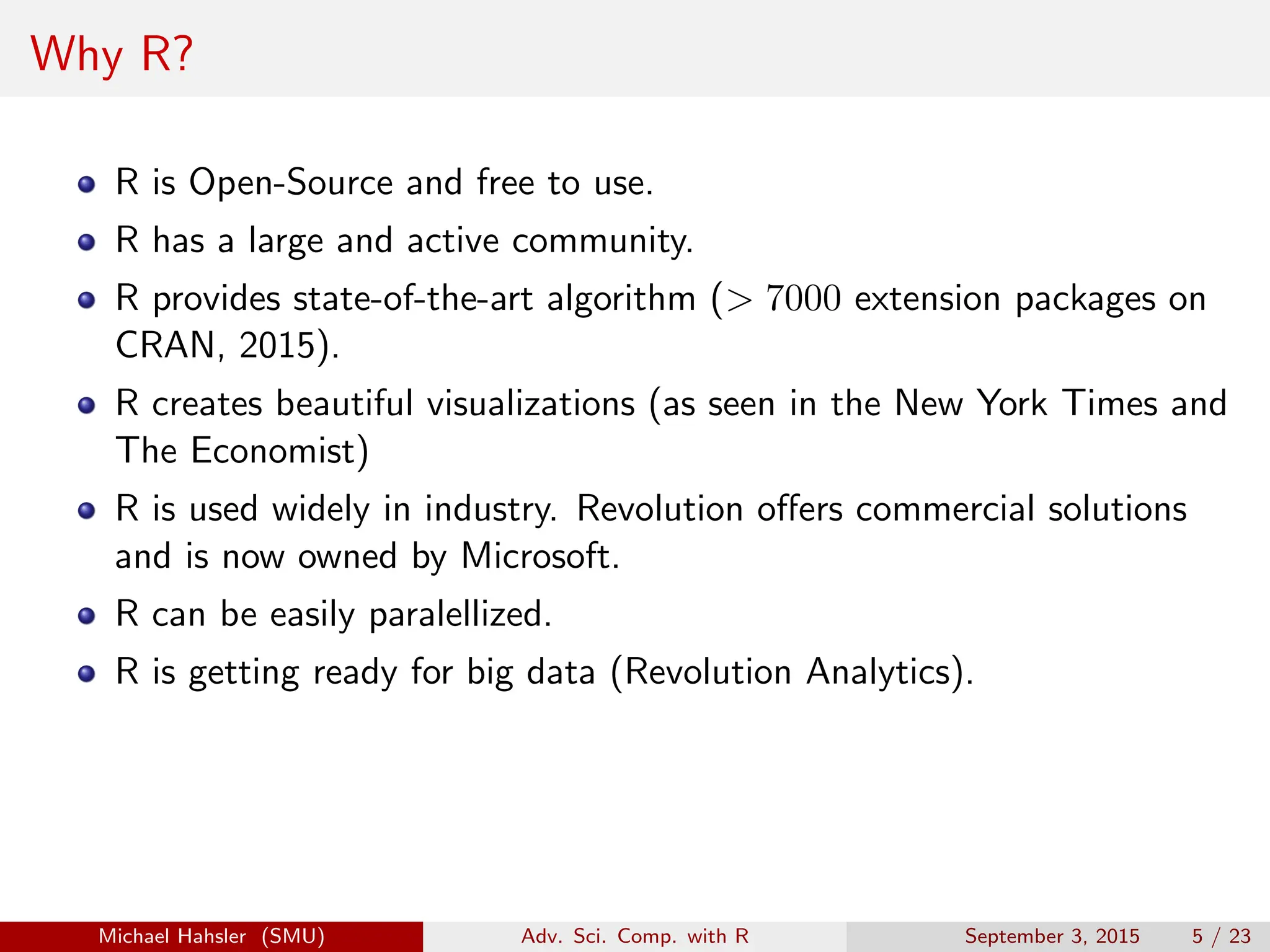
Why R?
R is Open-Source and free to use.
R has a large and active community.
R provides state-of-the-art algorithm (> 7000 extension packages on
CRAN, 2015).
R creates beautiful visualizations (as seen in the New York Times and
The Economist)
R is used widely in industry. Revolution offers commercial solutions
and is now owned by Microsoft.
R can be easily paralellized.
R is getting ready for big data (Revolution Analytics).
Michael Hahsler (SMU) Adv. Sci. Comp. with R September 3, 2015 5 / 23
Table of Contents
1 What is R?
2 Installing R
3 A First Session
4 R Basics
5 Exercises
Michael Hahsler (SMU) Adv. Sci. Comp. with R September 3, 2015 6 / 23
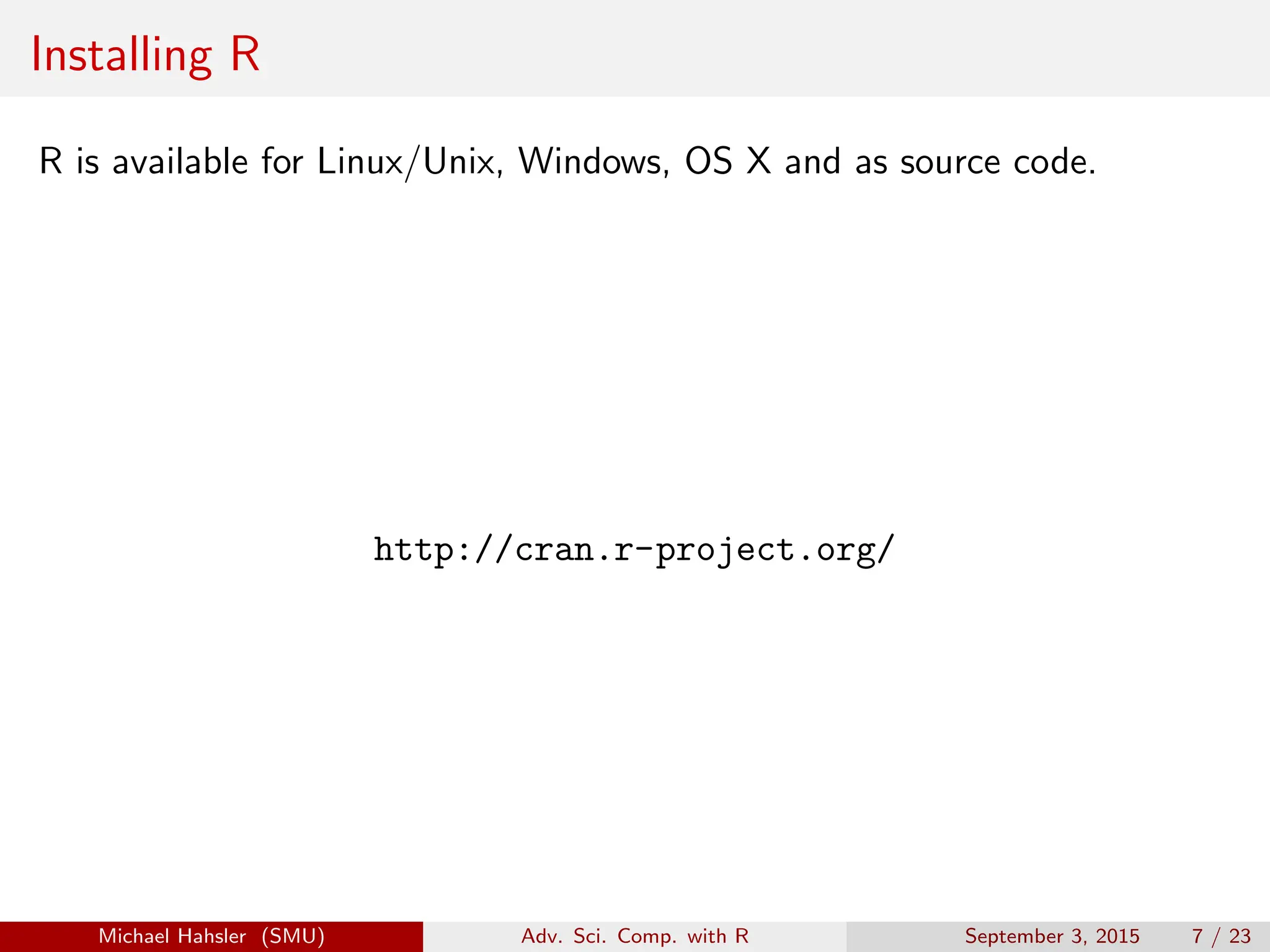
Installing R
R is available for Linux/Unix, Windows, OS X and as source code.
http://cran.r-project.org/
Michael Hahsler (SMU) Adv. Sci. Comp. with R September 3, 2015 7 / 23
Table of Contents
1 What is R?
2 Installing R
3 A First Session
4 R Basics
5 Exercises
Michael Hahsler (SMU) Adv. Sci. Comp. with R September 3, 2015 8 / 23
A first session
Create a working directory and start R.
R> x <- 1:10
R> x
[1] 1 2 3 4 5 6 7 8 9 10
R> y <- x + 1
R> y
[1] 2 3 4 5 6 7 8 9 10 11
R> ls()
[1] "CRAN" "x" "y"
R> q()
Michael Hahsler (SMU) Adv. Sci. Comp. with R September 3, 2015 9 / 23
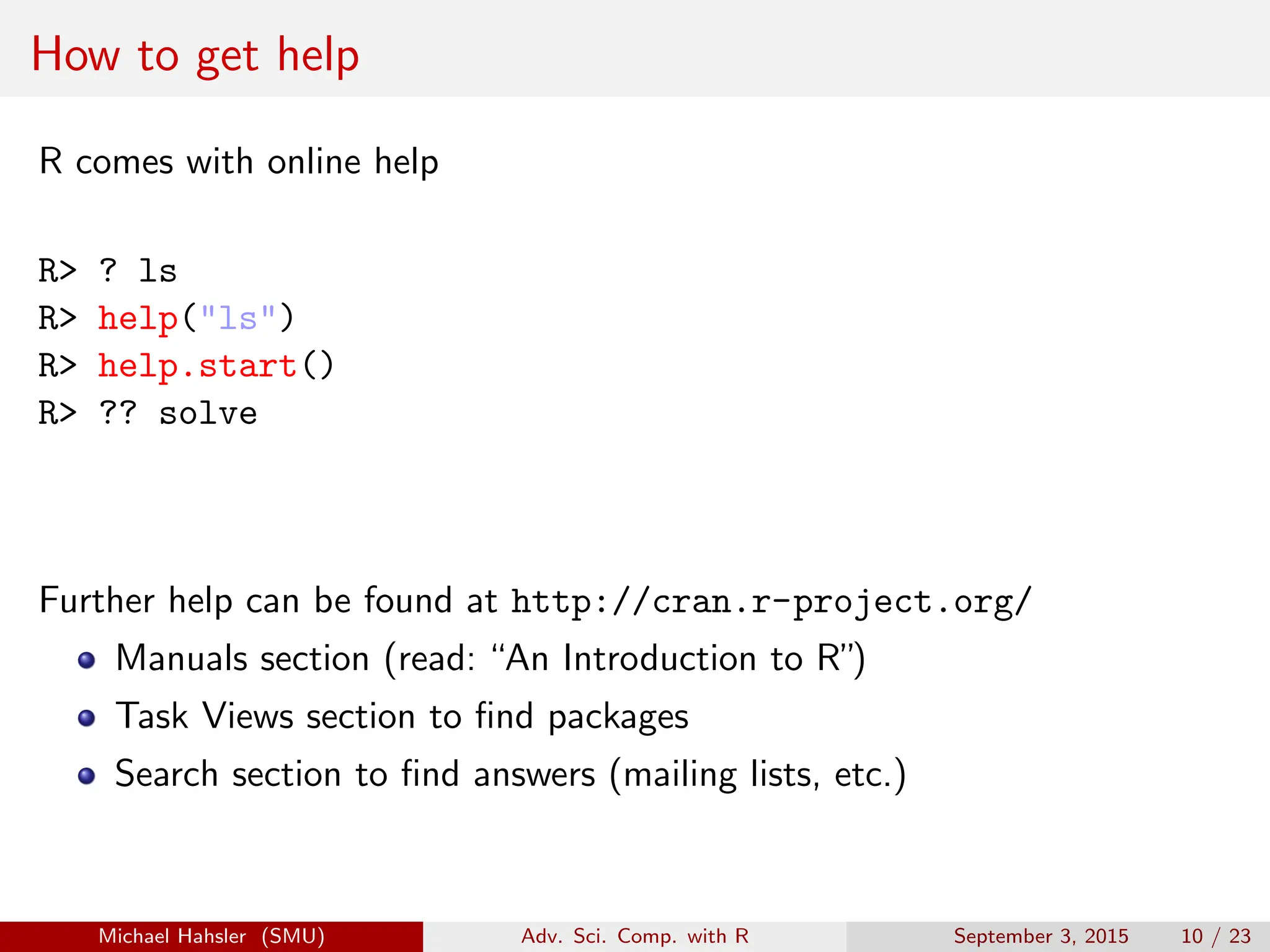
How to get help
R comes with online help
R> ? ls
R> help("ls")
R> help.start()
R> ?? solve
Further help can be found at http://cran.r-project.org/
Manuals section (read: “An Introduction to R”)
Task Views section to find packages
Search section to find answers (mailing lists, etc.)
Michael Hahsler (SMU) Adv. Sci. Comp. with R September 3, 2015 10 / 23
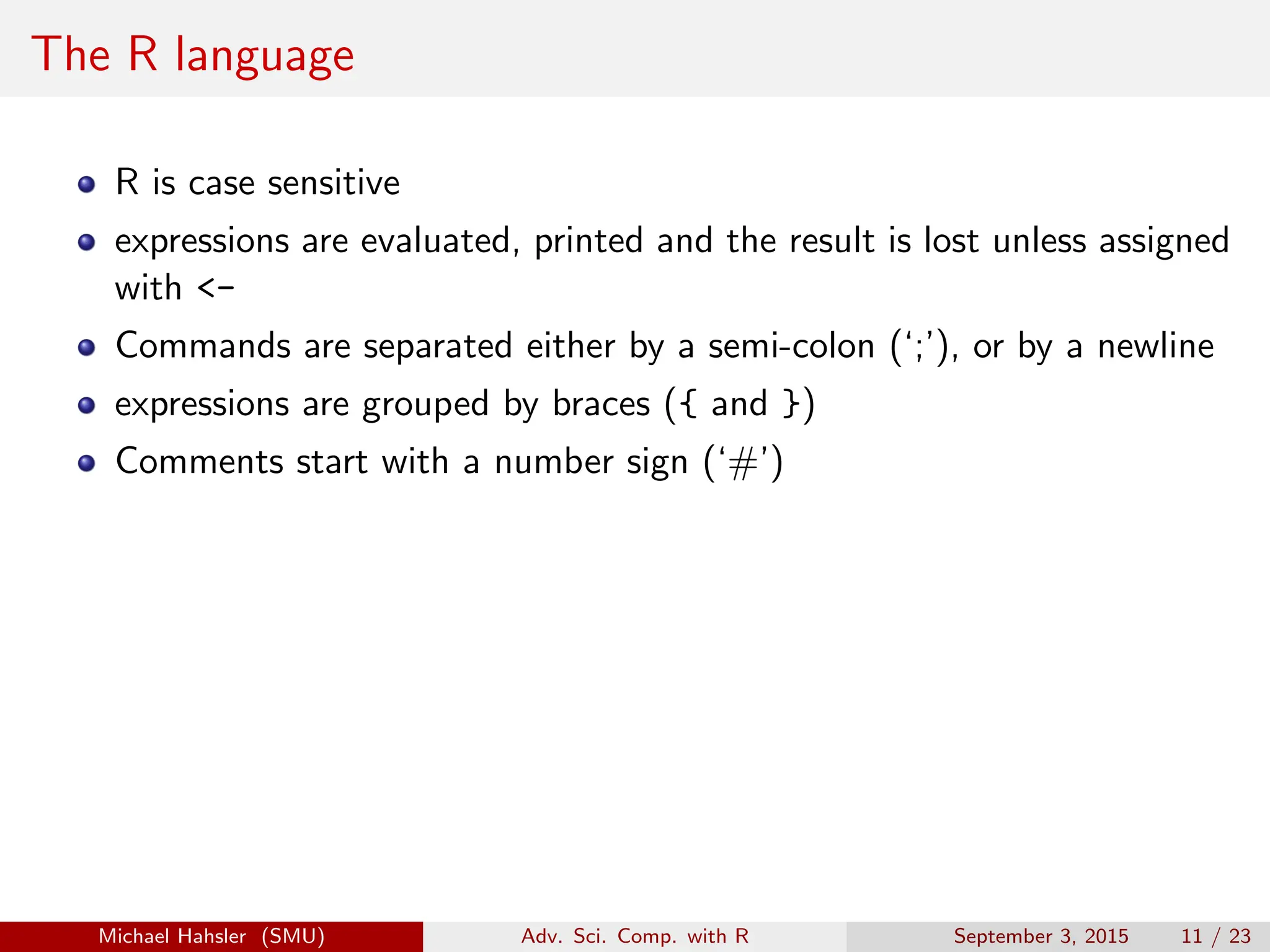
The R language
R is case sensitive
expressions are evaluated, printed and the result is lost unless assigned
with <-
Commands are separated either by a semi-colon (‘;’), or by a newline
expressions are grouped by braces ({ and })
Comments start with a number sign (‘#’)
Michael Hahsler (SMU) Adv. Sci. Comp. with R September 3, 2015 11 / 23
Data permanency
During an R session, objects are created and stored by name:
R> ls()
[1] "CRAN" "x" "y"
Objects are kept over several sessions in a file (.RData). Objects can be
removed.
R> rm(x)
R> ls()
[1] "CRAN" "y"
Michael Hahsler (SMU) Adv. Sci. Comp. with R September 3, 2015 12 / 23
Table of Contents
1 What is R?
2 Installing R
3 A First Session
4 R Basics
5 Exercises
Michael Hahsler (SMU) Adv. Sci. Comp. with R September 3, 2015 13 / 23
Vectors and assignment
Vectors are the basic data structure in R. Scalars do not exist! Almost all
numbers are seen as“numeric”(double).
R> 1
[1] 1
R> x <- c(10.4, 5.6, 3.1, 6.4, 21.7)
R> x
[1] 10.4 5.6 3.1 6.4 21.7
R> 1/x
[1] 0.0962 0.1786 0.3226 0.1562 0.0461
R> y <- c(x, 0, x)
R> y
[1] 10.4 5.6 3.1 6.4 21.7 0.0 10.4 5.6 3.1 6.4 21.7
Michael Hahsler (SMU) Adv. Sci. Comp. with R September 3, 2015 14 / 23
Vector arithmetic
R> x
[1] 10.4 5.6 3.1 6.4 21.7
R> y
[1] 10.4 5.6 3.1 6.4 21.7 0.0 10.4 5.6 3.1 6.4 21.7
R> x+y
[1] 20.8 11.2 6.2 12.8 43.4 10.4 16.0 8.7 9.5 28.1 32.1
R> sum(x)
[1] 47.2
R> length(x)
[1] 5
Michael Hahsler (SMU) Adv. Sci. Comp. with R September 3, 2015 15 / 23
Sequences and Integers
R> s1 <- 1:5
R> s1
[1] 1 2 3 4 5
R> storage.mode(s1)
[1] "integer"
R> s2 <- seq(-1, 1, by=.2)
R> s2
[1] -1.0 -0.8 -0.6 -0.4 -0.2 0.0 0.2 0.4 0.6 0.8 1.0
R> rep(s1, times=2)
[1] 1 2 3 4 5 1 2 3 4 5
R> rep(s1, each=2)
[1] 1 1 2 2 3 3 4 4 5 5
Try ? seq and ? rep
Michael Hahsler (SMU) Adv. Sci. Comp. with R September 3, 2015 16 / 23
Logical vectors
R> x
[1] 10.4 5.6 3.1 6.4 21.7
R> l <- x>13
R> l
[1] FALSE FALSE FALSE FALSE TRUE
R> mode(l)
[1] "logical"
R> as.numeric(l)
[1] 0 0 0 0 1
The usual relational operators are available (e.g., <, <=, >, >=,
==, !=, &, |). See ?"<" and ?"&" (quotation marks are necessary!)
Michael Hahsler (SMU) Adv. Sci. Comp. with R September 3, 2015 17 / 23
Missing Values/Infinity
R> z <- c(1:3,NA)
R> z
[1] 1 2 3 NA
R> ind <- is.na(z)
R> ind
[1] FALSE FALSE FALSE TRUE
R> 0/0
[1] NaN
R> 2^5000
[1] Inf
See ?NA and ?Inf
Michael Hahsler (SMU) Adv. Sci. Comp. with R September 3, 2015 18 / 23
Character vectors
R> string <- c("Hello", "Ola")
R> string
[1] "Hello" "Ola"
R> paste(string, "World!")
[1] "Hello World!" "Ola World!"
R> labs <- paste(c("X","Y"), 1:10, sep="")
R> labs
[1] "X1" "Y2" "X3" "Y4" "X5" "Y6" "X7" "Y8" "X9"
[10] "Y10"
See ?paste
Michael Hahsler (SMU) Adv. Sci. Comp. with R September 3, 2015 19 / 23
Selecting and modifying subsets
R> x
[1] 10.4 5.6 3.1 6.4 21.7
R> x[1]
[1] 10.4
R> x[-1]
[1] 5.6 3.1 6.4 21.7
R> x[2:4]
[1] 5.6 3.1 6.4
R> x[x>7]
[1] 10.4 21.7
R> x[x>7] <- NA
R> x
[1] NA 5.6 3.1 6.4 NA
Michael Hahsler (SMU) Adv. Sci. Comp. with R September 3, 2015 20 / 23
Selecting and modifying subsets II
R> fruit <- c(5, 10, 1, 20)
R> names(fruit) <- c("orange", "banana", "apple", "peach")
R> fruit
orange banana apple peach
5 10 1 20
R> lunch <- fruit[c("apple","orange")]
R> lunch
apple orange
1 5
See ?"["
Michael Hahsler (SMU) Adv. Sci. Comp. with R September 3, 2015 21 / 23
Table of Contents
1 What is R?
2 Installing R
3 A First Session
4 R Basics
5 Exercises
Michael Hahsler (SMU) Adv. Sci. Comp. with R September 3, 2015 22 / 23
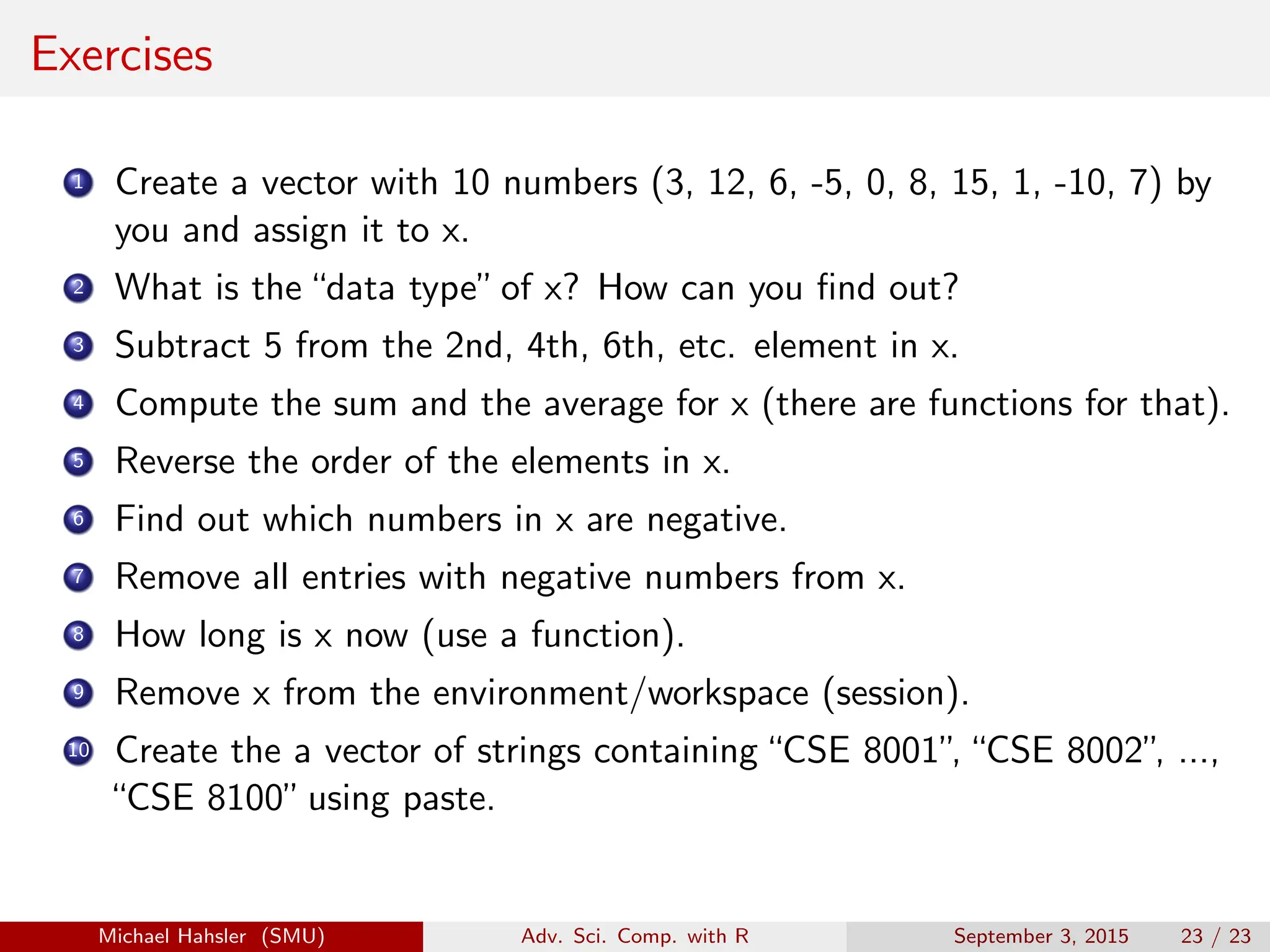
Exercises
1 Create a vector with 10 numbers (3, 12, 6, -5, 0, 8, 15, 1, -10, 7) by
you and assign it to x.
2 What is the“data type”of x? How can you find out?
3 Subtract 5 from the 2nd, 4th, 6th, etc. element in x.
4 Compute the sum and the average for x (there are functions for that).
5 Reverse the order of the elements in x.
6 Find out which numbers in x are negative.
7 Remove all entries with negative numbers from x.
8 How long is x now (use a function).
9 Remove x from the environment/workspace (session).
10 Create the a vector of strings containing“CSE 8001”
,“CSE 8002”
, ...,
“CSE 8100”using paste.
Michael Hahsler (SMU) Adv. Sci. Comp. with R September 3, 2015 23 / 23

1_Overview.pdf

  • 1.
    Advanced Scientific Computingwith R 1. Overview Michael Hahsler Southern Methodist University September 3, 2015 These slides are largely based on “An Introduction to R” http://CRAN.R-Project.org/ Michael Hahsler (SMU) Adv. Sci. Comp. with R September 3, 2015 1 / 23
  • 2.
    Table of Contents 1What is R? 2 Installing R 3 A First Session 4 R Basics 5 Exercises Michael Hahsler (SMU) Adv. Sci. Comp. with R September 3, 2015 2 / 23
  • 3.
    What is R? Ris“GNU S” . S is a language for statisticians developed at Bell Laboratories by John Chambers et al. R is designed by John Chambers and developed by the R Foundation. R is a language and environment for statistical computing and graphics R is the de facto standard to develop statistical software R implements variety of statistical and graphical techniques (linear and nonlinear modeling, statistical tests, time series analysis, classification, clustering, ...) Michael Hahsler (SMU) Adv. Sci. Comp. with R September 3, 2015 3 / 23
  • 4.
    What is R?(cont.) R provides effective data handling and storage operators for calculations on arrays (matrices) a large, coherent, integrated collection of intermediate tools for data analysis graphical facilities for data analysis and display simple and effective programming language (conditionals, loops, user defined recursive functions) extension mechanism with a large collection of packages Michael Hahsler (SMU) Adv. Sci. Comp. with R September 3, 2015 4 / 23
  • 5.
    Why R? R isOpen-Source and free to use. R has a large and active community. R provides state-of-the-art algorithm (> 7000 extension packages on CRAN, 2015). R creates beautiful visualizations (as seen in the New York Times and The Economist) R is used widely in industry. Revolution offers commercial solutions and is now owned by Microsoft. R can be easily paralellized. R is getting ready for big data (Revolution Analytics). Michael Hahsler (SMU) Adv. Sci. Comp. with R September 3, 2015 5 / 23
  • 6.
    Table of Contents 1What is R? 2 Installing R 3 A First Session 4 R Basics 5 Exercises Michael Hahsler (SMU) Adv. Sci. Comp. with R September 3, 2015 6 / 23
  • 7.
    Installing R R isavailable for Linux/Unix, Windows, OS X and as source code. http://cran.r-project.org/ Michael Hahsler (SMU) Adv. Sci. Comp. with R September 3, 2015 7 / 23
  • 8.
    Table of Contents 1What is R? 2 Installing R 3 A First Session 4 R Basics 5 Exercises Michael Hahsler (SMU) Adv. Sci. Comp. with R September 3, 2015 8 / 23
  • 9.
    A first session Createa working directory and start R. R> x <- 1:10 R> x [1] 1 2 3 4 5 6 7 8 9 10 R> y <- x + 1 R> y [1] 2 3 4 5 6 7 8 9 10 11 R> ls() [1] "CRAN" "x" "y" R> q() Michael Hahsler (SMU) Adv. Sci. Comp. with R September 3, 2015 9 / 23
  • 10.
    How to gethelp R comes with online help R> ? ls R> help("ls") R> help.start() R> ?? solve Further help can be found at http://cran.r-project.org/ Manuals section (read: “An Introduction to R”) Task Views section to find packages Search section to find answers (mailing lists, etc.) Michael Hahsler (SMU) Adv. Sci. Comp. with R September 3, 2015 10 / 23
  • 11.
    The R language Ris case sensitive expressions are evaluated, printed and the result is lost unless assigned with <- Commands are separated either by a semi-colon (‘;’), or by a newline expressions are grouped by braces ({ and }) Comments start with a number sign (‘#’) Michael Hahsler (SMU) Adv. Sci. Comp. with R September 3, 2015 11 / 23
  • 12.
    Data permanency During anR session, objects are created and stored by name: R> ls() [1] "CRAN" "x" "y" Objects are kept over several sessions in a file (.RData). Objects can be removed. R> rm(x) R> ls() [1] "CRAN" "y" Michael Hahsler (SMU) Adv. Sci. Comp. with R September 3, 2015 12 / 23
  • 13.
    Table of Contents 1What is R? 2 Installing R 3 A First Session 4 R Basics 5 Exercises Michael Hahsler (SMU) Adv. Sci. Comp. with R September 3, 2015 13 / 23
  • 14.
    Vectors and assignment Vectorsare the basic data structure in R. Scalars do not exist! Almost all numbers are seen as“numeric”(double). R> 1 [1] 1 R> x <- c(10.4, 5.6, 3.1, 6.4, 21.7) R> x [1] 10.4 5.6 3.1 6.4 21.7 R> 1/x [1] 0.0962 0.1786 0.3226 0.1562 0.0461 R> y <- c(x, 0, x) R> y [1] 10.4 5.6 3.1 6.4 21.7 0.0 10.4 5.6 3.1 6.4 21.7 Michael Hahsler (SMU) Adv. Sci. Comp. with R September 3, 2015 14 / 23
  • 15.
    Vector arithmetic R> x [1]10.4 5.6 3.1 6.4 21.7 R> y [1] 10.4 5.6 3.1 6.4 21.7 0.0 10.4 5.6 3.1 6.4 21.7 R> x+y [1] 20.8 11.2 6.2 12.8 43.4 10.4 16.0 8.7 9.5 28.1 32.1 R> sum(x) [1] 47.2 R> length(x) [1] 5 Michael Hahsler (SMU) Adv. Sci. Comp. with R September 3, 2015 15 / 23
  • 16.
    Sequences and Integers R>s1 <- 1:5 R> s1 [1] 1 2 3 4 5 R> storage.mode(s1) [1] "integer" R> s2 <- seq(-1, 1, by=.2) R> s2 [1] -1.0 -0.8 -0.6 -0.4 -0.2 0.0 0.2 0.4 0.6 0.8 1.0 R> rep(s1, times=2) [1] 1 2 3 4 5 1 2 3 4 5 R> rep(s1, each=2) [1] 1 1 2 2 3 3 4 4 5 5 Try ? seq and ? rep Michael Hahsler (SMU) Adv. Sci. Comp. with R September 3, 2015 16 / 23
  • 17.
    Logical vectors R> x [1]10.4 5.6 3.1 6.4 21.7 R> l <- x>13 R> l [1] FALSE FALSE FALSE FALSE TRUE R> mode(l) [1] "logical" R> as.numeric(l) [1] 0 0 0 0 1 The usual relational operators are available (e.g., <, <=, >, >=, ==, !=, &, |). See ?"<" and ?"&" (quotation marks are necessary!) Michael Hahsler (SMU) Adv. Sci. Comp. with R September 3, 2015 17 / 23
  • 18.
    Missing Values/Infinity R> z<- c(1:3,NA) R> z [1] 1 2 3 NA R> ind <- is.na(z) R> ind [1] FALSE FALSE FALSE TRUE R> 0/0 [1] NaN R> 2^5000 [1] Inf See ?NA and ?Inf Michael Hahsler (SMU) Adv. Sci. Comp. with R September 3, 2015 18 / 23
  • 19.
    Character vectors R> string<- c("Hello", "Ola") R> string [1] "Hello" "Ola" R> paste(string, "World!") [1] "Hello World!" "Ola World!" R> labs <- paste(c("X","Y"), 1:10, sep="") R> labs [1] "X1" "Y2" "X3" "Y4" "X5" "Y6" "X7" "Y8" "X9" [10] "Y10" See ?paste Michael Hahsler (SMU) Adv. Sci. Comp. with R September 3, 2015 19 / 23
  • 20.
    Selecting and modifyingsubsets R> x [1] 10.4 5.6 3.1 6.4 21.7 R> x[1] [1] 10.4 R> x[-1] [1] 5.6 3.1 6.4 21.7 R> x[2:4] [1] 5.6 3.1 6.4 R> x[x>7] [1] 10.4 21.7 R> x[x>7] <- NA R> x [1] NA 5.6 3.1 6.4 NA Michael Hahsler (SMU) Adv. Sci. Comp. with R September 3, 2015 20 / 23
  • 21.
    Selecting and modifyingsubsets II R> fruit <- c(5, 10, 1, 20) R> names(fruit) <- c("orange", "banana", "apple", "peach") R> fruit orange banana apple peach 5 10 1 20 R> lunch <- fruit[c("apple","orange")] R> lunch apple orange 1 5 See ?"[" Michael Hahsler (SMU) Adv. Sci. Comp. with R September 3, 2015 21 / 23
  • 22.
    Table of Contents 1What is R? 2 Installing R 3 A First Session 4 R Basics 5 Exercises Michael Hahsler (SMU) Adv. Sci. Comp. with R September 3, 2015 22 / 23
  • 23.
    Exercises 1 Create avector with 10 numbers (3, 12, 6, -5, 0, 8, 15, 1, -10, 7) by you and assign it to x. 2 What is the“data type”of x? How can you find out? 3 Subtract 5 from the 2nd, 4th, 6th, etc. element in x. 4 Compute the sum and the average for x (there are functions for that). 5 Reverse the order of the elements in x. 6 Find out which numbers in x are negative. 7 Remove all entries with negative numbers from x. 8 How long is x now (use a function). 9 Remove x from the environment/workspace (session). 10 Create the a vector of strings containing“CSE 8001” ,“CSE 8002” , ..., “CSE 8100”using paste. Michael Hahsler (SMU) Adv. Sci. Comp. with R September 3, 2015 23 / 23