Module 1.1
Introduction to
computers
2
Contents
 What is a computer?
 Hardware and software
 The information processing cycle
 Introduction to Windows
 Start-up time
 The desktop
 Common features of programs
 Saving our work
 Introduction to the keyboard
 The keyboard (input)
 Keyboard skills
 Test and improve
3
What is a computer?
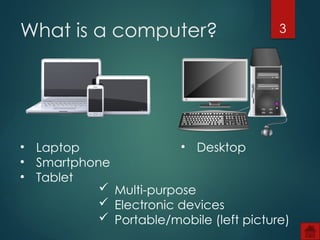
• Laptop
• Smartphone
• Tablet
• Desktop
 Multi-purpose
 Electronic devices
 Portable/mobile (left picture)
4
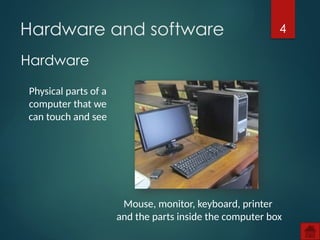
Hardware
Hardware and software
Physical parts of a
computer that we
can touch and see
Mouse, monitor, keyboard, printer
and the parts inside the computer box
5
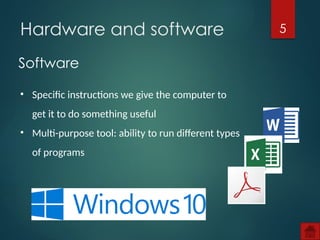
Software
Hardware and software
• Specific instructions we give the computer to
get it to do something useful
• Multi-purpose tool: ability to run different types
of programs
6
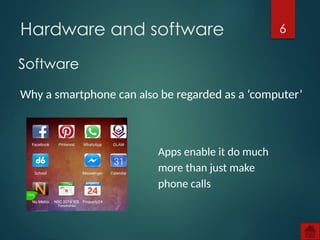
Software
Hardware and software
Why a smartphone can also be regarded as a ‘computer’
Apps enable it do much
more than just make
phone calls
7
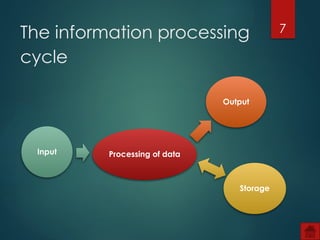
The information processing
cycle
Processing of data
Output
Storage
Input
8
The information processing
cycle
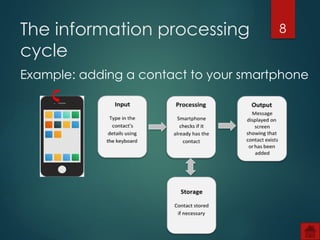
Example: adding a contact to your smartphone
9
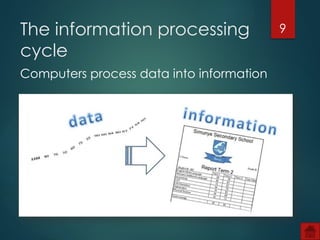
Computers process data into information
The information processing
cycle
10
Activity 1
11
Introduction to Windows
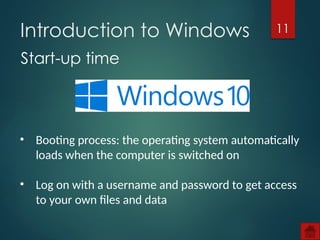
Start-up time
• Booting process: the operating system automatically
loads when the computer is switched on
• Log on with a username and password to get access
to your own files and data
12
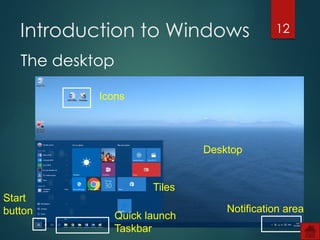
Icons
Start
button
Tiles
Quick launch
Taskbar
Notification area
Desktop
The desktop
Introduction to Windows
13
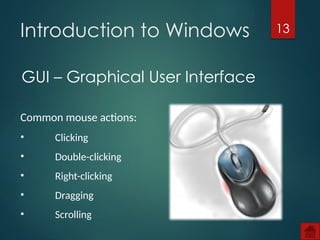
GUI – Graphical User Interface
Introduction to Windows
Common mouse actions:
• Clicking
• Double-clicking
• Right-clicking
• Dragging
• Scrolling
14
Activity 2
15
Introduction to Windows
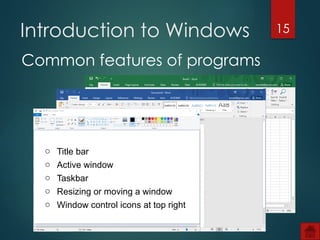
Common features of programs
o Title bar
o Active window
o Taskbar
o Resizing or moving a window
o Window control icons at top right
16
Activity 3
17
Activity 4
18
• Current work done on a computer is kept
temporarily in memory
• To keep that work you have to save it to
storage
• Save work in files – organize files in folders
• Give files and folders meaningful
names
Saving our work
19
Activity 5
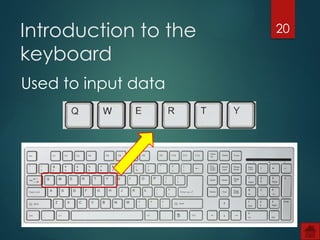
20
Introduction to the
keyboard
Used to input data
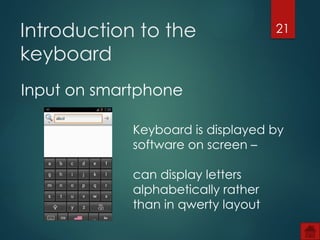
21
Introduction to the
keyboard
Input on smartphone
Keyboard is displayed by
software on screen –
can display letters
alphabetically rather
than in qwerty layout
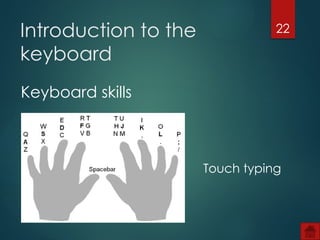
22
Introduction to the
keyboard
Keyboard skills
Touch typing
23
Test and improve
Summary – concepts, terms and tips
What is a computer?
Introduction to Windows
Saving your work
Introduction to the keyboard
24
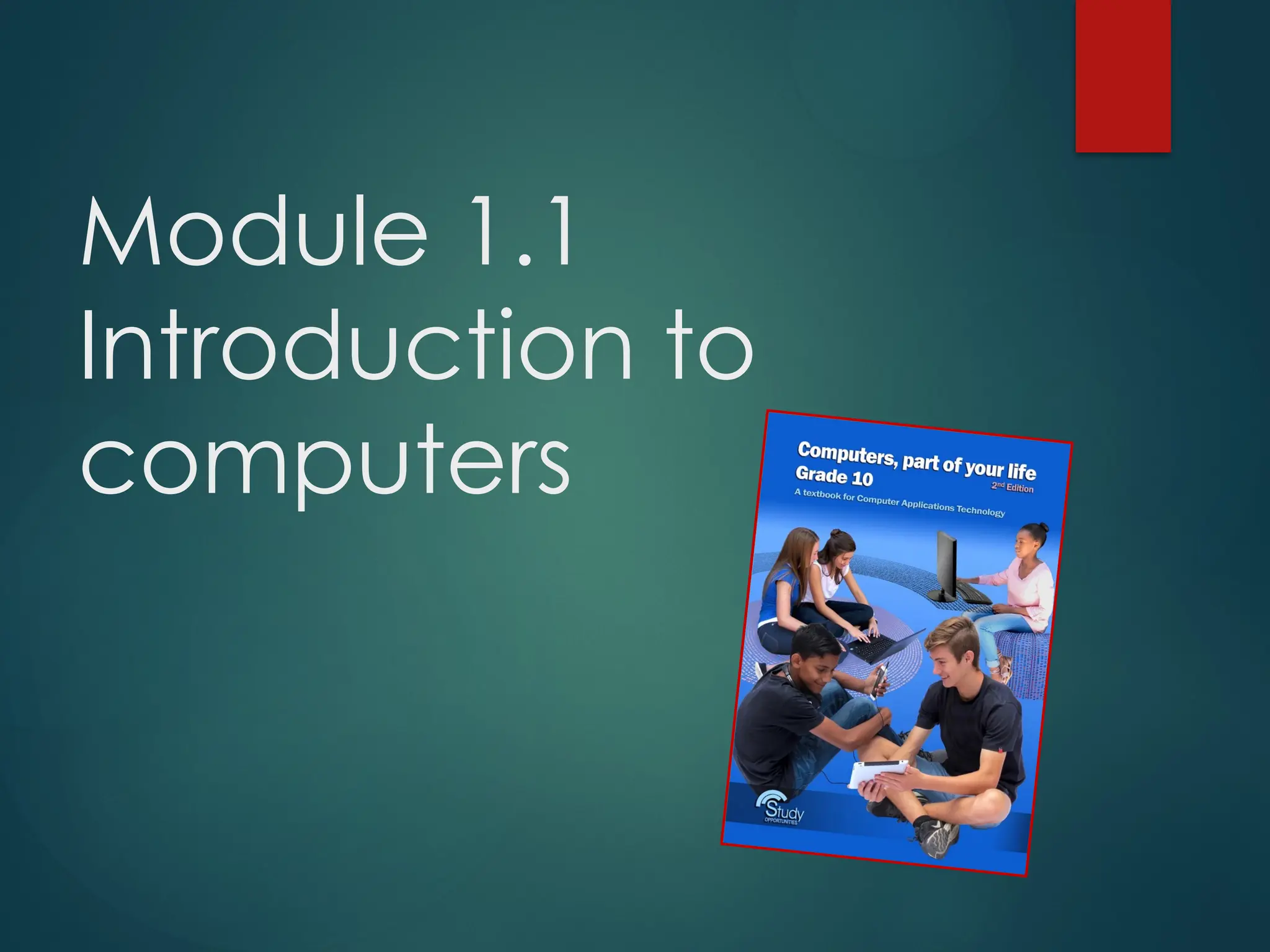
Computers, part of your life Grade 10 2nd
edition 2017.
Sandra Jacobs et al. 2017 – Study Opportunities

1_1 An Introduction to Computers_G10.pptx