12 Tips:
How to Use
Email
to Drive Traffic
to Your Blog
Table of Contents:
Get Emails
1

Win email leads from social marketing campaigns

2

More social email-generating tips

3

Design RSS feeds for your blog

4

Add opt-in pop-ups

5

Use your email to get email
Table of Contents:
Give Emails
6

Hook ‘em with the subject line

7

Get real with your body

8

Personalize those notes

9

Segment your emails

10

Create clear Call to Actions

11

Schedule to build trust

12

Send visual newsletters … and a tease
1

Win email leads from
social marketing
campaigns
Win email leads from social marketing campaigns
1

2

3

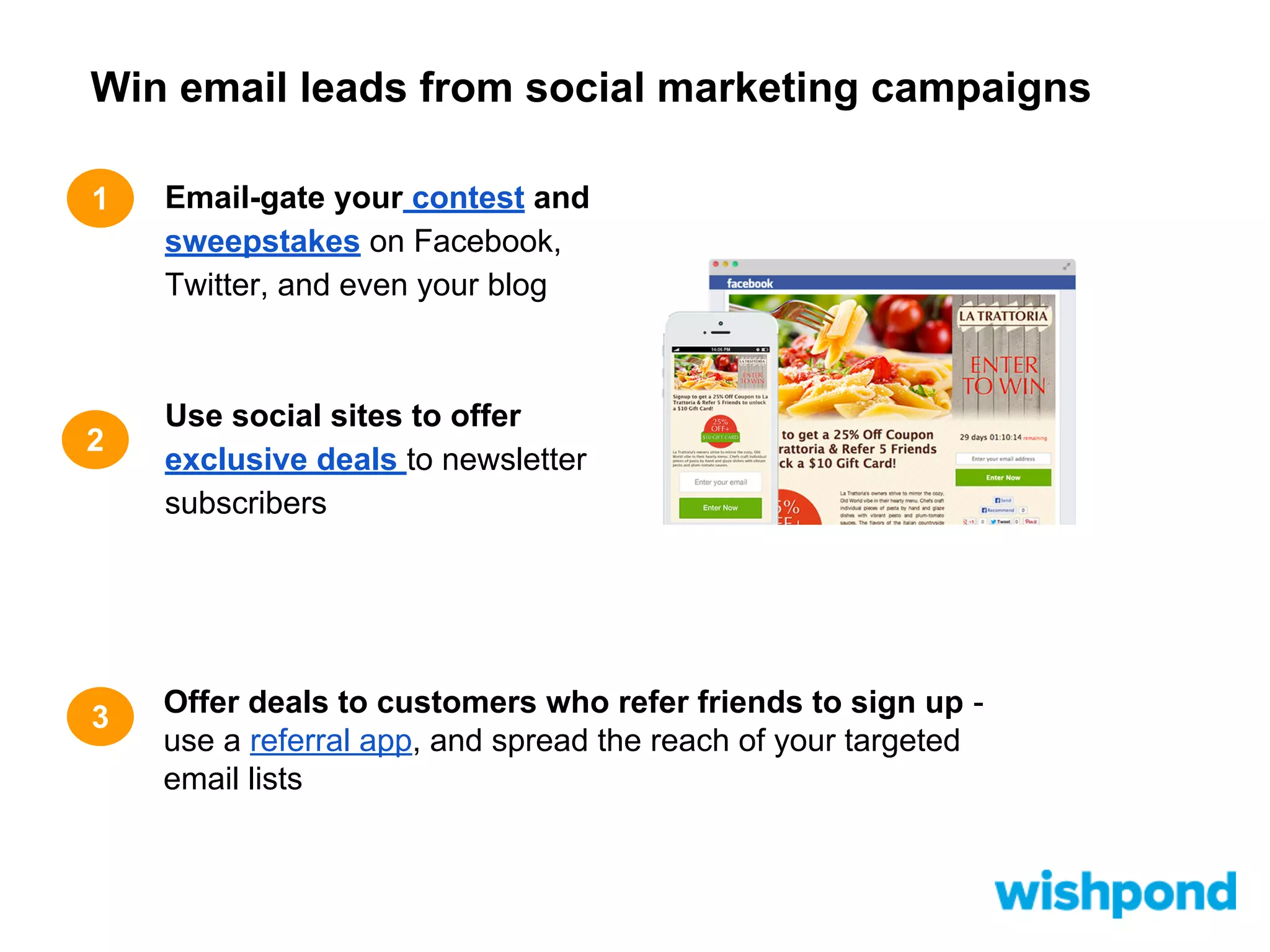
Email-gate your contest and
sweepstakes on Facebook,
Twitter, and even your blog

Use social sites to offer
exclusive deals to newsletter
subscribers

Offer deals to customers who refer friends to sign up use a referral app, and spread the reach of your targeted
email lists
2

More social emailgenerating tips
More social email-generating tips

1

2

3

Post email gated content on your
social sites like webinars and ebooks

Entice email signups by making it
easy on Facebook and Twitter: give
exclusive offers in exchange for
emails

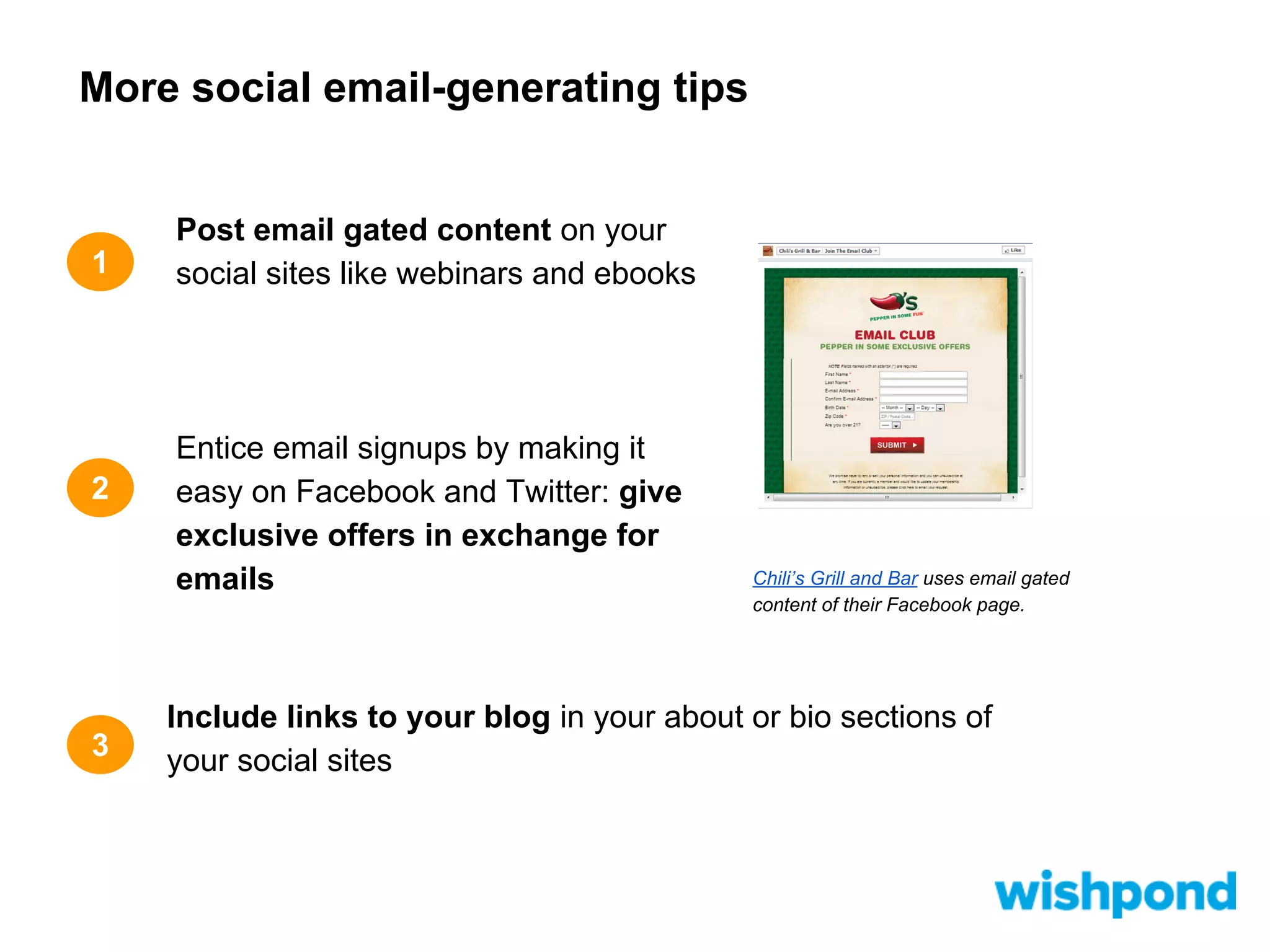
Chili’s Grill and Bar uses email gated
content of their Facebook page.

Include links to your blog in your about or bio sections of
your social sites
3

Design RSS feeds for your
blog
Design RSS feeds for your blog

1

2

3

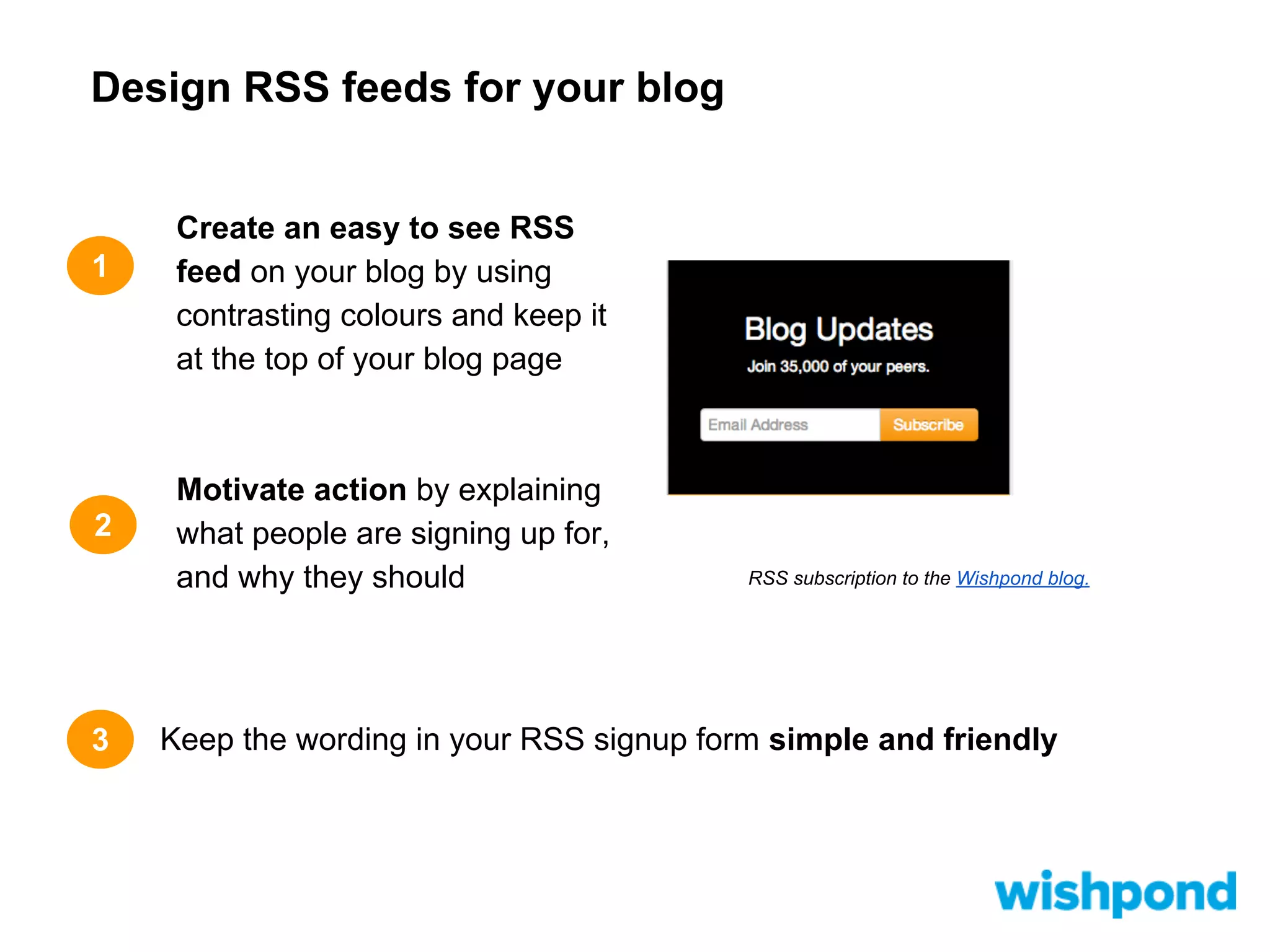
Create an easy to see RSS
feed on your blog by using
contrasting colours and keep it
at the top of your blog page

Motivate action by explaining
what people are signing up for,
and why they should

RSS subscription to the Wishpond blog.

Keep the wording in your RSS signup form simple and friendly
4

Add opt-in pop-ups
Add opt-in pop-ups
1

2

3

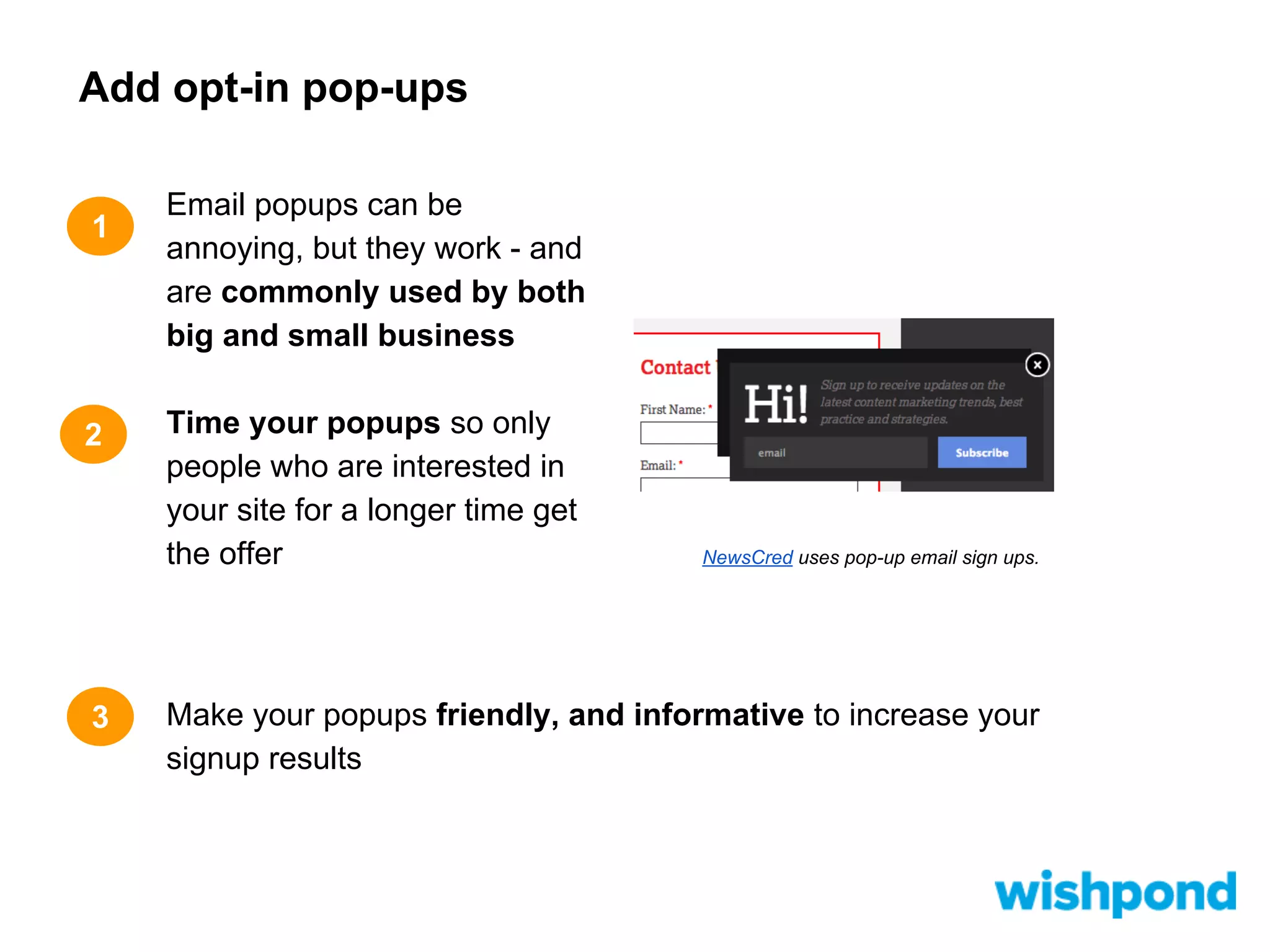
Email popups can be
annoying, but they work - and
are commonly used by both
big and small business
Time your popups so only
people who are interested in
your site for a longer time get
the offer

NewsCred uses pop-up email sign ups.

Make your popups friendly, and informative to increase your
signup results
5

Use your email to get
email
Use your email to get email
1

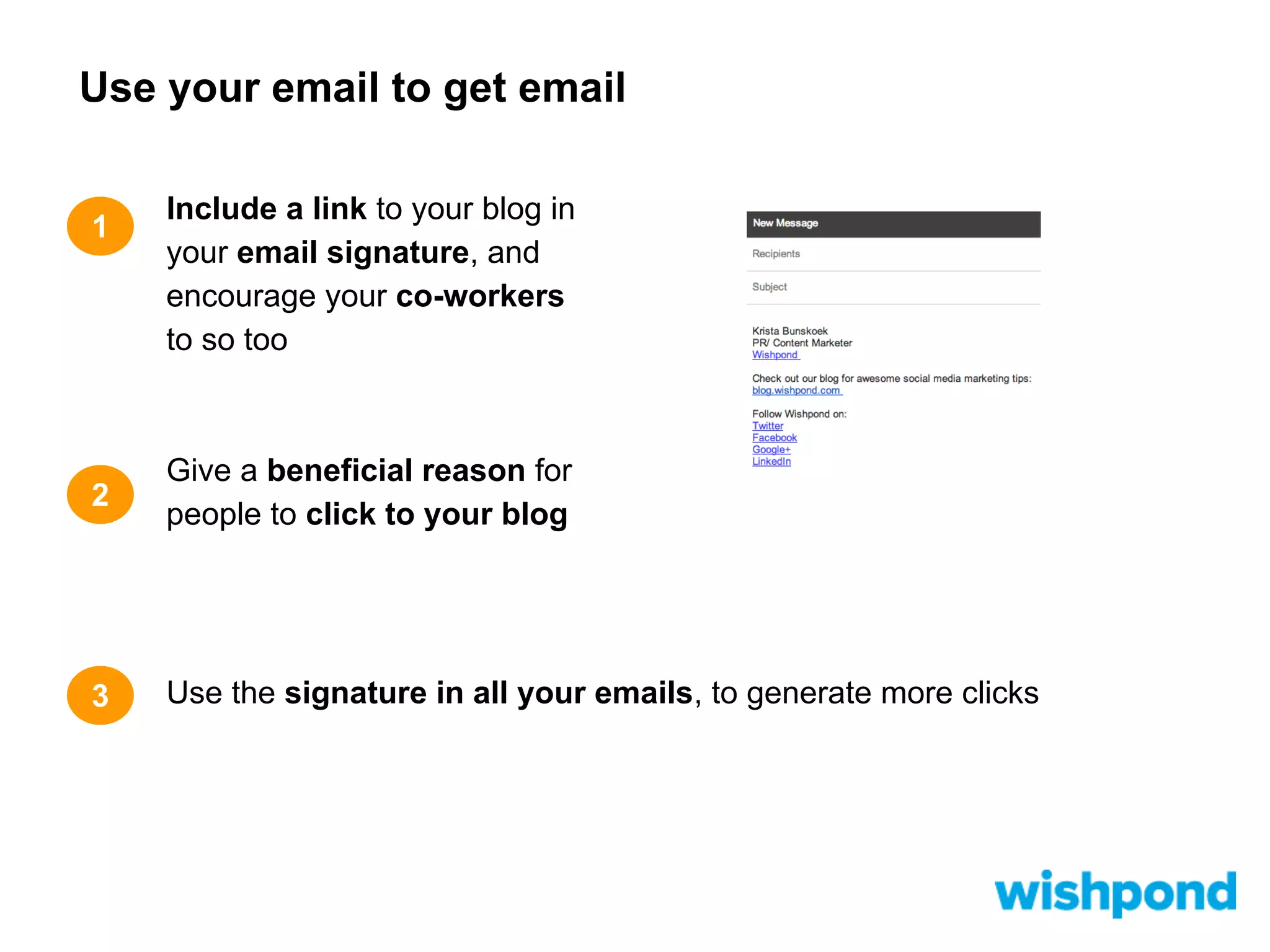
Include a link to your blog in
your email signature, and
encourage your co-workers
to so too

2

Give a beneficial reason for
people to click to your blog

3

Use the signature in all your emails, to generate more clicks
6

Hook ‘em with the subject
line
Hook ‘em with the subject line
1

2

3

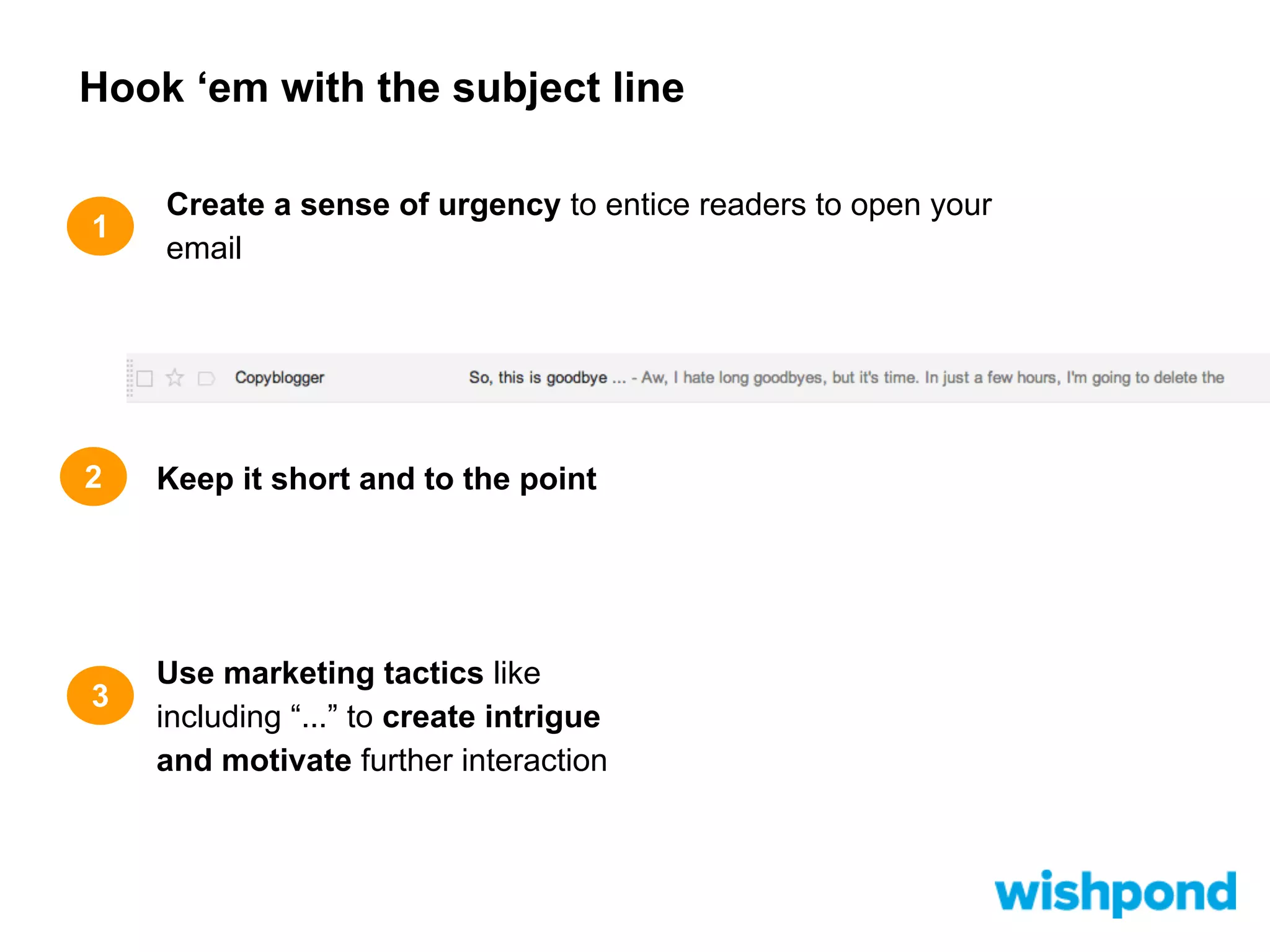
Create a sense of urgency to entice readers to open your
email

Keep it short and to the point

Use marketing tactics like
including “...” to create intrigue
and motivate further interaction
7

Get real with your body

1

2

3

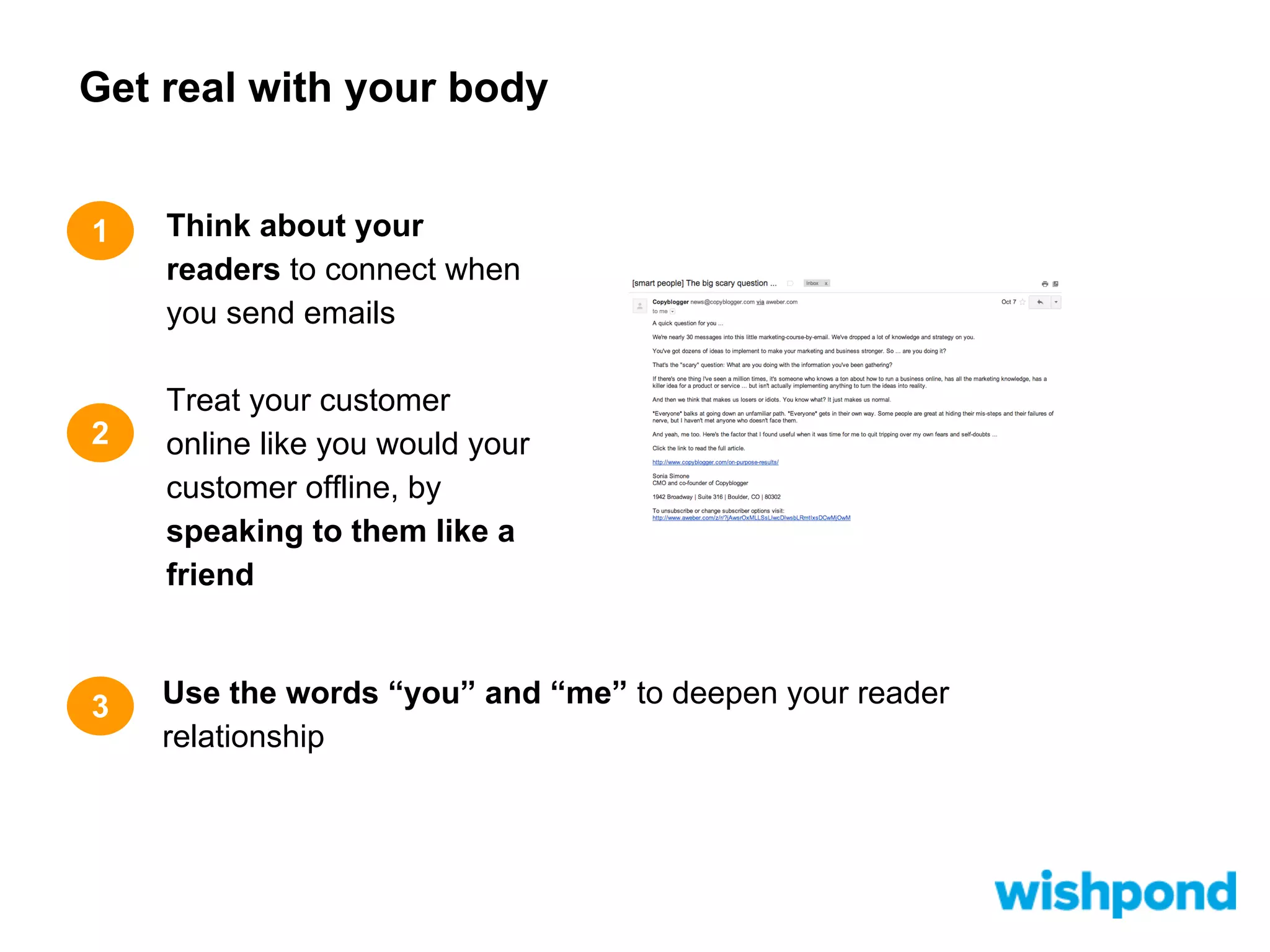
Think about your
readers to connect when
you send emails
Treat your customer
online like you would your
customer offline, by
speaking to them like a
friend

Use the words “you” and “me” to deepen your reader
relationship
8

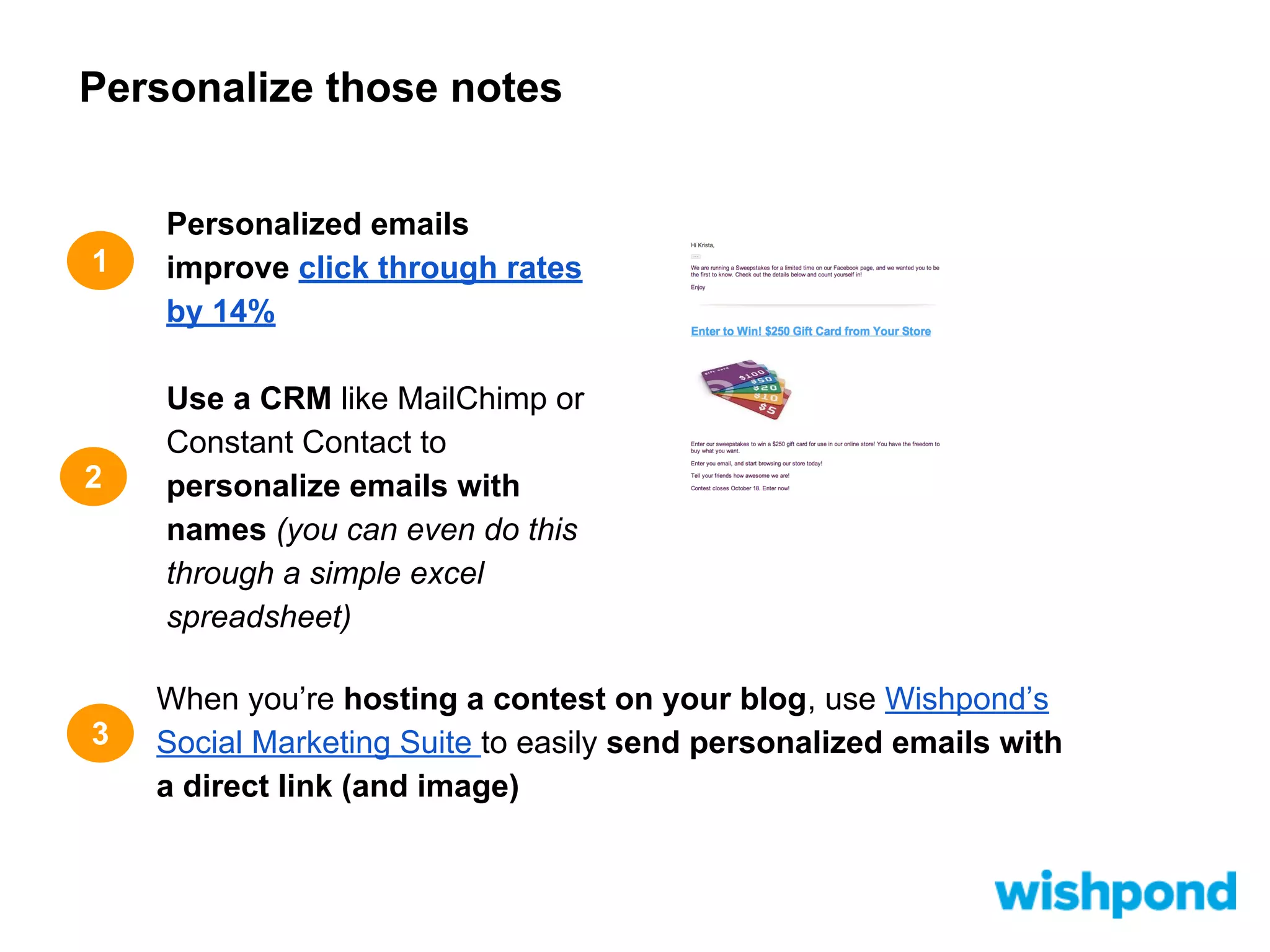
Personalize those notes

1

2

3

Personalized emails
improve click through rates
by 14%
Use a CRM like MailChimp or
Constant Contact to
personalize emails with
names (you can even do this
through a simple excel
spreadsheet)
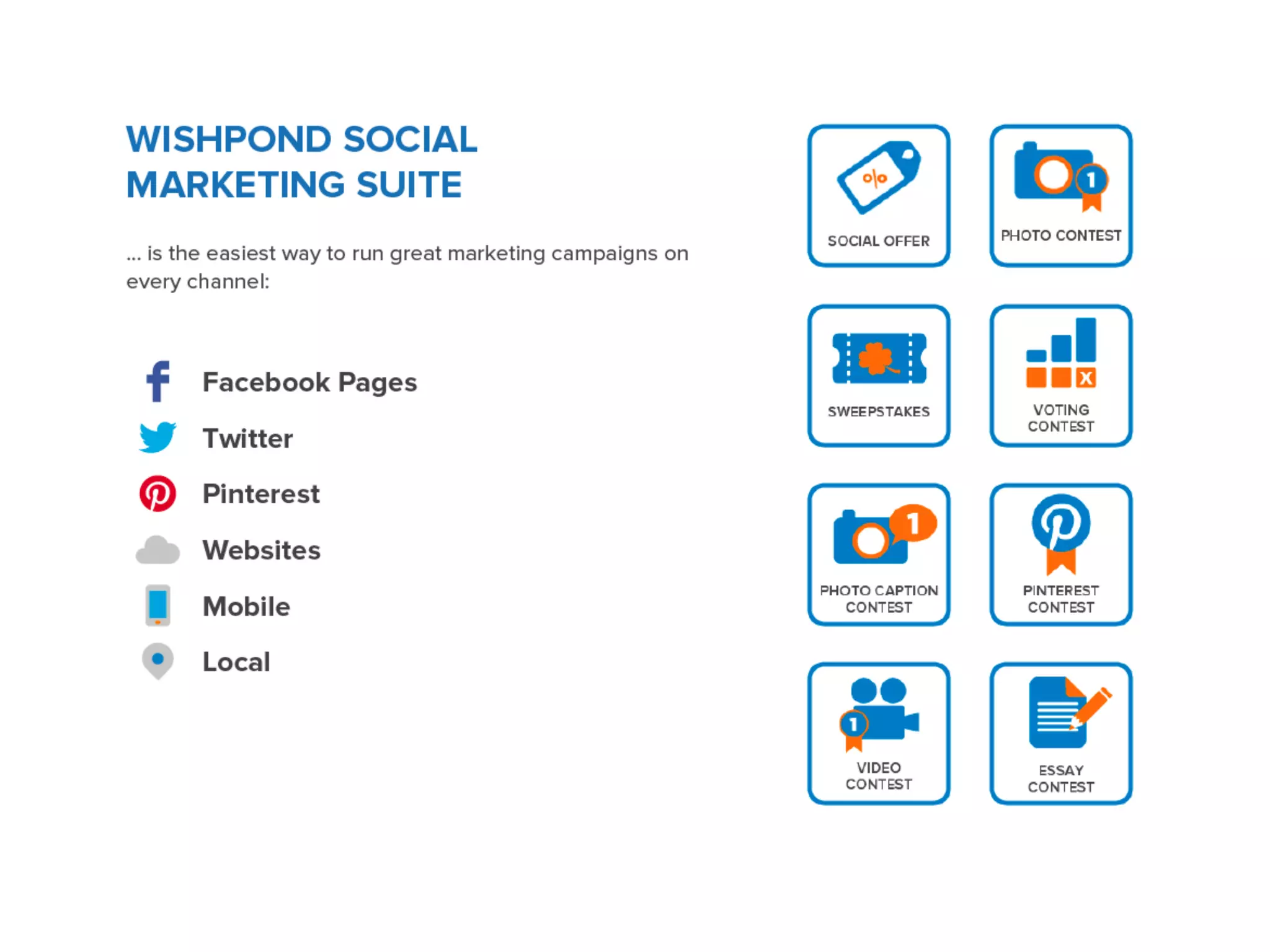
When you’re hosting a contest on your blog, use Wishpond’s
Social Marketing Suite to easily send personalized emails with
a direct link (and image)
9

Segment your emails
Segment your emails

1

2

3

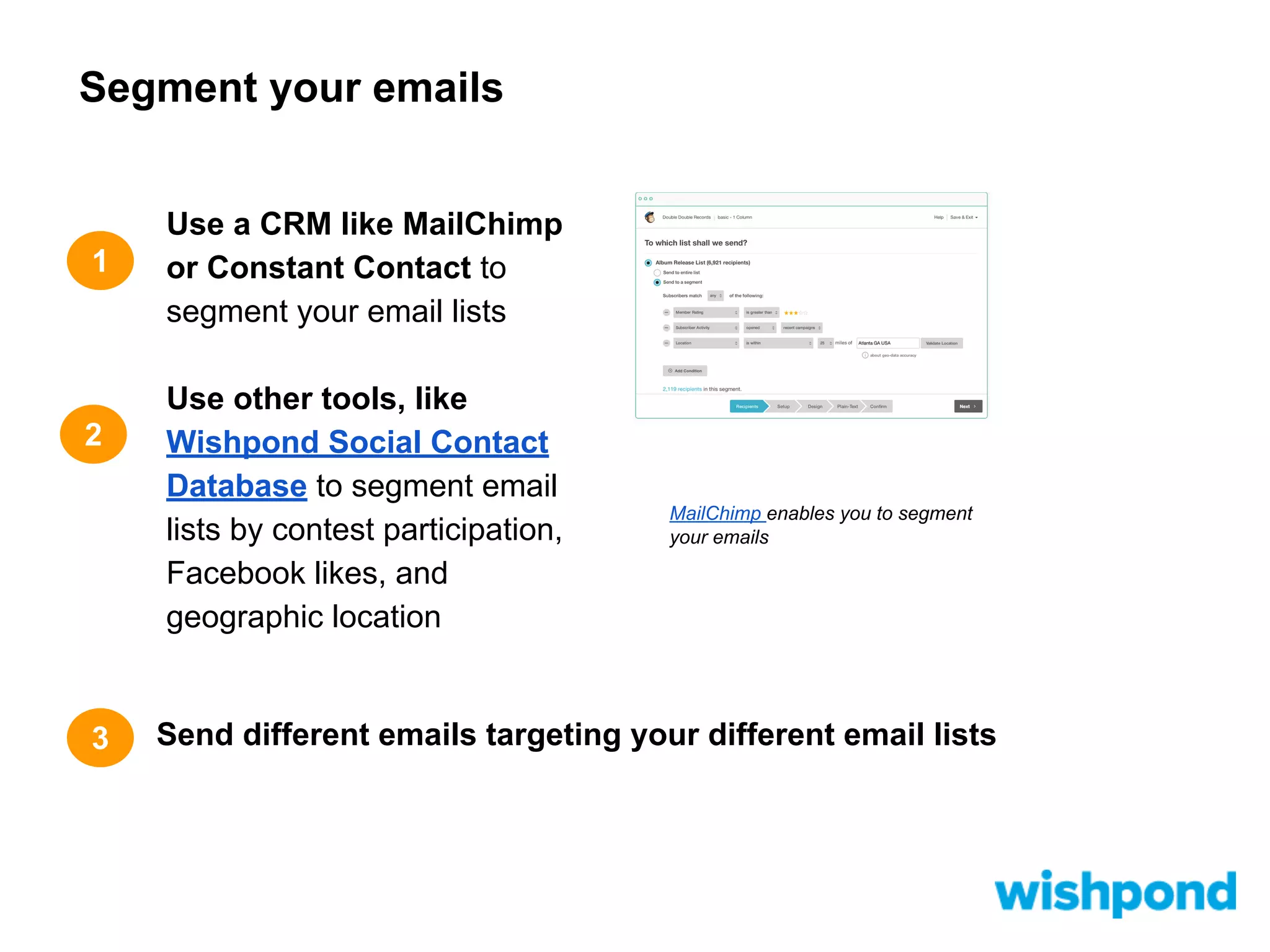
Use a CRM like MailChimp
or Constant Contact to
segment your email lists
Use other tools, like
Wishpond Social Contact
Database to segment email
lists by contest participation,
Facebook likes, and
geographic location

MailChimp enables you to segment
your emails

Send different emails targeting your different email lists
10

Create clear Call to
Actions
Create clear Call to Actions

1

2

Make your call to actions
clear, single and prominent this will result in a higher
response rate
Design clickable, colour
contrasting buttons with the
action you want
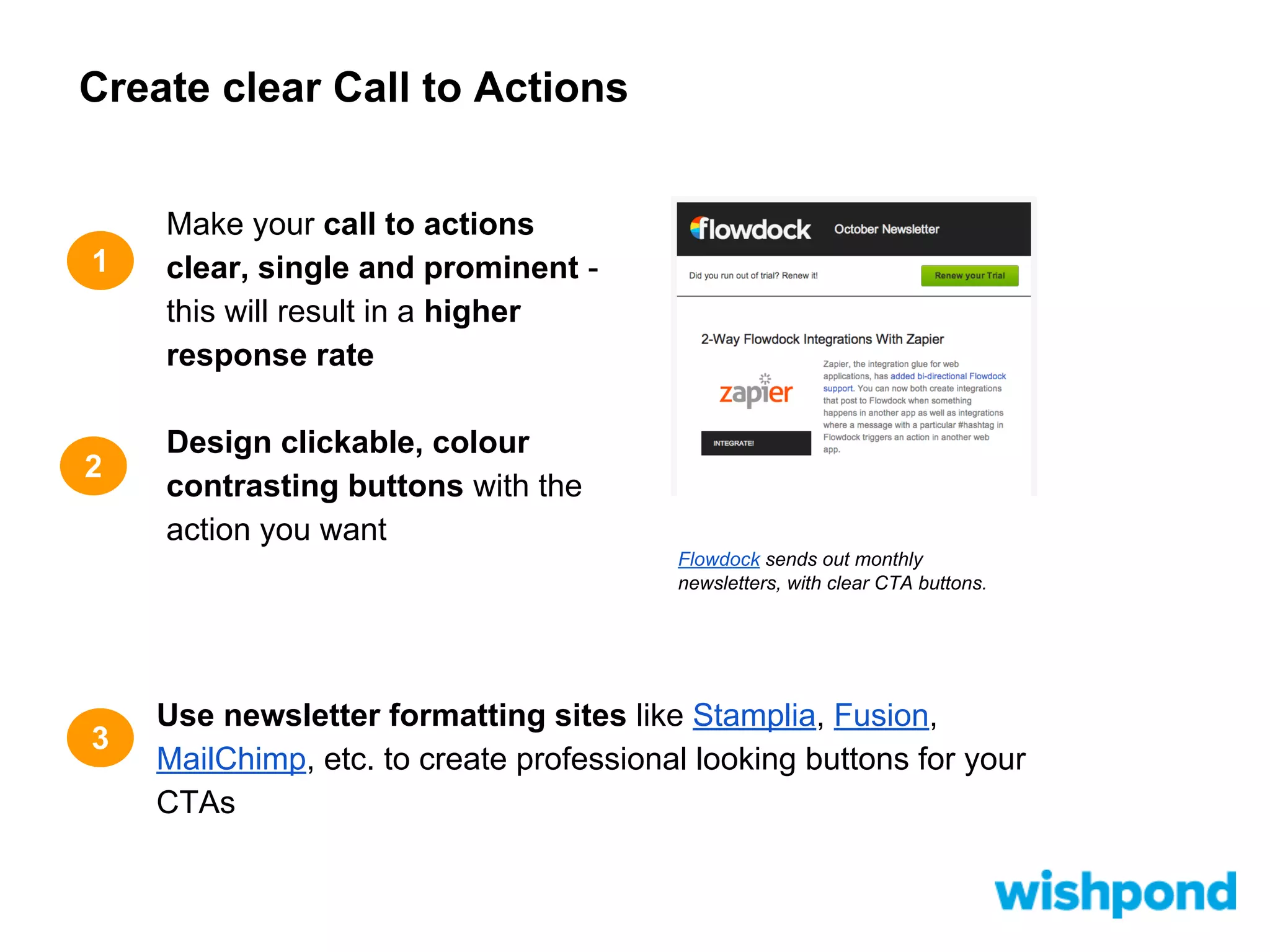
Flowdock sends out monthly
newsletters, with clear CTA buttons.

3

Use newsletter formatting sites like Stamplia, Fusion,
MailChimp, etc. to create professional looking buttons for your
CTAs
11

Schedule to build trust

1

2

3

Write your articles
when you want, but
publish them at
consistent times and
days of the week
Make a calendar to
keep track of when you’
re publishing which
article

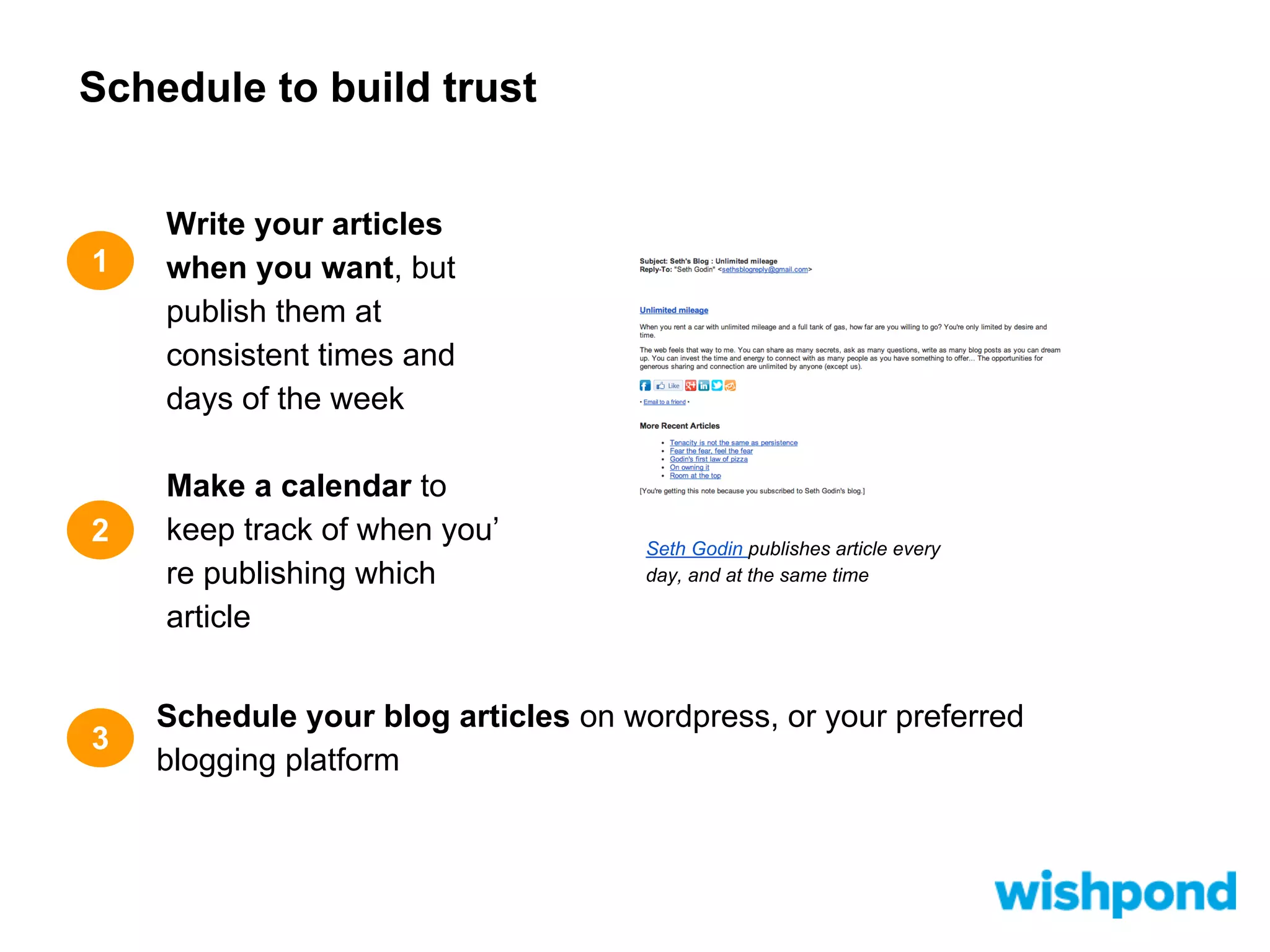
Seth Godin publishes article every
day, and at the same time

Schedule your blog articles on wordpress, or your preferred
blogging platform
12

Send visual newsletters …
and a tease
Send visual newsletters … and a tease
1

Include visuals in your
newsletter, to make it more
user-friendly and appealing

2

Give summaries of your
articles, with clickable
“read more” buttons to
drive traffic to your site

3

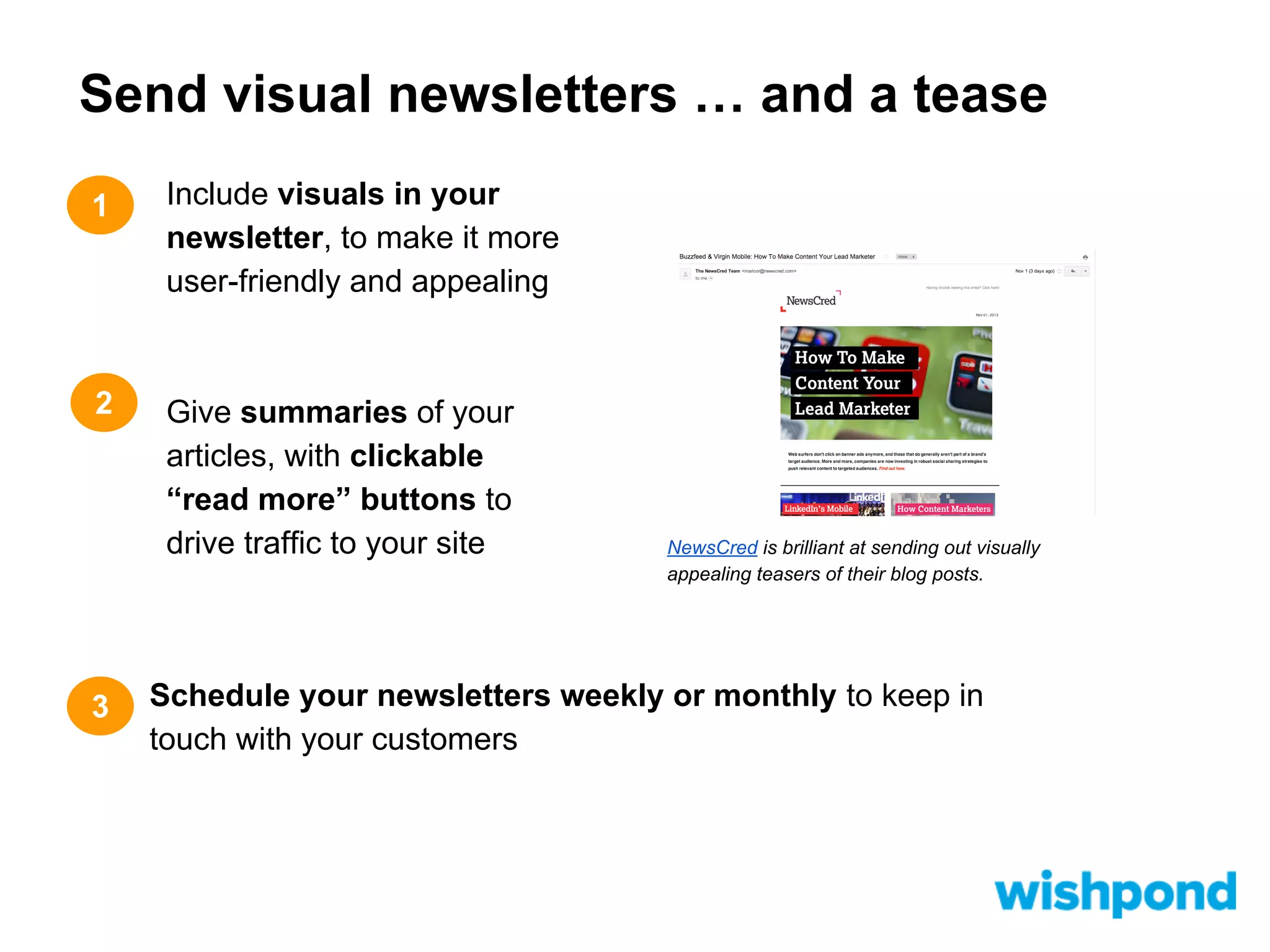
NewsCred is brilliant at sending out visually
appealing teasers of their blog posts.

Schedule your newsletters weekly or monthly to keep in
touch with your customers
More Resources...
Check out more ways to drive traffic to your blog:
●
●
●
●
●
●
●
●

10 Tips: How to Use LinkedIn to Drive Traffic to Your Blog
12 Ways to Use Facebook to Drive Traffic to Your Blog
12 Formulas: How to Use Twitter to Drive Traffic to Your Blog
How to use Google+ to Promote your Blog (9 tips)
9 Ways to Use Pinterest to Drive Traffic to Your Blog
The Ultimate Small Business Guide to Social Bookmarking:
Driving Traffic to Your Blog
Blog Traffic: How to Use Q&A Sites and Niche Forums to
Increase Blog Visitors
Influence Marketing: How to Find Your Industry Leaders
Thank you for viewing!
Did you like this presentation?
Check out blog.wishpond.com for more!
Share our blog!

Wishpond makes it easy to run interactive
social media marketing campaigns.
Learn more at Wishpond.com

12 Tips: How to Use Email to Drive Traffic to Your Blog

  • 1.
    12 Tips: How toUse Email to Drive Traffic to Your Blog
  • 3.
    Table of Contents: GetEmails 1 Win email leads from social marketing campaigns 2 More social email-generating tips 3 Design RSS feeds for your blog 4 Add opt-in pop-ups 5 Use your email to get email
  • 4.
    Table of Contents: GiveEmails 6 Hook ‘em with the subject line 7 Get real with your body 8 Personalize those notes 9 Segment your emails 10 Create clear Call to Actions 11 Schedule to build trust 12 Send visual newsletters … and a tease
  • 5.
    1 Win email leadsfrom social marketing campaigns
  • 6.
    Win email leadsfrom social marketing campaigns 1 2 3 Email-gate your contest and sweepstakes on Facebook, Twitter, and even your blog Use social sites to offer exclusive deals to newsletter subscribers Offer deals to customers who refer friends to sign up use a referral app, and spread the reach of your targeted email lists
  • 7.
  • 8.
    More social email-generatingtips 1 2 3 Post email gated content on your social sites like webinars and ebooks Entice email signups by making it easy on Facebook and Twitter: give exclusive offers in exchange for emails Chili’s Grill and Bar uses email gated content of their Facebook page. Include links to your blog in your about or bio sections of your social sites
  • 9.
    3 Design RSS feedsfor your blog
  • 10.
    Design RSS feedsfor your blog 1 2 3 Create an easy to see RSS feed on your blog by using contrasting colours and keep it at the top of your blog page Motivate action by explaining what people are signing up for, and why they should RSS subscription to the Wishpond blog. Keep the wording in your RSS signup form simple and friendly
  • 11.
  • 12.
    Add opt-in pop-ups 1 2 3 Emailpopups can be annoying, but they work - and are commonly used by both big and small business Time your popups so only people who are interested in your site for a longer time get the offer NewsCred uses pop-up email sign ups. Make your popups friendly, and informative to increase your signup results
  • 13.
    5 Use your emailto get email
  • 14.
    Use your emailto get email 1 Include a link to your blog in your email signature, and encourage your co-workers to so too 2 Give a beneficial reason for people to click to your blog 3 Use the signature in all your emails, to generate more clicks
  • 15.
    6 Hook ‘em withthe subject line
  • 16.
    Hook ‘em withthe subject line 1 2 3 Create a sense of urgency to entice readers to open your email Keep it short and to the point Use marketing tactics like including “...” to create intrigue and motivate further interaction
  • 17.
    7 Get real withyour body
  • 18.
    Get real withyour body 1 2 3 Think about your readers to connect when you send emails Treat your customer online like you would your customer offline, by speaking to them like a friend Use the words “you” and “me” to deepen your reader relationship
  • 19.
  • 20.
    Personalize those notes 1 2 3 Personalizedemails improve click through rates by 14% Use a CRM like MailChimp or Constant Contact to personalize emails with names (you can even do this through a simple excel spreadsheet) When you’re hosting a contest on your blog, use Wishpond’s Social Marketing Suite to easily send personalized emails with a direct link (and image)
  • 21.
  • 22.
    Segment your emails 1 2 3 Usea CRM like MailChimp or Constant Contact to segment your email lists Use other tools, like Wishpond Social Contact Database to segment email lists by contest participation, Facebook likes, and geographic location MailChimp enables you to segment your emails Send different emails targeting your different email lists
  • 23.
  • 24.
    Create clear Callto Actions 1 2 Make your call to actions clear, single and prominent this will result in a higher response rate Design clickable, colour contrasting buttons with the action you want Flowdock sends out monthly newsletters, with clear CTA buttons. 3 Use newsletter formatting sites like Stamplia, Fusion, MailChimp, etc. to create professional looking buttons for your CTAs
  • 25.
  • 26.
    Schedule to buildtrust 1 2 3 Write your articles when you want, but publish them at consistent times and days of the week Make a calendar to keep track of when you’ re publishing which article Seth Godin publishes article every day, and at the same time Schedule your blog articles on wordpress, or your preferred blogging platform
  • 27.
  • 28.
    Send visual newsletters… and a tease 1 Include visuals in your newsletter, to make it more user-friendly and appealing 2 Give summaries of your articles, with clickable “read more” buttons to drive traffic to your site 3 NewsCred is brilliant at sending out visually appealing teasers of their blog posts. Schedule your newsletters weekly or monthly to keep in touch with your customers
  • 29.
    More Resources... Check outmore ways to drive traffic to your blog: ● ● ● ● ● ● ● ● 10 Tips: How to Use LinkedIn to Drive Traffic to Your Blog 12 Ways to Use Facebook to Drive Traffic to Your Blog 12 Formulas: How to Use Twitter to Drive Traffic to Your Blog How to use Google+ to Promote your Blog (9 tips) 9 Ways to Use Pinterest to Drive Traffic to Your Blog The Ultimate Small Business Guide to Social Bookmarking: Driving Traffic to Your Blog Blog Traffic: How to Use Q&A Sites and Niche Forums to Increase Blog Visitors Influence Marketing: How to Find Your Industry Leaders
  • 30.
    Thank you forviewing! Did you like this presentation? Check out blog.wishpond.com for more! Share our blog! Wishpond makes it easy to run interactive social media marketing campaigns. Learn more at Wishpond.com