1
Literature Search
Prof. Dr. R S Mehta, MSND, BPKIHS
Review of
Literature
What is Literature?
Latin word- Litteratura (Late 14th Century)
Means Learning, Writing
Originally- Littera: Letter
Meaning- “Literary production or work”
An extensive search of the information available
on a topic which results in a list of references to
books, periodicals, and other materials on the
topic
Literature(Resources)
Mainly - Books ( printed or e-books)
- Journals (both)
- Research reports (both)
- Institutional publications(both)
- Govt. publications (both)
- Various NGO’s/ INGO’spublications
- Internet (Online resources)
- Intranet (Offline resources)
- Grey Literature
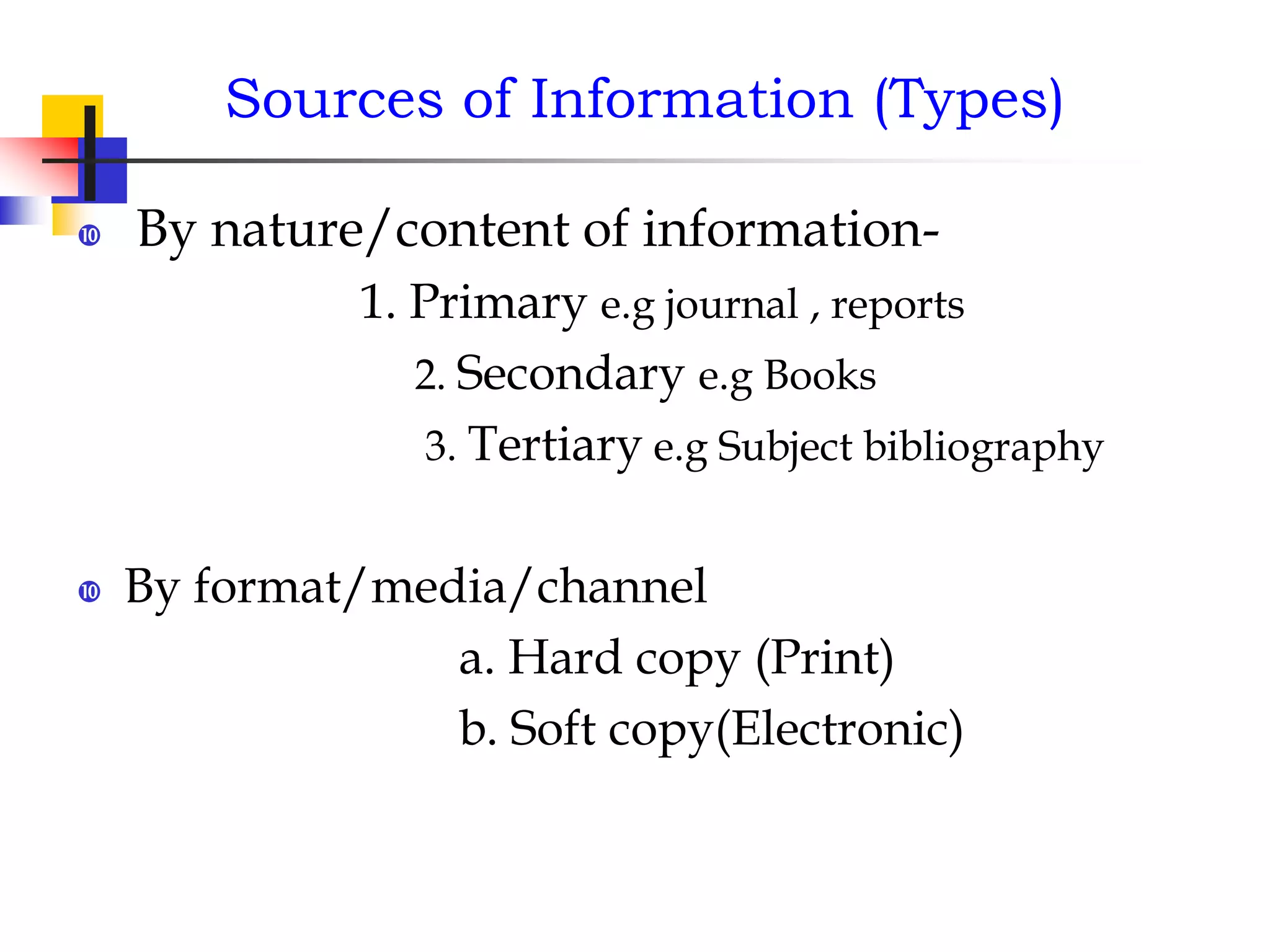
Sources of Information (Types)
 By nature/content of information-
1. Primary e.g journal , reports
2. Secondary e.g Books
3. Tertiary e.g Subject bibliography
 By format/media/channel
a. Hard copy (Print)
b. Soft copy(Electronic)
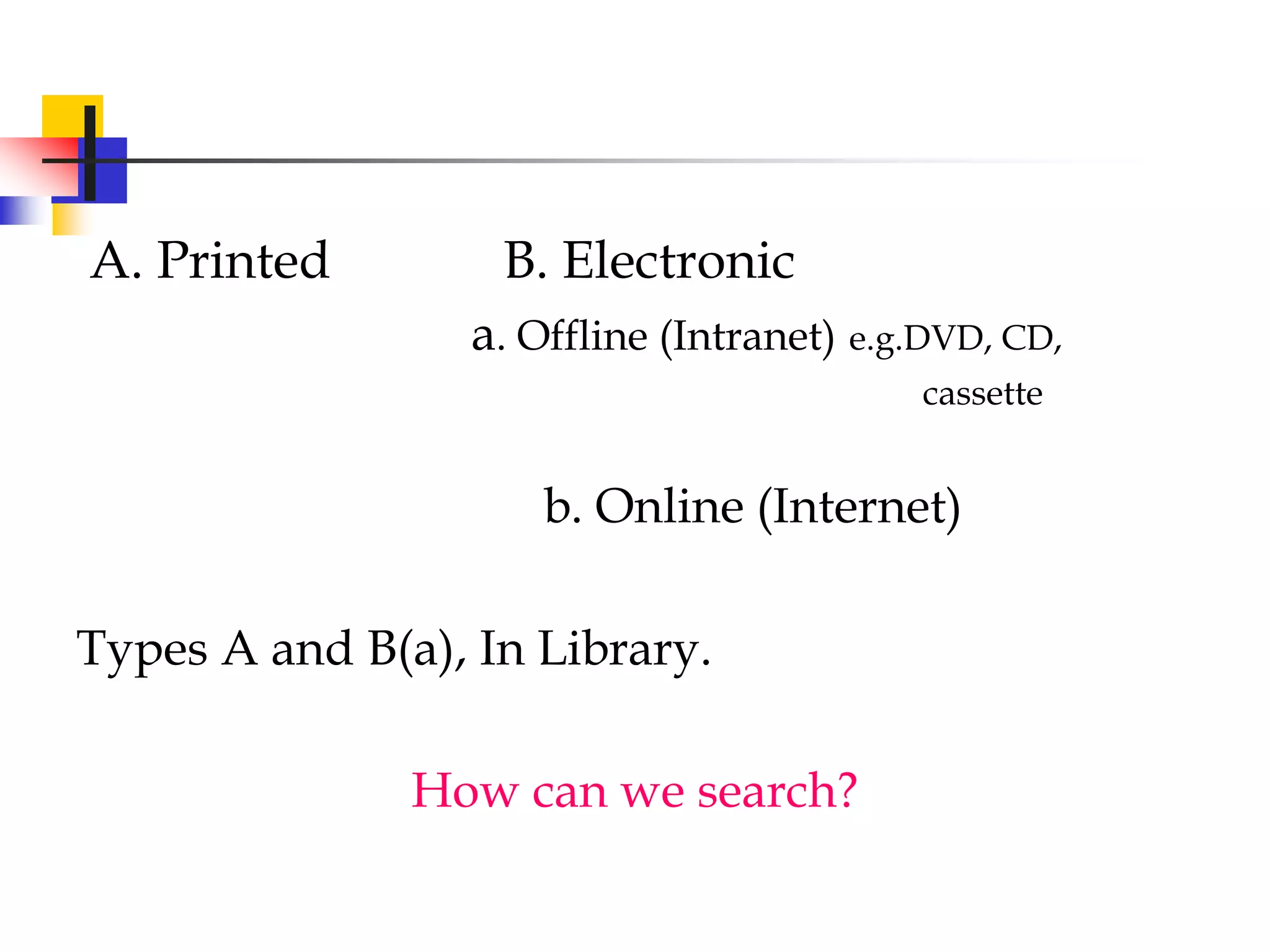
A. Printed B. Electronic
a. Offline (Intranet) e.g.DVD, CD,
cassette
b. Online (Internet)
Types A and B(a), In Library.
How can we search?
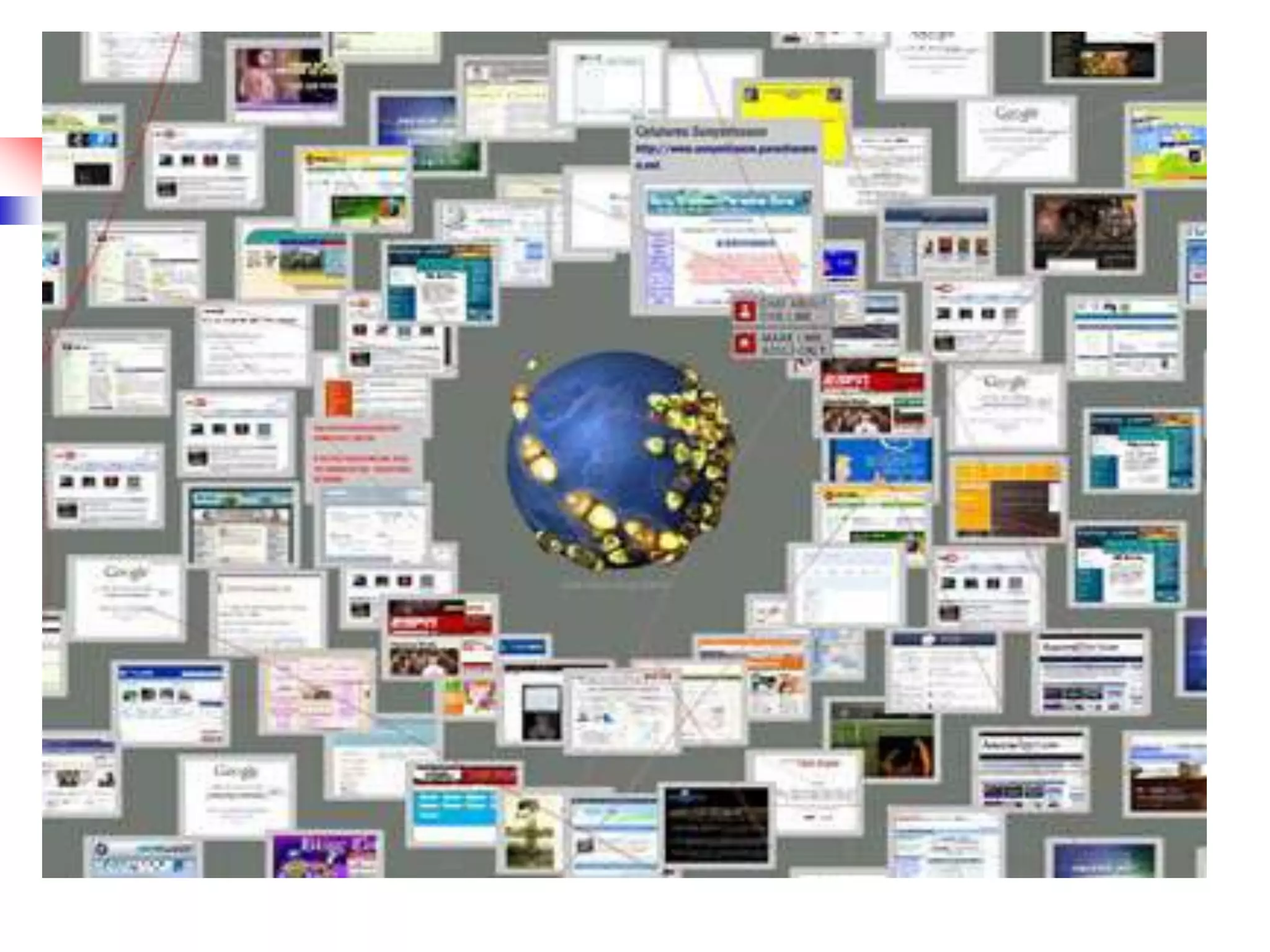
Online searching
 Internet searching for the purpose of
academic, business and others.
 Pubmed (Databases) searching exclusively
for medical literature
How?
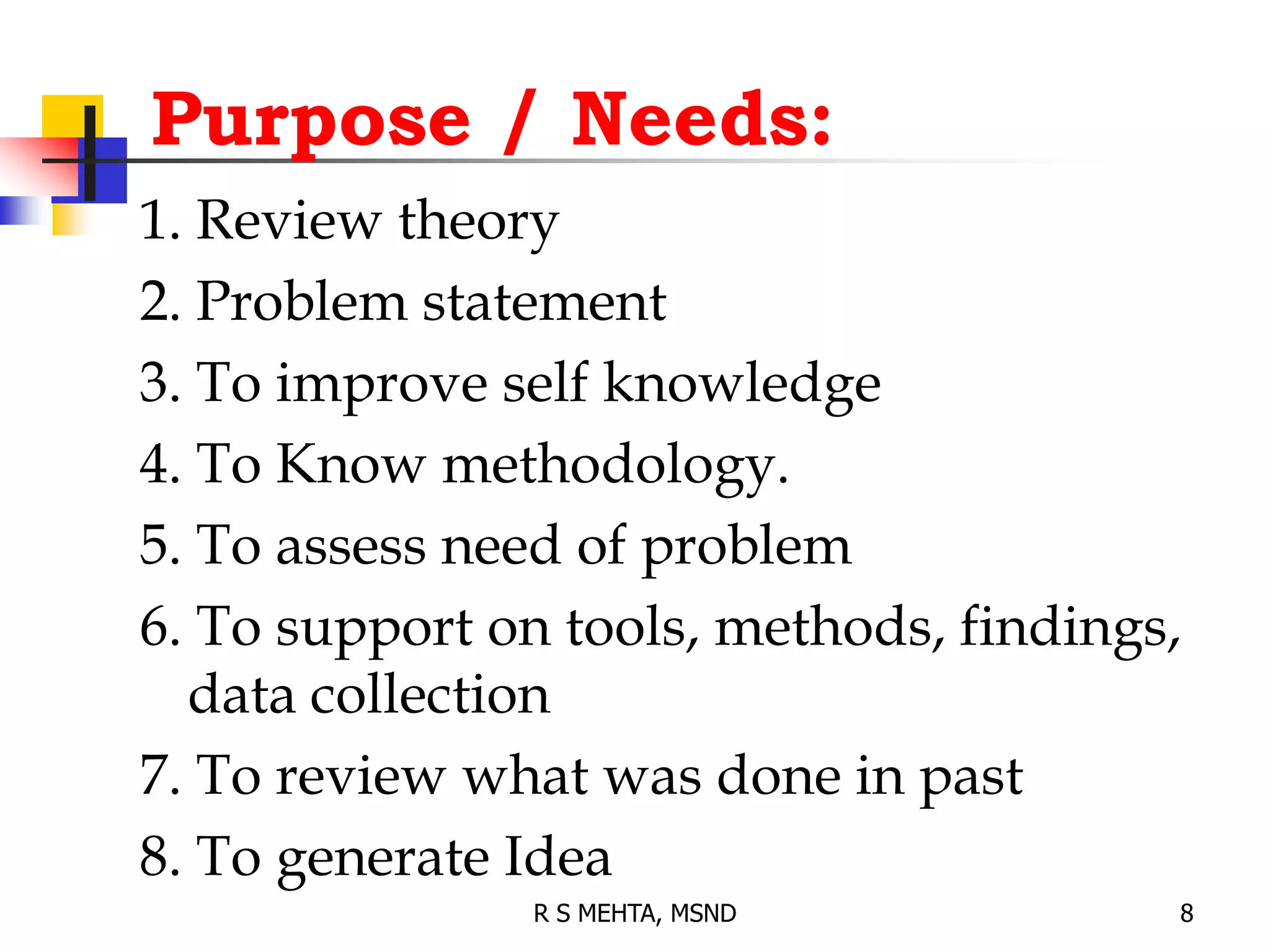
Purpose / Needs:
1. Review theory
2. Problem statement
3. To improve self knowledge
4. To Know methodology.
5. To assess need of problem
6. To support on tools, methods, findings,
data collection
7. To review what was done in past
8. To generate Idea
8
R S MEHTA, MSND
 Books
 Periodicals
 Graduate studies
 Databases
 Indexes
 Abstracts
 Other
Sources
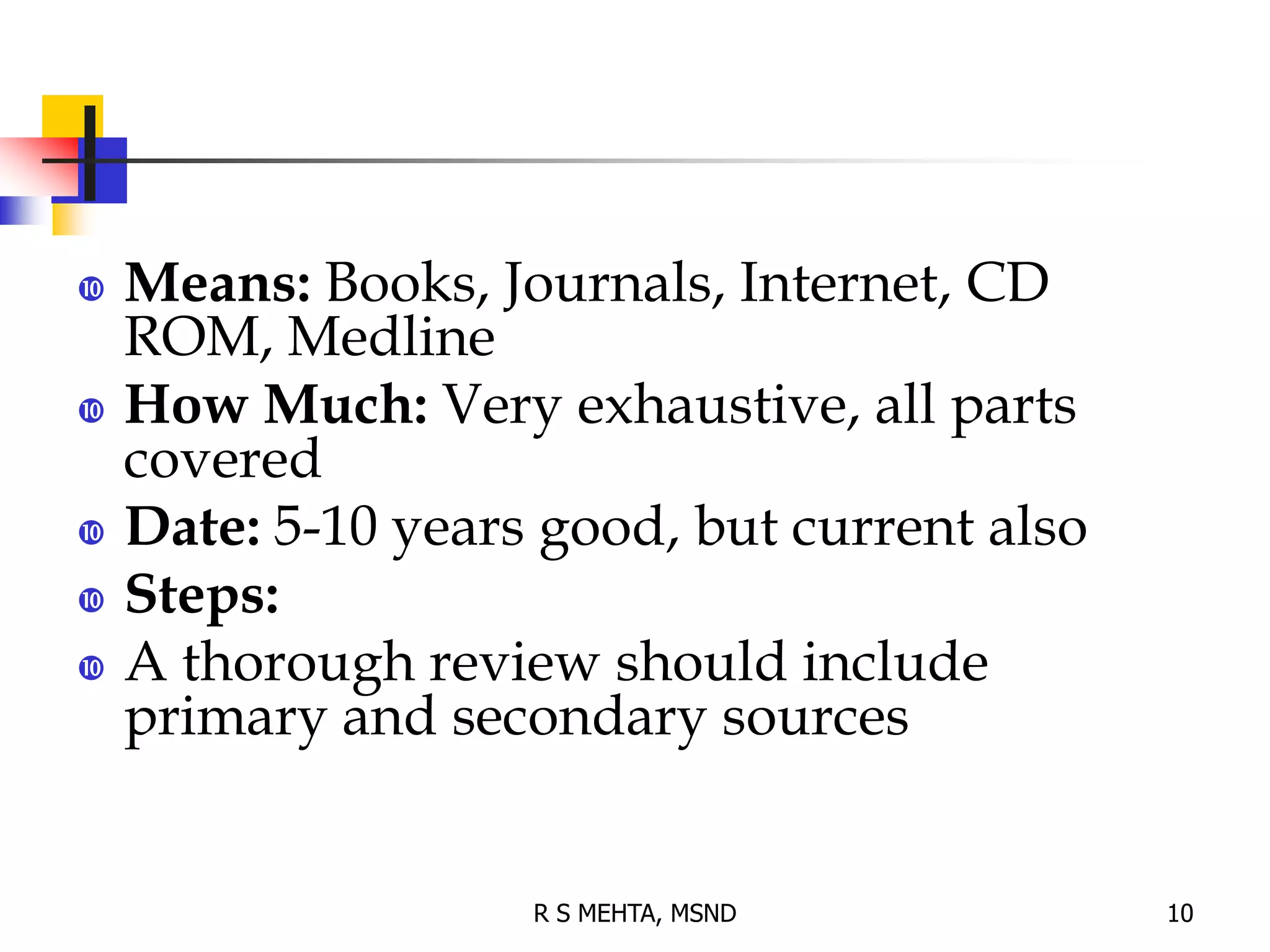
 Means: Books, Journals, Internet, CD
ROM, Medline
 How Much: Very exhaustive, all parts
covered
 Date: 5-10 years good, but current also
 Steps:
 A thorough review should include
primary and secondary sources
10
R S MEHTA, MSND
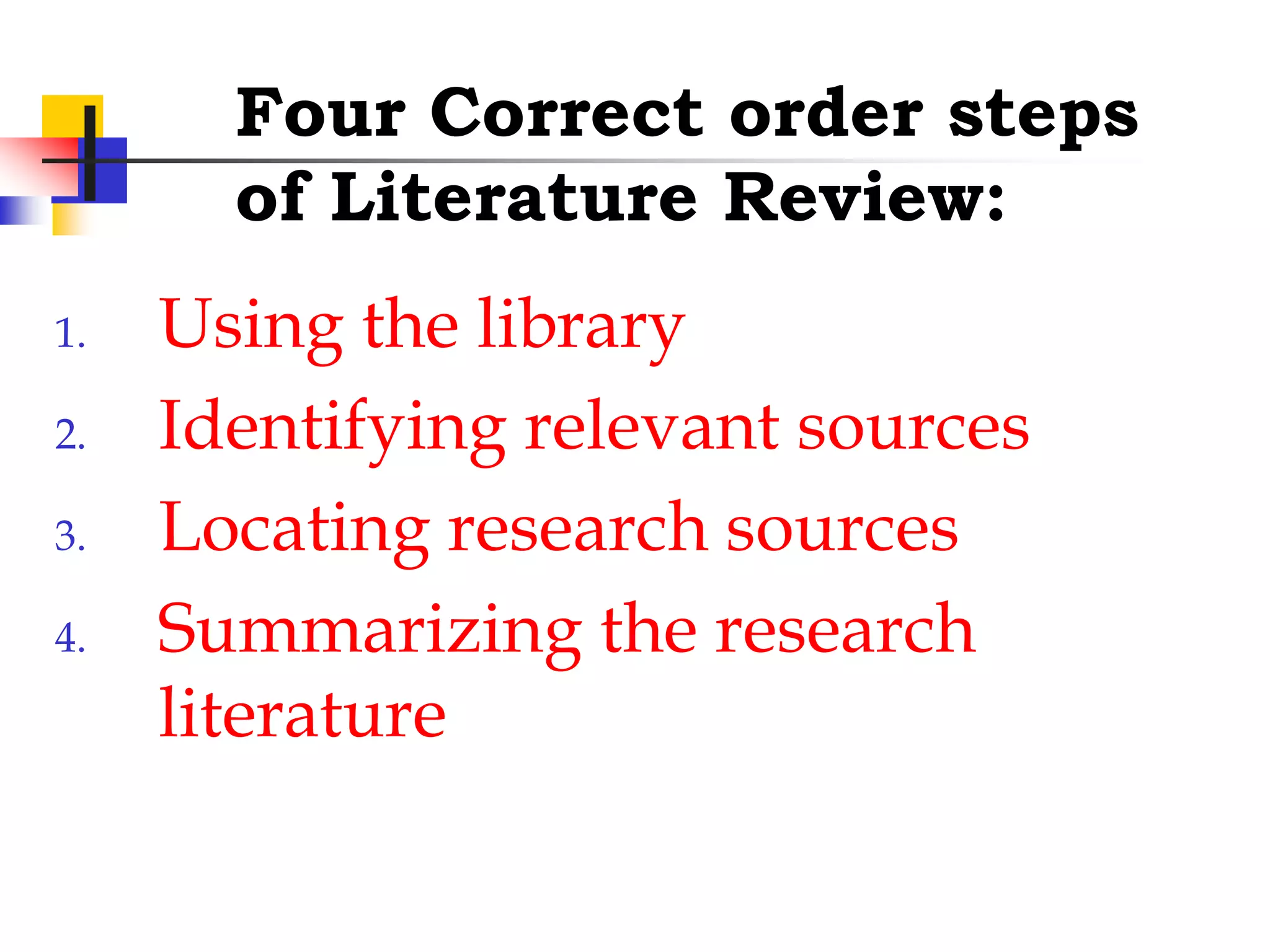
Four Correct order steps
of Literature Review:
1. Using the library
2. Identifying relevant sources
3. Locating research sources
4. Summarizing the research
literature
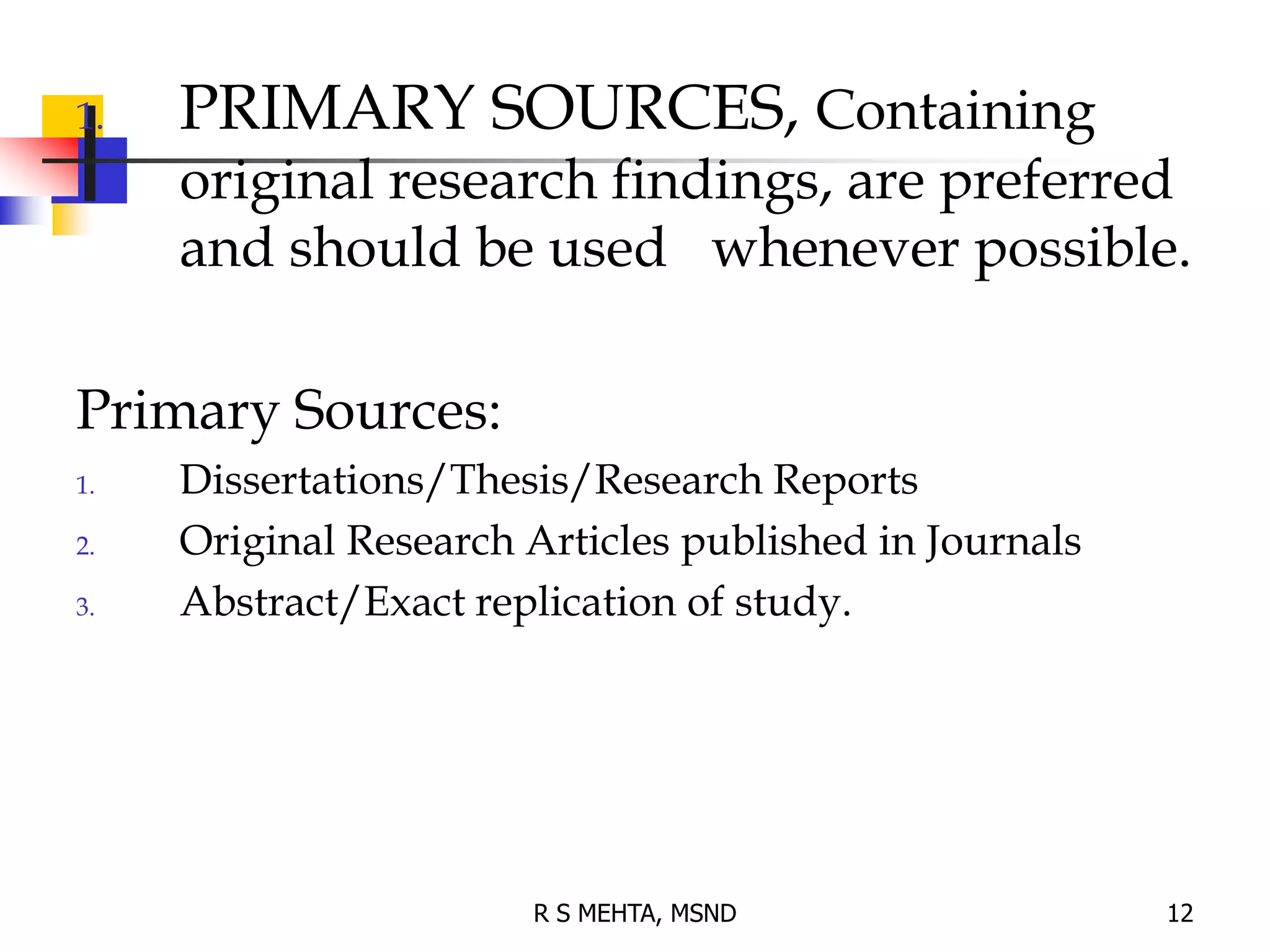
1. PRIMARY SOURCES, Containing
original research findings, are preferred
and should be used whenever possible.
Primary Sources:
1. Dissertations/Thesis/Research Reports
2. Original Research Articles published in Journals
3. Abstract/Exact replication of study.
12
R S MEHTA, MSND
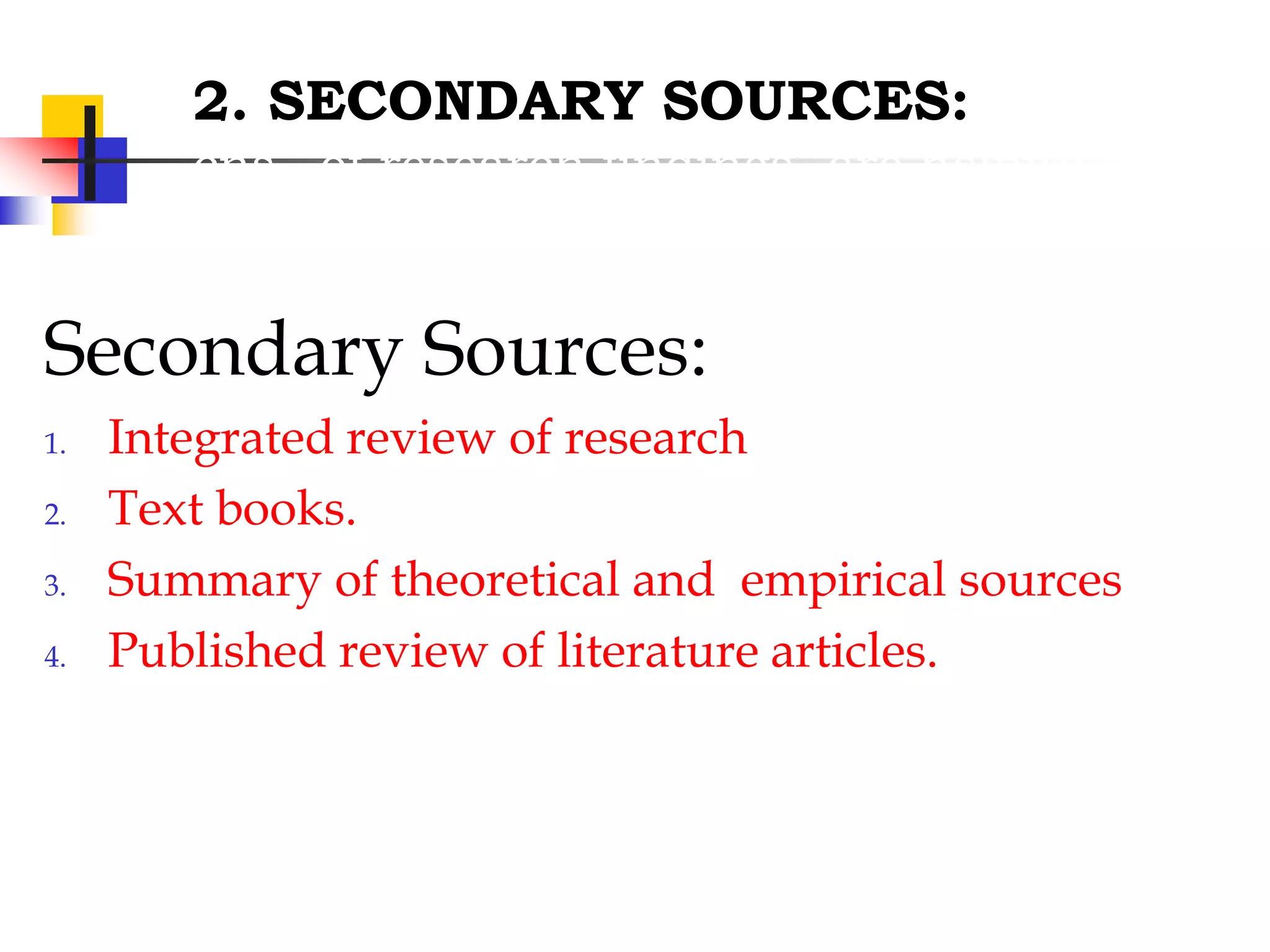
2. SECONDARY SOURCES:
cns of research findings, are helpful in
providing bibliographical information
Secondary Sources:
1. Integrated review of research
2. Text books.
3. Summary of theoretical and empirical sources
4. Published review of literature articles.
14
Use of the Internet (web searching)
and it’s technologies
15
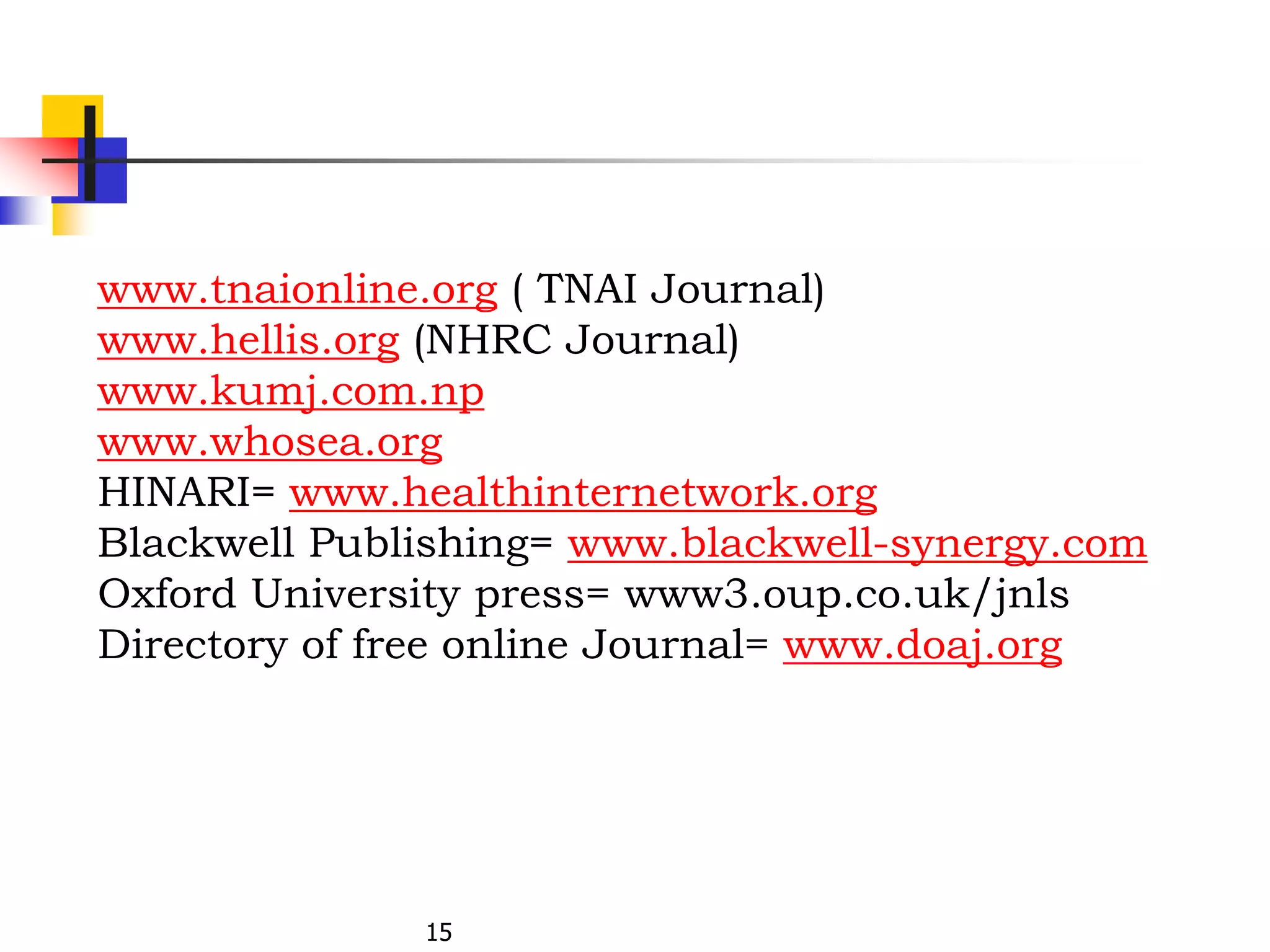
www.tnaionline.org ( TNAI Journal)
www.hellis.org (NHRC Journal)
www.kumj.com.np
www.whosea.org
HINARI= www.healthinternetwork.org
Blackwell Publishing= www.blackwell-synergy.com
Oxford University press= www3.oup.co.uk/jnls
Directory of free online Journal= www.doaj.org
Online searching
 Internet searching for the purpose of
academic, business and others.
 Pubmed (Databases) searching exclusively
for medical literature
How?
18
Searching contd..
 We should know the techniques-
 to access to relevant information,
 to get the recall (unwanted) less and precise (relevant)
information more, and
 familiar with various techniques that the Search engine
such as Google, Yahoo, Altavista, pubmed etc. used.
Contd..
Recall,
Relevance, and
Precision
How to make an effective search?
Search Techniques
Search Techniques-contd..
 Use of Boolean operators
AND, OR, NOT
 Use Truncation
e.g. epidem*
 Nested searching
e.g. history AND (war or peace)
e.g. (swine OR H1N1) AND (flu OR influenza OR virus OR
pandemic)
22
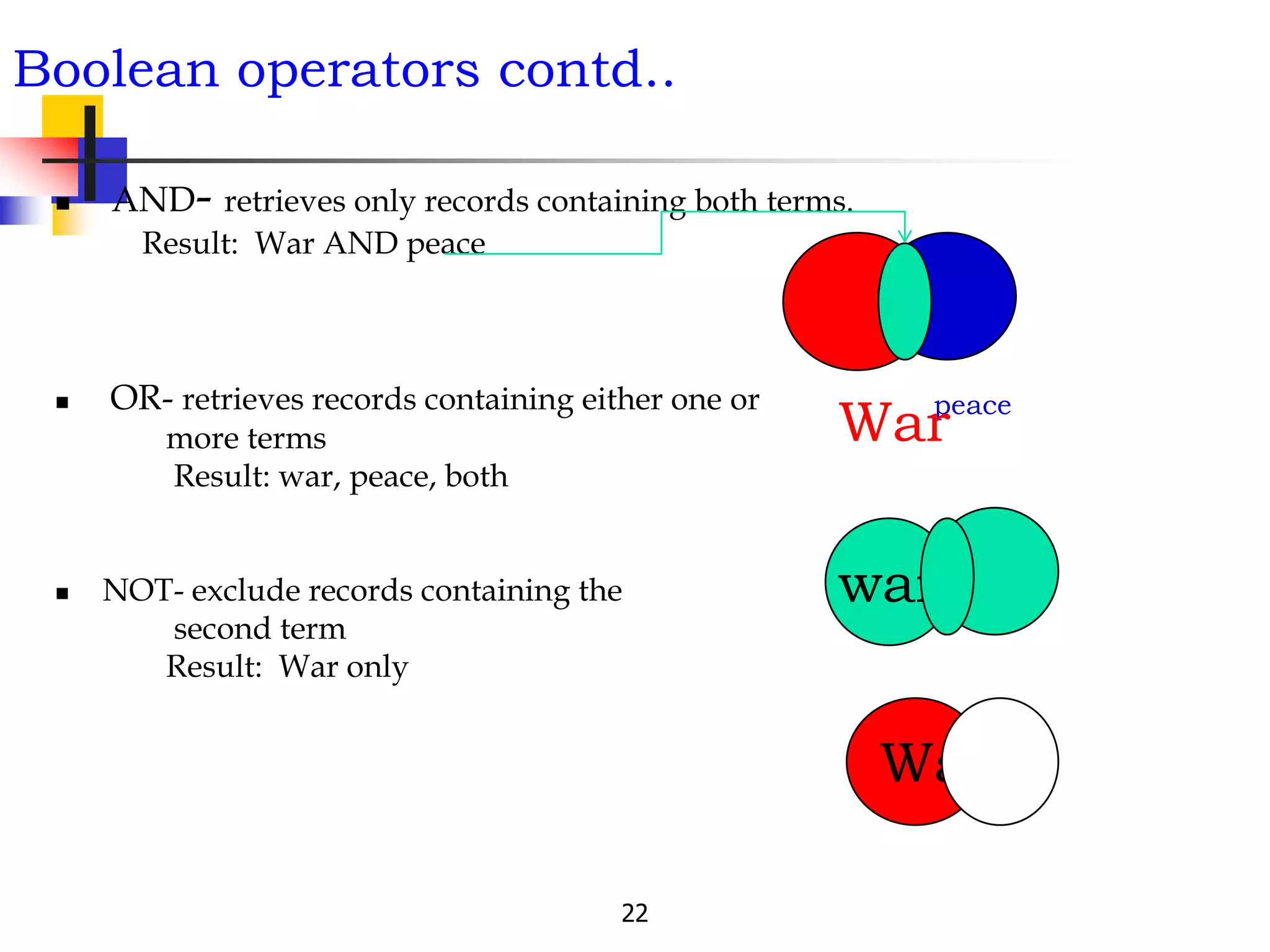
Boolean operators contd..
 AND- retrieves only records containing both terms.
Result: War AND peace
 OR- retrieves records containing either one or
more terms
Result: war, peace, both
 NOT- exclude records containing the
second term
Result: War only
peace
war
War
War
Searching Tips
Tip 1: Quotation marks
This is most useful when the words to be
searched are not very specific, have different
meanings in various subject areas, or when it is
important that the same word is repeated.
E.g. “global warming”
“head and neck cancers”
Searching tips contd..
Tip 2: Limit by site
This is useful when you want to control the quality of the search
results, when you know a site that is likely to have what you need,
and also when you want to find again a known document.
e.g. site:edu “global warming”
Tip 4: Limit by file type
Especially useful when you have reason to suspect that the answer
you need will be in a certain format.
e.g. filetype:ppt site:edu “global warming”
25
Some other tips:
 Specify your search terms
 Use professional terms
 Use the keywords from standard tools- SLSH, LCSH,
MeSH and others
 Use lowercase letters
 Ignore preposition, article and other stop words
 Read the searching guideline of the particular
databases
How to Search, Display, Save
the results
27
Thank you for
Listening
Dr. R S Mehta, MSND, BPKIHS
 Extra Slides for Learning
Dr. R S Mehta, MSND, BPKIHS 28
How to Search, Display, Save
the results
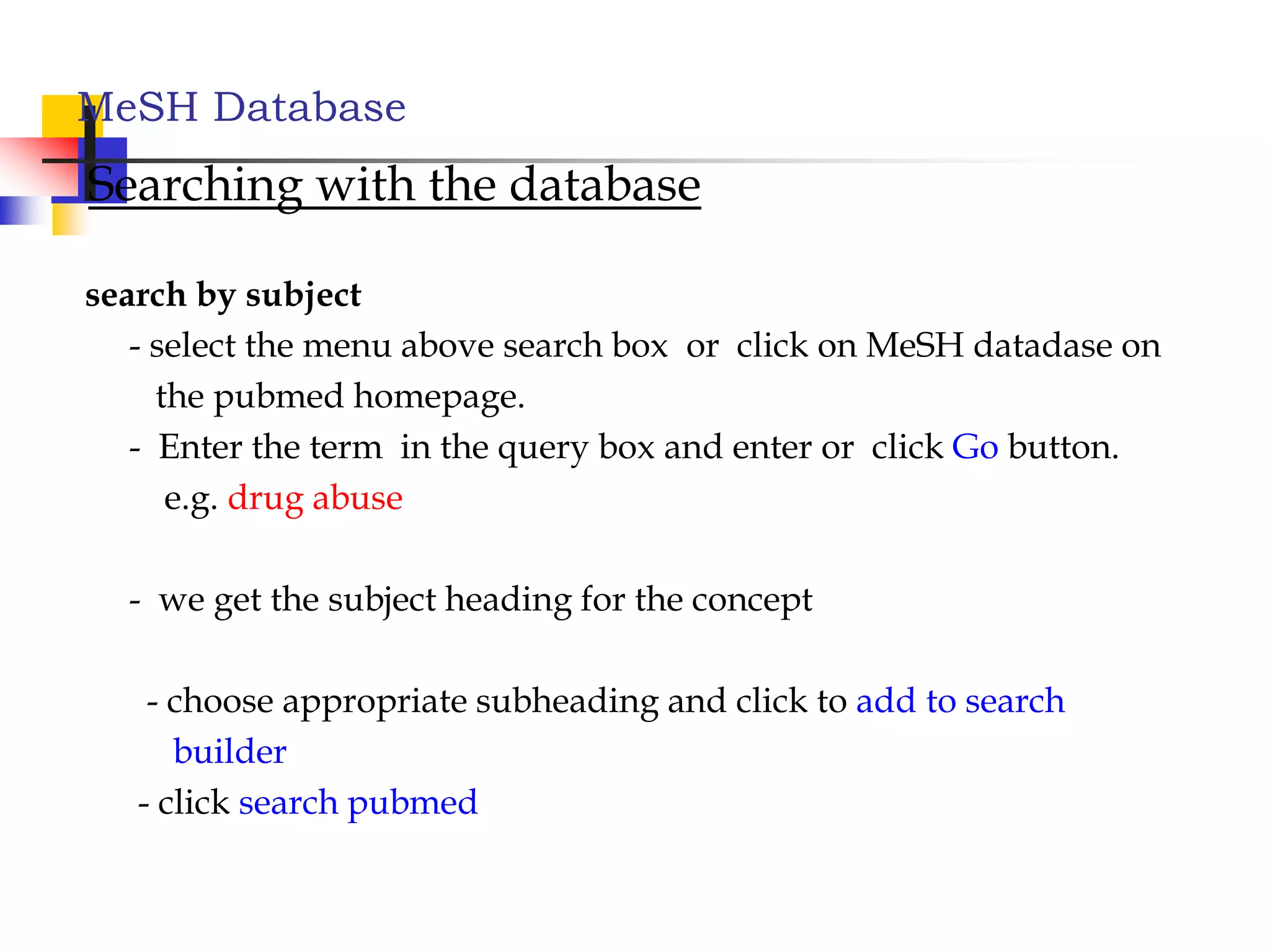
Pubmed cont..
 Searching PubMed
- Search PubMed for an Author
- Searching PubMed by Author and Subject
- PubMed Simple Subject Search
- Search for a Journal
 MeSH Database
- Searching with the MeSH Database
- Combining MeSH Terms
- Applying Subheadings and other features of the MeSH Database
 Managing results
MeSH Database
Searching with the database
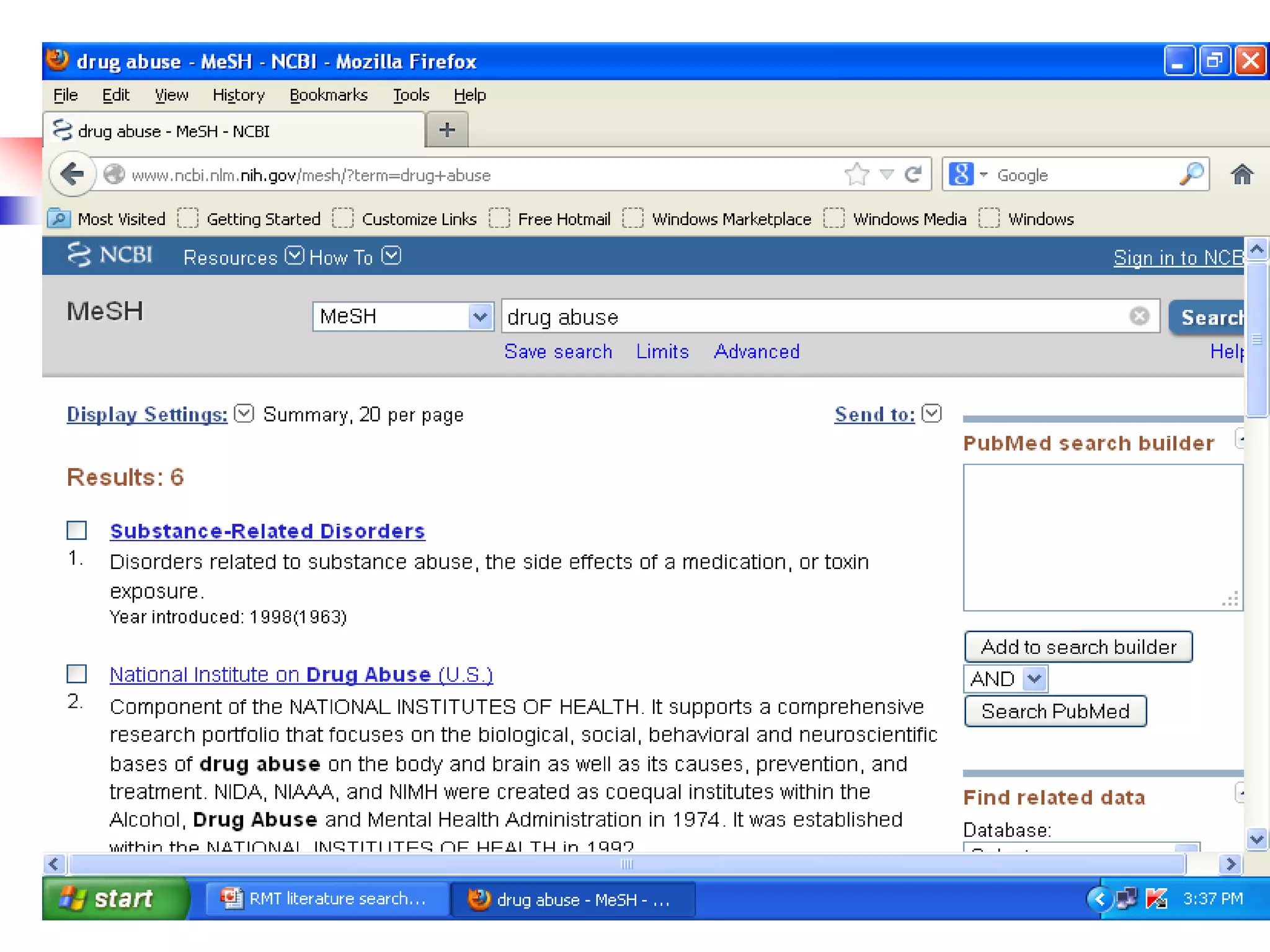
search by subject
- select the menu above search box or click on MeSH datadase on
the pubmed homepage.
- Enter the term in the query box and enter or click Go button.
e.g. drug abuse
- we get the subject heading for the concept
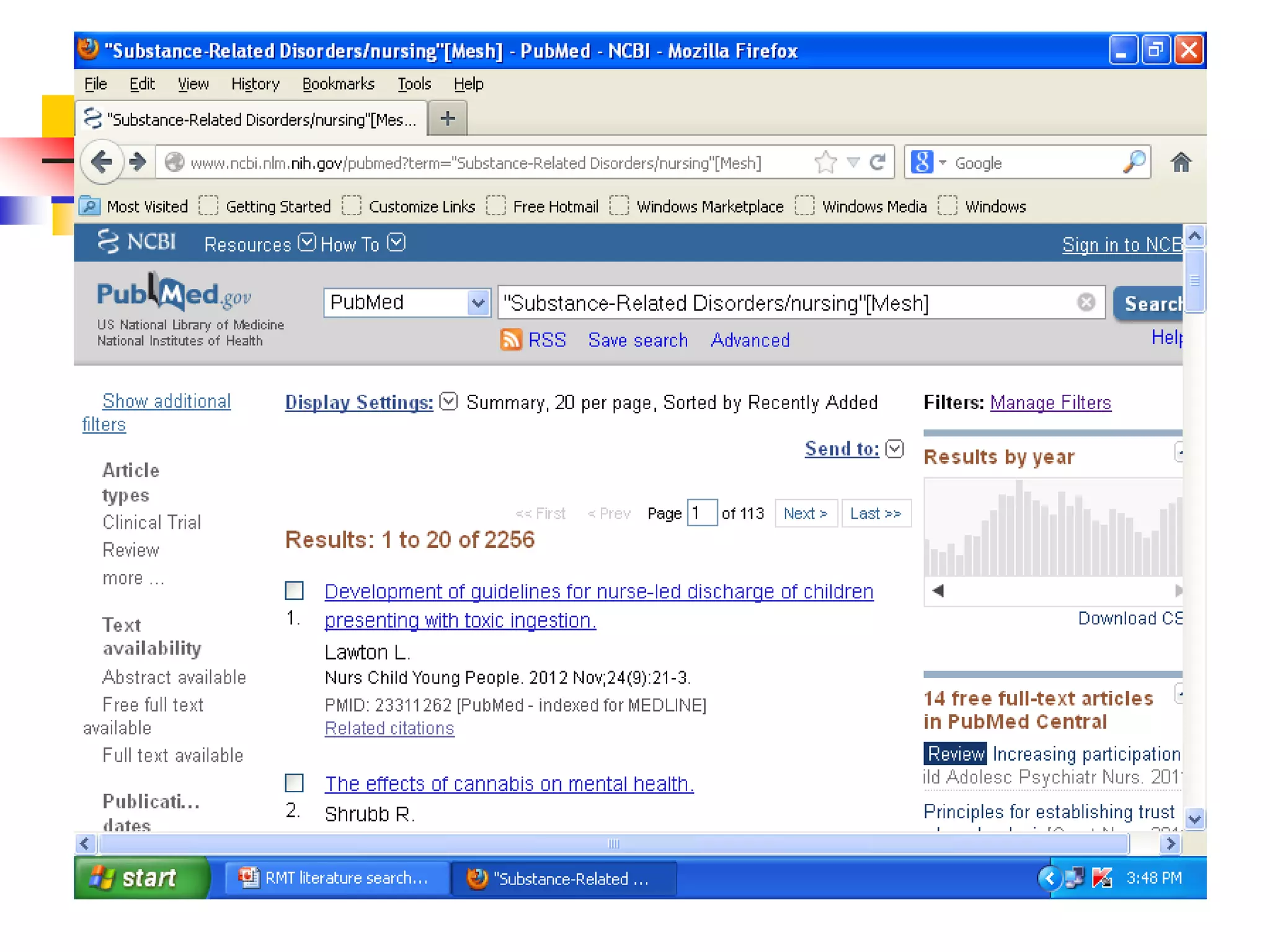
- choose appropriate subheading and click to add to search
builder
- click search pubmed
Display settings
By-
 format e.g. abstract, summary(default)
 items /page e.g. 50, 100, 20(default)
 sort e.g. date, journal, new(default)
Result saving
Either display settings or default display,
-check the relevant citation,
- Click send to,
- choose destination i.e. file,
- check other field if necessary, then
- click create file and save it.
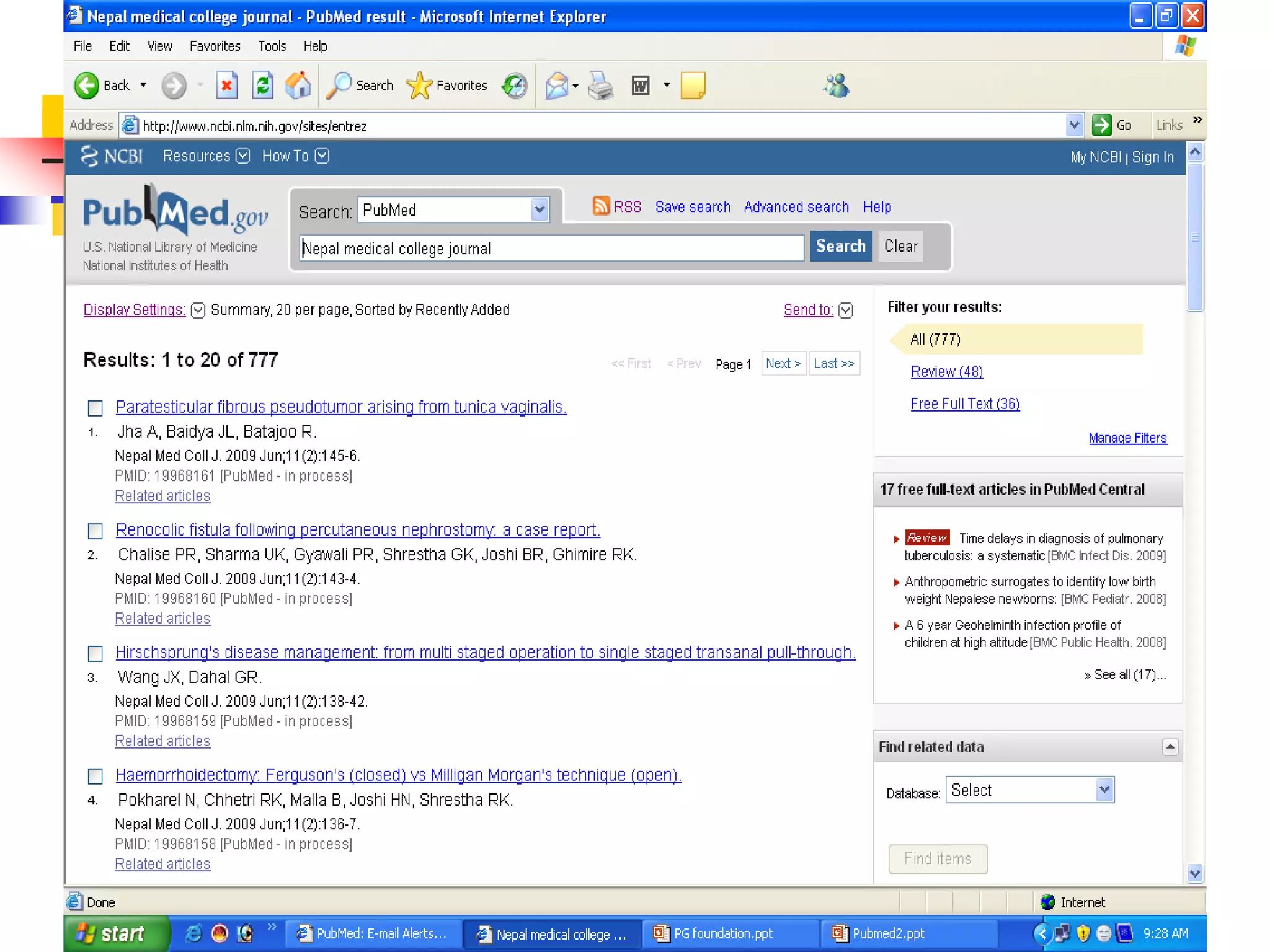
Search for journal
Searching Pubmed
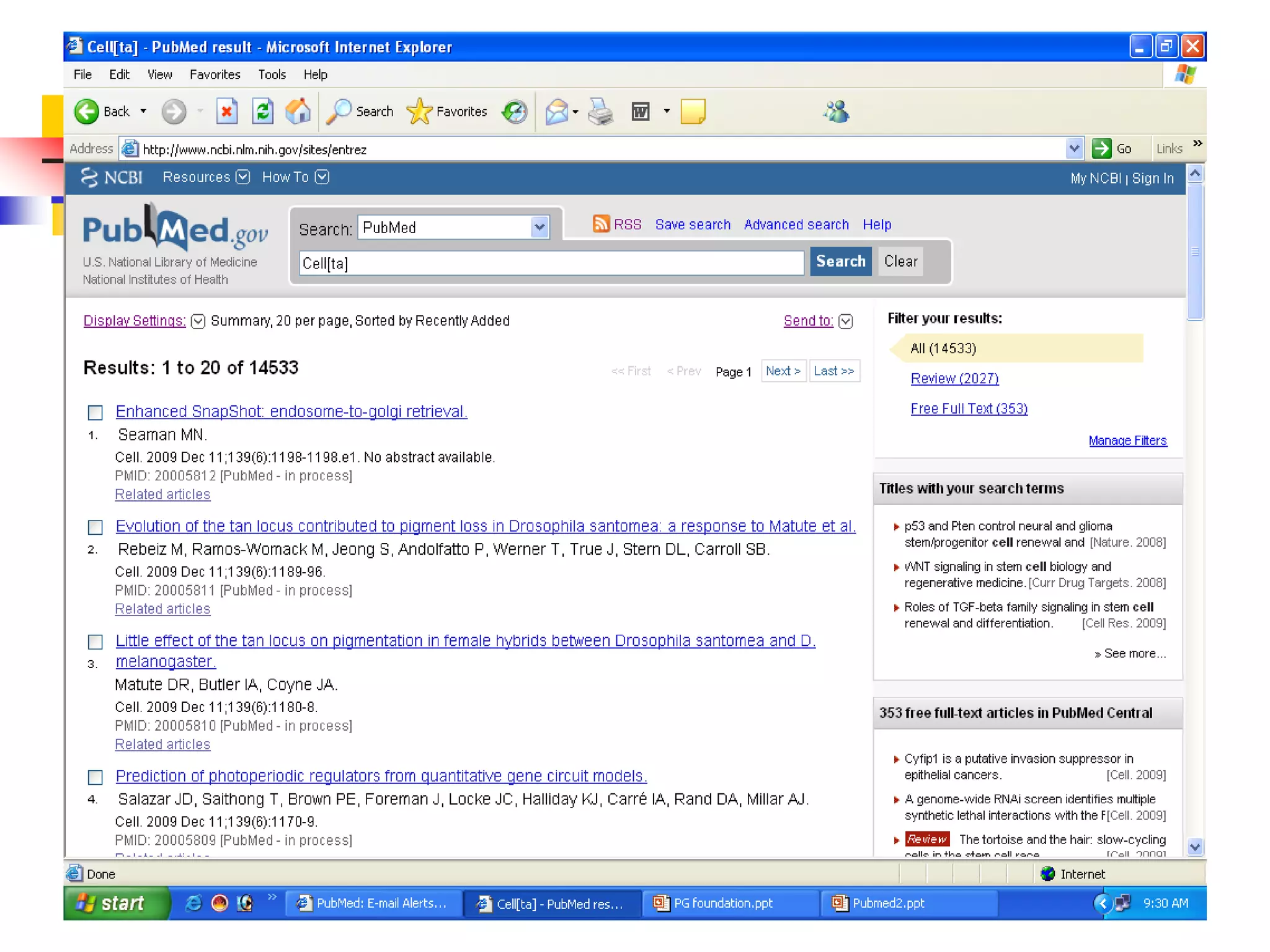
Search for a journal
Several ways to search PubMed from Specific journal.
 Enter title of the Journal, ISSN or or Journal
Abbreviation to get all the citation for that journal.
 If the Journal title itself a subject term, then use the term
with [ta]
e.g. Cell [ta]
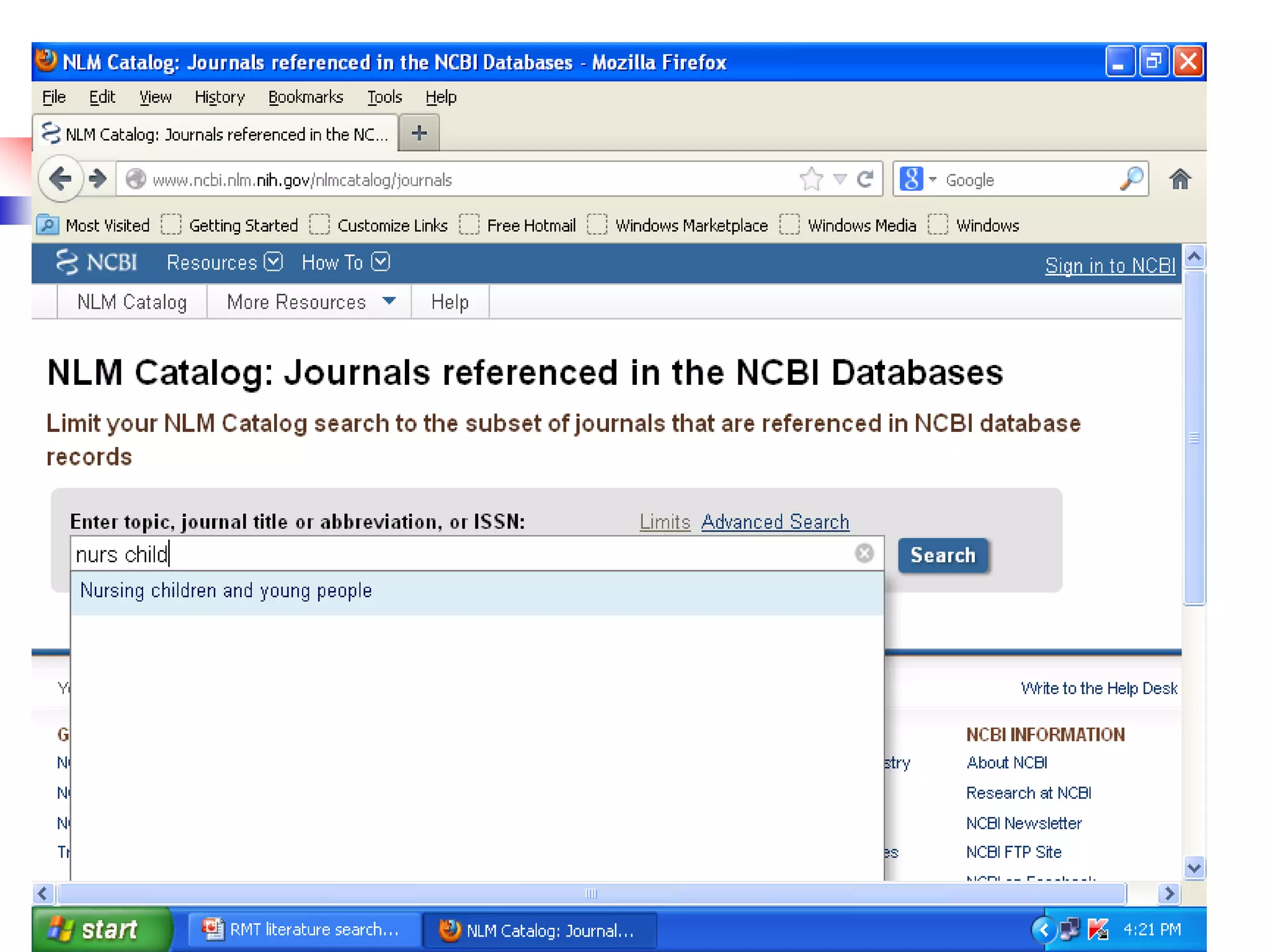
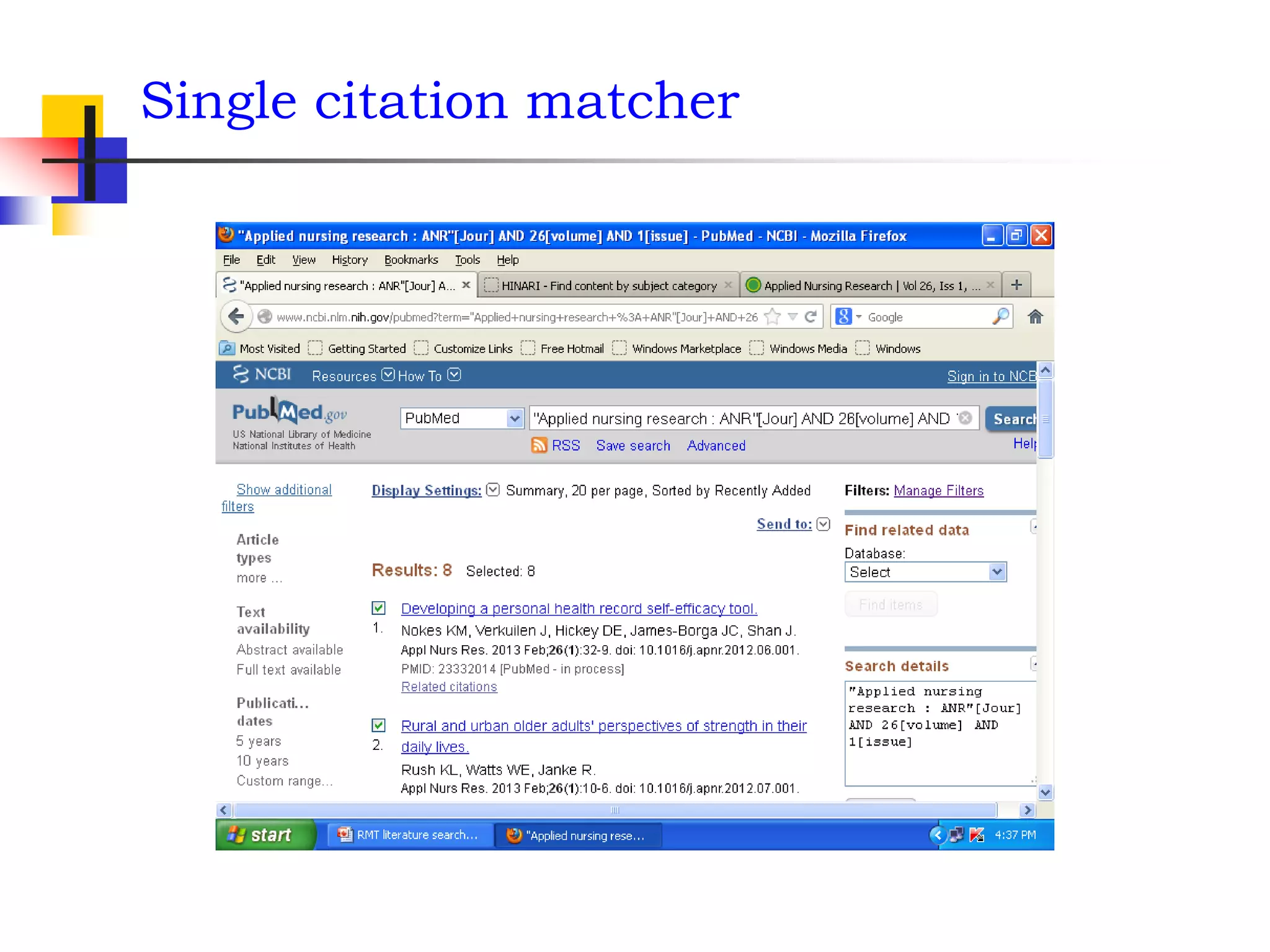
Easy way to search PubMed by Single Citation Matcher
from Homepage
 enter full title or title abbreviation
(when you type the auto feature suggests)
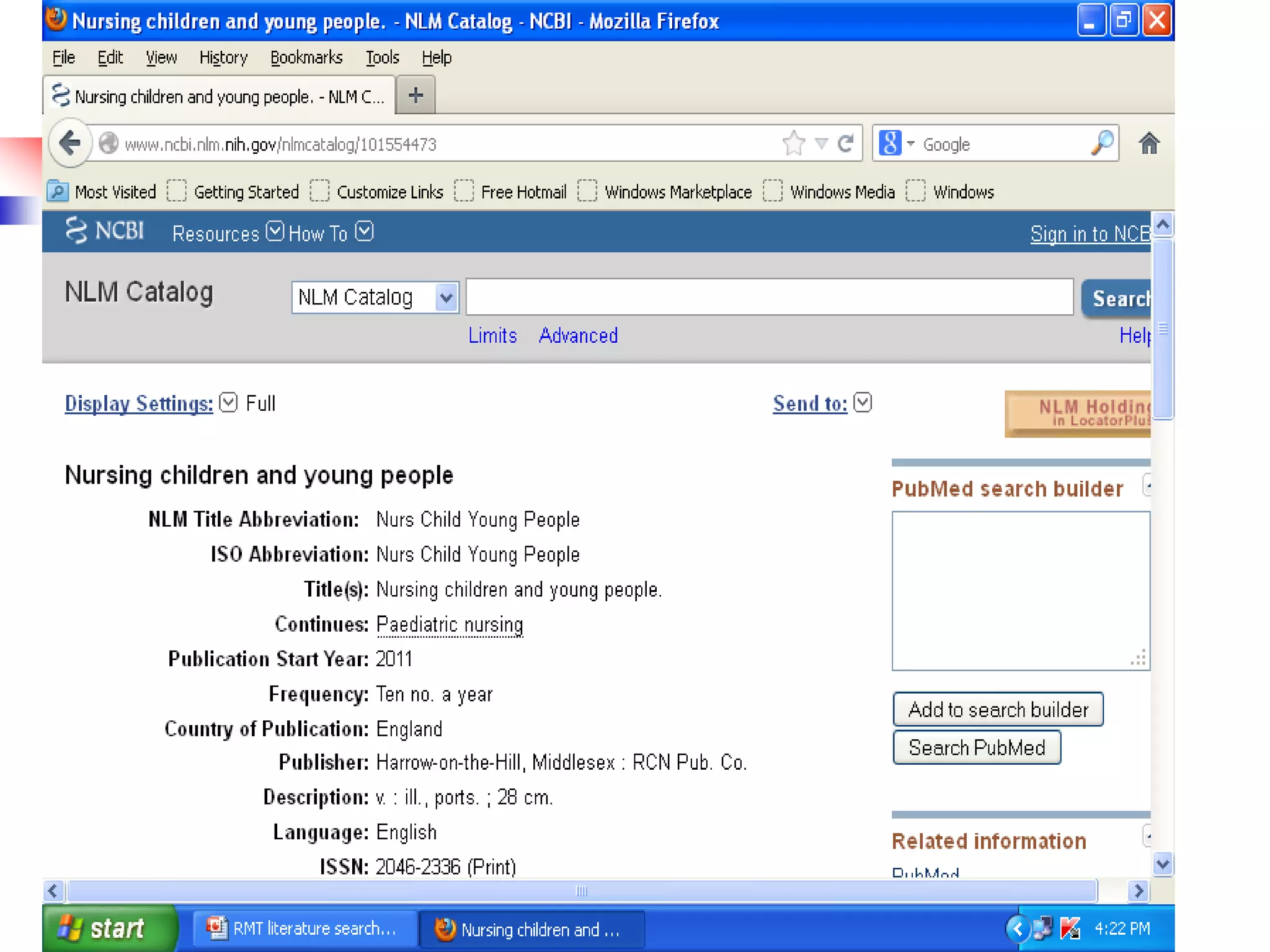
Searching Pubmed
Journal database
 By title, title abbreviation, ISSN or subject
(for more information such as publisher, subject term, start year
etc.)
 Click the title to get the full display
 Go to link, click PubMed to search citation in
PubMed from this journal.
Single citation matcher
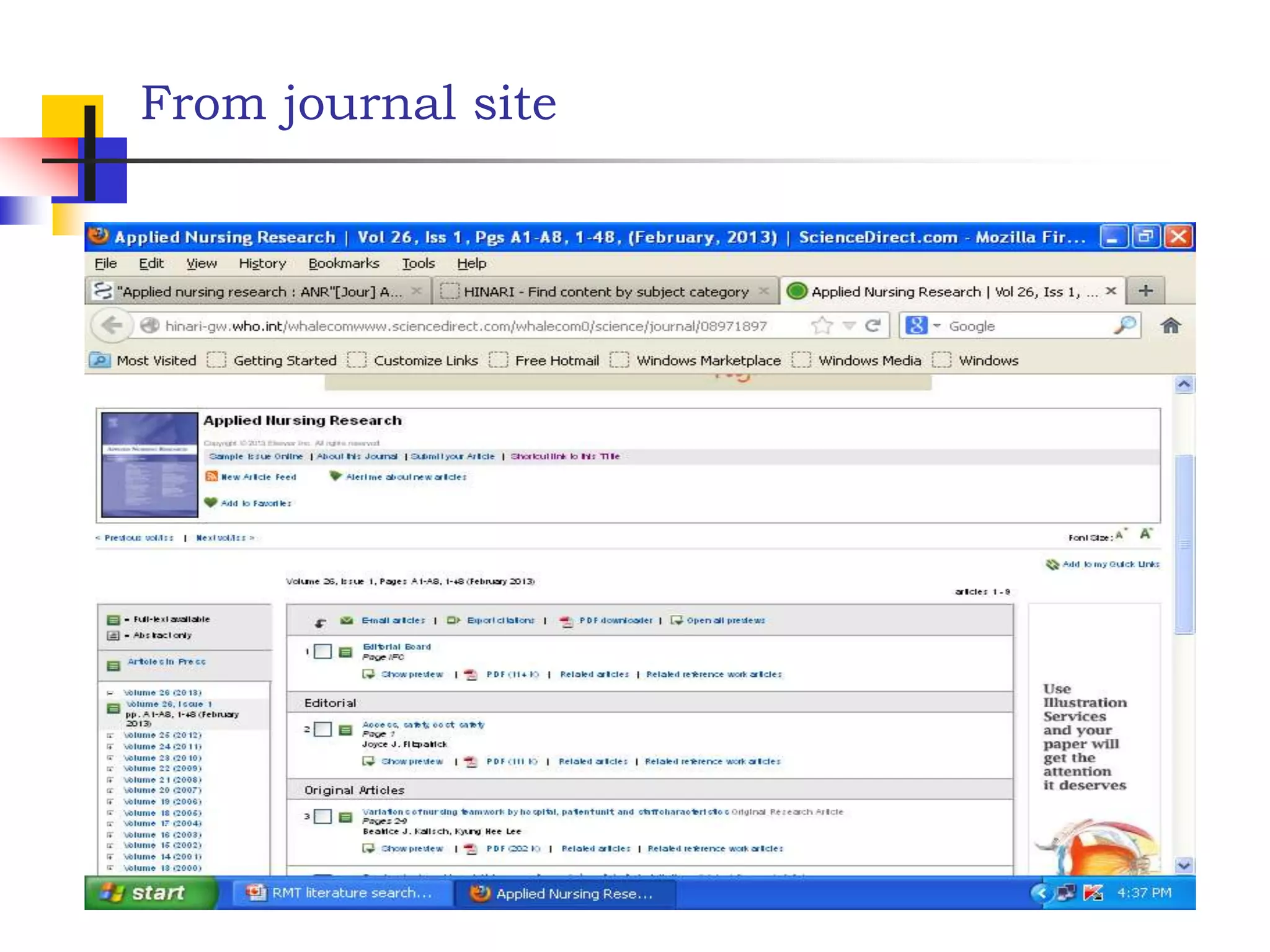
From journal site
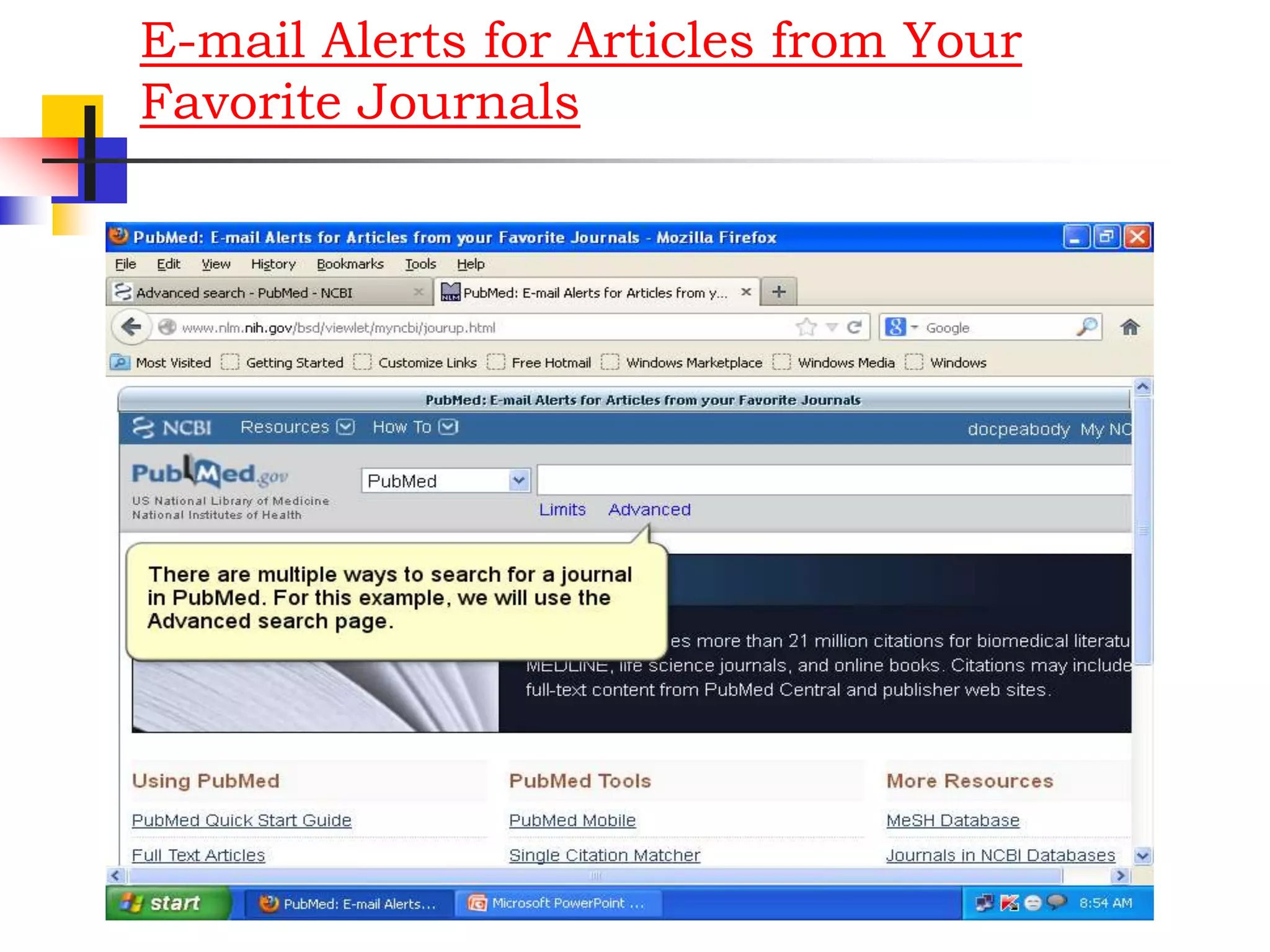
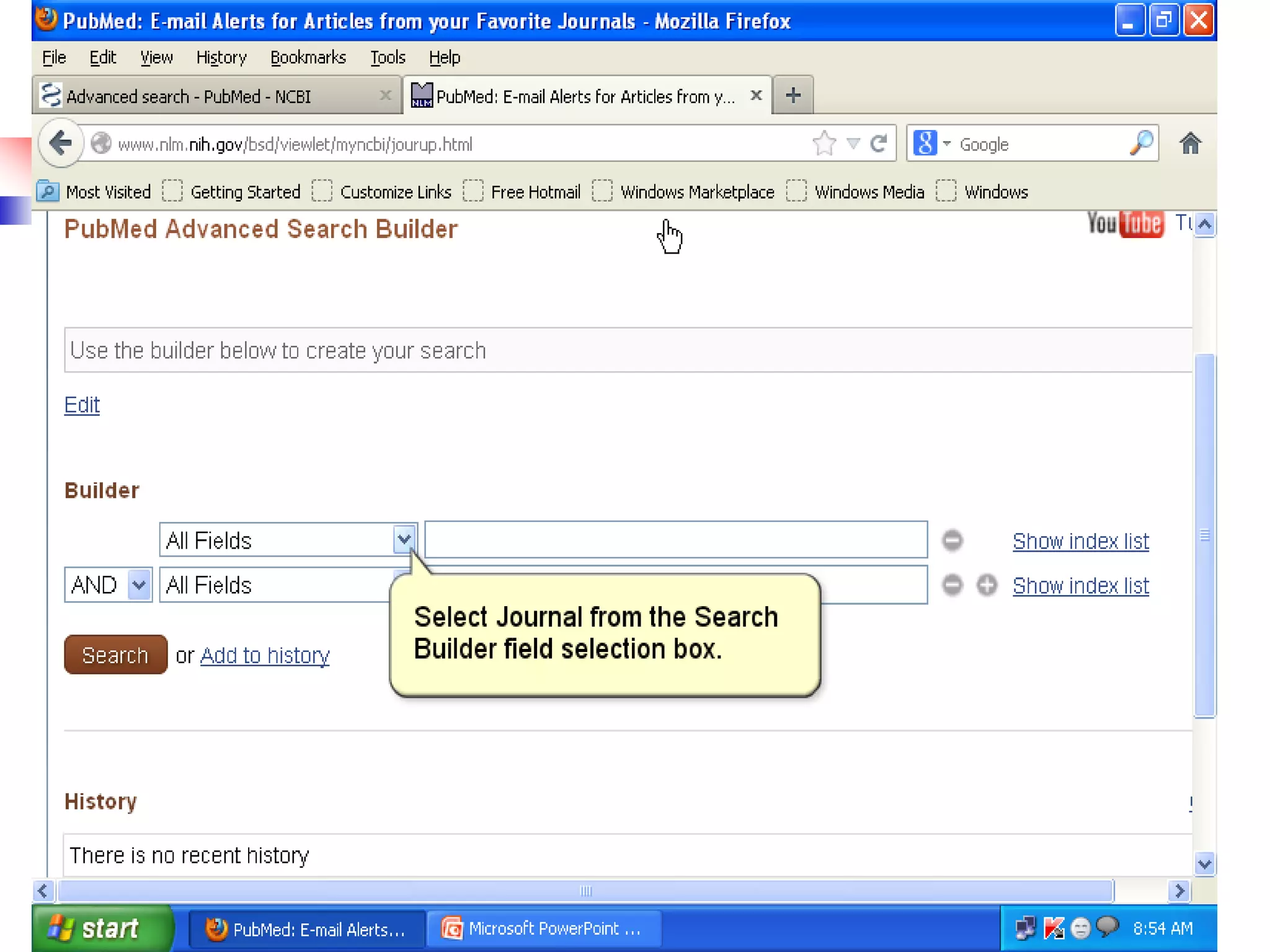
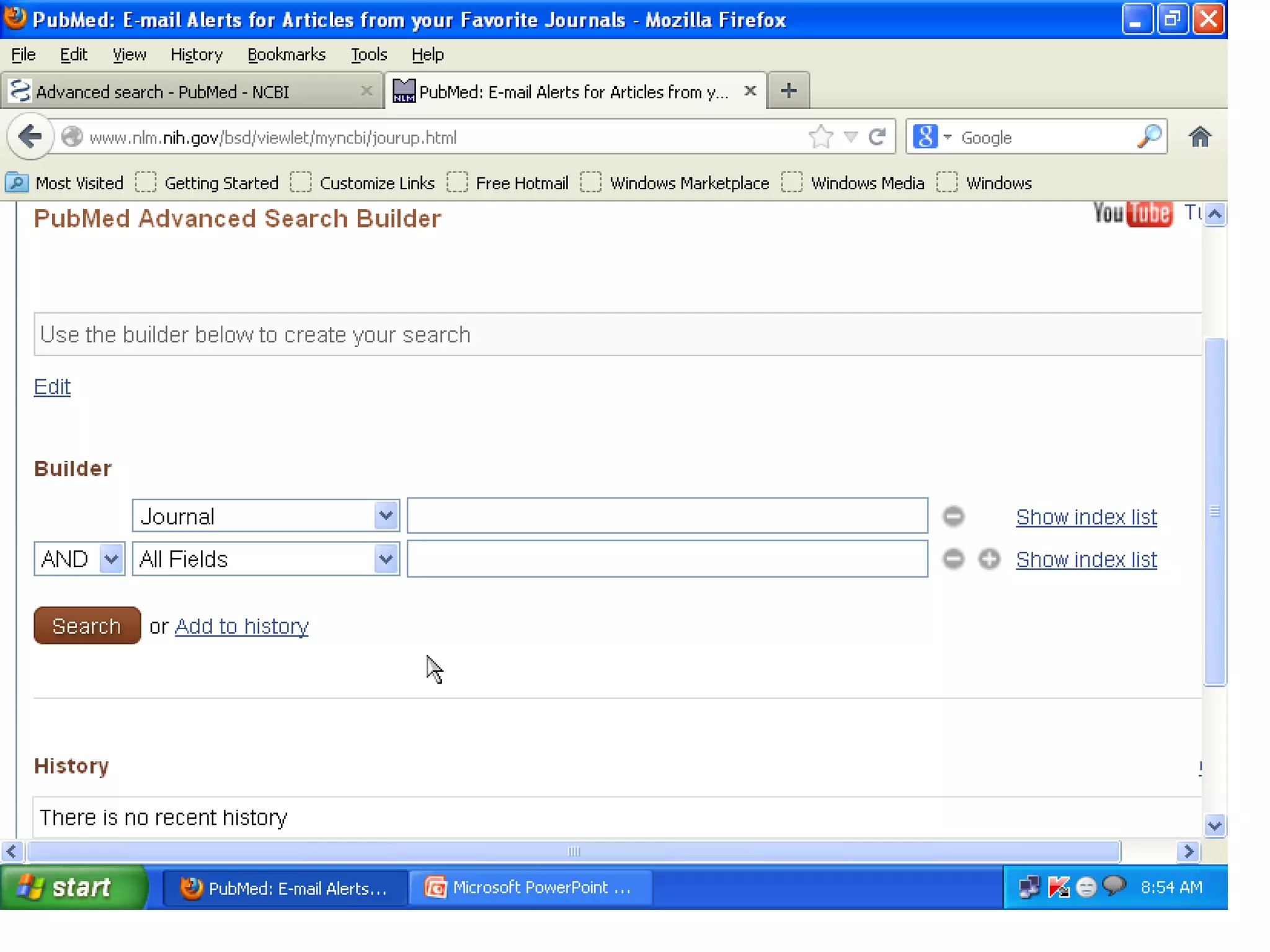
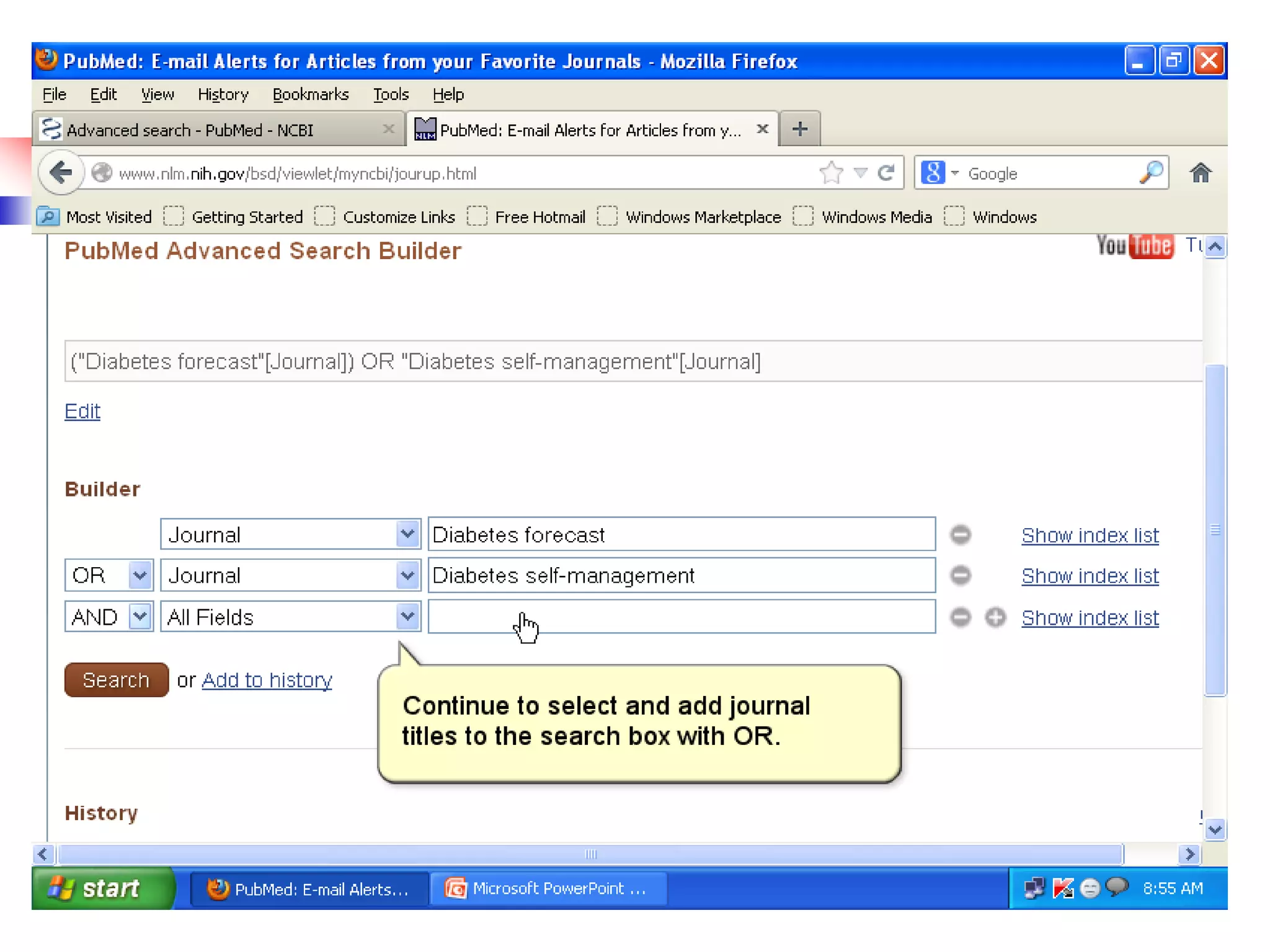
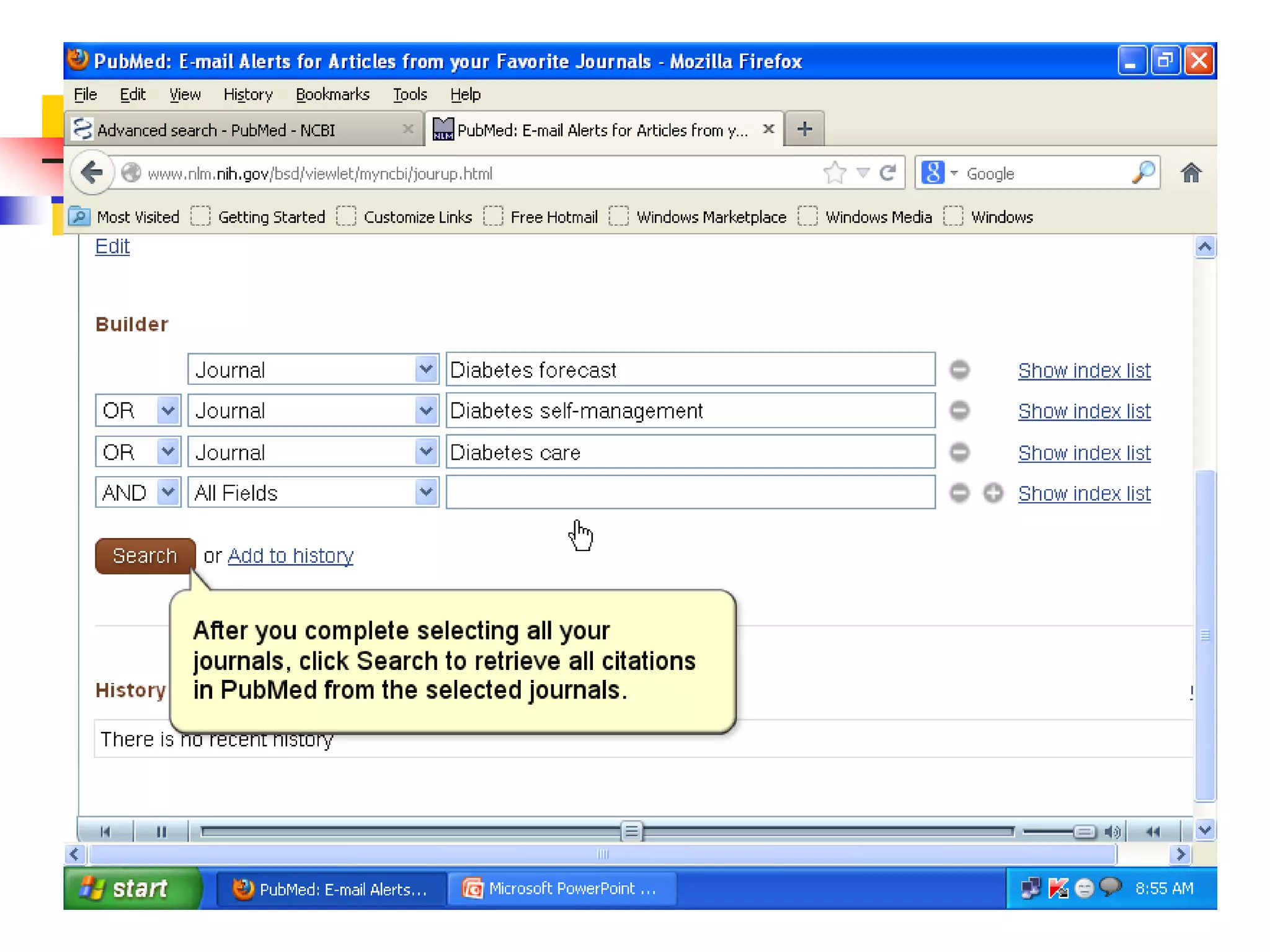
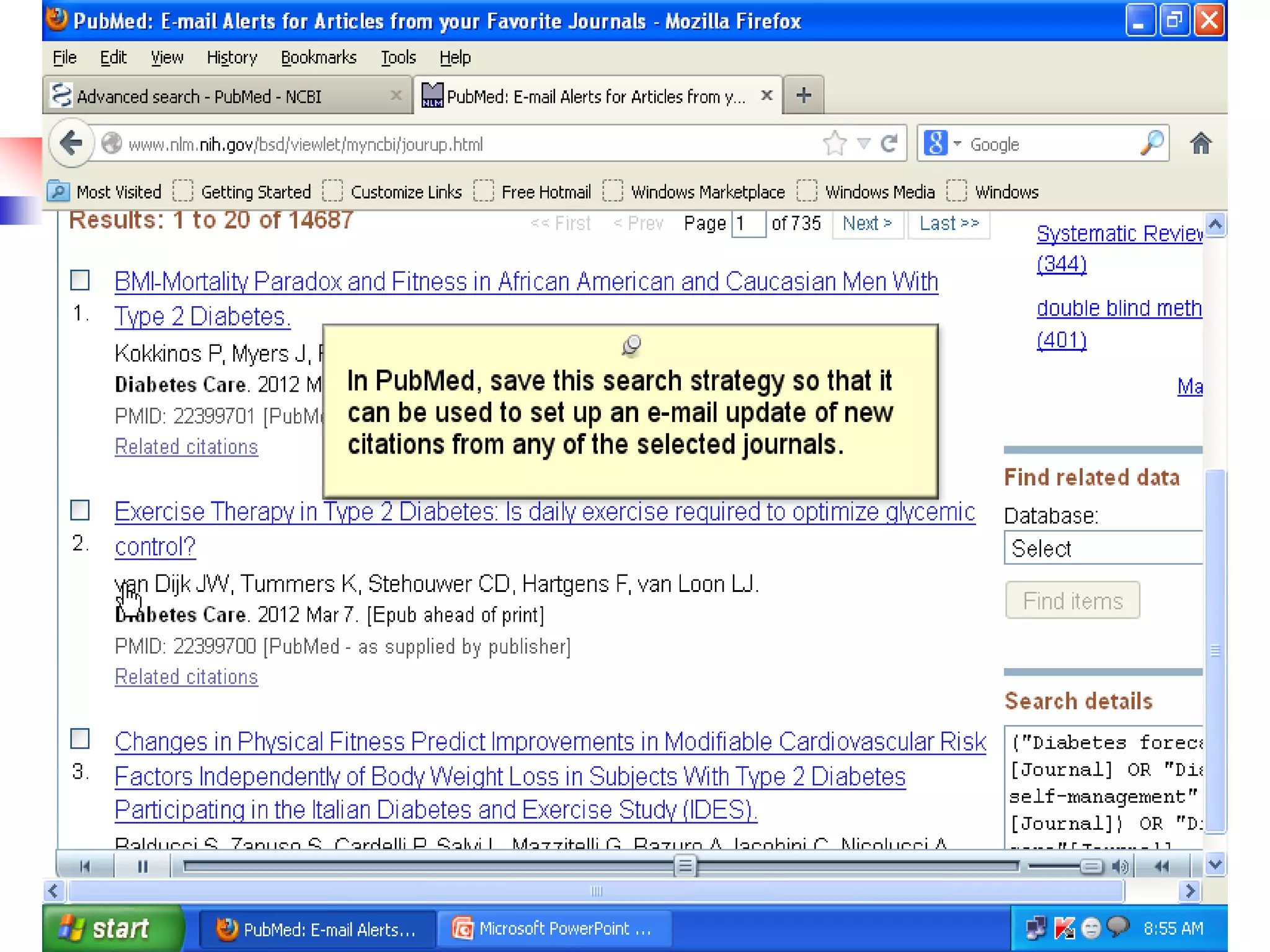
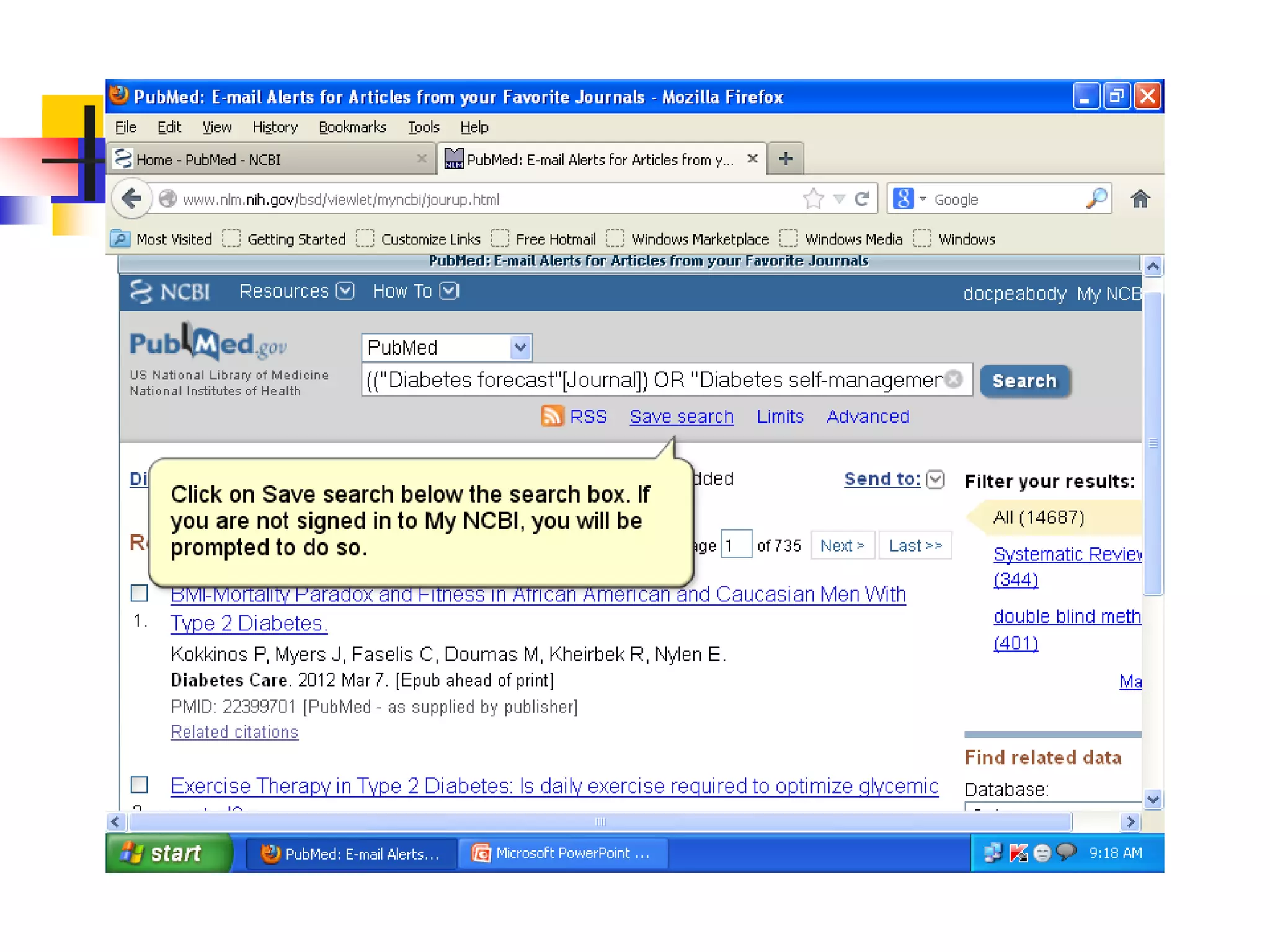
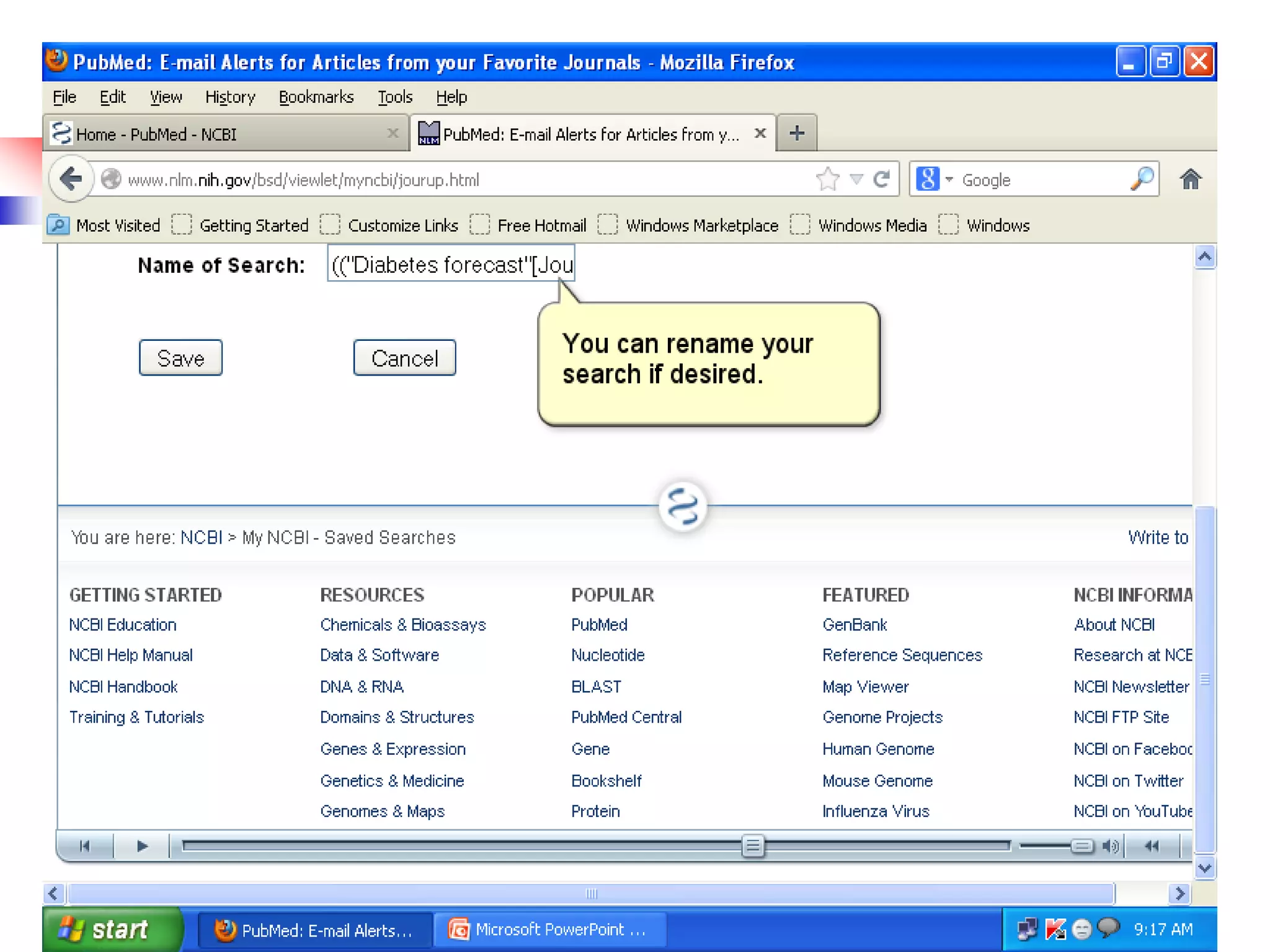
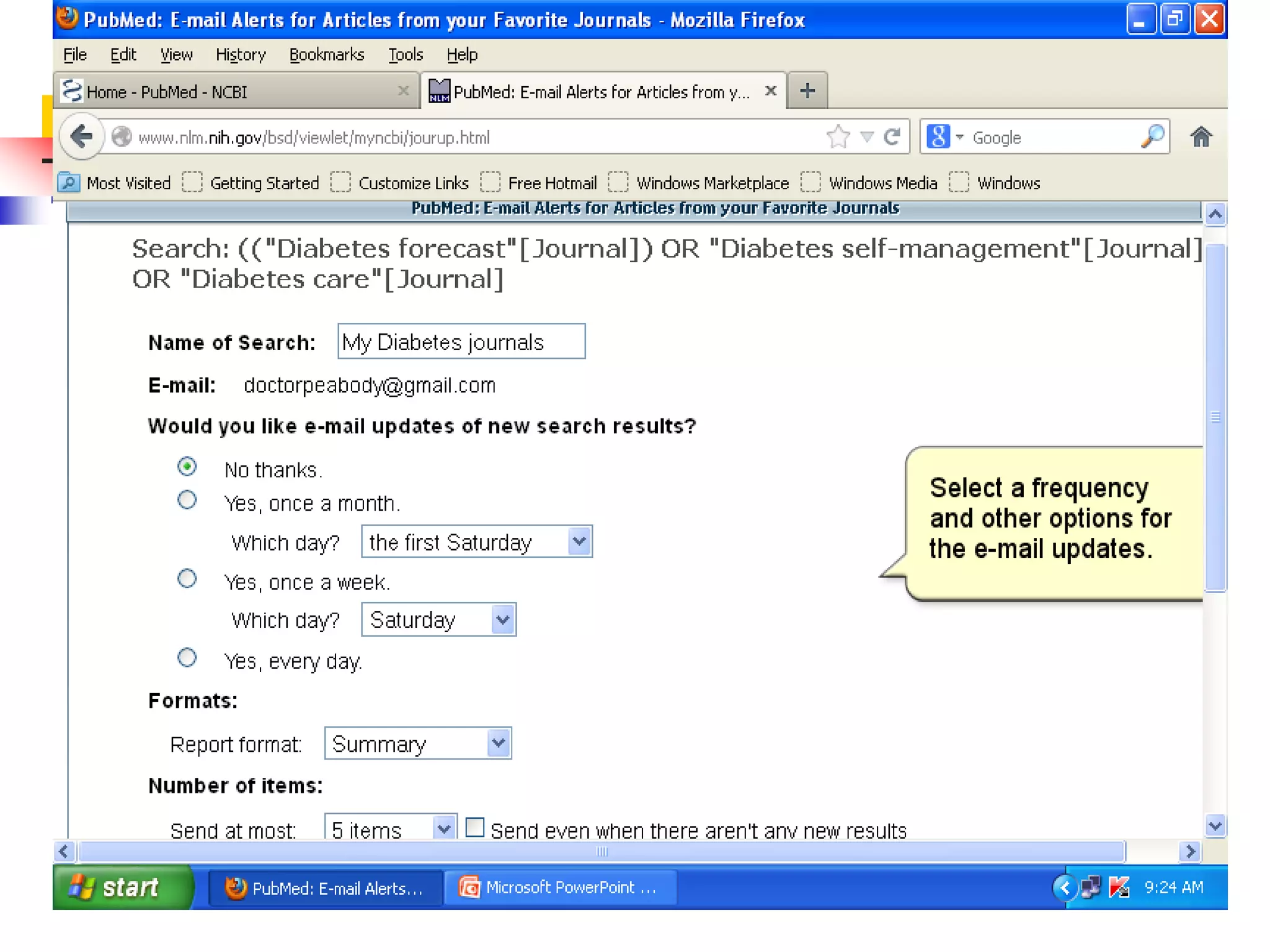
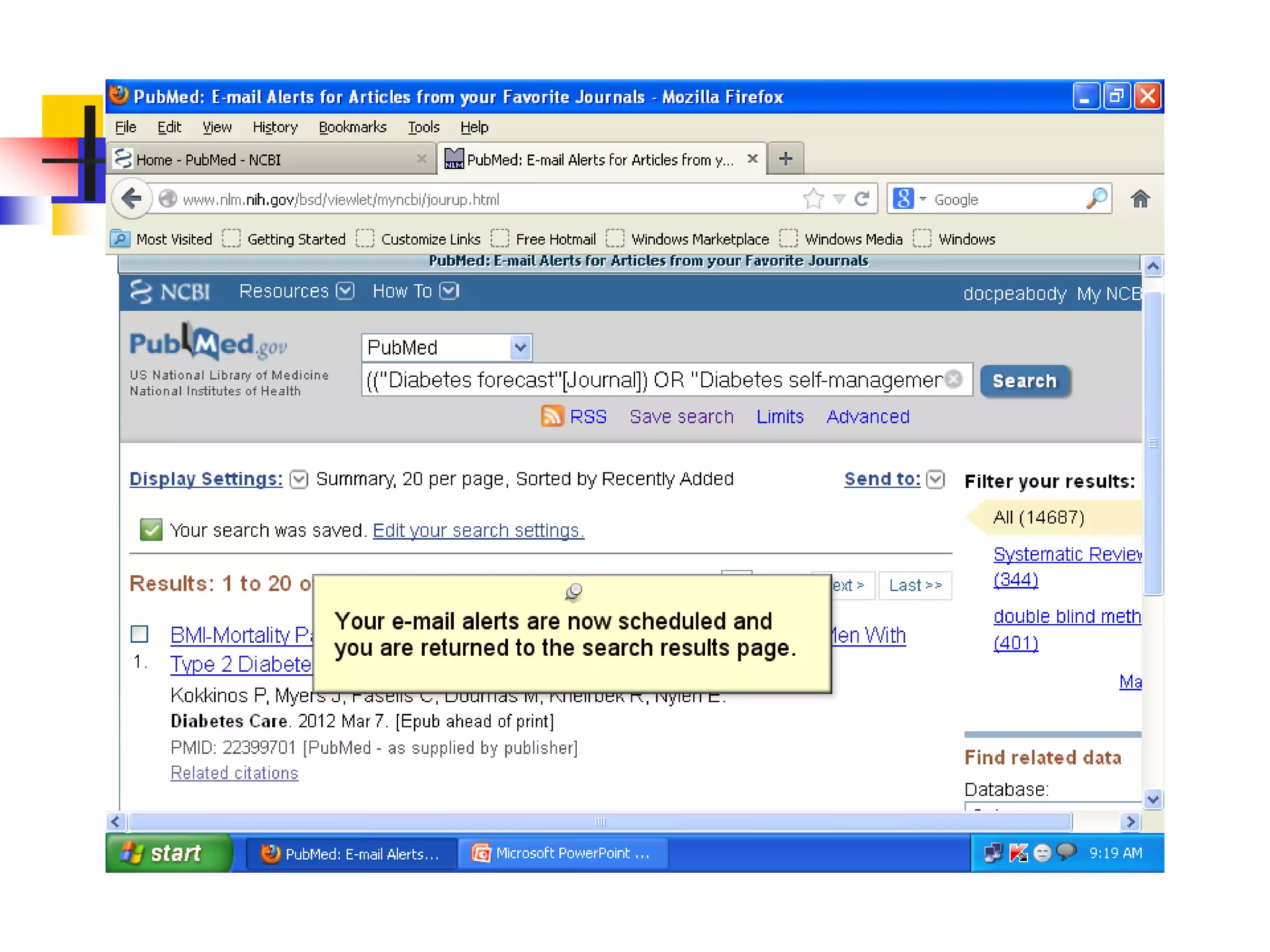
E-mail Alerts for Articles from Your
Favorite Journals
Thank You
Available Resources in BPKIHS Library
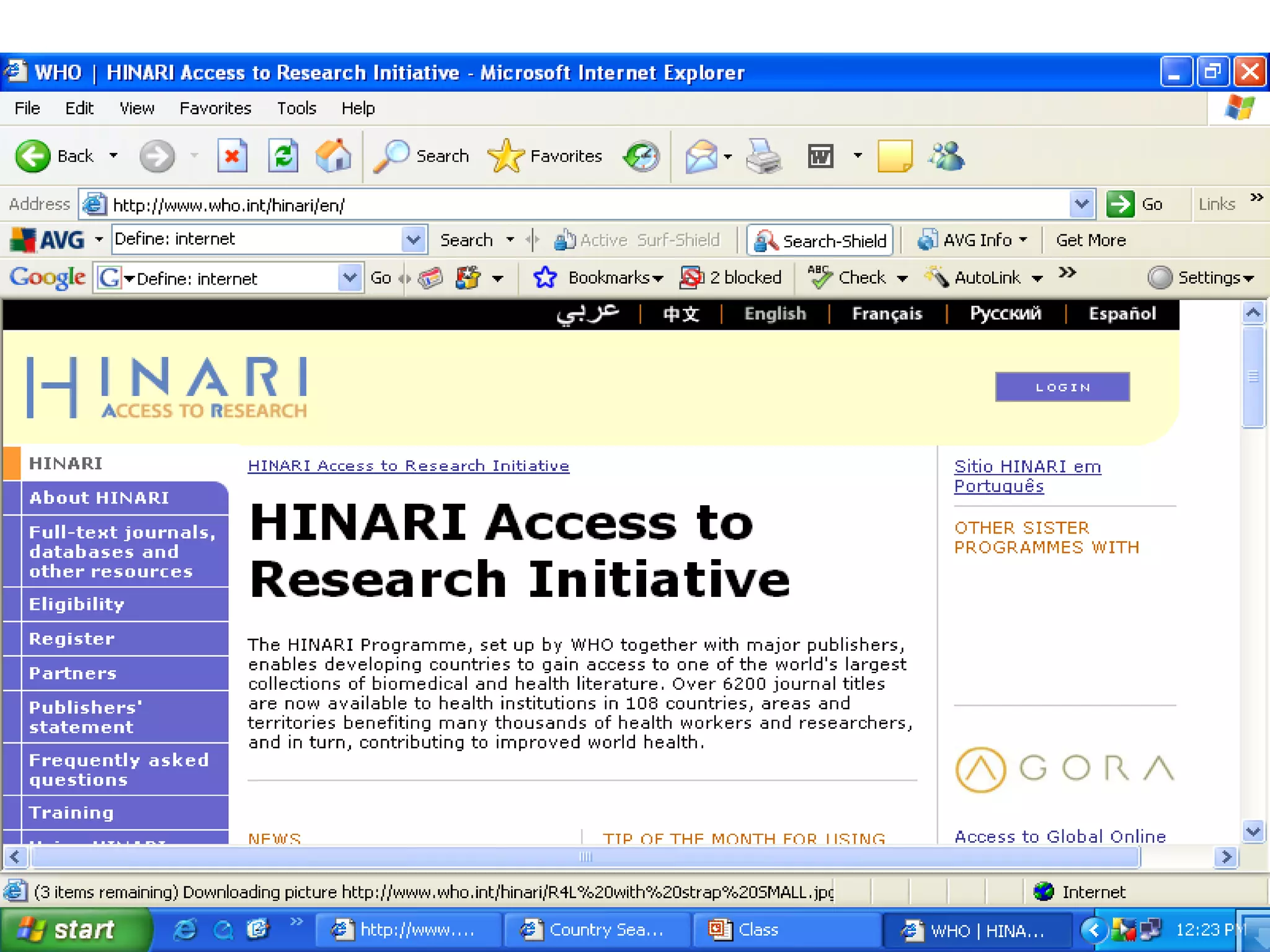
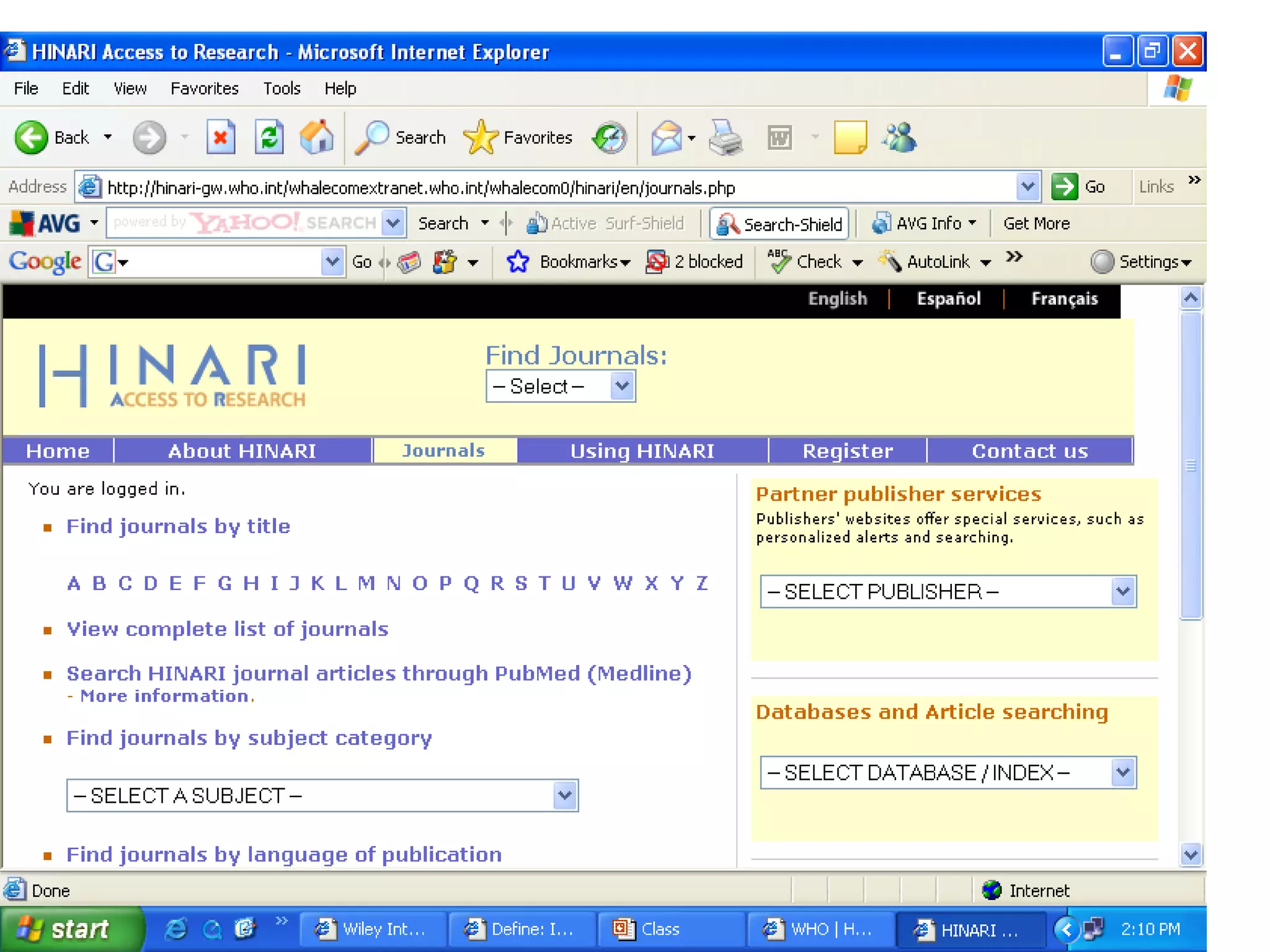
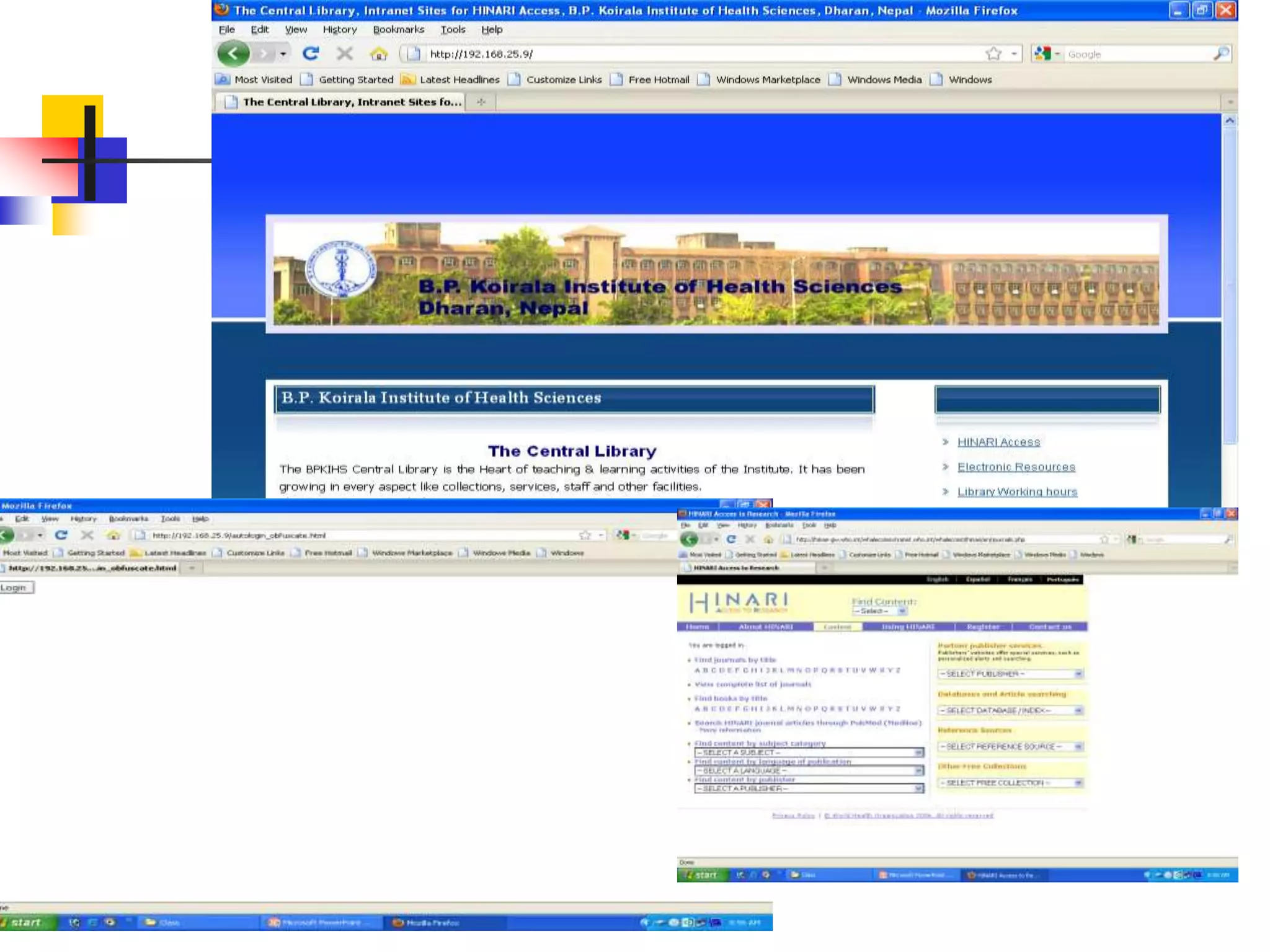
How to access online resources
Before LAN (Intranet)
 Go to URL: http://www.who.int/hinari/en/
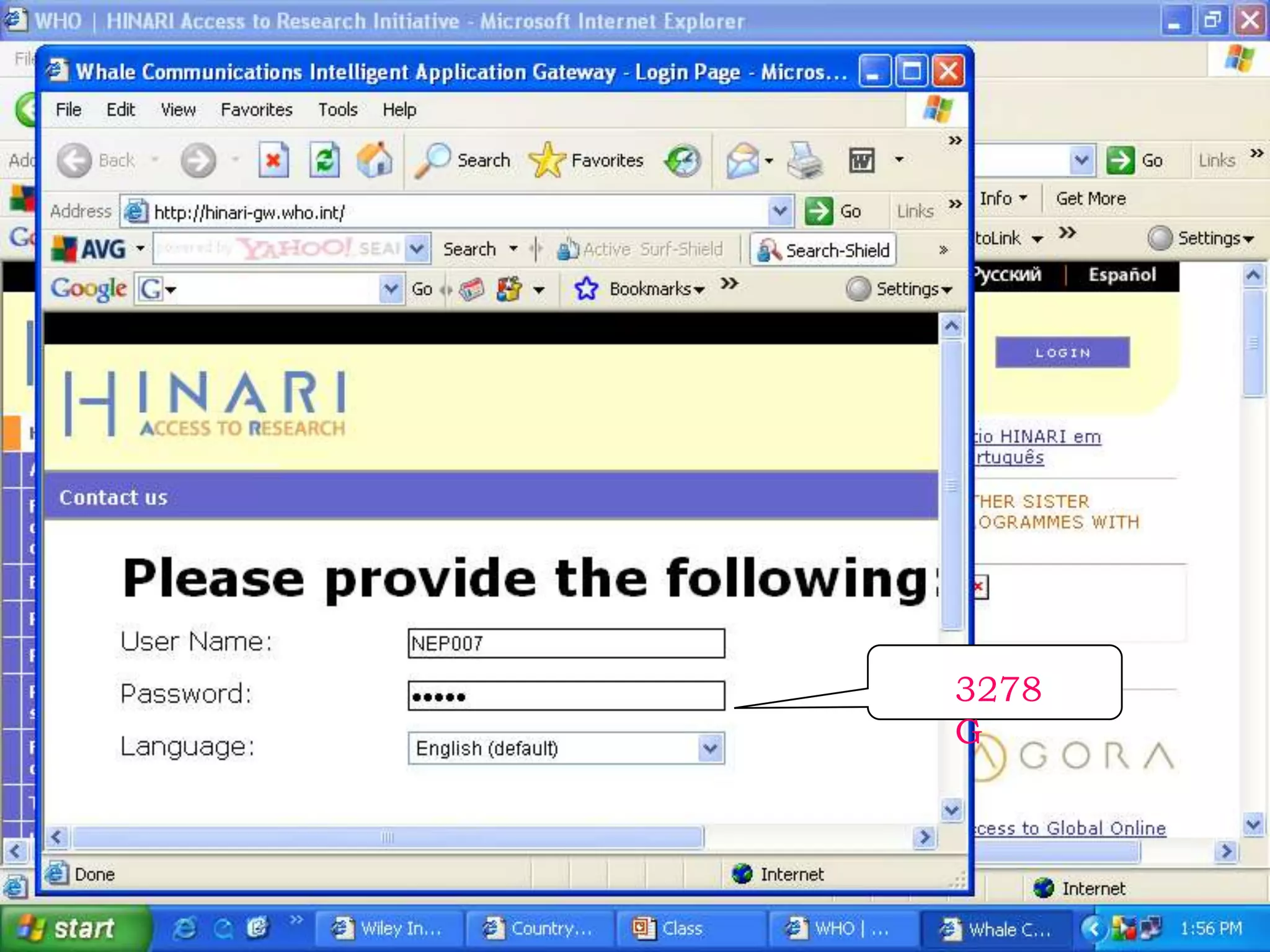
* Login
After Setting resource Access through LAN
If reference known, then-
 Go to particular journal
 Go to particular issue
 Access the full text in PDF or HTML format
If reference not known, then
 Go to pubmed
 Type the search query
 Use the searching techniques
 Access the full text
HINARI Platform facilitate to search journal through
pubmed.
3278
G
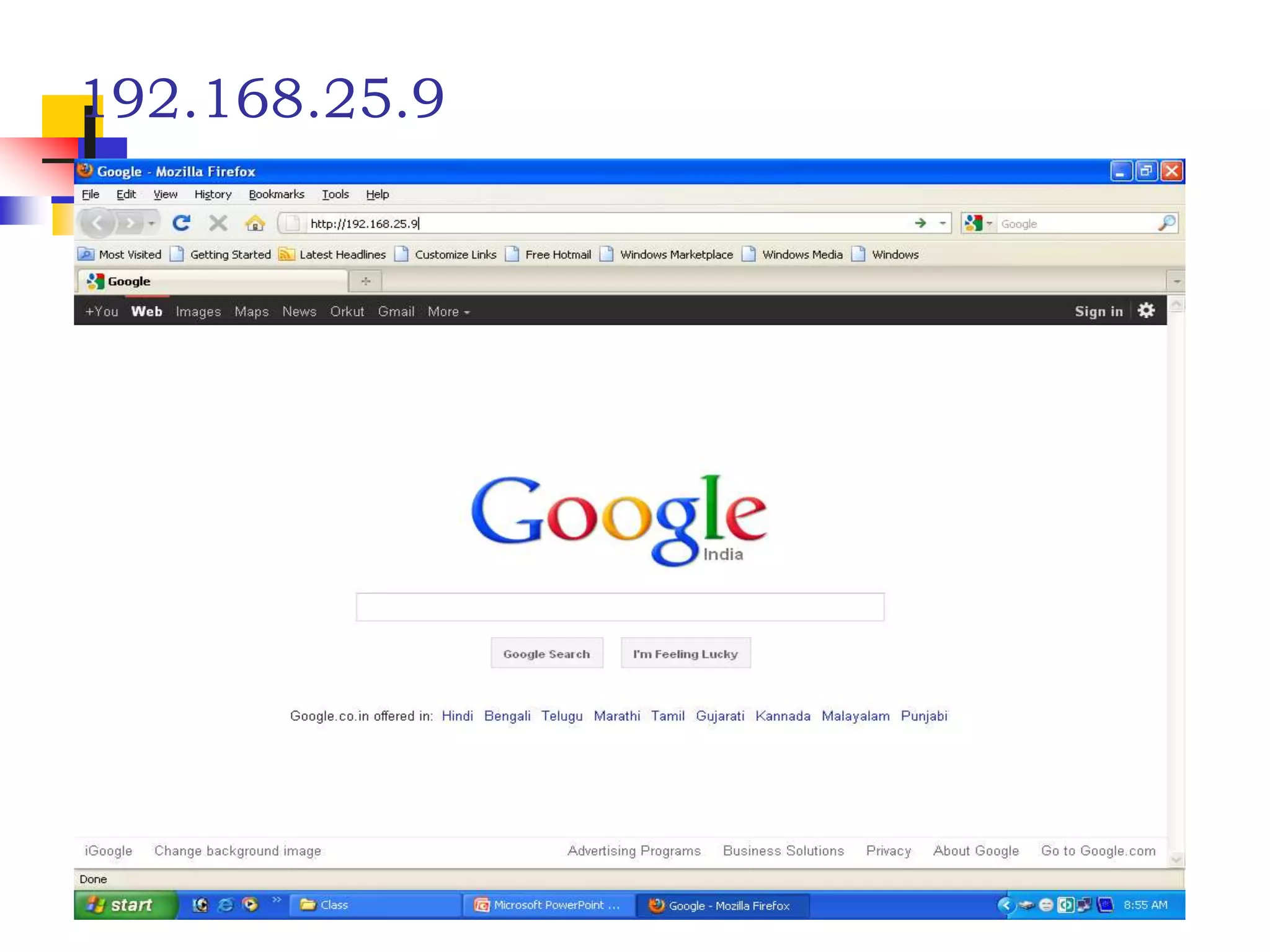
192.168.25.9
1-140508052006-phpapp01.pdf

1-140508052006-phpapp01.pdf

  • 1.
    1 Literature Search Prof. Dr.R S Mehta, MSND, BPKIHS
  • 2.
  • 3.
    What is Literature? Latinword- Litteratura (Late 14th Century) Means Learning, Writing Originally- Littera: Letter Meaning- “Literary production or work” An extensive search of the information available on a topic which results in a list of references to books, periodicals, and other materials on the topic
  • 4.
    Literature(Resources) Mainly - Books( printed or e-books) - Journals (both) - Research reports (both) - Institutional publications(both) - Govt. publications (both) - Various NGO’s/ INGO’spublications - Internet (Online resources) - Intranet (Offline resources) - Grey Literature
  • 5.
    Sources of Information(Types)  By nature/content of information- 1. Primary e.g journal , reports 2. Secondary e.g Books 3. Tertiary e.g Subject bibliography  By format/media/channel a. Hard copy (Print) b. Soft copy(Electronic)
  • 6.
    A. Printed B.Electronic a. Offline (Intranet) e.g.DVD, CD, cassette b. Online (Internet) Types A and B(a), In Library. How can we search?
  • 7.
    Online searching  Internetsearching for the purpose of academic, business and others.  Pubmed (Databases) searching exclusively for medical literature How?
  • 8.
    Purpose / Needs: 1.Review theory 2. Problem statement 3. To improve self knowledge 4. To Know methodology. 5. To assess need of problem 6. To support on tools, methods, findings, data collection 7. To review what was done in past 8. To generate Idea 8 R S MEHTA, MSND
  • 9.
     Books  Periodicals Graduate studies  Databases  Indexes  Abstracts  Other Sources
  • 10.
     Means: Books,Journals, Internet, CD ROM, Medline  How Much: Very exhaustive, all parts covered  Date: 5-10 years good, but current also  Steps:  A thorough review should include primary and secondary sources 10 R S MEHTA, MSND
  • 11.
    Four Correct ordersteps of Literature Review: 1. Using the library 2. Identifying relevant sources 3. Locating research sources 4. Summarizing the research literature
  • 12.
    1. PRIMARY SOURCES,Containing original research findings, are preferred and should be used whenever possible. Primary Sources: 1. Dissertations/Thesis/Research Reports 2. Original Research Articles published in Journals 3. Abstract/Exact replication of study. 12 R S MEHTA, MSND
  • 13.
    2. SECONDARY SOURCES: cnsof research findings, are helpful in providing bibliographical information Secondary Sources: 1. Integrated review of research 2. Text books. 3. Summary of theoretical and empirical sources 4. Published review of literature articles.
  • 14.
    14 Use of theInternet (web searching) and it’s technologies
  • 15.
    15 www.tnaionline.org ( TNAIJournal) www.hellis.org (NHRC Journal) www.kumj.com.np www.whosea.org HINARI= www.healthinternetwork.org Blackwell Publishing= www.blackwell-synergy.com Oxford University press= www3.oup.co.uk/jnls Directory of free online Journal= www.doaj.org
  • 16.
    Online searching  Internetsearching for the purpose of academic, business and others.  Pubmed (Databases) searching exclusively for medical literature How?
  • 18.
    18 Searching contd..  Weshould know the techniques-  to access to relevant information,  to get the recall (unwanted) less and precise (relevant) information more, and  familiar with various techniques that the Search engine such as Google, Yahoo, Altavista, pubmed etc. used.
  • 19.
  • 20.
  • 21.
    Search Techniques-contd..  Useof Boolean operators AND, OR, NOT  Use Truncation e.g. epidem*  Nested searching e.g. history AND (war or peace) e.g. (swine OR H1N1) AND (flu OR influenza OR virus OR pandemic)
  • 22.
    22 Boolean operators contd.. AND- retrieves only records containing both terms. Result: War AND peace  OR- retrieves records containing either one or more terms Result: war, peace, both  NOT- exclude records containing the second term Result: War only peace war War War
  • 23.
    Searching Tips Tip 1:Quotation marks This is most useful when the words to be searched are not very specific, have different meanings in various subject areas, or when it is important that the same word is repeated. E.g. “global warming” “head and neck cancers”
  • 24.
    Searching tips contd.. Tip2: Limit by site This is useful when you want to control the quality of the search results, when you know a site that is likely to have what you need, and also when you want to find again a known document. e.g. site:edu “global warming” Tip 4: Limit by file type Especially useful when you have reason to suspect that the answer you need will be in a certain format. e.g. filetype:ppt site:edu “global warming”
  • 25.
    25 Some other tips: Specify your search terms  Use professional terms  Use the keywords from standard tools- SLSH, LCSH, MeSH and others  Use lowercase letters  Ignore preposition, article and other stop words  Read the searching guideline of the particular databases
  • 26.
    How to Search,Display, Save the results
  • 27.
    27 Thank you for Listening Dr.R S Mehta, MSND, BPKIHS
  • 28.
     Extra Slidesfor Learning Dr. R S Mehta, MSND, BPKIHS 28
  • 29.
    How to Search,Display, Save the results
  • 30.
    Pubmed cont..  SearchingPubMed - Search PubMed for an Author - Searching PubMed by Author and Subject - PubMed Simple Subject Search - Search for a Journal  MeSH Database - Searching with the MeSH Database - Combining MeSH Terms - Applying Subheadings and other features of the MeSH Database  Managing results
  • 31.
    MeSH Database Searching withthe database search by subject - select the menu above search box or click on MeSH datadase on the pubmed homepage. - Enter the term in the query box and enter or click Go button. e.g. drug abuse - we get the subject heading for the concept - choose appropriate subheading and click to add to search builder - click search pubmed
  • 34.
    Display settings By-  formate.g. abstract, summary(default)  items /page e.g. 50, 100, 20(default)  sort e.g. date, journal, new(default)
  • 35.
    Result saving Either displaysettings or default display, -check the relevant citation, - Click send to, - choose destination i.e. file, - check other field if necessary, then - click create file and save it.
  • 36.
  • 37.
    Searching Pubmed Search fora journal Several ways to search PubMed from Specific journal.  Enter title of the Journal, ISSN or or Journal Abbreviation to get all the citation for that journal.  If the Journal title itself a subject term, then use the term with [ta] e.g. Cell [ta] Easy way to search PubMed by Single Citation Matcher from Homepage  enter full title or title abbreviation (when you type the auto feature suggests)
  • 38.
    Searching Pubmed Journal database By title, title abbreviation, ISSN or subject (for more information such as publisher, subject term, start year etc.)  Click the title to get the full display  Go to link, click PubMed to search citation in PubMed from this journal.
  • 41.
  • 42.
  • 46.
    E-mail Alerts forArticles from Your Favorite Journals
  • 56.
  • 57.
    Available Resources inBPKIHS Library
  • 58.
    How to accessonline resources Before LAN (Intranet)  Go to URL: http://www.who.int/hinari/en/ * Login After Setting resource Access through LAN
  • 59.
    If reference known,then-  Go to particular journal  Go to particular issue  Access the full text in PDF or HTML format
  • 60.
    If reference notknown, then  Go to pubmed  Type the search query  Use the searching techniques  Access the full text HINARI Platform facilitate to search journal through pubmed.
  • 62.
  • 64.